Tag: update

  • Garmin Fenix 8 stable update comes with features, improvements and bug fixes

    Garmin Fenix 8 stable update comes with features, improvements and bug fixes

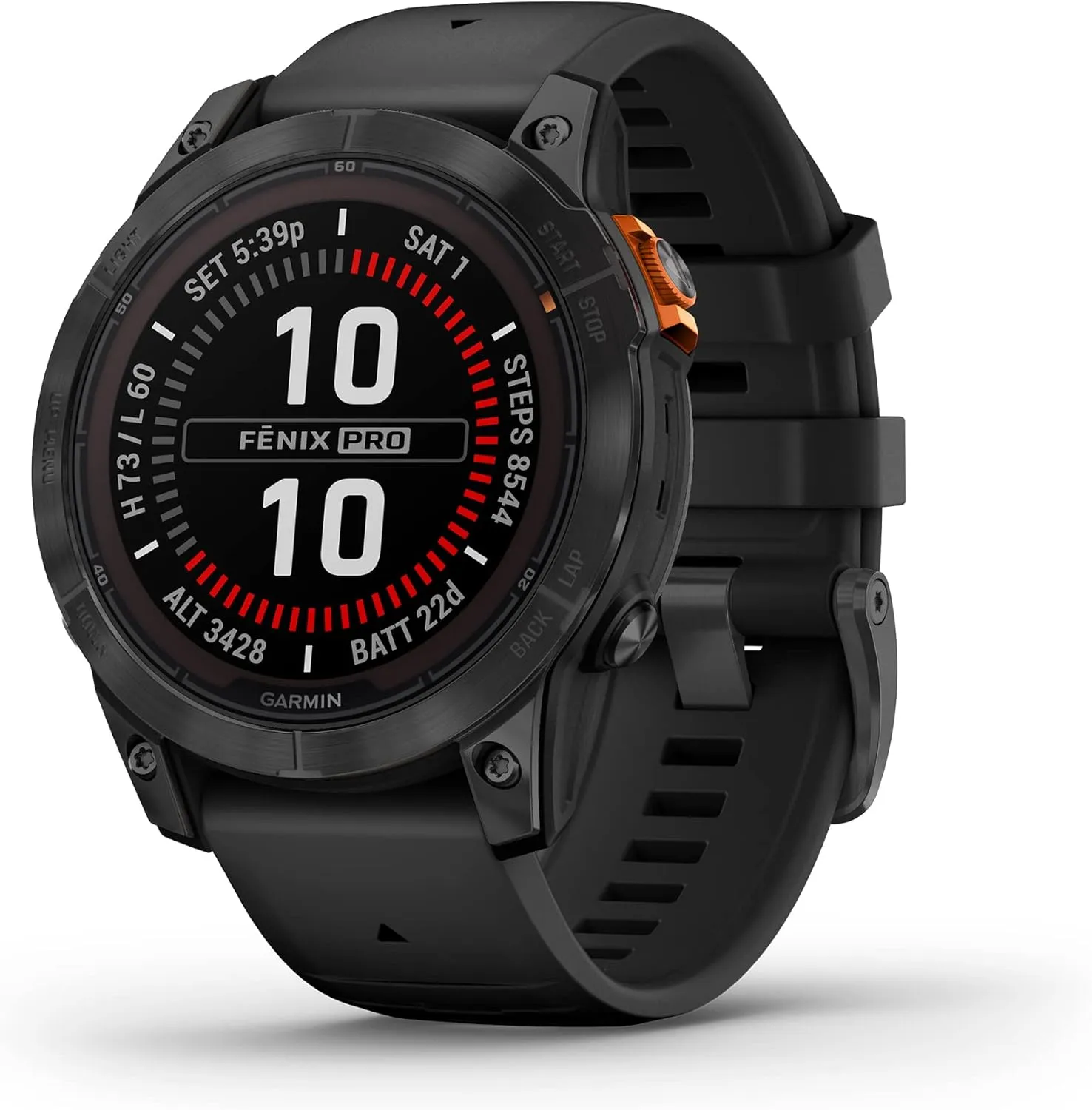
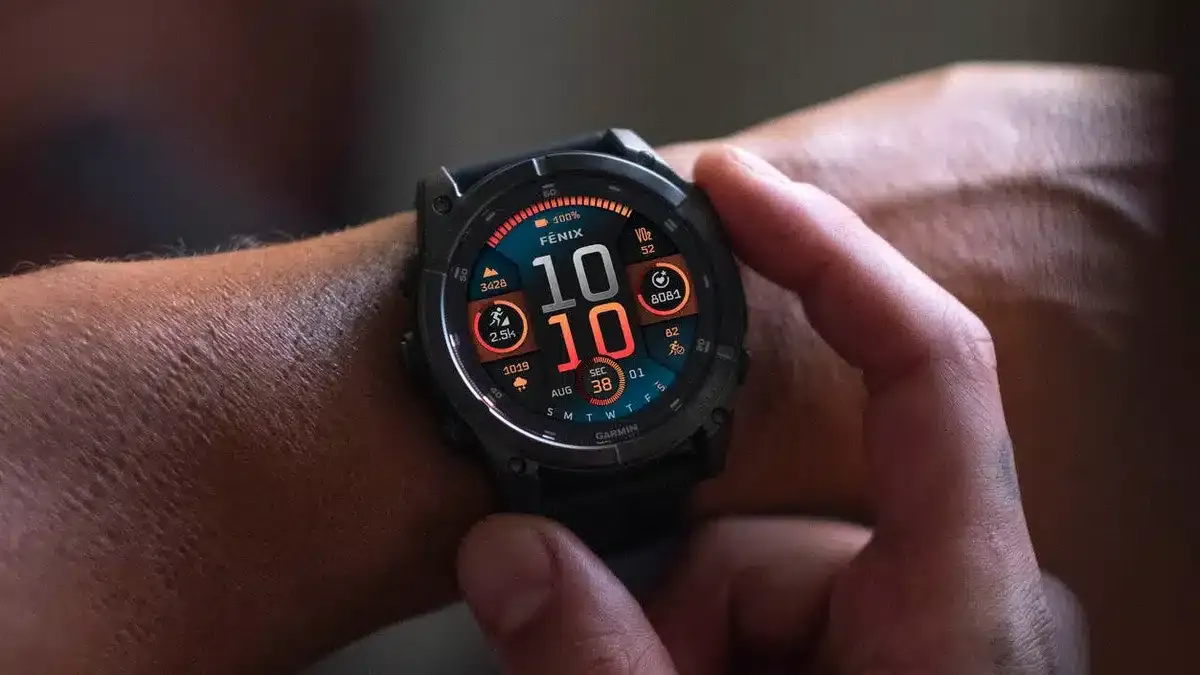
    Having been unveiled at the end of August in tandem, the Fenix E, Garmin Fenix 8, and Enduro 3 have had a mixed start. Leaving aside the choice to replace some of its smartwatches for outdoor activity with AMOLED screens, numerous forum posts claimed that Garmin had issued all three with problematic launch software. In order to achieve this, Garmin has been packing beta releases full of problem patches.
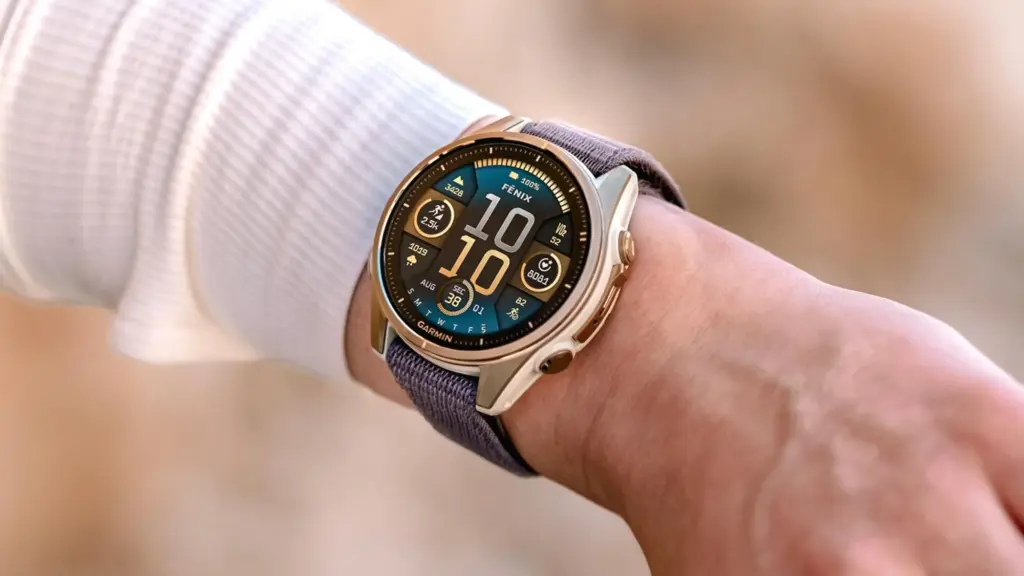
    Garmin Fenix 8 on hand

    On the other hand, the initial stable versions made little tweaks here and there with their change logs, failing to solve every issue that was being discussed online. To put it briefly, since the Enduro 3, Fenix E, and Garmin Fenix 8 (buy it now at $1,099.99 on Amazon) were released, a long list of faults has been reported, but Garmin has not officially addressed them. But this is essentially confirmed by the comprehensive changelog that comes with System Software 11.89.
    Garmin fēnix® 8

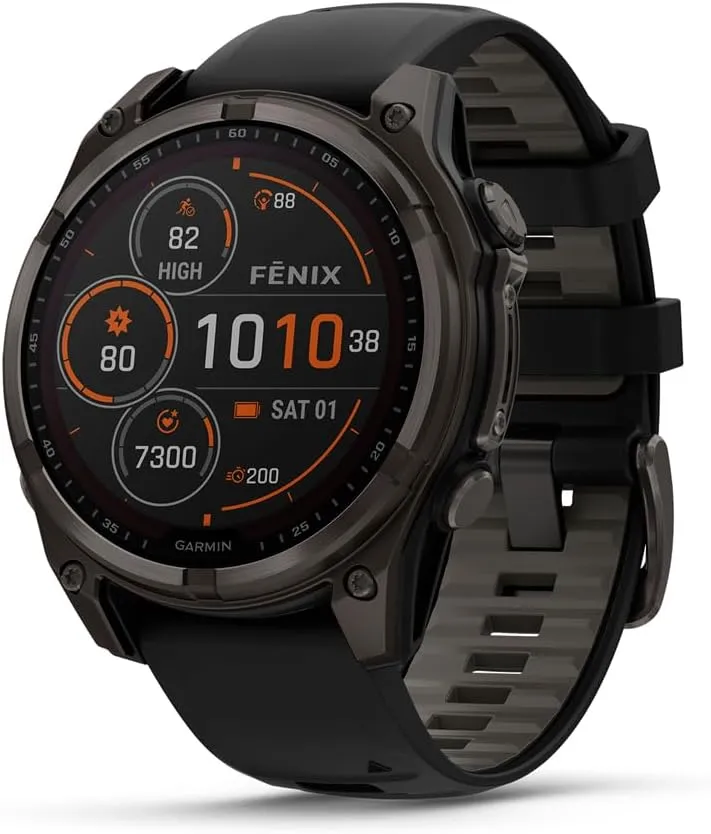
    Garmin fēnix® 8

    47 mm, Solar, Sapphire, Premium Multisport GPS Smartwatch, Long-Lasting Battery Life, Dive-Rated, Built-in LED Flashlight, Carbon Gray DLC Titanium with Pebble Gray Band

    Best choice
    $1,099.99See It

    Garmin Fenix 8 bundle

    Garmin Fenix 8 AMOLED (47mm, Slate Gray/Black) Multisport GPS Smartwatch Gift Box Bundle – 1.4″ Touchscreen, Built-in LED Flashlight with PlayBetter Charger, Screens, Adapter, Case
    $1,029.99$1099.99
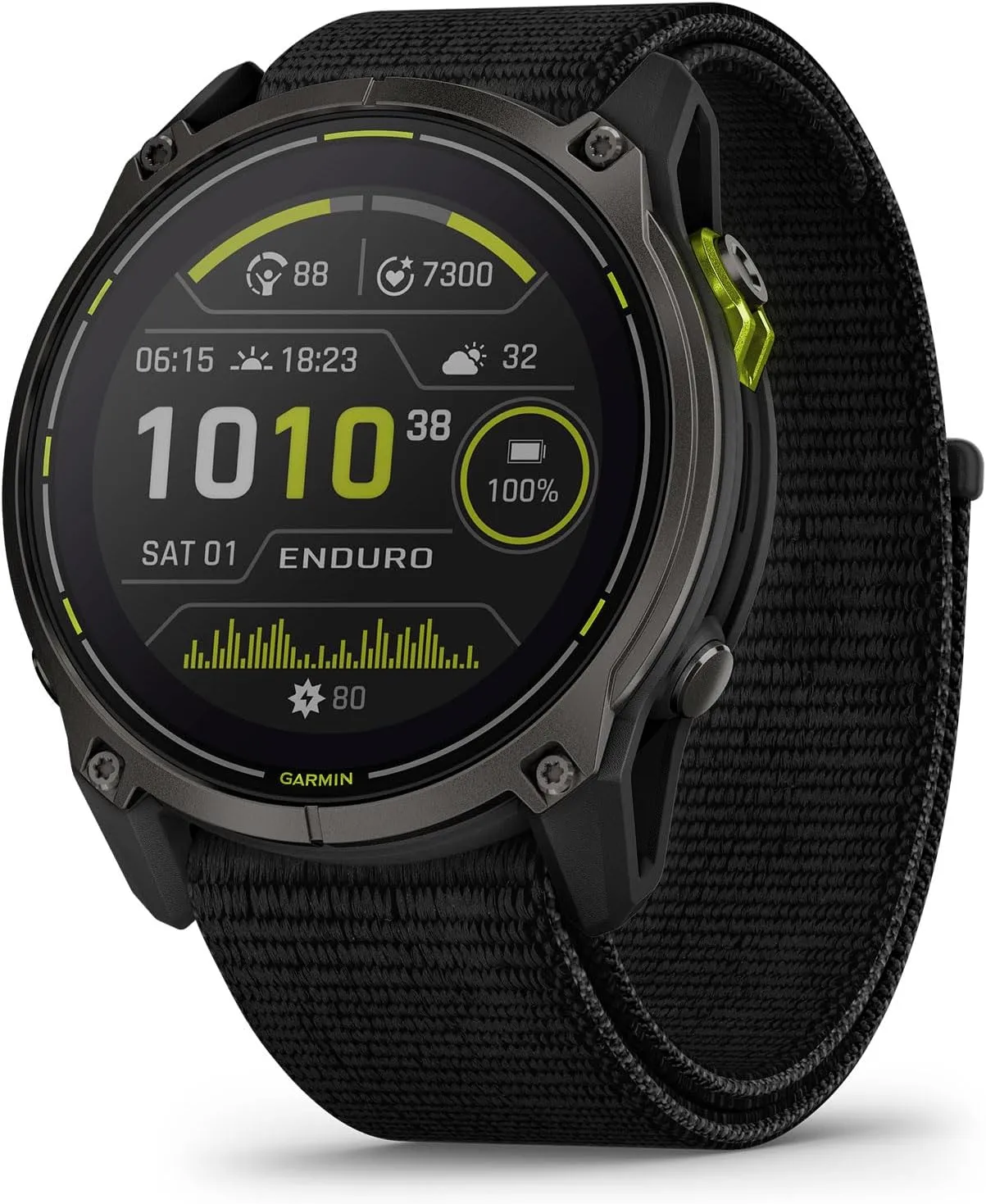
    Garmin Enduro™ 3
    Garmin Fēnix 7 Pro

    The changelog for System Software 11.89, which is shown below, is approximately fifty lines long, eleven of which are devoted to new features. For instance, voice commands are now available for adjusting display brightness, while AMOLED models lacking solar charging capabilities can now utilize Solar watch face patterns. Furthermore, nearly as many “improvements” have been made, which are claimed to address a variety of topics, such as decreasing power consumption on the map page and improving the responsiveness of the user interface compared to previous builds.

    However, System Software 11.89 also brings about thirty-one problem fixes, all of which are listed in the forum posts that accompany the software and which we have replicated below. The Enduro 3, Fenix E, and Garmin Fenix 8 are said to have received System Software 11.89, which has been “completely released,” by Garmin. You can start the download of System Software 11.89 by going to Menu, System and Software Update, and then selecting ‘Check For Updates,’ even though the firm has not yet released any additional information regarding the update’s worldwide deployment.

    System Software 11.89 changelog

    • Added Display Brightness to Voice Commands.
    • Added ability to toggle third party maps in Map Layers menu.
    • Added Autolap by Position.
    • Added data screen for Ski/Snowboard difficulty tracking.
    • Added option to connect to WiFi in Map Manager.
    • Added PacePro and Power Guides to the Active Navigation loop.
    • Added solar percentage on the watch face (Solar models).
    • Added support for alarm volume settings and fixed an issue where alarms could be muted when Do Not Disturb is enabled.
    • Added support for Water Ejection feature.
    • Added the Location Info drawer to the Map page.
    • Added two of the Solar watch face layouts as options on AMOLED models.
    • Fixed a potential crash when saving Run, Walk, or Hike activities.
    • Fixed accidental touches during phone calls.
    • Fixed an issue where Turn Prompts were not alerting when using Navigation.
    • Fixed an issue where you could not save or discard Expedition activities after skipping the saving of the last point.
    • Fixed broken re-dial button after a missed call.
    • Fixed bug affecting pairing with an InReach Device.
    • Fixed bug preventing workout cancellation.
    • Fixed button and touchscreen handling of backlight in Do Not Distub mode.
    • Fixed button functionality for Transfer Call to Phone feature.
    • Fixed ClimbPro behavior in Active Navigation loop.
    • Fixed ClimbPro preview visibility.
    • Fixed crash in Battery Saver for various languages.
    • Fixed Golf map rendering (Solar models).
    • Fixed inability to do Strength Free workouts.
    • Fixed incorrect active timer count.
    • Fixed incorrect waypoint elevation in the Saved App.
    • Fixed map cursor in Pan/Zoom Mode.
    • Fixed missing weight values on Strength workout page.
    • Fixed potential crash in HIIT and Indoor Climb activities.
    • Fixed potential crash when searching for locations in the Weather app.
    • Fixed potential for Battery Drain after saving Activities.
    • Fixed Save Location list layout in Hunt Activity.
    • Fixed Saved App listing items out of order.
    • Fixed scrolling in very large lists.
    • Fixed Ski Run descent value truncation.
    • Fixed some charts not displaying properly when launched from Recent Menu.
    • Fixed workout scheduling in the Calendar App.
    • Improved Always-On watch face brightness (AMOLED).
    • Improved animations and speed when scrolling through the Watch Face Editor.
    • Improved handling of the touch screen turning on the backlight (Solar models).
    • Improved Off/Disabled icons for Power Controls menu.
    • Improved power consumption on the map page.
    • Improved processing time of large courses.
    • Improved Saved app performance.
    • Improved visuals for disabled power controls.
    • Improved Waypoint draw speed on the map.
    • Removed Daily Suggested Workouts from Calendar if suggestions are disabled.
    • Set default Position format to DEG.
  • Android 15 update releases after US vacation for Pixel devices

    Android 15 update releases after US vacation for Pixel devices

    It has been rumored that the Google Pixel phones will receive the Android 15 upgrade on the 15th of next month. The upgrade, which is expected to be the final OS update for Pixel 6 phones, will launch the day following Columbus Day in the United States.

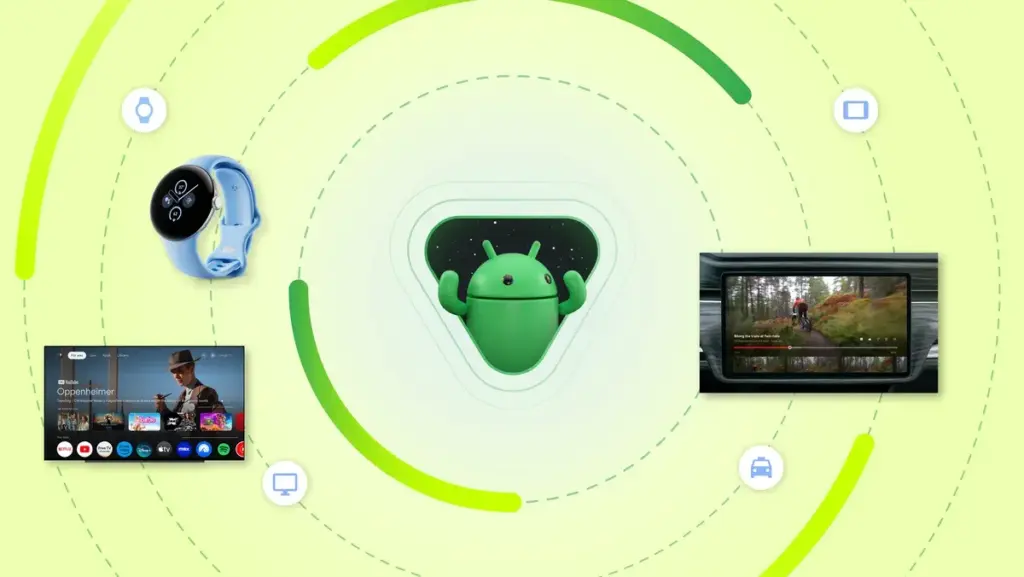
    While other phone makers can currently utilize Android 15, the Pixel series is expected to carry on the tradition of using “stock Android.” For the Google Pixel 9, which debuted with Android 14, this is the first OS upgrade. The Pixel 9 is guaranteed seven years of service, and updates will be coming out until Android 21.

    Although the Pixel 6 phones will still receive security upgrades for the next two years, Android 15 is probably the last version for them. You really should upgrade if your Pixel 5 or below. Google concurs as the Pixel 5 and previous Pixel phones will not receive the Android 15 update.

    android 15 update

    Ironically, the Pixel 5 would have received upgrades for an additional three years if it had also received seven years of support. Google has been promoting its newest phones for something else, even if Android 15 is huge news. You guessed it: artificial intelligence.

    Going back to the subject at hand, though, Android 15 will include a ton of new features. Allowing developers to use larger page file sizes is another really nice development coming from Google. To put it another way, Android is going to see a major speed increase.

    Hopefully, Android 15’s release will go more smoothly than whatever Apple has been doing this year. Following the release of visionOS 2 without some functionality and iOS 18 without Apple Intelligence, Apple was forced to stop updating the software since iPadOS 18 was bricking M4 iPad units. Not a nice appearance at all, in fact.

    Next year’s Galaxy S25 phones should be much better after Android 15 is released. We will also have some of the greatest phones available for both main operating systems if Apple fixes its issue.

    In addition, the Pixel 9 Pro Fold recently received a high repairability test score, so clearly Google is doing something right.

  • On October 17, ColorOS 15 will be released, with an emphasis on AI.

    On October 17, ColorOS 15 will be released, with an emphasis on AI.

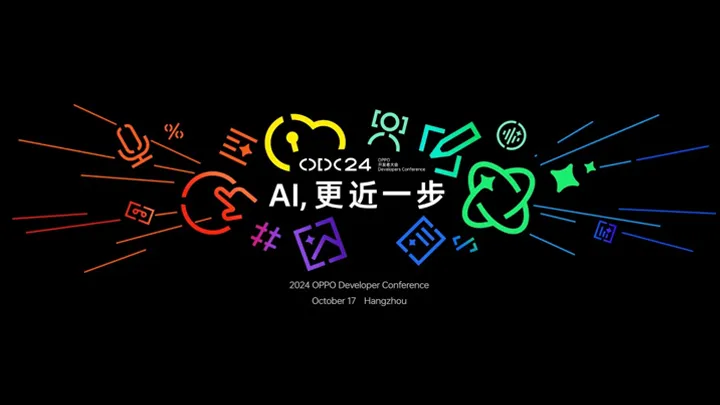
    The date of Oppo’s annual Oppo Developer Conference (ODC) has been announced as October 17, which is around one month away. The unveiling of ColorOS 15 will be the event’s high point.

    You can also infer what the new features will be about from the subject, “AI, One Step Closer.” Oppo will be exhibiting cutting-edge AI applications, technological innovation, novel approaches to enhancing user gaming experiences, insights into the future of transportation, and more during the ODC.

    ColorOS 15 will include a new feature called AI note assistant, which can arrange your notes intelligently and make any necessary edits with only one click.

    coloros 15 release date ai

    The OS and AI will be deeply integrated, and it appears that the main goals will be to enhance usability and performance. Based on Android 15, ColorOS 15 will include new features like enhanced multitasking on wide screens, private spaces, and device syncing of alerts.

    Mid-October is when Android 15 (AOSP) is anticipated to be ready; ColorOS 15’s release schedule will be revealed during ODC.

    While older models will be updated, the Oppo Find X8 series will be the perfect vehicle for ColorOS 15. It will have Oppo’s take on a Camera Control button, a Dynamic Island-type UI and a magnetic charging system, to complete the Apple-inspired trifecta.

  • HyperOS 2.0 Update: will you device get it?

    HyperOS 2.0 Update: will you device get it?

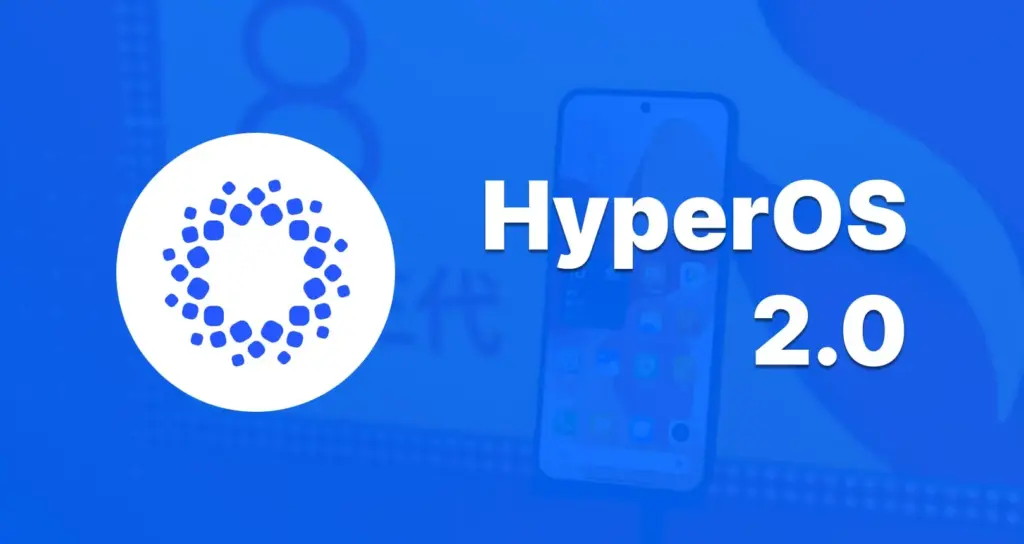
    The much awaited HyperOS 2.0 update from Xiaomi is soon to be available on a wide range of its devices, bringing with it a ton of new features, optimizations, and enhancements. It will probably be available on the majority of Xiaomi flagships, mid-range smartphones, tablets, and other devices sold under the Redmi and POCO subbrands.

    What is new with HyperOS 2.0?

    Prior to diving into the devices that will be receiving the update, let us examine the features that HyperOS 2.0 is expected to offer. Actually, this update will bring with it a number of intriguing features:

    • AI-Powered Features: More AI features in HyperOS 2.0 integration will take the user experience to the next level. From smart suggestions to more developed AI-assisted modes in the camera, AI integration has been improved across boards in Xiaomi devices.
    • New Animations: The interface will be much smoother, featuring faster animations, to give users a feel closer to polished and premium.
    • iOS-Style Recent Apps: Xiaomi wants to introduce a new layout for recent apps, much like the minimalistic and organized structure seen in iOS. This will hopefully make multitasking easier in Xiaomi devices.
    • LROFS File System: One of the biggest under-the-hood upgrades will be the introduction of the LROFS file system that promises to bring swiftness and efficiency in the way files are managed, thus making devices even quicker.
    • Performance Enhancements: In the case of addition of LROFS file system, among other optimisations, HyperOS 2.0 is most likely to render devices snappier, with quick app loading and efficient power management.

    The official launch of HyperOS 2.0 is scheduled for October of this year, with a likely launch for a number of models shortly after.

    Devices that will get HyperOS 2.0:

    The list of devices that are most likely to get the HyperOS 2.0 update is provided below; it is based on Xiaomi’s past update trends as well as the significance of these models in their portfolio.

    hyperos 2.0

    Xiaomi Series

    1. Xiaomi Mi 11 (venus)
    2. Xiaomi Mi 11 Pro/Ultra (star)
    3. Xiaomi 11T Pro (vili)
    4. Xiaomi 11T (agate)
    5. Xiaomi Mi 11 Lite 5G NE (lisa)
    6. Xiaomi 12 Series: Xiaomi 12 Pro, Xiaomi 12, Xiaomi 12S, Xiaomi 12S Ultra, Xiaomi 12S Pro
    7. Xiaomi 13 Series — Xiaomi 13, Xiaomi 13 Pro, Xiaomi 13 Ultra
    8. Xiaomi 14 Series – Xiaomi 14, Xiaomi 14 Pro, Xiaomi 14 Ultra, Xiaomi 14T, Xiaomi 14T Pro
    9. Xiaomi 12T Series: Xiaomi 12T Pro, Xiaomi 12T
    10. Xiaomi MIX Fold Series – Xiaomi MIX Fold 2, Xiaomi MIX Fold 3
    11. Series Xiaomi Pad: Xiaomi Pad 6, Pad 6 Pro, Pad 6 Max 14, Pad 5 Pro 12.4

    Redmi Series

    1. Redmi K50 Series – Redmi K50, K50 Pro, K50 Ultra, K50 Gaming
    2. Redmi Note 12 Series: Redmi Note 12 Pro, Note 12 Pro+, Note 12 Explorer, and others
    3. Redmi K60 Series : Redmi K60, K60 Pro, K60 Ultra, K60E
    4. Redmi Note 13 Series – Redmi Note 13 Pro, Note 13 Pro+, Note 13 5G
    5. Redmi 12 Series – Redmi 12, Redmi 12C, Redmi 12 5G
    6. Redmi 13 series
    7. Redmi 14 series

    POCO Series

    1. POCO F Series: POCO F4 GT, POCO F5, and POCO F6 Pro
    2. POCO X Series: POCO X5 Pro 5G, POCO X6 5G, POCO X6 Neo
    3. POCO M Series: POCO M6 Pro, POCO M6 Plus 5G, POCO M7 series

    It is reported that the HyperOS 2.0 upgrade would be released for more than 60 Xiaomi, Redmi, and POCO devices. Given the size and diversity of Xiaomi’s user base, millions of people will update as a result, making this likely to be one of the largest OS rollouts in Xiaomi history.

    Expected Benefits for All User Groups

    • Flagship Device Owners-Negotiate premium gadgets, for instance, Xiaomi 13 Ultra or Xiaomi MIX Fold 3, with leading performance optimizations, faster processing, along with smoother UI.
    • Midrange Device Users: Users of popular mid-range models, like the Redmi K60 Pro or POCO F5, will find performance boosts and better multitasking features almost giving their devices a new feel.
    • Tablet Users: One UI 5.1 will further enhance the productivity functionality of tablet users with new multitasking layouts and split-screen functionality, among certain performance enhancements specific to the tablets like the Xiaomi Pad 6 Max 14.

    In the end, Xiaomi is about to release HyperOS 2.0, a significant software update that will provide strong AI, optimal system performance, and the greatest possible user experiences for all of its many products. Customers who own these gadgets—from flagship phones to low-cost models—will undoubtedly take Xiaomi, Redmi, and POCO’s changes into consideration. Whether you choose to wait for a new model like the Xiaomi 14 Ultra or are a frequent user of the Xiaomi Mi 11, HyperOS 2.0 claims to make your device smarter, faster, and more efficient. Await its official debut in October, and be prepared to be astounded by the far more sophisticated software that Xiaomi’s innovation will deliver!

  • RCS is now officially compatible with iPhones

    RCS is now officially compatible with iPhones

    Although we have known it was coming for almost a year, today is the day we have been waiting for: RCS compatibility is giving the texting experience between the stock messaging apps on Android and iPhone a significant boost. Rich conversations have long been supported by Android texting apps such as Google Messages, Samsung Messages, and many carrier apps, but iPhones may now use the protocol designed to replace SMS and MMS since Apple officially released iOS 18.

    With the formal release of iOS 18 to the public channel, iPhone users worldwide will begin to receive an upgrade starting today. After installing the updated firmware, users will be able to receive RCS messages sent to their phone number via iMessage’s parent app, Apple Messages.

    The official Android account on Twitter/X highlighted some of the features you may now take use of in a series of tweets to commemorate the milestone. Among the advantages you will probably notice are the ability to send high-quality images and videos, respond to messages with emoticons, and add and remove members in group chats at will.

    “Apple is starting to #GetTheMessage and upgrade to RCS,” the Android account jokes, making fun of the green bubble issue and Google’s push to force Apple to adopt RCS.

    Green bubbles are becoming more similar to blue bubbles.

    Through the iOS 18 beta program, we had the opportunity to test the new RCS capabilities. Although there were still some bugs at the time, the standard features of an instant messaging client, such as read receipts, message replies, and higher file sizes, were all present. On iPhones, however, messages from Android devices continue to appear as green bubbles; only discussions between iMessage and iMessage are blue.

    ios rcs support
    71jbE08QOLL. AC SL1500

    SAMSUNG Galaxy S24+ Plus – DEAL

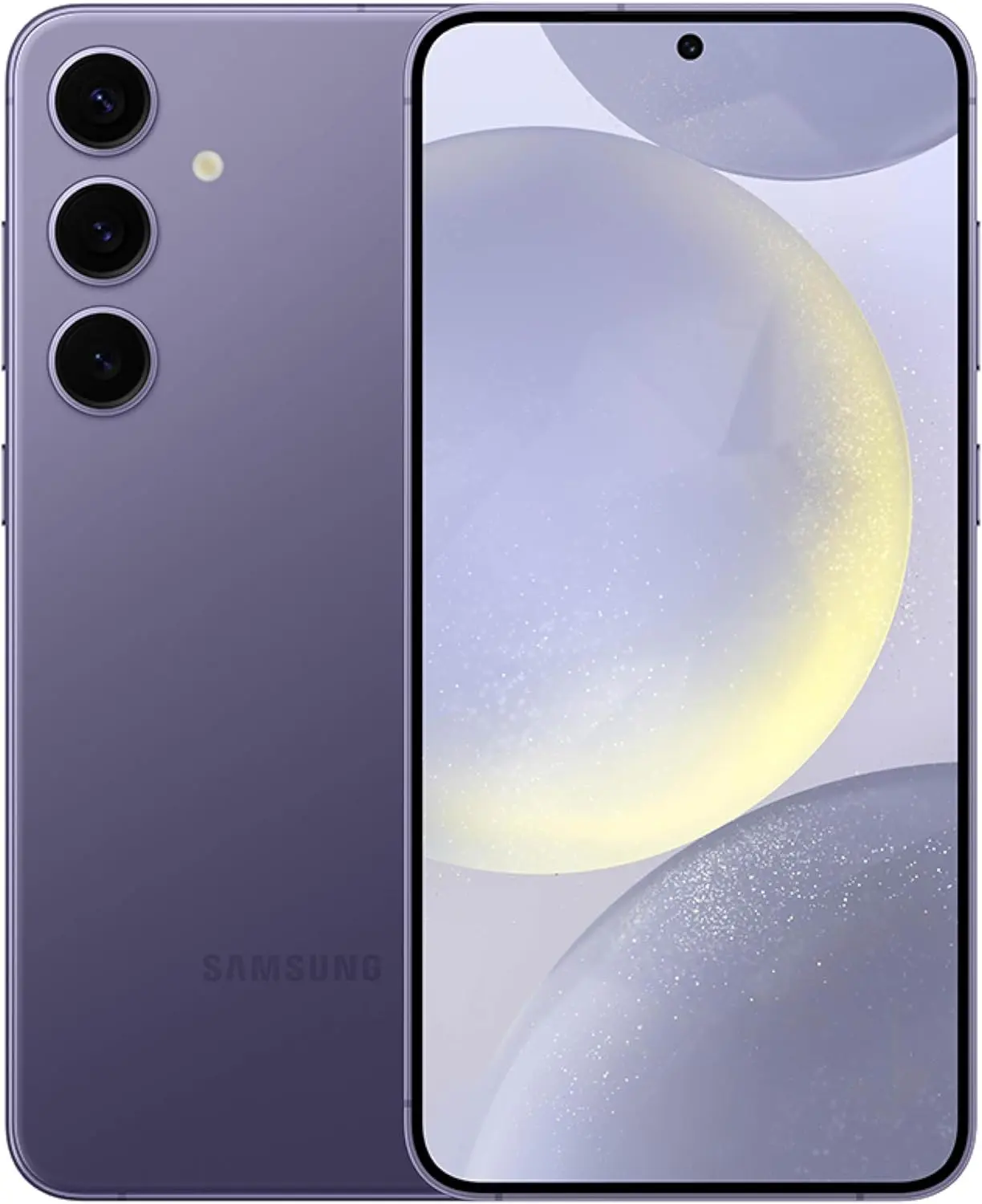
    SAMSUNG Galaxy S24+ Plus Cell Phone, 256GB AI Smartphone, Unlocked Android, 50MP Camera, Fastest Processor, Long Battery Life, US Version 2024 Cobalt Violet

    $798See It

    RCS messaging between Android and iPhone enable in-transit encryption to assist prevent message interception, as Apple states in its documentation for the capability, but end-to-end encryption is not yet available for these messages.

    It is confusing to note that Android-to-Android RCS chats do support E2EE because Google’s Jibe backend is used by both Samsung and Google’s Messages apps, which layered Signal’s encryption protocol over the RCS Universal Profile foundation. However, Apple’s RCS implementation only makes use of the Universal Profile standard’s functionalities. Although its incorporation into the Universal Profile is not assured, Google Messages was recently seen adding support for MLS, a new industry standard, to help with this.

    Carrier assistance is an additional challenge to consider. A Google Fi representative clarified in a statement to 9to5Google that the iPhone manufacturer has not yet turned on its Google Fi MVNO and that “only Apple has the power to activate RCS compatibility for iPhone consumers” with certain mobile service providers. Nevertheless, iPhone RCS is currently available on all of the main US carriers, including AT&T, T-Mobile, and Verizon. We have also observed the service activating on Canadian carriers.

    To start chatting over RCS with friends on iOS, you can set Google Messages as your default texting app, then make sure the other person has RCS enabled on their iPhone under Settings → Apps → Messages → RCS Messaging.

    unnamed

    Google Messages

    Safety starts with understanding how developers collect and share your data. Data privacy and security practices may vary based on your use, region, and age. The developer provided this information and may update it over time.

  • This Week’s Free iOS and Android Apps to Download

    This Week’s Free iOS and Android Apps to Download

    We have made sure none of the apps on this list are scams or privacy traps, therefore you will not find any random apps here. This implies that some of them may have more in-app purchases and advertisements than usual.

    You can download and install an app in advance if you decide it is something you would like to use later on but not now. It will be permanently added to your app collection and regarded as “bought.” After that, you can uninstall it immediately.

    Android apps that are free for a short time

    Android apps for productivity and lifestyle

    • Reminder Pro ($3.49): Need a reminder app? This one gets the job done perfectly well.
    • Daily Calorie Balance Pro ($0.99): Keep track of your calorie intake with this app by keying in every single thing that you eat.
    • RunGPS Trainer Pro Full ($4.49): Do you like running? This app helps keep track of all your running efforts with metrics that can help you improve.

    Android games

    • Jewels Premium Match 3 Puzzles ($2.99): I guess you can call this a clone of Bejeweled, with some interesting game mechanics to switch things up.
    • Zombie Age 2 Premium Shooter ($0.99): A side-scrolling shooter where you mow down zombie after zombie with an arsenal of weapons.
    • Grow Dungeon Hero VIP ($1.99): Explore dungeons and get rid of all enemies you come across as you grow more powerful with gear upgrades and new abilities.
    • Tech Quiz Master ($2.49): Do you think you are the ultimate tech geek? Let’s see how well you do in this game. 
    • Secret Tower VIP ($0.99): Go all out as your characters continue to grow from strength to strength as you defeat huge bosses and obtain powerful gear.

    iOS apps that are free for a short time

    iOS apps for productivity and lifestyle

    • VidEdit ($0.99): No computer to edit your videos while you are on the move? Fret not, you can use this app to get the job done.
    • Metadata ($0.79): Make image management easier on your phone where you can view image metadata for each photo at a glance.
    • BeeScan ($9.99): Want to scan documents into the PDF format with your iPhone? This app does it pretty well.
    • Kintsugi ($24.99): A mindful and journaling self-care app that helps you remain focused on what’s important in your life.
    • FILCA – SLR Film Camera ($4.99): Get analog vibes for your photos and videos with this app where you can control your iPhone’s camera manually.

    Free games for iPhone and iPad

    • My City: Jail House ($3.99): A prison escape jail home game, where you are the prison warden and do your best to keep the law and order there.
    • Real Cricket ’24 ($8.99): Do you love the game of cricket? Find out just how good you are at managing your team with this game!
    • FurryFury: Smash & Roll ($3.99): A unique brawler game that requires skills and tactics, and not just button mashing. 
    • Dirt Trackin’ 2 ($3.99): Race online with numerous players in your rally car. Do you have what it takes?
    • Legacy 3 – The Hidden Relic ($1.99): A puzzle adventure game where you need to solve different puzzles in order to advance from one room to another.

    Were the free apps this week appealing to you? Have you noticed anything that catches your eye in the Apple App Store or Google Play Store? Please let us know if you have any recommendations for apps in the comments section.

  • 6 Common Device Performance Issues and Solutions

    6 Common Device Performance Issues and Solutions

    Now more than ever, we depend on digital devices like smartphones and computers for work and entertainment.

    Users want a smooth experience. However, there are times when our devices show signs of poor performance and other issues.

    Let’s take a look at some of the most common problems and methods to minimize or eliminate these issues.

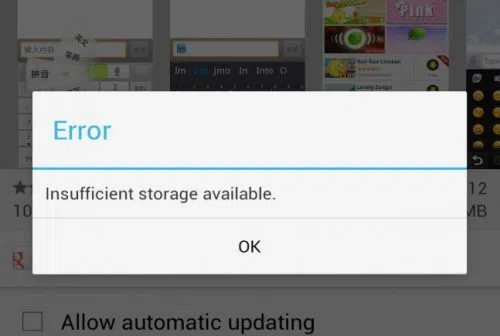
    1. Insufficient Storage

    insufficient strorage available error in android

    You work with a finite amount of storage. Some devices boast of having terabytes of available space, so running out of available disk space is often not a problem.

    On the other hand, some devices come with much less than that. It is crucial to keep an eye on what you download and store on the device. Get in the habit of deleting files you no longer need. 

    Remember that you do not need to store everything on the device. Cloud storage and external storage accessories (hard drives and USB flash sticks) offer a solid alternative.

    2. Overheating

    l intro 1657216441

    Overheating is one of those problems that you want to avoid as much as possible. The process works as an anxiety builder, making you aware that something is wrong. Ideally, your device should be lukewarm at most.

    Having said that, it is not how digital devices work, particularly when you initiate resource-heavy processes, such as video games. 

    Certain devices have more flexibility to adjust temperatures. For instance, the MacBook kernel_task high CPU is one such indicator, and it’s a built-in feature.

    Generally, overheating can be reduced by limiting background processes. Check background applications and close them. Moreover, if you have some time, clean the dust and other particles that are inside the device (provided you know what you are doing).

    3. Sluggish Performance

    A sluggish performance can be the result of different factors building up over time. More often than not, users don’t pay attention to basic maintenance routines, leaving their smartphones or computers to their own devices.

    Doing so is bound to backfire. As a rule of thumb, there should be a maintenance routine that users follow, regardless of how big or small it is.

    The goal is to ensure optimal device performance and increase its lifespan. At times, you may need to reinstall an operating system, ensure that the latest OS version is installed, and upgrade hardware when/if possible.

    4. Malware

    malware android

    Cybersecurity threats are running rampant online, attacking unsuspecting users. It is no longer enough to have reliable antivirus software, though it remains a cornerstone of a good anti-malware strategy.

    More and more people are looking to rely on virtual private networks to encrypt their surfing data and block devices from hackers. A VPN is helpful, particularly when you have to connect to public Wi-Fi, which is notorious for missing the necessary security protocols.

    The awareness via various campaigns comes in handy, too. Organizations are trying their best to educate people about the dangers of the internet. It goes beyond protecting your devices. Personal and sensitive information is another thing malicious cybercriminals are after.

    5. Poor Connectivity

    As much as we rely on our devices, the same can be said for the internet. Having a poor connection is enough to ruin somebody’s day.

    Naturally, some locations have a better internet connection. Certain ISPs are notorious for providing lackluster experience.

    Still, one should not underestimate the impact on the user itself. You may have an outdated router or a third-party device jamming the signal. Not to mention that sometimes restarting the device or reconnecting to the network is enough to solve the problem. 

    6. Lackluster Battery Life

    If you are on a desktop computer, battery lifespan problems are not something to worry about. Alternatively, smartphone and laptop users have to keep a close eye on the battery bar.

    The likelihood of running out of battery life is not zero. The bar might go down without you realizing it. And if there are no means to quickly recharge the device, you will be in trouble.

    Make sure to close background apps and other battery hogs. If the battery becomes outdated and struggles to recharge or maintain a decent battery life, you might have no other option but to get a replacement.

  • Android 14 confirmed on following Motorola devices

    Android 14 confirmed on following Motorola devices

    Although manufacturers do not coordinate release dates and some choose not to disclose software update release dates at all, consumers always want to ensure they have the most recent software to get the most out of their devices. As Motorola and its smartphones gain popularity, the company is taking advantage of its opportunity to gain a competitive edge — and extending the availability of Android 14 to do so. Android 14 has been available since October, but its launch has been staggered across eligible devices.

    As spotted on Motorola’s support page, the company is beginning to roll out the Android 14 update to more of its devices (via Phone Arena). Of the Razr line, the 40; 40 Ultra; Razr+ (2023); Razr (2023); and Razr (2022) will receive the software update.

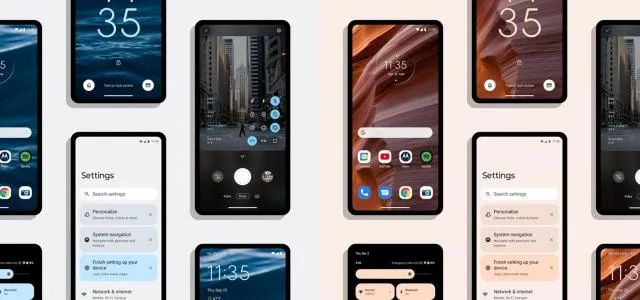
    android 14 motorola

    From the Edge series, those who have the Edge+ (2023); Edge (2023); Edge+ (2022); Edge (2022); Edge+ 5G UW (2022); Edge 40 Pro; Edge 40 Neo; Edge 40; Edge 30 Ultra; Edge 30 Pro; Edge 30 Neo; Edge 30 Fusion; and Edge 30 will get the update. Finally, G Series device owners won’t be left out — those who have the 5G (2023); Stylus 5G (2023); Stylus (2023); Power 5G (2023); G84 5G; G54; G73 5G; G53 5G; G23; and G14 will get Android 14, too.

    Motorola has confirmed that its Lenovo ThinkPhone will receive Android 14 as a part of the rollout, but generally speaking, no dates or timelines have been publicized.

    The tech giant has been slow to release Android 14, but as more people start using its phones, its popularity is growing. In part, this is because Motorola has continued to explore the possibilities of foldable designs, even as other companies release touchscreen devices with flat displays.

    For example, the Razr series has maintained its foldable look, and excitement is building for the 2024 series. Rumor has it that, in contrast to last year, Verizon may carry the Razr+ 2024. It is also speculated that the device may sport the Snapdragon 8 Gen 3 SoC, which would be a welcome upgrade from the Snapdragon 8+ Gen 1 SoC used in its predecessor.

    You are not alone if you have not given Motorola devices much thought lately; the company’s rivals have made it harder for the Lenovo-owned behemoth to keep up its reputation as a household name.

    But, as Motorola starts a fresh campaign to regain ground, it might be worthwhile to give their products another look; they might not be as eye-catching as other flagship devices, but the company seems determined to improve its reputation.

  • Sony updates their array of smartphones for 2022 with Android 14.

    Sony updates their array of smartphones for 2022 with Android 14.

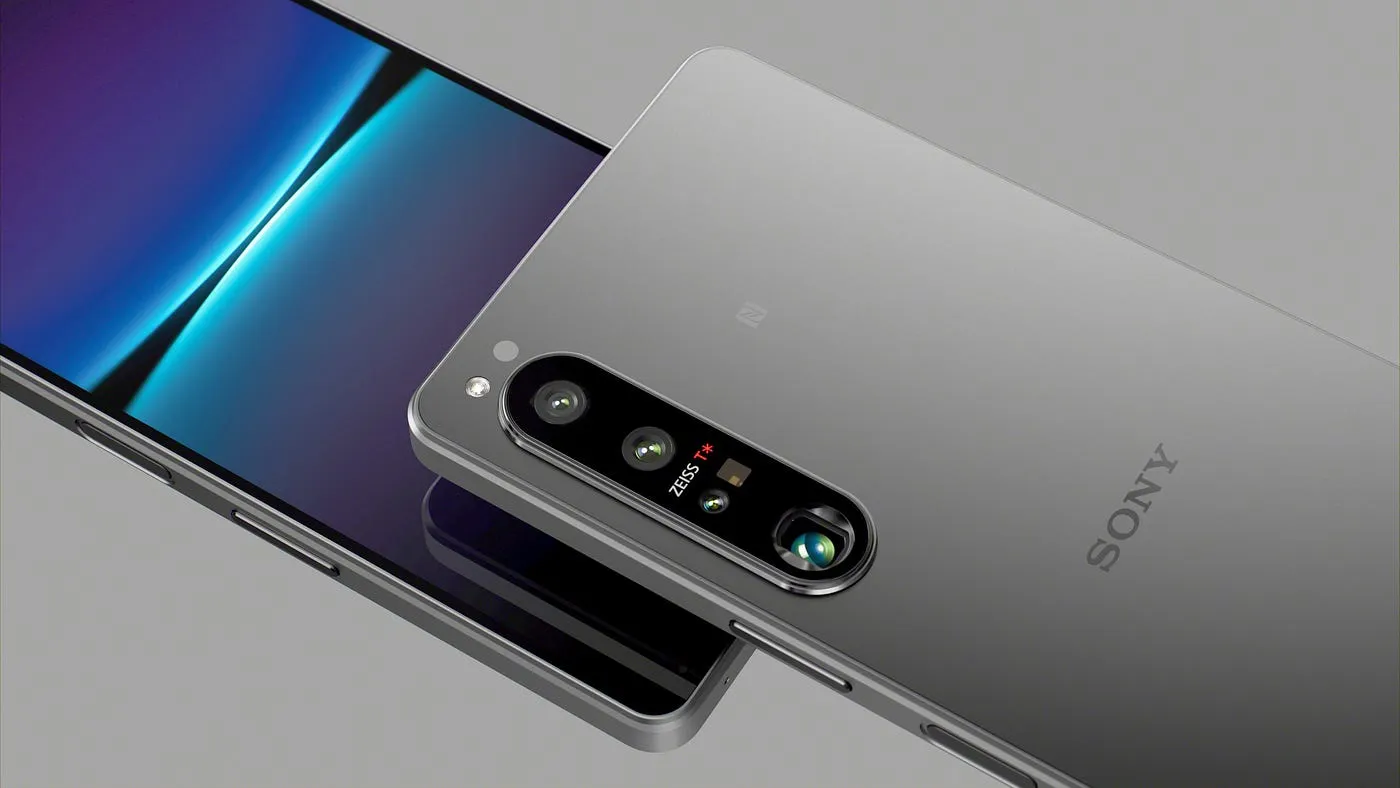
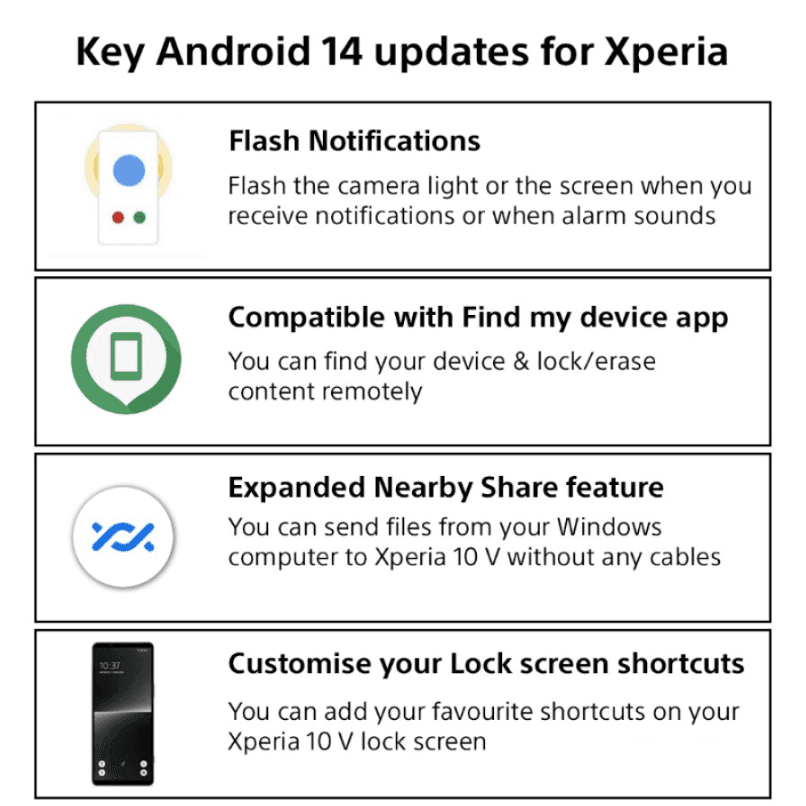
    The Xperia 1 IV, Xperia 5 IV, and Xperia 10 IV are among the smartphones in Sony‘s 2022 portfolio that are now receiving the Android 14 update. These devices receive all of Android 14’s customization and security features in addition to some additional, exclusive customizations.

    sony update android 14

    The updates will likely follow a scheduled release meaning some regions will get the update quicker than others.

    Source (post on X.com)

  • HyperOS Global is set to launch on 11 smartphones from Xiaomi, Redmi, and POCO.

    HyperOS Global is set to launch on 11 smartphones from Xiaomi, Redmi, and POCO.

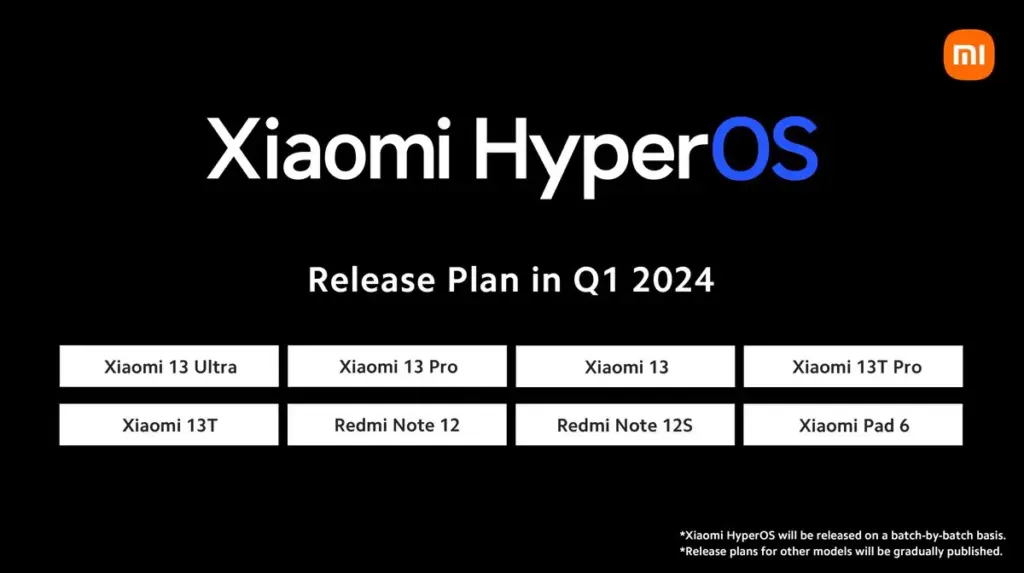
    With the official launch of HyperOS, Xiaomi created quite a stir. Many are curious about when the HyperOS update will become available globally. The smartphone maker has been working on the HyperOS Global update for 11 models, which indicates that the update will arrive soon and millions of people will be able to experience HyperOS immediately.

    HyperOS Global Coming Soon

    What sets Xiaomi apart from the competition is its optimization of HyperOS. With this new interface, which enhances system animations and reworks the interface among other things, HyperOS Global will have all of these features. Xiaomi is currently testing HyperOS Global and is prepared to roll out new updates.

    HyperOS Global will be available for 11 smartphones on the Xiaomi server.

    HyperOS Global Launch

    Which smartphones will be the first to receive this new update?

    Here are the 11 smartphones that will get HyperOS Global! This information is taken from the Official Xiaomi server, so it is reliable. HyperOS Global update has been confirmed by Xiaomiui. These builds are expected to start rolling out to users very soon. Millions of people are asking when HyperOS Global will be released and are impatiently waiting for the new update to come to their devices.

    Based on Android 14, HyperOS is a user interface that will bring a major Android update to smartphones. The HyperOS Global update will be released to users in the HyperOS Pilot Tester Program first, and we have leaked the HyperOS Global Changelog to give you an idea of what to expect when HyperOS Global is released globally.

    Official HyperOS Global Changelog

    • Global aesthetics draw inspiration from life itself and change the way your device looks and feels
    • New animation language makes interactions with your device wholesome and intuitive
    • Natural colors bring vibrancy and vitality to every corner of your device
    • Our all-new system font supports multiple writing systems
    • Redesigned Weather app not only gives you important information, but also shows you how it feels outside
    • Notifications are focused on important information, presenting it to you in the most efficient way
    • Every photo can look like an art poster on your Lock screen, enhanced by multiple effects and dynamic rendering
    • New Home screen icons refresh familiar items with new shapes and colors
    • Our in-house multi-rendering technology makes visuals delicate and comfortable across the whole system
    • Multitasking is now even more straightforward and convenient with an upgraded multi-window interface

    Many smartphone models are scheduled to receive an update to the state-of-the-art HyperOS Global. Stay tuned for the most recent information on HyperOS Global developments. The details as of right now are as follows. To view a detailed list of devices that qualify for the HyperOS update—which Xiaomi, Redmi, and POCO models are included—visit our special article titled “HyperOS Update Eligible Devices List: Which Xiaomi, Redmi, and POCO Models Will Receive HyperOS?” We look forward to hearing your thoughts on the upcoming HyperOS Global update; please feel free to leave a comment.