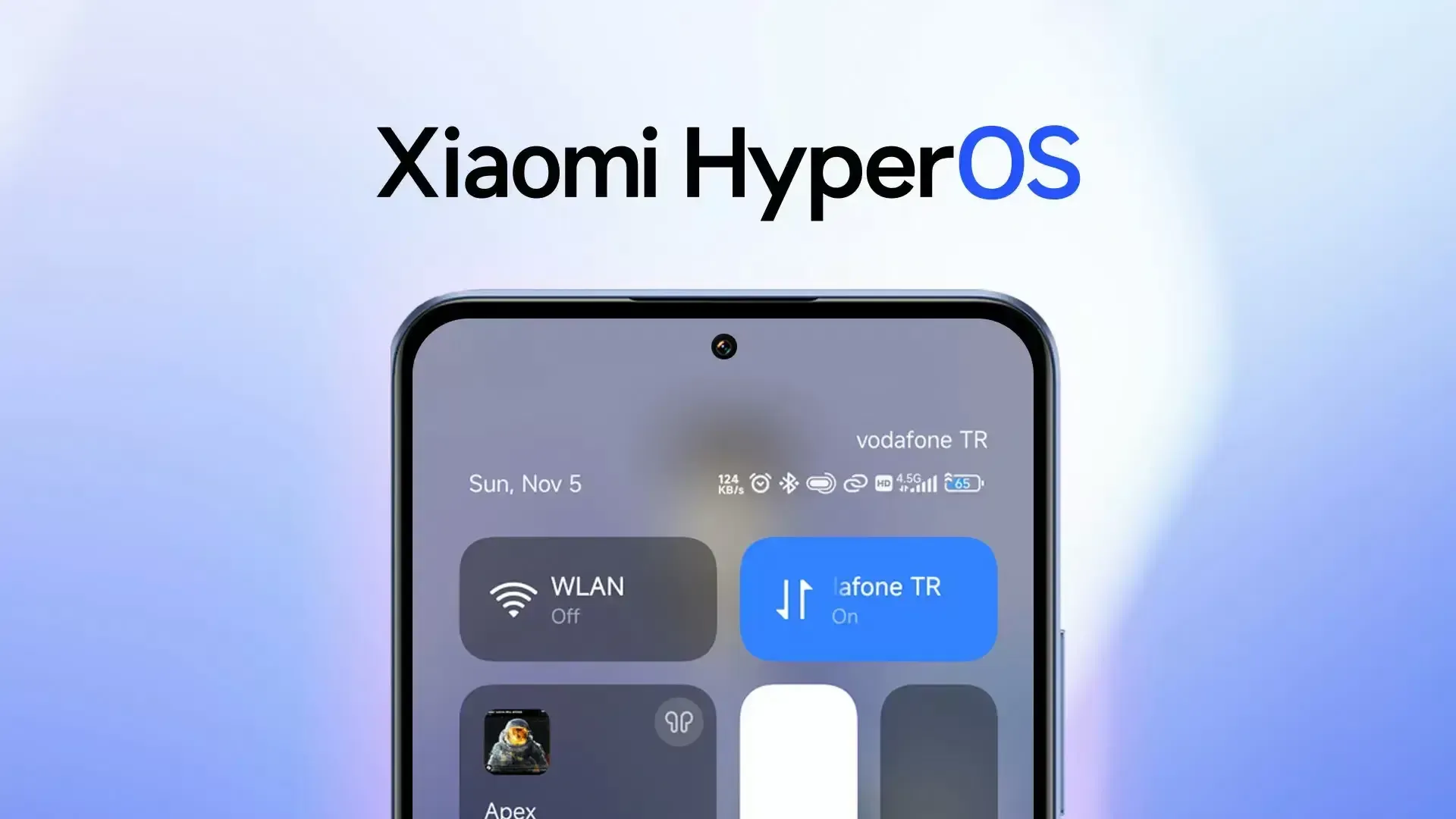
One of the most important factors for many smartphone users is battery performance, and several recent HyperOS updates have been reported to cause significant battery drain for some Xiaomi handsets. Fortunately, that has been resolved.
During regular use, users saw a rapid loss of the battery. This problem was particularly noticeable in:
POCO M6 with OS2.0.2.0.VNTMIXM
Redmi 13 with OS2.0.2.0.VNTMIXM
Xiaomi swiftly fixed the problem in OS2.0.3.0.VNTMIXM, the next release. This shows the brand’s responsiveness and their high regard for customer pleasure.
Go to Settings → About Phone → System Updates to confirm that the most recent version is installed on your smartphone. Avoid using excessively power-hungry apps until all adjustments have been made. Xiaomi has once again demonstrated through the speedy fix that it values customer feedback and responds quickly to problems.
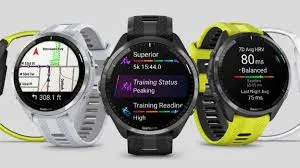
A major upgrade has recently been made available in beta form for the Garmin Fenix 8 and Enduro 3 watches. The release of this public beta has been announced by Garmin on the Garmin forums. The Fenix 8, Enduro 3, and Fenix E watch families can use it.
What is fresh? Among Garmin’s patch notes, three features are particularly noteworthy. In addition to a new mini-app, there are two additional activities.
New features for Garmin Fenix 8
The activities are Jumpmaster and Sail Race. Before the debut of the Fenix 8, some people complained on Reddit about the lack of Sail Race, which had previously been included in Garmin Fenix 7-series watches.
This mode, like a lot of Garmin’s modes, does a little more than merely record the statistics you see in other modes. According to the Garmin website, “you can utilize the device to help you cross the start line of a race exactly when the event begins.”
“When you set the starting line, the device uses GPS data to indicate whether your boat will cross the start line before, after, or at the correct time to start the race.”
Another mode that was present in the Fenix 7 series but was not initially included in the Fenix 8 and other models is Jumpmaster.
It is for people who leap out of airplanes with a parachute attached, making it even more specialized than Sail Race. You can set the intended landing spot and use it to gauge when you are at the proper height for the jump.
More information on this pro-grade mode can be found on the Garmin website. The Trolling Motor app is the final significant update, and no, it has nothing to do with online trolls.
Although not necessarily present in the more popular Fenix/Enduro models, this type of feature would be a mainstay of the Garmin Quatix line. From your wrist, you can operate compatible Garmin Force Trolling boat motors.
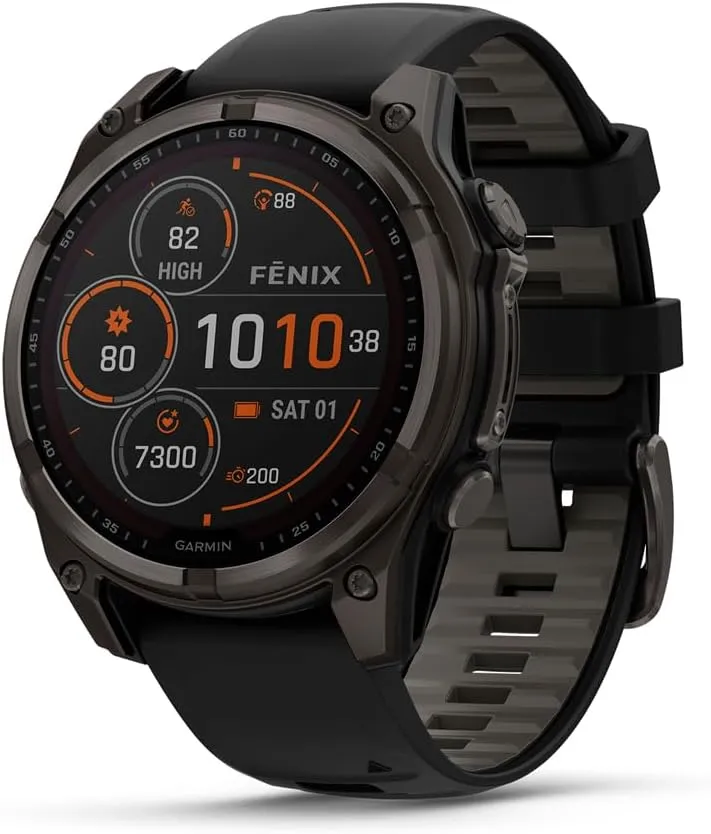
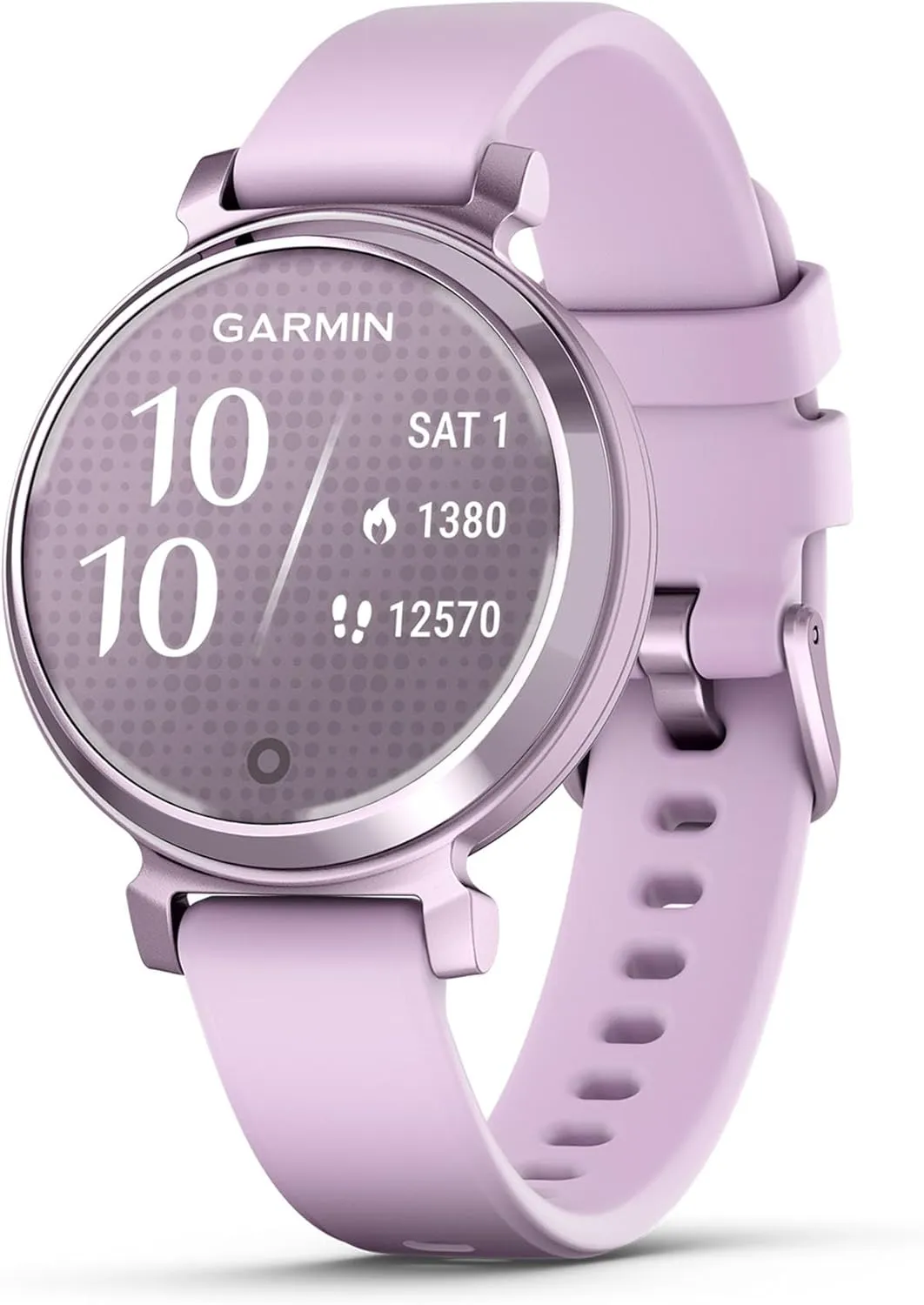
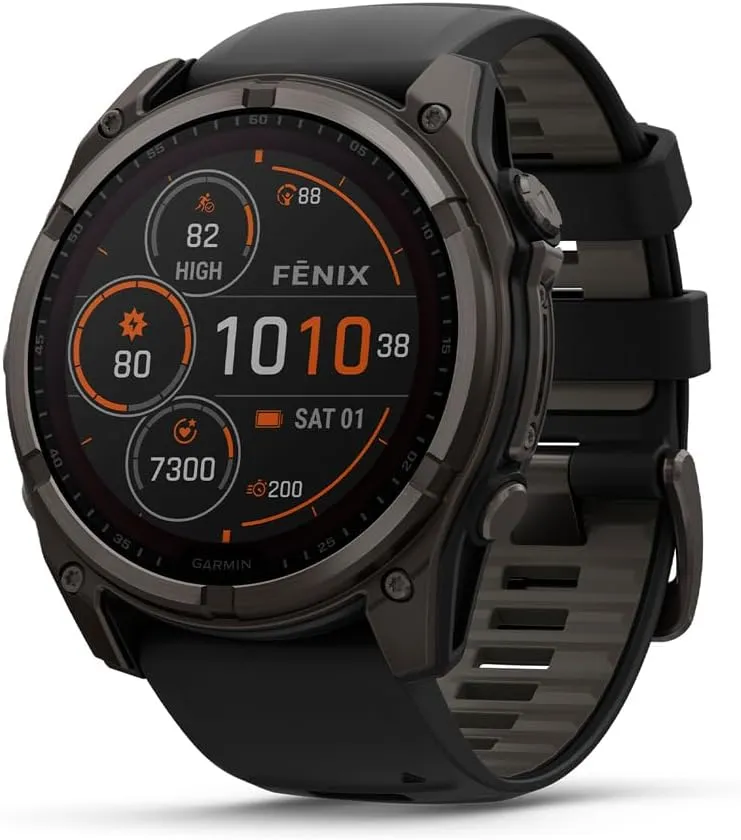
Garmin Fēnix® 8
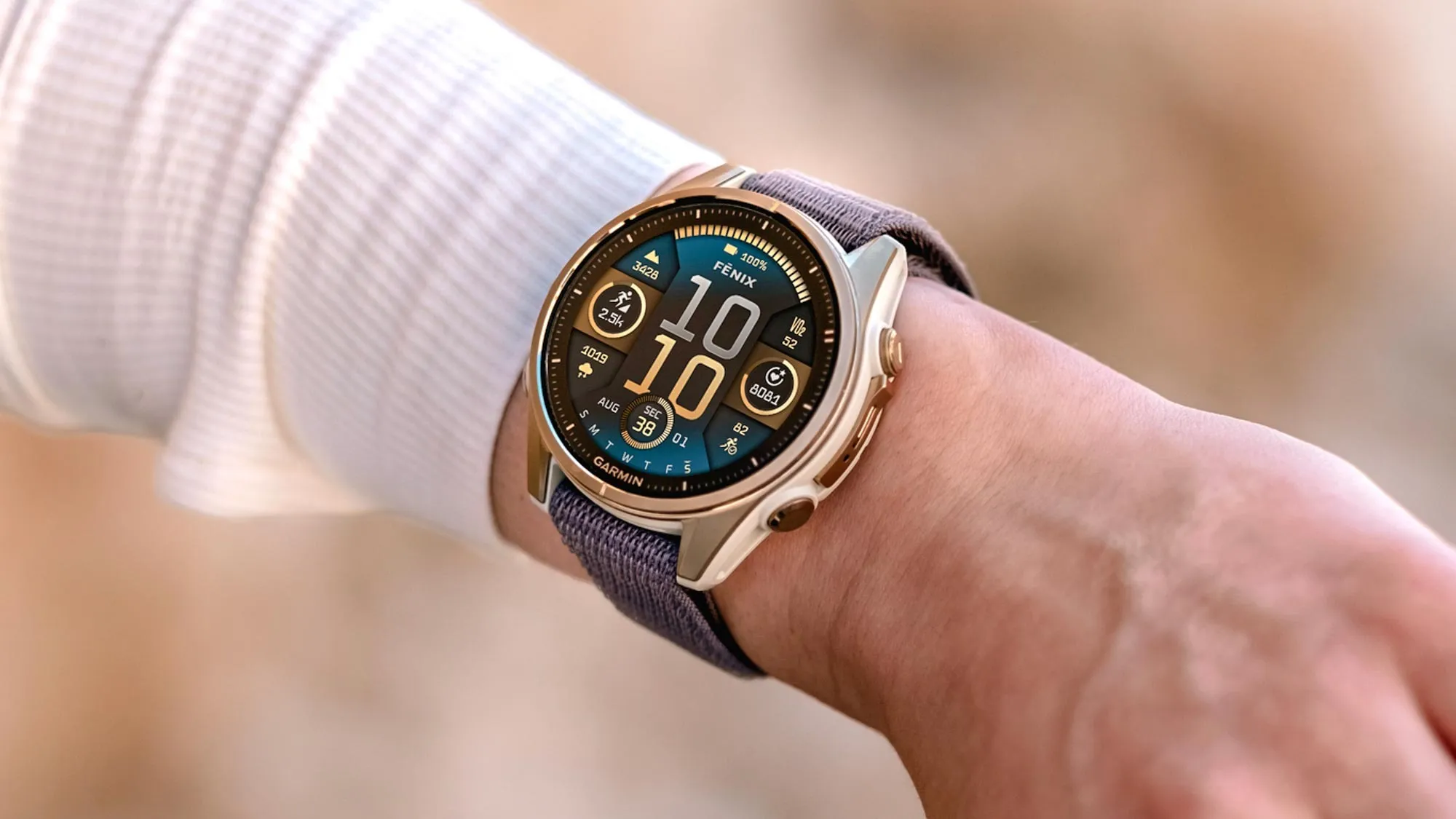
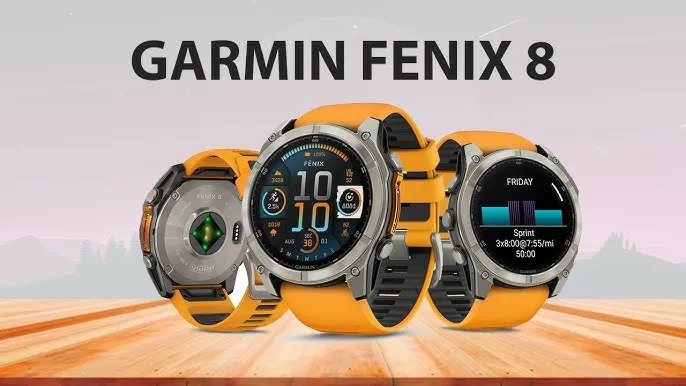
The Garmin Fenix 8 is a premium multisport GPS smartwatch that combines rugged durability with advanced training features. Built for athletes and outdoor enthusiasts, it features comprehensive activity tracking, advanced performance metrics, and enhanced navigation capabilities.
Many additional fixes and adjustments are included in the release. According to Garmin’s post, here is the complete list:
Added CIQ System 8: Supports the latest Connect IQ apps, watch faces, and data fields.
Added Sail Race Activity.
Added Jumpmaster Activity.
Added Trolling Motor App.
Added connection type information for paired sensors.
Improvements to the icons that display with notifications.
Added Insight Hint to Health and Fitness Apps.
Added Missing Map Option in Mountaineering Activity.
Added Respiration Graph to Meditation Activity Summary.
Added Stress Card to Gaming Activity Summary.
Added Support for HRM as Speed and Distance Monitor for BLE Sensors.
Added Support for Nautical Units.
Added Support to Show Needed Equipment for Strength Workouts.
Added Touch Support to Dismiss Popup Notification.
Fixed a possible issue where touchscreen input could not be disabled in activities.
Fixed Apps that were Inaccessible from the Recents Menu.
Fixed Auto Climb Data Screen Selection.
Fixed Blank Calendar Card in Morning Report.
Fixed Blank Map for Power Guide Preview.
Fixed Current Time Indicator on the Tides Graph.
Fixed Do Not Disturb Smart Notification Setting.
Fixed InReach Contacts List Layout.
Fixed InReach PIN Code Display Page.
Fixed Morning Report Showing Stale HRV Data.
Fixed Pool Swim Interval Details Page Layout.
Fixed Potential Crash after Deleting Activities from the list.
Fixed Potential Crash during Meditation Setup.
Fixed Potential Crash on Body Battery Glance Folder View.
Fixed Potential Crash on Fitness Age Page.
Fixed Potential Crash when Dismissing Notifications.
Fixed Potential Crash when Enabling Broadcast HR.
Fixed Potential Crash when Viewing Breathwork Preview.
Fixed Round Trip Routing Not Calculating Full Distance.
Fixed Sleep History Graph after Traveling.
Fixed Sleep Window Setup Sometimes Getting Skipped on Initial Setup.
Fixed Weather App Accidentally Returning to Watch Face.
Improved Countdown Glance Folder Info Text.
Improved GPS Progress Bar Presentation when Beginning Search.
Increased the Maximum Speed of Virtual Partner to 48.95 kph.
Updated Sunrise/Sunset Time Alert Range.
Since Garmin’s beta program is free to join, it is important to note that this update will also turn off the watches’ Dive mode and ECG readings. Since Garmin releases software on a quarterly basis, it will probably take several weeks before these capabilities are included in a full non-beta version.
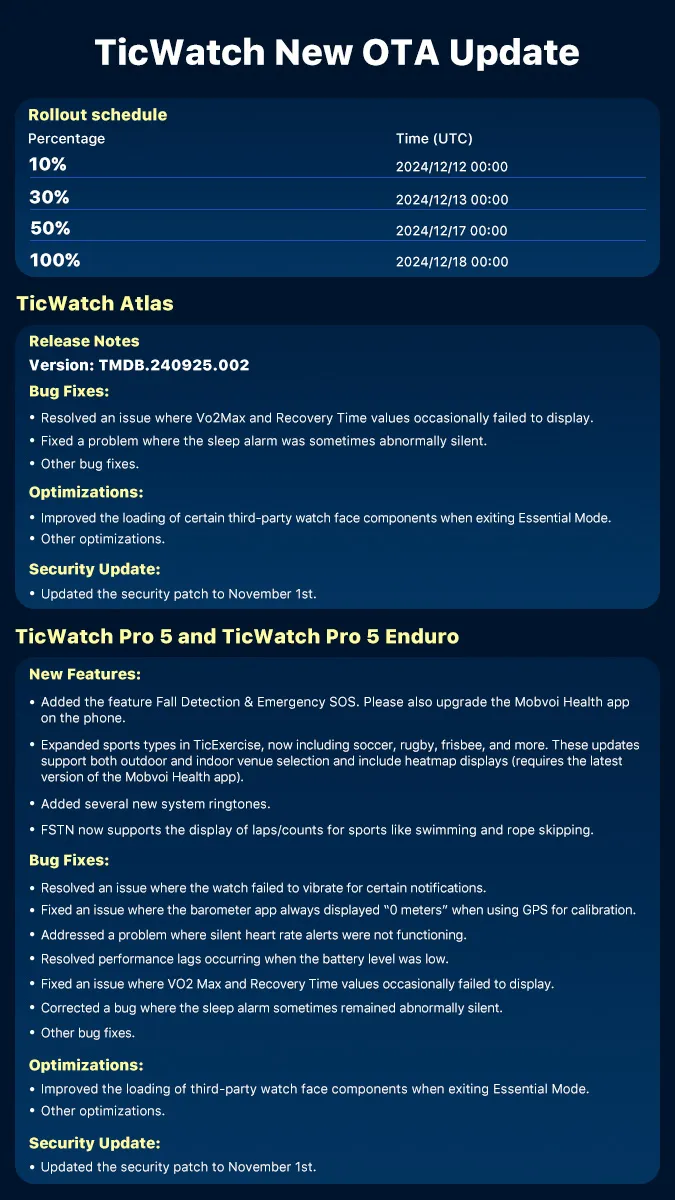
Mobvoi has announced that the TicWatch Pro 5 and TicWatch Pro 5 Enduro smartwatches will soon receive an update. Version TMDB.240925.002 adds new capabilities to the wearables, including a safety tool and other sports.
In addition, these wearables have received a number of improvements and bug fixes.
The Mobvoi TicWatch Pro 5 and Pro 5 Enduro smartwatches are set to be updated. This release and a comparable upgrade for the latest TicWatch Atlas smartwatch have been announced on Facebook.
The version TMDB.240925.002 upgrade is expected to add new features to wearables. These include Fall Detection and Emergency SOS, which allow users to raise an alarm if they are in distress; however, you must also update the Mobvoi Health smartphone app to use this capability.
TicExercise now includes additional sports such as soccer, rugby, and frisbee. Additionally, there are new system ringtones, updates to several third-party watch face components, and a security patch for November 1st.
In addition, Mobvoi has fixed issues such as the watch failing to vibrate in response to a notification, missing VO2 Max and Recovery Time statistics, and performance lagging at low batteries.
Version TMDB.240925.002 will be available to TicWatch Pro 5 and Pro 5 Enduro smartwatch users beginning December 12th. It will initially be available to only 10% of units, growing to 50% on the 17th and 100% on the 18th. The TicWatch Pro 5 Enduro smartwatch is currently available on Amazon for $313.81.
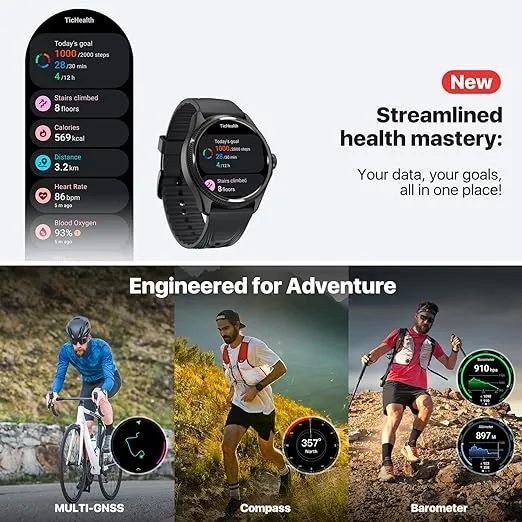
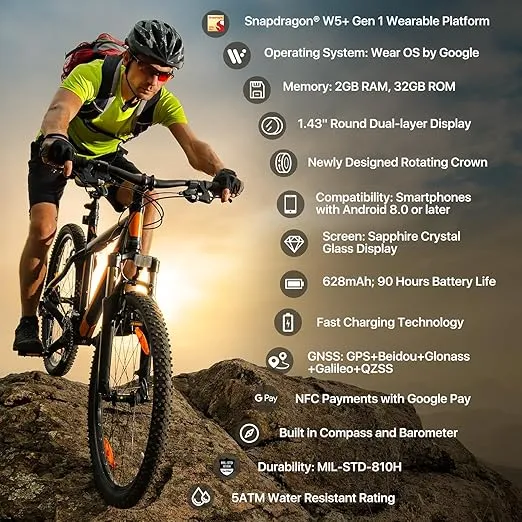
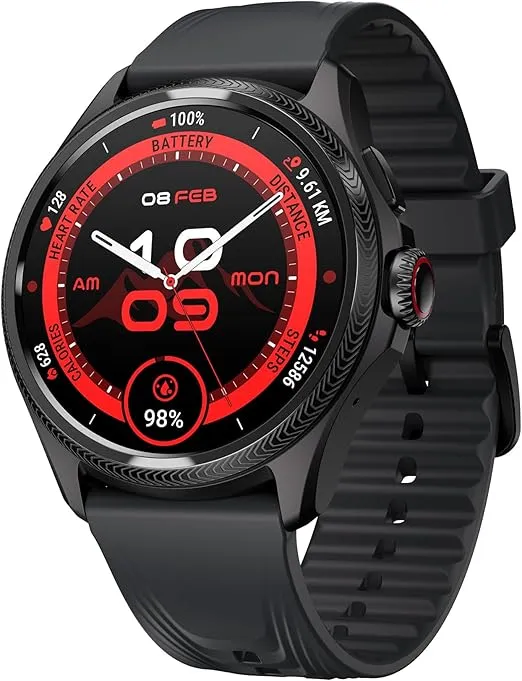
Ticwatch Pro 5 Enduro
Experience uninterrupted productivity and training with TicWatch Pro 5 Enduro’s remarkable battery life.
Many of the top Garmin watches on the market seem to be having issues with a recent software update that Garmin published. But there is a lot of uncertainty about what Garmin has changed and what might or might not be broken in the most recent version, especially for owners of the well-liked Forerunner line.
On December 2, Garmin released software version 21.19. The new Meditation activity, upgrades to the Pool Swim routines, and corrections for various issues and oddities are among the improvements mentioned.
Users of Forerunner have reported a number of problems with the update, particularly with accessing the touchscreen and syncing their devices with Wi-Fi. What is happening, and what information is necessary for you to know?
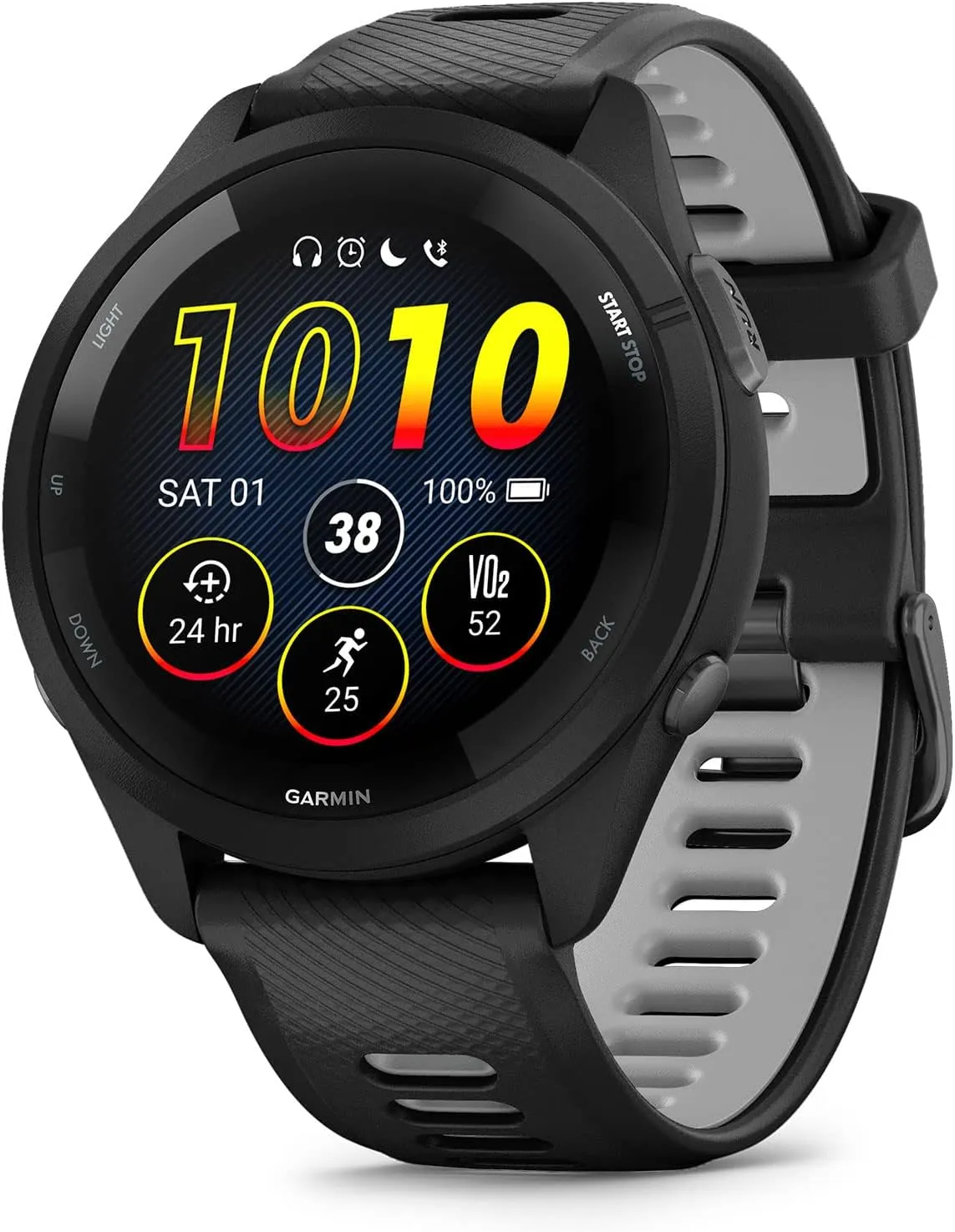
Garmin Forerunner software update
First, the simpler problem is that some customers are having trouble syncing their Wi-Fi after the update. One user complained on December 4 that “the wi-fi sync does not work after installing Forerunner 955 – Software Version 21.19.”
In its release notes, Garmin states that “it is advised users sync their devices via Garmin Express or Wifi to speed the transfer of files required for the meditation activity.” This is in line with the many complaints that point to a similar problem. Wi-Fi sync problems might be caused by the majority of the new version, which is packed with new features, but there does not appear to be an obvious cause or solution.
The changes and bugs pertaining to the touchscreen are much more perplexing. A issue that causes the Forerunner touchscreen to remain active during activities even when the ‘Touch Disabled’ setting is activated is being reported by a few of users. One user agreed, “I saw the same as the wet sleeve of my jacket was swiping through the data fields while I went out for a run in the rain at noon today.” Garmin has responded on at least one post stating, “We are aware of this issue and are presently investigating,” which suggests that this is a bug. I am sorry if this has annoyed you.
However, the problem is complicated since customers are experiencing another touchscreen “bug,” which Garmin claims is a deliberate modification. The Forerunner’s Stopwatch in 21.19 is operated using the device’s buttons rather than its touchscreen. “Since software version 21.19, I am unable to operate the stopwatch with a touch screen. I can only start, stop, and reset it using the buttons. One customer complained, “The touch screen does operate in the timer.”
In response, Garmin has subsequently stated that “This was a deliberate alteration. Now, you have to start, stop, and reset the time using the buttons on the Stopwatch and Timer screen. I apologize for any disappointment this modification may have caused.
In conclusion, there are undoubtedly some issues with the most recent Garmin update when it comes to Wi-Fi and utilizing the touchscreen when engaging in activities. However, Garmin claims that this is a deliberate adjustment if you have noticed that your stopwatch no longer functions via touchscreen and can only be operated by buttons. It remains to be seen if it was a good one. It is been a rough few days for the company’s software section because of this most recent disturbance and the recent problem with Garmin watch faces crashing.
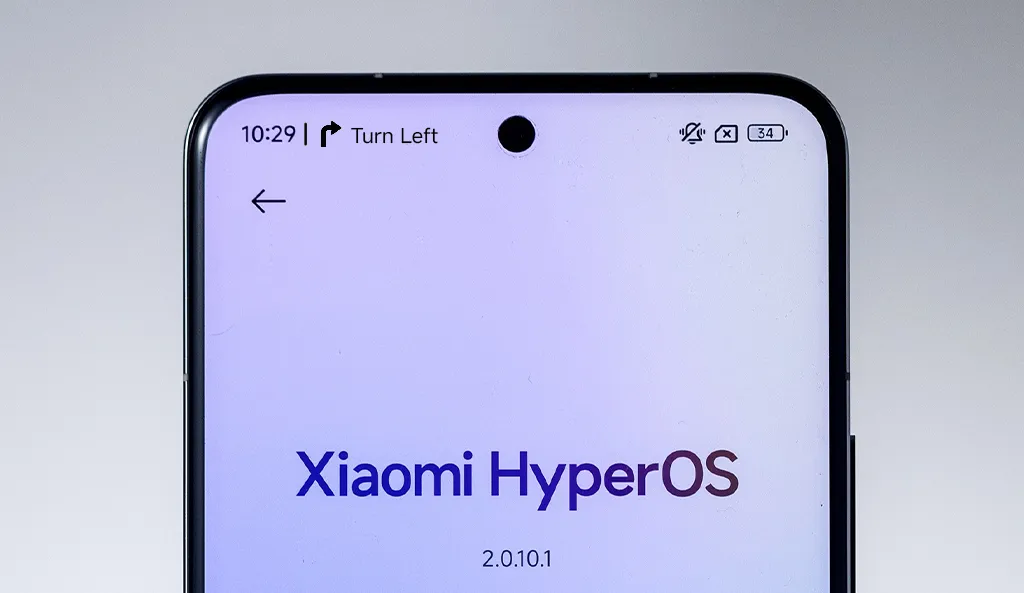
With the official release of the HyperOS 2 Global Beta upgrade, Xiaomi has treated customers outside of China to the newest system features.
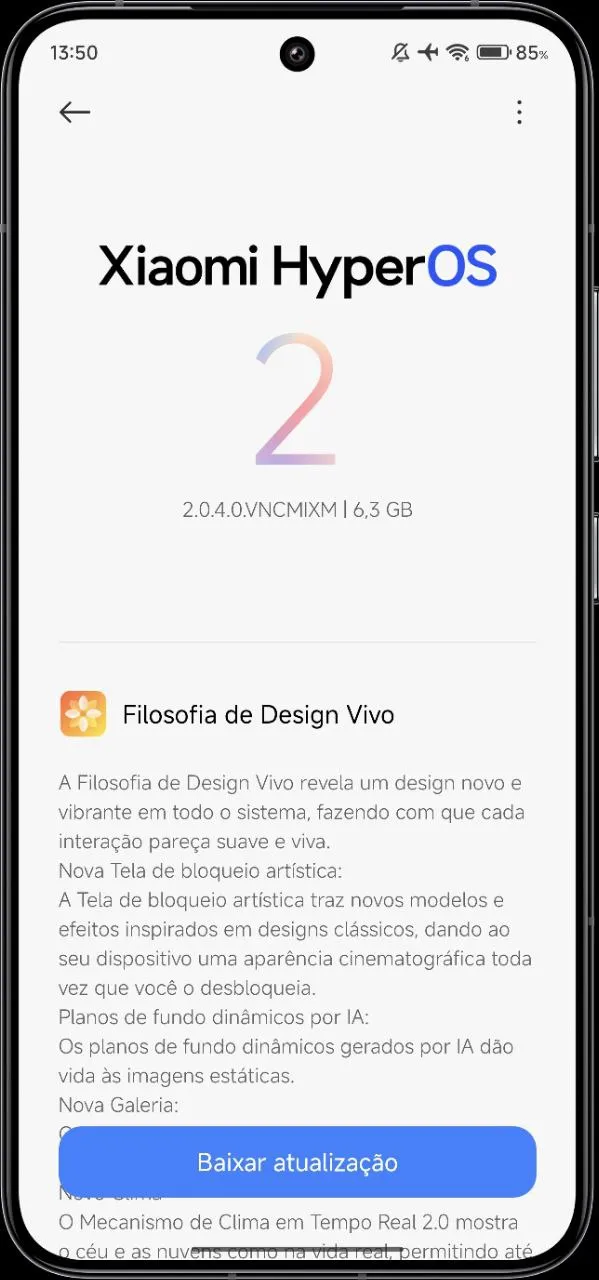
Xiaomi promised a global debut in November, and the global version of HyperOS 2 has come precisely one month after its first release in China. The update, which had the version code OS2.0.4.0.VNCMIXM, was unannounced for Xiaomi 14 Global users on Wednesday evening.
Xiaomi is demonstrating its dedication to providing the newest software to users worldwide with this initial step in the global rollout of HyperOS 2.
New in HyperOS 2
HyperOS 2 represents a major development and-thus-major update of its predecessor, complete with:
Better User Interface: Redesigned multitasking, new layout of desktop, new animations for smoother and easier use.
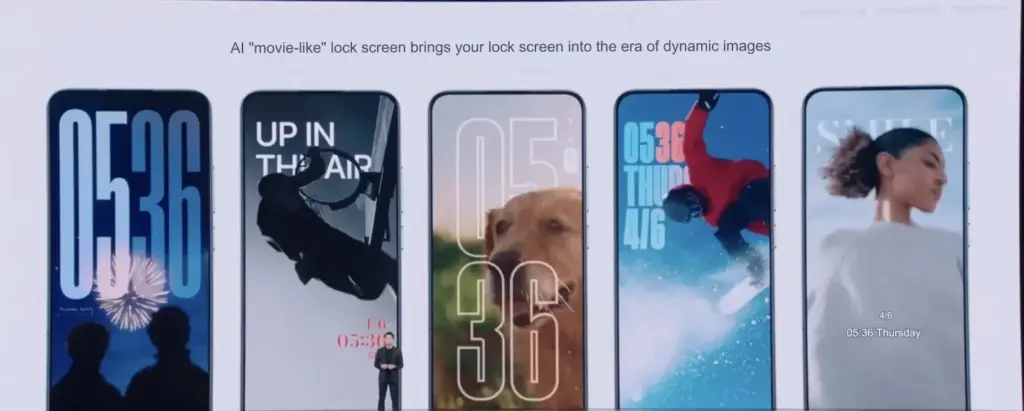
AI Driven Tools: Advanced AI capabilities with real-time translations, cinematic lock screens, and an improved AI camera for better photography.
Better Performance: Better memory management and optimization of battery for continuity with no hassle on any device.
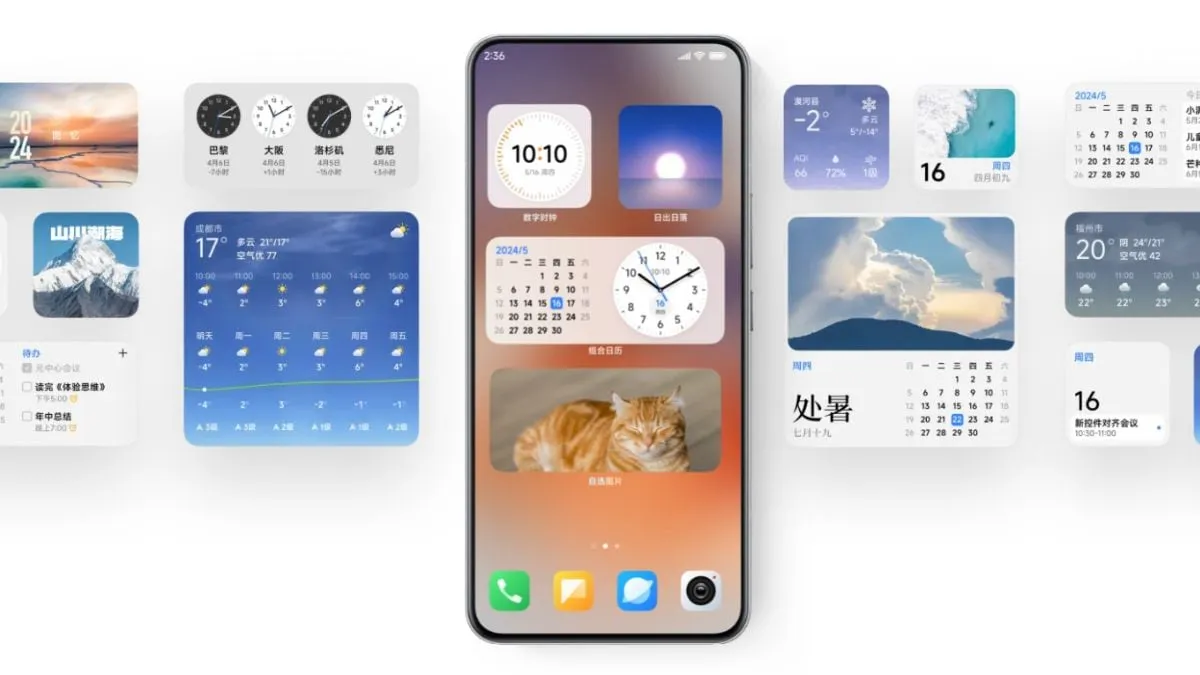
Customization Choices: New layouts of desktop, widgets, and folder designs serving the needs of various personalization.
This is a huge accomplishment for Xiaomi since it is the first time the company has successfully released an OS update globally in tandem with its local release. Xiaomi demonstrates its commitment to closing the gap between regional and global user bases by launching HyperOS 2 globally within a month of its Chinese release. In the meanwhile, this beta release enables Xiaomi, the vendor, to gather more user feedback for future worldwide updates that will result in a more stable and refined system.
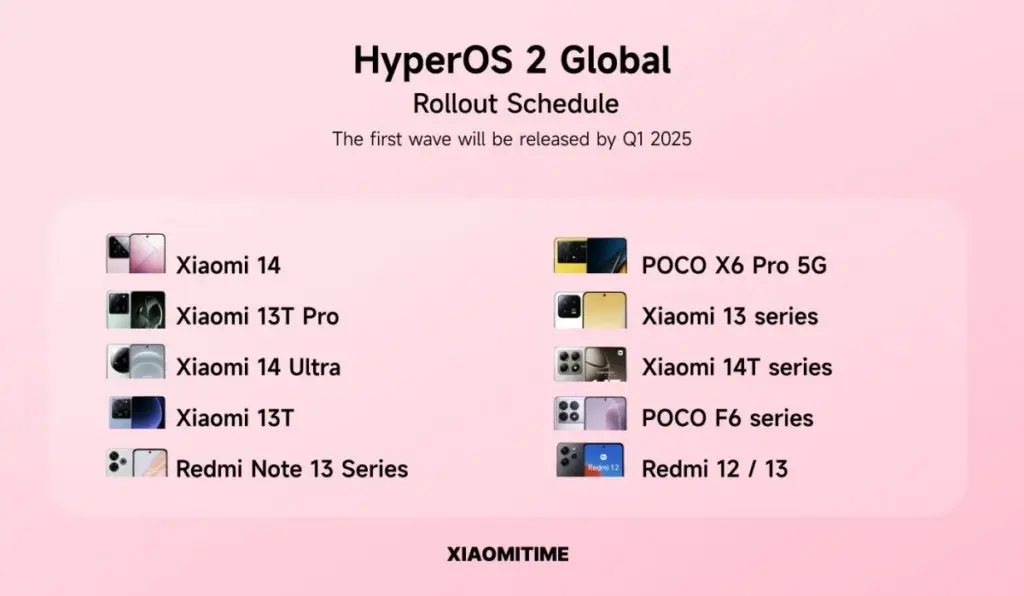
Currently, the first model to get the HyperOS 2 Beta upgrade is the Xiaomi 14 Global. In the upcoming weeks, more qualifying models are anticipated, including the Redmi K60 and Xiaomi 13 series. It will be rolled out gradually using Xiaomi’s standard “grayscale to full volume” approach.
How to Update
In case you are using an Xiaomi 14 Global user, if you didn’t get the update from your Updater you can download it via following guide.
Download MemeOS Enhancer app on your phone from the Google Play Store.
Open app and check updates.
Download latest update from there.
However, Xiaomi intends to make the new HyperOS 2 available on a larger variety of devices in the next months, so it is not just about the worldwide beta release. Xiaomi will continuously improve the system based on input from beta users to ensure that it meets the high standards of its worldwide audience.
HyperOS 2 Beta’s worldwide release undoubtedly demonstrates Xiaomi’s increased focus on the global market. With its cutting-edge features and enhanced performance, HyperOS 2 will undoubtedly raise the standard for Xiaomi enthusiasts worldwide in terms of user experiences.
You have undoubtedly seen Garmin’s wide range of cycling computers and athlete-focused fitness trackers in your search for a reliable fitness tracker. Even though they come with a ton of features already, the brand maintains momentum by regularly delivering feature updates automatically over the air. You can begin getting acquainted with the latest additions as one for December was recently announced.
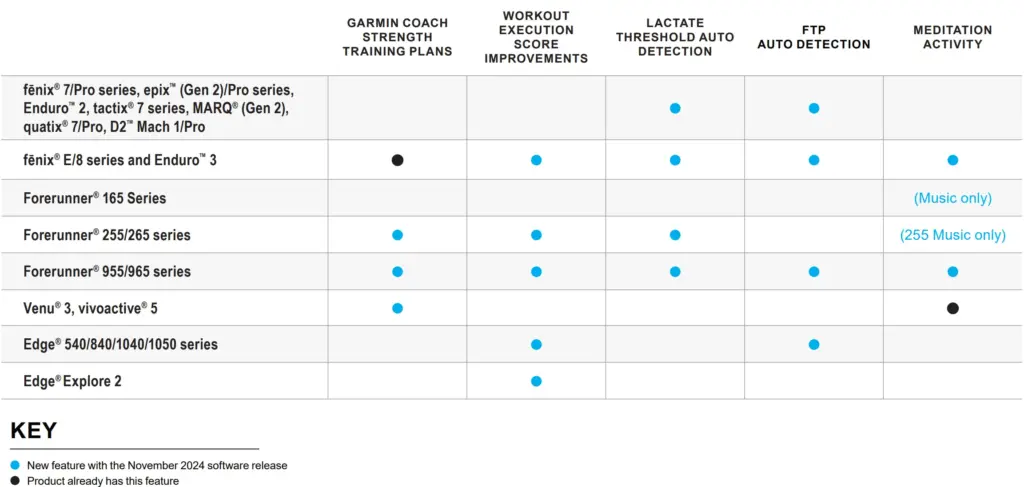
Garmin’s December feature update bulletin for wearable fitness trackers and cycling computers was just made public (via NotebookCheck). This edition has three notable additions. First of all, you may now monitor your meditation practice, which may aid in stress and anxiety management.
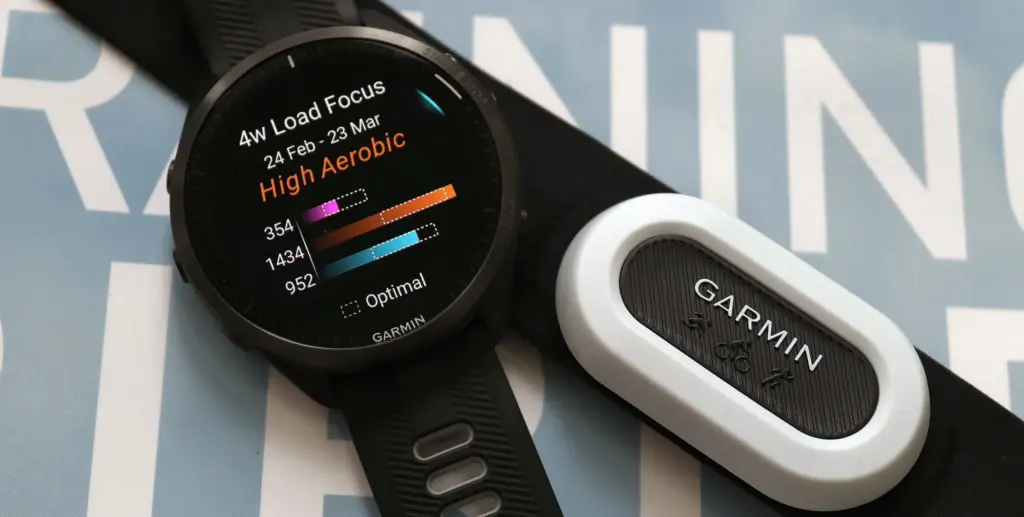
Your lactate threshold heart rate and other information can be used by the wearables to help you target the appropriate training intensities. As your muscles deteriorate, your level of weariness increases significantly beyond this point. Although this is computed automatically, Garmin advises against utilizing the data at first because the accuracy of threshold detection increases with additional workouts.
Garmin fēnix® 8
Be limitless. The fenix 8 multisport GPS smartwatches are built for serious athletes and outdoor adventurers who want to push beyond their limits. The fenix 8 Series now comes with a bright AMOLED display.
Garmin Coach strength training plans are the final significant addition this month. The companion app can assist you in creating a personalized workout routine to gain muscle or improve your fitness level, as the name implies.
The update is rolling out as we speak
According to Garmin’s announcement, the most latest and compatible devices will be updated in the upcoming weeks. Some of these features, nevertheless, have been included in new products since their introduction and are now being added to older versions.
For example, the Vivoactive 5 and Venu 3 offered meditation tracking, and the Fenix E, Fenix 8, and Enduro 3 have long included Garmin Coach strength training. Lactate threshold detection, however, is novel for every product. Additionally, owners of the Forerunner 955 and 965 will have access to all of the previously listed functionalities.
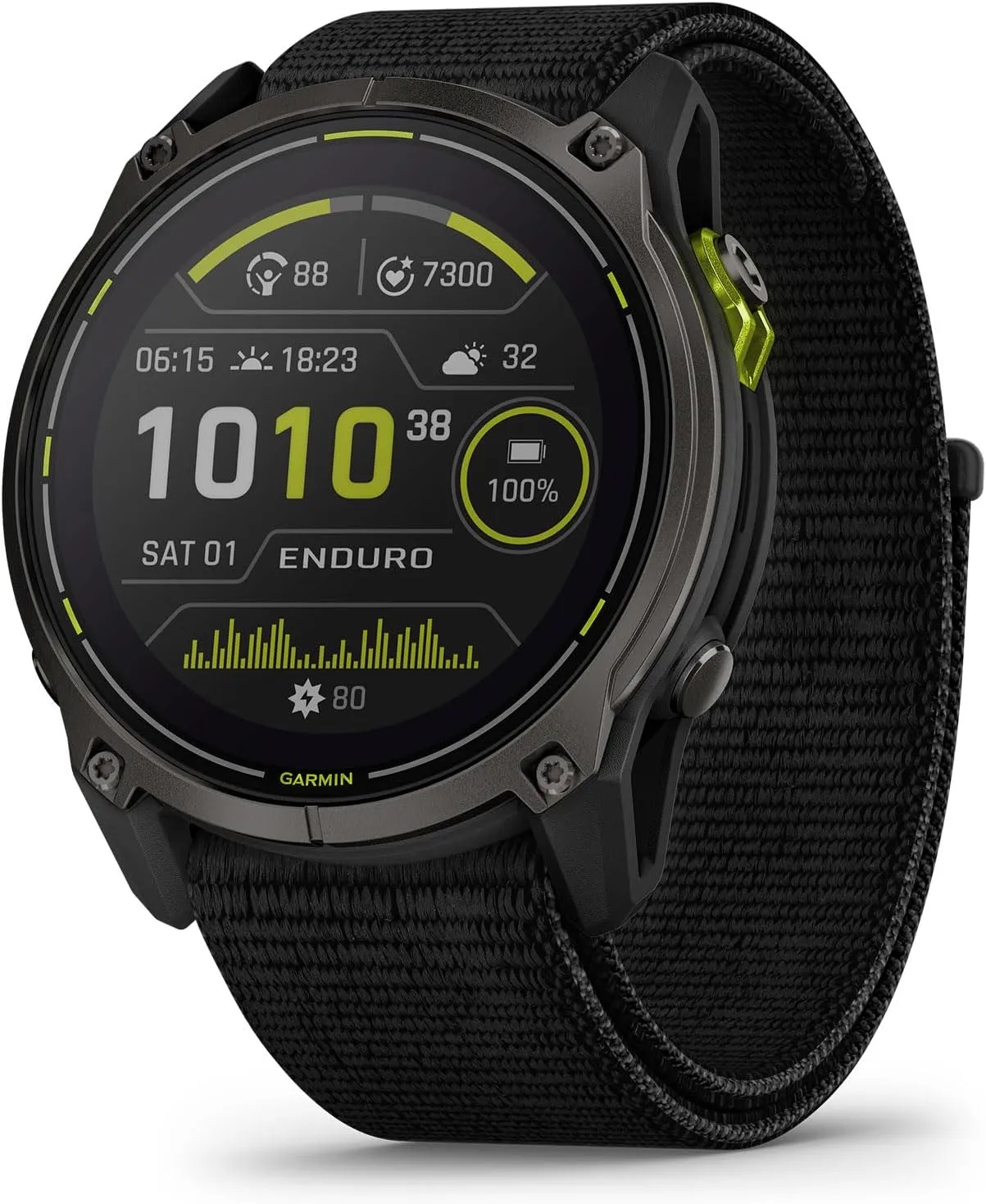
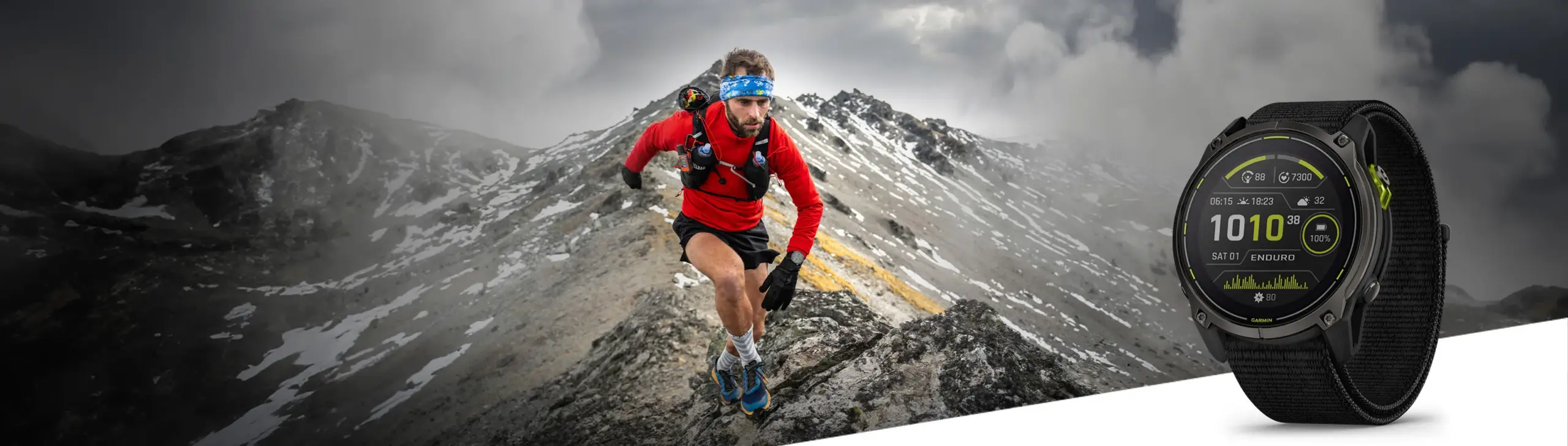
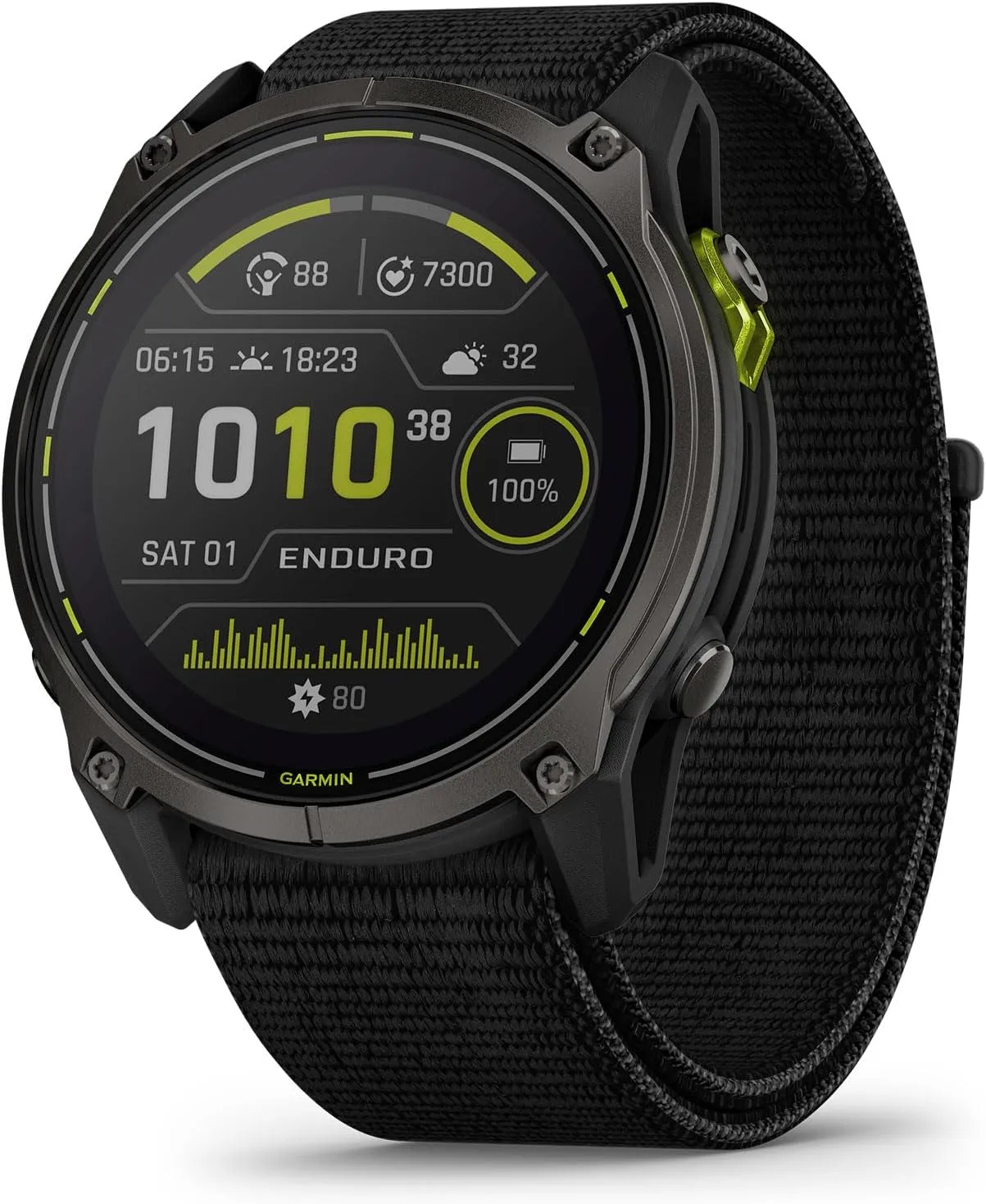
Garmin Enduro™ 3
Designed for ultra-endurance athletes, with a lightweight design weighing just 63 g to help improve performance.
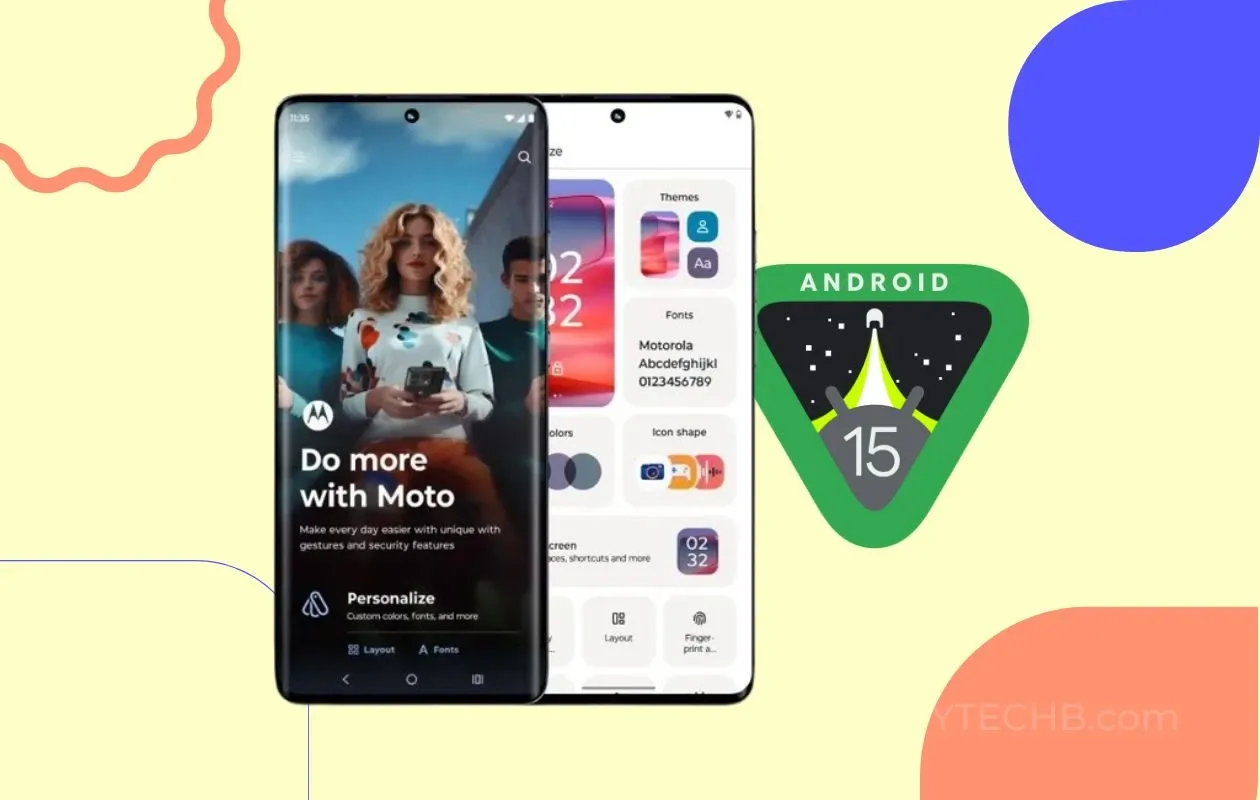
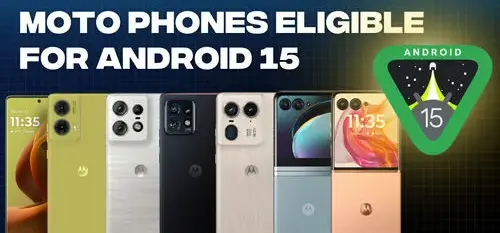
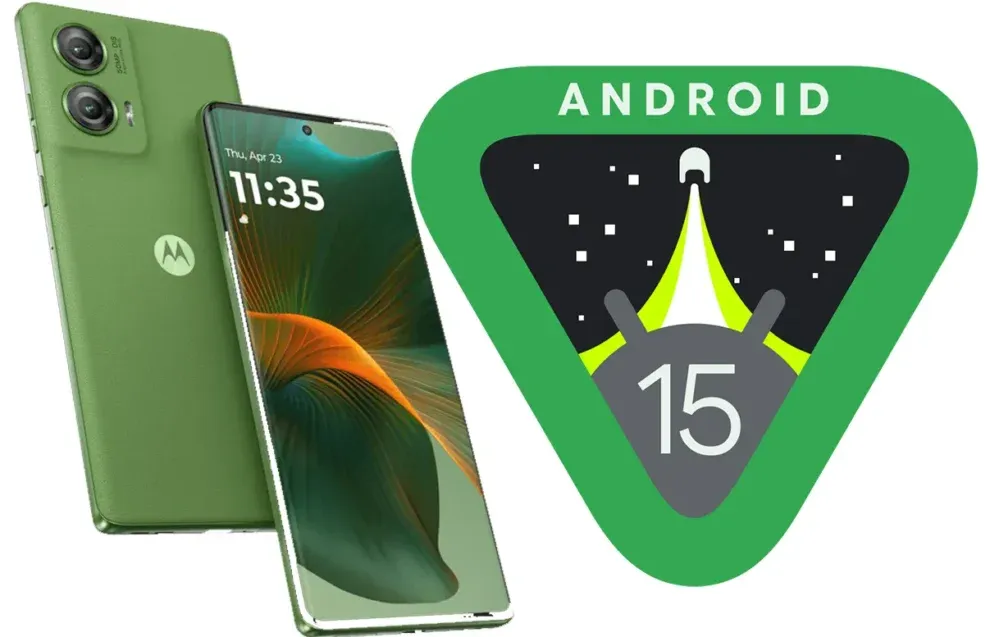
There has been a lot of interest in determining which firms would be the first to update their phones to the latest version of Android, as well as which phones will be included, since the official release of Android 15 on October 15. Motorola most recently stated that the Android 15 update will be applied to a few more devices.
Motorola has started updating support pages for its devices and verifying Android 15 upgrades in this manner, despite the fact that the company has not made any official pronouncements about its plans for Android 15. Motorola has now announced that the following handsets will receive Android 15 as part of this most recent batch of updates:
It is heartening to see Motorola continuing to expand its network of Android 15 updates, even though only one of those phones—the Edge 2023—is accessible in the United States. Updates for Android 15 were confirmed for a far wider range of other Motorola phones, such as the Razr (2024), Razr Plus (2024), Edge (2024), and others, this past October. Motorola began its upgrade process by releasing the Android 15 beta to the Edge 50 Fusion shortly after the first list was found.
There is a lingering asterisk, even if more Motorola phones are receiving Android 15. When Android 15 will be formally available on any of Motorola’s smartphones is yet unknown. Furthermore, Motorola has a reputation for being among the slowest firms to offer timely Android upgrades. Therefore, even though Android 15 for other Moto phones is fantastic, it can take some time for your device to receive the update.
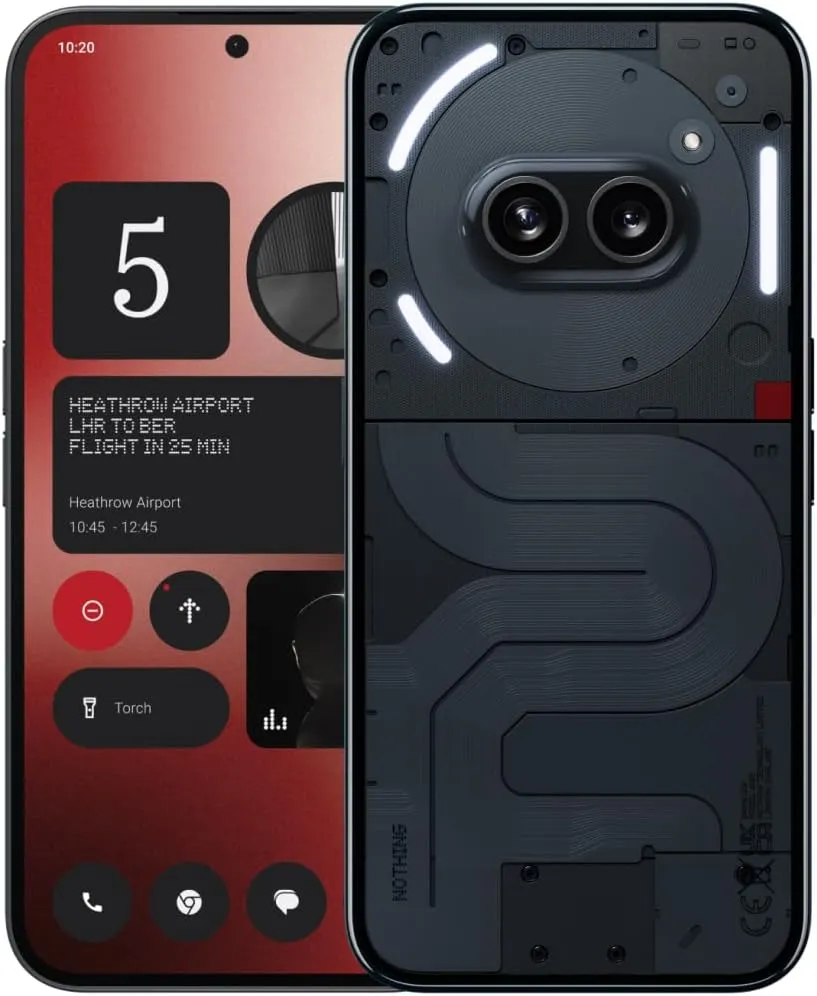
Through the Nothing OS 3.0 Open Beta program, which debuted on the Nothing Phone (2a), Nothing was among the manufacturers who initially released Android 15. The company is launching a number of enhancements to the Nothing Phone 2 today and intends to release more devices over the course of the year.
Pop-up View, Lock Screen, and AI App Drawer
A new AI-powered smart app drawer that automatically sorts and arranges apps into folders according to use is one of the noteworthy features. One of the most requested additions is the ability for users to pin apps to the top of the app drawer.
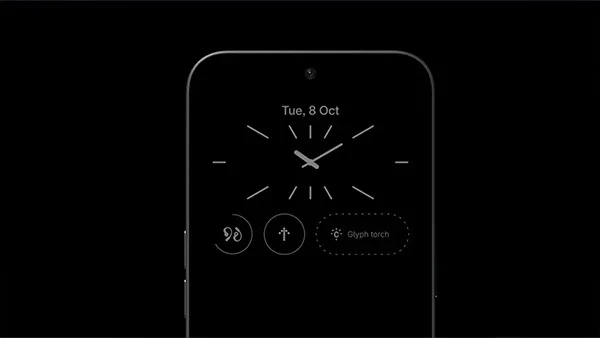
The upgrade simultaneously improves the connectivity layout, widget library, and quick settings. The editor can now be opened with a long press on the lock screen thanks to gesture support. Nothing is expanding the lock screen’s widget space.
In relation to widgets, new clock face styles have also been added. There is a new social widget on the home screen where you can communicate and share with contacts, and everyone can see the reactions.
The pop-up view on Nothing phones is another improvement pertaining to the user interface. Nothing OS 3.0 makes it easier to resize and move the pop-up window. Users can also pin incoming notifications to the edge for easy access and swipe down to open the pop-up display.
Better camera
The system has been improved further. In particular, Nothing claims that Nothing OS 3.0 has a faster camera app launch. In a similar vein, processing times for HDR images have been decreased. Additionally, you may anticipate that the update will improve the Nothing Phone (2)’s low-light camera performance.
Elsewhere, the update includes the native Android 15 changes such as auto-archiving of app data to free storage space, predictive back animations in select apps, and app prioritization.
Official releases
On its roadmap, Nothing has not disclosed when the other Nothing devices would receive the Nothing OS 3.0 Open Beta. As a result, by December of this year, the update should be available on the Phone (2a) Plus, Phone (1), and CMF Phone 1.
The company did not say how many additional betas are anticipated before the stable release or when the public will be able to access the firmware version. Using beta software on your primary phone is not something we advise.
However, you can visit Nothing’s Community page to try Android 15 beforehand. The procedure entails manually verifying the update ina the Settings app after downloading and installing the APK. Nothing warns that going back to the prior version of Android is not advised once you are in the beta.
In order to improve the user experience across all smartphones, tablets, TVs, and wearables, Xiaomi’s HyperOS 2.0 completely upgrades the ecosystem. With an emphasis on performance, storage management, energy efficiency, and the integration of high-order AI capabilities, it is based on the foundation created in HyperOS 1.0. This is a thorough examination of HyperOS 2.0’s enhancements and new features.
1. Heterogeneous Computing Technology
Seamless resource sharing: HyperOS 2.0 is based on heterogeneous computing technology; it shares a tremendous amount of tasks across different resources. This system greatly enhances visual experiences by granting smoother animations and faster processing of images.
Better UI Rendering: Natural gradient blur is 12 times smoother, hence enabling faster and more engaging UI transitions.
2. New Storage Management 2.0
Smart Data Processing: The latest storage management system has defragmented memory for seamless app start-ups, which means multitasking can be well handled. The feature assures smoother performance and effective memory usage across the Xiaomi ecosystem.
3. Cascade Bandwidth Technology
Dynamic Network Management: Cascade Bandwidth Technology is unveiled with the release of HyperOS 2.0, dynamically distributing network resources based on real-time application requirements. This greatly increases the speed of data transmission and reduces latency for resource-heavy activities, like gaming or video streaming.
4. Micro-Architecture Scheduler Designed by Self-Taught
Dynamic Resource Allocation between CPU and GPU: Implemented is a new scheduler for the best balance of power and performance, especially when resource-intensive applications like serious gaming are involved. It controls battery life while offering the best possible smooth user experience.
5.United Ecosystem Experience
It has been noted that Xiaomi has managed to create more consistency within the ecosystem, such that now Xiaomi TVs, tablets, and smartwatches communicate better in harmony with their smartphones. This unity yields a more cohesive and integrated user experience across Xiaomi’s product breadth.
6. Improved AI and Personalization
AI-Powered Lock Screen: Dynamic video-based clock settings on the lock screen are unique features of the phone, making it personalized with outlooks.
Generation of Smart Wallpapers: Facility for specifying user preferences to generate a wallpaper that provides an individual look and feel for each device.
Productivity Tools: Smooth out daily tasks with AI boosted writing and translation, recording of memos including:
AI Writing: More coherent, more concise writing with advanced linguistic assistance.
AI Translation: Accurate, multi-target-lingual translation; ideal for international communication.
AI Memo Recording: Transcription and recording capabilities in a short amount of time; great for business meetings or brainstorming.
7. Improve notification management
Return of ‘Unimportant Notifications:’ This feature, which was earlier a part of the MIUI, is back to bless the HyperOS 2.0. It automatically categorizes notifications, prioritizing important alerts and keeping the notification panel tidy.
8. Fingerprint Unlock Customizations
In addition to selecting one of many unlock animations, users can add a little bit of personal flair to the way they unlock their phones.
9. Newly Designed Control Centers
Sound Panel: Redesigned now, it takes inspiration from the minimalist visuals introduced with Android 15 for a seamlessly simplified volume adjustment experience of the different audio channels.
Brightness Adjustment Panel: Borrowed from iOS 18 is a centrally-placed gradient slider in the brightness panel, marrying functionality and aesthetics.
10. Smoother Animations of Application Launch
HyperOS 2.0 polishes the transitions of app launches, making them more interactive and even using blur effects to add depth, while really immersing the user in the process of opening an application.
11. Dynamic Control Center Animation
Control Center has dynamic animations, making the operating system fluid and, therefore, more engaging to interact with.
12. HyperCore Kernel
Performance and Battery Optimization: It is a custom kernel, HyperCore, that effectively optimizes the performance and energy efficiency of the whole system for extended battery life even when put under rigorous usage.
Improved Graphics Pipeline: The redesigned core for visual perfection, HyperCore provides a revolutionary enhancement in graphics over gaming, video playback, or simple usage, offering a sharp visual experience.
Network Communication Improvements: There’s the HyperCore from Xiaomi, improving data connectivity over Wi-Fi, 5G, and Bluetooth for the user.
13. Battery Monitoring and Health Tracking Cycle Count and Health Check
The Charging Animation now has modern looks to make this aspect of the user interface even better.
15. Dynamic Island Interface
Smaller and practical, HyperOS 2.0’s Dynamic Island draws inspiration directly from iOS, thus allowing users to interact with notifications and apps more seamlessly.
It automatically entered “Same Account Devices Only” mode, limiting file sharing with devices under the same account to increase data security.
18. Extra RAM increased to 16 GB, minimum now 6 GB
The Extra RAM feature using memory will now work between 6-16 GB RAM instead of 4-12.
19. Redesigned Settings Menu
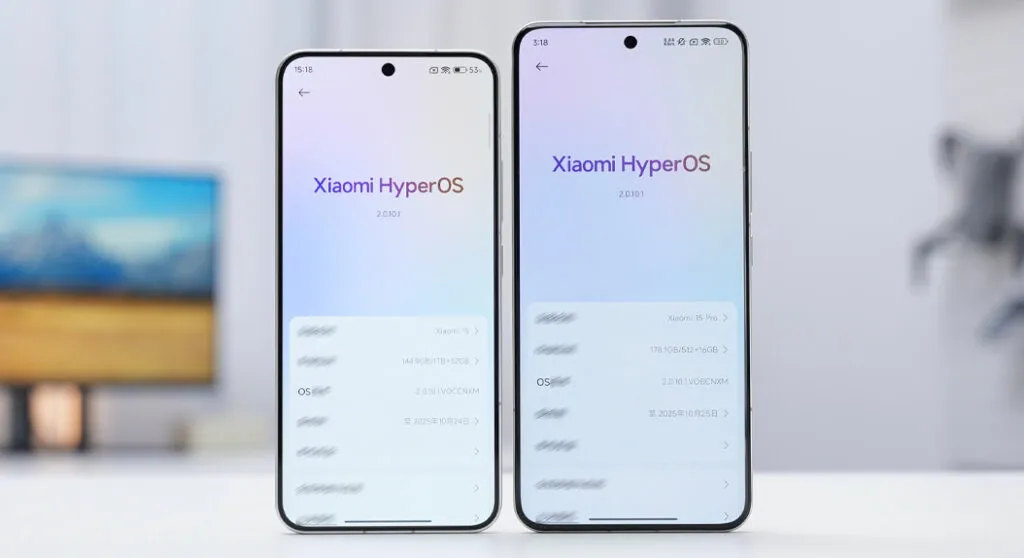
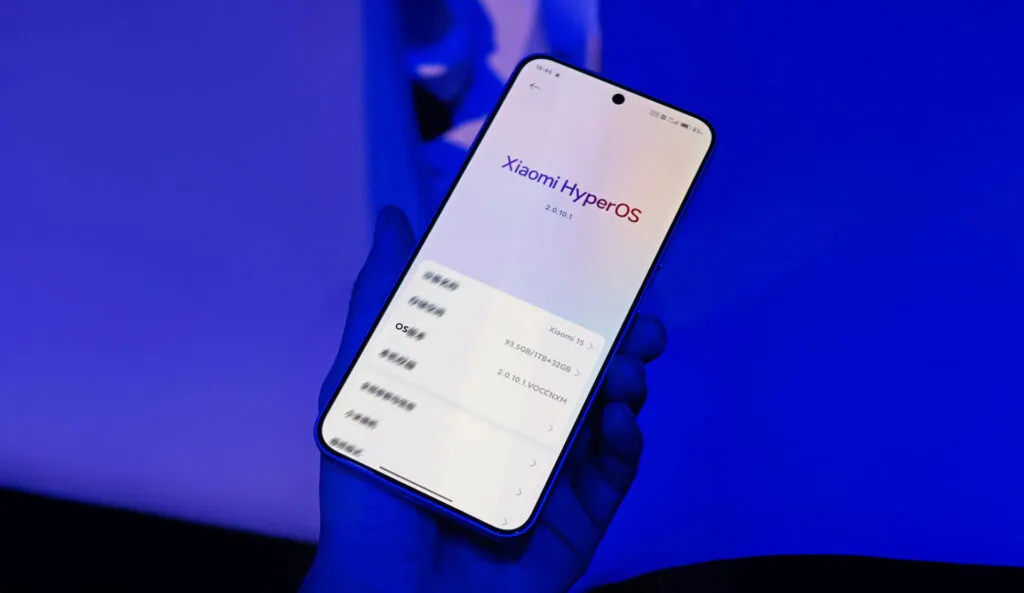
The style of the Settings menu has changed to the tiles style that will come with Android 15 QPR1. A colorful animation has also been added to the about phone section.
As far as improved user interaction and system functionality go hand in hand with intense artificial intelligence, improved performance, and consistency in terms of ecosystem experience, this is not an advancement of Xiaomi’s HyperOS 2.0. With features that derive from Xiaomi’s drive to combine cutting-edge technology with customer feedback, this update closes the gap between hardware and software within the Xiaomi ecosystem.
Without making any prior announcements, Xiaomi has quietly started to roll out HyperOS 2. With a number of new features and optimizations, the update will significantly improve the user experience.
Details about the update
The first to be released was OS2.0.3.0.VNBCNXM, which was made only for Xiaomi 14 Pro customers in China. This upgrade, which is very unexpected from Xiaomi, is an effort to stay up with user experience enhancements and increase relevance in the cutthroat smartphone industry.
Features and Improvements
Numerous new features and enhancements brought about by HyperOS 2 are intended to boost device performance and usability. While comprehensive details regarding all of the new features are still to come, the following can be anticipated:
High Performance: Optimizations that ensure smoothness in the operational feel of application and services. – Enhanced User Interface: An enhanced interface with the potential of further improving navigation and overall user interaction.
Advanced AI Features: Much-improved AI for quality photos and smart suggestions based on user habits.
The Xiaomi community anxiously awaits the enhancements HyperOS 2 will bring to their smartphone experience, as more devices are anticipated to receive updates in the upcoming weeks. As always, current users are urged to update their devices in order to take advantage of the newest features and improvements.