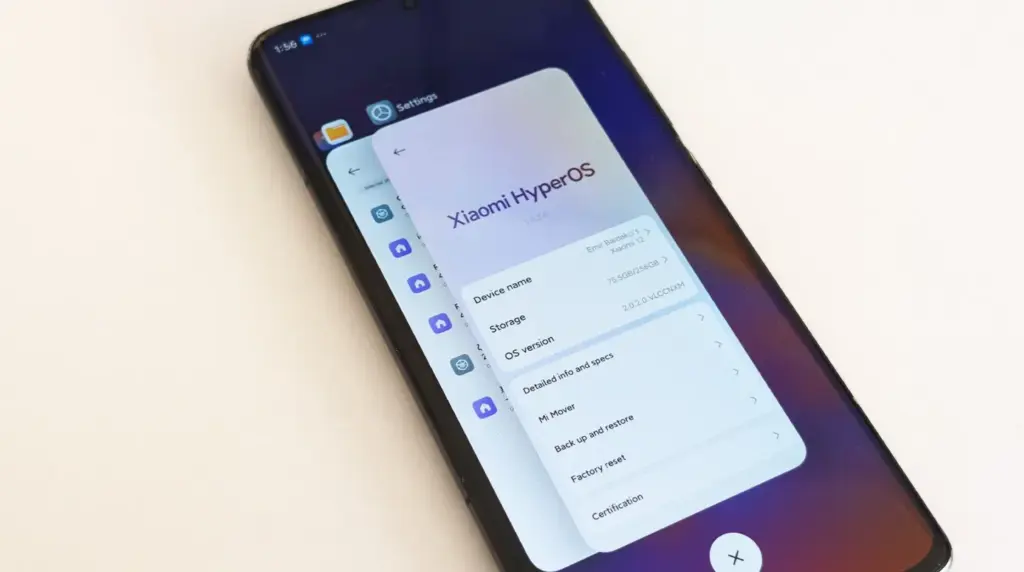
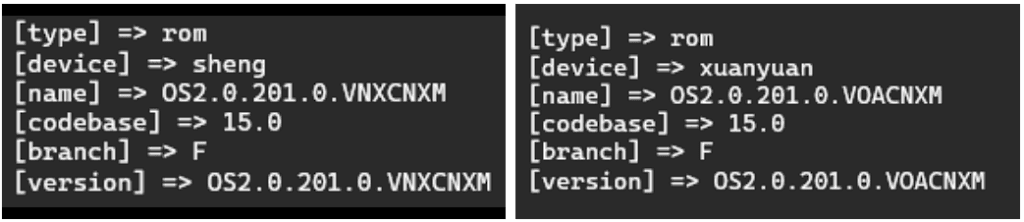
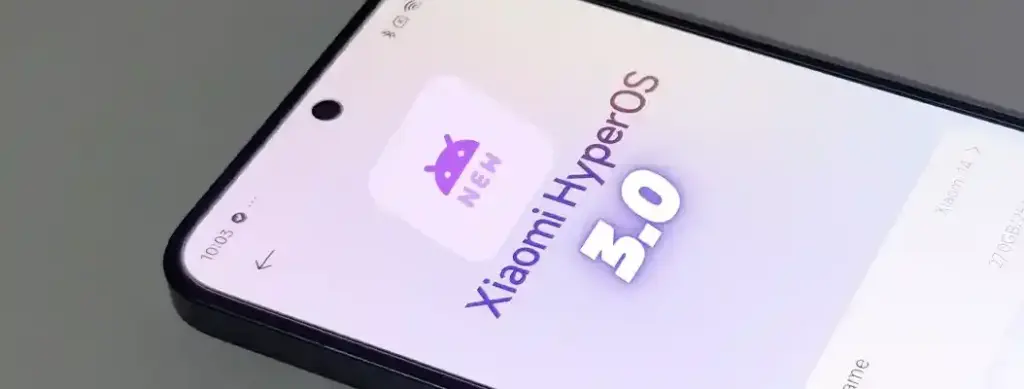
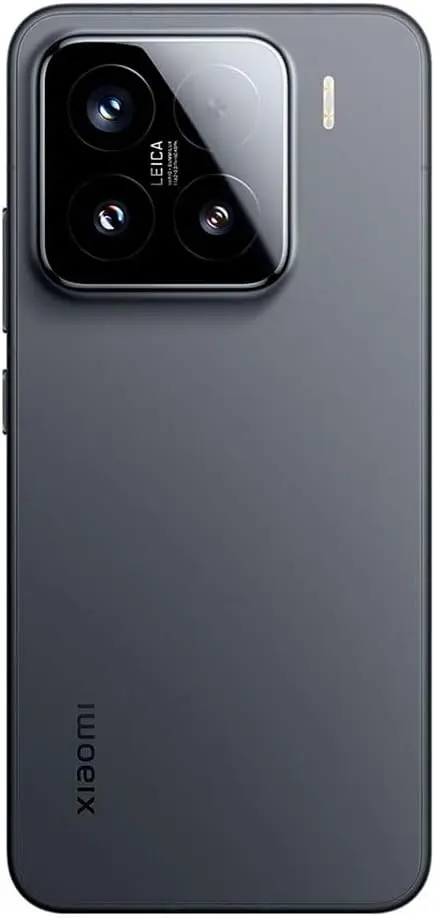
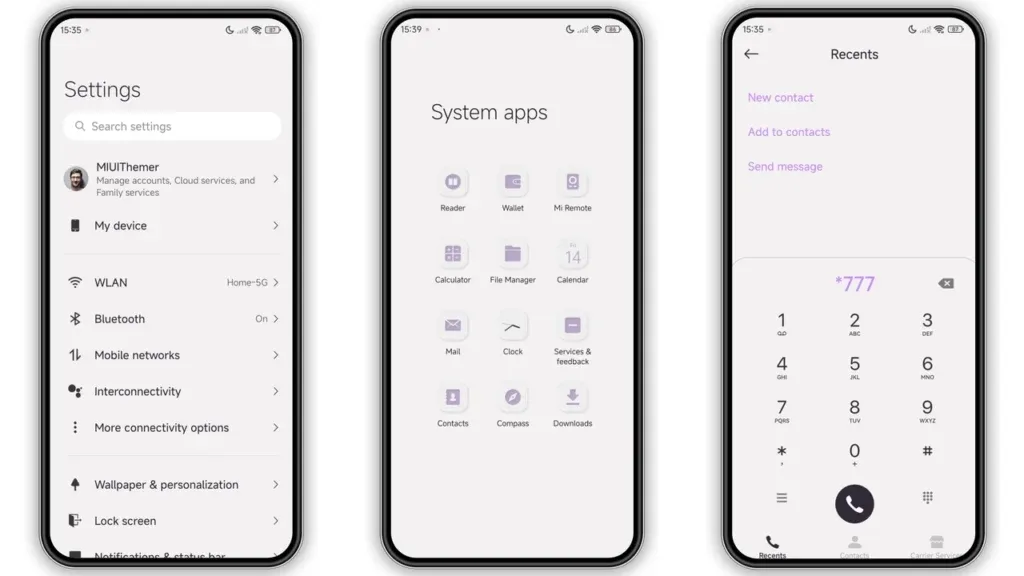
Users of Xiaomi should rejoice since the stable HyperOS 2.2 update is currently planned for four new devices. The software is now available on Xiaomi’s servers and is awaiting final staff testing before going public. As Xiaomi continues to roll out its most recent OS to an increasing number of devices across its wide range of products, this step marks another milestone in the company’s aggressive HyperOS rollout strategy.
Xiaomi‘s emphasis on providing frequent software updates and keeping its ecosystem up to speed with the newest features is further highlighted by the new update, which promises to improve performance, battery life, and user experience for compatible phones.
HyperOS 2.2 family has four new members.
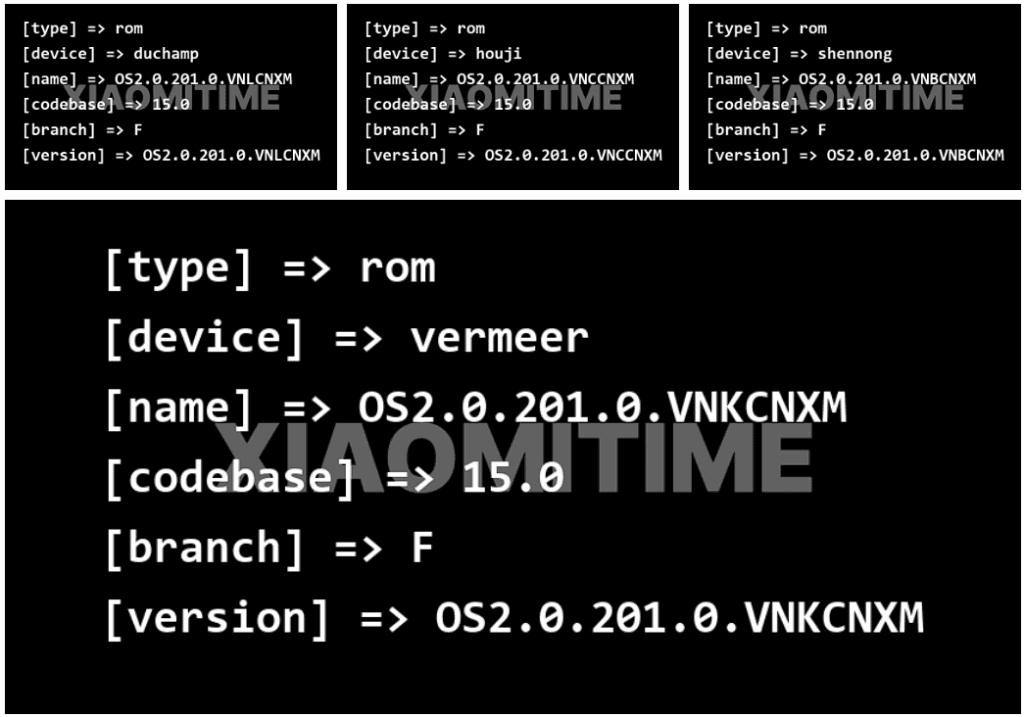
Based on data found on Xiaomi’s update servers, the following devices are now set to upgrade to the stable HyperOS 2.2 update:
Redmi K70E: OS2.0.201.0.VNLCNXM
Redmi K70: OS2.0.201.0.VNKCNXM
Xiaomi 14 Pro: OS2.0.201.0.VNBCNXM
Xiaomi 14: OS2.0.201.0.VNCCNXM
These builds are being tested by Xiaomi employees for the final time ahead of release, providing users everywhere with a smooth and bugless experience when the upgrade is rolled out.
Previously Confirmed Devices
The four new devices add to a number of already confirmed devices for which the HyperOS 2.2 stable update was announced:
Xiaomi 14
Xiaomi 14 Ultra
Xiaomi 15
Xiaomi 15 Pro
Xiaomi 15 Ultra
Xiaomi Pad 6S Pro 12.4
This extended rollout reflects Xiaomi’s commitment to providing its most recent flagship models, as well as last generation models, with the most current software features.
What HyperOS brings?
The HyperOS 2.2 update features a number of significant upgrades for supported devices:
Enhanced system stability for all programs
Optimized battery management for increased usage hours
Smoother animation transitions across the interface
In order to make Xiaomi smartphones competitive in the rapidly evolving smartphone market, these improvements build upon the strong basis of HyperOS 2, improving the user experience and adding new functions. For people who want to view the available updates,
The president is back in the White House after limiting Huawei’s access to American-made technology. This is most likely the reason why other top Chinese businesses have chosen to work together on a new operating system. I believe this is a positive step, even though it might only be a preventative measure and it might be some time before the efforts pay off.
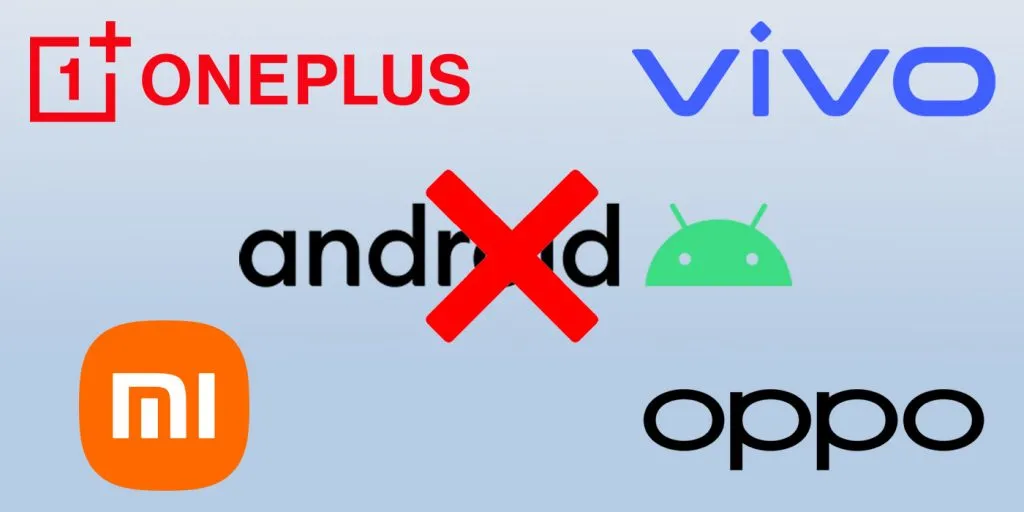
Huawei is prepared to abandon Android entirely, six years after the US government first imposed limitations on the Chinese corporation. Huawei will now help OnePlus, Vivo, OPPO, and Xiaomi develop an Android substitute that doesn’t use Google. The market for smartphones needs this shock.
Smartphones aren’t as thrilling anymore. Each firm used to have a distinct advantage, but these days they all make phones with essentially the same design.
Operating systems for smartphones have been copying one another for so long that they hardly distinguish one another. Apple’s iOS imitated Android features last year, and Samsung debuted a new One UI 7 version this year that draws inspiration from iOS.
That isn’t always a terrible thing. For example, I’m happy to see Android get its own version of Dynamic Island as I use both iOS and Android phones.
Additionally, I miss the days when smartphone makers were free to try new things and different devices didn’t all have the same user experience.
Microsoft makes sporadic attempts to add some spice, but it never succeeds. Although Google’s Fuchsia OS offered some promise, it appears that smart gadgets would never be able to use this operating system.
Xiaomi and OnePlus’s rumored operating system may make smartphones exciting again.
Being self-sufficient is always beneficial.
Every business is on its own as nationalism grows. Chinese businesses must become more independent than ever before because of the ongoing hostility between the US and China. Chinese businesses need to prepare their operating system in case they run afoul of the US government as a precaution.
This has nothing to do with supporting a certain nation or business. Every business, including Samsung, should create its own operating system, in my opinion.
As of right now, though, Android is the only option available to businesses looking to sell phones.
When it comes to purchasing a smartphone, the options are already limited. The majority of consumers will no longer want to purchase phones from Xiaomi and BBK-owned OnePlus, Vivo, and OPPO if they are unable to access Android.
This has already happened with Huawei. However, Huawei has made a resurgence in China as its HarmonyOS matures. The wise course of action is to begin developing a new operating system if Chinese Android manufacturers don’t want to be taken by surprise.
No more Samsung and Apple monopoly
Apple and Samsung stand to gain the most from any possible rift between the US government and Chinese smartphone manufacturers. Google stands to benefit greatly as well because, although producing some of the greatest phones available today, its market share is quite small.
Xiaomi reportedly began developing an in-house microprocessor after learning about potential sanctions. Therefore, even if there hasn’t been any sign that the US wishes to restrict its access to Android, it is still possible.
In the worst case scenario, Apple and Samsung will see exponential growth, potentially leading to a duopolistic market. For this reason, we are in greater need than ever of a third mobile ecosystem.
This will not be a simple undertaking. For example, even after years of development and investment, Huawei’s operating system is still not a full substitute for iOS and Android. There are still not many well-known apps in the company’s app store.
Xiaomi and BBK-owned companies risk alienating customers in international markets if they cease selling Android-powered phones. A redesigned Android skin with cutting-edge functionality and distinctive aesthetic improvements would be a smart place to start.
The Helio G200, MediaTek’s newest chipset, was formally announced. It significantly improves the low-cost phone lineup, which is dominated by Xiaomi phones. Utilizing the advancements of its predecessor, the Helio G100, which powered the well-liked Redmi Note 14 Pro 4G, this new chip delivers significant improvements to networking and camera management.
The G200 is a component of MediaTek’s continuous effort to offer premium features at reasonable costs, which is exactly in line with Xiaomi’s own strategy in the smartphone market.
Better Performance
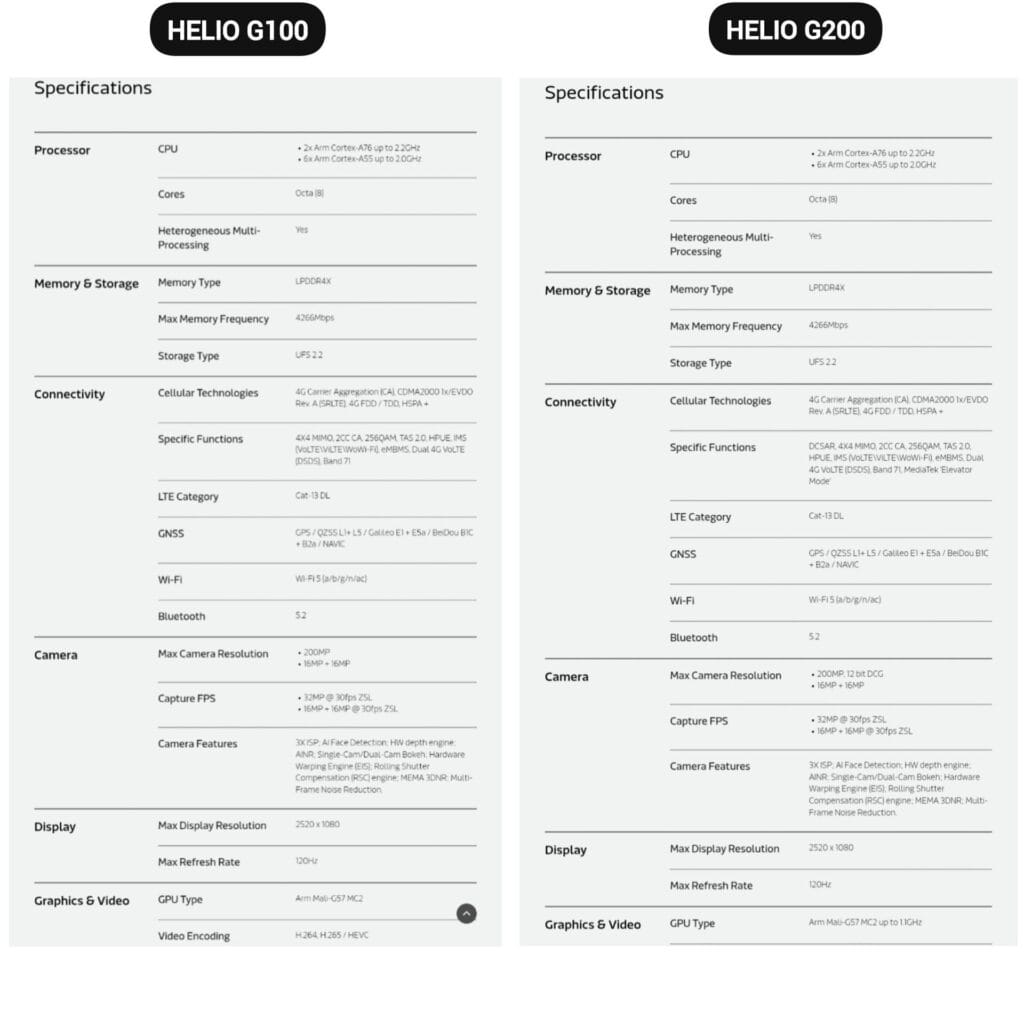
The MediaTek Helio G200 features the same core architecture as the previous one but with several significant upgrades:
Octa-core CPU setup (6x Arm Cortex-A55 at 2.0GHz + 2x Arm Cortex-A76 at 2.2GHz)
Mali-G57 MC2 GPU now at 1.1GHz for enhanced gaming performance
Support for LPDDR4X memory with speeds of up to 4266Mbps
Compatibility with UFS 2.2 storage for quick data access
MediaTek’s HyperEngine technology, which adjusts the network connections, display settings, and touch input while gaming, further strengthens the processor’s gaming capabilities.
Improved camera capabilities
One of the greatest advancements in the G200 is in its imaging abilities:
Support for camera sensors with as much as 200MP with 12-bit DCG
Triple ISP architecture for quicker image processing
Advanced AI noise reduction technology
Hardware-accelerated depth engine for enhanced portrait shots
Both single and dual camera bokeh effects are supported
Because of these enhancements, the G200 is a desirable option for smartphone manufacturers looking to offer exceptional photography capabilities in mid-range devices.
Features
The Helio G200 features several new connectivity features not available in the G100:
Optimized signal reception through DCSAR technology
MEDIATEK introduces new “Elevator Mode” for preserving connectivity in difficult situations
We should expect Xiaomi’s upcoming mid-range smartphones to employ this new G200 chip, as the Redmi Note 14 Pro 4G uses the Helio G100. Better gaming performance, better photography, and more reliable connectivity would all be supported by the updated specifications without significantly increasing the devices‘ price.
Since official release dates for a number of flagship models have been revealed, brand fans who have been eagerly awaiting the debut of HyperOS 2.2 can now relax. This significant upgrade adds new AI functions, interface adjustments, and other performance enhancements to Xiaomi’s premium lineup. The information was taken directly from the Xiaomi community forums, where an odd story about how community input influenced the rollout was told. This is one of the most well-planned rollouts the company has ever witnessed, with multiple device series distributing the update around one another.
Schedule updated
The timelines for HyperOS 2.2 have been confirmed for three significant device families:
REDMI K80 Series: May 12th, Monday
REDMI K70 Series: May 13th, Tuesday
Xiaomi 13 Series: Thursday, May 15th
According to DaWangLe, a reliable source from the Xiaomi community, the first goal was to highlight the K80 and K70 series. However, the company changed its approach and eventually released upgrades for all three device lines consecutively as a result of enthusiastic voting and feedback from Xiaomi 13 consumers.
These first 200 beta versions have undergone an exceptionally rigorous testing procedure that has required additional time and resources. In order to synchronize with internal testing and have the updates ready for public release, the Xiaomi team reportedly worked through the weekend.
Beta recruitment
For customers willing to use the new update, the process will function as:
REDMI K80/Pro users can begin applying for beta recruitment from next Monday
Upon approval, the selected individuals will get the update immediately Redmi K70/Pro consumers will have direct availability from Tuesday
The owners of the Xiaomi 13 series will get their update this Thursday
It’s worth noting that these update dates are applicable only to devices in China. Schedules for international rollouts have not yet been released but are usually several weeks behind the China release.
Update available for more devices
Besides the principal release timeline, two additional flagship devices already have update bundles in place:
Android users are particularly concerned about privacy and data safety, especially when saving sensitive files, images, or papers. Whether you are concerned about someone peeking through your gallery or want to protect business-related content, Android has built-in security features that do not require third-party apps.
This guide describes how to use secure folders and app-based file protection features on several Android devices, including Samsung, Google Pixel, and more.
What is a secure folder
A secure folder is a safe location on your Android smartphone where you can keep programs, files, and media separate from the main user interface. Access requires authentication (PIN, pattern, or fingerprint), ensuring that only you can open it. When data is moved to a safe folder, it is rendered invisible in conventional folders and apps such as Google Photos or File Manager.
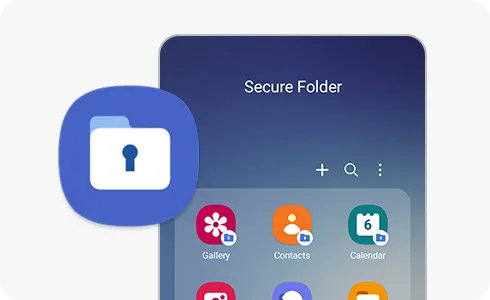
Samsung’s Secure Folder is the best-known example, however other manufacturers provide comparable functionality.
How to use Secure Folder on Samsung Galaxy devices
Samsung offers a native solution called Secure Folder, available on most devices running One UI:
Enable Secure Folder:
Go to Settings > Security and privacy > Secure Folder.
Sign in to your Samsung account if prompted.
Set your preferred lock method (PIN, password, or biometric).
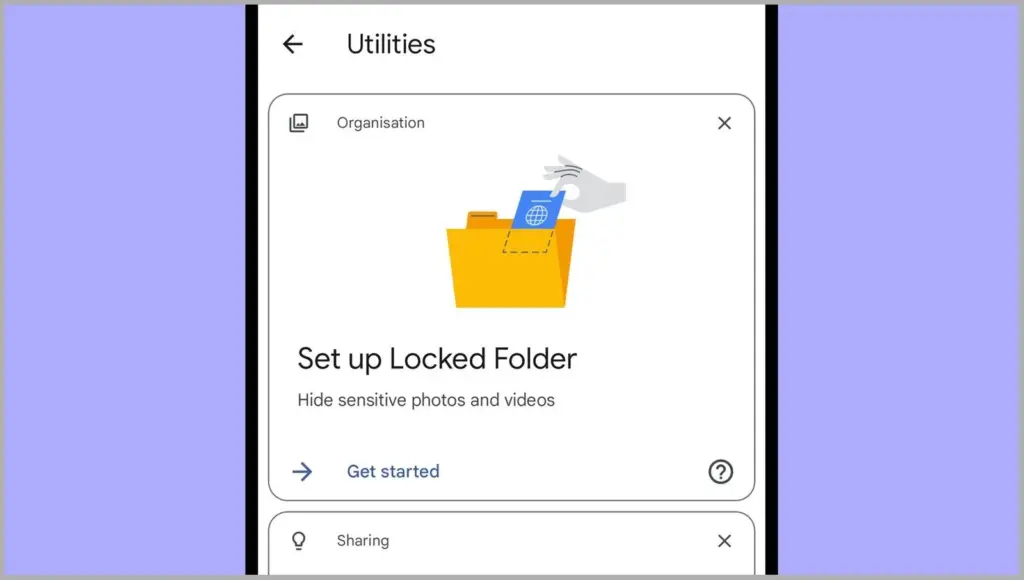
Files by Google includes a Safe Folder to protect sensitive files.
Open the Files by Google app.
Tap Browse, then scroll to Collections > Safe folder.
Set up a 4-digit PIN when prompted.
Move any files (photos, documents, videos) into the Safe Folder for encryption and restricted access.
Limitations:
No secure app duplication.
Cannot protect entire apps—only individual files.
2. Use screen pinning or app lock (if supported)
On Pixel phones, you can use screen pinning to lock a specific app:
Go to Settings > Security > Advanced > Screen pinning.
Turn it on and set it to ask for unlock credentials.
When enabled, you can lock an app to the screen and prevent switching until your PIN or fingerprint is entered.
Secure folder alternatives for OnePlus, Xiaomi, Vivo, and Realme
Many Android OEMs offer their own version of secure folder functionality:
OnePlus (App Lock & Hidden Space):
Go to Settings > Utilities > App lock to lock apps.
Use Hidden Space (swipe right in the app drawer) to hide apps or files from plain view.
Xiaomi (Second Space or App Lock):
Second Space lets you create a full-profile clone for private use.
App Lock in Settings lets you password-protect apps and media.
Vivo/Realme:
Use File Safe or Private Safe under Security settings.
This lets you encrypt and store sensitive files securely.
Each of these tools serves a similar purpose: creating a private area for your data and apps that only you can access.
When should you use a secure folder
Secure folders are ideal for:
Storing sensitive photos, work files, or legal documents
Keeping personal messages or notes private
Isolating apps with private data
Creating a private profile for shared phones or kids
If your phone is shared, stolen, or accessed without your knowledge, a protected folder provides an additional layer of security.
Android provides numerous options to protect your most sensitive data, with secure folders ranking among the best built-in solutions for the purpose. Whether you use Samsung’s powerful Secure Folder, Google’s Safe Folder, or manufacturer-specific features, these solutions offer true privacy without the need to install third-party apps. To protect your digital life, ensure that they are correctly configured and that you use a strong authentication technique.
There is currently a precarious scenario between the United States and China, with Huawei being the unlucky subject of trade sanctions. The constraints imposed on the erstwhile smartphone behemoth indicate that other Chinese corporations, like as Xiaomi, are not immune to incurring the same fate, which is why it is critical that these companies be well-prepared for any shocks. For the time being, the first order of business is a report that a HyperOS version devoid of Google Play apps and services, akin to Huawei’s HarmonyOS, is in the works, with BBK assisting with the changeover.
Huawei’s experience in dealing with hardship will help Xiaomi develop its latest HyperOS 3 version.
A highly speculative rumor from XiaomiTime claims that Xiaomi is collaborating with Huawei and the BBK Group, the parent company of OPPO, Vivo, and OnePlus, to create a HyperOS 3 version that is free of Google’s apps and services. Xiaomi now has a license to use the Mountain View company’s smartphone operating system, but no one knows when the Trump administration may reconsider this collaboration.
The US government’s concerns about Xiaomi may have been exacerbated when it was revealed that the company had successfully taped-out its custom 3nm chipset and was on track to launch its first in-house solution, Xring, later this month, though the intended timeline may be pushed back. Unfortunately, the only market where Xiaomi can achieve the majority of its success if it abandons Android is China, unless it can provide millions of customers with a custom app store that includes all of the essential alternatives, which is extremely difficult.
It is likely that Xiaomi is keeping HyperOS 3 as a “ace up its sleeve” in case the Trump administration imposes a trade ban on the company, which would also prevent it from using Google Play services or apps. Until such an incident occurs, Xiaomi will most likely avoid losing a large number of consumers and millions of dollars in income.
Software updates are vital for keeping your Android smartphone secure, efficient, and compatible with the most recent apps. However, many users disable auto-updates, either to save data or to avoid unpleasant modifications. What is the good news? You can still manually check for and apply updates, rather than waiting for a system prompt.
In this extensive article, we will teach you how to manually check for Android system updates across many brands and what to do if no update appears – even if you assume one is available.
Why Android updates matter
There are several good reasons to check for Android updates manually:
1. Get Critical Security Patches Faster
Waiting for the automatic update prompt could expose your phone to known exploits. Manually checking allows you to keep ahead of security issues by ensuring that your device always has the most recent patch.
2. Access New Features Early
Android upgrades frequently include new interface modifications, battery optimizations, and system features. Manual updates allow you to try the latest enhancements as soon as they are published.
3. Fix Device Glitches or Bugs
Some updates contain stability fixes for specific devices. If your phone has been behaving up, a system update may fix crashes, poor performance, or connectivity issues.
4. Ensure App Compatibility
Many apps now require the latest Android versions to function properly. Without regular upgrades, your favorite apps may cease to function or lose essential features.
Check for updates via settings (standard Android)
This is the most common way to check for updates on Android, regardless of the manufacturer.
Steps:
Open your device’s Settings.
Scroll down and tap on System.
Tap Software Update or System Update (name may vary).
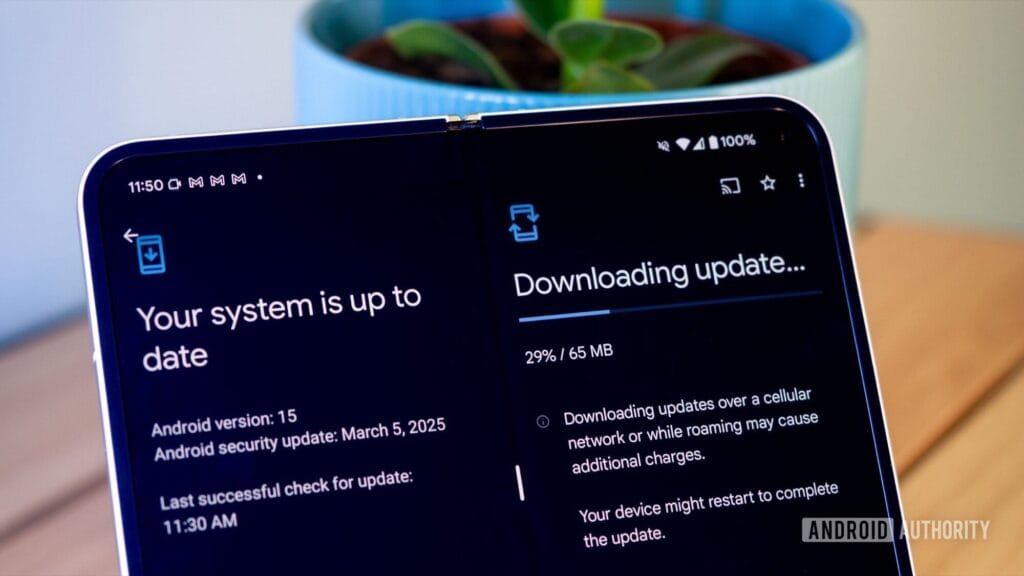
Tap Check for updates.
If an update is available, follow the on-screen instructions to download and install.
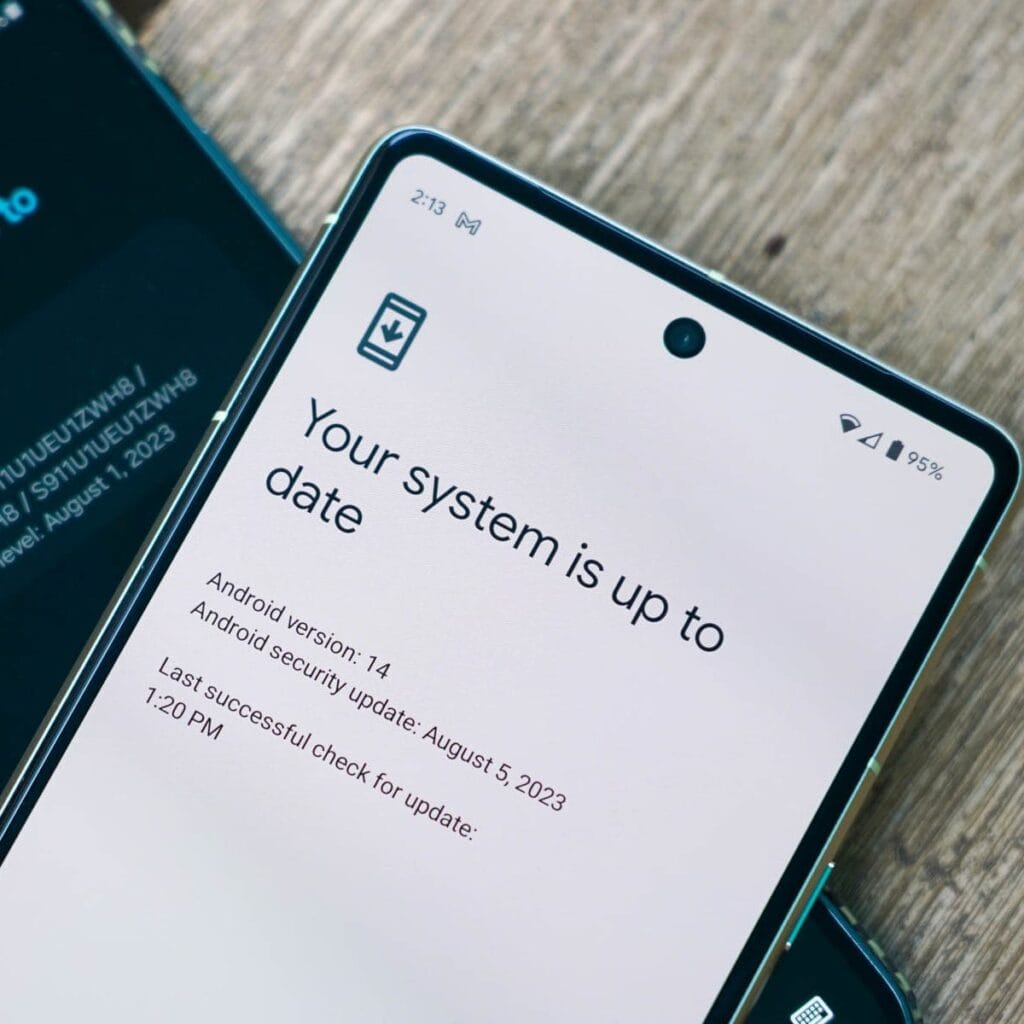
What if it says “Your system is up to date”?
That alerting does not always indicate that there is no update; it could simply have not yet reached your region or device build. In that situation, consider the advanced methods listed below.
How to check updates on specific Android oems
Because manufacturers customize Android OS, the update settings may be in slightly different locations.
Samsung Devices
Go to Settings > Software update > Download and install
Samsung pushes monthly security patches and One UI feature updates through this panel.
Google Pixel
Go to Settings > System > System update
Pixel devices receive updates directly from Google — typically first among all brands.
Xiaomi, Redmi, POCO (MIUI)
Go to Settings > About Phone > MIUI Version
Tap on Check for updates.
For advanced control, use the Updater app found in system apps.
OnePlus (OxygenOS)
Go to Settings > About phone > OxygenOS version
Tap Check for updates
Alternatively, download the OnePlus Updater APK for sideloading updates.
Oppo / Realme (ColorOS & Realme UI)
Go to Settings > Software update
Tap on Check for updates
Oppo also has an “Early Access” program for beta releases.
Motorola
Go to Settings > System > Advanced > System Updates
Tap Check for updates
Use Google Play system updates (separate from OS)
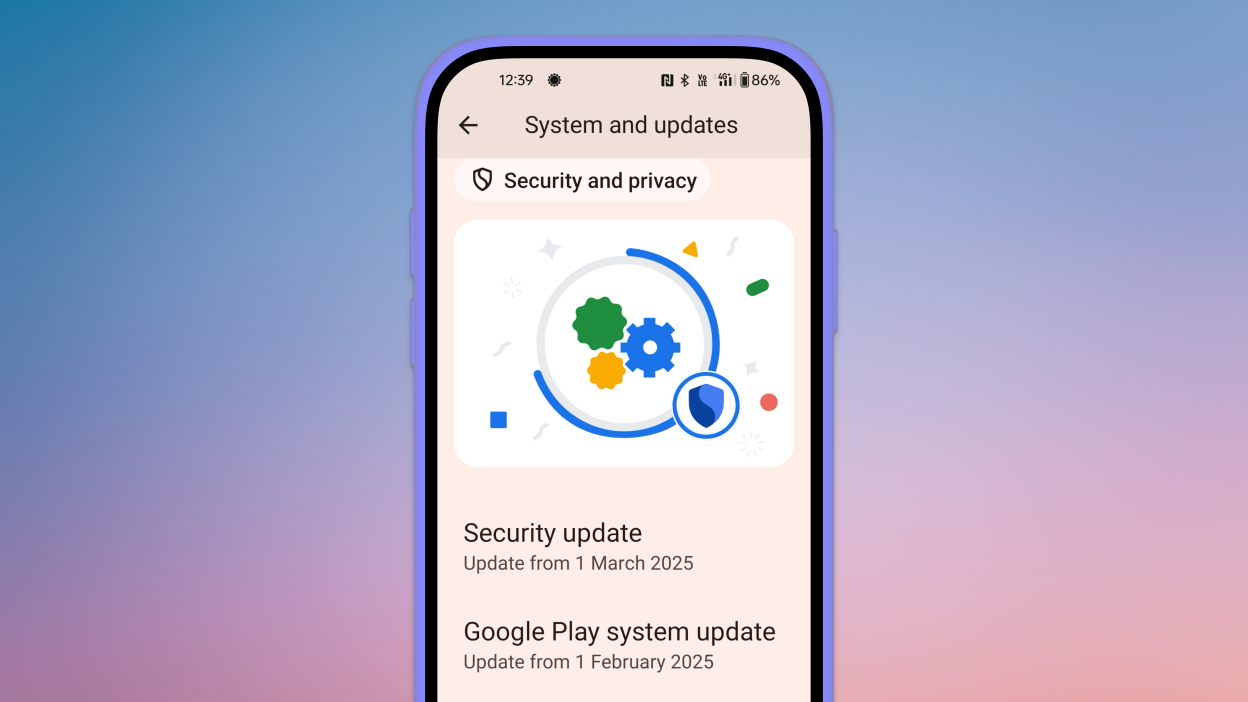
Since Android 10, Google has separated certain security and performance updates from full OS upgrades. These are delivered via Google Play system updates.
How to check:
Go to Settings > Security > Google Play system update
Tap Check for update
These are smaller updates that often improve background processes like biometric security, encryption modules, or system services.
Force update with OTA Zip files (advanced users)
If your manufacturer has released an official firmware update but it hasn’t reached your phone yet, you can manually install it using an OTA (Over-The-Air) zip file.
Steps (for advanced users):
Visit your manufacturer’s official website or trusted forums like XDA.
Download the correct OTA update file for your model and region.
Place the file in the root directory of your internal storage.
Boot into Recovery Mode (usually via holding Power + Volume Up).
Choose Apply update from SD card or Install update.zip.
⚠️ Caution: Flashing the wrong file or interrupting the process can brick your device. Always back up your data.
What to Do If No Update Appears?
If you’ve tried everything and your device still says it’s up to date, here are possible reasons:
Carrier Delay: Devices tied to mobile carriers often receive updates later than unlocked models.
Staged Rollouts: Updates are released in waves. Your device may be queued for later.
Region Restriction: Updates may reach some countries first. A VPN won’t help because updates are tied to device build numbers, not IP addresses.
Outdated Device: If your device is more than 2–3 years old, it may have reached its end of life for updates.
Pro Tips to Get Updates Faster
Enroll in beta programs if your phone supports them (Pixel, Samsung One UI Beta, etc.)
Use the manufacturer’s official updater app (like the Xiaomi Updater).
Keep at least 3–5 GB of free storage so updates can install smoothly.
Fully charge your battery before downloading any major update.
Final Thoughts
Checking for Android updates manually is a good practice, especially if you value efficiency, security, or new features. While auto-updates may manage this silently in the background, taking control ensures that you are always using the most recent and safest version of Android.
Whether you are using a Samsung, Pixel, Xiaomi, or Motorola, the steps are usually only a few taps away. Stay up to date and secure.
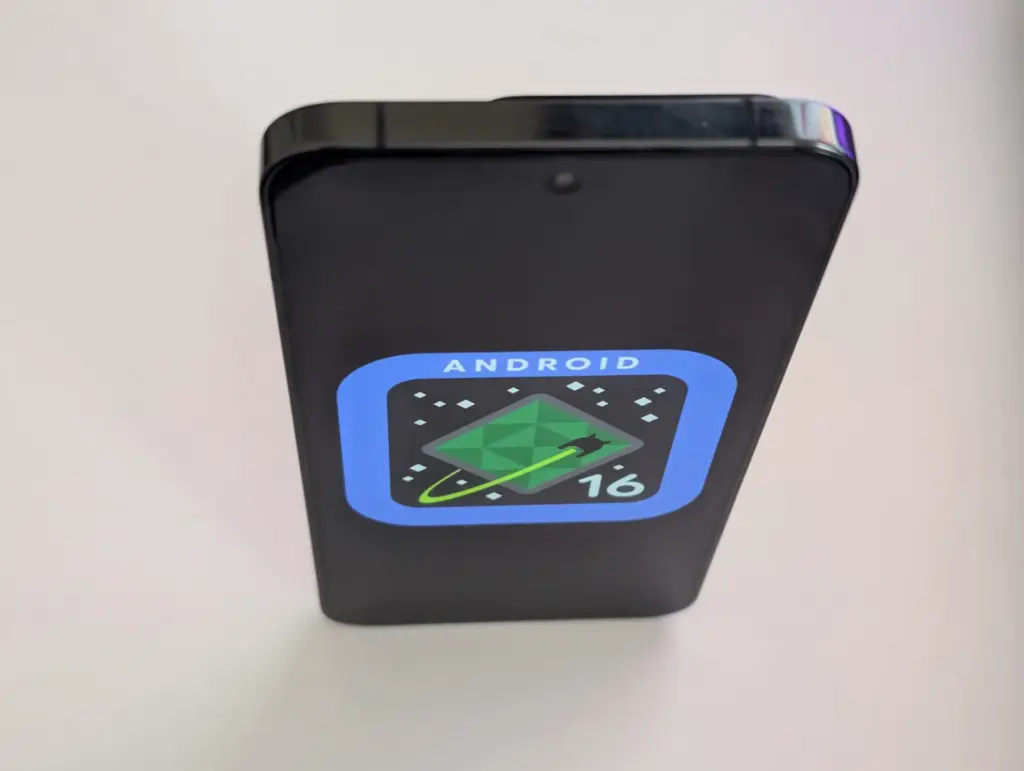
A number of cutting-edge features from the soon-to-be released Android 16 will also be included in Xiaomi’s eagerly anticipated HyperOS 3, setting a new standard for mobile operating systems for the company’s diverse range of devices. HyperOS 3 will deliver cutting-edge capabilities that will transform how people use their devices as Xiaomi develops its ecosystem integration, adds cutting-edge security measures, and keeps improving its software experience.
The upcoming upgrade is expected to offer an unparalleled combination of performance, functionality, and configurability, continuing Xiaomi’s tradition of perfecting the foundations of Android.
Important changes to expect in HyperOS 3
Android 16 will be the starting point for HyperOS 3 to introduce many significant upgrades that Xiaomi will probably enhance and build upon:
Live Updates: Delivery of information in real time without apps
Hybrid auto-exposure for improved low-light photography
Exact colour temperature controls Night mode Camera extension API
Motion photo capture functionality
Display Optimizations
Improved Adaptive Refresh Rate support
Forcing edge-to-edge app support
Ultra HDR image enhancements
These enhancements are a perfect fit for Xiaomi’s mission to deliver superior multimedia experiences across its line of devices, especially so across its camera-focused devices such as the latest Xiaomi 14 series.
Performance and System Improvement
The fundamental system architecture within HyperOS 3 will probably undergo major upgrades:
Vulkan: Presently the official graphics AkPI for Android
Cloud compilation: Quicker app installations
Improved app adaptability: Increased performance across device types
Xiaomi has consistently prioritized performance optimization in its previous operating systems, suggesting that HyperOS 3 would further enhance these features to allow for even higher responsiveness and speed.
Connectivity and Accessibility Features
HyperOS 3 is also anticipated to advance how people interface with their devices and one another:
Volume controls for ambient sound: For hearing aids using LE Audio
Generic ranging APIs: Enhanced location services
Gemini Extensions: Extended AI assistant capabilities
These features support Lei Jun’s idea of seamless integration throughout the Xiaomi product range and are evidence of Xiaomi’s continuous efforts to provide a simpler and more connected device ecosystem.
Xiaomi is still updating a variety of devices with the HyperOS 2.1 upgrade, which is based on Android 15. However, all eyes are now on HyperOS 3, which is based on Android 16, the upcoming major release. This one will come with enormous improvements in terms of performance, features, and design.
Xiaomi to roll out HyperOS 3 update based on Android 16
A recent article from XiaomiTime states that the release of HyperOS 3 is anticipated to be in July 2025. Although Xiaomi has not yet released an official announcement regarding the complete list of devices, the report offers us a good idea of which models should be updated. Xiaomi, Redmi, and POCO devices will be included in the upgrade, demonstrating the company’s dedication to providing long-term software support.
What to Expect in HyperOS 3
Improved multitasking, improved battery life optimization, more intelligent AI-based capabilities, and a redesigned user interface are just a few of the many new features that HyperOS 3 is said to offer. It is anticipated that a primary focus will be on improving device integration and performance, particularly with regard to tablets and foldables.
Xiaomi 15 5G
Snapdragon 8 Elite Mobile Platform3nm manufacturing processCPU2 x Prime Core, up to 4.32GHz6 x Performance Core, up to 3.53GHzGPUAdreno GPUAIQualcomm AI engine.
Leica Summilux optical lensLEICA VARIO-SUMMILUX 1:1.62-2.2/14-60 ASPHLeica main camera50MPLight Fusion 900 image sensor2.4μm 4-in-1 Super Pixelf/1.62OIS23mm equivalent focal lengthLeica 60mm floating telephoto50MPf/2.0OIS60mm equivalent focal lengthLeica ultra-wide camera50MPf/2.214mm equivalent focal length115°. 32MP FRONT CAMERA
Redmi Note 12, 13, and 14 series (4G, Turbo, and Pro models)
Redmi 12, 13, and 14 series (C and A models)
Redmi K50, K60, K70, and K80 series
Redmi Pad SE, Pad SE 8.7, Pad Pro, and Pad Pro 5G
POCO Devices:
POCO F5, F5 Pro, F6, F6 Pro, F7, F7 Pro, and F7 Ultra
POCO X6 5G, X6 Pro 5G, X7, X7 Pro, and X7 Pro Iron Man Edition special edition
POCO M6 (4G, 5G, and Pro versions), M7, and M7 Pro 5G
POCO C65, C75, and C75 5G
With a wider rollout, Xiaomi will gradually introduce the most recent Android experience across a diverse range of devices. It is likely that HyperOS 3 will improve on everything you do on a flagship, mid-range, or low-cost phone. Xiaomi is going to make the announcement, so keep a look out!
In October 2023, Xiaomi unveiled their new Android-based operating system, or Android skin as some of you could refer to it. It was the successor of MIUI and is called HyperOS. Sincerely, HyperOS ended up looking a lot like MIUI, and although it did provide some nice modifications, it also brought about some unfavorable ones. HyperOS is undoubtedly a highly powerful piece of software, but there is still a lot of space for improvement. Although Xiaomi’s HyperOS has a lot of promise, a few things must alter if it is to advance.
So far, I have been running HyperOS on several Xiaomi and Redmi devices. I have discovered a number of things that I would alter during my time with it. To be clear, you might not have an issue with some or all of these things. Nevertheless, I think HyperOS has a lot of promise and can reach that point with just a few smart actions from Xiaomi. Keep in mind that, as is typical with these kinds of pieces or editorials, personal opinion does come through. Views vary. So, let us examine HyperOS’ shortcomings, shall we? I will not do it in any specific order.
Home screen customization
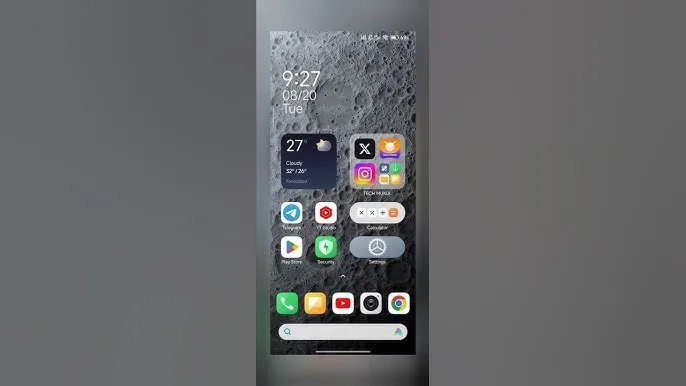
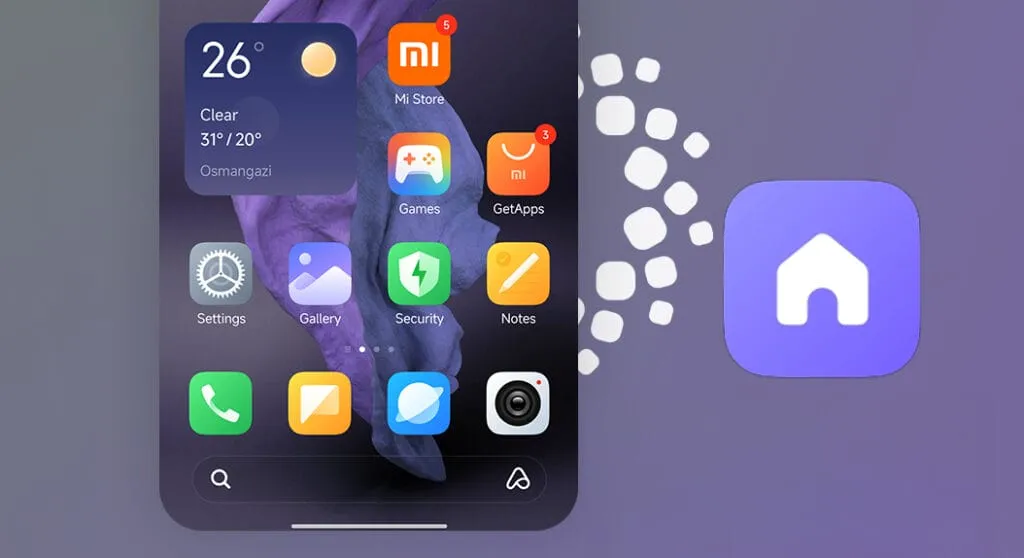
There is a lot of flexibility available with HyperOS. Still, there is potential for improvement. I made the decision to pay close attention to the home screen. Why? Xiaomi can improve this in a number of ways that will help consumers. First and foremost, using icon packs from the Google Play Store would be great. Setting up icon packs is practically impossible since we are unable to use third-party launchers. Xiaomi has no reason not to implement this change in their stock launchers, as many other Android OEMs do.
Plus, it would be fantastic to give customers additional grid size options. There are very few options available presently. However, there is a problem with nearly all other Android OEMs. The home screen’s app dock row comes next. It would be great if we could eliminate it completely and have a single, consistent canvas on the home screen because some users choose not to use it at all.
Unblock third-party launchers
One of my main complaints with HyperOS is this. The only significant Android skin that totally prevents third-party launchers from working is this one. Although it is likely that you will have problems with gesture navigation, other OEMs let you set them. Actually, Google is to blame for this, as it restricts access to certain APIs for third-party developers. It has been a persistent problem. To change that, they even petitioned Google.
However, for some reason, Xiaomi chose to restrict third-party launchers entirely. Actually, it was not the case with MIUI in the past. In actuality, third-party launchers performed best on Xiaomi smartphones in terms of animations and other features. It was a significant shift when Xiaomi blocked them. Since many fans use Xiaomi phones, it should be possible to enable third-party launchers and let them function properly.
Toggles
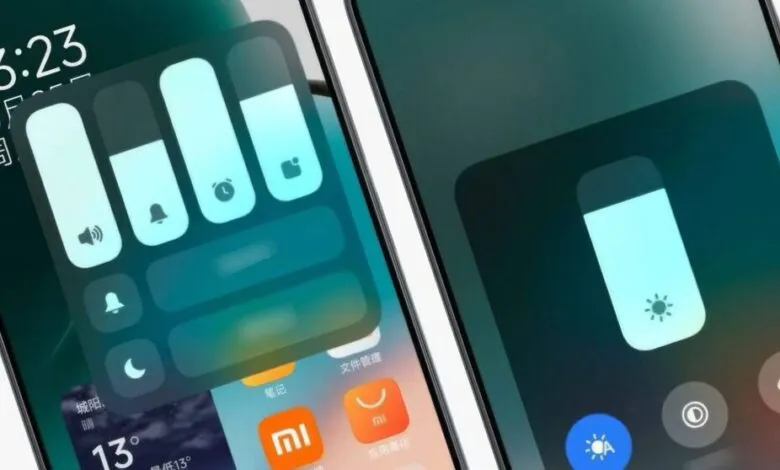
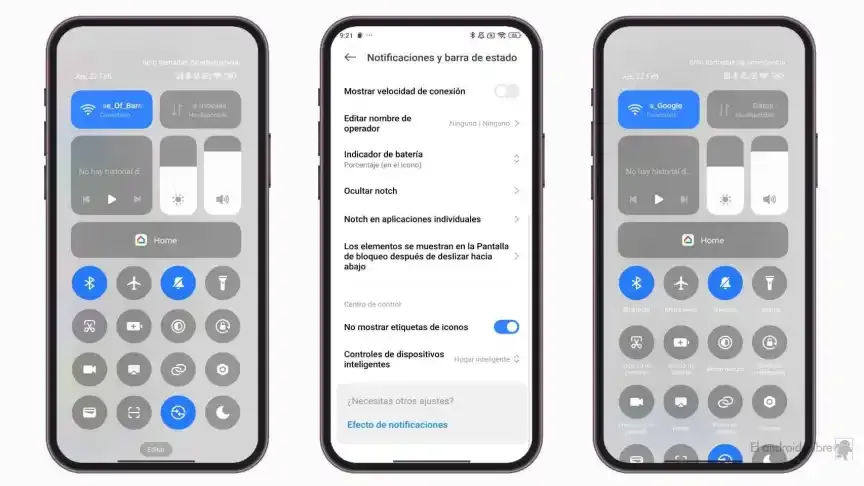
The Quick Toggles screen might be enhanced by Xiaomi as well. Although it makes us think of iOS, it is not an issue in this case. This Android skin lacks a dedicated Settings toggle, in contrast to the majority of others. Although there is a toggle, it is a component of every other toggle. Although you can move it around and position it wherever you choose, it is not independent and lacks sufficient intuitiveness. It would be convenient if it were distinct because many users are accustomed to opening Settings from there.
In addition, there are just two sizable toggles there, and regrettably, you are unable to alter that. The WiFi and mobile data toggles are the only sizable toggles you receive. For example, the Bluetooth toggle and the screen rotation toggle cannot be made huge. If Xiaomi made this possible and let users fully design the Quick Toggles interface, it would be great.
Push notifications
Unbelievably, HyperOS still has problems with push notifications. At least the way it is configured right out of the box. I have been experiencing problems with the majority of apps. By default, apps are set to “Battery Saver,” which is the suggested setting. You will not have these problems, though, if you unblock them from their limitations in the settings (each program independently). It will be possible for notifications to reach their destination on schedule.
The problem is that ordinary consumers will not be aware of that. They will not consider changing that function by going into the settings. Of course, that is problematic. Many of them will find it annoying because they will not be receiving notifications right away. As a result, they become irritated with the business—in this example, Xiaomi—and develop a bad opinion of their goods. To be honest, Xiaomi should make changing this a high priority. Push alerts need to function normally right out of the box.
The 10-second countdown
Another noticeable issue when it comes to HyperOS has to do with the timeout Xiaomi is placing on its consumers. Essentially, a warning pop-up will appear each time you attempt to modify a more complex setting, such as an accessibility setting. That is typical, is not it? Yes, it is; all OEMs carry it out. The 10-second countdown, however, is unusual. You cannot approve or reject anything on Xiaomi until ten seconds have elapsed. This is most likely in place to allow you sufficient time to read the warning.
You truly do not need to read it again after you have seen it for the first time. That countdown is incredibly annoying since you know exactly what you want to do. It makes sense if Xiaomi only did it once after you had configured your device. However, in HyperOS, you receive it each time a more complex configuration is altered.
Notifications
I wanted to draw attention to a few more notifications-related problems besides push notifications. For other people, lock screen notifications are an additional problem. They work similarly to what you get on iOS the way they are currently configured. It goes without saying that many individuals will find that offensive. What is wrong? You will notice your new notifications when you get to the lock screen. However, they will not be there the next time you get to the lock screen, even if you do not read or open them and then lock the device.
Yes, they will still remain in the notification shade, however this is a problem if you use your lock screen a lot. That is not what the great majority of other Android OEMs do. Similar to the notification shade, notifications will remain on your lock screen unless you choose to dismiss or open them. This distinction between the lock screen and notification shade is completely superfluous, and I sincerely hope Xiaomi will eliminate it soon.
Status bar icons
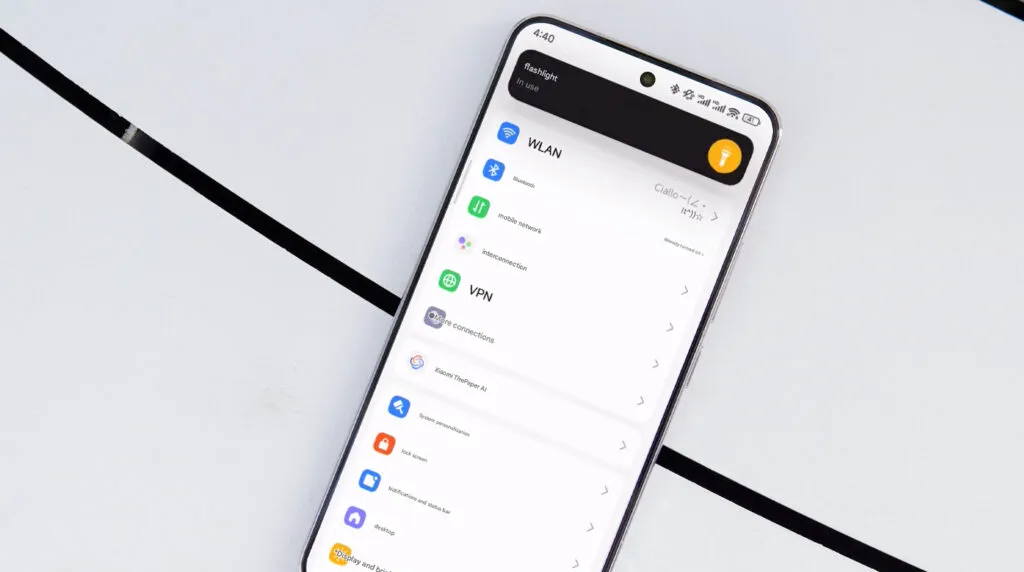
Xiaomi can also make the HyperOS status bar better. When it comes to it, there are a number of various irritations. Notification icons are the subject of the first one. Xiaomi restricts you to a single app notification icon in the upper-left area by default. However, you have the option to enable up to three app notification icons to show. Only the three most recent alerts from various applications will show up if you have more than three.
Almost all other Android OEMs permit as many app notification icons as they can fit on the screen. It does not restrict you in that manner, which is the proper approach. The fact that Xiaomi only allows one icon by default and that you are unable to enable more than three icons is not the only issue. Simply put, HyperOS introduced a totally needless modification that was not a problem on MIUI.
Additionally, if HyperOS allowed users to remove some of the status bar icons, that would be great. For instance, it is superfluous that the Bluetooth indicator is always up there. Many individuals always have Bluetooth turned on for their headphones, smart watches, or other accessories. That icon does not really need to be up there all the time if it is always on. If we could take it off and forget about it, that would be great.