The Active 2 smartwatch is getting a fresh update from Amazfit. In comparison to other recent releases, firmware version 6.0.14.1 seems to be a small update. According to reports, the raise-to-wake feature has undergone minor adjustments, and a few potential new problems have also been discovered.
A new update is coming for the Amazfit Active 2 smartwatch. Launched in January 2025, this smartwatch features an AMOLED display and is reasonably priced for tracking exercise and health. This watch has previously received updates, including Zepp Flow 1.8.0 in early April and local music storage in March, before the latest firmware version 6.0.14.1.
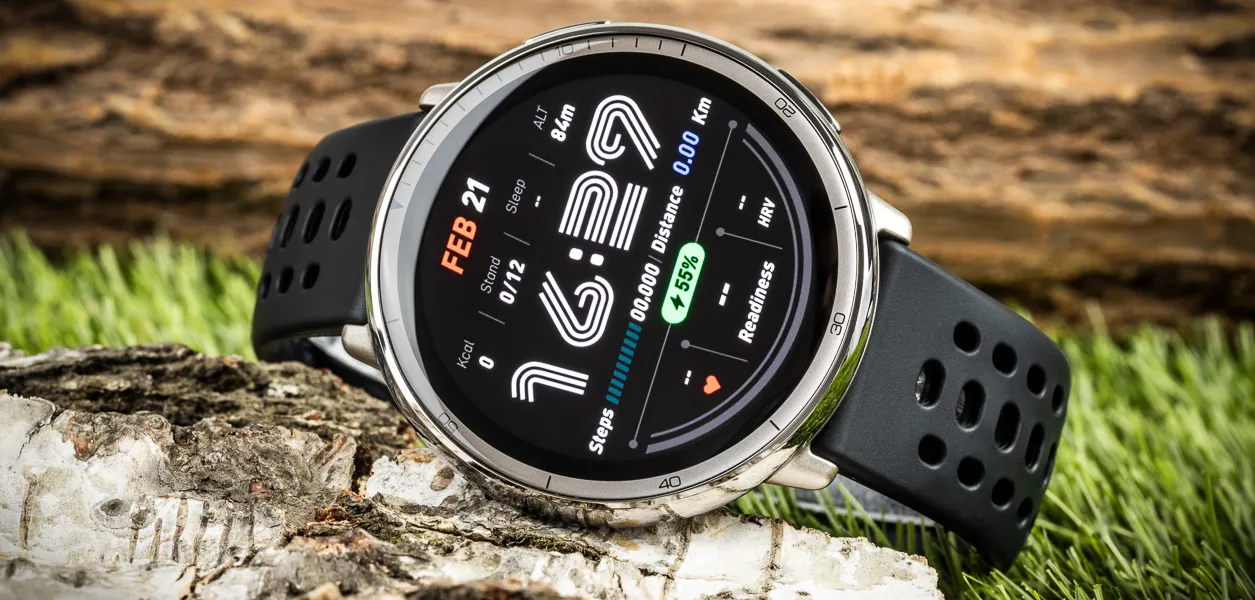
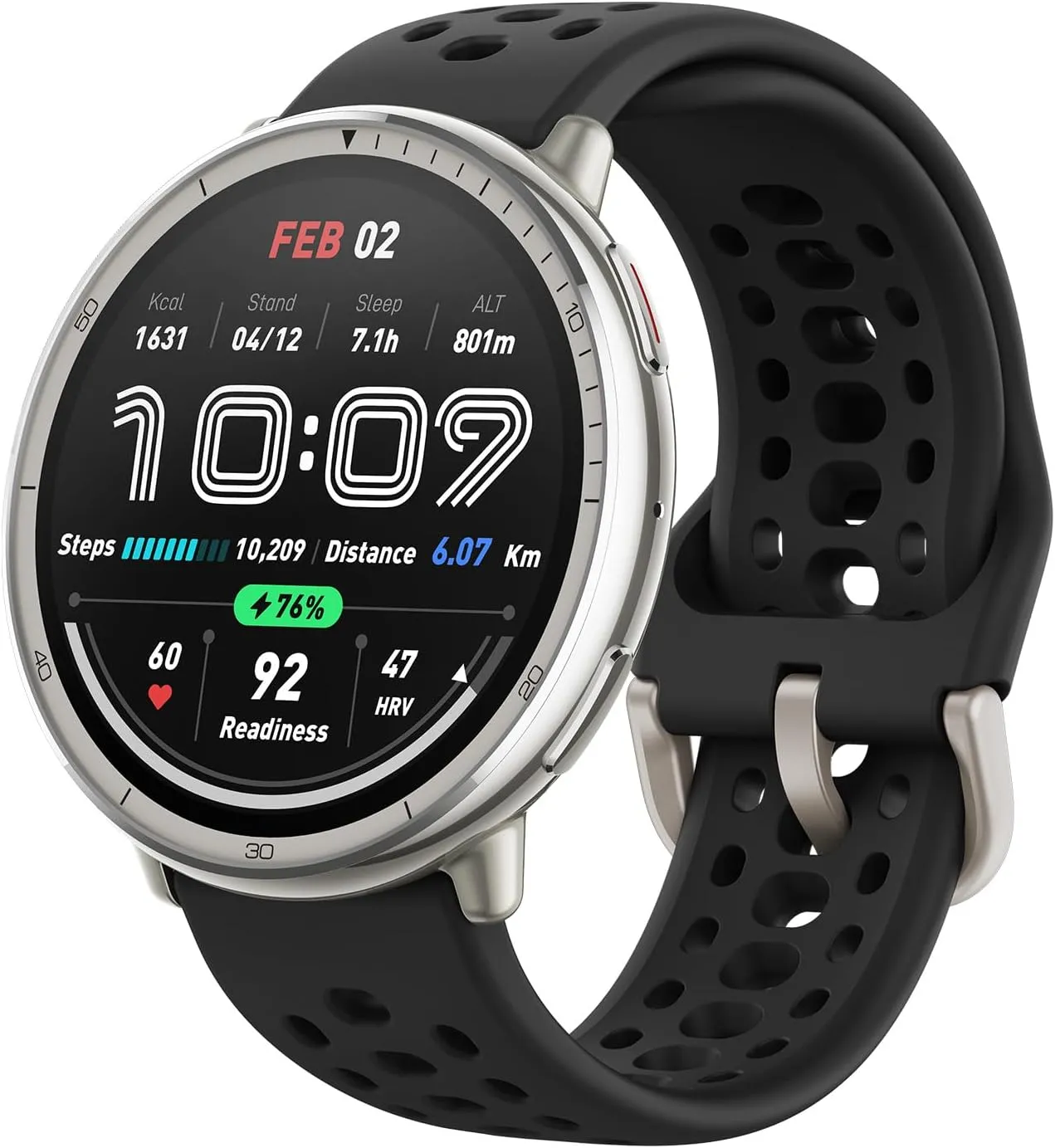
The sleek stainless steel build blends classic style with workout durability, while the bright 1.32″ AMOLED display keeps your data easy to read, even under bright sunlight.
Several users on the web have reported firmware version 6.0.14.1. This update appears to focus on small tweaks and bug fixes, as several Active 2 owners have reported seeing no changes. A few users have noticed a minor change to the lift-to-wake feature, which allows you to activate the screen with this wrist gesture. Following this update, it appears that the screen is less sensitive to activation and stays active for a somewhat longer period of time. Other users have reported discovering potential new bugs. One user said that the swimming lap counter was no longer accurate, while another said they could no longer turn off notification sounds.
While there have been reports of lower battery performance after applying the update, this can usually be rectified by restarting the watch. It is unclear when the apparent staggered distribution of software version 6.0.14.1 will be completed, reaching all users of the Amazfit Active 2 smartwatch.
The sleek stainless steel build blends classic style with workout durability, while the bright 1.32″ AMOLED display keeps your data easy to read, even under bright sunlight.
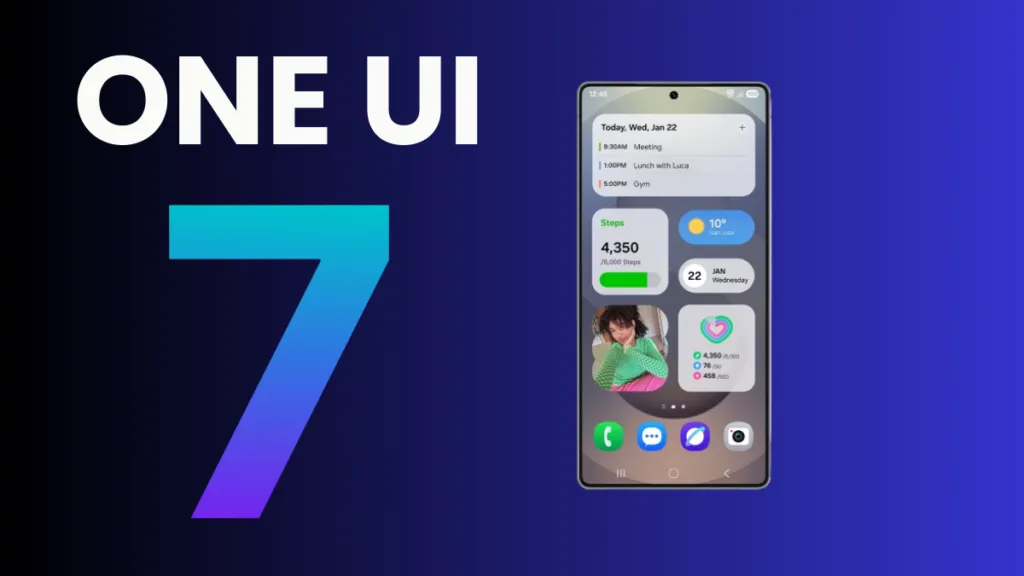
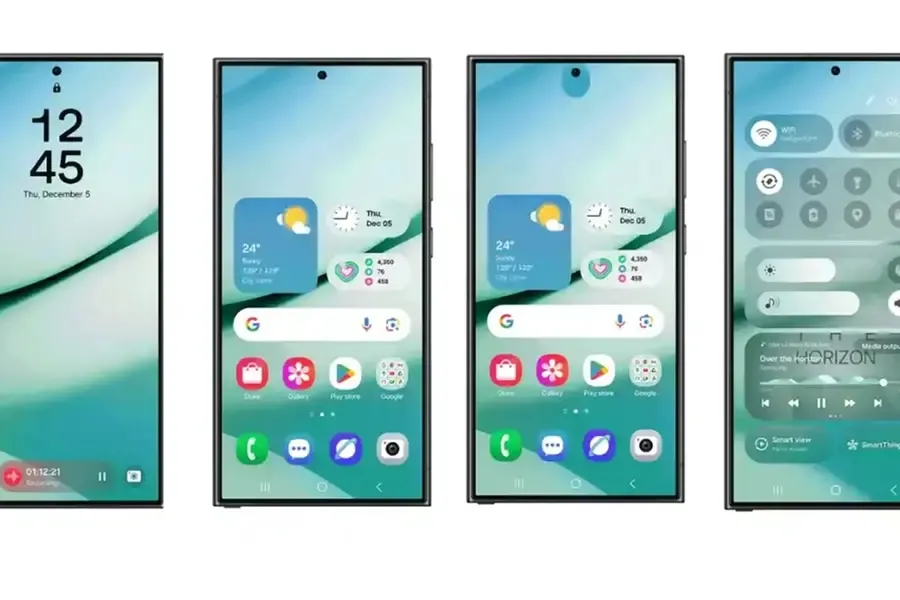
The One UI 7 is Samsung’s most significant UI change to date. Even while the build included numerous amazing changes that fans had been anticipating, certain delays made the release a source of frustration among fans as well. Now that the stable release has begun, here are all of the Galaxy models set to receive the upgrade in May 2025.
Essentially, Samsung began the One UI 7 stable update rollout on April 7 for the Galaxy S24 series, as well as the Galaxy Z Fold 6 and Flip 6, which were scheduled to receive the update in the first batch, while the rollout for the US market was scheduled to begin on April 10; however, due to a bug, Samsung had to pause the rollout.
At the same time, the One UI 7 release resumed and is now reaching even more older generation handsets, excluding the Galaxy S24 family and the company’s 6th generation foldables.
Samsung has already begun to expand the reliable One UI 7 edition globally, starting in the company’s hometown of South Korea. So far, Samsung has delivered the stable update to numerous Galaxy phones and tablets since mid-April, and will continue to do so until every eligible device is covered.
Furthermore, One UI 7 introduced many new features and modifications, although it is worth noting that a few Galaxy AI functions may not be available in previous Galaxy model lineups.
List of samsung Galaxy devices receiving One UI 7 in May 2025.
Now that we have entered the month of May, here are all of the Galaxy smartphones, tablets, and foldables that are expected to receive updates this month in the global market:
Software updates are vital for keeping your Android smartphone secure, efficient, and compatible with the most recent apps. However, many users disable auto-updates, either to save data or to avoid unpleasant modifications. What is the good news? You can still manually check for and apply updates, rather than waiting for a system prompt.
In this extensive article, we will teach you how to manually check for Android system updates across many brands and what to do if no update appears – even if you assume one is available.
Why Android updates matter
There are several good reasons to check for Android updates manually:
1. Get Critical Security Patches Faster
Waiting for the automatic update prompt could expose your phone to known exploits. Manually checking allows you to keep ahead of security issues by ensuring that your device always has the most recent patch.
2. Access New Features Early
Android upgrades frequently include new interface modifications, battery optimizations, and system features. Manual updates allow you to try the latest enhancements as soon as they are published.
3. Fix Device Glitches or Bugs
Some updates contain stability fixes for specific devices. If your phone has been behaving up, a system update may fix crashes, poor performance, or connectivity issues.
4. Ensure App Compatibility
Many apps now require the latest Android versions to function properly. Without regular upgrades, your favorite apps may cease to function or lose essential features.
Check for updates via settings (standard Android)
This is the most common way to check for updates on Android, regardless of the manufacturer.
Steps:
Open your device’s Settings.
Scroll down and tap on System.
Tap Software Update or System Update (name may vary).
Tap Check for updates.
If an update is available, follow the on-screen instructions to download and install.
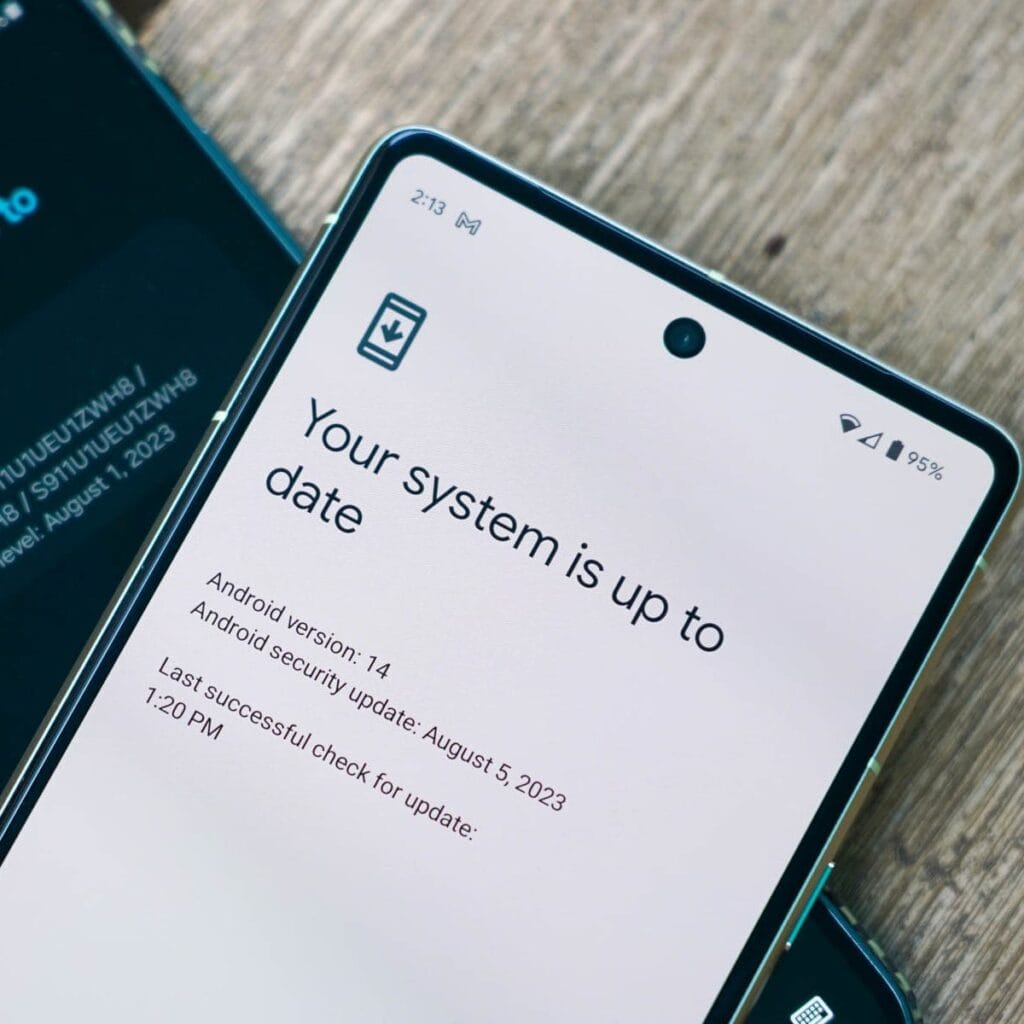
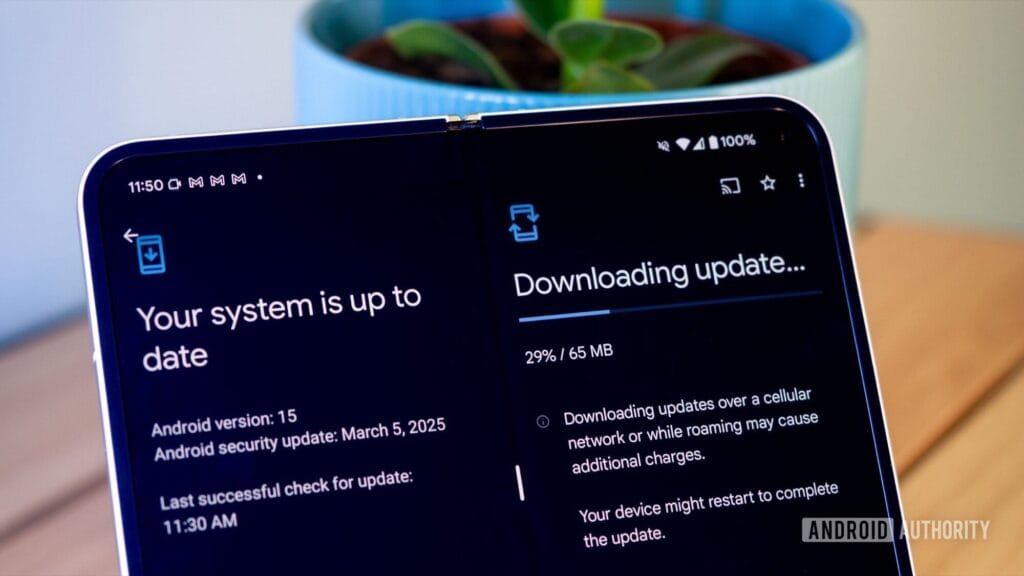
What if it says “Your system is up to date”?
That alerting does not always indicate that there is no update; it could simply have not yet reached your region or device build. In that situation, consider the advanced methods listed below.
How to check updates on specific Android oems
Because manufacturers customize Android OS, the update settings may be in slightly different locations.
Samsung Devices
Go to Settings > Software update > Download and install
Samsung pushes monthly security patches and One UI feature updates through this panel.
Google Pixel
Go to Settings > System > System update
Pixel devices receive updates directly from Google — typically first among all brands.
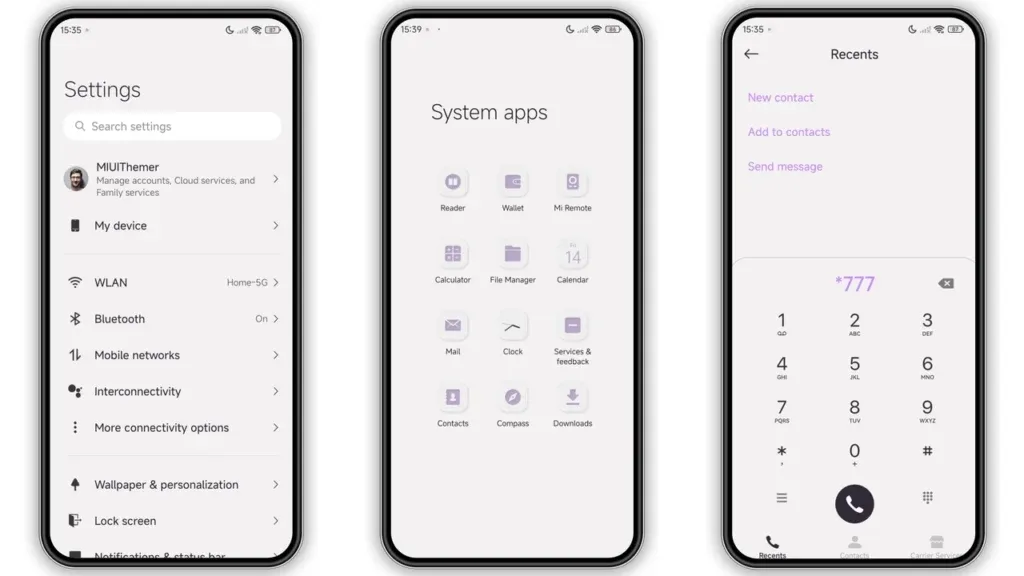
Xiaomi, Redmi, POCO (MIUI)
Go to Settings > About Phone > MIUI Version
Tap on Check for updates.
For advanced control, use the Updater app found in system apps.
OnePlus (OxygenOS)
Go to Settings > About phone > OxygenOS version
Tap Check for updates
Alternatively, download the OnePlus Updater APK for sideloading updates.
Oppo / Realme (ColorOS & Realme UI)
Go to Settings > Software update
Tap on Check for updates
Oppo also has an “Early Access” program for beta releases.
Motorola
Go to Settings > System > Advanced > System Updates
Tap Check for updates
Use Google Play system updates (separate from OS)
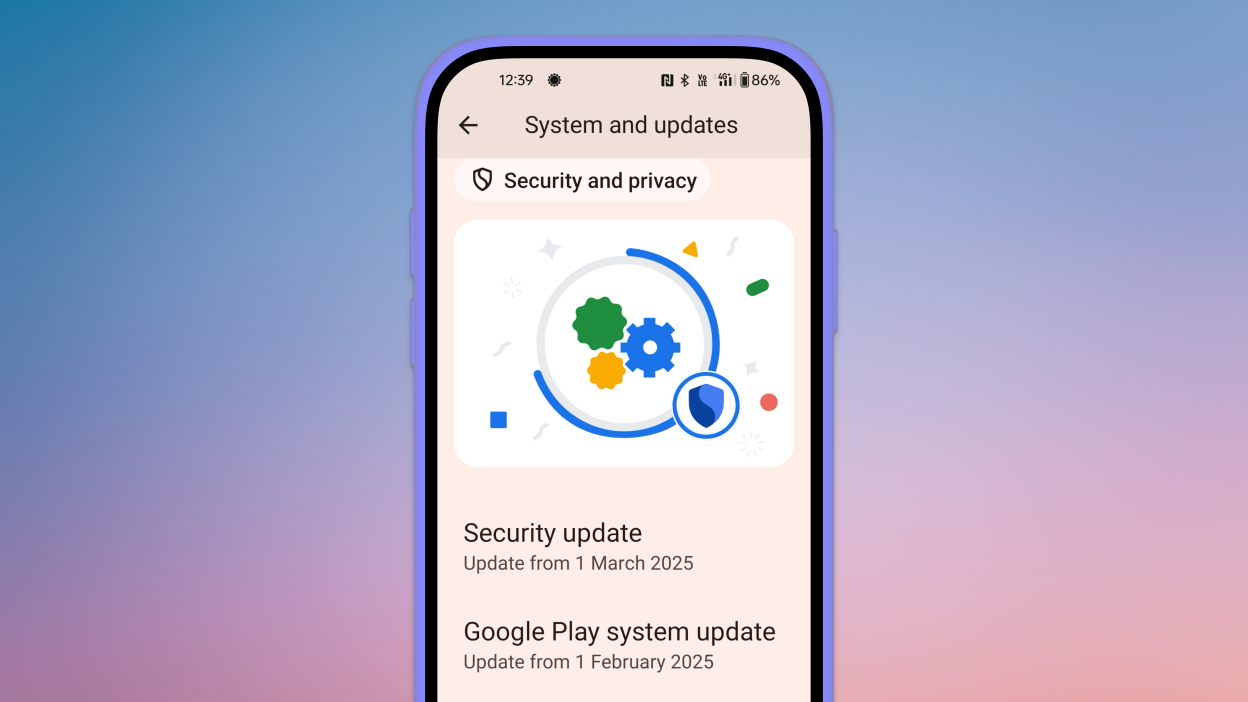
Since Android 10, Google has separated certain security and performance updates from full OS upgrades. These are delivered via Google Play system updates.
How to check:
Go to Settings > Security > Google Play system update
Tap Check for update
These are smaller updates that often improve background processes like biometric security, encryption modules, or system services.
Force update with OTA Zip files (advanced users)
If your manufacturer has released an official firmware update but it hasn’t reached your phone yet, you can manually install it using an OTA (Over-The-Air) zip file.
Steps (for advanced users):
Visit your manufacturer’s official website or trusted forums like XDA.
Download the correct OTA update file for your model and region.
Place the file in the root directory of your internal storage.
Boot into Recovery Mode (usually via holding Power + Volume Up).
Choose Apply update from SD card or Install update.zip.
⚠️ Caution: Flashing the wrong file or interrupting the process can brick your device. Always back up your data.
What to Do If No Update Appears?
If you’ve tried everything and your device still says it’s up to date, here are possible reasons:
Carrier Delay: Devices tied to mobile carriers often receive updates later than unlocked models.
Staged Rollouts: Updates are released in waves. Your device may be queued for later.
Region Restriction: Updates may reach some countries first. A VPN won’t help because updates are tied to device build numbers, not IP addresses.
Outdated Device: If your device is more than 2–3 years old, it may have reached its end of life for updates.
Pro Tips to Get Updates Faster
Enroll in beta programs if your phone supports them (Pixel, Samsung One UI Beta, etc.)
Use the manufacturer’s official updater app (like the Xiaomi Updater).
Keep at least 3–5 GB of free storage so updates can install smoothly.
Fully charge your battery before downloading any major update.
Final Thoughts
Checking for Android updates manually is a good practice, especially if you value efficiency, security, or new features. While auto-updates may manage this silently in the background, taking control ensures that you are always using the most recent and safest version of Android.
Whether you are using a Samsung, Pixel, Xiaomi, or Motorola, the steps are usually only a few taps away. Stay up to date and secure.
In October 2023, Xiaomi unveiled their new Android-based operating system, or Android skin as some of you could refer to it. It was the successor of MIUI and is called HyperOS. Sincerely, HyperOS ended up looking a lot like MIUI, and although it did provide some nice modifications, it also brought about some unfavorable ones. HyperOS is undoubtedly a highly powerful piece of software, but there is still a lot of space for improvement. Although Xiaomi’s HyperOS has a lot of promise, a few things must alter if it is to advance.
So far, I have been running HyperOS on several Xiaomi and Redmi devices. I have discovered a number of things that I would alter during my time with it. To be clear, you might not have an issue with some or all of these things. Nevertheless, I think HyperOS has a lot of promise and can reach that point with just a few smart actions from Xiaomi. Keep in mind that, as is typical with these kinds of pieces or editorials, personal opinion does come through. Views vary. So, let us examine HyperOS’ shortcomings, shall we? I will not do it in any specific order.
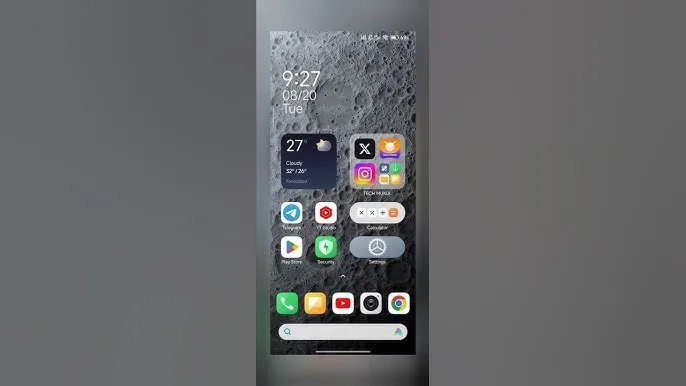
Home screen customization
There is a lot of flexibility available with HyperOS. Still, there is potential for improvement. I made the decision to pay close attention to the home screen. Why? Xiaomi can improve this in a number of ways that will help consumers. First and foremost, using icon packs from the Google Play Store would be great. Setting up icon packs is practically impossible since we are unable to use third-party launchers. Xiaomi has no reason not to implement this change in their stock launchers, as many other Android OEMs do.
Plus, it would be fantastic to give customers additional grid size options. There are very few options available presently. However, there is a problem with nearly all other Android OEMs. The home screen’s app dock row comes next. It would be great if we could eliminate it completely and have a single, consistent canvas on the home screen because some users choose not to use it at all.
Unblock third-party launchers
One of my main complaints with HyperOS is this. The only significant Android skin that totally prevents third-party launchers from working is this one. Although it is likely that you will have problems with gesture navigation, other OEMs let you set them. Actually, Google is to blame for this, as it restricts access to certain APIs for third-party developers. It has been a persistent problem. To change that, they even petitioned Google.
However, for some reason, Xiaomi chose to restrict third-party launchers entirely. Actually, it was not the case with MIUI in the past. In actuality, third-party launchers performed best on Xiaomi smartphones in terms of animations and other features. It was a significant shift when Xiaomi blocked them. Since many fans use Xiaomi phones, it should be possible to enable third-party launchers and let them function properly.
Toggles
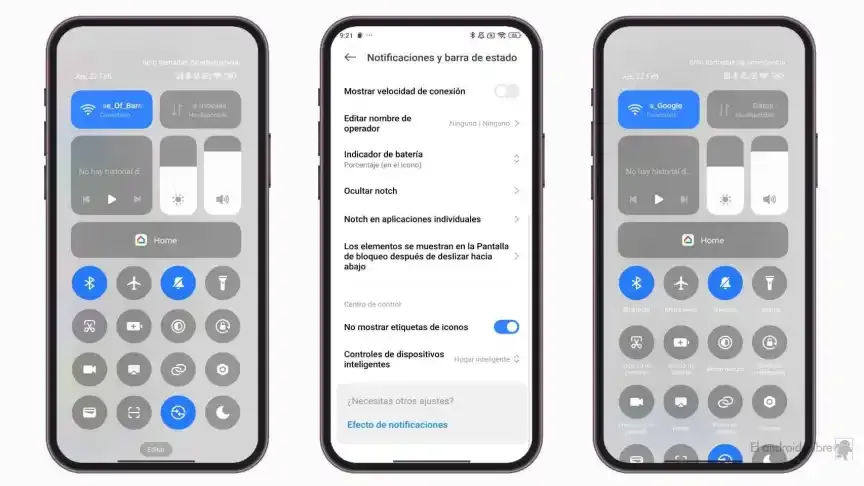
The Quick Toggles screen might be enhanced by Xiaomi as well. Although it makes us think of iOS, it is not an issue in this case. This Android skin lacks a dedicated Settings toggle, in contrast to the majority of others. Although there is a toggle, it is a component of every other toggle. Although you can move it around and position it wherever you choose, it is not independent and lacks sufficient intuitiveness. It would be convenient if it were distinct because many users are accustomed to opening Settings from there.
In addition, there are just two sizable toggles there, and regrettably, you are unable to alter that. The WiFi and mobile data toggles are the only sizable toggles you receive. For example, the Bluetooth toggle and the screen rotation toggle cannot be made huge. If Xiaomi made this possible and let users fully design the Quick Toggles interface, it would be great.
Push notifications
Unbelievably, HyperOS still has problems with push notifications. At least the way it is configured right out of the box. I have been experiencing problems with the majority of apps. By default, apps are set to “Battery Saver,” which is the suggested setting. You will not have these problems, though, if you unblock them from their limitations in the settings (each program independently). It will be possible for notifications to reach their destination on schedule.
The problem is that ordinary consumers will not be aware of that. They will not consider changing that function by going into the settings. Of course, that is problematic. Many of them will find it annoying because they will not be receiving notifications right away. As a result, they become irritated with the business—in this example, Xiaomi—and develop a bad opinion of their goods. To be honest, Xiaomi should make changing this a high priority. Push alerts need to function normally right out of the box.
The 10-second countdown
Another noticeable issue when it comes to HyperOS has to do with the timeout Xiaomi is placing on its consumers. Essentially, a warning pop-up will appear each time you attempt to modify a more complex setting, such as an accessibility setting. That is typical, is not it? Yes, it is; all OEMs carry it out. The 10-second countdown, however, is unusual. You cannot approve or reject anything on Xiaomi until ten seconds have elapsed. This is most likely in place to allow you sufficient time to read the warning.
You truly do not need to read it again after you have seen it for the first time. That countdown is incredibly annoying since you know exactly what you want to do. It makes sense if Xiaomi only did it once after you had configured your device. However, in HyperOS, you receive it each time a more complex configuration is altered.
Notifications
I wanted to draw attention to a few more notifications-related problems besides push notifications. For other people, lock screen notifications are an additional problem. They work similarly to what you get on iOS the way they are currently configured. It goes without saying that many individuals will find that offensive. What is wrong? You will notice your new notifications when you get to the lock screen. However, they will not be there the next time you get to the lock screen, even if you do not read or open them and then lock the device.
Yes, they will still remain in the notification shade, however this is a problem if you use your lock screen a lot. That is not what the great majority of other Android OEMs do. Similar to the notification shade, notifications will remain on your lock screen unless you choose to dismiss or open them. This distinction between the lock screen and notification shade is completely superfluous, and I sincerely hope Xiaomi will eliminate it soon.
Status bar icons
Xiaomi can also make the HyperOS status bar better. When it comes to it, there are a number of various irritations. Notification icons are the subject of the first one. Xiaomi restricts you to a single app notification icon in the upper-left area by default. However, you have the option to enable up to three app notification icons to show. Only the three most recent alerts from various applications will show up if you have more than three.
Almost all other Android OEMs permit as many app notification icons as they can fit on the screen. It does not restrict you in that manner, which is the proper approach. The fact that Xiaomi only allows one icon by default and that you are unable to enable more than three icons is not the only issue. Simply put, HyperOS introduced a totally needless modification that was not a problem on MIUI.
Additionally, if HyperOS allowed users to remove some of the status bar icons, that would be great. For instance, it is superfluous that the Bluetooth indicator is always up there. Many individuals always have Bluetooth turned on for their headphones, smart watches, or other accessories. That icon does not really need to be up there all the time if it is always on. If we could take it off and forget about it, that would be great.
Google shocked the Android smartphone community with the announcement that its new flagships, the Pixel 8 series, will receive an astounding seven years of Android updates. Samsung swiftly adopted this strategy for its premium Galaxy smartphones. Few brands have entered the “seven-year club,” though a few have extended their update commitments since then.
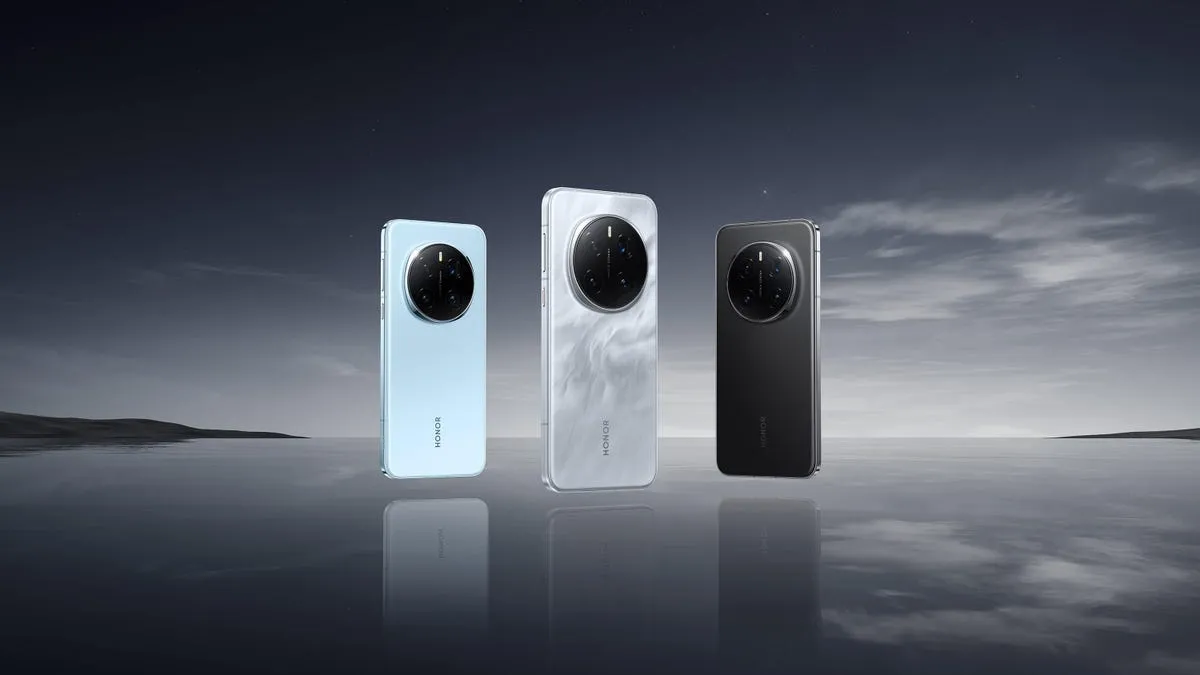
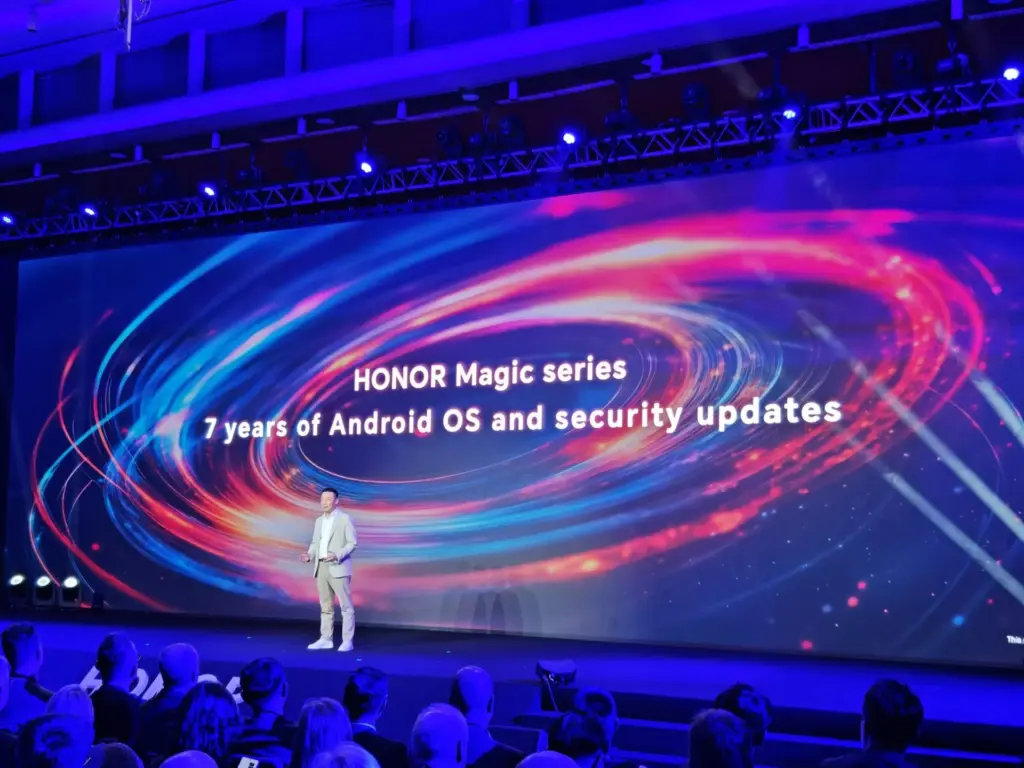
Honor is the newest member of that exclusive group. During its ill-named HONOR ALPHA Plan keynote address at Mobile World Congress 2025 today, the company said that it will provide seven years of Android updates and security fixes for its top Magic series handsets.
Honor updates are welcome
Magic lineup are typically HONOR’s best Android gadgets, including as tablets, folding phones, and slate-style phones. The first gadget to receive this policy will be the Honor Magic 7 Pro. This is a welcome change from company’s previous assurance that the Magic 7 Pro would receive OS updates for four years and security updates for five.
It is unclear, though, if this rule will apply to any other older devices in the past. It is also unknown which handsets in the future will have this, however the Magic V4, a foldable tablet, is probably going to be one. We will hopefully find out more details about this in the upcoming weeks and months. The Magic 7 Pro and other flagship devices will soon receive a far more comprehensive update commitment, which should delight HONOR enthusiasts for the time being.
A new stable update for the Enduro 3, Fenix E, and Fenix 8 is being released by Garmin to close out the year. In the past few months, the company has delivered hundreds of bug patches to the three, but it has also discovered a number of other enhancements that have emerged.
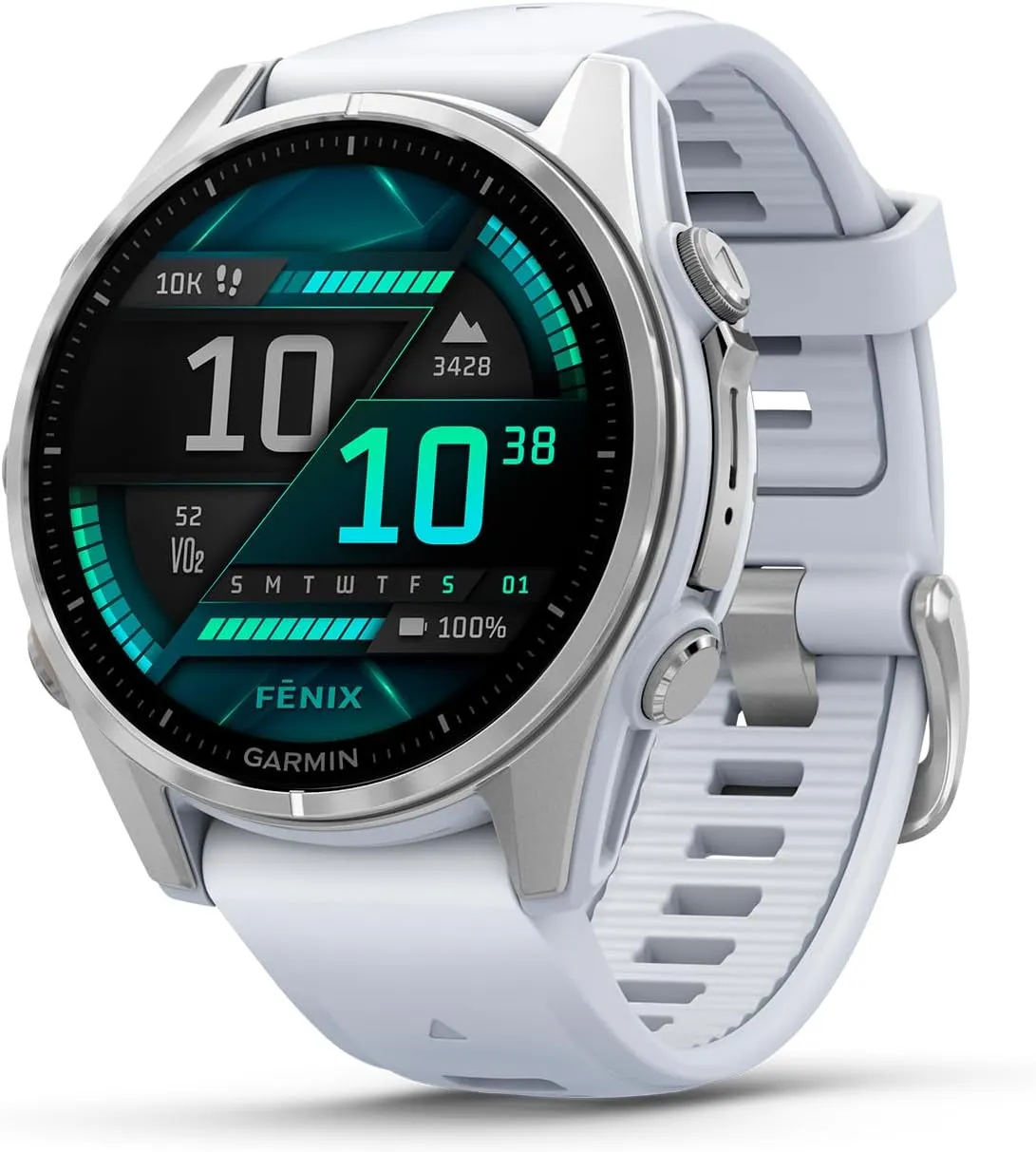
The Fenix 8 (now available on Amazon for $999.99) has received a new update from Garmin, which is also being rolled out for the Enduro 3 and Fenix E. Notably, the latest version is now available via Garmin’s official software distribution channel instead of its beta program.
Garmin fēnix® 8
AMOLED, Premium Multisport GPS Smartwatch, Long-Lasting Battery Life, Dive-Rated, Built-in LED Flashlight, Silver with Whitestone Band
System Software 12.35 should therefore have fewer issues than the most recent beta versions. In light of this, Garmin just released an update for the Fenix 7 and Fenix 7 Pro smartwatches that fixes a previous stable build that was troublesome.
In the same way, System Software 12.35 for the Enduro 3, Fenix E, and Fenix 8 primarily fixes issues in previous software. For example, after transferring settings from a Fenix 7 family smartwatch, alarms should not be set to silent any more.
Additionally, Garmin claims to have resolved problems that hindered the proper display of CIQ watch faces following a device reset. Additionally, System Software 12.35 should not have any missing call alert tones.
Additionally, Garmin’s Workout Execution Score is limited to running and cycling workouts as a result of the recent upgrade. Additionally, by positioning sensors in pairing mode at the top of a search list, Garmin has improved the user experience of its sensor search. For reference, the following is the whole changelog for System Software 12.35 as detailed by Garmin in its forum post:
Fixed missing tones for phone call alerts.
Fixed alarms being set to silent after migrating settings from Fenix 7.
Fixed CIQ app ability to close with Palm Cover.
Fixed CIQ watch face display issue after device reset.
Fixed event Countdown icon selection via touch.
Fixed Fishing timer status toggle.
Fixed Tides app time-out issue.
Fixed potential crash when opening Map Manager from Garmin Connect Mobile.
Fixed potential ConnectIQ application crash.
Restricted Workout Execution Score to only Running and Cycling workouts.
Updated sensor search to place sensors in Pairing Mode at the top of the search list.
Garmin fēnix® 8
AMOLED, Premium Multisport GPS Smartwatch, Long-Lasting Battery Life, Dive-Rated, Built-in LED Flashlight, Silver with Whitestone Band
With the official launch of HyperOS, Xiaomi created quite a stir. Many are curious about when the HyperOS update will become available globally. The smartphone maker has been working on the HyperOS Global update for 11 models, which indicates that the update will arrive soon and millions of people will be able to experience HyperOS immediately.
HyperOS Global Coming Soon
What sets Xiaomi apart from the competition is its optimization of HyperOS. With this new interface, which enhances system animations and reworks the interface among other things, HyperOS Global will have all of these features. Xiaomi is currently testing HyperOS Global and is prepared to roll out new updates.
HyperOS Global will be available for 11 smartphones on the Xiaomi server.
Which smartphones will be the first to receive this new update?
POCO X5 Pro 5G: OS1.0.2.0.UMSMIXM, OS1.0.1.0.UMSEUXM (redwood)
Xiaomi Pad 6: OS1.0.3.0.UMZEUXM, OS1.0.4.0.UMZMIXM, OS1.0.2.0.UMZINXM (pipa)
Here are the 11 smartphones that will get HyperOS Global! This information is taken from the Official Xiaomi server, so it is reliable. HyperOS Global update has been confirmed by Xiaomiui. These builds are expected to start rolling out to users very soon. Millions of people are asking when HyperOS Global will be released and are impatiently waiting for the new update to come to their devices.
Based on Android 14, HyperOS is a user interface that will bring a major Android update to smartphones. The HyperOS Global update will be released to users in the HyperOS Pilot Tester Program first, and we have leaked the HyperOS Global Changelog to give you an idea of what to expect when HyperOS Global is released globally.
Official HyperOS Global Changelog
Global aesthetics draw inspiration from life itself and change the way your device looks and feels
New animation language makes interactions with your device wholesome and intuitive
Natural colors bring vibrancy and vitality to every corner of your device
Our all-new system font supports multiple writing systems
Redesigned Weather app not only gives you important information, but also shows you how it feels outside
Notifications are focused on important information, presenting it to you in the most efficient way
Every photo can look like an art poster on your Lock screen, enhanced by multiple effects and dynamic rendering
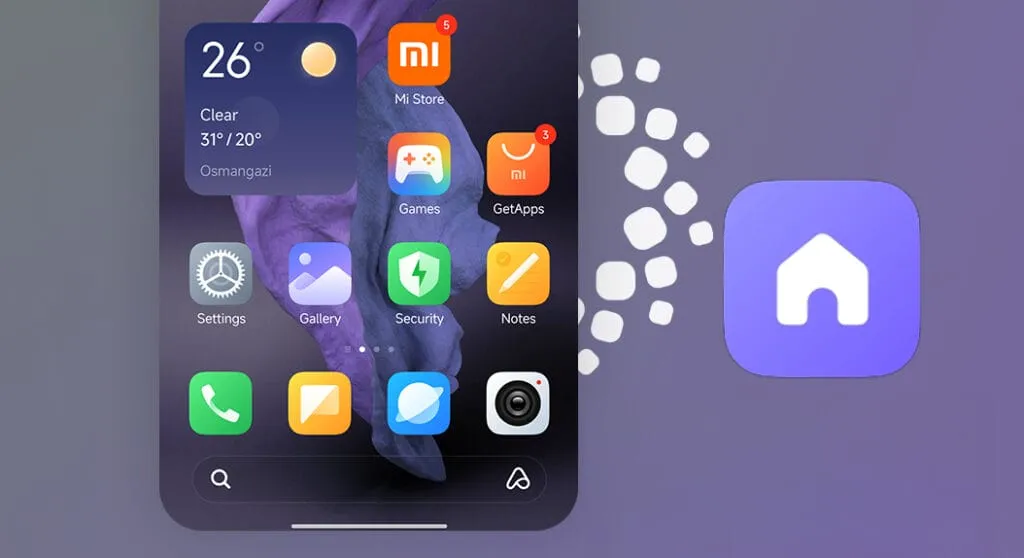
New Home screen icons refresh familiar items with new shapes and colors
Our in-house multi-rendering technology makes visuals delicate and comfortable across the whole system
Multitasking is now even more straightforward and convenient with an upgraded multi-window interface
Many smartphone models are scheduled to receive an update to the state-of-the-art HyperOS Global. Stay tuned for the most recent information on HyperOS Global developments. The details as of right now are as follows. To view a detailed list of devices that qualify for the HyperOS update—which Xiaomi, Redmi, and POCO models are included—visit our special article titled “HyperOS Update Eligible Devices List: Which Xiaomi, Redmi, and POCO Models Will Receive HyperOS?” We look forward to hearing your thoughts on the upcoming HyperOS Global update; please feel free to leave a comment.
Huawei is scheduled to release HarmonyOS NEXT on January 18, which represents a significant advancement in the company’s software goals. Unlike HarmonyOS 4, which was built on the Android Open Source Project (AOSP) as its foundation, HarmonyOS NEXT is entirely based on Huawei‘s proprietary Harmony kernel, which means that it does not support Android compatibility or the direct execution of existing Android apps (APKs).
HarmonyOS Next breaks free from Android
This bold move presents a unique opportunity for Chinese developers: since native apps are now the only language supported by HarmonyOS NEXT, there will be a huge demand for programmers who understand its architecture. As a result, more than 400 software companies from a variety of industries, including games, finance, travel, and navigation, have already jumped on board and developed applications specifically for HarmonyOS NEXT.
Furthermore, research firm TechInsights projects that by 2024, HarmonyOS will have overtaken iOS as the second most popular mobile operating system in China as a result of this calculated move, which could pose a serious threat to Android’s hegemony in the nation.
Though the potential is evident, there are still obstacles to overcome. Establishing an app ecosystem from the ground up is no easy task, and gaining widespread app adoption—especially from international players—will be essential to long-term success. That being said, NEXT marks a significant turning point in the company’s journey towards software independence and opens the door for a potentially competitive alternative in the mobile market.
HarmonyOS NEXT: future
Independence achieved: Huawei’s latest OS, HarmonyOS NEXT, ditches its Android roots and relies entirely on its own Harmony kernel.
No legacy baggage: Existing Android apps (APKs) won’t run on NEXT, demanding native app development.
Developer boom: 400+ Chinese companies are already building apps for this new platform, creating job opportunities.
With the goal of increase user experiences across all of Xiaomi’s products, the company is preparing the release of its much awaited HyperOS 1.0, a cutting-edge integrated system based on Google’s Android 14. This new operating system is meant to accommodate the growing Internet of Things (IoT) ecosystem, seamlessly connecting various devices for enhanced performance and interconnectivity. HyperOS is built on Linux and leverages Xiaomi’s Vela system for enhanced efficiency and resource management. Moreover, Xiaomi is encouraging open-source development by utilizing Xiaomi Vela to create a human-centric ecosystem connecting personal devices, automobiles, and smart home technology.
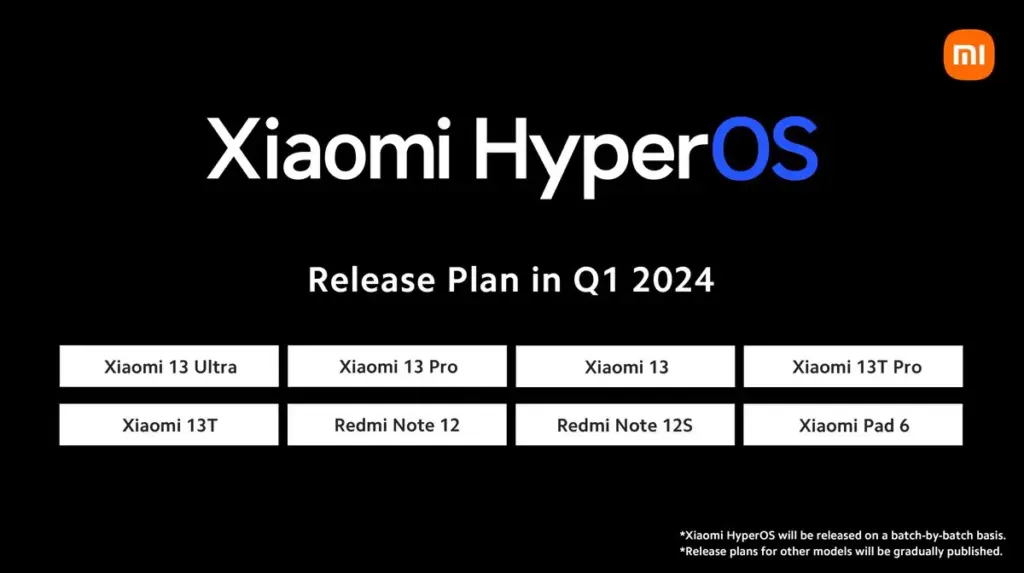
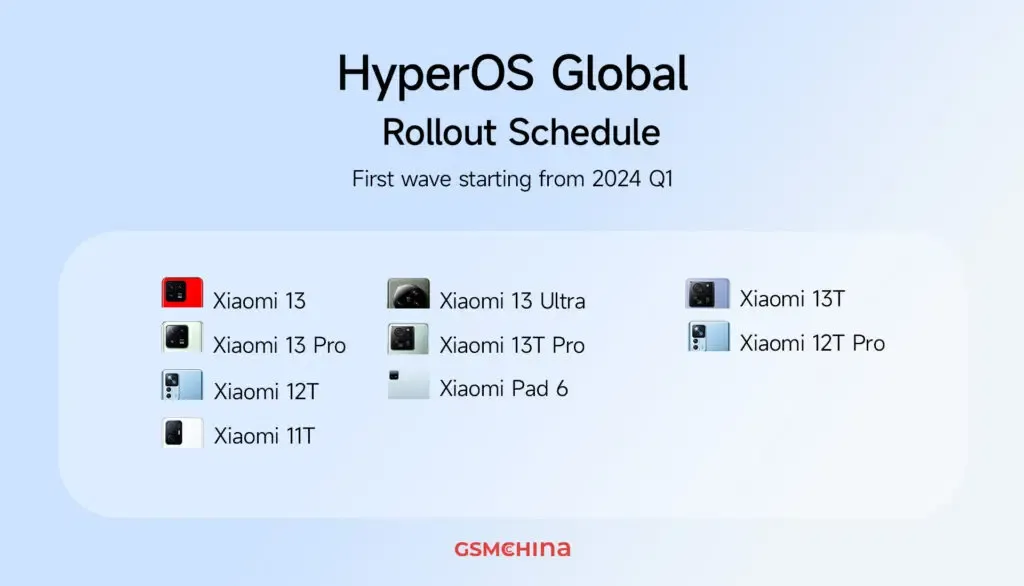
The first wave of updates to HyperOS 1.0 will cover nine devices, including different models from the Xiaomi 13 and 12 series as well as the Xiaomi Pad 6. GSMChina reported that Xiaomi has already published its update roadmap for Chinese models, but for the global audience, the rollout of updates is scheduled to begin in the first quarter of 2024.
Here’s the complete list of nine global devices that are set to receive the HyperOS 1.0
Xiaomi 13 Ultra
Xiaomi 13 Pro
Xiaomi 13
Xiaomi 13T Pro
Xiaomi 13T
Xiaomi 12T Pro
Xiaomi 12T
Xiaomi 11T
Xiaomi Pad 6
The official Xiaomi server has verified these updates, according to GSMChina. Devices that were not included in the initial release should expect updates in later HyperOS 1.0 releases. Xiaomi is currently in the final testing stage, collaborating with its engineering team to make sure HyperOS 1.0 is ready for daily use upon launch. The initial HyperOS domestic release is planned for December 2023 in China, accompanied by a wide array of devices, including smartphones such as the Xiaomi 14 (which comes pre-installed) and Redmi K60 Ultra, the Xiaomi Pad 6 Max 14-inch tablet, the Xiaomi TV S Pro series, the Xiaomi Watch S3, the Xiaomi Sound speaker, and the Xiaomi Smart Camera 3 Pro.
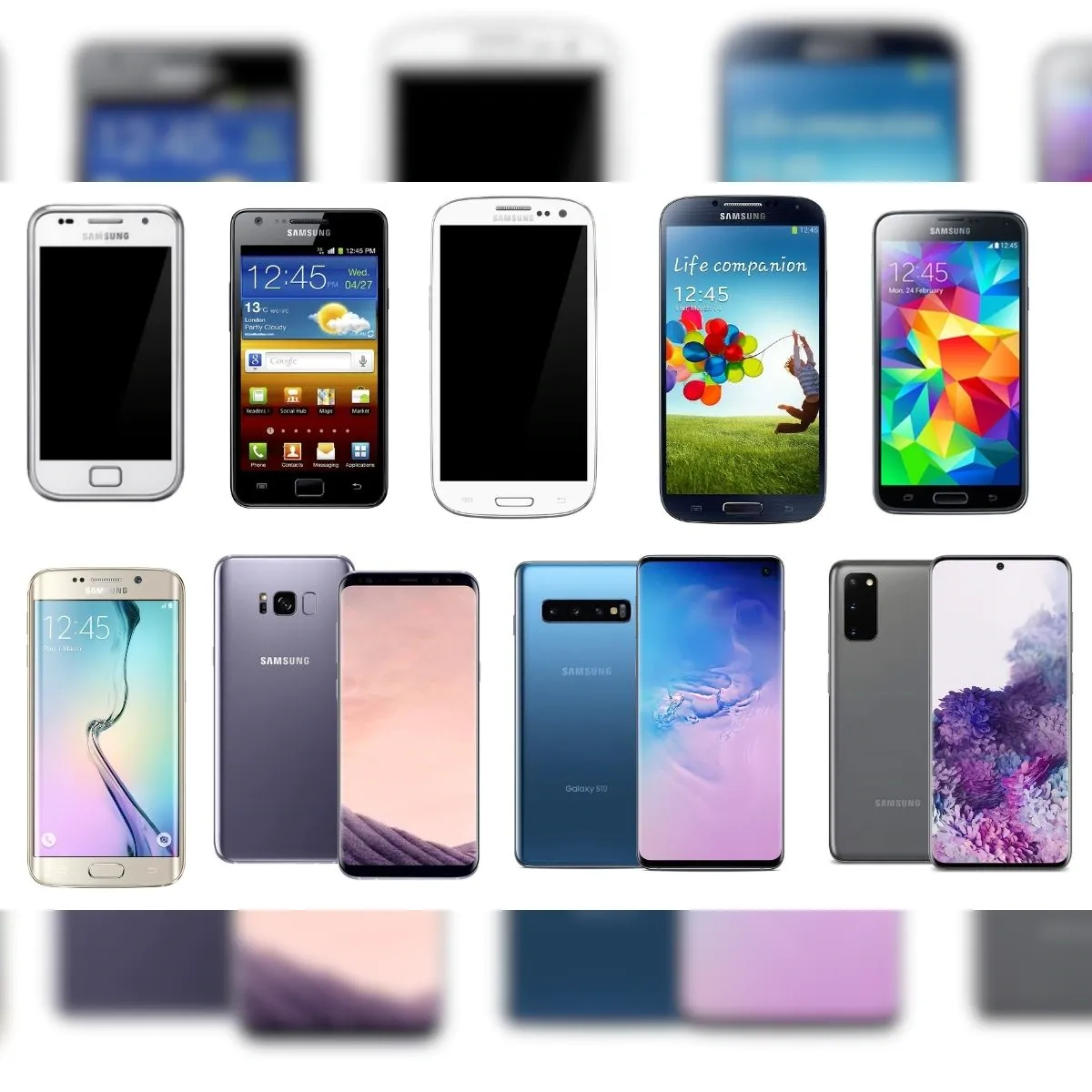
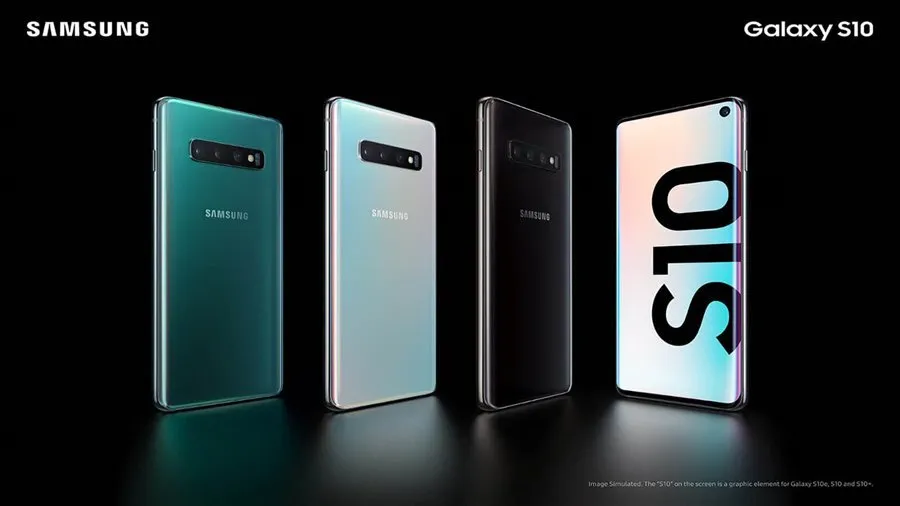
The Samsung S10 series has run out of options. Together with a few other 2019 products, Samsung has discontinued the S10 series.
Samsung has removed several of its older handsets from its public security update page, as 9to5Google has discovered. The Galaxy S10 series, Galaxy A30, and Galaxy A50 were among the gadgets taken out. The Galaxy S10 5G and Galaxy S10 Lite, on the other hand, have not been dropped. They haven’t been discontinued because those devices came out later, which is why.
This development happens as Samsung starts to put its new update strategy into practice. The business declared last year that it would extend its policy by a year, offering its phones five years of security upgrades and four years of significant OS changes. Nevertheless, the Galaxy S21 series and later were the only models covered by this regulation, leaving older models out.
The security update from March 2023 was the last one that the Galaxy S10 and other discontinued phones were supposed to receive. This update just recently went live. This upgrade is crucial following the disclosure of a serious vulnerability in Samsung’s Exynos chip by Google’s Project Zero team. The Galaxy S10 series was not, however, mentioned as being impacted by this issue.
Along with this information, it appears that the Galaxy Z Flip is no longer receiving monthly upgrades. It now only receives updates once every three months.