Google and Apple’s app marketplaces, the Play Store and the App Store, include an almost limitless amount of apps. Some of these apps are free, while others cost money. However, many users are unaware that many paid programs are briefly offered for free as part of a special deal. We have compiled a list of the most fascinating apps now accessible for free.
For Android
Netzsignal Pro: Wi-Fi & 5G ($0.49): If you want to find out more about your network signal, you can’t go past this app. Not only does it offer outstanding and numerous ratings, but also a clear user interface with many practical functions.
Illuminance -Lux Pro ($0.49): This light intensity meter is almost as popular. The app uses your smartphone’s sensors to display the illuminance in the Si unit lux. Users can create separate rooms and analyze the respective lighting conditions.
Voice Calculator Pro ($9.99): Calculator apps are a dime a dozen. However, this application stands out from the crowd because it allows you to open several calculation windows at the same time. This means you can start a new calculation without having to delete the old one.
Who Uses My Wi-Fi Pro ($0.49): If you don’t know exactly which devices are connected to your Wi-Fi, you should definitely download this app. Not only can you analyze your connected devices, but you can also find devices that have connected to your Wi-Fi.
For iOS
1Contacts Pro ($0.99): This app gives you full control and, above all, a complete overview of your contacts. Duplicate contacts can also be tracked down and merged if necessary. But beware: If you use this app, you give an additional third-party provider access to your contact data.
Queen Rules ($2.99): If you don’t like tower defense games, you can pass the time with this puzzle game. To win, you have to place your soldiers in such a way that they defeat the enemy troops. The app also offers interesting level designs and clay figures.
No Wi-Fi Mini Games ($0.99): The name says it all. Downloading the application provides you with access to over 50 exciting and nostalgic mini-games. An Internet connection is not required. The developers have also dispensed with advertising.
Aqueduct 101 ($2.99): A creative puzzle game in which you build aqueducts and make water flow. Real fun for puzzle fans and a great way to pass the time.
Some businesses use innovative techniques to capitalize on your personal information in the rapidly evolving mobile application landscape. But do not worry, computer lovers; we have gathered crucial recommendations to help you protect your valuable data. It is critical that you exercise caution when granting rights to the apps you select to install.
In the stable March 2025 update, Google formally released the Linux 6.1 kernel for Tensor-powered Pixel phones from the prior generation. This update brings the Pixel Tablet and Pixel Fold, as well as the Pixel 6, 7, and 8 series devices, up to the same kernel version as the Pixel 9 series. Performance and security will probably improve as a result, and some users are already experiencing the advantages.
In the QPR2 beta, where it was announced that Tensor-powered Pixels will be switching from older kernel versions to 6.1, we previously reported that Google was testing this update. The update is now available to all users with the March stable release.
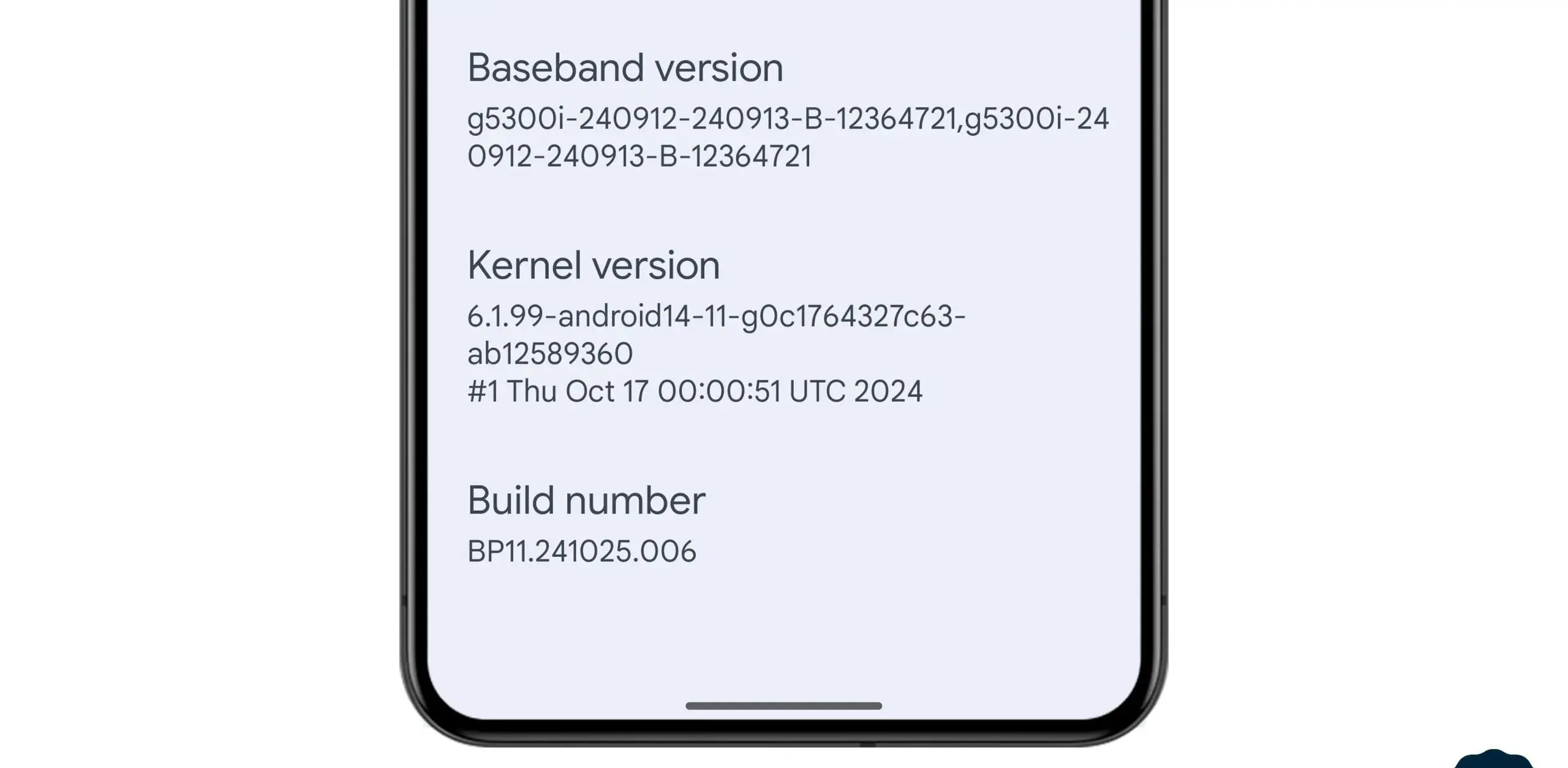
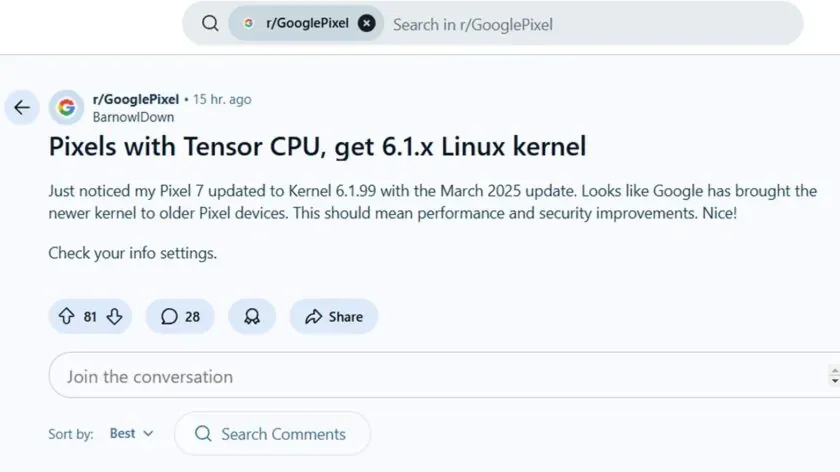
News of the update was posted by a commenter on the GooglePixel subreddit, who said, “Just noticed my Pixel 7 updated to Kernel 6.1.99 with the March 2025 update.” While several Redditors in the topic commented on a perceived gain in battery life since the update, another Pixel 6a owner in the thread stated that their phone seems “extremely responsive compared to [the] pre-March update.” Although it is difficult to confirm that the new kernel is directly responsible for these developments, the indications are unquestionably encouraging.
This kernel upgrade is part of Google’s broader commitment to long-term software support. Google’s Longevity GRF program plays a crucial role in ensuring that Tensor-powered Pixels meet their update policies by implementing major kernel upgrades when necessary.
If you own a Pixel 6, 7, 8, or another Tensor-powered device, you can check your kernel version by heading to Settings — About phone — Android version and looking under Kernel version.
Google’s March update bug list, which is already being rolled out to compatible devices, has been made public. Even if it is a short list, it is nevertheless wise to keep in mind in case you have been dealing with any of these problems.
Although not every device is receiving the identical set of changes, these fixes are applicable to devices as far back as the Pixel 6 series. For instance, Google claims updates for Bluetooth headset loudness issues, camera stability, and display stability, among other things. You can use the number that corresponds to each item on the list to determine which device the fix is for.
Pixel Update – March Bug Fixes
Apps
Fix for stability or performance with certain apps using WebView
Audio
Fix for issues with adjusting call volume on calls over BT headsets]
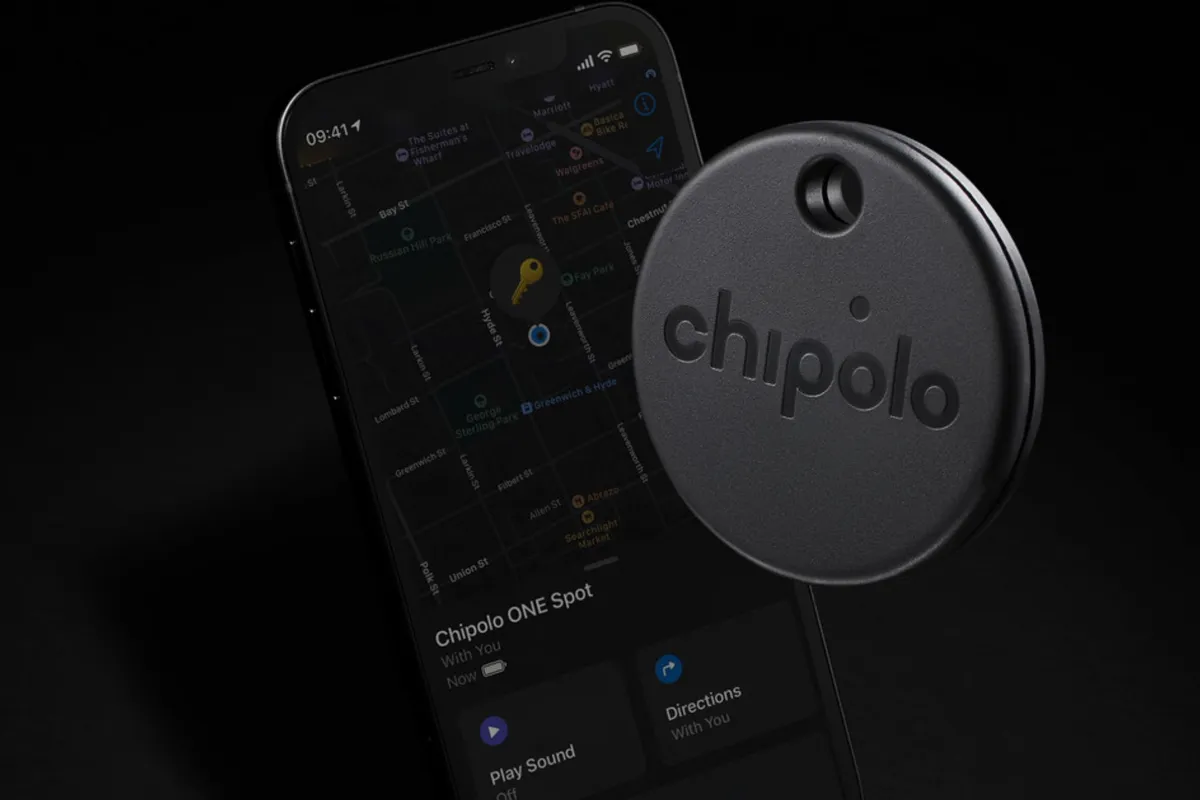
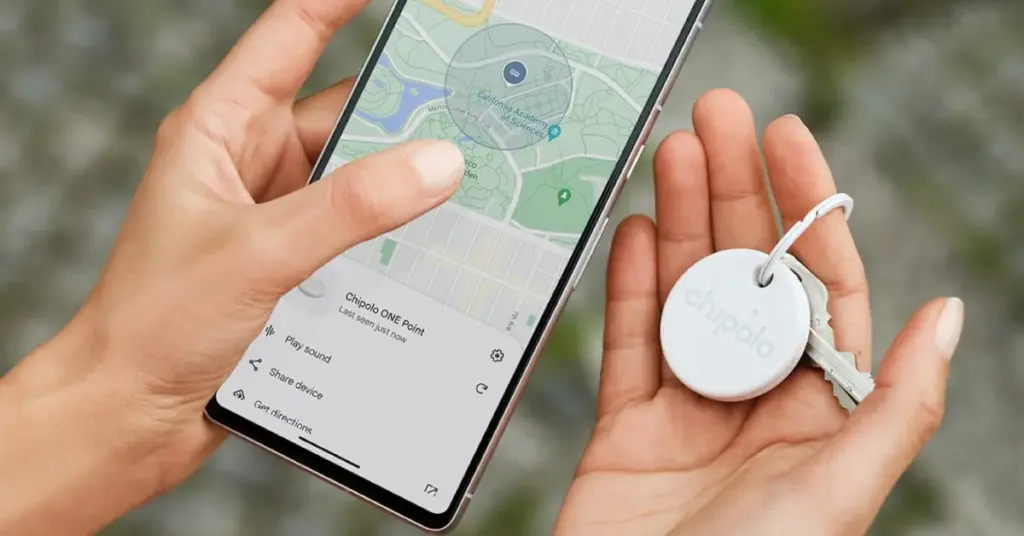
Find My Device, Google’s recently enhanced tracking network, is intended to serve as the Android counterpart to Apple’s Find My network. The new Point tracking gadgets from Chipolo are also meant to serve as the Android equivalent of Apple AirTags. Among the first third-party tracking apps to integrate with Find My Device are the Chipolo One Point item tracker and the Chipolo CardPoint wallet finder.
I was curious to compare these trackers because I have been using Apple AirTags for a long time. Fortunately, I received a few from Chipolo for this use. In the end, I found nothing unexpected, which is fortunate.
Chipolo key points
Chipolo’s new trackers assist you in finding misplaced objects by integrating with Google’s Find My Device network. Earlier Chipolo trackers were only compatible with the Chipolo app for iOS and Android or Apple Find My, not Find My Device. The only devices compatible with Chipolo’s point trackers are Android smartphones and Google’s Find My Device app.
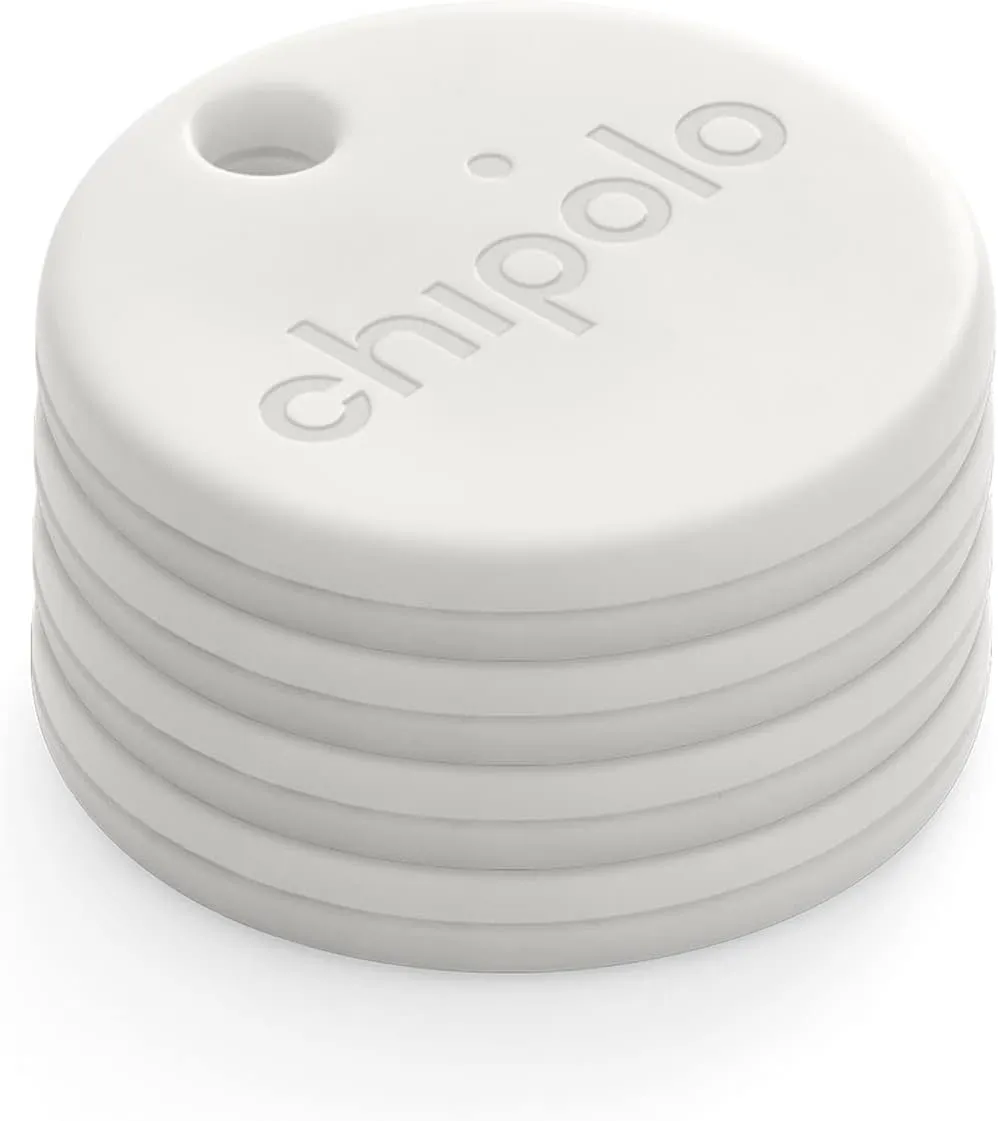
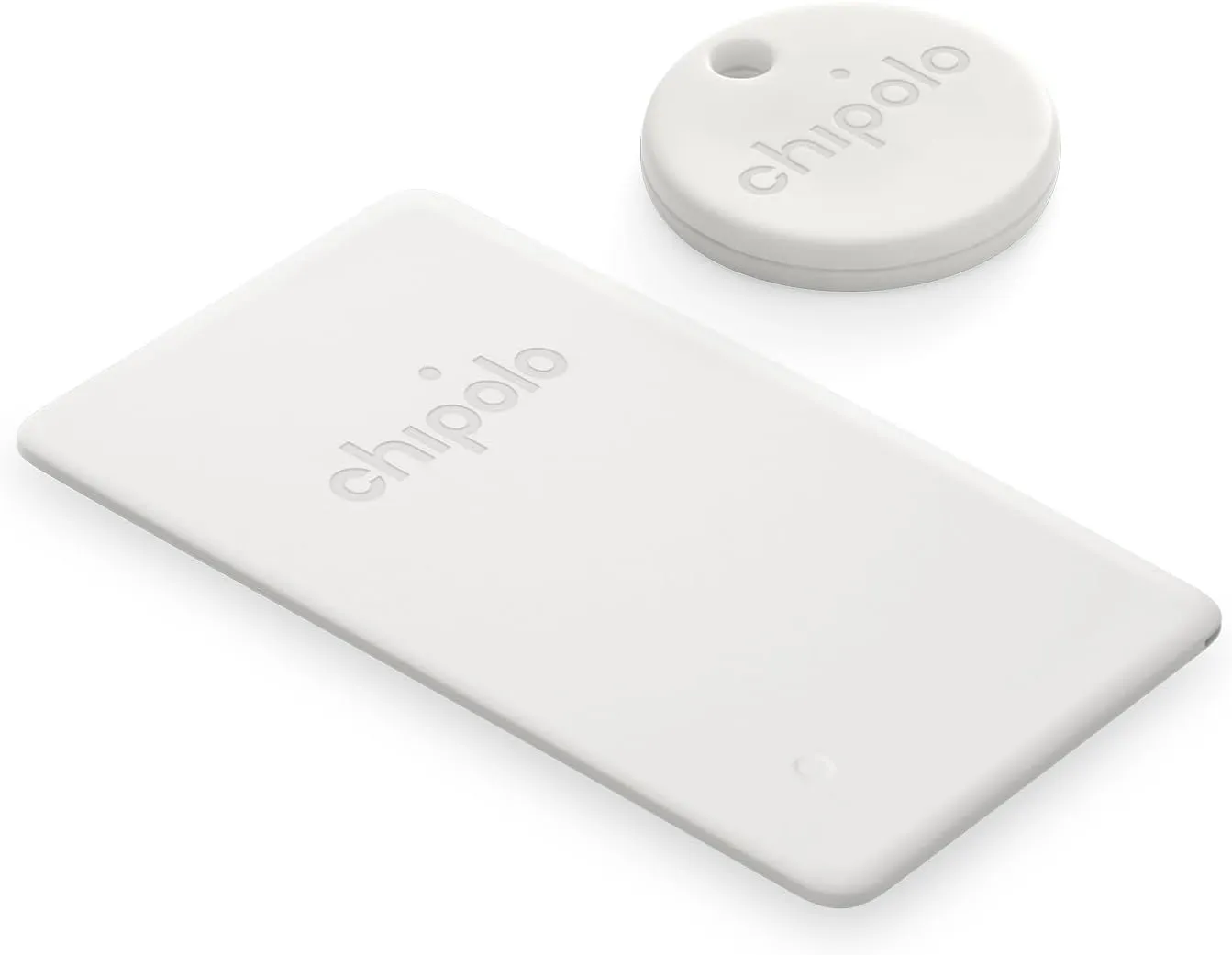
Two varieties of Chipolo Point trackers are available at launch. The Chipolo One Point is a tracker that fits on a keychain and is perfect for monitoring things like baggage, backpacks, and keys. Up to a year should pass before the replaceable battery inside of it needs to be changed. The design of this product is strikingly similar to that of Apple AirTags.
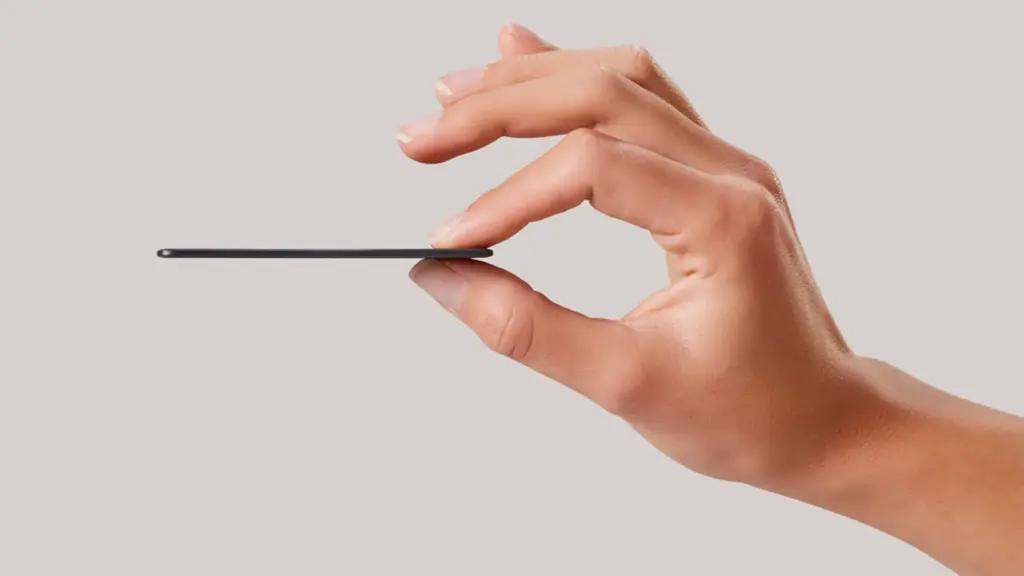
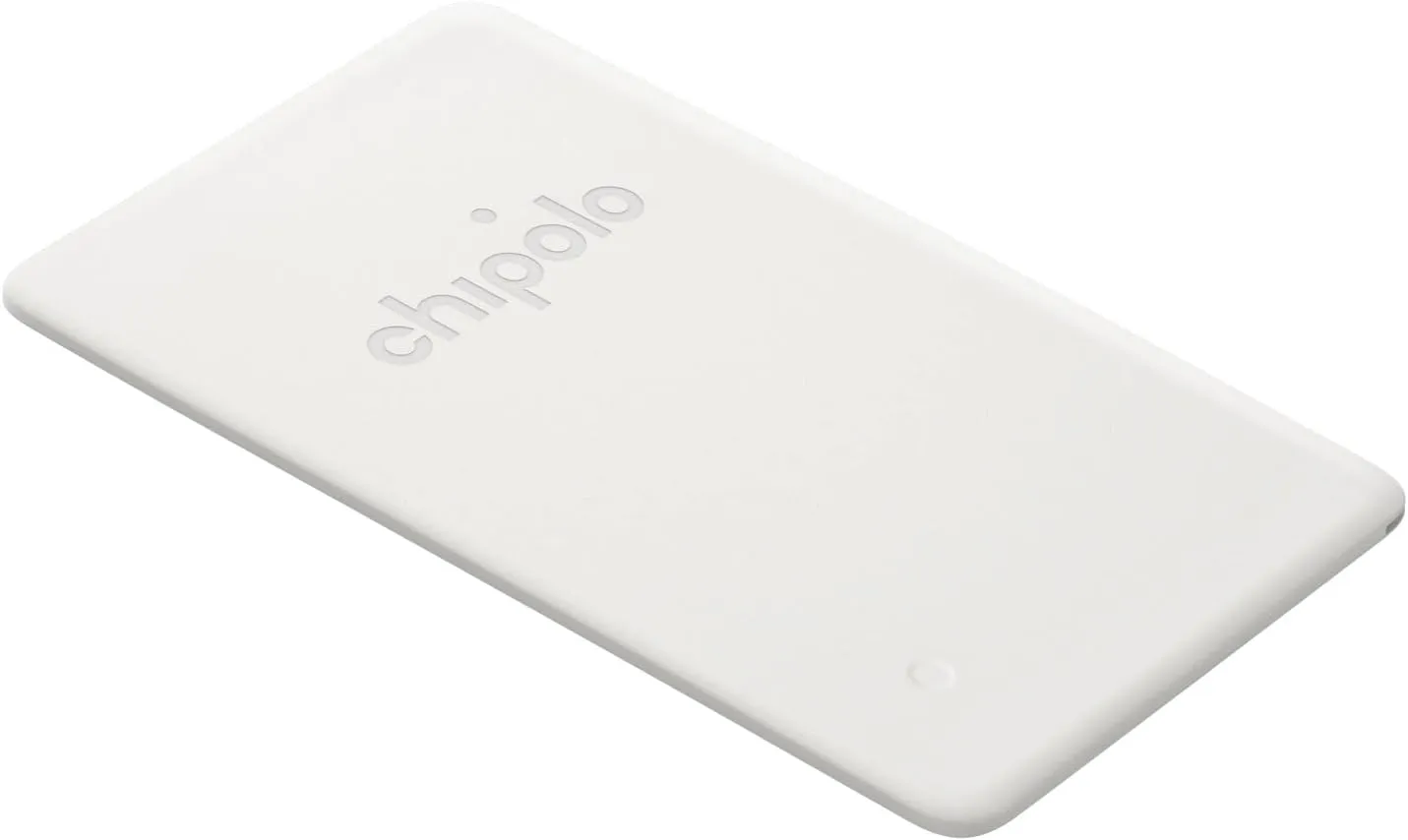
Mostly intended for use in a wallet, the Chipolo Card Point is a credit card-sized, flat tracker. Additionally, it can be used to monitor other objects, such passports. Before the tracker needs to be replaced, the Card Point’s long-lasting, nonreplaceable battery can last up to two years.
How they integrate with the Find My Device
I was perplexed by the configuration when I first got my Chipolo Point review trackers. At first, I assumed that you needed to configure them through the Chipolo app, which would somehow link them to Find My Device. But that is not how it operates. Everything went smoothly after I realized this.
Bringing it close to your Android device and pressing on it until a sound is heard is how you set up a tracker. A notice asking if you wish to set up the tracker then appears on the screen of your phone.
The Google Find My Device app allows you to see all of the information about the Bluetooth trackers once they are linked to your phone. Chipolo Point trackers allow you to share the tracker’s location with another person, find their current location, and sound an alert if they are close yet unlocatable. Additionally, you may view the device’s remaining battery life. Similar to AirTags, you may use your phone’s Bluetooth to activate step-by-step instructions to locate the trackers when they are close by.
It is crucial to remember that Google’s network protects user privacy by using anonymized reporting and end-to-end encryption for location data. Google’s Find My Device feature, similar to Apple Find My, will notify you if an unidentified device is tracking you. For instance, both networks discreetly notified me about each other when I fastened a Chipolo One Point to the same keychain as an AirTag.
Google pinpoints a tracker’s location using a combination of GPS, Wi-Fi, and cell tower signals.
A great tracker
It was a wise move on Google’s part to update Find My Device to enable tracking of non-Android devices. Third parties like Chipolo are finally launching helpful trackers as a result of that decision. In the upcoming months, more businesses will undoubtedly join the movement.
Both the One Point and the Card Point have really pleased me. They have a simple setup process (once you know how they operate), are reasonably priced ($28 for the One Point and $35 for the Card Point), and work flawlessly with Find My Device. Like other Chipolo trackers, I anticipate future iterations will be available in a variety of colors. I do not see any areas that require development beyond this.
Where to buy?
Chipolo ONE Point – 4 Pack
WORKS WITH GOOGLE’S FIND MY DEVICE NETWORK – Use Fast Pair to connect your Chipolo ONE Point to Google’s Find My Device app on your Android phone. After setup you can play a sound, locate it on a map or use Google’s Find My Device network to help you find it.
WORKS WITH GOOGLE’S FIND MY DEVICE NETWORK – Use Fast pair to connect your Chipolo CARD Point to Google’s Find My Device app on your Android device. After setup you can play a sound, locate it on a map or use Google’s Find My Device network to help you find it.
Chipolo Point Bundle – 1X ONE + 1x Card Item Finder
Use Fast Pair to connect your Chipolo ONE Point to Google’s Find My Device app on your Android phone. After setup you can play a sound, locate it on a map or use Google’s Find My Device network to help you find it.
Together with Google, Trend Micro, The Shadowserver Foundation, and other partners, researchers from HUMAN’s Satori Threat Intelligence team were able to take down BadBox 2.0, the biggest network of compromised connected TV sets.
The BadBox malware typically comes pre-installed on TV streaming boxes, smart TVs, tablets, digital projectors, or smartphones, and it infects a botnet of off-brand Android devices. As a backup backdoor distribution method, threat actors in this instance also ran hundreds of versions of well-known programs. Thankfully, 24 malicious “evil twin” apps that were distributing this virus were found and taken down from the Google Play Store by HUMAN’s researchers.
They were successful in sink-holing communications to the malicious domains used by the hackers behind this effort, disrupting the botnet on more than 500,000 Android devices in total. In order to stop the compromised devices from contacting the command-and-control (C2) servers that the hackers have set up, the researchers have taken control of thousands of these BadBox 2.0 domains. This allows them to keep an eye on the connections and collect information on the botnet.
What is BadBox 2.0?
BadBox 2.0 is a malware-based botnet that commits fraud and other criminal activities using less expensive, off-brand Android handsets. In October 2023, the original BadBox virus was disabled or rendered dormant, having infected 74,000 devices.
This new version, BadBox 2.0, has infected more than 1 million devices according to HUMAN. The majority of the infections appear to be focused on Brazil (37.6%), followed by the U.S. (18.2%), Mexico (6.3%) and Argentina (5.3%).
The compromised devices, which include, among other things, video projectors, smartphones, tablets, smart TVs, and Android TV streaming boxes, frequently come with malware pre-installed by the manufacturer. Alternatively, malicious “evil twin” software or firmware downloads infect them and add them to the botnet. “The infected devices are Android Open Source Project devices, not Android TV OS devices or Play Protect certified Android devices,” HUMAN said in a blog post.
How to protect yourself from BadBox 2.0
Google has already established a Play Protect enforcement rule to alert users and prevent the installation of apps linked to BadBox 2.0 on any certified Android devices, as well as deleted the dangerous apps found by HUMAN’s researchers from the Play Store.
BadBox cannot be completely removed, though, because the search engine behemoth is unable to disinfect Android devices that are not Play Protect. The very bottom of Human’s report, which is mentioned above, has a list of devices that are known to be impacted by the current version of BadBox. It is unlikely that you will be able to upgrade your gadget with clean firmware if it is on that list. Disconnecting that gadget from the internet or, better yet, switching it out for a certified device from a reliable manufacturer is your safest course of action.
“If a device isn’t Play Protect certified, Google doesn’t have a record of security and compatibility test results.” a Google spokesperson explained in a statement to BleepingComputer. “Play Protect certified Android devices undergo extensive testing to ensure quality and user safety. Users should ensure Google Play Protect, Android’s malware protection that is one by default on devices with Google Play Services, is enabled.”
Avoid purchasing AOSP-based Android devices, such as off-brand TV boxes, that do not officially support Google Play Services if you want to be safe. Additionally, on whatever top streaming device you are using right now, always be sure to keep your firmware updated and apply the most recent security updates as soon as they are released.
Additionally, you should only use apps from the Google Play Store and other official app shops and refrain from sideloading them. Similarly, while not in use, Android TV devices can be made offline by disabling their remote access functions. If your devices have unintentionally joined a botnet, this might offer an additional layer of protection to safeguard your data and equipment.
Investing in one of the top mesh Wi-Fi systems with integrated security software or one of the best Wi-Fi routers may also be worthwhile.
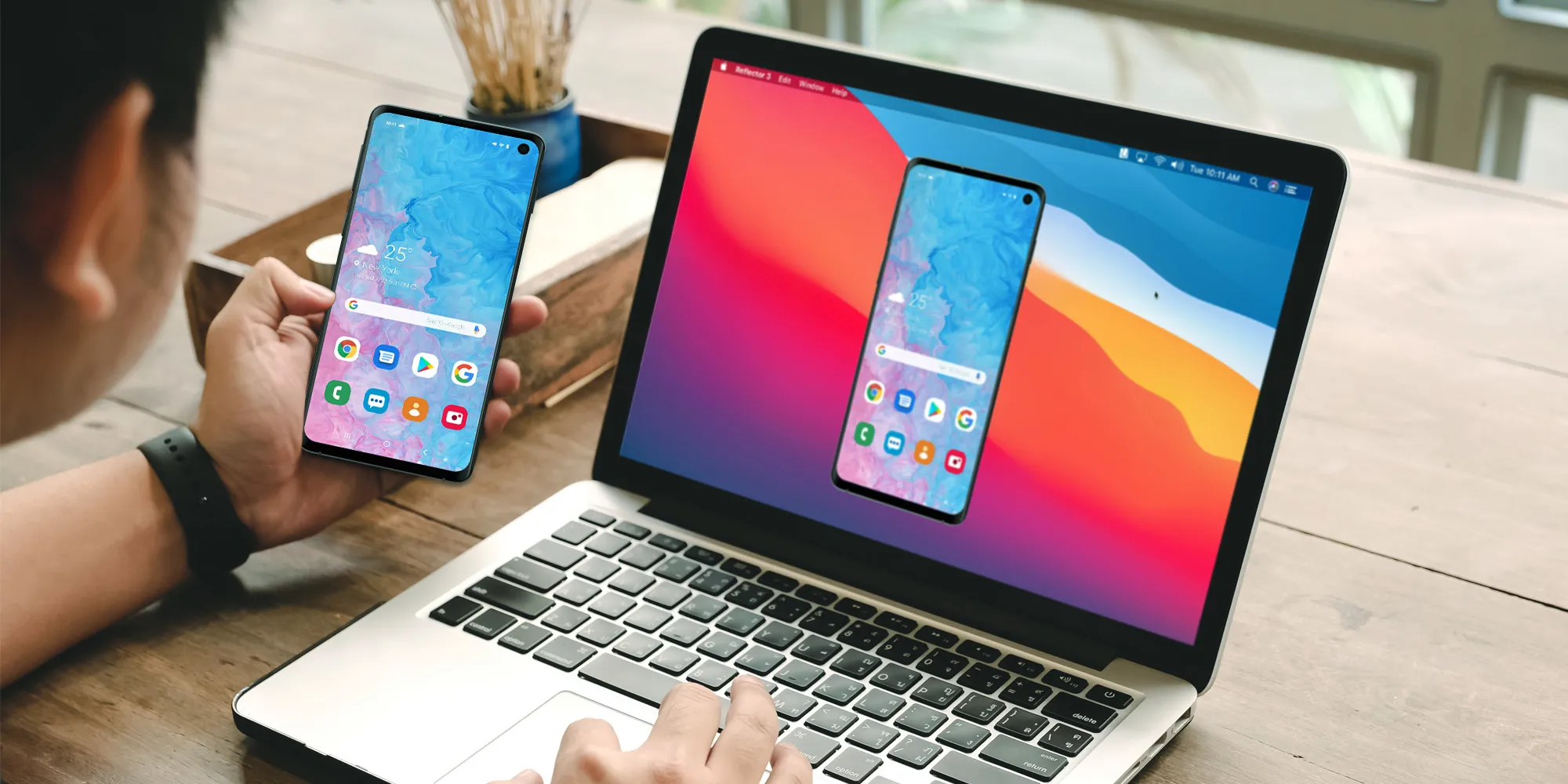
Picking up my phone to check a notification or respond to a text annoys me since I want convenience. I always keep WhatsApp Web open in a tab because of this. Even while it meets the most of my communications requirements, it is insufficient. As a huge admirer of Apple’s iPhone Mirroring function, I have been searching for a practical method to manage my Android phone from my computer. I can do just that with these four apps.
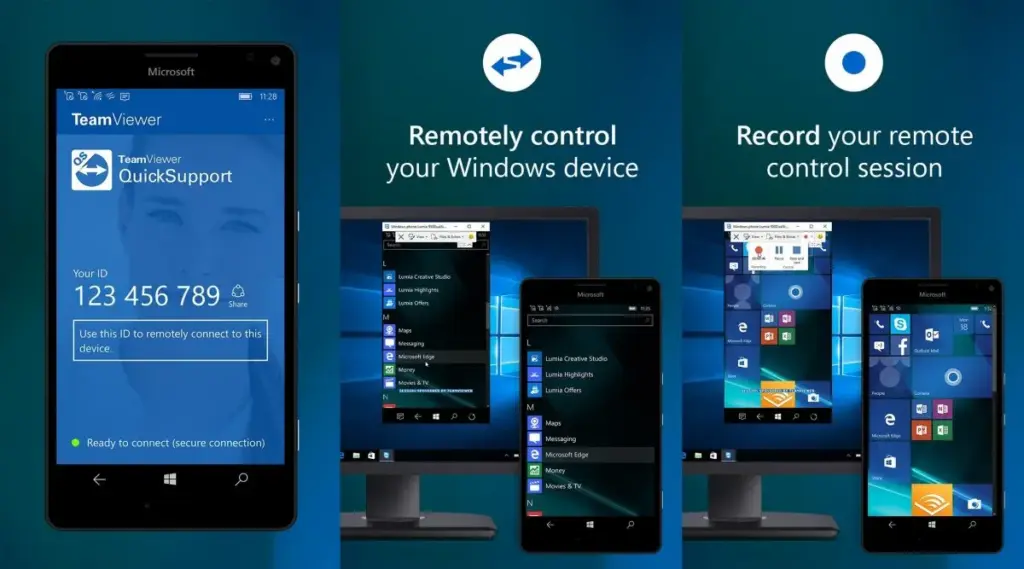
Sometimes you need to remotely control your Android phone, either to access your device from a distance or to assist a buddy in troubleshooting a problem. This is made simple by TeamViewer QuickSupport, which provides complete remote control, enabling you to install apps, change settings, and browse menus from your PC.
It is easy to set up. Install the QuickSupport app on your phone, connect using the TeamViewer desktop app, and give the person helping you the unique ID. They are perfect for remote management, troubleshooting, and technical help because they can operate your device in real time when they are linked. In contrast to many alternatives, TeamViewer is compatible with web browsers, Linux, macOS, and Windows. End-to-end encryption and two-factor authentication are two of its robust security features. Additionally, it facilitates communication and file transfers, which facilitates teamwork.
There are certain drawbacks to TeamViewer. Access may be restricted by the limited free version, which may mark frequent personal use as commercial. Since network quality affects performance, lag may result from slower connections. It works well for remote control, but unlike Phone Link or Scrcpy, it is not designed for everyday phone mirroring.
TeamViewer QuickSupport is still among the best choices for safe, cross-platform remote access, particularly for IT assistance and troubleshooting.
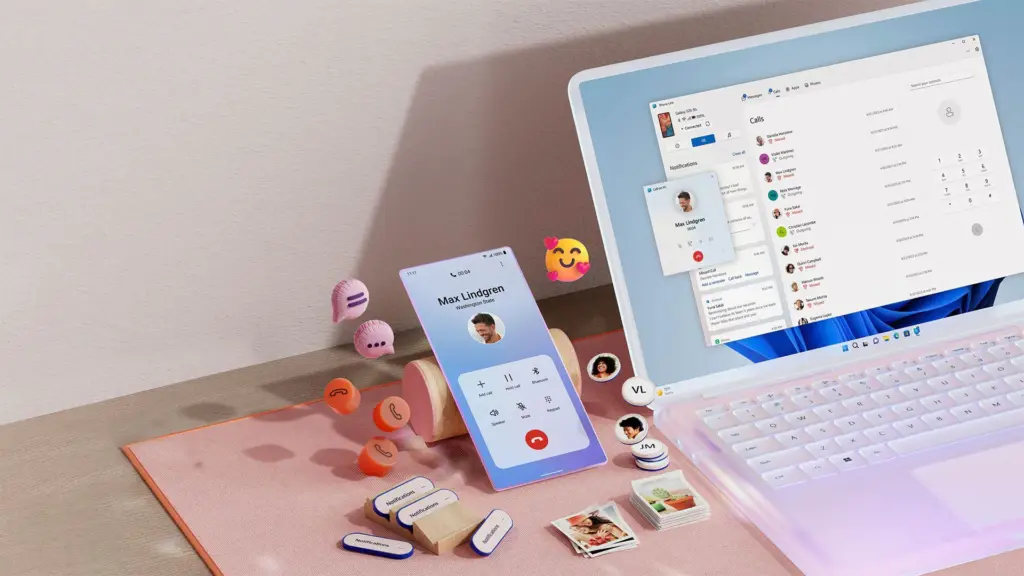
Microsoft Phone Link, which is integrated into Windows 10 and 11, allows you to easily connect your Android phone to your PC. Without touching your phone, you can make calls, control notifications, send texts, and view recent photos.
The ability to replicate apps is one of its strongest features. For apps without web versions, you can use your mouse and keyboard to interact with them when you launch specific mobile apps on your PC. It is easy to set up. You can connect your Android phone to your PC via Bluetooth or Wi-Fi after installing the Link to Windows app on your phone. Everything updates automatically once it is synchronized, and the connection is secure.
Phone Link is revolutionary if you operate on a computer for extended periods of time. It ensures that you remain connected while minimizing distractions. The majority of Android phones can utilize its primary functions, albeit Samsung Galaxy devices are the greatest fit for it.
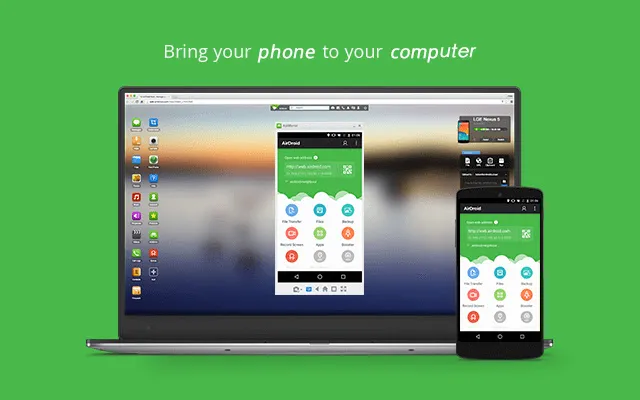
AirDroid is another excellent option if you want complete control over your Android phone from your PC. It is cross-platform, having a web interface and specific Windows and macOS programs, unlike some rivals. Once configured, you can remotely access your phone’s camera, manage SMS messages, respond to notifications, transfer files, and mirror your screen without ever touching your device.
It is easy to get started. Use the desktop software or log in via a browser after installing the AirDroid app on your Android phone and creating an account. Everything connects immediately if you are on the same Wi-Fi network. Although remote access is feasible, a paid subscription is needed for services like screen mirroring over mobile networks.
AirDroid’s versatility is what sets it apart. For presentations or to view particular apps, you can mirror your screens. You can even transfer data across devices wirelessly. Another benefit that helps you stay informed about messages and alerts while working is notification mirroring. Despite having a lot of functionality, AirDroid maintains simplicity with a clear, user-friendly interface. Premium users receive end-to-end encryption for added security if security is a top concern.
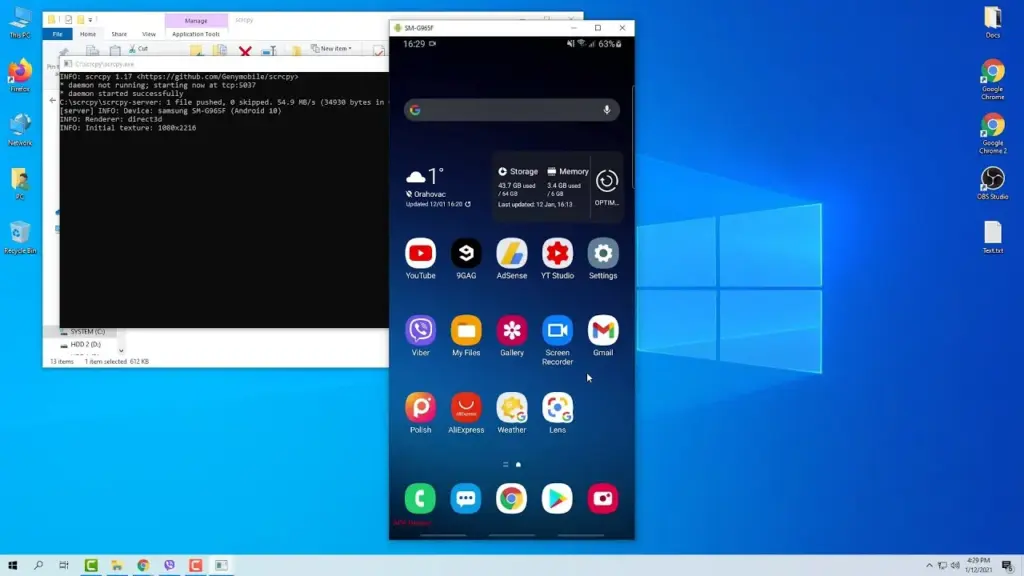
It can be inconvenient to constantly pick up your phone to check things, particularly if you work on a PC. By enabling you to mirror and manage your Android phone from your PC, Scrcpy solves this problem. It has no bloat and is free.
With an emphasis on low-latency, high-resolution screen mirroring without root access, Scrcpy is quick, light, and open source in contrast to many commercial programs. You have the option of using Wi-Fi or USB, depending on what is more convenient for you. It is easy to set up. After downloading the app, connect your phone to your PC and turn on USB debugging. When it is operating, you may use your keyboard and mouse to interact with your phone’s screen, which displays in real time.
Scrcpy is a comprehensive mirroring solution that supports audio forwarding in its latest versions. Wireless performance can vary, though, and some users may find the absence of integrated file sharing and multi-device functionality to be a drawback. Furthermore, even though third-party graphical interfaces are available, people who are not familiar with Scrcpy may find its command-line configuration daunting.
On the plus side, Scrcpy does not need to be installed on your phone, which lowers security concerns and conserves storage space. It improves with frequent updates because it is open source. Scrcpy is among the greatest free programs for managing your Android phone from a PC, provided you are prepared to overcome its drawbacks.
How you work will determine which tool is ideal for you.
For Windows users seeking a native, hassle-free method of syncing calls, messages, and notifications, Phone Link is my top pick. With file transfers, remote access, and notification mirroring, AirDroid goes above and beyond; however, some premium capabilities are subscription-based.
I have experimented with Scrcpy since I love open source software. Although it offers little lag and high-performance screen mirroring, I find its command-line configuration to be less than ideal. Last but not least, TeamViewer QuickSupport is an option; nevertheless, its limitations in the free edition make it most appropriate for infrequent use.
The most important factors – productivity, ease of use, or complete control – determine which tool is best. Whichever option you select, these options facilitate communication and task completion. It has never been simpler to control your Android phone from your PC. There is a solution that suits your operation, whether you require remote help, sophisticated functionality, or smooth integration.
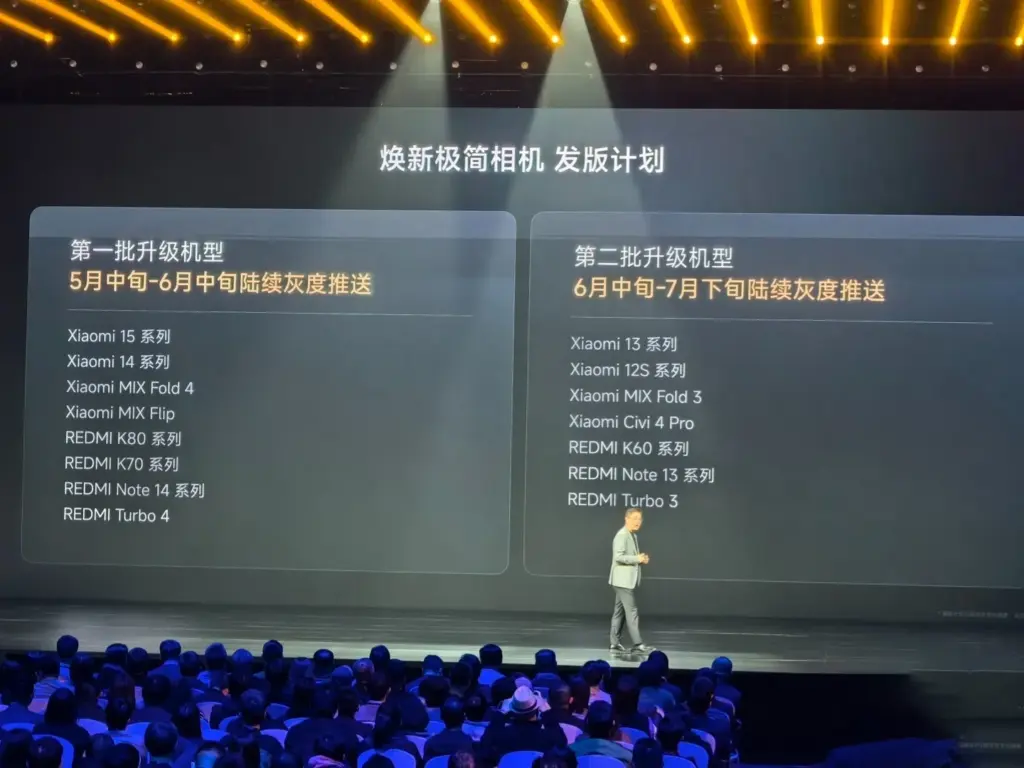
Although Xiaomi has been working on HyperOS 2.2 in the background, the release date may have been unintentionally disclosed. Xiaomi just released a description of how it plans to roll out its new, minimalist camera app, which debuted alongside the Xiaomi 15 Ultra. However, a closer examination of the camera update’s deployment schedule suggests that HyperOS 2.2 might be released earlier than anticipated.
HyperOS 2.2 development is underway
Based on Xiaomi’s standard rollout plan, the following can be expected:
This is in line with Xiaomi’s previous actions. For instance, the new Game Turbo capabilities were introduced with the REDMI K80 series and were available on all HyperOS 2.1-compatible devices. The new simple camera app, which will come pre-installed on HyperOS 2.2, will experience the same thing.
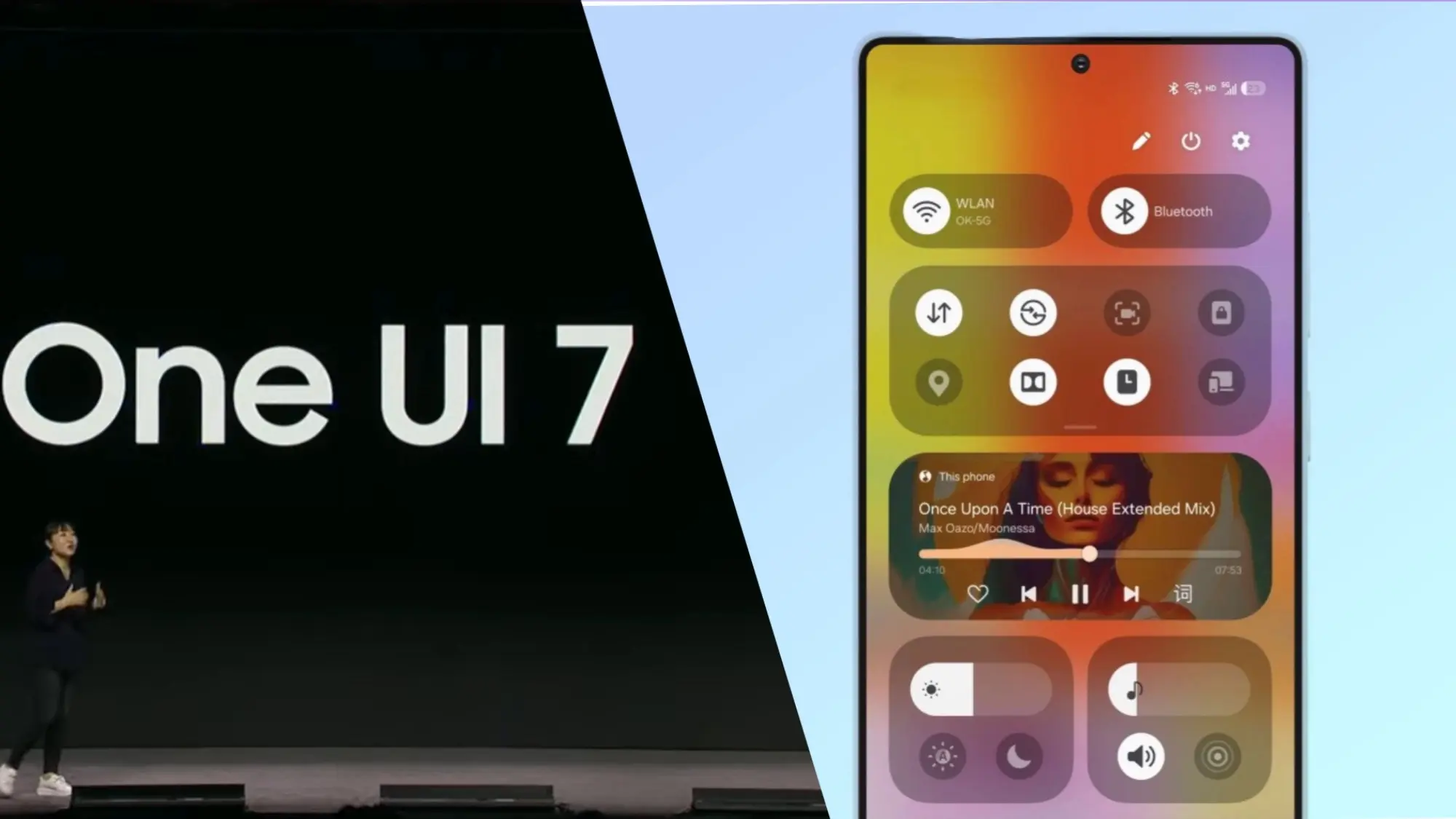
The release date of Samsung’s upcoming major software upgrade, One UI 7.0, for Galaxy customers has finally been revealed. Early April 2025 is when the Android 15-based update is expected to launch, most likely with the Galaxy S24 series before moving on to previous flagships and a few mid-range devices.
You are not the only one who has been anticipating this update; Samsung has been testing One UI 7.0 through its beta program for months in order to improve the user experience prior to its official release. What specifically does this upgrade offer, though? Let us dissect it.
Rollout Plan for One UI 7.0
Multiple beta updates have been released since Samsung launched its One UI 7.0 beta program with the Galaxy S24 series in December 2024. Samsung is now anticipated to deliver a few more beta upgrades prior to the final deployment, with the stable version approaching.
The Galaxy S24 series should be the first to get the update, followed by: Galaxy S23 series Galaxy Z Flip 6 Galaxy Z Fold 6 Galaxy A55
Galaxy S23 series
Galaxy Z Flip 6
Galaxy Z Fold 6
Galaxy A55
In order to provide tablets a preview of the new software prior to its official release, Samsung is also extending the One UI 7.0 Beta Program to additional devices, such as the Galaxy Tab S10 series.
What’s New in One UI 7.0?
One UI 7.0 is not just another small update; it also brings a new look and a number of usability and performance enhancements. What is noteworthy is this:
Redesigned Quick Panel – A cleaner, more intuitive way to access essential settings.
Smoother Animations & Transitions – Lighter, faster, and designed to improve the overall experience.
Updated Iconography – A new look for system icons to match the refreshed design language.
Now Bar – A persistent status bar that shows ongoing activities at a glance.
Revamped Camera App – Controls are now easier to reach for one-handed use.
New Battery Icon & Charging Animations – A subtle but noticeable visual upgrade.
AI Features & Performance Optimizations
The software’s AI-powered capabilities may be one of the reasons Samsung has taken its time with One UI 7.0. Samsung is probably striving to make sure its infrastructure can support these AI features across its wide range of devices, as some of them may need cloud processing.
You will not have to wait long for One UI 7.0 if you are using a high-end mid-range mobile or a recent Samsung flagship. This version aims to provide a more sophisticated user experience than a mere refresh thanks to a revamped UI, smoother animations, and AI-driven optimizations.
Samsung still has a few beta updates to go, but by April, Galaxy users should finally get the stable version.
Google shocked the Android smartphone community with the announcement that its new flagships, the Pixel 8 series, will receive an astounding seven years of Android updates. Samsung swiftly adopted this strategy for its premium Galaxy smartphones. Few brands have entered the “seven-year club,” though a few have extended their update commitments since then.
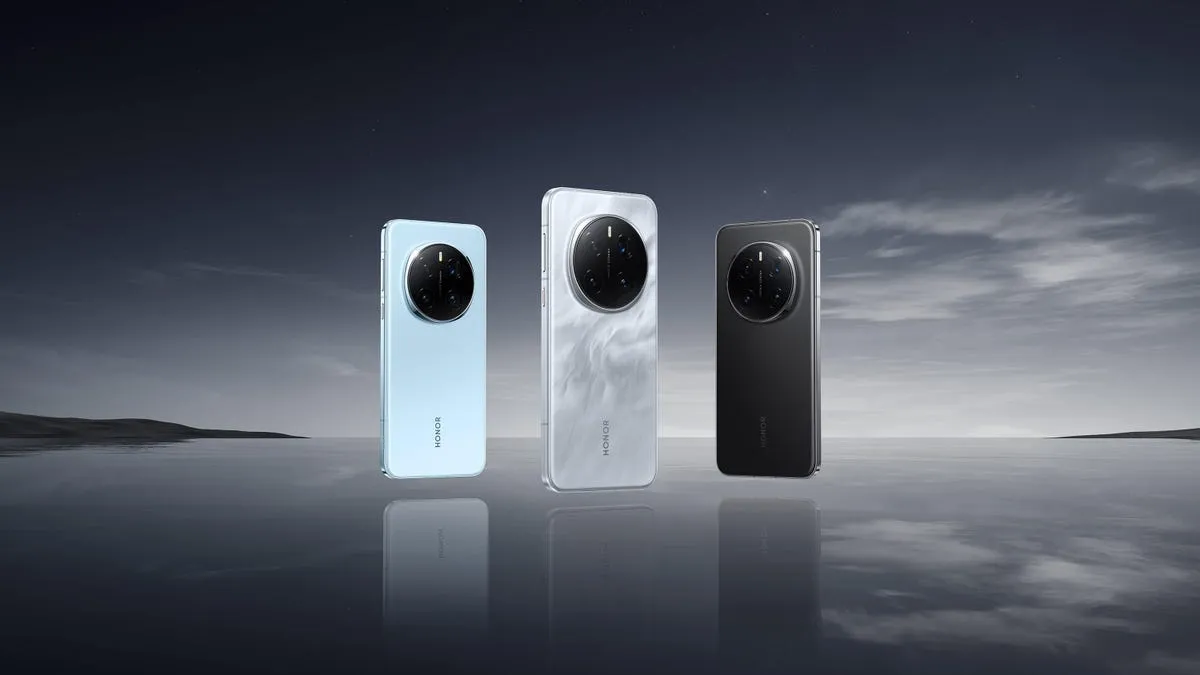
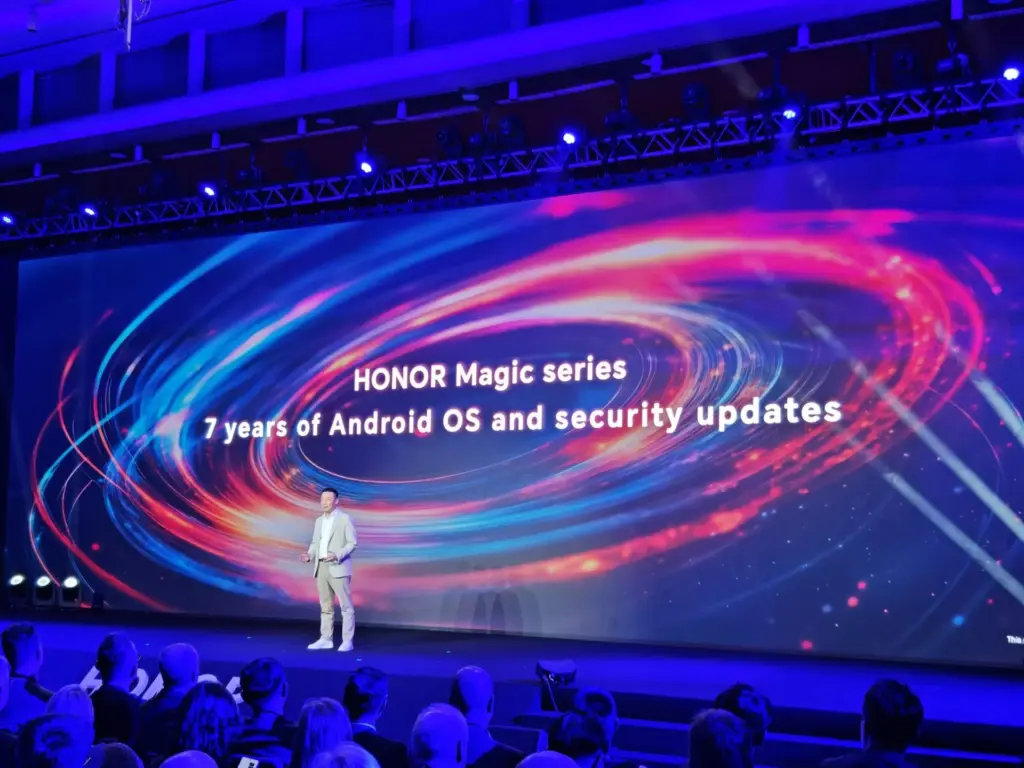
Honor is the newest member of that exclusive group. During its ill-named HONOR ALPHA Plan keynote address at Mobile World Congress 2025 today, the company said that it will provide seven years of Android updates and security fixes for its top Magic series handsets.
Honor updates are welcome
Magic lineup are typically HONOR’s best Android gadgets, including as tablets, folding phones, and slate-style phones. The first gadget to receive this policy will be the Honor Magic 7 Pro. This is a welcome change from company’s previous assurance that the Magic 7 Pro would receive OS updates for four years and security updates for five.
It is unclear, though, if this rule will apply to any other older devices in the past. It is also unknown which handsets in the future will have this, however the Magic V4, a foldable tablet, is probably going to be one. We will hopefully find out more details about this in the upcoming weeks and months. The Magic 7 Pro and other flagship devices will soon receive a far more comprehensive update commitment, which should delight HONOR enthusiasts for the time being.
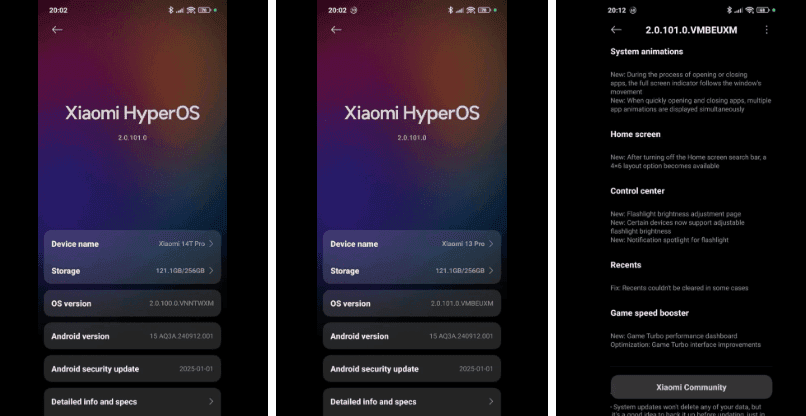
Xiaomi has widely distributed the HyperOS 2.1 worldwide update, which brings the newest features and enhancements to a wide variety of phones, including tablets, high-end flagships, and budget-friendly models. The update release is a significant step toward Xiaomi’s goal of offering consistent software updates across its range of devices worldwide.
Devices receiving HyperOS 2.1 update
The global update is now available on the following devices:
Xiaomi’s worldwide software strategy has advanced significantly with this deployment, which offers the newest HyperOS capabilities across a range of device categories and pricing points. The inclusion of both high-end and mid-range devices in the rollout demonstrates Xiaomi’s dedication to maintaining software parity throughout its whole product line.
Building on the basis established by the original HyperOS, this update 2.1 offers a number of enhancements on these products. Better UI elements, system animations, and enhanced system performance are in store for the users.