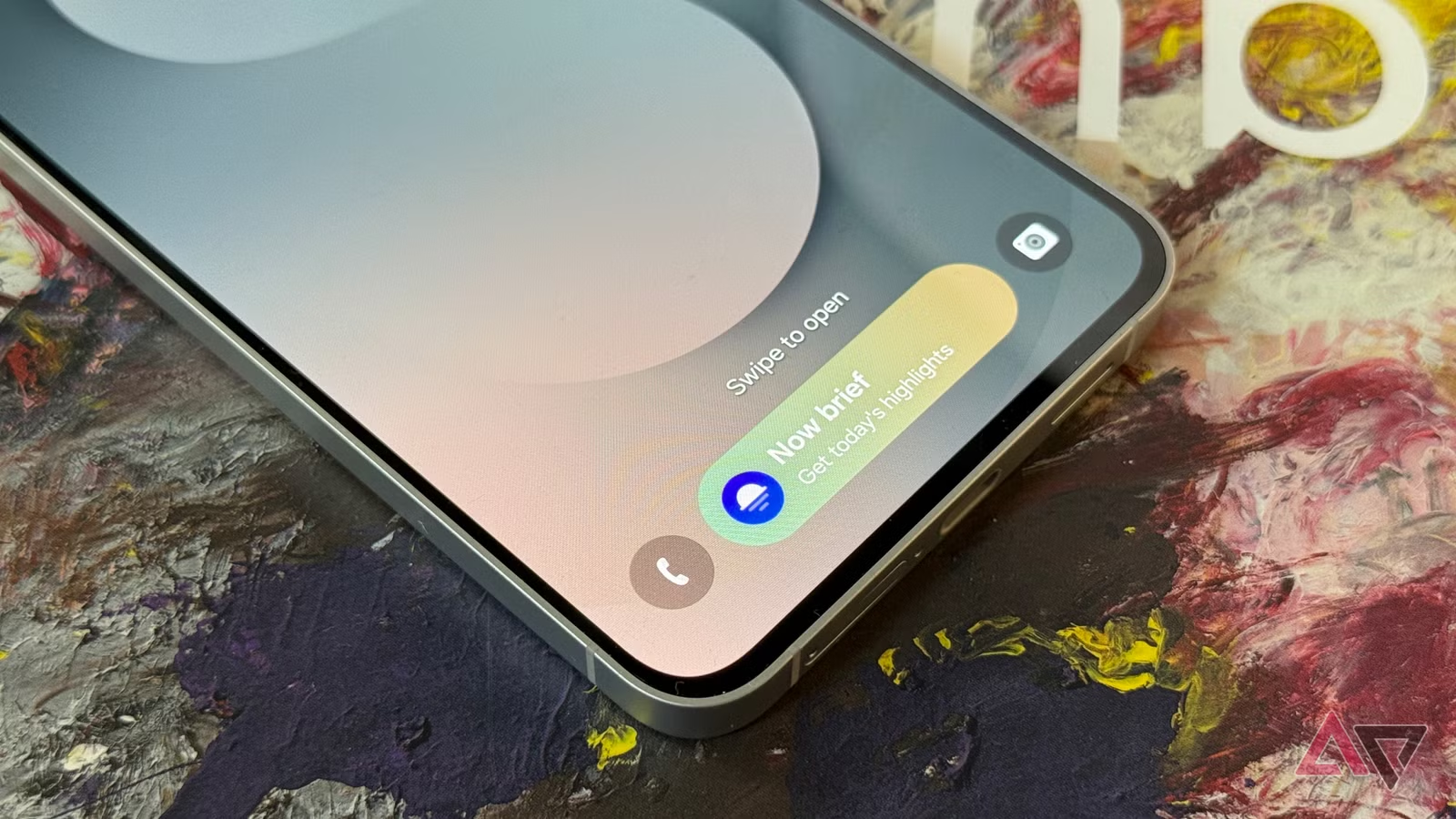
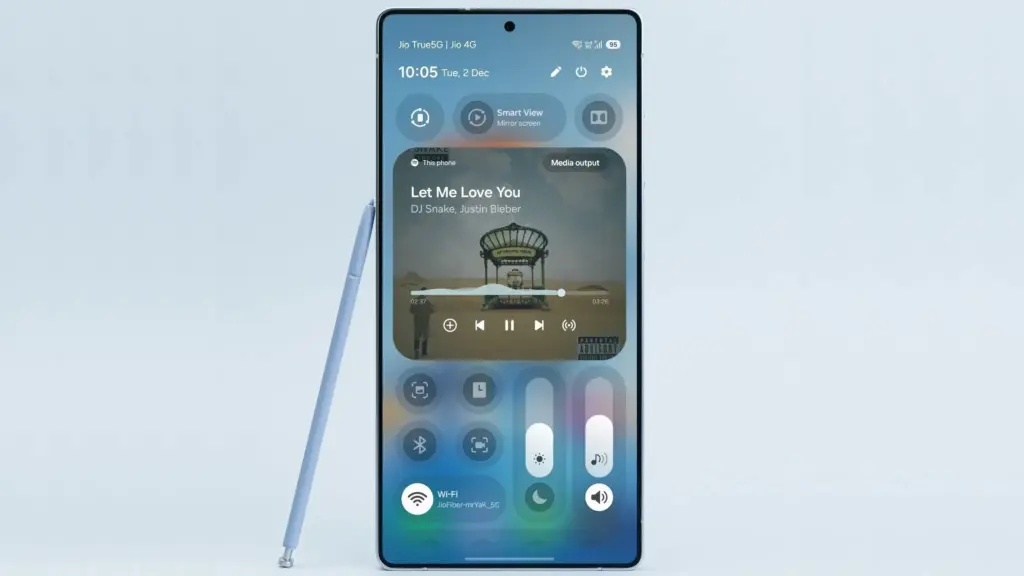
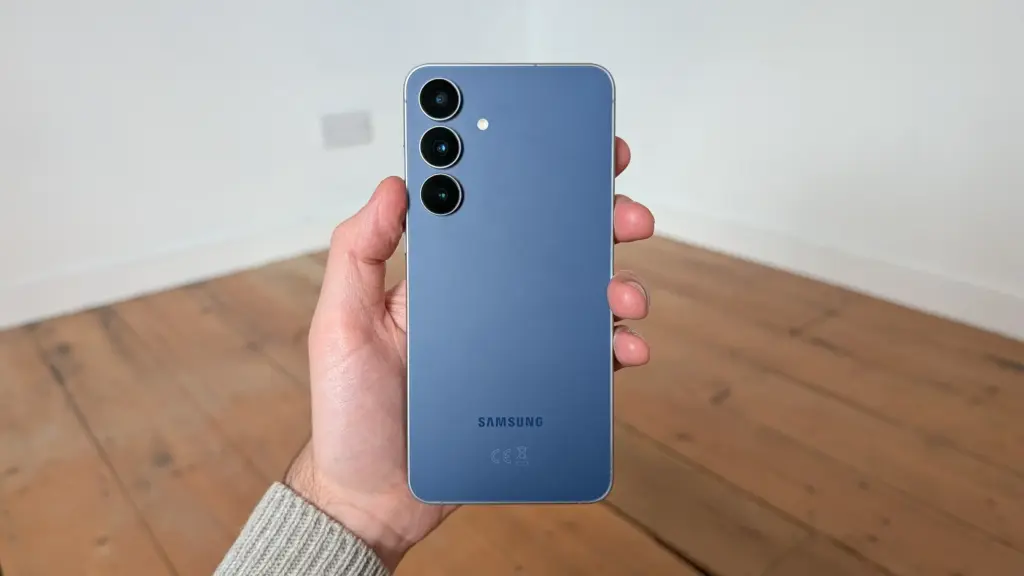
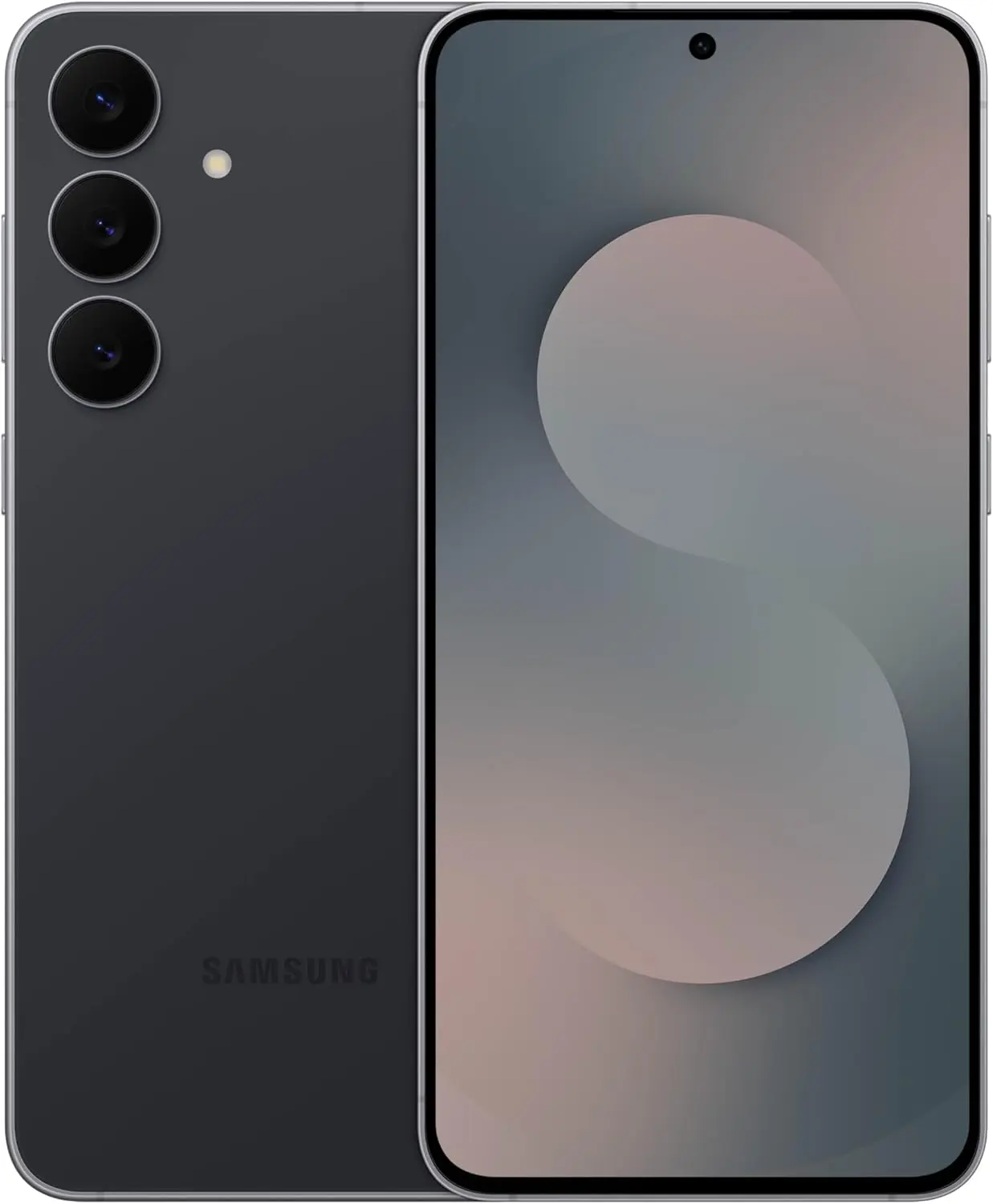
After months of beta testing, One UI 8.5 has begun rolling out to Samsung Galaxy S25 phones in the United States, bringing the 2024 flagship lineup up to speed with the features that debuted on the Galaxy S26 (via Android Authority).
The update delivers a significant package of previously S26-exclusive features to S25 owners, including Agentic AI through Bixby, a series of visual changes, and an enhanced Quick Share app. Perhaps just as notable: the rapid arrival on S25 hardware – only a week after the update launched in Samsung’s home market of South Korea – suggests other eligible devices in the first rollout wave may not be far behind.
One UI 8.5 is a long-awaited upgrade for a wide range of Samsung phones
Beyond the Galaxy S25 family (which includes the upcoming S25 FE), Samsung has confirmed the following devices are part of the first phase of the One UI 8.5 rollout:
Galaxy S24, S24 Plus, S24 Ultra, and S24 FE
Galaxy Z Fold 7, Flip 7
Galaxy Z Fold 6, Flip 6
Galaxy Tab S11, Tab S11 Ultra
Galaxy Tab S10, Tab S10 Plus, Tab S10 Ultra
Owners of those devices should watch for notifications over the coming days, as the update is likely to follow shortly.
On the technical side, the update weighs in at 4,408.31 MB and also bundles the April security patch – a little late, but the sheer volume of additions makes that easy to overlook.
The One UI 8.5 excitement has been building for a while, and the end result justifies it. Despite not being a full version number bump, this update delivers what One UI 8 arguably should have been at launch. The headlining addition is Agentic AI, which finally brings AI-powered call screening to Samsung’s phones alongside the ability to edit images through text prompts and expanded AI Select functionality.
Bixby also makes a meaningful return, now powered by Perplexity – a significant upgrade that makes Samsung’s long-running assistant considerably more capable than any previous iteration. The overhauled Quick Share app rounds out the major additions.
One UI 8.5 has been a long time coming for anyone outside the S26 range, and with the rollout now picking up pace, it won’t be long before a much broader set of Samsung devices gets to experience it firsthand.
Qualcomm usually makes headlines for its top-tier Snapdragon 8 Elite series, and while those chips may end up inside the most expensive and desirable phones this year, the company also has a lineup of processors built for more modest hardware. Today, that means two new chips worth paying attention to.
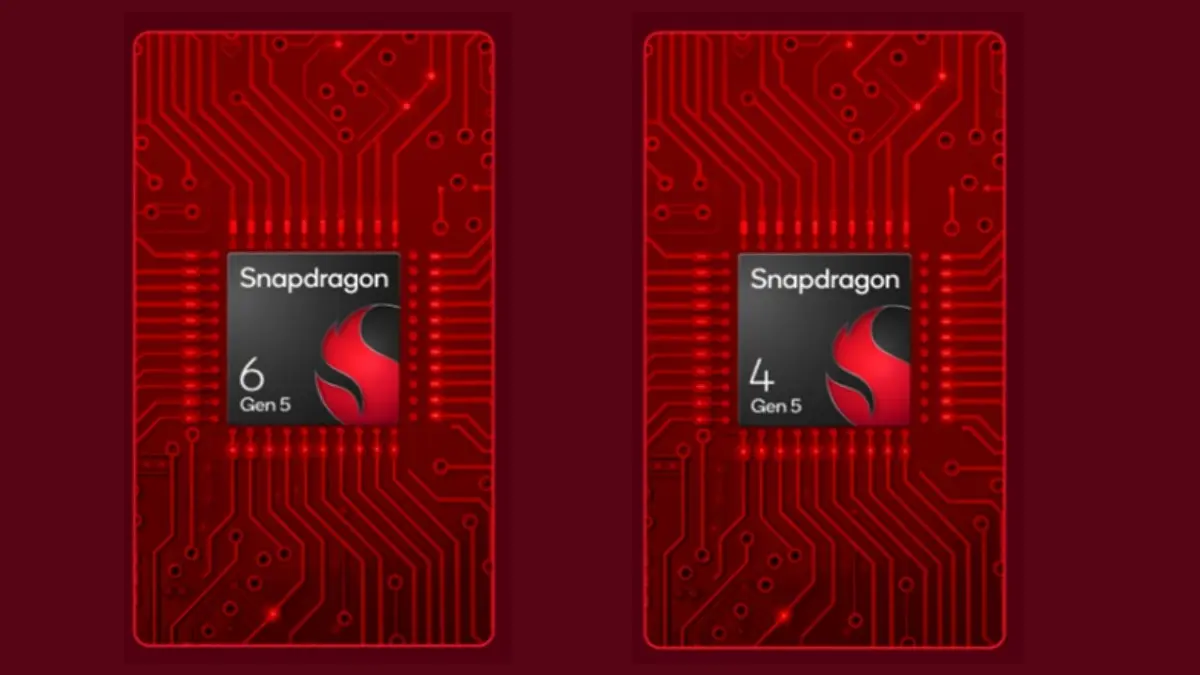
The Snapdragon 4 Gen 5 and Snapdragon 6 Gen 5 are two new octa-core processors that bring a long list of upgrades over the previous entries in each series. Here is what you need to know.
Qualcomm Snapdragon 4 Gen 5
Built on a 4nm process, the Snapdragon 4 Gen 5 will be used in reasonably priced phones. Its octa-core design uses Qualcomm’s Kyro CPU and Adreno GPU, and the layout is split into two 2.4GHz performance cores and six 2.0GHz efficiency cores.
Compared with the previous Snapdragon 4 chip, the Gen 5 brings a major 77% jump in GPU performance, which should translate into richer visuals at up to 90fps. Overall performance is also said to be 54% better than the competition, although Qualcomm has not named the chip used in that comparison.
A set of power-saving and efficiency improvements should also help phones last longer. Qualcomm says devices powered by the Snapdragon 4 Gen 5 will get an extra hour of video playback, more than an hour and a half of music playback, and an additional 35 minutes of voice calls on a single charge.
Other notable features include Snapdragon Sound with Qualcomm’s Aqstic AptX Adaptive technology, Snapdragon Smooth Motion UI for 25% less screen stutter and 43% faster app launches, and support for dual SIM use with 5G active on both cards at the same time.
On the camera side, the Snapdragon 4 Gen 5 supports auto-exposure, auto-focus, and auto white balance, while also handling face detection and electronic image stabilization (EIS).
Qualcomm Snapdragon 6 Gen 5
The Snapdragon 6 Gen 5 is also built on a 4nm process and uses Qualcomm’s Kyro CPU and Adreno GPU, but its core layout is different from the Snapdragon 4 Gen 5. It features four 2.6GHz performance cores and four 2.0GHz efficiency cores, making it the better fit for phones where performance matters more.
Qualcomm says GPU performance is up 21% compared with the previous Snapdragon 6, along with a modest 8% improvement in power savings. In practical terms, that should mean at least two extra hours of music playback and nearly 40 additional minutes of gaming on a single battery charge.
Gaming is a major focus here. The chip includes Qualcomm’s Adaptive Performance Engine 4.0 for steadier gameplay, Snapdragon Game Super Resolution for upscaling graphics, and Frames Per Second 3.0 tuning as well.
Other additions include Wi-Fi 7, Bluetooth 6.0, and BT Channel Sounding for use with item trackers. These are all brand-new features for the 6 series processors.
Finally, both the Snapdragon 4 Gen 5 and Snapdragon 6 Gen 5 include 3GPP Release 17 and Qualcomm’s Snapdragon 5G modem. That is a first for both series. On the Snapdragon 6 Gen 5, Qualcomm also adds support for FDD Power Class 2 for Uplink, with dedicated upload bands that should make image and data uploads 25% faster.
Qualcomm says phones with the Snapdragon 6 Gen 5 and Snapdragon 4 Gen 5 will arrive in the second half of 2026, and the brands already lined up to use them include Honor, Oppo, Realme, and Redmi.
There comes a point where upgrading your smartphone every year or two just does not make much sense anymore. My Google Pixel 9 Pro from 2024 is still performing well, and unless the next upgrade brings something meaningful, I do not see myself moving to the Pixel 11 Pro either.
The trade-off for keeping a phone longer is that it slowly starts to feel cluttered. You install the apps you need over time, and unlike the old days of swapping to a fresh device, everything accumulates. At this point, I have well over 100 apps on my phone.
The issue is that many of these apps keep running in the background, using RAM and other system resources even when they are not open. That can make your phone feel slower, less responsive, or just not as smooth as before.
Android includes a hidden setting that lets you see exactly how much memory each app is using. It makes it much easier to figure out which apps are worth keeping and which ones are just sitting there eating resources and slowing down your phone.
You need Developer Options first
Before you can check this, you need to enable Developer Options on your device, which is probably why you have never run into this setting before.
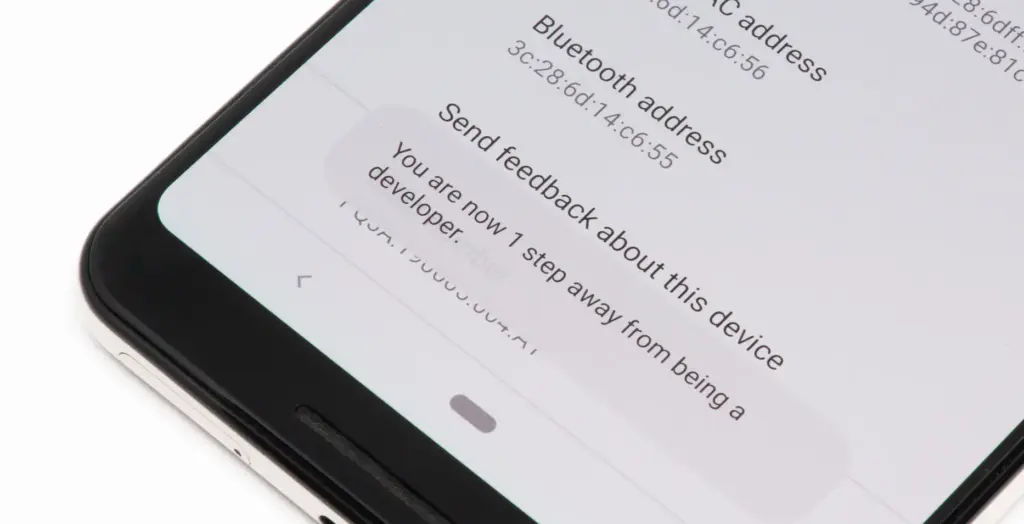
To turn it on, open the Settings app on your phone, then go to the About Phone section. From there, tap the Build number seven times. After a few taps, you should see a message saying, “Developer options have been enabled.”
Once that is done, go back to System settings and open Developer Options. Near the top, you will find a Memory section. On some devices, especially Google Pixel phones, memory usage profiling may not be enabled by default, so you may need to switch it on and restart your device before you can use it.
What the numbers mean
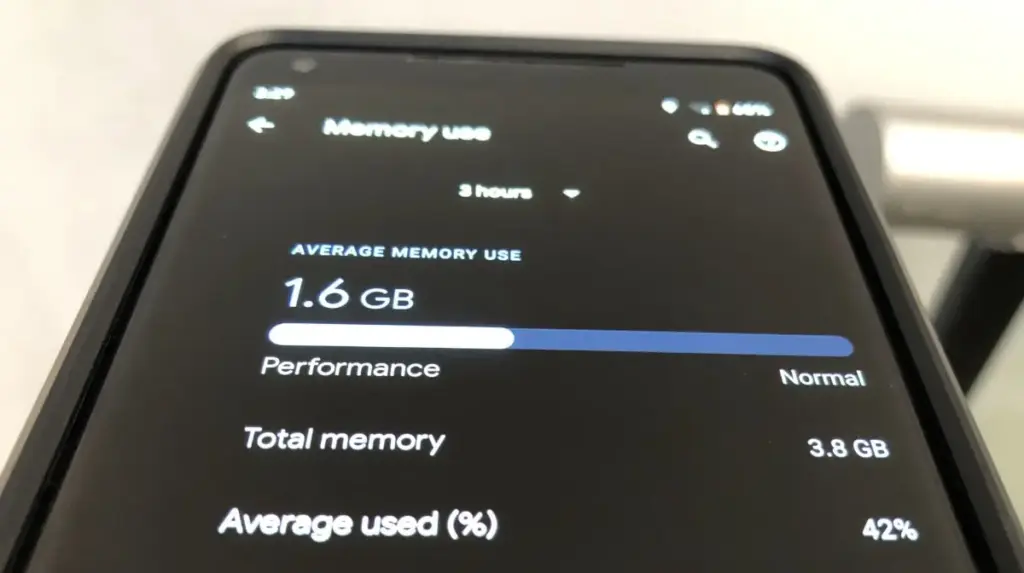
Inside the Memory section, you will see how much RAM your phone has, how much is being used on average, and a general overview of overall performance.
If you want to see which apps are using memory, tap the Memory used by apps option. This section lists apps based on how much RAM they have used over the past three hours by default.
At the top, there is a drop-down menu that lets you change the time frame to three hours, six hours, 12 hours, or one day. In practice, 12 hours or one day gives a much better picture of which apps consistently use the most memory throughout the day.
In most cases, Android OS will appear at the top, and that is completely normal. The system itself runs several background processes, and all of that gets grouped under Android OS.
What matters more is spotting third-party apps that are using more RAM than expected. You can tap any app to see details such as its average and peak memory usage.
For example, I do not currently have a Pixel Watch paired with my Pixel 9 Pro, but the Pixel Watch app and Fitbit app together were using around 250MB of RAM in the background. That is a lot for something I am not even using.
If you notice similar apps on your phone, you can open their info page and use the three-dot menu to force stop them if needed.
RAM use is not always bad
That said, RAM being used is not automatically a problem.
Android is designed to use available RAM to keep apps ready in the background, so it does not always mean your phone is wasting resources. The real goal is to identify what is actually unnecessary.
If you find an app that you do not really use but it is still taking up a lot of memory, you can stop it from this menu. Even better, uninstalling it completely is usually the smarter choice.
Force stopping only works temporarily, since the app will start using memory again the next time you open it. If you no longer use the app at all, removing it entirely ensures it will not keep using RAM in the future.
Recent apps are not enough
If you think the apps in your Recents menu are the only ones using your phone’s resources, closing them will not solve everything.
Those are just the apps that are currently active, but many Android apps continue running background processes that you do not see in Recents or on the screen.
That is exactly why this feature shows average memory usage over the past few hours, giving you a much clearer view of what is really using RAM behind the scenes.
Overall, this tool should help you spot the apps that are using more memory than they actually need. It gives you a clearer sense of what is running in the background and what is worth keeping installed.
If your phone feels slower or the battery is draining faster than usual, there are also other steps you can take to optimize your Android phone and help it last longer.
Android 17 QPR1’s latest beta build is centered almost entirely on bug fixes. Google first released the initial QPR1 beta in the third week of April, and just a couple of weeks later, it has now rolled out Android 17 QPR1 beta 2. Because the gap between the two builds is so short, this release mainly focuses on stability improvements rather than anything flashy.
That said, a long list of fixes does not change the fact that Android 17 QPR1 is still at an early beta stage. Issues are still likely, so users who care most about stability should probably stay on Android 16 on their Pixel. Anyone who wants to test the newer software can still try Android 17 beta, which should be noticeably more stable than QPR1 beta. If you do install Android 17 QPR1 beta, sending bug reports to Google will help those problems get addressed faster.
The OTA is already available for all compatible Pixel devices, starting with the Pixel 6 and running through the Pixel 10 lineup. Users can also download the OTA image and manually sideload it on a Pixel if they prefer that route.
On the user-facing side, there does not seem to be much new on a Pixel 8 Pro, aside from a refreshed Quick Settings edit icon. Google may be holding back the bigger changes for later beta builds or for future QPR releases.
At some point, there’s a good chance you’ll need to create and send a PDF from your Android phone. The instinct is usually to head straight to the Google Play Store — but with ongoing reports of malicious apps turning up on both Android and iOS, that search can quickly become a security minefield. Before downloading anything unfamiliar, it’s worth checking what’s already on the device.
As it turns out, scanning paper documents and saving them as PDFs on Android requires no third-party software at all. The feature is built directly into the Google Drive app, which comes preinstalled on most Android devices. Here’s how to use it.
How to turn scanned documents into PDFs on Android
What you’ll need: The Google Drive app on your Android phone — which should already be there out of the box.
1. Open Google Drive Launch the Google Drive app from the home screen or the App Drawer.
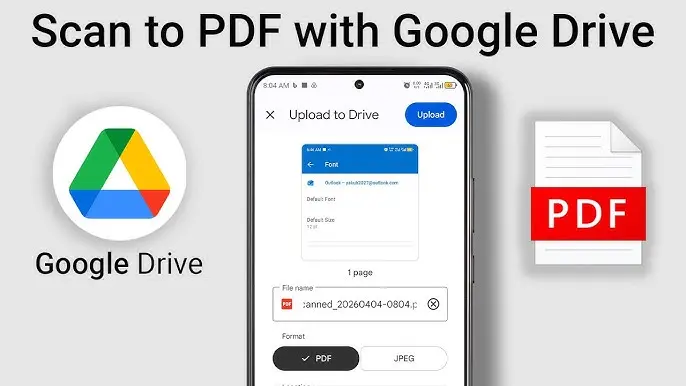
2. Select Scan Tap the + button in the bottom-right corner, then select Scan from the menu that appears.
3. Scan your documents Point the camera at the first page of the document. After scanning it, repeat the process for each additional page. Once all pages have been captured, tap the right-pointing arrow button at the bottom right of the screen.
4. Enhance if necessary The next screen offers basic editing tools — filters, crop/rotate controls, and a cleaning tool to tidy up the scan. Make any adjustments needed, then tap Next.
5. Name and upload Give the file a name, make sure PDF is selected as the format, and upload it. To save directly to a specific folder, tap the drop-down and choose the destination within Google Drive.
The scan will now be available in the selected Google Drive folder, ready to share from within the app. The clarity of the results tends to be better than expected.
One important thing
Google Drive doesn’t offer the option to encrypt or password-protect scanned files, which is worth keeping in mind for anything sensitive. The PDF will also sit in the Google Drive account until manually removed. A sensible practice: delete the file from Drive once it’s been shared, rather than leaving sensitive documents sitting in cloud storage indefinitely.
On the upside, scanned PDFs aren’t saved locally to the device, so there’s no storage impact to worry about. It’s a straightforward, no-cost solution that works well for everyday document scanning needs.
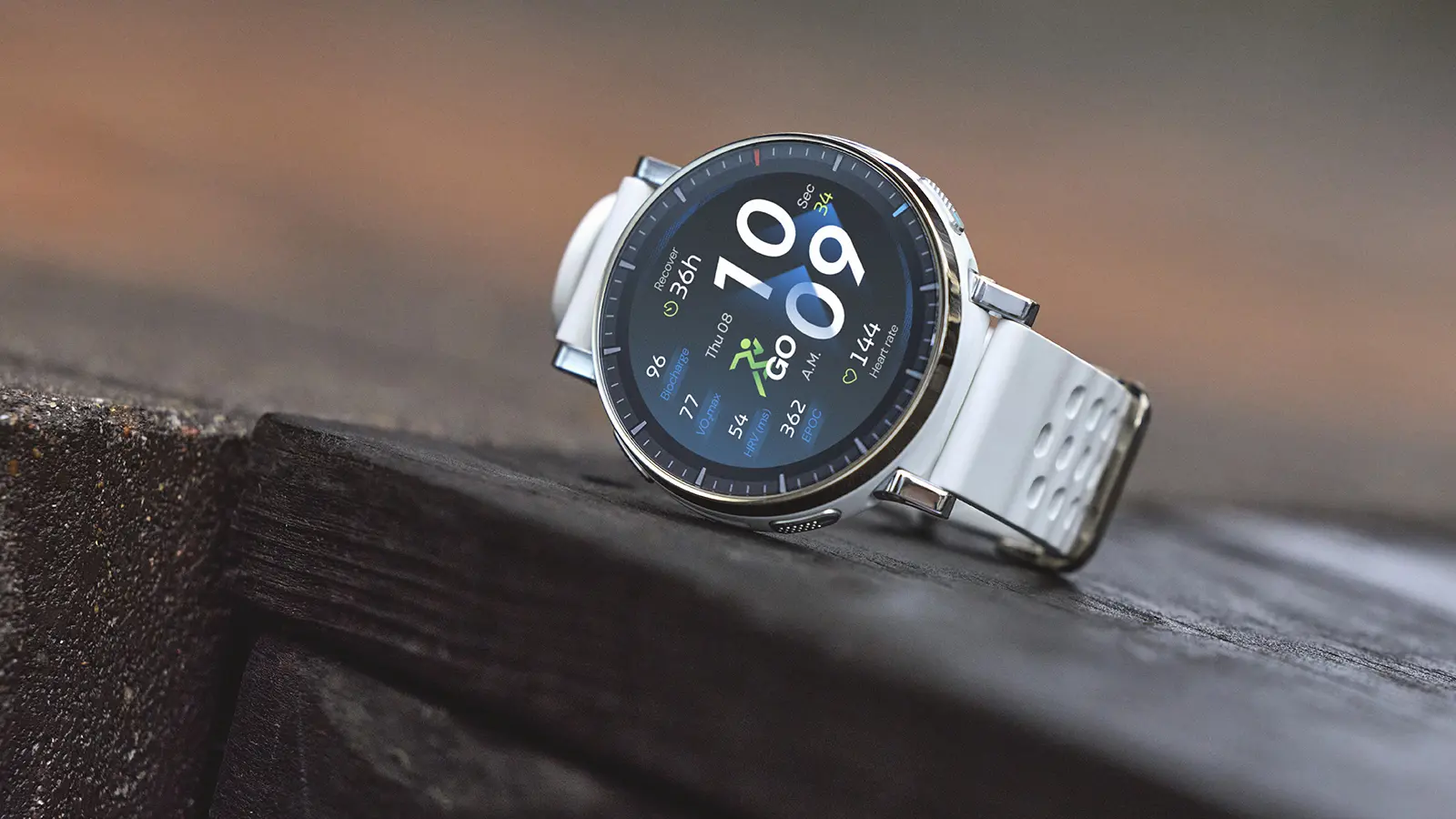
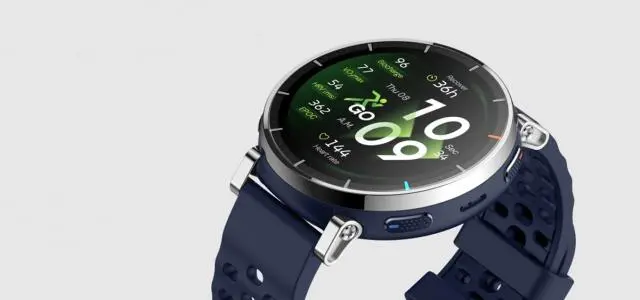
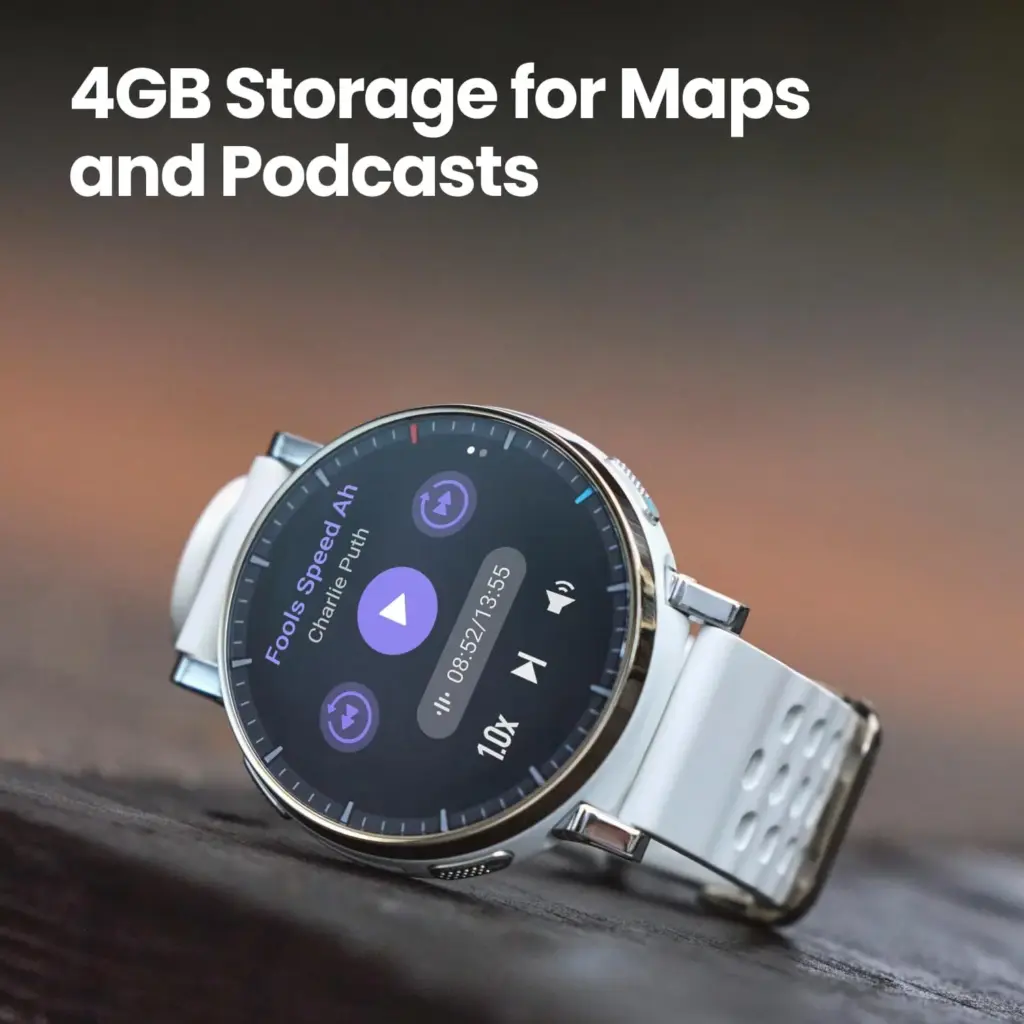
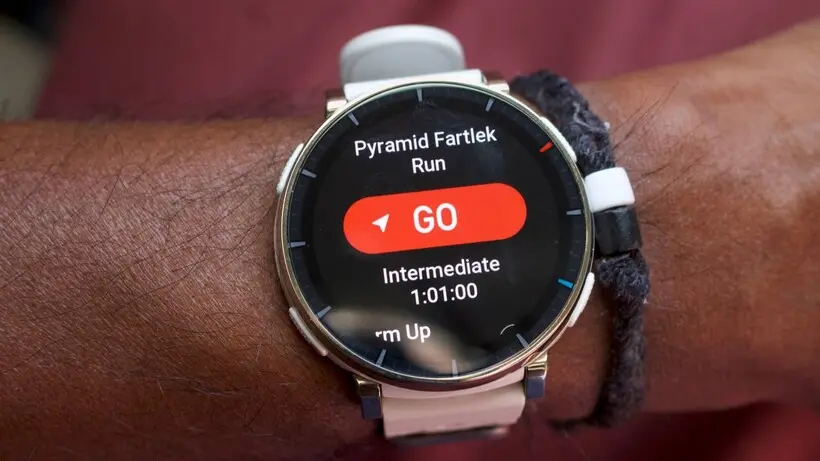
When most people picture a serious running watch, brands like Garmin and Coros tend to come to mind. Amazfit, not so much. That perception may be shifting, though. The Chinese brand’s latest release — the Amazfit Active 3 Premium — is sleek, solidly built, and loaded with tracking features, all for $169.99.
This is a budget fitness tracker, and it doesn’t pretend otherwise. According to Amazfit, the Active 3 Premium was designed primarily for fitness beginners and casual exercisers “working towards their first clear goal.” That means it’s built around simple, actionable insights rather than the dense, data-heavy analysis that defines Garmin’s ecosystem and other high-end platforms. That said, it brings enough to the table — including offline maps and up to 12 days of battery life — to hold its own against wearables that cost two or three times as much. With that in mind, it was put through a thorough review.
Design
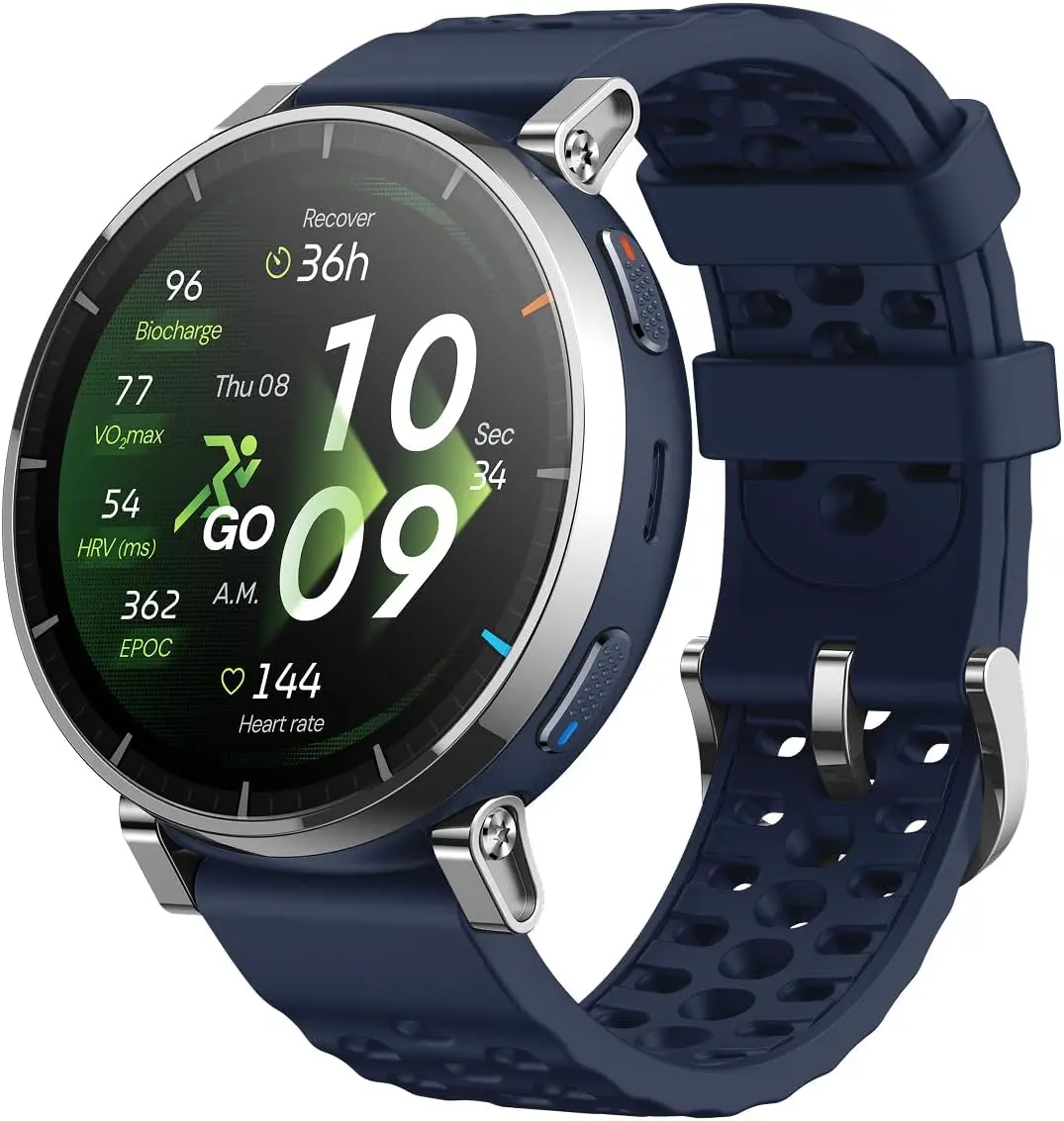
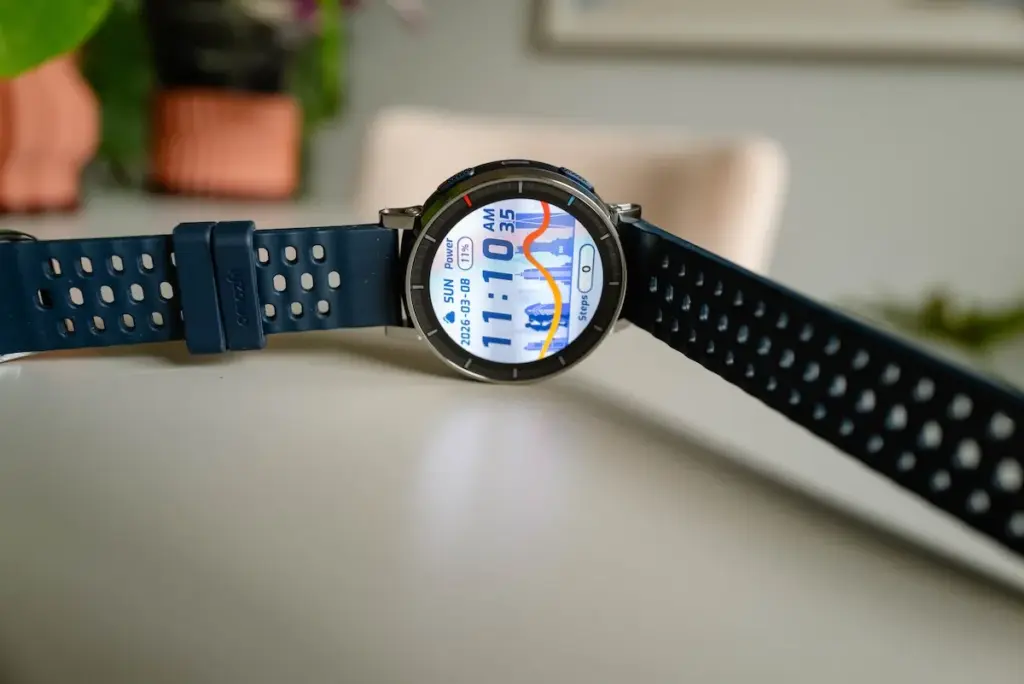
At first glance, the Amazfit Active 3 Premium bears a strong resemblance to the Amazfit Active Max tested a couple of months ago. Both are compact and unobtrusive, look sharp on the wrist, and share detachable silicone straps alongside engraved-style tick markers on a round bezel. Look closer, though, and the differences become clear.
The Active 3 Premium carries a slightly smaller AMOLED display than the Active Max – 1.32 inches versus 1.5 inches – which gives it a sleeker, more everyday-watch appearance. It also has four side buttons compared to the Active Max’s two, a practical design choice that makes mid-workout control far easier when hands are sweaty or gloved.
Durability is another area where the Active 3 Premium pulls ahead. Its bezel is stainless steel rather than aluminium alloy, offering better resistance to shocks, corrosion, and heat. The screen is protected by scratch-resistant Sapphire glass, while the Active Max has no display protection at all. Both share a 5 ATM waterproof rating, meaning they can handle surface-level swimming and shallow-water activities but aren’t rated for deep dives or high-pressure water exposure.
Wearing the Amazfit Active 3 Premium was a genuinely pleasant experience. It’s light, comfortable, and easy to forget about entirely – and it transitions well between activewear and casual clothing without looking out of place. Anyone fatigued by bulky, rugged-looking fitness wearables will find it a refreshing alternative. One caveat: the compact size won’t suit everyone’s taste, and those who prefer a larger watch face may find it a touch too small.
The display held up well throughout testing – bright, vibrant, and readable in direct sunlight, with no lag or freezing during demanding tasks. The one minor gripe is fingerprint smudging, which accumulates more visibly than on other running watches tested at this price point. It’s not a serious issue, particularly since the watch can be fully operated using the physical buttons, but it’s worth mentioning.
Amazfit Active 3 Premium
Built for Runners. Features a durable stainless steel frame, sapphire glass, and a lightweight build. The vibrant 1.32″ AMOLED display ensures your data and maps are easy to read, even under bright sunlight.
The Amazfit Active 3 Premium is built around fitness tracking, and that focus shows. Smartwatch features are present – Bluetooth calls, music control, NFC payments via Zepp Pay, and calendar notifications all make the cut – but the emphasis is firmly on workout measurement and analysis rather than general lifestyle functions. The result is an interface that feels purposeful rather than cluttered with widgets nobody uses.
The watch supports more than 170 activities but is clearly optimized for runners and race walkers. The running metrics on offer are notably advanced for the price bracket, including posture monitoring (detecting overstriding, hunching, or improper head position), lactate threshold assessment, ground contact balance tracking (measuring symmetry between left and right foot contact time), and running rhythm analysis that evaluates whether breathing, foot strikes, and body movements are properly synchronized. These are the kinds of data points typically reserved for premium athletic wearables.
Despite that depth, the Active 3 Premium remains approachable for beginners. It offers a range of structured running workouts and adaptive training plans, presented without overwhelming jargon or an excessive focus on constant progress metrics – a criticism frequently leveled at Garmin’s platforms. The overall effect is something like a compact running coach: providing feedback to improve form, reduce injury risk, and share achievements with others.
GPS is built in, with offline maps, turn-by-turn navigation, automatic rerouting, and point-to-point route planning. These features don’t match the depth and precision of what Garmin or Suunto deliver, but they’re more than adequate for basic navigation and phone-free outdoor sessions.
Amazfit Active 3 Premium
Built for Runners. Features a durable stainless steel frame, sapphire glass, and a lightweight build. The vibrant 1.32″ AMOLED display ensures your data and maps are easy to read, even under bright sunlight.
Amazfit rates the Active 3 Premium at up to 12 days of battery life under typical use, dropping to around 7 days with heavy use and 24 hours in continuous GPS mode. Real-world testing – wearing the watch day and night, tracking at least four workouts per week, and using GPS during outdoor sessions – landed around 10 days per charge, which aligns closely with those claims.
Outdoor tracking performed reasonably well. Testing across two full-day hikes through dense Welsh woodland and regular park runs produced location estimates accurate enough to serve as a reliable workout companion. That said, the Active 3 Premium uses single-band GPS rather than dual-band, which can limit signal strength in more complex, obstructed environments. Professional trail runners or those venturing into demanding terrain may find the GPS less dependable than they’d like.
Heart rate data was compared against readings from the Whoop MG screenless tracker, the Oura Ring Gen 4 smart ring, and the Polar H9 chest strap heart rate monitor. The results accurately reflected workout intensity and training load across most conditions. Accuracy dropped slightly during high-intensity efforts above 150 bpm, though that’s a common limitation across budget fitness trackers rather than a specific failing of this watch. Sleep and stress tracking both performed well.
Step counting and upper-body movement tracking were less reliable. The watch tended to underestimate steps and consistently struggled with exercises like indoor rowing, where stroke rate detection was noticeably off. Strength training tracking also left something to be desired. These shortcomings didn’t significantly affect the overall experience, and at this price point, they’re largely expected trade-offs rather than dealbreakers.
Should You Buy the Amazfit Active 3 Premium?
The Amazfit Active 3 Premium earns its place as one of the better budget smartwatches available for novice runners and casual exercisers. It’s durable, comfortable, reasonably accurate, and packs a genuinely impressive set of workout-tracking tools alongside beginner-friendly training guidance. The design holds up well across contexts, and the battery life is hard to fault. GPS and mapping fall short of premium standards, and the screen smudges faster than it should – but neither is a realistic expectation at $169.99.
✅ Buy it if: You’re a beginner or casual runner looking for a sleek, reliable smartwatch without spending a fortune.
❌ Don’t buy it if: You’re an experienced runner who needs advanced GPS accuracy and detailed mapping capabilities from a premium wearable.
Amazfit Active 3 Premium
Built for Runners. Features a durable stainless steel frame, sapphire glass, and a lightweight build. The vibrant 1.32″ AMOLED display ensures your data and maps are easy to read, even under bright sunlight.
Google’s Pixel smartphones offer one of the cleanest Android experiences available. Current-gen models ship with the latest version of Android, get updates before anyone else, and enjoy seven years of software support — a level of longevity that makes them a genuine alternative to the iPhone, which similarly prioritizes long-term support. For a direct comparison with Apple’s best, the Pixel 10 Pro is the model to consider if you’re chasing an experience comparable to the iPhone 17 Pro.
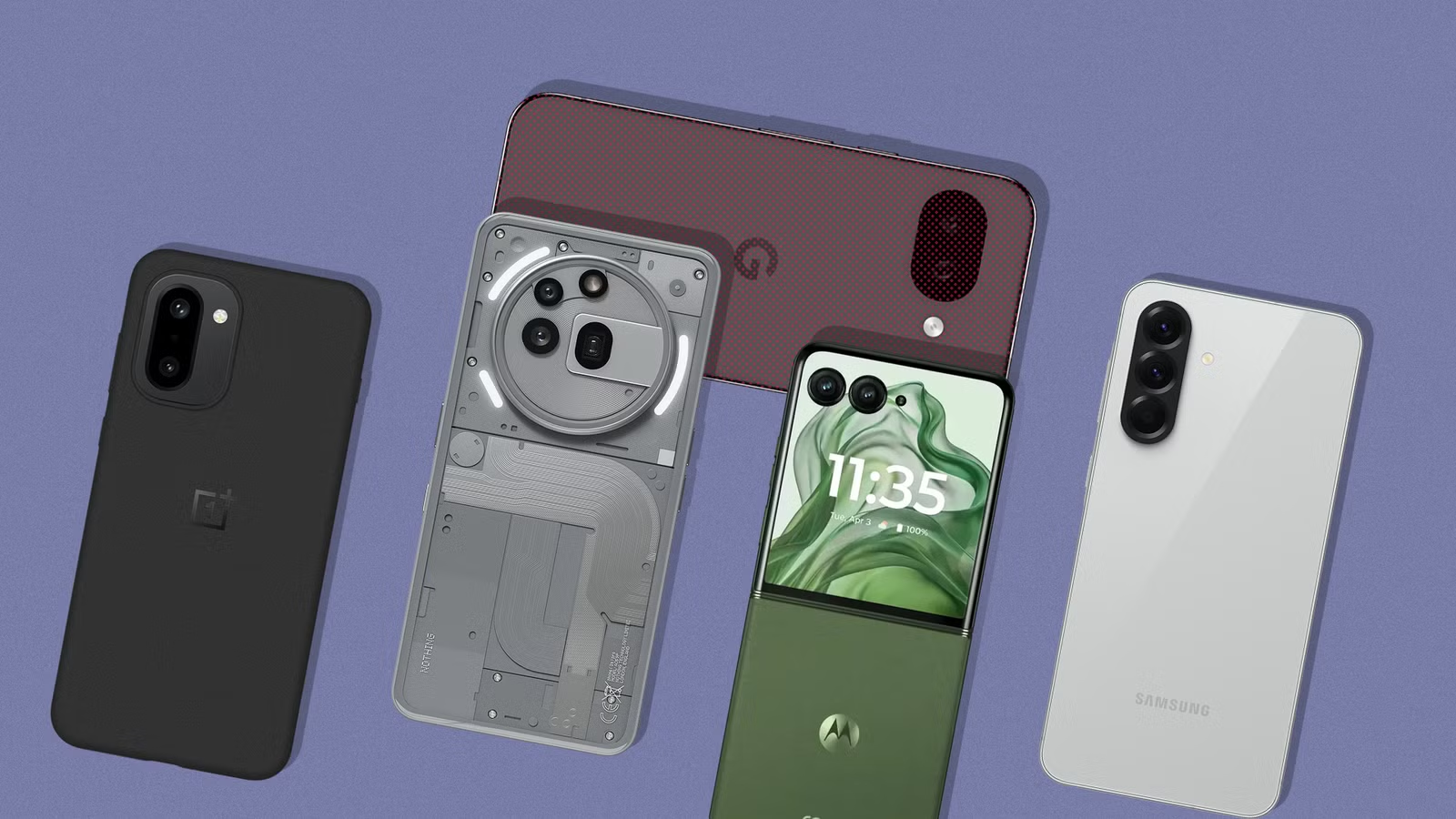
That said, Google also plays in the budget space, and its answer to the sub-$500 market is the Pixel 10a. Powered by last year’s Tensor G4 SoC with 8GB of RAM and a capable dual-camera system on the back — as explored in a full review of the Pixel 10a — it’s a reasonable choice for cost-conscious shoppers. But it does make compromises to hit that price, and raw performance is one of the more noticeable ones. There are several compelling alternatives that outpace it in that department. Five of them are highlighted below. A few of these picks aren’t officially sold in the U.S., and while importing through trusted channels is an option, carrier compatibility isn’t guaranteed.
Samsung Galaxy S25 FE
Samsung Galaxy S25 FE
Enjoy every scroll, swipe and stream on a stunning 6.7” wide display that’s as smooth for scrolling as it is immersive.
Samsung is the world’s largest Android manufacturer, and while the flagship Galaxy S series gets most of the spotlight, the company’s mid-range catalog is equally well-stocked. The Galaxy S25 FE sits in the upper mid-range tier, delivering a near-flagship experience by trimming a select few premium extras to land at a lower price point.
Under the hood is Samsung’s in-house Exynos 2400 SoC, which according to NanoReview offers noticeably better performance than the Tensor G4 inside the Pixel 10a. RAM is matched at 8GB, and the suite of AI features remains intact. One UI, which previously had a reputation for being bloated, has grown considerably leaner over the years and now runs without any real sluggishness. The display is a 6.7-inch LTPO AMOLED with a 120Hz refresh rate and up to 1,900 nits of peak brightness.
Samsung matches Google’s seven-year OS update promise on the S25 FE. The camera system includes a 50-megapixel wide, a 12-megapixel ultrawide, and an 8-megapixel 3x telephoto lens. Wired charging maxes out at 45W, which handles the 4,900mAh battery reasonably quickly. The base 128GB model retails at $650, though it can regularly be found under $600 through deals on Amazon and similar marketplaces.
OnePlus 15R
OnePlus 15R
Powered by the Snapdragon 8 Gen 5, plus a custom Wi-Fi chip and dedicated Touch Response chip, you get lightning-fast speeds, stable connections, and ultra-responsive touch control.
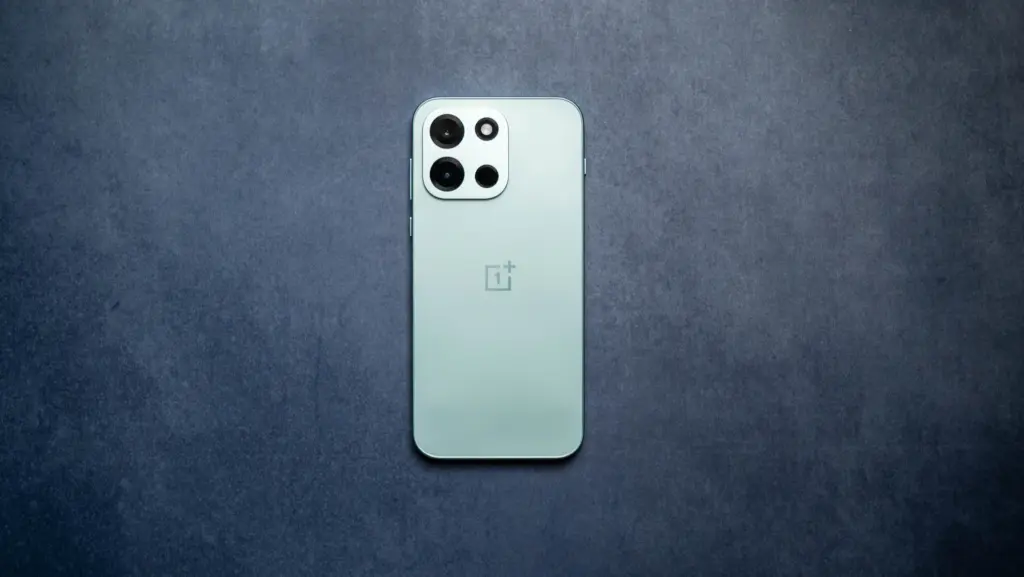
At $700, the OnePlus 15R costs more than the 256GB Pixel 10a — but considering what it delivers, that $100 premium is hard to argue with. The phone runs on the Snapdragon 8 Gen 5, which sits just below the 8 Elite Gen 5 in Qualcomm’s hierarchy and comfortably outpaces the Tensor G4, a chip that was already trailing the competition at launch. The performance gap here is substantial.
RAM steps up to 12GB, which keeps more apps active in the background and handles AI-driven tasks more effectively over time. The screen is a 6.83-inch AMOLED panel with up to 165Hz in supported games and a peak brightness of 3,600 nits in HDR scenarios. Slimmer bezels and a smaller hole-punch cutout make for a noticeably better multimedia display than the Pixel 10a.
Battery life is where the OnePlus 15R really pulls ahead. Its 7,400mAh cell offers roughly 50% more capacity than mainstream flagships, and the review of the OnePlus 15R confirmed the exceptional endurance that capacity suggests. Charging tops out at 80W with the included adapter, so refueling is fast when needed.
OnePlus Nord 6
OnePlus Nord 6
Flagship Performance with Snapdragon 8s Gen 4/: Couple this with the latest LPDDR5X RAM and UFS 4.1 ROM storage, Nord 6 is engineered to outperform nearly every flagship, allowing unprecedented ‘Gaming PC-level’ 165 FPS BGMI, CODM and Free Fire MAX steady-smooth gaming, and relentless everyday speed for the next 6 years.
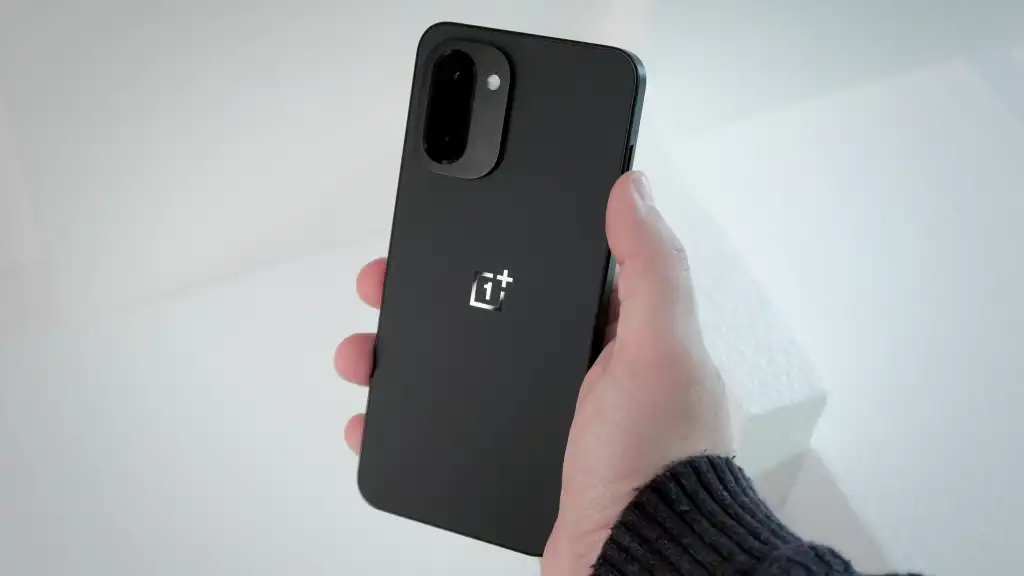
Despite recent speculation about market exits and a potential global pullback, OnePlus has continued shipping competitive hardware. The Nord 6 is the latest from the brand’s budget-focused lineup, and it brings serious performance for the price. The Snapdragon 8s Gen 4 SoC comfortably outperforms the Tensor G4 across the board, and configurations go up to 12GB of RAM with 256GB of UFS 4.1 storage.
Gaming is clearly a core target for the Nord 6. Its 6.78-inch AMOLED display supports refresh rates up to 165Hz in compatible titles — similar to what the OnePlus 15 offers — and a 3,840Hz touch sampling rate makes on-screen input feel exceptionally sharp. The dual rear camera covers wide and ultrawide angles, but the real talking point is the 9,000mAh silicon carbon battery with 80W wired charging support, which is a remarkable combination at this price.
OxygenOS handles the software side, with OnePlus committing to four years of OS updates. Pricing converts to roughly $415 for the 8GB RAM variant. The catch: the Nord 6 is an India-exclusive. In China, the same device is sold under the OnePlus Turbo 6 name. U.S. buyers would need to import it, with carrier compatibility being a potential sticking point.
RedMagic 11 Air
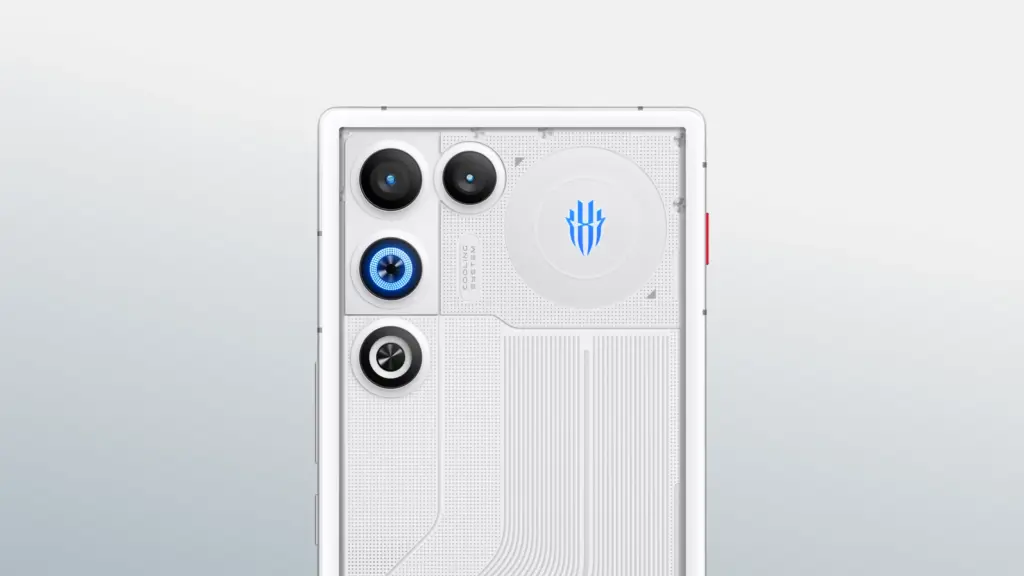
For those specifically after a gaming phone that’s actually available in the U.S., RedMagic is the go-to. The RedMagic 11 Air matches the Pixel 10a’s $500 price tag but packs considerably more horsepower. The Snapdragon 8 Elite SoC powering it is, on paper, more than twice as fast as the Tensor G4. Even as a generation-old chip at this point, it handles any modern mobile title at maxed settings with high frame rates without breaking a sweat.
A few hardware touches set it apart from the standard mid-range crowd. Capacitive shoulder triggers on the frame offer additional physical controls in supported games. The 6.8-inch 144Hz AMOLED display is completely notch-free, providing an uninterrupted viewing surface — a trade-off that costs the phone a front camera, which may or may not matter depending on priorities. Active cooling via a built-in fan and vapor chamber keeps thermals in check during extended sessions.
RAM comes in at 12GB, and storage doubles what the Pixel 10a offers in its base configuration. The 7,000mAh silicon carbon battery earned a multi-day usage assessment from TechRadar’s review under moderate conditions, and an 80W adapter is included in the box. An 80W adapter is also included. Stepping up to 16GB of RAM and 512GB of storage adds just $100 to the asking price, and the RedMagic 11 Air’s distinctive design language makes it one of the more visually interesting options on this list.
Poco X7 Pro
Poco X7
Full speed ahead Powerful Dimensity 7300-Ultra CrystalRes 1.5K 120Hz AMOLED curved display 50MP main camera with OIS IP68 dust and water resistance 5110mAh (typ) large battery
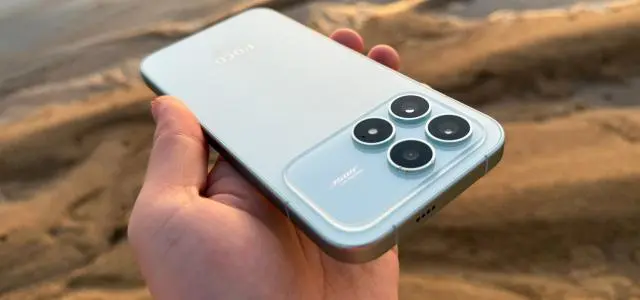
Xiaomi has built a reputation for delivering strong value in the flagship space, and its Poco sub-brand attacks the mid-range segment with the same aggression. The Poco X7 Pro is a gaming-focused device powered by the MediaTek Dimensity 8400 Ultra SoC, posting AnTuTu benchmark scores roughly 40% higher than the Tensor G4.
The display is a 6.67-inch AMOLED panel with a 120Hz refresh rate and an impressive 1,920Hz touch sampling rate. Camera hardware consists of a 50-megapixel wide and an 8-megapixel ultrawide – GSMArena described the imaging output as “mostly mediocre,” though the same review awarded the phone 4.2 stars overall and called it the most powerful device in its price category. The global variant carries a 6,000mAh silicon carbon battery with 90W wired charging.
Software is HyperOS, Xiaomi’s customized take on Android 15, with at least three major OS updates and four years of security patches promised. At $410, the phone ships with 12GB of RAM and 256GB of storage. While Xiaomi’s retail presence in the U.S. is limited, the Poco X7 Pro is available through Amazon. Carrier support exists for select networks, but verifying band compatibility with a specific provider before purchasing is strongly recommended.
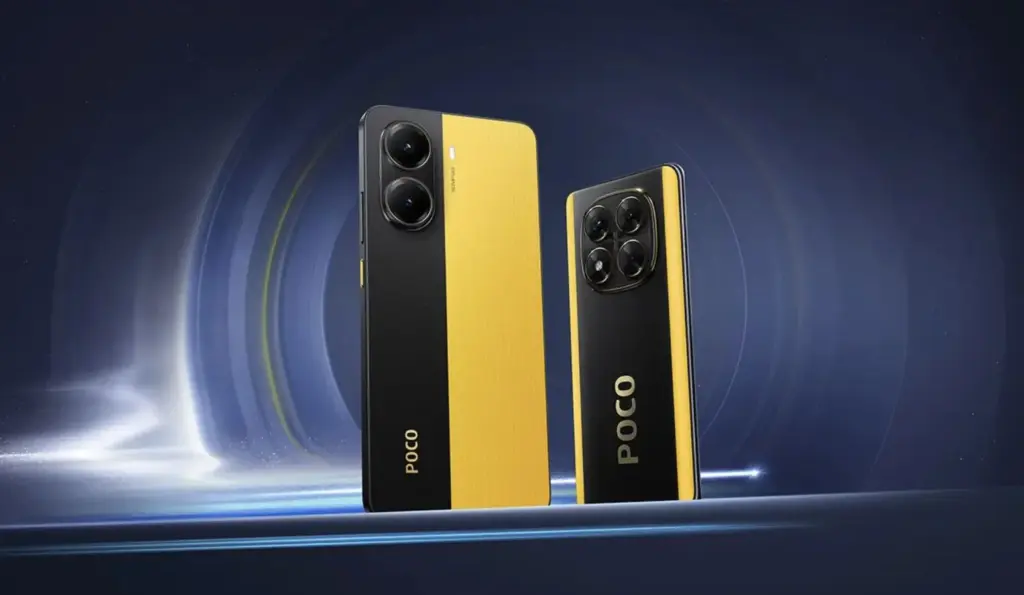
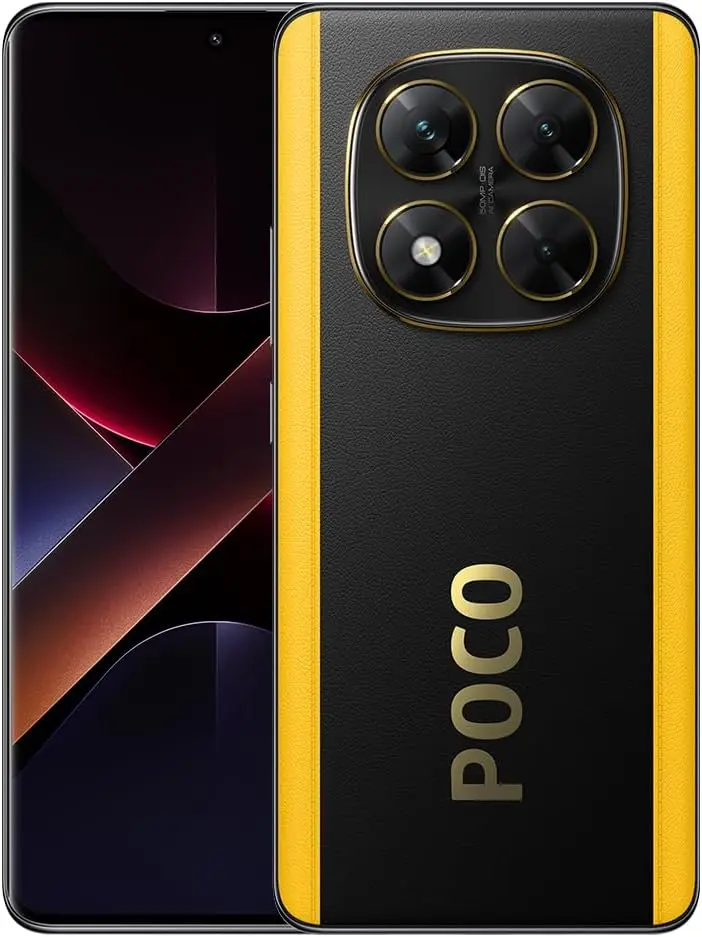
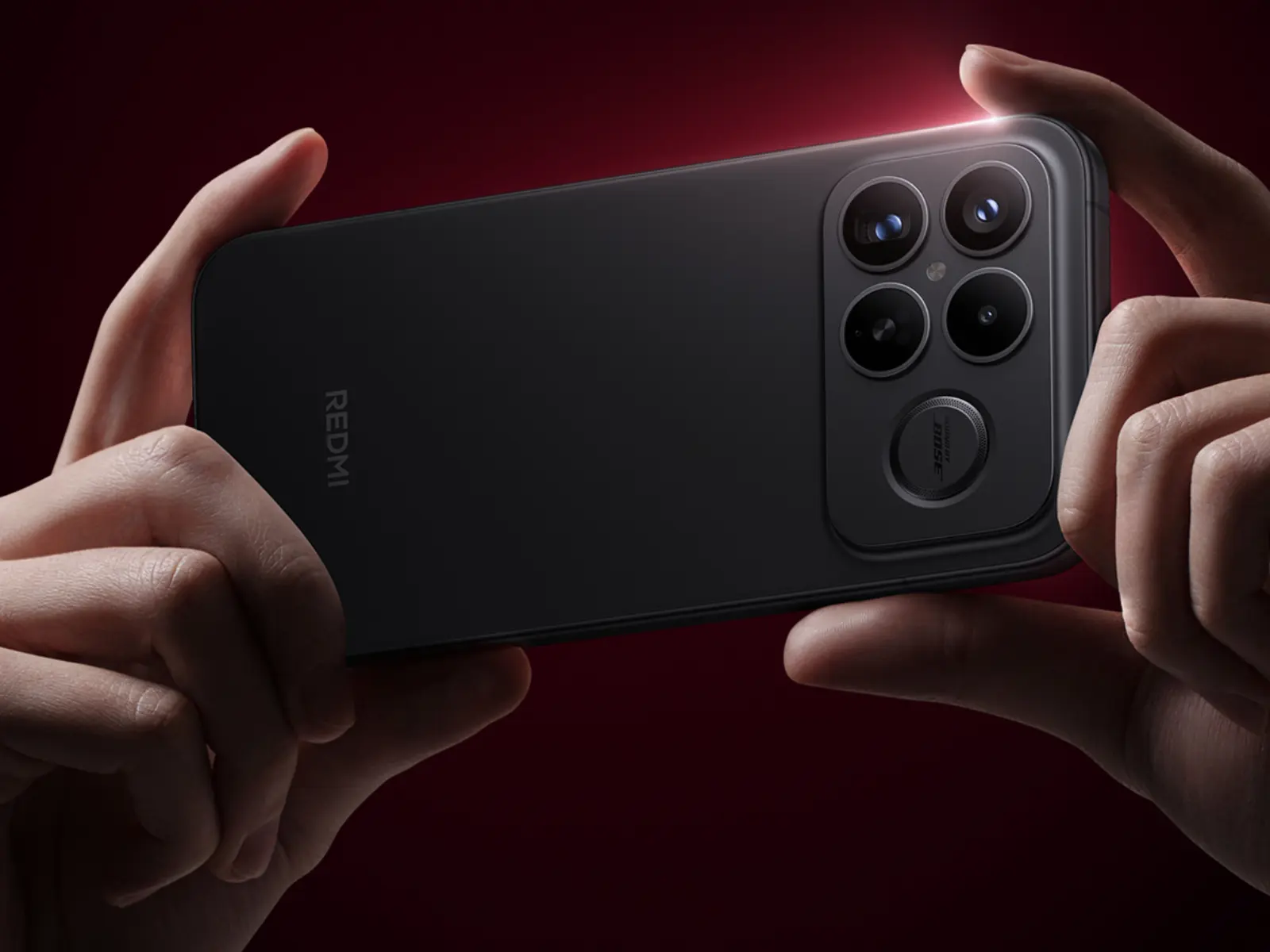
Xiaomi’s Redmi K-series has operated on a reliable schedule for years – debut in China around October, then resurface internationally under the Poco brand shortly after. The Redmi K100 series appears to be following that same playbook, with two distinct devices now showing up across multiple leak sources. The standard K100 and the K100 Pro Max aren’t simply different sizes of the same phone. They’re targeting separate chipsets, different price brackets, and based on what’s leaked so far, different priorities entirely.
Summary
Two models have been confirmed: the Redmi K100 (codename “Athens,” model Q11) and the Redmi K100 Pro Max (codename “Songyuan,” model Q11X), each built around a distinct chipset. The standard K100 is expected to use the Snapdragon 8 Elite Gen 5, continuing the K-series tradition of pairing the previous generation’s top chip with a more accessible price tag. The Pro Max, meanwhile, is tipped to run the Snapdragon 8 Elite Gen 6 Pro (SM8975) — a 2nm chip with LPDDR6 RAM support, making it the higher-tier variant rather than the standard Gen 6.
On the camera side, tipster Digital Chat Station has leaked a 200MP main sensor in a 1/1.28-inch format for the Pro Max, alongside a 50MP periscope telephoto. Both phones are expected to launch in China in October 2026, with global versions anticipated as the Poco F9 Pro (Redmi K100) and Poco F9 Ultra (K100 Pro Max) sometime in Q1 2027.
The Standard K100: Snapdragon 8 Elite Gen 5 and a Proven Formula
The Redmi K100, internally codenamed “Athens,” is tipped to ship with the Snapdragon 8 Elite Gen 5 — the same chip inside the current Redmi K90 Pro Max and a growing number of 2026 Chinese flagships. That’s not a weakness. The K-series standard model has always been positioned as a high-value performance device rather than a spec-ceiling chaser, and this generation looks no different. Any meaningful differentiation from the K90 line will likely come through display and battery upgrades, though neither has been specifically detailed in leaks yet. Xiaomi hasn’t officially confirmed anything about the Redmi K100 beyond its codename and model number.
The K100 Pro Max: The Real Generational Leap
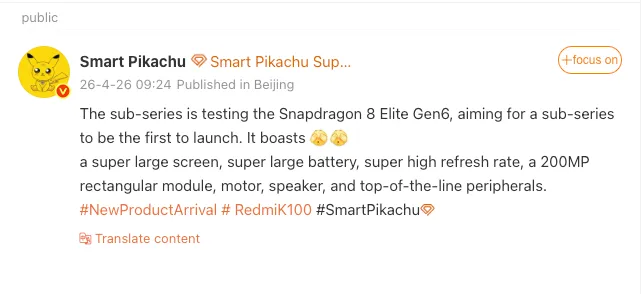
The Pro Max is the headliner. Tipster Digital Chat Station posted a Weibo leak confirming that a Xiaomi sub-brand device — identified across multiple sources as the K100 Pro Max — is currently in testing with the Snapdragon 8 Elite Gen 6 Pro (SM8975). The distinction between the Pro and standard Gen 6 is worth understanding: the Pro variant is the only 2026 Qualcomm flagship chip confirmed to support LPDDR6 RAM, which delivers roughly double the peak memory bandwidth of LPDDR5X. Paired with up to 1TB of UFS 5.0 storage, the memory subsystem alone marks a clear step forward from anything in the current generation.
Interestingly, Digital Chat Station noted that camera performance isn’t expected to be the headline story here — the emphasis is described as “core performance and upgraded display experience” rather than imaging. That said, an earlier separate leak from the same source pointed to a triple camera system led by a 200MP main sensor on a 1/1.28-inch format, accompanied by a 50MP ultra-wide and a 50MP periscope telephoto. These two leaks aren’t necessarily in conflict — saying the camera isn’t a major upgrade relative to dedicated imaging flagships doesn’t rule out the presence of a 200MP sensor.
Pricing and the Global Rebrand Path
A price leak from the same Chinese source puts the K100 Pro Max starting at roughly CNY 5,000, which works out to around $725 at current exchange rates. That’s a noticeable step up from the K90 Pro Max, reflecting the premium silicon under the hood. Internationally, past K-series rebranding patterns suggest the K100 will arrive as the Poco F9 Pro, while the K100 Pro Max becomes the Poco F9 Ultra, with a Q1 2027 launch window for global markets.
What Remains Unknown
Display size, battery capacity, charging speeds, refresh rate, and software versions are all still unconfirmed for both models. The Snapdragon 8 Elite Gen 6 and Gen 6 Pro haven’t been officially announced by Qualcomm — both designations remain leak-based placeholders for now. Official confirmation from either Qualcomm or Xiaomi isn’t expected until the Xiaomi 18 series launch in September, which will likely serve as the public debut for the Gen 6 platform.
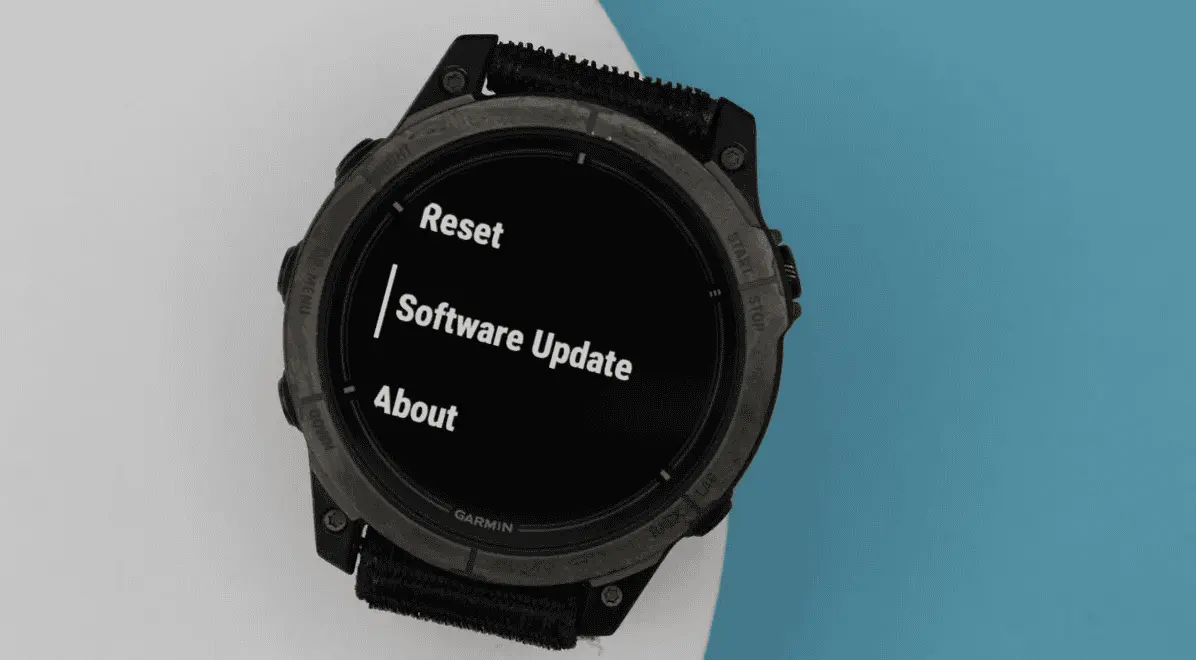
Garmin has pushed out another beta update for two of its recent mid-range smartwatches. Beta 17.19 is the second update the company has issued to the Venu 4 and Vivoactive 6 during the current v17.xx development cycle, building on the two dozen or so changes that arrived with the first release in this round. Based on how Garmin has handled previous beta cycles, at least another two to three updates are likely before the company promotes v17.xx to its stable software branch.
Beta 17.19 brings eight changes shared across both the Venu 4 and Vivoactive 6 (currently $249 on Amazon). Among the fixes, Garmin has resolved an issue where the turn arrow would disappear during course navigation — a fairly disruptive bug for anyone relying on the watch for outdoor routing. The update also improves UI responsiveness when starting a timer, which should make the experience feel snappier during workouts.
The Venu 4 gets three additional changes on top of the shared fixes. A bug that prevented the watch from accepting incoming calls has been squashed, as has another that caused the back and down keys to stop functioning during bouldering and indoor climb activities. Garmin has also adjusted how the mute setting behaves — it will now only stay active for the duration of the current phone call rather than persisting indefinitely afterward.
The full changelogs for both devices are below.
Venu 4 & Vivoactive 6 changelog
Adds support for Approach CT1 club sensors.
Allows LiveTrack to be enabled automatically on a per activity type basis.
Fixes an issue that could cause the turn arrow to be missing when navigating a course.
Fixes other minor bugs.
Fixes send off time not vibrating during swim workouts.
Fixes various issues that could cause the device to reset.
GCM Translations – 3.80
Improves responsiveness when starting the timer.
Prevents automatic track detection during trail run activities.
Venu 4 specific changelog
Updates mute setting to only persist for the current phone call.
Fixes a possible issue where the back and down key would not work for indoor climb and bouldering activities.
Fixes an issue that could result in not being able to accept an incoming call on the watch.
Adaptive Clock was one of the standout additions in One UI 8, and an early look at Samsung’s One UI 9 suggests the feature is getting a notable upgrade with a brand-new font style.
Samsung is currently working internally on One UI 9, which will be based on Android 17. It follows the One UI 8.5 rollout, expected to kick off later this month, with a Beta Program for One UI 9 likely arriving sometime in the second half of May 2026.
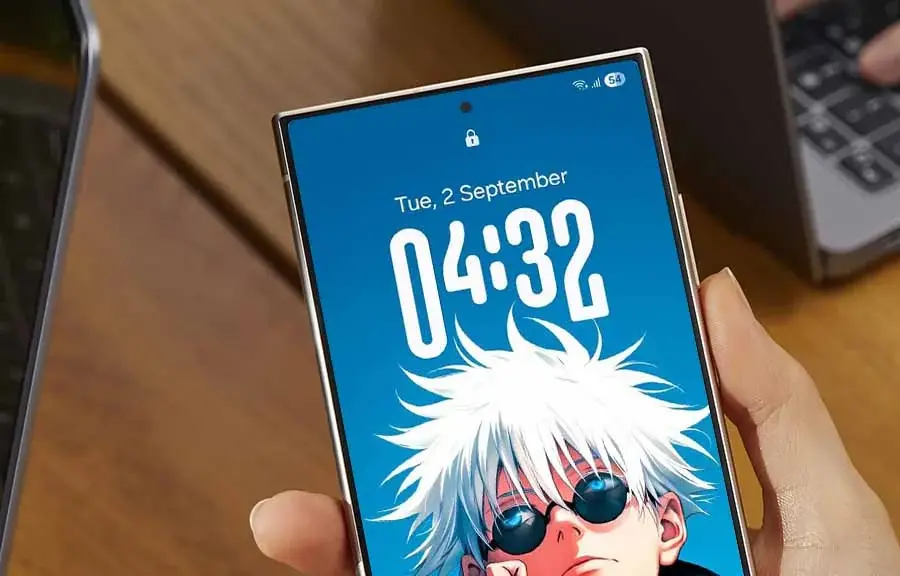
X user Kailash shared an image showing off the updated Adaptive Clock in One UI 9. Where the current version adapts to wallpapers featuring a distinct object, the newer iteration extends that behavior to landscapes and regular wallpapers as well, broadening its reach considerably.
The clock itself appears in HH:MM format, with the new font applied to the two middle characters. Rather than a fixed style, the design shifts its appearance based on whatever wallpaper is set on the lock screen.
Visually, the new Adaptive Clock font bears a resemblance to an existing clock style already available on One UI — the key difference being that the current one is static. The addition makes it clear Samsung wants to give users even more ways to personalize their lock screen experience.
The new font has already been spotted in an internal build of One UI 9 and appears to be functioning as intended, making its inclusion in the official release look likely. That said, adjustments could still happen throughout the Beta testing phase.
One UI 9 is built on Android 17 and will make its public debut on the Galaxy S26 series. A Beta Program will precede the wider rollout, with the stable version set to arrive alongside Samsung’s next-generation foldables, the Z Fold 8 and Z Flip 8.