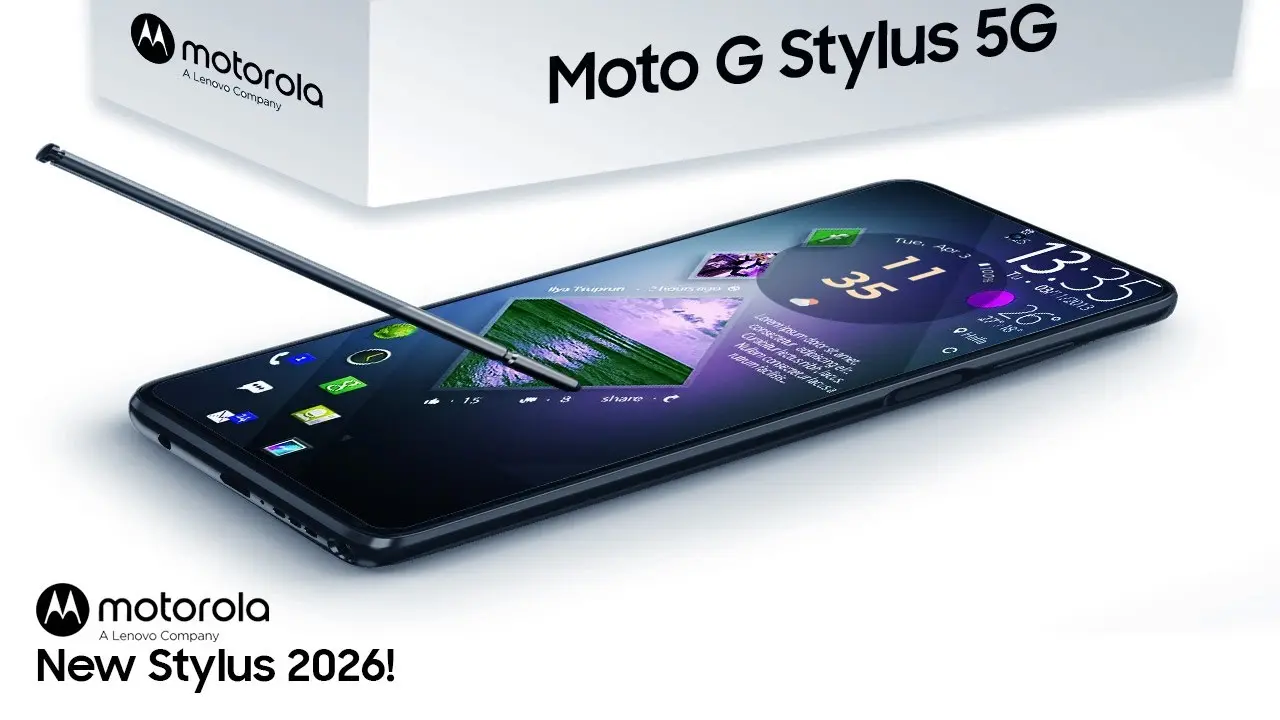
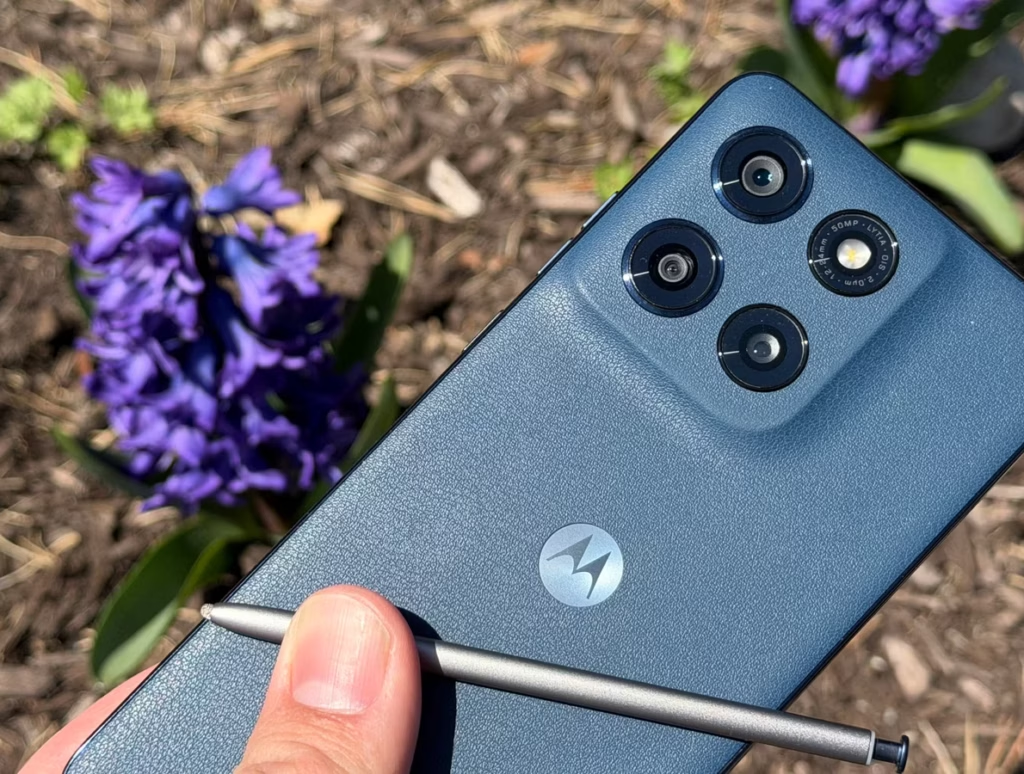
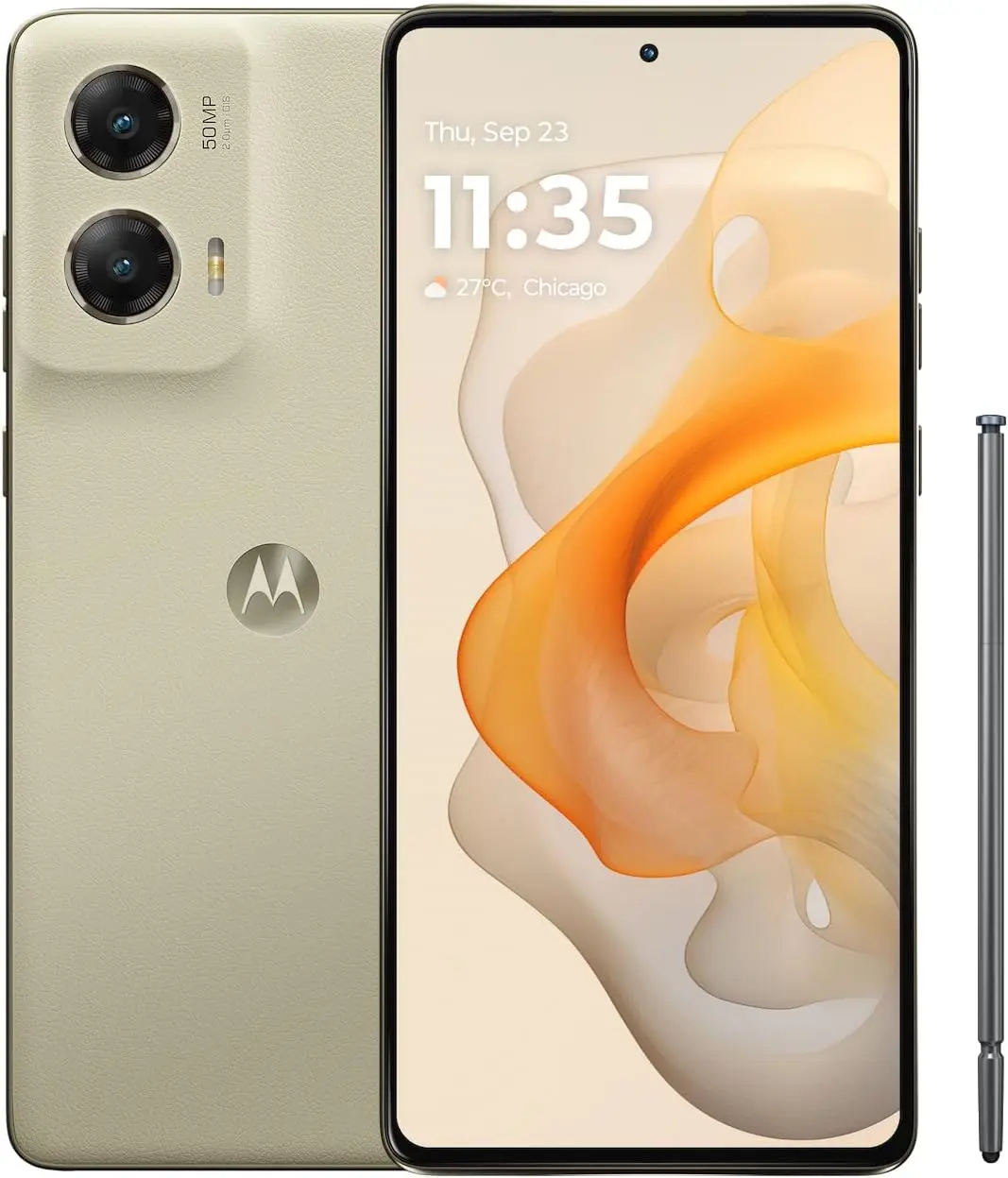
Motorola is sweetening the deal on its latest stylus-equipped mid-ranger with a limited-time bundle that’s hard to ignore. A few days back, the company paired the Moto G Stylus (2026) with Moto Buds+ and a four-pack of Moto Tags — a combo valued at $300 — and that promotion is still live.
But shoppers who need more storage have an even better reason to look at the 256GB variant right now. That configuration currently ships with three bonus items totaling $480 in value:
With Mother’s Day approaching, several of these extras double as thoughtful gift ideas on their own. The phone itself is also a strong pick for tech-savvy moms. Motorola didn’t swap in a more powerful processor this time around, but the focus was clearly on refining the stylus experience rather than raw specs.
The Moto G Stylus (2026) picks up several smart features that close the gap with the Galaxy S26 Ultra. AI can convert rough sketches into polished visuals, the stylus handles complex math problems, and quick access to Gemini and Circle to Search is built right in.
Beyond the smart tools, Motorola has also worked on how the stylus physically feels. The pen-to-paper sensation is more natural than before, and improved tilt sensitivity lets users add realistic shading to drawings — a welcome upgrade for anyone who uses the stylus creatively.
The rest of the package holds up well too. The Moto G Stylus (2026) carries an IP68 and IP69 rating for water and dust resistance, and its 6.7-inch OLED display reaches higher peak brightness than last year’s model. Battery capacity sits at 5,200mAh with 68W wired charging support, which keeps all-day use well within reach.
Running Android 16 from day one and offering a well-rounded experience across the board, this is among the strongest Motorola phones available right now. Throw in $480 worth of extras, and it becomes one of the more compelling mid-range deals on the market at the moment.
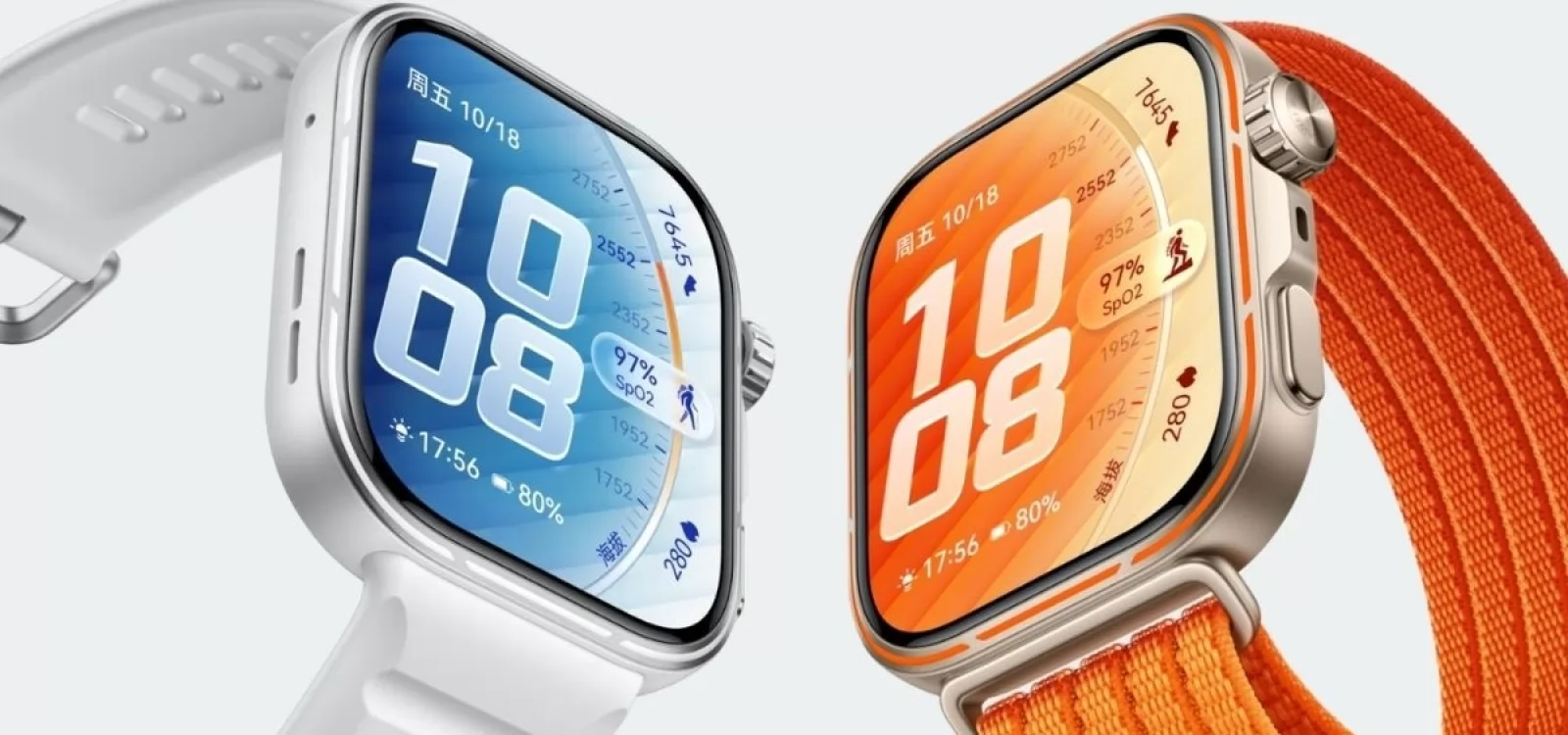
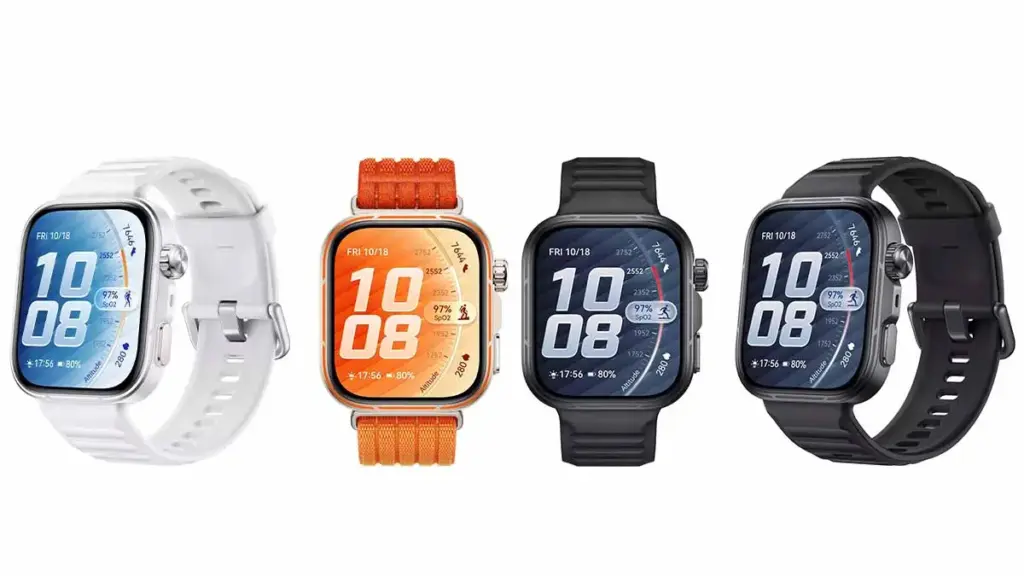
Huawei has officially launched the Watch Fit 5 Pro in its home market, and the sports wearable arrives with a set of upgrades that put it in a different league from most competitors. Four features in particular stand out — all of them still absent from Apple and Samsung’s current smartwatch lineup.
Huawei has been pulling ahead of both brands in wearable battery life and health tracking for some time now. The Watch Fit 5 Pro shows exactly how the company continues to push that gap wider year after year.
1. A Smarter Strap Design
Most smartwatches treat the strap as an afterthought, but the Watch Fit 5 Pro offers a Breathable Braided Strap option built specifically for active use. The AirDry strap material repels water and wicks sweat more effectively, keeping the wrist comfortable during workouts, hot weather, or humid conditions. It’s a practical detail that most rivals still overlook.
2. Micro-Motion Guidance
The Watch Fit 5 Pro introduces a Micro-Motion feature that detects when the wearer has held the same posture for too long and prompts them to move. The guided movements target 10 body areas — including the head, neck, shoulders, and back – across 30 total movement sets. A panda companion character adds a lighthearted touch, offering visual guidance, mood-responsive expressions, and gentle nudges to build better movement habits throughout the day.
3. New TruSense Health System
Huawei has built the latest-generation TruSense system into the Watch Fit 5 Pro, designed to track vital signs like heart rate, blood oxygen, mood, and sleep with greater accuracy and speed. The system reads subtle physical changes to produce more complete and reliable health data. Sleep tracking runs on the TruSleep 5.0 algorithm, which evaluates rest across two dimensions – sleep structure and sleep stability – for a more thorough picture of sleep quality.
4. Battery That Lasts Longer
The Watch Fit 5 Pro uses a high-silicon battery material that bumps energy density up by 14% and total capacity by 18% compared to previous iterations. Full charging takes just 60 minutes. In real-world terms, the watch delivers 10 days of use in normal mode, 7 days under typical use conditions, and 4 days with the Always-On Display active — numbers that Apple Watch and Galaxy Watch still struggle to match.
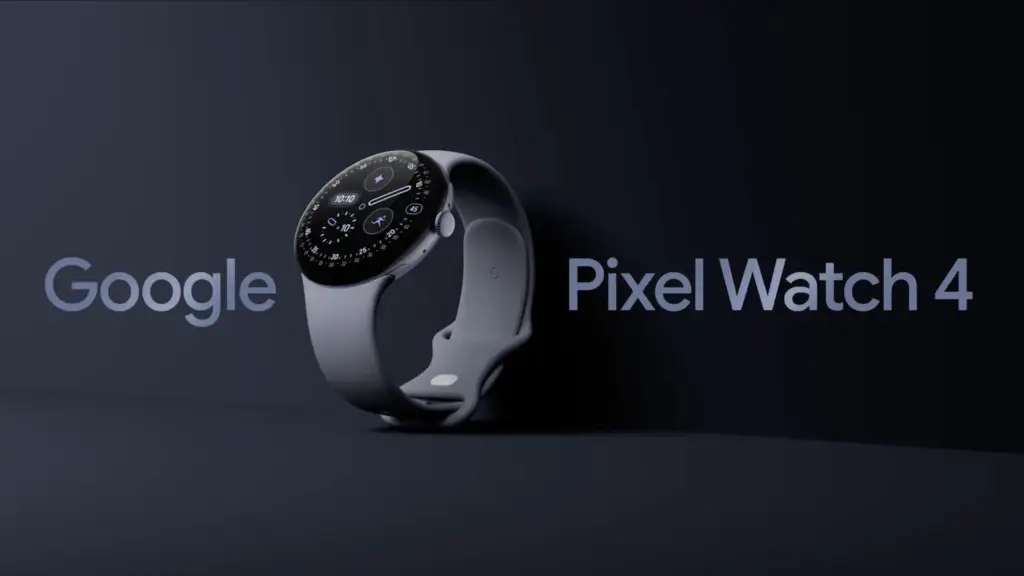
It rarely makes sense to pay full price for Google’s flagship Pixel Watch 4, since the smartwatch goes on sale often. This is one of those moments. It is not at its lowest-ever price, but the Pixel Watch 4 is currently $40 below its MSRP, and buyers can choose from several band color options, including Lemongrass, Iris, Obsidian, and Porcelain.
Google Pixel Watch 4 (41mm, Wi-Fi) is 11% Off
The Google Pixel Watch 4 (41mm, Wi-Fi) is currently discounted to $309.99 at Amazon, which works out to 11% off and a $40 savings. Price tracking on CamelCamelCamel shows that this is still above the all-time low, as the wearable dropped to $289.99 during much of March and early April. It remains to be seen whether it will fall back to that level again.
Even so, this is still a strong offer. The Pixel Watch 4 features a 1.4-inch Actua 360 AMOLED display with a 456×456 resolution and 3,000 nits of brightness, all protected by Gorilla Glass 5. Inside, it runs on a Qualcomm Snapdragaon W5 Gen 2 (4nm) processor, paired with 2GB of RAM and 32GB of built-in storage. Google says the watch can last up to 30 hours with the always-on display enabled, or up to 48 hours when Battery Saver mode is turned on.
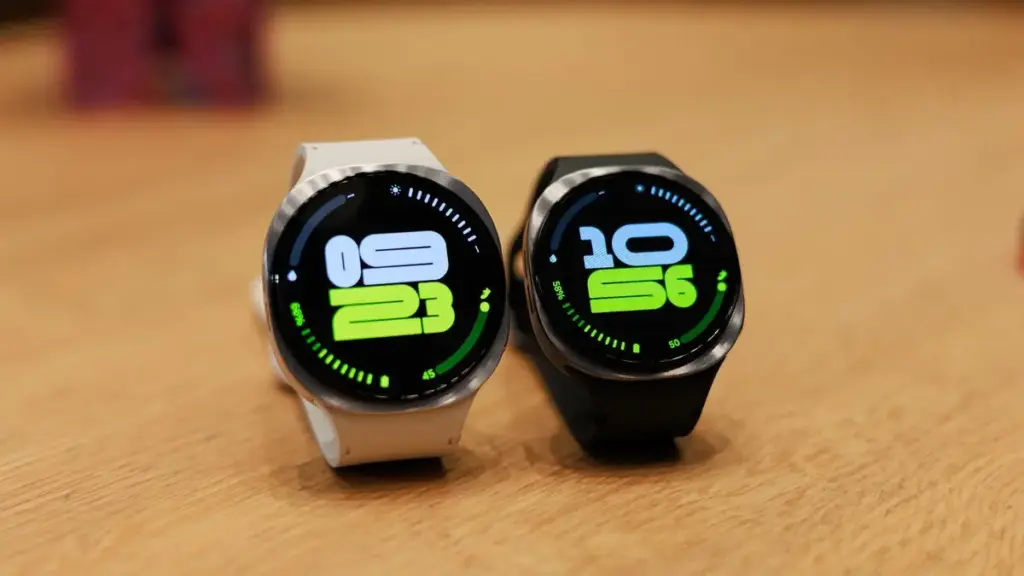
Samsung’s Galaxy Watch 8 (46mm, Wi-Fi) is also discounted, with Amazon listing it at $369.99, or 26% off, for a much larger savings compared with its regular price. This model is also above its all-time low, though only slightly; it briefly reached $349.99 a couple of times since last December.
The Galaxy Watch 8 is thinner, lighter, and brighter than the previous generation. It also introduces a new cushion shape and Dynamic Lug bands, along with a larger battery — 325mAh versus 300mAh — that delivers up to 30 hours of battery life. Google Gemini support is included as well.
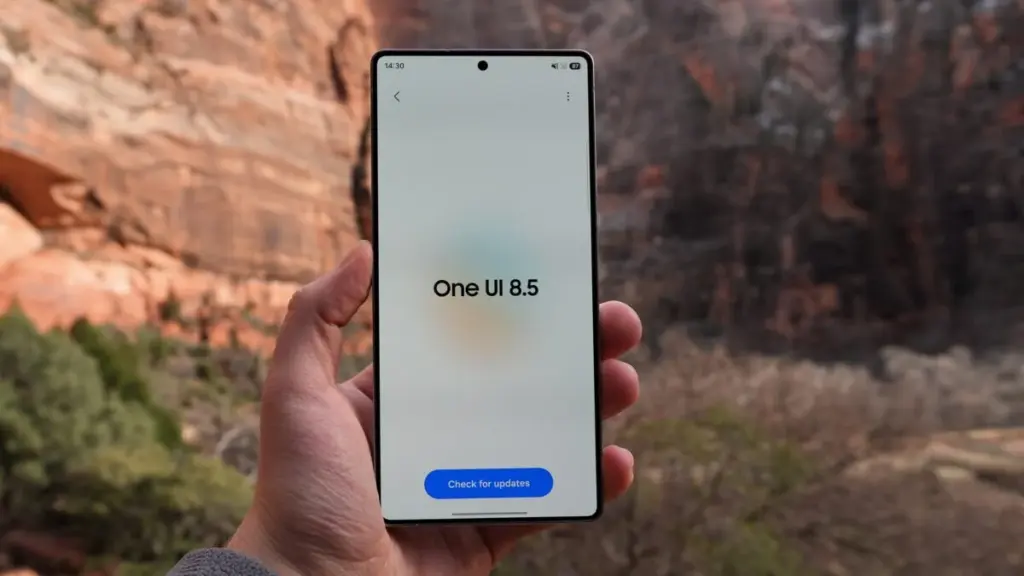
After months of beta testing and a longer wait than many expected, Samsung’s One UI 8.5 stable rollout finally has a confirmed launch date. Samsung hasn’t officially published an eligible devices list, but based on the beta program’s reach and how past major releases have played out, every Galaxy device that received One UI 8.0 is expected to be covered.
Why One UI 8.5 Is a Bigger Deal Than Usual
Samsung’s point-five updates have historically been modest affairs – incremental patches targeting flagship Z and S series handsets. One UI 8.5 breaks from that tradition in a meaningful way. The rollout stretches down to Galaxy A, M, and F budget devices, which signals that Samsung is using this update to push Android 16 across its full portfolio instead of saving it for a major version increment. That strategic shift explains why the eligible device list this time around is notably longer than usual.
The visual changes are the first thing users will notice. Ambient Design brings blur effects to system UI elements and refreshed stock apps, continuing an aesthetic direction Samsung has been developing quietly across the past two generations. On the AI front, Bixby now integrates Perplexity’s search-focused model in place of Samsung’s own LLM back-end — a candid acknowledgment of where Bixby has consistently fallen short.
Features That Actually Matter Day to Day
Audio Eraser deserves more attention than it’s getting. It applies real-time background noise reduction across the entire system – covering YouTube, Instagram, and other third-party apps during playback, not just Samsung’s native software. That addresses a long-standing frustration that most users have simply accepted. Call Screening takes the work out of handling unknown callers by automating the process. Photo Assist picks up text prompt support, extending Samsung’s AI-assisted photo editing toolkit further.
Full List of Eligible Galaxy Devices
Galaxy S Series Galaxy S25, S25+, S25 Ultra, S25 FE, and S25 Edge Galaxy S24, S24+, S24 Ultra, and S24 FE Galaxy S23, S23+, S23 Ultra, and S23 FE Galaxy S22, S22+, and S22 Ultra Galaxy S21 FE
Galaxy Z Series Galaxy Z TriFold Galaxy Z Fold Special Edition Galaxy Z Fold 7, Z Flip 7, and Z Flip 7 FE Galaxy Z Fold 6 and Z Flip 6 Galaxy Z Fold 5 and Z Flip 5 Galaxy Z Fold 4 and Z Flip 4
Galaxy Tab Series Galaxy Tab S11 and S11 Ultra Galaxy Tab S10+, Tab S10 Lite, Tab S10 Ultra, Tab S10 FE, and Tab S10 FE+ Galaxy Tab S9, Tab S9+, Tab S9 Ultra, Tab S9 FE, and Tab S9 FE+ Galaxy Tab S8, Tab S8+, and Tab S8 Ultra Galaxy Tab S6 Lite (2024) Galaxy Tab A11 and Tab A11+ Galaxy Tab A9 and Tab A9+ Galaxy Tab Active 5 and Active 5 Pro
Galaxy A Series Galaxy A73 Galaxy A56, A55, A54, and A53 Galaxy A36, A35, A34, and A33 Galaxy A26, A25, and A24 Galaxy A17 (4G & 5G), A16 (4G & 5G), and A15 (4G & 5G) Galaxy A07 (4G & 5G) and A06 (4G & 5G)
Galaxy M Series Galaxy M56, M55, M55s, and M53 Galaxy M36, M35, M34, and M33 Galaxy M17, M17e, M16, and M15 Galaxy M07 and M06
Galaxy F Series Galaxy F07e Galaxy F56, F55, and F54 Galaxy F36 and F34 Galaxy F17, F16, and F15 Galaxy F07 and F06
Galaxy XCover Series Galaxy XCover 7 Pro and XCover 7 Galaxy XCover 6 Pro
Rollout Schedule
Galaxy S25 series goes first – April 30 in Korea, May 4 for international markets. Galaxy Z Fold 7 and Z Flip 7 follow shortly after, possibly within the same April window. Galaxy S24 series along with Z Fold 6 and Z Flip 6 should arrive in early-to-mid May. Galaxy S23, S22, and mid-range A, M, and F devices can expect their updates through May and June. The full rollout should wrap up before Samsung kicks off One UI 9 beta testing, which is anticipated for the Galaxy S26 series later in 2026.
Kaspersky ICS CERT has publicly detailed a critical hardware vulnerability hitting a wide array of Qualcomm Snapdragon chipsets. The exploit, presented at Black Hat Asia 2026 on April 23 and tracked as CVE-2026-25262, has rattled the security community. First confirmed by Qualcomm in April 2025, full technical details are now available, exposing a backdoor capable of total device takeover and data destruction.
The Sahara Protocol and BootROM Flaw
The issue lies deep in the BootROM, the silicon-hardcoded firmware that runs first when a device powers up. Because this code is etched into the hardware itself, standard OTA software updates can’t touch it, making patches nearly impossible.
Researchers uncovered a major weakness in Qualcomm‘s Sahara protocol handling. For those who work with device flashing, Sahara manages low-level communication in Emergency Download (EDL) mode to load critical software before the main OS starts.
With just a few minutes of physical access, attackers can exploit this to sidestep the entire secure boot chain. Once inside the application processor, they gain the ability to:
Install persistent backdoors that survive reboots.
Pull sensitive data like passwords, files, contacts, and real-time location.
Take over device sensors for covert camera and microphone access.
The malware even fakes a system reboot to throw off users. Clearing the infection often requires draining the battery completely to wipe volatile memory, and detection remains extremely challenging.
Affected Chipsets and Devices
While newer flagships like Snapdragon 8 Elite have stronger defenses, this flaw hits many older and mid-range chips still in widespread use.
Vulnerable Qualcomm Chipsets:
MSM8916 (Snapdragon 410) (Xiaomi REDMI 2)
SDX50 (Xiaomi Mi MIX 3 5G and Mi 9 Pro 5G)
MDM9x07
MDM9x45 (Xiaomi Mi 5, Mi 5s, Mi 5s Plus, Mi Note 2, Mi MIX)
MDM9x65
MSM8909
MSM8952
Real-World Impact
Physical access requirements limit mass remote attacks, but the risk to supply chains, repair shops, and targeted users remains severe. Compromised devices turn into perfect surveillance tools. With hardware deployed across consumer REDMI phones to industrial IoT systems, the potential fallout spans far beyond typical mobile threats.
Fresh clues from the Mi Code database point to Xiaomi’s next foldable flagship making a comeback. After scrapping last year’s prototype, the company seems more committed than ever to foldables, with a device that hits a key hardware milestone: Xiaomi’s first foldable running its own silicon.
The Foldable Comeback and XRING O3
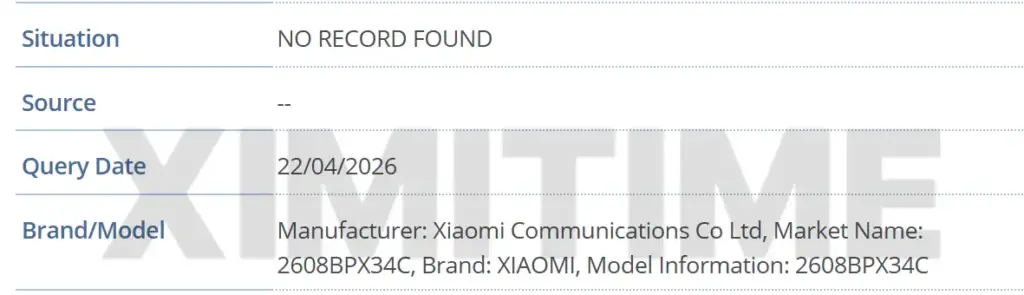
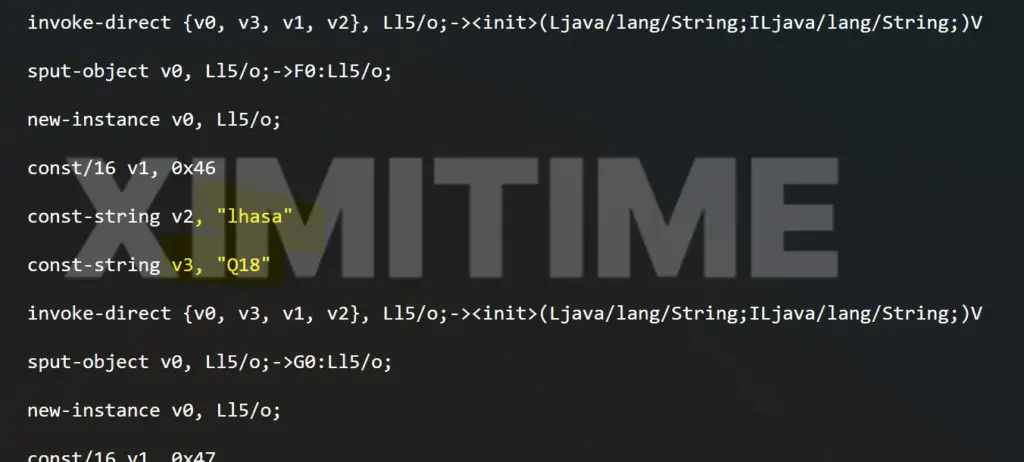
Mi Code data lists a new entry with model number 2608BPX34C and internal designation Q18. Within Xiaomi’s naming system, the “18” series is reserved exclusively for Fold devices, making Q18 a clear match for the upcoming Xiaomi MIX Fold 5 (or possibly Xiaomi 17 Fold, though it’s currently tagged as MIX Fold 5).
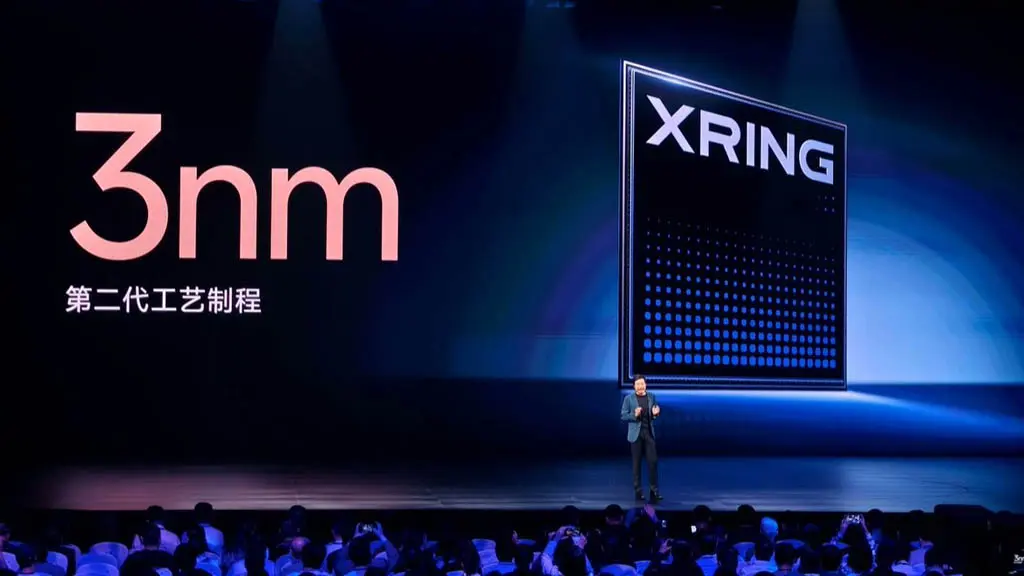
The biggest surprise is the chipset. The listing confirms the device will run on the XRING O3 processor, following the XRING O1 that launched in the 2025 Xiaomi 15S Pro. This marks Xiaomi’s boldest step yet in custom silicon for premium “Special Edition” China models, reducing dependence on third-party suppliers. For reference, the Xiaomi MIX Flip 3 sticks with a Snapdragon chipset.
The project carries the codename “lhasa.” Last year’s abandoned foldable worked under codename “nirvana” with model O18. By shelving O18 entirely, Xiaomi redirected efforts to “lhasa,” ensuring smooth XRING O3 integration with Xiaomi HyperOS from day one.
Availability
The Xiaomi MIX Fold 5 will launch exclusively in China initially. While exact pricing remains under wraps, analysts anticipate a high-end starting point around $1,399 to take on premium foldable rivals. The model number hints at an August 2026 debut, potentially timed for Xiaomi Day on 8.16 with a special unveiling event.
Dropping the XRING O3 into a flagship foldable shows Xiaomi’s growing trust in its chip team. These processors currently power only top-tier China models, but Xiaomi’s broader plans point toward global XRING devices once the supporting ecosystem fully matures.
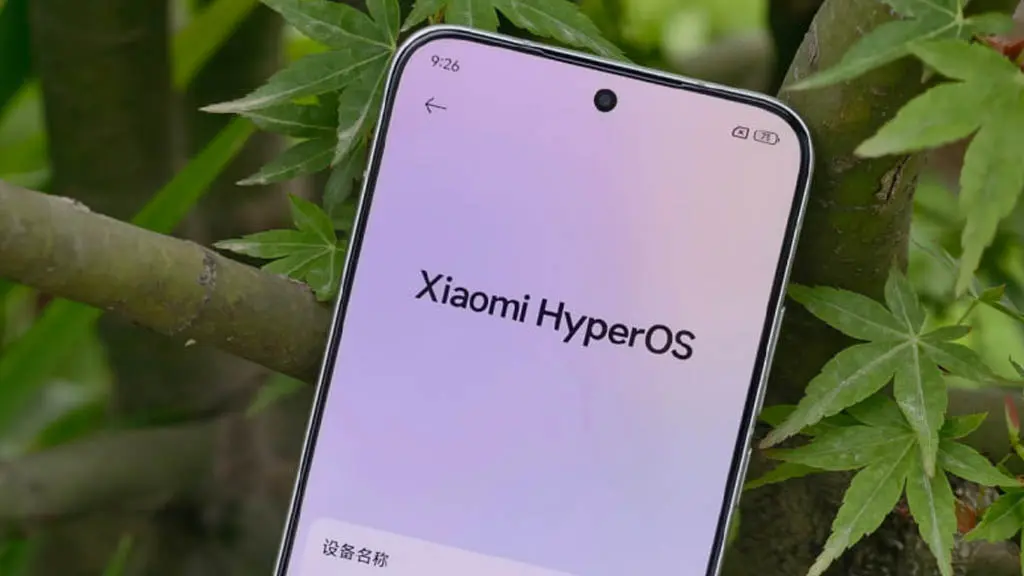
The long-awaited Android 16 phase has now officially started for Xiaomi’s flagship family. Today, the stable Xiaomi HyperOS 3.1 update began rolling out to Xiaomi 15 users in the European Economic Area (EEA). This major release is an important step in Xiaomi’s software progress, moving beyond earlier beta builds and delivering a fully public, stable version directly through the Updater app.
System Architecture & New Features
This update brings a major refresh to the system interface, the underlying code structure, and the company’s cross-platform ecosystem features. Here is the technical breakdown of the main additions in HyperOS 3.1:
Advanced Hyper Island System: The dynamic notification and system status area has been noticeably refined, with smoother animations and richer, more interactive live activities around the camera cutout.
Enhanced iOS Connectivity: Xiaomi has significantly improved its cross-platform workflow, making it easier to share files, sync clipboards, and interact between the Xiaomi 15 and Apple’s iOS ecosystem.
iOS-Style Stacked Recent Apps: The multitasking menu has been redesigned with a stacked, card-based layout similar to iOS, making background app navigation quicker and the visual presentation more intuitive.
Rust-Based System Applications: In a major move toward security and memory safety, several core system applications have been rewritten entirely in the Rust programming language, cutting system overhead and reducing the risk of memory leak vulnerabilities.
Update Details
Device Name: Xiaomi 15 Device Codename: dada Target Region: EEA (Europe) OS Version: OS3.0.301.0.WOCEUXM Android Version: Android 16 Release Type: Stable (Publicly available via the system Updater)
For everyday users, the move to Android 16 and HyperOS 3.1 should make the phone feel noticeably smoother and more responsive. The Rust-based system apps help memory allocation work more efficiently, which should reduce the chances of the UI dropping frames during heavy multitasking.
The upgraded iOS connectivity is also likely to be especially useful for users working across mixed-device setups. It removes much of the friction involved in moving media or documents between a Xiaomi flagship and an iPad or Mac, which should make day-to-day file sharing feel far less tedious.
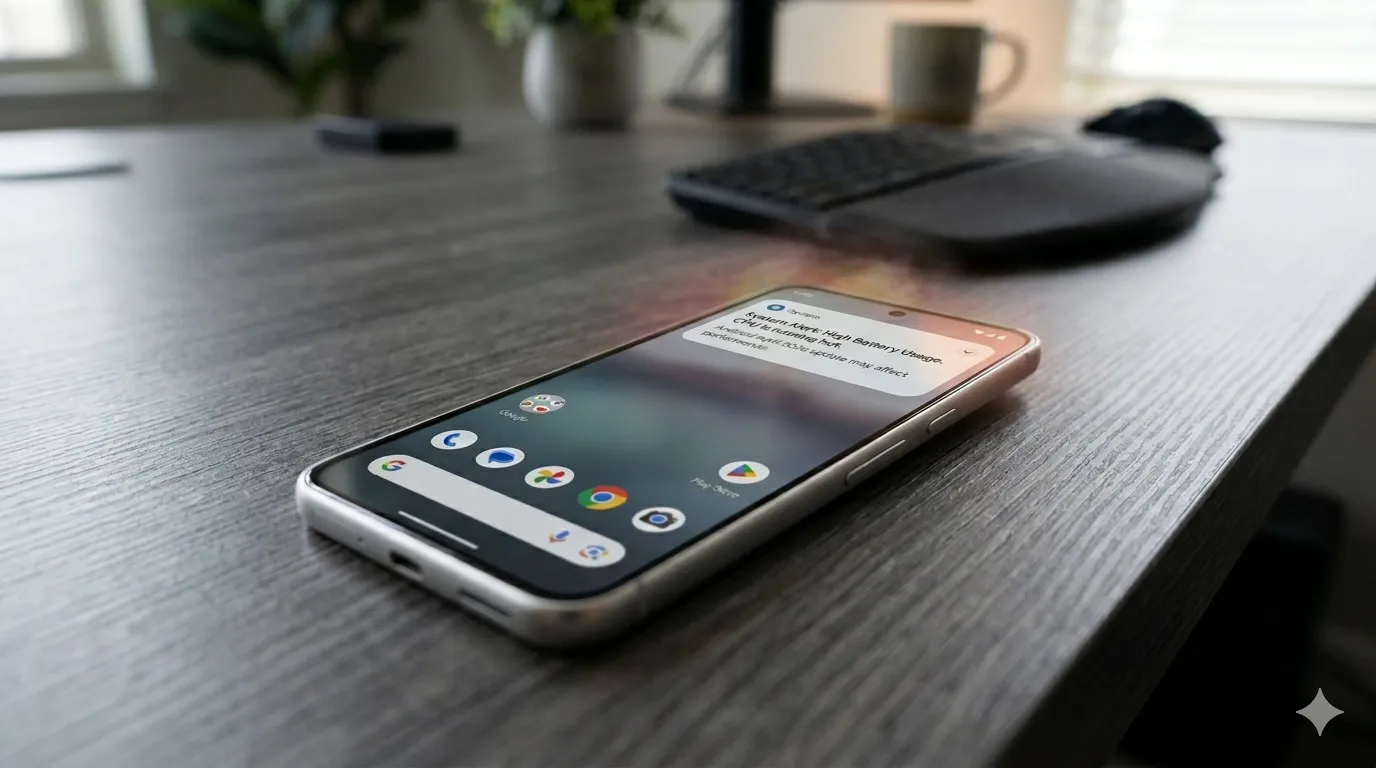
Pixel phones are no strangers to the occasional software hiccup, and the latest issue making the rounds is a slow performance bug that has started affecting a growing number of users. Pixel devices have never been the go-to choice for heavy multitasking or gaming, but day-to-day responsiveness has typically been one of their stronger points. For some owners, that snappiness has noticeably faded following recent software updates.
This isn’t the only problem Pixel users have had to deal with lately, either. Earlier this month, complaints surfaced around a battery drain bug tied to the April update that rolled out recently. Before that, a separate issue was causing boot loops after the March update – arguably the most alarming of the bunch. The performance slowdown adds yet another frustration to a string of post-update problems that Pixel owners have had to navigate.
Pixel 8 and Pixel 9 Most Affected
While the bug could potentially be touching older Pixel generations as well, Android Authority reports that the bulk of complaints are coming from Pixel 8 and Pixel 9 owners specifically. Neither of these phones is particularly old, and that matters. Starting with the Pixel 8, Google committed to providing seven years of software updates, meaning a large portion of users will be holding onto these devices for years to come.
That long-term support promise makes it all the more important for Google to address the issue promptly. So far, though, Google hasn’t publicly acknowledged the bug, which means a fix in the near term seems unlikely. It’s also worth noting that the slowdown may not be noticeable to every user. The bug is far from ideal, but depending on the device and usage pattern, some owners may not feel much impact at all.
Samsung has officially confirmed what many Galaxy users feared: Samsung Messages is going away. The app will be fully discontinued in July 2026. It’s already been pulled from pre-installation on newer Galaxy devices, including the Galaxy S26 series. Once July hits, you won’t be able to download it from the Galaxy Store either. And shortly after that, sending messages through it will stop working — except to emergency numbers.
If you’ve been using Samsung Messages as your daily driver for SMS and RCS conversations, this is the moment to start thinking about your next move. Not next month. Now.
The good news? There are solid alternatives. The complicated news? None of them are perfect one-to-one replacements. Here’s an honest breakdown.
Why Samsung Messages Shutting Down Is a Bigger Deal Than It Sounds
Across Reddit threads, Galaxy owners have expressed real frustration with this decision. Some have said things like “we might as well get Google Pixels” – because part of what made Samsung phones feel distinct was the software layer on top of Android. Losing Samsung Messages removes one more point of differentiation.
That’s a fair observation. Samsung Messages wasn’t just a texting app – it was a familiar interface for millions of users who had customized their notification sounds, set up message categories, and built habits around a specific UI. Switching costs are real, even for something as seemingly simple as a messaging app.
The other dimension here is RCS. Rich Communication Services — think of it as the modern upgrade to traditional SMS — enables typing indicators, read receipts, high-quality media sharing, and improved group chats. No alternative texting app outside of Google Messages currently has access to RCS. That means if you go with a different app, you’re stepping back to a more basic messaging experience — no read receipts, no high-res photo sharing, and frustrating group conversations.
That’s not a minor inconvenience. That’s a real trade-off.
Google Messages: The Natural Heir (With Some Strings Attached)
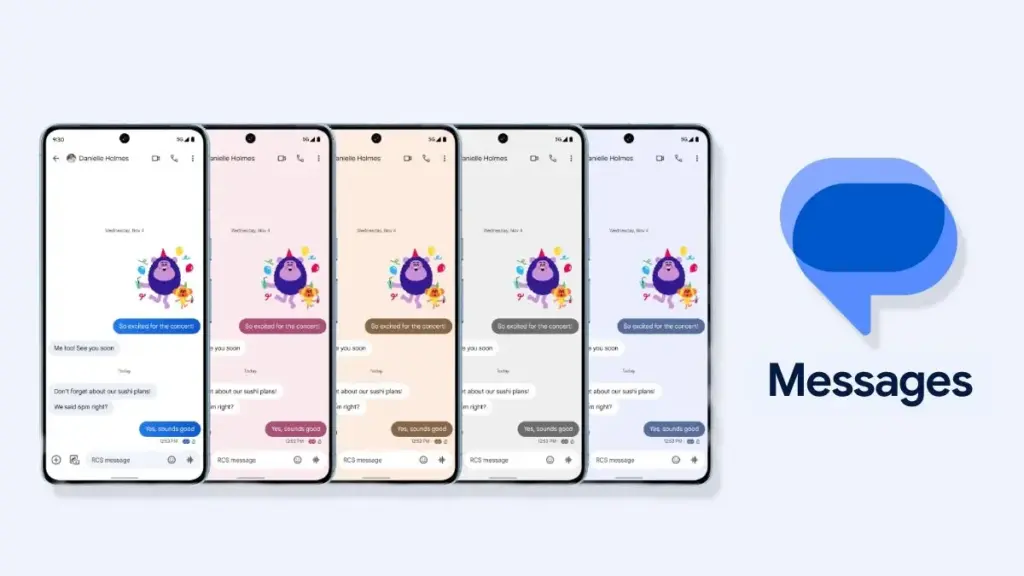
The most natural successor to Samsung Messages, especially if you want to keep RCS, is Google Messages. It’s already the default messaging app on most Android phones, and Google has been adding new features consistently to make it more capable.
Google Messages
Google Messages is the official Google app for messaging. Google Messages is revolutionizing how a billion users connect and is powered by Rich Communication Services (RCS), the industry standard for texting that replaces SMS and MMS.
With RCS enabled on Google Messages, you get typing indicators, message reactions, high-quality media sharing, and built-in spam protection. And since iOS 18, iPhones also support RCS – so cross-platform conversations with iPhone users are now much cleaner than the old SMS-green-bubble situation.
From a practical standpoint, the migration is straightforward. All messages and conversations will automatically transfer between Samsung Messages and Google Messages, though the process can take up to approximately 24 hours depending on how much data you have. That’s not a dealbreaker — just plan ahead.
What you’ll miss? Samsung Messages had better message categorization and a more flexible UI for organizing conversations. Google Messages is improving steadily, but it still feels slightly more rigid. And the Gemini AI integration – while genuinely useful for some – might feel intrusive if you just want a clean, minimal texting interface.
Still. If RCS matters to you, this is your best bet. It’s well-maintained, it’s free, and it works.
WhatsApp and Telegram: The Cross-Platform Heavyweights
If you’re open to moving away from traditional SMS entirely, WhatsApp is probably the easiest transition. Most people already have it installed. It works across Android, iPhone, and even desktop. You get voice and video calls, group chats, message reactions, and end-to-end encryption by default.
There have been recent concerns around privacy with WhatsApp, with reports suggesting Meta employees could potentially access private messages – although the company has denied these claims. It’s something worth knowing, even if you decide it doesn’t change your decision.
Telegram is a different beast. It’s faster, more feature-rich than WhatsApp in some ways (channels, bots, large group support, customizable themes), and has a devoted user base. The catch: default chats on Telegram are not end-to-end encrypted – only “Secret Chats” are. That surprises a lot of people who assume Telegram equals private.
Both WhatsApp and Telegram require your contacts to also use the app. There’s a chance many people you know are already on these platforms — it might be worth a quick conversation with friends and family to see which one already has the most traction in your circle.
Signal: For Users Who Actually Care About Privacy
Signal is the gold standard for private messaging. Everything is end-to-end encrypted by default, the organization behind it is a nonprofit, and the app collects almost no metadata. If you’ve ever looked at WhatsApp’s privacy policy and felt uneasy, Signal is the answer.
Signal Private Messenger
Signal is a messaging app with privacy at its core. It is free and easy to use, with strong end-to-end encryption that keeps your communication completely private.
The downside is that it’s not as widely used, and the feature set is more minimal compared to WhatsApp or Telegram. You’d need to convince your close contacts to switch — which isn’t always easy.
Signal also can’t replace SMS for people outside the app. So it works best as a secure messaging layer for a specific group — close friends, family, work contacts who are already privacy-conscious. Not a universal solution, but for what it does, nothing comes close.
The Niche Options: Textra, Fossify, and Others
Here’s where it gets more interesting.
On Reddit, Galaxy owners have been recommending apps like Textra SMS, Handcent Next SMS, Fossify Messages, Pulse SMS, and ZenSMS as alternatives. These apps are primarily SMS-focused, which means they feel a lot closer to the traditional Samsung Messages experience — customizable themes, cleaner UIs, message scheduling on some of them.
The trade-off is clear: none of them support RCS. You lose typing indicators, read receipts, and high-quality media delivery. If your contact list is split between Android and iPhone users and you’ve been enjoying the improved cross-platform experience that RCS brought, you’ll notice the difference immediately.
Textra, specifically, has been around for years and is genuinely well-designed. It’s a solid choice if you value aesthetic customization and don’t have strong feelings about RCS. Fossify Messages is open-source and lightweight — a good pick for users who want minimal data collection and a clean interface.
How to Switch Without Losing Your Messages
One thing people often overlook: the practical mechanics of switching.
To switch to Google Messages manually: open or download Google Messages from the Play Store, tap “Set default SMS app” when prompted, select Google Messages, and confirm. The switch is fairly painless.
A few things to be aware of:
If you’re on an older Samsung device released before 2022, switching apps may temporarily disrupt ongoing RCS conversations. They’ll resume once both sides are on Google Messages.
Older Tizen OS watches (Galaxy Watch3 and earlier) won’t be able to display full message conversation history after the switch — though they’ll still let you read and send texts.
Back up your messages before switching. Samsung Cloud or Google One can handle this — and WhatsApp has its own built-in backup system if you’re going that route.
The transfer itself is largely automatic. Just give it time.
So, Which App Should You Actually Choose?
Honestly? It depends on who you text.
If most of your contacts are on Android and you care about a seamless, modern texting experience — Google Messages. It’s not as customizable as Samsung Messages, but it’s the only real RCS option.
If you text internationally a lot and your social circle is already on it — WhatsApp. The network effect alone makes it worth considering.
If you want something that looks and feels closer to Samsung Messages, and you’re okay giving up RCS — Textra or Fossify Messages.
If privacy is non-negotiable — Signal, used alongside one of the above for regular SMS.
There’s no perfect answer here. Samsung Messages built a loyal user base over years, and its shutdown is a genuine inconvenience. But the replacement options are functional, and in some cases — particularly Google Messages with RCS — objectively more capable.
Start testing your top choice now, before July. Don’t wait until the last moment when the app goes dark.
Frequently Asked Questions
When exactly is Samsung Messages shutting down? Samsung Messages will be discontinued in July 2026 in the US market. Users on Android 11 or lower are not affected by this end-of-service change.
Will I lose my messages when Samsung Messages shuts down? No — your SMS and MMS history is stored on your device, not in the app itself. Switching to a new app won’t delete your messages. RCS chat history may transfer automatically when you move to Google Messages.
Does any alternative support RCS like Samsung Messages did? Currently, Google Messages is the only third-party SMS app with access to RCS. Apps like Textra and other SMS alternatives do not support RCS.
Can I still use Samsung Messages after July 2026? After Samsung Messages is discontinued, sending messages through the app will no longer be possible, except for emergency service numbers or emergency contacts defined on your device.
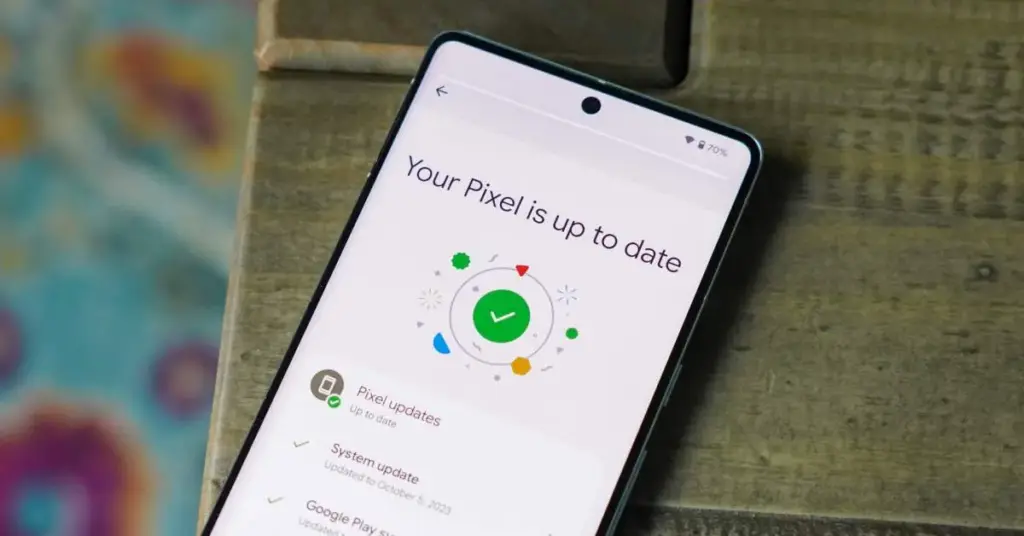
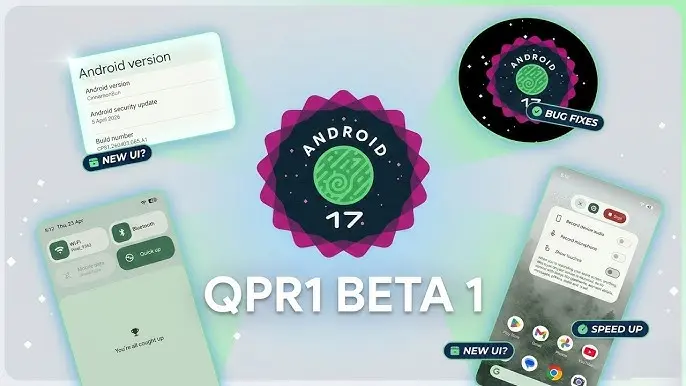
With the final scheduled Android 17 Beta dropping just last week, Google has wasted no time shifting focus — Android 17 QPR1 Beta 1 is already here.
Google describes the release officially as the start of “the next round of Beta updates for our September Feature Drop release,” marking the beginning of the QPR1 cycle ahead of what will become a standalone feature update later in the year.
This build addresses the following issues:
Fixed a crash in the Default Print Service occurring during low ink conditions that prevents users from completing print jobs. (Issue #487545419)
The Terminal app triggers an Application Not Responding (ANR) error that results in the application and device becoming unresponsive. (Issue #497465940)
Resolved an issue where uncontrollable hardware audio processing on the voice communication path caused distortion and phase cancellation in VoIP applications. (Issue #494843726)
Direct audio output may fail to open on devices using the AIDL audio HAL when playing audio streams longer than five seconds. (Issue #372064012)
There are no obvious user-facing changes in this release — it’s primarily a bug-fix drop rather than a feature-forward update.
Pixel users enrolled in the Android Beta program can submit feedback directly through the Android Beta Feedback tool, accessible from the app drawer or Quick Settings, which routes reports straight to the Google issue tracker. The Android Beta community on Reddit is also an active space for discussion and bug reports.
Build number: CP31.260403.005.A1
Android 17 QPR1 Beta 1 system images are now available for the following devices: Pixel 6, Pixel 6 Pro, Pixel 6a, Pixel 7, Pixel 7 Pro, Pixel 7a, Pixel Tablet, Pixel Fold, Pixel 8, Pixel 8 Pro, Pixel 8a, Pixel 9, Pixel 9 Pro, Pixel 9 Pro XL, Pixel 9 Pro Fold, Pixel 9a, Pixel 10, Pixel 10 Pro, Pixel 10 Pro XL, and Pixel 10 Pro Fold, along with the Android Emulator.