Tag: pixel

  • Google Pixel’s “Take a Message” Feature May Soon Expand to More Countries and Non-Pixel Devices

    Google Pixel’s “Take a Message” Feature May Soon Expand to More Countries and Non-Pixel Devices

    Being a Pixel owner outside the United States has always come with a catch: a long list of AI features that simply aren’t available in your region. Google has gradually extended some of these to international markets, but the majority remain US-only. That gap may be getting a little smaller, as the company appears to be preparing another Pixel feature for a broader global rollout.

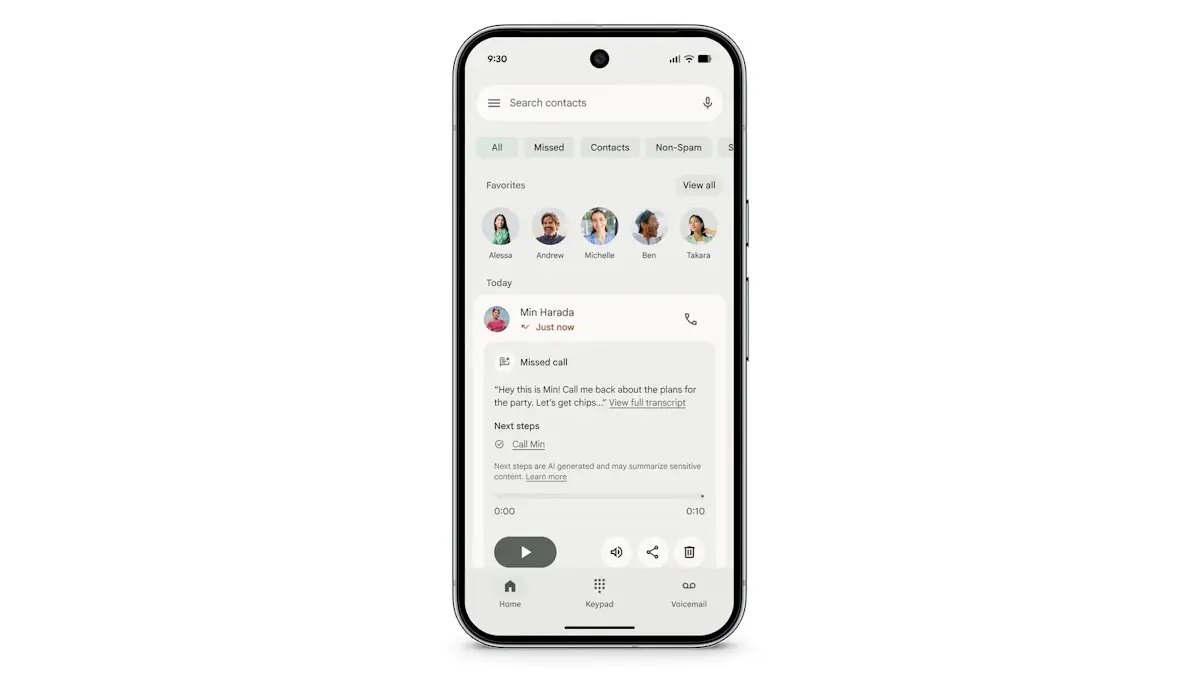
    Introduced alongside the Pixel 10 series in 2025, “Take a Message” functions like a smarter take on traditional voicemail. When someone calls and the user can’t pick up, the feature answers on their behalf, takes a message, and displays a real-time transcription as it happens. It’s supported on all eligible Pixels from the Pixel 6 through to the Pixel 10, but availability has been restricted to the US, Australia, Canada, Ireland, and the UK. According to Android Authority, that’s about to change.

    Code found in the latest Phone app beta suggests Google is working on a significantly wider rollout. Take a Message could reach a range of Asian and European markets including Austria, Belgium, Finland, Malaysia, Hungary, Latvia, the Netherlands, Norway, Poland, Singapore, Sweden, and Taiwan. Germany, Spain, France, Italy, and Japan may receive the feature with transcription support included. India also appears to be in scope, with country-specific code strings discovered in the same beta build.

    Beyond geographic expansion, the report indicates Google is also planning to bring Take a Message to non-Pixel devices – though seemingly without transcription support in that case.
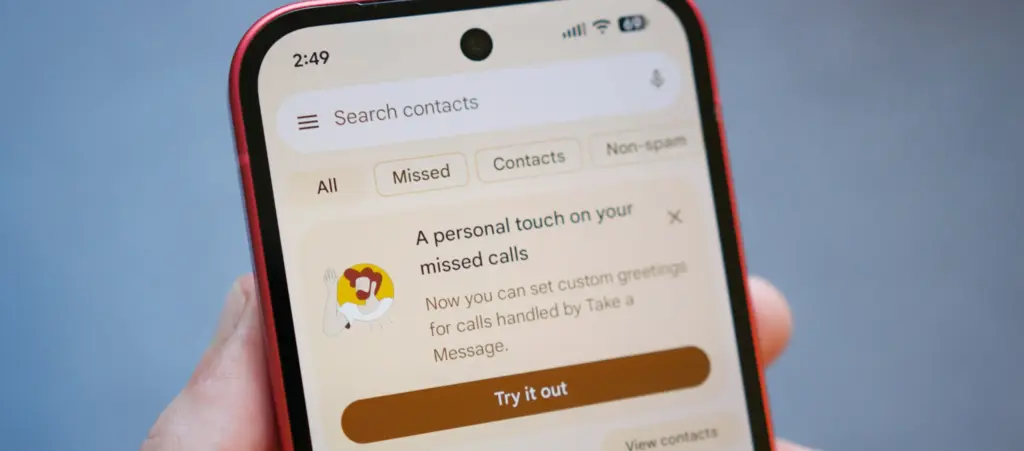
    custom take a message google phone

    A useful feature that deserves wider reach

    Take a Message doesn’t get as much attention as Call Screening or some of Google’s more prominent AI calling tools, but it’s a genuinely practical addition. One of its stronger selling points is that all transcription happens on-device, which makes it a privacy-conscious alternative to cloud-based voicemail systems. For anyone who finds their carrier’s default voicemail setup clunky or impersonal, it offers a noticeably cleaner experience directly from the phone.

    The expansion follows a pattern Google has already started exploring. Earlier this year, the company brought Scam Detection – previously a Pixel-exclusive feature – to the Samsung Galaxy S26 series, marking one of the first times a major Pixel AI calling feature landed on a competing Android flagship. A similar rollout strategy seems likely for Take a Message, potentially starting with non-Pixel flagships before spreading to a wider device pool.
  • Android 17 QPR1 Beta 2 Arrives with a Focus on Bug Fixes

    Android 17 QPR1 Beta 2 Arrives with a Focus on Bug Fixes

    Android 17 QPR1’s latest beta build is centered almost entirely on bug fixes. Google first released the initial QPR1 beta in the third week of April, and just a couple of weeks later, it has now rolled out Android 17 QPR1 beta 2. Because the gap between the two builds is so short, this release mainly focuses on stability improvements rather than anything flashy.

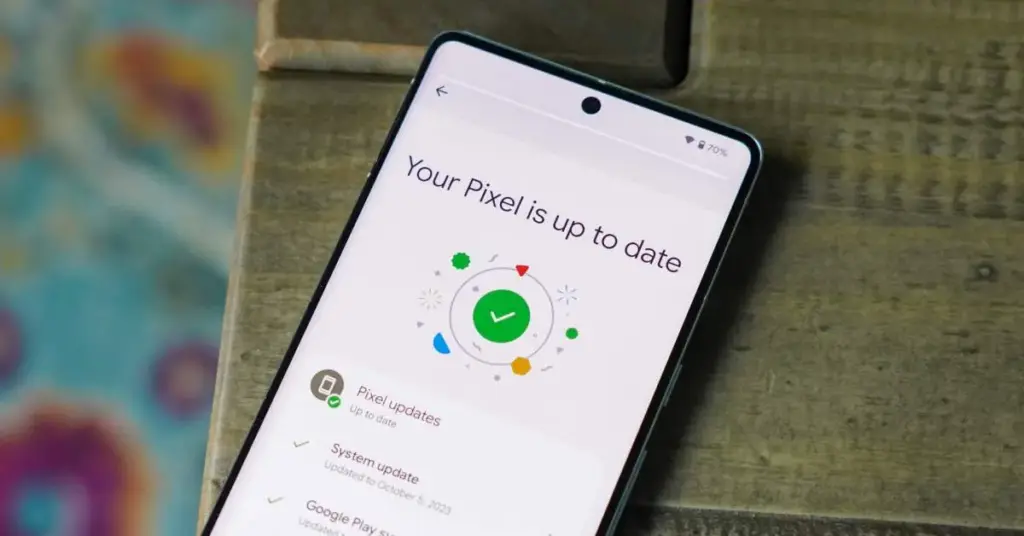
    Android 17 QPR1 beta 2 lands for Pixel phones with bug fixes, OTA support, and a small Quick Settings tweak on Pixel 8 Pro.

    That said, a long list of fixes does not change the fact that Android 17 QPR1 is still at an early beta stage. Issues are still likely, so users who care most about stability should probably stay on Android 16 on their Pixel. Anyone who wants to test the newer software can still try Android 17 beta, which should be noticeably more stable than QPR1 beta. If you do install Android 17 QPR1 beta, sending bug reports to Google will help those problems get addressed faster.

    The OTA is already available for all compatible Pixel devices, starting with the Pixel 6 and running through the Pixel 10 lineup. Users can also download the OTA image and manually sideload it on a Pixel if they prefer that route.

    On the user-facing side, there does not seem to be much new on a Pixel 8 Pro, aside from a refreshed Quick Settings edit icon. Google may be holding back the bigger changes for later beta builds or for future QPR releases.

  • Huge Smartwatch Discounts: Pixel Watch 4 and Galaxy Watch 8 Now at Their Best Prices

    Huge Smartwatch Discounts: Pixel Watch 4 and Galaxy Watch 8 Now at Their Best Prices

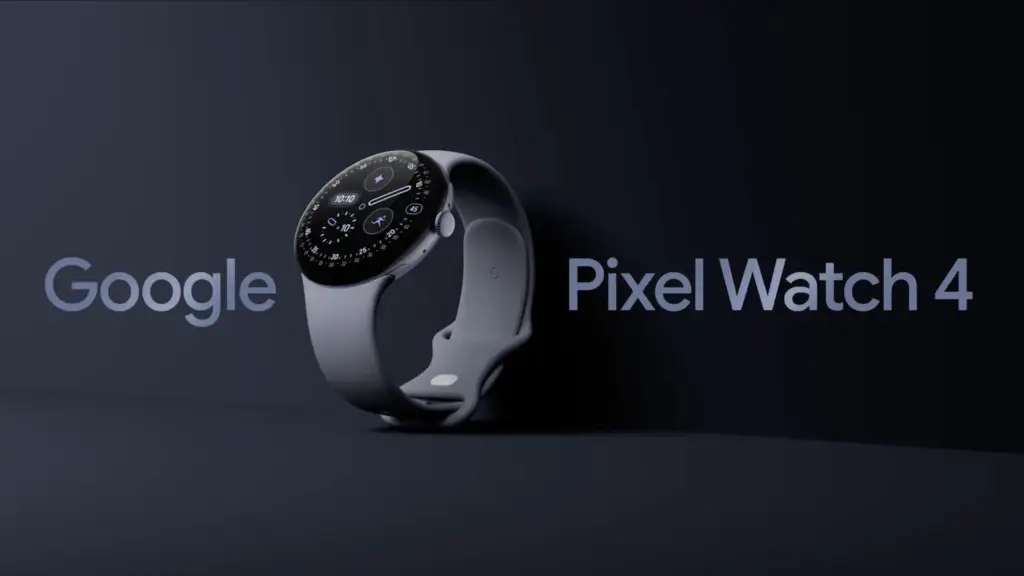
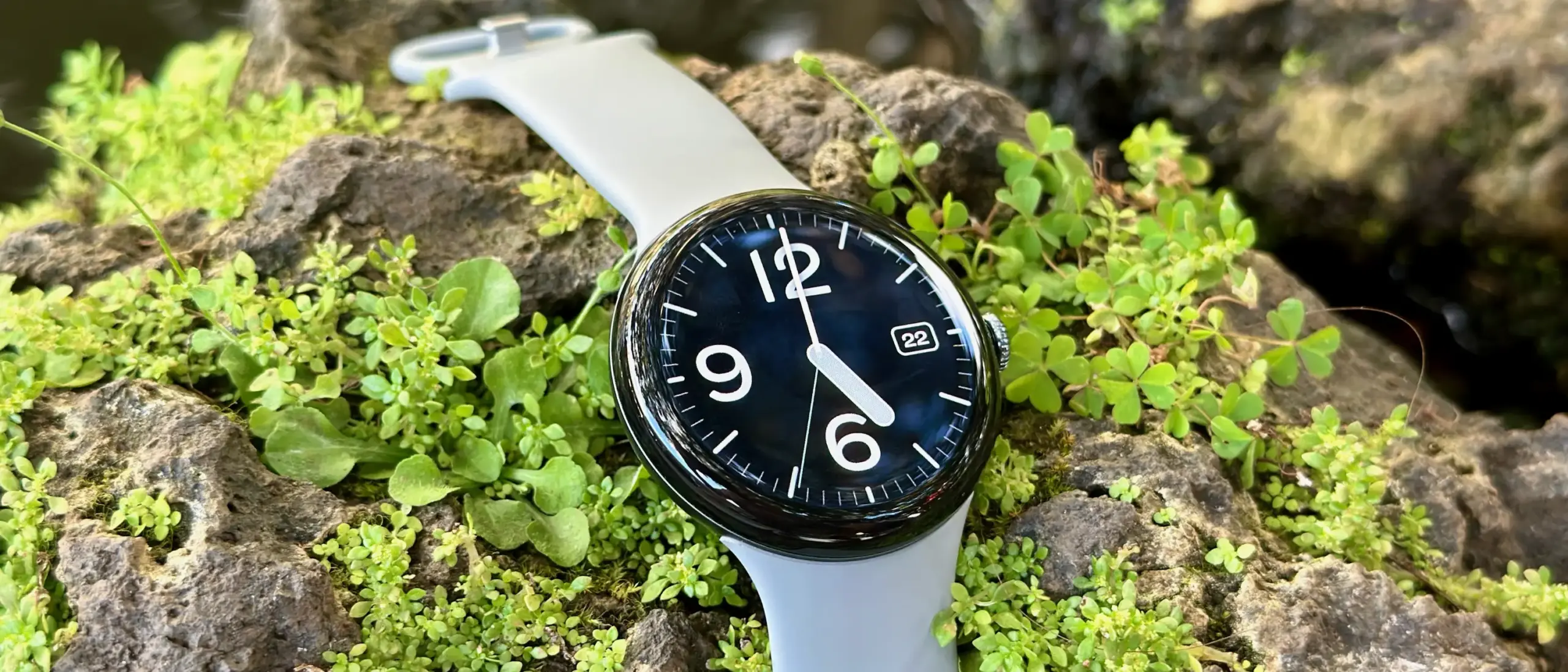
    It rarely makes sense to pay full price for Google’s flagship Pixel Watch 4, since the smartwatch goes on sale often. This is one of those moments. It is not at its lowest-ever price, but the Pixel Watch 4 is currently $40 below its MSRP, and buyers can choose from several band color options, including Lemongrass, Iris, Obsidian, and Porcelain.

    Google Pixel Watch 4 (41mm, Wi-Fi) is 11% Off

    The Google Pixel Watch 4 (41mm, Wi-Fi) is currently discounted to $309.99 at Amazon, which works out to 11% off and a $40 savings. Price tracking on CamelCamelCamel shows that this is still above the all-time low, as the wearable dropped to $289.99 during much of March and early April. It remains to be seen whether it will fall back to that level again.

    google pixel watch 4

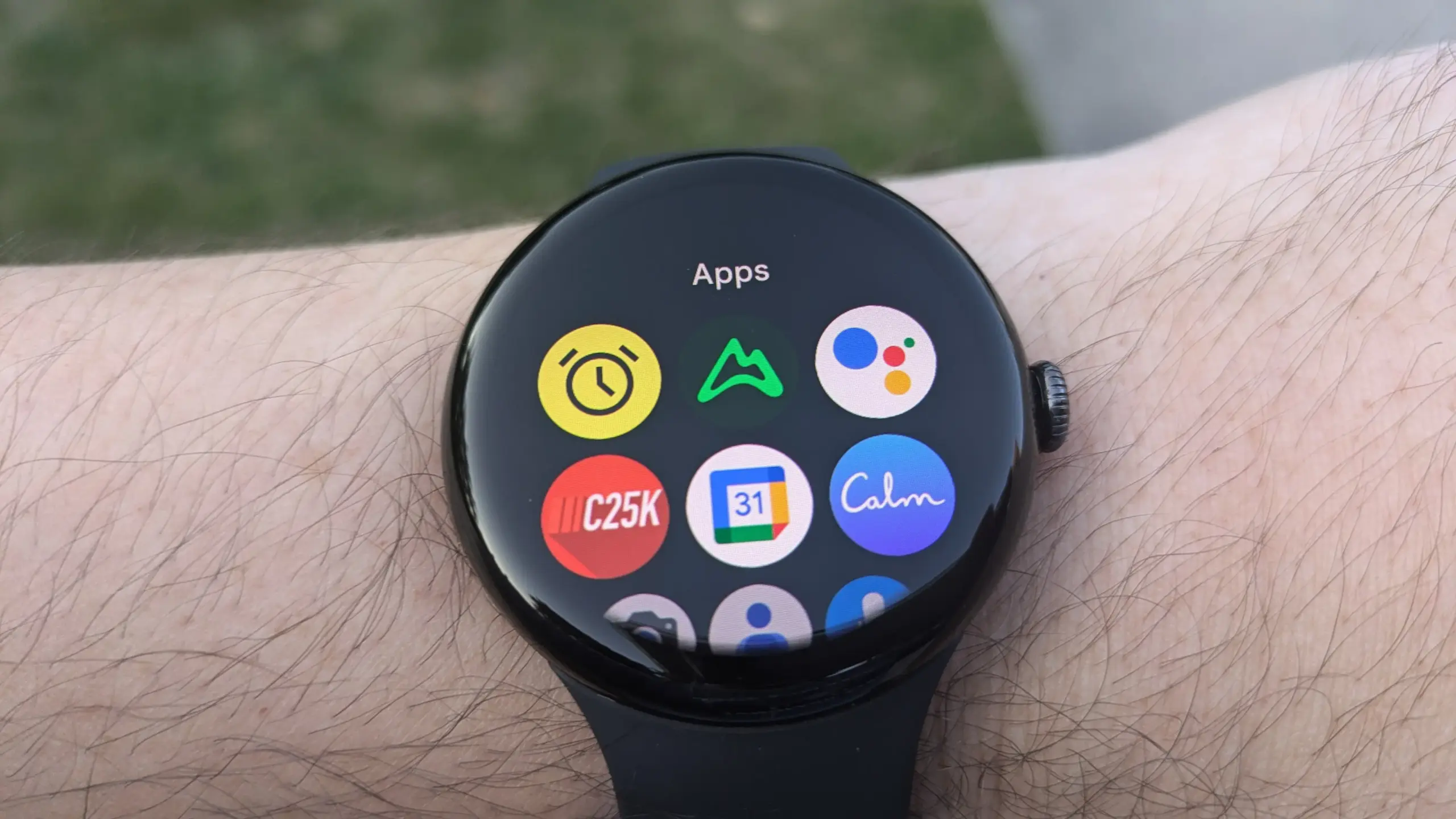
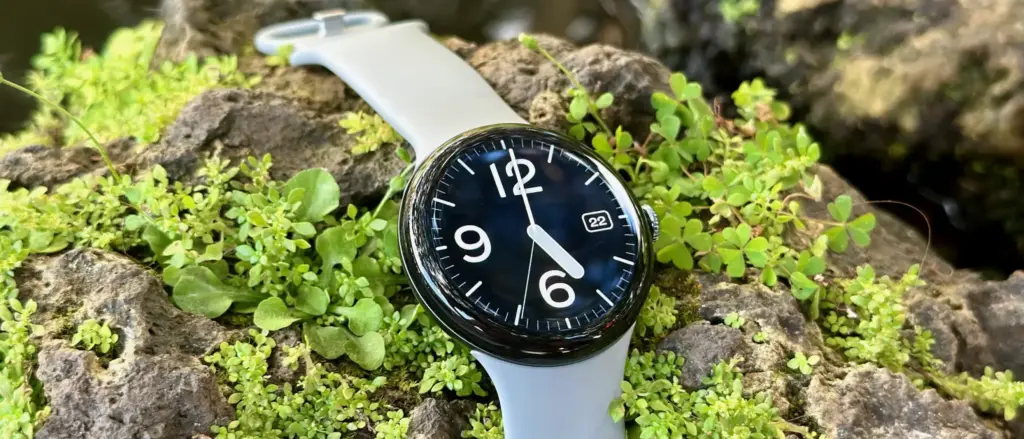
    Even so, this is still a strong offer. The Pixel Watch 4 features a 1.4-inch Actua 360 AMOLED display with a 456×456 resolution and 3,000 nits of brightness, all protected by Gorilla Glass 5. Inside, it runs on a Qualcomm Snapdragaon W5 Gen 2 (4nm) processor, paired with 2GB of RAM and 32GB of built-in storage. Google says the watch can last up to 30 hours with the always-on display enabled, or up to 48 hours when Battery Saver mode is turned on.

    Pixel Watch 4 (41mm, Wi-Fi): $309.99 (11% off)
    Pixel Watch 4 (41mm, Wi-Fi + Cellular): $389.99 (13% off)
    Pixel Watch 4 (45mm, Wi-Fi): $359.99 (10% off)
    Pixel Watch 4 (45mm, Wi-Fi + Cellular): $439.99 (12% off)

    Samsung Galaxy Watch 8 (46mm, Wi-Fi) is 26% Off

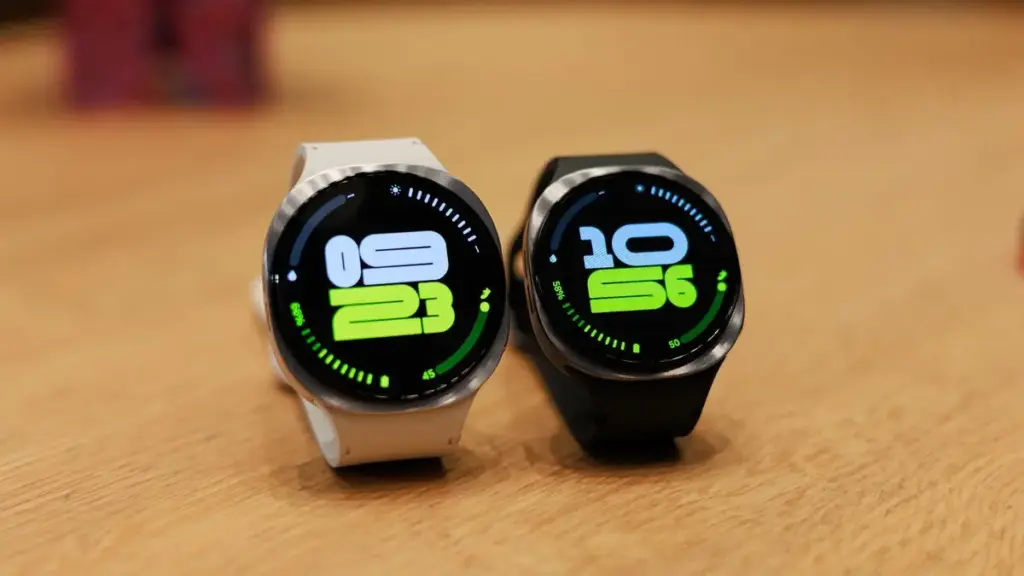
    Samsung’s Galaxy Watch 8 (46mm, Wi-Fi) is also discounted, with Amazon listing it at $369.99, or 26% off, for a much larger savings compared with its regular price. This model is also above its all-time low, though only slightly; it briefly reached $349.99 a couple of times since last December.

    Samsung Galaxy Watch 8 release date price and features

    The Galaxy Watch 8 is thinner, lighter, and brighter than the previous generation. It also introduces a new cushion shape and Dynamic Lug bands, along with a larger battery — 325mAh versus 300mAh — that delivers up to 30 hours of battery life. Google Gemini support is included as well.

    More Smartwatch Deals

    Samsung Galaxy Watch Ultra 2024: $469.89 (28% off)
    Samsung Galaxy Watch Ultra 2025 (47mm, LTE) + $100 Amazon Gift Card: $649.99 (13% off)
    Apple Watch Series 11 (42mm, GPS): $299 (25% off)
    Fitbit Versa 4: $149.95 (25% off)

  • Pixel Users Report Massive Slowdowns – Recent Update May Be to Blame

    Pixel Users Report Massive Slowdowns – Recent Update May Be to Blame

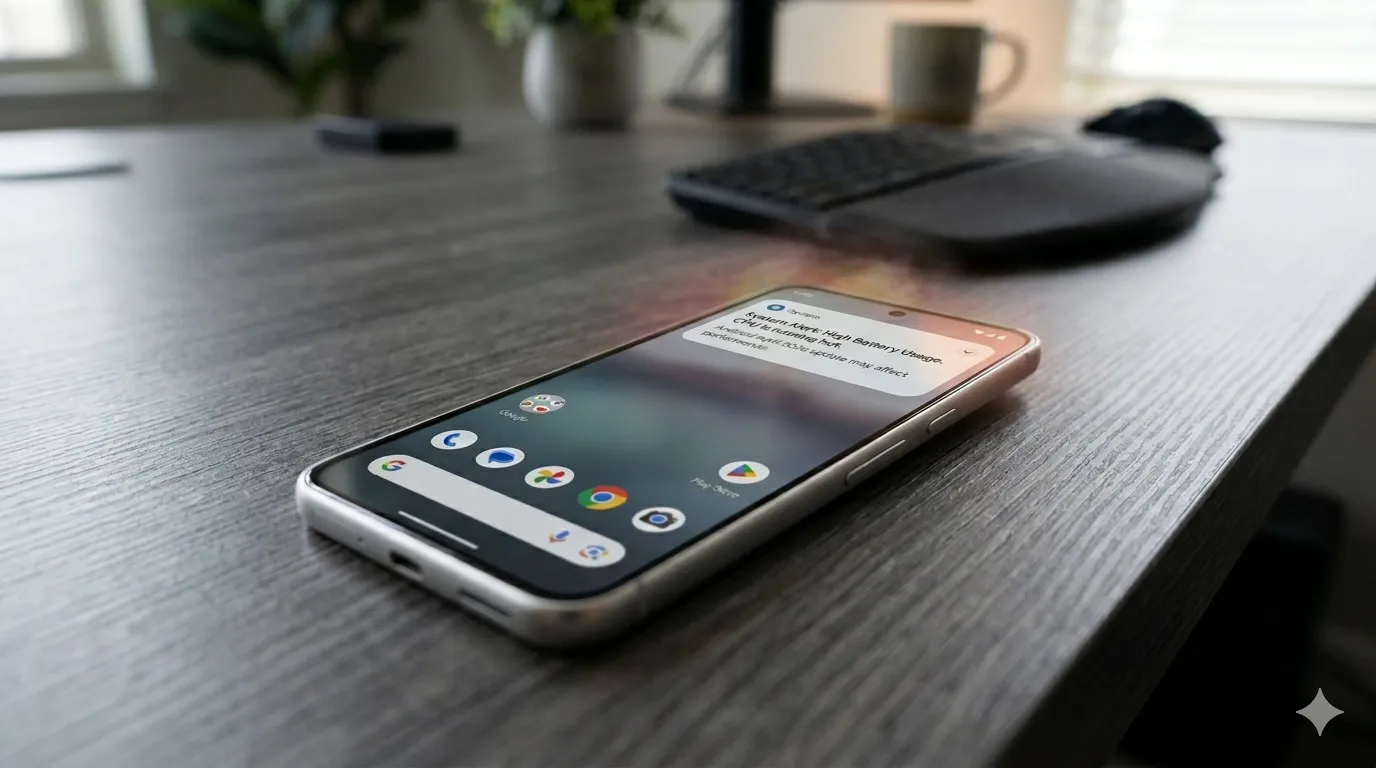
    Pixel phones are no strangers to the occasional software hiccup, and the latest issue making the rounds is a slow performance bug that has started affecting a growing number of users. Pixel devices have never been the go-to choice for heavy multitasking or gaming, but day-to-day responsiveness has typically been one of their stronger points. For some owners, that snappiness has noticeably faded following recent software updates.

    This isn’t the only problem Pixel users have had to deal with lately, either. Earlier this month, complaints surfaced around a battery drain bug tied to the April update that rolled out recently. Before that, a separate issue was causing boot loops after the March update – arguably the most alarming of the bunch. The performance slowdown adds yet another frustration to a string of post-update problems that Pixel owners have had to navigate.

    New Pixel Software Updates 1 2 1200x628 1

    Pixel 8 and Pixel 9 Most Affected

    While the bug could potentially be touching older Pixel generations as well, Android Authority reports that the bulk of complaints are coming from Pixel 8 and Pixel 9 owners specifically. Neither of these phones is particularly old, and that matters. Starting with the Pixel 8, Google committed to providing seven years of software updates, meaning a large portion of users will be holding onto these devices for years to come.

    That long-term support promise makes it all the more important for Google to address the issue promptly. So far, though, Google hasn’t publicly acknowledged the bug, which means a fix in the near term seems unlikely. It’s also worth noting that the slowdown may not be noticeable to every user. The bug is far from ideal, but depending on the device and usage pattern, some owners may not feel much impact at all.

  • Android 17 QPR1 Beta 1 Is Now Available for Pixel Devices

    Android 17 QPR1 Beta 1 Is Now Available for Pixel Devices

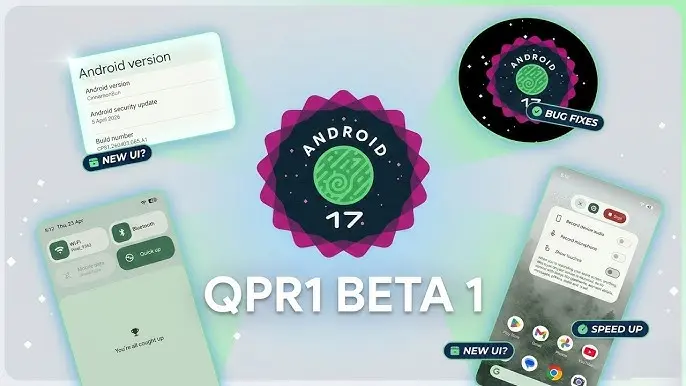
    With the final scheduled Android 17 Beta dropping just last week, Google has wasted no time shifting focus — Android 17 QPR1 Beta 1 is already here.

    Google describes the release officially as the start of “the next round of Beta updates for our September Feature Drop release,” marking the beginning of the QPR1 cycle ahead of what will become a standalone feature update later in the year.

    Android 17 QPR1 Beta 1 beta released for Pixel

    This build addresses the following issues:

    • Fixed a crash in the Default Print Service occurring during low ink conditions that prevents users from completing print jobs. (Issue #487545419)
    • The Terminal app triggers an Application Not Responding (ANR) error that results in the application and device becoming unresponsive. (Issue #497465940)
    • Resolved an issue where uncontrollable hardware audio processing on the voice communication path caused distortion and phase cancellation in VoIP applications. (Issue #494843726)
    • Direct audio output may fail to open on devices using the AIDL audio HAL when playing audio streams longer than five seconds. (Issue #372064012)

    There are no obvious user-facing changes in this release — it’s primarily a bug-fix drop rather than a feature-forward update.

    Pixel users enrolled in the Android Beta program can submit feedback directly through the Android Beta Feedback tool, accessible from the app drawer or Quick Settings, which routes reports straight to the Google issue tracker. The Android Beta community on Reddit is also an active space for discussion and bug reports.

    Build number: CP31.260403.005.A1

    Android 17 QPR1 Beta 1 system images are now available for the following devices: Pixel 6, Pixel 6 Pro, Pixel 6a, Pixel 7, Pixel 7 Pro, Pixel 7a, Pixel Tablet, Pixel Fold, Pixel 8, Pixel 8 Pro, Pixel 8a, Pixel 9, Pixel 9 Pro, Pixel 9 Pro XL, Pixel 9 Pro Fold, Pixel 9a, Pixel 10, Pixel 10 Pro, Pixel 10 Pro XL, and Pixel 10 Pro Fold, along with the Android Emulator.

    You can easily join via the Android Beta Program to get an on-device OTA.

  • Google’s Latest System Update Improves Android in Subtle Ways You’ll Notice

    Google’s Latest System Update Improves Android in Subtle Ways You’ll Notice

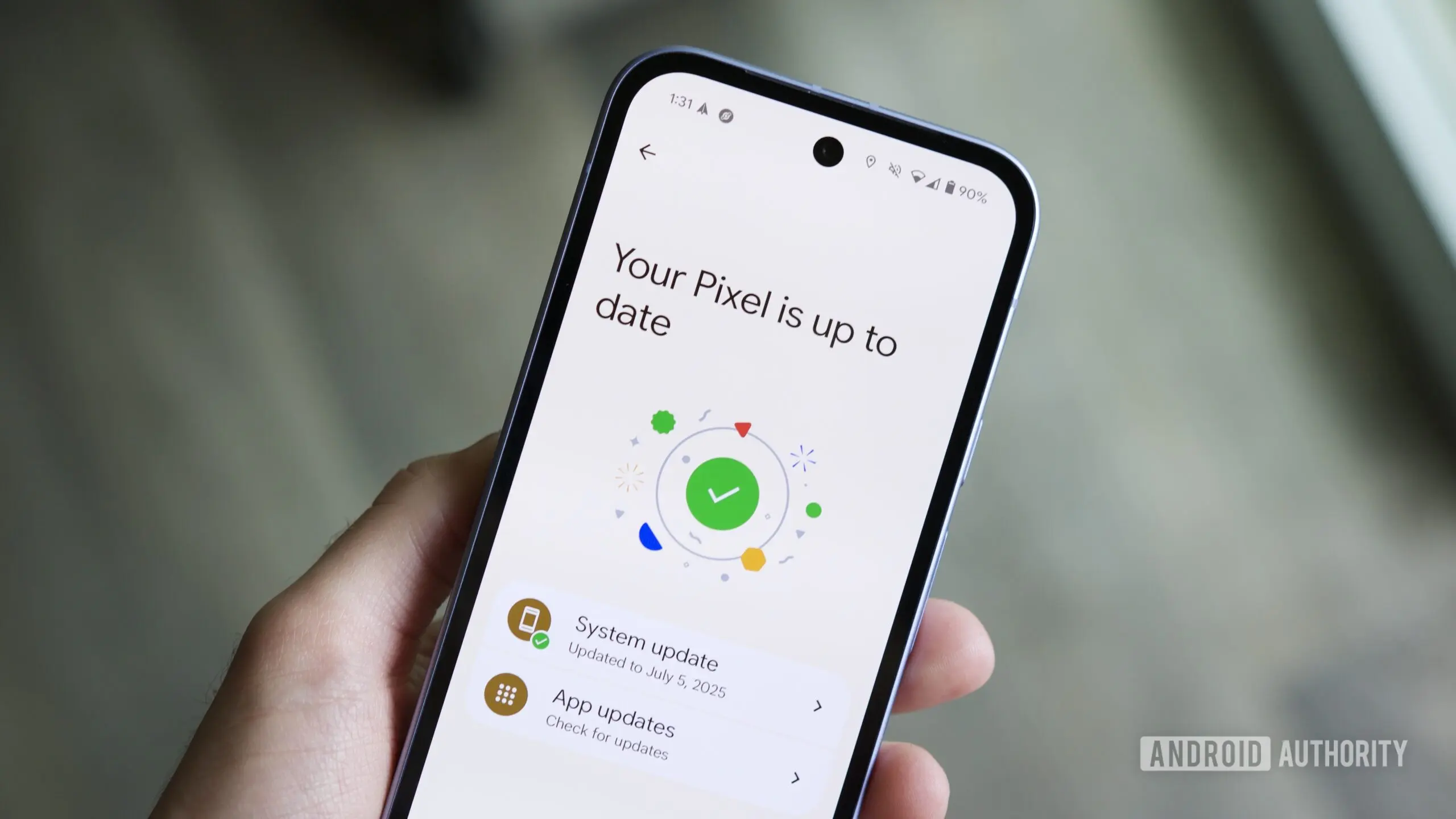
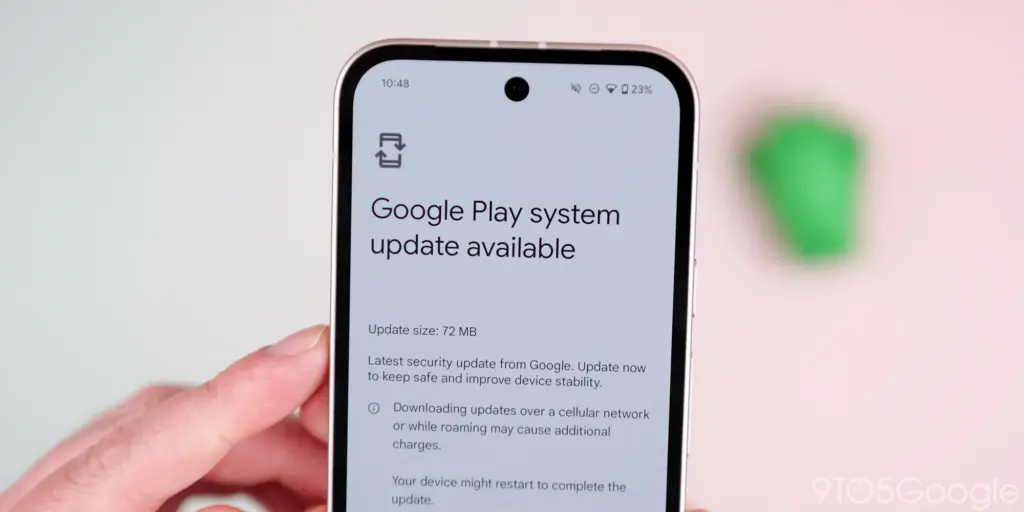
    The Play services, Play Store, and Play system update for Android phones and tablets, Wear OS, Google/Android TV, Auto, and PC are the main topics covered in the monthly “Google System Release Notes.” While certain features are intended for developers, others are applicable to end users.

    Google Play System update 3

    The “Google System” is made up of the following third-party apps:

    To update, launch the Settings app, press your name at the top of the “Google services” page, then select All services > Privacy & security > System services.

    A feature is not necessarily publicly accessible just because it appears in the changelog. The full launch of some capabilities takes months.

    Google Play services v26.15 (2026-04-20)

    Device Connectivity

    • [Auto, Phone, Wear] Bug fixes for Device Connections and System Management & Diagnostics related services.

    Location & Context

    • [Phone] Bug fixes for Location Services related services.

    Wallet

    • [Phone] With this update, a message at the bottom of the screen tells the user how to add a card to Wallet.
    • [Phone] With this update, you’ll get a new entry point for MyCommute.

    Android System Intelligence B.24 (2026-04-16)

    • [Phone] Maintenance changes.

    Google Play services v26.14 (2026-04-13)

    Account Management

    • [Phone] With this update, you’ll get a faster way to set up your device when you transfer accounts and settings from an existing device.

    System Management

    • [Auto, PC, Phone, TV, Wear] You can now find open source licenses for Android Pulse in GMS Core.

    Wallet

    • [Phone] You can now control how private passes in Wallet work with other Google services like Autofill through new per-pass privacy settings.
    • [Phone] You can now use a redesigned Wallet interface for quick access, search, and discovery.

    Google Play Store v51.0 (2026-04-13)

    • [Phone] You can now provide feedback on AI-generated summaries of user reviews.
    • [Phone] You can now create a Gamer Profile directly from You tab.
    • [Phone] You can now play some games on the You tab with no install required.

    Google Play services v26.13 (2026-04-06)

    Account Management

    • [Auto] When a user signs in to their Google account on Android Automotive devices via QR code, the sign-in confirmation displays the requesting device’s name.

    Device Connectivity

    • [Phone] New developer features for Google and third party app developers to support Device Connectivity related processes in their apps.

    Location & Context

    • [Phone] With this update, Location Sharing APIs are refined and new location requests are introduced.
    • [Phone] With this update, On-Device Location History Store Visits processes more frequently.

    System Management

    • [Auto, PC, Phone, TV, Wear] Updates to system management services that improve Security and Stability.

    Wallet

    • [Phone] Bug fixes for Wallet related services.

    Google Play Store v50.9 (2026-04-06)

    • [Phone] This update adds download numbers to some app and game ads to help you make informed choices.
    • [Phone] You can now join and compete in Play Games Leagues directly from the You tab.
  • Google May Bring Back One of Android’s Most Missed Features With the Pixel 11 – Pixel Glow

    Google May Bring Back One of Android’s Most Missed Features With the Pixel 11 – Pixel Glow

    Pixel Glow Is a Real Thing, and It’s Coming

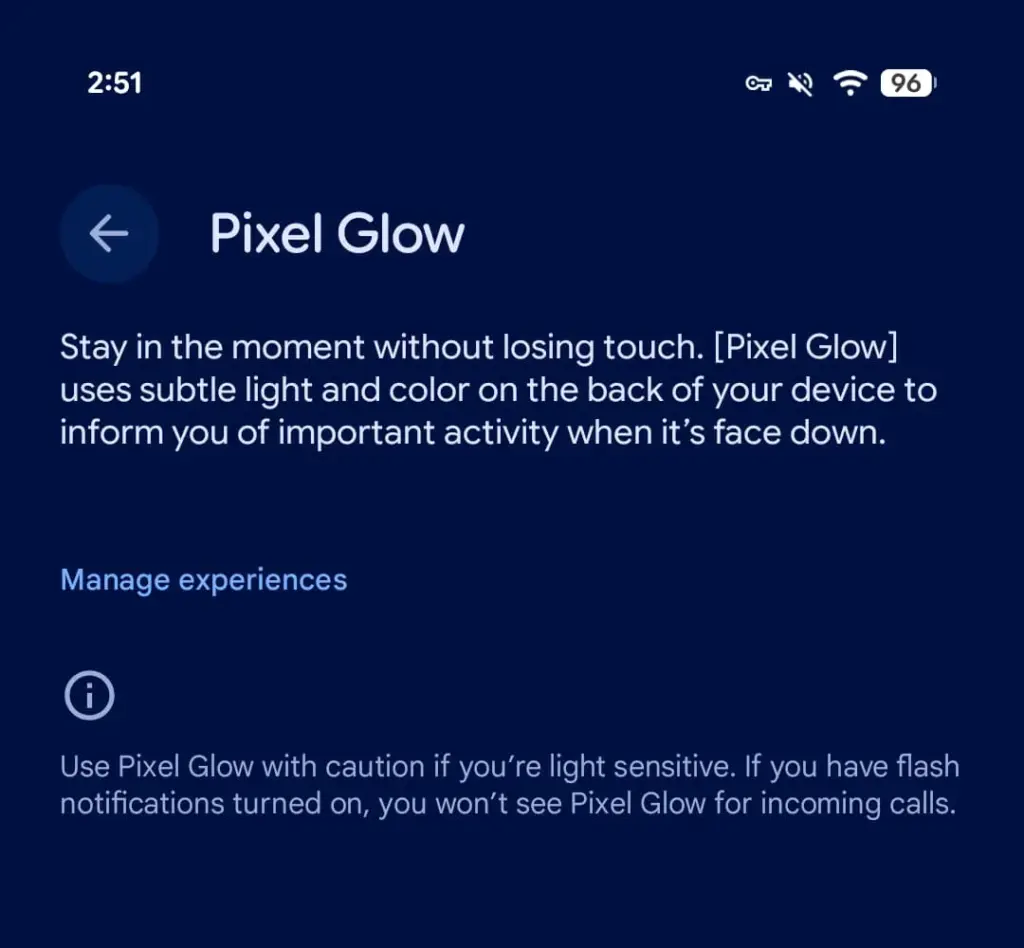
    Android 17 Beta 4, released today, contains explicit references to a new hardware feature called Pixel Glow. The description is straightforward: subtle light and color on the back panel of the device, designed to notify users of important activity when the phone is face down.

    This isn’t a software animation or an always-on display trick. Pixel Glow appears to be dedicated hardware — which strongly suggests it’s headed to at least some Pixel 11 models later this year.

    pixel glow feature

    More Than Just a Notification Light

    Google isn’t positioning this as a simple LED revival. According to a description spotted by 9to5Google, Pixel Glow is being developed as part of the Digital Wellbeing suite, with a specific goal: helping users “stay in the moment without losing touch.”

    In practice, that means:

    • Incoming calls from favorite contacts will trigger the light — but only if flash notifications are turned off
    • Gemini integration — the lights will activate during AI interactions and may enable hands-free, visual-feedback-driven conversations
    • Individual controls — each use case can be enabled or disabled separately from Settings

    Where Would the Light Actually Go?

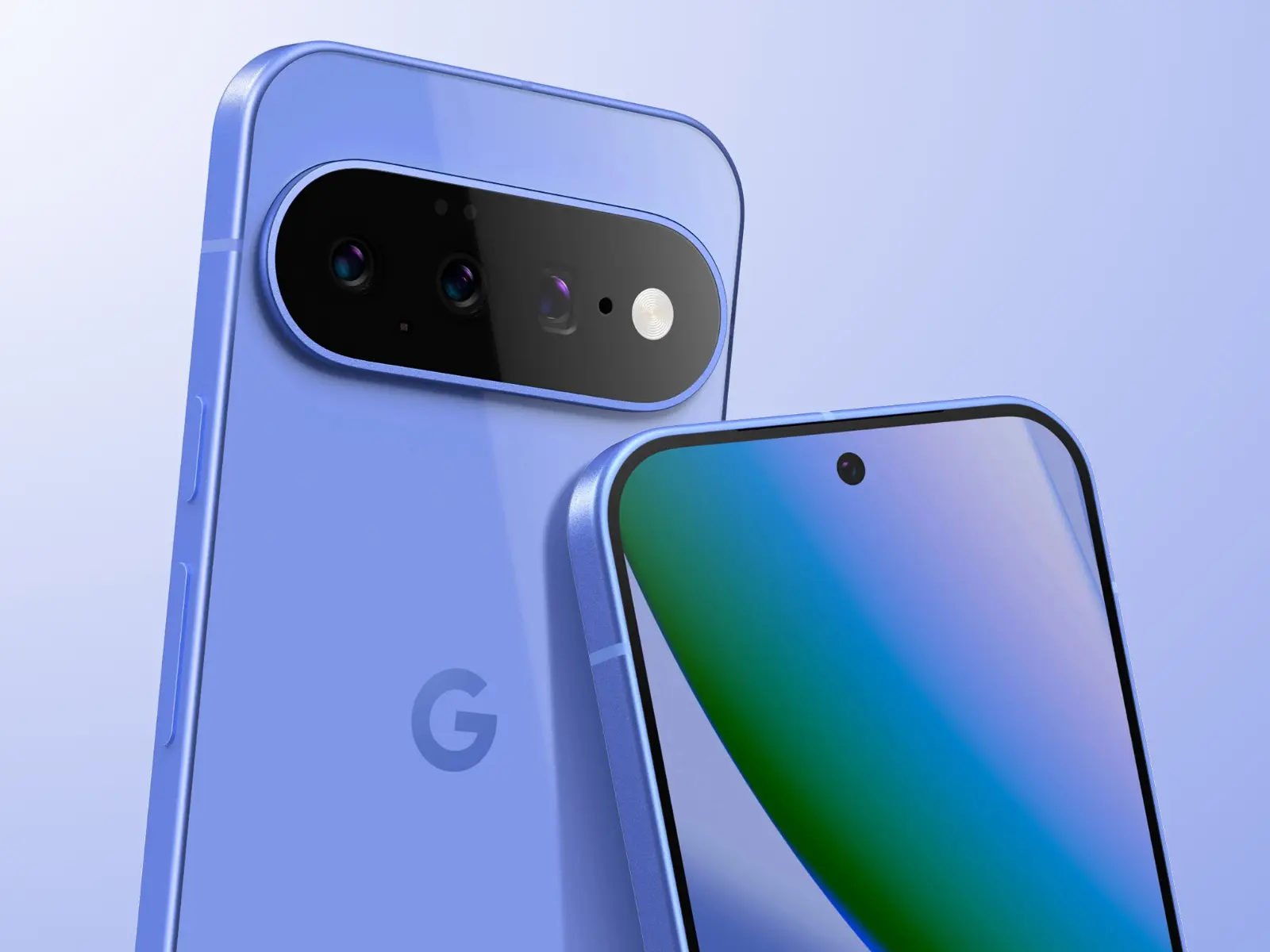
    Here’s the interesting part: the leaked renders of the Pixel 11 lineup don’t show any obvious cutout or housing for Pixel Glow. That leaves two realistic options.

    The first is the Camera Bar — the redesigned horizontal strip on the back. A Pixel 11 Camera Bar with built-in ambient lighting would make Google’s signature design element genuinely functional, not just aesthetic.

    The second option is the Google logo on the back panel. A glowing “G” would immediately draw comparisons to the iconic backlit Apple logo on older MacBooks — which, depending on who you ask, is either a great or a terrible thing.

    The Notification LED Is Back — Sort Of

    Let’s call this what it is. Around 2019, the industry-wide race to ultra-thin bezels killed off the notification LED — a small, power-efficient light that millions of Android users relied on daily to check notifications without touching their phones. Manufacturers quietly dropped it, and nobody really asked for that.

    Pixel Glow looks like Google’s answer to the void that’s been there ever since. It’s smarter, more context-aware, and integrated with AI — but the core idea is the same: a light on your phone that tells you something important is happening, without demanding your full attention.

    Always-on displays have never fully replaced that. For many users, Pixel Glow could.

  • Google’s Pixel Watch 3 LTE Is Now 60% Off — A Rare Deal You Shouldn’t Miss

    Google’s Pixel Watch 3 LTE Is Now 60% Off — A Rare Deal You Shouldn’t Miss

    Google already cut the Pixel Watch 3 LTE starting price from $350 to $250 to keep it competitive alongside the newer Pixel Watch 4. That was a solid deal. This is not that.

    Right now on Amazon, the 45mm Pixel Watch 3 with LTE — originally $399.99 — is available for $159.99 in Matte Black with an Obsidian band. That’s $240 off, no coupon required. It’s the deepest discount any major US retailer has ever offered on this watch, and stock won’t last.

    Google’s Pixel Watch 3 LTE Is Now 60% Off
    google pixel watch 3

    Google Pixel Watch 3 LTE

    The Google Pixel Watch 3 is designed for performance, with advanced fitness from Fitbit; the 45mm screen is twice as bright and 40% larger than before, making it easier to see your stats and info

    Best choice
    $299.99$159.99Buy on Amazon

    Why it’s still worth buying in 2025

    The Pixel Watch 3 isn’t new. It launched 18 months ago and was superseded by a faster, brighter Pixel Watch 4 last fall. But at this price, the age gap stops mattering.

    You still get a capable Wear OS smartwatch with standalone cellular connectivity, solid fitness tracking, and Google’s long-term software support — which, for what it’s worth, is among the best in the Android wearables space. Google tends to fix the things that break, and it keeps supporting its devices well after competitors would have moved on.

    One honest caveat

    Our full Pixel Watch 3 review flagged occasional software bugs as a genuine frustration at launch. If stability is non-negotiable for you, the Samsung Galaxy Watch 8 is worth a look instead.

    But if you can live with the odd hiccup — or trust that Google patches them — this is hard to beat for the price.

    The bottom line

    The Pixel Watch 4 has better battery life. It’s also significantly more expensive. At $160 for an LTE smartwatch from Google, the Pixel Watch 3 becomes a straightforward decision for anyone who’s been sitting on the fence.

    Place the Amazon order now. This kind of discount doesn’t stick around.

    google pixel watch 3

    Google Pixel Watch 3 LTE

    The Google Pixel Watch 3 is designed for performance, with advanced fitness from Fitbit; the 45mm screen is twice as bright and 40% larger than before, making it easier to see your stats and info

    Best choice
    $299.99$159.99Buy on Amazon

  • Google Rolls Out Android 16 April Patch With Key Pixel Fixes You’ll Notice Instantly

    Google Rolls Out Android 16 April Patch With Key Pixel Fixes You’ll Notice Instantly

    The Pixel 6, 6 Pro, 6a, 7, 7 Pro, 7a, Tablet, Fold, 8, 8 Pro, 8a, 9, 9 Pro, 9 Pro XL, 9 Pro Fold, 9a, Pixel 10, Pixel 10 Pro, Pixel 10 Pro XL, Pixel 10 Pro Fold, and Pixel 10a are all receiving the April 2026 security patch for Android 16 QPR3.

    The Android 16 April patch, dated 2026-04-01, fixes one security problem and four for 2026-04-05. Vulnerabilities might be classified as high or critical.

    Android 16

    There are no other security updates listed in the bulletin specifically for Google devices.

    Global

    • Pixel 6:                     CP1A.260405.005
    • Pixel 6 Pro:              CP1A.260405.005
    • Pixel 6a:                   CP1A.260405.005
    • Pixel 7:                     CP1A.260405.005
    • Pixel 7 Pro:              CP1A.260405.005
    • Pixel 7a:                   CP1A.260405.005
    • Pixel Tablet:            CP1A.260405.005
    • Pixel Fold:               CP1A.260405.005
    • Pixel 8:                    CP1A.260405.005
    • Pixel 8 Pro:             CP1A.260405.005
    • Pixel 8a:                  CP1A.260405.005
    • Pixel 9:                    CP1A.260405.005
    • Pixel 9 Pro:             CP1A.260405.005
    • Pixel 9 Pro XL:       CP1A.260405.005
    • Pixel 9 Pro Fold:    CP1A.260405.005
    • Pixel 9a:                  CP1A.260405.005
    • Pixel 10:                  CP1A.260405.005
    • Pixel 10 Pro:           CP1A.260405.005
    • Pixel 10 Pro XL:     CP1A.260405.005
    • Pixel 10 Pro Fold:  CP1A.260405.005
    • Pixel 10a:                CP1A.260405.005

    Australia

    • Pixel 6:                    CP1A.260405.003.A1
    • Pixel 6 Pro:             CP1A.260405.003.A1
    • Pixel 6a:                  CP1A.260405.003.A1

    Use the following device key to interpret the Pixel’s Android 16 April update changelog:

    *[1] Pixel 6, Pixel 6 Pro, Pixel 6a, Pixel 7, Pixel 7 Pro, Pixel 7a, Pixel 8, Pixel 8 Pro, Pixel 8a, Pixel Fold, Pixel Tablet, Pixel 9, Pixel 9 Pro, Pixel 9 Pro XL, Pixel 9 Pro Fold, Pixel 9a, Pixel 10, Pixel 10 Pro, Pixel 10 Pro XL, Pixel 10a

    *[2] Pixel 6, Pixel 6 Pro, Pixel 6a, Pixel 7, Pixel 7 Pro, Pixel 7a, Pixel 8, Pixel 8 Pro, Pixel 8a, Pixel Fold, Pixel Tablet

    *[3] Pixel 9, Pixel 9 Pro, Pixel 9 Pro XL, Pixel 9 Pro Fold

    *[4] Pixel 10, Pixel 10 Pro, Pixel 10 Pro XL, Pixel 10a

    Apps

    • Fix for an issue where the Backup menu was missing from System settings in certain conditions*[2]
    • Fix for an issue that causes certain banking and third-party apps to crash in certain conditions*[1]

    Display & Graphics

    • Fix for some games to crash in certain conditions*[4]

    User Interface

    • Fix for an issue where the quick search bar is sometimes missing from the home screen in certain conditions*[1]

    WiFi

    • Fix for Quick Share to crash during file transfers in certain conditions*[3]
  • Google Pixel’s Now Playing app may restore a feature users missed

    Google Pixel’s Now Playing app may restore a feature users missed

    Now Playing has never been the most talked-about Pixel exclusive, but it’s been making headlines lately. Last month, Google gave it a major upgrade by spinning it off into a standalone app — a move that had been telegraphed by leaks well before the official announcement.

    The app hasn’t stood still since launch. Shortly after release, it received a visual refresh on the lock screen, and now a fresh update has appeared on the Play Store. While it seems minor on the surface, it may be quietly bringing back something users didn’t realize they’d miss.

    A small update with potentially big implications

    According to 9to5Google, the Now Playing app was updated to version 2026.03.24.x late Friday, bumping out the previous 2026.03.02.x build. The rollout appears to be gradual — the Play Store still shows the older version as the latest for many users, and the update hadn’t reached all devices as of the report.
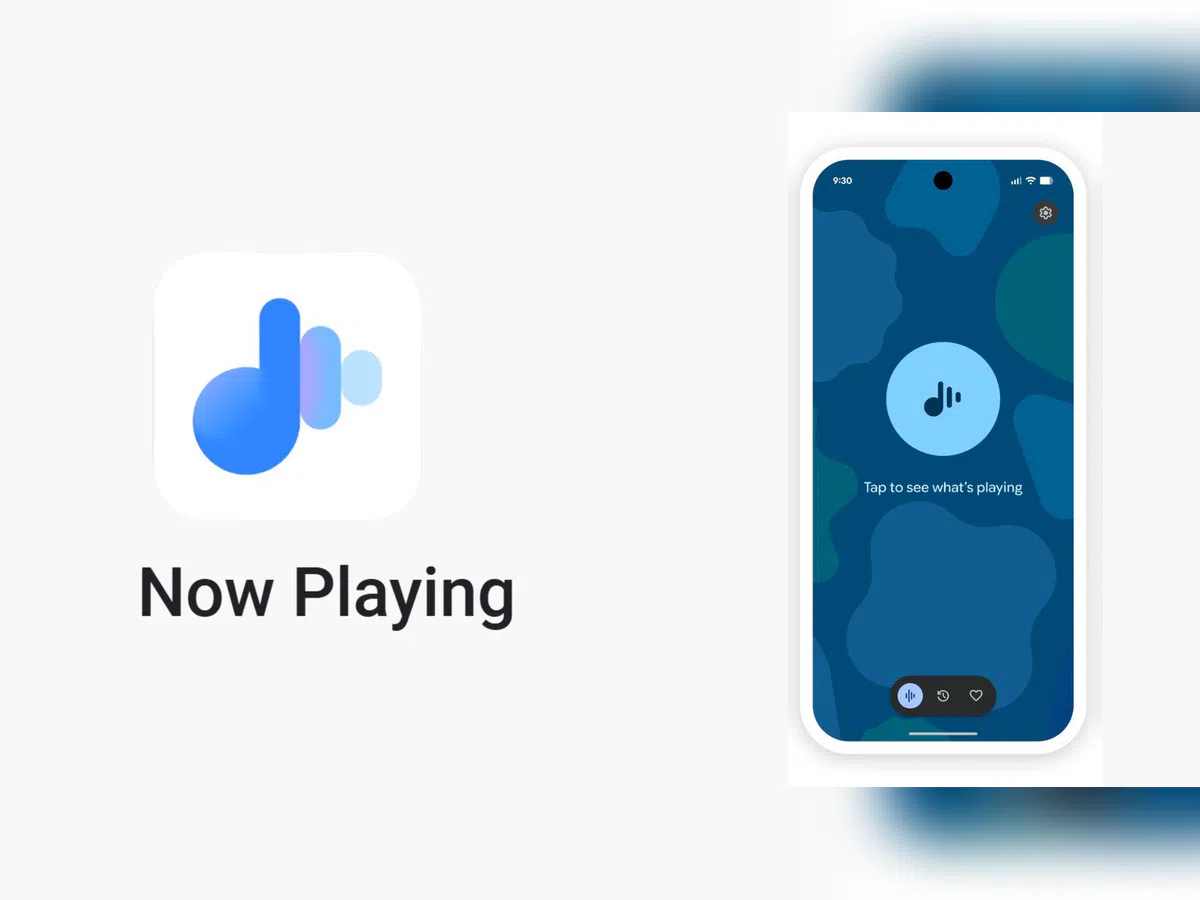
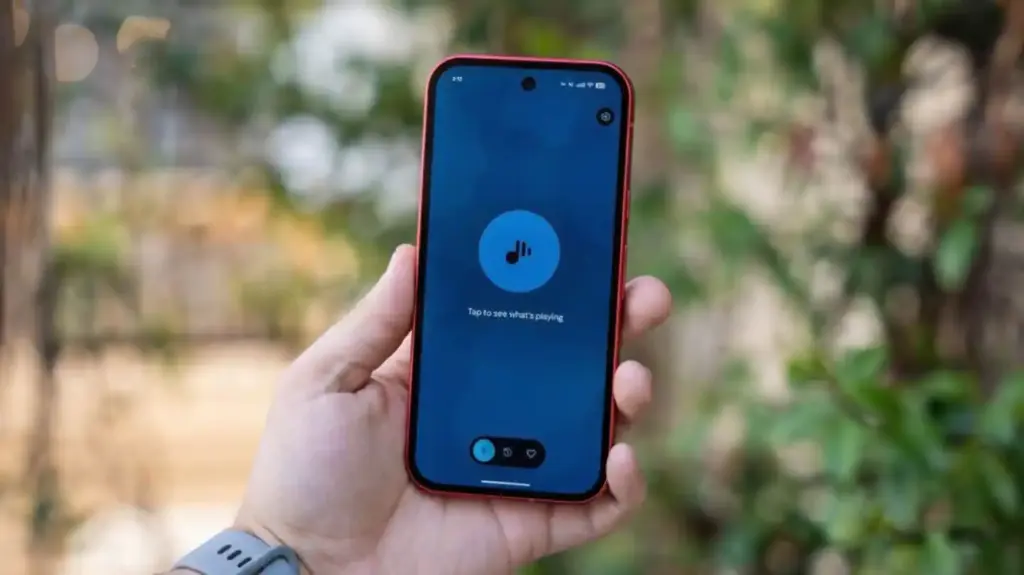
    No obvious new features were found in the update, pointing to mostly behind-the-scenes bug fixes. But a Reddit user claims something notable did return: the “Tap to see what’s playing” prompt on the lock screen.

    Google Pixel now playing

    The return of ‘Tap to see what’s playing’

    When Now Playing transitioned to a standalone app, most of its functionality came along for the ride — but not everything. One casualty was the “Tap to see what’s playing” prompt, a small but beloved lock screen feature that used to sit just below the fingerprint scanner. For many users, it was a core part of the

    Now Playing experience.

    According to the Reddit user, after receiving a notification about Now Playing’s new home, the lock screen feature reappeared. Whether this is directly tied to the v2026.03.24.x update isn’t confirmed, though the timing lines up.

    It’s also worth noting another change that came with the app transition: Now Playing no longer sends quiet background notifications when it identifies a track. That functionality has been replaced by a Quick Settings tile, which can show the song title and artist — but only when expanded to the larger 2×1 size.