Tag: google

  • Google Rolls Out Android 17 Beta 4 With Crucial Fixes Before Stable Release

    Google Rolls Out Android 17 Beta 4 With Crucial Fixes Before Stable Release

    Android 17 Beta 4 is now rolling out to Pixel devices, and Google says it is the “last scheduled beta of this release cycle.” After the larger Beta 3 update brought new features and platform stability, this release appears focused on final refinements ahead of a stable launch later this quarter.

    To install Android 17 Beta 4, Pixel users can enroll through the Android Beta program and wait for the over-the-air update. Those who prefer the manual route can also flash a factory image or OTA file.
    android 17 beta update

    The latest build details are below:

    Release date: April 16, 2026
    Build: CP21.260330.008
    Emulator support: x86 (64-bit), ARM (v8-A)
    Security patch level: 2026-04-05
    Google Play services: 26.11.36

    Android 17 Beta 4 supports Pixel devices back to the Pixel 6 lineup.

    Developer changes

    One of the main additions in Android 17 Beta 4 is conservative app memory limits, which are meant to improve system stability. If an app is killed because of these limits, ApplicationExitInfo.getDescription will return “MemoryLimiter.” Developers can also use trigger-based profiling with TRIGGER_TYPE_ANOMALY to capture heap dumps when the limits are reached.

    Google has also tightened background audio rules. Starting in Android 17, the audio framework restricts background interactions such as audio playback, audio focus requests, and volume change APIs. Some changes were made after feedback from beta 2, including targetSDK gating for while-in-use FGS enforcement and exemptions for alarm audio.

    Bug fixes

    Android 17 Beta 4 also includes a long list of bug fixes:

    • An issue where webpage URLs were automatically included when sharing screenshots from the capture preview, causing unwanted links to be shared with image files. (Issue #444631269)
    • An accessibility issue caused the device to become completely unresponsive and unusable. (Issue #484755628)
    • An issue where the media control widget could disappear or fail to navigate between multiple active media sessions. (Issue #457008153, Issue #466760800, Issue #497131275, Issue #499041878)
    • An issue where dream services failed to correctly process key events, trigger keyguard bouncer prompts, or execute service lifecycle callbacks. (Issue #485661973)
    • An issue that prevented users from successfully downloading and applying cinematic or local weather wallpaper effects. (Issue #475924636)
    • An issue where the device would freeze and spontaneously restart while typing in messaging applications. (Issue #478417840)
    • A critical system instability issue that causes the device to hang and crash during normal usage. (Issue #427436873, Issue #428838049)
    • An issue causing devices to experience significantly reduced charging speeds when approaching the 80% battery limit, resulting in long delays before the device reaches its target charge and enters bypass mode. (Issue #485148344, Issue #490178498)
    • A rendering issue that caused multicolored horizontal lines to randomly obscure the device display. (Issue #478953060, Issue #478177624, Issue #483765859, Issue #487263076)
    • Pulling down the notification drawer while a feedback report is in progress can cause a System UI crash and device freeze. (Issue #488920581)
    • Critical system components including Pixel Launcher and navigation may crash or become unresponsive for several minutes after a device reboot. (Issue #317282987, Issue #316689583, Issue #316188779)
    • An accessibility issue that prevents users from properly interacting with apps after minimizing and returning to a split-screen view. (Issue #490735259)
    • An issue that prevented Bluetooth from being re-enabled after it was turned off via the system settings or quick settings panel. (Issue #498320401)
    • Notifications marked with setSilent(true) may unexpectedly play alert sounds on Android 16 when multiple notifications are present in the shade. (Issue #467164528)
    • Wi-Fi analyzer applications fail to detect any available Wi-Fi signals, preventing network scanning and signal monitoring.

    Source: Google
  • Google May Bring Back One of Android’s Most Missed Features With the Pixel 11 – Pixel Glow

    Google May Bring Back One of Android’s Most Missed Features With the Pixel 11 – Pixel Glow

    Pixel Glow Is a Real Thing, and It’s Coming

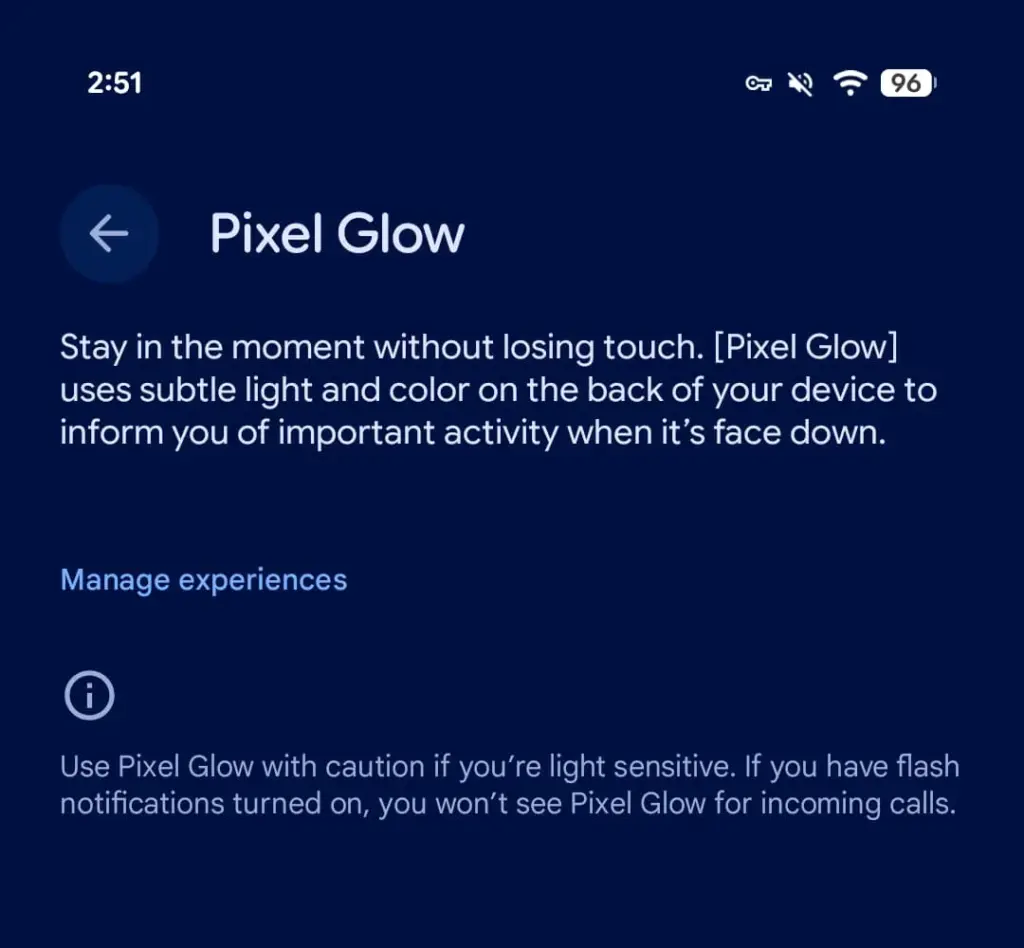
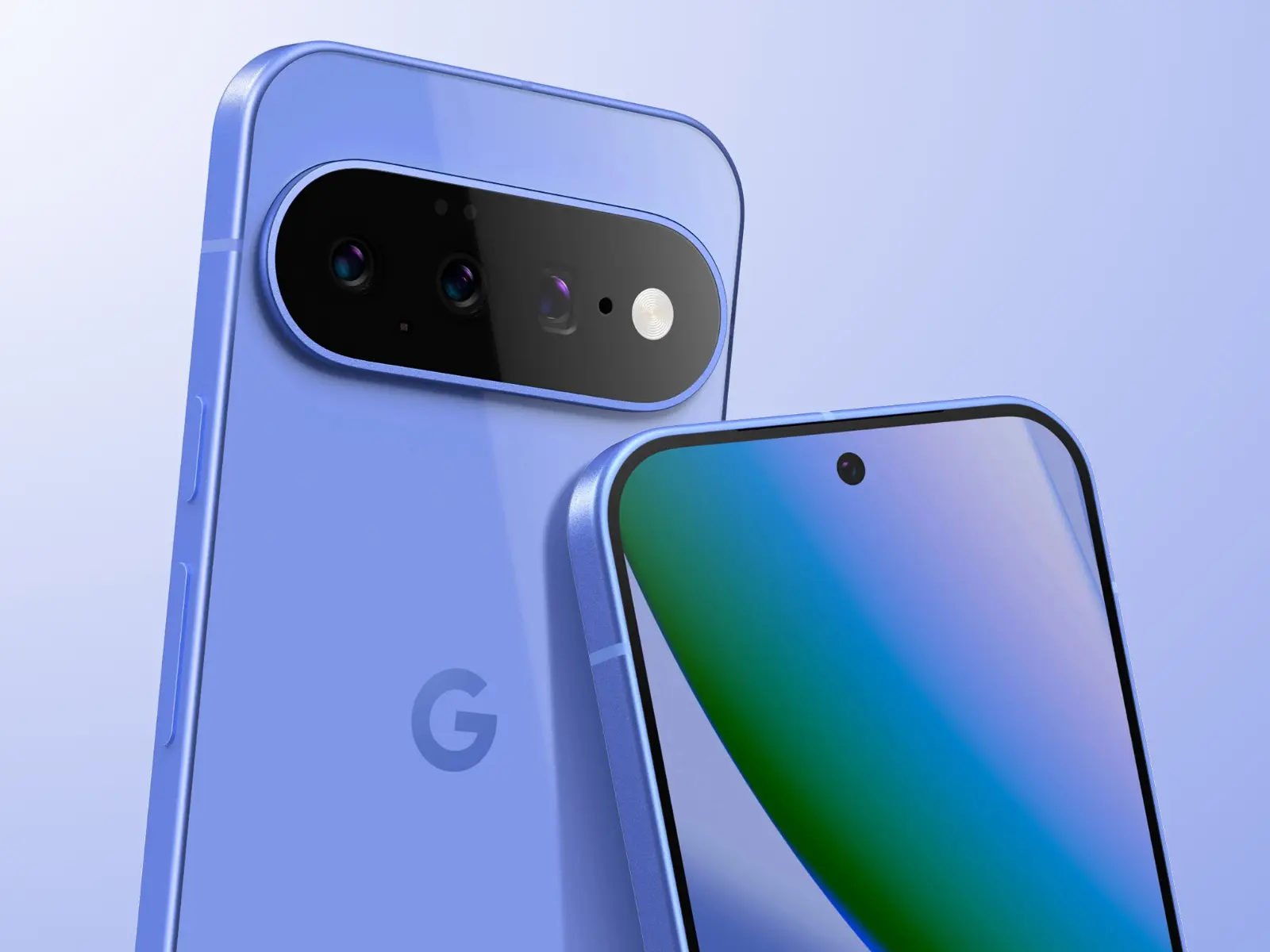
    Android 17 Beta 4, released today, contains explicit references to a new hardware feature called Pixel Glow. The description is straightforward: subtle light and color on the back panel of the device, designed to notify users of important activity when the phone is face down.

    This isn’t a software animation or an always-on display trick. Pixel Glow appears to be dedicated hardware — which strongly suggests it’s headed to at least some Pixel 11 models later this year.

    pixel glow feature

    More Than Just a Notification Light

    Google isn’t positioning this as a simple LED revival. According to a description spotted by 9to5Google, Pixel Glow is being developed as part of the Digital Wellbeing suite, with a specific goal: helping users “stay in the moment without losing touch.”

    In practice, that means:

    • Incoming calls from favorite contacts will trigger the light — but only if flash notifications are turned off
    • Gemini integration — the lights will activate during AI interactions and may enable hands-free, visual-feedback-driven conversations
    • Individual controls — each use case can be enabled or disabled separately from Settings

    Where Would the Light Actually Go?

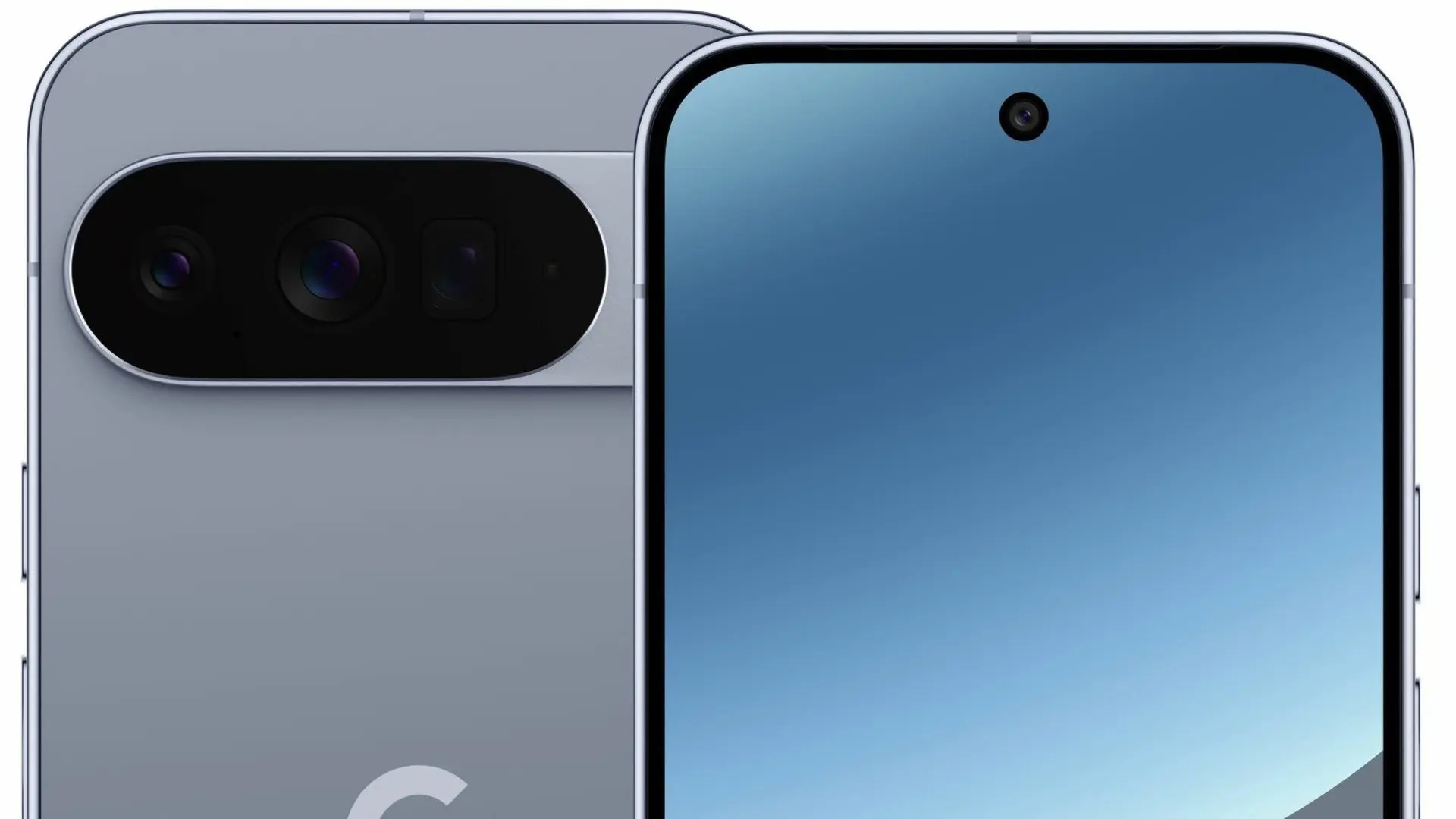
    Here’s the interesting part: the leaked renders of the Pixel 11 lineup don’t show any obvious cutout or housing for Pixel Glow. That leaves two realistic options.

    The first is the Camera Bar — the redesigned horizontal strip on the back. A Pixel 11 Camera Bar with built-in ambient lighting would make Google’s signature design element genuinely functional, not just aesthetic.

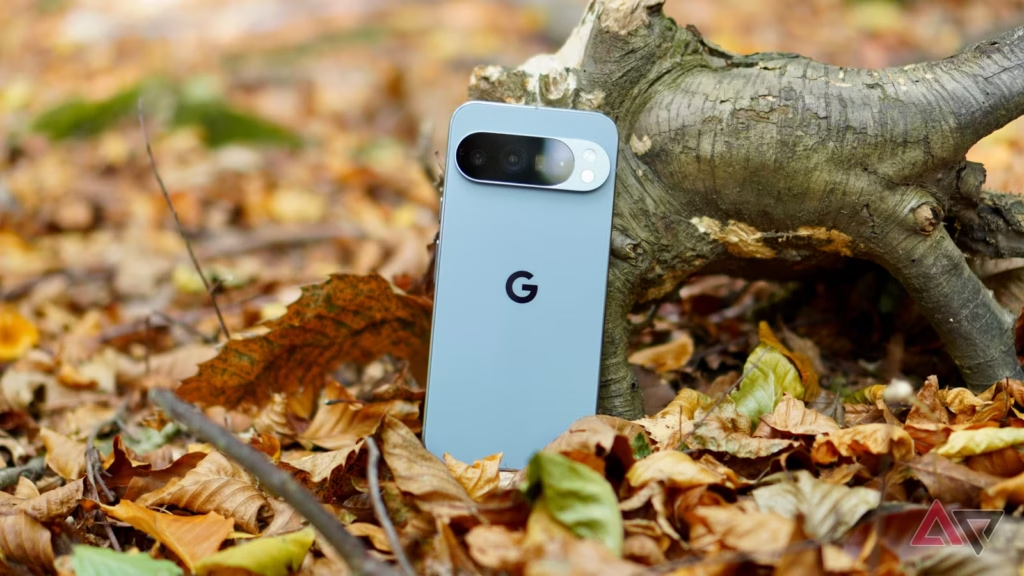
    The second option is the Google logo on the back panel. A glowing “G” would immediately draw comparisons to the iconic backlit Apple logo on older MacBooks — which, depending on who you ask, is either a great or a terrible thing.

    The Notification LED Is Back — Sort Of

    Let’s call this what it is. Around 2019, the industry-wide race to ultra-thin bezels killed off the notification LED — a small, power-efficient light that millions of Android users relied on daily to check notifications without touching their phones. Manufacturers quietly dropped it, and nobody really asked for that.

    Pixel Glow looks like Google’s answer to the void that’s been there ever since. It’s smarter, more context-aware, and integrated with AI — but the core idea is the same: a light on your phone that tells you something important is happening, without demanding your full attention.

    Always-on displays have never fully replaced that. For many users, Pixel Glow could.

  • Google’s Pixel Watch 3 LTE Is Now 60% Off — A Rare Deal You Shouldn’t Miss

    Google’s Pixel Watch 3 LTE Is Now 60% Off — A Rare Deal You Shouldn’t Miss

    Google already cut the Pixel Watch 3 LTE starting price from $350 to $250 to keep it competitive alongside the newer Pixel Watch 4. That was a solid deal. This is not that.

    Right now on Amazon, the 45mm Pixel Watch 3 with LTE — originally $399.99 — is available for $159.99 in Matte Black with an Obsidian band. That’s $240 off, no coupon required. It’s the deepest discount any major US retailer has ever offered on this watch, and stock won’t last.

    Google’s Pixel Watch 3 LTE Is Now 60% Off
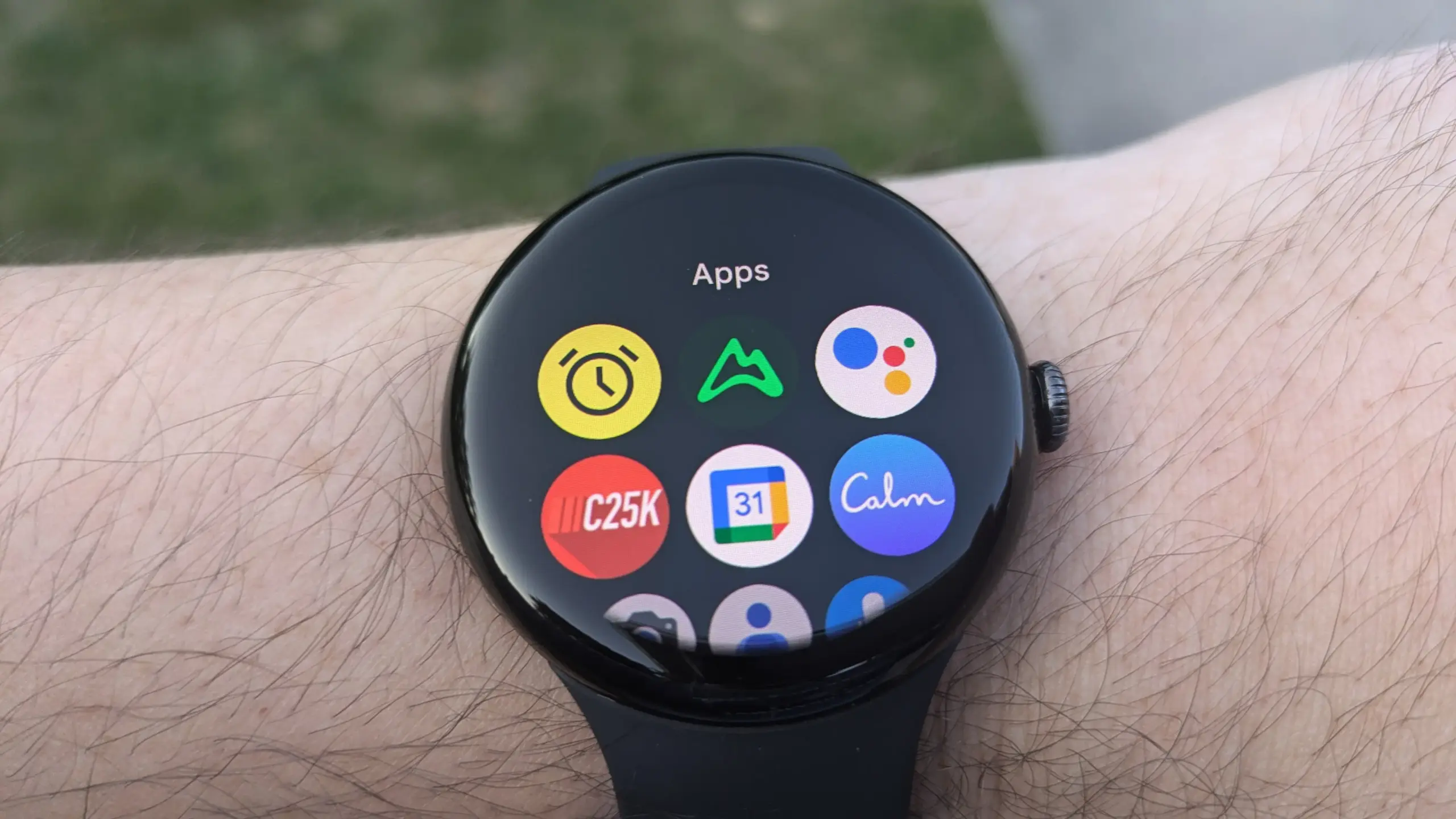
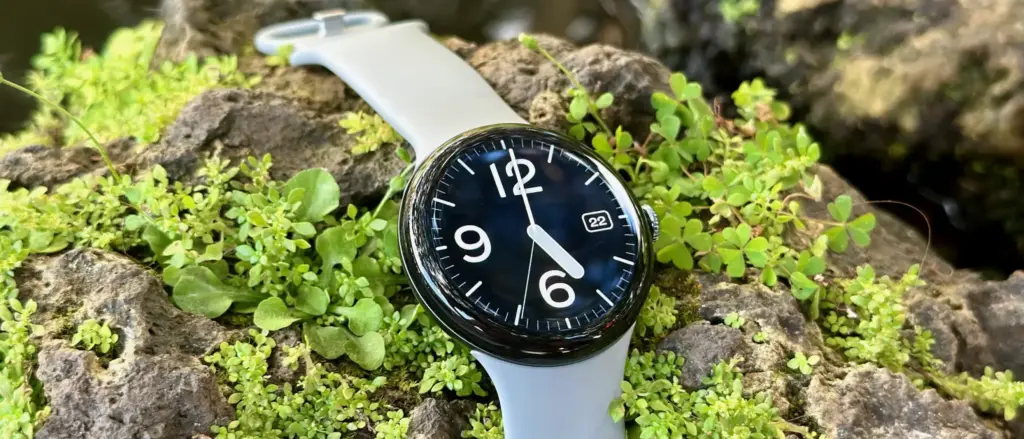
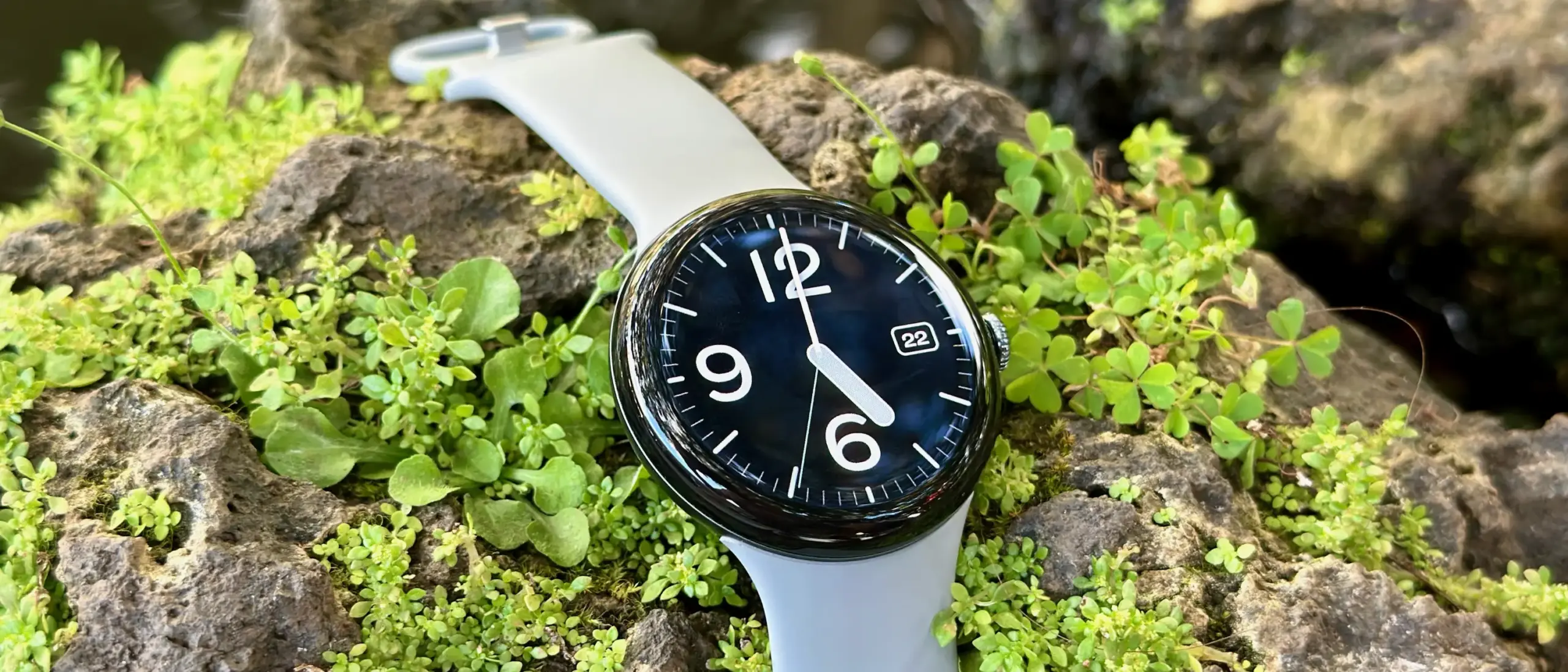
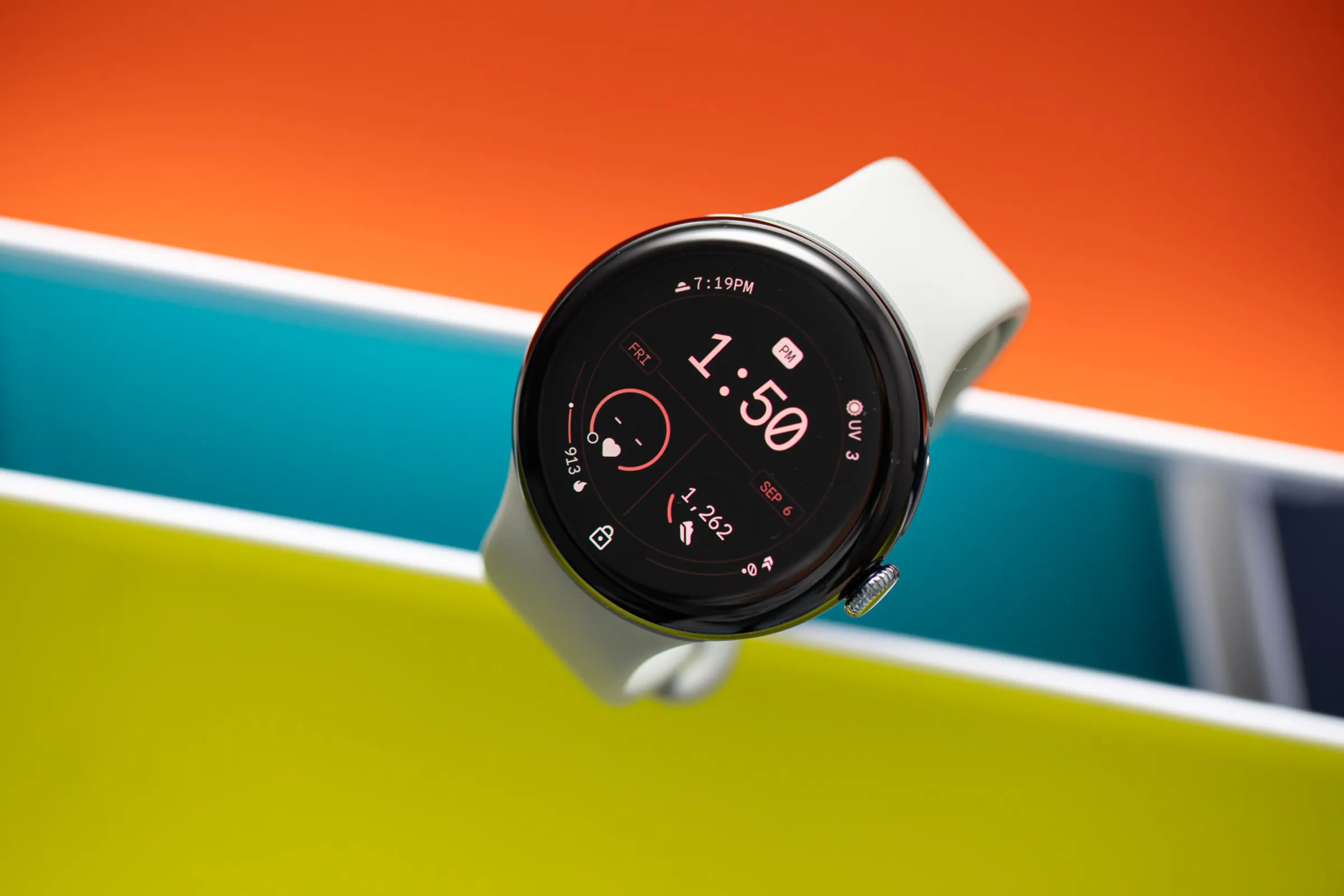
    google pixel watch 3

    Google Pixel Watch 3 LTE

    The Google Pixel Watch 3 is designed for performance, with advanced fitness from Fitbit; the 45mm screen is twice as bright and 40% larger than before, making it easier to see your stats and info

    Best choice
    $299.99$159.99Buy on Amazon

    Why it’s still worth buying in 2025

    The Pixel Watch 3 isn’t new. It launched 18 months ago and was superseded by a faster, brighter Pixel Watch 4 last fall. But at this price, the age gap stops mattering.

    You still get a capable Wear OS smartwatch with standalone cellular connectivity, solid fitness tracking, and Google’s long-term software support — which, for what it’s worth, is among the best in the Android wearables space. Google tends to fix the things that break, and it keeps supporting its devices well after competitors would have moved on.

    One honest caveat

    Our full Pixel Watch 3 review flagged occasional software bugs as a genuine frustration at launch. If stability is non-negotiable for you, the Samsung Galaxy Watch 8 is worth a look instead.

    But if you can live with the odd hiccup — or trust that Google patches them — this is hard to beat for the price.

    The bottom line

    The Pixel Watch 4 has better battery life. It’s also significantly more expensive. At $160 for an LTE smartwatch from Google, the Pixel Watch 3 becomes a straightforward decision for anyone who’s been sitting on the fence.

    Place the Amazon order now. This kind of discount doesn’t stick around.

    google pixel watch 3

    Google Pixel Watch 3 LTE

    The Google Pixel Watch 3 is designed for performance, with advanced fitness from Fitbit; the 45mm screen is twice as bright and 40% larger than before, making it easier to see your stats and info

    Best choice
    $299.99$159.99Buy on Amazon

  • Google Messages Prepares a Feature Samsung Users Have Been Waiting For

    Google Messages Prepares a Feature Samsung Users Have Been Waiting For

    Samsung recently established a clear schedule for discontinuing Samsung Messages, establishing Google Messages as the default messaging software on Galaxy phones.

    While this is ultimately a welcome shift, the fact that Samsung Messages no longer supports RCS has left some longstanding users wanting the customisation tools they were accustomed to.

    It appears that Google has taken note and is working on adding some fun features that Samsung Messages users will recognize.

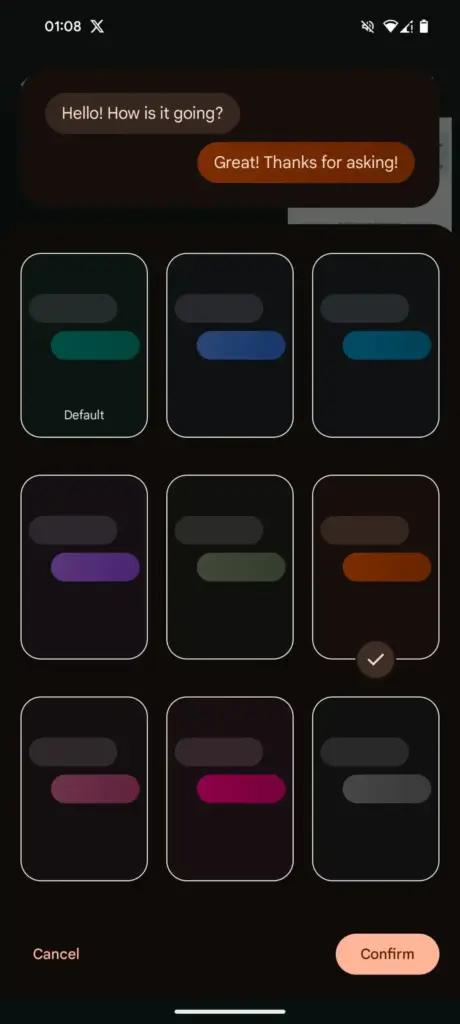
    Currently, the only way to modify RCS chats in Google Messages is to use the “Change colors” option from the three-dot menu. This option allows you to alter the backdrop and chat bubble colors simultaneously, but that’s all the personalization you can do in individual or group chats.

    In comparison, Samsung Messages supports more advanced customization, such as the option to color and decorate chat rooms using photographs from your phone’s gallery. Using Theme Park (via Samsung’s Good Lock module) provides even more customization options, such as altering bubble colors, modifying contrast, applying wallpaper-based themes, and more.

    Google Messages Prepares a Feature Samsung Users Have Been Waiting For

    As Samsung app is being phased out, customers who rely on custom theme packs have begun to express dissatisfaction with Google Messages‘ lack of customisation choices. Google appears to have been paying heed, since a new customisation option for its messaging app is now under development.

    More customization coming for Google Messages

    In the most recent beta release of Google (messages.android_20260410_02_RC00.phone.openbeta_dynamic), we discovered many additional lines pointing to extended theme controls within the app.

    <string name="custom_theme_add_photos">Upload photo</string>
    <string name="custom_theme_your_photos">Your photos</string>
    <string name="custom_theme_preview">Theme Preview</string>
    <string name="custom_theme_title">Theme UI</string>
    <string name="custom_theme_custom">Custom</string>
    <string name="custom_theme_backgrounds">Backgrounds</string>
    <string name="custom_theme_bubble_color">Bubble Color</string>
    <string name="custom_theme_apply">Apply</string>

    The new strings indicate that Google is planning a full “Custom” theme section, where users may be able to change backdrop patterns, bubble colors, and, most importantly, upload their own photographs to use as chat wallpapers. References to “Upload photo” and “Your photographs” definitely suggest a Google photographs integration, although options such as “Theme Preview” and “Apply” indicate a more involved customization experience.

    There are also talks of separate areas for backgrounds and bubble colors, implying that users could mix and match aspects rather than relying on pre-set themes.

    If this option becomes available, it would be a significant step toward allowing users greater choice over how their chats appear, which has been glaringly absent from the app thus far.

  • Google Rolls Out Android 16 April Patch With Key Pixel Fixes You’ll Notice Instantly

    Google Rolls Out Android 16 April Patch With Key Pixel Fixes You’ll Notice Instantly

    The Pixel 6, 6 Pro, 6a, 7, 7 Pro, 7a, Tablet, Fold, 8, 8 Pro, 8a, 9, 9 Pro, 9 Pro XL, 9 Pro Fold, 9a, Pixel 10, Pixel 10 Pro, Pixel 10 Pro XL, Pixel 10 Pro Fold, and Pixel 10a are all receiving the April 2026 security patch for Android 16 QPR3.

    The Android 16 April patch, dated 2026-04-01, fixes one security problem and four for 2026-04-05. Vulnerabilities might be classified as high or critical.

    Android 16

    There are no other security updates listed in the bulletin specifically for Google devices.

    Global

    • Pixel 6:                     CP1A.260405.005
    • Pixel 6 Pro:              CP1A.260405.005
    • Pixel 6a:                   CP1A.260405.005
    • Pixel 7:                     CP1A.260405.005
    • Pixel 7 Pro:              CP1A.260405.005
    • Pixel 7a:                   CP1A.260405.005
    • Pixel Tablet:            CP1A.260405.005
    • Pixel Fold:               CP1A.260405.005
    • Pixel 8:                    CP1A.260405.005
    • Pixel 8 Pro:             CP1A.260405.005
    • Pixel 8a:                  CP1A.260405.005
    • Pixel 9:                    CP1A.260405.005
    • Pixel 9 Pro:             CP1A.260405.005
    • Pixel 9 Pro XL:       CP1A.260405.005
    • Pixel 9 Pro Fold:    CP1A.260405.005
    • Pixel 9a:                  CP1A.260405.005
    • Pixel 10:                  CP1A.260405.005
    • Pixel 10 Pro:           CP1A.260405.005
    • Pixel 10 Pro XL:     CP1A.260405.005
    • Pixel 10 Pro Fold:  CP1A.260405.005
    • Pixel 10a:                CP1A.260405.005

    Australia

    • Pixel 6:                    CP1A.260405.003.A1
    • Pixel 6 Pro:             CP1A.260405.003.A1
    • Pixel 6a:                  CP1A.260405.003.A1

    Use the following device key to interpret the Pixel’s Android 16 April update changelog:

    *[1] Pixel 6, Pixel 6 Pro, Pixel 6a, Pixel 7, Pixel 7 Pro, Pixel 7a, Pixel 8, Pixel 8 Pro, Pixel 8a, Pixel Fold, Pixel Tablet, Pixel 9, Pixel 9 Pro, Pixel 9 Pro XL, Pixel 9 Pro Fold, Pixel 9a, Pixel 10, Pixel 10 Pro, Pixel 10 Pro XL, Pixel 10a

    *[2] Pixel 6, Pixel 6 Pro, Pixel 6a, Pixel 7, Pixel 7 Pro, Pixel 7a, Pixel 8, Pixel 8 Pro, Pixel 8a, Pixel Fold, Pixel Tablet

    *[3] Pixel 9, Pixel 9 Pro, Pixel 9 Pro XL, Pixel 9 Pro Fold

    *[4] Pixel 10, Pixel 10 Pro, Pixel 10 Pro XL, Pixel 10a

    Apps

    • Fix for an issue where the Backup menu was missing from System settings in certain conditions*[2]
    • Fix for an issue that causes certain banking and third-party apps to crash in certain conditions*[1]

    Display & Graphics

    • Fix for some games to crash in certain conditions*[4]

    User Interface

    • Fix for an issue where the quick search bar is sometimes missing from the home screen in certain conditions*[1]

    WiFi

    • Fix for Quick Share to crash during file transfers in certain conditions*[3]
  • Samsung Is Shutting Down Its Messages App in July

    Samsung Is Shutting Down Its Messages App in July

    Samsung has posted an official “End of Service” notice on its website confirming that its native Messages app will go dark sometime in July. The exact shutdown date hasn’t been pinned down yet — Samsung says it will be announced inside the app itself when the time comes. But the message is clear: the company wants its remaining Samsung Messages users to migrate to Google Messages, and it’s not leaving much room for hesitation.

    For longtime Samsung users, this might sting a little. Samsung Messages has been around for years, and for many Galaxy owners it’s just… the app they’ve always used. Familiar, reliable, good enough. But good enough doesn’t keep an app alive forever.

    samsung messages icon

    This has been coming for a while

    To be fair, Samsung has been telegraphing this move for some time. The company quietly stopped pre-loading Samsung Messages on new devices a couple of years ago, starting with the Galaxy Z Fold 6 and Flip 6, and then continuing with the S25 series — all of which shipped with Google Messages installed as the default instead. Samsung Messages remained available on the Galaxy Store for anyone who wanted it, but its days as a first-class citizen were already numbered. This official end-of-service announcement is less of a surprise and more of a formality.

    What you’re actually getting with Google Messages

    Here’s the thing — the switch isn’t a downgrade. For US users especially, Google Messages brings a meaningfully better messaging experience in several ways.

    The biggest upgrade is full RCS support. If you’re not familiar, RCS is essentially what SMS should have been all along — it supports higher-quality photo and video sharing, real-time typing indicators, read receipts, and proper group chats. Crucially, it works across platforms, so the experience doesn’t fall apart when you’re texting someone on an iPhone.

    Beyond that, Google Messages has Gemini built in, giving you access to AI tools directly inside your conversations — including the ability to remix and enhance photos before you send them. It’s a genuinely useful addition, not just a checkbox feature.

    And if you’re someone who bounces between devices throughout the day, Google Messages handles that well too. Your conversations stay in sync across your phone, tablet, and Galaxy Watch without any manual fiddling.

    You will lose a few of Samsung’s customization touches — some color themes, layout tweaks, that sort of thing. But for the vast majority of users, what Google Messages offers in return is a fair trade.

    Samsung Messages is technically still available on the Galaxy Store for now, so nobody is forcing your hand this second. But the clock is ticking, and switching on your own terms — before the deadline — beats scrambling when the app suddenly stops working. Get Google Messages set up now, import your contacts, and give yourself a few weeks to settle in. By the time July arrives, you won’t even notice the difference.

  • Google Officially Releases Wear OS 6.1, Built on Android 16 QPR2

    Google Officially Releases Wear OS 6.1, Built on Android 16 QPR2

    Google has launched Wear OS 6.1, based on Android 16’s second Quarterly Platform Release (QPR2) — specifically API level 36.1 — which first dropped in December as a minor SDK update. The last comparable release was Wear OS 5.1 in November 2024, which brought a significant jump from Android 14 to 15.

    Google has confirmed that this update introduces no behavior changes for app developers, making it a relatively smooth transition on the development side.

    What’s new for users in the new Wear OS

    The headline addition is automatic time zone adjustment based on physical location. The feature keeps device time accurate as users move between regions, and it works even without a network connection. Users can manage the setting under Settings > Date & Time > Use Location (or on Pixel Watch: Settings > System > Date & Time > Use Location).

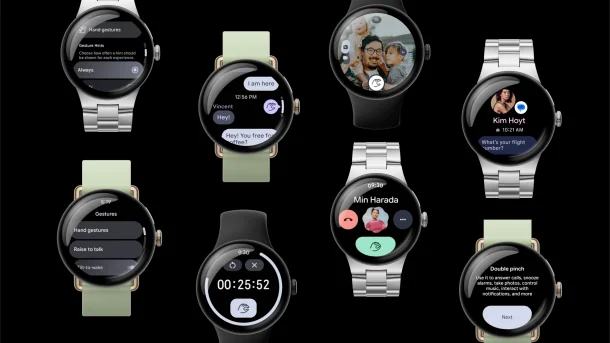
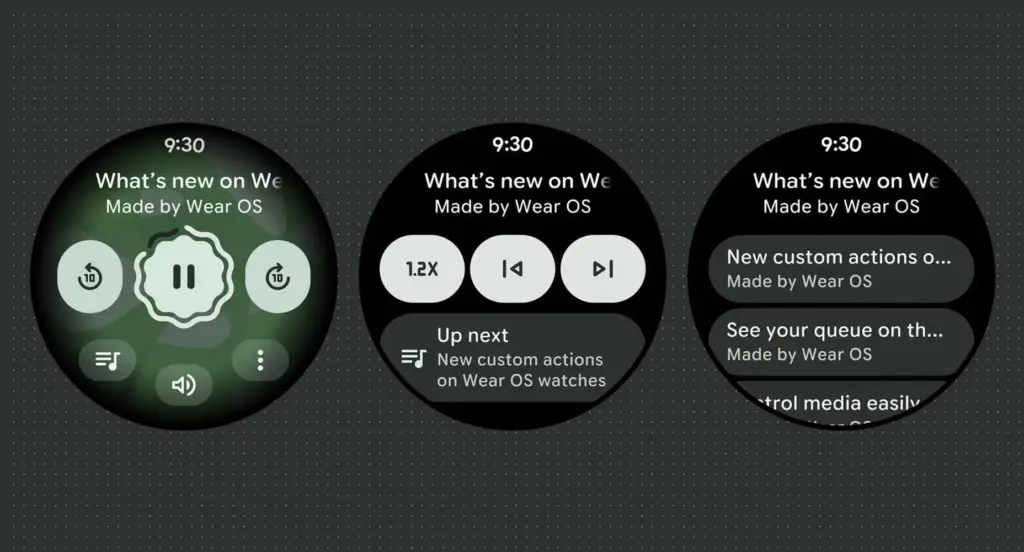
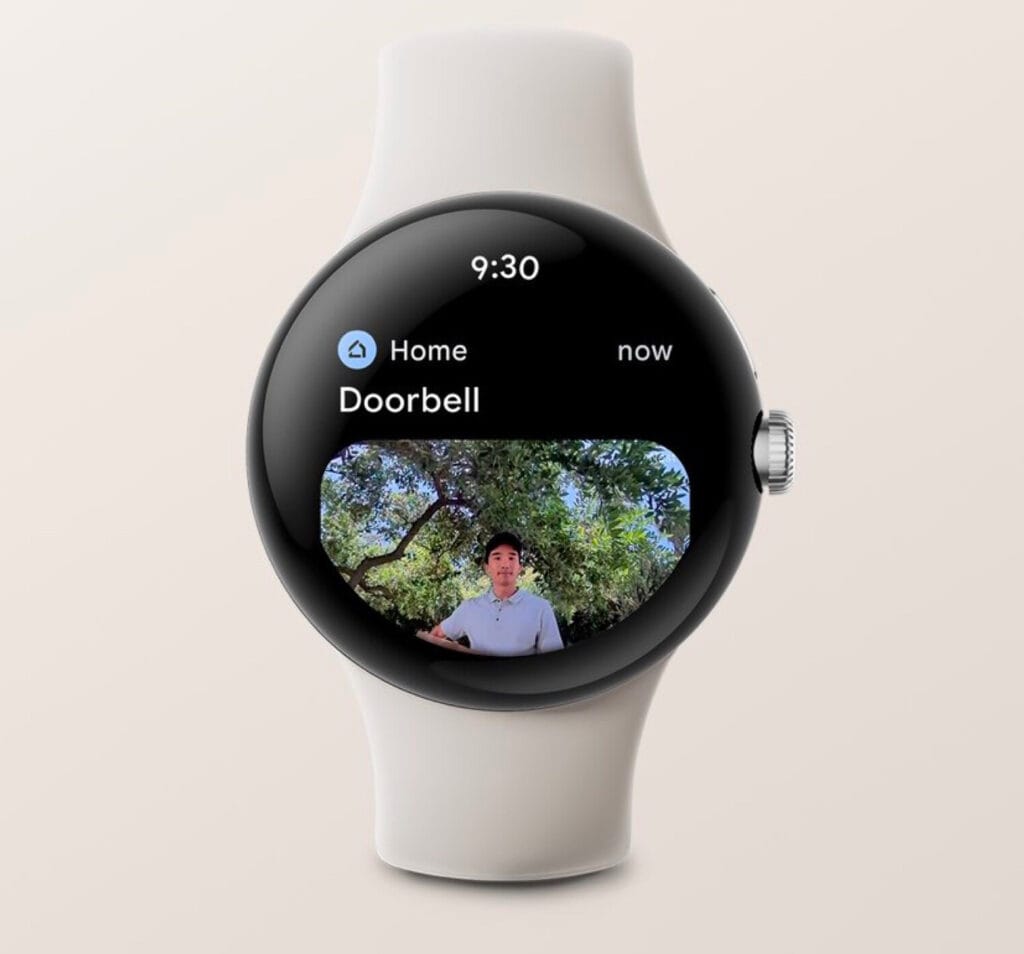
    Google Wear OS 6.1

    Improvements for kids and supervised accounts

    Wear OS 6.1 also brings a handful of refinements aimed at younger users and family setups:

    • Kids graduation: When a supervised user reaches the age of consent, they can transition their device to a standard Wear OS experience. This removes parental controls and unlocks full access to device settings — no factory reset required.
    • Improved reauthentication: If a user’s credentials are invalidated — say, after a password change — they can now re-verify their Google Account directly on the watch or via the companion app, again without needing a factory reset.

    Developer availability

    Build BP4A.250916.026.E2 is now available through the Android Studio emulator.

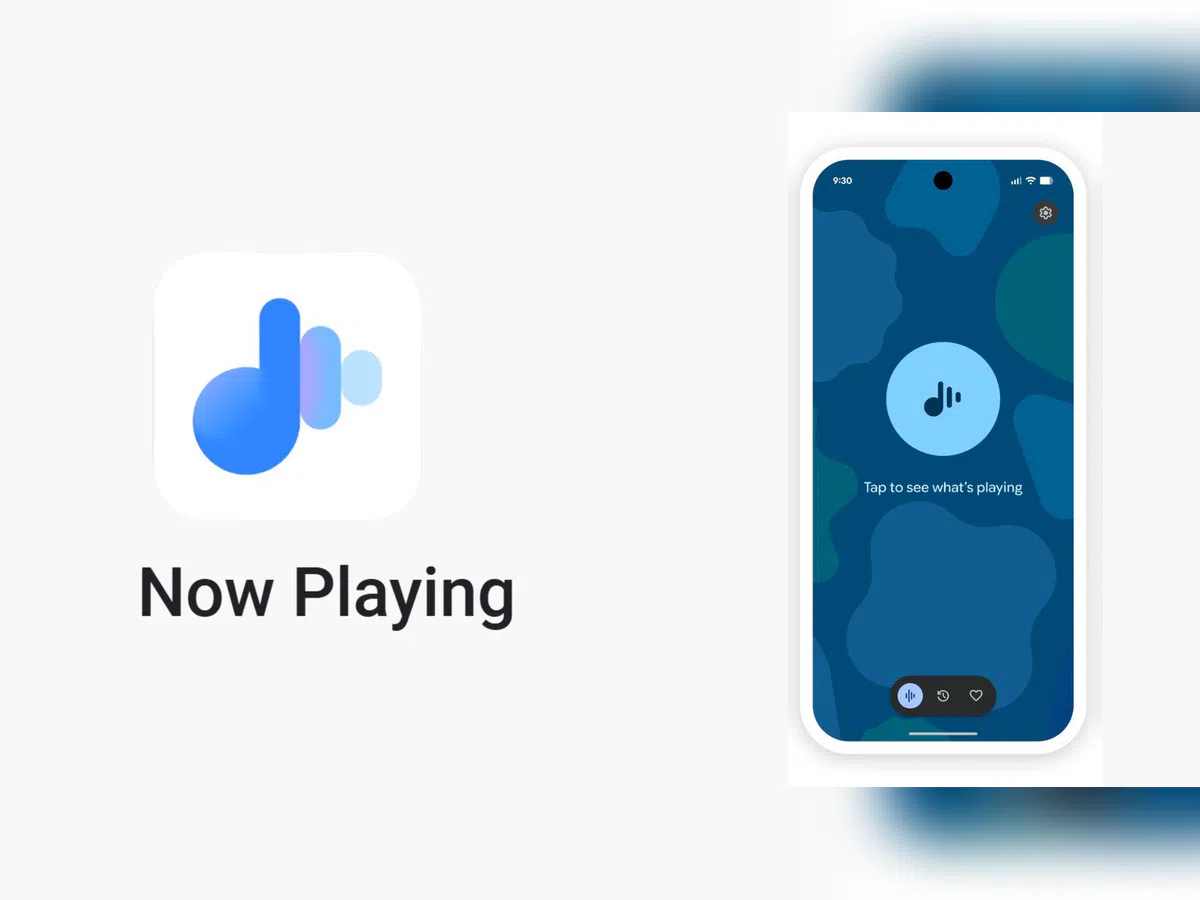
  • Google Pixel’s Now Playing app may restore a feature users missed

    Google Pixel’s Now Playing app may restore a feature users missed

    Now Playing has never been the most talked-about Pixel exclusive, but it’s been making headlines lately. Last month, Google gave it a major upgrade by spinning it off into a standalone app — a move that had been telegraphed by leaks well before the official announcement.

    The app hasn’t stood still since launch. Shortly after release, it received a visual refresh on the lock screen, and now a fresh update has appeared on the Play Store. While it seems minor on the surface, it may be quietly bringing back something users didn’t realize they’d miss.

    A small update with potentially big implications

    According to 9to5Google, the Now Playing app was updated to version 2026.03.24.x late Friday, bumping out the previous 2026.03.02.x build. The rollout appears to be gradual — the Play Store still shows the older version as the latest for many users, and the update hadn’t reached all devices as of the report.
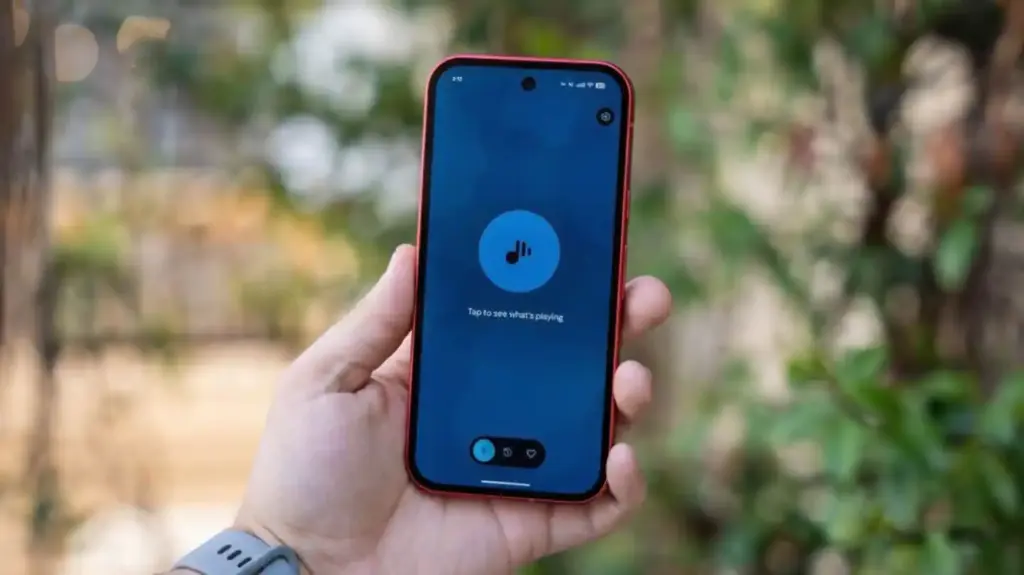
    No obvious new features were found in the update, pointing to mostly behind-the-scenes bug fixes. But a Reddit user claims something notable did return: the “Tap to see what’s playing” prompt on the lock screen.

    Google Pixel now playing

    The return of ‘Tap to see what’s playing’

    When Now Playing transitioned to a standalone app, most of its functionality came along for the ride — but not everything. One casualty was the “Tap to see what’s playing” prompt, a small but beloved lock screen feature that used to sit just below the fingerprint scanner. For many users, it was a core part of the

    Now Playing experience.

    According to the Reddit user, after receiving a notification about Now Playing’s new home, the lock screen feature reappeared. Whether this is directly tied to the v2026.03.24.x update isn’t confirmed, though the timing lines up.

    It’s also worth noting another change that came with the app transition: Now Playing no longer sends quiet background notifications when it identifies a track. That functionality has been replaced by a Quick Settings tile, which can show the song title and artist — but only when expanded to the larger 2×1 size.

  • Google Pixel Watch 5 rumors: launch, price, and features

    Google Pixel Watch 5 rumors: launch, price, and features

    The Pixel Watch 5 is anticipated to launch in late 2026. The Pixel Watch 4 was released in October of last year, despite Google’s August announcement. As of right now, there are no leaks that indicate when its replacement will be released.

    The pricing of the Pixel Watch 5 is anticipated to stay the same as that of its predecessor, with the Wi-Fi-only variant in the smaller size starting at $349. However, we haven’t yet received any information via leaks, so it’s still possible that Google will increase pricing.

    Google Pixel Watch 5 storage and design

    Google Pixel watch 5 design

    The Pixel Watch 4’s 32 GB of storage is more than plenty for a smartwatch. We anticipate that its replacement will provide the same storage capacity.

    The Pixel Watch 4 did not include a significant change. It did, however, bring about a change that many would value: the Pixel Watch 4 is repairable, so if its glass breaks, it is no longer something to discard.

    The Pixel Watch 5 will probably continue to be repairable. Like its predecessor, we anticipate that it will be rated IP68 or 5 ATM. Once more, we anticipate a distinctive, simple circle shape with two sizes (41 and 45 mm). According to several rumors, sapphire crystal durability may be improved.

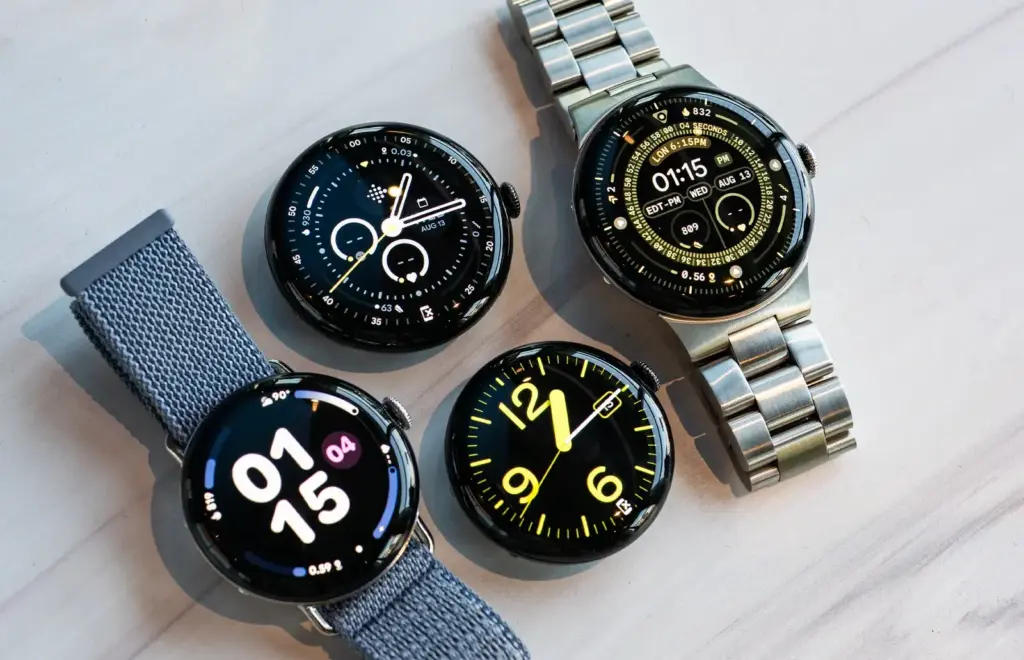
    Along with new watch faces, we might also see some new hues.

    Pixel Watch 5 display

    The display of the Pixel Watch 5’s predecessor was improved, reaching a peak brightness of 3,000 nits. It’s safe to presume that this time around, the upgrades will be more modest, even though no leaks have yet revealed what we might anticipate.

    Google Pixel Watch 5 rumors: launch timing, price, and new features

    For a more contemporary appearance, Google might further reduce the bezels (the Pixel Watch 4’s bezels were 16% thinner than last year). The Actua 360 domed display, which gives the entire display a sleek and distinctive appearance, was also included with the Watch 4.

    Battery and features

    According to rumors, the Pixel Watch 5 may concentrate on maximizing battery life because of its potential new processor. Although there haven’t been any updates regarding battery sizes, the Watch 4 has already made some improvements in this area, allowing the 45 mm model to survive up to 40 hours and the 41 mm model to last up to 30.

    Naturally, Google also provides Battery Saver, which further extends the watch’s battery life. Google introduced quick charging with the Watch 4, so it’s likely that this feature will remain as well.

    Anticipate the same features from the previous year, such as fall and crash detection, emergency satellite communication, safety check, and emergency sharing. Along with the Pixel Recorder app and the Pixel Phone Camera Control, Google Maps and Wallet compatibility is probably on the horizon.

    Additionally, you’ll probably be able to benefit from more than 40 different forms of exercise as well as the Fitbit Morning Brief, which provides a daily summary of your health-related activities (sleep, readiness, and goal progress). Naturally, a personal AI Health Coach with Fitbit Premium will also be beneficial to you.

    google pixel watch 5 features

    Google Pixel Watch 5 specs

    The processor is the most intriguing component of the Pixel Watch 5’s hardware expectations. There are rumors that Google might select its own Tensor chip this time. The quick and powerful Qualcomm Snapdragon W5 Gen 2 was included with the Watch 4.

    If the reports are true, Google’s decision to use its own specially designed Tensor chip for the smartwatch could help it outperform earlier models in terms of efficiency and performance. Although we are unsure about the exact chip, it might be a Tensor made just for smartwatches rather than the Tensor G6 that is anticipated for the Pixel 11. However, the chip can be based on the phone processor.

    The next device’s battery life is expected to be improved by the new chip.

    It’s crucial to remember that Google can choose to stick with the Qualcomm chip for an additional year. This might theoretically be a W5 Gen 3 chip.

    Pixel Watch 5 rumored specs:

    • CPU: Potential Tensor chip, or chip from Qualcomm
    • Battery: 45 mm – up to 40 hours, 41 mm – up to 30 hours
    • Charging: 0-50% in 15 min.
    • Storage: 32 GB
  • Pixel 10 Pro XL hits shocking $349 price in unexpected discount

    Pixel 10 Pro XL hits shocking $349 price in unexpected discount

    In our opinion, the Google Pixel 10 Pro XL is one of the best phone currently available. In addition to offering an amazing hardware and software experience, it has a clean, contemporary, and distinctive appearance. Additionally, Google has committed to supporting the phone for seven years, so as time goes on, the software will only get better.

    Although this phone is worth the original retail price, we usually advise getting it while it’s on sale. Even though there were some really good offers during the holidays, if you’re prepared to get one from US Mobile, the price has dropped significantly. The Pixel 10 Pro XL is currently on sale for just $349 from the carrier, which offers some of the finest prepaid service in the US.

    Google Pixel 10 Pro XL in nature

    A good price for one of the best smartphone on the market

    Although not everyone will benefit from this promotion, we believe it will be worthwhile to look into if you’ve been considering changing carriers or simply need new phone service in general. Therefore, you can now purchase the Pixel 10 Pro XL for just $349 if you want to sign up with US Mobile.

    There is no long-term commitment with US Mobile because it is a prepaid carrier, and you can stop using the service after 30 days. But for the entire year, the phone will be locked. Therefore, using the service with the phone is the ideal way to benefit from this promotion. The good news is that the full-year plan costs start at just $119.

    You read correctly—a full year of US Mobile service is available for as little as $119. Additionally, an advanced plan is available for $149 each year. Unlimited talk, text, and data are included in both plans. Depending on the plan, you also receive additional benefits like hotspot and international data, among other things. Those who intend to get one without a new plan will pay $449, which is slightly more.

    All things considered, if you need a new phone with service, you can’t really go wrong here. Of course, you have a chance to get one for free if you join up with a postpaid carrier. However, you must dedicate yourself to the carrier for a minimum of 24 months. It truly depends on your circumstances. However, the US Mobile promotion is currently active.