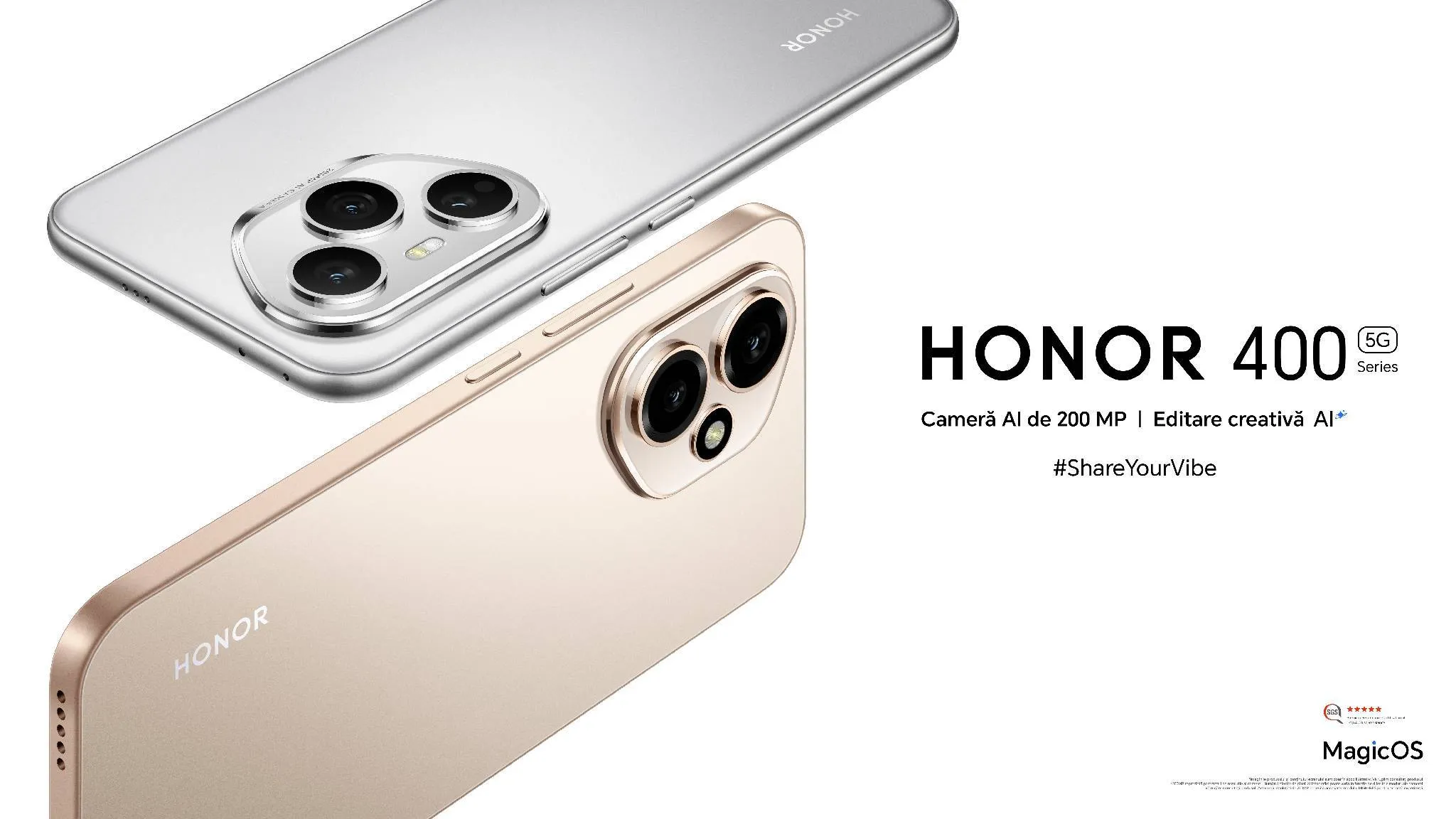
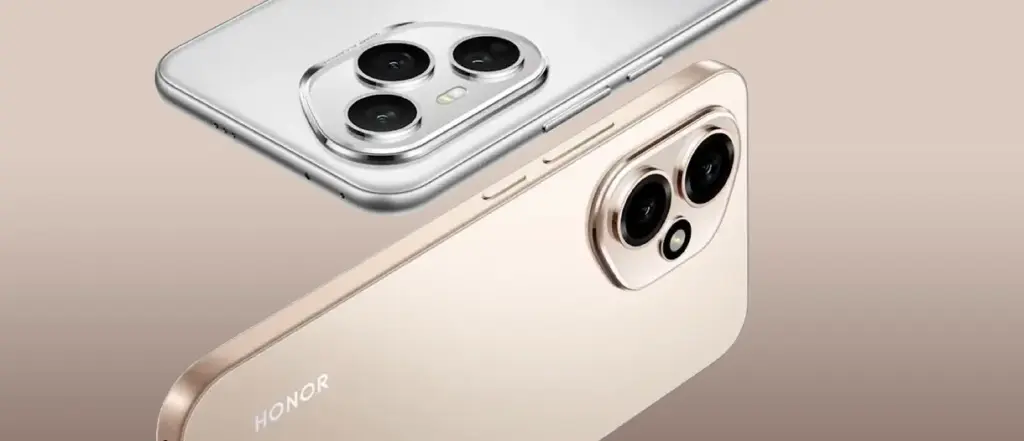
On May 22, the Honor 400 and Honor 400 Pro models were introduced to the European market as part of the Honor 400 series. Honor has revealed that both smartphones would come with six years of Android updates prior to their much-anticipated release. The series will have artificial intelligence (AI) capabilities driven by the Veo 2 video generation model, allowing users to convert photos into brief videos as part of the company’s long-standing partnership with Google.
Honor 400 Series Gets Extended Update Support
Honor claims that six years of Android OS updates will be included with its next smartphones, the Honor 400 and the Honor 400 Pro. The business highlights that its Honor Alpha Plan, a three-step strategy to establish an open artificial intelligence (AI) ecosystem, includes its long-standing partnership with Google and other industry partners.
Using Google’s Veo 2 video generating paradigm, it has also been proven that the Honor series supports AI picture to video generation on Vertex. Along with live photos, users will be able to turn static images, including artwork and old photos, into brief videos that last five to seven seconds. This feature, however, is anticipated to be introduced through an over-the-air (OTA) update and won’t be available right out of the box.
The China-based OEM claims to have been offering the Android 16 Beta program on the Honor Magic 7 Pro since May 7, with Google I/O 2025 being in the rearview mirror. To test out the new capabilities and migrate their apps to the future OS, developers can update their smartphones to Android 16 Beta 3.
Honor 400 Series specs
It has been revealed that the Snapdragon 7 Gen 3 chipset powers the vanilla Honor 400. It will include two cameras on the back: a 12-megapixel ultra-wide lens and a 200-megapixel primary camera. It also has an IP66-rated construction and a 50-megapixel selfie camera.
In the meantime, the Snapdragon 8 Gen 3 SoC will power the Honor 400 Pro. A 200-megapixel primary camera, a 50-megapixel telephoto lens, and a 12-megapixel ultra-wide sensor make up its confirmed triple back camera set. For video chats and selfies, the phone will have a 50-megapixel front-facing camera. It will be shipped with an IP68 + IP69 rating to prevent water and dust intrusion.
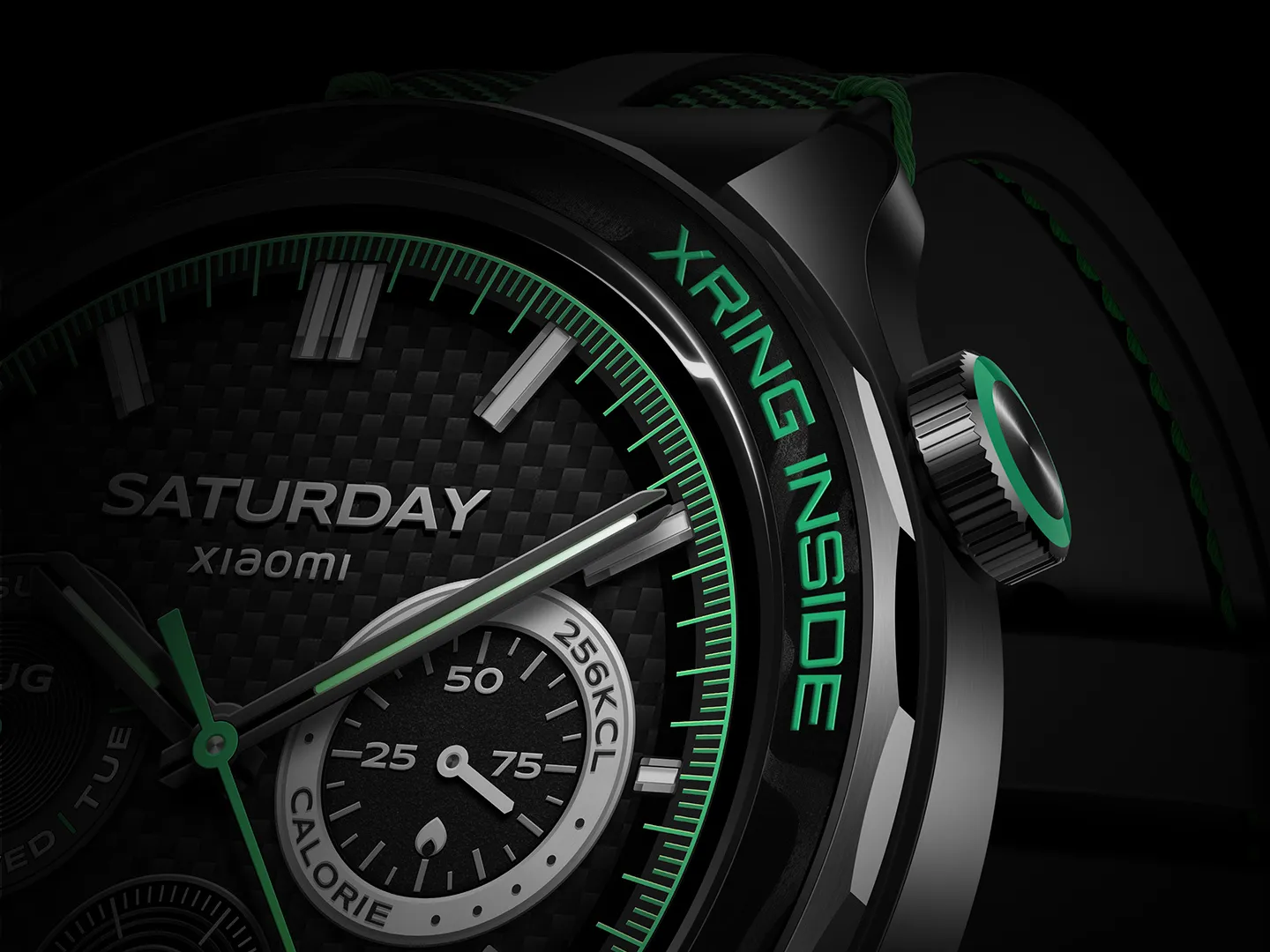
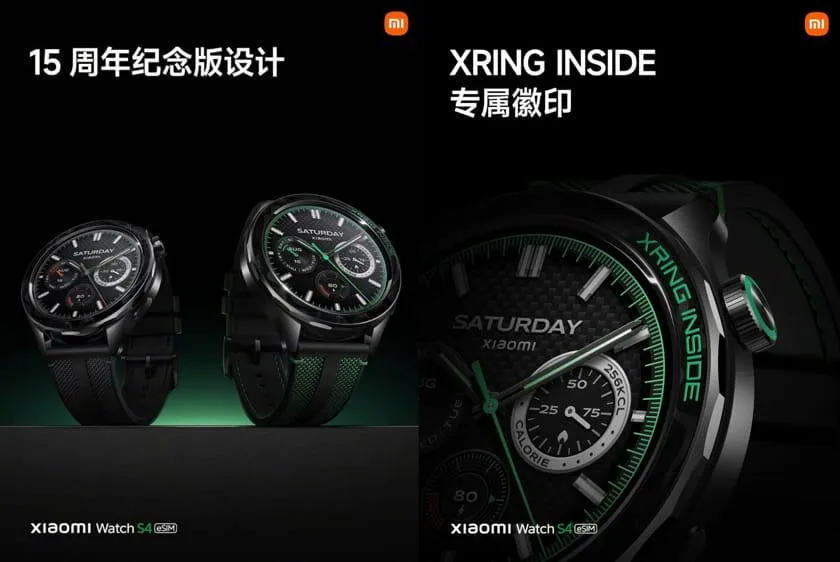
During the company’s anniversary launch event on Thursday, Xiaomi unveiled the Watch S4 15th Anniversary Edition in China. Alongside the Xiaomi 15s Pro and Xiaomi Pad 7 Ultra, the new wearable was launched, sporting Xiaomi’s own XRING T1 processor. The normal Watch S4 was released by Xiaomi some months prior to the arrival of the S4 15th Anniversary Edition. It differs from the standard Watch S4 with its updated design and color selection. The watch’s circular AMOLED screen measures 1.43 inches.
The Xiaomi Watch S4 15th Anniversary Edition costs CNY 1,299, which is around Rs. 15,000 in value. Shades of green and black are available. In contrast, the regular Xiaomi Watch S4 costs CNY 999, or around Rs. 11,800.
Xiaomi Watch S4 15th Anniversary Edition specs
In comparison to the regular model, the Xiaomi Watch S4 15th Anniversary Edition has a new chip, certain design changes, and an extended battery life. It is compatible with smartphones running iOS 12.0 and Android 8.0 and is powered by Xiaomi HyperOS 2. It features a 1.43-inch AMOLED screen with a resolution of 466 × 466 pixels. The display is claimed to have a maximum brightness of 1,500 nits and a refresh rate of 60 Hz.
Xiaomi’s in-house-developed XRING T1 chipset powers the wearable. The maximum CPU frequency that the new chipset is supposed to deliver is 500MHz.
The Watch S4 15th Anniversary Edition allows users to operate their Xiaomi vehicles without a smartphone. The watch face offers a real-time glimpse of the attached smartphone’s camera in addition to supporting three-second video clip.
When eSIM functionality is activated, the Xiaomi S4 15th Anniversary Edition is said to last nine days between charges. For comparison, the regular model has a seven-day battery life in eSIM mode. The wearable’s battery is 486mAh.
SpO2 (blood oxygen) and a heart rate monitoring sensor are included with the S4 15th Anniversary Edition. Its water resistance rating is 5 ATM. 4G, Wi-Fi, Bluetooth 5.3, NFC, GPS, Galileo, Glonass, Beidou, and QZSS are among the connectivity choices. It weighs 44.5g and has dimensions of 47.3 x 47.3 x 12.0mm.
With Gemini mostly overshadowing the two-day developer conference, Google I/O 2025 is now gone. On the other hand, the release of Android 16 QPR1 Beta, which incorporates the previously introduced Material 3 Expressive design language, is a more noteworthy advancement for certain aficionados. What’s new in this version and how to access the beta are explained here.
After the stable Android 16 Beta program, the first Quarterly Platform Release is the Android 16 QPR1. Despite being more stable than previous betas, it is still intended for developers and testers because of flaws and other problems. Similarly, this release represents a sneak peek at the upcoming Pixel Feature Drop, which is anticipated to happen next month.
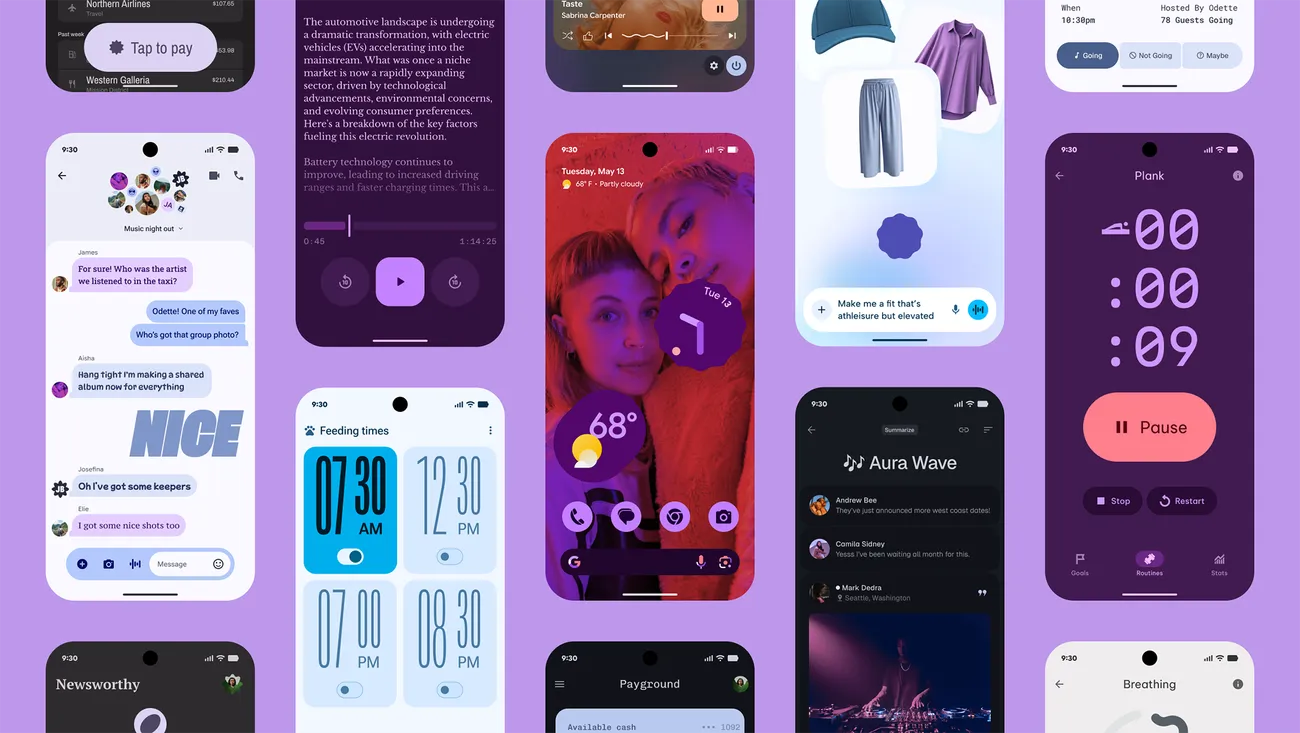
Google’s new design language, Material 3 Expressive design, or M3E, which incorporates bolder and more playful elements, is now available in the Android 16 QPR1 Beta. Wear OS 6 for wearables will also use the M3 Expressive design.
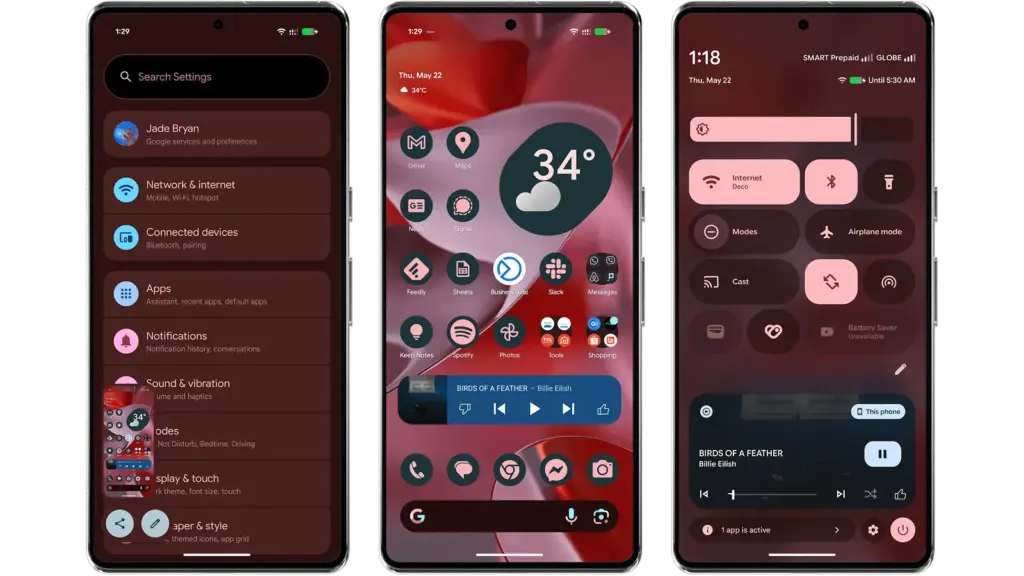
To experience M3 Expressive, I set up the Android 16 QPR1 Beta on my Pixel 9 Pro XL (review). The wallpaper and quick settings are two examples of UI elements and sections where the modifications are instantly apparent. Additionally, some features, including personalized icons on the Pixel Launcher, are not yet enabled.
Material 3 Expressive design landed in Android 16 QPR
A notable modification to the home screen is the addition of a complete row of additional space for widgets and apps. This is because the “At a Glance” widget, which was formerly located at the top of the home screen, has decreased.
The battery, cellular, and Wi-Fi system icons have also been added to the status bar. In the meantime, each component of the system settings has more themed glyph icons.
The most significant changes are in the fast settings panel, which now uses shortcuts and widgets in a more vibrant and effervescent manner, along with new animations that Google calls “springy.” Additionally, there are additional customization options for scaling and positioning toggles and icons, which enables users to employ 1×1 icons to fit more elements.
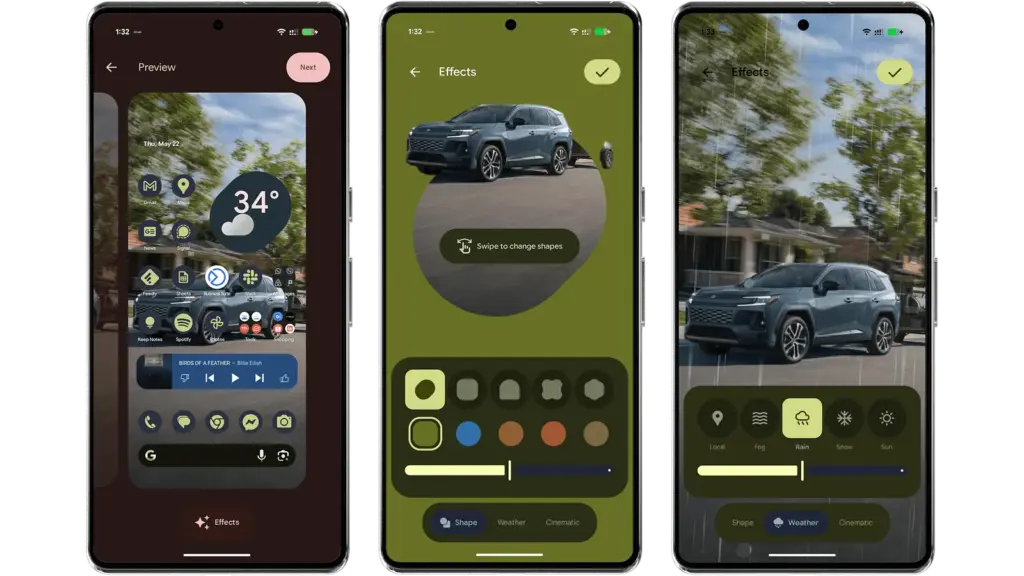
Android 16 provides additional settings and effects for custom images, which will appeal to those who like personalizing their home screen and lock screen. AI-powered weather effects and the ability to overlay colors with shapes are now available. A cinematic effect is an additional choice, but my device was still unable to use it after trying.
More apps will come with Material 3 Expressive
It is anticipated that Google would add more M3 Expressive elements to its services and applications, such as Google Photos and Keep.
Manufacturers of skinned Android versions, like Samsung’s One UI, are now primarily responsible for implementing the Material 3 Expressive design. Many of these changes and new features should be maintained for those that provide stock and near-stock Android experiences.
All of these updates, along with perhaps other improvements and optimizations not included in the first Android 16 QPR version, will be included in the June Pixel Feature Drop if you’re patient enough.
The Android 16 QPR1 Beta update is available via the beta program for Pixel 6 all the way to Pixel 9 series.
Pixel 6, Pixel 6 Pro, and Pixel 6a
Pixel 7, Pixel 7 Pro, and Pixel 7a
Pixel 8, Pixel 8 Pro, and Pixel 8a
Pixel 9, Pixel 9 Pro, Pixel 9 Pro XL, Pixel 9 Pro Fold, and Pixel 9a
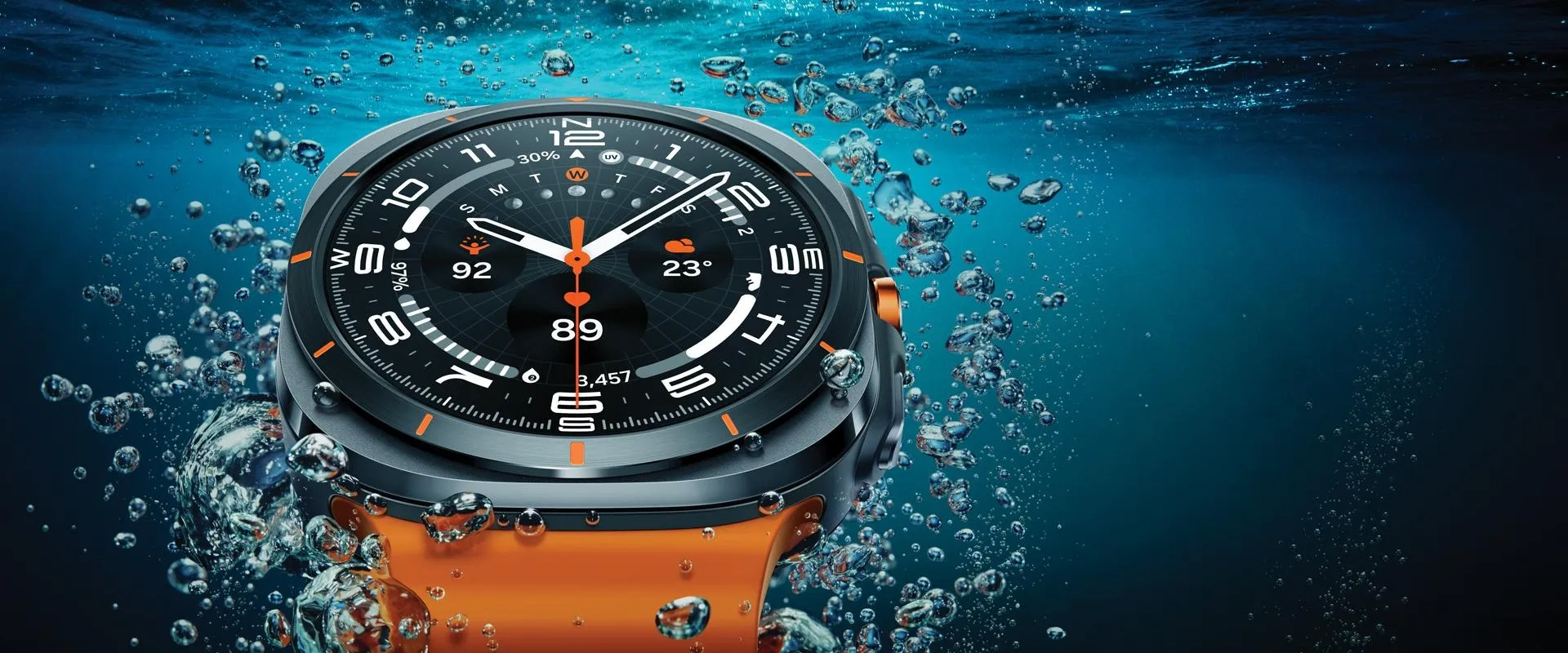
You cannot go wrong with the Samsung Galaxy Watch Ultra if you’re looking for the greatest Android smartwatch available right now. Better still, Amazon is currently offering a 40% price reduction on it. This saves you an incredible $260 by bringing the smart and durable Galaxy Watch down from its original $649 price to $390.
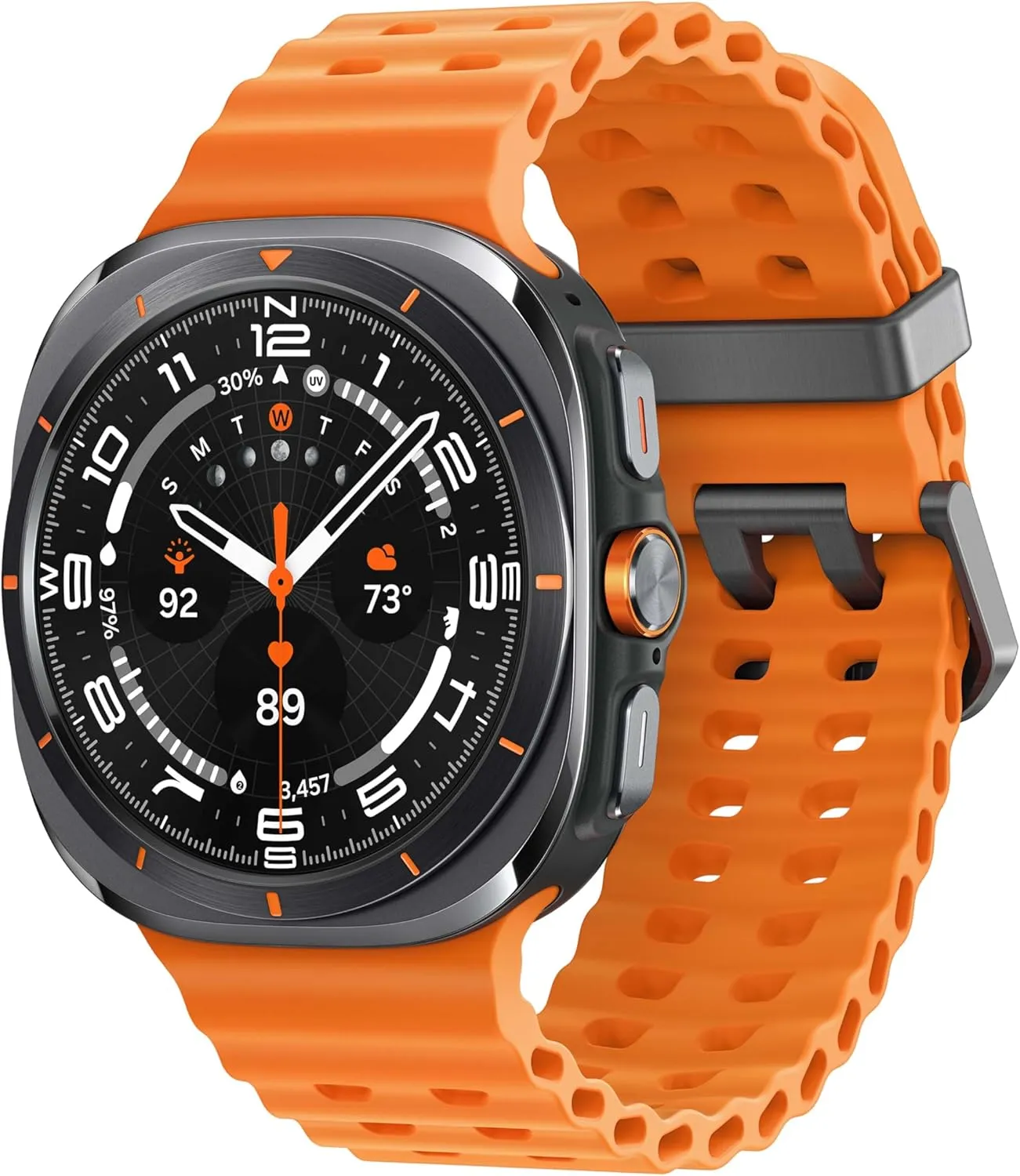
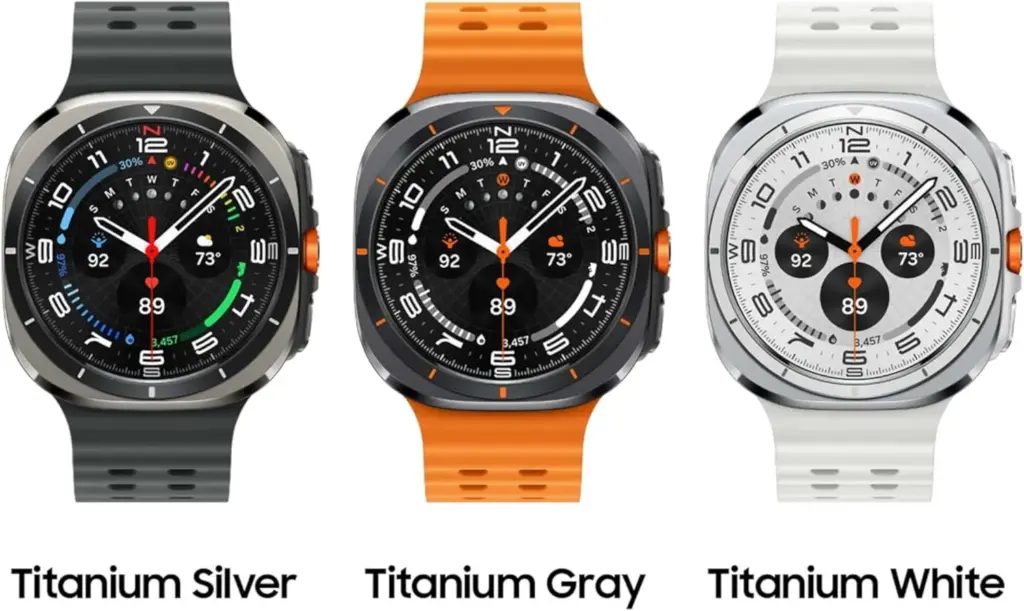
The Samsung Galaxy Watch Ultra in Titanium Gray with an orange band is included in the deal; the Titanium White model costs $399, which is only a little bit extra. Remember that every version supports LTE.
SAMSUNG Galaxy Watch Ultra
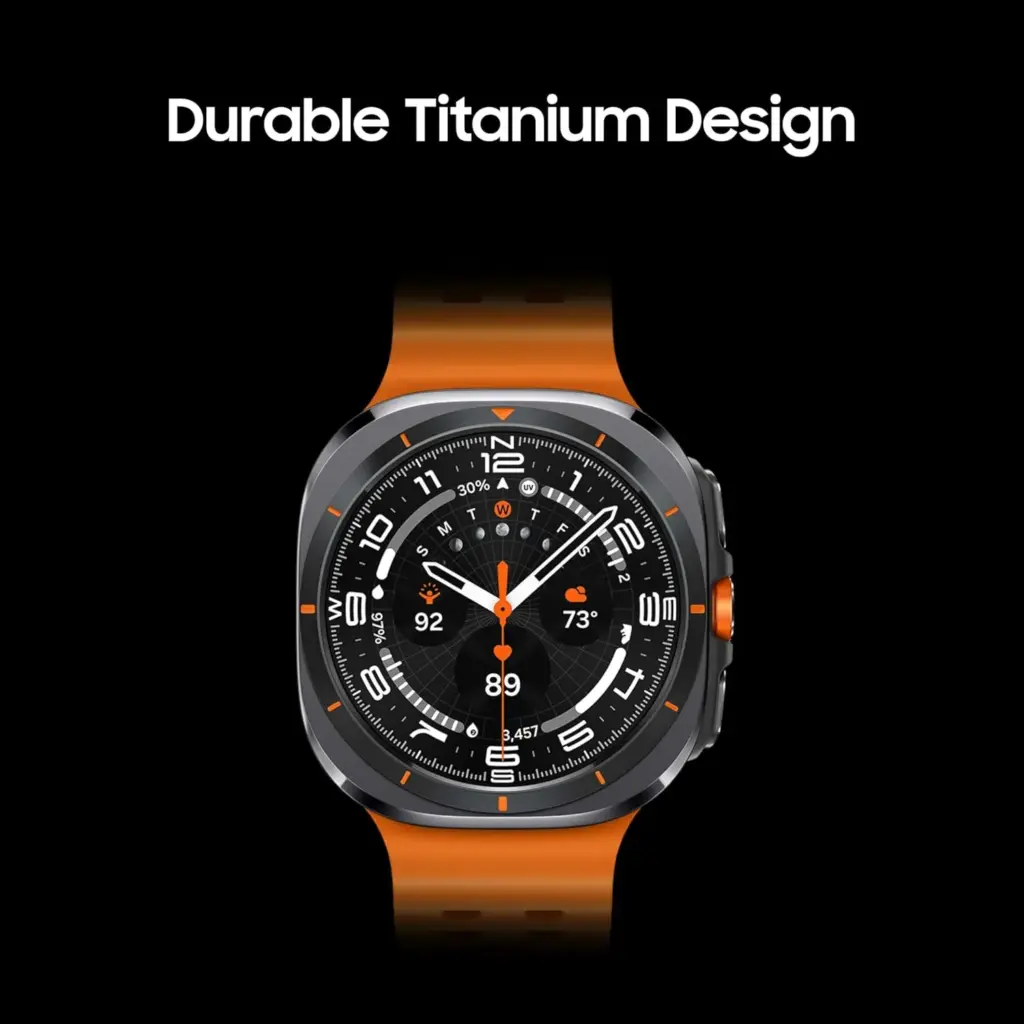
Climb the highest peak; Bike the long way home; The durable titanium design is our toughest yet, able to stand up to the rigors of your workout, including rainy or dusty conditions — even ocean swimming
Samsung’s first smartwatch under the “Ultra” brand is the Galaxy Watch Ultra (review), and the moniker accurately describes the functionality of the device. The Ultra has a more robust titanium case with sapphire crystal protection on the top and bottom, in contrast to the regular Galaxy Watch. It has a 10 ATM water resistance rating, making it suitable for scuba diving as well.
Beyond its sturdy design, the Galaxy Watch Ultra pack a 1.5-inch AMOLED display with a maximum brightness of 3,000 nits, which is extremely readable. The new dual-band GPS offers precise navigation and location monitoring for outdoor activities, and there’s a dependable siren feature that comes in handy in an emergency. It includes an additional physical button for usability, which is helpful for tasks requiring the use of one hand.
Also Samsung’s Galaxy Watch Ultra is an amazing fitness and health tracker. It has a more precise BioActive sensor for detecting blood oxygen saturation, body composition, and heart rate. In addition to the well-known blood pressure level monitoring and on-demand ECG, this high-end wristwatch also features the new AGEs index and sleep apnea detection. With onboard AI capabilities, users can now design their own regimens for fitness fanatics.
With a larger battery that lasts for many days in smart mode between charges, the Galaxy Watch Ultra is also a popular partner for endurance sports. It has wireless charging and a rapid charging time.
SAMSUNG Galaxy Watch Ultra
Climb the highest peak; Bike the long way home; The durable titanium design is our toughest yet, able to stand up to the rigors of your workout, including rainy or dusty conditions — even ocean swimming
There are countless apps available in the Play Store and the App Store, the two app stores owned by Apple and Google. While some of these apps are free, some need a fee. However, many users are unaware that many paid apps can also be temporarily made free as part of a special deal. We have compiled a list of some of the most intriguing free apps accessible right now.
Free apps for Android
Resume Builder – CV Maker($5.99) – In this day and age, without a convincing CV, you’re often at a disadvantage. So it’s all the better that you can create a suitable design yourself in a short space of time. With the help of this app and a pinch of creativity, it’s easy to create a professional and appealing CV that leaves an impression.
Passport Photo: ID Photo Print($5.99) – This app makes it easy to take high-quality passport photos from the comfort of your own home, without having to go to a photographer. In Germany, however, self-taken passport photos have only been accepted to a limited extent since May.
Stitch Photos: Long Screenshot($3.49) – Anyone who has ever tried to take a screenshot of an entire website or chat history knows the problem: unwanted elements such as advertisements, menus, or the scrollbar are often included. This app provides a remedy by allowing you to effortlessly remove superfluous elements.
Business Card Maker: Logo Card($5.99) – Whether used professionally or simply for pleasure, business cards are inexpensive to buy. The real challenge often lies in the design, especially for people without graphic talent. But this problem is a thing of the past with this app.
Free premium apps for iOS
Minesweeper Classic($4.99) – If you’re nostalgic and used to using a Windows PC, you’ll love this game. The game principle is clearly based on the well-known Windows classic: the aim is to correctly mark minefields and uncover all safe fields, just like in the old days. It’s just a shame that the app relies on in-app purchases.
Ninja Boy Adventures – Bomberman edition($1.99) – This game is very similar to the arcade classic Bomberman, with a decisive twist: instead of a bomber, you take on the role of a ninja. The levels are also a little more cleverly designed. However, the gameplay is still entertaining.
Queen Rules($2.99) – This puzzle game is the ideal way to pass the time. The aim is to position your soldiers so that they can defeat the evil witch’s soldiers. There are also interesting level designs and clay figures.
Dog Guide 2 PRO($1.99) – Anyone who wants to find the ideal dog or expand their knowledge of these faithful four-legged friends should take a look at this app. It offers a large number of free pictures, clearly presented information, and a practical filter function – all in one application.
At the time this post was published, all of the apps we are showcasing here were free to download. Regretfully, developers frequently fail to indicate the duration of these offers. Therefore, you should download an app as soon as possible if you enjoy it.
However, you should always check the app page in the store before downloading a free program. Because there are occasionally unnoticed obstacles that you should be mindful of.
Many apps gather user information and frequently sell it. Make sure you only give the program the rights it actually needs if you want to be safe. For instance, a flashlight shouldn’t be interested in your location information, and an alarm clock doesn’t require access to your contacts or cameras.
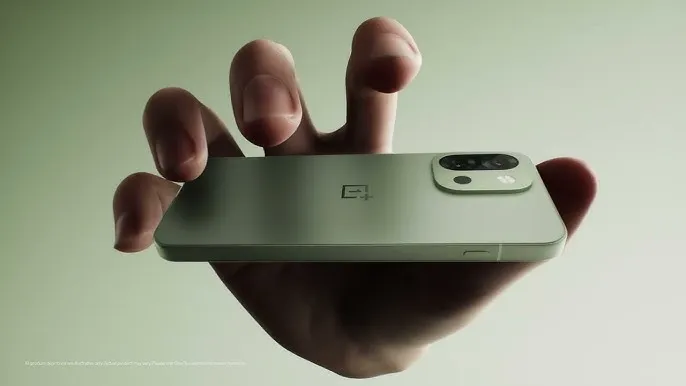
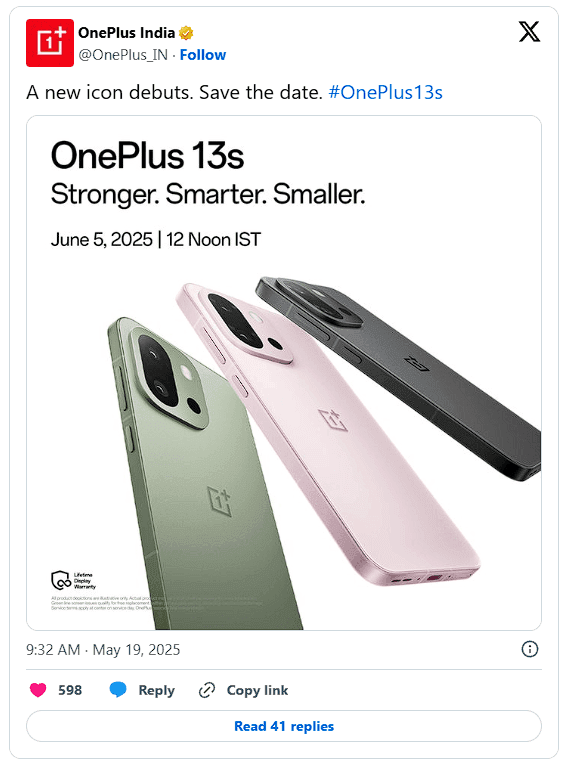
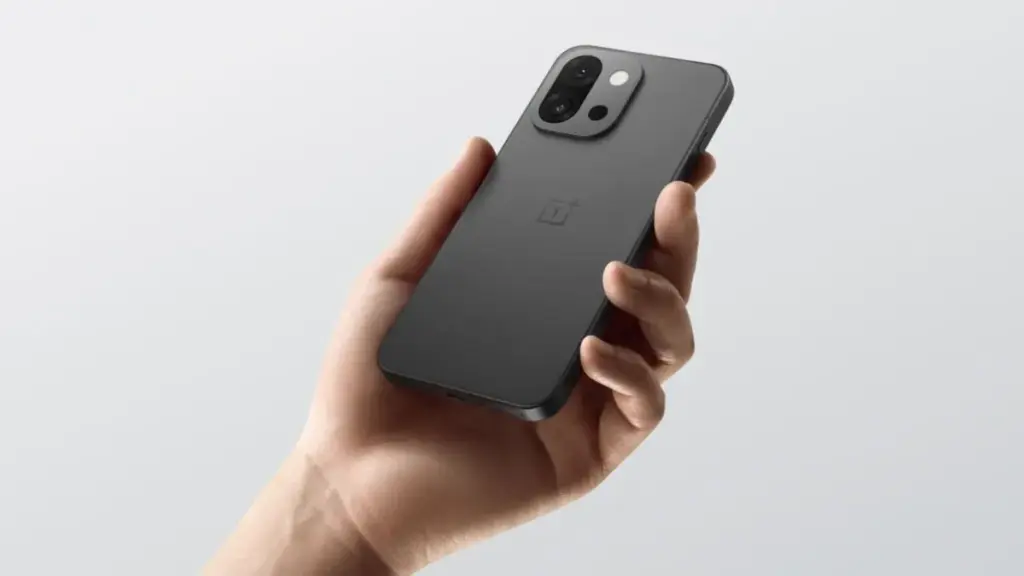
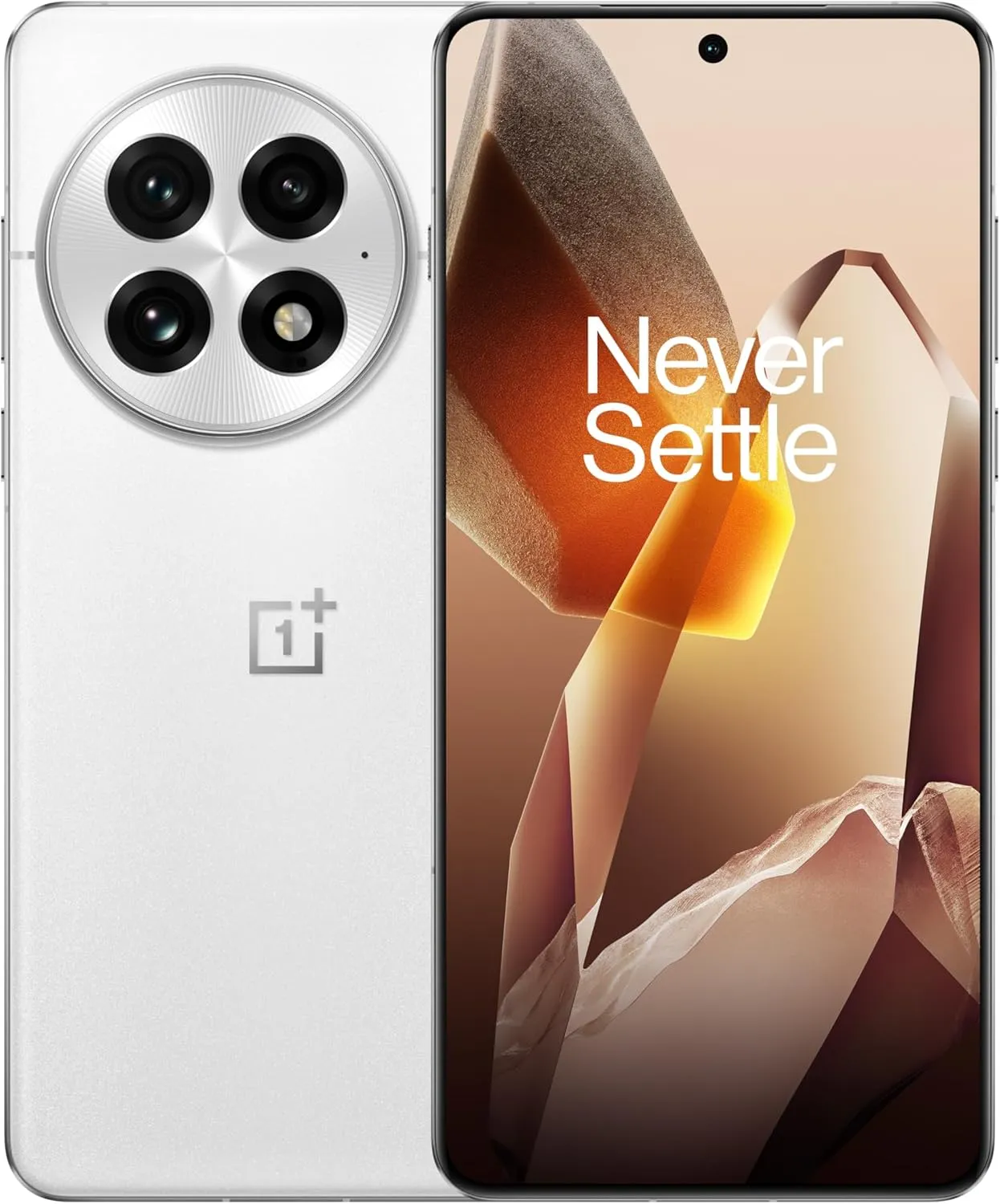
OnePlus has officially set a launch date for its next little phone after weeks of speculation. Officially, the OnePlus 13s will launch on June 5 in India and perhaps other international regions as well.
The specifications of this new handset should be fairly similar to those of the OnePlus 13T, which was released in China under a different name. However, certain changes are anticipated for buyers worldwide.
The color choices, for instance, will differ slightly. The 13s may be available in Black, Pink, and Green for global markets, whereas the 13T was only available in China in Black, Pink, and Grey.
OnePlus 13s specs
But below, you’re looking at the Snapdragon 8 Elite, the same potent chip as was used in the OnePlus 13 and, in fact, in Samsung’s Galaxy S25 series. For a small phone at this price range, OnePlus may offer configurations with up to 16 GB of RAM and a whopping 1 TB of storage.
Speaking of little, it has a 6.32-inch LTPO AMOLED screen with a resolution of 2640 x 1216 and a refresh rate of 120 Hz. With a massive 6,260mAh battery and support for 80W fast charging, the battery life should be outstanding despite its compact size. Regarding cameras, you will receive the following:
50 MP main with OIS
50 MP telephoto
16 MP selfie
However, it’s also important to note that a new button known as the Plus Key will be replacing the outdated Alert Slider. This new button, which resembles the Action Button on the iPhone, first appeared on the 13T. It’s much more customizable than just a mute switch these days; you can program it to open the camera, turn on the flashlight, activate silent mode, and more.
Although the price is yet unknown, the OnePlus 13s should be priced aggressively, particularly in India, given that the 13T was released in China for about $466. This one is looking like a strong candidate for the title of best little Android phone of the year thanks to its premium hardware, stylish design, and reasonable price.
OnePlus 13
Lightning-Fast Snapdragon 8 Elite Processor: Powered by the latest Qualcomm Snapdragon 8 Elite chipset, enjoy exceptional speed, efficiency, and performance for gaming, multitasking, and productivity.
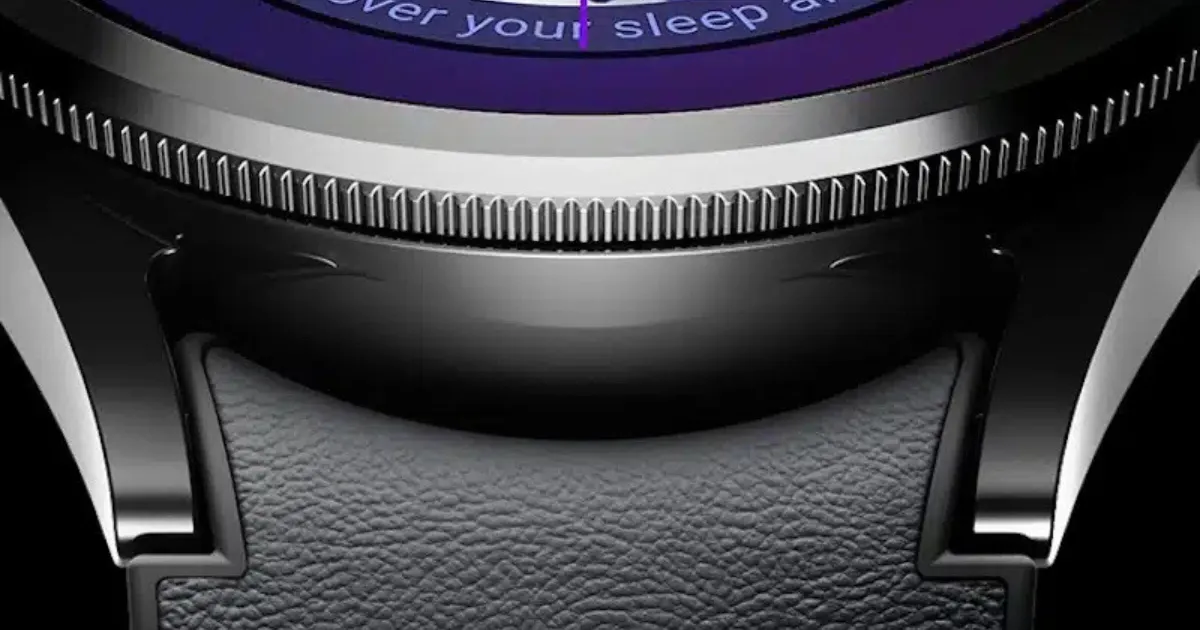
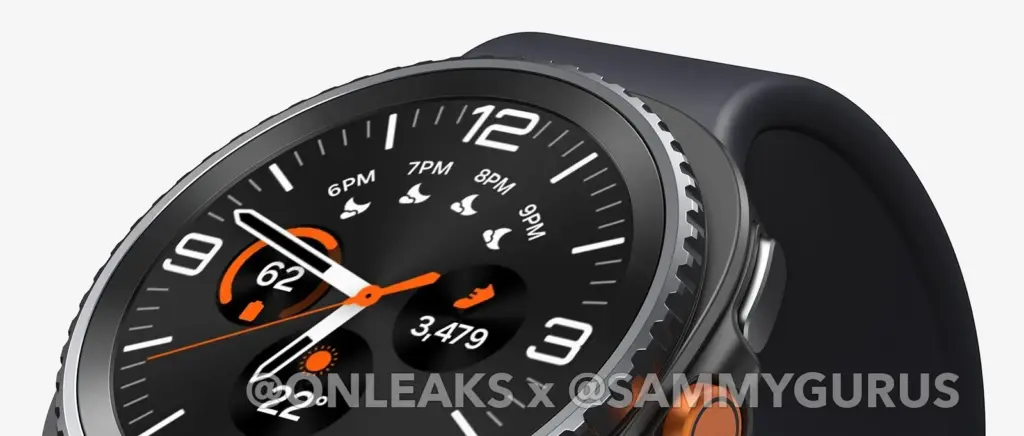
It appears that Samsung will update its Watch collection at the July Unpacked event. This indicates that the Galaxy Watch 8 series will soon emerge from the shadows. It might debut alongside the Flip 7 and Galaxy Z Fold 7. We’re giving you an exclusive first look at the Galaxy Watch 8 Classic even though the official unveiling is still a few weeks away. We have a 360-degree video and comprehensive CAD renders of the Galaxy Watch 8 Classic thanks to our partnership with OnLeaks, which allows us to see it clearly before it is released.
Exclusive Samsung Galaxy Watch 8 classic renders
Recently, we broke down why the Classic model might be making a comeback in Galaxy Watch 8 lineup. From what we’ve gathered so far, the Galaxy Watch 8 Classic could arrive in a single size (47mm). Regulatory filings suggest it could pack a 435mAh rated battery, which typically translates to a 450mAh typical capacity. And in case you’re still wondering, yes, it really seems like the rotating bezel is making a return. Now, feast your eyes on these exclusive Galaxy Watch 8 Classic renders!
Also, it appears that the Galaxy Watch 8 Classic will have a display that is about 1.5 inches in size. It measures around 46 x 46.5 x 14.2 mm. The Watch 8 Classic seems to have a squircle-shaped frame, similar to the Galaxy Watch Ultra, based on the renders. It’s reasonable to assume that this model might be the Watch Ultra’s spiritual descendant or possibly a direct sequel.
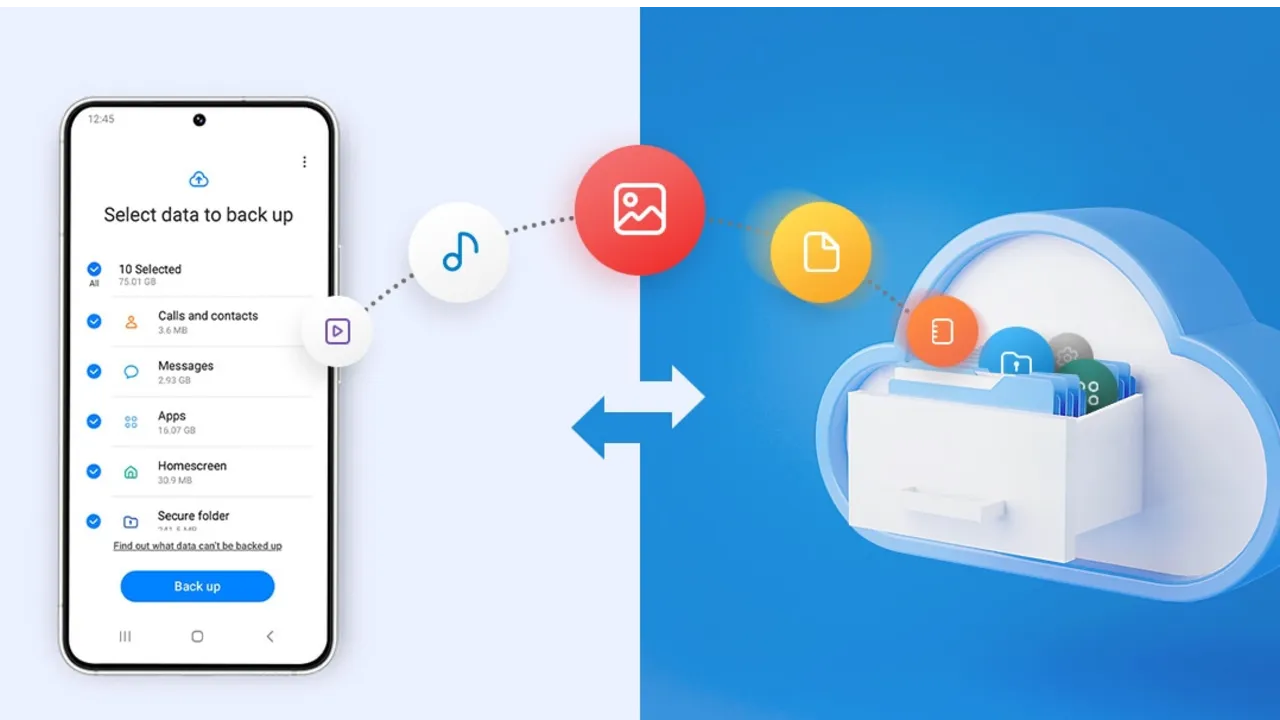
Backing up your Android phone ensures that your data is safe in case of loss, damage, or switching to a new Android device. Thankfully, Android has a number of built-in security features that secure your contacts, media, apps, and settings without the need for third-party programs.
Establishing a suitable backup plan is crucial, regardless of whether you’re upgrading your device or getting ready for a factory reset.
Why it’s important to back up your Android phone
It’s not just techies who should back up. You run the danger of losing private images, critical messages, app data, and even saved Wi-Fi passwords if your phone is misplaced or broken. Regular backup creation allows you to:
Google offers a dependable, integrated backup system that connects to your Google account and stores your important data in the cloud. For the majority of Android users, it is the most practical approach.
Ensure Backup by Google One or Back up to Google Drive is turned on
You’ll see a summary of what’s being backed up. Tap Back up now to trigger an immediate backup
Once enabled, your phone will automatically back up daily when connected to Wi-Fi and charging.
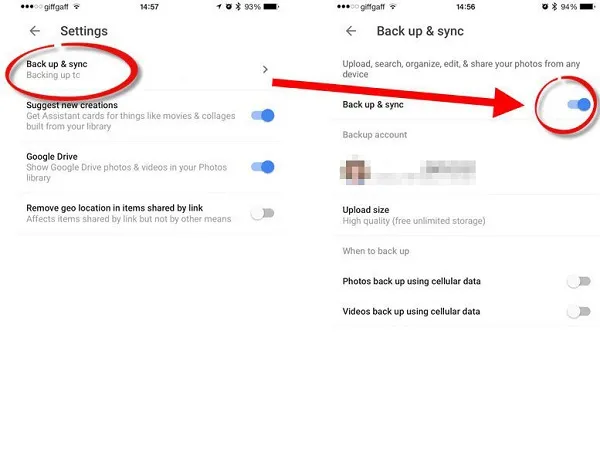
Back up photos and videos using Google Photos
Your videos and pictures frequently include priceless memories. To make sure your media files are securely backed up and available on multiple devices, Google Photos offers a quick and safe solution. It’s among the most dependable ways to preserve your graphic information without requiring complicated instruments or extra hardware.
Google Photos is a robust cloud-based platform that automatically stores and arranges your images and videos, making it more than simply a gallery app. Once activated, it will sync your media to your Google Account continually, so your memories will be preserved even if your device is lost or damaged.
Steps to back up media:
Open the Google Photos app
Tap your profile icon in the top right
Choose Photos settings > Backup
Toggle Backup to on
Choose your preferred upload size (Storage saver or Original quality)
All your photos and videos will sync to the cloud, and you can access them on any device logged into your Google account.
Back up files manually to a PC
Although cloud storage services like Google Drive and Google Photos are convenient, backing up your Android files to a PC by hand offers you more control, privacy, and independence from internet connectivity. It’s a simple process that guarantees you have a hard copy of all of your vital information, including documents, films, images, and more, safely saved on your computer.
Here’s how:
Connect your Android phone to your PC using a USB cable
On your phone, choose File Transfer / MTP mode when prompted
Open File Explorer on your computer
Locate your device, open it, and navigate to folders like DCIM, Downloads, Pictures, or Documents
Copy and paste the desired files to a safe folder on your PC
This method is ideal for archiving large files or performing a one-time back up your Android without an internet connection.
Use Samsung Cloud or manufacturer tools (for Samsung, Xiaomi, etc.)
Some manufacturers offer their own back up your Android device solutions in addition to Google’s.
For Samsung users:
Go to Settings > Accounts and backup
Tap Samsung Cloud
Choose what to back up (contacts, calendar, settings, etc.)
Tap Back up now
You can restore this data to any Samsung device later using the same Samsung account.
Xiaomi users:
Use Mi Cloud by going to Settings > Mi Account > Mi Cloud and enabling the backup options available for your account.
Always ensure you’re connected to Wi-Fi and have enough cloud storage before initiating the process.
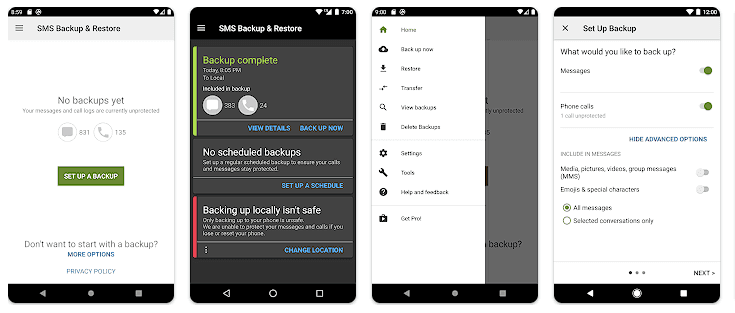
Backup apps like SMS and call logs (optional)
Most devices now have SMS and call history included in Google’s backup system, but if you have an older phone or want more redundancy, apps like SMS Backup & Restore can give you more flexibility.
How to restore your data
When setting up a new Android phone:
Log in with the same Google account used for backup
During the setup process, Android will detect the backup
Choose what you want to restore—apps, settings, contacts, etc.
Wait for the process to complete; some data may take time to sync
For manufacturer backups, you’ll need to use the brand-specific restore method (Samsung Cloud, Mi Cloud, etc.).
Tips for reliable Android backups
Always use a stable Wi-Fi connection before backing up
Keep automatic backups turned on for peace of mind
Occasionally perform a manual backup if you’re making major changes
Regularly check if Google Photos is syncing properly
For local backups, organize files by folders and label your backups by date
Back up your Android device is easy and doesn’t require technical expertise. The majority of your crucial data is handled by Google’s reliable, automated solution, but you also have more flexibility with local and manufacturer-specific solutions. Having a backup guarantees that your data is never completely lost, whether you’re changing phones or simply staying secure.
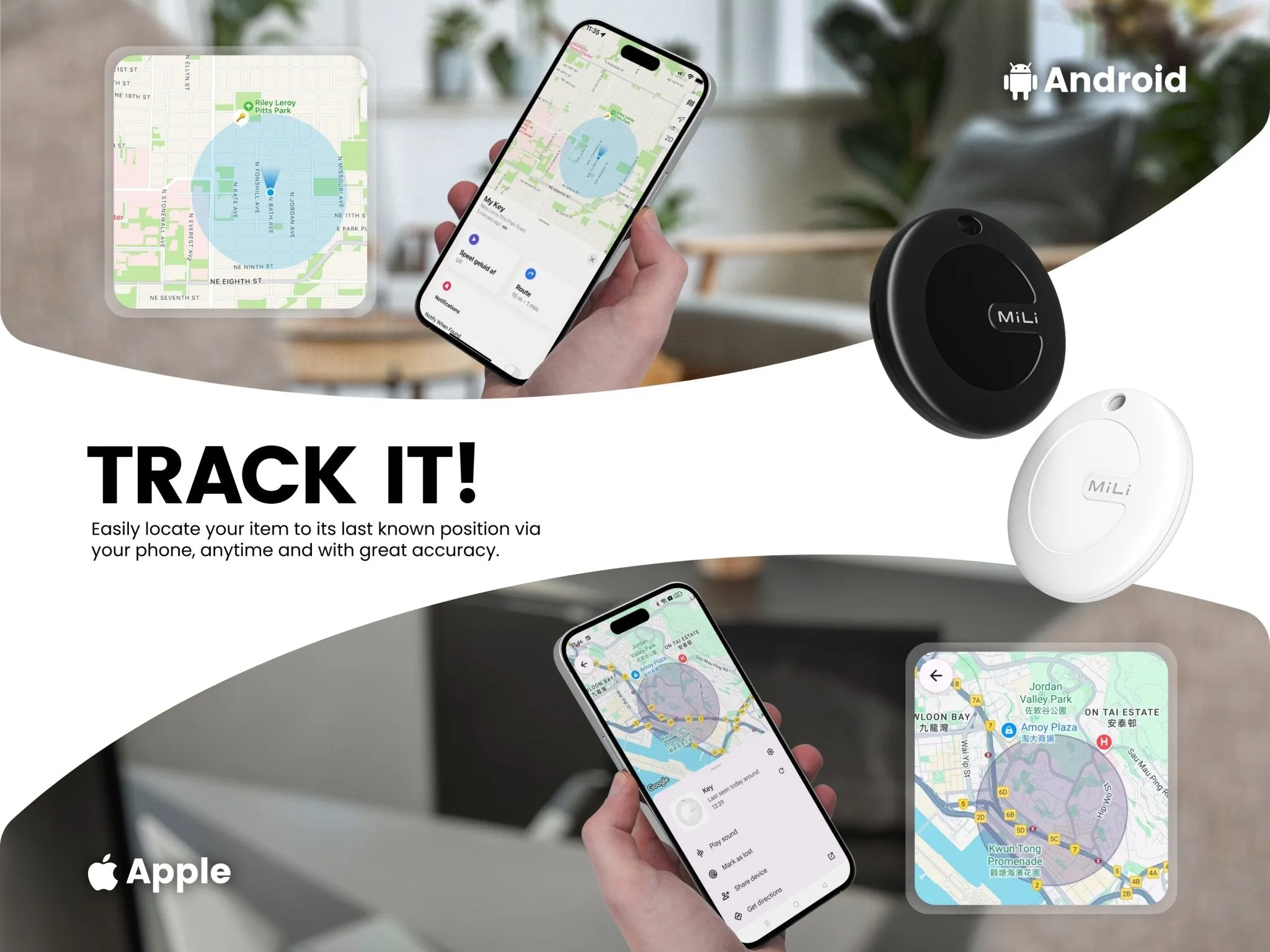
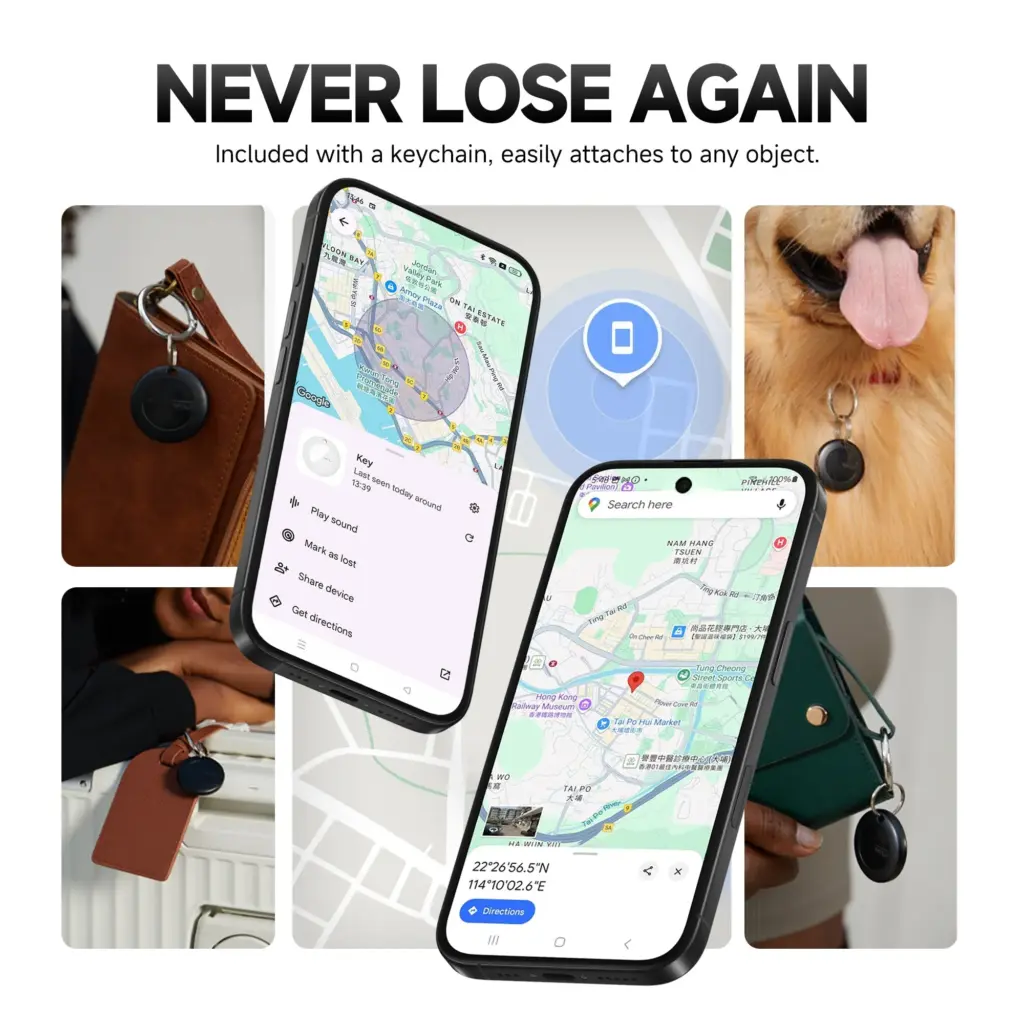
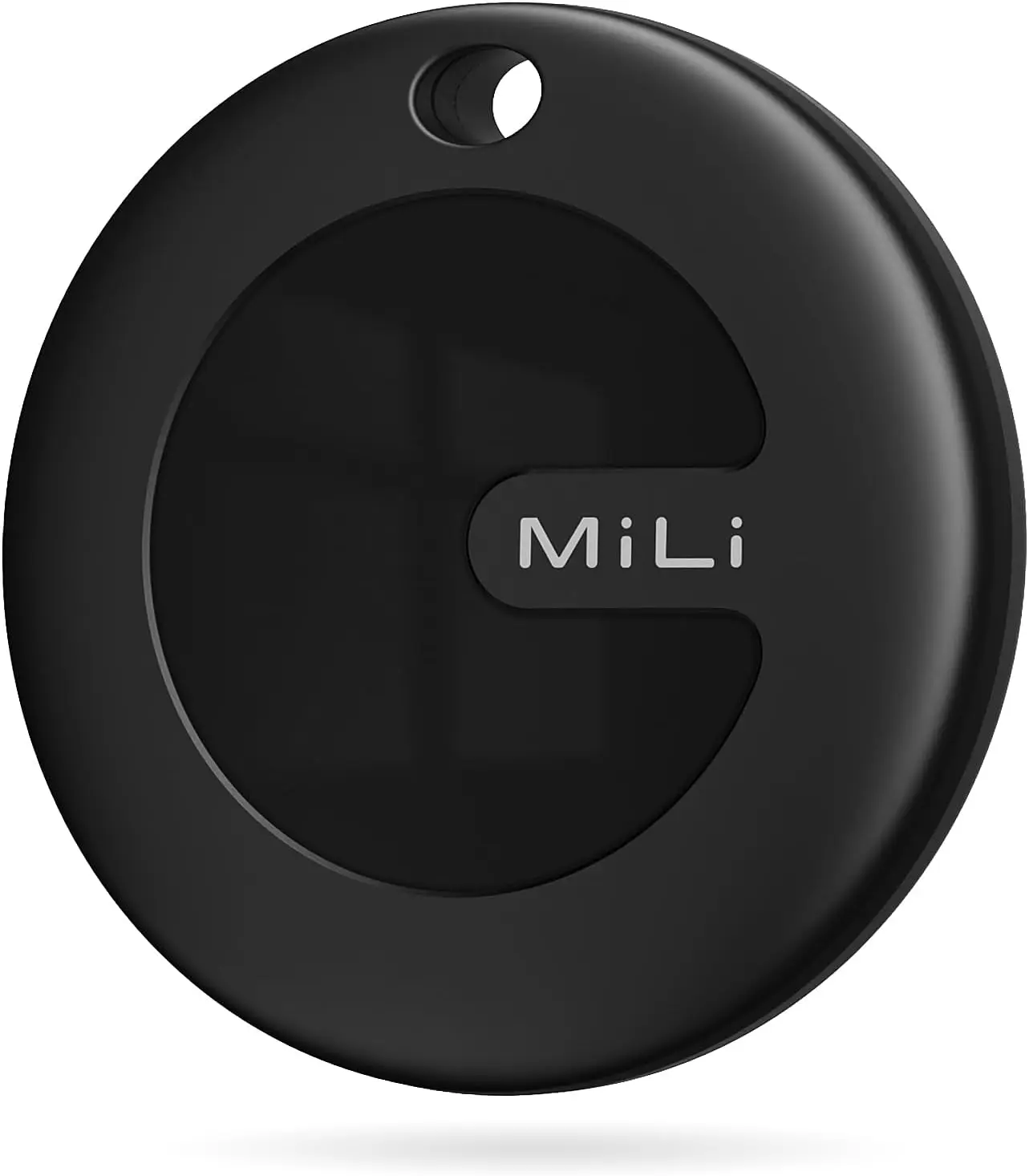
Like the Chipolo Pop and Pebblebee’s universal trackers, MiLi’s MiTag Duo is a Bluetooth tracker that works with both Apple Find My and Google Find My devices. The new Bluetooth tracker is currently on sale and far less expensive than its competitors.
The Chipolo Pop was released last month as a Bluetooth tracker that connects to Google’s Find My Device and Apple’s Find My networks. A comparable Bluetooth tracker that was compatible with both networks was announced by another company about a month before Chipolo’s. The device is known as the MiTag Duo, but sadly, the announcement was not widely publicized.
The MiTag Duo, which is made by MiLi, is circular like the MiTag Go (which is now available on Amazon for $13.99) and only works with Google Find My. The tracker is easy to attach to possessions because it features a key ring hole and comes in black and white color variants. It can operate in temperatures ranging from -20°C to 60°C and has an IP67 dust and water resistance rating.
MiLi MiTag Bluetooth Tracker for Android and iOS
The Android version MiTag is a Google Certified location tracker that works with “Find My” app on Android phones (Android 9 or higher, NOT for iOS devices). Attach this android tracker to the items you usually misplace and let it help you find your keys, bag, suitcase, toy, etc.
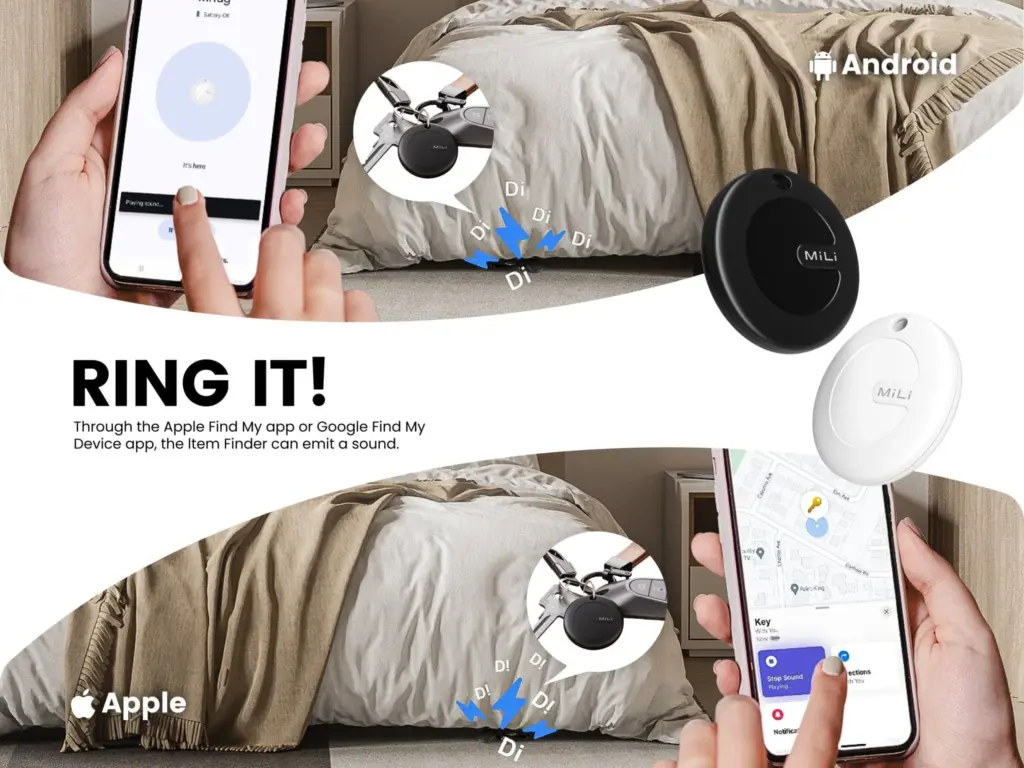
Both Google and Apple have granted the tracker legal licenses, and it works flawlessly with Android and iPhone cellphones. It also supports sharing with other users and doesn’t require a partner app. You can track your possessions in real time with the MiTag Duo. When you ring it, you can hear it because it includes an integrated speaker. The CR2032 battery that powers the tracker should last for up to eight months before needing to be changed.
The MiTag Duo is still available for pre-order even though it was only introduced in March, and shipping is set to start on May 19. The tracker has a price tag of $19.99 from MiLi, however the company’s web store claims that this is a discounted price because the original price was $39.29.
MiLi MiTag bundle
Within Bluetooth range (150 m/500ft), you can check the current location and easily find your item by activating sound via Google Find My app or voice commands. The tracking tag will ring loud enough to help you locate it.
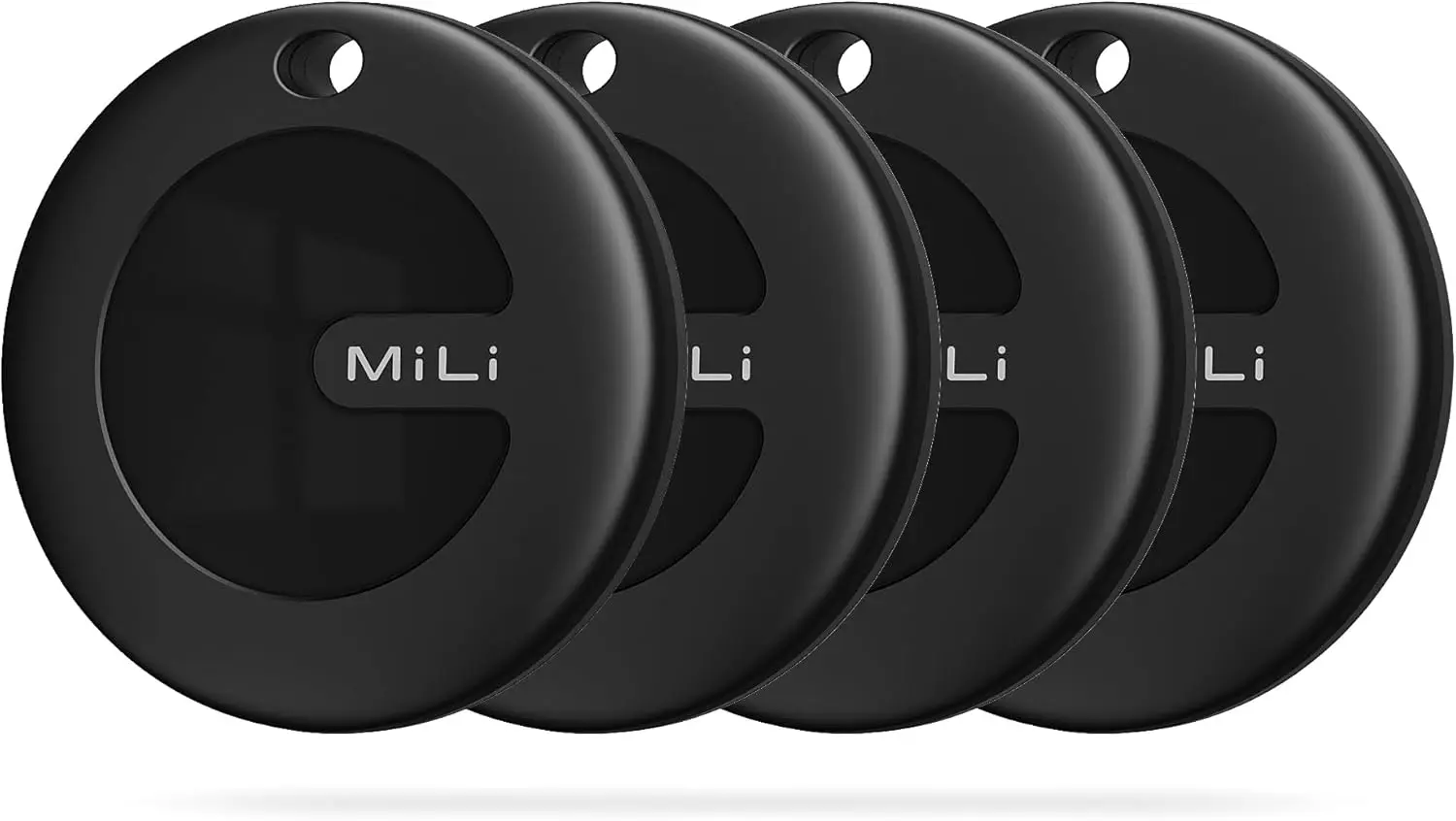
Additionally, you can save additional money by buying in bulk. For example, a pack of two pieces costs $35.99 instead of $78.58, a pack of four units costs $47.99 instead of $157.16, and a box of eight costs $127.94 instead of $314.32. When compared to the Chipolo Pop, which costs $29 per unit, $89 for a pack of four trackers, and $121 for a box of six, the MiTag Duo is now less expensive.
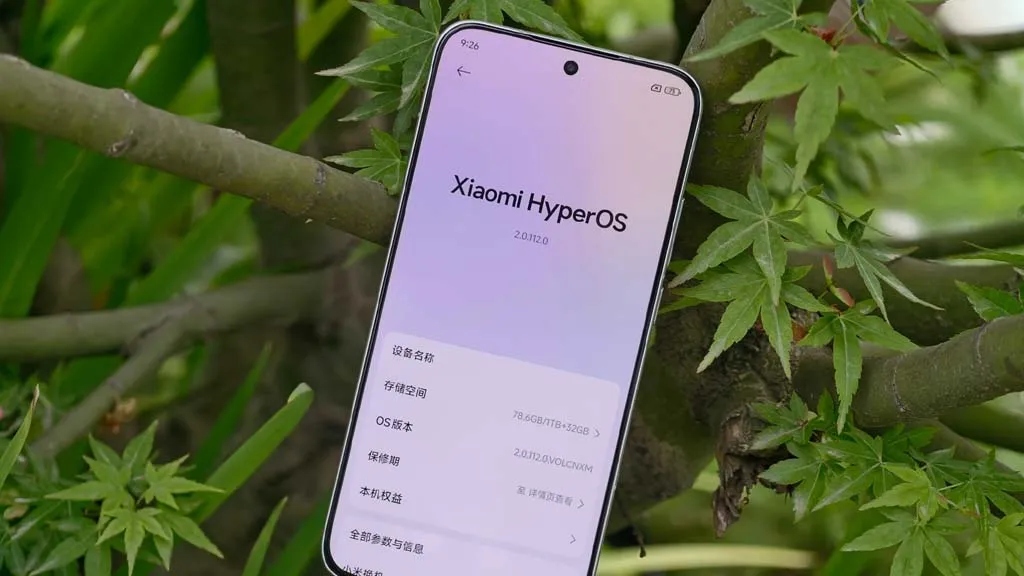
Here are seven devices that might miss out on this opportunity and get their final upgrade next month while Xiaomi is busy testing the new HyperOS 2.2 version for the flagship models. Examine the list and determine whether your phone is included in this group.
Upgrades to HyperOS include a number of sophisticated, AI-powered capabilities that aren’t compatible with all models. In order to concentrate on the most efficient smartphones, Xiaomi used to remove some devices and mark them as EOL (End Of Life).
The company has officially revealed the EOL devices for June 2025 and identified seven Xiaomi models that will receive their final HyperOS upgrade, according to XiaomiTime.
The majority of the phones on the list are Redmi and POCO models that might soon stop supporting security rollouts, feature patches, and new HyperOS updates.
According to inputs, the POCO C40’s final HyperOS update is scheduled for June 17. In February 2024, it received the most recent significant update, MIUI 13, which was based on Android 11.
It should be noted that these models will not receive any system optimizations, new features, or security fixes that address problems or issues that currently exist.
Therefore, we advise switching to a new device as soon as possible to take advantage of the most recent camera improvements, AI capabilities, and HyperOS 2.2 features.