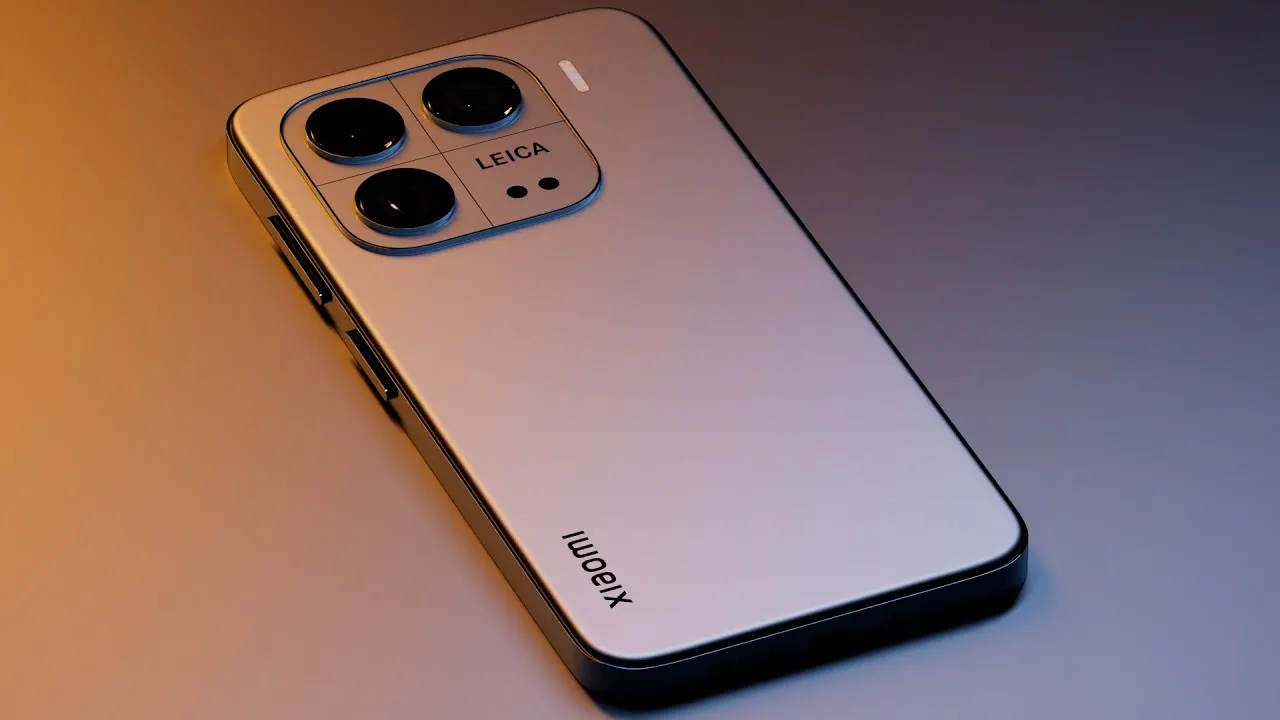
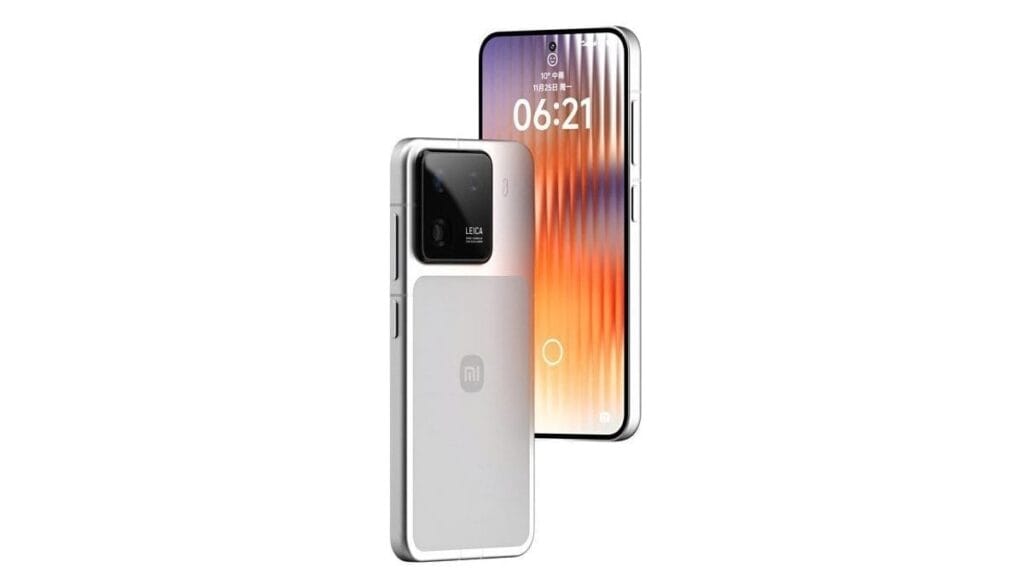
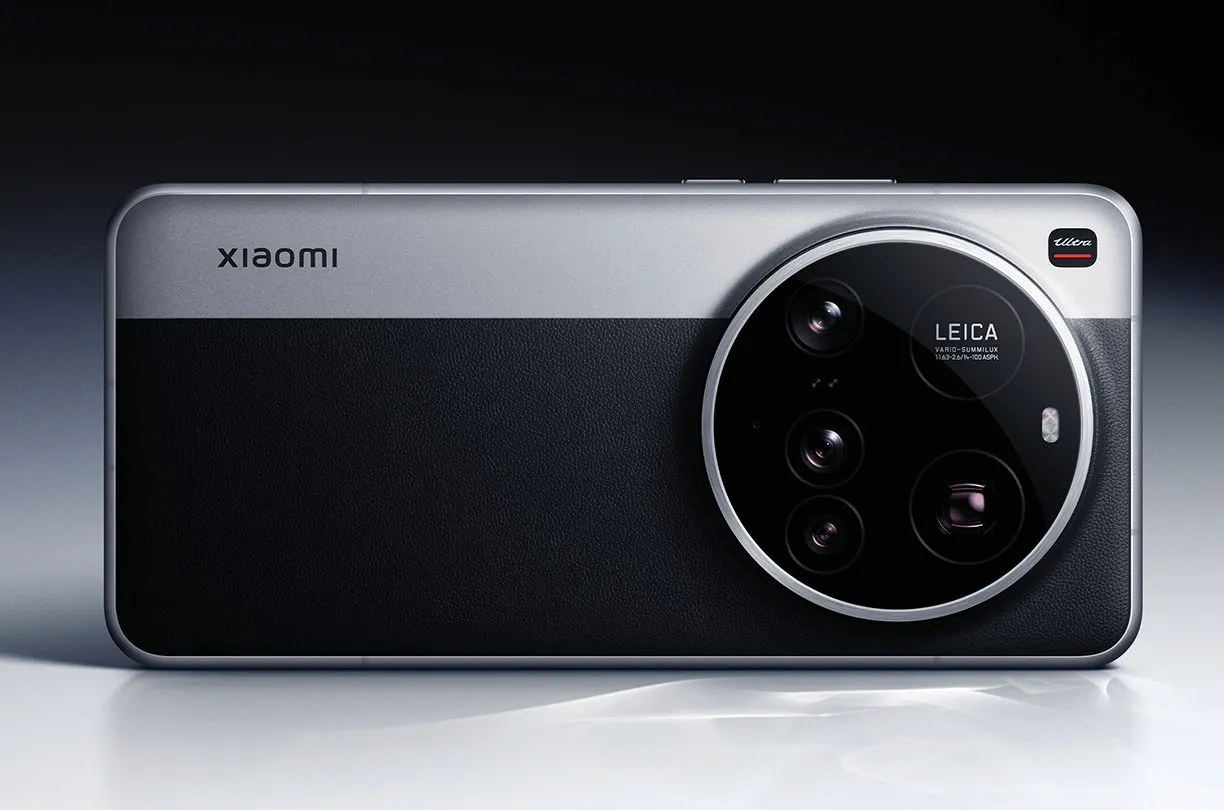
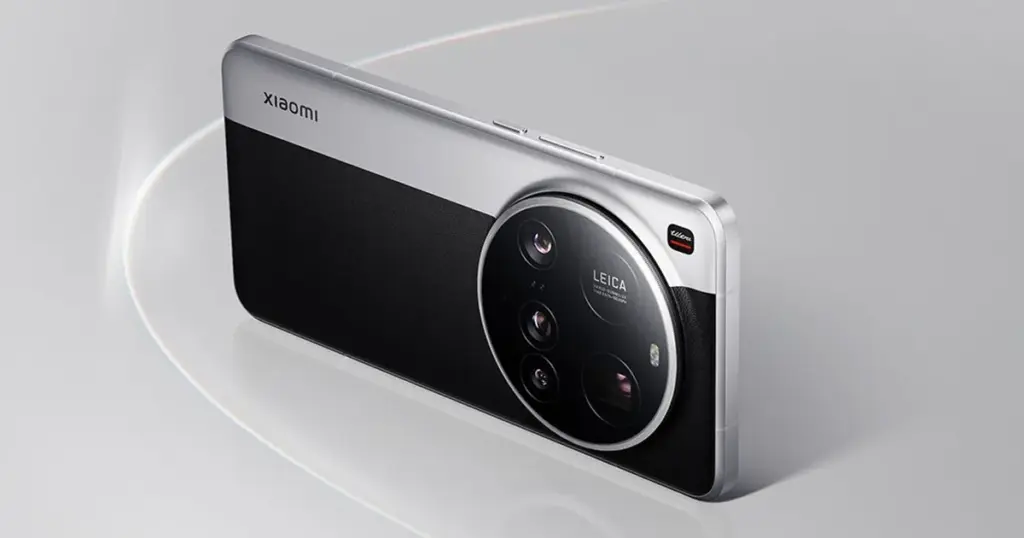
It has been predicted that the Xiaomi 16 and Xiaomi’s flagship 16 Pro smartphones will include a significant camera update, however it might not be the one you were hoping for.
Digital Chat Station, a prolific tipster, posted an intriguing allegation on Weibo regarding one of the first large flagship phones of the upcoming generation.
The post claims that a far better selfie camera with a crisper 50Mp resolution—up from 32Mp in the Xiaomi 15—will be included in the Xiaomi 16 and the Xiaomi 16 Pro.
Both focusing and better low-light performance should be features of this selfie camera. In phones that support it, the latter feature always results in better selfies. In this sense, it will be nice to see Xiaomi‘s entry-level flagship catch up to the Pixel 9, iPhone 16, and Galaxy S25.
The tipster goes on to say that, like the Xiaomi 15, this selfie camera will record 4K/60FPS videos and enable a wide viewing angle.
Xiaomi 16 known specs
The Xiaomi 16’s back cameras also need an upgrade, however the selfie camera appears to be the most notable addition.
It is said to include a new 50Mp 1/1.3 primary sensor, whereas the Pro model will also have a ToF (Time of Flight) sensor, which should enhance bokeh and focusing, among other things, and an extremely high dynamic range function.
According to earlier rumors, the Xiaomi 16 will contain a massive 7000mAh silicon-carbon battery, which is 75% larger than the Galaxy S25’s.
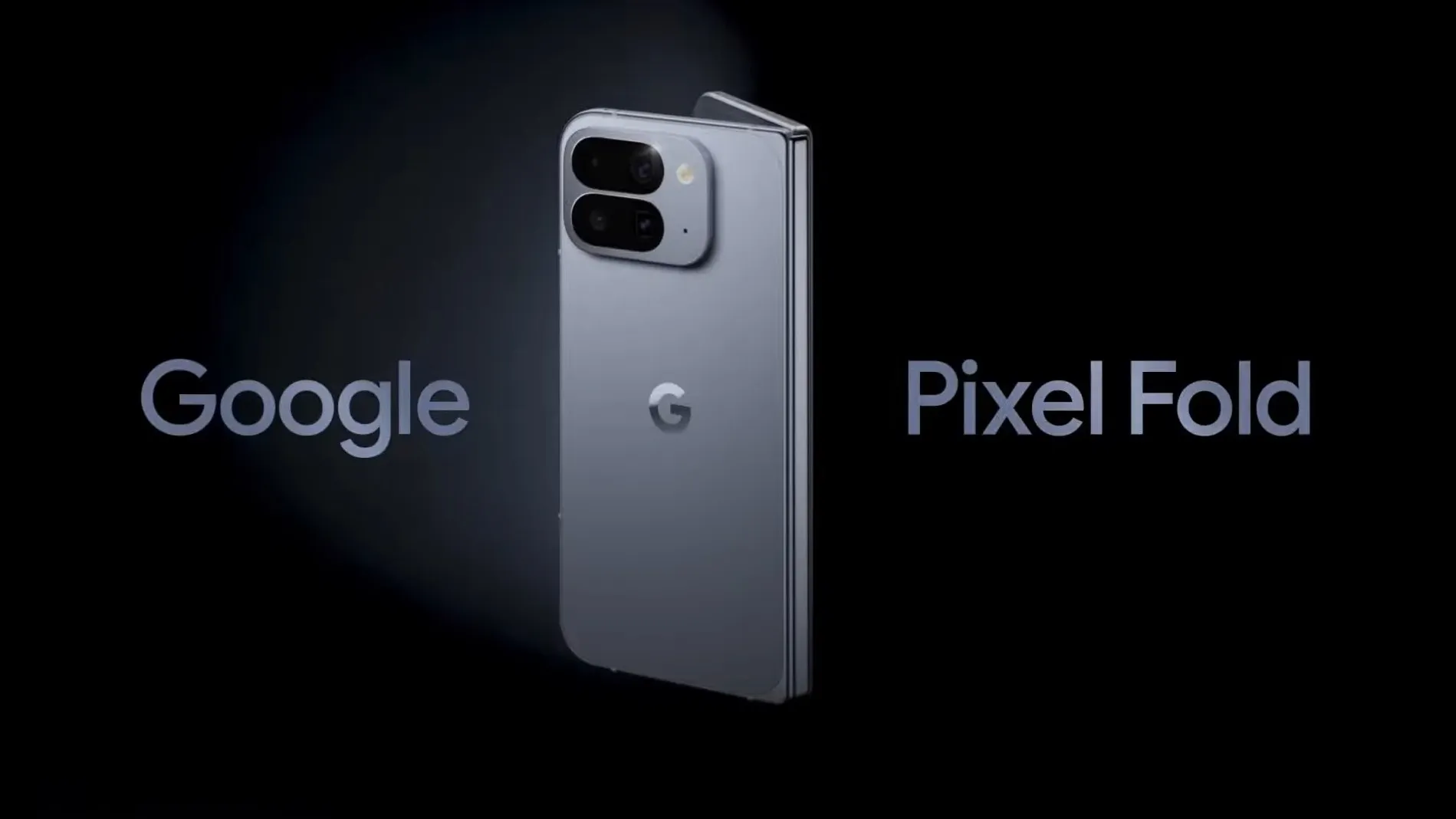
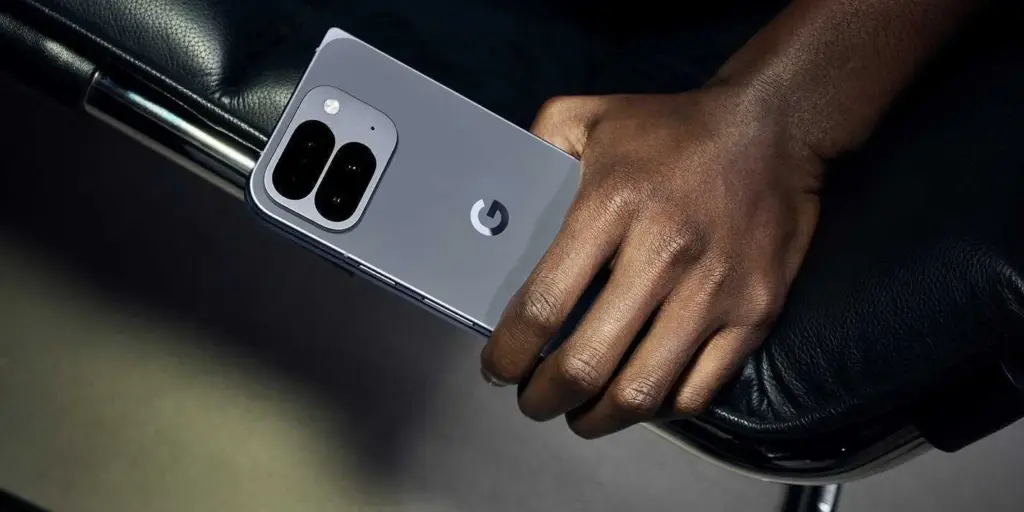
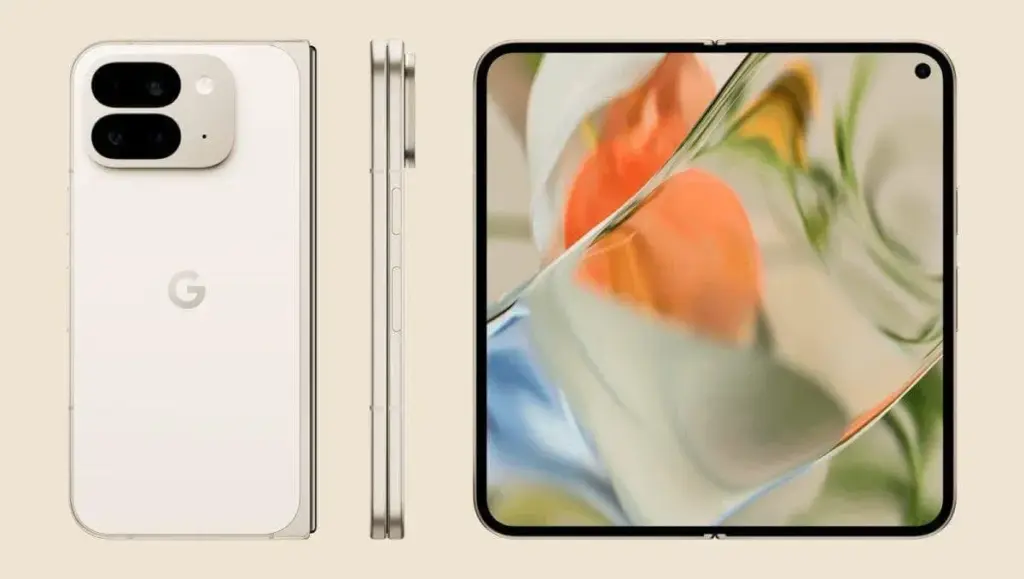
Every single specification for the Google Pixel 10 Fold has been made public online, just when we thought the leaks would stop.
This comes shortly after the tech giant teased the phone in an official trailer, and just days before the major Made by Google event on August 20.
The whole spec sheet for the Pixel 10 Pro Fold, including all of its new features and enhancements, has been obtained by Winfuture.
First of all, the phone’s IP68 dust and water resistant classification seems to imply that it will be the first foldable phone to be sold. For a phone with a tablet-sized display that folds in the middle, that is incredibly astounding.
Additionally, it indicates that the panels would be 3000 nits brighter than they were previously and that the external display will enlarge to 6.4 inches.
It was unclear whether the design of the Pixel 10 Pro Fold would prevent it from receiving MagSafe-style charging via Qi2, even though it is widely rumored (and in fact confirmed) that the Pixel 10 series will. Nonetheless, Qi2 wireless charging at 15W is listed on the specification sheet.
In addition, the telephoto camera appears to have a 10x optical zoom, and the battery is stated at 5015mAh, which is greater than both its predecessor and the Samsung Galaxy Z Fold 7.
Although the website confirms earlier rumors that the Pixel 10 Pro Fold won’t go on sale until October, you can view the complete specs below and check to see if they are accurate.
According to reports, the 256GB model will retail for €1,899 in Germany when it launches. For additional information in the meanwhile, see our coverage of the Pixel 10.
External display: 6.4-inch OLED Actua, 1080 × 2364 px, 408 ppi, 60-120 Hz, HDR up to 2000 nits, maximum brightness 3000 nits
Internal display: 8.0-inch OLED Super Actua Flex, 2076 × 2152 px, 373 ppi, 1-120 Hz, HDR up to 1800 nits, maximum brightness 3000 nits
Processor: Google Tensor G5 + security chip Titan M2
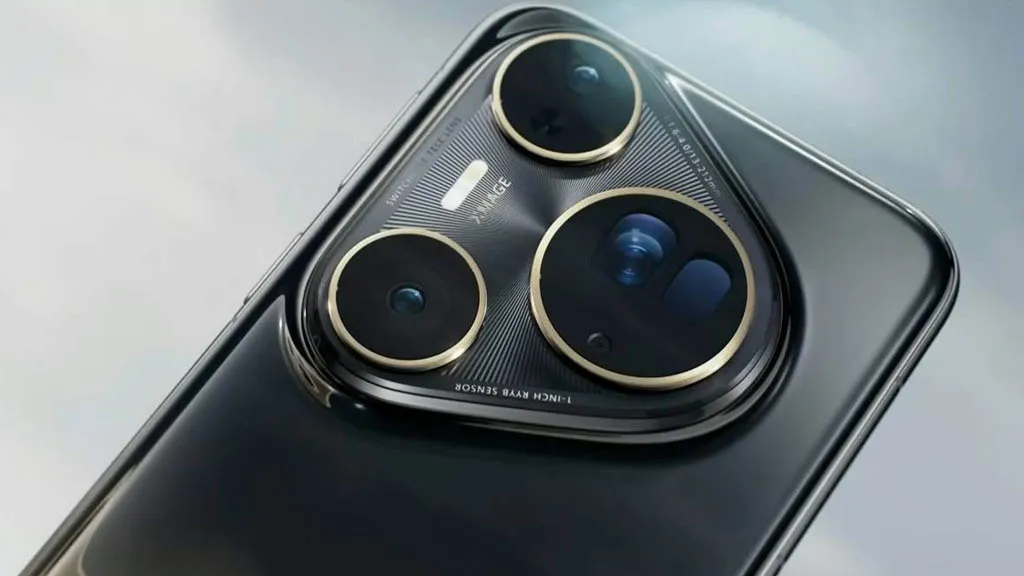
Almost every year, the same story is told. The Huawei Pura 80 Ultra, a Huawei flagship that is technically unique on the smartphone market because to its unusual dual-lens telephoto construction, leads the DxOMark rankings in 2025. Charges of corruption in DxOMark’s purportedly impartial scoring methodology and criticism of Huawei’s continuously dominant position are frequent. This year is no different, with criticism and misunderstanding predominating in the comments section of an official social media post.
In the most recent Huawei Pura 80 Ultra camera test, the Chinese manufacturer set a new record with a total score of 175 points. The Oppo Find X8 Ultra and the Vivo X200 Ultra came in second and third, respectively, a considerable distance behind. In the portrait, low light, indoor, and outdoor photography categories, the Huawei Pura 80 Ultra scores highly. Given the Pura 80 Ultra’s advanced telephoto solution, the Vivo X200 Ultra’s one-point victory in the newly released DxOMark test report was just in the zoom category.
Huawei Pura 80 Ultra camera has now drawbacks
The testers’ criticisms of Huawei’s flagship model are remarkably limited. Only sporadic exposure and color fidelity instability, somewhat odd texturing in challenging lighting conditions, and certain image distortions like ghosting in video mode are listed as drawbacks. The current Pura flagship’s camera performs admirably in every other situation. Its strong dynamic range and, according to the test report, its superb color reproduction in challenging scenes—which is reportedly noticeably better than that of its competitors—are praised.
Additionally, specifically listed as benefits are skin tones, detail, focusing, video stabilization, and the ultra-wide-angle camera. The test result states that there is very minimal noise in the images taken in low light. Many comparison images are included in the whole test report so that interested readers may determine whether the significant ranking difference between Xiaomi, Vivo, Oppo, and other companies is truly warranted.
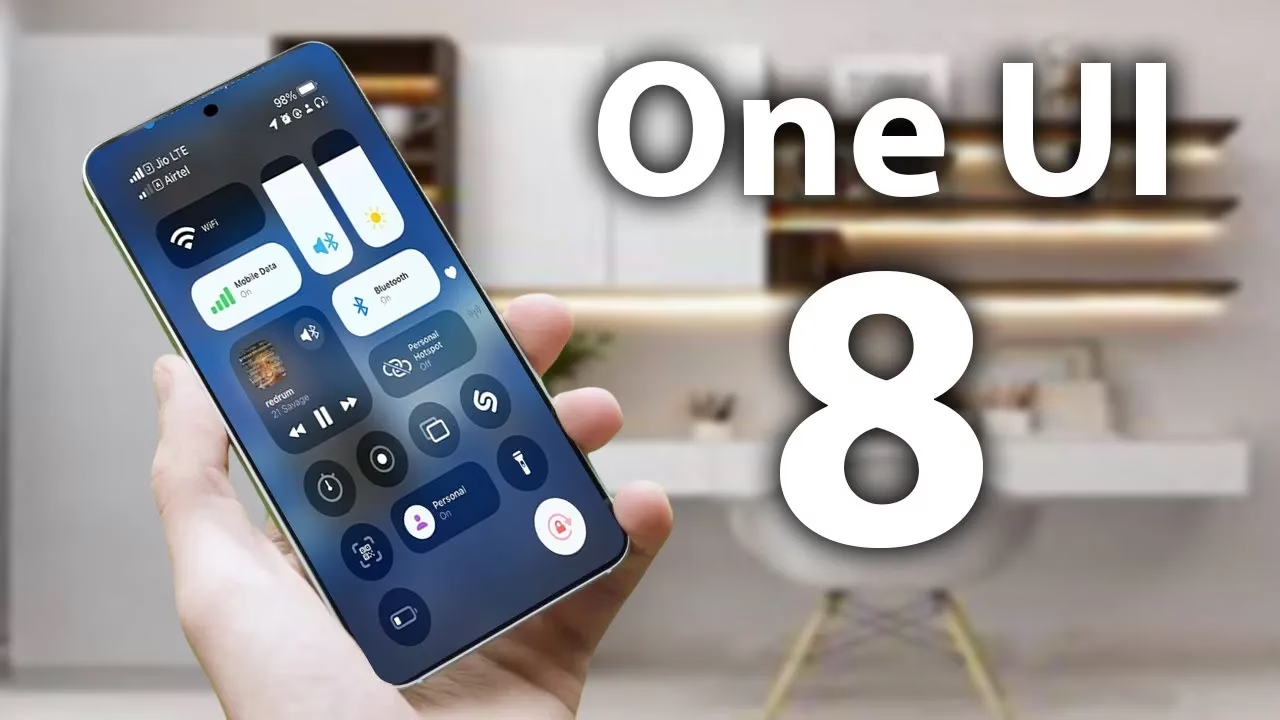
According to a tip from Android Authority and an APK breakdown, Samsung is included a new security tool in the next One UI 8 update. The “Alert Center,” a new feature, is supposed to provide customers with a more comprehensive alerting system for security and privacy issues.
When an app uses the camera or microphone on an Android device, users typically notice a green dot on the status bar’s edge. However, Alert Center will go one step farther and alert consumers to possible privacy and security threats.
It is said to provide notifications for a variety of problems, such as when applications read messages or get unauthorized access to the user’s camera or microphone. Gemini, turn away. Additionally, it will alert users to malware, insecure accounts, out-of-date software, and biometric security setup reminders. These alerts, which are directly related to the fix, assist users in acting promptly.
Additionally, Google revealed Android 16’s enhanced security features, which include a new protection mode to thwart attackers and keep gadgets safe.
No specific date has been set for the Alert Center’s launch.
Stay connected with the latest from Droid Tools—follow us on X @droid_tools, like our page on Facebook, check out our updates on Instagram, and follow us on Google News for real-time news, device tips, and mobile tech insights.
There are some new features to look forward to with each Android update. Some updates include more new features than others, of course, because not all upgrades are made equal. There are a lot of exciting (rumored) features in Android 16 that are making me eager for its impending release.
Note that I used the word “rumored.” This is because, with each release, there are online speculations about what people “think” will be included in Google’s newest and greatest upgrade. You never know what will make the final cut, so you should be skeptical of this list.
However, I tested the Android 16 beta and searched the internet for all the best features that might be released this summer with Android 16 (using reputable websites like Android Authority, Android Police, Engadget, Android Developers, Business Today, Android Headlines, GSMArena, Android Update Tracker, and numerous forums), and here they are.
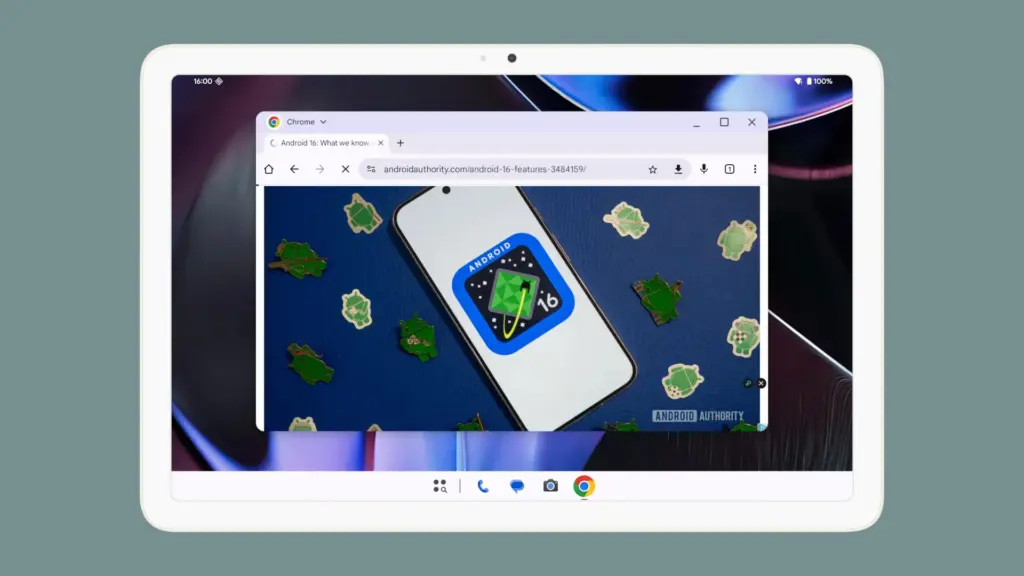
Desktop Windowing
When I see it, I’ll trust the rumors about this feature. The Samsung DeX, which enables users to connect an Android phone to an external display (through USB-C) and utilize a desktop-like interface that includes a top status bar, bottom taskbar, resizable, movable, snappable app windows, drag-and-drop support between apps, minimized windows, and physical keyboard and mouse support, will be mirrored by Desktop Windowing, which will bring desktop mode to Android phones.
App drawer blur
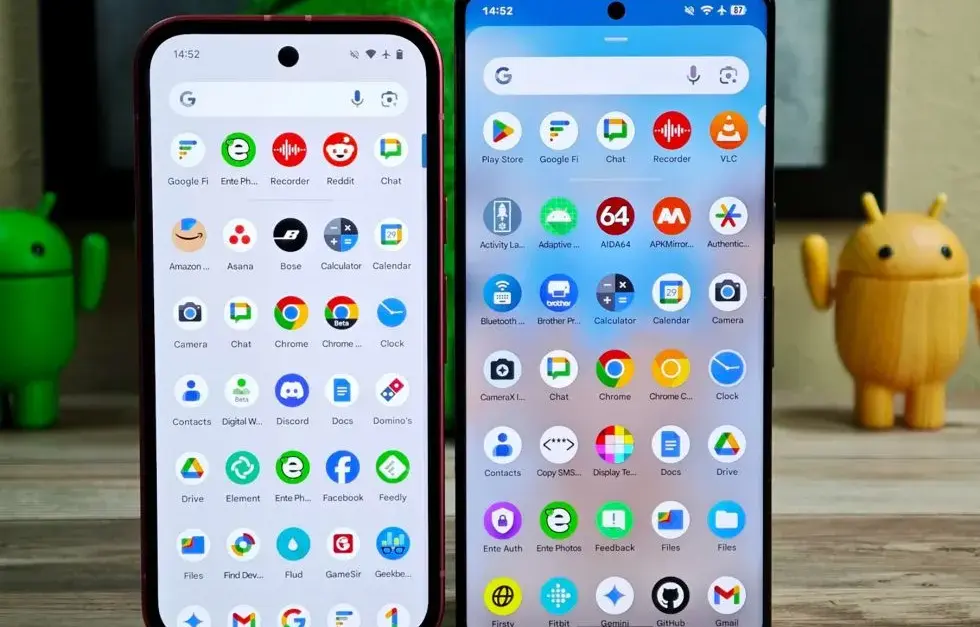
Neither your phone’s performance nor your efficiency with it will improve as a result of this. But I’ve always found the Android app drawer to be rather dull. When you pull it down, the background is either black or white. While some home-screen launchers do let you change the appearance of the app drawer, the default home-screen launcher does not offer this feature. According to rumors, Android 16 will alter everything and give the app drawer a lovely backdrop blur.
Although I acknowledge that not everyone believes that aesthetics are as significant as other factors, including performance and dependability, the iPhone’s UI aesthetics are one of the main factors contributing to its popularity. The Android user interface will be on a level playing field with iOS if Google implements a great app drawer blur.
Live updates
According to rumors, Android 16 will also provide a new class of real-time notifications that are intended to tell you of ongoing operations like food delivery, ridesharing updates, and navigation. These real-time updates will show up as dynamic “chips” in the status bar that show current data, like ridesharing arrival times or delivery ETAs.
To keep you updated, a comprehensive notification pop-up displays beneath the status bar when you tap one of the live-update chips. Live updates are displayed above all other alerts (apart from the media player) under the Notification Shade.
Auracast Broadcast audio support
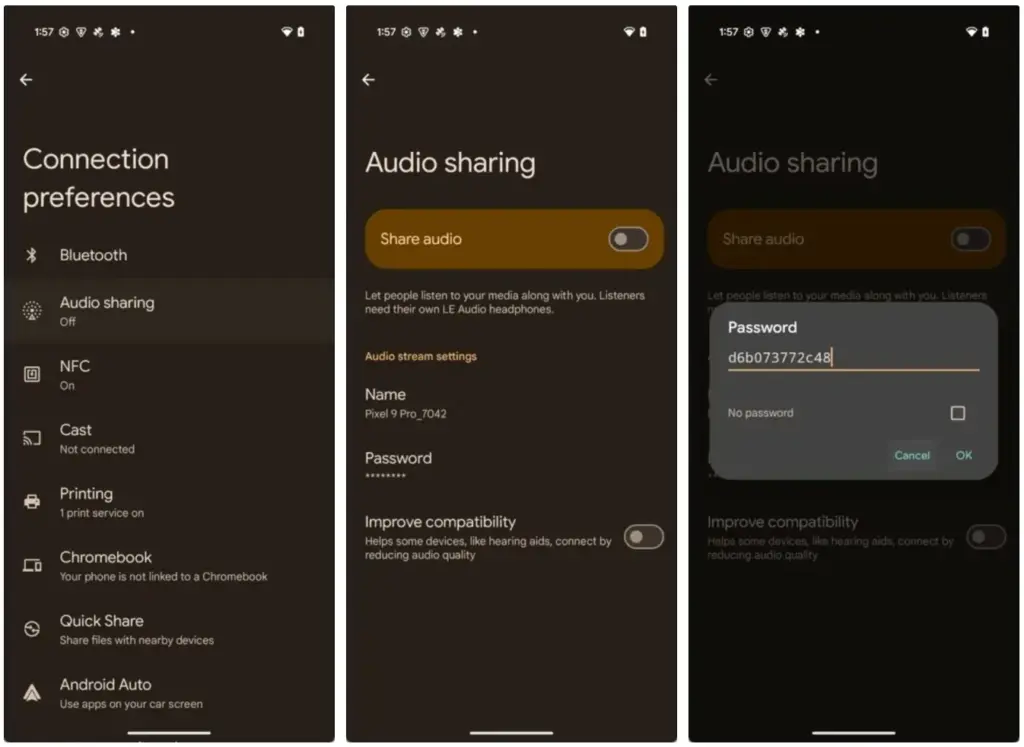
The inclusion of Auracast broadcast audio would be fantastic, so hopefully this rumor is accurate. Auracast broadcast audio is a Bluetooth LE Audio feature that enables devices such as earphones and hearing aids to receive direct audio broadcasts from TVs, public spaces, or announcement systems, in case you were unaware.
Anyone who uses LE Audio earbuds or hearing aids frequently finds oneself in awkward situations, such busy or noisy places where announcements are essential (like train stations, airports, or concerts). By pairing your earphones or hearing aids with Auracast Broadcast support, you can tune into the broadcast and hear everything much more clearly.
Hybrid Auto Exposure in the camera
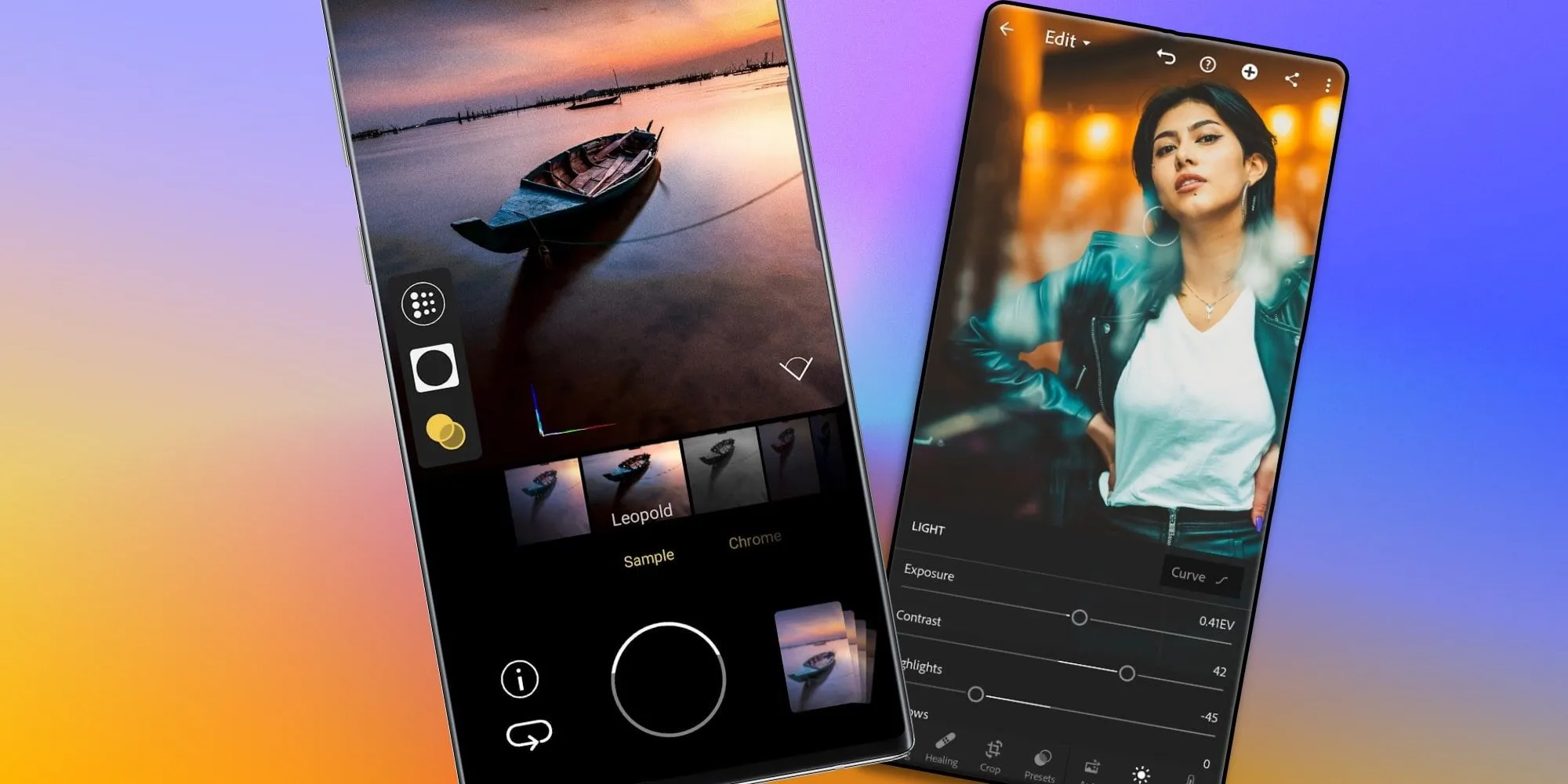
If you love taking pictures, you’ll love this function. You’ll have more control over the camera’s exposure settings with the hybrid auto-exposure. You will have the option to manually change the ISO or exposure time (shutter speed) or rely on the auto-exposure algorithm, rather than relying solely on full manual or auto exposure.
You will still have the simplicity and dependability of auto-exposure for everything else, but you will be able to adjust ISO to cut down on noise or select a precise shutter speed to get truly creative with your photos. Additionally, the Android 16 Camera app has enhanced support for high-quality image formats including HEIC and Ultra HDR, as well as accurate color-temperature and tint adjustments.
APV Codec support
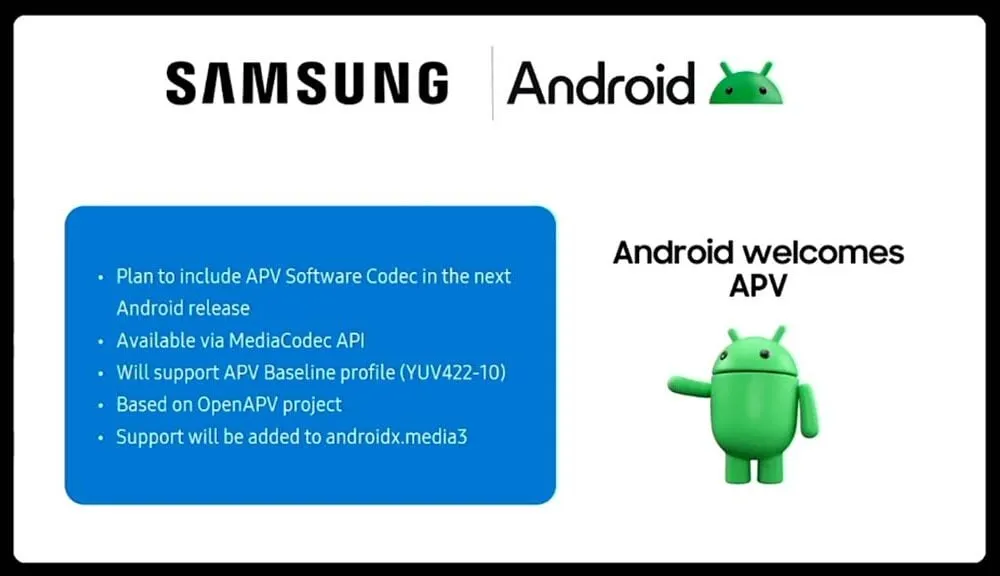
Additionally, there are reports that Android 16 will support the APV codec. A professional-grade video format (created by Samsung) is included with the new native support for the Advanced Professional Video (APV) codec, enabling high-quality video recording, editing, and post-production.
Frame tiling (to provide immersive content and parallel encoding/decoding for efficient processing), intra-frame-only coding (for simpler editing workflows and lower processing demands), high bit-rate support (2K, 4K, and 8K resolutions), and lossless video quality (nearly raw footage) are some of APV’s cool features.
Once more, Google has been promising this feature for a very long time, so I will believe it when I see it. If they were to ever implement this functionality, Android would become one of the most flexible operating systems available, which would be really awesome.
Keep in mind that these are simply rumors, but I do think that most of the features mentioned above will be included in the final version of Android 16, which is also expected to be released in June 2025.
The Google Pixel phones are notable for their outstanding photography capabilities, even with their flaws. You may capture beautiful pictures with a Pixel by pressing the shutter button. No need for retakes. The Pixel Camera app is crucial in providing that experience because it has the ideal combination of functionality and a clear, user-friendly layout.
Even so, you have probably missed a number of the Pixel Camera app’s incredible features. Some make taking the ideal picture easy, while others streamline the image-sharing process.
#deal – Google Pixel 9
Google Pixel 9 with Gemini gets the best of Google AI first, so you can take amazing photos, make edits like magic, and get things done even easier
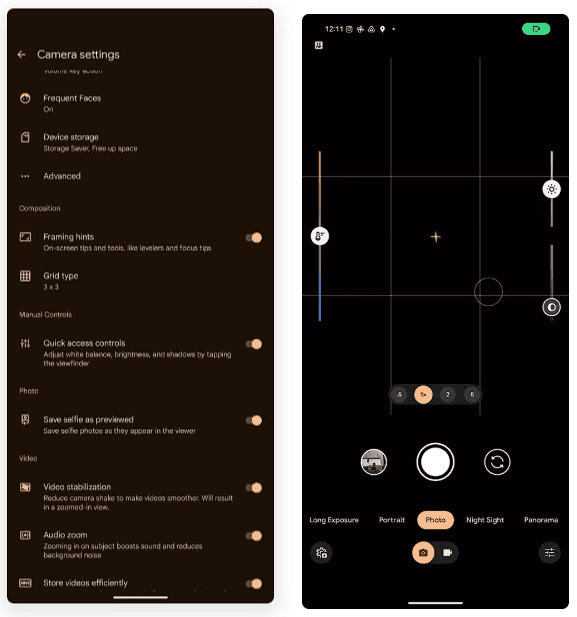
The performance of their point-and-shoot cameras makes Pixel phones unique. The best results can be obtained without adjusting settings or switching to a specific mode. Remove your phone from your pocket, open the app, and begin taking pictures. To get the desired effect, you might need to change the brightness, shadows, or white balance.
To adjust these settings, you do not have to go into Pro mode in the Pixel Camera app like you would on other phones. Instead, go to the settings menu and enable Quick access controls. Then, by tapping the viewfinder, you may activate sliders to adjust the brightness, shadows, and white balance.
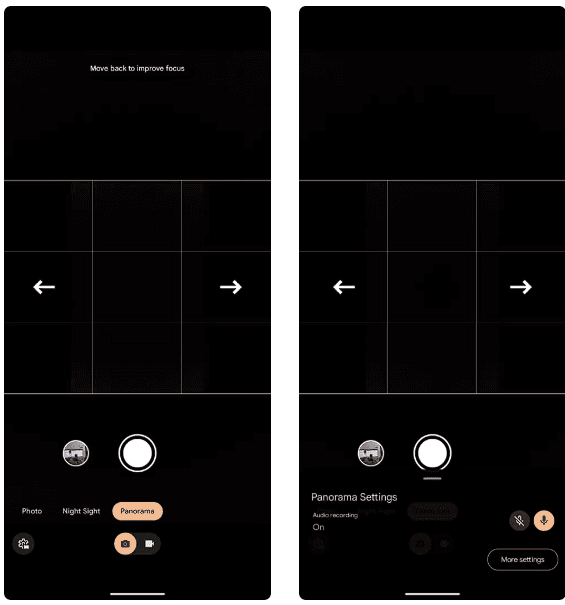
Panorama with audio
The Google Pixel supports panoramic photography, just like a lot of Android phones. In contrast to most, they have a remarkable 50MP resolution for taking panoramas. But that is not it. The latest Pixel phones have yet another secret weapon. Audio can be recorded while taking a panorama picture. Although this feature may seem like a gimmick to you, there are several situations in which it might be helpful.
Imagine recording a breathtaking panoramic scene and narrating it in the backdrop with your voice. After that, you can show it to your loved ones. This function is well-executed by Google, which makes sure the soundtrack plays in the background and fades in and out while you see the panoramic.
The only drawback is that it can be challenging to share panorama photographs with audio. The noise is eliminated when sending the picture via Instagram, Google Messages, or WhatsApp. The panorama cannot even be uploaded to Google Photos. Sending the photograph to another Pixel using Quick Share is your best bet.
Guided frame
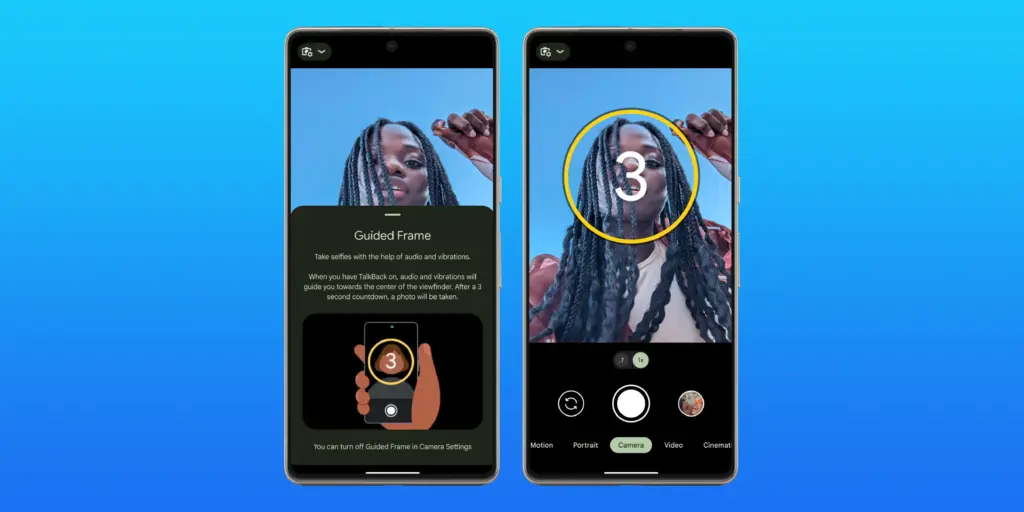
Pixel phones have excellent photography. However, this does not imply that anyone can shoot beautiful photos with a Pixel phone. People with visual impairments may often find it challenging to frame their subjects correctly before taking a picture. This is where the Guided Frame function of the Pixel Camera is useful.
This accessibility feature offers auditory and visual cues to assist in appropriately framing subjects. It is intelligent enough to assist with framing by automatically recognizing faces, objects, and scenes. Your Pixel phone will automatically take a picture when it is properly framed.
When using the front camera to take selfies, Guided Frame is useful. You can move around until the Pixel Camera app recognizes better lighting circumstances after it recognizes your face. The picture is then automatically taken.
By pressing the Settings icon in the bottom-left corner of the Pixel Camera app and selecting More settings > Guided Frame, you may enable guided frame. When you turn on TalkBack mode on your Pixel, the feature is automatically enabled.
#deal – Google Pixel 9
Google Pixel 9 with Gemini gets the best of Google AI first, so you can take amazing photos, make edits like magic, and get things done even easier
Enjoy posting quick videos on Snapchat or Instagram? For this, you do not have to put the Pixel Camera in video mode. Hold down the shutter button while using the camera app instead.
A video is being recorded by your Pixel phone. When you remove your finger from the shutter, it stops. As an alternative, you can continue recording even after you pull your finger off the screen by sliding it to the lock icon on the left of the viewfinder.
This tool is ideal for shooting video or swiftly taking brief clips. Additionally, you can export a full-resolution frame from the movie to share as a photo because Top Shot functions in this mode.
Palm timer
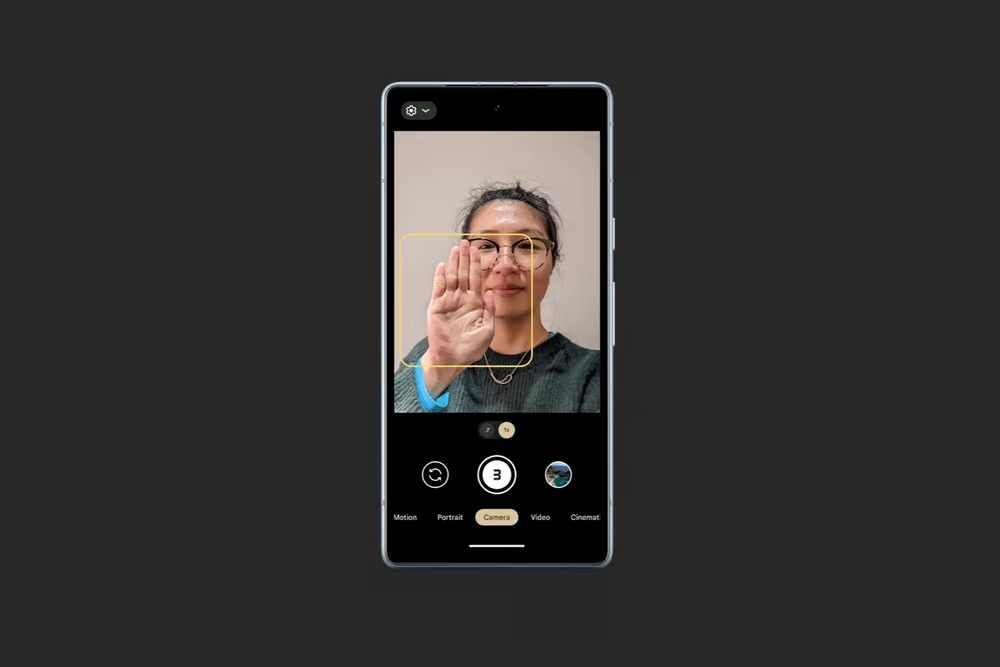
Sometimes you want to capture a picture with your Pixel propped up on a table. Or, when taking a group selfie, have your arm fully extended. It can be challenging to press the volume key or tap the on-screen shutter button in these circumstances without shifting the phone or readjusting your grasp. In these circumstances, the Pixel Camera’s palm timer function can be useful.
You may enable a three-second timer on your Pixel simply lifting your palm. You do not have to have it. Your Pixel automatically takes a picture after the countdown. It is helpful while taking solo photos with a tripod. Both the front and back cameras are compatible with the function.
I use the Palm timer to take selfies or group photos using the rear camera, as the larger sensor means better quality images. You can enable Palm timer from the Pixel Camera settings.
#deal – Google Pixel 9
Google Pixel 9 with Gemini gets the best of Google AI first, so you can take amazing photos, make edits like magic, and get things done even easier
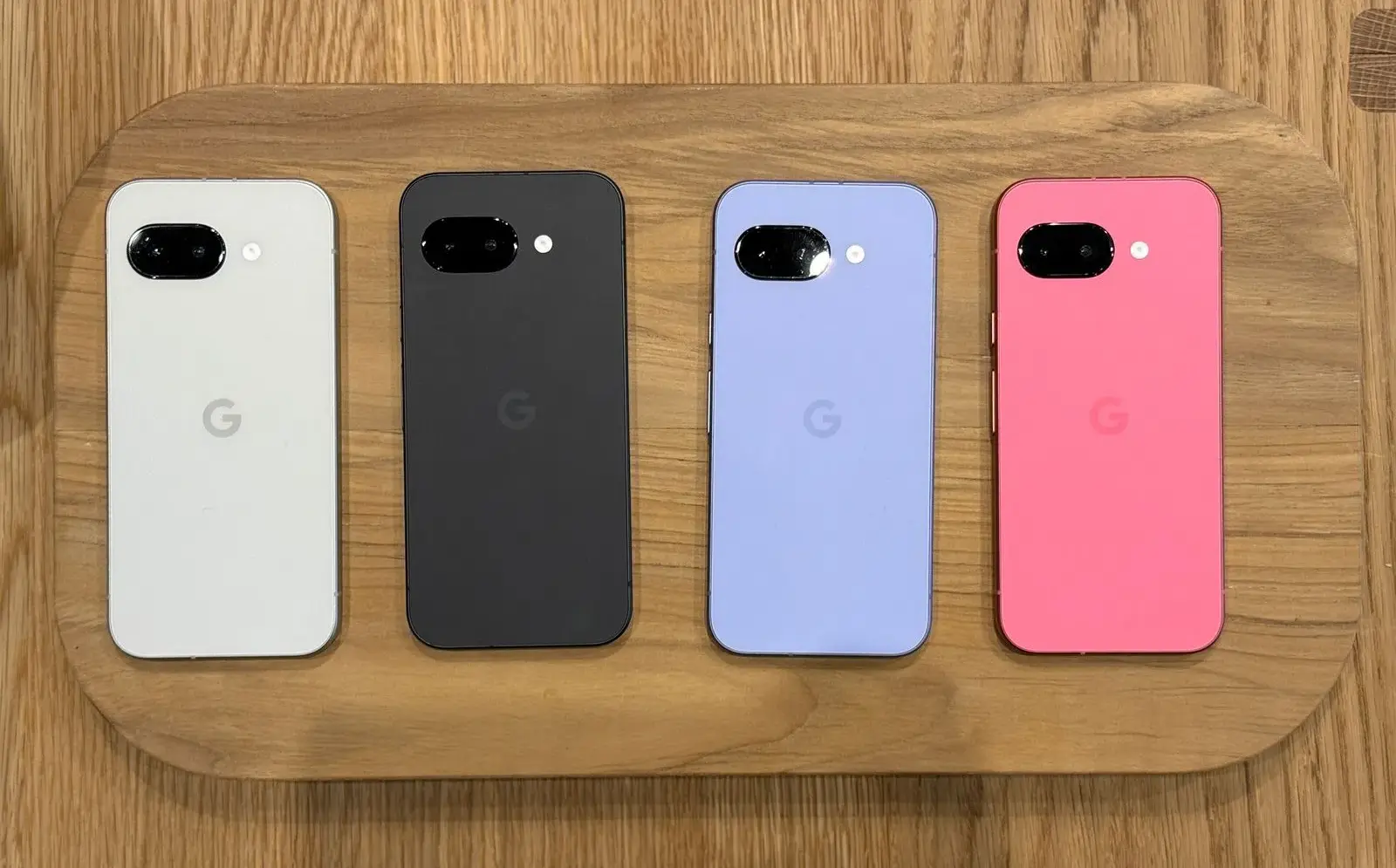
Despite a minor delay, the Pixel 9a is now available for purchase beginning today. I am still testing the phone myself, but so far, I am really impressed with what is clearly Google’s best A-series entry to date. Regardless of how you feel about the camera bar-less design or any of the missing functionality, the Pixel 9a has made me very enthused about Google’s latest value proposition. In fact, I believe it is the best Android phone to buy right now. Here’s why.
Google Pixel 9a with Gemini
Google Pixel 9a is engineered by Google with more than you expect, for less than you think; like Gemini, your built-in AI assistant, the incredible Pixel Camera, and an all-day battery and durable design
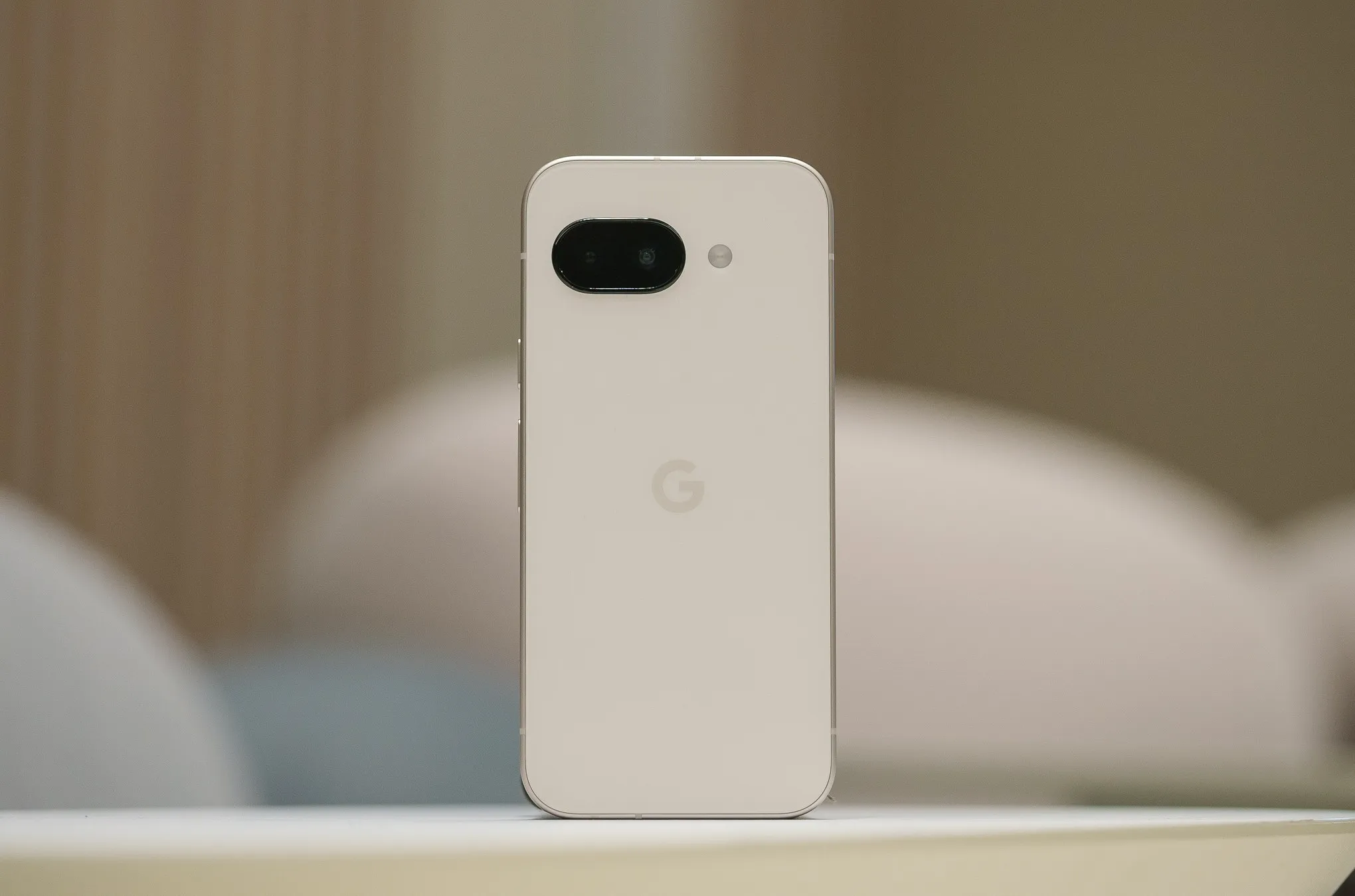
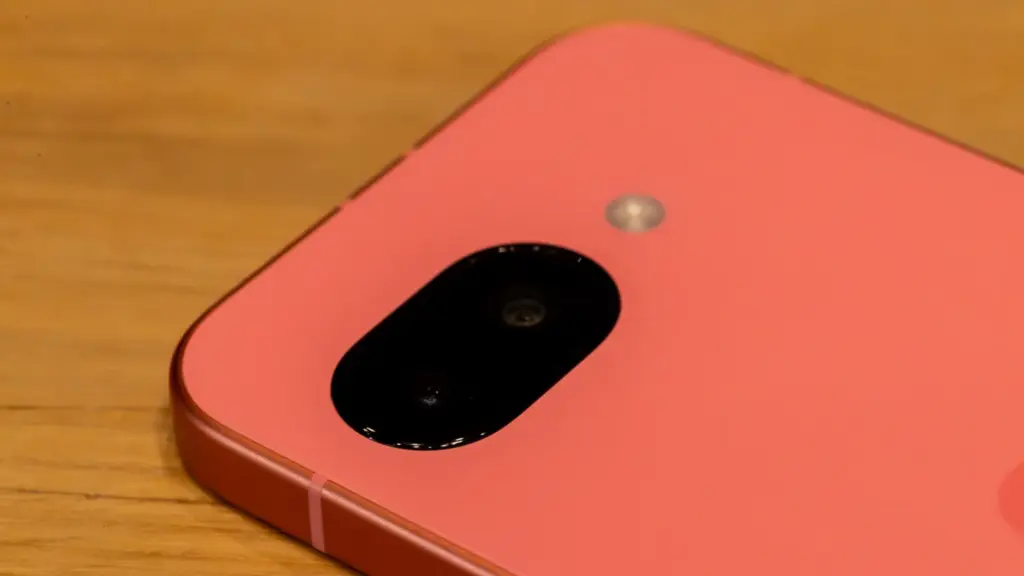
When I originally bought the Pixel 9a, I noticed myself resting my middle and forefinger on the bottom of the camera pill as a habit. I have since adjusted and do not touch the lens cover, which is reported to be slightly domed and inspired by “nature and water droplets,” similar to the Pixel Watch.
The new 48MP sensor is comparable to the one used in the Pixel 9 Pro Fold, but it is significantly smaller. It is a Pixel Camera, as detailed in our video review.
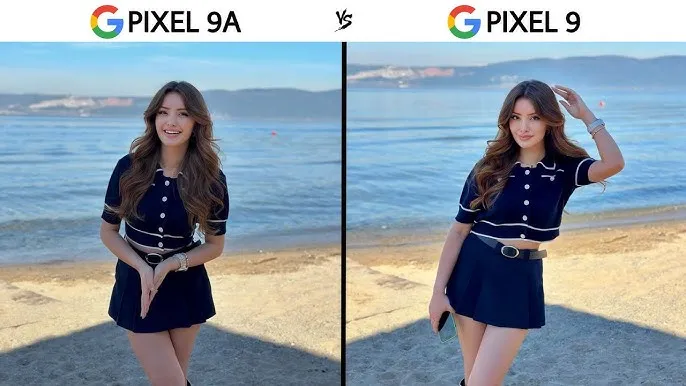
In our tests, we found that the Pixel 9a takes crisper photographs than the 8a from last year. This is most likely owing to an enhanced main camera sensor. While most people will not use both phones side by side or compare photographs in this manner, our gallery shows that the Pixel 8a has more contrast, whilst the 9a is pin sharp throughout the frame.
A lesser camera bump
Look, this is a minor request, but my request from late last year was completely successful. I had not realized how much I missed having a bump-free smartphone until I started using this one. While the elevated camera lip causes it to rattle somewhat on a table — strangely, it is perhaps the most a Tensor-powered Pixel has ever rocked on a table, excepting the Pixel 9 Pro Fold – it helps to make the phone seem so much more comfortable in everyday use.v
Look, this is a minor request, but my request from late last year was completely successful. I had not realized how much I missed having a bump-free smartphone until I started using this one. While the elevated camera lip causes it to rattle somewhat on a table — strangely, it is perhaps the most a Tensor-powered Pixel has ever rocked on a table, excepting the Pixel 9 Pro Fold – it helps to make the phone seem so much more comfortable in everyday use.
A great Google experience
This is the most loaded A-series Pixel we have seen thus far. It is strange to think that the Pixel 7a, a device that felt cheaper to handle than its price tag suggested, was released only two years ago. No one will mistake the Pixel 9a for a flagship smartphone, but the handset itself feels excellent in the hand. The matte polycarbonate back improves on the already superb build quality of the Pixel 8a, and the flat frame feels just as wonderful as it did on the original Pixel 9.
Google Pixel 9a with Gemini
Google Pixel 9a is engineered by Google with more than you expect, for less than you think; like Gemini, your built-in AI assistant, the incredible Pixel Camera, and an all-day battery and durable design
But, in my opinion, what truly counts is the display. While it is still protected by Gorilla Glass 3 — and yes, when you use as many different smartphones in a year as I do, you can really notice the difference in newer Corning glass applications — it is as good as the panel found on the ordinary Pixel 9. Hell, it may be the same panel used in the Pixel 9, as almost every specification, from size to brightness ratings, is similar. Regardless, it is one of the nicest screens I have seen on a $500 smartphone.
However, the rest of the phone is equally impressive. The speakers are solid, the haptics are good, and the buttons are satisfyingly clicky—all of this adds up to a surprisingly durable smartphone. Sure, it lacks some of the more modern features of Google’s flagships, like as the ultrasonic fingerprint sensor and the extra 4-8GB of RAM, but for $500, this is the most complete package we have ever seen from this firm.
A good design
Okay, I get it. I was not sold on the design from the time I saw it, whether in leaked renders or hands-on photographs from our staff. The choice to remove the camera bar in favor of a flat (or largely flat) back irritated many people in this sector, as many viewed the Pixel team abandoning an iconic design for no apparent reason. Combined with the wider bezels and flat frame, I was not sure how I would react when the Pixel 9a arrived in my hands.
The answer, of course, is “totally fine,” as I truly enjoy the design Google chose here. It seems funny to celebrate something as easy as slipping a phone into your pocket, but the lack of a camera bar makes a significant difference here — it never got snagged on the lip of a jeans pocket, for example, and felt considerably smaller in my pants as a result. In our hands-on images, the wider bezels appeared to be exacerbated by the flat frame, but once the device was turned on, I stopped noticing the bezels almost immediately.
Obviously, the look and feel of any phone will be determined by personal preference. But if, like me, you never quite clicked with the Pixel 9a no matter how many times it appeared in various leaks and renders, I would recommend that you check see the phone in person before dismissing it completely. And I would be negligent if I did not mention the colors – I love the Iris color on my unit, and the Peony looks excellent as well.
Missing ai features? not many that you will use
Due to its limited 8GB of RAM, the Pixel 9a lacks a number of AI-powered capabilities seen in the mainline Pixel 9 series. Apps like Pixel Screenshots are completely vanished, while Call Notes has been removed from the Phone app altogether. While Google’s 2024 flagships shipped with its on-device Gemini Nano XS LLM, the Pixel 9a has a modified “XXS” model that removes multimodal capabilities in favor of text-only inputs. The end result is a lower-quality experience, but I doubt most people will notice.
Pixel Screenshots is a nice app, and I hope Google continues to improve the experience on the Pixel 10 and future. But I would be lying if I said I would been using it or Call Notes on the ordinary Pixel 9 for the past eight months. Your mileage may vary, of course, but I do not believe the absence of these apps is very noticeable in day-to-day use. Most people will get their AI experience via apps like Gemini or ChatGPT, which work wonderfully on the Pixel 9a.
Overall a pretty great phone
Google Pixel 9a with Gemini
Google Pixel 9a is engineered by Google with more than you expect, for less than you think; like Gemini, your built-in AI assistant, the incredible Pixel Camera, and an all-day battery and durable design
It is easy to dismiss a $500 smartphone as wonderful, but in my opinion, this is something to rejoice. Google’s efforts with the Pixel 9a feel like the culmination of several years of work to elevate the A-series from “surprisingly good for the price” to simply excellent.
Obviously, there are reasons to choose the Pixel 9 over this device — and if the prices are close enough, going with the older, more powerful smartphone feels like the right move — but at its core, this is a fantastic smartphone that will only improve if and when (tariff madness pending) it sees deals throughout the rest of 2025. For me, that is sufficient.
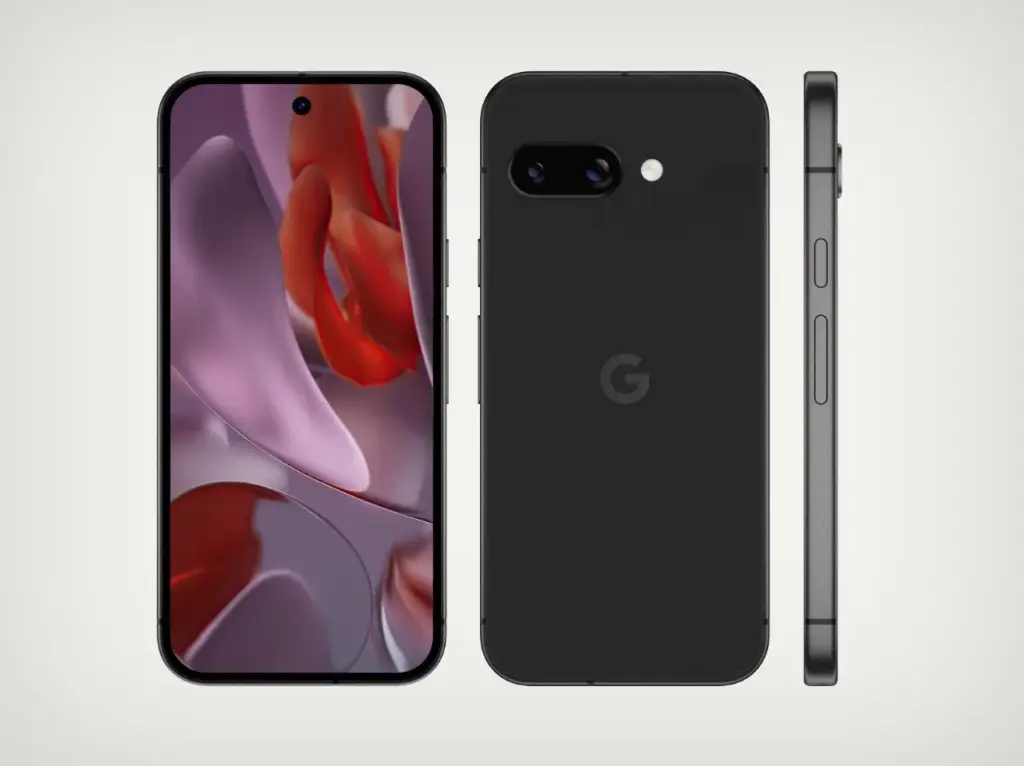
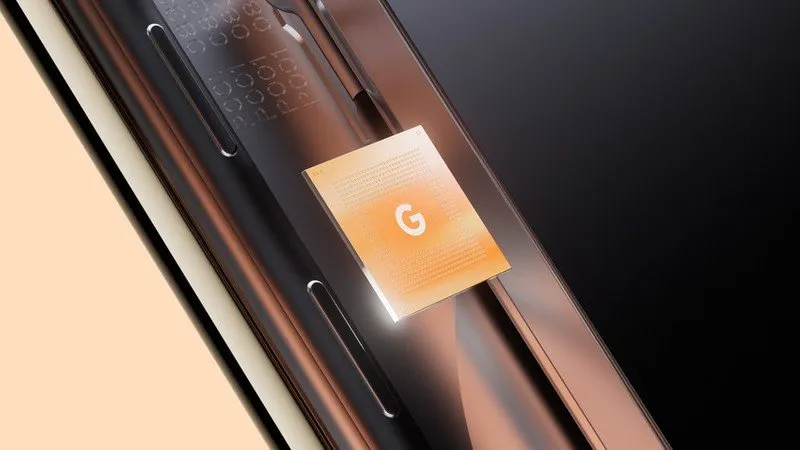
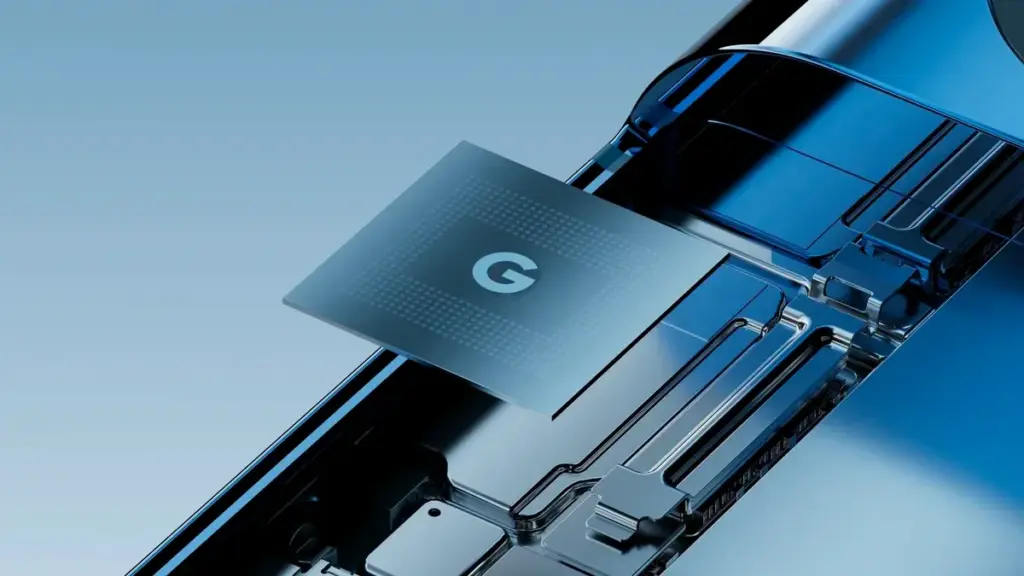
Tensor G5 is expected to include a number of off-the-shelf components to replace Samsung-made parts of previous chips, including the use of a totally bespoke ISP, as part of Google’s decision to move its Tensor production to TSMC for this upcoming generation.
Since the beginning, Tensor chips have mostly been a combination of components created or built by Google and those made by Samsung. This is because Google has used Samsung’s foundry and Exynos chips to help make Tensor a reality. However, as has long been known, Tensor G5 in the Pixel 10 will use TSMC instead of Samsung, creating certain gaps in Google’s chip manufacturing process.
According to a new report from Android Authority, there are a handful of off-the-shelf components that Google will be switching to.
According to reports, Tensor G5 will keep using a number of Google’s current designs (with improvements) that were included in Tensor G4 and other earlier Samsung-made chips, such as the TPU, DSP, memory compressor, and audio processor. However, it will have to swap out a few parts to make room for the switch to TSMC, including:
GPU: Arm Mali > Imagination Technologies DXT
Video codec: Google “BigWave” & Samsung MFC > Chips&Media WAVE677DV
The ISP is the most noticeable change here, since Google is reportedly developing a completely unique approach. Beginning with the 2017 “Pixel Visual Core” in the Pixel 2 series, Google has utilized its own ISP in a number of Snapdragon-powered Pixel phones. Prior to Google releasing the proprietary chip before Tensor’s 2021 launch, that developed into the “Pixel Neural Core” with the Pixel 4.
The end user will not likely notice many of the component changes Google is making, but it will be fascinating to observe if the different swaps have any positive or negative effects. The replacement of the current Samsung choices with a MediaTek modem is another noteworthy change that was previously publicized.
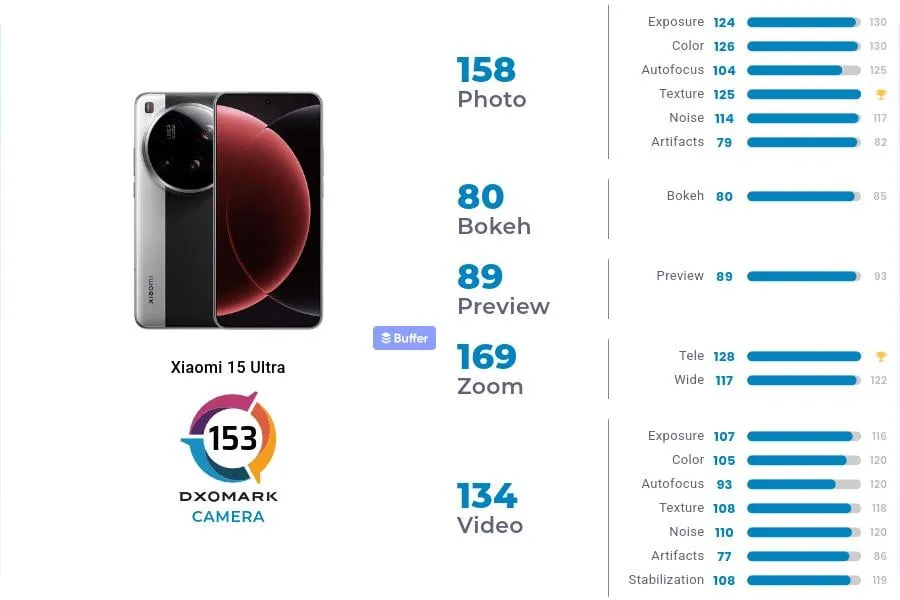
The 15 Ultra, Xiaomi’s most recent flagship, is currently offered for sale worldwide. At €1,500, it has a huge 200MP periscope telephoto lens and a 1-inch primary sensor, which are both really amazing pieces of kit.
In DXOMark’s camera testing, the 15 Ultra received 153 points, ranking 13th in the world. With 149 points, Xiaomi’s 14 Ultra from the previous year is in 19th place, which is their highest performance to date.In DXOMark’s camera testing, the 15 Ultra received 153 points, ranking 13th in the world. With 149 points, Xiaomi’s 14 Ultra from the previous year is in 19th place, which is their highest performance to date.
However, both in China and the West, it continues to lag behind its most formidable competitors. The Honor Magic 6 Pro and Pixel 9 Pro XL are currently behind Huawei’s Pura 70 Ultra in the DXOMark rankings.
To be clear, this doesn’t mean the 15 Ultra has a lousy camera—far from it. At number 24, even Samsung’s Galaxy S25 Ultra is ranked lower. The 15 Ultra was commended by DXOMark for its outstanding color rendering, broad dynamic range, precise exposure, low noise, and great texture detail.
Why Xiaomi 15 Ultra missed the top?
DXOMark reports that the phone has trouble with visible abnormalities that affect image quality, contrast irregularities, and sporadic warm color casts in both images and videos. Additionally, there are problems with autofocus stepping and texture degradation under some circumstances, which can make focusing less fluid.
Its limited depth of field, which causes blurry background faces in group photos, is another significant flaw. Keep in mind that its primary camera is the source of this limitation.
These flaws could be disappointing for a phone that strives to be the finest of the best. Despite these figures, the 15 Ultra still has some of the best mobile camera hardware on the market.
The camera on the Pixel phones is one factor contributing to its success. Most phone cameras are unable to match the depth, clarity, and vivid/accurate colors.
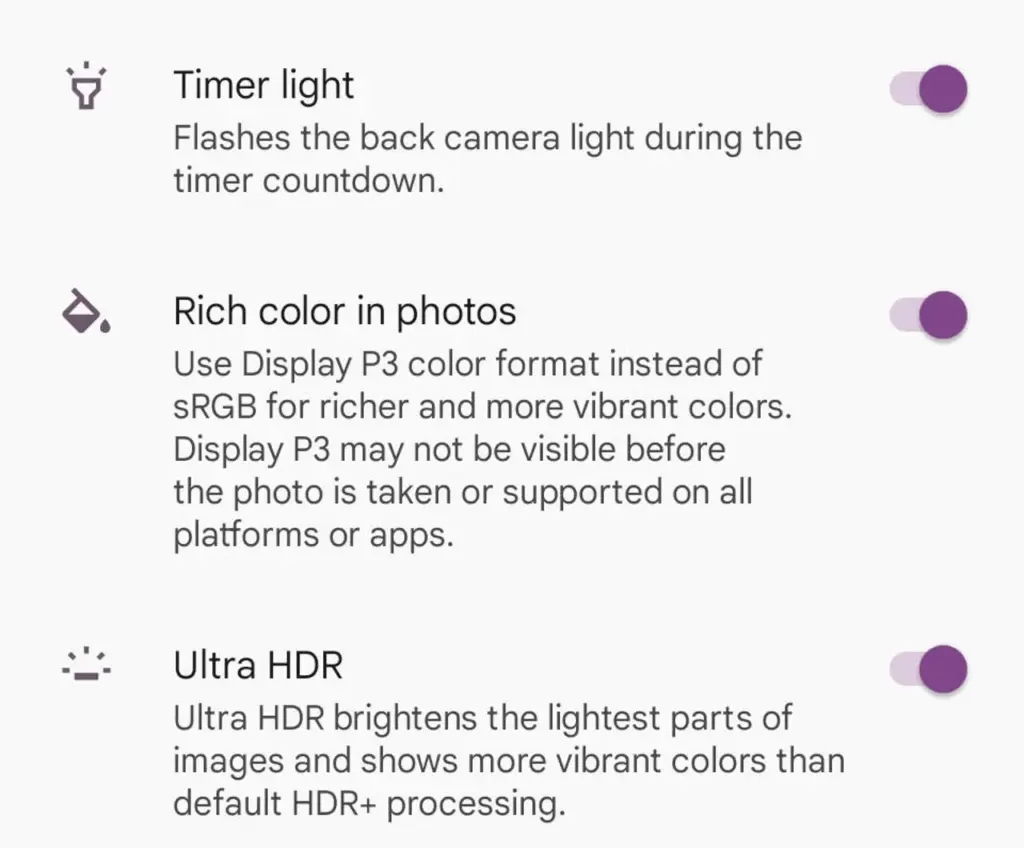
With each new edition of the Pixel camera, Google aims to surpass itself. Google first debuted the P3 wide gamut capture feature with the Pixel 8, which was accompanied by the Ultra HDR format of Android 14. Photos truly come to life with color thanks to the Display P3’s wide gamut capture.
Display P3: What is it?
Display P3 is a color space that combines the following:
DCI-P3 color gamut
D65 white point
sRGB gamma curve
Gamma is a nonlinear operation that is used to encode and decode brightness in images and videos, for those who were not present at the popular photography club table over lunch. Gamma is defined as the relationship between the luminance and the numerical value of a pixel, which is an even simpler description. Your photographs would not capture color as your eyes perceive it if gamma were not present.
A camera can prevent color and light tint by using white point, often known as white balance. Consider it in terms of the temperature of color. Are you recording in warm inside light or in the daylight? Your images may appear amber or blue if the white point is set incorrectly.
The range of colors in a color space that a device can replicate is known as the color gamut.
The Society of Motion Picture and Television Engineers and the Digital Cinema Initiatives developed Display P3, or DCI-P3, as a color space in an effort to standardize colors used in motion pictures. P3 focuses on what you see in movies. The coordinates of the red (x =.68, y =.332), green (x =.265, y =.69), blue (x =.15, y =.06), and white points (x =.134, y =.351) are even charted.
Anyone wishing to improve their smartphone photography skills should think about utilizing Display P3, as it gives a far wider variety of colors than sRGB. All of the phones in that range support P3, so if you own a Google Pixel 8 or 9, you are in luck.
How to enable P3 in the Pixel camera app
A Pixel 8 or 9 phone is all you will need for this. It may be XL, Pro, or ordinary.
Open the Camera app – to begin, unlock your phone and open the camera app.
Open Settings – Ttap the gear icon in the lower left corner of the window to open Settings.
Open More Settings – From the Settings pop-up, tap “More settings.”
Enable P3 – Move the On/Off slider for that entry until it’s in the On position. You can now back out of settings.
The color enhancement may appear mild on some devices and striking on others when you take pictures.
It should be noted that not all devices are compatible with P3. You may use the P3 gamut to snap a picture and then send it to someone whose device does not support it. The shot will not look nearly as good on their device as it does on yours.