Tag: scam

  • Android 17 Security Features: Anti-Scam Calls, Theft Protection, and Privacy Controls Explained

    Android 17 Security Features: Anti-Scam Calls, Theft Protection, and Privacy Controls Explained

    Google is significantly raising the security bar for Android devices in 2026 with Android 17. The update delivers a broad sweep of security and privacy improvements targeting some of the most common threats users face today — financial fraud, physical device theft, and invasive app tracking.

    Android 17 tackles phone scams at the call level

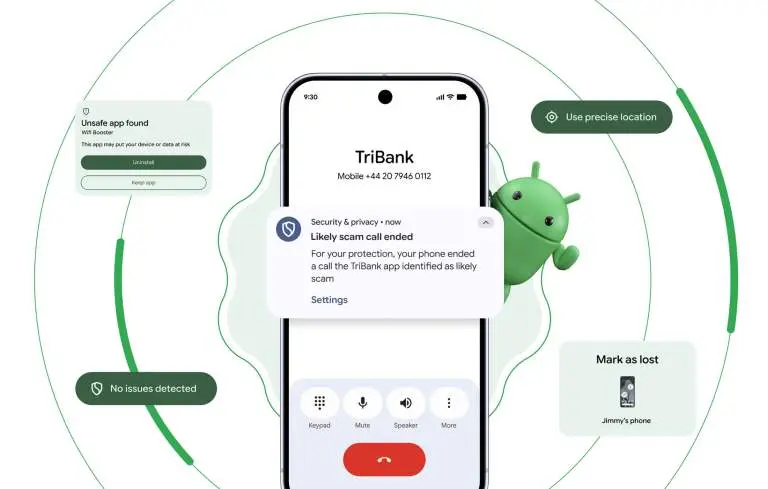
    One of the most persistent and costly attack vectors involves caller ID spoofing, where criminals disguise their number to impersonate a legitimate bank. This tactic contributes to nearly $950 million in losses globally every year. Google’s response is verified financial calls.
    android 17 scam protection

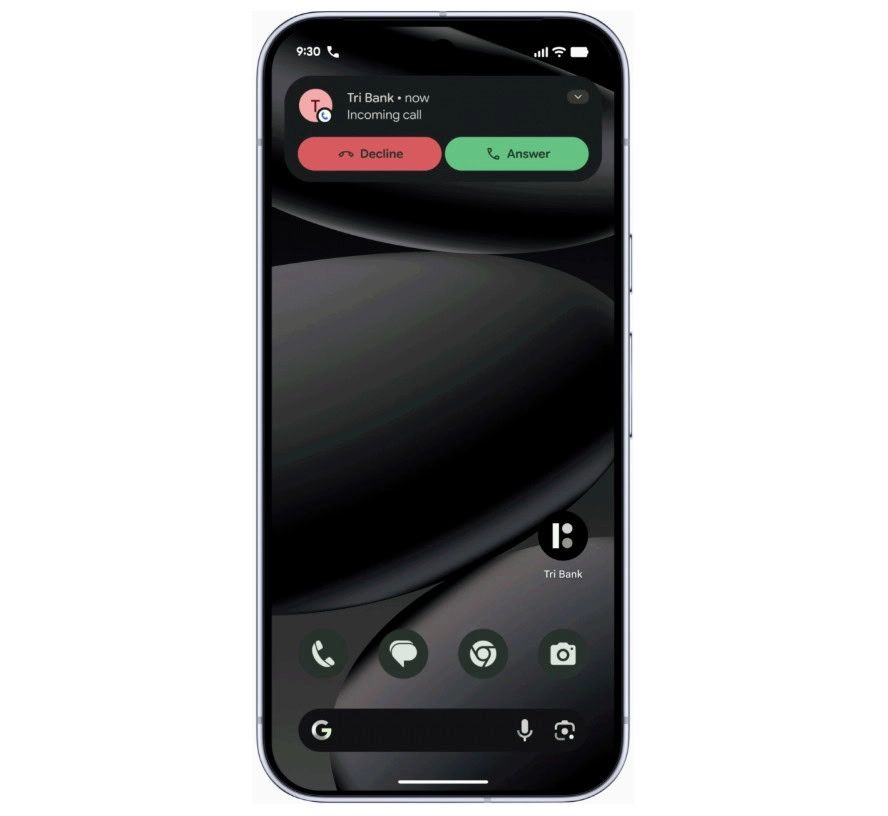
    On devices running Android 11 or higher, the system will work silently in the background alongside banking apps like Revolut and Nubank. When an incoming call arrives, Android checks with the bank to confirm whether the call is genuine. If it isn’t, the call is terminated automatically — before the user even has a chance to answer. The scam is blocked at the source rather than after the damage is done.

    Android 17 AI-powered app behavior monitoring

    Android 17 also makes the platform significantly better at identifying malicious apps after they’ve been installed. The updated Live Threat Detection uses on-device AI to continuously monitor how apps behave in practice. If an app begins forwarding SMS messages, attempts to conceal its icon, or tries to launch silently from the background, the system flags the suspicious behavior and alerts the user.
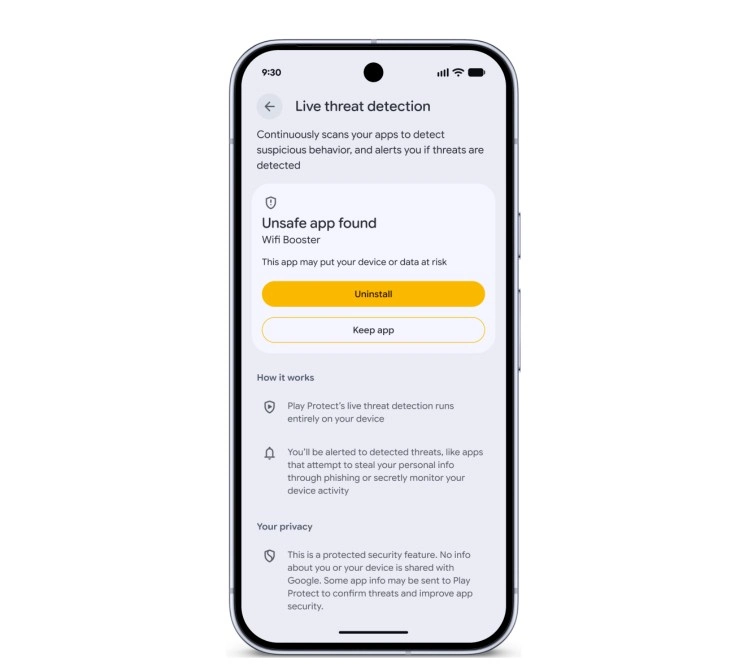
    android 17 app protection

    Chrome on Android gets a new layer of protection as well. At the moment an APK file is downloaded, Chrome will evaluate it against known malware signatures and issue a warning before the file even reaches local storage.

    Stolen phones become far less useful to thieves

    Physical theft isn’t just about losing hardware — the data inside is often worth far more. Android 17 introduces a biometric lock for the “Mark as Lost” feature, meaning a thief who has obtained a user’s passcode still can’t disable tracking or regain access without a fingerprint or face scan.
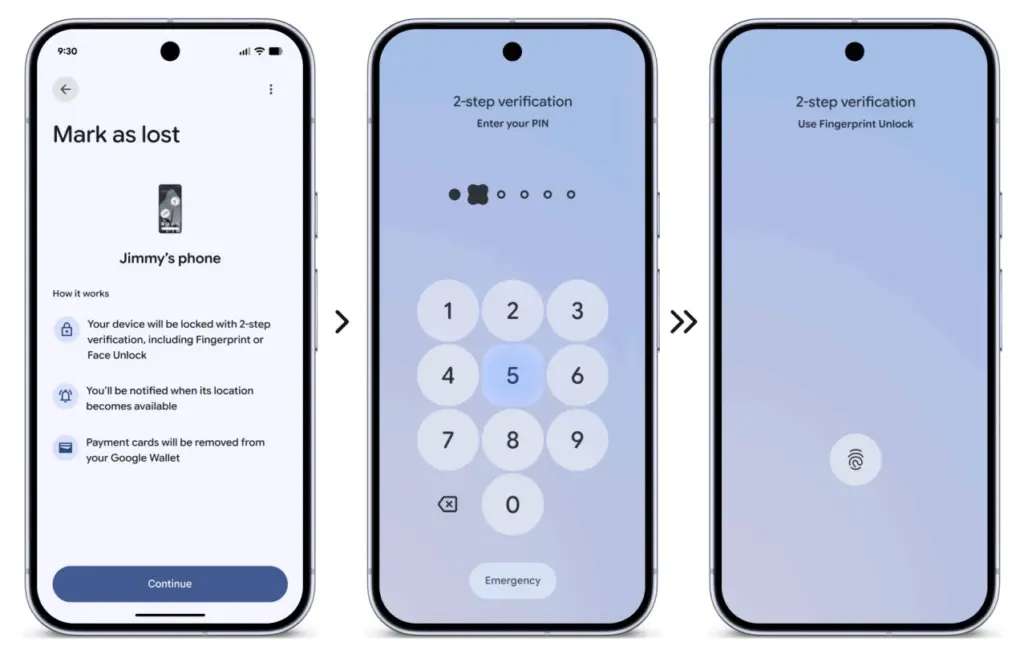
    android 17 theft protection

    Google is also expanding its default-on theft protection features globally. New and upgraded devices will automatically enable Remote Lock and Theft Detection Lock, which use onboard sensors to detect when a phone has been grabbed and instantly lock the screen in response.

    More granular control over what apps can access

    Privacy permissions are getting more precise with Android 17’s new one-time location sharing. Rather than granting a café app permanent GPS access, users can share their precise location only for the current moment while the app is open — and nothing beyond that.
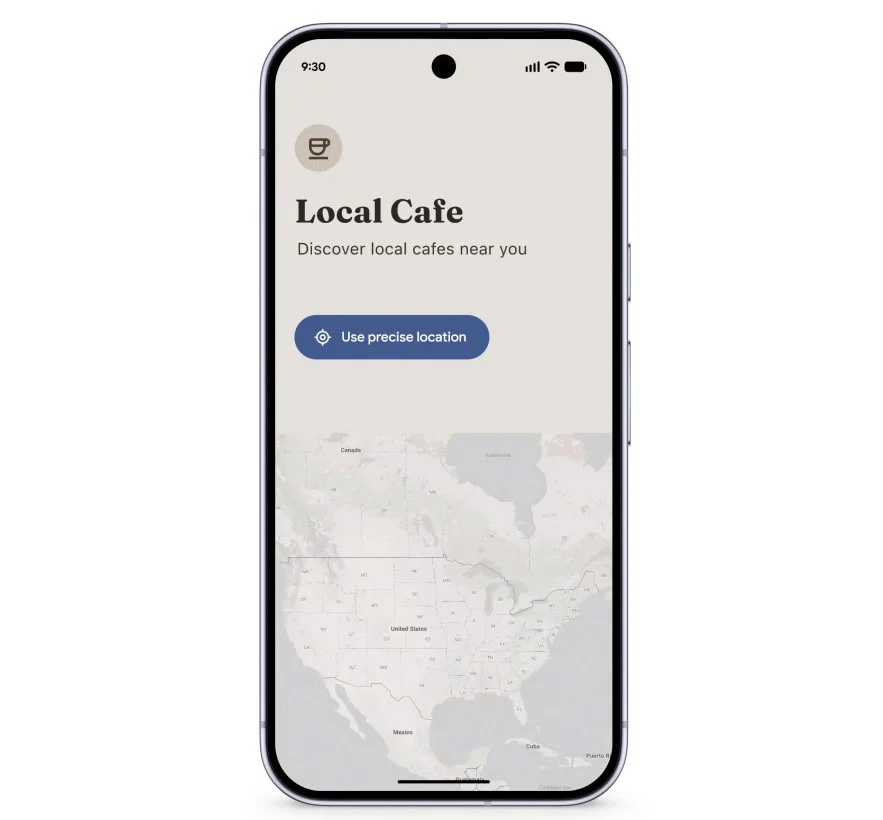
    android 17 apps acces

    A similar approach is coming to contacts. A new contact picker lets users share only the specific contacts an app needs, rather than handing over full access to the entire address book. Apps get only what’s necessary, nothing more.

    Verifying the integrity of Android itself

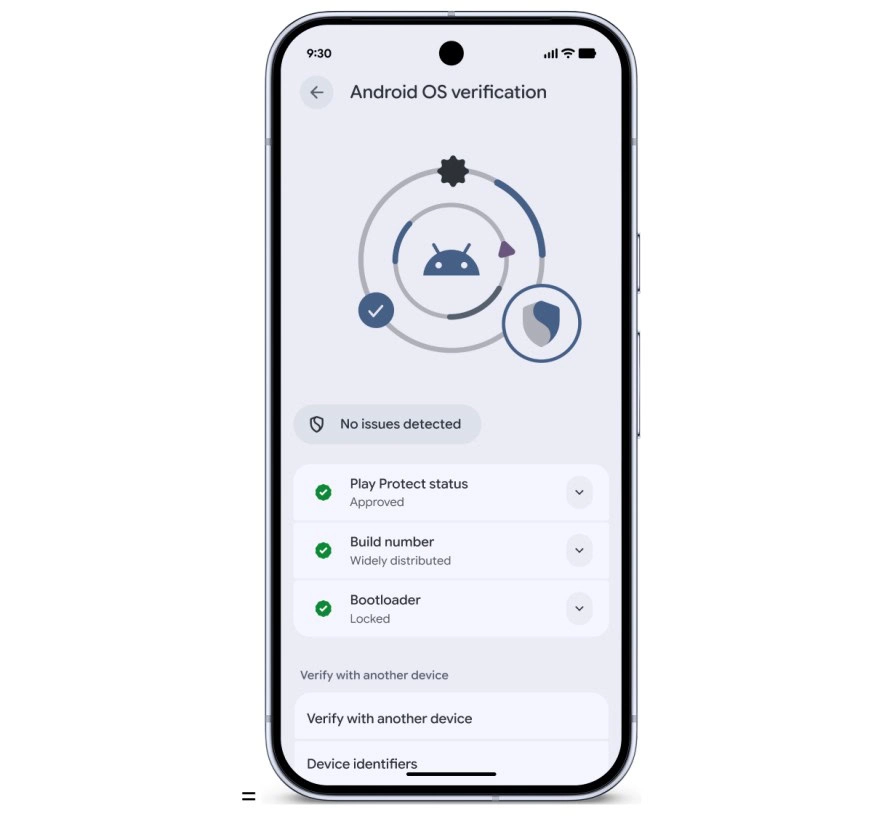
    Security also extends to the operating system at its core. Google has observed a rise in unofficial, modified Android builds designed to mimic legitimate software while secretly compromising user data. Android 17 addresses this with Android OS verification, launching initially on Pixel devices.
    android 17 protection

    The feature allows users to confirm that their phone is running an official, widely distributed build of Android. A public, cryptographically verifiable “Source of Truth” ledger provides proof that both the apps and the OS itself are authentic production versions — making it effectively impossible for a fake Android build to hide its intent behind a familiar-looking interface.

    Protecting against future threats

    Looking further ahead, Android 17 includes protections designed for threats that don’t yet exist at scale. OTPs (one-time passwords) will be hidden from malicious apps, closing off another common attack vector. Google also introduced Post-Quantum Cryptography in March, laying the groundwork for encryption that can withstand the computational power of future quantum systems — a forward-looking measure that reflects how seriously Google is treating long-term platform security.
  • Quishing #alert – FBI warns smartphone users about fake QR codes stealing money

    Quishing #alert – FBI warns smartphone users about fake QR codes stealing money

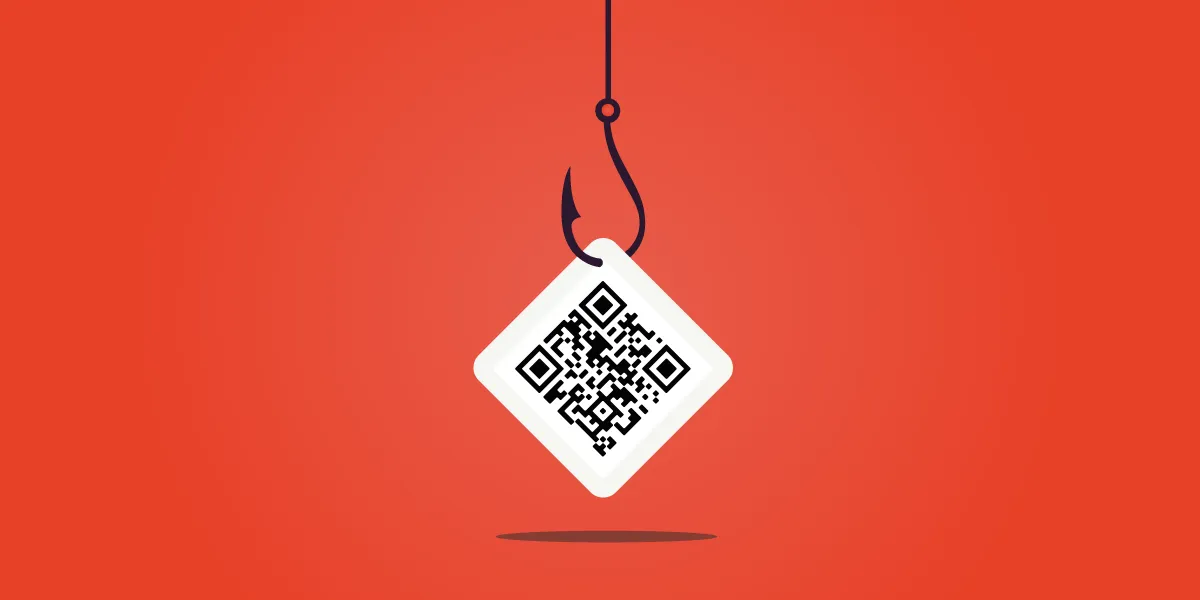
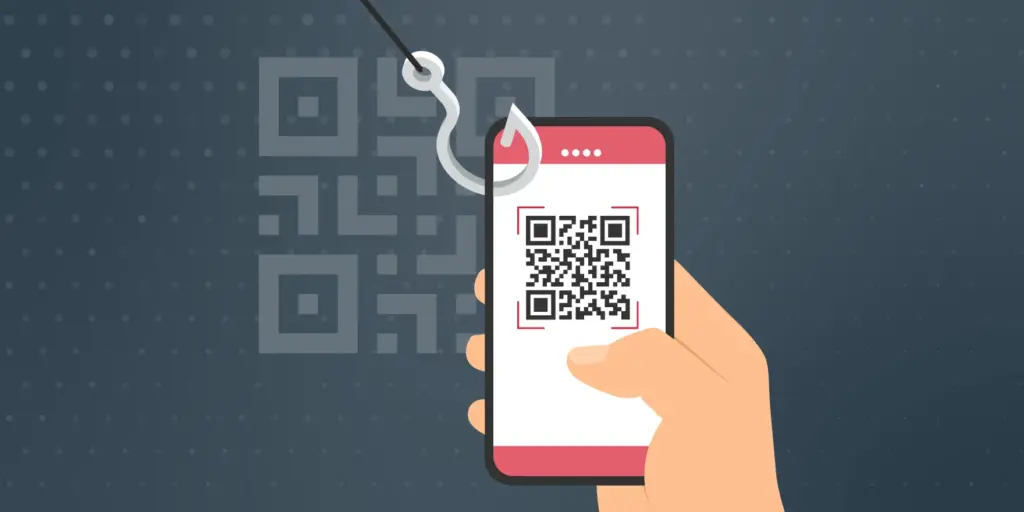
    Smartphone users are now being alerted by the FBI and cybersecurity organizations to a new fraud called “Quishing,” which includes malicious or phony QR codes. Particularly vulnerable are those who often utilize QR codes for logins or payments; some victims have lost thousands of dollars. Here’s what you should know and how to protect yourself.

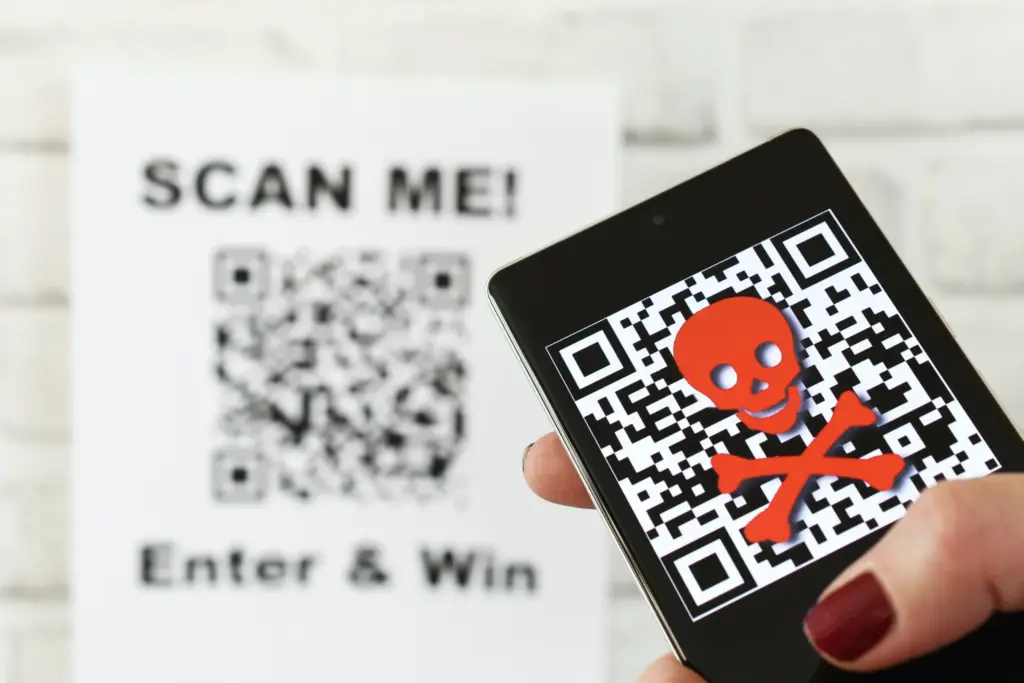
    The FBI and other federal authorities have recently expressed concern over the increase in QR scam attacks, sometimes known as quishing, in which unwanted parcels show up at people’s doorsteps. These packages frequently contain QR codes that, when read by the camera on mobile phones, cause victims to install malware or be redirected to phony websites. Your device may be compromised as a result, and your personal information may be taken.

    Quishing scam alert

    Online retailers are targeted by Quishing

    The most recent worry centers on these frauds that prey on people who frequently transact online. In order to steal your data, attackers are creating QR codes that point to dubious websites. These scams can also compromise your bank accounts and phone, enabling scammers to steal your money, according to the Brandenburg Consumer Advice Centre (VZB).

    In one scenario, scammers pose as legitimate customers interested in buying a product. They ask the seller to scan a QR code to start the transaction rather than giving money straight to the seller. By directing the victim to a phony PayPal login screen, this code may fool them into inputting their account information. This strategy is a type of phishing on websites.

    With zero-click tactics that don’t involve any user engagement, some attacks are become even more hazardous. Usually, high-profile people like politicians, journalists, attorneys, and activists are the target of these.

    Cyber Security Coach Online security specialist Alex East cautions that hackers might post phony QR codes in both public and private areas, such convenience store payment terminals or gas pumps. During normal transactions, these codes have the ability to reroute customers to malicious websites.

    Quishing alert - warning

    Ways to stay safe

    VZB recommends users to exercise caution when making digital transactions to prevent becoming victims of QR code frauds. It’s crucial to confirm that the vendor is the one displaying the QR code before paying, as opposed to scanning one that has been supplied by another party. Always look for indications of questionable activity on the website you are sent to, such as misspelled domain names or odd layouts.

    Scanning QR codes from unwanted parcels, email attachments, or public places should generally be done with caution as they may direct users to fraudulent websites. It’s even better to stay away from scanning QR codes completely unless you know exactly where they came from.

    It’s also strongly advised to strengthen account security using two-factor authentication (2FA), particularly when money is involved. Consider using passkeys, a more secure login option that is already supported by many websites and apps, for even more security.

    Security features on both iPhones and Android smartphones, such as warnings for phony websites and fraud detection in calls and messages, can aid in spotting scammers. To get the most protection, make sure these features are turned on.

  • Google Scam Detector will be integrated in social apps

    Google Scam Detector will be integrated in social apps

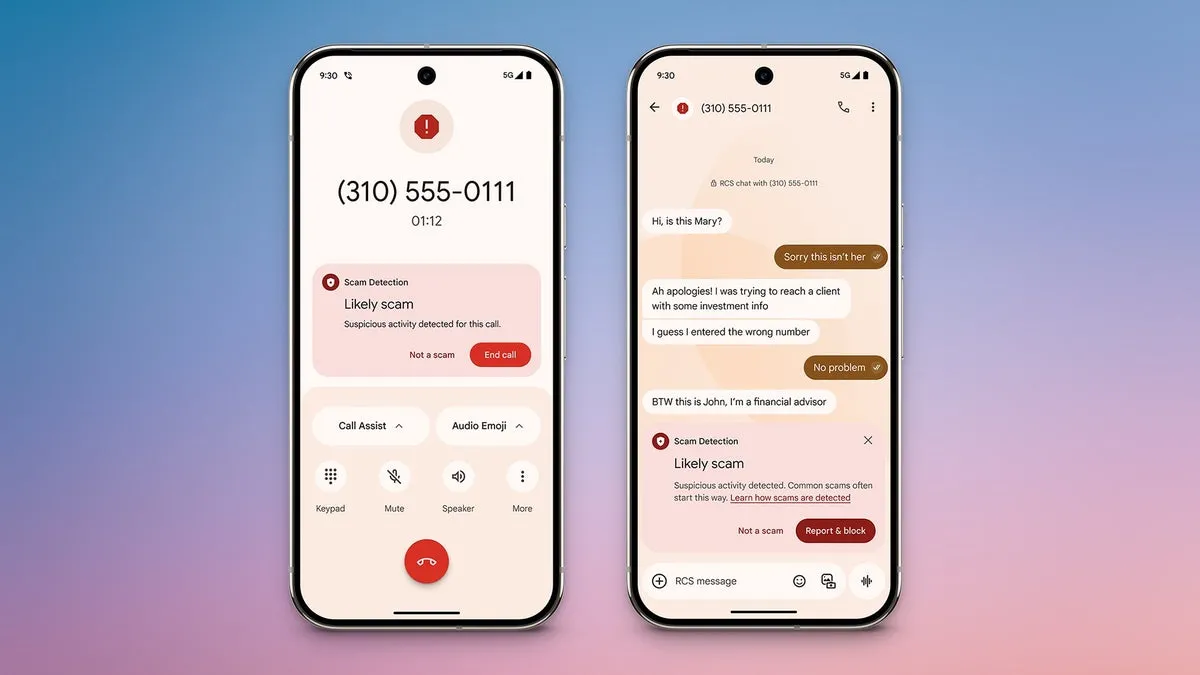
    Hardware and software are not the only things that are changing. The sophistication of cyberthreats such as phishing and frauds is also increasing. Google just unveiled a potent AI-powered scam detection tool for Android that provides real-time notifications while making calls and sending messages. It looks like the business is now extending this tool to third-party messaging applications.

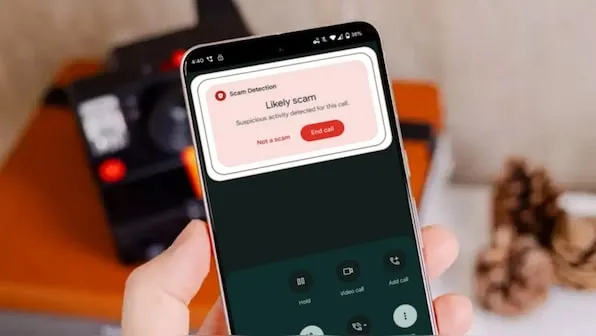
    Gemini powers Android scam detection, which starts as soon as a danger is detected. Before answering a call or even in the middle of a conversation, it notifies users. Despite its great effectiveness, the tool’s present functionality is restricted to native Android Phone and Messages apps.

    google scam detector

    This exposes consumers to attacks on WhatsApp, Facebook Messenger, and Telegram, among other channels where scams are equally prevalent. Thankfully, it appears like Google foresaw this gap early on.

    Meta Apps will soon get Google’s Scam Detection

    The most recent Android System Intelligence update for the Pixel 10 indicates that Google is attempting to expand scam detection beyond Messages to other messaging apps, according to Android Authority.

    Evidence of this enlargement can be discovered in code strings included in the update and in the Security and Privacy section of the tool’s settings.

    It is anticipated that the feature’s settings would include a new toggle called “Message frauds.” “Get alerts about possible frauds in notifications of chat messages from supported apps,” the description says, implying third-party platform support. Millions of users might be able to avoid scammers before they even open a questionable mail thanks to this.

    <string name="notification_adjustment_justification">May contain harmful contents</string>
    <string name="notification_scam_likely_text">Likely scam</string>
    <string name="scam_warning_description">Scam Detection found suspicious activity in this message</string>
    <string name="scam_warning_guidelines_header">Protect yourself against scams:</string>
    <string name="scam_warning_header">Likely scam</string>
    <string name="not_a_scam_button_text">Not a scam</string>
    <string name="snackbar_text">Scam Detection paused for this chat</string>

    Subsequent research reveals that the program may indicate questionable information or behavior by scanning messages within apps. In addition to having the option to completely or per-app disable the feature, users will be able to verify whether a message is a hoax. Users now have more control, particularly if they use a certain chat service a lot.

    Which Apps Are Going to include Google Scam Detection?

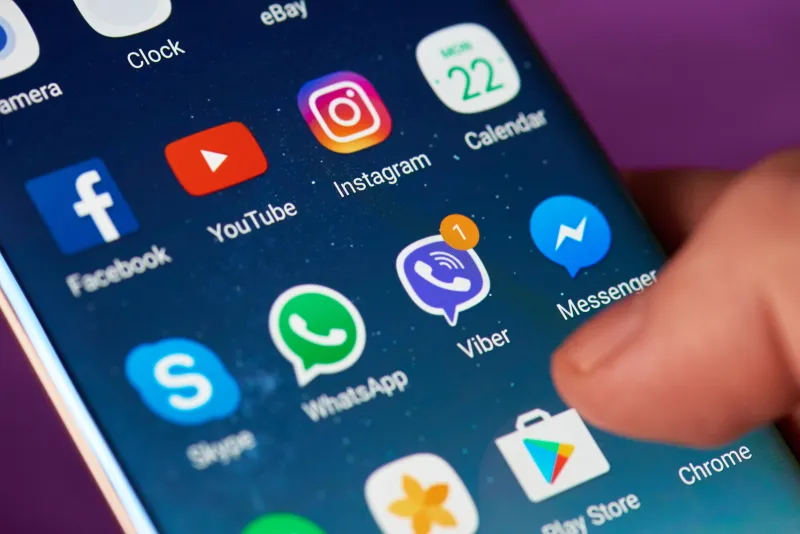
    According to reports, this feature will work with a number of apps, including Verizon Messages, Instagram, Facebook Messenger, Signal, WhatsApp, KakaoTalk, Line, and Twitter (X). After the feature is formally launched, more apps will probably be included.

    Although the release date for this feature is yet unknown, it is something to keep a close eye on. Tools like these are becoming indispensable as AI-powered scams and more sophisticated attack techniques proliferate.

    Starting with the Pixel 10 and later variants, we anticipate the feature to make its debut on Pixel devices. It should ideally spread to Android smartphones other than Google’s own.

  • #scam alert! Avoid these scammy apps still listed in Play Store

    #scam alert! Avoid these scammy apps still listed in Play Store

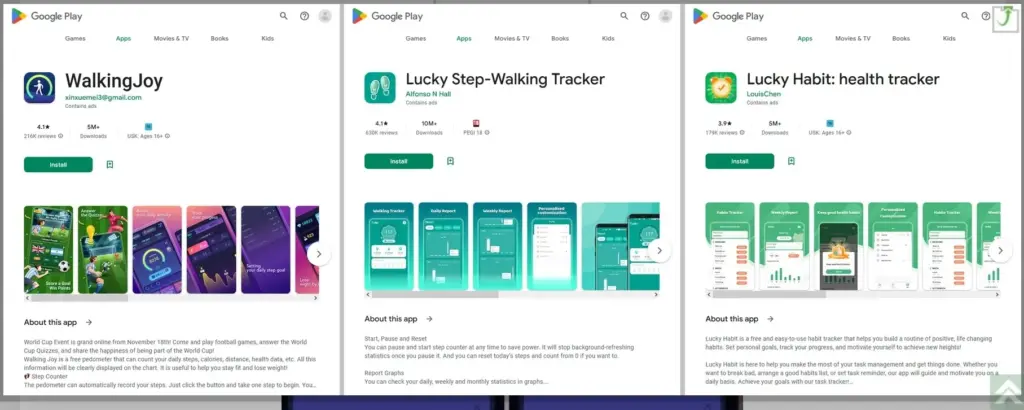
    Around 20 million activity-tracking apps have been downloaded from the Google Play Store, according to software company Dr.Web (via BleepingComputer). What draws Android users to these three tracking applications so much? They advertise themselves as pedometers and health trackers that encourage you to exercise by promising to pay out cash rewards to those who meet specific targets.

    They are still listed in the Google Play Store

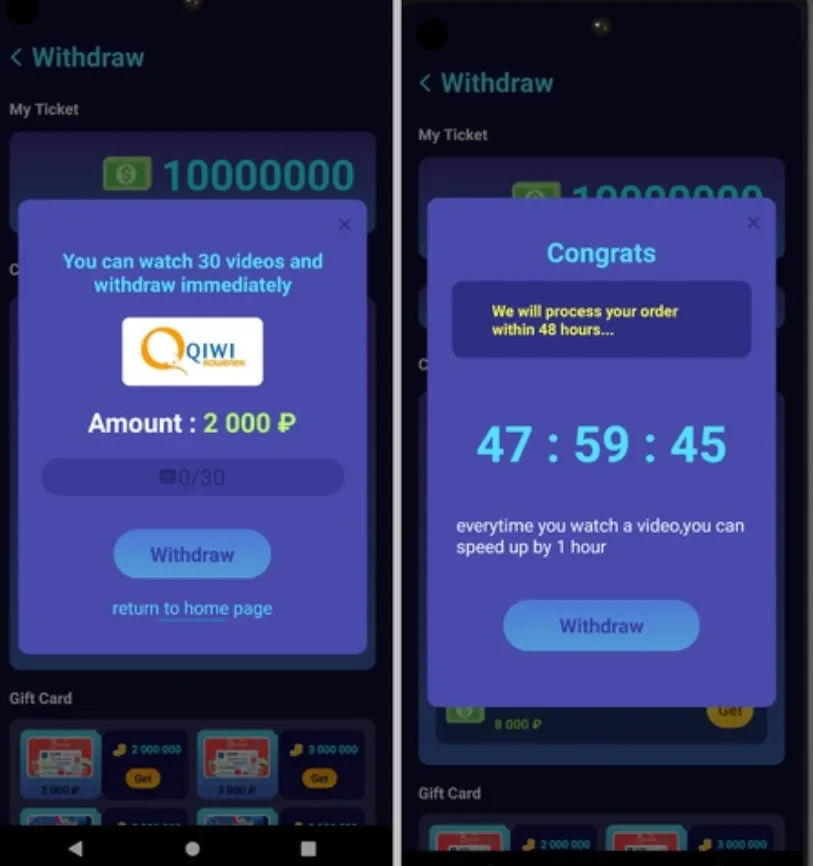
    According to the study from Dr.Web, these prizes are frequently impossible to obtain because users must accrue a significant number of awards before being required to view a huge number of ads in order to cash out. Users were instructed to watch more advertisements after they had already seen all of them in order to “speed up” the rewards process. “The applications did not check any of the payment-related data submitted by users, therefore the chances of obtaining any of the money promised from these apps are extremely tiny,” the research claims, despite this.

    Three apps mentioned in the report remain in the Google Play Store. They are:

    • Lucky Step – Walking Tracker with 10 million downloads.
    • WalkingJoy  with 5 million downloads.
    • Lucky Habit: health tracker with 5 million downloads.

    All three apps connect with the same command & control server. Such servers are usually used by attackers to send directions to systems infected by malware. With all three apps communicating with the same remote server, it is apparent that they have the same developer. It is also pointed out that earlier versions of the Lucky Step-Walking Tracker falsely said that users had the option of converting their rewards into gift cards for various online stores.

    Remember, these crooked developers make money when you view their ads. The more ads you watch, the more money they make.

    scam apps

    The mechanism that would convert prizes into cash was eventually deleted from the Lucky Step-Walking Tracker app update, and the interface elements that would need to be tapped to complete this conversion vanished. The prizes that had been accumulated before were now useless.

    One more malicious app that you need to avoid

    A workout program called FitStar that generates a personalized weight-loss plan for 29 rubles was also highlighted in Dr. Web’s report (equivalent to 41 U.S. cents). Nevertheless, individuals who subscribed were unaware that the program they were enrolling in was only valid for one day. Following the trial period, users were automatically renewed for an additional four days of service at 980 rubles ($13.86). The program’s full access cost 7,000 rubles ($98.98), and users’ subscriptions were automatically renewed every four days.

    This app is also still listed in the Google Play Store. Comments for this app note that if you install it, the icon doesn’t show up on your phone’s list of installed apps making it hard to uninstall. The same review also notes that “The app is trying from the start to get into either Facebook or Google data…”

    3badapps 2

    Phishing games

    In the same report, Dr. Web warned that phishing apps disguised as investment apps and games were found on Google Play, measuring over 450,000 downloads.

    The apps connect to a remote server upon launch and receive a configuration instructing them on what to do. Typically, the instructions involve loading phishing pages that request users to enter sensitive details.

    The malicious game apps observed by Dr. Web are the following:

    • Golden Hunt – 100,000 downloads
    • Reflector – 100,000 downloads
    • Seven Golden Wolf blackjack – 100,000 downloads (still on Google Play)
    • Unlimited Score – 50,000 downloads
    • Big Decisions – 50,000 downloads
    • Jewel Sea – 10,000 downloads
    • Lux Fruits Game – 10,000 downloads
    • Lucky Clover – 10,000 downloads
    • King Blitz – 5,000 downloads
    • Lucky Hammer – 1,000 downloads

    If any of the aforementioned phishing apps are already installed on your Android device, you should uninstall them right once. After that, conduct an antivirus scan to find and get rid of any leftovers.

    Google has been questioned regarding the security of the apps that are still available on the Play Store.