Tag: oneui

  • Samsung OneUI 8 to be released – we could see major Android 16 software update soon

    Samsung OneUI 8 to be released – we could see major Android 16 software update soon

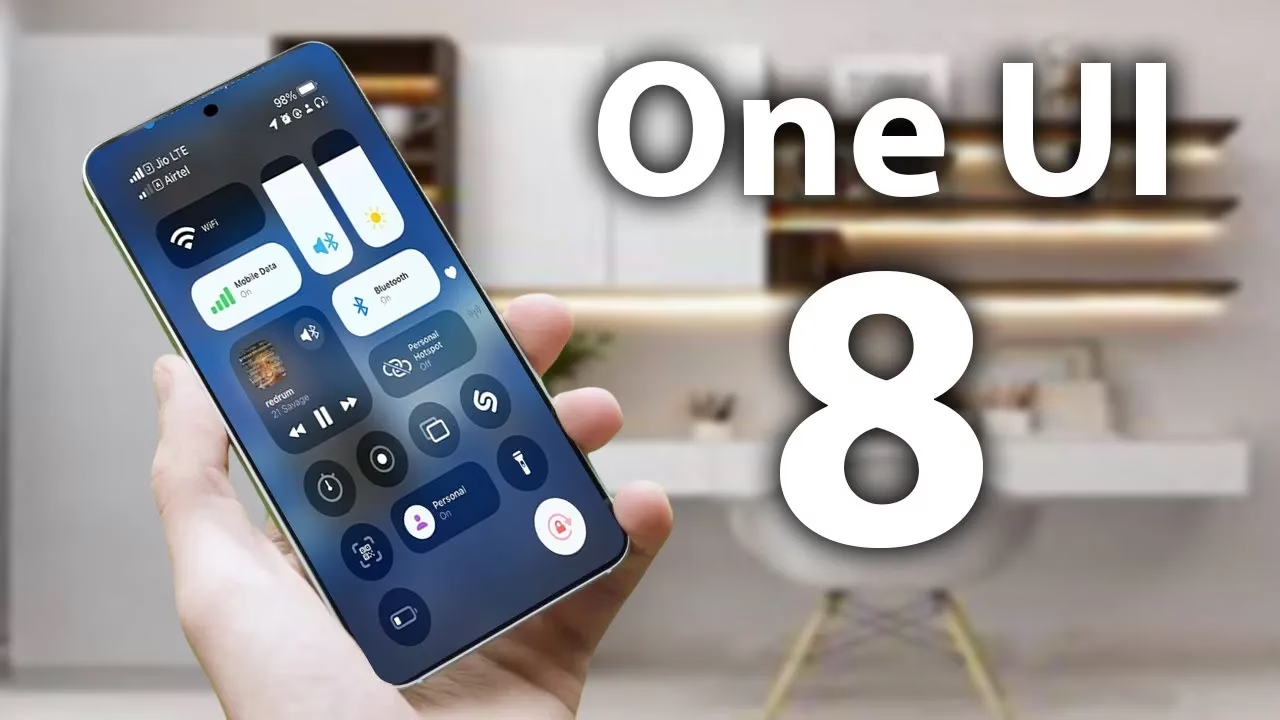
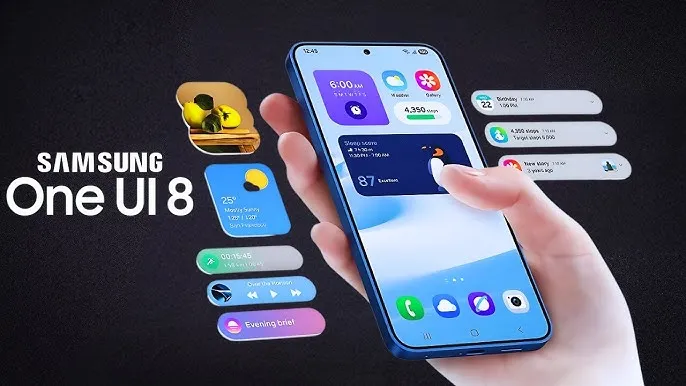
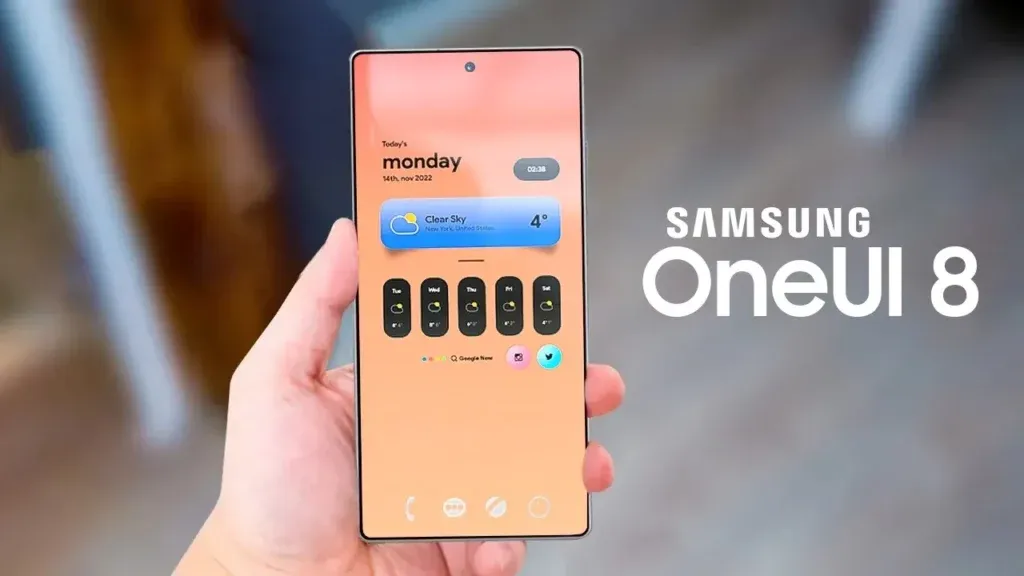
    One of the main features that sets Samsung’s Galaxy phones and tablets apart is its One UI. Now that One UI 7 is available to customers, focus is turning to OneUI 8, the upcoming chapter. Exciting new features will be available for Samsung handsets with the next software update, which is based on Android 16.

    The release date, the beta testing program, which devices will receive OneUI 8 in accordance with Samsung’s update policy, and the implications for Galaxy users will all be covered in this article.
    oneui 8 1

    OneUI 8 Release Date

    Samsung’s major One UI releases have historically coincided with the yearly cycle of Android updates, usually occurring in the fourth quarter, around October or November, after Google’s stable Android release. One UI 6, for example, made its debut on October 30, 2023, and One UI 7, which was much later, appeared on April 7, 2025. But OneUI 8 is totally deviating from this trend.

    At Samsung’s Galaxy Unpacked event on July 9, 2025, the Android 16-based One UI 8 was formally unveiled. Arriving in July, months ahead of Samsung’s customary fall upgrade timetable, the company successfully met its ambitious summer 2025 stable release timeline.

    According to Samsung, the update will be progressively made available to additional Galaxy devices that are compatible, guaranteeing a wider distribution within its ecosystem.

    In mid-August 2025, the Galaxy S25 series has the best probability of receiving the stable One UI 8 update for current devices. With a staggered deployment to guarantee stability, the update for additional devices, like as the Galaxy S24, S23, and previous foldables, is probably going to begin in late August 2025.

    Samsung OneUI 8 Beta Program

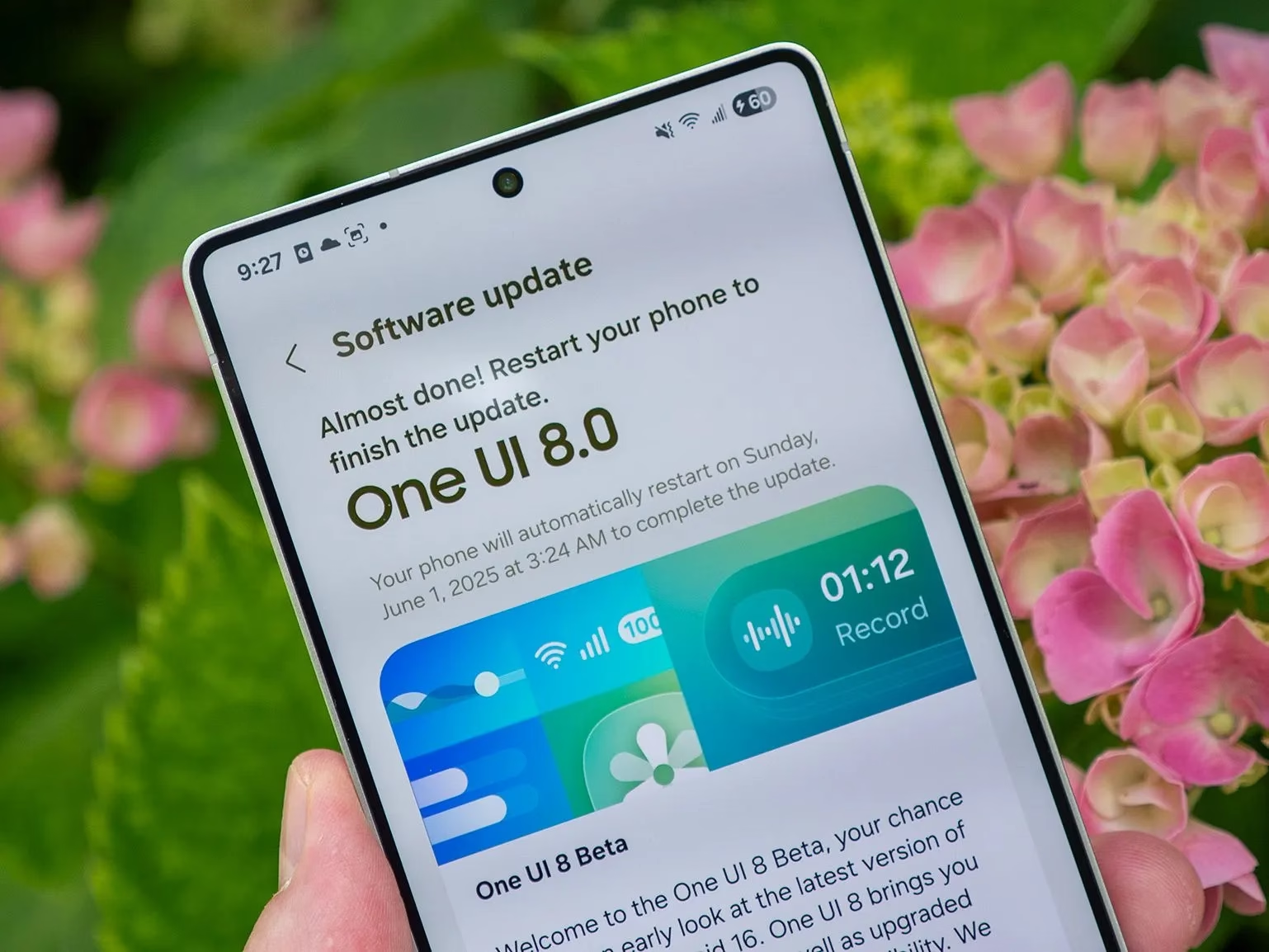
    Beginning with the Galaxy S25, S25+, and S25 Ultra in Germany, Korea, the UK, and the US, Samsung formally began the OneUI 8 beta program on May 28, 2025. India and Poland are now part of the Beta program.

    Through the Samsung Members app, users of the Galaxy S25, S25+, and S25 Ultra can apply to install the One UI 8 beta by following the revised sign-up procedure that Samsung has announced. With Beta 1 launching on May 28, Beta 2 on June 12, and Beta 3 on June 30, 2025, Samsung launched the beta program without making any significant formal announcements.

    As is customary for Samsung, the beta program began with flagship devices. Samsung has expanded the One UI 8 Beta 3 program to include the Galaxy Watch 7 and Ultra after successfully launching it for the Galaxy S25 series. According to the Samsung Korea Moderator, the fourth beta build has been confirmed and will be available next week.

    almost everything new in one ui 1

    OneUI 8 Eligible Devices

    We can use Samsung’s official software update policy to determine which devices are assured of receiving the upgrade, even though the company hasn’t formally confirmed the OneUI 8 device list. Along with five years of security updates for certain models, Samsung now provides up to seven years of operating system upgrades for some flagship handsets (beginning with the Galaxy S24 series) and four years for others. The following devices are unquestionably qualified for OneUI 8 based on this guideline and the verified OneUI 7 rollout:

    • Galaxy S Series:
      • Galaxy S25 Edge, S25, S25+, S25 Ultra, Galaxy S24, S24+, S24 Ultra, S24 FE, Galaxy S23, S23+, S23 Ultra, S23 FE, Galaxy S22, S22+, S22 Ultra.
    • Galaxy Z Series:
      • Galaxy Z Fold7, Z Flip7, Flip7 FE (Launched with OneUI 8), Galaxy Z Fold6, Z Flip6, Galaxy Z Fold5, Z Flip5, Galaxy Z Fold4, Z Flip4.
    • Galaxy Tab Series:
      • Galaxy Tab S10+, Tab S10 Ultra, Galaxy Tab S9, S9+, S9 Ultra, Galaxy Tab S8, S8+, S8 Ultra.

    The four-year policy may also apply to mid-range devices such as the Galaxy A55 and A35. The Galaxy S21 series and other older devices might not be able to use OneUI 8 since their four-year support might expire before it does.

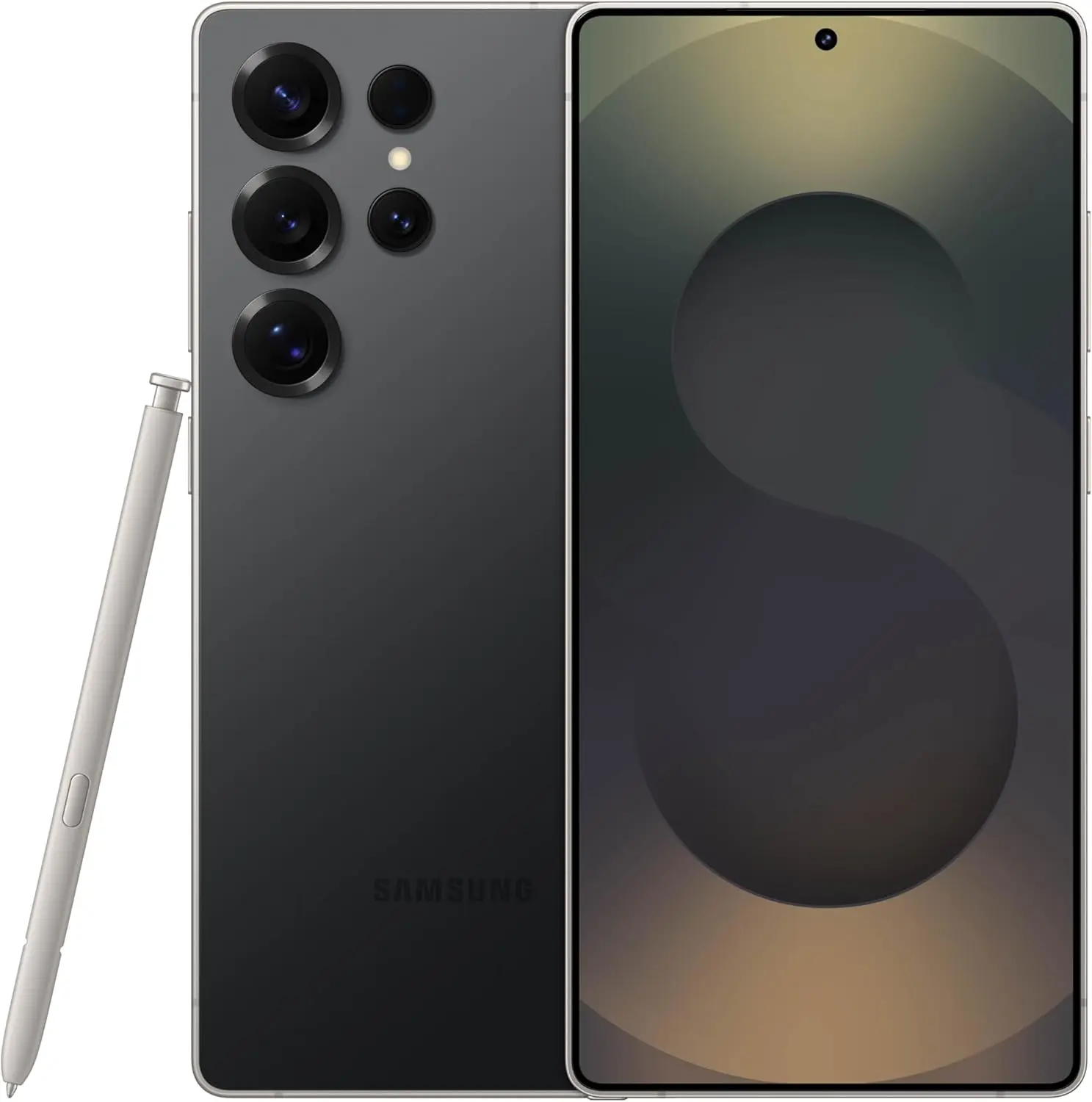
    OneUI 8’s release coincided perfectly with the July 9, 2025, release of Samsung’s new foldables, the Galaxy Z Fold7, Z Flip7, and Z Flip7 FE. OneUI 8, based on Android 16, comes preinstalled on these devices. Samsung made a big shift with this, releasing a big update far earlier than many had anticipated.
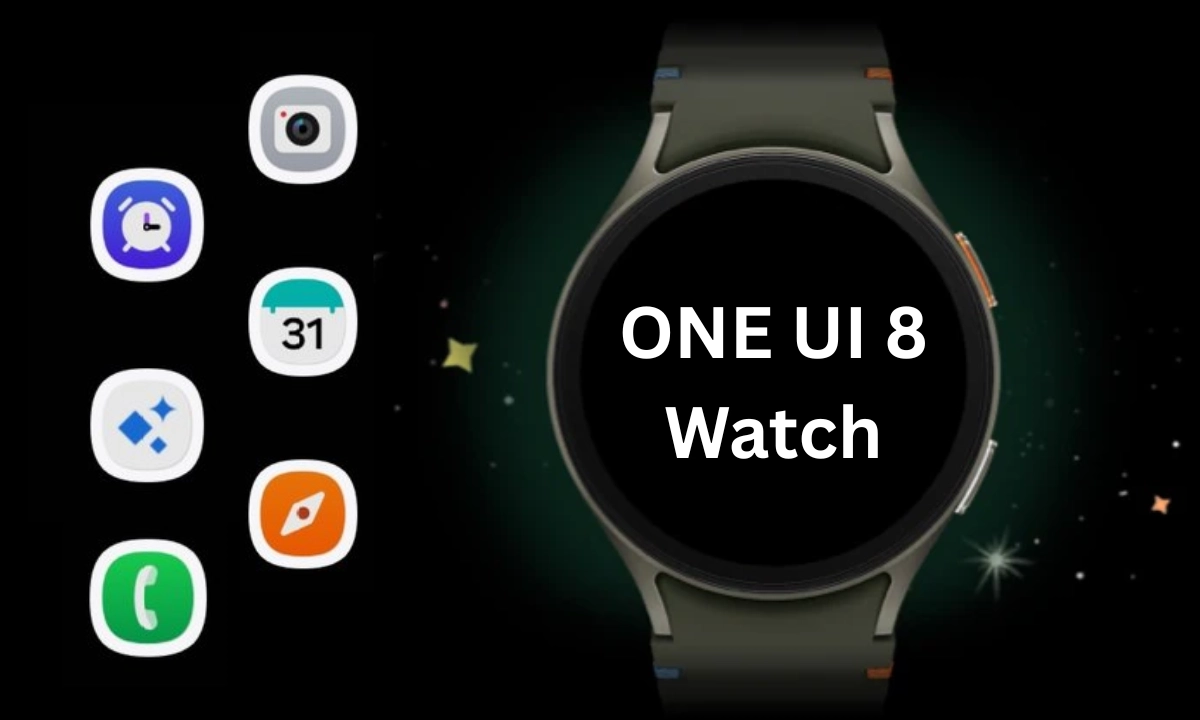
  • Samsung begins rolling out the stable update for the One UI 8 Watch in the US

    Samsung begins rolling out the stable update for the One UI 8 Watch in the US

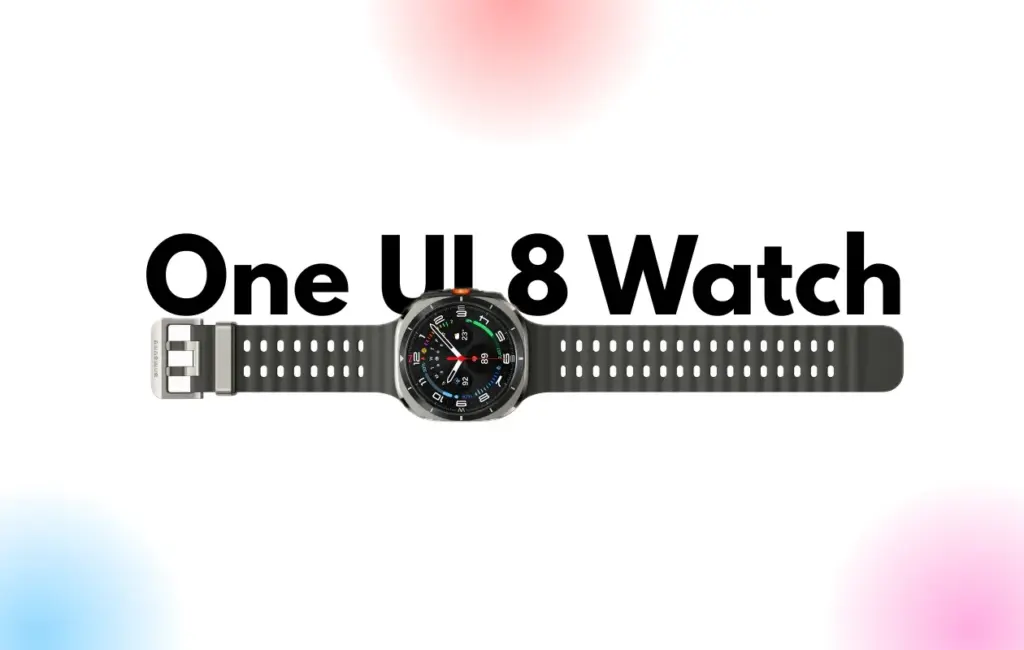
    Samsung begins rolling out the One UI 8 Watch update in the United States. The main software, which weighs about 2GB and includes a security patch from earlier, is being made available to owners of the original Watch Ultra.

    PDA build version L705USQU1BYFE in the US is the stable One UI 8 Watch upgrade that Samsung enthusiasts with Galaxy Watch Ultra may identify. It’s a significant update that adds health monitoring capabilities and a new user interface.

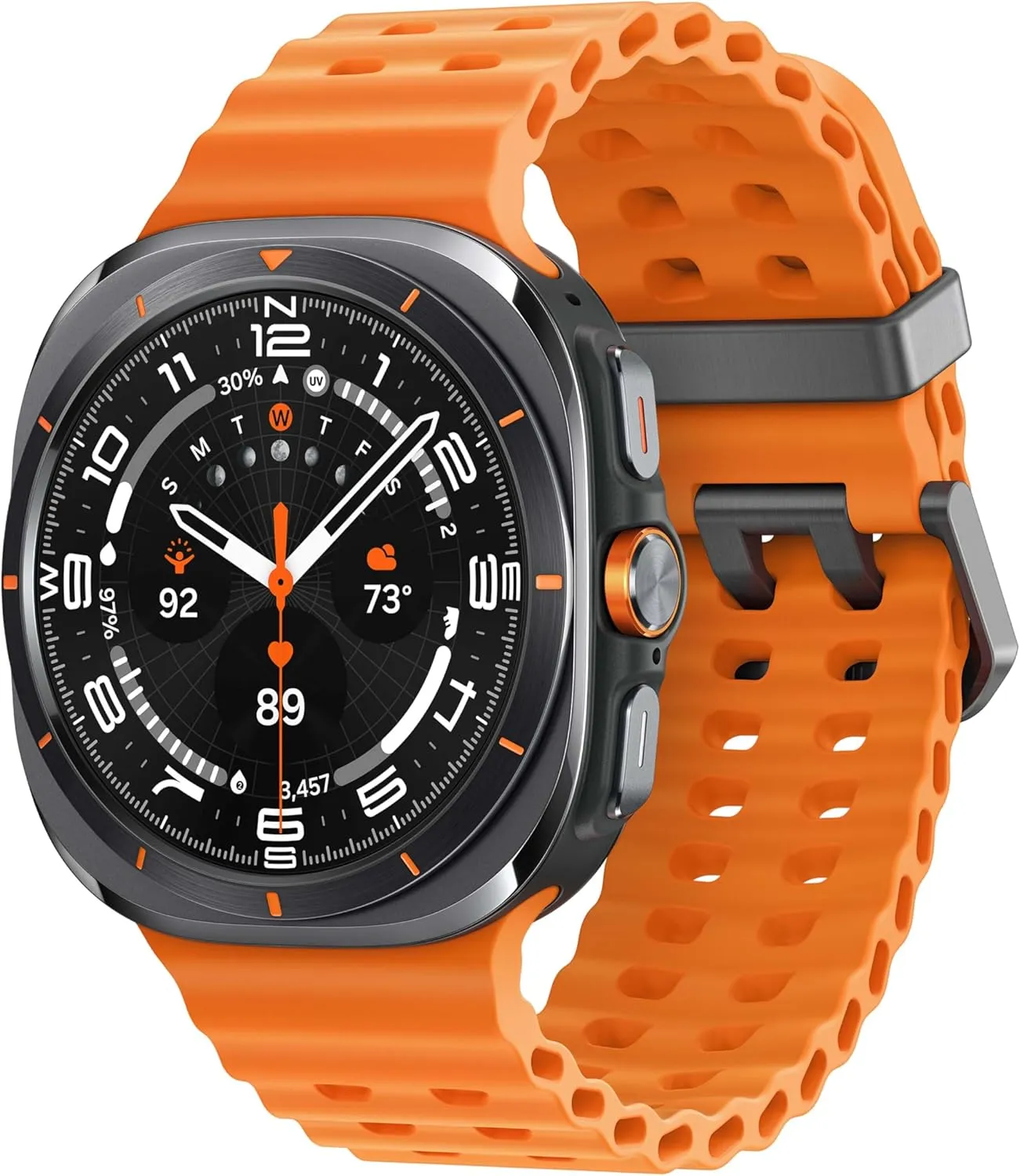
    Samsung released the Galaxy Watch Ultra 2025 on July 9. Compared to the original models, this smartwatch has new colors and more storage. The Watch 8 and Watch Ultra 2025 also marked the official release of the updated Watch OS.

    One UI 8 Watch update comes to US

    oneui 8 watch stable update

    Wear OS is the foundation of Samsung’s One UI 8 Watch. It gives your smartwatch a longer battery life. Reimagined tiles, slicker animations, and reliable functioning are all part of the company’s significant redesign.

    Stay connected with the latest from Droid Tools—follow us on X @droid_tools, like our page on Facebook, check out our updates on Instagram, and follow us on Google News for real-time news, device tips, and mobile tech insights.

  • One UI 8 internal beta started for Galaxy S24 FE and Galaxy S22 series

    One UI 8 internal beta started for Galaxy S24 FE and Galaxy S22 series

    The next significant One UI release will be the One UI 8 update, which Samsung is developing for Android 16. Only the Galaxy S25 series is currently able to access the One UI 8 in public beta. It is being tested internally for a number of devices, though.

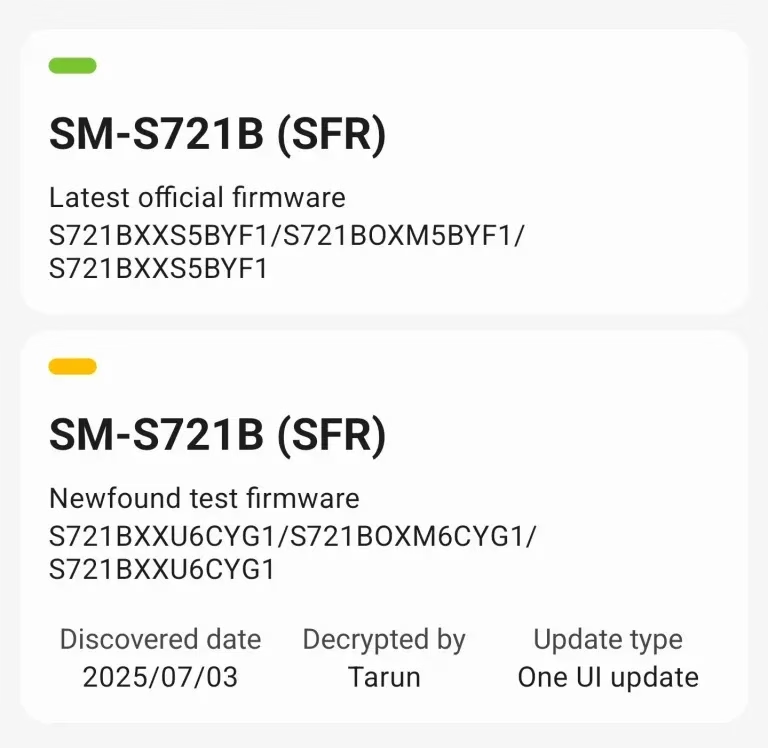
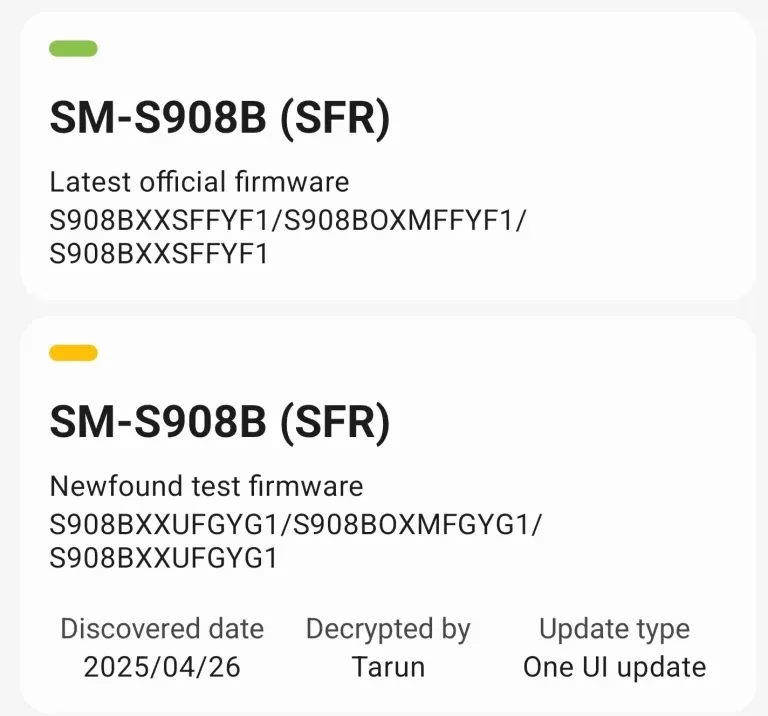
    On Samsung’s server, the One UI 8 internal beta for the Galaxy S22 and S24 FE was recently discovered. Internal beta testing has already started for these two phones, even if they might not get the public beta. Accordingly, users of the Galaxy S24 FE and S22 can anticipate the stable One UI 8 update shortly following the release of the Galaxy S23 series.

    One UI 8 internal build

    Build number CYG1 was the One UI 8 internal build for the Galaxy S24 FE, and build GYG1 was the build for the Galaxy S22 series.

    One UI 8 internal beta Galaxy S2

    This result confirms that the upgrade is currently being developed, even though it might not be a significant accomplishment. Additionally, there’s a potential that the build will leak to the public because internal testing has started, providing unauthorized access to this update on these devices.

    One UI 8 internal beta Galaxy S2 1

    We appreciate Tarun Vats’s discovery. In contrast to the One UI 7 build, you may anticipate that the stable One UI 8 upgrade will arrive on schedule if you own a Galaxy S24 FE or Galaxy S22. Additionally, don’t wait for the public beta because Samsung often only publishes it for a select few devices, primarily the most recent flagship and mid-range models.

    It is anticipated that One UI 8 will introduce some new features and significantly increase One UI performance. There will be some additions even if there might not be as many significant improvements as One UI 7. For instance, the Adaptive Lock Screen clock, which looks fantastic, will also be included. Expect some UI improvements for stock apps as well.

    Stay connected with the latest from Droid Tools—follow us on X @droid_tools, like our page on Facebook, check out our updates on Instagram, and follow us on Google News for real-time news, device tips, and mobile tech insights.

  • Advanced Protection mode will come in Samsung’s One UI 8

    Advanced Protection mode will come in Samsung’s One UI 8

    From strong, integrated security features like Samsung Knox to optional anti-theft settings that you must manually activate, Samsung phones come with an extensive array of security safeguards. It can be difficult to find and activate all of these security toggles, but the upcoming major One UI update offers a simpler method to increase the security of your device.

    Advanced Protection mode

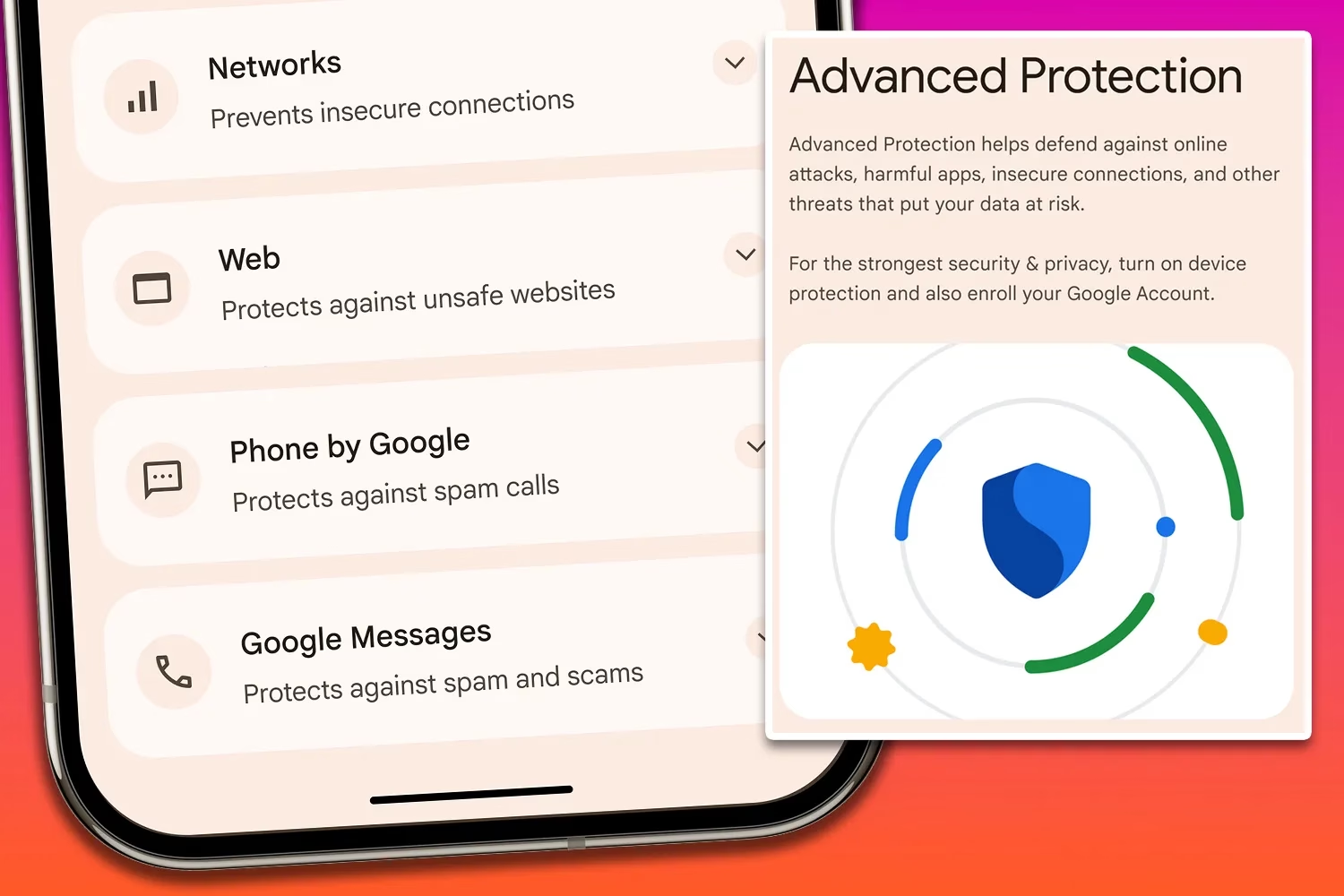
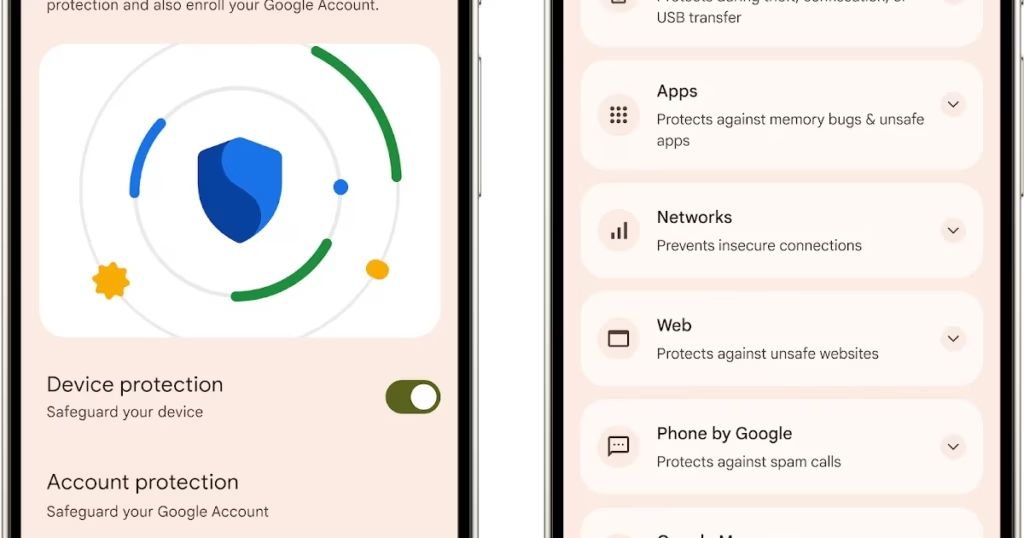
    An optional Advanced Protection security mode, a one-click toggle that turns on a number of system and app-level security protections, will be included in the One UI 8 update. It permits, for instance, USB data protection, 2G network protection, and sideloading protection. Advanced Protection is available to anyone who want to better protect their data, even though it is intended for high-risk customers who might be the target of skilled attackers.

    Advanced Protection feature comes in Android16

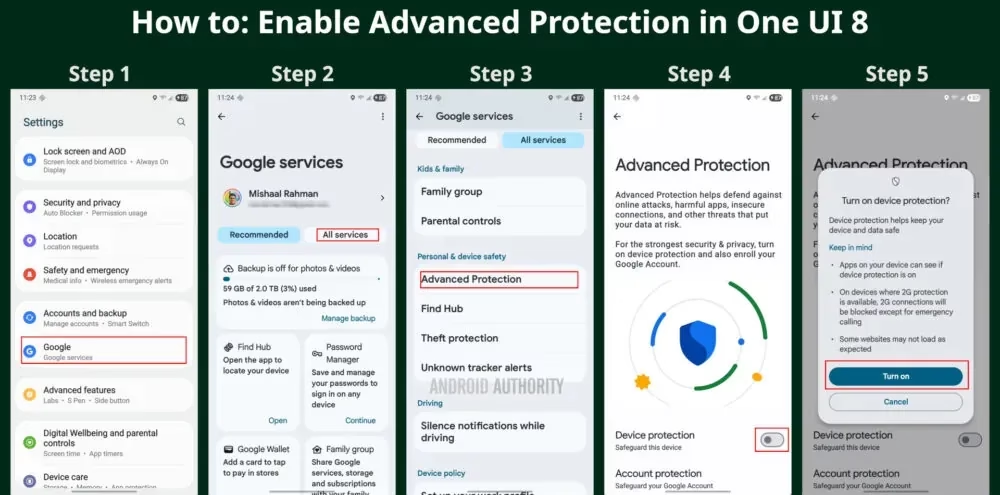
    To turn on Advanced Protection, follow these steps on your Samsung phone running One UI 8:

    1. Open Settings and select Google
    2. Tap the All services tab
    3. Scroll down to the Personal & device safety category and open Advanced Protection
    4. Toggle “Device protection
    5. Tap Turn on
    How to enable Advanced Protectio mode
    galaxy s25 ultra

    Samsung Galaxy S25 Ultra, 512GB

    Streamline your day with an assistant that gets you. Ask it to Google search for a pet-friendly vegan restaurant nearby and text it to your friend— your Galaxy S25 Ultra handles multiple tasks with a single ask.

    Best Android choice
    $1,419.99$1,208.38Get It Now

    Building on Google’s Advanced Protection Program, which offers further protections against unwanted account access for high-risk users, this new mode is a feature of Android 16. While Advanced Protection does not yet handle any of Samsung’s unique security settings, it does activate the functions stated on its page. That might alter, though, if Samsung incorporates the Advanced Protection API, which enables third-party services and apps to verify whether the mode is enabled and activate their own security features.

    Stay connected with the latest from Droid Tools—follow us on X @droid_tools, like our page on Facebook, check out our updates on Instagram, and follow us on Google News for real-time news, device tips, and mobile tech insights.

  • If apps are secretly reading your messages or using your camera, One UI 8 will alert you.

    If apps are secretly reading your messages or using your camera, One UI 8 will alert you.

    According to a tip from Android Authority and an APK breakdown, Samsung is included a new security tool in the next One UI 8 update. The “Alert Center,” a new feature, is supposed to provide customers with a more comprehensive alerting system for security and privacy issues.

    When an app uses the camera or microphone on an Android device, users typically notice a green dot on the status bar’s edge. However, Alert Center will go one step farther and alert consumers to possible privacy and security threats.

    It is said to provide notifications for a variety of problems, such as when applications read messages or get unauthorized access to the user’s camera or microphone. Gemini, turn away. Additionally, it will alert users to malware, insecure accounts, out-of-date software, and biometric security setup reminders. These alerts, which are directly related to the fix, assist users in acting promptly.

    Additionally, Google revealed Android 16’s enhanced security features, which include a new protection mode to thwart attackers and keep gadgets safe.

    No specific date has been set for the Alert Center’s launch.

    Stay connected with the latest from Droid Tools—follow us on X @droid_tools, like our page on Facebook, check out our updates on Instagram, and follow us on Google News for real-time news, device tips, and mobile tech insights.

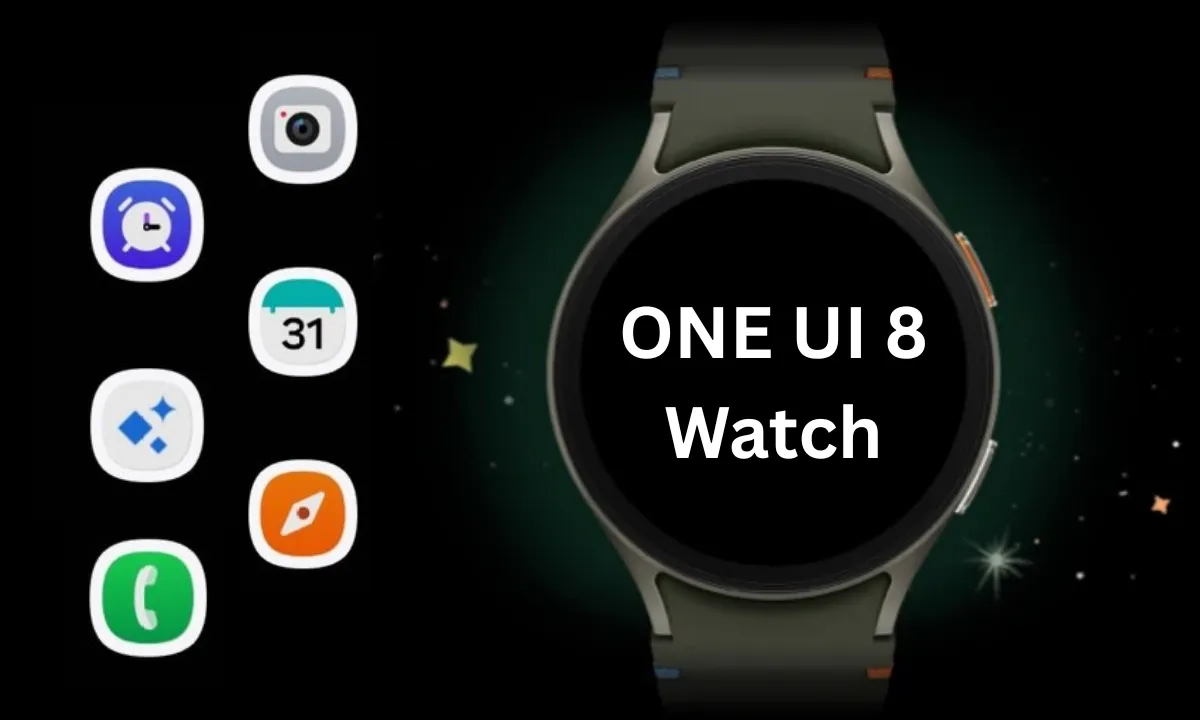
  • One UI 8 Watch Beta brings more design changes

    One UI 8 Watch Beta brings more design changes

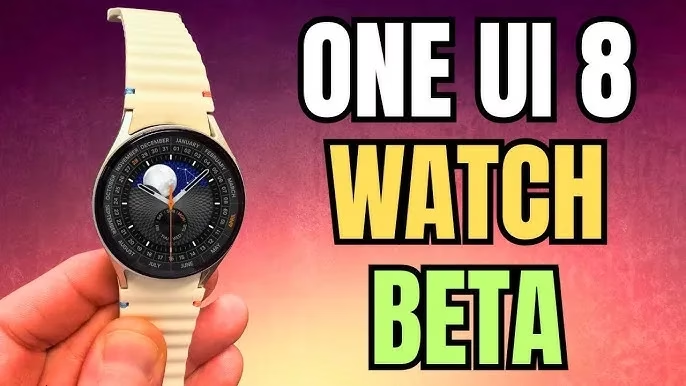
    The One UI 8 Watch Beta update for the Galaxy Watch 7 and Watch Ultra, which is based on Wear OS 6, was released by Samsung a few hours ago. According to the changelog, the firm wants to improve the Galaxy Watch experience by adding smarter controls, new health features, simpler notification management, and other significant updates. Early previews of the major new upgrade, featuring the revised user interface, are now available.

    A first look at key changes in One UI 8 Watch

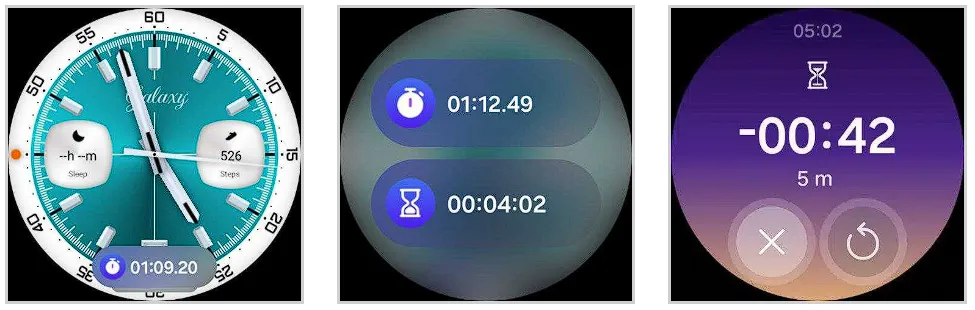
    People will notice a cleaner, more polished interface as soon as they install One UI 8 Watch. The system’s user interface has been completely revamped by Samsung. The screen seems smoother and more layered thanks to a blurred backdrop effect, and the battery icon now resembles the one seen on Galaxy phones running One UI 7. Additionally, a stylish new charging animation has been included, which gives even the act of plugging in your watch a more contemporary vibe.

    One UI 8 Watch beta program

    Now Bar is also included to Samsung’s watch platform with this upgrade. The Now Bar, which provides instant access to ongoing tasks and important information, is located at the bottom of the watch face, just like on Galaxy phones (thanks, @DalgleishGX!). Its style can be altered to better fit your requirements.

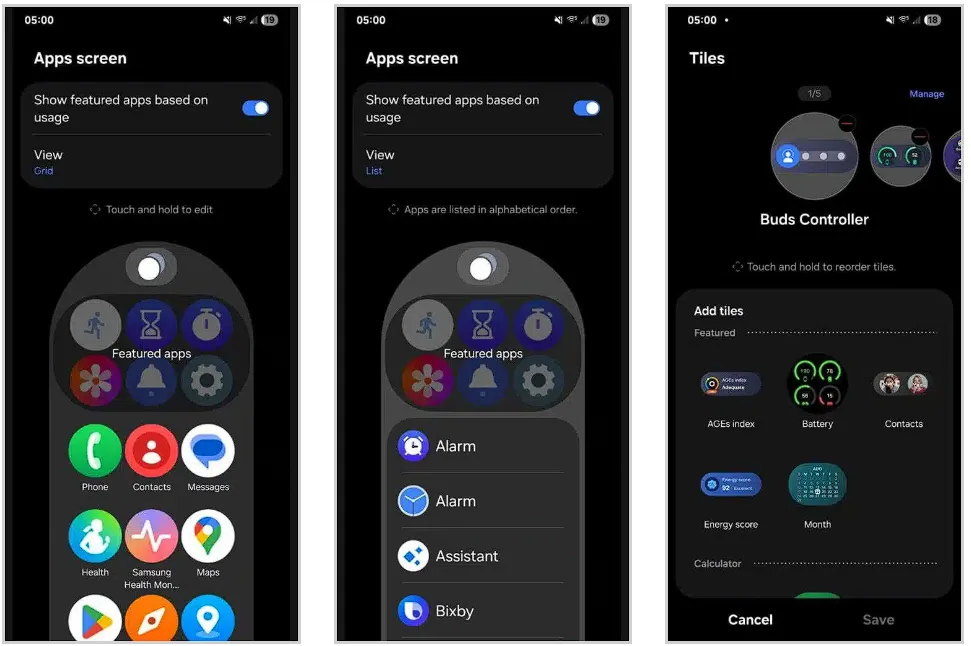
    One UI 8 Watch significantly improves tile usability. To cut down on screen clutter, you can now group related tiles into one. You can also make custom tiles that show the information you care about most, like the weather, upcoming events, or reminders, all in one location. Although it’s a little adjustment, it greatly streamlines daily use.

    Additionally, Samsung updated the Apps screen, enabling users to alternate between list view and grid view. You may now choose whether you want a traditional scrolling list or a condensed overview of your apps on the screen. Notifications have also been changed; they are now simpler to view and use, with clearer formatting that highlights alerts without being obtrusive.

    One UI 8 Watch changes

    A more organized Settings menu

    Finding what you need is now faster thanks to a redesigned and more structured Settings menu. Additionally, Samsung is adding Routines to its portfolio of Galaxy Watches. For users who prefer their devices to anticipate their requirements, this automation function allows you to set rules such as turning off notifications when you go to bed or changing modes based on time or activity.

    One UI 8 Watch settings menu

    Last but not least, the Double Pinch gesture is new to the One UI 8 Watch. You can start apps, control music, activate the Now Bar, and scroll through notifications by just pinching your thumb and index finger together twice. Particularly for accessibility and fast interactions without touching the screen, it’s a potent addition. As we discover more intriguing improvements in the initial One UI 8 Watch beta, we’ll keep you informed.

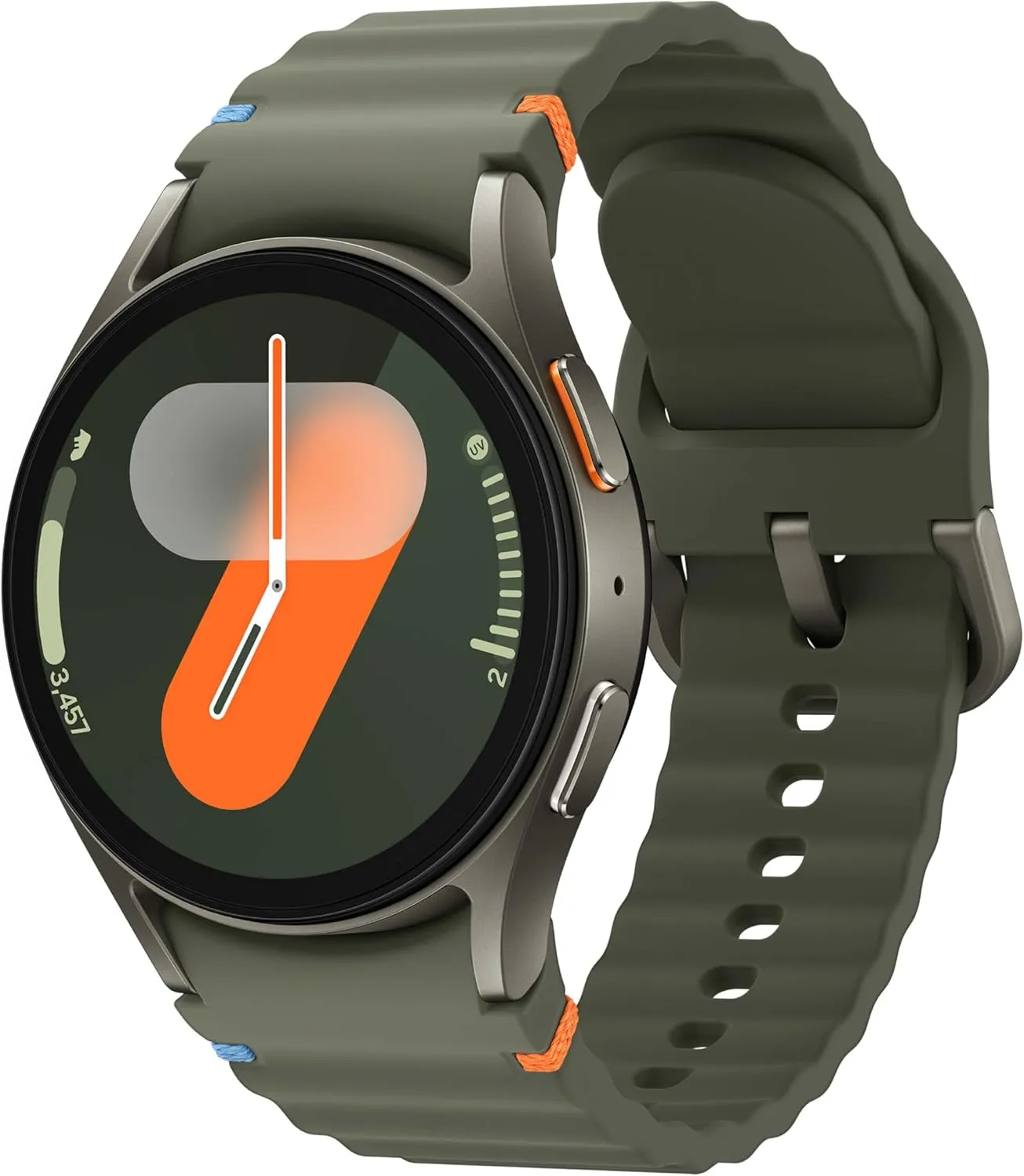
    SAMSUNG Galaxy Watch 7

    Samsung Galaxy Watch 7

    1.5″ Super AMOLED, 480x480px ~327ppi, 425mAh Battery, Bluetooth 5.3, Wi-Fi, MIL-STD-810H compliant, 50m/5ATM water resistant (IP68), ECG certified, Sleep Coach, Heart Monitor

    $269.99 $199.99Get It Now

    Stay connected with the latest from Droid Tools—follow us on X @droid_tools, like our page on Facebook, check out our updates on Instagram, and follow us on Google News for real-time news, device tips, and mobile tech insights.

  • Did Samsung fixed battery drain bug with June 2025 patch?

    Did Samsung fixed battery drain bug with June 2025 patch?

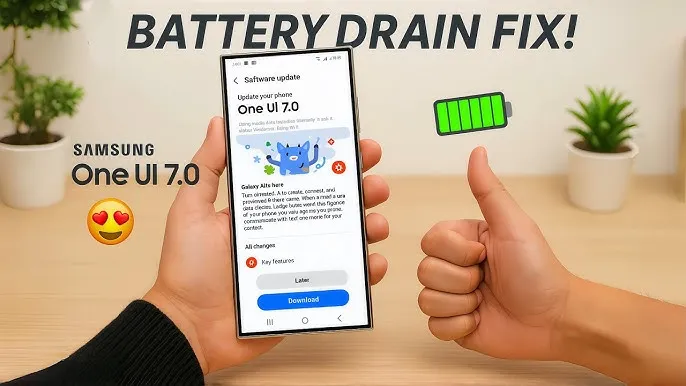
    Many Samsung Galaxy users reported that their phones’ batteries began to drain more quickly than normal after updating to One UI 7. This problem primarily impacted premium phones such as the Galaxy Z Fold 5 and S24 series. According to recent data, the most recent security patch has resolved the One UI 7 devices’ battery depletion problem.

    Despite One UI 7’s improved appearance and additional functions, some phones’ batteries died significantly more quickly than they used to. It appears that Samsung may have quietly resolved this issue with the June 2025 security patch.

    Users of the Z Fold 5 and Galaxy S24 have reported that installing the June 2025 security update significantly improved their battery life. One user even claimed that the battery life of his Galaxy Z Fold 5 had increased by “400%.” Users of the Galaxy S24 and S24+ also reported gains, albeit they weren’t that significant.

    samsung battery drain fix

    Earlier this month, the June update for the Galaxy Z Fold 5 and S24 series models began to trickle out. With this update, consumers are now seeing longer battery life.

    Security updates are typically created to address vulnerabilities and issues. However, occasionally they also aid in enhancing the phone’s functionality, such as battery life. In order to include new features, bug repairs, and upgrades, it also updates a number of apps to the most recent version.

    Although Samsung has not formally addressed the battery problem, several customers think the update was helpful. You might wish to see if the June update is available for your phone if the battery has been rapidly depleting after the One UI 7 update. Better battery life is already being noticed by certain users.

    Has your phone improved with the upgrade, or are you still having battery problems? Share your experience with us by leaving a comment on our social media platforms.

    samsung galaxy s25 ultra

    Samsung Galaxy ​S25 Ultra

    This phone is Unlocked for GSM Carriers in USA like T-Mobile (Excluding Verizon, Sprint, and US Cellular) and not compatible with any CDMA Network Carriers. Dual-SIM (2x Nano-SIM + or Nano-SIM + eSIM or Dual eSIM)

    $1,033.00Get It Now

    Stay connected with the latest from Droid Tools—follow us on X @droid_tools, like our page on Facebook, check out our updates on Instagram, and follow us on Google News for real-time news, device tips, and mobile tech insights.

  • Lists of supported devices and countries eligible for One UI 8 beta testing

    Lists of supported devices and countries eligible for One UI 8 beta testing

    Owners of the Galaxy S25 series had already been testing the initial beta build in a few chosen regions when Samsung shocked its Galaxy audience by launching the most recent One UI 8 beta program. At the moment, the beta is accessible in four nations, with additional countries to follow afterwards.

    Regarding previous deployments, Samsung has set aside seven nations—China, the US, the UK, South Korea, Germany, India, and Poland—to test the most recent One UI beta version for years.

    Samsung eventually separated the beta distribution into two stages with One UI 7. The first batch of One UI beta was released in four regions—South Korea, Germany, the US, and the UK—with the exception of China. The two remaining regions—India and Poland—will be saved for the second phase of the One UI beta deployment.

    one ui 8 beta testers

    Samsung is following the same approach for the One UI 8 beta rollout.

    • Phase 1: Initial beta release is limited to:
      • Devices:
        • Galaxy S25
        • Galaxy S25+
        • Galaxy S25 Ultra
      • Countries:
        • South Korea
        • Germany
        • The United States (US)
        • The United Kingdom (UK)
    • Phase 1 is exclusively reserved for the listed countries.
    • Only owners of the Galaxy S25 series in these regions currently qualify.

    Interested Galaxy S25 owners can now register and test the most recent beta release thanks to Samsung’s recent improvements to the One UI 8 beta enrollment and participation process. The beta program is now available for the S25 family, but it will eventually expand to include more qualified devices.

    Stay connected with the latest from Droid Tools—follow us on X @droid_tools, like our page on Facebook, check out our updates on Instagram, and follow us on Google News for real-time news, device tips, and mobile tech insights.

  • One UI 8 Watch update will bring new features

    One UI 8 Watch update will bring new features

    Samsung Galaxy Watches will get a substantial overhaul with the release of One UI 8 Watch, which might arrive as early as June or July and is expected to incorporate Google Gemini, a Shortcuts app, and Samsung’s Now Bar.

    Following claims that Samsung will bypass One UI 7 Watch in favor of One UI 8 Watch, a move that will unify the branding of Samsung’s watch software with its top Samsung phones— One UI 8 APKs have leaked, revealing the new features coming to Galaxy wearables.

    According to Android Authority, Gemini AI will be available on both Samsung watches and its own Pixel portfolio, along with some interesting new capabilities. The findings indicate that new ‘Gemini Actions’ will bring many of the same fantastic Gemini capabilities for Android phones to your wrist, with code strings hinting at numerous intriguing actions.

    References include Gemini Actions, which can relocate meetings, summarize emails, and tell you the weather, as well as an input that allows you to rapidly mute Gemini AI with a single press of your screen.

    One UI 8 Watch update
    galaxy watch ultra

    Samsung Galaxy Watch Ultra 47mm LTE

    Climb the highest peak; Bike the long way home; The durable titanium design is our toughest yet, able to stand up to the rigors of your workout, including rainy or dusty conditions — even ocean swimming

    Best choice
    $649.99$399.00Amazon

    One UI 8 Watch – other features

    As mentioned in a separate article, AA has also discovered a new Watch app called Shortcuts, which allows you to add apps to your Galaxy Watch home screen as either 2 x 1 or 2 x 2 tiles, making them considerably more accessible.

    Finally, the publication reports that Samsung will add One UI 7’s Now Bar and Now Brief to the Galaxy Watch. The Samsung Now Bar appears on the home screen of your Galaxy smartphone, displaying information such as live notifications, music, and more. According to AA, users will be able to select between a simple icon and a larger display that includes both an icon and text.

    Users will also reportedly be able to double-pinch to open the Now Bar, and enable other actions if there’s no content in the bar.

    “Essentially, the Now Bar on Galaxy Watches will serve as a widget system, surfacing contextually relevant data without needing to navigate away from the watch face,” the report explains, specifically noting contextual suggestions, maps, media controls, Now Brief, tips, and Sports on Google (live sports scores).

    There are undoubtedly other significant features hiding beneath the surface that will be revealed when One UI 8 Watch approaches its formal release. Customers should expect a significant software upgrade for devices such as the Galaxy Watch Ultra and Samsung Galaxy Watch 7.

    Naturally, these modifications will be incorporated into the upcoming Galaxy Watch 8, which is slated to be released later this year.

    Grab a Samsung Galaxy Watch Ultra with 40% off – limited time deal

    galaxy watch ultra

    Samsung Galaxy Watch Ultra 47mm LTE

    Climb the highest peak; Bike the long way home; The durable titanium design is our toughest yet, able to stand up to the rigors of your workout, including rainy or dusty conditions — even ocean swimming

    Best choice
    $649.99$399.00Amazon
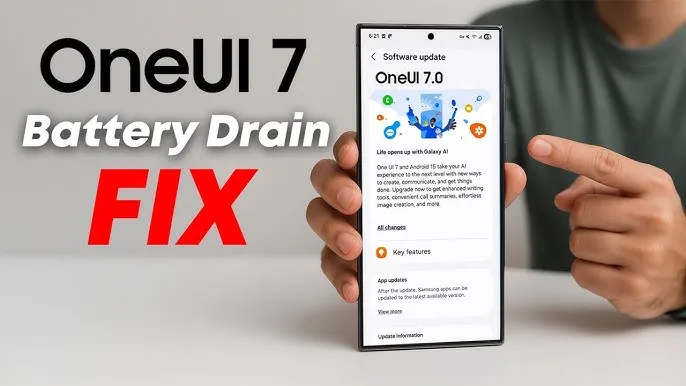
  • How to fix the battery drain on Samsung Galaxy devices running One UI 7

    How to fix the battery drain on Samsung Galaxy devices running One UI 7

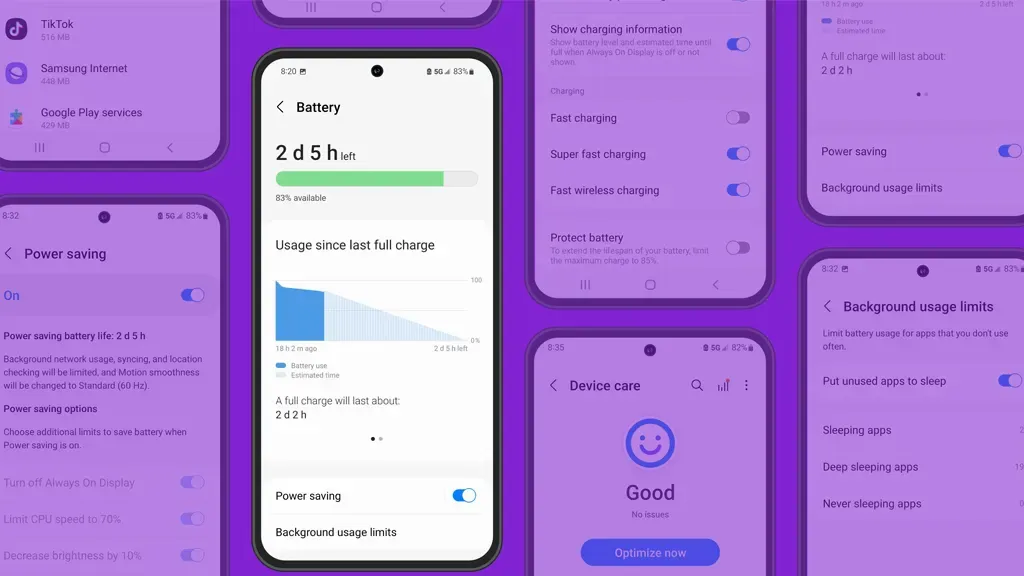
    Running on Android 15, Samsung’s One UI 7 version boasts a new interface along with several new capabilities. One of the unanticipated issues that many customers have seen with the One UI 7 is shorter battery life.

    Even with minimal use, Samsung customers report that their Galaxy phones are having trouble lasting a full day. This article examines the sources of the battery life issues that were noticed following the One UI 7 update, as well as solutions.

    One UI 7 battery drain isssues from the rollout

    Owners of Samsung devices have frequently complained about severe battery drain on websites such as Reddit, X/Twitter, and Samsung Community Forums.

    One user of a Galaxy S24 Ultra, for example, reported that the screen-on time of their phone decreased to roughly 5 hours from 6–7 hours before to the update.

    Another owner of a Galaxy Z Fold 6 claimed that by the end of the day, their battery had dropped from 45 to 50 percent to 20 to 25 percent.

    battery drain issue samsung one ui 7

    Some users of the Galaxy S23 series have claimed similar issues, requiring two or even three daily charges for simple tasks like browsing or viewing movies.
    Rephrase

    As the device becomes used to the new software, the post-update optimization period typically lasts a few days to a week, but the problem seems to last longer.

    Users have also reported related issues, like slower app loading times or phones that run warmer than normal, which could be a factor in the higher power usage.

    Why is the drain occurring?

    While Samsung has not officially confirmed the cause, several factors could explain the battery drain. Since One UI 7 is a major software update, its new features, animations, and background processes may have been demanding more power.

    User-installed third-party apps may not have been fully optimized with the new OS, causing battery drain. Another possibility is that background processes, such as system optimizations or data syncing, are running more frequently than needed.

    oneui 7 battery drain how to

    The solution

    If you’re experiencing battery drain after updating to One UI 7, here are some practical steps to try:

    Clear the cache:

    • Go to Settings > Device Care > Storage and clear the cache for apps.

    Enable Light Performance Profile:

    • Found in Settings > Battery and Device Care, this mode reduces performance to save power.

    Turn off AOD:

    • Disable Always On Display, reduce screen brightness indoors, or switch to Dark Mode to conserve battery.

    Update Apps:

    • Ensure all apps are updated, as outdated versions may not work well with One UI 7.

    Factory Reset (last resort):

    • Some users report improved battery life after a factory reset, though this requires backing up data and reinstalling apps.

    You’re not alone if the One UI 7 upgrade has caused your Galaxy device’s battery life to suffer. You can handle the problem while you wait for a possible solution by attempting the aforementioned procedures and keeping an eye on Samsung’s reaction.

    Stay connected with the latest from Droid Tools—follow us on X @droid_tools, like our page on Facebook, check out our updates on Instagram, and follow us on Google News for real-time news, device tips, and mobile tech insights.