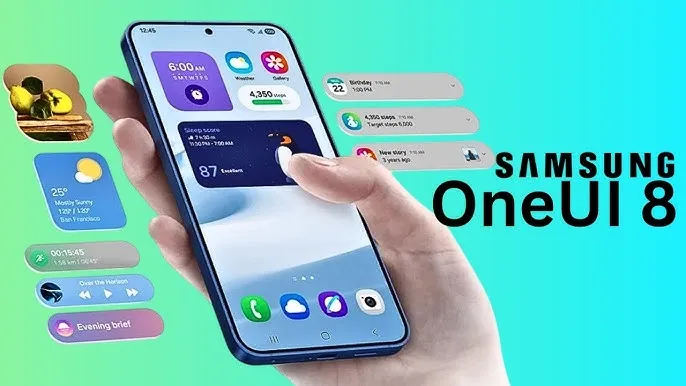
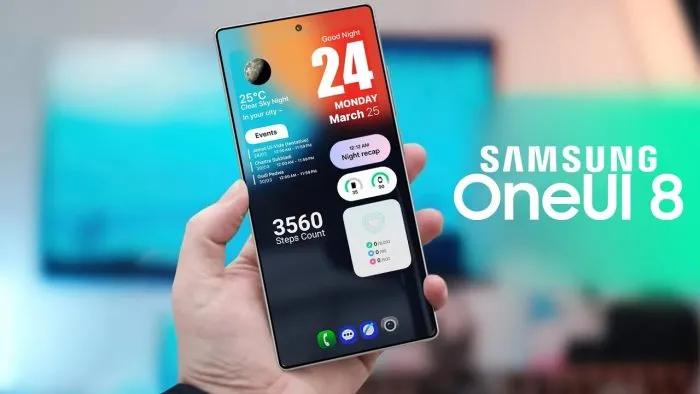
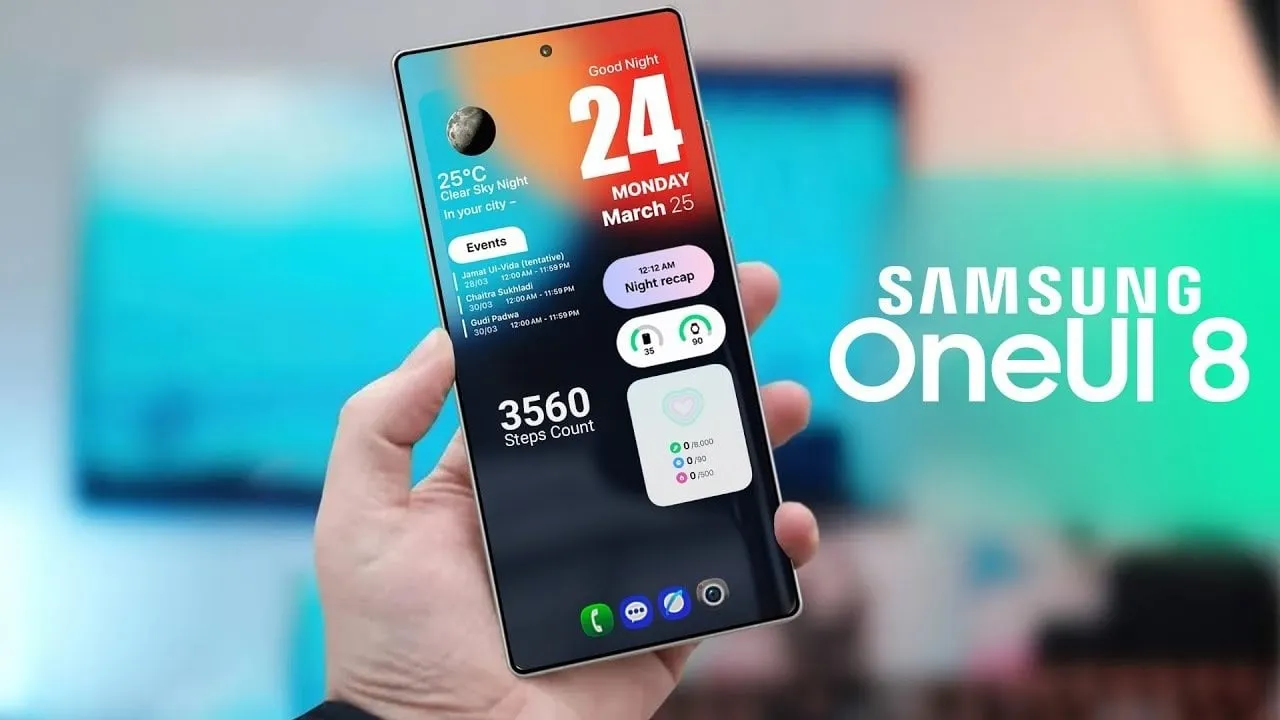
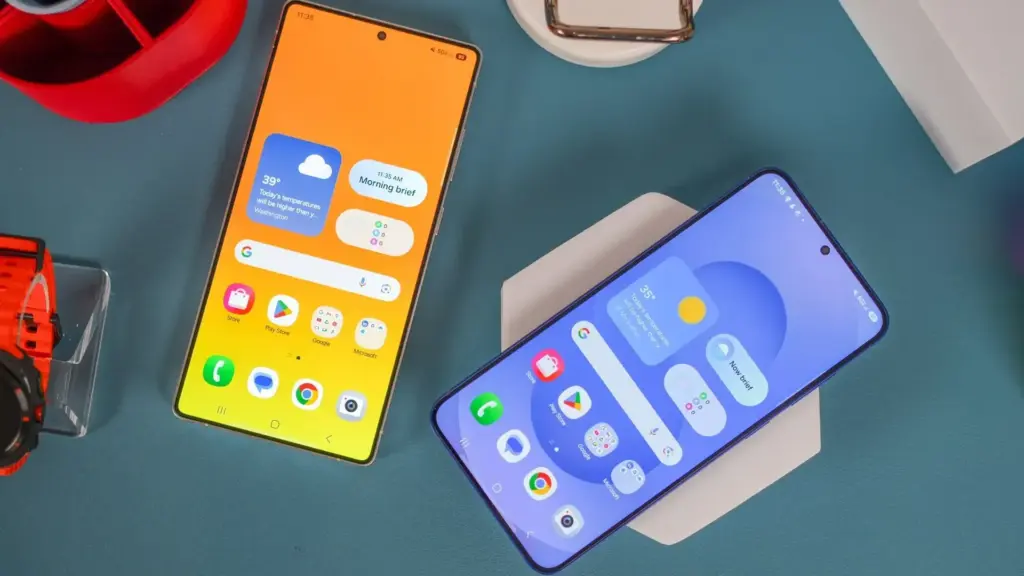
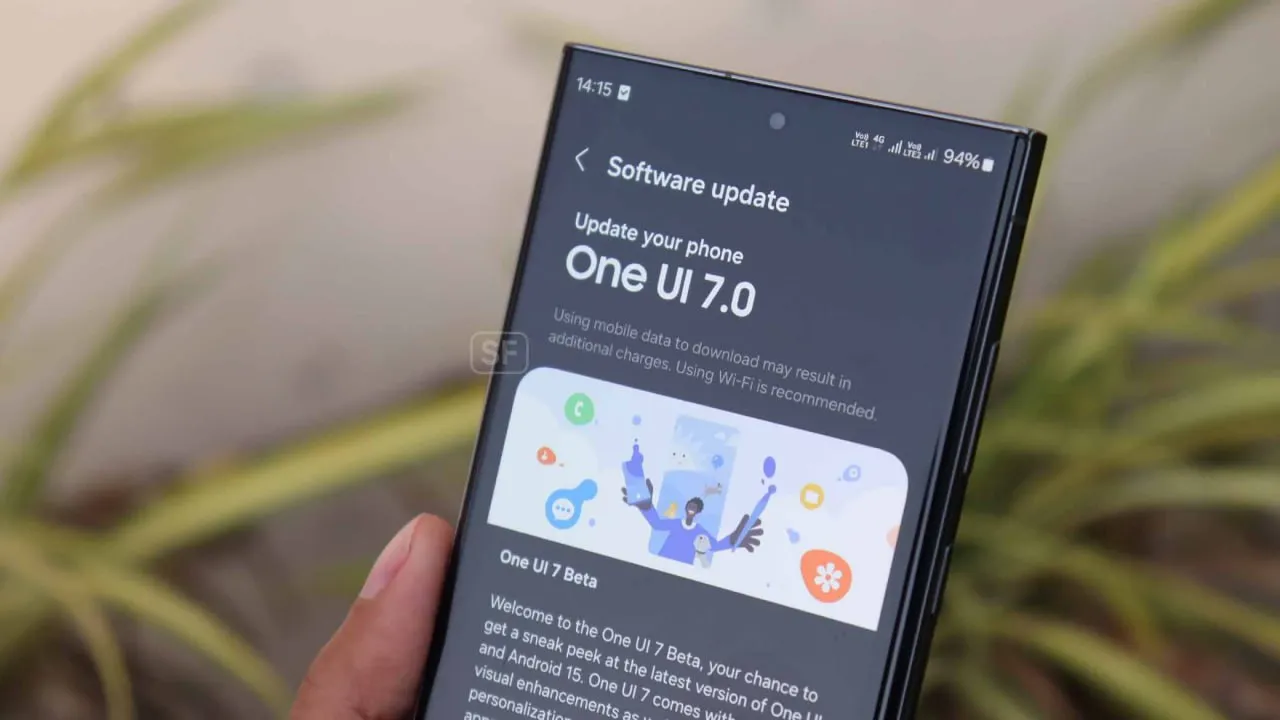
With Samsung now enabling Galaxy S25 series owners to test the most recent One UI 8 beta program, starting in its home country of South Korea, One UI 8 will soon be available on your Galaxy phone. You must be wondering how to join the beta phase as soon as it arrives on your device, but here are a few easy actions you can take.
Before the official or stable release, the One UI 8 Beta program is now available for the Galaxy S25, Galaxy S25+, and Galaxy S25 Ultra to test out all the newest features and capabilities.
The beta build for the Galaxy S25 family is designated with build number ZYER, while the upgrade may eventually reach additional eligible regions outside of South Korea. Simultaneously, this most recent version improves accessibility, efficiency, and security while also adding some of the main features of Android 16.
Beyond this, this update further includes the ongoing May 2025 security patch that significantly improves the device’s overall security and core functionality.
How to join One UI 8 beta program?
Also, Samsung made some minor changes to its beta registration procedure this time around to make it more convenient. Here’s how to sign up for the most recent One UI 8 beta program using the Samsung Members app!
Open the Samsung Members app.
Tap on the One UI 8 Beta program banner.
Once tapped, follow all the on-screen prompts while also accepting the beta terms and conditions. You are enrolled now!
This takes you closer to installing the latest beta build; just head to Settings >> Software Update >> and finally, Download and Install.
Once installed, your device will automatically reboot to the latest build; thus, you are now ready to rock One UI 8 beta.
If you want the latest Droid Tools news, follow us on X @droid_tools and like our page on Facebook to stay updated.
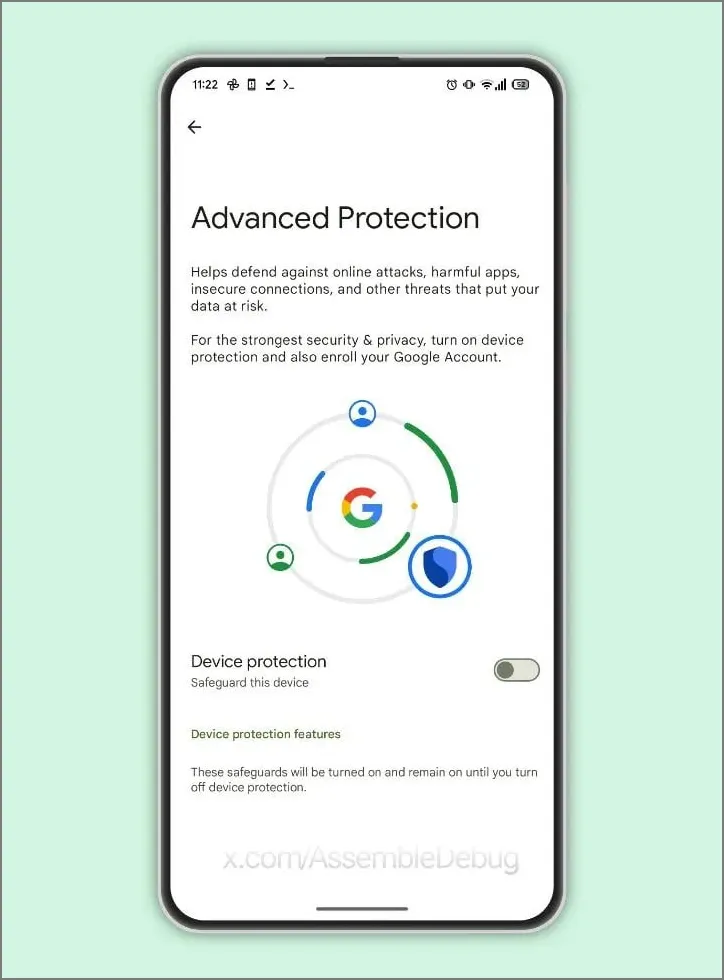
Under Google’s Advanced Protection Program, Samsung’s One UI 8, which is based on Android 16, will offer strong privacy and security protections to protect users of Galaxy phones and tablets from theft, fraud, and scams.
The security improvements of Android 16 will be sent out to Samsung Galaxy devices via One UI 8.0, anticipated in the summer of 2025, as announced on May 14 at Google’s The Android Show. Strong protection against unwanted access is ensured by the Advanced Protection Program (APP), which combines features like Remote Lock and Theft Detection Lock and requires user credentials to disable. These were first created for Google apps, but they will eventually be extended to third-party apps.
Uneditable secure device records that allow users to verify for tampering are among the key characteristics. One UI 8 thwarts fraudster tactics by blocking dangerous actions during talks, such as installing untrusted apps or changing important settings. With UK banks like Monzo and NatWest on board, banking apps are also made more secure by requiring screen-sharing talks to terminate before access.
AI is a major factor in this, in case you haven’t guessed it already. It detects apps that conceal icons, filters fraudulent messages, and does virus checks.
Remote Lock adds a security question and conceals one-time passwords from alerts, while enhanced factory reset safeguards make stolen phones inoperable without the owner’s consent. These are compatible with One UI 6.1.1’s Samsung Auto Blocker.
With a beta in June and a July release alongside the Galaxy Z Fold 7 and Flip 7, One UI 8 may make Galaxy smartphones safer than before. Are flaws like delayed third-party app support a concern, or will these features outsmart scammers? More will be revealed during the summer launch.
Samsung’s One UI is a significant element of what distinguishes Galaxy phones and tablets. With One UI 7 finally available to consumers on April 7, 2025, attention has shifted to the next chapter: One UI 8. This future software upgrade, which is likely to be based on Android 16, should add some intriguing new features to Samsung devices.
There is speculation that it will be released sooner than usual, altering Samsung’s standard software update release schedule. In this post, we’ll go over the release date, the beta testing program, which devices will receive One UI 8 based on Samsung’s update policy, and what this may mean for Galaxy customers.
One UI 8 release
Historically, Samsung’s big One UI releases have coincided with the annual Android upgrade cycle, arriving in the fourth quarter, around October or November, following Google’s stable Android release. For example, One UI 6 debuted on October 30, 2023, whereas One UI 7, which was severely delayed, launched on April 7, 2025. However, reports in the IT world claim that One UI 8 may break this pattern.
One UI 8, which is based on Android 16, will be released in the summer of 2025. This update, confirmed by Google, represents a considerable increase in Samsung’s update cycle, with the goal of closely aligning with Google’s roadmap.
One UI 8 beta program
Samsung’s One UI beta programs allowed fans to try out new features early on, and One UI 8 should continue to do so. Considering how things generally proceed and the predicted July 2025 release, the One UI 8 beta should begin in late May or early June 2025.
The beta normally begins with Samsung’s top phones, such as the Galaxy S series, and then progresses to foldables and lower-cost devices. One UI 7 testing began on December 5, 2024, with the Galaxy S24, and was expanded to include the S23, Z Fold 6, Z Flip 6, and others by March 2025.
If Samsung follows this step-by-step plan, the One UI 8 beta would most likely debut with the Galaxy S25, followed by foldables such as the Z Fold6 and Z Flip6. You’ll most likely join up through the Samsung Members app in countries such as the United States, United Kingdom, India, Germany, and South Korea, allowing users to test out new features before they become official.
One UI 8 eligible devices
While Samsung has not officially confirmed the One UI 8 device list, we can use its official software update policy to determine which devices are assured to receive the upgrade. Samsung now provides up to seven years of OS upgrades for select flagship handsets (beginning with the Galaxy S24 series), four years for others, and five years of security updates for numerous models. According to this policy and the confirmed One UI 7 rollout, the following devices are sure to be qualified for One UI 8:
Mid-range devices, such as the Galaxy A55 and A35, may also qualify for the four-year program. Older smartphones, like as the Galaxy S21 series, may miss out since their four-year support period may expire before One UI 8 is released.
The Summer 2025 debut of One UI 8 suggests a significant change for Samsung, potentially providing a substantial update much sooner than fans think. If this happens on time, Galaxy owners may receive Android 16 features with the next round of foldable phones, demonstrating how Samsung can change things up and keep improving.
While we wait for Samsung to make an official announcement, the prospect of a quicker One UI 8 release thrills Galaxy fans—could this be Samsung’s biggest software step yet?
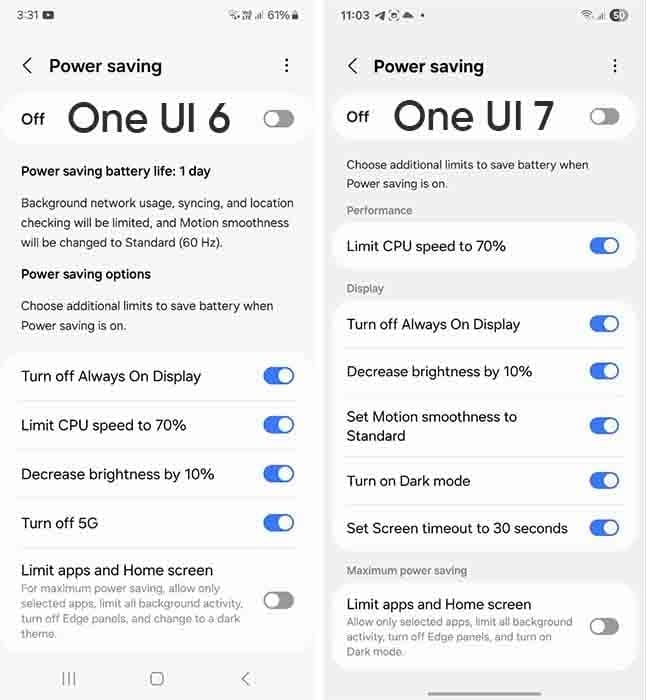
Samsung devices include a power-saving mode; while this feature is similar to all smartphones around the world, One UI 7.0 makes it more customisable.
Android and iOS smartphones have had a power saving mode for some time, but you may only be able to enable or disable it. Smartphones, by default, limit background processes such as network usage, synchronization, and location, as well as reducing the high refresh rate to 60 Hz, and you may not be able to adjust the power saving mode.
However, Samsung devices provide you with more control over this capacity due to extra limitations. This power saver can be enabled from either the fast settings panel or the battery settings. Additional power-saving settings from One UI 6.x are listed below:
Turn off Always on Display
Limit CPU speed to 70%
Decrease brightness by 10%
Turn off 5G
Limit apps and the Home screen
You can control these options with the toggle button in front.
Moving on, One UI 7.0 device users will now see three additional power saving limits, including:
Set motion smoothness to standard
Turn on Dark mode
Set screen timeout to 30 seconds
The refresh rate was previously deactivated automatically during power saving mode, but you can now set its limits. Similarly, Dark mode and screen timeout help to conserve power.
If you wish to maximize power efficiency, enable “Limit apps and Home screen”. It only permits certain apps, restricts background activity, disables Edge panels, and activates Dark Mode.
If you do not want to employ any of these additional power-saving features, you may click the toggle button to return to the system’s normal power usage restrictions. When you disable the high refresh rate option, the 70% CPU limit is reduced automatically. Additional power-saving limits can be found in Settings > Battery > Power saving.
Samsung is internally getting ready for the One UI 8 Beta for Galaxy devices in addition to the stable One UI 7 release. The beta program may begin in the third week of May 2025, according to rumors. The One UI 8 Public Beta Program for the Galaxy S25 series may begin earlier than anticipated, according to new information.
A fresh One UI 8 Beta build for the Galaxy S25 series was recently found by a trustworthy source, suggesting that Samsung is actively developing the upcoming version. Internal testing for the global version of the Galaxy S25 Ultra is currently in progress, according to the latest build, S938BXXU3ZYEF.
One UI 8 beta testing appeared online
The first One UI 8 beta testing build for the Galaxy S25 series, with a version ending in ZYEA, appeared online last week. Samsung appears to be moving swiftly forward with internal beta testing for the Galaxy S25 series based on the change from that build to the latest one.
Samsung is anticipated to launch the One UI 8 Public Beta Program for the Galaxy S25 series and other qualified smartphones after internal testing is finished. Users of the Galaxy can test out new features through this program prior to their official release.
Additionally, according to some rumors, Samsung may launch the One UI 8 Beta Program during the third week of May 2025. According to reports, it will first be accessible to a certain group of Galaxy customers in particular nations.
We should be cautious about this report, though, as Samsung has not yet confirmed it. In contrast to One UI 7, we may anticipate no delays this time around because Samsung seems to be proceeding swiftly with internal testing.
A number of Samsung handsets are getting UI 7, and as the final significant update, certain Galaxy A phones will get it as well. Along with many new features and design modifications, software updates also reach a support milestone.
Samsung is progressively rolling out the One UI 7 upgrade for Galaxy smartphones. With the most recent OS update, flagship smartphone users have joined the party. Nonetheless, the expansion will last until this year’s July.
One UI 7 was the most recent OS update for the Galaxy S21 series, Z Flip3, and Z Fold3. It’s a significant firmware that adds new features and design modifications. It’s worth the remaining time to use One UI 7.
This also applies to other lineups, such as the Galaxy A series. The availability will vary depending on hardware capabilities and optimization stage, but the majority of the design improvements and essential OS features will be offered.
One UI 7 is the last major upgrade for these Galaxy A phones
Galaxy A14
Galaxy A14 5G
Rollout is expected in June 2025.
Released in 2023 with Android 13, the Galaxy A14 and A14 5G are expected to receive two significant updates (Android 14 and 15), making One UI 7 their last version. For security enhancements, these devices might get additional quarterly or biannual patches.
Therefore, One UI 7 is not a concern if you own a Galaxy A14 or its 5G version. Samsung is dedicated to offering the Android 15 update with as many features and modifications as feasible while still satisfying hardware requirements.
Samsung has already provided a specific schedule for the stable rollout, but the company is now having trouble launching One UI 7. Users must be wondering which handsets will be eligible for the update, as Samsung will be concentrating on One UI 8 after this is finished. Here is the complete list of (anticipated) One UI 8 compatible devices.
As the initial glance has already been made public, Samsung has in fact started working behind closed doors on One UI 8, their next major OS version that will run Android 16.
Although Samsung has already given a precise timeline for the stable rollout, the business is currently experiencing issues with One UI 7. After this is done, Samsung will focus on One UI 8, therefore users must be wondering which phones will be eligible for the update. The full list of (expected) One UI 8 supported devices is available here.
Samsung has actually begun working behind closed doors on One UI 8, their next major operating system version that will run Android 16, as the first look has already been made public.
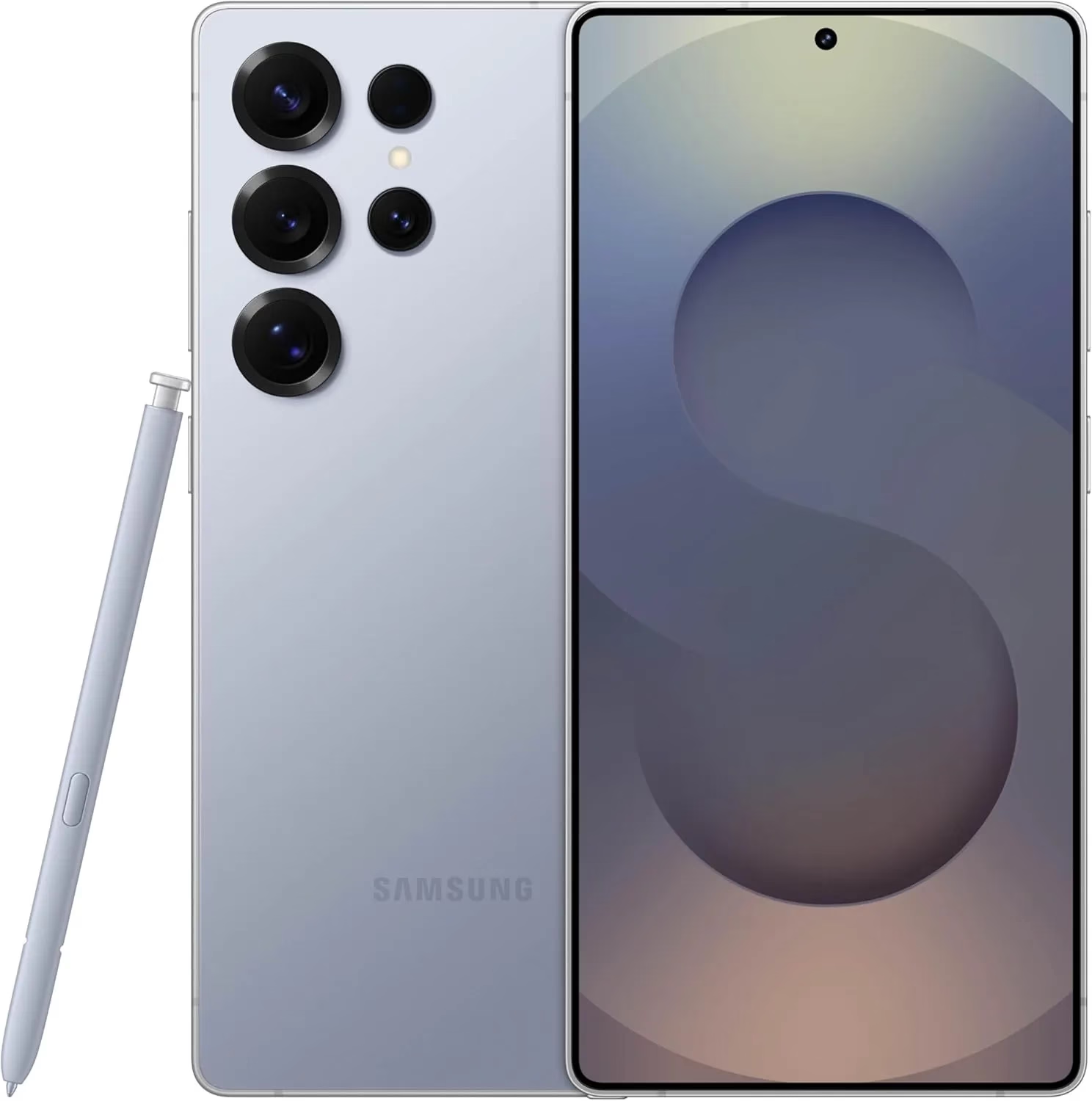
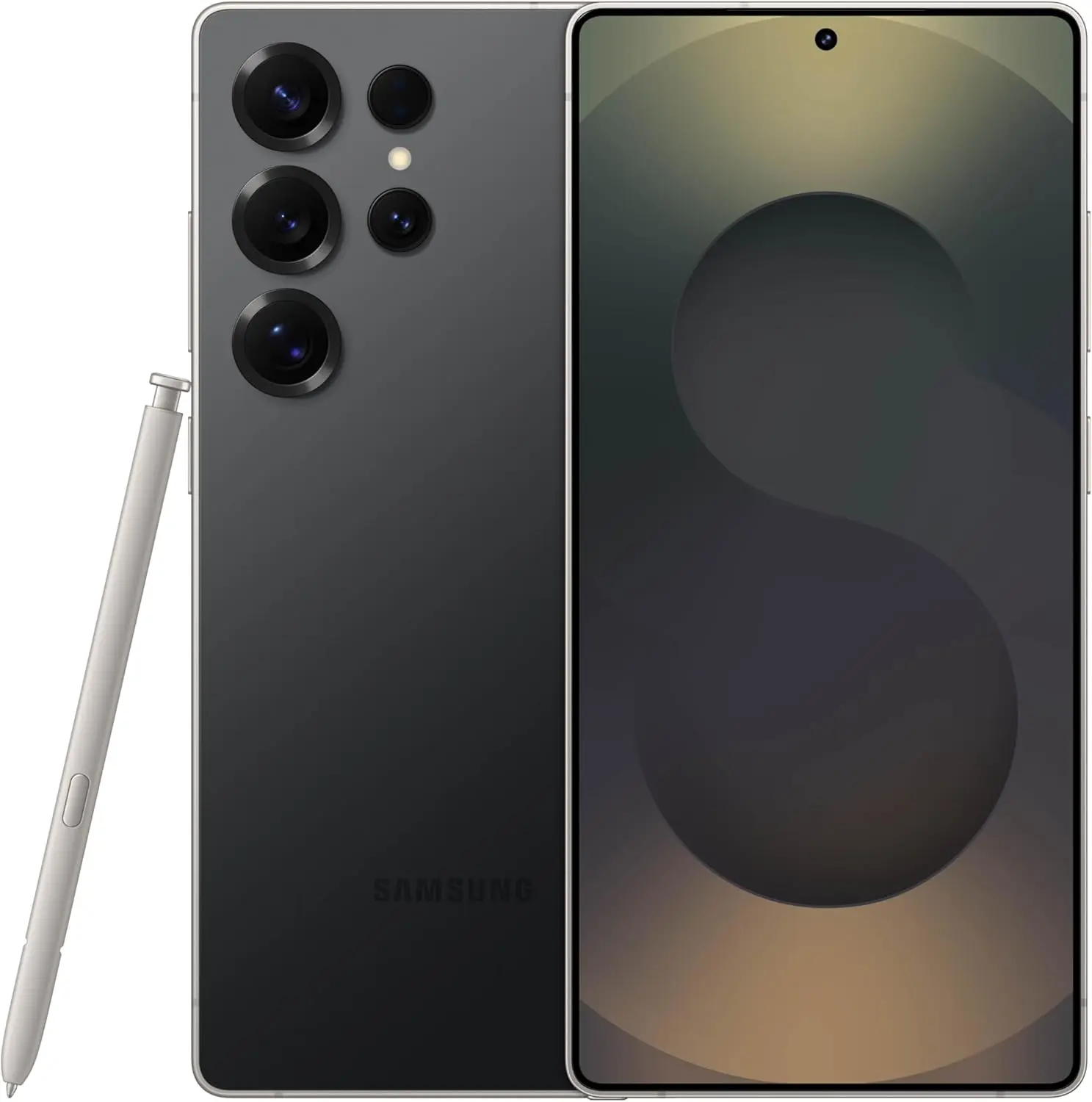
Samsung Galaxy S25 Ultra 512GB
Streamline your day with an assistant that gets you. Ask it to Google search for a pet-friendly vegan restaurant nearby and text it to your friend— your Galaxy S25 Ultra handles multiple tasks with a single ask.
Android 16 with One Ui 8 release date and features
It is anticipated that the most recent One UI 8.0, which is based on Android 16 and is a modest upgrade that improves One UI 7 capabilities, would be released in late July or early August. Because it comes pre-installed on the Galaxy Z Fold 7 and Z Flip 7, an early distribution is expected.
Samsung appears to be looking forward to bringing the next Android 15-based One UI 7 update to more Galaxy smartphones around the world. Samsung has already delivered the upgrade to major flagships, but it is now time for previous generation devices, including the A portfolio, as Galaxy A35 phones have lately begun receiving the software.
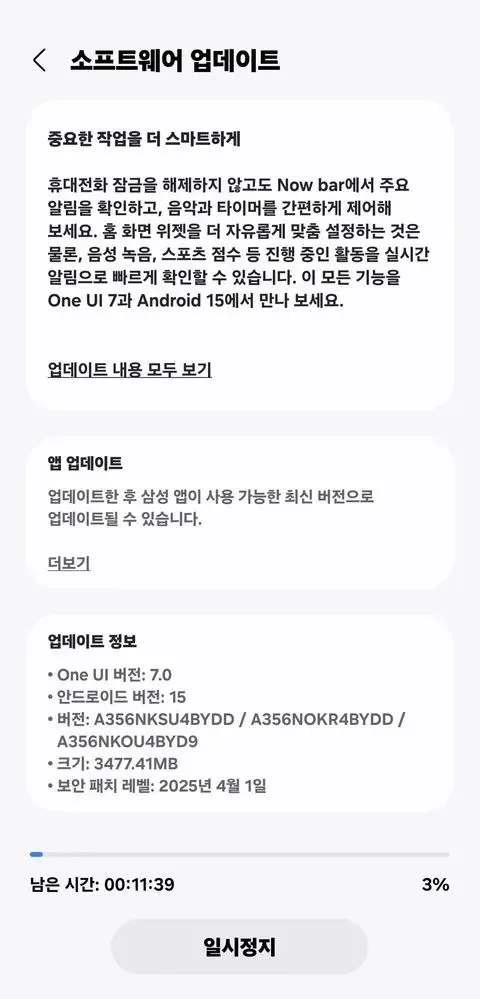
More precisely, Samsung has initiated a solid rollout for the Galaxy A35 models in its native country of South Korea, with wider availability coming soon. The device’s upgrade is identifiable by the build number A356NKSU4BYDD.
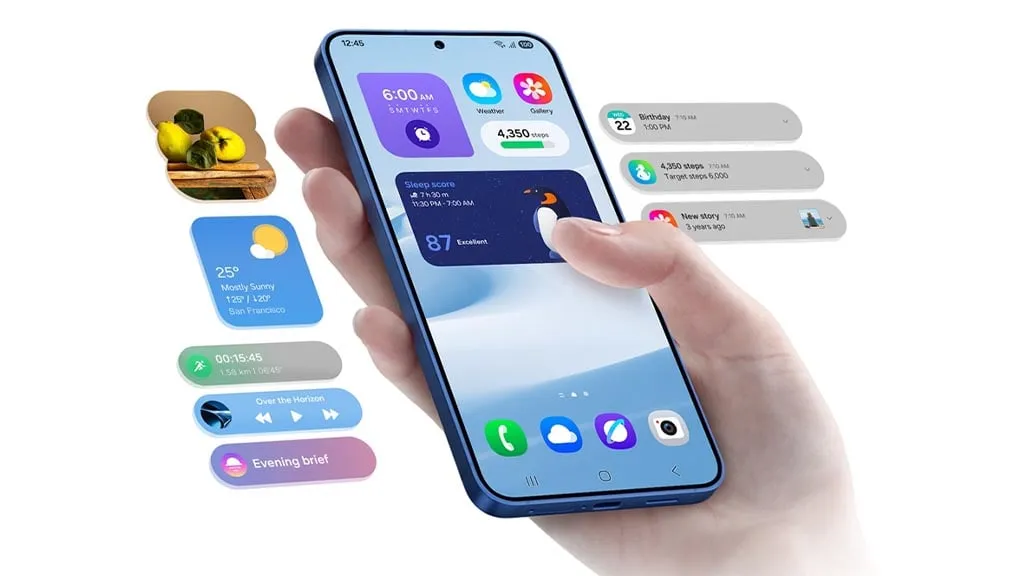
Meanwhile, the update contains a number of fascinating improvements and changes, including better AI-powered functionality in the form of Awesome Intelligence, a scaled-down version of the full-fledged Galaxy AI suite.
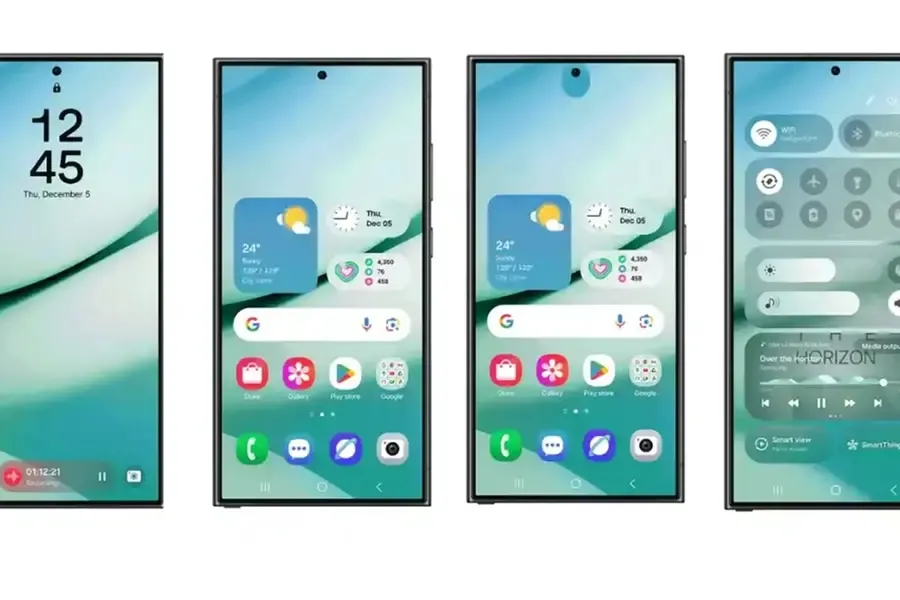
It includes a sophisticated user interface, highly customizable home screen widgets, and a new Now Bar feature that allows users to access all key information such as sports scores, health-related information, alerts, and more without unlocking the device, all while improving overall productivity, creativity, and security.
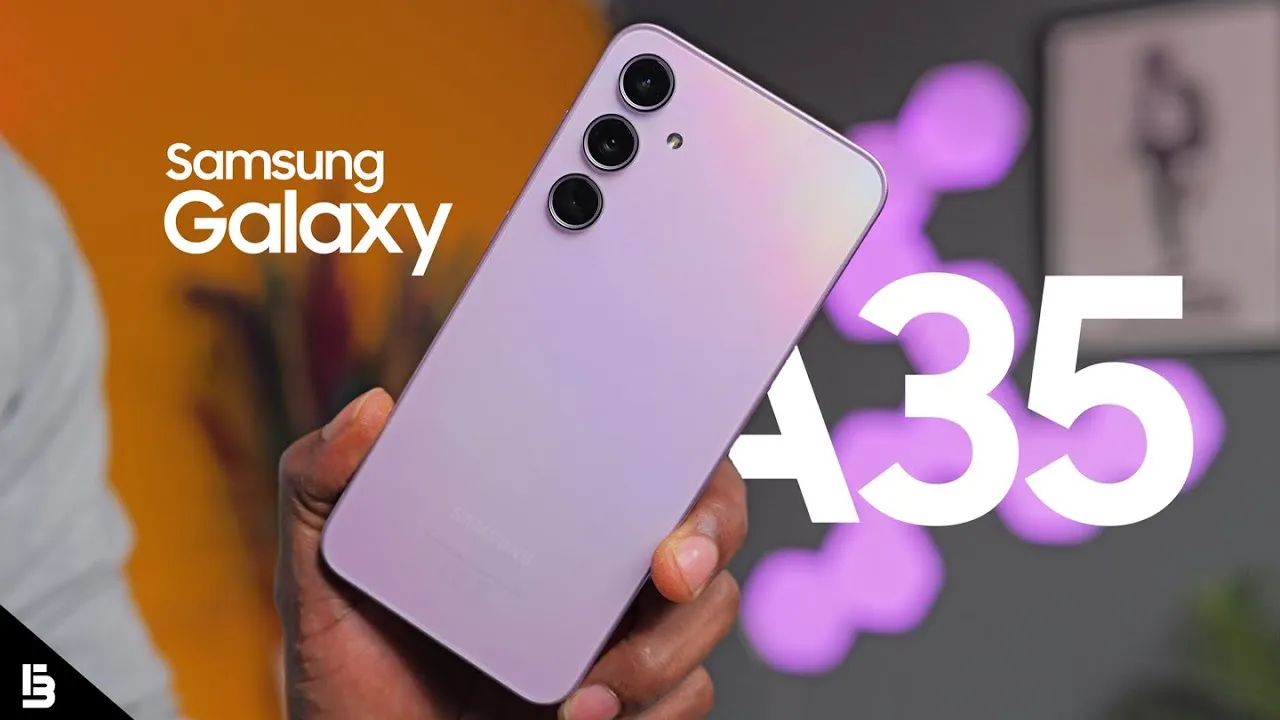
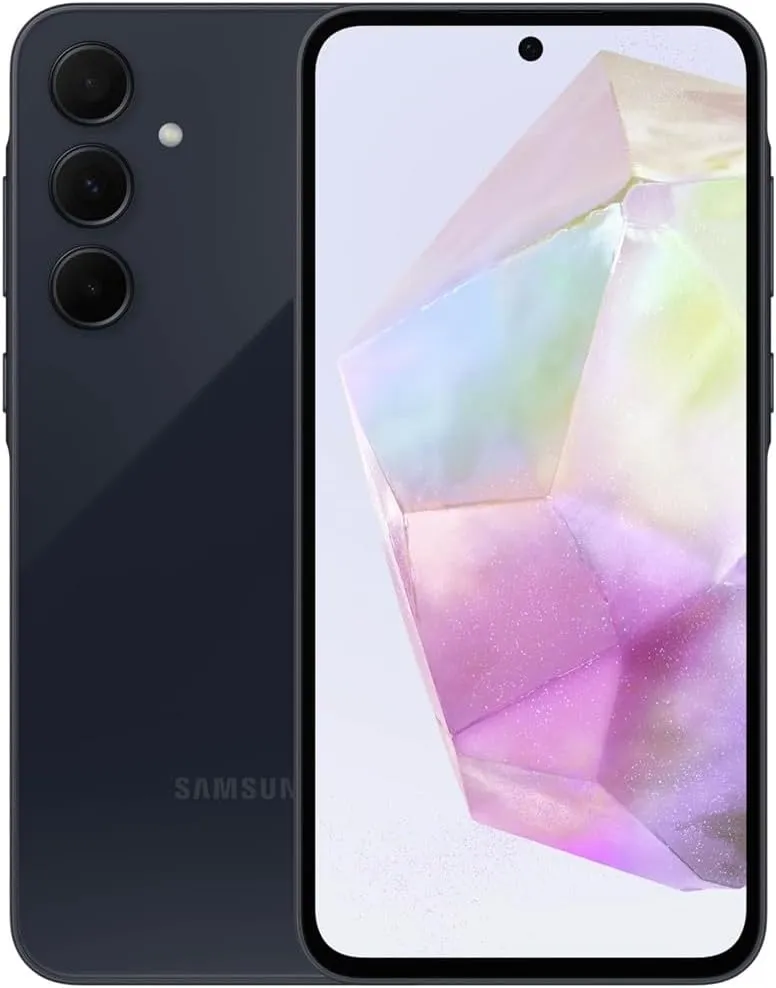
Samsung Galaxy A35 5G
6.6” FHD+ Super AMOLED Infinity-O, 120Hz Adaptive Refresh Rate, 1080×2340 pixels, 1000unit (Peak), 389ppi, 5000mAh Battery, Bluetooth 5.3
At the same time, the update further integrates the April security patch, which focuses on improving the device’s overall security and core functionality that provides a more secure, smooth and efficient user experience.
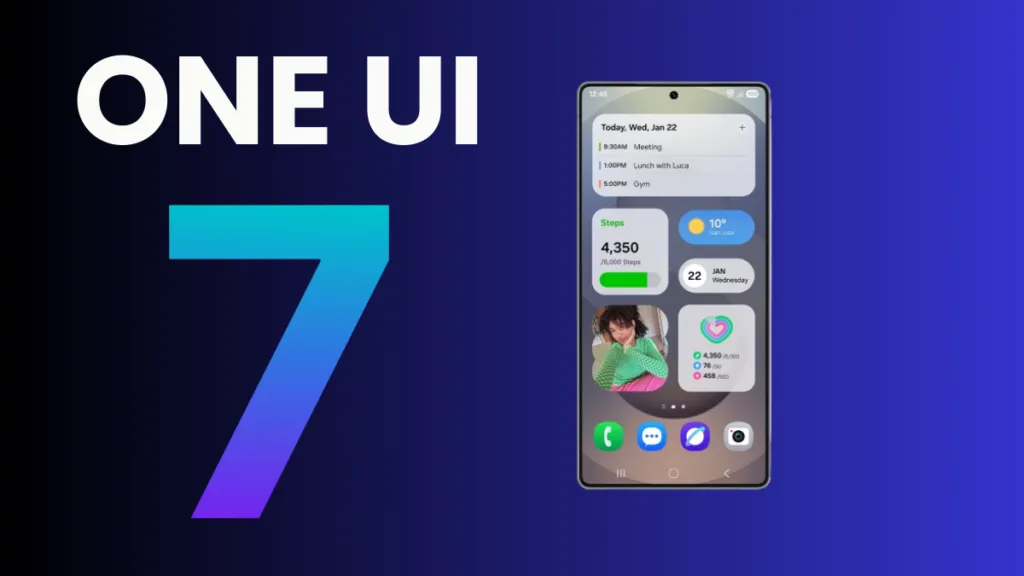
The One UI 7 is Samsung’s most significant UI change to date. Even while the build included numerous amazing changes that fans had been anticipating, certain delays made the release a source of frustration among fans as well. Now that the stable release has begun, here are all of the Galaxy models set to receive the upgrade in May 2025.
Essentially, Samsung began the One UI 7 stable update rollout on April 7 for the Galaxy S24 series, as well as the Galaxy Z Fold 6 and Flip 6, which were scheduled to receive the update in the first batch, while the rollout for the US market was scheduled to begin on April 10; however, due to a bug, Samsung had to pause the rollout.
At the same time, the One UI 7 release resumed and is now reaching even more older generation handsets, excluding the Galaxy S24 family and the company’s 6th generation foldables.
Samsung has already begun to expand the reliable One UI 7 edition globally, starting in the company’s hometown of South Korea. So far, Samsung has delivered the stable update to numerous Galaxy phones and tablets since mid-April, and will continue to do so until every eligible device is covered.
Furthermore, One UI 7 introduced many new features and modifications, although it is worth noting that a few Galaxy AI functions may not be available in previous Galaxy model lineups.
List of samsung Galaxy devices receiving One UI 7 in May 2025.
Now that we have entered the month of May, here are all of the Galaxy smartphones, tablets, and foldables that are expected to receive updates this month in the global market:
Experiencing battery drain after updating to One UI 7 on your Samsung Galaxy device? This comprehensive guide explains why battery drain happens, how to fix it, and the best settings to optimize battery life on One UI 7. Follow these proven steps to restore your phone’s battery performance and enjoy the latest features without compromise.
Battery drain after a major update like One UI 7 is common. Your device may use more power due to background optimization, app updates, and new features. Additionally, system apps such as location services may run more often, impacting battery life.
1. Allow System Optimization
It may take up to 14 days for your Galaxy phone to optimize battery usage after downloading One UI 7. Avoid making significant modifications during this time, and keep an eye out for any natural improvements in battery life.
Samsung Galaxy S25 Ultra
Streamline your day with an assistant that gets you. Ask it to Google search for a pet-friendly vegan restaurant nearby and text it to your friend – your Galaxy S25 Ultra handles multiple tasks with a single ask.
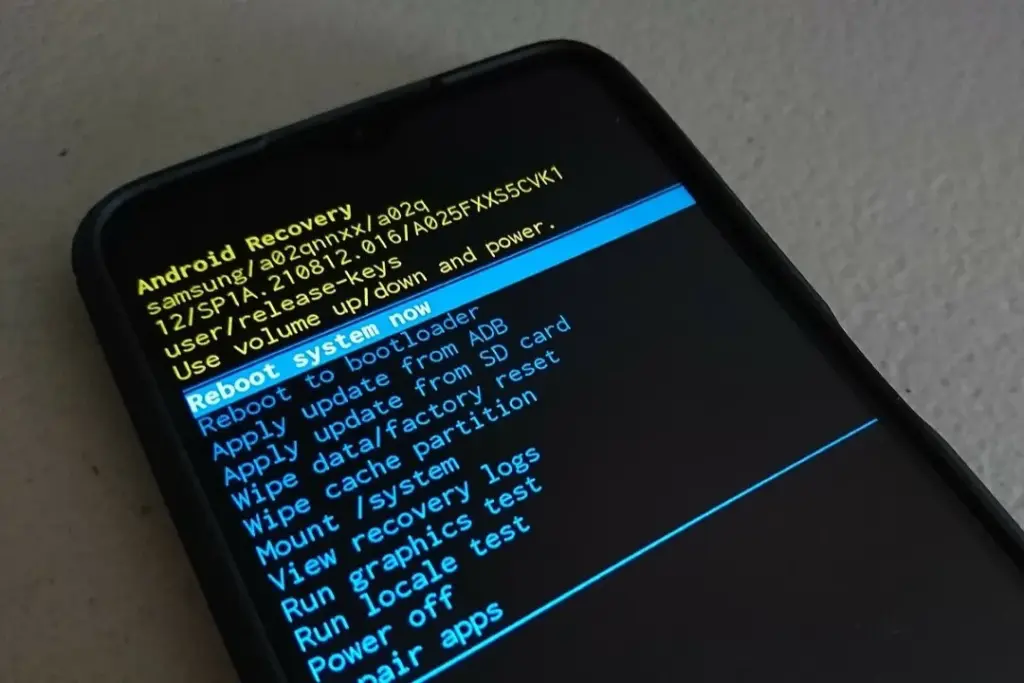
After an update, a damaged cache may result in excessive battery consumption. One secure method to fix this without erasing sensitive information is to wipe the cache partition.
How to Wipe Cache Partition:
Turn off your Galaxy device.
Connect it to a computer via USB.
Hold Power + Volume Up until the Samsung logo appears.
Use the volume buttons to highlight “Wipe cache partition” and press Power.
Confirm and reboot.
3. Update All Apps
Older apps might not be One UI 7 compatible. To guarantee compatibility and effectiveness, update every app from the Google Play Store and Galaxy Store.
4. Check Battery and Location Settings
To find out which apps use the most power, navigate to Settings > Battery & Device Care > Battery.
Limit background activity for apps that use a lot of resources.
For apps that do not require continuous access, check location permissions and turn off “Allow all the time.”
5. Use One UI 7 Battery Protection Features
One UI 7 introduces new battery protection tools:
Adaptive Mode: Limits charging to 80% overnight, topping up before you wake.
Maximum Mode: Set a custom maximum charge (80%, 85%, 90%, 95%) to extend battery lifespan.
Auto Dim Screen: Automatically dims the display when battery drops below 5%.
Access these in Settings > Battery > Battery Protection and Settings > Display > Auto Dim Screen.
6. Factory Reset as a Last Resort
If other solutions fail, a factory reset can resolve persistent battery drain. Back up your data before proceeding.
Extra Tips to Extend Battery Life on One UI 7
Turn off functions you do not use, such as background sync, fast refresh rate, and always-on display.
Reduce screen timeout and screen brightness.
When necessary, activate power-saving modes.
Frequently Asked Questions (FAQ)
How long does it take for battery life to stabilize after updating to One UI 7?
It can take up to two weeks for your device to optimize battery usage after a major update.
Will wiping the cache partition delete my personal data?
No, wiping the cache partition only clears temporary system files and does not affect your personal data.
Why is my location icon always on after the update?
Some apps may have gained new permissions. Review your location settings and restrict access where unnecessary.
Quick Fixes for One UI 7 Battery Drain
Solution
Effectiveness
Data Loss Risk
Difficulty
Wait for optimization
Moderate
None
Easy
Wipe cache partition
High
None
Medium
Update all apps
Moderate
None
Easy
Adjust battery settings
Moderate
None
Easy
Factory reset
High
Yes
Hard
If you’re still experiencing battery drain after trying these steps, keep your device updated and monitor community forums for official fixes. Reporting your issue helps Samsung identify and resolve widespread problems faster.
Samsung Galaxy S25 Ultra
Streamline your day with an assistant that gets you. Ask it to Google search for a pet-friendly vegan restaurant nearby and text it to your friend – your Galaxy S25 Ultra handles multiple tasks with a single ask.