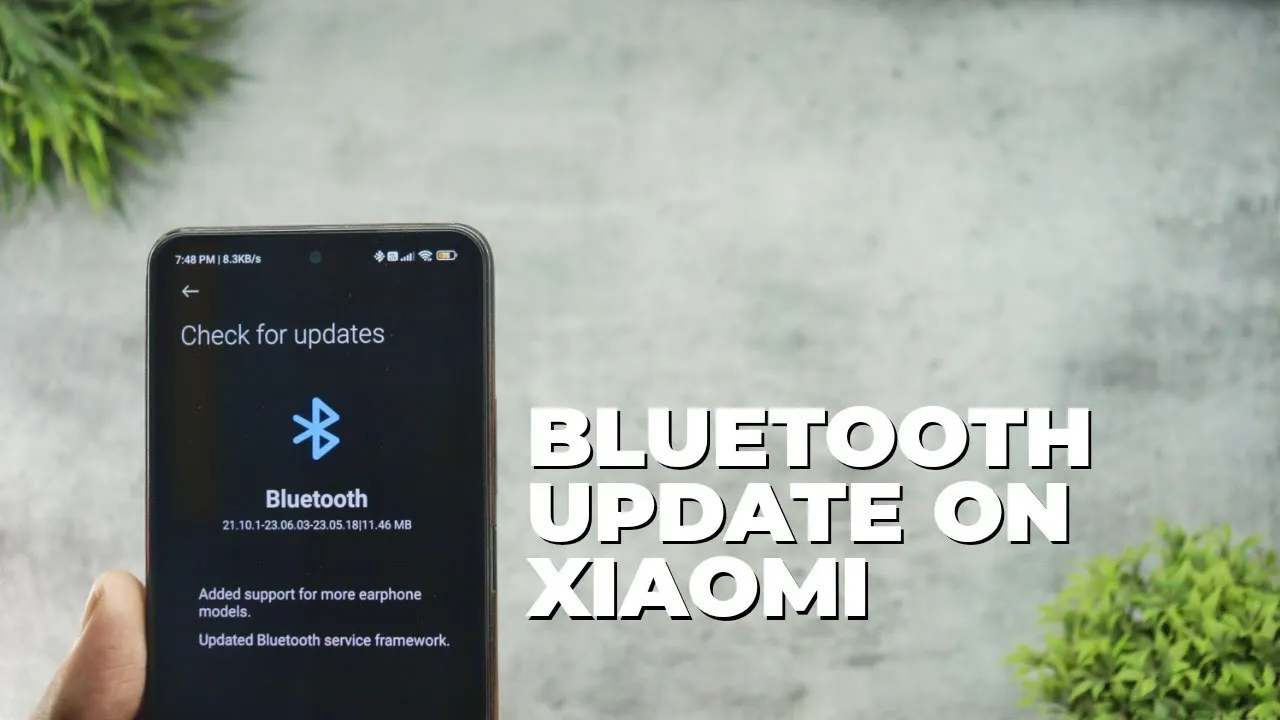
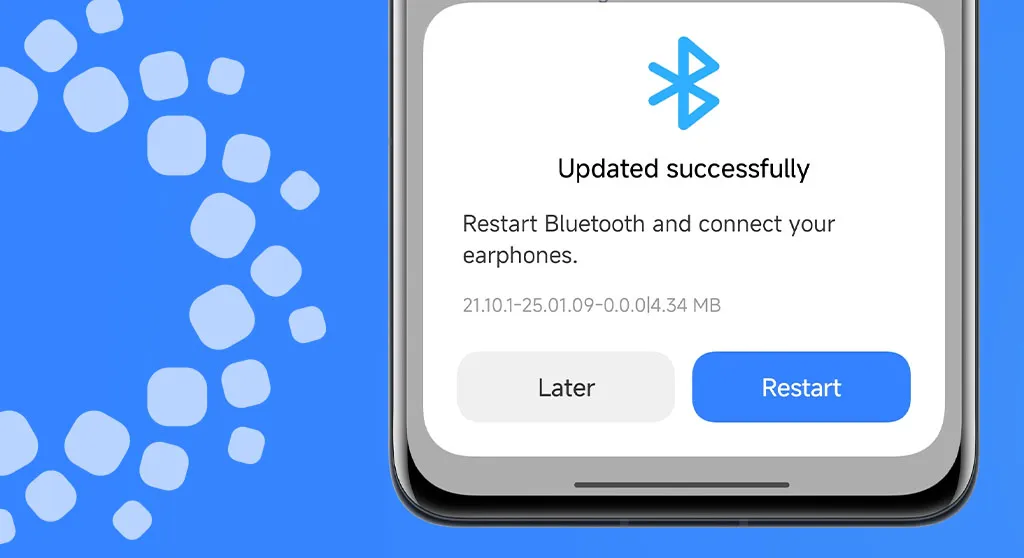
Xiaomi has released a comprehensive Bluetooth update for all compatible devices, bringing version with significant improvements to connectivity and device compatibility. This major system-level update addresses numerous connectivity issues while expanding support for a wider range of earphone models and accessories. Users across the globe are reporting enhanced audio performance, improved device pairing, and more stable connections with various Bluetooth peripherals.
The update represents Xiaomi’s ongoing commitment to refining the user experience through regular system optimizations and ensuring seamless integration with the expanding ecosystem of wireless devices and accessories.
Key Improvements in Latest Update
For the owners of Xiaomi devices, the latest Bluetooth update brings a number of substantial improvements that greatly boost the wireless experience overall. Future connection advancements have a stronger basis thanks to the revised service structure.
Better compatibility with various Bluetooth devices
Service Framework Updates
Updated Bluetooth service framework for better stability
Enhanced connection protocols for reliable pairing
Optimized power management for extended battery life
How to Install the Update
This significant Bluetooth upgrade is easy to install and only requires a few quick steps. Before starting the update process, users should make sure their device is connected to WiFi.
Installation Steps:
Open Settings app on your Xiaomi device
Navigate to Bluetooth settings
Look for the Updates section
Download and install
All suitable Xiaomi devices running MIUI and HyperOS are getting this Bluetooth upgrade worldwide. Depending on the speed of your internet connection and the capabilities of your device, the update process could take several minutes.
Beyond the fundamental enhancements, users might experience better connection reliability while playing media and higher-quality audio when using compatible earbuds. Additionally, the update incorporates background enhancements that enhance system efficiency in general.
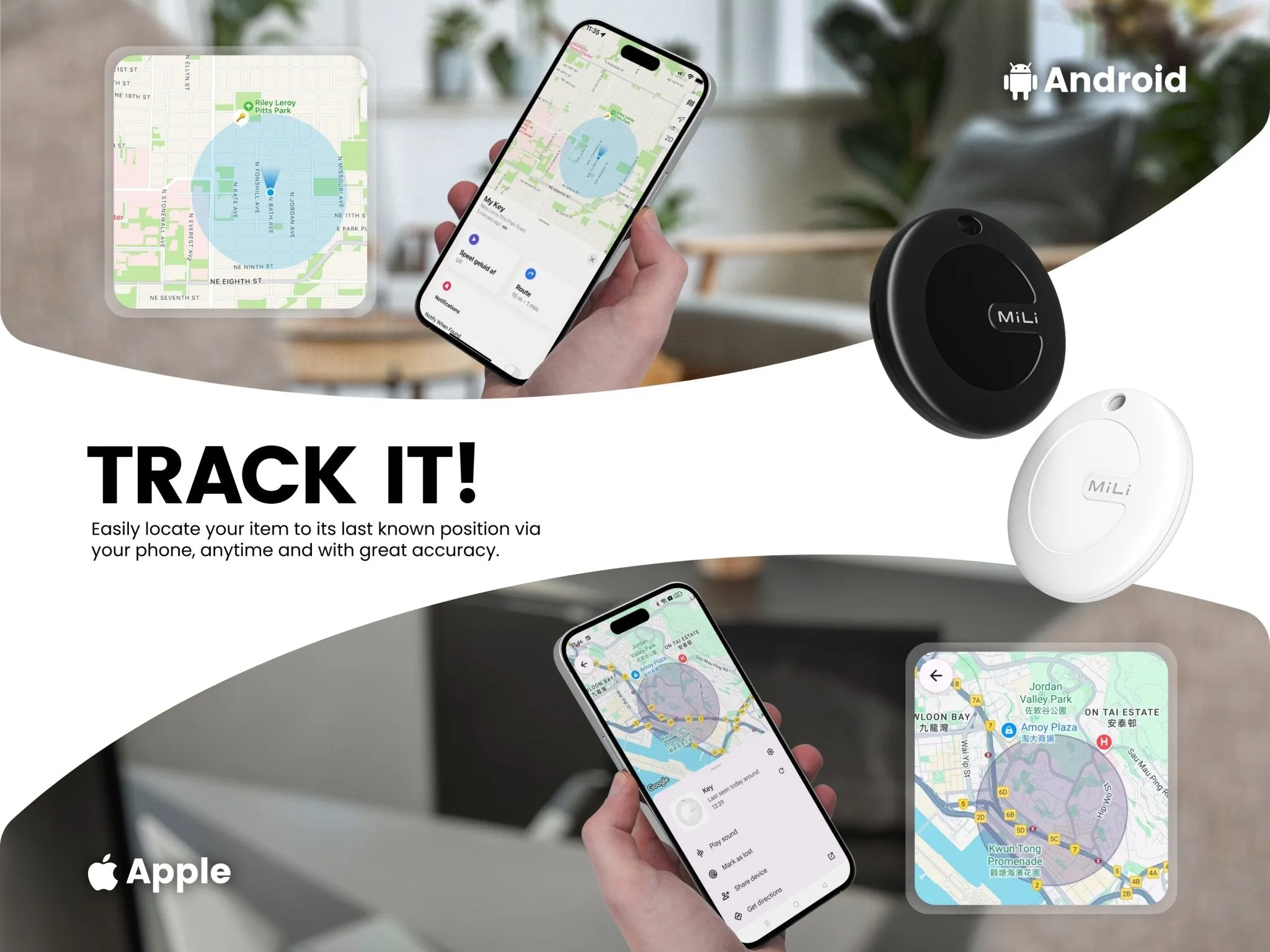
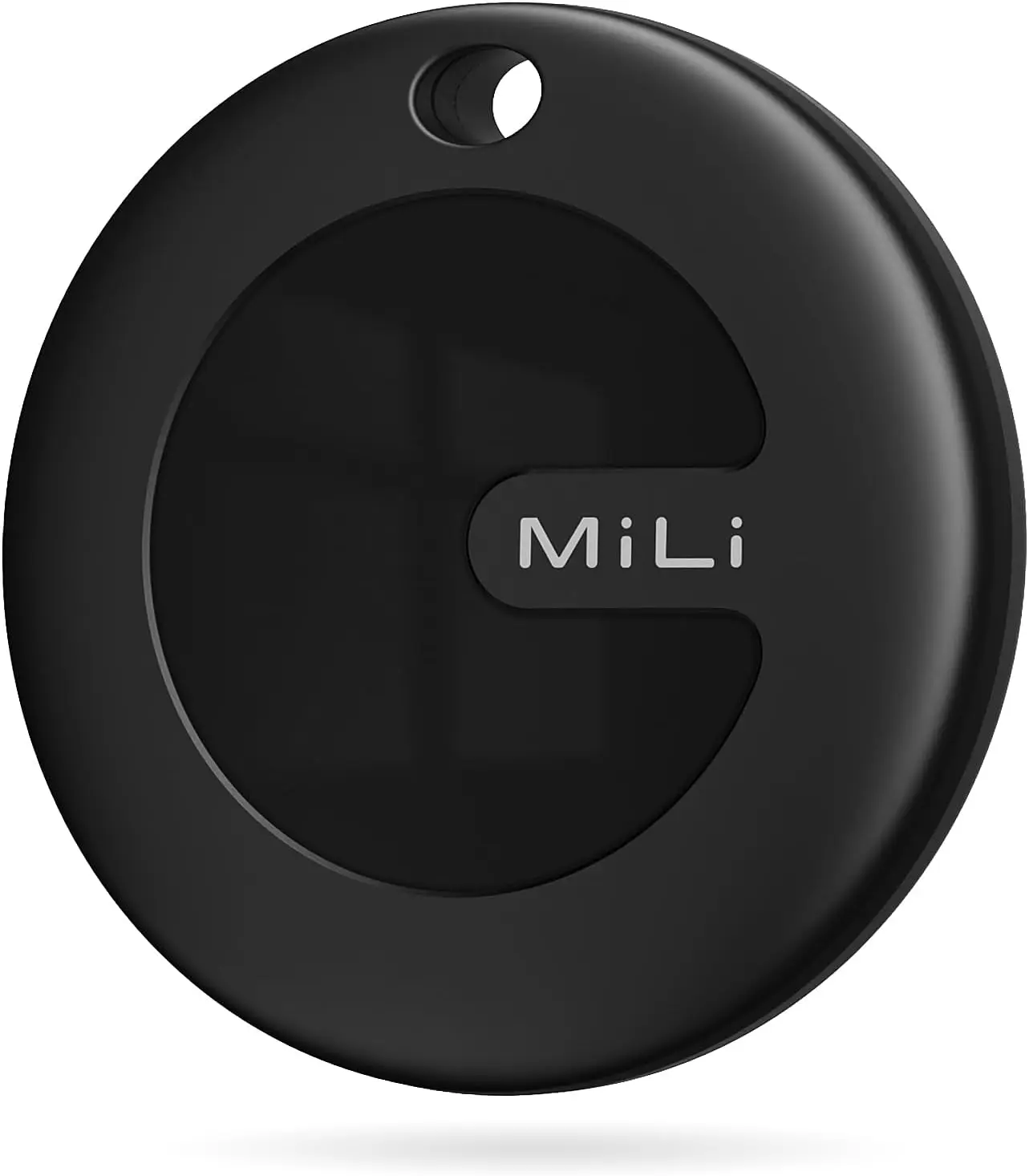
Like the Chipolo Pop and Pebblebee’s universal trackers, MiLi’s MiTag Duo is a Bluetooth tracker that works with both Apple Find My and Google Find My devices. The new Bluetooth tracker is currently on sale and far less expensive than its competitors.
The Chipolo Pop was released last month as a Bluetooth tracker that connects to Google’s Find My Device and Apple’s Find My networks. A comparable Bluetooth tracker that was compatible with both networks was announced by another company about a month before Chipolo’s. The device is known as the MiTag Duo, but sadly, the announcement was not widely publicized.
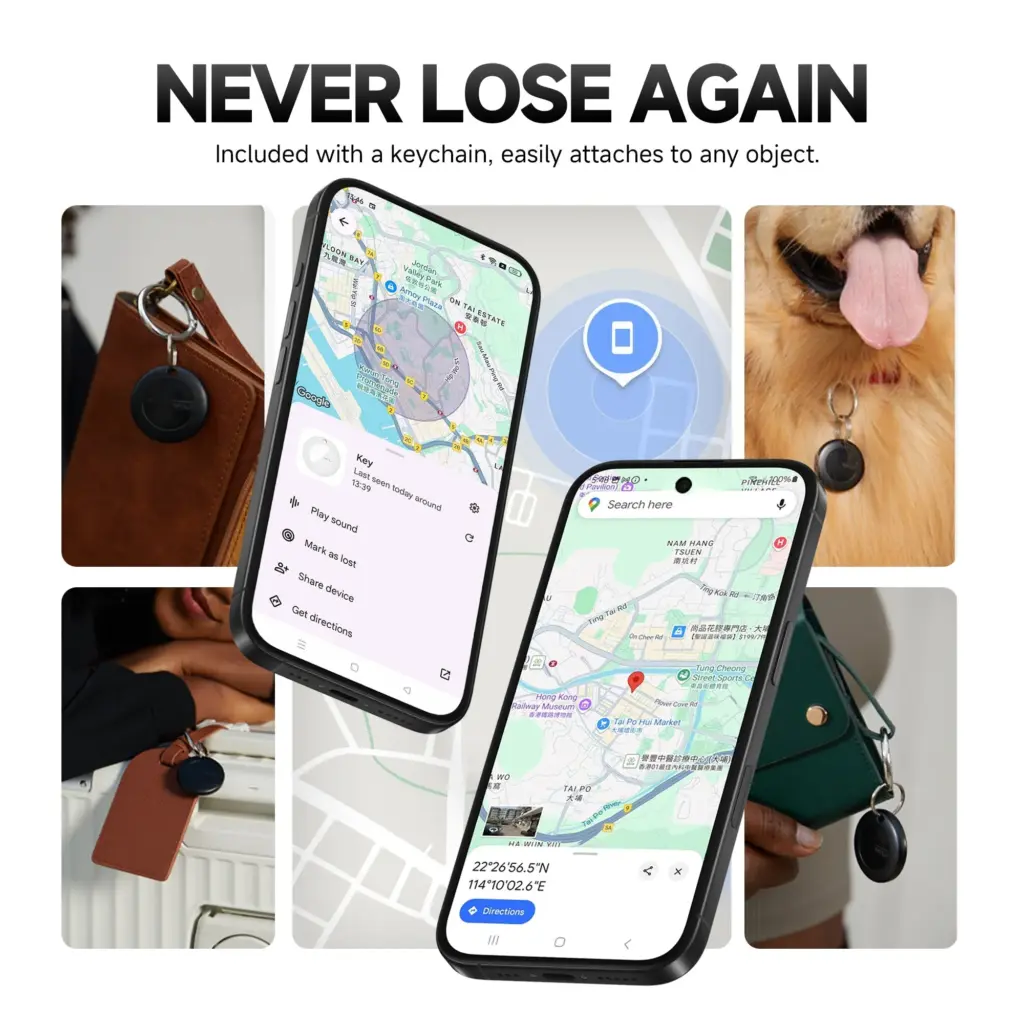
The MiTag Duo, which is made by MiLi, is circular like the MiTag Go (which is now available on Amazon for $13.99) and only works with Google Find My. The tracker is easy to attach to possessions because it features a key ring hole and comes in black and white color variants. It can operate in temperatures ranging from -20°C to 60°C and has an IP67 dust and water resistance rating.
MiLi MiTag Bluetooth Tracker for Android and iOS
The Android version MiTag is a Google Certified location tracker that works with “Find My” app on Android phones (Android 9 or higher, NOT for iOS devices). Attach this android tracker to the items you usually misplace and let it help you find your keys, bag, suitcase, toy, etc.
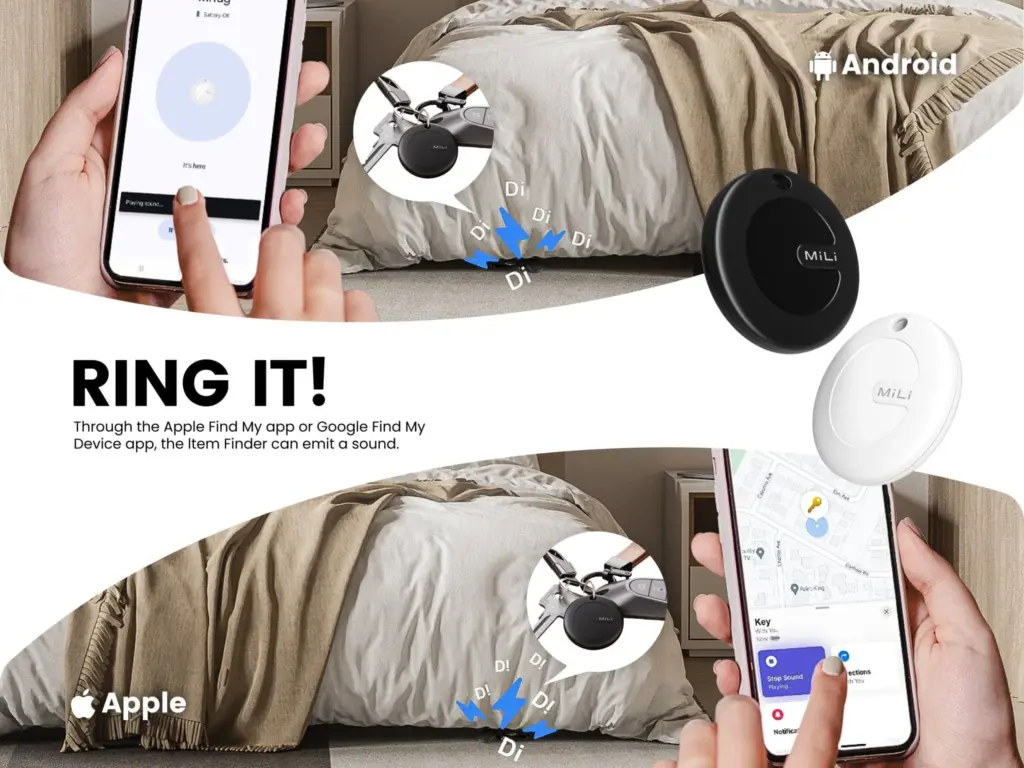
Both Google and Apple have granted the tracker legal licenses, and it works flawlessly with Android and iPhone cellphones. It also supports sharing with other users and doesn’t require a partner app. You can track your possessions in real time with the MiTag Duo. When you ring it, you can hear it because it includes an integrated speaker. The CR2032 battery that powers the tracker should last for up to eight months before needing to be changed.
The MiTag Duo is still available for pre-order even though it was only introduced in March, and shipping is set to start on May 19. The tracker has a price tag of $19.99 from MiLi, however the company’s web store claims that this is a discounted price because the original price was $39.29.
MiLi MiTag bundle
Within Bluetooth range (150 m/500ft), you can check the current location and easily find your item by activating sound via Google Find My app or voice commands. The tracking tag will ring loud enough to help you locate it.
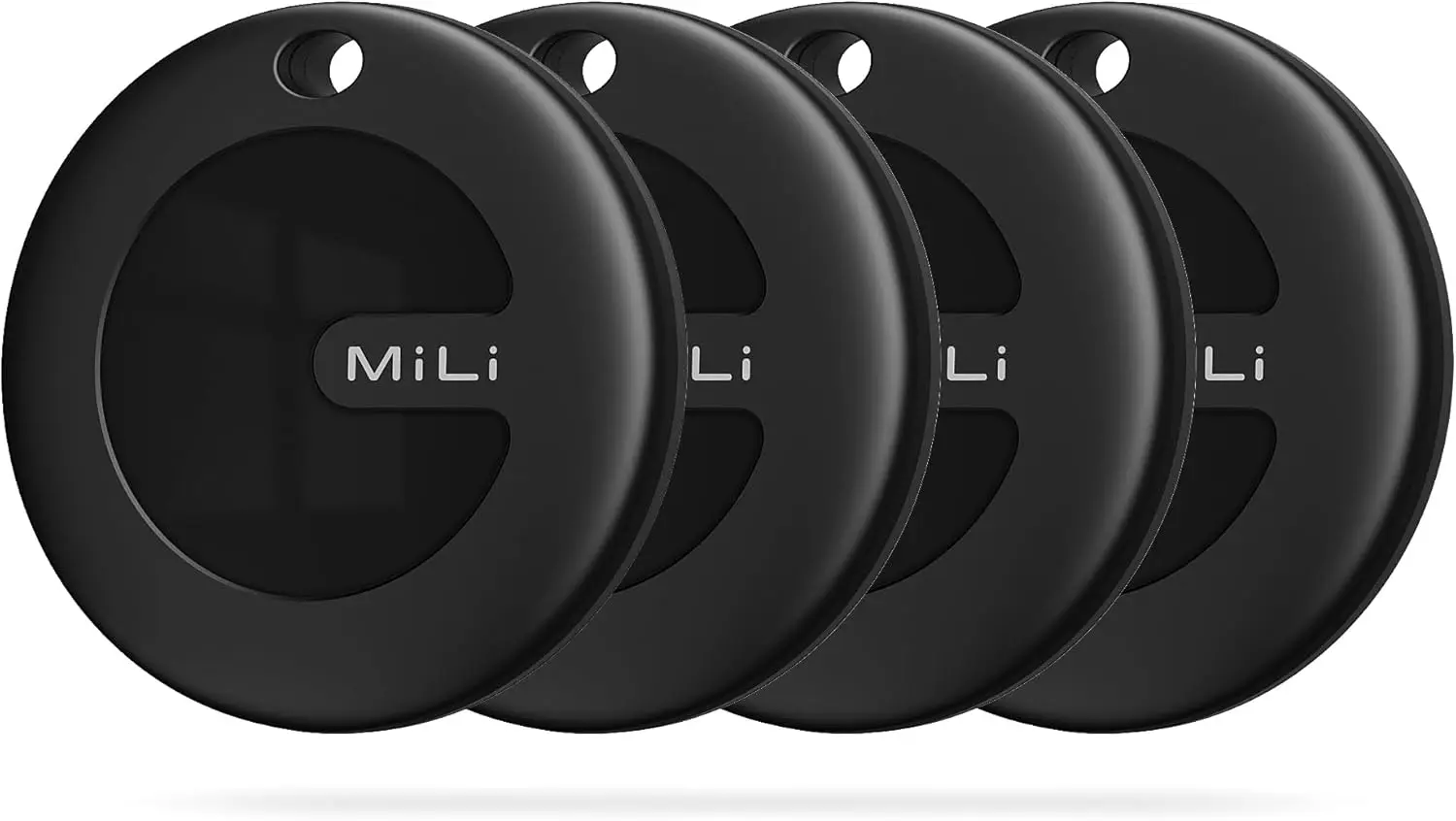
Additionally, you can save additional money by buying in bulk. For example, a pack of two pieces costs $35.99 instead of $78.58, a pack of four units costs $47.99 instead of $157.16, and a box of eight costs $127.94 instead of $314.32. When compared to the Chipolo Pop, which costs $29 per unit, $89 for a pack of four trackers, and $121 for a box of six, the MiTag Duo is now less expensive.
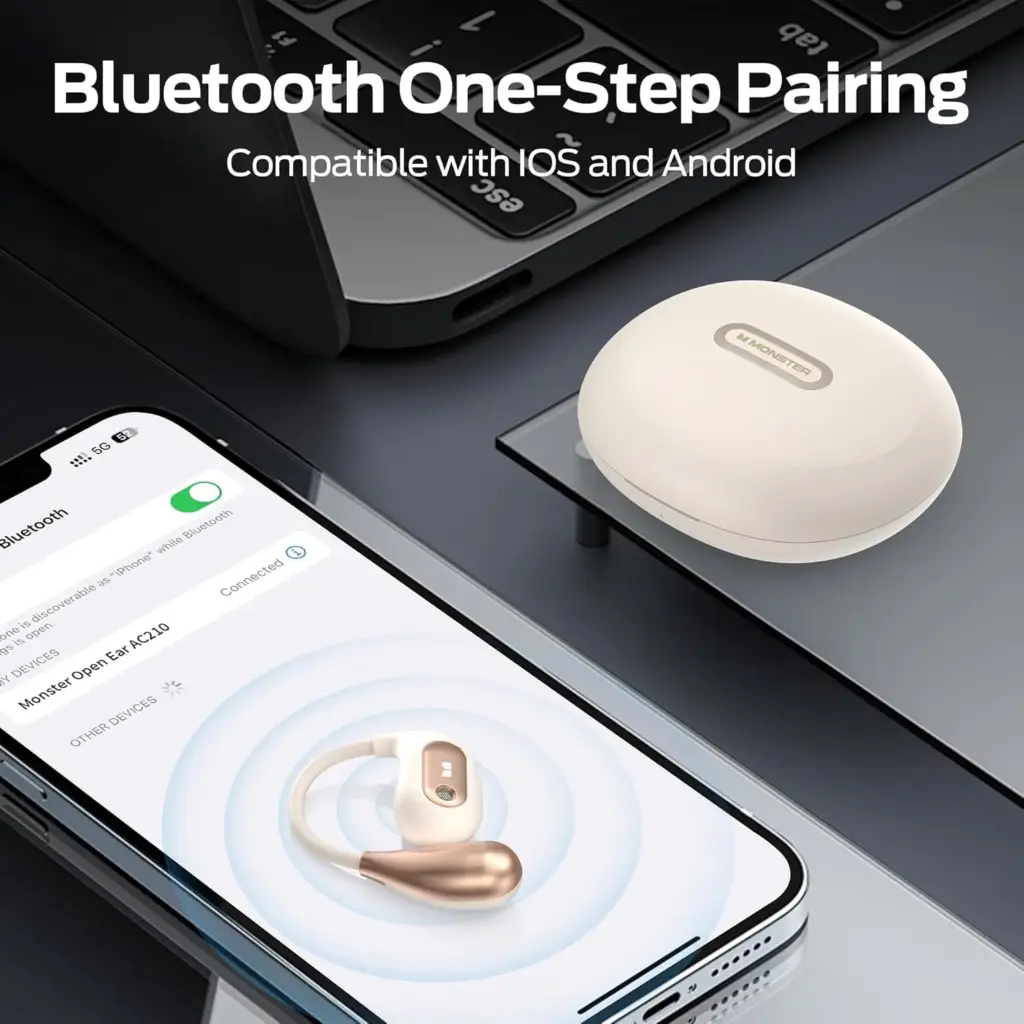
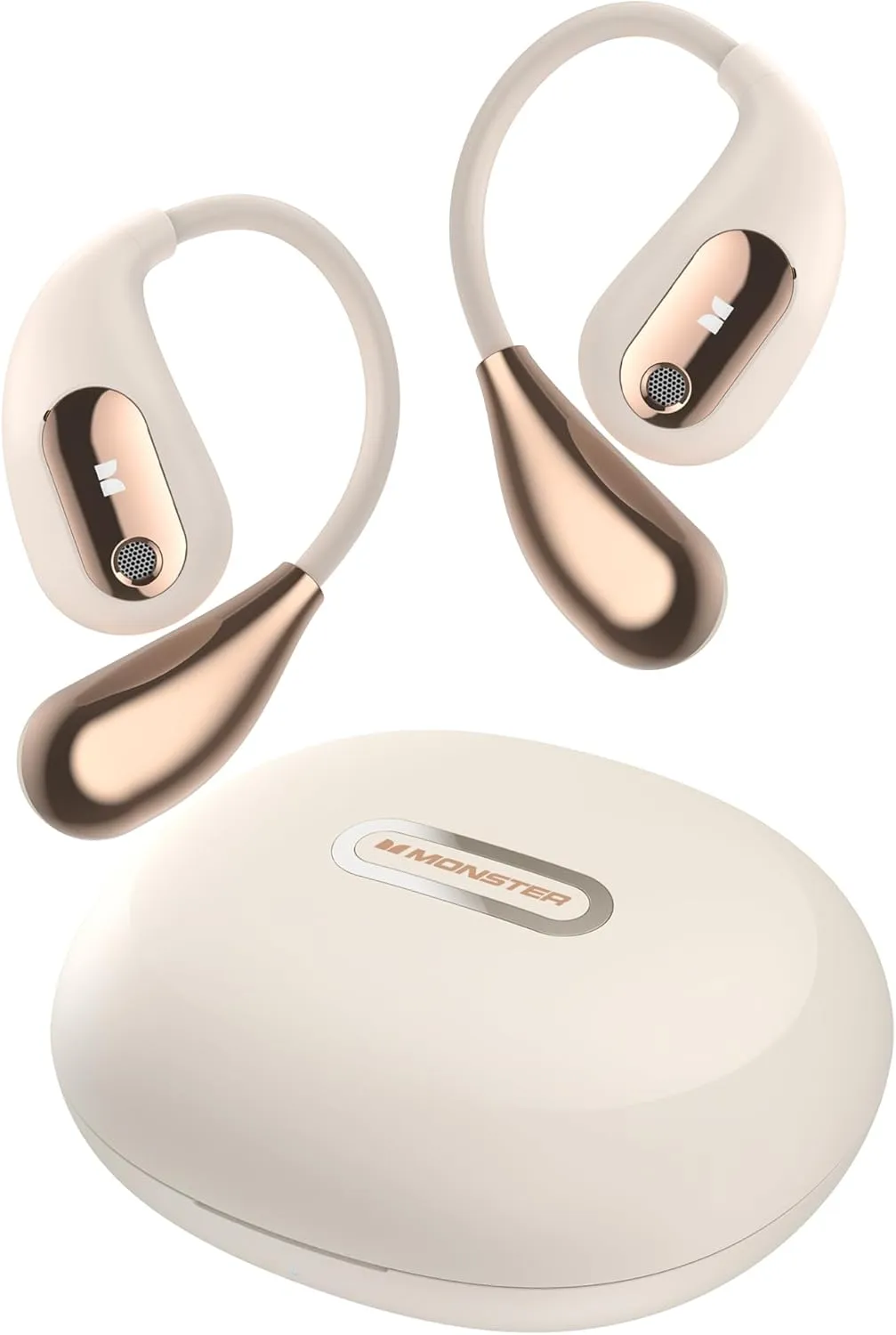
A sleek and innovative addition to the ever-growing market for open-ear headphones is the Monster Open Ear AC210. These cutting-edge headphones not only incorporate the brand’s distinctive sound quality but also feature state-of-the-art Bluetooth 5.4 technology, ensuring a seamless audio experience.
Top features
Totally Open-Ear Design: The Monster AC210’s fully open-back design lets sound fill your ears without blocking your hearing, offering the utmost in comfort and a natural soundscape.
Immersion Sound Quality: The MonsterAC210 produces a three-dimensional and intricate audio experience thanks to its 30mW thrust DAC sound card, two strong 12mm dynamic drivers, and redesigned PI composite beryllium diaphragms.
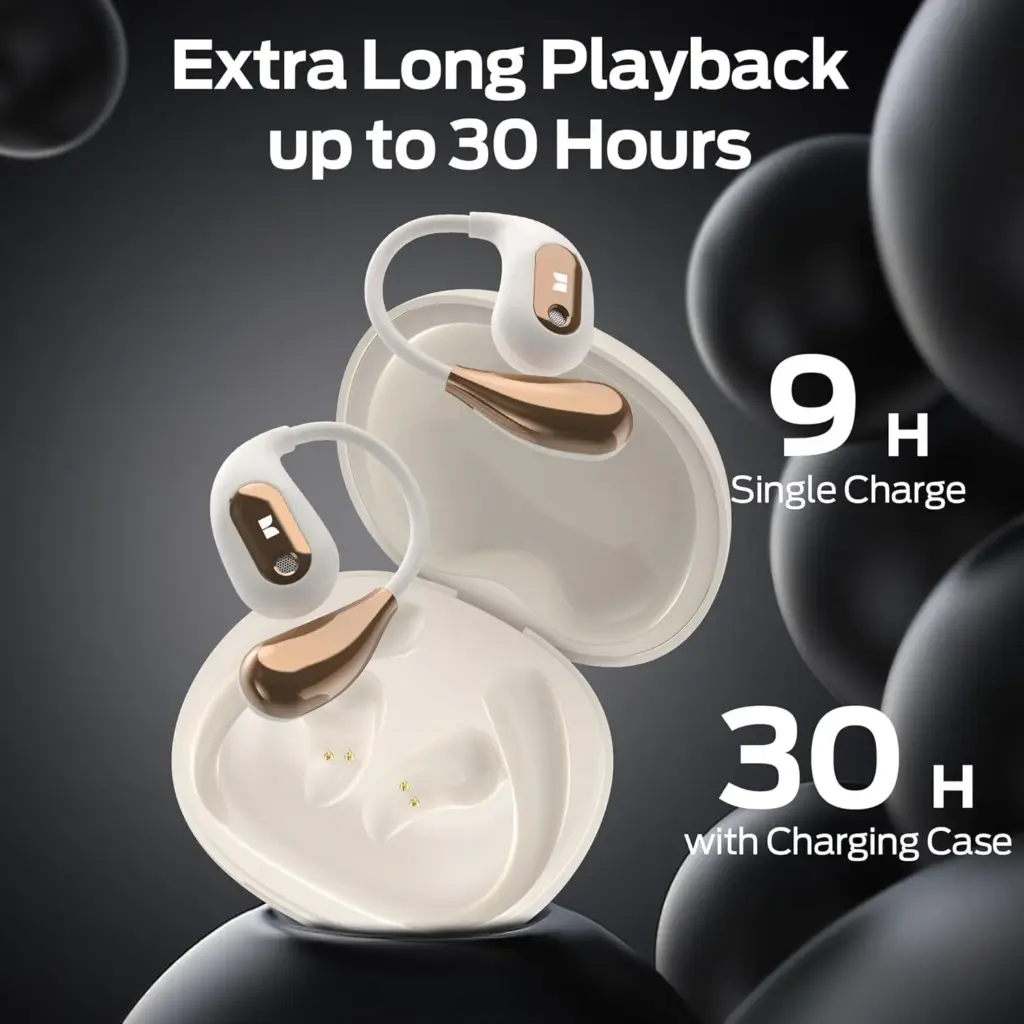
Extended Battery Life: With up to 6 hours of continuous playback on a single charge and up to 30 hours when combined with the included charging case, you can enjoy your music or calls without frequent recharging.
Design
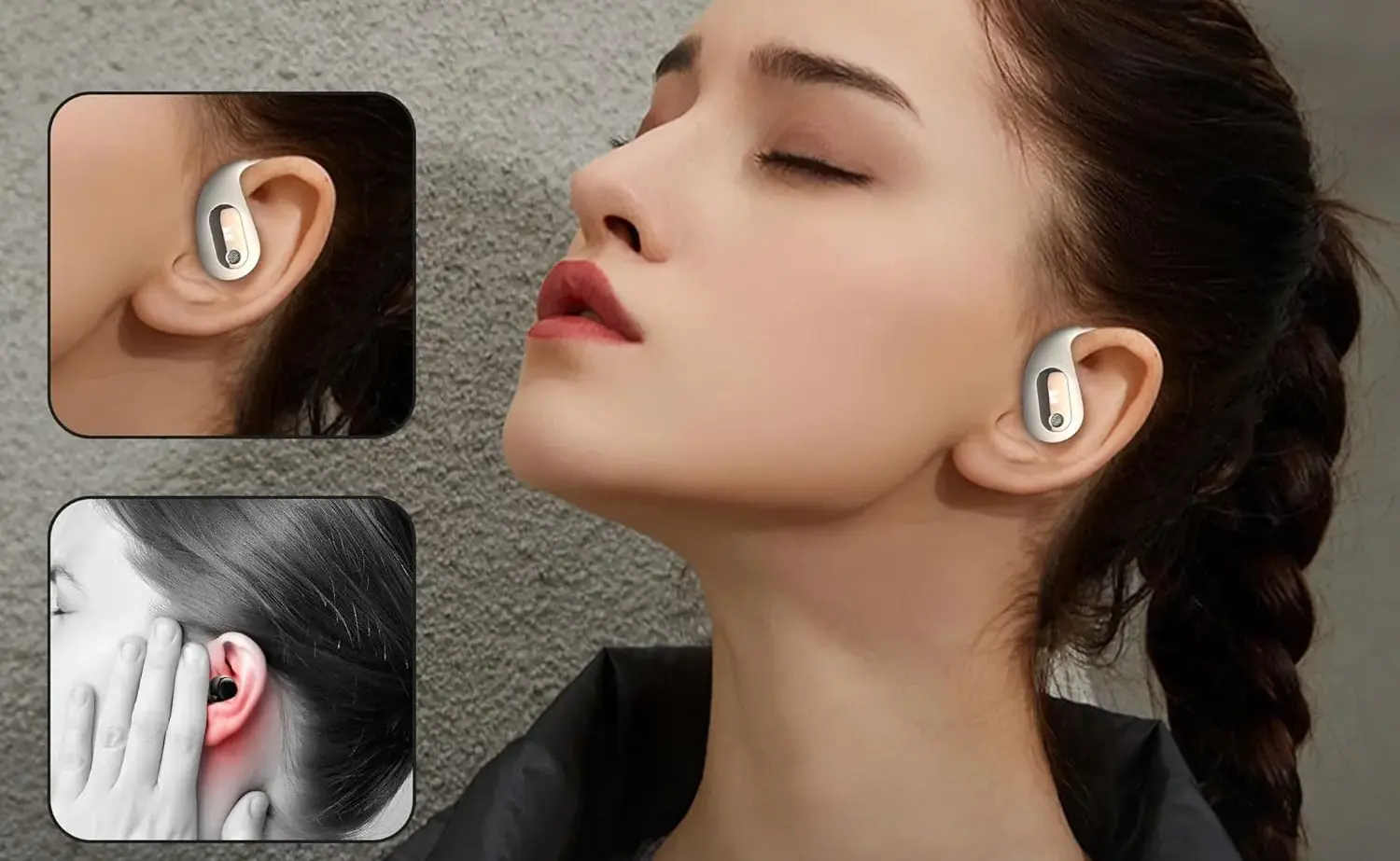
Because of its innovative open-ear design, the Monster AC210 is crafted to fit comfortably in your ears without obstructing the ear canal at all. This thoughtful design is particularly beneficial for commuters, outdoor enthusiasts, or anyone else who needs to enjoy their favorite music while remaining aware of their surroundings.
The unique open-ear structure not only allows for an immersive sound experience but also enhances safety by keeping you alert to nearby sounds. Their ergonomic fit and lightweight design contribute significantly to long-term comfort, making them suitable for prolonged use without any discomfort. Furthermore, their understated and sleek style ensures that they do not look obtrusive or out of place, allowing you to wear them confidently in various settings, whether you’re at the gym, walking in the park, or navigating the bustling city streets.
Sound Quality
Monster’s open-ear headphones offer unexpectedly strong audio performance that may surprise even the most discerning listeners. The sound is not only clean and balanced but also well-rounded, featuring impressive bass for the design that enhances the listening experience. Clear vocals further elevate audio clarity, ensuring that dialogues and vocals remain crisp and vivid in various genres of music and media.
However, it’s worth noting that while these headphones perform admirably in their category, they cannot quite compete with the deep, bass-heavy punch characteristic of over-ear models, which tend to provide a more immersive sound experience.
Additionally, depending on your surroundings, the open-ear design may or may not present advantages; it does, after all, allow some outside noise to filter in, which could be beneficial in situations where you need to remain aware of your environment, but may also detract from your overall listening immersion. Thus, it’s important to consider how you plan to use these headphones before making a final decision.
Bluetooth 5.4 Performance
The AC210 offers a smooth and reliable connection to devices thanks to its Bluetooth 5.4 capability. The long range allows you to roam freely without worrying about dropouts, and pairing is quick. They are also a good choice for video calls and light gaming because of the low latency connection.
Battery Life
With a quick-charging option for added convenience, the AC210 can play for up to eight hours on a single charge. This guarantees a full day of sporadic use without requiring a recharge for casual users.
Monster Open Ear AC210
Designed specifically for users who prioritize both comfort and situational awareness
IPX5 Water Resistance: Perfect for workouts or light rain.
Built-in Microphone: Offers decent call quality, although noisy environments may impact clarity.
Touch Controls: Intuitive touch controls on the sides for easy playback and call management.
Should you buy?
For users who appreciate comfort, security, and reliable wireless performance, the Monster Open Ear AC210 headphones are a great option. These headphones offer dependable sound quality and practicality for daily tasks, even though audiophiles might long for a deeper bass experience.
Whether you are working from home, riding a bike, or running, the AC210 is a multipurpose partner that combines fashion and functionality.
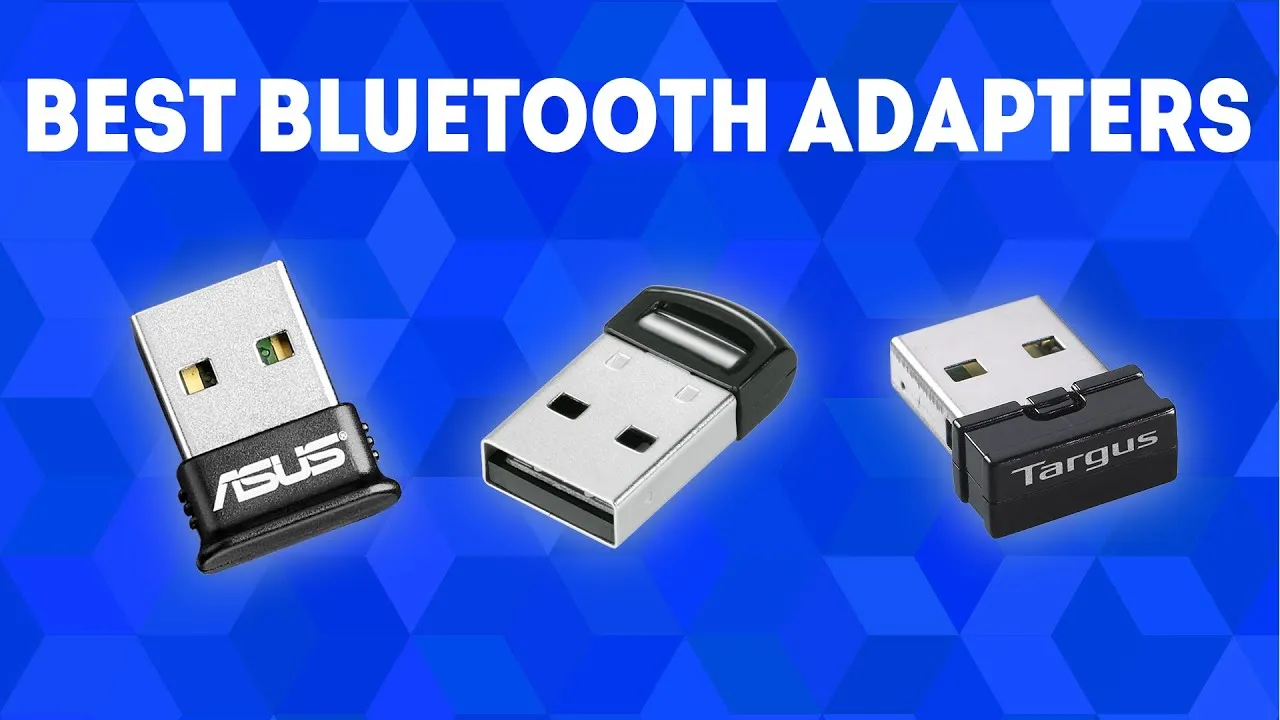
Bluetooth adapters are portable devices that enable non-Bluetooth devices to communicate wirelessly. They are also referred to as Bluetooth dongles or transceivers and are ideal for improving your technology setup.
What to look for in a Bluetooth adapter
Bluetooth adapters exist in a variety of shapes and sizes, each serving a different purpose. Whether you need one for your TV, PC, Bluetooth keyboard, automobile, or Nintendo Switch, knowing the purpose will help you select the appropriate size and kind, even though they are all quite portable.
Bluetooth version is also significant. Our recommended adapters vary from Bluetooth 5.3 to the most recent Bluetooth 5.4 specification. A Bluetooth 5.4 adapter can function with older versions, such as Bluetooth 5.3 and lower, although it will be limited to the lower version’s features.
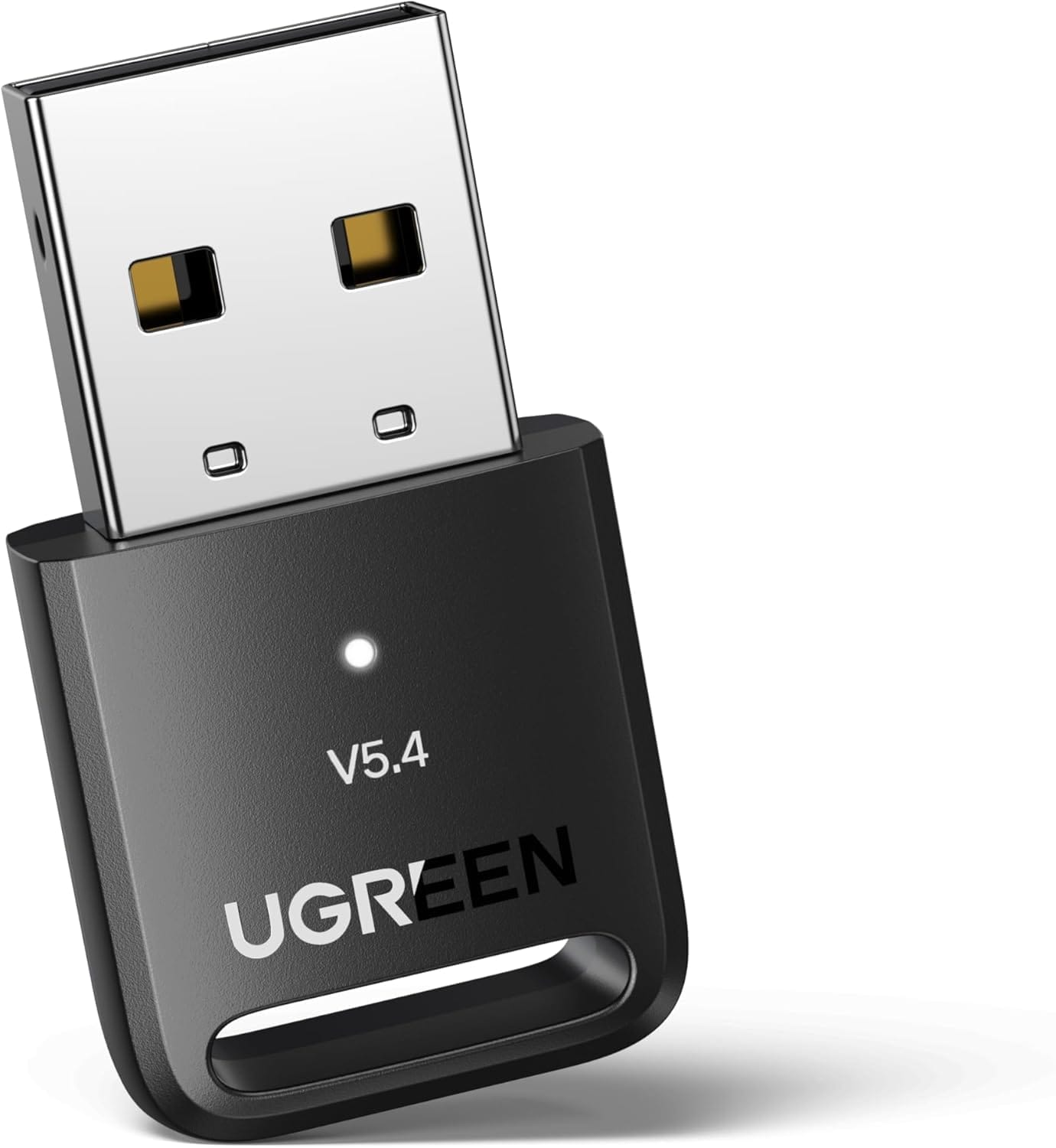
Check for OS compatibility, as not all adapters work with every operating system or device. For example, the UGREEN Bluetooth 5.4 Adapter is compatible with Windows 7, 8.1, 10, and 11, but not Mac OS or Linux.
UGREEN Bluetooth 5.4 Adapter
The UGREEN Bluetooth 5.4 Adapter is the best Bluetooth adapter for most of people.
Your needs are what will ultimately determine whether you choose a Bluetooth 4.0 or 5.0 adapter. Although Bluetooth 5.0 is more sophisticated and performs better, older devices may still use both versions. A Bluetooth 4.0 device will function at the capability of the lower version if you use a Bluetooth 5.0 adapter with it.
The 5.0 adaptor can be a wise choice if you intend to upgrade your technology soon. It will be compatible with your existing gadgets and prepared for any future technological advancements.
Will a Bluetooth adapter reduce sound quality?
The codecs a Bluetooth adapter uses and its data transmission speeds determine how it affects sound quality. Compared to Bluetooth 4.0 adapters, those using Bluetooth 5.0 or 5.3 technology often provide better sound, connectivity, range, and lower latency. Therefore, a higher version adapter can actually improve sound quality, while a lower version one may have an impact.
Best Bluetooth adapter overall
UGREEN Bluetooth 5.4 Adapter
Using the UGREEN Bluetooth 5.4 is quite simple, plug it into a USB port on your computer, and you are ready.
If you want the best Bluetooth adapter for most individuals, we recommend the UGREEN Bluetooth 5.4 Adapter. It is small, portable, and inexpensive. It also features Bluetooth 5.4 technology, which ensures fast and dependable connections as well as outstanding data transmission speeds.
Using the UGREEN Bluetooth 5.4 is quite simple. Simply plug it into a USB port on your computer, and you are ready. It smoothly integrates with Windows 8.1, 10, and 11. If you have Windows 7, you will need to get the appropriate driver.
This adapter is not just for computers; it also works with PS5/PS4 and Xbox controllers when connected to a PC. While it is not compatible with Windows 8, XP, Mac, Linux, or televisions, it is ideal for connecting Bluetooth devices such as printers, phones, keyboards, mouse, and headsets. In fact, you can connect up to five devices at one time.
With a range of up to 66 feet (20 meters), you may stay connected when moving around your home or space, as long as there are no big obstructions in the way. This makes it ideal for usage in houses or offices where numerous individuals need to connect to Bluetooth devices at once.
Best Budget Bluetooth Adapter
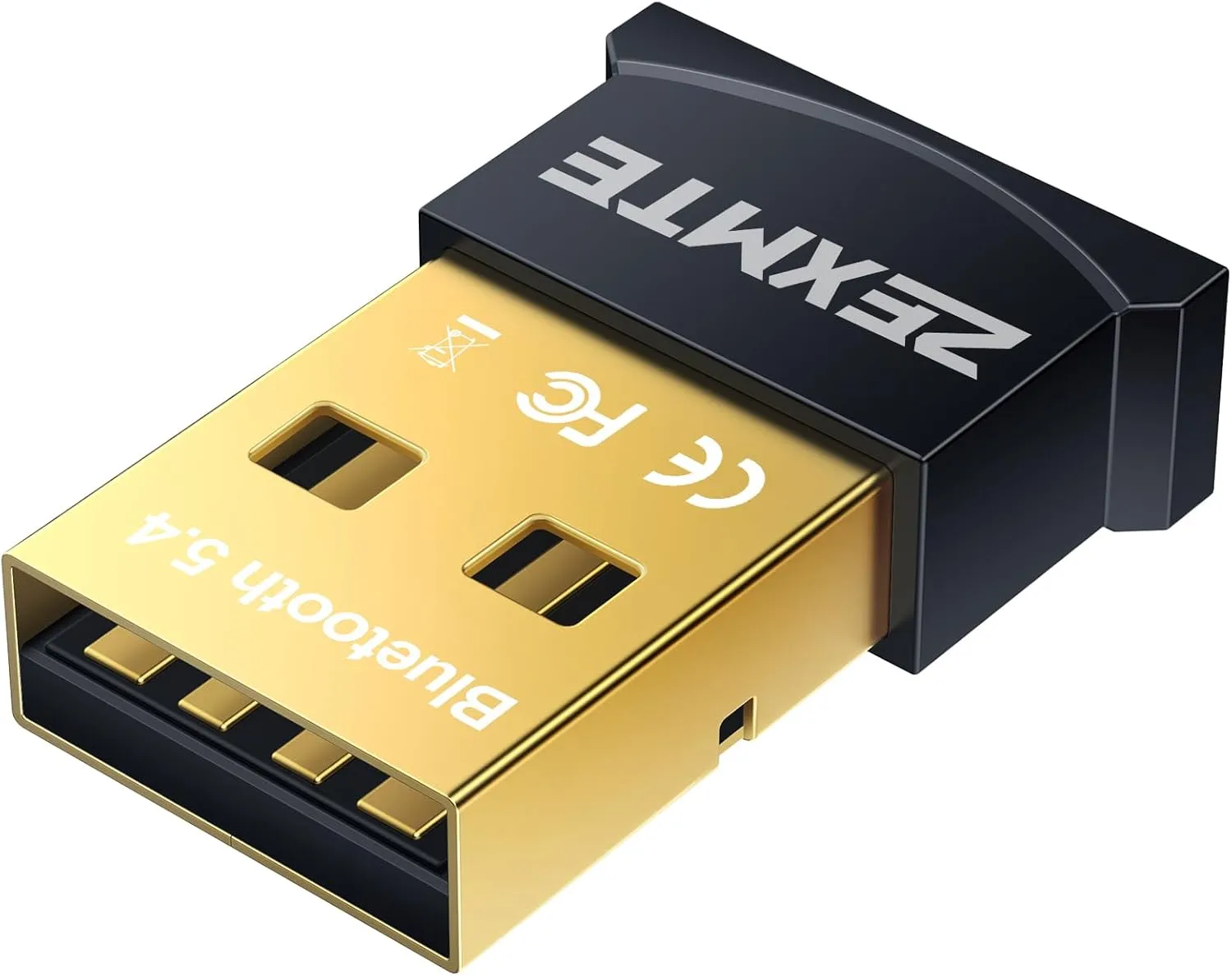
ZEMTXE Bluetooth 5.4 Adapter
It costs less than $10 but provides high-quality performance comparable to the UGREEN 5.4.
Our recommendation for the best Bluetooth adaptor is already reasonably priced at less than $16. However, if you want to save money while still enjoying Bluetooth 5.4 connectivity, we offer the ZEXMTE Bluetooth 5.4 Adapter. It costs less than $10 but provides high-quality performance comparable to the UGREEN 5.4.
The ZEXMTE’s plug-and-play architecture makes installation and setup a breeze; simply plug it into your PC and you are ready to go. It supports Windows 8, 8.1, 10, and 11. You will need to manually install the driver on Windows 7.
We also admire its remarkable range. Unlike lower-version Bluetooth adapters, which keep you connected to your PC, the ZEXMTE provides up to 98 feet (30 meters) of coverage in open space. Simply disable any built-in Bluetooth on your PC for the optimum experience.
While it is primarily intended for PCs, it also supports PS4 and Xbox controllers linked to a PC. Although it is incompatible with Mac, Linux, and TVs, it is compatible with a wide range of Bluetooth devices such as printers, phones, keyboards, mice, and headsets, and it can connect up to seven devices at once.
Best Bluetooth Adapter for ports
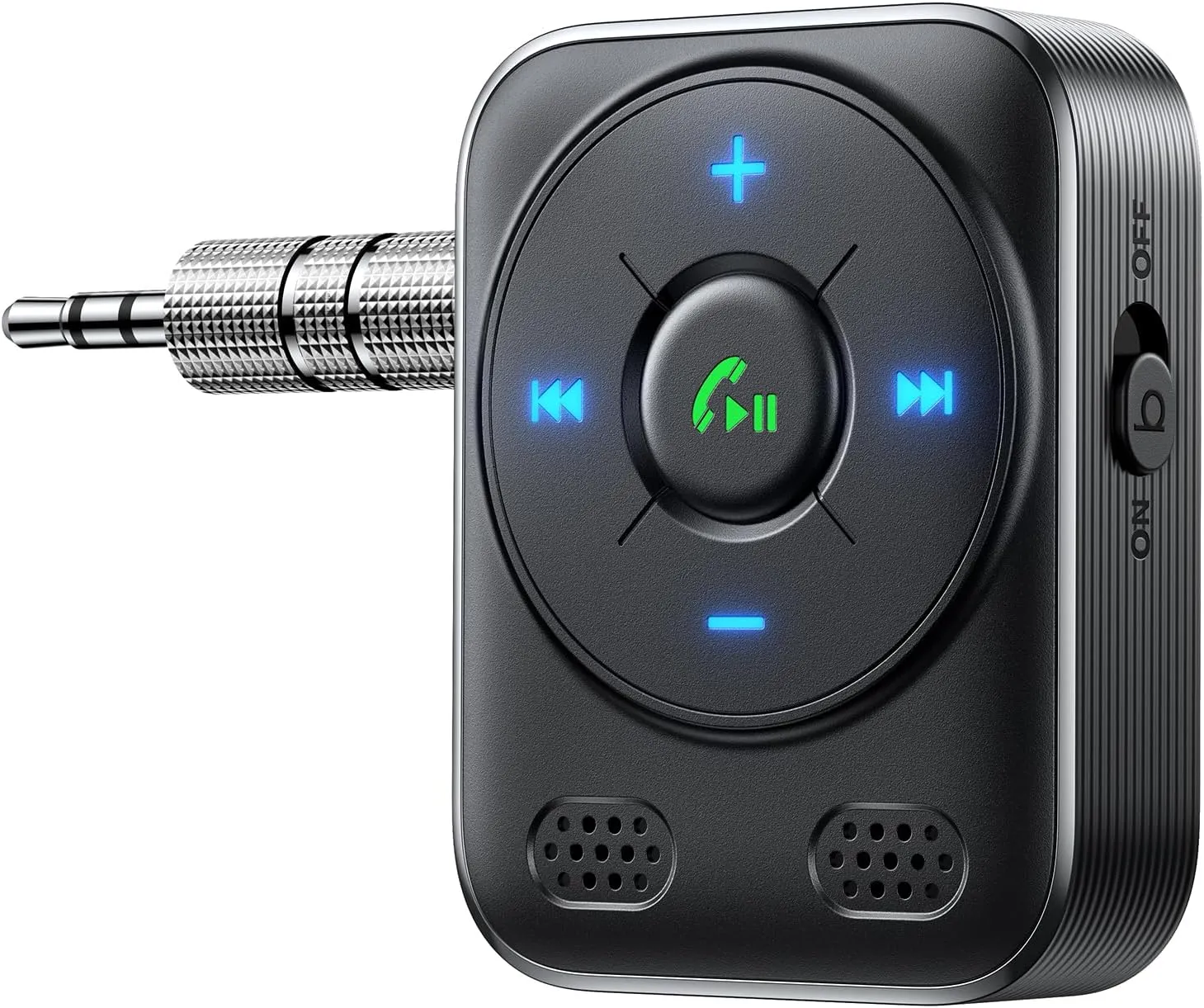
JOYROOM Aux Bluetooth 5.4 Adapter
We strongly suggest the JOYROOM Aux Bluetooth 5.4 Adapter as a good option
Are you looking to upgrade your house or vehicle’s audio system to Bluetooth? We strongly suggest the JOYROOM Aux Bluetooth 5.4 Adapter as a good option. This compact, useful gadget contains a bass boost button that significantly enhances sound quality and allows wireless streaming of music, podcasts, or audio.
The JOYROOM adapter’s Bluetooth 5.4 chip guarantees a strong, reliable connection with quick transmission and extensive coverage. Although it was designed for automobile audio systems, it also works well with wired headphones, speakers, and home stereos. It is easy to set up; just turn it on, connect it, couple your device, and begin listening to your favorite music.
Mounting it to your car’s air vent allows you to view or interact with it at eye level without taking your eyes off the road. It was designed with safety in mind. Additionally, it includes a cigarette lighter charger with three USB charging connections, one of which is a PD 30W port for quick device charging. You can easily find the controls at night thanks to the LED lighting.
We also appreciate that the JOYROOM adaptor supports hands-free calling. Your calls will sound clearer and be free of background noise from crowds, traffic, and wind thanks to advanced noise cancellation. In addition to supporting voice assistants like Siri and Google Assistant, it broadcasts navigation alerts so you can focus on the road rather than your device.
It provides a smooth, hassle-free listening experience by instantly reconnecting with associated devices as soon as they are within range and starting playback where you left off. It is strong, long-lasting, and capable of withstanding years of continuous use.
Best Bluetooth adapter for TV
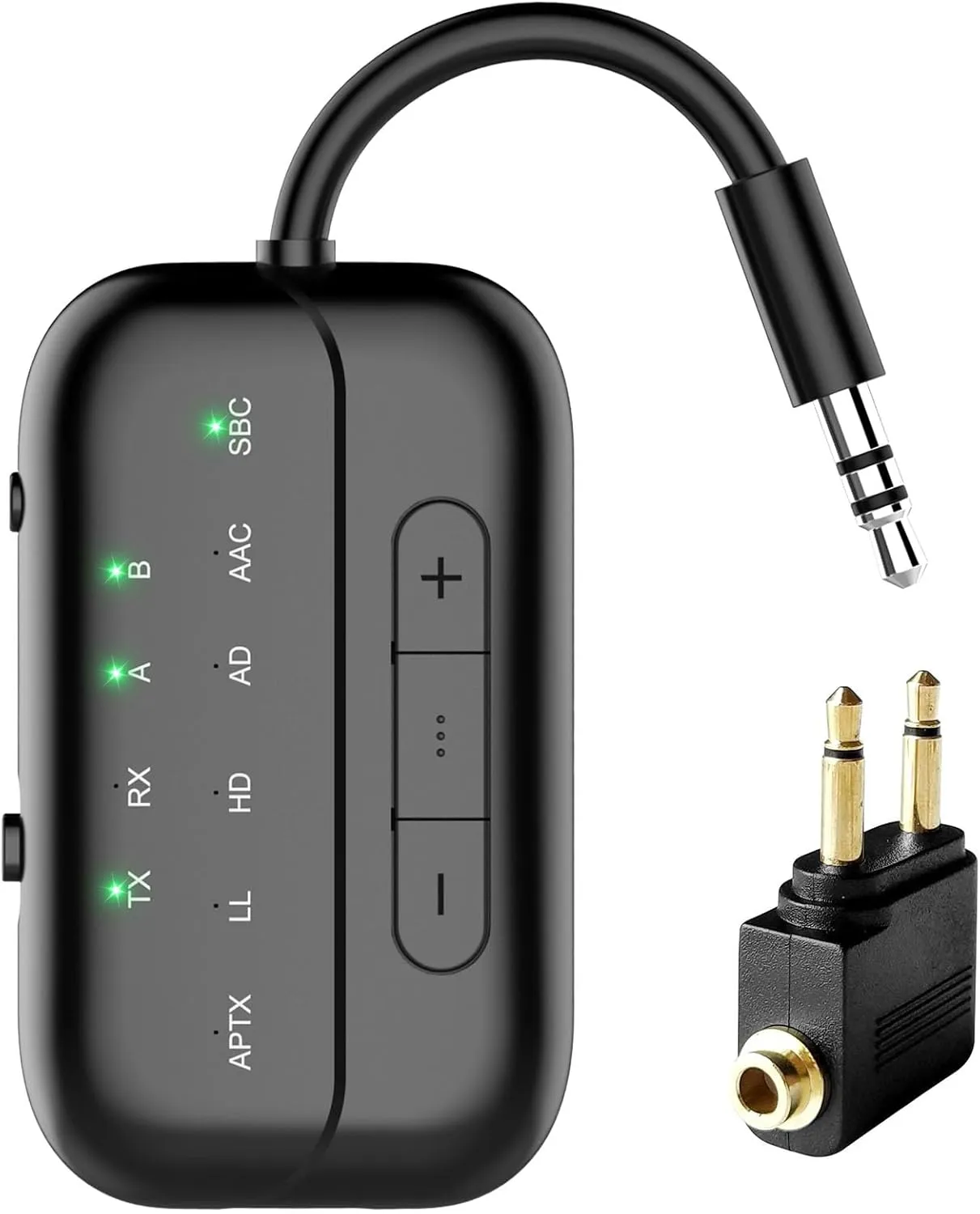
Beeitzie 5.4 Bluetooth Adapter
For anyone using Bluetooth headphones to stream TV audio
For anyone using Bluetooth headphones to stream TV audio, the Beeitzie Bluetooth Adapter is the ideal option. Whether at home or on a plane, you may use this adaptor to watch your favorite shows without bothering other people or straining to read or hear the speech on screen.
This adapter functions as both a transmitter (TX Mode) and a receiver (RX Mode) and supports the most recent version of Bluetooth, 5.4. With TX Mode, you can transmit audio across a remarkable range from your PC, TV, or even airplane entertainment systems to your Bluetooth speakers or headphones. When in RX Mode, you can use Bluetooth to pair your smartphone with wired speakers or headphones within a reasonable range.
The Beeitzie Bluetooth Adapter is easy to set up. Whether in TX or RX mode, it can connect to two devices at once and maintain a reliable, effective connection. Its robust battery can be fully charged in roughly two hours and provides up to 24 hours of continuous operation.
Your audio latency will be reduced thanks to support for aptX Adaptive and aptX Low-Latency; nevertheless, this function necessitates suitable headphones and does not allow pairing two aptX Low-Latency devices at once. The Beeitzie Bluetooth Adapter works with all AirPods, including the AirPods 3 and Pro 2, however it is not the best for professional audio equipment.
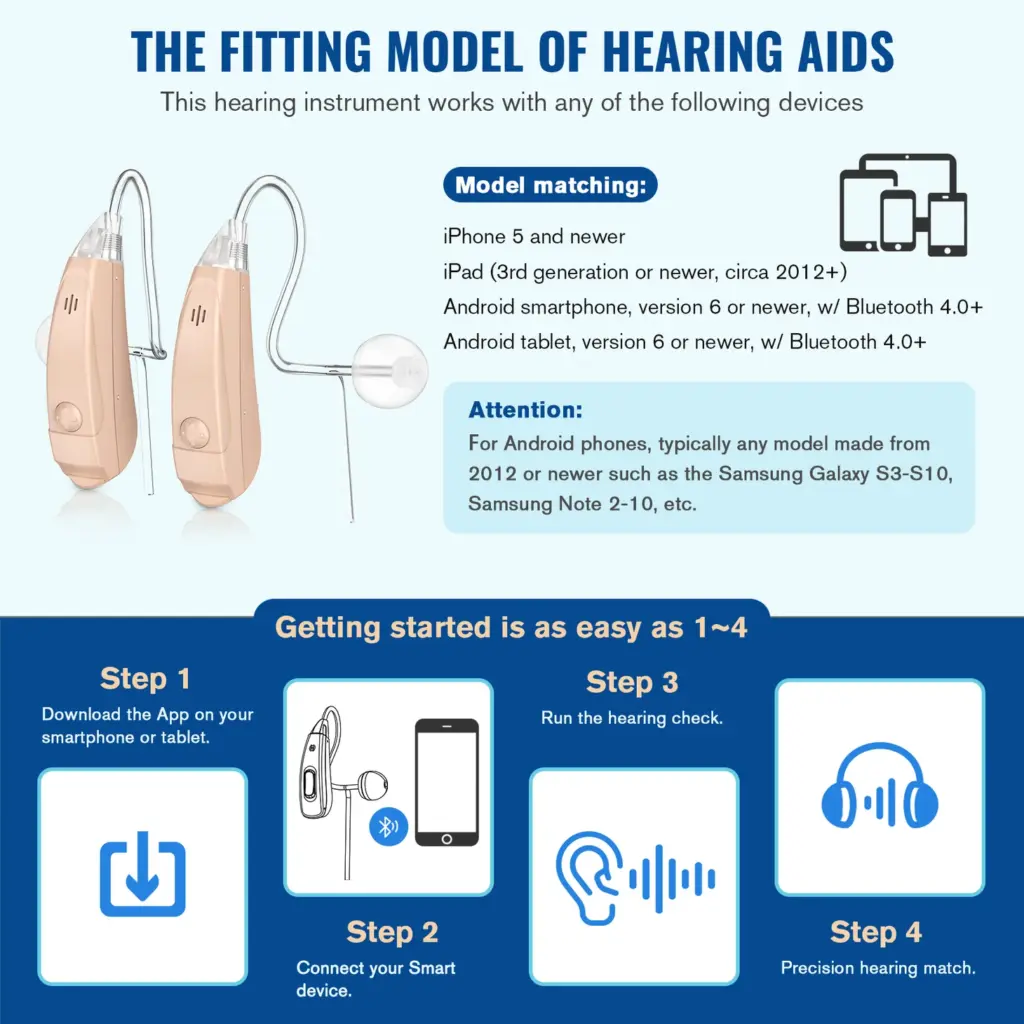
Are you looking for a affordable and high-quality smart bluetooth hearing aid option? Look no further than Vivtone’s Lucid508 hearing aids. Vivtone is an industry leader in providing accessible hearing aid solutions directly to consumers at direct-to-consumer prices. In this article, I will review Vivtone’s flagship Lucid508 hearing aid and why it may be the right choice for your hearing needs.
Feature-Packed Technology at an Affordable Price
What sets the Lucid508 apart from other hearing aids on the market is its impressive suite of technologies normally found in hearing aids costing thousands, available here for a fraction of the price. Some key features include:
Bluetooth connectivity for streaming audio from phones, TVs, and other Bluetooth devices
Rechargeable battery with a portable charging case good for over 30 hours of use per charge
Advanced noise reduction and feedback cancellation for crystal clear sound
Multiple listening modes for different environments like noisy places or one-on-one conversations
Discreet BTE design that is nearly invisible when worn
All of these high-tech features are packed into a single hearing aid priced at just $273 per pair. That is hundreds, if not thousands, less than comparable hearing aids from other brands. Vivtone is able to achieve this thanks to their direct-to-consumer sales model that cuts out expensive middlemen and markups.
Proven Performance and Support
What’s more, the Lucid508 does not cut corners on sound quality or performance to achieve its affordable price. Reviewers consistently report natural, clear sound on par with devices costing significantly more. Vivtone also stands behind their products with a 45-day money back guarantee and lifetime technical support from their team of licensed professionals.
For those new to hearing aids or with minor hearing loss conditions, the Lucid508 provides an easy to use solution right out of the box with no hardware or software configurations required. The size, fit, and sound can be adjusted intuitively without any required hearings tests or lengthy fittings either.
An Accessible Solution for Hearing Healthcare
As the old saying goes – you get what you pay for. But in the case of Vivtone, consumers are truly getting far more than the price suggests. By reforming the outdated hearing aid distribution and pricing models, Vivtone has made high-tech and capable hearing devices, including smart bluetooth hearing aids, truly accessible to all budgets and needs.
If you or a loved one suffers from minor hearing loss and wants an affordable way to get their lives back without noise, the Lucid508 from Vivtone could be the perfect solution. Click the link below to learn more or purchase yours with free shipping and their risk-free trial period.
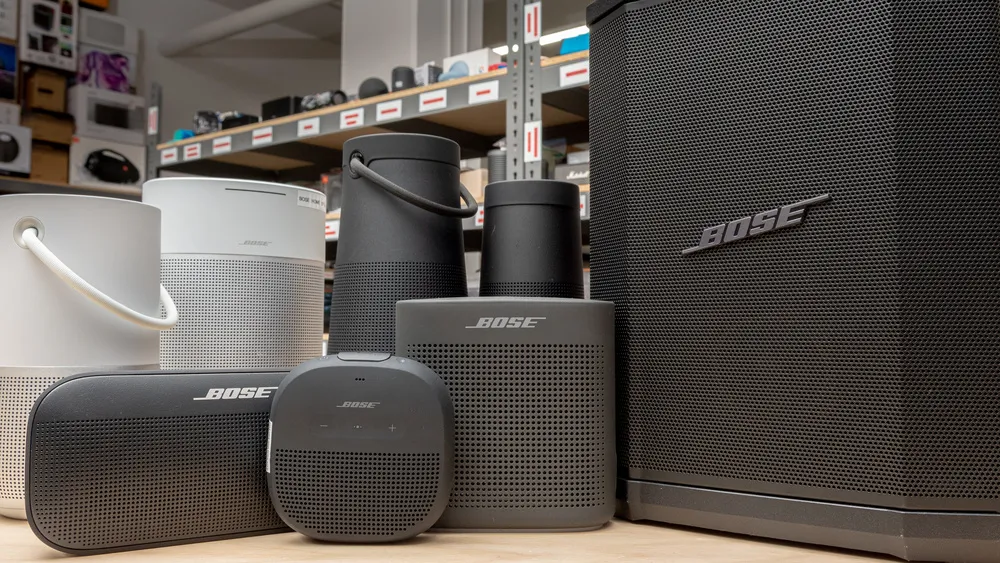
When it comes to portable audio, Bose speakers have established themselves as reliable and high-performing options.
With their impeccable build quality and impressive sound, Bose continues to be a go-to brand for audio enthusiasts.
In this guide, we’ll explore the considerations for choosing the best Bose Bluetooth speaker, recommend some top models, provide troubleshooting tips, and ultimately help you make an informed decision.
Considerations for Choosing a Bose Speaker
Here are some key factors to look out for when buying a Bose speaker.
Sound Quality as a Key Factor
Bose offers a range of speakers, each with its own sound signature and characteristics. Whether you prefer punchy bass, balanced audio, or crystal-clear vocals, understanding the variations in sound quality within the Bose speaker range is crucial.
Take into account your personal preferences and the kind of music you enjoy. While the Bose bluetooth speakers price may be high, they are well complemented with the features.
Size, Power, and Portability Considerations
Deciding between a portable or domestic speaker depends on your usage requirements. If you need a speaker for outdoor adventures or traveling, a portable option is ideal. Consider factors like battery life, durability, and IP ratings for water and dust resistance.
If the Bose Bluetooth speakers price is high, make sure you are getting what you are really looking for.
Features to Consider
Bose is known for incorporating useful features into its speakers. Determine which features are essential for you, such as voice assistant compatibility, Wi-Fi streaming capabilities, and multi-room audio, if you want the best bose bluetooth speaker.
Strike a balance between the features you need and the Bose Bluetooth speakers price.
Bose Bluetooth Speaker Recommendations
Here are our top recommendations for the best Bose speaker you can buy
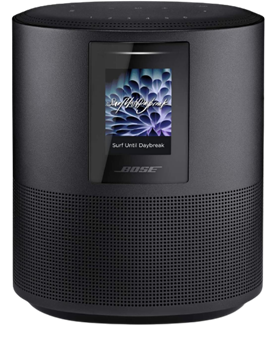
Bose Home Speaker 500
With the Bose Home Speaker 500, you can fill any room with impressive wall-to-wall stereo sound from a single speaker. This smart speaker comes equipped with built-in Amazon Alexa and Google Assistant for convenient voice control. Its noise-rejection microphone system listens in every direction, ensuring your voice commands are always heard.
Connectivity options with Bose Home Speaker 500 are abundant, allowing you to pair your device via Bluetooth, home Wi-Fi network, Apple AirPlay 2, or Spotify Connect. Managing your listening experience is a breeze with three different control options: voice commands, the Bose Music app, or the six one-touch presets on the speaker itself.
Make or take calls hands-free with Alexa, connecting to other Bose smart products, Amazon Echo devices, and contacts in your list. The Bose Music app offers simple setup with detailed prompts, ensuring you can quickly get the most out of your Bose Home Speaker 500.
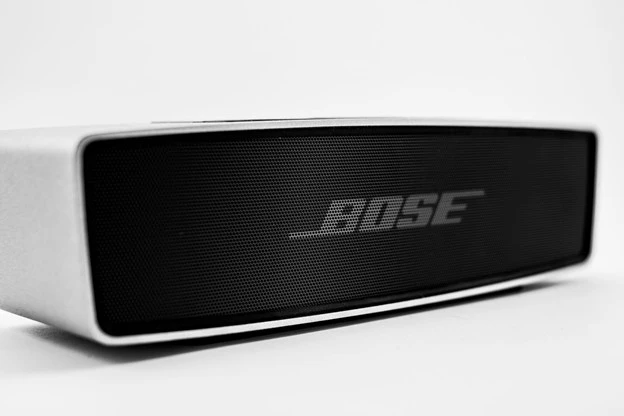
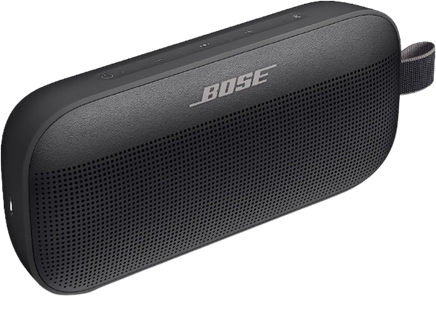
Bose SoundLink Flex
The Bose SoundLink Flex is a state-of-the-art outdoor speaker that delivers impressive audio whether you’re at home or on the go. Packed with exclusive technologies and a custom-engineered transducer, it ensures deep, clear, and immersive sound quality.
One standout feature of Bose SoundLink Flex is the proprietary Position Qtechnology, which automatically detects the orientation of your portable Bluetooth speaker, optimizing sound quality for any environment. The SoundLink Flex has been rigorously tested to meet IP67 waterproof standards, making it resistant to water and capable of floating—perfect for your outdoor adventures.
Designed to withstand drops, rust, and debris, this portable Bluetooth speaker is built to last. It’s also resistant to corrosion and UV light, ensuring it remains in top shape over time. The rechargeable battery of the Bose SoundLink Flex provides up to 12 hours of playtime and charges conveniently through the included USB-C cable.
Equipped with a built-in microphone, the SoundLink Flex allows you to make and receive calls directly through the speaker. It also offers easy access to your phone’s voice assistants, such as Siri or Google Assistant, with just a single button press.
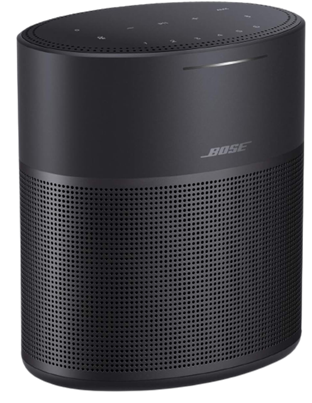
Bose Home Speaker 300
Compact yet powerful, the Bose Home Speaker 300 delivers room-rocking bass and lifelike 360-degree sound. This speaker needs to be plugged into a wall outlet to function and comes with built-in Amazon Alexa and Google Assistant for hands-free voice control.
Connectivity options with Bose Home Speaker 300 are abundant, allowing you to stream music and more via Bluetooth, your home Wi-Fi network, Apple AirPlay 2, or Spotify Connect. You have multiple ways to manage your listening experience, whether it’s through voice commands, the Bose Music app, or the convenient six one-touch presets located on the top of the speaker.
If you’re looking to expand your audio setup, the Bose Home Speaker 300 is part of the Bose Smart Family, allowing it to work in conjunction with other Bose smart speakers and soundbars for a multi-room listening experience.
You can also use Bose SimpleSync technology to pair the Bose Home Speaker 300 with a Bose Bluetooth or SoundTouch speaker, enabling synchronized music playback.
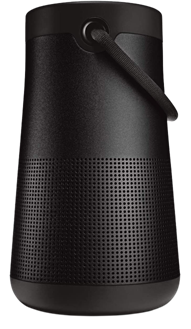
Bose SoundLink Revolve+ (Series II)
The Bose SoundLink Revolve+ (Series II) takes sound to another level with its true 360-degree coverage, playing louder and deeper with extended battery life compared to its predecessor. Its rechargeable lithium-ion battery offers up to 17 hours of playtime, and charging is a breeze thanks to the Micro-B USB port.
Designed to be a durable portable speaker, the SoundLink Revolve+ (Series II) is both dust and water-resistant with an IP55 rating. It can withstand splashes by the pool and features a flexible fabric handle for easy transport.
Take calls directly from the speaker and access your device’s default voice assistant or connect it to an Amazon Alexa-enabled device for even more hands-free control.
Just like other Bose products, the SoundLink Revolve+ (Series II) is compatible with Bose SimpleSync technology, allowing you to pair it with compatible Bose products for synchronized sound throughout your home.
Whether you’re away from your phone or already enjoying music in a group, you can sync the sound by pressing and holding the Bluetooth button or linking them with the Action button.
Bose Surround Speakers
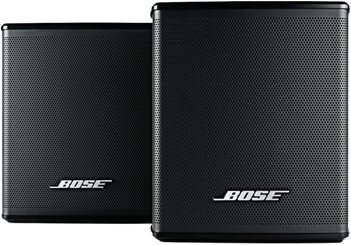
If you’re looking for immersive surround sound without sacrificing space, the Bose Surround Speakers are the perfect choice. Designed to be the smallest speakers by Bose, they allow you to focus on your home entertainment rather than the speakers themselves.
These surround speakers bring your music, movies, and TV shows to life with full immersive sound. They effortlessly integrate with the Bose Soundbar 500, Bose Soundbar 700, and SoundTouch 300, creating a theater-like experience with just one connection.
To enhance your home entertainment experience even further, consider adding the Bose Bass Module 500 or Bose Bass Module 700. These bass modules deliver deeper, more impactful bass that you can not only hear but also feel.
With the Bose Surround Speakers, you can elevate your home audio setup and immerse yourself in a true cinematic experience.
Troubleshooting Bose Bluetooth Speakers
Whether you have a Bose Home Speaker 500 or the Bose SoundLink Flex, you are bound to experience problems:
Common Issues and Solutions
Despite the Bose Bluetooth speakers price, you might experience some problems, such as pairing difficulties, Bluetooth connectivity issues, and audio distortion. But there are easy solutions and often, restarting the speaker fixes them.
Updating Firmware and Software
Keeping your Bose speaker’s firmware and software up to date is crucial for optimal performance. So make sure to keep an eye out for any updates and keep your speakers at the nominal working.
Contacting Bose Support
With the Bose Bluetooth speakers price, you get your money’s worth. Customer service, or Bose support, is always there to fix any problems you might have.
Conclusion
In this guide, we’ve explored the considerations for choosing a Bose Bluetooth speaker, recommended some top models across various categories, and provided troubleshooting tips for common issues.
Remember to assess your personal preferences, prioritize the features that matter most to you, and select a speaker that suits your needs. With Bose’s reputation for premium sound quality and build, you can’t go wrong with any of their offerings.
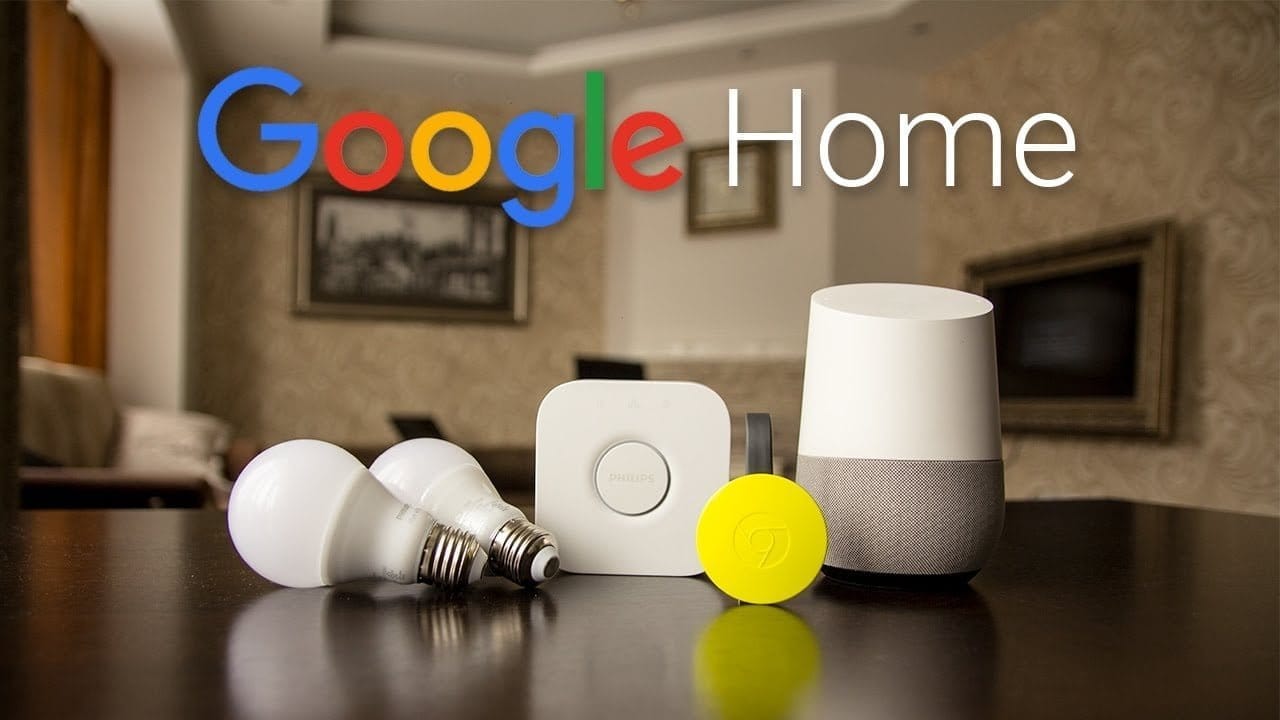
Back at Google I/O, Google revealed that Bluetooth pairing for Google Home was on the way, paving the way for more flexible music control. Rather than relying on Google’s built-in Chromecast support or waiting for your favorite apps to catch up, you could simply connect your phone to Home via Bluetooth and play like you would with any other Bluetooth unit. It’s a feature that should have been available from the start. Aside from that debate, Bluetooth pairing is now available on Google Home.
We figured we’d guide you through the very boring method of setting up Bluetooth connections because it’s not the easiest thing to do right now (we can’t find a voice command to get this going). It entails using the app to locate a semi-hidden setting, pairing your Home, and connecting through your phone’s Bluetooth settings.
2. Tap the Devices button in the top right corner of the app’s main screen.
3. Find the Google Home you want to pair over Bluetooth.
4. Tap its menu button and choose “Settings.”
5. Under “Device info” choose “Paired Bluetooth devices.”
6. Tap “Enable Pairing Mode” in the bottom right corner.
7. After that, you’ll go into your phone’s Bluetooth settings and look for your Google Home device. It should be there available as a Bluetooth connection option.
8. Tap on it to connect and allow whichever permissions it asks that you are comfortable with.
9. And that’s it! You are connected over Bluetooth.
10. To remove a connected device, you’ll head back into Google Home “Paired Bluetooth devices” and tap the “X” next to devices you want unpaired.
11. Going forward, as you disconnect and want to reconnect, just look for your Google Home in your Bluetooth settings. It should always be there for connection once you have previously connected.