Tag: beta

  • Android 13 beta for the Galaxy Z Fold 2 rolls out

    Android 13 beta for the Galaxy Z Fold 2 rolls out

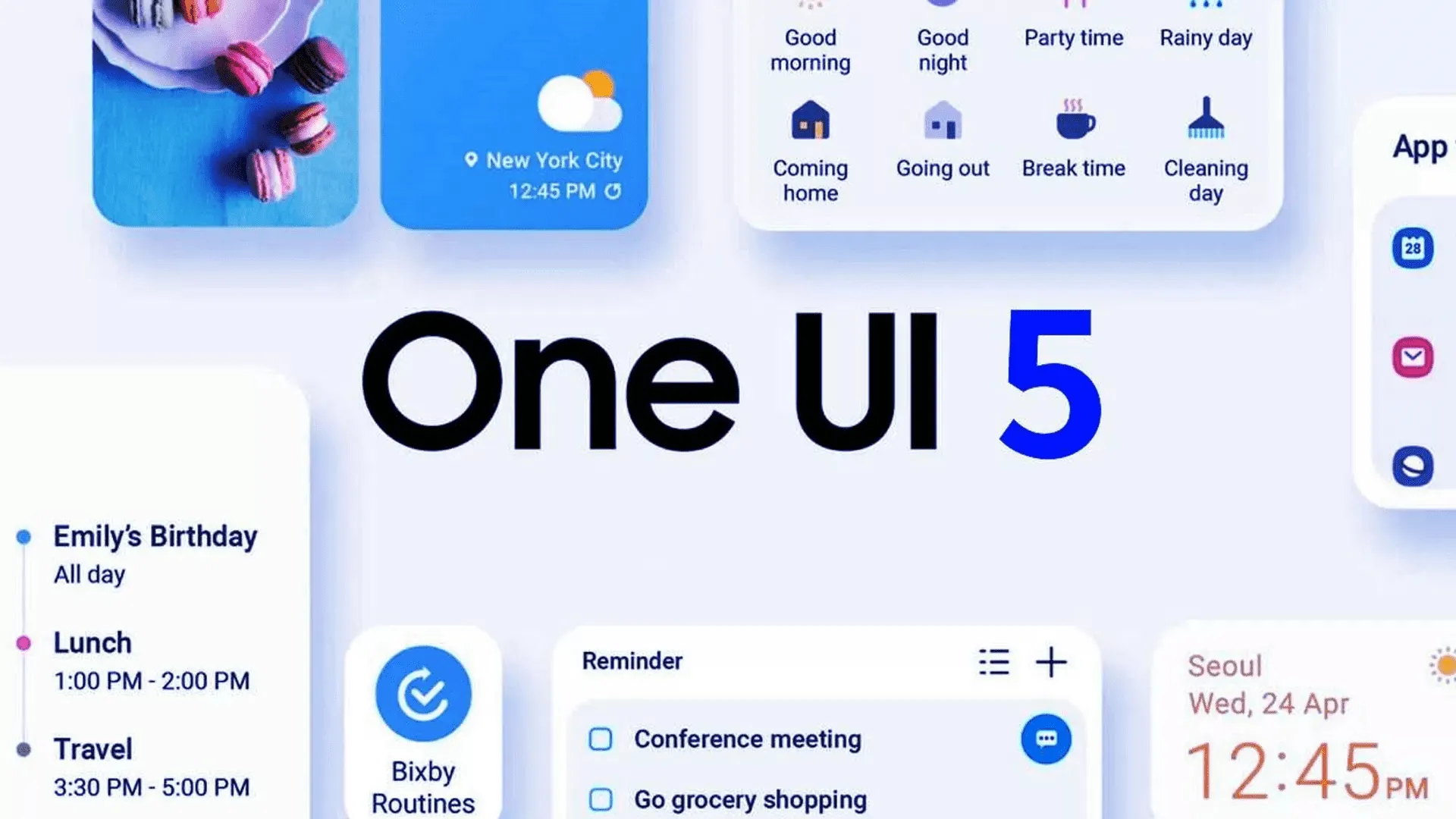
    Yesterday, Samsung updated the Galaxy Z Fold 4 and Galaxy Z Flip 4 with its One UI 5 beta upgrade, which is based on Android 13. Owners of the Galaxy Z Fold 2 can now enroll in the beta program.

    The Samsung Galaxy Z Fold 2 was promised three significant OS updates and shipped with Android 10 out of the box. Owners of the Fold 2 can anticipate receiving Android 13 as the last significant OS upgrade. Even for Galaxy S22 devices, the stable version of One UI 5 is still not ready for release, but the beta version is currently accessible for download in South Korea. Other locations should soon receive the update.

    All you have to do to try out the beta is go to the Samsung Members app. You’ll have the option to sign up for Samsung’s beta program there. Simply launch the app and select the banner for the beta announcement. You can register by entering your information on the registration page that is linked by the banner. After that is finished, you ought to see an update notification.

    Galaxy Z Fold 2

    If you choose to install it, as with any beta, you can encounter issues. Always make a backup of your data before updating to the One UI 5 beta.

    The Galaxy Z Fold 2 will receive Android 13 as its final major operating system, but it won’t be the last upgrade. the object

    Although Android 13 will be the Galaxy Z Fold 2’s last major operating system, it won’t be the last upgrade. More security updates for the gadget are still planned, although they should stop in late 2024.

  • #beta – Paranoid Android Sapphire available for the OnePlus 9 and OnePlus 9 Pro

    #beta – Paranoid Android Sapphire available for the OnePlus 9 and OnePlus 9 Pro

    The first beta build of the Paranoid Android Sapphire ROM for the OnePlus 9 and OnePlus 9 Pro has just been released by the Paranoid Android team. For quite some time, an Alpha version of the Android 12 based ROM has been available for both phones. The new beta version, on the other hand, offers a more stable software experience.

    The Paranoid Android Sapphire Beta is now available for the OnePlus 9 and OnePlus 9 Pro, as announced by XDA Recognized Developer arter97. Several device-specific enhancements are included in the latest build, including redesigned blobs, improved sleep mode, fingerprint scanner improvements, and a transition to arter97’s kernel. Repainter integration, improvements from ProtonAOSP, a burn-in protection feature for devices with OLED panels, the latest f2fs tools, and more have all been added to the Paranoid Android platform.

    Paranoid Android Sapphire available for the OnePlus 9 and OnePlus 9 Pro

    The beta release still has a few known faults. These include delayed mobile data activation after reboot, Wi-Fi not working after a few reboots, and less-than-ideal pocket recognition, which can wake up the smartphone or activate gestures by accident.

    If you wish to try out the Paranoid Android Sapphire Beta on your OnePlus 9/Pro, head over to the forum mentioned below. It includes a download link for the ROM as well as step-by-step instructions for flashing it. Although the beta build can be flashed onto a current Sapphire Alpha system, the developer recommends “a clean flash.”

    Download Paranoid Android Sapphire Beta for the OnePlus 9 / OnePlus 9 Pro

    Full update changelog:

    Here are some device-specific highlights:

    • Prebuilt blobs are revamped to fix various issues (audio, video, NFC, etc)
    • Sleep mode is changed to fix excessive idle battery drain
    • VRR implementation is now working, which will improve battery life a lot
    • Corner masks are now done properly
    • Fingerprint improvements
    • Kernel switched to a customized version of arter97 kernel

    Here are platform-wise highlights:

    • Latest CAF tag merged
    • kdrag0n’s Repainter service integrated
    • Optimized bionic, memory routines (ported by xboxfanj)
    • Latest f2fs-tools
    • Few optimizations merged from kdrag0n’s ProtonAOSP
    • Burn-in protection feature added

    Device issues

    • Mobile network will initialize a bit slowly after boot
    • Wi-Fi may not work on a few reboots. You may have to reboot multiple times for Wi-Fi to work
    • Pocket-detection is less than ideal, it may result in accidental wake-ups or ignored gestures
    • Bootanimation will pause for a split second. This is a known issue from the kernel


    There are likely many other issues, these are just the most prominent to me. Don’t come into this with the expectation any issue you come across will be fixed in a timely manner.

    Requirements


    Make sure you are coming from any Android 11 based OxygenOS build, stable is recommended.

    Downloads

    You can always get our Alpha builds from ourTelegram Group or directly download them from here:
    OnePlus 9 Pro – Beta 1
    (Note, OP9 & Pro builds are no longer unified)

    Note: Custom kernels are not supported unless the kernel says it supports AOSPA and GMS is included!

    How to install

    1. Download the latest fastboot zip we released (hint: it has an -img appended to zip name)
    2. Reboot to bootloader.
    3. Wipe userdata with the command “fastboot -w”
    4. Flash the fastboot zip with “fastboot update aospa-*-image.zip”
    5. Reboot.

    Changelog

    • Prebuilt blobs are revamped to fix various issues (audio, video, NFC, etc)
    • Sleep mode is changed to fix excessive idle battery drain
    • VRR implementation is now working, which will improve battery life a lot
    • Corner masks are now done properly
    • Fingerprint improvements
    • Kernel switched to a customized version of arter97 kernel

    Here are platform-wise highlights:

    • Latest CAF tag merged
    • kdrag0n’s Repainter service integrated
    • Optimized bionic, memory routines (ported by xboxfanj)
    • Latest f2fs-tools
    • Few optimizations merged from kdrag0n’s ProtonAOSP
    • Burn-in protection feature added

    Starting with Beta 1, you must clean flash due to recent commits related to userdata.

    Important / Useful links
    Paranoid Android Twitter
    Paranoid Android Channel (Telegram)
    Paranoid Android Community (Telegram)
    Paranoid Android OnePlus 9 Family (Telegram

  • Android 12 Beta 4: Notifications not showing due to a bug

    Android 12 Beta 4: Notifications not showing due to a bug

    Google is one of the top tech company’s worldwide. It has a vast ecosystem of products catering to almost every technological need. The Silicon Valley-based company is always at the top since it keeps on updating to provide its users with the best experience.

    During the past year, Google has been working on the Android 12 update. The Beta version is available and has revealed some intriguing features. The details about which features will be kept in the final version are ambiguous but overall this seems to be the best update till now.

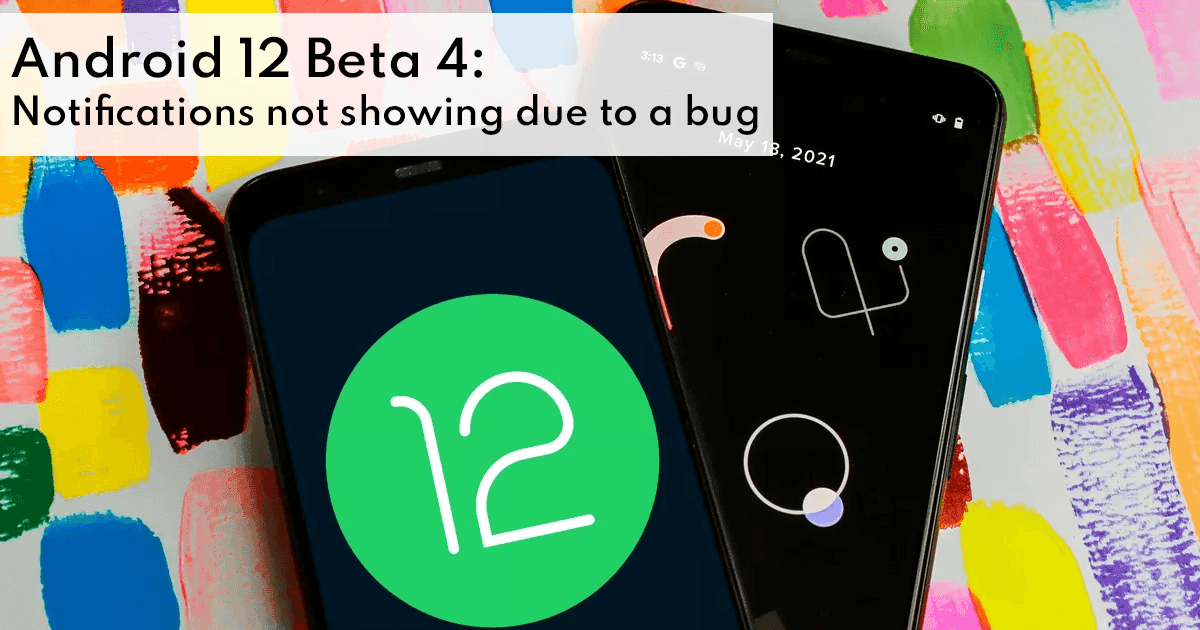
    Nevertheless, there seem to be a couple of issues that need to be resolved before the Android 12 update is rolled out worldwide. The most recent issue is with the notifications. Due to a bug, most notification banner pop-ups do not appear.

    android 12

    Notifications Bug

    Google is “moving into the final phase” of Android 12 with this week’s release, focusing on perfecting rather than introducing new features. However, most notification banners do not appear on Android 12 Beta 4 due to a glitch.

    When you receive a notification on Android, you should see the app icon/name in the status bar, as well as a short banner containing the sender name, message preview, and reply option. On Beta 4, users only see the status bar section of the notice, and they must swipe down to see the complete alert. The pop-up notification banner is missing.

    Consequently, if you use your device without sound or vibration, it’s incredibly simple to miss incoming alerts. If users forget the app name, they’ll have to keep an eye on the status bar. Rebooting does not fix the problem, as the impacted apps’ “Pop-up screen” notification feature stays enabled.

    Regardless of whether your device is set to receive all notifications, only vibrate, or is silent, this is a common problem reported by Pixel 3, 4, and 5 owners. Some apps, on the other hand, appear to be unaffected, while the banner appears when two warnings arrive at the same time. On the lock screen and always-on display, banners work normally.

    Summing Up

    Google will almost certainly have to fix the notification flaw, but it’s unclear if that will happen in an Android 12 Beta 4.1 update or when the Release version arrives “in the weeks ahead.” Although this is the final beta, it is evident that there are still some usability issues.

    However, it is worth mentioning that the Android 12 will make it easy to perform tasks such as file sharing. This bundle of features known suggests that Google is attempting to improve the usability of its operating system since it enables users to personalize and alter their devices. We will have to wait a bit more to see which features end up in the final “polished” version. Additionally, it appears that Google agrees with Apple’s privacy regulations, which have been the subject of debate since their debut. Many of the details of these features are unknown, and the majority of them are just suppositions. We’ll have to wait for the build to see how correct our leak-based assumptions were.
  • Super-limited closed beta for OnePlus Nord’s is now open — apply now

    Super-limited closed beta for OnePlus Nord’s is now open — apply now

    one plus nord

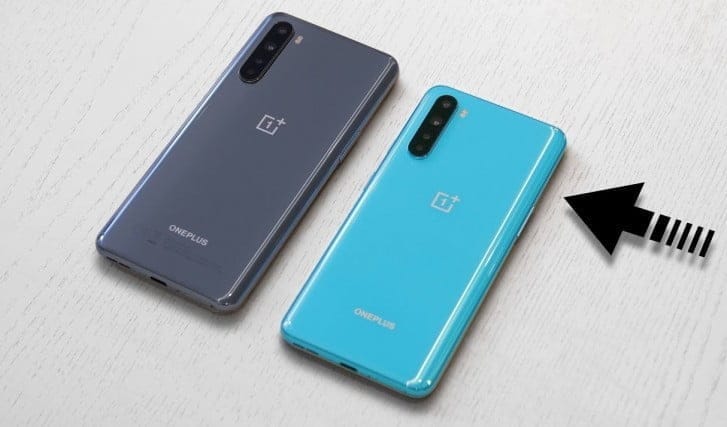
    OnePlus runs one of the most public-facing app testing activities among the handset manufacturers we cover at Android Police and it is not shocking to see another beta testing community launch, this time for its newest handset, the Nord.

    (adsbygoogle = window.adsbygoogle || []).push({});

    The company invites up to 200 Nord owners who are willing to provide timely input through a OnePlus Slack channel on features on future OxygenOS builds for the Nord. Ideally, already involved and vibrant, prospective participants would need to have a OnePlus Forum account and need to be comfortable with backing up their data for occasional picture flashing. They would also need to sign a contract for non-disclosure.

    This survey can be filled out by those who are involved. Setting up the closed beta community would pave the way for more secure open beta photos that can be flashed on their own by any user.

    It’s very odd to see such a commonly available beta structure for a €300 handset, regardless of the fact that we are dealing with OnePlus here.

    Source: OnePlus

  • Check Android 11 (Oxygen OS 11) beta release for OnePlus 8 & OnePlus 8 Pro

    Check Android 11 (Oxygen OS 11) beta release for OnePlus 8 & OnePlus 8 Pro

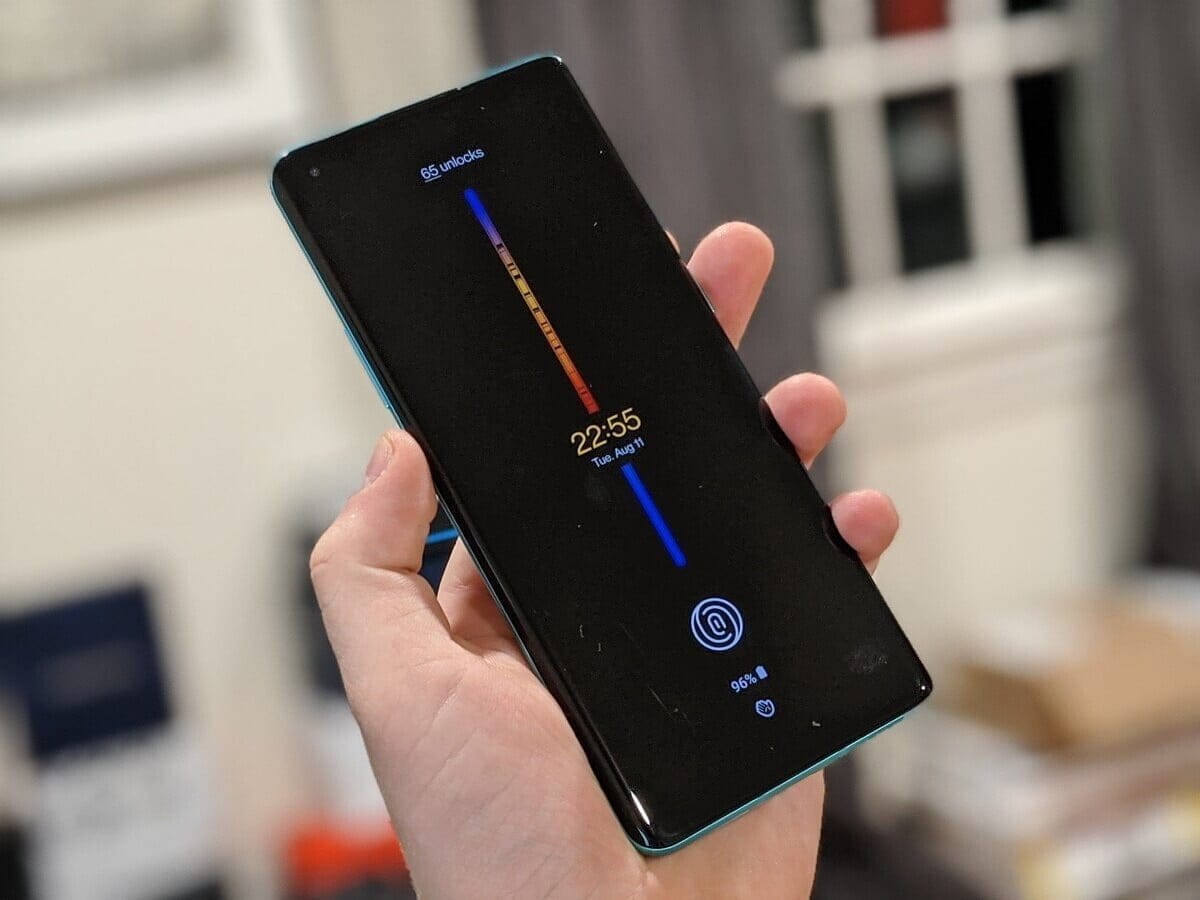
    Interestingly, Google released the brand latest Android 11 late last night. Interestingly, the latest Android 11 is available for non-pixel smartphones this time too. OnePlus published the developer preview of Oxygen OS 11 for the OnePlus 8 series a few months ago. The brand has launched the beta public which means that everyone owning the system will install the latest update.

    The new UI will get both Oxygen OS 11 features as well as Android 11 features. Most of you remember that the Oxygen OS 11 is almost similar to the OneUI 2.1.

    As reported, both the OnePlus 8 and the OnePlus 8 Pro are available for the new update. Those who are eager to try the latest UI will download and install the same with minor glitches. Follow our manual to install the latest Oxygen OS 11 in your system.

    OnePlus 8 & OnePlus 8 Pro Android 11 Update Download Links

    How to install Oxygen OS 11 (Android 11) in your device!

    Oxygen OS allows you guys to download and install locally. There are some custom UI’s which doesn’t allow the same. We might have to navigate to recovery for doing the update. But, as said updating OnePlus devices manually isn’t a huge task.

    • Download the public-beta file from OnePlus community or by following the below links
    • Once the file is downloaded, move the same to the internal storage.
    • Now, navigate to Settings, and tap on System.
    • Once you reach, click on System Update, and select the “Settings” icon from the top right.
    • After this, click on “Local upgrade”, and choose the file which you have downloaded earlier.
    • Now, tap on install, and your device will be upgraded to the latest Android 11
    • Do check out the “About Phone” page for verifying the update.

    As of now, no users reported any major bugs after installing the new Oxygen OS 11 on top of Android 11. What we can understand from here is that, you can this as a daily driver. Do let us know if you have any doubts on the same.