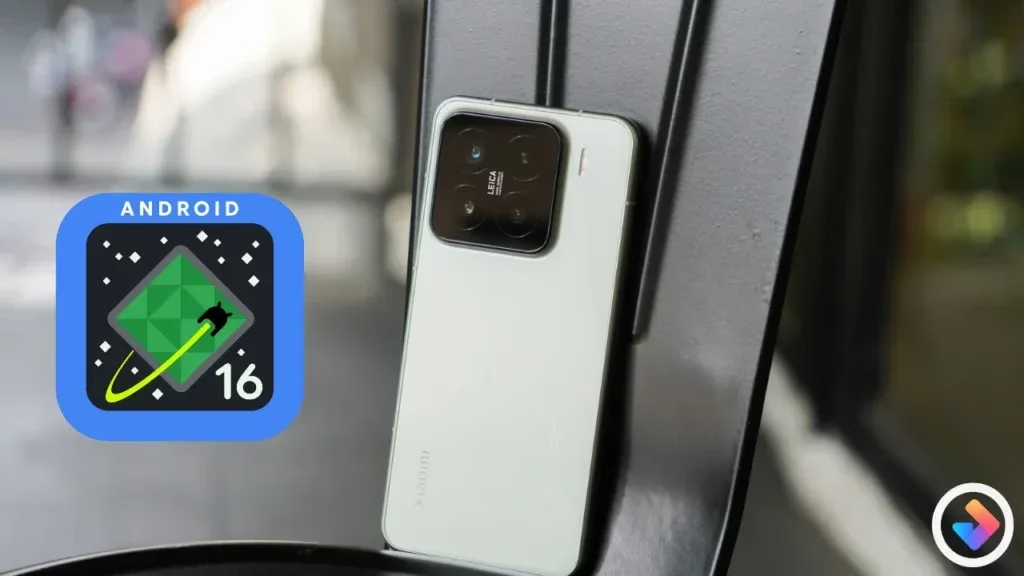
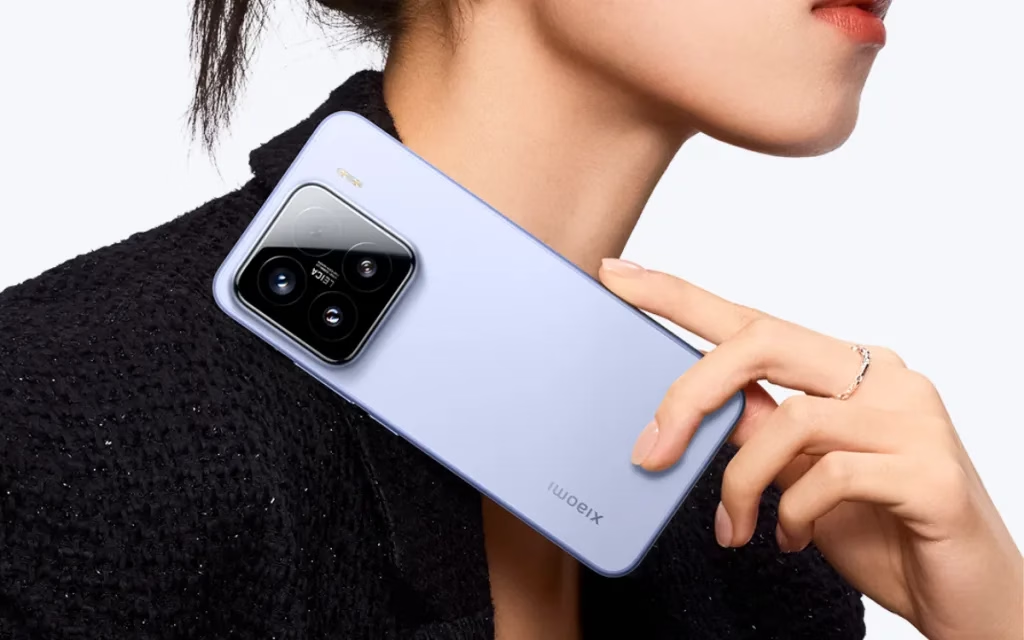
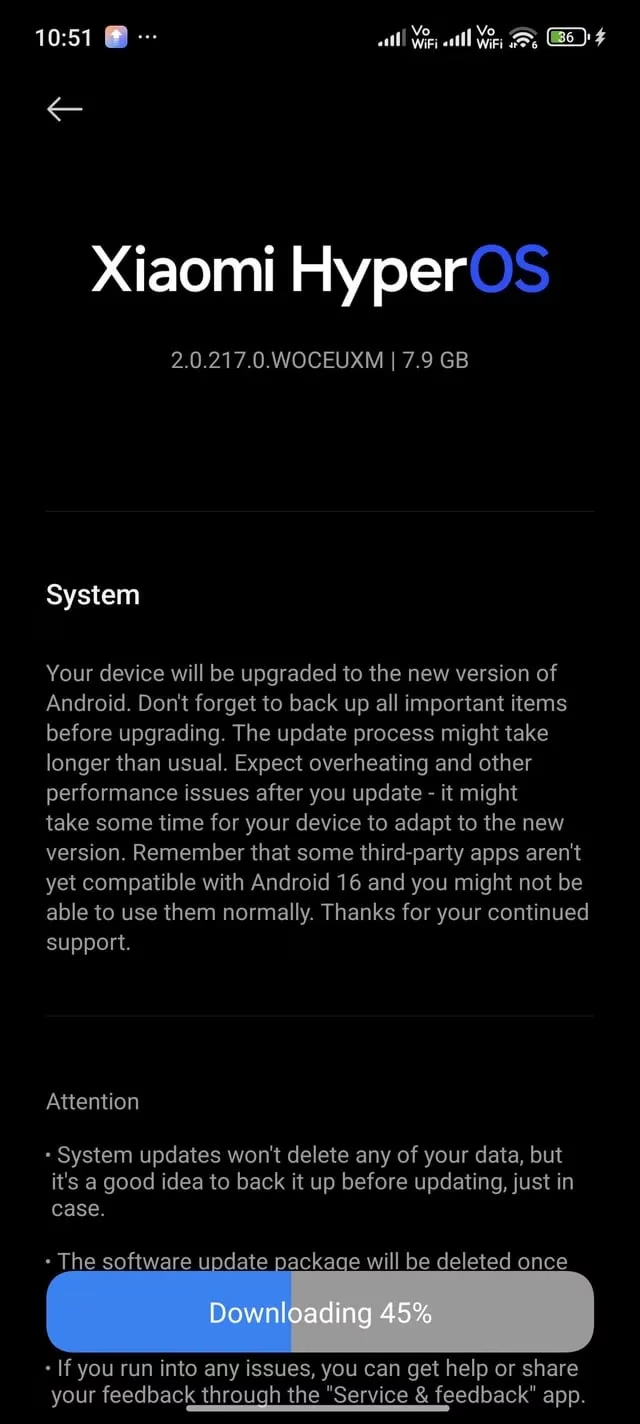
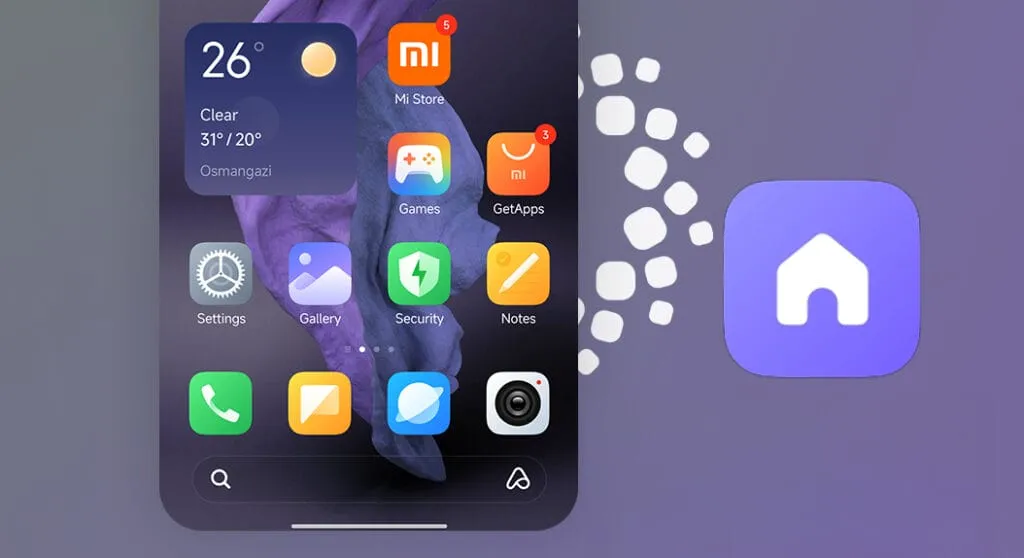
A pilot version of the Android 16 update is currently available to Xiaomi 15 owners. The Xiaomi 15’s Android 16 upgrade still uses HyperOS 2.0 as its foundation. For a limited number of users, the pilot release functions similarly to the final beta build. The Android 16 pilot update has apparently been made available to Xiaomi 15 customers in the US and other countries.
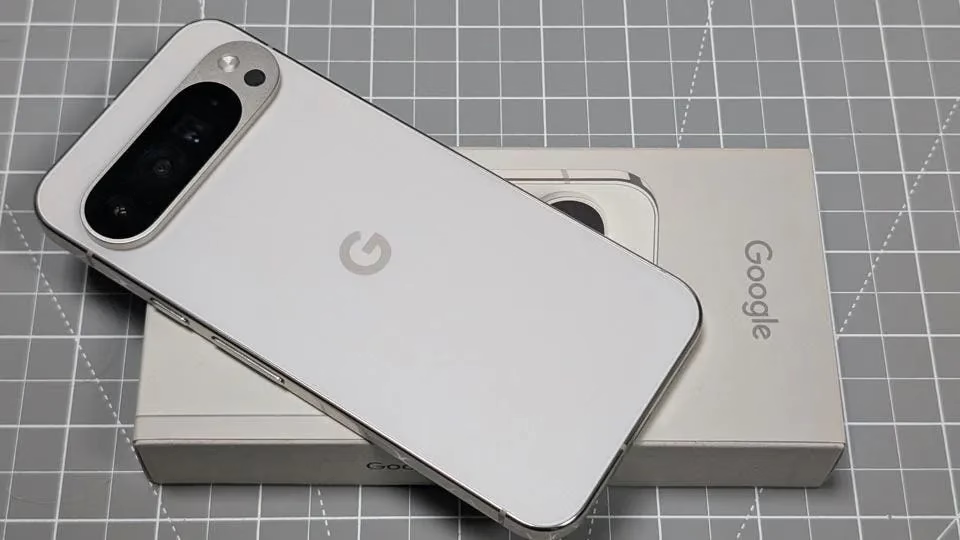
Google formally unveiled Android 16 last month, and as of right now, only Pixel smartphones can run its stable build. Whether the Xiaomi 15 will be the first non-Pixel handset to receive stable Android 16 or if customers will have to wait a little while longer would be interesting to observe. As an alternative, Samsung might lead since the stable Android 16 build is anticipated for the Galaxy S25 later this month.
Xiaomi 15 to be the first who receive HyperOS 2.3 with Android 16
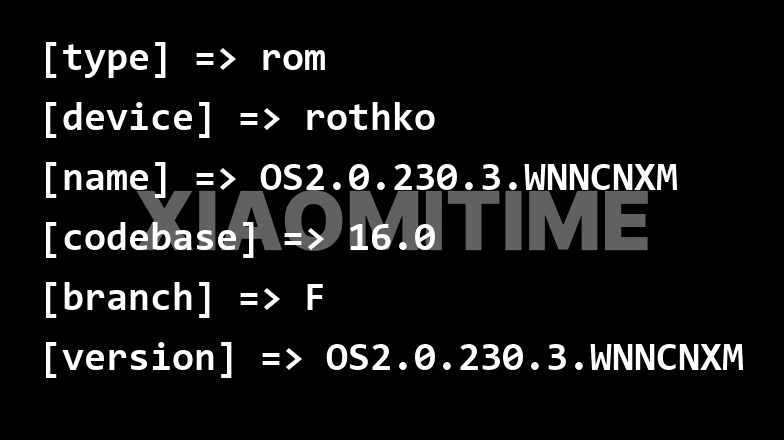
The build number for the Xiaomi 15’s Android 16 upgrade is 2.0.217.0.WOCMIXM. The 7.8GB size of the upgrade was anticipated given its importance. So, if you have the update, be sure to download it over WiFi.
We do not currently have access to the changelog or information regarding the features of the Android 16 pilot release. Android 16 may bring some minor modifications, but HyperOS 3’s release is probably when the main features will be available.
This is a pilot release that is being made available to beta users, as was previously stated. The same version will be made available to users in batches if the build appears to be flawless for the general audience. The stable Android 16 upgrade might not be available to everyone for a few weeks.
Once stable Android 16 is out, you can check Settings for the update if you have a Xiaomi 15. Before installing the update, take cautious to backup any important data.
Stay connected with the latest from Droid Tools—follow us on X @droid_tools, like our page on Facebook, check out our updates on Instagram, and follow us on Google News for real-time news, device tips, and mobile tech insights.
Android 16 for Pixel devices was launched about a month ago, while non-Pixel devices have not yet received the update. Since Google released Android 16 around three months ahead of schedule this year, other businesses could need some time to adapt to the new schedule.
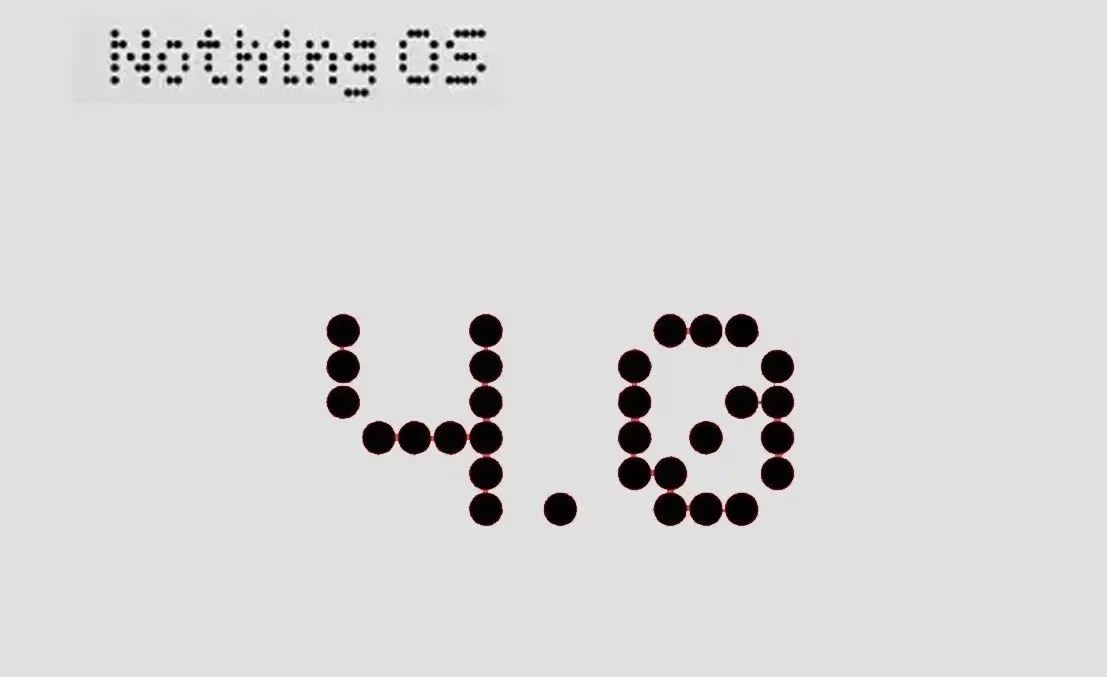
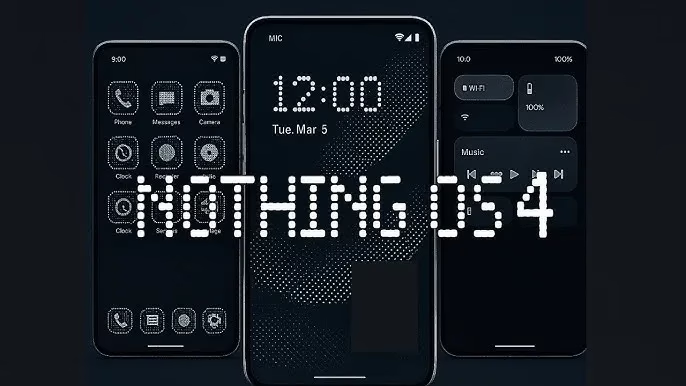
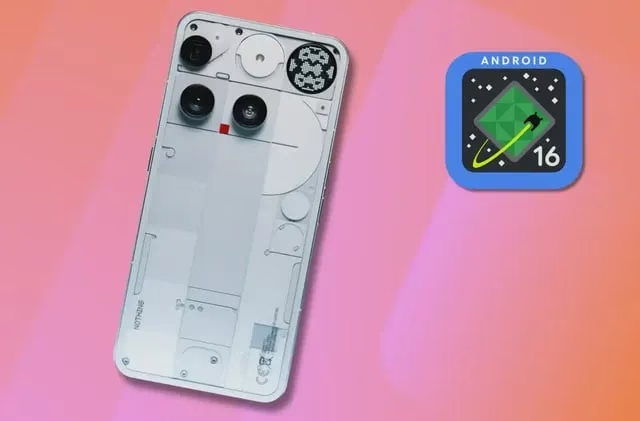
The recently revealed Nothing OS 4.0, which is based on Android 16, will soon be accessible for Nothing phones. Here is everything you need to know about Nothing OS 4.0, including its features, release date, and compatible devices, in case you’re excitedly awaiting Android 16 on your Nothing Phone.
Nothing also alluded to its upcoming operating system release, Nothing OS 4.0, with the unveiling of its first full flagship phone, Nothing Phone 3. During the event, no additional information was revealed beyond the tease and hint at the release date. Nevertheless, we have compiled a number of leaks and anticipated features, which we will go over in this post. First, let’s talk about the release date.
Nothing OS 4.0 Release Date
Carl Pei, the inventor of Nothing, stated at the unveiling that Nothing OS 4.0 will be available by the end of Q3 and this autumn, however the precise release date has not yet been revealed. This suggests that September may see the release of the stable Nothing OS 4.0, which is based on Android 16.
The Nothing Phone 3 will be the first to get the Nothing OS 3 update in September since it is the company’s first and most recent true flagship phone. Later, other Android 16-eligible Nothing phones will receive the update.
What about the beta release? This was about the stable release. Through the closed beta and open beta programs, Nothing phone owners will have the opportunity to test out Nothing OS 4.0 later this month or next month. It’s crucial to remember that early builds could have little or even serious issues. Therefore, when the Nothing OS 4.0 beta is released, be sure to wait for feedback before downloading it.
Eligible Devices
There is currently no official list of phones that support Android 16. However, we can quickly determine which devices are guaranteed to receive Nothing OS 4.0 because of the open update policy. The full list of Android 16 compatible Nothing phones is as follows:
Nothing Phone (3)
Nothing Phone (2)
Nothing Phone (2a)
Nothing Phone (2a) Plus
Nothing Phone (3a)
Nothing Phone (3a) Pro
CMF Phone 1
CMF Phone 2 Pro
The Android 16 upgrade is not compatible with the original Nothing Phone. With the exception of the most recent Nothing Phone 3, which is eligible for five years of OS upgrades, the majority of Nothing Phones are eligible for three years of updates.
Nothing OS 4.0 expected features
Very little information is available regarding the characteristics of Nothing OS 4.0. But as it will be built on top of Android 16, it will also have some of the most recent Android features.
Changes to stock apps
You can expect changes and even new features to stock apps available on Nothing OS. This could include icon modification, performance boost, smoother animations, and more.
Live updates
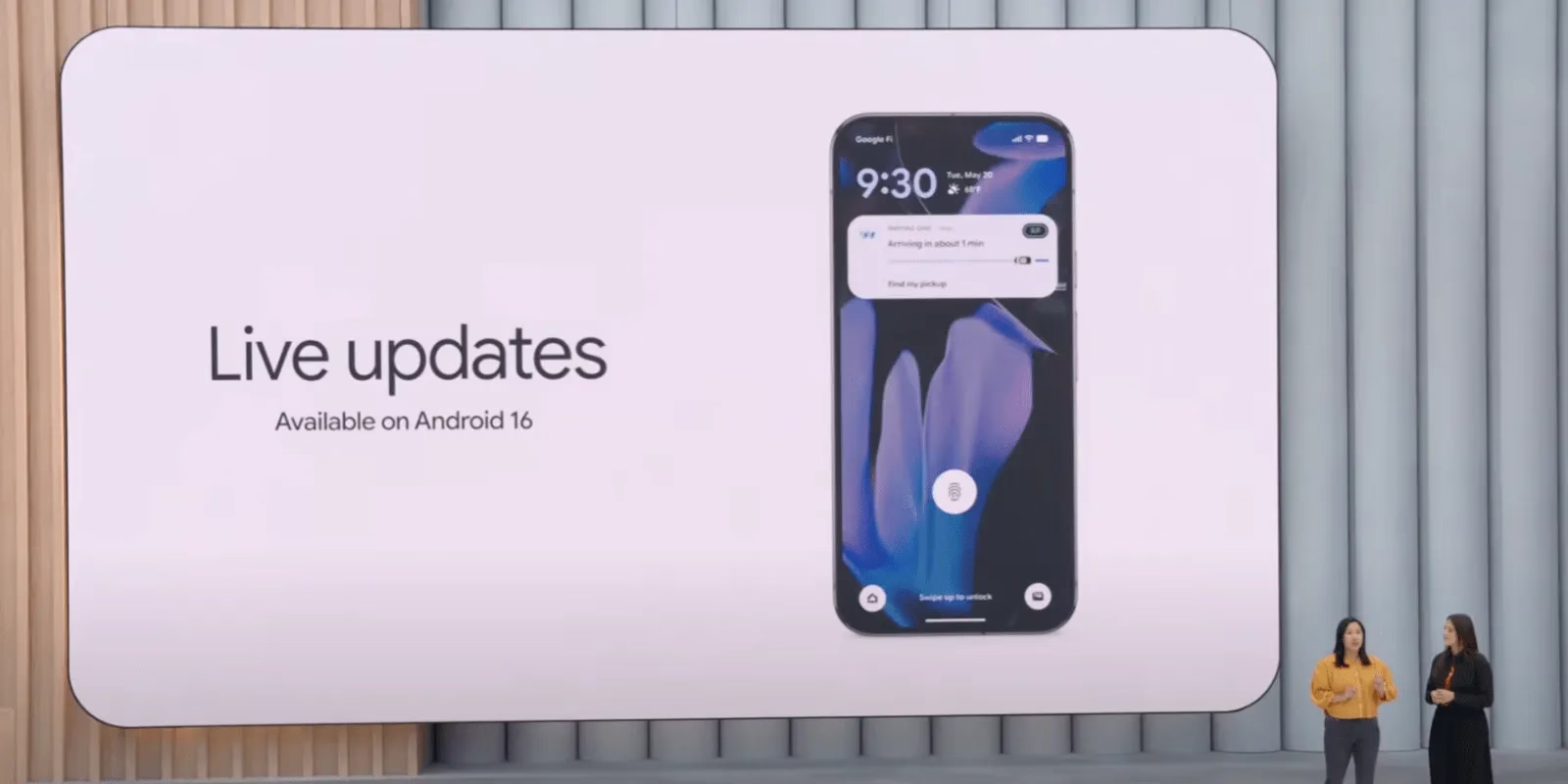
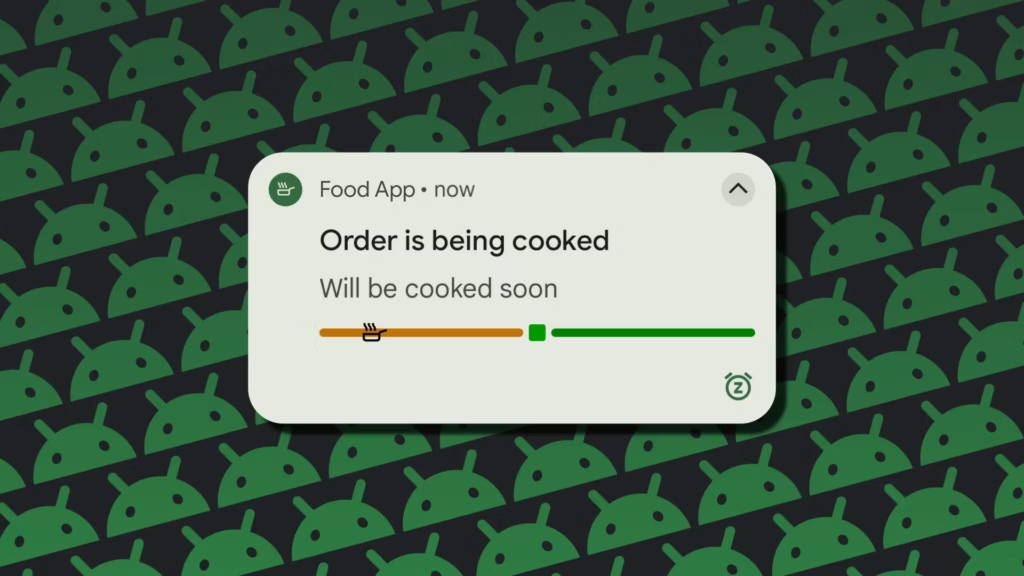
Notification management to get interesting. Android 16 adds support for live, up to date notifications in real time. This feature could be particularly useful for apps like Uber Eats, delivery services, as it allows users to track their deliveries and receive real-time updates on their arrival time.
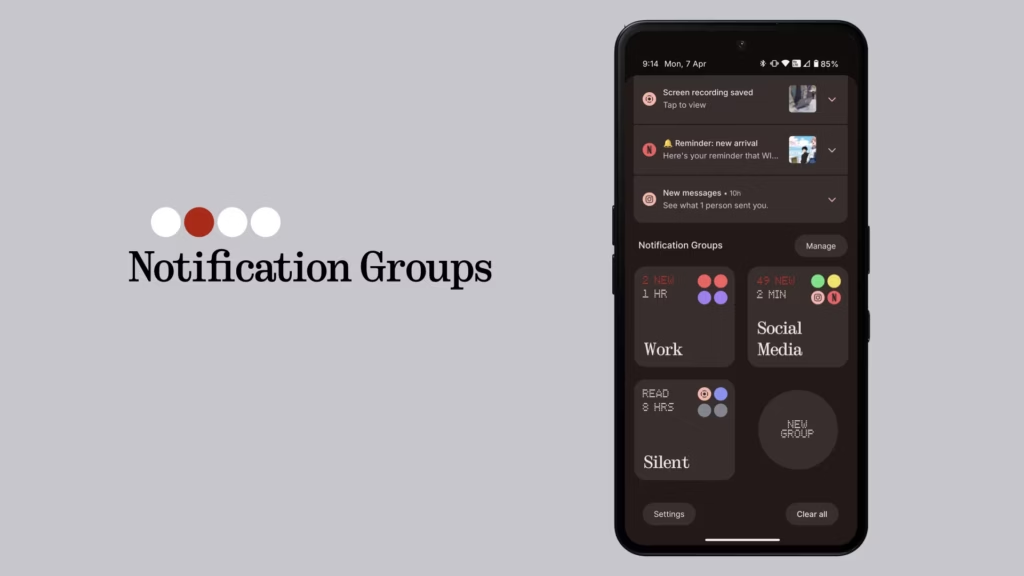
Grouped Notification
If there are multiple notifications from the same app, they’ll be grouped together under a single notification. This will help deal with the clutter that comes with daily life.
Security Enhancements
Just like every Android release, you can expect Android 16 and Nothing OS 4.0 to either bring new security features or overall improvements in security and privacy.
New Customization Options
You can expect more customization options in the home screen and lock screen. This includes options like new widgets, new clock style, and more.
We must wait until the information is released because Nothing OS 4.0 features are now being leaked. The features listed above are from Android 16 and may also appear in Nothing OS 4.0.
This concludes the information that is currently available for the Nothing OS 4.0, including its features, compatible devices, and release date. Please leave a remark if you would like to add anything.
Stay connected with the latest from Droid Tools—follow us on X @droid_tools, like our page on Facebook, check out our updates on Instagram, and follow us on Google News for real-time news, device tips, and mobile tech insights.
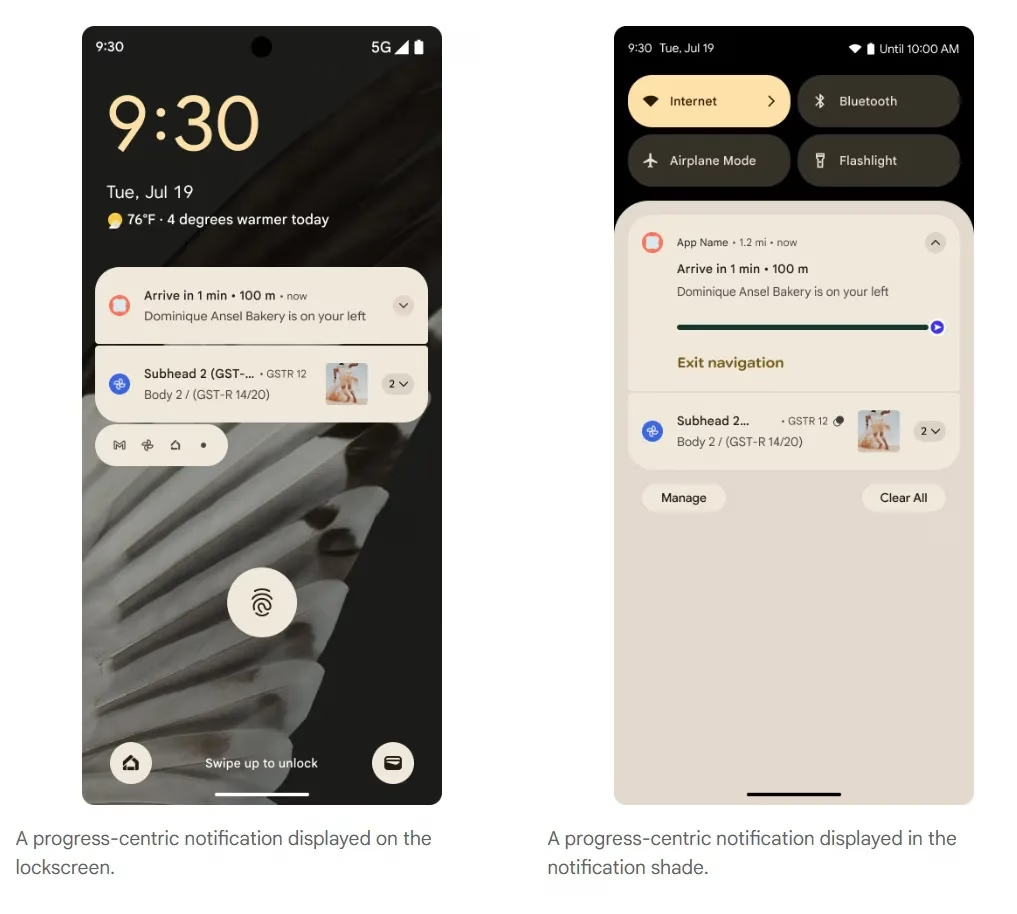
Last month, Google unveiled the first stable version of Android 16, which included a number of new features. One of these is Live Updates, which shows real-time activity notifications on the lock screen of an Android phone. More details concerning this feature have now been released by the tech giant. In Android 16, live updates can be added to apps that provide services like food delivery, ride sharing, and phone calls, but not for marketing or promotions.
Live Updates in Android 16
Live Updates is modeled after the iPhone’s Live Activities feature. It gives notifications for an activity that has a clear start and end time and is currently underway. Google clarified on its developer page that the feature’s primary goal is to provide time-sensitive notifications rather than historical events.
Active navigation, continuous phone calls, tracking food deliveries, and tracking ride-sharing via their corresponding Android apps are a few of its use cases. These alerts, which provide information like tracking or ETA (estimated time of arrival), will appear on the lock screen of the Android handset.
According to the tech giant, it does away with the necessity of unlocking the phone in order to check the status. For instance, Google Maps will display directions in the home screen’s status chip when navigation is active, while Live Update on the lock screen will provide the trip’s current status and additional directions.
However, developers need to make sure that Live Updates only show actions that the user has deliberately triggered and should only show up if the activity requires the user’s attention for the duration of the update.
The company also described the Live Updates feature’s improper usage cases. Ads, promotions, chat messages, future calendar events, and alerts are all incompatible with it. Developers can leverage other OS components, like conventional notifications, for these. If they want to give users faster access to their app’s features, they can use the Quick Settings tile and app widgets.
However, there are several exceptions. Live updates may be triggered if a user signs up for an activity that has a time limit or buys concert or airplane tickets in advance, but only when the scheduled event is about to happen.
Stay connected with the latest from Droid Tools—follow us on X @droid_tools, like our page on Facebook, check out our updates on Instagram, and follow us on Google News for real-time news, device tips, and mobile tech insights.
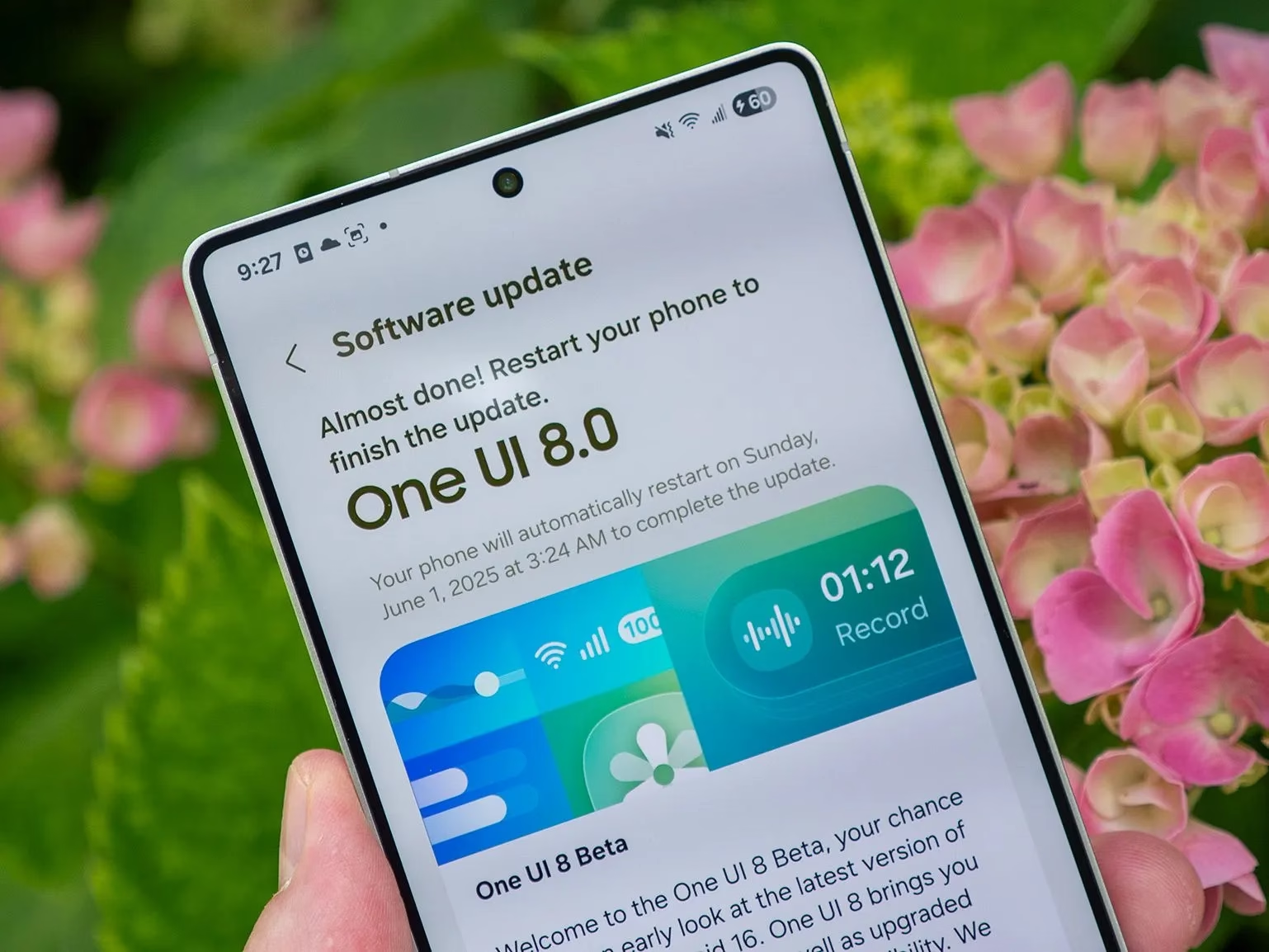
The next significant One UI release will be the One UI 8 update, which Samsung is developing for Android 16. Only the Galaxy S25 series is currently able to access the One UI 8 in public beta. It is being tested internally for a number of devices, though.
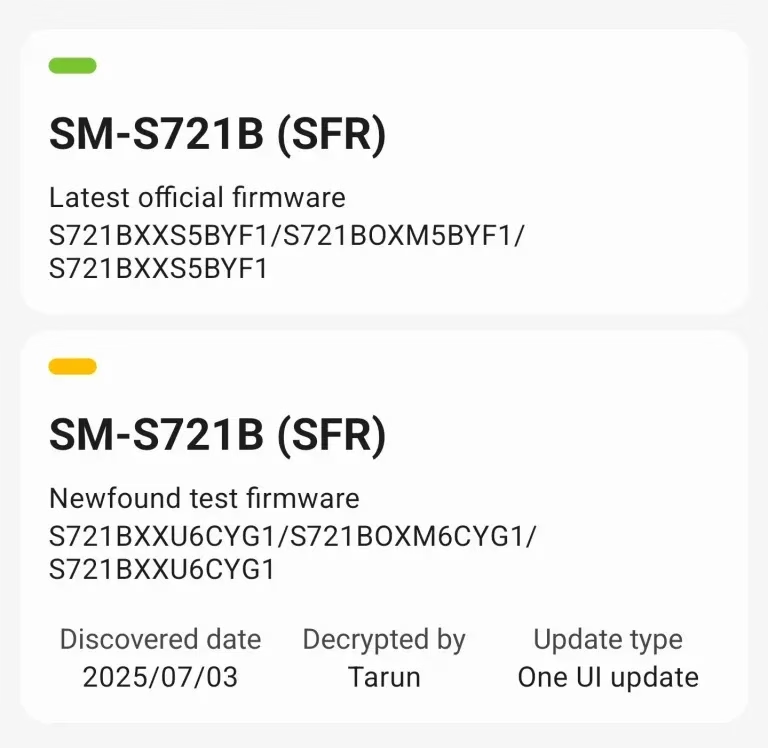
On Samsung’s server, the One UI 8 internal beta for the Galaxy S22 and S24 FE was recently discovered. Internal beta testing has already started for these two phones, even if they might not get the public beta. Accordingly, users of the Galaxy S24 FE and S22 can anticipate the stable One UI 8 update shortly following the release of the Galaxy S23 series.
One UI 8 internal build
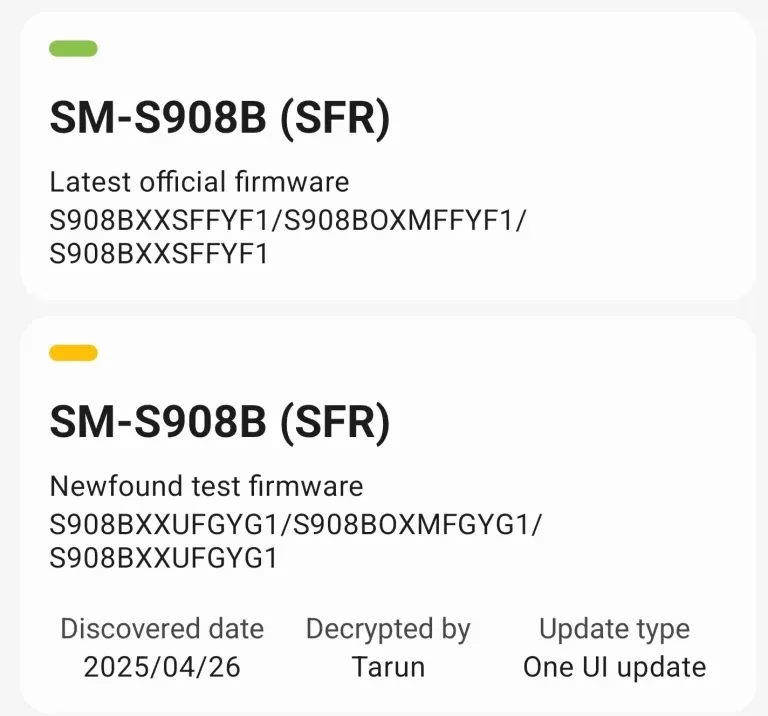
Build number CYG1 was the One UI 8 internal build for the Galaxy S24 FE, and build GYG1 was the build for the Galaxy S22 series.
This result confirms that the upgrade is currently being developed, even though it might not be a significant accomplishment. Additionally, there’s a potential that the build will leak to the public because internal testing has started, providing unauthorized access to this update on these devices.
We appreciate Tarun Vats’s discovery. In contrast to the One UI 7 build, you may anticipate that the stable One UI 8 upgrade will arrive on schedule if you own a Galaxy S24 FE or Galaxy S22. Additionally, don’t wait for the public beta because Samsung often only publishes it for a select few devices, primarily the most recent flagship and mid-range models.
It is anticipated that One UI 8 will introduce some new features and significantly increase One UI performance. There will be some additions even if there might not be as many significant improvements as One UI 7. For instance, the Adaptive Lock Screen clock, which looks fantastic, will also be included. Expect some UI improvements for stock apps as well.
Stay connected with the latest from Droid Tools—follow us on X @droid_tools, like our page on Facebook, check out our updates on Instagram, and follow us on Google News for real-time news, device tips, and mobile tech insights.
Although Android 16 has been formally released, only Pixel devices can currently run it. Other companies, including One UI 8, are also developing their own unique iterations of Android 16. Specifically, Realme has not disclosed anything about its Realme UI 7, which is based on Android 16. You can, however, review our anticipated list of Realme phones that support Android 16.
The Realme UI 7, which will introduce Android 16 to its devices, has not yet been announced by Realme. The Android 16 developer preview for Realme’s most recent flagship, which isn’t based on Realme UI 7, is the only advancement we’ve seen from the company thus far.
Expected Realme devices to get Android 16 update
Realme customers will have to wait a bit longer for the Android 16 upgrade because it was only launched a few weeks ago. Waiting for Android 16 would be pointless, though, if your device isn’t compatible with it. You can use the list we’ve produced to determine whether or not your Realme phone is compatible with Android 16.
Realme GT 7
Realme GT 7 Pro
Realme GT7 Pro Racing
Realme GT 7T
Realme GT 6
Realme GT 6T
Realme GT Neo6
Realme GT Neo6 SE
Realme GT5
Realme GT5 240W
Realme GT5 Pro
Realme 14
Realme 14 Pro
Realme 14 Pro+
Realme 14T
Realme 14x
Realme 13
Realme 13+
Realme 13 Pro
Realme 13 Pro+
Realme 12 4G
Realme 12
Realme 12+
Realme 12 Lite
Realme 12+
Realme 12 Pro
Realme 12 Pro+
Realme Narzo 80 Pro
Realme Narzo 80x
Realme Narzo 70
Realme Narzo 70 Turbo
Realme Narzo 70 Pro
Realme Narzo 70x
Realme Neo7
Realme Neo7 SE
Realme Neo7 Turbo
Realme Neo7x
Realme P3
Realme P3 Pro
Realme P3 Ultra
Realme P3x
Realme P2 Pro
Realme P1
Realme P1 Pro
Realme P1 Speed
Realme C75 4G
Realme C75
Realme C73
Realme C71
Your device is either not eligible for the Android 16 upgrade or hasn’t been verified by our team yet if it isn’t listed.
The updating policy serves as the basis for this list, which should be largely accurate. This is not an official list, though, and the official list might change.
It’s challenging to correctly anticipate all eligible models because Realme hasn’t formally revealed an update policy for every phone or series, particularly for less well-known handsets. We will, however, keep updating this list after confirming the facts from many sources.
The Realme GT 7 series may receive the Android 16 upgrade before any other Realme series. It’s possible that beta testing will start in July.
Stay connected with the latest from Droid Tools—follow us on X @droid_tools, like our page on Facebook, check out our updates on Instagram, and follow us on Google News for real-time news, device tips, and mobile tech insights.
The design of Google’s next Pro series phones, the Pixel 10 Pro and Pixel 10 Pro XL, will remain similar to that of the Pixel 9 Pro from the previous year—almost identical, in my opinion. According to Android Headlines, the Pixel 10 Pro XL will have a 6.8-inch screen with a higher PMW, while the Pixel 10 Pro will have a 6.3-inch screen.
Both have a maximum brightness of 3,000 nits and employ LTPO technology with refresh rates ranging from 1 to 120 Hz. Each device’s front and rear are covered by Corning’s Gorilla Glass Victus 2.
The latest Tensor G5 processor and 16GB of RAM are used inside both Pro variants. The primary distinction is in storage: the Pixel 10 Pro will come with 128GB, 256GB, 512GB, and 1TB variants, albeit not all colors will support 1TB. The Pixel 10 Pro XL will only come with 256GB, 512GB, and 1TB of storage instead of the 128GB option.
With a 50-megapixel primary camera, a 48-megapixel ultrawide, and a 48-megapixel 5x telephoto lens, the camera configuration is essentially the same as it was the previous year. There will be macro capabilities for both telephoto and ultrawide cameras.
Surprisingly, the Pixel 10 Pro’s 4,870mAh battery is marginally smaller than the Pixel 10’s, most likely due to the larger cooling vapor chamber. According to the source, the Pixel 10 Pro XL would have the biggest Pixel battery ever—5,200mAh. Given that the Pro XL is supposedly just a larger version of the Pro, I think the 29W and 39W charging speeds for the Pro and Pro XL are a significant difference.
Stay connected with the latest from Droid Tools—follow us on X @droid_tools, like our page on Facebook, check out our updates on Instagram, and follow us on Google News for real-time news, device tips, and mobile tech insights.
From strong, integrated security features like Samsung Knox to optional anti-theft settings that you must manually activate, Samsung phones come with an extensive array of security safeguards. It can be difficult to find and activate all of these security toggles, but the upcoming major One UI update offers a simpler method to increase the security of your device.
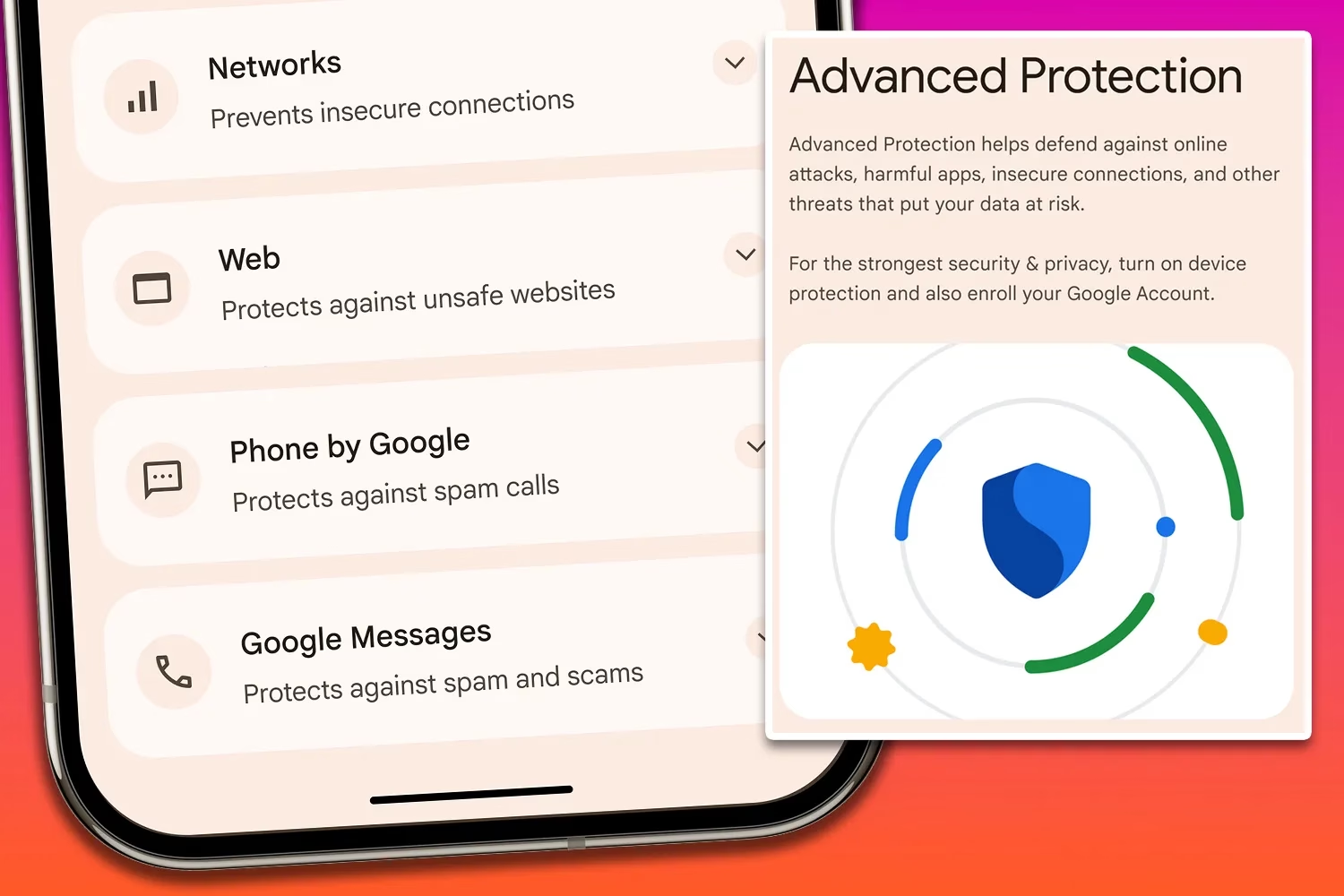
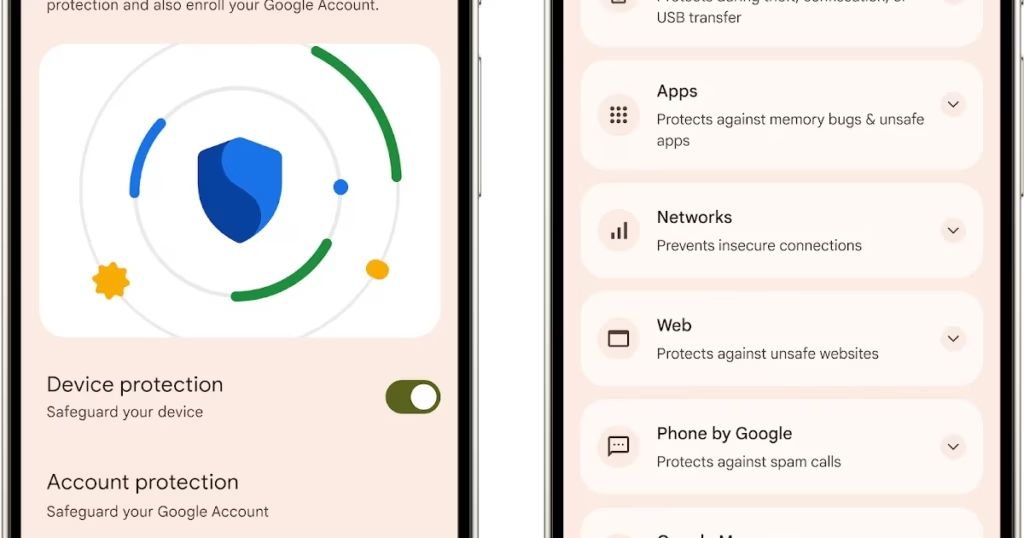
An optional Advanced Protection security mode, a one-click toggle that turns on a number of system and app-level security protections, will be included in the One UI 8 update. It permits, for instance, USB data protection, 2G network protection, and sideloading protection. Advanced Protection is available to anyone who want to better protect their data, even though it is intended for high-risk customers who might be the target of skilled attackers.
Advanced Protection feature comes in Android16
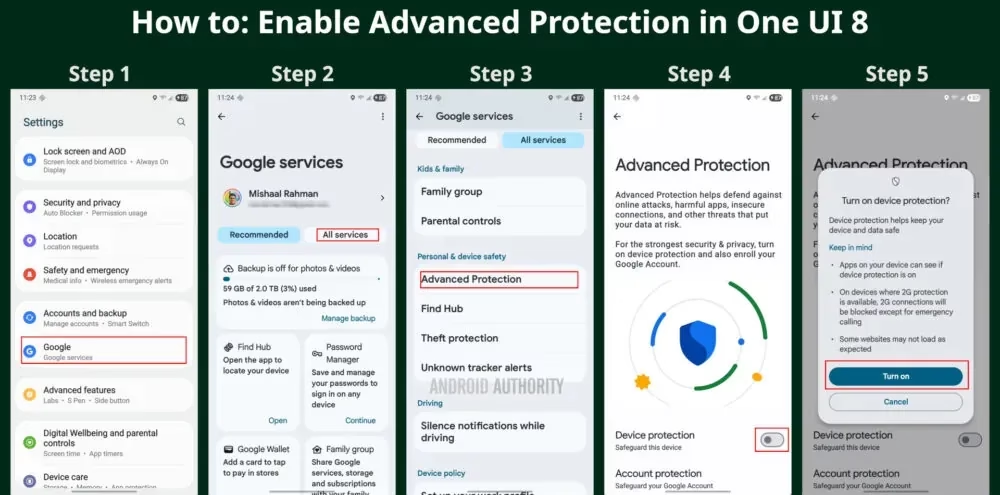
To turn on Advanced Protection, follow these steps on your Samsung phone running One UI 8:
Open Settings and select Google
Tap the All services tab
Scroll down to the Personal & device safety category and open Advanced Protection
Toggle “Device protection”
Tap Turn on
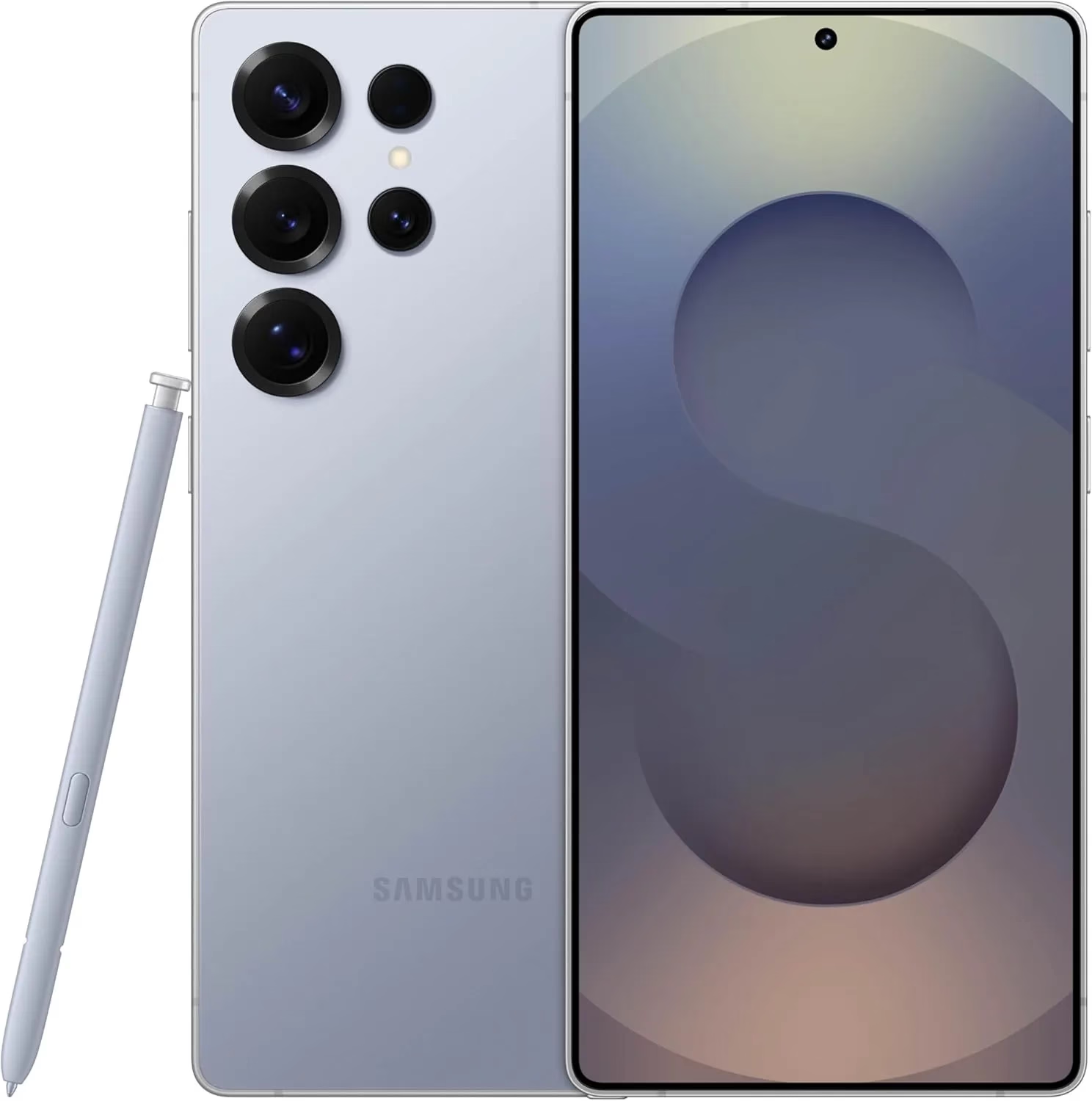
Samsung Galaxy S25 Ultra, 512GB
Streamline your day with an assistant that gets you. Ask it to Google search for a pet-friendly vegan restaurant nearby and text it to your friend— your Galaxy S25 Ultra handles multiple tasks with a single ask.
Building on Google’s Advanced Protection Program, which offers further protections against unwanted account access for high-risk users, this new mode is a feature of Android 16. While Advanced Protection does not yet handle any of Samsung’s unique security settings, it does activate the functions stated on its page. That might alter, though, if Samsung incorporates the Advanced Protection API, which enables third-party services and apps to verify whether the mode is enabled and activate their own security features.
Stay connected with the latest from Droid Tools—follow us on X @droid_tools, like our page on Facebook, check out our updates on Instagram, and follow us on Google News for real-time news, device tips, and mobile tech insights.
Xiaomi has further cemented its status as a leader in software innovation by formally releasing its HyperOS 2 developer preview, which is based on Android 16 Beta 2. Xiaomi is among the first manufacturers to use Google’s most recent operating system, and the beta program started in April 2025. Xiaomi is at the forefront of Android development thanks to this 2000-person limited beta program, which gives developers and tech enthusiasts early access to new HyperOS 2 features and Android 16 advancements.
Xiaomi 15 to be the first
The first build of the HyperOS 2 (version 2.0.230.6), which is based on Android 16, was sent to the Xiaomi 15, the flagship device leading this update. While providing updated system apps and performance enhancements, this version concentrates on building a solid Android 16 foundation. More releases are presently undergoing testing, demonstrating Xiaomi’s continued dedication to improving its user interface and software platform.
REDMI K70 Ultra to follow
Following the Xiaomi 15, the REDMI K70 Ultra is next in line for the Android 16-based HyperOS 2 update. This move demonstrates Xiaomi’s strategic approach to expanding the latest Android experience across multiple product segments, not just its flagship lineup.
Next in line for the Android 16-based HyperOS 2 update after the Xiaomi 15 is the REDMI K70 Ultra. This action reflects Xiaomi’s calculated strategy to bring the newest Android experience to more product categories than simply its flagship line.
Key Features and Improvements
Highlights of the HyperOS 2 Android 16 beta include:
Upgraded system applications with enhanced performance
The latest Android 16 security patches
Improved HyperConnect integration for seamless device interaction
Expanded developer tools and debugging functionality
Added a shortcut to invoke the custom accessibility function by swiping up with two fingers
Optimized some scene animation strategies to improve system fluenc
Both the final Android 16 release and the stable HyperOS 2 update are expected to be available by June 2025, underlining Xiaomi’s dedication to rapid adoption of the latest Android advancements.
HyperOSUpdates.com provides developers and early adopters with the most recent HyperOS updates and information. Furthermore, the MemeOS Enhancer software, which can be found on the Play Store, has sophisticated features like the ability to upgrade system apps, access secret Xiaomi features, and facilitate update management straight from the device.
As its first real flagship, Nothing announced the Nothing Phone (3) yesterday, promising seven years of security patches and five years of operating system upgrades. However, the Nothing Phone (3) runs Nothing OS 3.5, which is based on Android 15, even though Google has released Android 16 in a stable version. Nothing has disclosed the timeline for the distribution of Android 16 for its handsets, but it has not given a precise release date.
Carl Pei, the founder and CEO of Nothing, stated during yesterday’s unveiling that Nothing OS 4.0, which is built on top of Android 16, will be available “later this autumn.” It’s safe to assume that the Nothing Phone (3) will get Nothing OS 4.0 first, with earlier variants receiving the update later.
Pre-orders for the Nothing Phone (3) will open on July 4 and sales will commence on July 15. The Snapdragon 8s Gen 4 SoC, a 6.67″ 120Hz 1,260p OLED screen, four 50MP cameras, and a 5,150 mAh battery (or 5,500 mAh in India) are the main features of the Phone (3).
Stay connected with the latest from Droid Tools—follow us on X @droid_tools, like our page on Facebook, check out our updates on Instagram, and follow us on Google News for real-time news, device tips, and mobile tech insights.
A new version of the HyperOS 2.2 launcher, RELEASE-5.39.40.11322-06202031, has been released by Xiaomi. Although this version doesn’t have any noteworthy improvements, it’s nonetheless crucial because its main goals are system speed optimization and stability enhancement. These maintenance releases are essential to Xiaomi’s continuous dedication to user pleasure and a smooth experience throughout their ecosystem, as the firm has millions of users depending on its platform every day.
his update is all about improving the fundamentals. The HyperOS launcher, which serves as the main interface for all Xiaomi devices running the latest firmware, is now running smoother thanks to:
Greater system stability and fewer crashes
Improved memory management for enhanced multitasking
Smoother animations due to optimized resource allocation
Several bug fixes targeting launcher-related issues
Better compatibility with third-party apps
These adjustments help ensure the user interface remains responsive and reliable, especially for those using older Xiaomi devices.
It’s easy to update. Users can update via the built-in system updater or by downloading the APK if they would rather install it manually. The MemeOS Enhancer app on the Play Store offers extra tools for system app administration and update access for professionals who are in charge of several devices or who are searching for more sophisticated features.
Performance benefits for HyperOS 2.2 Launcher
Several performance snags noted in earlier releases have been fixed in this upgrade. Users should anticipate a discernible improvement in system responsiveness overall, as well as quicker home screen loading and seamless app transitions. In commercial settings, where device efficiency and dependability are non-negotiable, these enhancements are especially beneficial.