Tomorrow is Qualcomm’s annual Snapdragon Summit, during which the company is anticipated to reveal its upcoming Snapdragon 8 Gen 3 chip. Nevertheless, it appears that a recent leak, which discloses the complete specifications of the chip, may have wrecked tomorrow’s surprise. It also appears that the Snapdragon 8 Gen 3 will include a plethora of AI functions.
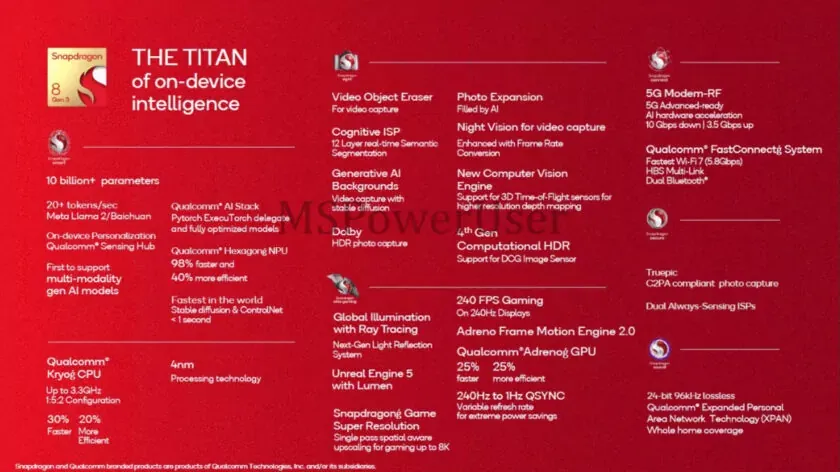
Leaked marketing materials for the Snapdragon 8 Gen 3 have been obtained by the MSPoweruser team. The processor will reportedly feature a number of AI tools that will enable actions like expanding images, removing objects from films, creating AI backgrounds, and more, according to the leak.
Significantly, the report also discusses being able to use AI models like Meta’s Llama 2 and Stable Diffusion. In light of the tech industry’s adoption of AI this year, including all of these AI capabilities makes sense.
Qualcomm equipped the CPU with an updated Hexagon neural processor to enable all of this (NPU). According to the marketing brochures, the new NPU is 40% more effective and 98% faster. The comparison is allegedly between the Gen 3 and the Gen 2, however the paper is vague.
But it’s not only about AI; there also seem to be some potent gaming-related elements. This features the ability to game at 240 frames per second and upscaling for up to 8K resolution using a next-generation light reflection system that supports global lighting with ray tracing.
One of the first products that the Snapdragon 8 Gen 3 is likely to be found in is Samsung’s Galaxy S24, which is scheduled to debut in Q1 2024. Since this is Qualcomm’s flagship chip, it should also be found in many of the high-end phones that debut the following year.
Google Photos is making a significant change to how it manages RAW photos and backup on Android, as we noticed at the beginning of this year. The format has been substantially improved as of late, although there may be some drawbacks.
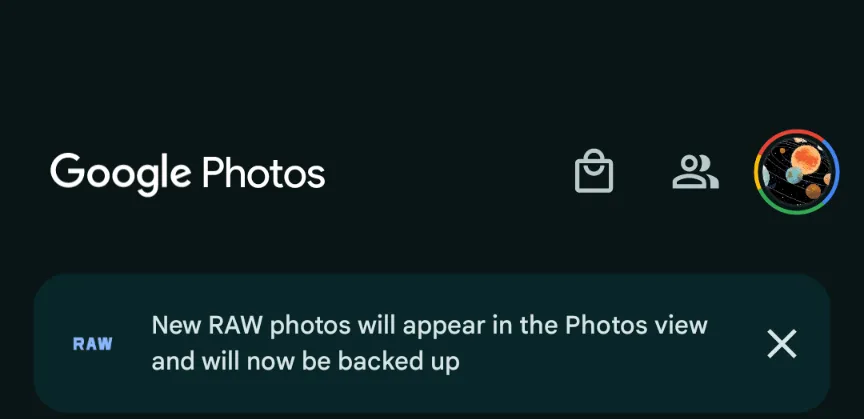
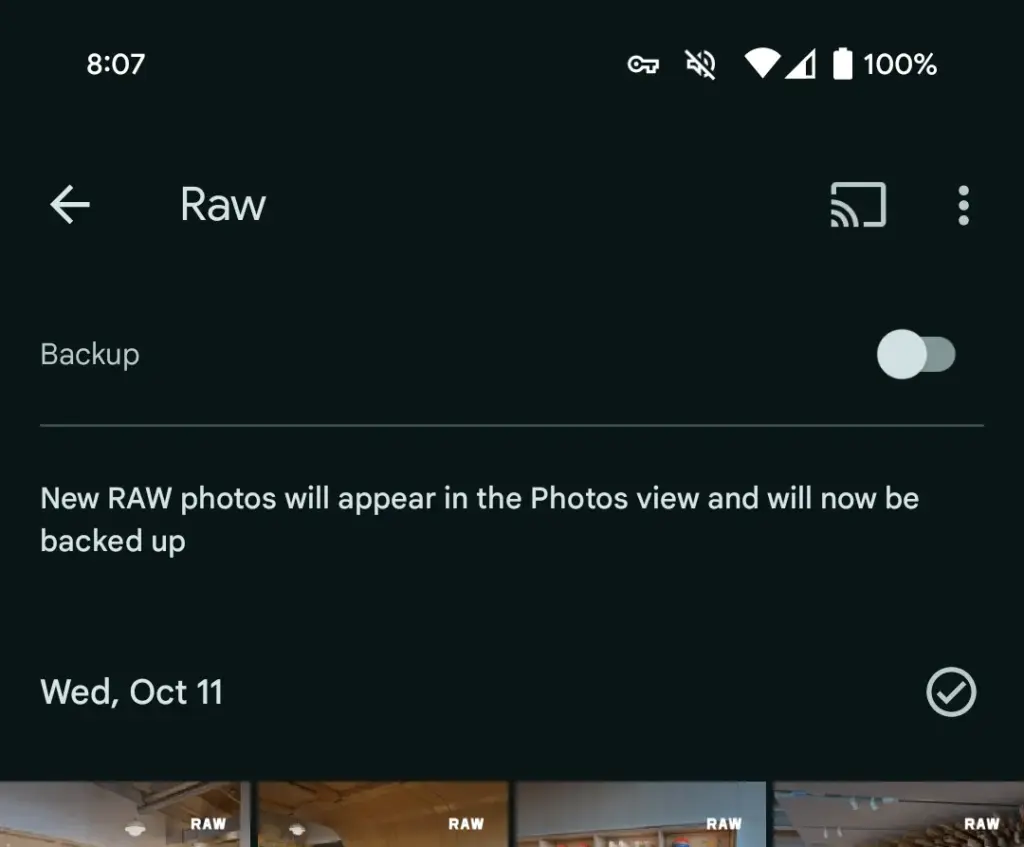
This morning, Google Photos presented the following banner on a Pixel 8 that had previously taken RAW photos in the Camera app: “New RAW shots will appear in the Photos view and will now be backed up.”
Taking a RAW photograph now automatically uploads it to Google Photos backup and displays it in the main “Photos” tab/grid. It’s labeled “RAW” in the top-right corner, and opening it shows a switcher at the bottom that allows you to view the JPEG as well. When viewed as a “Burst,” JPEG allows you to “Export this photo” or “Keep this photo only,” whereas RAW allows you to “Set as main photo” and “Keep this photo only.”
RAW files are quite huge, and Google automatically uploading to the cloud might rapidly exceed mobile data restrictions. (However, Google is no longer uploading earlier on-device RAWs.) There is no obvious way to prevent RAW uploads using existing backup settings.
It may potentially have an influence on Google One storage restrictions. Personally, I’ve always transferred RAW photographs I’ve taken via USB because I don’t have a backup for that folder.
Meanwhile, that “Raw” folder (on Pixel) found in the Library tab > Photos on device carousel is no longer in use. New RAW images are not shown there. At a glance, there’s no obvious way to view just RAW captures in Google Photos.
Meanwhile, this comes as Google Photos recently added the ability to set a default RAW editor. Photos settings > Apps & devices > Raw editor shows apps like Photos (which will convert to JPEG before editing), (Pixel) Markup, Gallery (Go), and Snapseed.
We’ve reached out to Google to explain this RAW backup change in Photos on Android on behalf of wedding photographers.
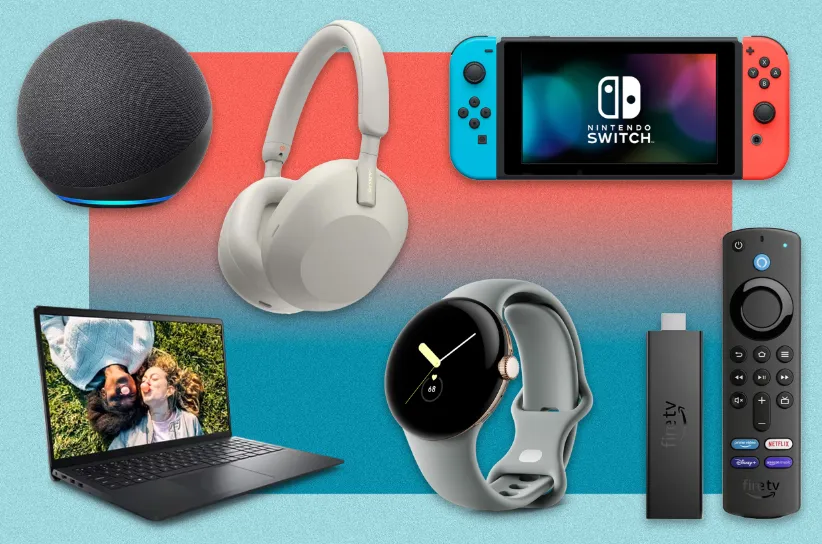
Black Friday and Cyber Monday are still a few weeks away, but if you want to finish your holiday shopping early, there are a ton of great tech discounts readily accessible right now.
In this single guide, we’ve compiled all of the finest early Black Friday discounts on everything from tablets and TVs to smartphones and watches.
The Samsung Galaxy S23 Ultra is currently $200 off, and several of our favorite smart home devices are currently up to 50% off. Naturally, we anticipate seeing additional deals in the upcoming weeks.
If you didn’t find anything today, stay reading to see what else is currently available, and bookmark this page since we’ll keep adding fresh offers to it up to the start of Black Friday.
PHONES
The following is only a small sample of the many Android phones that retailers are discounting ahead of Black Friday. For a larger list of offers, take a look at our guide to thebest early Black Friday/Cyber Monday phone deals.
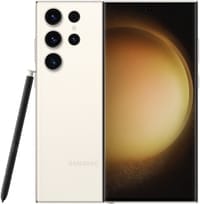
Kicking things off is this deal that slashes a whopping $200 off the unlocked Samsung Galaxy S23 Ultra. This phone is peak Android technology, with a built-in stylus, some outstanding camera tech, and the customized Snapdragon 8 Gen 2 chip.
Similar to the Pixel 7a deal we just mentioned, Amazon will hook you up with a FREE pair of Galaxy Buds Live earbuds when you purchase an unlocked Galaxy A54 5G. That’s a value of $120, but if you don’t need earbuds, you can still save $40 when you buy the phone alone.
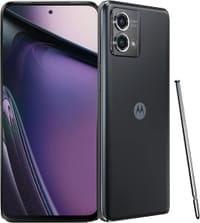
Looking for a phone with a built-in stylus? The Moto G Stylus 5G is one of the better options if you don’t want to break the bank, featuring a 5,000mAh battery, great camera, and a vibrant 120Hz display. Right now, Amazon is slashing $100 off the price of the phone, bringing it down to just $299.99.
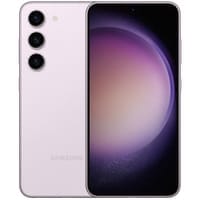
Buy the 256GB version of the super-balanced Galaxy S23 Plus and you’ll get a straight $200 dropped off your purchase at Best Buy. The retailer will also throw in a free month of Xbox Game Pass Ultimate.
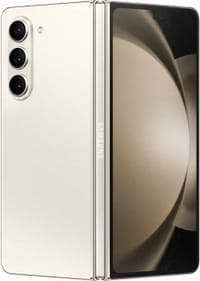
Buy the innovative Galaxy Z Fold 5 directly from Samsung and you’ll be eligible to receive up to $1,000 off with trade-in, plus a free S Pen slim case (a $99.99 value). They’ll also give you $180 off the Galaxy Buds 2 Pro if you want to bundle the phone with a sweet pair of earbuds.
The fitness trackers and smartwatches that are now on sale at retailers in advance of Black Friday are just a few examples. Check out our guide to the greatest Black Friday smartwatch deals for a longer range of offerings (so far).
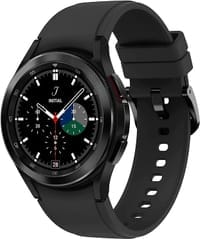
The Galaxy Watch 4 Classic might be a few years old, but with a 30% discount, who’s complaining? More powerful and slightly more traditional-looking than the standard Watch 4, the Classic boasts some stainless steel heft and a real rotating bezel that we absolutely love.
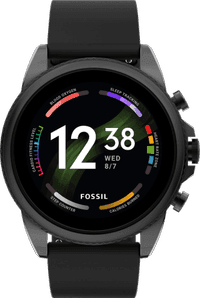
Right now you can snag a Fossil Gen 6 smartwatch for $179, which is an epic price reduction of 40%. This hybrid timepiece boasts an efficient Qualcomm chip, loads of activity-tracking features, and great battery life with super-fast charging.
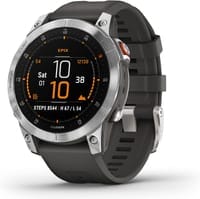
It’s far from cheap, but the Garmin epix (Gen 2) is a great choice if you can afford it, with a rugged stainless steel construction, unique map features, and outstanding battery life. Right now you can soften the blow of the big purchase with a sweet $250 discount at Amazon.
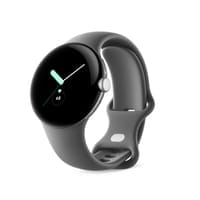
Although the price might drop lower when Black Friday hits next month, you can buy a Pixel Watch through Amazon today and save an epic 30% on the LTE version of the watch in Silver.
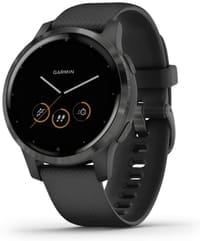
Stylish, versatile, and feature-packed, the Vivoactive 4 reigns as one of the best intro smartwatches for most people, and now you can get your very own at the discounted price of $279.95.
The tablets below are just a few of the many that are now on sale from shops in advance of Black Friday. See our guide to the top early Black Friday tablet bargains for a longer list of offerings.
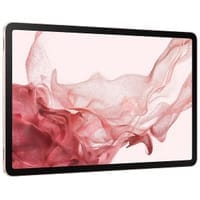
The top pick in our list of best Android tablets, the Galaxy Tab S8 Plus comes complete with a large 12.4-inch AMOLED display, an ultra-efficient Snapdragon processor, and software support through 2027. Right now, you can snag one of these tablets and save 145 bucks!
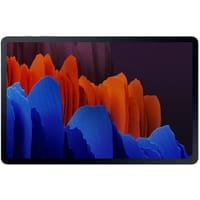
Despite being a few years old, the Galaxy Tab S7 Plus still performs with the best of them, thanks to a Snapdragon 865+ processor, vibrant 12.4-inch AMOLED display, and an included S Pen stylus. Now pair those specs with a 41% discount and you’re looking at a truly fantastic deal.
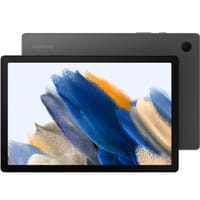
The Galaxy Tab A8 is a mid-range tablet with a few surprising specs, such as a Snapdragon processor and massive 7,040mAh battery. Amazon is currently dropping a nice 24% off the price of the tablet, making now a great time to buy.
The following is only a small sample of the many smart TVs that retailers are discounting ahead of Black Friday. For a larger list of offers, take a look at our guide to the best Black Friday Android TV deals.
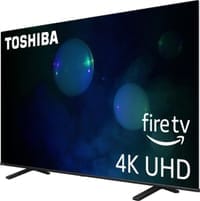
Nowadays, you’ll be hard-pressed to find a 65-inch smart TV for any less than $500, and yet that’s exactly what’s happening with this awesome pre-Black Friday deal. Head to Best Buy now and you’ll save $160 on the Class C350 Series TV from Toshiba, a versatile entertainment machine with 4K upscaling and immersive DTS Virtual: X audio.
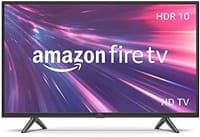
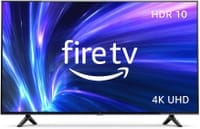
If you’re a Prime member, head to Amazon now and you can save a whopping 45% on this 32-inch 2-Series Fire TV. Sure, it’s not the most feature-packed smart TV in the world, but it gives you access to all of your favorite streaming services in 720p HD with Dolby Digital Plus audio, and most importantly, it only costs $110.
For a limited time, Best Buy is dropping a full $1,000 off the price of the Class S90C Tizen TV from Samsung. This entertainment powerhouse boasts AI-powered 4K upscaling, immersive Object Tracking Sound, and more.
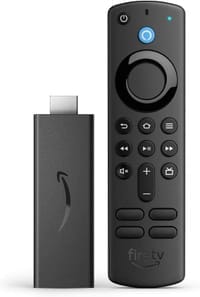
Okay, yes, this isn’t a smart TV, but a 50% discount on a Fire TV streaming stick is no joke. For just $20, this device gives you instant access to all of your favorite streaming services in Full HD, plus you’ll get an Alexa Voice Remote and six months of MGM Plus for 100% free.
Head to Amazon now and you can get a whopping 48% off this 55-inch 4-Series Fire TV. That’s a bigger discount than the TV received during Prime Day! This model delivers vibrant picture in 4K UHD resolution with HDR10 and HLG, plus you get four HDMI and six months of MGM Plus for free.
The day after Thanksgiving, or Black Friday, is November 24, however many businesses start advertising their sales as early as late October or the first week of November. So that you don’t have to wait to uncover the finest tech discounts, we’re keeping track of all the best deals as soon as they become available.
Should purchase now or to hold out until Black Friday?
If you find something now for a record low price, you might want to take advantage of the offer since it’s unlikely that the price will fall further lower once Black Friday arrives. Of course, we’ll inform you in our bargain guides if we believe you should purchase or not.
This news item isn’t exactly one of the more dramatic ones. It’s only the most recent upgrade to Google Wallet, though. A recent report claims that the Google Wallet app is now receiving independent notifications.
Although it has a separate app, Google Wallet is not totally independent. Wallet has its own app, however it lacks its own notifications. Indeed, they originate from Google Play Services. When you use Wallet to make a purchase, you’ll receive a notification with a brief description of the transaction. Google believes that it is now appropriate for Google Wallet to go independent.
Google Wallet is getting notifications
We don’t entirely understand the company’s motivations for separating Wallet from Play Services. We do know that Google is developing a new version of the Wallet app. For all we know, Google might be developing a more significant overall overhaul for Wallet. To be sure, we’ll need to wait for additional details on this.
In any event, the Wallet icon will be there next to your notice when it comes from Google Wallet. So, you must use the app’s notifications and not Google Play Services if you wish to turn off the notifications.
Google Wallet is receiving additional updates.
You need to be aware of how Google Wallet uses space before you open it. The app has a great deal of unneeded empty space. The cards are shown in a huge horizontally scrolling carousel that is topped with a sizable NFC icon. You may access the settings by clicking on your profile image in the top right corner of the page. You can see more cards at the bottom of the screen.
Google, however, intends to promote a redesign that will improve the UI’s use of the available space. To begin with, the NFC logo will vanish, and your cards will take its place. You may see your other passes, such as gift cards and reward cards, immediately beneath your cards.
All in all, the cards and passes will better fill out the interface. We’re not sure when Google is going to push this update to more devices, but it shouldn’t take too much time.
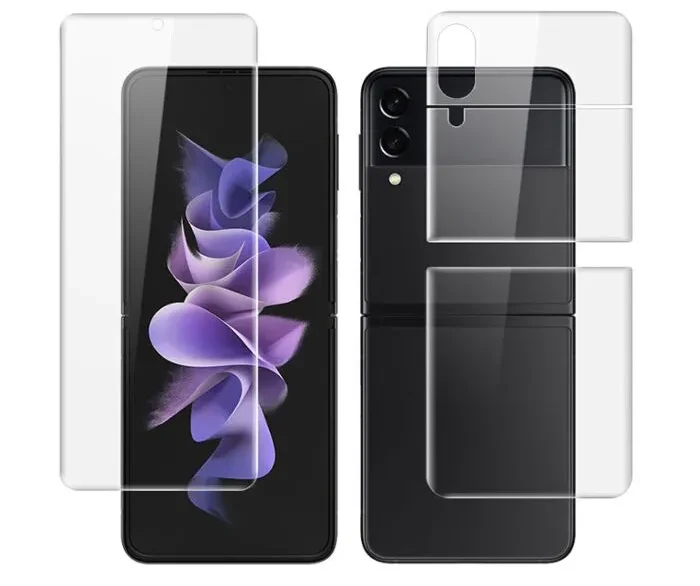
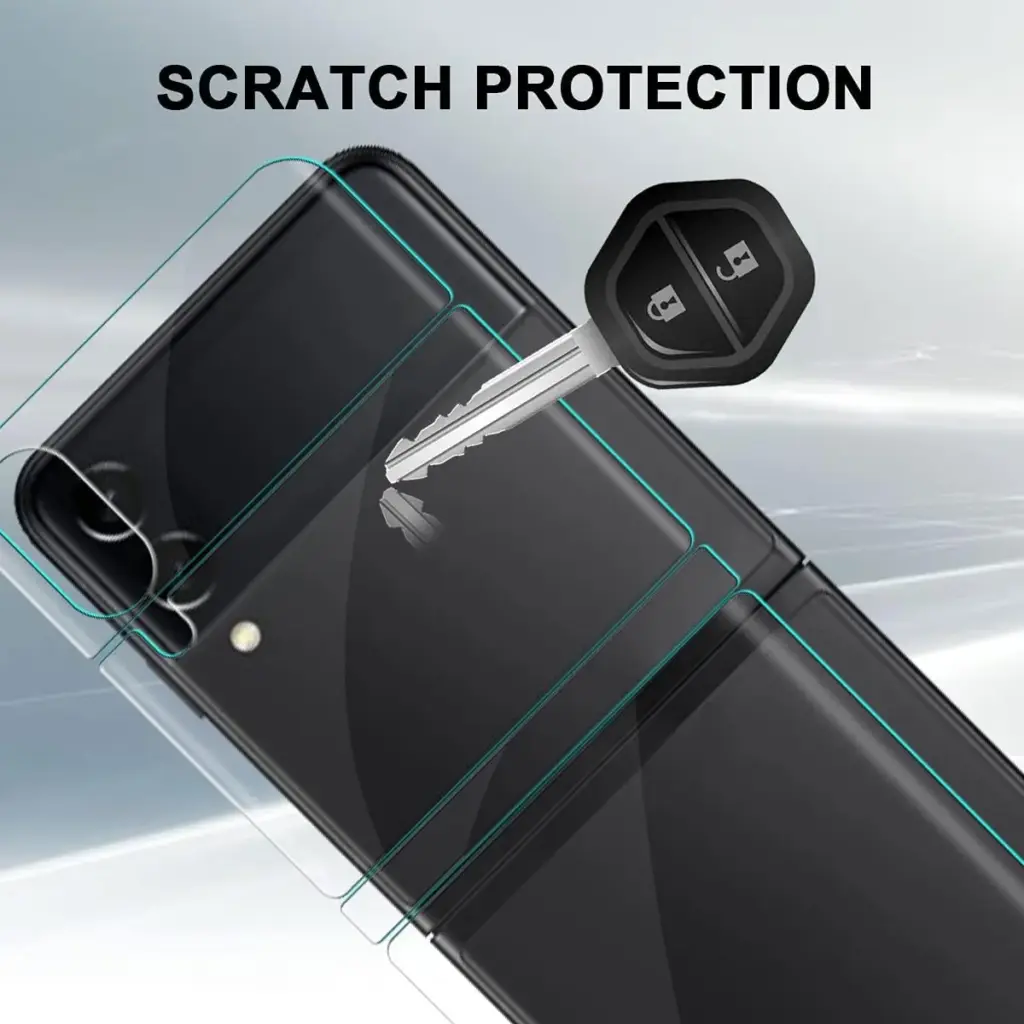
Samsung is the best option available when it comes to high-end flip phones. These Android-powered gadgets, famous for its Galaxy Z Flip series, come with all the necessary smartphone capabilities plus a modern design that places a strong focus on dual-screen technology. Naturally, dealing with many screens necessitates guarding against scuffs and cracks on multiple panels.
Thankfully, many of the most well-known screen protector manufacturers have invested heavily in creating premium covers to protect our Galaxy Z Flip. This list of the top screen protectors for your top-tier Samsung accessory was created if you are the happy owner of a Samsung Galaxy Z Flip 4.
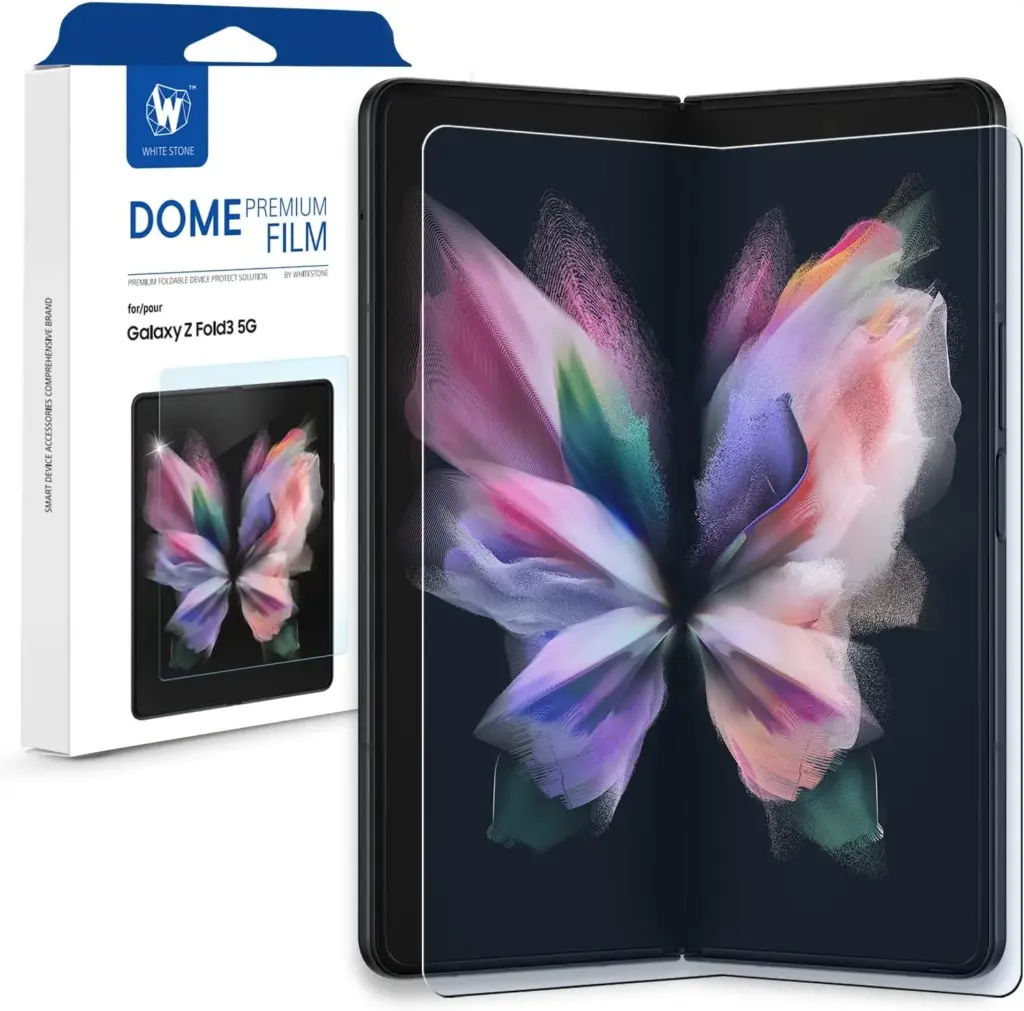
Whitestone Dome Premium GEN Film For Galaxy Z Flip 4
To better accommodate the foldable feature of the Z Flip 4, this screen protector employs polyethylene terephthalate (PET) material as opposed to Whitestone’s well-liked glass-based screen protectors for other phones. It therefore functions effectively and shields your priceless folding phone from dings and other flaws. If you properly follow the instructions, installing the Whitestone GEN Film is very simple thanks to the provided tools and an excellent tutorial on YouTube.
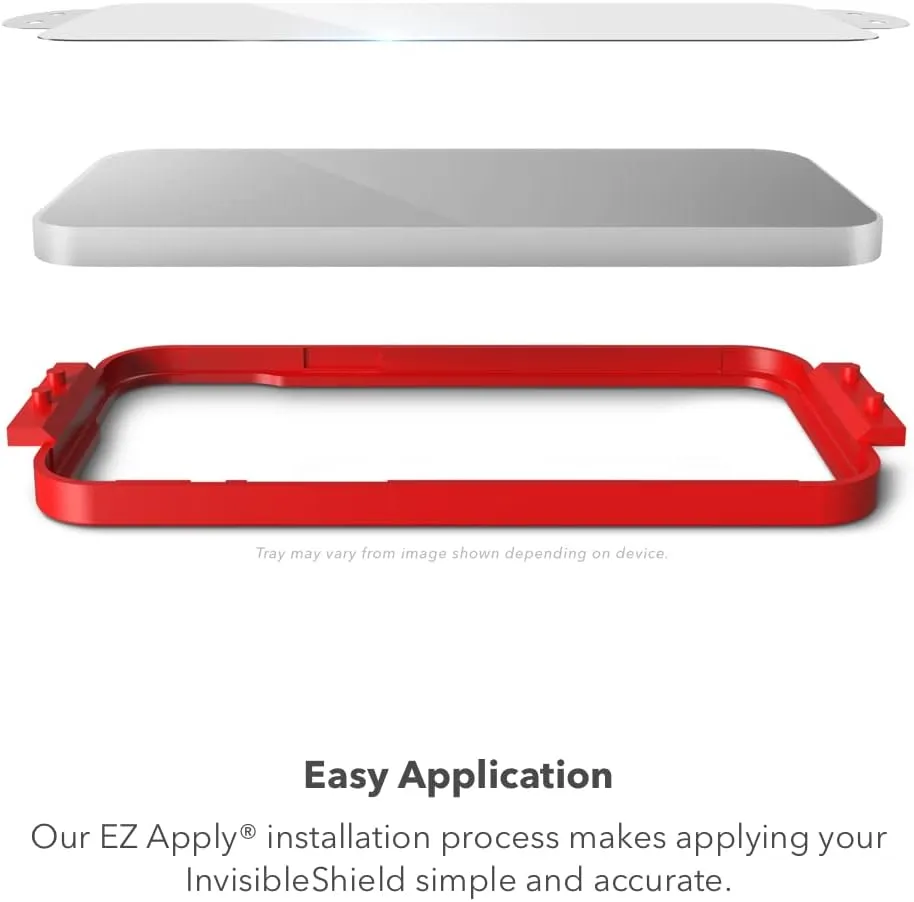
ZAGG InvisibleShield Fusion Eco For Galaxy Z Flip 4
ZAGG InvisibleShield’s Fusion Eco is a brand-new cover screen protector made of flexible bioplastic. Although it isn’t glass, it has a glass-like smoothness and clarity. It can absorb and distribute the power of an impact and is excellent at protecting the screen from scuffs. In order to prevent the growth of germs that could damage the screen protector, the business has also applied an anti-microbial solution on the protector.
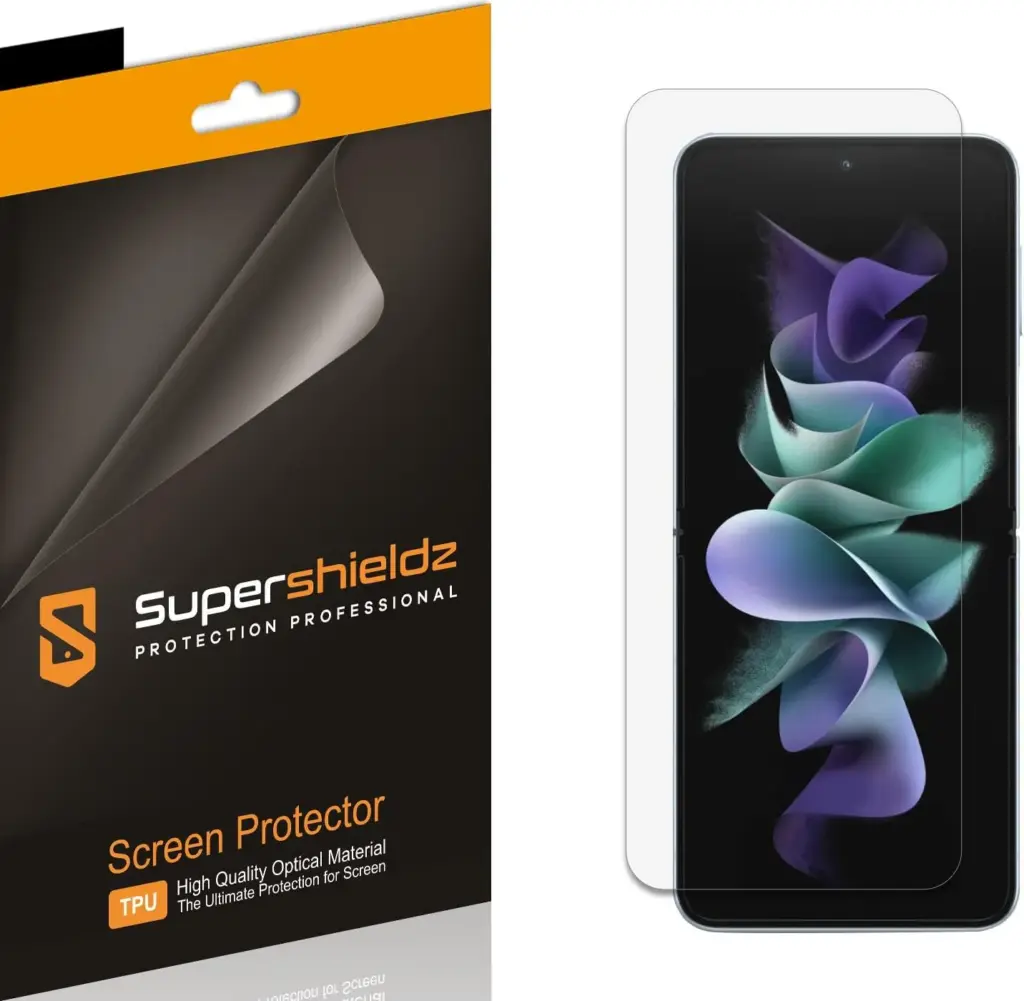
Supershieldz Screen Protector For Galaxy Z Flip 4
$8 at Amazon
ZAGG InvisibleShield’s Fusion Eco is a brand-new cover screen protector made of flexible bioplastic. Although it isn’t glass, it has a glass-like smoothness and clarity. It can absorb and distribute the power of an impact and is excellent at protecting the screen from scuffs. In order to prevent the growth of germs that could damage the screen protector, the business has also applied an anti-microbial solution on the protector.
ZAGG InvisibleShield’s Fusion Eco is a brand-new cover screen protector made of flexible bioplastic. Although it isn’t glass, it has a glass-like smoothness and clarity. It can absorb and distribute the power of an impact and is excellent at protecting the screen from scuffs. In order to prevent the growth of germs that could damage the screen protector, the business has also applied an anti-microbial solution on the protector.
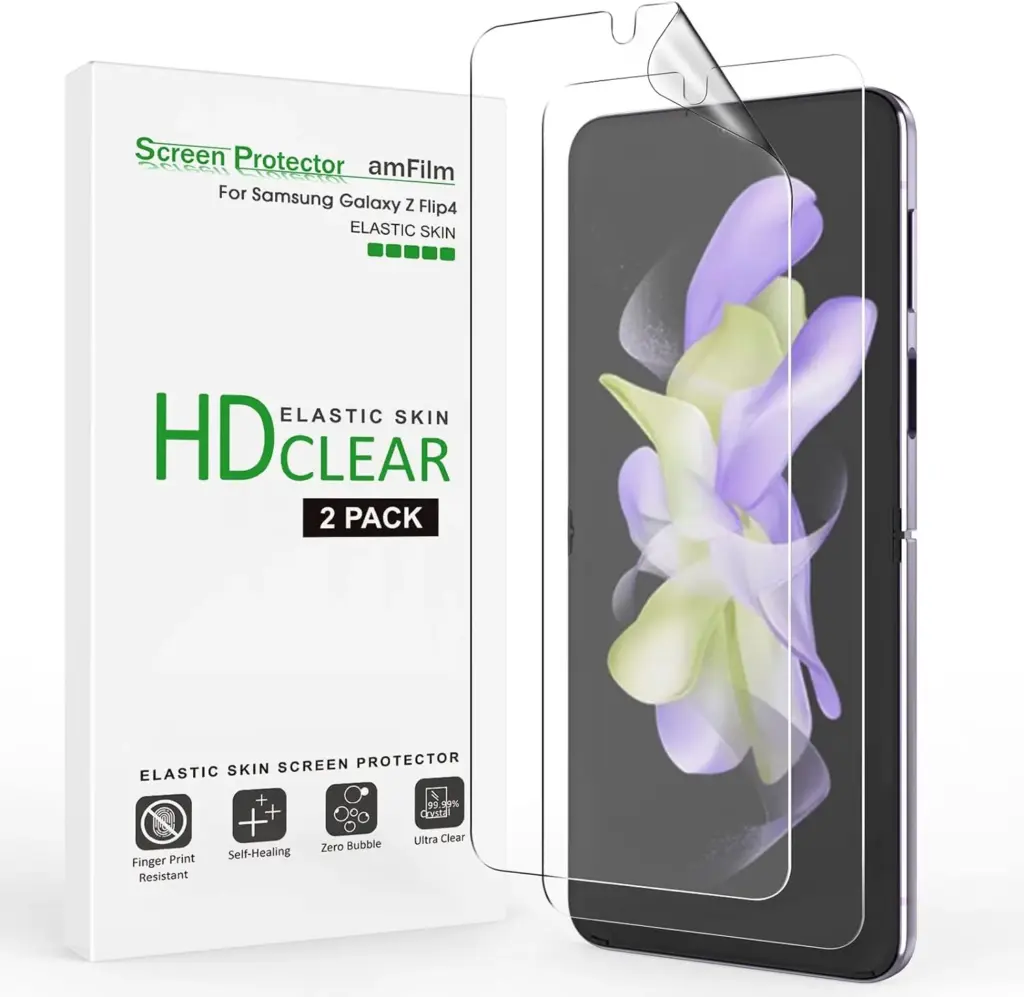
amFilm’s Elastic Skin is one of the most affordable TPU screen protectors for your clamshell foldable. It’s meant for the primary screen of the phone and keeps it protected from scratches and dents. With fingernails able to leave marks on the Z Flip 4’s main display, extra protection is undoubtedly necessary. Plus, the Elastic Skin is self-healing, which means it will recover from minor abrasions over time.
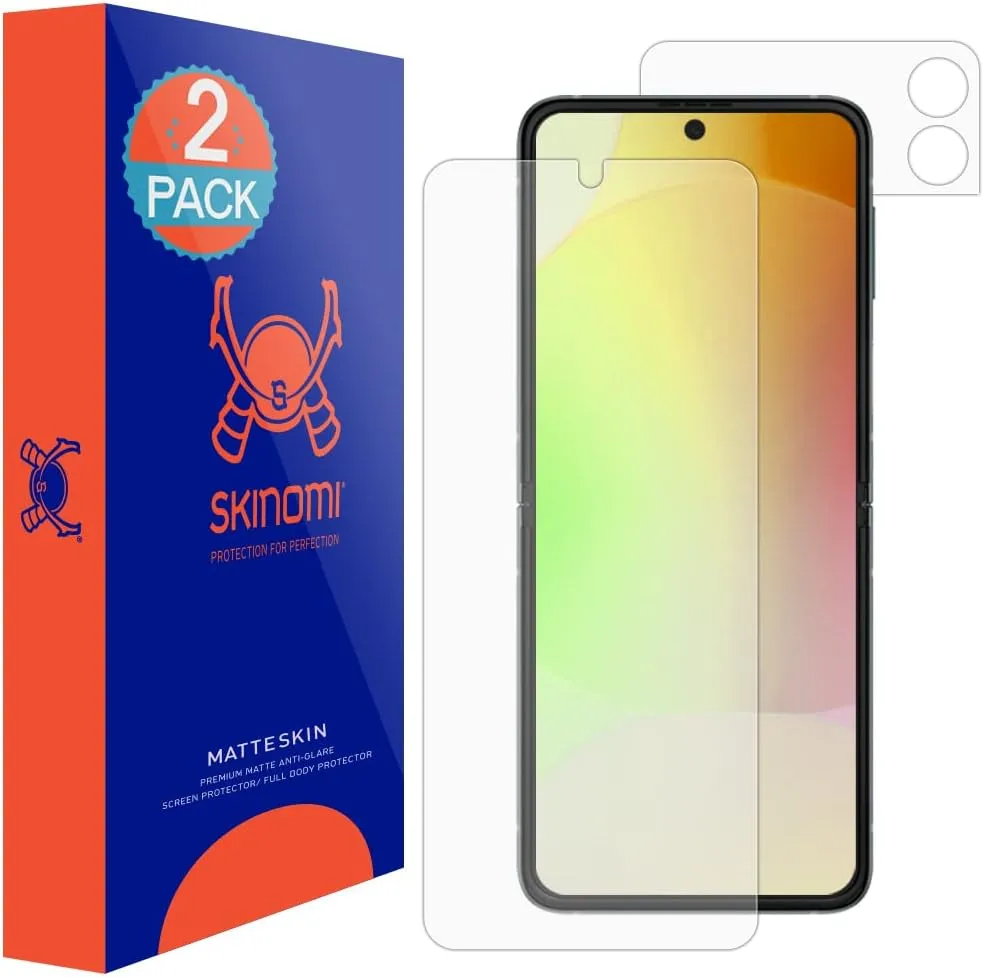
This made-in-the-USA screen protector from Skinomi is an excellent option for anyone who prefers a matte finish over glossy. Made using TPU material, it reduces glare and makes it easy to see the screen in high-brightness environments. Besides, it’ll keep the screen safe from everyday mishaps, including scratches and punctures. The wet-install method of the MatteSkin can feel slightly tricky; however, it allows you to fix your mistakes and set the protector perfectly on the phone.
RinoGear Shield Screen Protector For Galaxy Z Flip 4
The RinoGear Shield Screen Protector is made to fit the cover screen of your Galaxy Z Flip 4. It’s constructed of flexible and durable TPU material that’s self-healing and can fix tiny scratches and scuffs over time. The RinoGear product also comes in a two-pack, so you’ll have a spare in case you need it. Furthermore, it has no effect on the screen’s clarity or touch sensitivity. Unfortunately, it employs the wet installation approach, which can be difficult for some users.
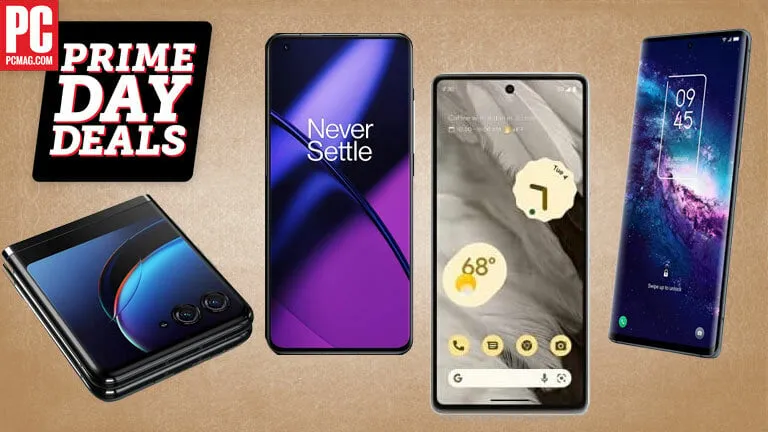
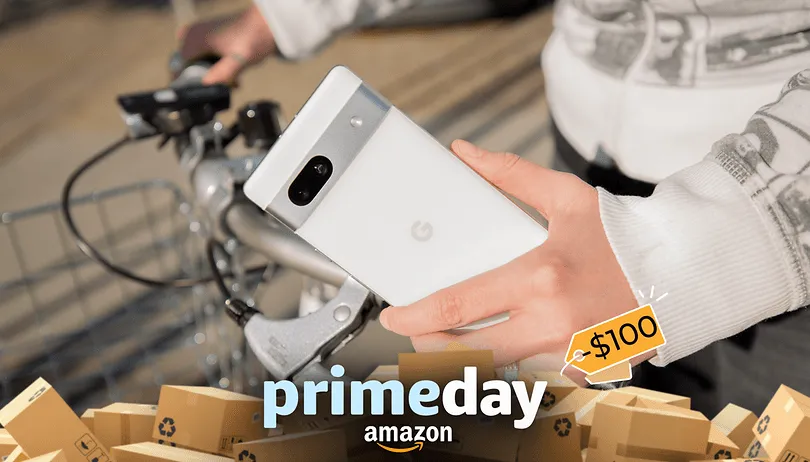
Even though there are virtually always phone sales throughout the year, they are nothing compared to the doorbuster discounts we get around Amazon Prime Day and Black Friday. Before we drown in Android phone discounts of every brand, price, and style on October Prime Day, we need to address a straightforward but painfully complex question: should you purchase a phone during Prime Day Part 2? Should you wait until Black Friday and Cyber Monday, the holidays when the best deals are to be had?
On practically all of the top Android phones as well as the greatest budget phones, both sales will offer quite steep discounts. Prime Day is the ideal time to upgrade if your phone is completely unusable or if you’re looking for a phone at a specific price range if your current model is on its final legs.
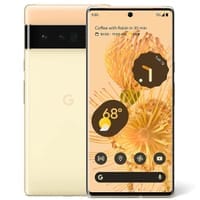
Black Friday will provide cheaper prices on select phones, such as the brand-new Google Pixel 8 Pro. Although the free Pixel Watch 2 with preorder is a super-sweet Pixel 8 Pro 8 offer, the 8 Pro doesn’t even technically ship until October 12, the day after Prime Big offer Days ends, meaning the phone won’t be discounted until Black Friday. The new Samsung Galaxy S23 FE will cost $600 when it launches later this month, but it’s not clear if this will increase or decrease the likelihood that the infant Galaxy S23 will be available for less than Prime in November.
Most other phones, such as the Galaxy S23 Ultra and OnePlus 11, have been on the market for at least six months, so they are well-positioned (ha!) for their greatest discounts yet. This is especially true for last year’s models, such as the Galaxy S22, Pixel 7, and Galaxy A53, which should ideally dip below $300 this time around now that the Google Pixel 6a is completely sold out and there is no longer any possibility of its $250 offer from July being reinstated.
The Google Pixel 7a hasn’t received many discounts up to this point, and none have brought the price below $440, so Prime Day should mark the device’s first sizable markdown. These two are the best budget/mid-range Android phones currently available, and the Samsung Galaxy A54 has just somewhat outperformed them. They should be available for Prime at truly affordable pricing.
And Prime Day is unquestionably the time to buy if you want to spend less than $300 on a phone. For phones like the OnePlus Nord N30 or N300, the Galaxy A14, and the Moto G line, now is the time to read the reviews and start choosing the case you’ll buy with your Prime Day savings because phones under $300 rarely see any significant deals outside carrier stores or Best Buy’s Activate Today carrier-reliant promotions.
Why would you wait after Prime Day?
Due to the fact that most Android phones will be $50 to $100 cheaper on Black Friday and that the Pixel 8 series will be two months older than the rest of the market, these devices will be more competitively priced. This is particularly true for the Galaxy S23 series, which is often updated at the end of January or the beginning of February.
Additionally, the Galaxy S24 series is expected to gain new, lighter titanium frames, and the S24 Ultra will finally switch back to a flat screen (but still have curved edges). Therefore, Prime Day and Black Friday are your last best opportunities to purchase an Ultra with curved glass at a fair price.
But if you opt to wait another six weeks for Black Friday, you’ll be playing a game of chicken with your currently damaged old phone. If you can wait until Thanksgiving, you might be able to save a few more dollars, but if your phone breaks in the interim, you’ll have to buy a new one at full price. Last year, this happened to a friend, and it was not pleasant to see them incur a $300 overage.
So if your screen is held together by film and prayers, if your USB-C port is getting harder and harder to jiggle the cable into that magic spot to charge your phone, don’t let the hope of a few extra bucks keep you from getting a new phone while the getting is good.
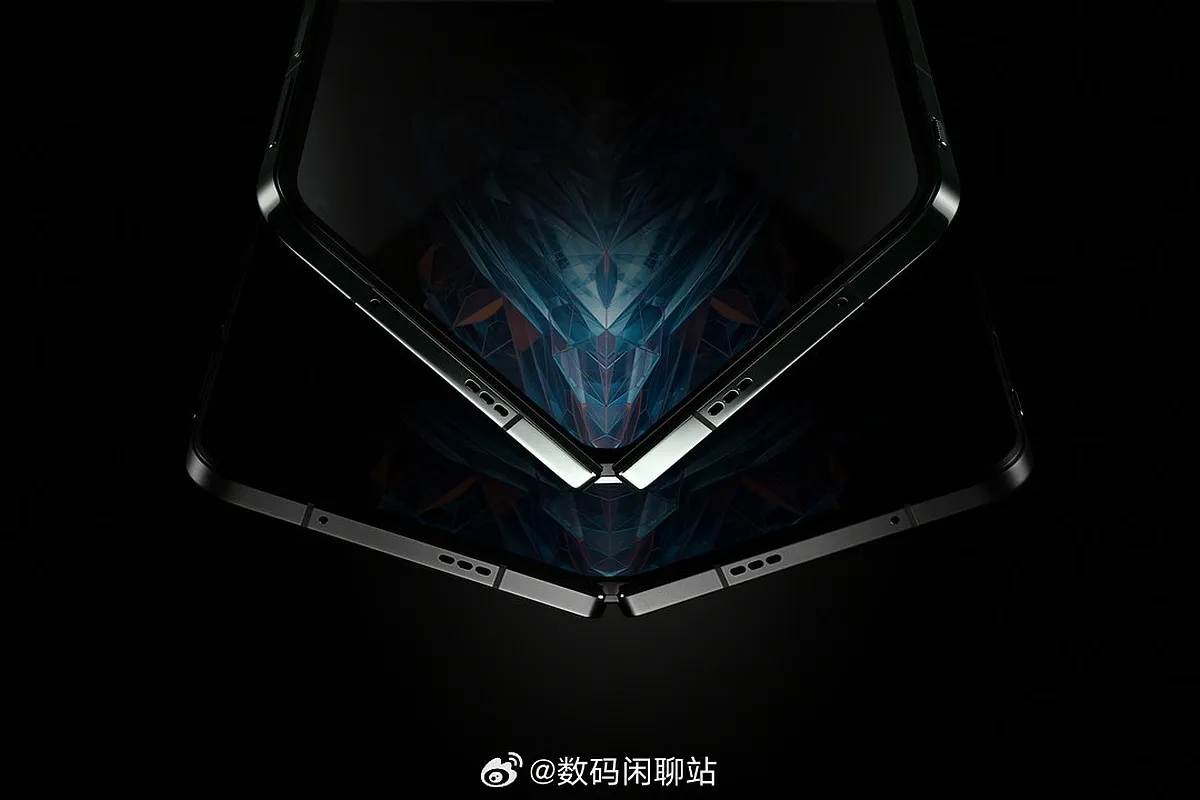
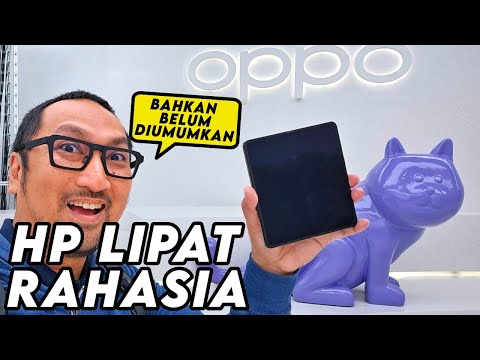
The OnePlus Open and OPPO Find N3 are the same smartphone, according to CEO Pete Lau, and we recently received our first official glimpse at it via a well-known YouTube channel. Another YouTuber has now been given access to the phone, and in this video, we can see the phone’s main display in detail as well as how it measures up against the Galaxy Z Fold 5.
In a video published by Jagat Review, we see the Open/Find N3 up close once more. But exactly like previously, a piece of paper has been placed over the camera equipment.
The Open/Find N3 is almost as thick as Samsung’s foldable when placed side by side with the Galaxy Z Fold 5. When opened up, it is a little bit wider than the Fold 5. There isn’t much more to learn about the exterior of the phone besides that. Once the device is opened, though, something does stand out.
We see the primary display several times in the video. There is a screen crease there to welcome you, just like on any other foldable phone. The display wrinkle on the Galaxy Z Fold 5 appears to be much less noticeable when compared to the Open/Find N3, though. In contrast, Samsung’s foldable’s screen wrinkle resembles almost a valley.
Additionally, we know that the hinge on the Open/Find N3 is 37% smaller than the one in the Find N2. Lau has also boasted that the hinge uses 31 fewer components than before.
It won’t be much longer before the OnePlus Open comes out, with an expected launch date of October 19. With 10 days left, we’ll see if any new leaks come out before the launch.
Every morning when you wake up, you drink your freshly brewed espresso while using the newest mobile applications. Every day that goes by, the market for Android and iOS applications expands. It’s growing quite quickly.
It’s not surprising that the market for smartphone apps is booming. On the Google Play Store, 2.87 million apps are available for download. 50 or more times per day are used by 21% of Millennials. 49% of consumers use an app 11 or more times per day. Mobile apps account for 70% of all digital media consumption in the US.
These days, public awareness of AI is widespread. Well, we are quite happy to provide you with all the best examples of Android AI apps. So let’s get started:
The List of Top AI Apps for Android
Buildfire’s analysis indicates that there are 6.3 billion smartphone users worldwide. But do you know why we’re here to talk about it? It’s the AI magic in Android applications. These days, public awareness of AI is widespread. Isn’t it intriguing to learn how AI functions in Android apps?
To see their astonishing features, let’s learn more about these AI Apps for Android in depth.
Paraphrasing.io
Artificial intelligence has significantly changed the digital market. We no longer need to spend more time and money creating excellent communication material.
The main goal of this paraphrasing tool was to facilitate writing. It is possible to rephrase the content at the level of words, phrases, and sentences. The rewriter in this paraphrasing tool is one of the greatest AI tools for paraphrasing any type of text.
In order to create entirely original, error-free work, it modifies the language and grammatical constructs changing the text while maintaining its readability and aesthetic appeal.
It enables quick phrase changes for both short-form and long-form content. Create a statement to learn how to change the diction and tone.
Google Assistant
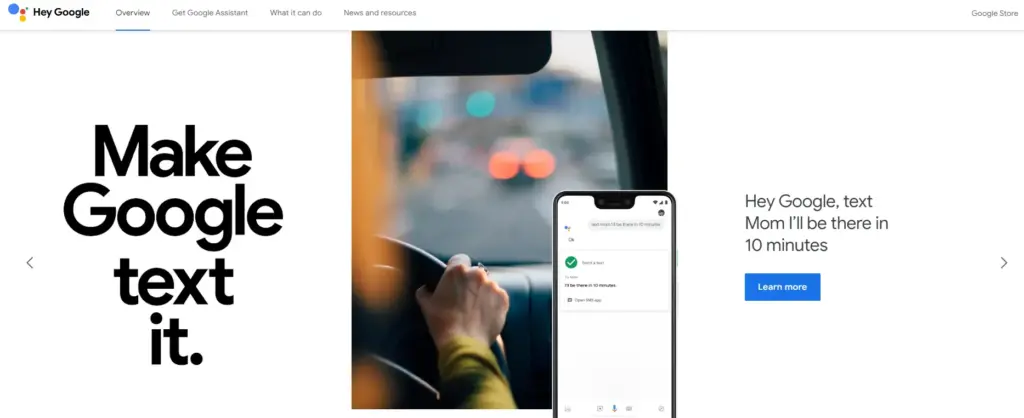
It is a Google-created virtual assistant software program. It is mostly accessible through mobile and home automation technology. Android apps can be voice-activatedly controlled using Google Assistant.
Users are able to open apps and do tasks with the aid of Google Assistant. They use search engines to acquire information and can accomplish a lot more things just by speaking commands like, “Hey Google, start a run on Example App.”
Continued discussion is supported by Google Assistant. It enables users to express numerous requests or ask follow-up inquiries without having to repeat themselves.
Numerous Google services, like Gmail, Google Calendar, Google Maps, and others, are smoothly integrated with it. Users can utilize this to navigate, view, and share images, as well as access their emails and make appointments.
Netflix
This Android AI app does not require an introduction. Nearly everyone in your immediate vicinity is engrossed in using this app.
Netflix is one of the most well-known streaming services in the world, and artificial intelligence has significantly contributed to this success. Using Netflix’s sophisticated recommendation technology, users can find content they might have missed.
Within a single Netflix account, customers have the option to establish multiple profiles. With the help of this feature, each household member can enjoy individualized interactions with their own viewing preferences, watchlist, and suggestions.
Depending on the subscription level, consumers can stream material to many devices at once. Family members or friends can watch various episodes or movies on their individual devices thanks to this capability.
Amazon Alexa
Amazon.com has created a different virtual assistant app. This app is used to establish a connection with Echo, Echo Dot, Echo Studio, and Tap speakers from Amazon.
It is a straightforward program to use; all the user needs to do is issue voice instructions, and it will search and react correctly. It carries out numerous activities, such as playing music and giving the most recent news, weather updates, and alarms. With the aid of IoT, it is also beneficial for home automation.
With over 100 million downloads, it has a 4.3 Google Play rating.
It supports multiple languages, including Hindi, Arabic, English, and more.
ChatGPT
ChatGPT was created by the OpenAI team. It is a free AI chatbot that can be downloaded right now from the Google Play Store. This service can fulfill your demands, make ideas that are tailored to you, spark your creativity, and offer a variety of other conveniences.
If you purchased ChatGPT’s Plus version, you can log in with the same account to this app and access GPT-4’s mobile power. This ChatGPT mobile app from OpenAI is an official one; thus, it syncs your history across devices and offers the most recent model upgrades.
Replika
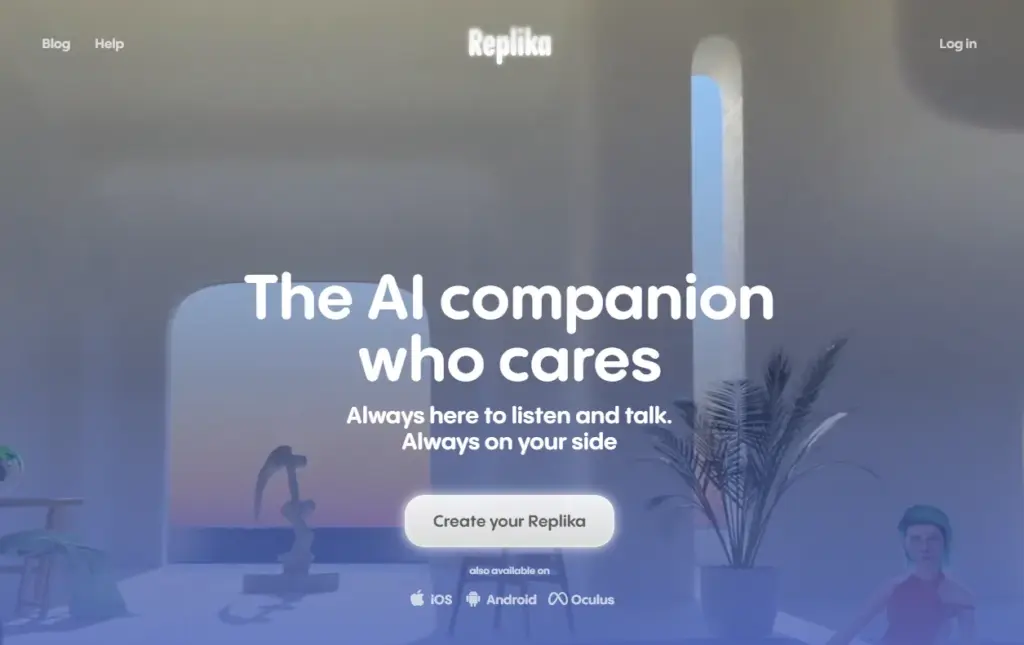
Replika is a chatbot companion powered by AI that enables you to construct a 3D avatar that it refers to as Replika. Your Replika can be interacted with in the same way as a friend. As you converse more, it grows in personality and memory alongside you.
On this app, you may build your own Replika (AI companion) and educate it about the outside world and about you. The AI companion’s personality will develop with time, and its communication skills will improve.
It’s a great app for talking about your thoughts or how you’re feeling.
Socratic
Since it is a learning application, students can benefit from using it. It was created by Google and is suitable for college and high school students. Socratic is a well-known educational program that supports students in various topics, including literature, chemistry, and biology.
Text and speech recognition power the program. Users can quickly access materials or lessons to learn from thanks to it. Simply take a picture of the question and post it, says the pupil. The program will locate all classes and tutorials pertinent to the query.
Bottom Line
You may expand your company by using AI business tools to their full potential. The state of artificial intelligence today is too advanced for what is available in the Google Play Store. Other Android AI applications are proliferating and making slow progress. The AI apps for Android are about to undergo a revolution thanks to advancements in the field of AI. If you run an inventive business, your next objective should be developing AI-based apps.
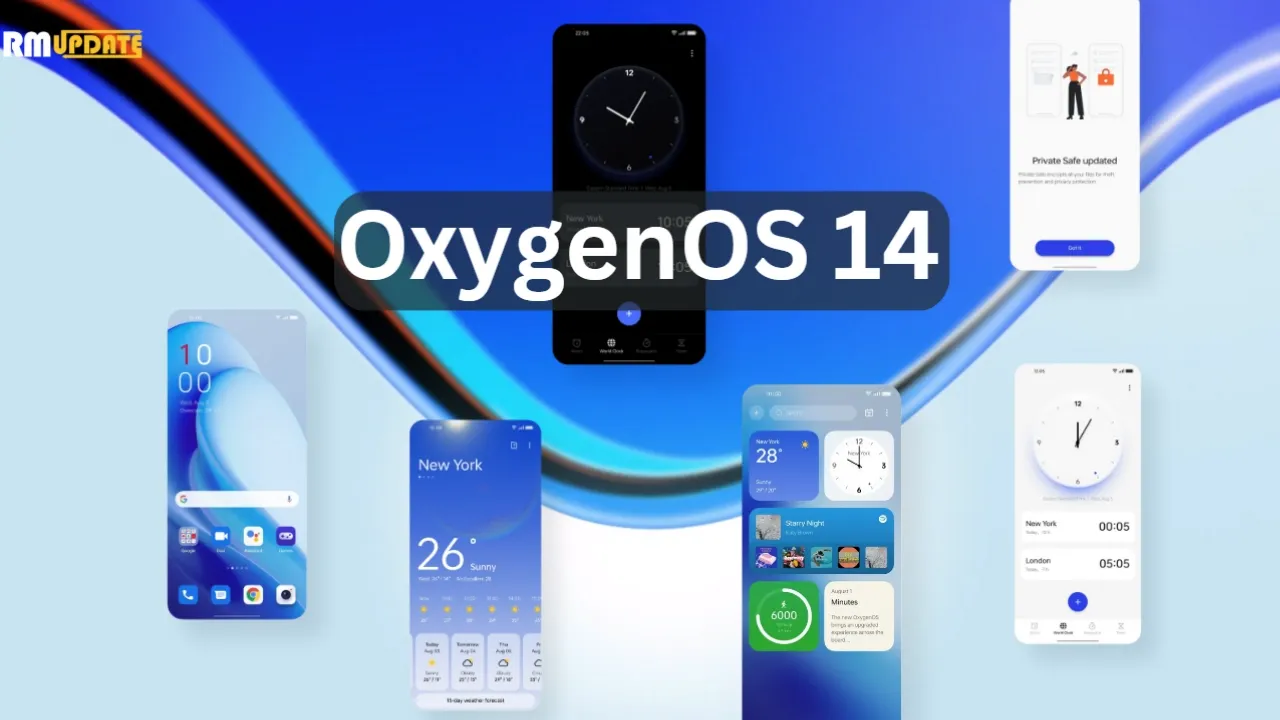
Today, OnePlus officially unveiled OxygenOS 14, the latest iteration of its Android 14 skin. Although OxygenOS 14 isn’t officially available yet, at least not in a stable state, OnePlus wants you to be prepared for it when it does. For the time being, it’s accessible as a second beta for the OnePlus 11 that includes all of the new features.
What new features are those? Truthfully, I’m not sure. Although OnePlus was gracious enough to invite us to a briefing on OxygenOS 14, it was challenging for me to learn much because the verbal word salad used to describe what this skin aims to do is more than my brain can process. This stuff is filled with laughable buzzwords and talking points. I’m fairly certain that it was created by a set of algorithms powered by artificial intelligence (AI) and a microchip inserted into the brain.
I’ll do my best to sum-up what OxygenOS will offer your OnePlus phone.
The Trinity Engine! I have no idea what this is, but OnePlus describes it as a combination of CPU, ROM, and RAM Vitalization, as well as the attachment of the capitalized word HYPER to rendering, touch, and boost. All you need to know is that they are powered by an algorithm…and they should make your phone feel faster and smoother for years to come.
OnePlus Cloud now integrates with Google Photos for backups. Cool.
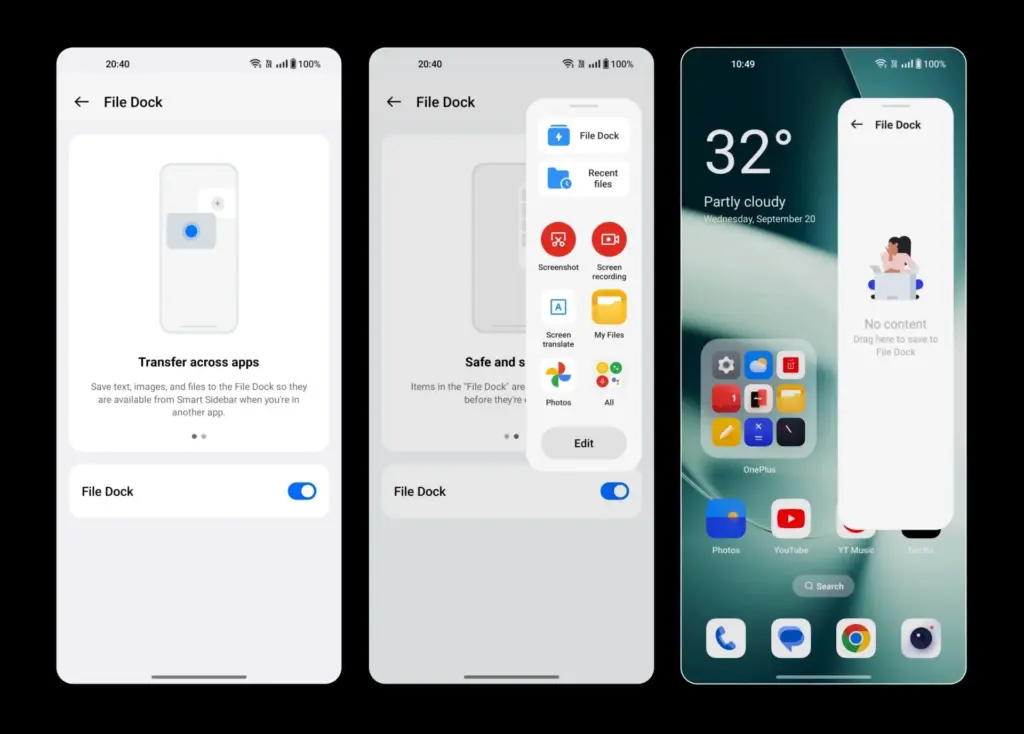
File Dock “enables collection, analysis, and sharing of global information through the Dock or other applications simply by making gestures.” What? I think that means you have a system-level copy-paste-clipboard feature that works across your phone and tablet and PC. Maybe?
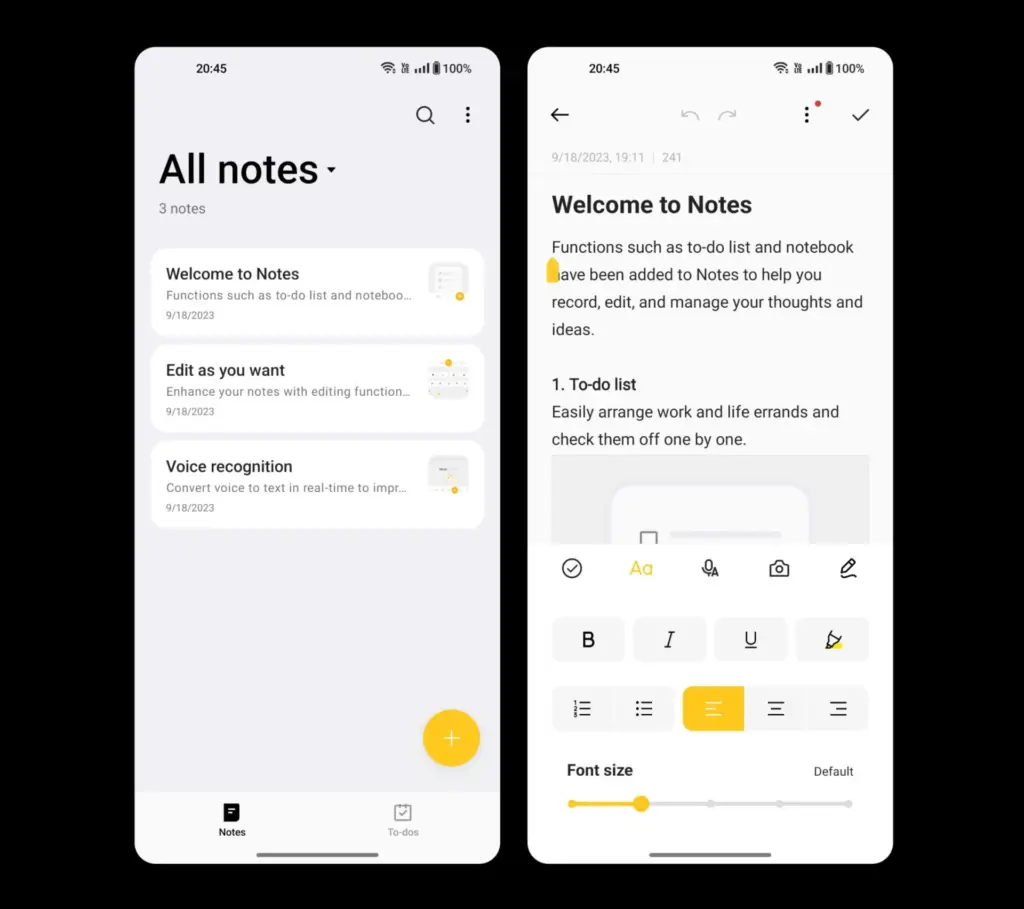
Notes app is more robust with a “touch of personality” that includes color, a creative font, and different sized text or images. You’ll also find note editing using underlines, strikethrough, and split lines, as well as categorization.
Smart Cutout allows you to long-press any person or pet in a full-size image (or on a paused video) to crop them out and then play with them as a wallpaper or poster. In OxygenOS 14, you can now identify up to 3 objects in a single photo.
Multi-Screen Connect 2.0 connects your OnePlus phones running OS 14 with a “faster and more stable” connection.
Clone Phone 2.0 lets you setup a new phone to quickly syncrhonize your network, account, and other basic settings.
Security Center from Android 14 is here, because this is Android 14.
Auto Pixelate 2.0 can now “intelligently detect formats like receipts, screenshots from social apps, car license plates, ID documents, boarding passes and more” to pixelate that sensitive info.
Fluid Cloud is apparently not a cloud service and is instead a new design on information presented through notifications and the status bar. It’s like water and liquid, or something, because it expands on OnePlus’ Aquamorphic Design. I just hope they fixed the way notifications work on the lock screen and in the pulldown.
Sounds from nature have taken over with new ringtones and notification sounds.
Go Green AOD is a new take on the always-on display that tracks your steps as you walk throughout the day to then let you know that you are reducing CO2 in the air because you didn’t drive a car.
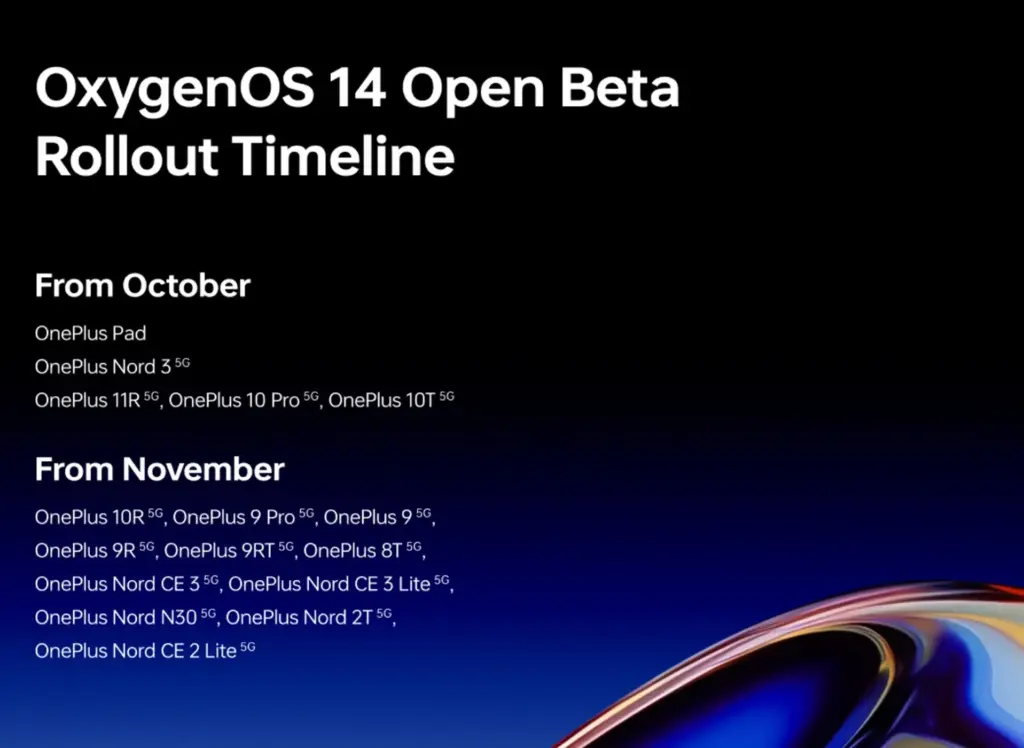
Once more, OxygenOS 14 Beta 2 is now available to OnePlus 11 users. There is no information yet on when it will become stable. You may expect beta builds for devices including the OnePlus Pad, Nord 3, OnePlus 11R, 10 Pro, and 10T in October. In November, beta builds will be released for yet another set of hardware. Below is a list of everything on it.
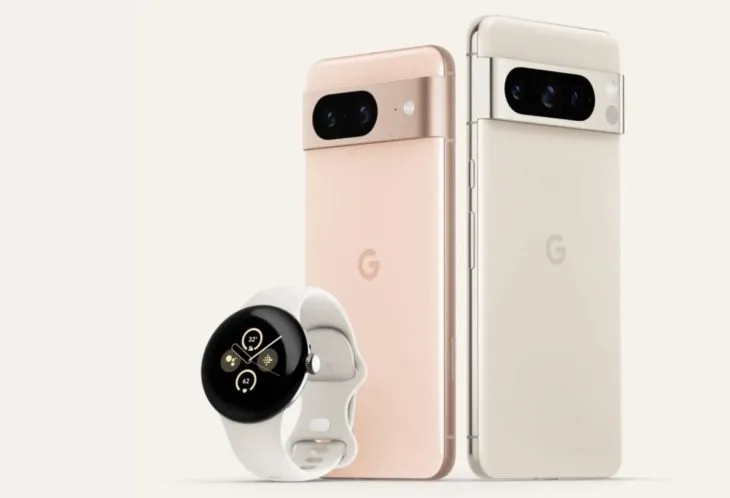
We’ve all been sufficiently spoiled for the Pixel 8 and Pixel 8 Pro, so let’s move on to the Pixel Watch 2. Apparently, there have been significant Pixel Watch 2 leaks this morning as well, including a promotion that may allow you to receive a free device in two weeks.
This most recent leak, which comes from @Za Raczke once more, is in the form of a promotional film that gives a Google tour of the Pixel Watch 2 and several of its capabilities. We get a clearer idea of the health and fitness capabilities that will be available on Google’s upcoming watch, even if Google has already published some of this information.
New in Pixel Watch 2
The new sensor in the Pixel Watch 2—likely the same sensor seen in the newest Fitbit smartwatches—is where the health story of the device begins. This sensor can detect more precise heart rate readings, assess your skin temperature, track stress (EDA), and offer heart rate variability (HRV). Moreover, you will receive pace and zone tracking, automatic workout start and stop reminders, and a number of safety features, including the new Safety Check. The Safety Check timer, which was made available for Pixel phones in June, enables you to check in with loved ones during a certain period of time.
In the realm of health and fitness trackers, none of it is really novel or ground-breaking, although Google did initially debut the Pixel Watch with mediocre health features that didn’t really measure up to the competition. This new sensor ought to help it fit in as a watch that is unquestionably expensive.
We may expect a 24-hour battery life with sleep tracking, so there isn’t much of an improvement there. That was sort of expected given that leaks had suggested for some time that Google was maintaining the same form factor without significantly increasing battery capacity. We might be able to use the always-on display so that we can receive the entire 24 hours thanks to the new Qualcomm chip.
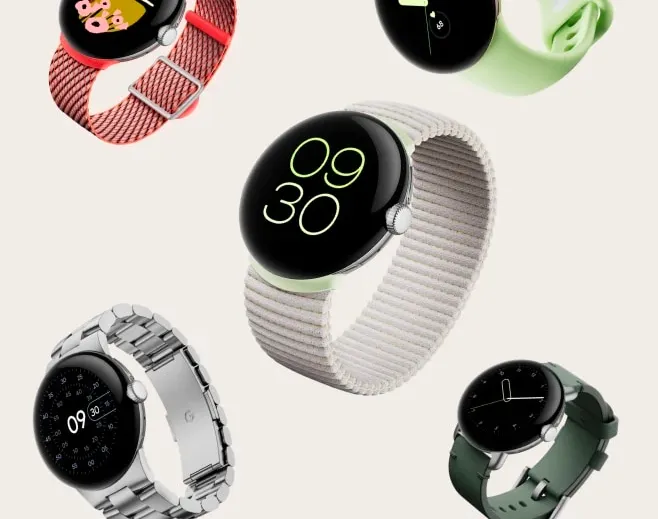
Last but not least, the film displays the new watch bands, including the Sport Band with a Hole and the Slim Metal Links Band in New Colors
Oh, and the promotion for the free Pixel Watch 2? If you pre-order the Pixel 8 Pro, it appears that Google will give the Pixel Watch 2 away for free. That’s a good addition, however it’s unclear yet if it will apply to the ordinary Pixel 8 as well or only the Pro. Price-wise, the Pixel Watch 2 should be close to the $350 of the first model.