Blog

  • Google Rolls Out Android 16 April Patch With Key Pixel Fixes You’ll Notice Instantly

    Google Rolls Out Android 16 April Patch With Key Pixel Fixes You’ll Notice Instantly

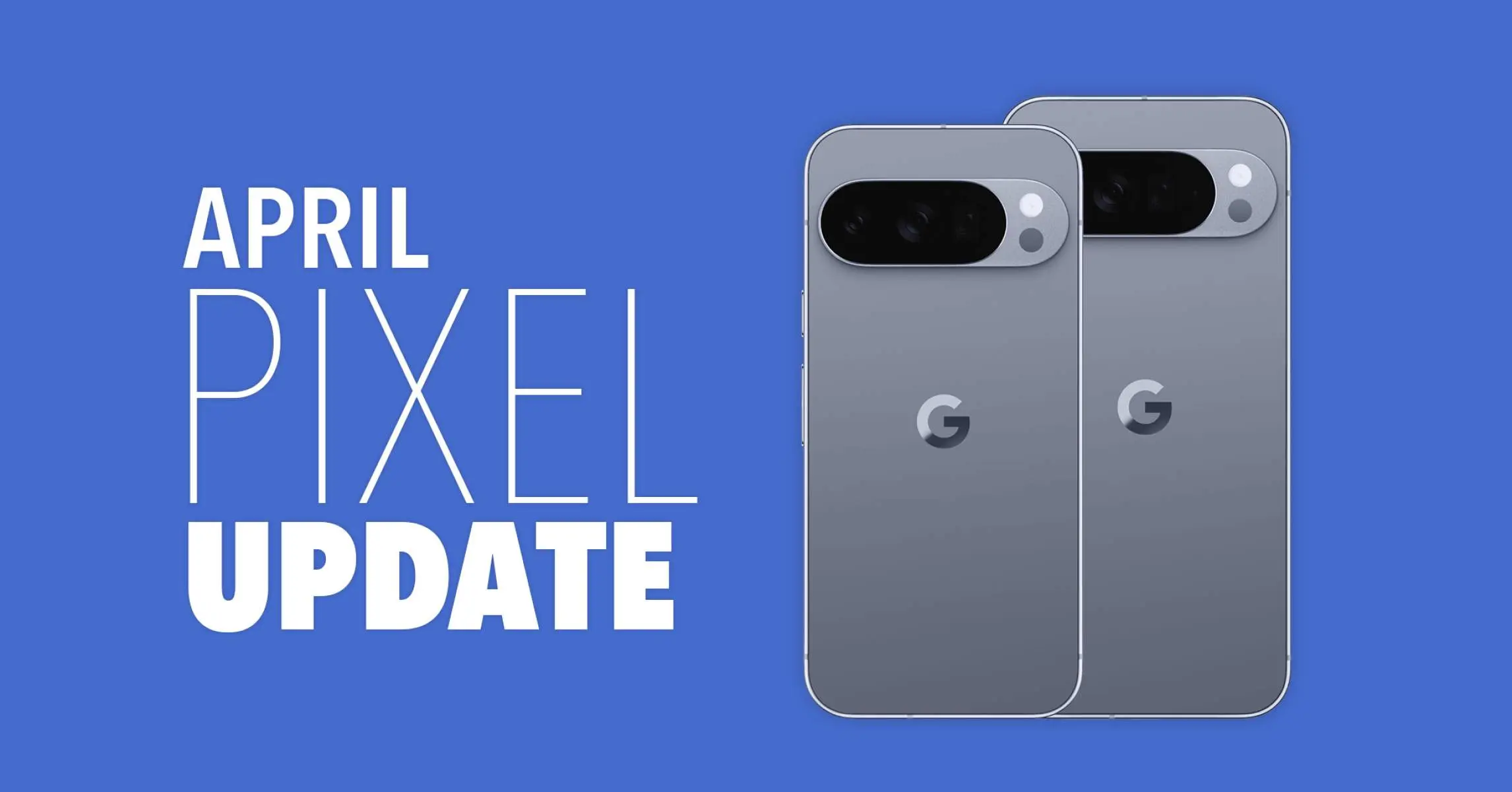
    The Pixel 6, 6 Pro, 6a, 7, 7 Pro, 7a, Tablet, Fold, 8, 8 Pro, 8a, 9, 9 Pro, 9 Pro XL, 9 Pro Fold, 9a, Pixel 10, Pixel 10 Pro, Pixel 10 Pro XL, Pixel 10 Pro Fold, and Pixel 10a are all receiving the April 2026 security patch for Android 16 QPR3.

    The Android 16 April patch, dated 2026-04-01, fixes one security problem and four for 2026-04-05. Vulnerabilities might be classified as high or critical.
    Android 16

    There are no other security updates listed in the bulletin specifically for Google devices.

    Global

    • Pixel 6:                     CP1A.260405.005
    • Pixel 6 Pro:              CP1A.260405.005
    • Pixel 6a:                   CP1A.260405.005
    • Pixel 7:                     CP1A.260405.005
    • Pixel 7 Pro:              CP1A.260405.005
    • Pixel 7a:                   CP1A.260405.005
    • Pixel Tablet:            CP1A.260405.005
    • Pixel Fold:               CP1A.260405.005
    • Pixel 8:                    CP1A.260405.005
    • Pixel 8 Pro:             CP1A.260405.005
    • Pixel 8a:                  CP1A.260405.005
    • Pixel 9:                    CP1A.260405.005
    • Pixel 9 Pro:             CP1A.260405.005
    • Pixel 9 Pro XL:       CP1A.260405.005
    • Pixel 9 Pro Fold:    CP1A.260405.005
    • Pixel 9a:                  CP1A.260405.005
    • Pixel 10:                  CP1A.260405.005
    • Pixel 10 Pro:           CP1A.260405.005
    • Pixel 10 Pro XL:     CP1A.260405.005
    • Pixel 10 Pro Fold:  CP1A.260405.005
    • Pixel 10a:                CP1A.260405.005

    Australia

    • Pixel 6:                    CP1A.260405.003.A1
    • Pixel 6 Pro:             CP1A.260405.003.A1
    • Pixel 6a:                  CP1A.260405.003.A1

    Use the following device key to interpret the Pixel’s Android 16 April update changelog:

    *[1] Pixel 6, Pixel 6 Pro, Pixel 6a, Pixel 7, Pixel 7 Pro, Pixel 7a, Pixel 8, Pixel 8 Pro, Pixel 8a, Pixel Fold, Pixel Tablet, Pixel 9, Pixel 9 Pro, Pixel 9 Pro XL, Pixel 9 Pro Fold, Pixel 9a, Pixel 10, Pixel 10 Pro, Pixel 10 Pro XL, Pixel 10a

    *[2] Pixel 6, Pixel 6 Pro, Pixel 6a, Pixel 7, Pixel 7 Pro, Pixel 7a, Pixel 8, Pixel 8 Pro, Pixel 8a, Pixel Fold, Pixel Tablet

    *[3] Pixel 9, Pixel 9 Pro, Pixel 9 Pro XL, Pixel 9 Pro Fold

    *[4] Pixel 10, Pixel 10 Pro, Pixel 10 Pro XL, Pixel 10a

    Apps

    • Fix for an issue where the Backup menu was missing from System settings in certain conditions*[2]
    • Fix for an issue that causes certain banking and third-party apps to crash in certain conditions*[1]

    Display & Graphics

    • Fix for some games to crash in certain conditions*[4]

    User Interface

    • Fix for an issue where the quick search bar is sometimes missing from the home screen in certain conditions*[1]

    WiFi

    • Fix for Quick Share to crash during file transfers in certain conditions*[3]
  • HyperOS 3.1 Stable Goes Global: Surprising List of Xiaomi Devices Getting It Now

    HyperOS 3.1 Stable Goes Global: Surprising List of Xiaomi Devices Getting It Now

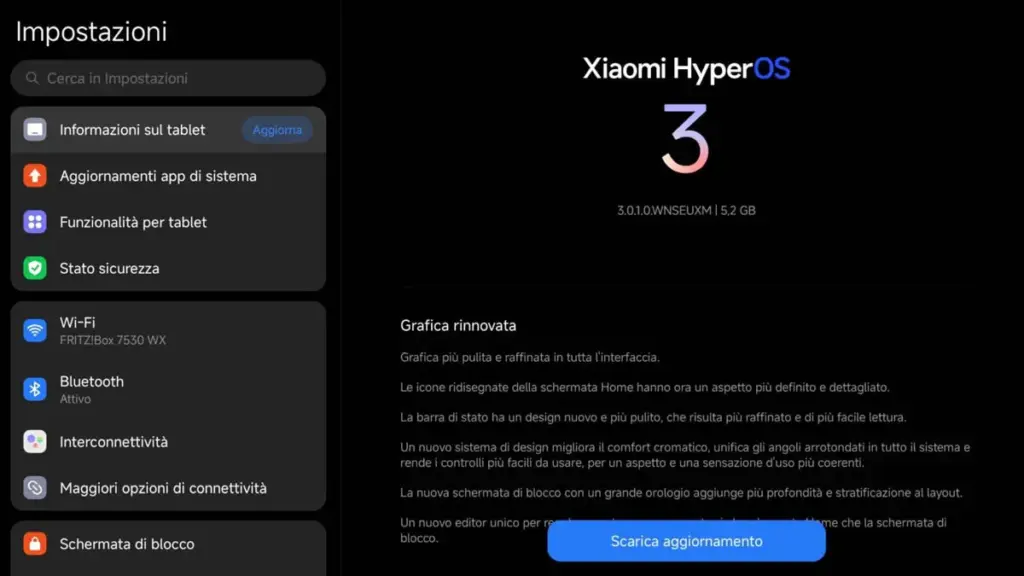
    The HyperOS 3.1 stable update has begun to roll out for devices worldwide, which is fantastic news for Xiaomi users. In the first phase, the company pushed the most recent version to the highest-end devices, but it will soon be extended to more compatible phones.

    Xiaomi HyperOS 3.1 is a little but important update. The new OS version, which is based on Android 16, offers improvements for multitasking and file sharing.

    With the improved HyperConnect, it enhances Apple Ecosystem integration, which is more environmentally friendly. As a result, transferring files between devices is made simpler and more seamless.

    hyperos 3.1 update

    Regarding the worldwide devices, the following models are compatible with the Xiaomi HyperOS 3.1 stable update (refer to the software version indicated next to the devices):

    • Xiaomi 17 – HyperOS 3.0.301.0
    • Xiaomi 17 Ultra – HyperOS 3.0.301.0
    • POCO Pad/Redmi Pad Pro – HyperOS 3.0.301.0

    The facts suggest that the HyperOS 3.1 stable update is currently available in Europe. The updated version will soon be available in more markets and phones from Xiaomi. Let’s see what new features HyperOS 3.1 offers consumers in the interim.

    1. Smart Island on tablets: For its tablets running HyperOS 3.1, Xiaomi has finally released Hyper Island. Large-screen users can now enjoy a rich and unfettered experience while monitoring the real-time activities of specific apps at the top of the display.

    2. Fluent System Apps: Many system apps were rewritten by Xiaomi using the most recent version of the Rust programming language. This technique makes multitasking loads more fluid and enhances memory security.

    3. iOS-inspired Recent Apps Menu: Users will now get an iOS-style Recent Apps Menu with a new card-swiping gesture.

    4. Enhanced Apple Ecosystem: Xiaomi HyperConnect enables users to bridge the gap between Xiaomi’s tablet lineup and the Apple Ecosystem. They get seamless cross-device file sharing and improved workflow continuity.

  • Samsung Is Shutting Down Its Messages App in July

    Samsung Is Shutting Down Its Messages App in July

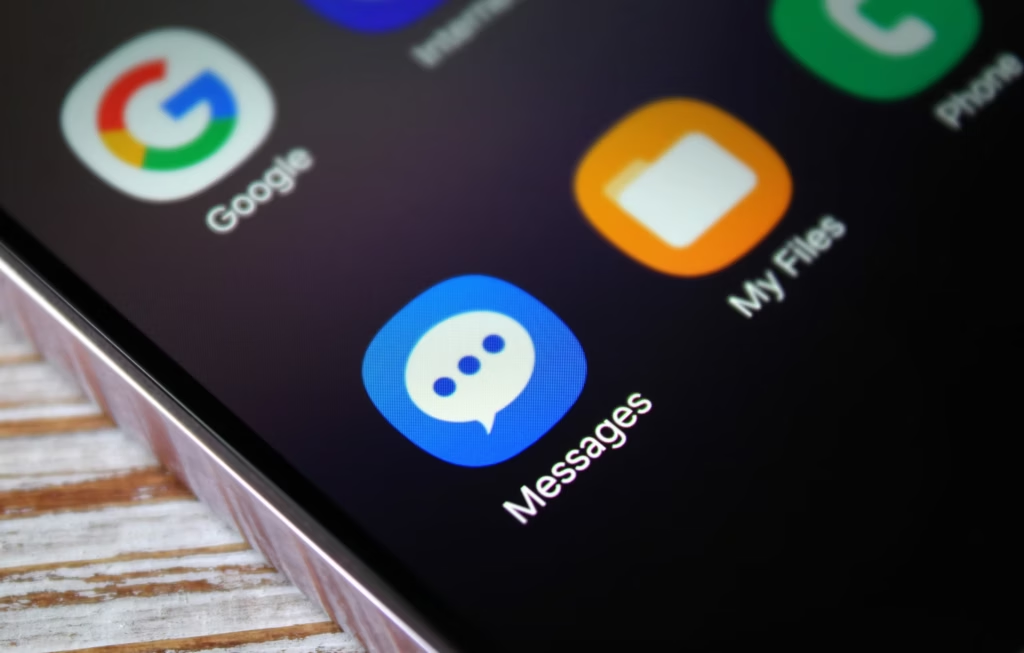
    Samsung has posted an official “End of Service” notice on its website confirming that its native Messages app will go dark sometime in July. The exact shutdown date hasn’t been pinned down yet — Samsung says it will be announced inside the app itself when the time comes. But the message is clear: the company wants its remaining Samsung Messages users to migrate to Google Messages, and it’s not leaving much room for hesitation.

    For longtime Samsung users, this might sting a little. Samsung Messages has been around for years, and for many Galaxy owners it’s just… the app they’ve always used. Familiar, reliable, good enough. But good enough doesn’t keep an app alive forever.

    samsung messages icon

    This has been coming for a while

    To be fair, Samsung has been telegraphing this move for some time. The company quietly stopped pre-loading Samsung Messages on new devices a couple of years ago, starting with the Galaxy Z Fold 6 and Flip 6, and then continuing with the S25 series — all of which shipped with Google Messages installed as the default instead. Samsung Messages remained available on the Galaxy Store for anyone who wanted it, but its days as a first-class citizen were already numbered. This official end-of-service announcement is less of a surprise and more of a formality.

    What you’re actually getting with Google Messages

    Here’s the thing — the switch isn’t a downgrade. For US users especially, Google Messages brings a meaningfully better messaging experience in several ways.

    The biggest upgrade is full RCS support. If you’re not familiar, RCS is essentially what SMS should have been all along — it supports higher-quality photo and video sharing, real-time typing indicators, read receipts, and proper group chats. Crucially, it works across platforms, so the experience doesn’t fall apart when you’re texting someone on an iPhone.

    Beyond that, Google Messages has Gemini built in, giving you access to AI tools directly inside your conversations — including the ability to remix and enhance photos before you send them. It’s a genuinely useful addition, not just a checkbox feature.

    And if you’re someone who bounces between devices throughout the day, Google Messages handles that well too. Your conversations stay in sync across your phone, tablet, and Galaxy Watch without any manual fiddling.

    You will lose a few of Samsung’s customization touches — some color themes, layout tweaks, that sort of thing. But for the vast majority of users, what Google Messages offers in return is a fair trade.

    Samsung Messages is technically still available on the Galaxy Store for now, so nobody is forcing your hand this second. But the clock is ticking, and switching on your own terms — before the deadline — beats scrambling when the app suddenly stops working. Get Google Messages set up now, import your contacts, and give yourself a few weeks to settle in. By the time July arrives, you won’t even notice the difference.

  • Your Galaxy Watch Is Sluggish? Here’s the Fix That Actually Works

    Your Galaxy Watch Is Sluggish? Here’s the Fix That Actually Works

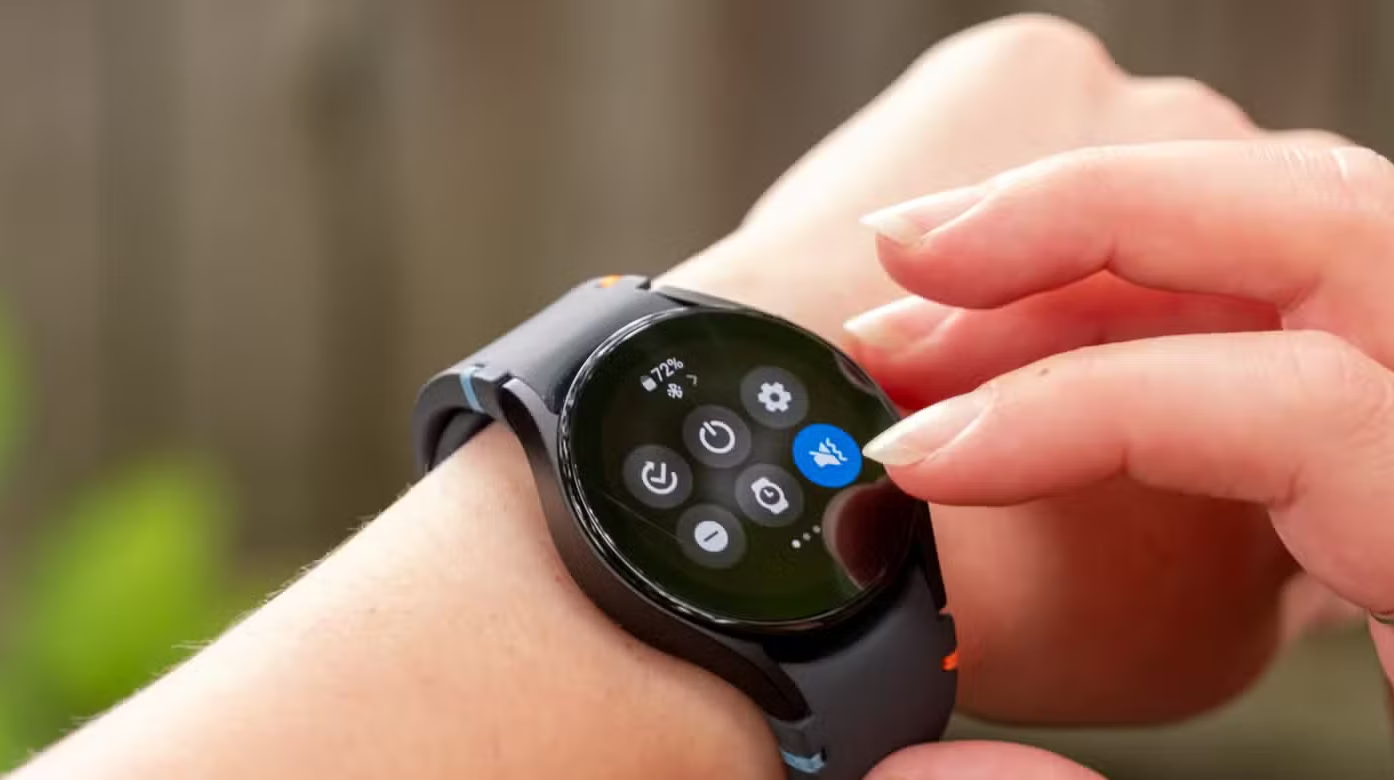
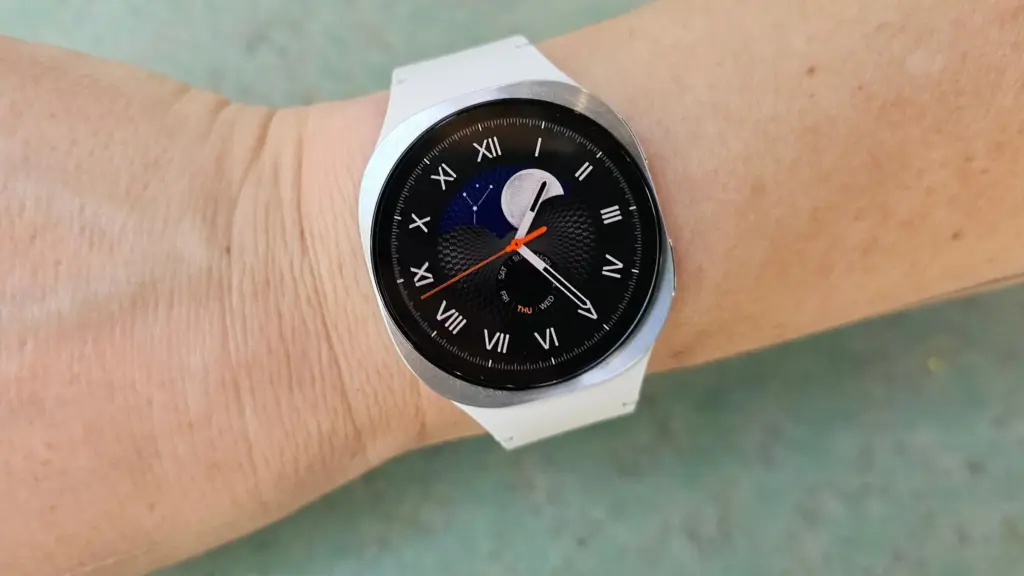
    Your Galaxy Watch has a lot in common with a cluttered desk. The longer you use it – jumping between apps, running things in the background, switching modes – the more it accumulates invisible junk that slows everything down. Frozen screens, laggy responses, battery that drains faster than it should. Sound familiar?

    The good news: you almost certainly don’t need a new watch. Nine times out of ten, the culprit is a bloated cache, and clearing it is one of the easiest things you can do.

    What’s a cache, and why does it matter?

    Your watch stores temporary data – bits of information from apps and processes – to help things run faster in the moment. Over time, that pile grows. What was meant to speed things up starts doing the opposite, and your watch starts feeling like it’s running through mud.

    Samsung says the Galaxy Watch handles memory optimization automatically in the background, but that doesn’t mean you can’t give it a nudge yourself. Sometimes it needs one.

    samsung galaxy watch 8

    How to clear your Galaxy Watch cache

    Clear your recent apps

    Swipe up from the watch face and tap the Recent apps icon. Hit Close all to shut everything down at once.

    If you want to be more selective, open Recent apps again and tap Active in background. You’ll see which apps are running silently and can close whichever ones you don’t need.

    Clean up the watch’s memory

    Go to Settings > Device Care > Memory, then tap Clean Now. That’s it – your watch will free up whatever space it can.

    Do both of these and you’ll likely notice a difference right away. Faster app launches, smoother navigation, better battery life. If your watch has been frustrating you lately, start here before assuming it’s time to upgrade. It usually isn’t.

  • Android 16’s Best Security Feature Is Just One Tap Away – Here’s How to Turn It On

    Android 16’s Best Security Feature Is Just One Tap Away – Here’s How to Turn It On

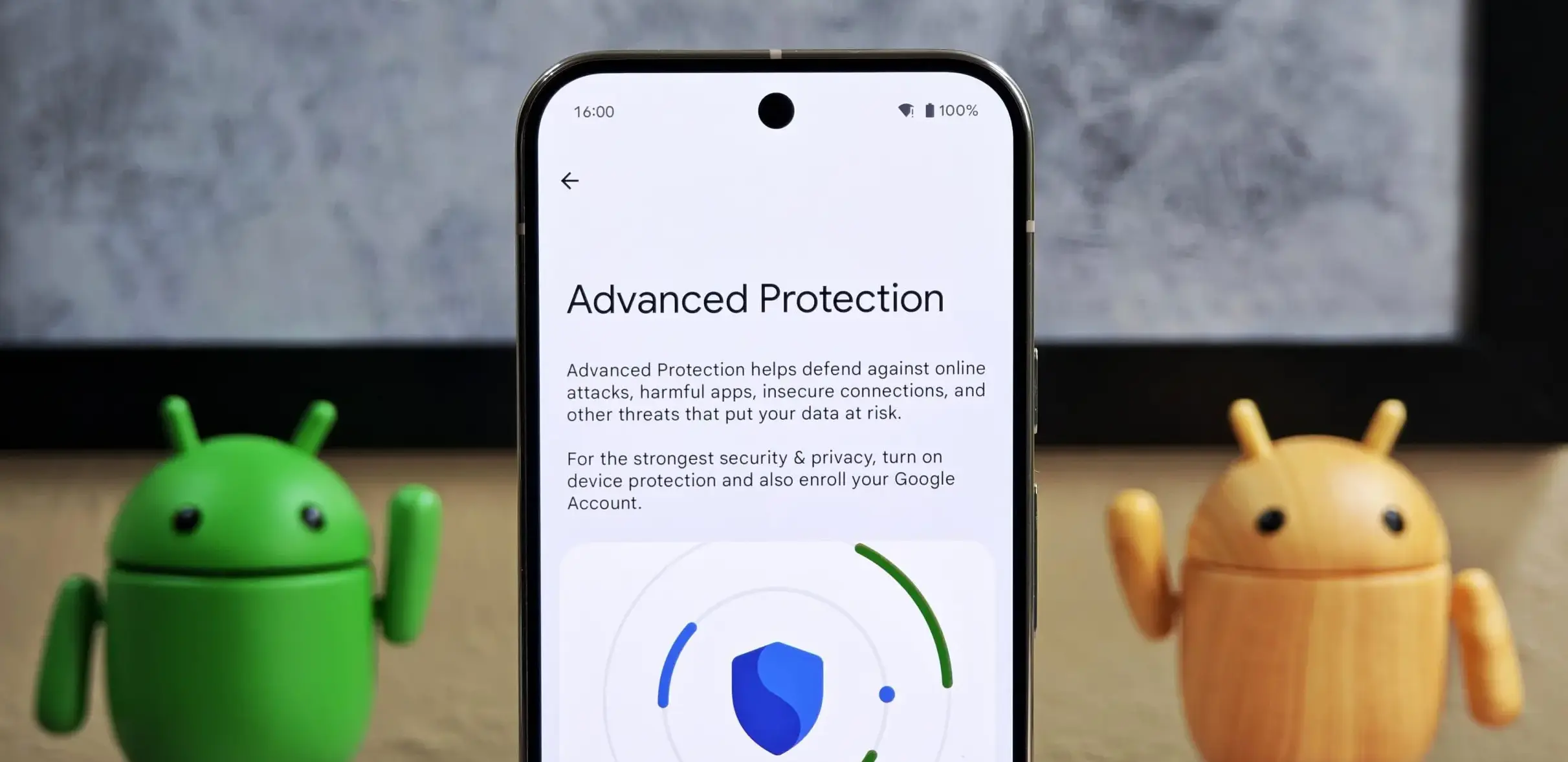
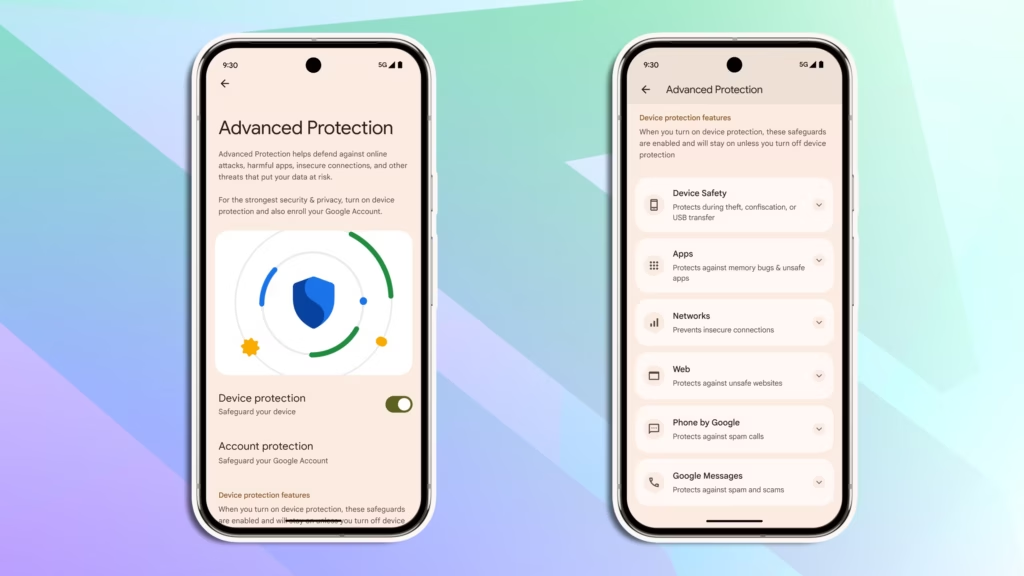
    Android 16 quietly shipped with a feature called Advanced Protection, and it’s the closest thing Android has to a panic button for your privacy. Instead of digging through a maze of settings menus to harden your phone, you flip one switch — and Google activates its strongest security defenses all at once.

    Think of it like Apple’s Lockdown Mode, but for Android. It protects you against theft, shady apps, unsecured networks, scam texts, and spam calls. The reason it’s off by default? It’s deliberately strict. There’s some friction involved. But if you actually care about who’s watching your data, that friction is worth it.

    Here’s how to turn it on.

    android 16 advanced protection

    What you need first

    Advanced Protection only works on Android 16. Before you do anything, check that your phone is up to date: go to Settings > System > Software update (or System update, depending on your device) and install anything pending. Android 16 is available on most Pixel phones and major Android models. You’ll also need a screen lock set up.

    anable Android 16 Advanced Protection feature

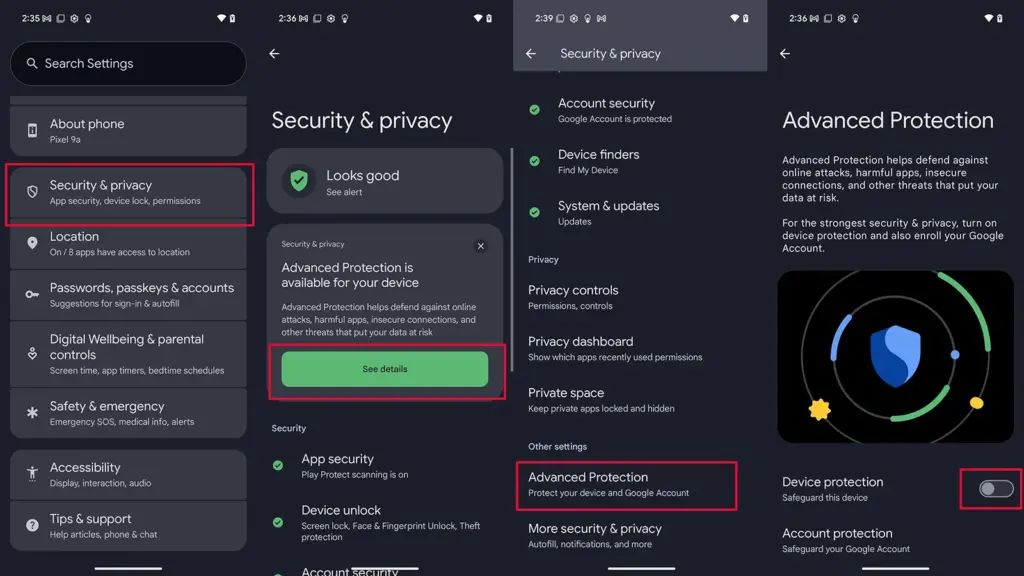
    Step 1 — Find the setting

    1. Open Settings
    2. Tap Security and privacy
    3. Select Advanced Protection (on some devices it’s tucked under Other settings)

    Step 2 — Turn it on

    1. Under Advanced Protection, toggle on Device protection
    2. Tap Turn on
    3. Restart your phone if prompted

    That’s it. One switch activates a stack of protections: always-on malware scanning, a block on sideloading unknown apps, theft and offline device locks, spam and scam text filters, a block on weak 2G connections, tighter call screening, and stronger Chrome security settings — among other things.

    Step 3 (optional) — Protect your Google account too

    Turning on Advanced Protection for your device secures what’s on your phone. But your Google account — Gmail, Drive, Docs, Photos — is a separate story.

    Google’s Advanced Protection Program is an opt-in service that locks down your account with stronger sign-in requirements, like passkeys or physical security keys, and limits which third-party apps can touch your data. If you’re a journalist, activist, executive, or anyone else with a good reason to be more cautious online, this is worth setting up.

    To enroll:

    1. Go to Advanced Protection in your Google Account settings and sign in
    2. Follow the on-screen steps — you’ll likely be asked to set up a passkey or security key, and add a backup phone number and email
    3. Tap Enroll to finish

    To unenroll later: tap your Google Account profile photo > Manage your Google Account > Security > Advanced Protection Program > Manage Advanced Protection, then select Unenroll.

    For most people, enabling device-level protection alone is a meaningful upgrade. If you want the full picture, pair it with account-level enrollment. Either way, it takes about two minutes — and it’s two minutes well spent.

  • Honor Watch X5i looks like an Apple Watch – But Costs $33

    Honor Watch X5i looks like an Apple Watch – But Costs $33

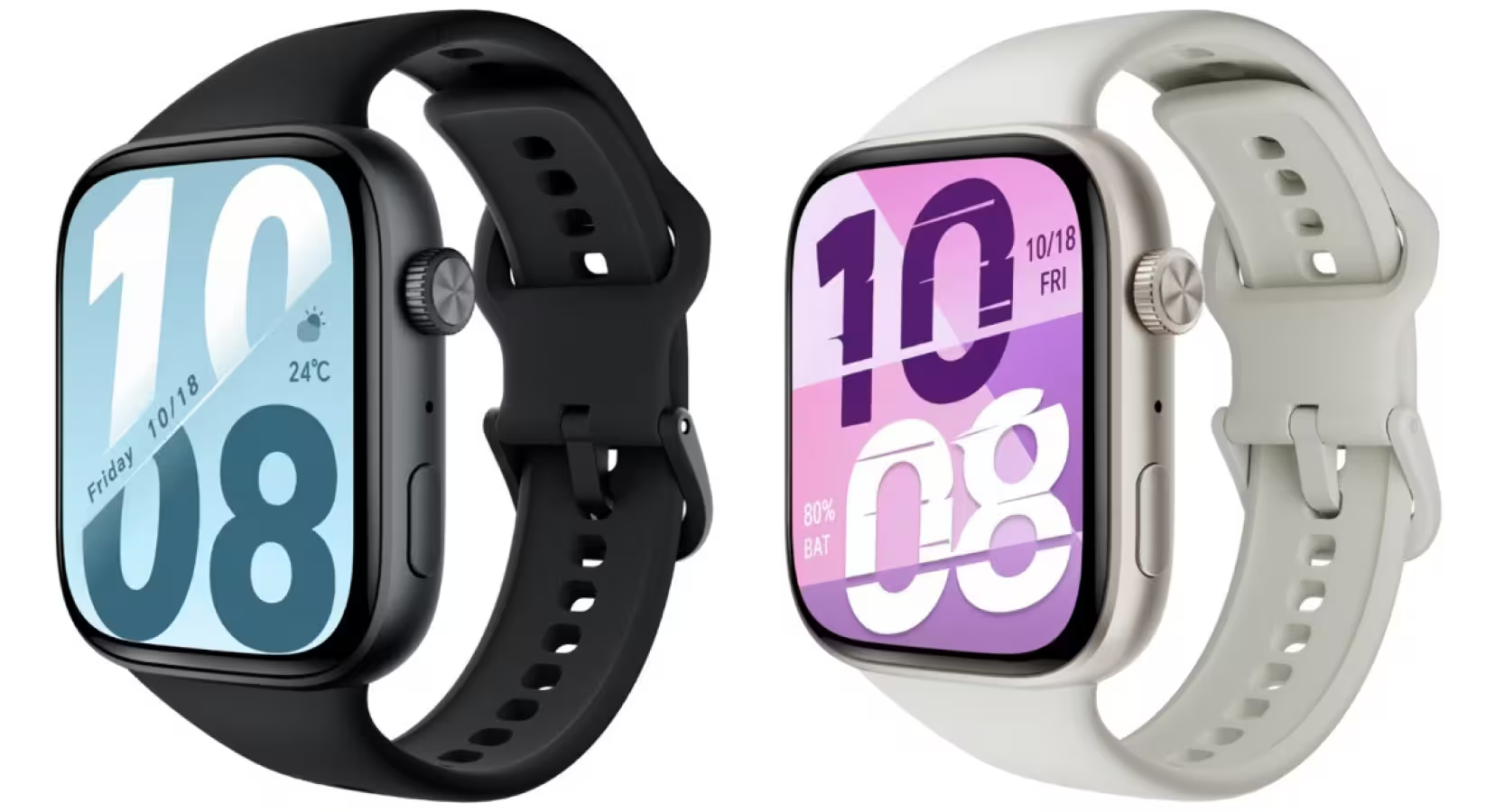
    Let’s be real: if you saw the Honor Watch X5i on someone’s wrist, you’d probably assume it was an Apple Watch. Same silhouette, same vibe. But while Apple’s version will set you back $329, Honor’s take costs just 229 yuan — around $33. And somehow, it still brings a lot to the table.

    Honor Watch X5i2

    Watch X5i design and display

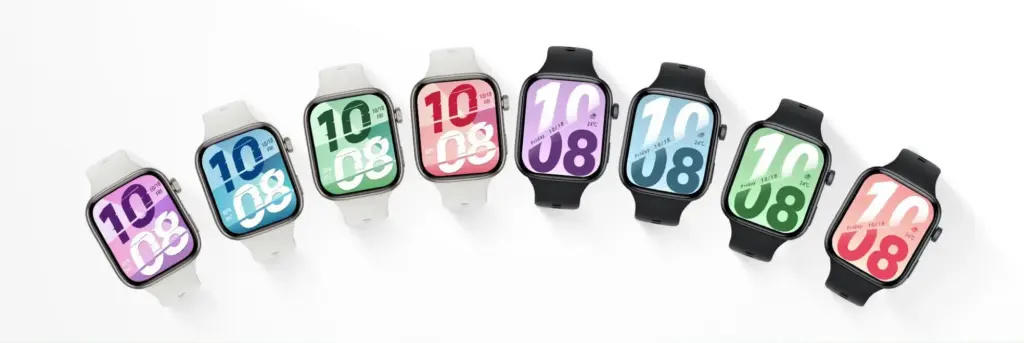
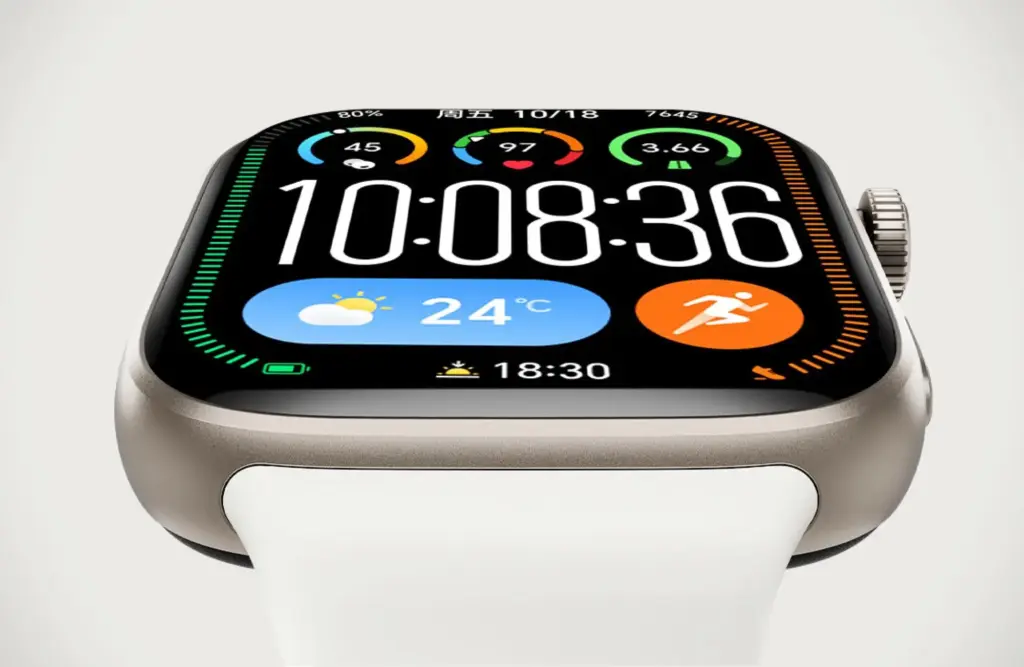
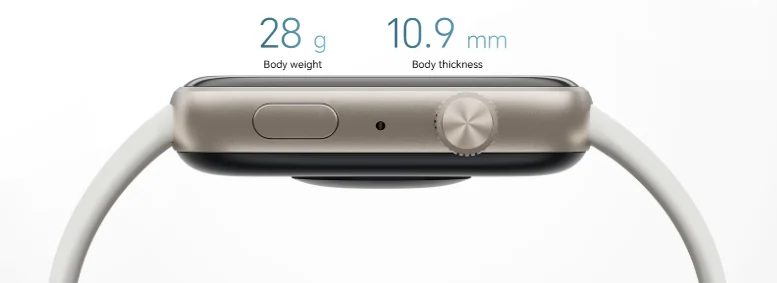
    The similarities to Apple’s wearable are obvious, and Honor clearly wasn’t shy about the inspiration. The casing is plastic, which helps keep the weight down to a barely-there 28.1 grams (41.4 with the strap). The AMOLED display is sharp at 450 x 390 pixels, smooth at 60 Hz, and backed by over 180 watch faces if you like switching things up.

    Battery life stretches to three weeks under normal use — genuinely impressive at any price. Flip on always-on display and that drops to around six days, which is still perfectly respectable.

    Honor Watch X5i

    Features and health tracking

    Don’t expect Apple Watch levels of performance. The X5i runs a modest processor with an RTOS, so the app ecosystem is limited and raw speed isn’t its strong suit. But for everyday use, it covers the basics well — heart rate, SpO2, stress, sleep, and cycle tracking are all here, alongside 109 sport modes ranging from cycling to, yes, darts.

    You can also take calls directly from your wrist through your phone, and it works with both Android and iPhone.

    Durability

    One area where corners were clearly cut: water resistance sits at just 1 ATM. That’s fine for rain and a shower, but don’t think about taking it swimming. IP68 certification covers the dust and splash protection side of things.

    Honor Watch X5i looks like an Apple Watch - But Costs $33

    Price and availability

    Right now the X5i is only confirmed for China at 229 yuan (~$33). No word yet on international release dates or pricing.

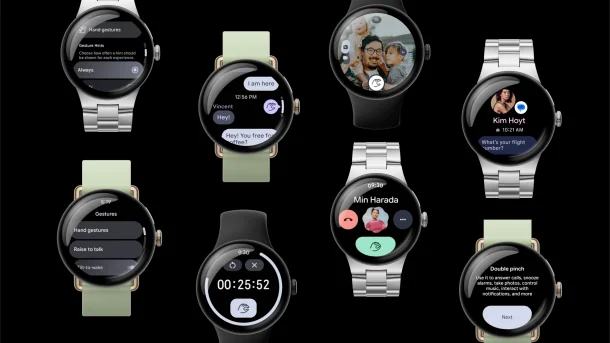
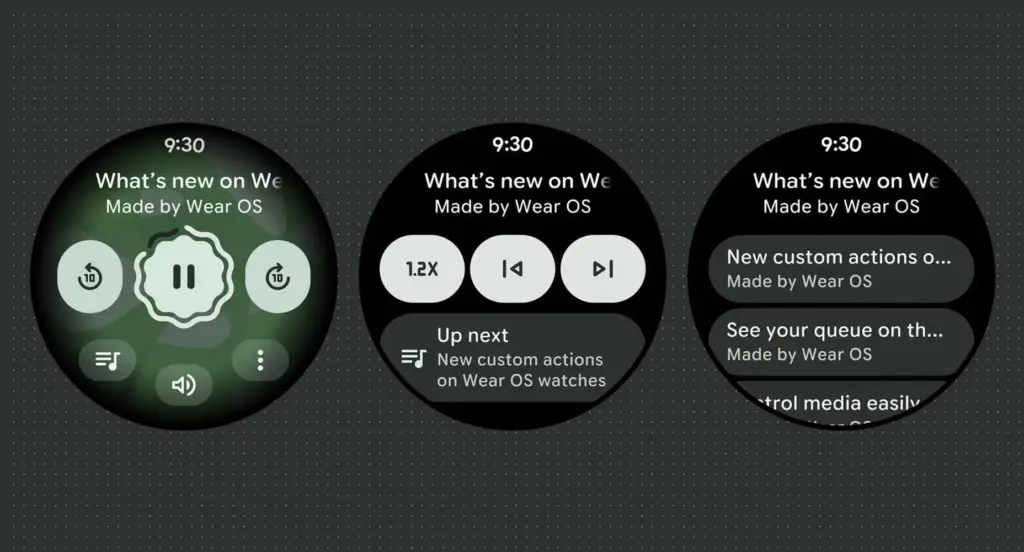
  • Google Officially Releases Wear OS 6.1, Built on Android 16 QPR2

    Google Officially Releases Wear OS 6.1, Built on Android 16 QPR2

    Google has launched Wear OS 6.1, based on Android 16’s second Quarterly Platform Release (QPR2) — specifically API level 36.1 — which first dropped in December as a minor SDK update. The last comparable release was Wear OS 5.1 in November 2024, which brought a significant jump from Android 14 to 15.

    Google has confirmed that this update introduces no behavior changes for app developers, making it a relatively smooth transition on the development side.

    What’s new for users in the new Wear OS

    The headline addition is automatic time zone adjustment based on physical location. The feature keeps device time accurate as users move between regions, and it works even without a network connection. Users can manage the setting under Settings > Date & Time > Use Location (or on Pixel Watch: Settings > System > Date & Time > Use Location).

    Google Wear OS 6.1

    Improvements for kids and supervised accounts

    Wear OS 6.1 also brings a handful of refinements aimed at younger users and family setups:

    • Kids graduation: When a supervised user reaches the age of consent, they can transition their device to a standard Wear OS experience. This removes parental controls and unlocks full access to device settings — no factory reset required.
    • Improved reauthentication: If a user’s credentials are invalidated — say, after a password change — they can now re-verify their Google Account directly on the watch or via the companion app, again without needing a factory reset.

    Developer availability

    Build BP4A.250916.026.E2 is now available through the Android Studio emulator.

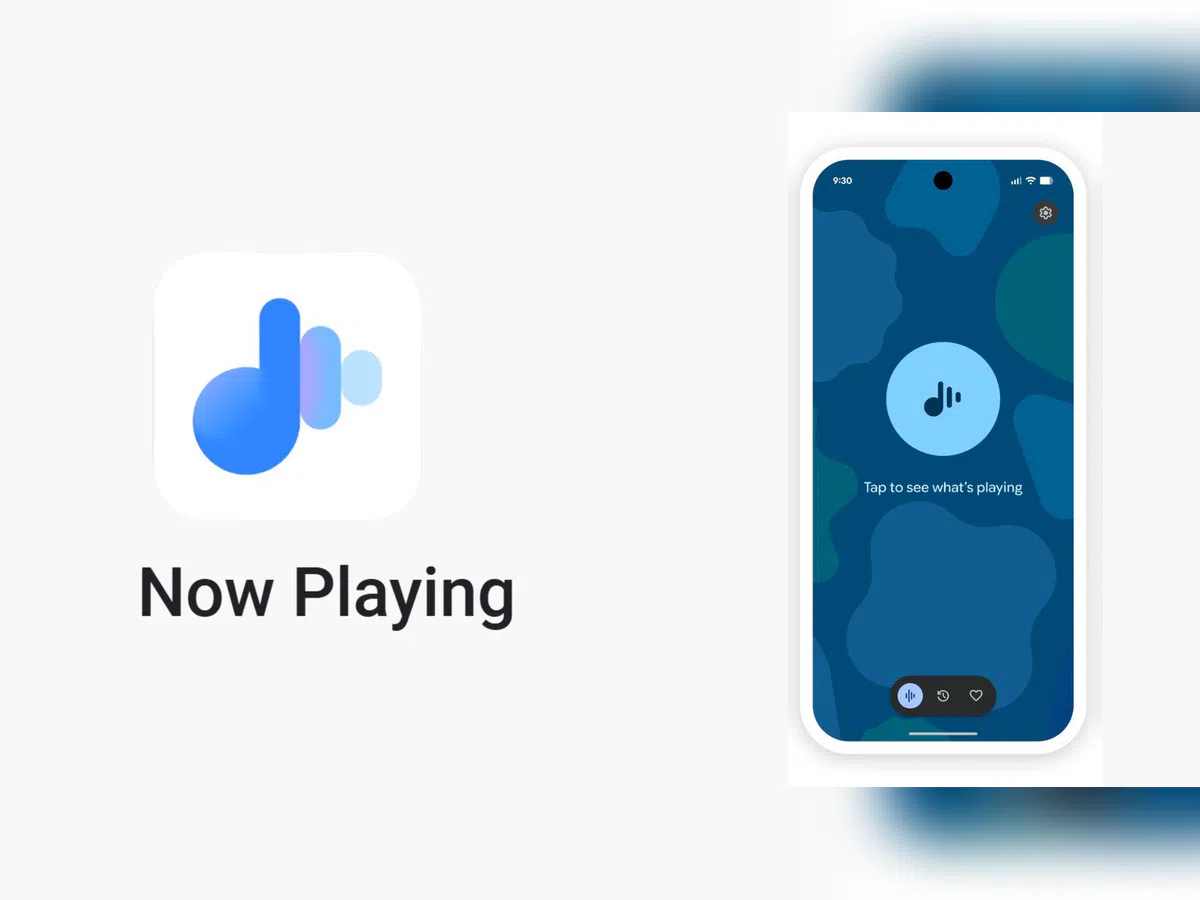
  • Google Pixel’s Now Playing app may restore a feature users missed

    Google Pixel’s Now Playing app may restore a feature users missed

    Now Playing has never been the most talked-about Pixel exclusive, but it’s been making headlines lately. Last month, Google gave it a major upgrade by spinning it off into a standalone app — a move that had been telegraphed by leaks well before the official announcement.

    The app hasn’t stood still since launch. Shortly after release, it received a visual refresh on the lock screen, and now a fresh update has appeared on the Play Store. While it seems minor on the surface, it may be quietly bringing back something users didn’t realize they’d miss.

    A small update with potentially big implications

    According to 9to5Google, the Now Playing app was updated to version 2026.03.24.x late Friday, bumping out the previous 2026.03.02.x build. The rollout appears to be gradual — the Play Store still shows the older version as the latest for many users, and the update hadn’t reached all devices as of the report.
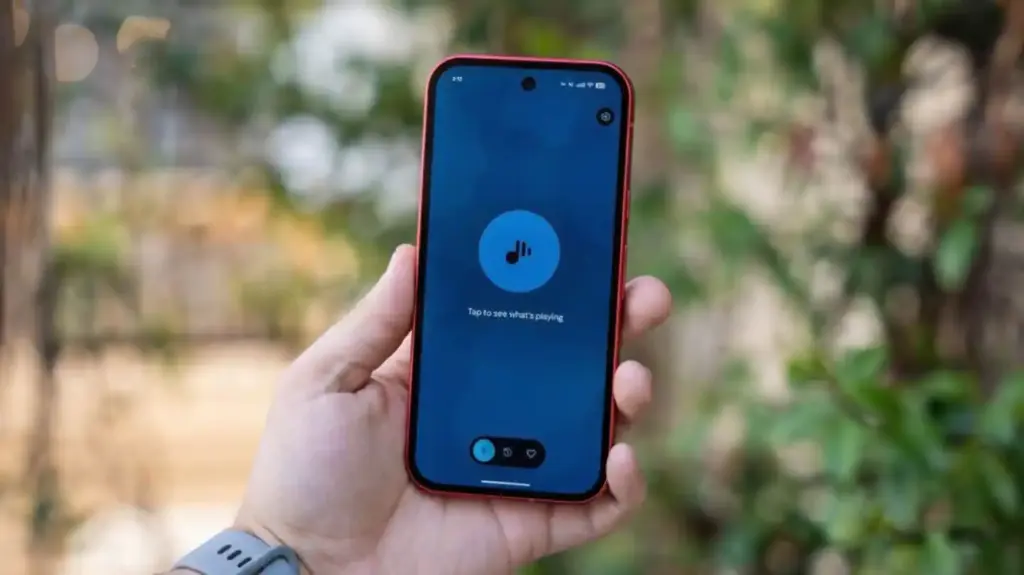
    No obvious new features were found in the update, pointing to mostly behind-the-scenes bug fixes. But a Reddit user claims something notable did return: the “Tap to see what’s playing” prompt on the lock screen.

    Google Pixel now playing

    The return of ‘Tap to see what’s playing’

    When Now Playing transitioned to a standalone app, most of its functionality came along for the ride — but not everything. One casualty was the “Tap to see what’s playing” prompt, a small but beloved lock screen feature that used to sit just below the fingerprint scanner. For many users, it was a core part of the

    Now Playing experience.

    According to the Reddit user, after receiving a notification about Now Playing’s new home, the lock screen feature reappeared. Whether this is directly tied to the v2026.03.24.x update isn’t confirmed, though the timing lines up.

    It’s also worth noting another change that came with the app transition: Now Playing no longer sends quiet background notifications when it identifies a track. That functionality has been replaced by a Quick Settings tile, which can show the song title and artist — but only when expanded to the larger 2×1 size.

  • Honor’s lock screen widgets are here — these devices get them first

    Honor’s lock screen widgets are here — these devices get them first

    For the initial batch of devices, Honor will start distributing new lock screen widgets today. The company has formally declared that a new version of the MagicOS smartphones would have intriguing additions and modifications in the near future.

    The business will release new lock screen widgets for Honor devices running MagicOS 10.0.0.150, according to official information. The MagicOS 10.0.0126 build version will provide customers of Magic V6 foldables with the most recent improvements.

    According to the business, the new lock screen widgets will be installed on the initial batch of devices on April 1st. Later on, the new modifications will be applied to the other devices.

    Honor's lock screen widgets are here

    Honor described the new rollout as follows:

    “First of all, thank you for your continued attention to the lock screen widgets. This feature will be supported in MagicOS version 10.0.0.150 in April and will be rolled out to everyone gradually. We will answer your questions in advance.”

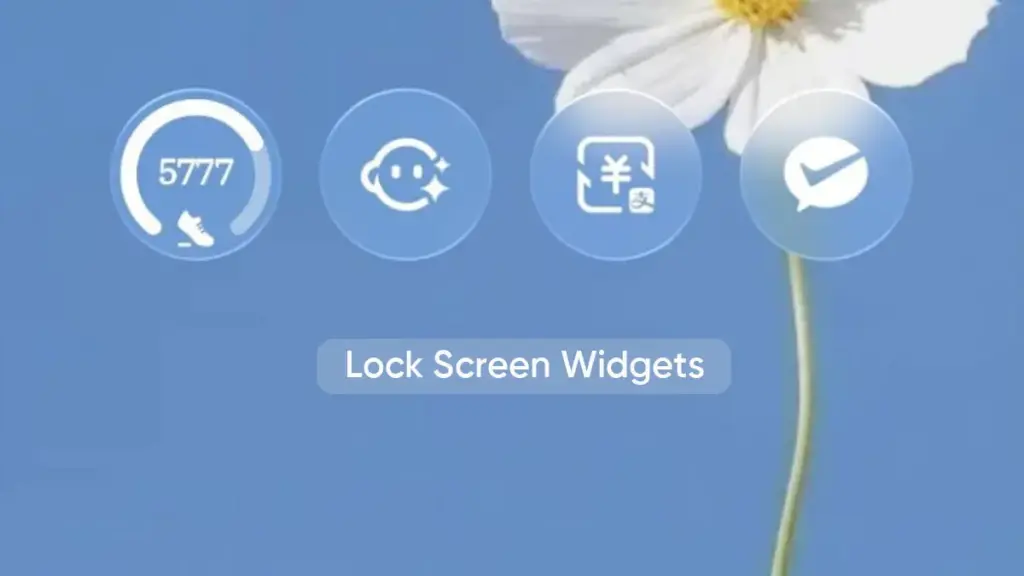
    Additional information indicates that more than 20 lock screen widgets will be supported by the initial batch of smartphones. Real-time weather, air quality, UV index, timetable, alarm clock, YOYO (a fitness app), battery level, WeChat, and Alipay capabilities are all included in the list.

    honor lockscreen widgets

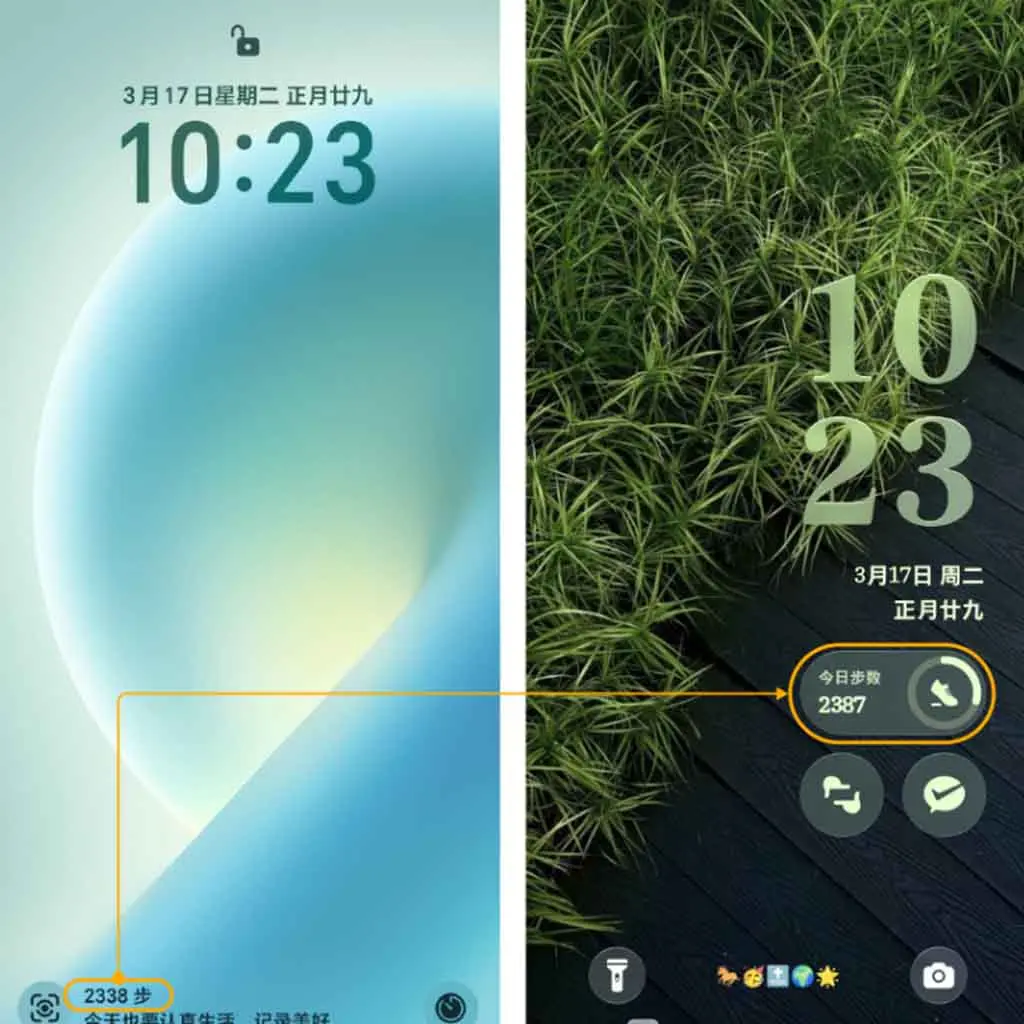
    Users can try upgrading the relevant app, such as the clock, weather, and others, if a widget is absent from the settings or widget panel. Additionally, the lower left corner of the screen displays the step count statistics and other health-related information.

    According to Honor, the official software team moved the lock screen step count to a unique step count widget and improved the overall visual appeal.

    The business also stated that it will keep considering user input and offer more crucial widgets in the future. Currently, Honor Music, Notes, Calculator, Voice Recorder, Timer, and Stopwatch are among the widgets being developed. Third-party widgets might soon be added to the lock screen as well.

  • Snapdragon 8 Elite Gen 6 Pro leak reveals massive 16MB L2 cache

    Snapdragon 8 Elite Gen 6 Pro leak reveals massive 16MB L2 cache

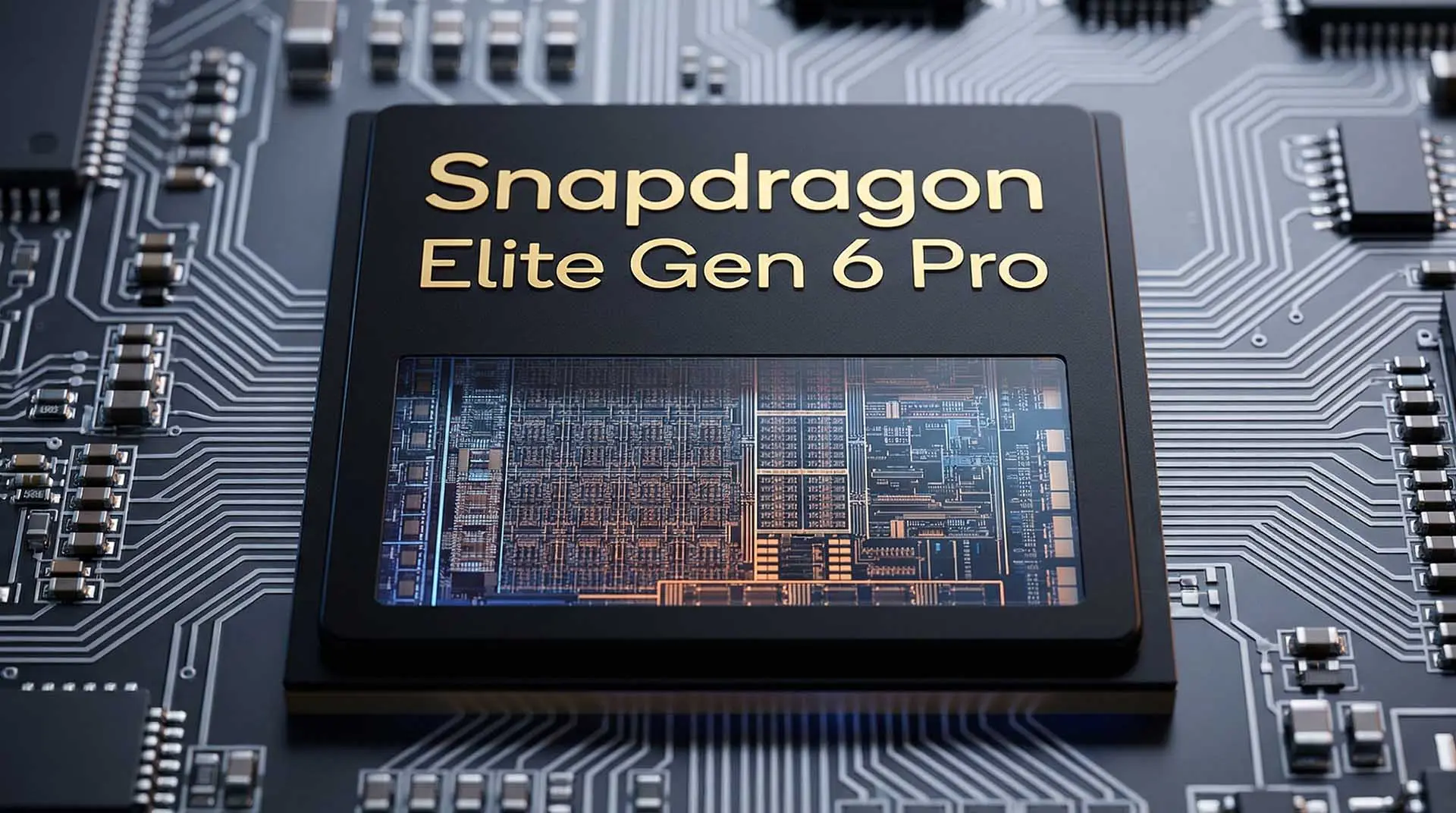
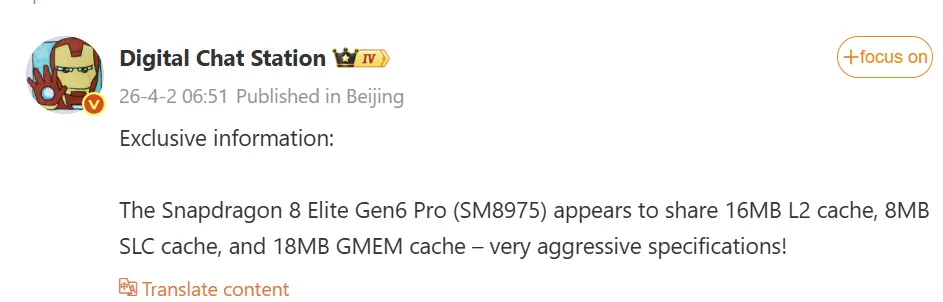
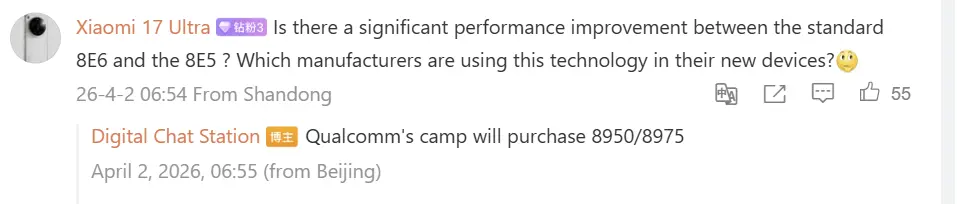
    Before September 2026, the mobile tech scene is getting hotter. The aggressive specs of Qualcomm’s upcoming flagship CPU, the Snapdragon 8 Elite Gen6 Pro (SM8975), have been revealed by reputable source @DigitalChatStation. As expected, Xiaomi is set to unveil this powerhouse with the eagerly awaited Xiaomi 18 series, making it the first company to do so. Additionally, the future REDMI K90 Pro Max in the domestic market will be built around this silicon beast. Please take note that this device will be released worldwide under the POCO brand as the POCO F9 Ultra.

    Inside the architecture redefining modern silicon

    Snapdragon 8 Gen6 Pro 2

    Now let’s explore the technological specifics. It appears that the Snapdragon 8 Elite Gen6 Pro will be an architectural monster. An enormous shared 16MB L2 cache, 8MB of SLC (System Level Cache), and an amazing 18MB of GMEM (Graphics Memory) are confirmed by leaked customs manifests and insider accounts. This configuration, when paired with an improved Adreno 850 GPU, is built to handle demanding workloads and intense gaming sessions.

    Snapdragon 8 Gen6 Pro 1

    Two super cores, three performance cores, and three efficiency cores make up the CPU’s unusual 2+3+3 cluster architecture. The SM8975 efficiently breaks existing memory bandwidth limitations by supporting next-generation LPDDR6 memory up to 16GB to fuel this demanding processor.

    The system changes that are moving markets right now

    Hardware doesn’t tell the whole story. Xiaomi HyperOS 4 will launch on these new flagship devices. HyperOS 4, which was designed from the ground up to be a very effective Android skin, will make full use of the new Snapdragon chip’s optimized 2+3+3 architecture and enormous L2 cache. Unprecedented battery life and excellent thermal control are anticipated as a result of this combination. HyperOS 4’s background task handlers will be able to maintain your most popular apps in memory without depleting the battery thanks to the aggressive cache architecture, guaranteeing that the user interface will stay instantly responsive even under high loads.