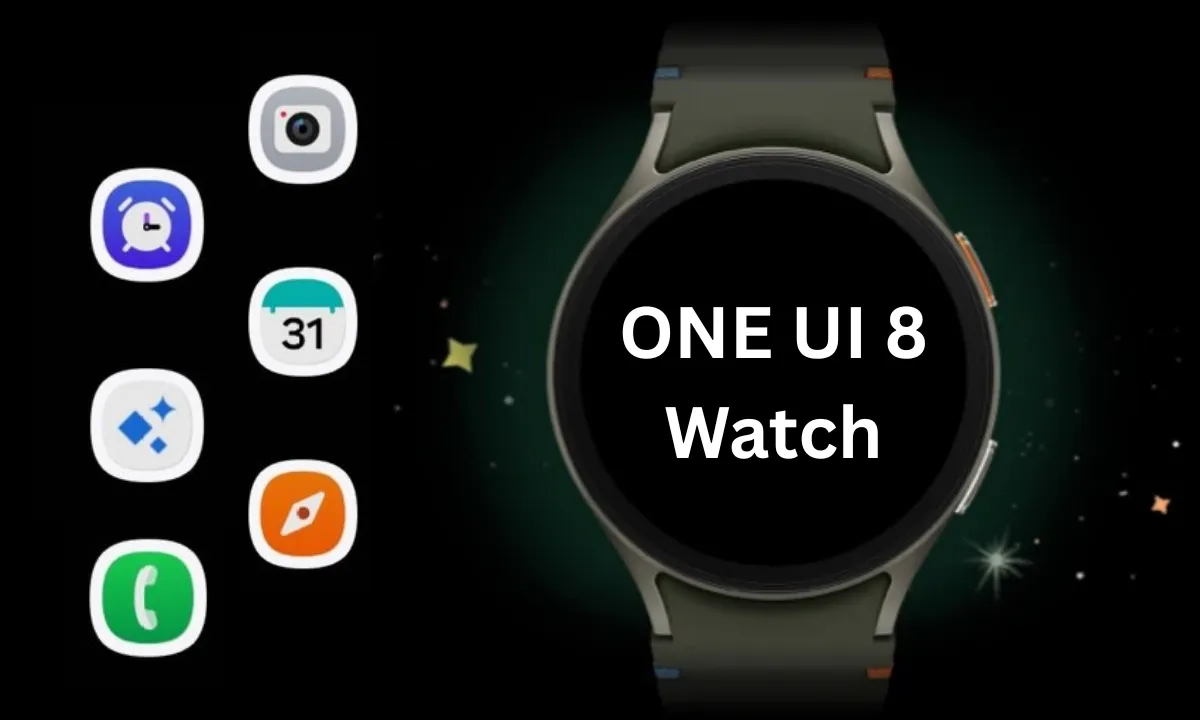
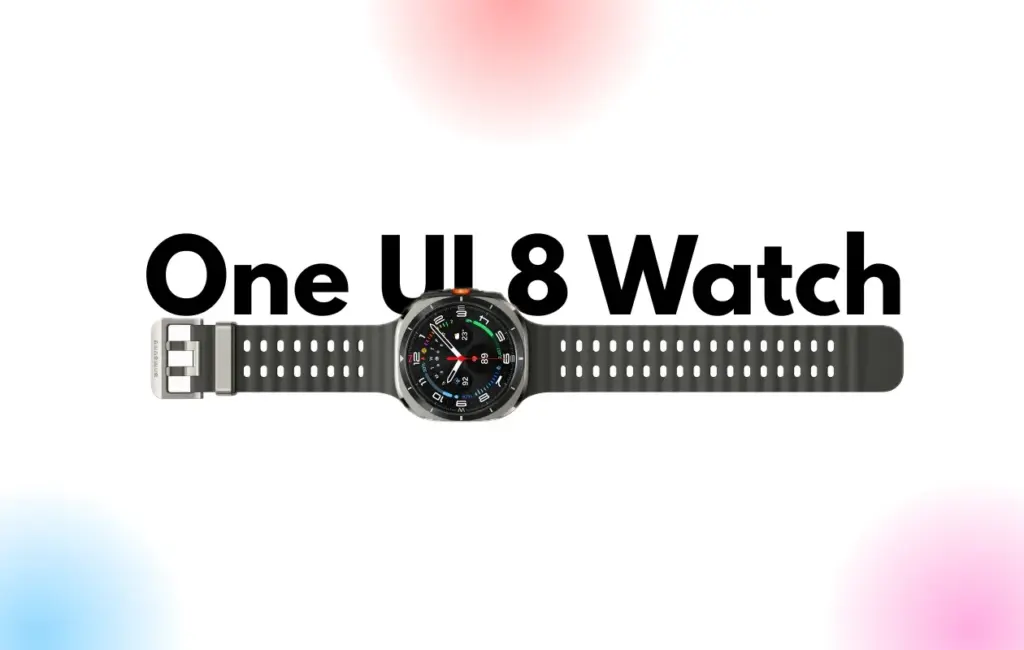
Samsung Galaxy Watches will get a substantial overhaul with the release of One UI 8 Watch, which might arrive as early as June or July and is expected to incorporate Google Gemini, a Shortcuts app, and Samsung’s Now Bar.
Following claims that Samsung will bypass One UI 7 Watch in favor of One UI 8 Watch, a move that will unify the branding of Samsung’s watch software with its top Samsung phones— One UI 8 APKs have leaked, revealing the new features coming to Galaxy wearables.
According to Android Authority, Gemini AI will be available on both Samsung watches and its own Pixel portfolio, along with some interesting new capabilities. The findings indicate that new ‘Gemini Actions’ will bring many of the same fantastic Gemini capabilities for Android phones to your wrist, with code strings hinting at numerous intriguing actions.
References include Gemini Actions, which can relocate meetings, summarize emails, and tell you the weather, as well as an input that allows you to rapidly mute Gemini AI with a single press of your screen.
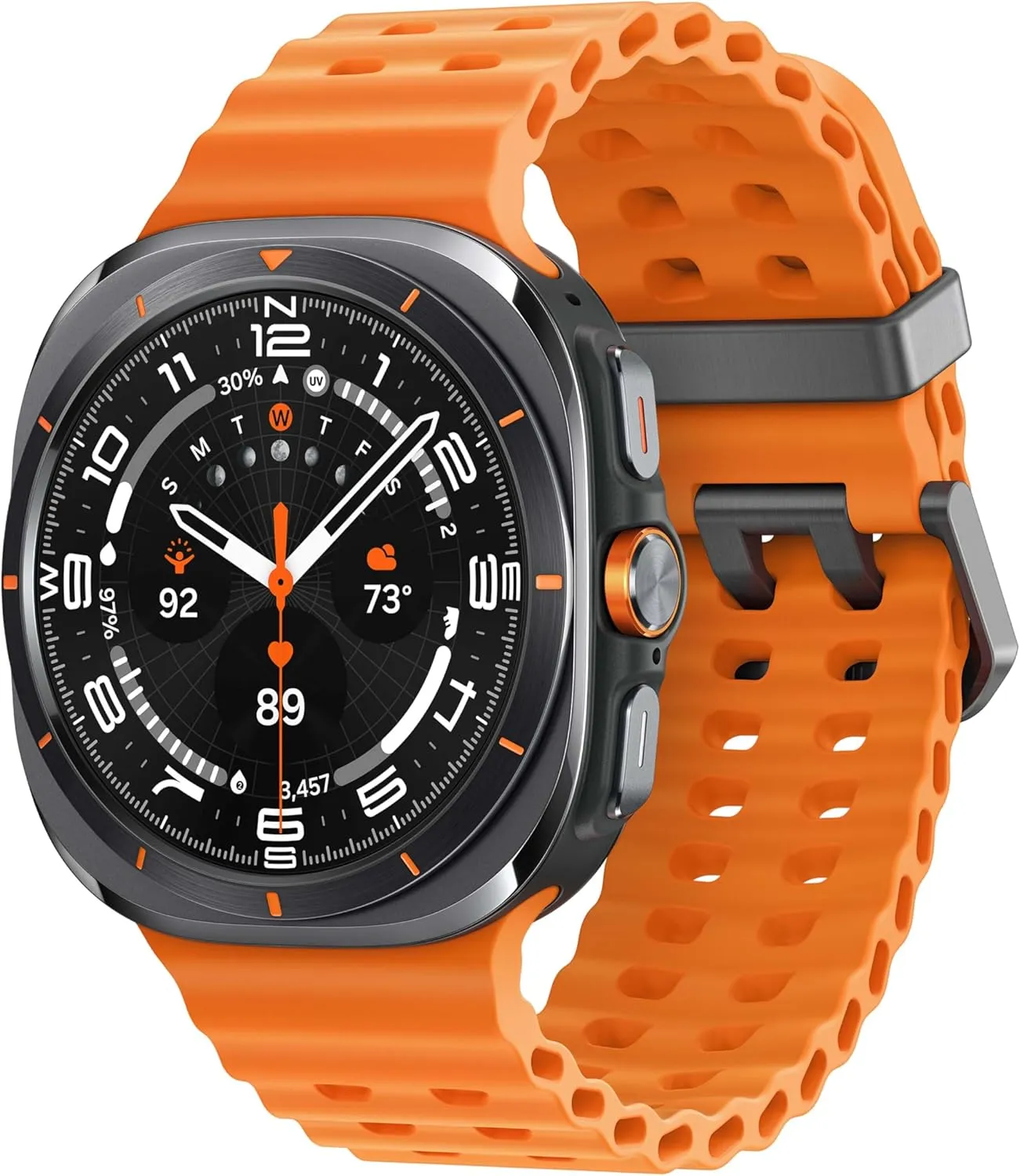
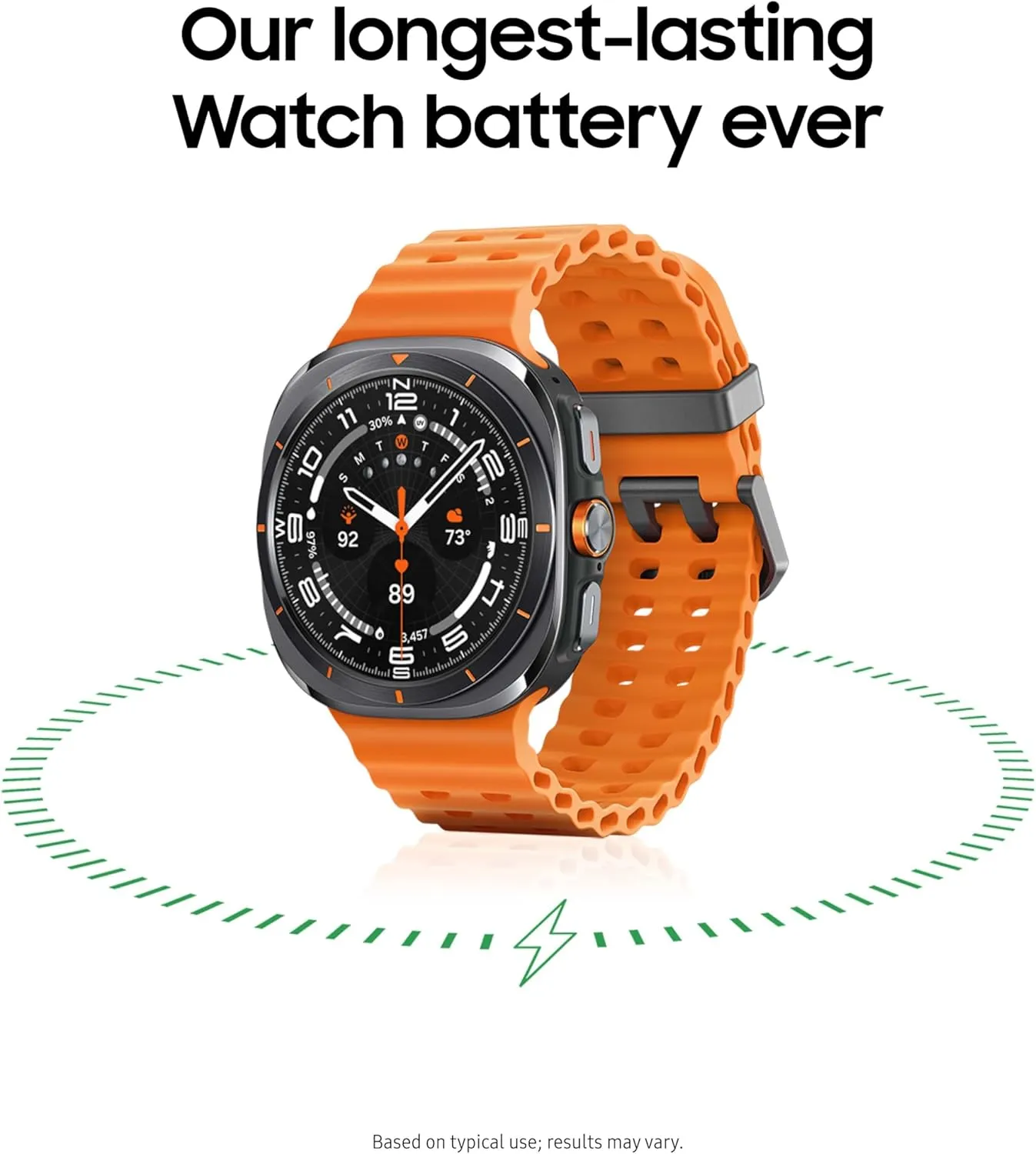
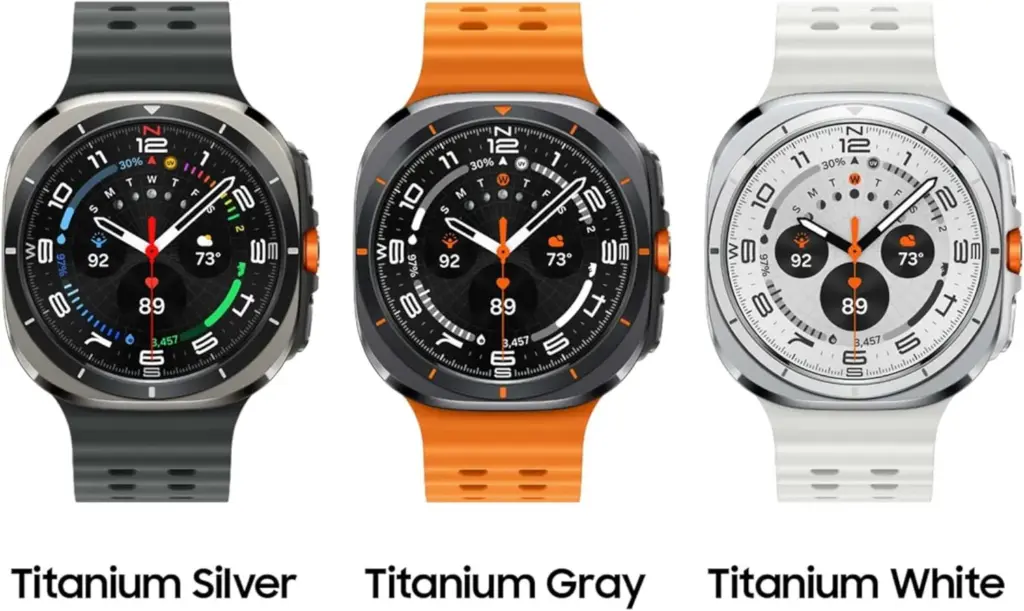
Samsung Galaxy Watch Ultra 47mm LTE
Climb the highest peak; Bike the long way home; The durable titanium design is our toughest yet, able to stand up to the rigors of your workout, including rainy or dusty conditions — even ocean swimming
As mentioned in a separate article, AA has also discovered a new Watch app called Shortcuts, which allows you to add apps to your Galaxy Watch home screen as either 2 x 1 or 2 x 2 tiles, making them considerably more accessible.
Finally, the publication reports that Samsung will add One UI 7’s Now Bar and Now Brief to the Galaxy Watch. The Samsung Now Bar appears on the home screen of your Galaxy smartphone, displaying information such as live notifications, music, and more. According to AA, users will be able to select between a simple icon and a larger display that includes both an icon and text.
Users will also reportedly be able to double-pinch to open the Now Bar, and enable other actions if there’s no content in the bar.
“Essentially, the Now Bar on Galaxy Watches will serve as a widget system, surfacing contextually relevant data without needing to navigate away from the watch face,” the report explains, specifically noting contextual suggestions, maps, media controls, Now Brief, tips, and Sports on Google (live sports scores).
There are undoubtedly other significant features hiding beneath the surface that will be revealed when One UI 8 Watch approaches its formal release. Customers should expect a significant software upgrade for devices such as the Galaxy Watch Ultra and Samsung Galaxy Watch 7.
Naturally, these modifications will be incorporated into the upcoming Galaxy Watch 8, which is slated to be released later this year.
Grab a Samsung Galaxy Watch Ultra with 40% off – limited time deal
Samsung Galaxy Watch Ultra 47mm LTE
Climb the highest peak; Bike the long way home; The durable titanium design is our toughest yet, able to stand up to the rigors of your workout, including rainy or dusty conditions — even ocean swimming
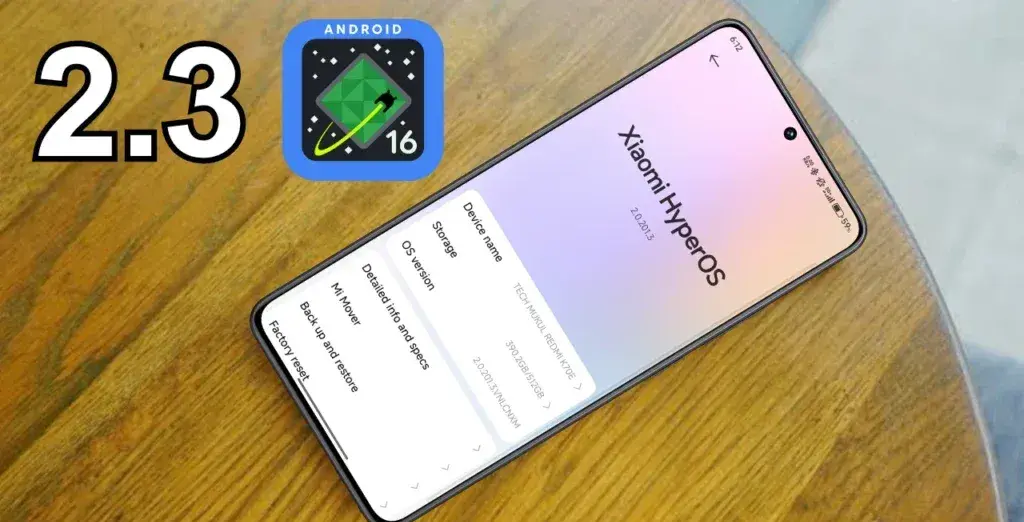
With Android 16 serving as its foundation, Xiaomi’s next HyperOS 2.3 update is expected to bring about the biggest leap in the company’s own Android experience. This significant system update introduces improved security measures and improved user experience components while expanding on the foundation of the current HyperOS 2.2 framework.
Although the major emphasis is still on security improvements rather than ground-breaking new features, the update demonstrates Xiaomi’s dedication to offering state-of-the-art software experiences that capitalize on Google’s most recent Android advances. Through official channels and specialized monitoring tools, users can monitor their device compatibility and eligibility for updates.
New features in HyperOS 2.3
The Android 16 foundation, which offers better system stability, more performance optimization, and—above all—advanced security features that safeguard user data and privacy, is the main improvement in HyperOS 2.3.
Enhanced Security Framework
HyperOS 2.3’s security improvements include:
Advanced encryption protocols for sensitive data protection
Improved app permission management system
Enhanced biometric authentication security
Strengthened system-level protection against malicious applications
Device compatibility and release
Only those devices that qualify for the Android 16 upgrade will be able to get the HyperOS 2.3 update. While preserving system stability, this phased deployment guarantees the best possible performance and compatibility throughout Xiaomi’s device ecosystem.
Eligible Device Categories
Flagship smartphones from recent generations
Select mid-range devices with adequate hardware specifications
Compatible tablets and other smart devices in Xiaomi’s ecosystem
All of Google’s normal services and security upgrades are available on the Android 16 base, even though Google hasn’t added any new Android features specifically for Xiaomi’s HyperOS version. Preserving system security and guaranteeing compatibility with Google’s ecosystem services are the major goals of the integration.
Update eligibility
With the MemeOS Enhancer app on the Play Store, users may find out if their device is compatible with Android 16 and eligible for HyperOS 2.3. In addition to system app updates, access to secret Xiaomi features, and direct update access from the device screen, the app offers instant visibility into update status upon activation.
Stay connected with the latest from Droid Tools—follow us on X @droid_tools, like our page on Facebook, check out our updates on Instagram, and follow us on Google News for real-time news, device tips, and mobile tech insights.
With an amazing $261 discount, you can purchase one of the top smartwatches available for less than $390 from a third-party seller on Amazon. You still have a 30-day return window even though the offer isn’t coming straight from Amazon, so you can shop with confidence knowing you can return the item if necessary.
Samsung Galaxy Watch Ultra 47mm LTE
Climb the highest peak; Bike the long way home; The durable titanium design is our toughest yet, able to stand up to the rigors of your workout, including rainy or dusty conditions — even ocean swimming
Price is important, of course, but this Samsung watch’s excellent look and longevity are what actually make it worthwhile. It is durable enough for daily use and even harsher environments with to its sapphire crystal display and sturdy titanium case. It can survive up to 30 minutes in five feet of water, manage dust with ease, and even resist short dives as deep as 328 feet thanks to its IP68 and 10ATM classifications.
In addition to its robust construction, it has a long battery life. If you turn off the always-on display and enable heart rate tracking, you can get up to two days between charges. It also has a ton of cutting-edge health capabilities, such as Samsung’s body composition functionality and FDA-approved sleep apnea detection.
With its robust design, abundance of functions, and long battery life, the Galaxy Watch Ultra is the whole deal. Additionally, given its current pricing on Amazon, it’s a real steal. Additionally, even though this $261 deal is only available occasionally, it always presents an opportunity to improve your smartwatch game.
Samsung Galaxy Watch Ultra 47mm LTE
Climb the highest peak; Bike the long way home; The durable titanium design is our toughest yet, able to stand up to the rigors of your workout, including rainy or dusty conditions — even ocean swimming
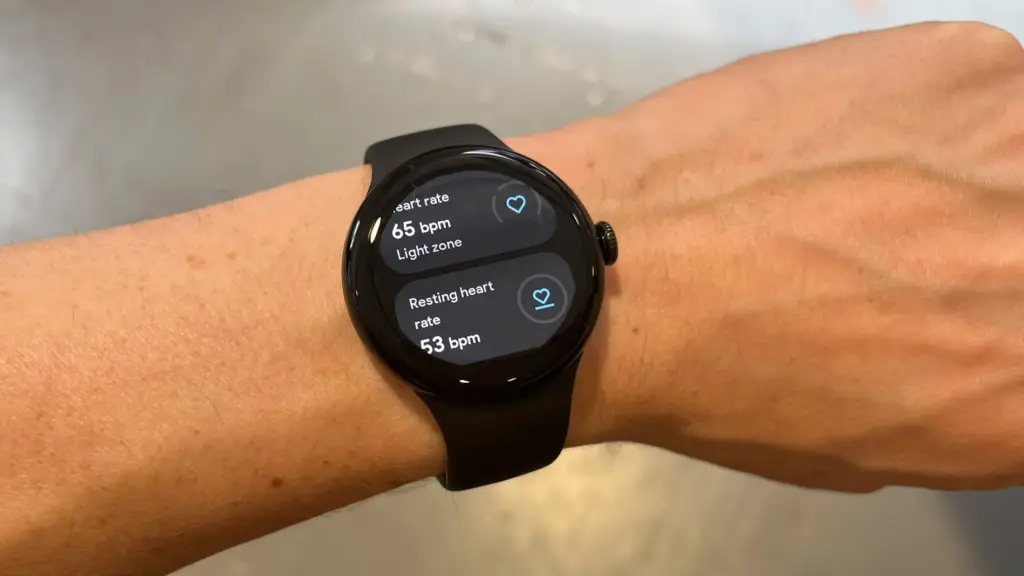
Since the formal announcement of its sequel back in August 2024, the 2023-released Pixel Watch 2, which was initially priced at $350 and above, has, of course, grown ever less expensive. The Wear OS-powered watch is currently more reasonably priced than ever in a 4G LTE-enabled form, despite the fact that Black Friday and Amazon’s Prime Day 2025 event are not exactly approaching.
You should probably act quickly if you want to save a whooping $150 on a black-coated Google Pixel Watch 2 with standalone cellular connectivity, since this completely unusual Amazon deal is not expected to last long.
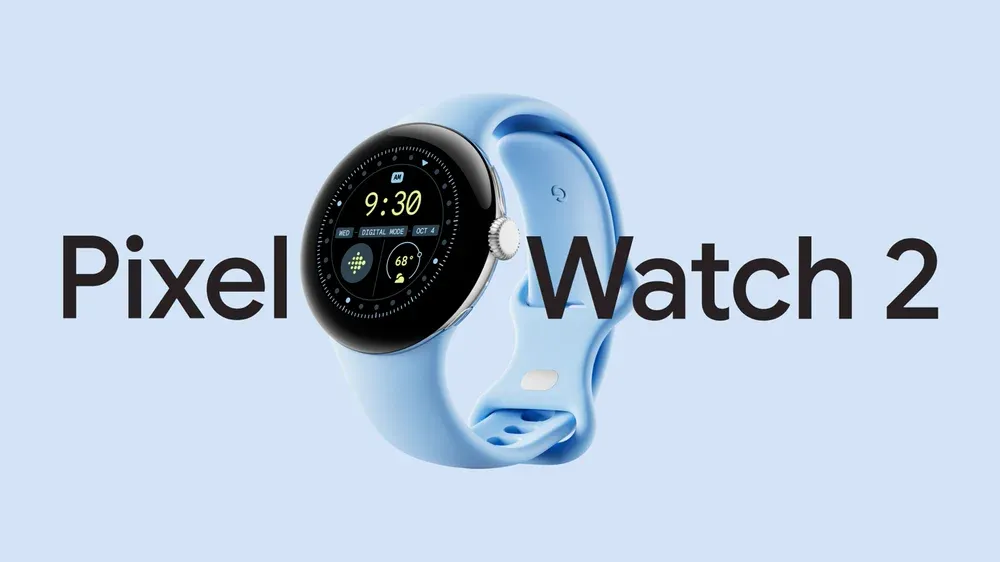
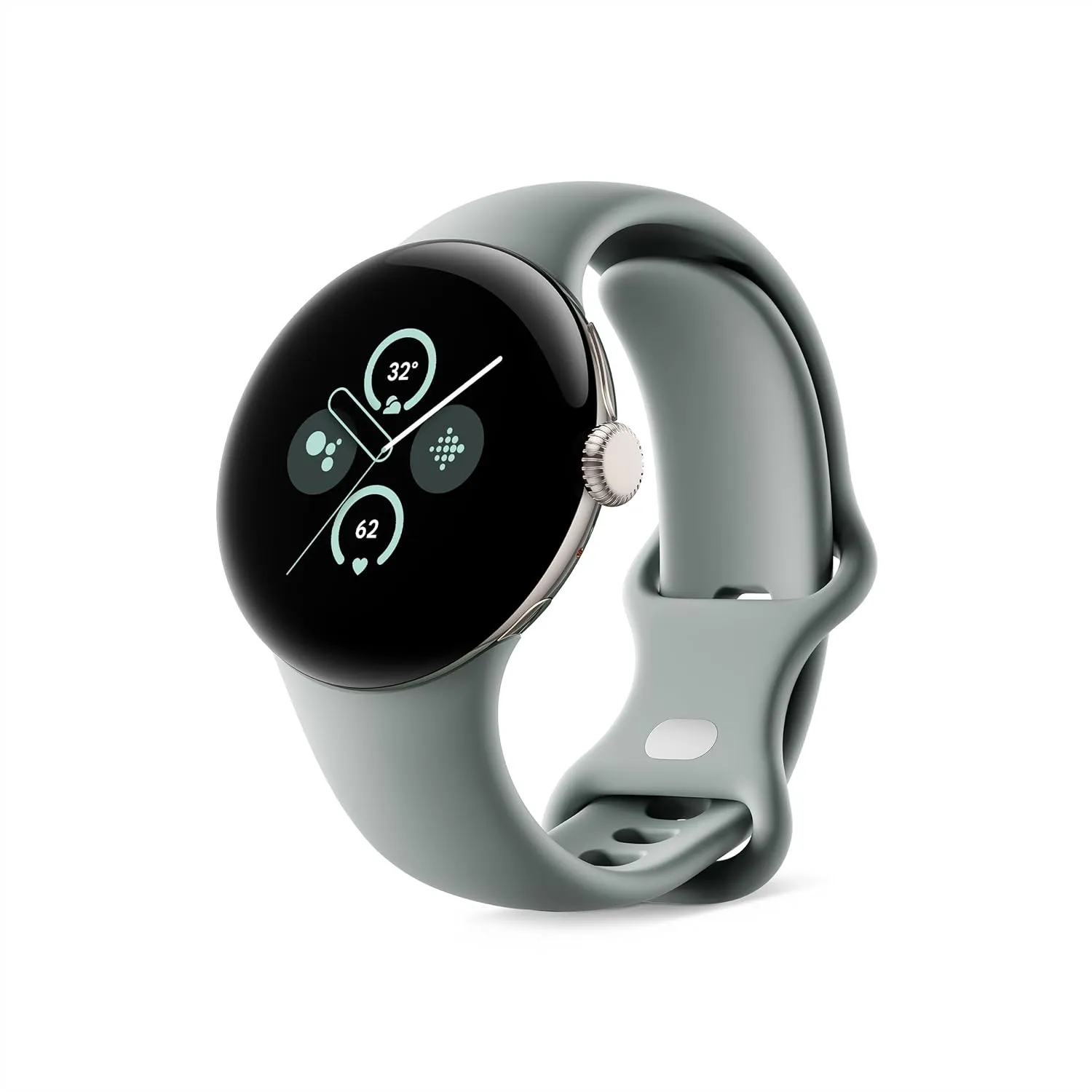
Google Pixel Watch 2 LTE
The Pixel Watch 2 comes with three new advanced sensors for heart rate tracking, skin temperature, and stress management; 100% recycled light aluminum housing makes it comfortable to wear
That’s $150 off the $299.99 “normal” price, which was already permanently reduced from the $399.99 that Amazon and other major US retailers used to charge for a Pixel Watch 2 with cellular capabilities at launch. Additionally, there is only one color available at this historically low price, which suggests you don’t have much time to take advantage of your Memorial Day savings.
It goes without saying that the more recent Watch 3 is the superior wearable manufactured by Google, which is also why it costs significantly more. The Watch 2, with its stunning circular display, incredibly comfortable all-day wear, precise heart rate tracking technology, and outstanding overall performance, is the objectively superior value proposition at this 50% discount.
Google Pixel Watch 2 LTE
The Pixel Watch 2 comes with three new advanced sensors for heart rate tracking, skin temperature, and stress management; 100% recycled light aluminum housing makes it comfortable to wear
The Pixel Watch 2 with 4G LTE must, however, be compared to similarly priced gadgets such as the entry-level Apple Watch SE 2 (without LTE) or Samsung Galaxy Watch FE (which is also only capable of GPS and Bluetooth).
Google Messages’ RCS texting feature isn’t as efficient as it could be. You can’t tell whether someone has RCS messaging enabled unless you start a chat with them. With a new RCS indication in Google Messages, Google is permanently resolving this issue.
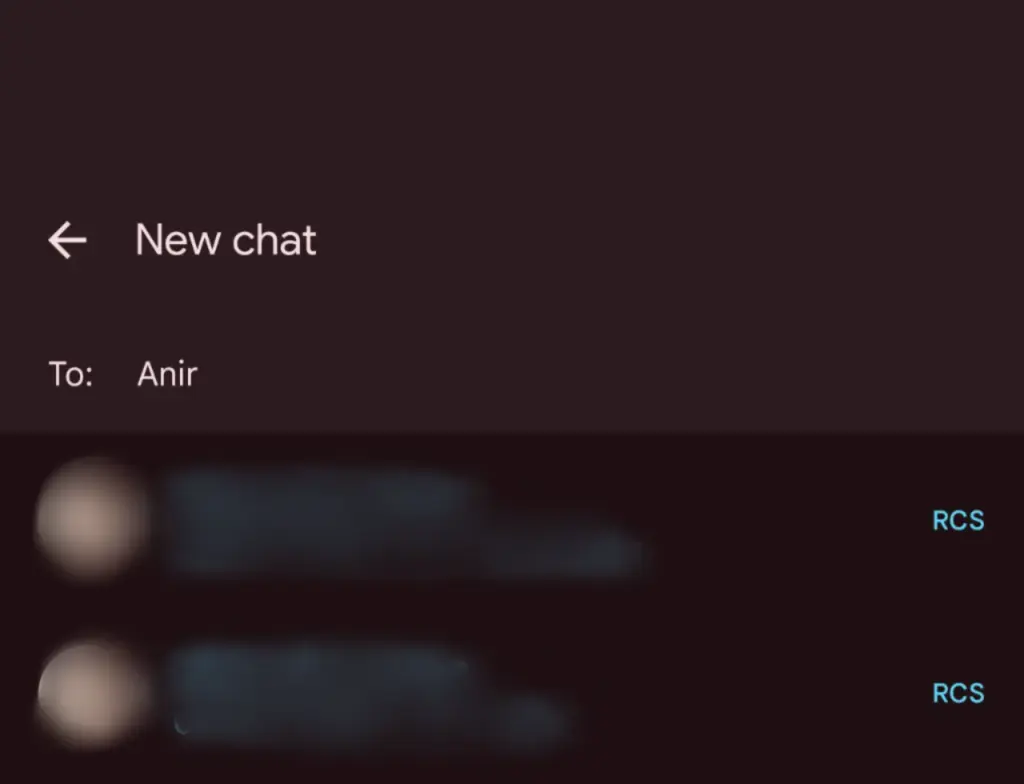
The “RCS” badge will appear on the right of numbers that support the upgraded texting experience (via Reddit) when you compose a new message and navigate through your contact list in Google Messages. The label won’t show up next to a saved contact if they are not able to send RCS texts.
In addition to the label, dynamic color theming is used to further draw attention to RCS-enabled contacts. Regular numbers are shown in either white or black. Google Messages will show RCS availability for each number if a contact has more than one.
Even though this might not seem like much, it will contribute to a more reliable RCS experience. Now, you can easily check if a contact has RCS enabled. This modification should only serve to increase the uptake of RCS.
Before, you had to begin writing a message with them in order to find out. In April of this year, Google was initially observed working on this Google Messages update.
According to 9to5Google, there are further minor modifications. The “New conversation” title that was previously displayed on the screen that comes after tapping the “Start chat” button has been replaced with the “New chat” heading.
Some users of the most recent Google Messages for Android beta (20250527_01_RC00) are seeing the RCS label. Since none of my phones have the label yet, it looks like this is a restricted server-side rollout.
Google brings many features to Messages
To its credit, Google has been working diligently on Google Messages, addressing numerous issues and incorporating new features to level it up with its rivals. The business merits recognition, even though there is still much to be done.
Testing has revealed several planned Google Messages enhancements, such as threaded answers, a huge compose box for seeing your lengthy texts, and a new landscape style.
If you want the latest Droid Tools news, follow us on X @droid_tools and like our page on Facebook to stay updated.
Android 16 offers a lot of innovations that I’m eager to test out on my Android phone, including Material 3 Expressive, a redesigned Quick Settings menu, and Live Updates. It seems like one of the biggest Android updates in a long time.
There weren’t many obvious adjustments that would have excited me. Prior to Google revealing new features at The Android Show: I/O Edition on May 13, Android 16 was looking like a really dull update.
New Quick Settings panel
With each significant Android update, Google alters the Quick Settings panel almost like a ritual. That tendency will continue with Android 16, and I’m looking forward to the modifications Google has planned. Resizable toggles are being added. Additionally, one-click Bluetooth and Wi-Fi toggles are returning.
The tiles have a new appearance and take considerably less room than they did previously, which is another obvious alteration. Extending the Quick Settings panel will provide a depth effect by blurring the background, similar to what is seen on some Chinese Android skins.
Google appears to have drawn inspiration from the updated Control Center for Android 16 Quick Settings panel in iOS 18. It seems to be a significant improvement in usability.
The June release of Android 16 will not have the updated Quick Settings panel. It will come later in the year instead.
Material 3 Expressive
Google’s latest phone and tablet design language, Material 3 Expressive, makes its debut with Android 16. It is also among the OS’s most significant user-facing modifications. It doesn’t significantly alter the appearance. Rather, it expands upon Material Design 3 by including bolder fonts, larger buttons, slick and lively animations, and more.
The timing of Material 3 Expressive is perfect. The current look felt outdated because Google introduced Material look 3 with Android 13 four years ago. Additionally, it maintains familiarity while bringing about the appropriate enhancements. Rather than droning on about Material 3 Expressive, I’ll let this Google GIF speak by itself:
This polish is present throughout Android 16, particularly when switching the system volume or closing apps from the recent apps menu. It also features smooth animations and haptic feedback. Android 16 will upgrade the dynamic color themes in addition to Material 3 Expressive, allowing apps to use additional colors from your wallpaper.
One of the main Android 16 improvements that I am most looking forward to is Material 3 Expressive, which looks good based on what Google has demonstrated. The one sour note? When Android 16 is first made available to the public in June, Material 3 Expressive will not be included. It will come later in the year instead.
Live Updates
Apps for food delivery have permeated our daily lives. Uber, Grubhub, and other food delivery apps provide real-time, urgent notifications, unlike other apps. The same is true of sports apps. Instead of launching the app, you would prefer to get real-time information in the notification shade on your phone.
Even while Android’s notification panel is more capable than iOS’s, it has trouble efficiently delivering real-time updates. With Live Activities, Apple nailed this, making it simple to monitor real-time food delivery status and sports scores.
Google’s Android 16 will have a feature called Live Updates, which is modeled after iOS. It will show the status of your meal delivery in real time on the notification shade or the lock screen of your phone. When you use Always-On Display, the status is displayed. Additionally, Google’s approach enhances the Live Update notification with helpful Call, Message, and Tip buttons.
It’s time-consuming and annoying because I have to open the meal delivery app all the time to see how it’s doing. A feature akin to the iPhone’s Live Activities was added to the skins of Android manufacturers such as OnePlus and Oppo, although the execution is unreliable and glitchy. Google should address these problems with an official solution.
Ultra HDR support for HEIC images
I use my phone to shoot a lot of photos. I have my phone’s camera app set to save JPEGs in the space-efficient HEIC format because they take up a lot of storage. The catch is that images saved in the HEIC format are not compatible with Ultra HDR on Android. I therefore use JPEG for my photos, which uses up all of my 2TB of Google One storage.
This will be altered with Android 16’s addition of Ultra HDR capability for HEIC photos. Additionally, Google is developing UltraHDR support for AVIF files, which should be available soon.
With Android 14, Google debuted Ultra HDR. It enables images to have improved color and a wider dynamic range. These enhancements are provided without any compatibility problems. On devices with SDR screens, Ultra HDR JPEG images immediately revert to the SDR gain map. Google mandated Ultra HDR support for phones with performance class 15 starting with Android 15.
Let’s hope Google upgrades the Pixel Camera app to enable saving shots in HEIC by default rather than JPEG, because Android 16 now supports Ultra HDR for HEIC files.
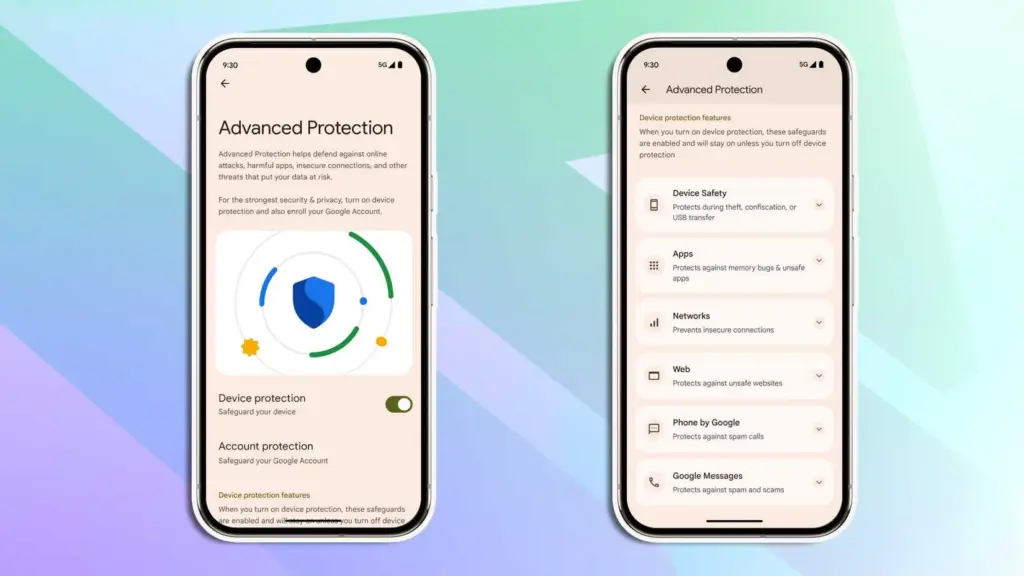
Advanced Protection mode
Google has strengthened Android’s security over the past few years by adding a number of features. However, there is still opportunity for improvement. In addition, I believe that Android’s security features fall short of those of the iPhone.
Google is making a significant effort to address issue with Android 16. Major security-related settings will be consolidated under a new Advanced Protection mode. To activate offline device locating or Theft Detection, you won’t need to go far into your phone’s settings menu.
With a single Advanced Protection toggle, you can enable all available security measures in Android across several categories. The list is as follows:
Intrusion Logging
Theft Detection Lock
Offline Device Lock
Inactivity Reboot
USB Protection
Google Play Protect
Unknown App Protection
Memory Tagging Extension
Android Safe Browsing
Chrome Safe Browsing
Javascript Protection
Unsafe Link Protection
Spam and Scam Protection (Google Messages)
Spam and Scam Protection (Phone by Google)
Called ID & Spam
Automatic Call Screening
2G Network Protection
Disable Auto-Reconnect to Insecure Networks
Numerous security mechanisms are dispersed across the operating system. For instance, the Google Play Protection option is located under Security & Privacy, whereas the Caller ID & Spam protection settings are located in the Phone app settings.
With Android 16, a new security feature called Intrusion Logging generates and preserves a device activity record for study after a compromise. It is safe but easily accessible because it is kept in the cloud and is end-to-end encrypted.
Another new security feature in Android 16 is Inactivity Reboot, which will restart your phone automatically after 72 hours of inactivity and lock-up. This will guarantee that no user data may be viewed until the device is opened by entering the password or PIN.
I won’t gain much from Android 16’s Advanced Protection Mode. I only activate these functions when I’m on the road. Nevertheless, it’s a useful innovation that will make Android more secure.
Despite being a feature-rich version, Android 16 will not ship with all the new goodies in June and still lacks several long-awaited additions. Rather, Google will make more significant improvements later in the year, most likely in conjunction with a quarterly platform release and the Pixel 10 family. Additionally, some improvements may not be available for non-Pixel phones because the manufacturer may choose not to incorporate them into their skin.If you want the latest Droid Tools news, follow us on X @droid_tools and like our page on Facebook to stay updated.
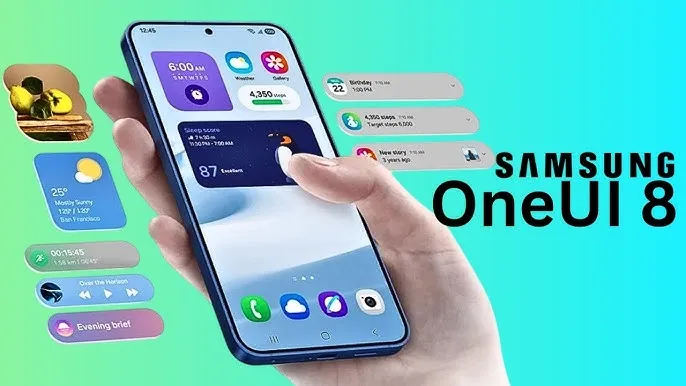
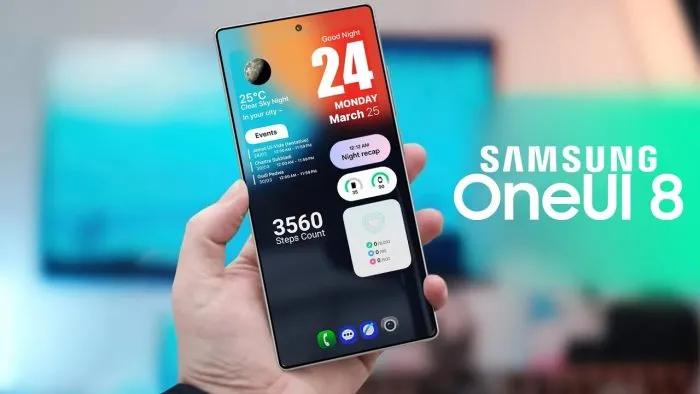
With Samsung now enabling Galaxy S25 series owners to test the most recent One UI 8 beta program, starting in its home country of South Korea, One UI 8 will soon be available on your Galaxy phone. You must be wondering how to join the beta phase as soon as it arrives on your device, but here are a few easy actions you can take.
Before the official or stable release, the One UI 8 Beta program is now available for the Galaxy S25, Galaxy S25+, and Galaxy S25 Ultra to test out all the newest features and capabilities.
The beta build for the Galaxy S25 family is designated with build number ZYER, while the upgrade may eventually reach additional eligible regions outside of South Korea. Simultaneously, this most recent version improves accessibility, efficiency, and security while also adding some of the main features of Android 16.
Beyond this, this update further includes the ongoing May 2025 security patch that significantly improves the device’s overall security and core functionality.
How to join One UI 8 beta program?
Also, Samsung made some minor changes to its beta registration procedure this time around to make it more convenient. Here’s how to sign up for the most recent One UI 8 beta program using the Samsung Members app!
Open the Samsung Members app.
Tap on the One UI 8 Beta program banner.
Once tapped, follow all the on-screen prompts while also accepting the beta terms and conditions. You are enrolled now!
This takes you closer to installing the latest beta build; just head to Settings >> Software Update >> and finally, Download and Install.
Once installed, your device will automatically reboot to the latest build; thus, you are now ready to rock One UI 8 beta.
If you want the latest Droid Tools news, follow us on X @droid_tools and like our page on Facebook to stay updated.
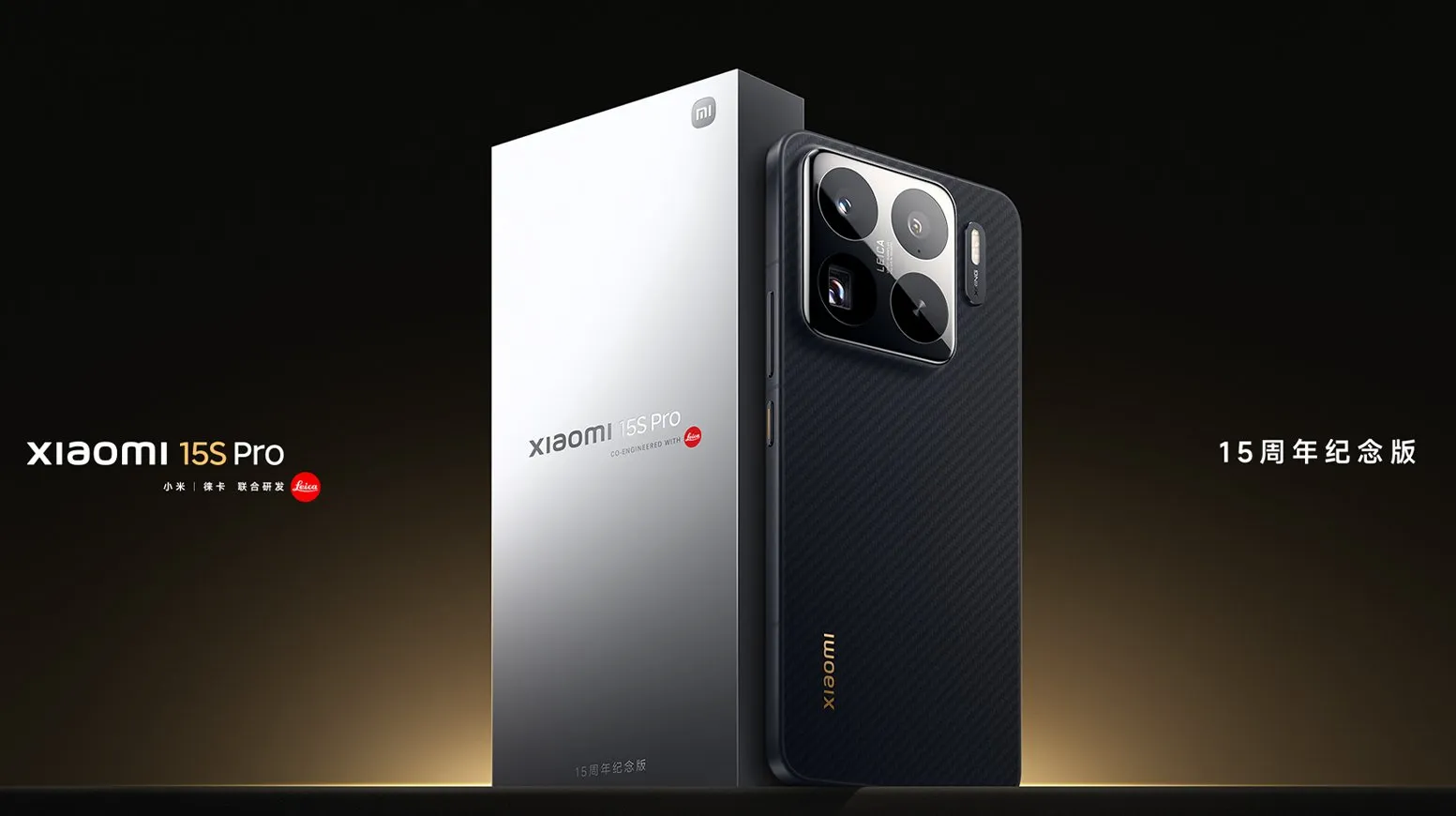
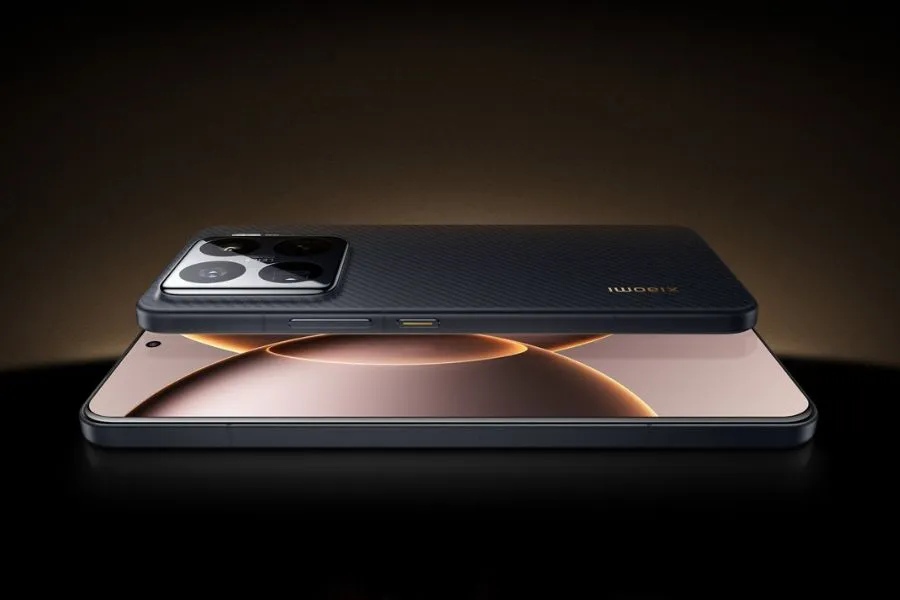
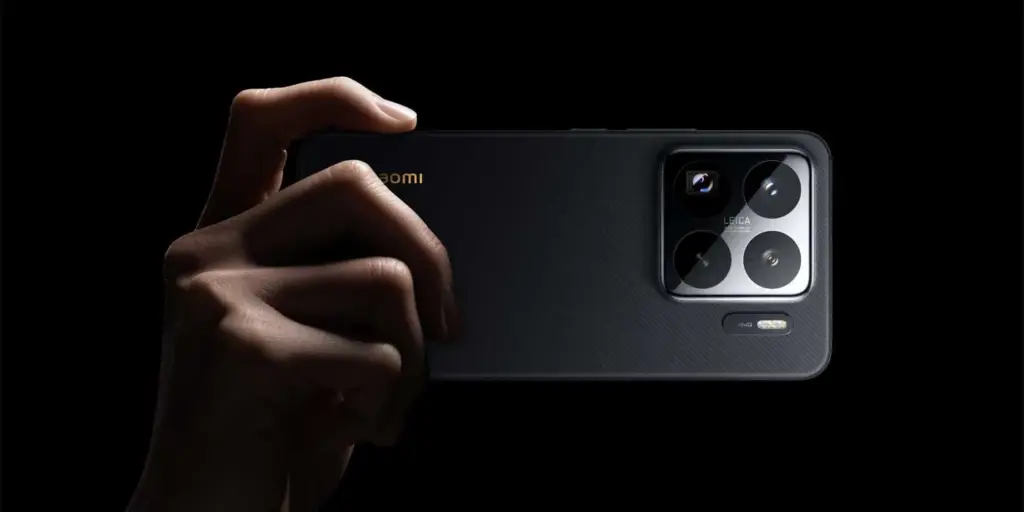
This week, the Xiaomi 15S Pro was launched in China. The Chinese OEM’s first phone to employ its proprietary 3nm 10-core XRING 01 chipset is this one. The phone comes with HyperOS 2.0, which is based on Android 15, and supports 16GB of LPDDR5X RAM in addition to up to 1TB of UFS 4.0 built-in storage. A 50-megapixel triple rear camera set with a 50-megapixel periscope telephoto shooter is included with the Xiaomi 15s Pro. With compatibility for both wired and wireless fast charging, it has a 6,100mAh battery.
The 16GB + 512GB RAM and storage version of the Xiaomi 15S Pro costs CNY 5,499 (about Rs. 65,500) in China, while the 16GB + 1TB model costs CNY 5,999 (approximately Rs. 71,500). The phone is available in Far Sky Blue and Dragon Scale Fibre Version finishes. The official e-store is now the place to buy the phone in the nation.
Xiaomi 15S Pro specs
The Xiaomi 15S Pro has a 6.73-inch 2K (3,100 x 1,440 pixel) OLED LTPO screen with a refresh rate of up to 120 Hz, a maximum brightness level of 3,200 nits, a PWM dimming rate of 1,920 Hz, and protection from Xiaomi’s Ceramic Glass 2.0. Dolby Vision and HDR10+ are also supported by the screen. The company’s latest 3nm 10-core XRING 01 chipset, which has an Immortalis-G925 GPU, 16GB of LPDDR5X RAM, and up to 1TB of UFS 4.0 onboard storage, powers the phone. Xiaomi’s HyperOS 2.0, which is based on Android 15, comes pre-installed.
The Xiaomi 15S Pro boasts a triple rear camera set with Leica backing, which includes a 50-megapixel, 1.31-inch Light Fusion 900 primary sensor with an f/1.44 aperture and support for optical image stabilization (OIS). A 50-megapixel Sony IMX858 periscope telephoto shooter with 5x optical zoom, 10x in-sensor lossless zoom, f/2.5 aperture, and OIS support is also included in the camera setup, along with a 50-megapixel Samsung S5KJN1 sensor and a 115-degree ultra-wide angle lens with an f/2.2 aperture and macro capabilities. Additionally, the smartphone has a 32-megapixel OV32B40 front camera with an f/2.0 aperture for video calls and selfies.
The 6,100mAh battery of the Xiaomi 15S Pro supports both 90W wired and 50W wireless fast charging. The phone incorporates an in-display fingerprint sensor for security. 5G, dual 4G VoLTE, Wi-Fi 7, Bluetooth 5.4, Beidou, Galileo, GLONASS, GPS, NavIC, NFC, and a USB Type-C 3.2 Gen 1 connector are among the connectivity possibilities. The phone’s construction is water and dust resistant, with an IP68 rating. Additionally, it features dual speakers that enable Dolby Atmos. The smartphone weighs 216g and has dimensions of 161.3×75.3×8.33mm.
If you want the latest Droid Tools news, follow us on X @droid_tools and like our page on Facebook to stay updated.
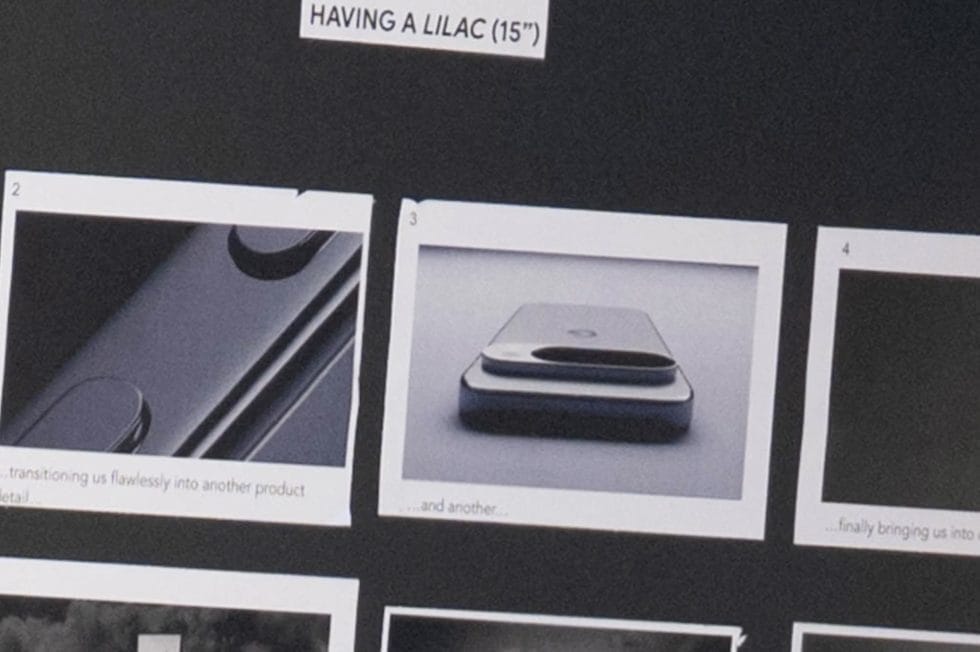
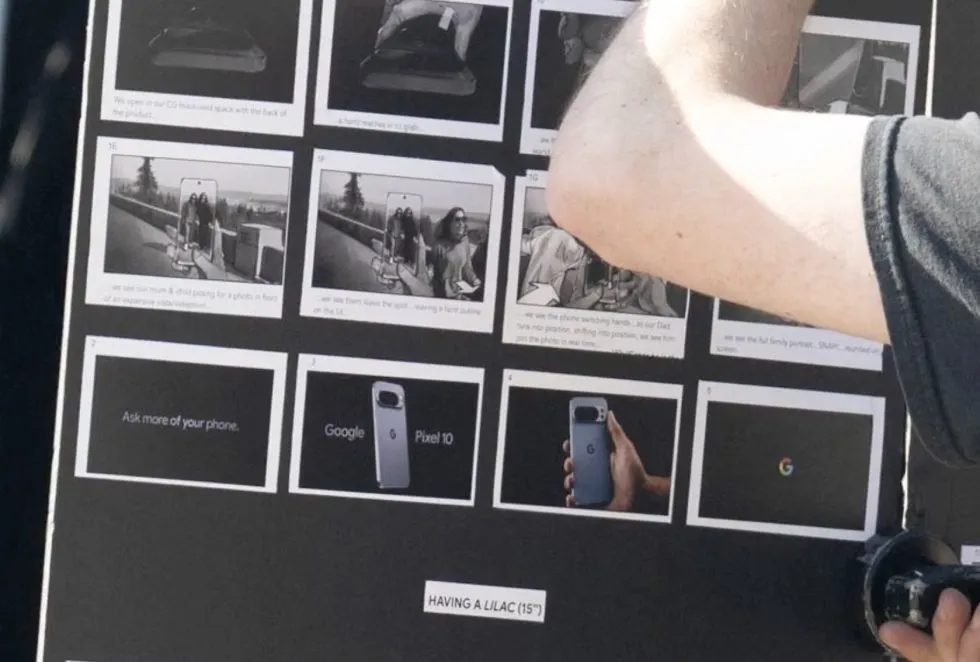
It’s not usually a high-level leak or a retailer’s mistake of publishing information too soon that causes the world’s largest firms to struggle to keep their new devices under wraps. Occasionally, this occurs because the corporation producing the product begins filming advertisements months before the product is scheduled to be released, and a passerby witnesses the commercial shoot in progress and, fortunately, has a decent enough camera with them to record the entire event.
It is typically not a high-level leak or a retailer’s error of releasing information too soon that makes it difficult for the biggest companies in the world to conceal their new technologies. Sometimes this happens when the company that makes the goods starts making commercials months before the product is supposed to be introduced, and a bystander happens to be watching the commercial shoot and, thankfully, has a good enough camera with them to capture the entire thing.
A humorous little video slideshow featuring narration of the user’s experience filming Google’s Pixel 10 Pro was posted on Twitter by @MarksGonePublic. According to their photos, Google was filming an ad featuring the Pixel 10 titled “Ask more of your phone.” Indeed, the phone is referred to as the “Pixel 10” in the storyboard, but it is actually a Pixel 10 Pro with an additional camera and temperature sensor.
I’m not sure what else can be learned from this video because the Pixel 10 series is anticipated to resemble the Pixel 9 series in every way except for the inclusion of Google’s Tensor G5, which should be their best chip ever as it replaces Samsung Exynos as the base. This ad only indicates that a Pixel 10 is on the horizon and will appear remarkably similar; it doesn’t necessarily disclose any new specifications, features, or costs.
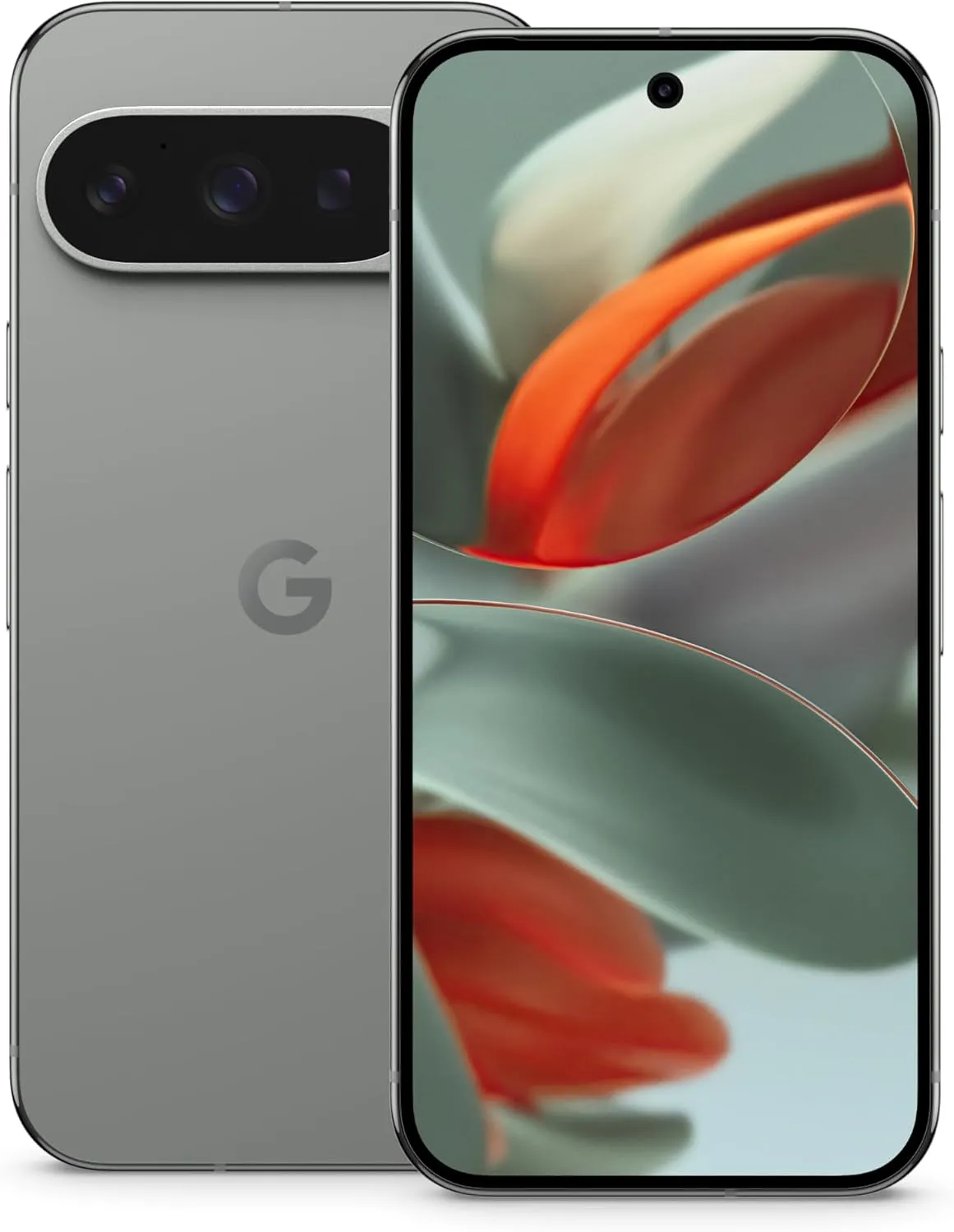
And here’s the real smartphone in a person’s hand during the photo session, which once more displays a Pixel 10 Pro that appears to be a Pixel 9 Pro. And it’s okay! We adore the Pixel 9 series’ look.
Google Pixel 9 Pro
Pixel 9 Pro with Gemini is the most powerful Pixel yet, and now comes in two sizes; it has a pro-level camera and it’s engineered by Google, so it gets the best of Google AI first
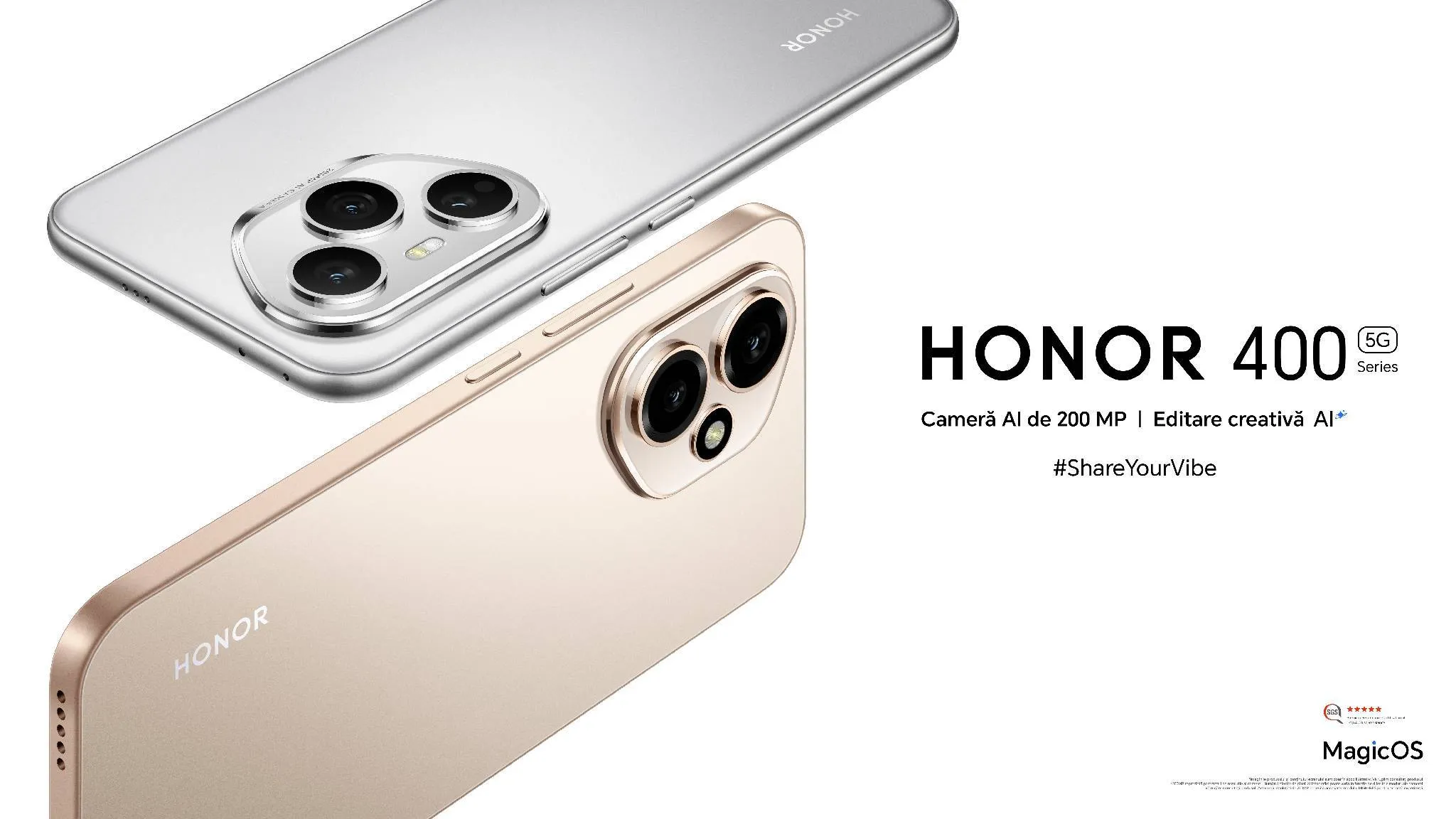
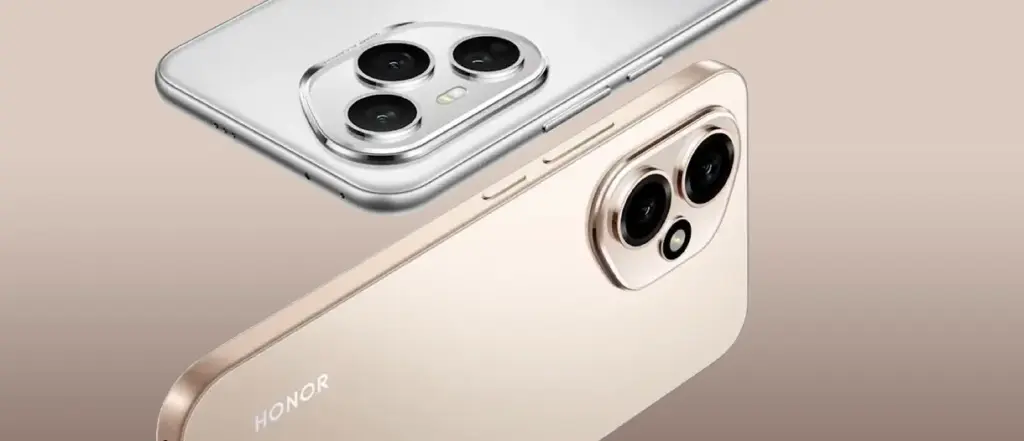
On May 22, the Honor 400 and Honor 400 Pro models were introduced to the European market as part of the Honor 400 series. Honor has revealed that both smartphones would come with six years of Android updates prior to their much-anticipated release. The series will have artificial intelligence (AI) capabilities driven by the Veo 2 video generation model, allowing users to convert photos into brief videos as part of the company’s long-standing partnership with Google.
Honor 400 Series Gets Extended Update Support
Honor claims that six years of Android OS updates will be included with its next smartphones, the Honor 400 and the Honor 400 Pro. The business highlights that its Honor Alpha Plan, a three-step strategy to establish an open artificial intelligence (AI) ecosystem, includes its long-standing partnership with Google and other industry partners.
Using Google’s Veo 2 video generating paradigm, it has also been proven that the Honor series supports AI picture to video generation on Vertex. Along with live photos, users will be able to turn static images, including artwork and old photos, into brief videos that last five to seven seconds. This feature, however, is anticipated to be introduced through an over-the-air (OTA) update and won’t be available right out of the box.
The China-based OEM claims to have been offering the Android 16 Beta program on the Honor Magic 7 Pro since May 7, with Google I/O 2025 being in the rearview mirror. To test out the new capabilities and migrate their apps to the future OS, developers can update their smartphones to Android 16 Beta 3.
Honor 400 Series specs
It has been revealed that the Snapdragon 7 Gen 3 chipset powers the vanilla Honor 400. It will include two cameras on the back: a 12-megapixel ultra-wide lens and a 200-megapixel primary camera. It also has an IP66-rated construction and a 50-megapixel selfie camera.
In the meantime, the Snapdragon 8 Gen 3 SoC will power the Honor 400 Pro. A 200-megapixel primary camera, a 50-megapixel telephoto lens, and a 12-megapixel ultra-wide sensor make up its confirmed triple back camera set. For video chats and selfies, the phone will have a 50-megapixel front-facing camera. It will be shipped with an IP68 + IP69 rating to prevent water and dust intrusion.