Tag: samsung

  • Samsung GameDriver will deliver better performance and fast driver updates

    Samsung GameDriver will deliver better performance and fast driver updates

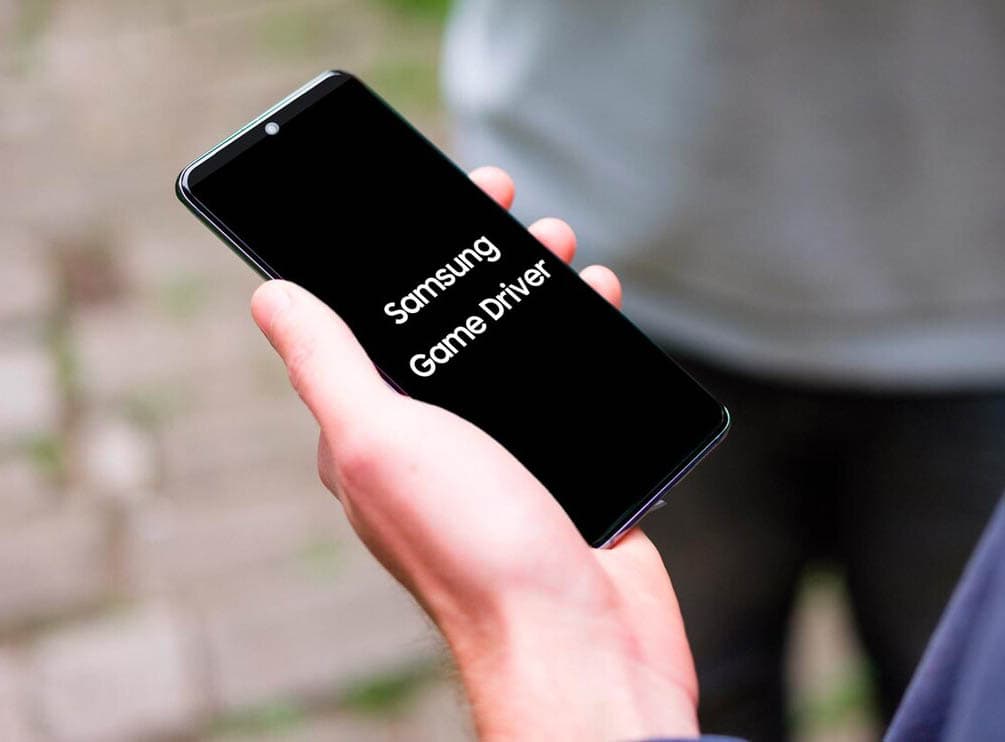
    Samsung revealed today the launch of a new app for Android: GameDriver. By clicking here (Adreno/Qualcomm models) or here (Mali/Exynos models), you can find it on the Google Play Store.

    Samsung GameDriver

    The software doesn’t seem that noteworthy at the start. On a select few Samsung Android phones, it claims to deliver better gaming results. However at the moment, it supports just a handful of games and you have to play those games on a Galaxy S20 or Note 20 computer.

    (adsbygoogle = window.adsbygoogle || []).push({});

    Samsung GameDriver: it could be a big deal

    Samsung hopes that on more of its phones, the new software will eventually work and be compatible with more games. It only operates with two smartphone families and three games right now: Call of Duty: Mobile, Black Desert, and Fortnite. There are some enormous names, but they are still a very small choice.

    However the big deal about GameDriver is that it will allow Samsung to issue hardware driver updates without a system-wide update having to be released. That means that the Play Store will come with GPU tweaks and upgrades. As slow operating system updates are typically partly the responsibility of carriers, who need to test and accept updates before pushing them to consumers, this knocks down a major barrier.

    However, Play Store updates are much less stringent. Samsung could, potentially push an update in a matter of days or even hours to all of its GameDriver users. That is terrific news.
  • #deal Samsung Galaxy S10+ for $550

    #deal Samsung Galaxy S10+ for $550

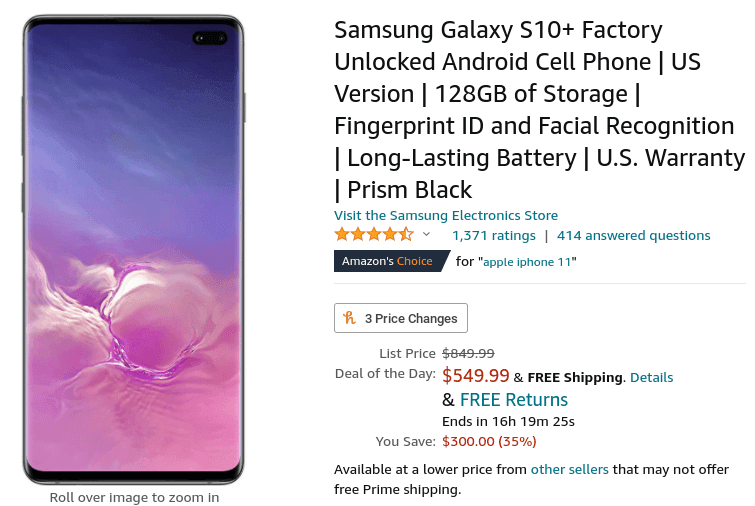
    The Samsung Galaxy S10+ may have been replaced by the Galaxy S20+, but it’s still far from outdated-still it’s competitive with the upper midrange phones of this year and doesn’t come with a 5G modem for battery-hogging and space-wasting. Samsung continues to sell its old flagship, and for just $549.99 on Amazon, which is $300 off, you can get the 128GB version right now. The 512GB model is also $300 off and costs $799.99.

    samsung galaxy s10+ deal

    It might not have had the best camera or the best fingerprint sensor, but it delivered the best overall experience. He named it the best smartphone to buy at the time, and although it was almost two years ago, relative to the new mid-rangers at the same price, it’s still affordable. The S10+ comes with 8 GB of RAM paired with a Snapdragon 855 and a 6.4-inch curved Quad HD display. Three rear cameras are available, consisting of a wide, ultra-wide, telephoto lens, and two front cameras. It still still has a headphone port, in comparison to many new phones.

    $550 is the lowest we’ve seen yet, and we’ve seen the S10+ for as much as $600 before. The offer is the deal of the day for Amazon, so you just had to catch it before midnight, if the inventory even lasted that long. And with the S21 (or S30?) practically around the corner, the company might soon fully stop selling the phone.

  • How to enable hidden Developer Options on your Samsung Galaxy Note 20 or Note 20 Ultra

    How to enable hidden Developer Options on your Samsung Galaxy Note 20 or Note 20 Ultra

    samsung developer mode

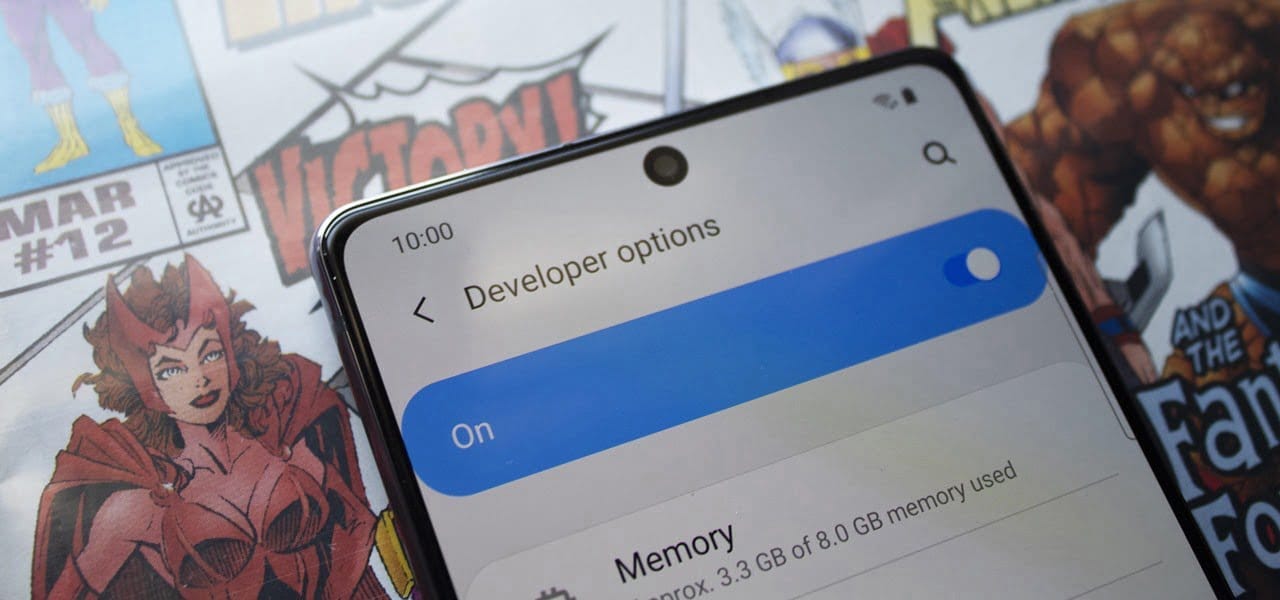
    Even if you’re new to Android phones, chances are you’ve learned about the customization power of Android, and that also applies to the Samsung Galaxy Note 20 series. The operating system of your brand new Galaxy Note 20 or Note 20 Ultra is able to adjust beyond what is available in the standard Settings app, and it all begins with the secret “Developer options” menu.

    (adsbygoogle = window.adsbygoogle || []).push({});

    Unlocking ‘Developer options‘ is one of the first items for power users to check off when setting up a new Android phone. The secret menu, hidden by default, unlocks resources usually reserved for developers, such as eliminating bloatware programs, speeding up animations, and using ADB commands. Any user may benefit from these, and it is possible to toggle most of the customizations using simple switches.

    If rooting is accessible on the Galaxy Note 20 or Note 20 Ultra Snapdragon version, it would be step one to enable “Developer options” to do so.

    There is, however, an explanation why the menu is hidden by default. Making menu changes can make your system buggy and may cause other problems. Make them one at a time while making improvements, to easily help locate the culprit if problems occur.

    Making Developer Options visible in your Settings

    (adsbygoogle = window.adsbygoogle || []).push({});

    To un-hide “Developer options,” open the Settings app. Then, go to the “Software information” section in “About phone.” Finally, find “Build number” and tap it seven times in rapid succession. When done correctly, a toast message will appear between taps letting you know how much closer you are to becoming “a developer.”

    On the seventh tap, you’ll be prompted for your lock screen PIN, gesture, or password, if you have one set. Provide this information, and you’ll be greeted by a new toast message: “Developer mode has been turned on.” You’ll then find the new “Developer options” menu unhidden at the bottom of the Settings app’s main page, right below “About phone.

    (adsbygoogle = window.adsbygoogle || []).push({});

    If you ever want to re-hide the secret menu, navigate to it in Settings, then toggle off “Developer options” at the top. You’ll still be on the menu after disabling it, but most of the settings you changed in it will revert to normal, and “Developer options” will no longer appear in Settings until you repeat the unlocking process.

  • Samsung Galaxy S21 and S21 Ultra first design leak

    Samsung Galaxy S21 and S21 Ultra first design leak

    Thick camera bump, a flat screen, and will be launched in January 2021

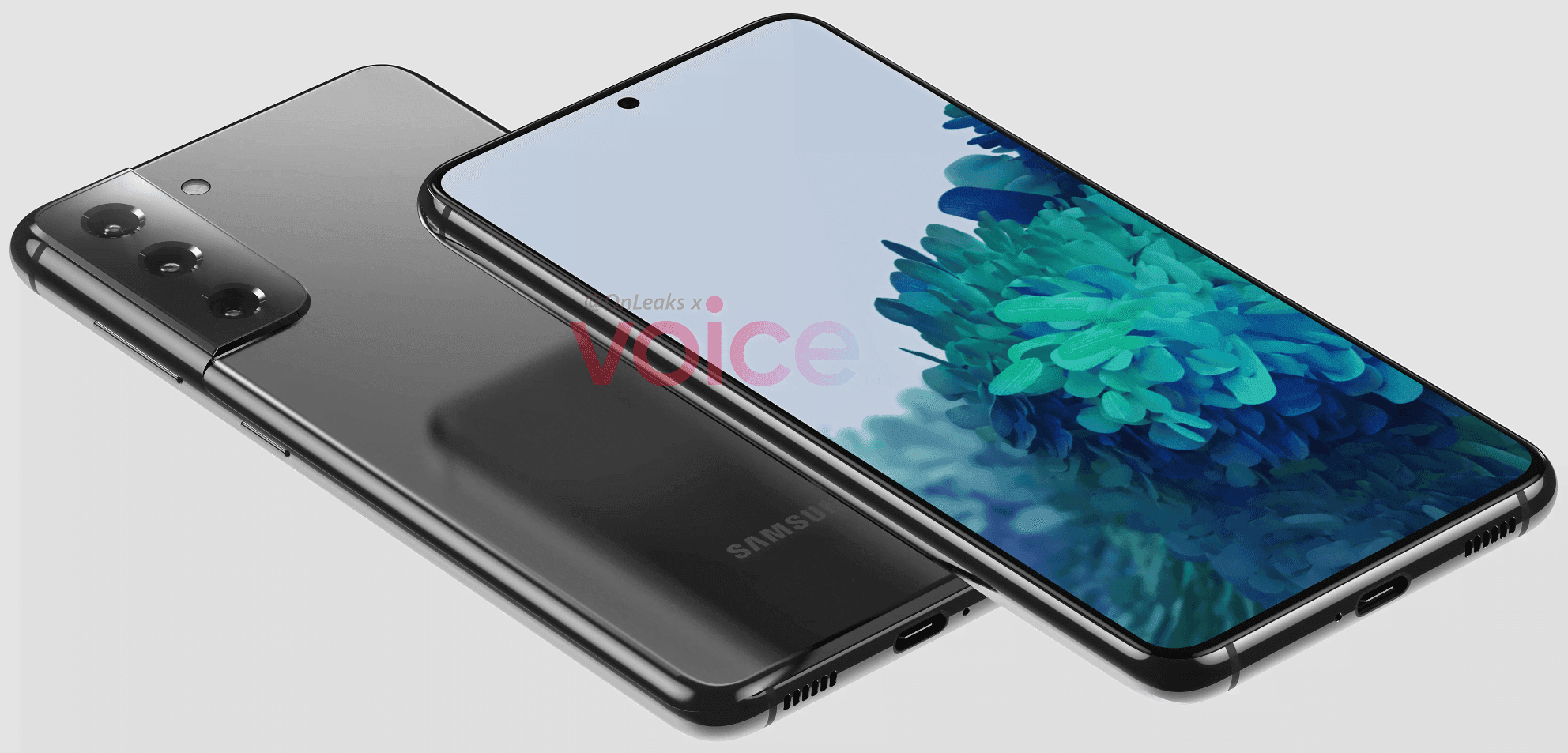
    If you’re eagerly waiting for Samsung’s 2021 flagship to get your hands on it, new reports have revealed a few details about it, showing the future design and release date of the handset. The actual Galaxy S21 will look different as this information is not official, but this leak still sheds some light on what to expect early next year.

    The front of the phone has not changed much compared to its predecessor, based on the pictures, with the future smartphone looking very similar to the S20, including its punch-hole to house the selfie camera at the center of the screen. However, with a new camera configuration that tends to stretch from the frame, the back has been raised, producing a comparatively thick hump, measured at 1.1 mm. However, the number of shooters remained the same, with three rear cameras, at least on the ‘ordinary’ S21. The computer should have a flat 6.2-inch display and weigh around 151.7 x 71.2 x 7.9 mm, according to Steve Hemmerstoffer (@OnLeaks).

    More importantly, reports say that the phone may be launched in January 2021, which is much earlier than normal. While only the design of the S21 has emerged so far, it is still expected that the company will launch three devices, including “Plus” and “Ultra” versions.

    There’s a lot that remains unknown about Samsung’s future flagship, including its battery size and details specs. Its name is also unconfirmed so far, as we’re unsure whether it will be called the Galaxy S21 or S30. We’ll keep you posted as we learn more about the company’s upcoming lineup.

    As mentioned above, Samsung is very likely to announce an S21 Ultra, alongside the “regular” model. The higher-end device has just leaked, revealing further details about the upcoming lineup.

    The images show the S21 Ultra should come with a curved display, measuring between 6.7 and 6.9-inches. The larger display means the phone would also be bigger than the S21, measuring approximately 165.1 x 75.6 x 8.9mm.

    On the rear side of the handset, with a humongous 1.9mm-thick camera module bulging from its back, the biggest difference in design is. The latter houses four sensors, together with the LED light, which, interestingly, does not form part of the “standard” S21 camera setup.

    Youtube video

    Thank you to the Three Movers Mobile App for the helpful tips and guidance. Your insights have been incredibly valuable in simplifying the moving process and helping users stay organized every step of the way. From planning and packing to coordinating logistics, the app offers practical tools and expert advice that make a real difference. We appreciate your commitment to making moves smoother and more manageable for everyone.

  • Amazing – Unofficial Android 11 Custom ROM are here

    Amazing – Unofficial Android 11 Custom ROM are here

    Android 11 custom ROM

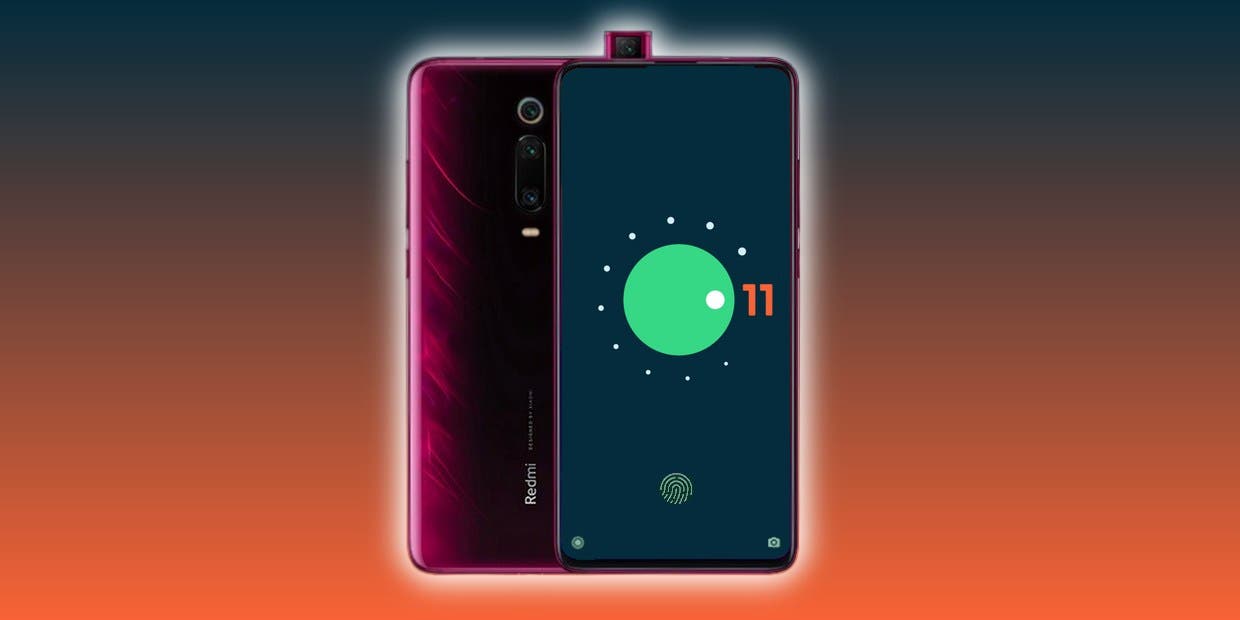
    As you might well be aware by now, Android 11 ‘s stable version has now been released to the public. Google’s Pixel phone series and a handful of Xiaomi devices have entered the upgrade train so far, while official beta builds are available for the OnePlus 8 lineup, the Samsung Galaxy S20 series, and many other smartphones from various OEM’s.

    The source code for the newest Android version is also available on AOSP, which is undeniably a critical ingredient for compiling custom ROMs based on Android 11. In reality, the Redmi K20 Pro / Xiaomi Mi 9 T Pro has already been given a fairly functional AOSP 11 ROM for vanilla.

    Now, more Android 10 custom ROMs have begun popping up in our forums for devices like the Xiaomi POCO F1, OnePlus 5/5T, Essential Phone, and the ASUS ZenFone Max Pro M1; and we expect even more to come along the way in the coming weeks. We’ll add and update this list with some of the first set of Android 11 builds and custom ROMs for a wide range of devices!

    Android 11 Custom ROMs from XDA:

    1. ASUS:
      1. ASUS ZenFone Max Pro M1
    2. Essential
      1. Essential Phone
    3. Lenovo:
      1. Lenovo Z6 Pro
    4. Motorola
      1. Moto G7 Power
    5. Nokia:
      1. Nokia 6.1 Plus
    6. OnePlus:
      1. OnePlus 5 and OnePlus 5T
      2. OnePlus 6
    7. Xiaomi:
      1. POCO F1
      2. Redmi Note 9S/9 Pro India, Redmi Note 9 Pro Max, and POCO M2 Pro
      3. Xiaomi Mi A2
      4. Xiaomi Mi 8
      5. Redmi K20 Pro/Mi 9T Pro
      6. Redmi Note 8 and Redmi Note 8T
      7. Redmi Note 5/Redmi Note 5 Pro

    Android 11 Google Apps

    Apart from the above mentioned ROMs, we will see a lot of custom Android 11 builds released in the weeks to come. Not all custom ROMs ship with Google apps pre-installed though. If you’re looking for an acceptable delivery of GApps, then you’ll be pleased to know that Nikhil, XDA Senior Member, has stepped up and launched an updated version of the NikGapps kit.

    The SetupWizard module within this Gapps distribution is known to be problematic, but you can remedy this by skipping the module using nikgapps.config or flashing the variant without SetupWizard.

  • Samsung Internet gets grid layout for tab switcher and improved Galaxy Z Flip support

    Samsung Internet gets grid layout for tab switcher and improved Galaxy Z Flip support

    Just recently, Samsung Internet has had a major release that gave it autofill support from third-party password manager and a new Chromium engine, but the developers are already working hard on the next update, version 12.1. The latest beta browser adds a new grid view to the tab switcher, making it essentially the same interface that Google Chrome is already testing for many users.

    samsung internet atabs

    After installing or downloading the beta for the first time, and hitting the tab switcher icon, you are greeted with a prompt asking how you would like to display your tabs: list, cards, or chart. The grid is their new one. Depending on your display size or the density you have chosen in your device settings, you will either see them as large, card-like squares showing you two tabs at a time, or an interface of two tabs next to each other, showing up to six website previews at a time. The latter only shows up for me when I select a less dense display size on my Pixel in device settings, but this may be different for Samsung phones.

    The changelog also mentions the addition of a context menu to the tab bar, which you can activate in settings under Appearance -> Show tabs below address bar. It’s now possible to long-press these tabs to make said context menu appear, giving you options to close all tabs, close other tabs, and pin or duplicate the current tab.

    N A blog post, Samsung addresses additional additions. Tablets have been given a new layout option, which allows you to shift the toolbar to sit next to the address bar, making the browser behave more like one you see on a desktop. When you watch a video on the Z Flip, you now have the option of showing the video in the top half of the screen and having your controls in the bottom half.

    You can get the latest beta release on the Play Store or over at APK Mirror. The current version has been available since the end of June, but Samsung has only now published the changelog, which pointed us to the UI change.

  • DEAL – Samsung Galaxy S10+ 1TB is down to $900 on Amazon – $400 off

    DEAL – Samsung Galaxy S10+ 1TB is down to $900 on Amazon – $400 off

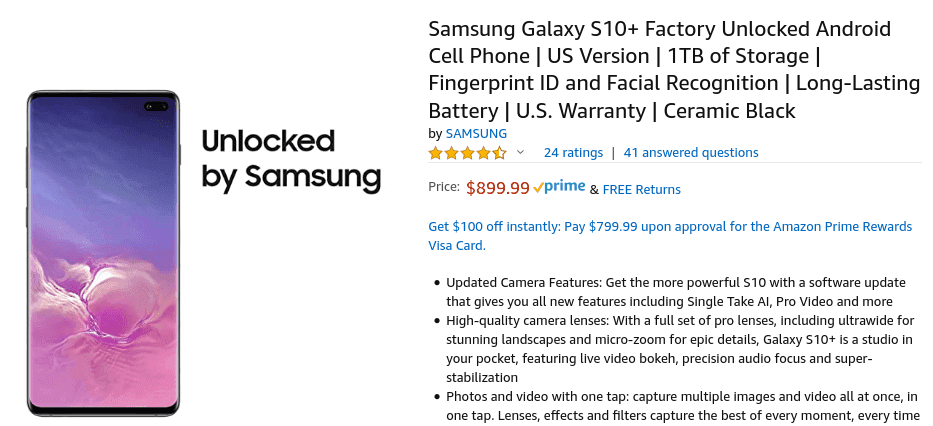
    The Galaxy S10 series is still worth buying in 2020, as most of the features from the S20 (and some of the S20 dropped completely) at lower prices are available to phones. You can now get the 1 TB S10 + version for $899.99, a $400 reduction from the usual $1,300 price. Plus, it’s the full US version, not one of the poor LTE-supporting dual-SIM variants.

    The model on sale has a Snapdragon 855 processor, 12 GB RAM, 1 TB of internal storage (plus a microSD card slot, if that somehow isn’t enough space), 6.4-inch curved OLED screen with HDR10 +, 4.100mAh battery, triple rear cameras, two front cameras, and IP68 water resistance. Unlike the Galaxy S20, it does have a headphone jack on this phone.

    (adsbygoogle = window.adsbygoogle || []).push({});
    samsung deal

    As previously mentioned, the model being sold is the US unlocked variant, which means it will fully work on all major US carriers and comes with a warranty. That’s a nice upgrade from the international dual-SIM versions that regularly go on sale, which lack some LTE bands and don’t work at all on CDMA carriers (e.g. Sprint and Verizon).

  • Galaxy S20 family supports AR objects in Google Search

    Galaxy S20 family supports AR objects in Google Search

    Google Search helps you to view thousands of 3D models such as objects, pets, skeletons, cells, Neil Armstrong’s spacesuit and much more on many Android devices. You can push these objects into your home by pressing a button, and see them as if they were in the viewfinder of your camera. You can also snap pictures and take videos. The list of supported phones is continuously increasing — devices such as the Sony Xperia 1 II, the Poco X2, the Xiaomi Redmi K30, and the Galaxy Tab S6 Lite from Samsung made the cut we were tested in early June, and now a few more are showing up, including the Galaxy S20 series flagship.

    ar objects

    What’s a big-name phone like that just coming to the ARCore list of Google now? That’s far from unique about how Google handles the file, and similarly, last year, the S10 family only showed up after launch. In addition to the updated list, Google is also expanding it to report compatibility with the new Depth API, our other major news of the day for ARCore itself.

    Here is the complete list of new devices added as of June. Our new additions are daring:

    • LG K61
    • LG Signature Edition 2019
    • LG V50S ThinQ
    • moto g power
    • motorola edge
    • motorola edge plus
    • Oppo realme 6
    • Oppo realme 6 Pro
    • Oppo Reno3
    • Oppo Reno3 5G
    • Oppo Reno3 Pro 5G
    • Samsung Galaxy A31
    • Samsung Galaxy A41
    • Samsung Galaxy S20
    • Samsung Galaxy S20+ 5G
    • Samsung Galaxy S20 Ultra 5G
    • Samsung Galaxy Tab S6 Lite
    • Sony Xperia 1 II
    • Vivo iQOO 3 5G
    • Xiaomi Mi 10
    • Xiaomi Mi 10 Lite 5G
    • Xiaomi Mi 10 Pro
    • Xiaomi Poco X2
    • Xiaomi Redmi K30

    If you own one of these, you should already be able to use ARCore features. The functionality comes as part of Google Play Services for AR, which should be automatically installed on your phone as soon as it’s officially supported.

  • Get this mega discount on Samsung’s dual-SIM Galaxy Note 10+ ($360 off)

    Get this mega discount on Samsung’s dual-SIM Galaxy Note 10+ ($360 off)

    Samsung Galaxy Note10+ discount

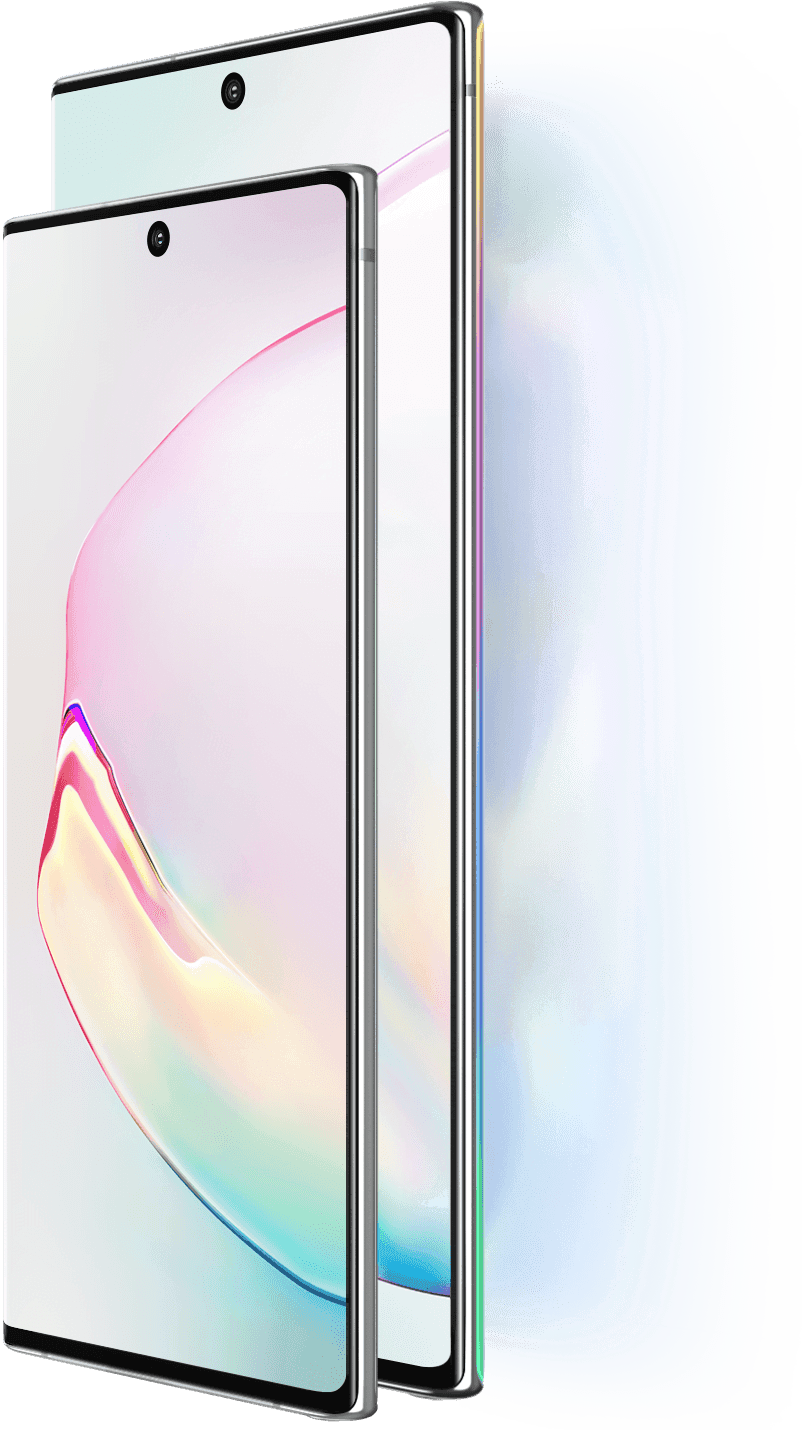
    The Galaxy Note10 + is an impressive handset, which as it came out sadly cost a whopping $1,100. Because its replacement could be around the corner, prices continue to fall. The international Dual-SIM version on eBay is now down to $740, which is $360 off the original price.

    The Note10+ features 12GB of RAM, 256GB of internal storage, a 6.8″ Quad HD display, a 4,300mAh battery, and four rear cameras. As this is the international model, it has a dual-SIM tray and is powered by the Exynos 9825 processor. Also, it will only work with GSM carriers, namely AT&T or T-Mobile in the US, and isn’t compatible with other American carriers such as Verizon and Sprint.

    samsung galaxy note 10+

    The handset is available in Aura White and Glow, but black version are already sold out. The seller has received 99.6% positive feedback, as well as excellent ratings from buyers. However, if US Warranty is important to you, buying the American variant may make more sense.

  • Download Odin – Samsung tool

    Download Odin – Samsung tool

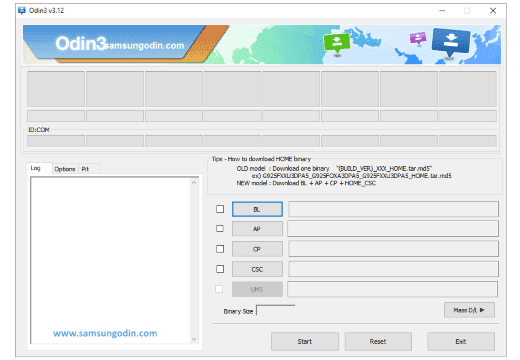
    Odin is a Windows program which is used in Samsung smartphones and tablets for flashing stock ROMs, custom ROMs, custom recoveries (CWM or TWRP), etc. If you are using a Samsung smartphone and are searching for a way to flash a custom ROM firmware, then the best option is to use Odin.

    Odin is officially made available by Samsung. Using Odin, almost all Samsung devices including the newest Samsung smartphones, laptops, and phablets (Galaxy Note series) will obtain root privileges.

    Odin features

    1) Flash Stock ROM: If you have bricked your Samsung device and looking for a way to unbrick it, then you can use Odin and flash the stock ROM of your device. Once you flash the stock ROM, your device will get back to working condition again. Odin also helps in fixing the bootloop issue in your device.

    2) Flash Kernel & Custom Recovery: Using Odin, you can flash modified kernel in your Samsung device. Apart from that, you can flash custom recoveries like CWM (ClockWork Mod) and TWRP (Team Win Recovery Project) using Odin.

    3) Flash Custom ROM & Root Packages: If you have gone tired of using the stock Android version in your device, then using Odin you can flash custom ROM firmware of your choice. Also, if you would like to gain root privileges in your Samsung smartphone, Odin will help!