Tag: galaxy

  • 4 free tools to get latest updates on your Samsung Galaxy devices

    4 free tools to get latest updates on your Samsung Galaxy devices

    If you’ve ever tried looking for firmware to install on your Samsung Galaxy smartphone or tablet, it might be pretty annoying. While companies like Google, OnePlus, and Xiaomi provide download links on their websites, Samsung has yet to provide an official firmware download portal. That’s one of the reasons why there are so many Samsung firmware download sites out there. These sites scrap Samsung’s FUS (Firmware Update Server) for the latest firmware releases and categorize them by model number, carrier/region, and OS version. However, many of these services use a “freemium” model that throttles the base-tier download speed.

    Fortunately, there is no shortage of community-developed tools to directly download a new software update for a compatible Galaxy device. We’ve talked about two such tools — SamFirm and Frija — many times in the past. Samloader is another open-source, cross-platform alternative. While I personally think that downloading Samsung firmware using one of these utilities is simple enough, some may still find them inadequate to meet their needs. If you do, then here are a few more solutions that make it even easier to grab official Samsung firmware packages for your device.

    1. SamFirm_Reborn

    samsung update tool

    Created by XDA Recognized Developer Ivan_Meler, SamFirm_Reborn is a reincarnation of the original SamFirm tool. The developer decompiled the legacy application and patched the codebase to make it compatible with Samsung’s server-side changes. SamFirm_Reborn is open source and it does offer a handy command-line interface besides the familiar GUI.

    Download SamFirm_Reborn

    2. SamFirm-continued and SamFwTool

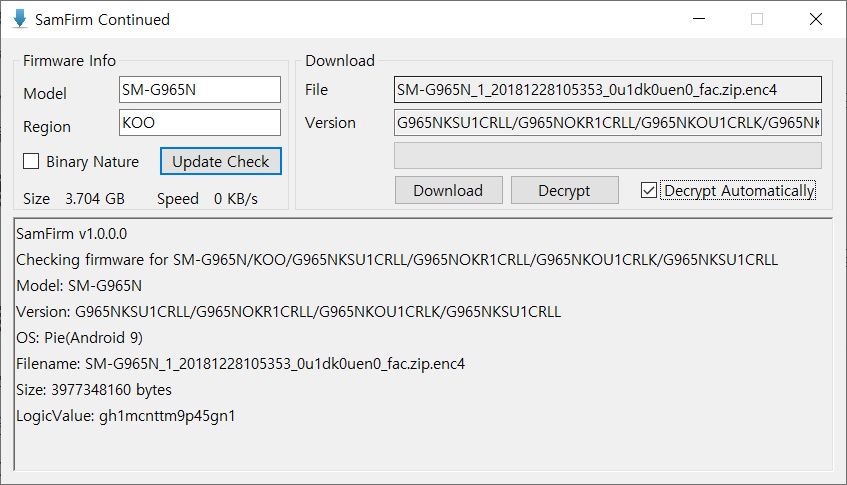
    SamFirm Continued
    SamFwTool

    SamFirm-continued started its journey as yet another open-source fork of the legacy SamFirm, but the maintainer abandoned the project a few months ago. Later on, XDA Member Tungtata picked up the baton and created SamFwTool. One of the highlights of SamFwTool is the auto-detection feature. Just connect your phone in MTP mode and press “Auto detect” to identify your device model and region code.

    Download SamFwTool

    3. SamFirm.js

    The whole Samsung firmware downloading saga is now on a different level, as XDA Recognized Developer jesec has presented SamFirm.js, a streaming downloader, decryptor, and extractor coded in JavaScript. With SamFirm.js as the backend, you should be able to construct a web app to fetch stock Samsung firmware packages. The project is a collaboration between developers jesec and LuK1337.

    Download SamFirm.js

    4. SamFetch

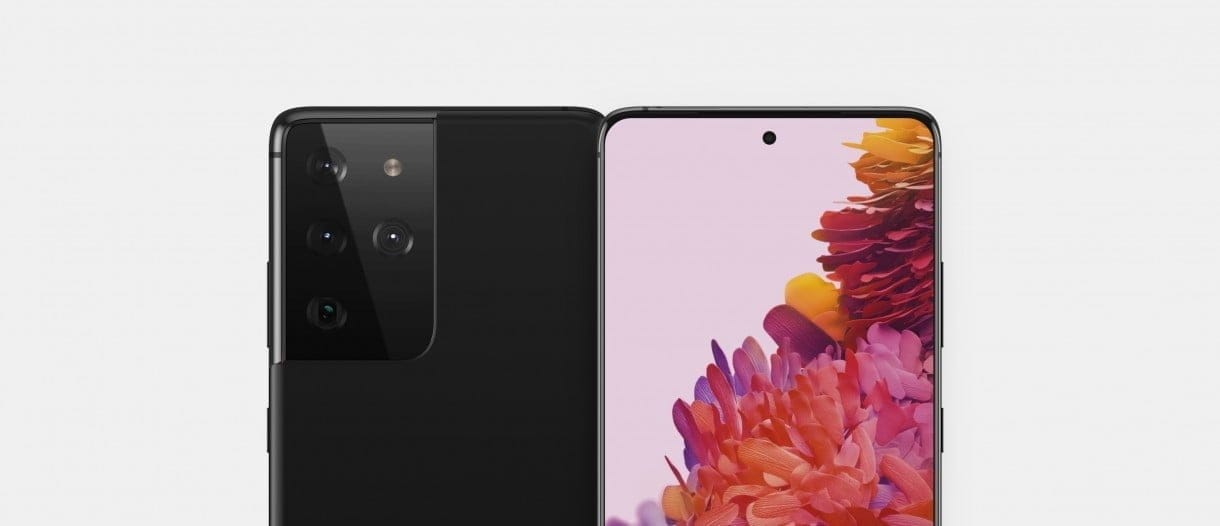
    In case you’re looking for a web API variant of the Samloader project, you should try out SamFetch. XDA Member YusufCihan reimplemented the functions from Samloader’s code as web routes in order to expose a simplified REST API to download Samsung firmware.
    Download SamFetch

  • #leaks Samsung Galaxy S21+ – hands-on video

    #leaks Samsung Galaxy S21+ – hands-on video

    The leaks are coming thick and fast, with Samsung expected to launch the Galaxy S21 in about a month. A new leak comes along as soon as we think we know everything about these phones, providing us with even more information. But while we’ve seen a lot of renders, it’s been much harder to come across imagery of real hardware. With the release of a hands-on first experience video featuring the Galaxy S21+, now that’s changing in a major way, and we’re all losing our minds.

    (adsbygoogle = window.adsbygoogle || []).push({});

    Although the bottom corners of the phone are hidden behind some tape, this is still our best look yet at the front of the S21+. Samsung has somehow managed to shrink the bezels even further than the S20, and it looks as though they are almost completely symmetrical.

    The ending on the back panel is something else to remember. Samsung has been making phones with ultra-glossy backs that gather fingerprints like there’s no tomorrow for years now. The Note20 Ultra changed things, but it was unclear whether the S21 would suit. The system with a matte finish seemed to display previous renders, but it was difficult to tell with any certainty. Thanks to this video, we can now be confident that for this color at least, the S21 leaves the glossy finish behind.

    The filmmaker talks briefly about the images taken by the phone, reporting that colors such as blue and green do not look very normal. As Samsung is notorious for over-saturating images, that’s no surprise, but anyone hoping to change that here will be disappointed.

    Although no numbers are given, the reviewer says he is more than happy with battery life, stating that the phone easily lasts a full day even with heavy video calling. This is likely helped by the S21+ getting a 4,800mAh battery, 300mAh larger than its predecessor.

    Finally, a Geekbench test was passed on the handset, and this is where we were able to confirm that this is the S21+. Although the video refers to this phone as an S21, model number SM-G996U refers directly to the S21+, and the Snapdragon 888 is possibly a T-Mobile model.

    The S21+ scored 1115 for single-core performance and 3326 for multi-core. The S20+ only scored 830 and 3087, respectively, for comparison. That’s a good upgrade, especially when you think that this is probably unfinished software that needs to be optimized before release. Let’s hope that the Exynos 2100 will equal its counterpart from Qualcomm.

    https://www.youtube.com/watch?v=_Lf3p_1m4NE&feature=emb_title
  • How to enable hidden Developer Options on your Samsung Galaxy Note 20 or Note 20 Ultra

    How to enable hidden Developer Options on your Samsung Galaxy Note 20 or Note 20 Ultra

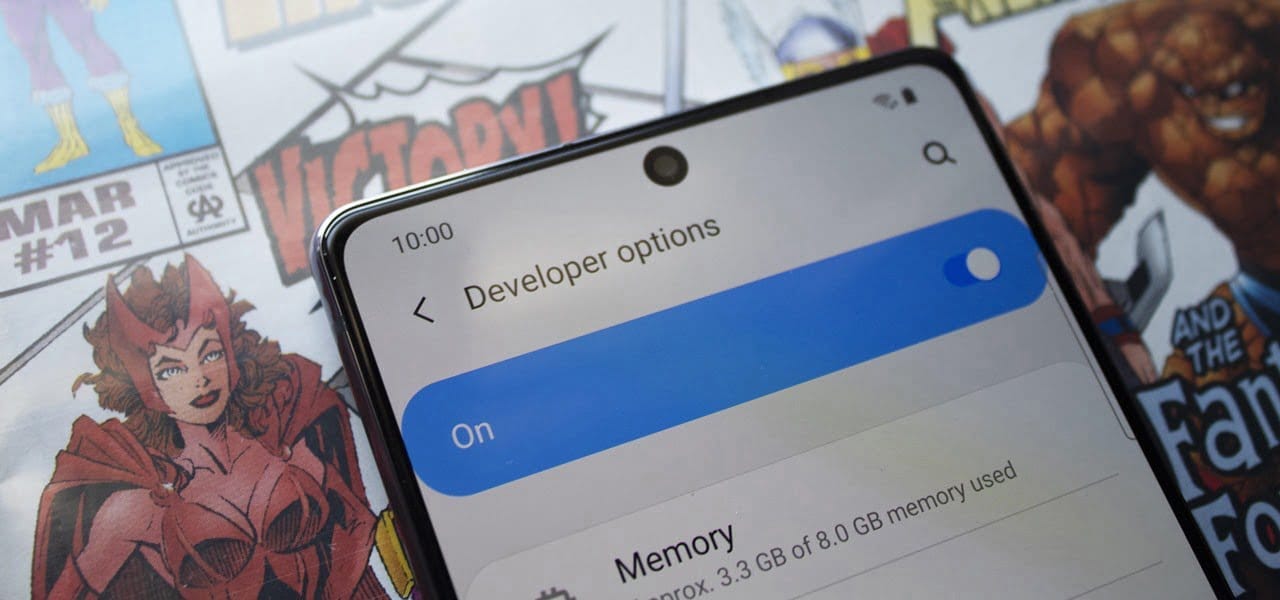
    samsung developer mode

    Even if you’re new to Android phones, chances are you’ve learned about the customization power of Android, and that also applies to the Samsung Galaxy Note 20 series. The operating system of your brand new Galaxy Note 20 or Note 20 Ultra is able to adjust beyond what is available in the standard Settings app, and it all begins with the secret “Developer options” menu.

    (adsbygoogle = window.adsbygoogle || []).push({});

    Unlocking ‘Developer options‘ is one of the first items for power users to check off when setting up a new Android phone. The secret menu, hidden by default, unlocks resources usually reserved for developers, such as eliminating bloatware programs, speeding up animations, and using ADB commands. Any user may benefit from these, and it is possible to toggle most of the customizations using simple switches.

    If rooting is accessible on the Galaxy Note 20 or Note 20 Ultra Snapdragon version, it would be step one to enable “Developer options” to do so.

    There is, however, an explanation why the menu is hidden by default. Making menu changes can make your system buggy and may cause other problems. Make them one at a time while making improvements, to easily help locate the culprit if problems occur.

    Making Developer Options visible in your Settings

    (adsbygoogle = window.adsbygoogle || []).push({});

    To un-hide “Developer options,” open the Settings app. Then, go to the “Software information” section in “About phone.” Finally, find “Build number” and tap it seven times in rapid succession. When done correctly, a toast message will appear between taps letting you know how much closer you are to becoming “a developer.”

    On the seventh tap, you’ll be prompted for your lock screen PIN, gesture, or password, if you have one set. Provide this information, and you’ll be greeted by a new toast message: “Developer mode has been turned on.” You’ll then find the new “Developer options” menu unhidden at the bottom of the Settings app’s main page, right below “About phone.

    (adsbygoogle = window.adsbygoogle || []).push({});

    If you ever want to re-hide the secret menu, navigate to it in Settings, then toggle off “Developer options” at the top. You’ll still be on the menu after disabling it, but most of the settings you changed in it will revert to normal, and “Developer options” will no longer appear in Settings until you repeat the unlocking process.

  • Get this mega discount on Samsung’s dual-SIM Galaxy Note 10+ ($360 off)

    Get this mega discount on Samsung’s dual-SIM Galaxy Note 10+ ($360 off)

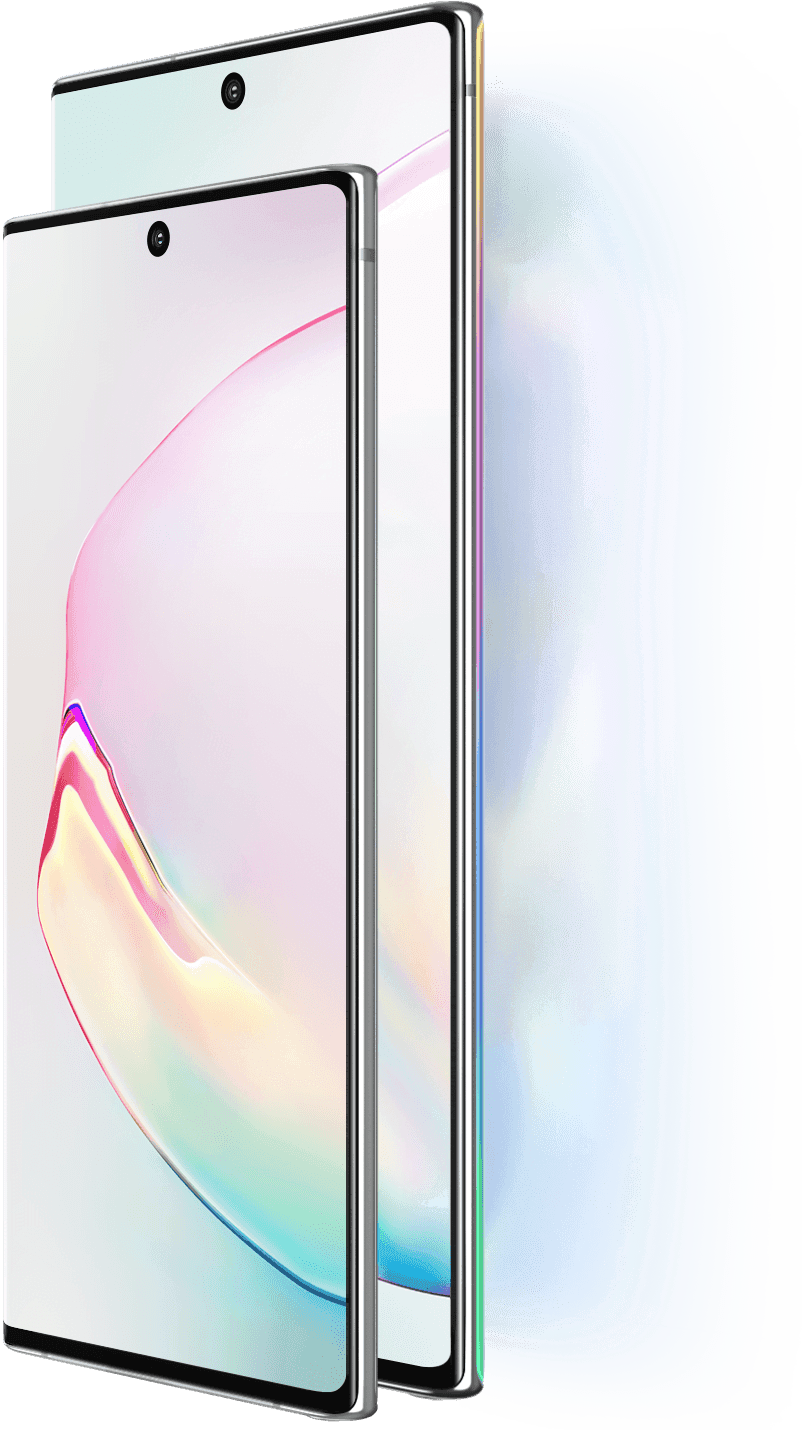
    Samsung Galaxy Note10+ discount

    The Galaxy Note10 + is an impressive handset, which as it came out sadly cost a whopping $1,100. Because its replacement could be around the corner, prices continue to fall. The international Dual-SIM version on eBay is now down to $740, which is $360 off the original price.

    The Note10+ features 12GB of RAM, 256GB of internal storage, a 6.8″ Quad HD display, a 4,300mAh battery, and four rear cameras. As this is the international model, it has a dual-SIM tray and is powered by the Exynos 9825 processor. Also, it will only work with GSM carriers, namely AT&T or T-Mobile in the US, and isn’t compatible with other American carriers such as Verizon and Sprint.

    samsung galaxy note 10+

    The handset is available in Aura White and Glow, but black version are already sold out. The seller has received 99.6% positive feedback, as well as excellent ratings from buyers. However, if US Warranty is important to you, buying the American variant may make more sense.

  • Samsung Galaxy M31 will be available on Amazon.in

    Samsung Galaxy M31 will be available on Amazon.in

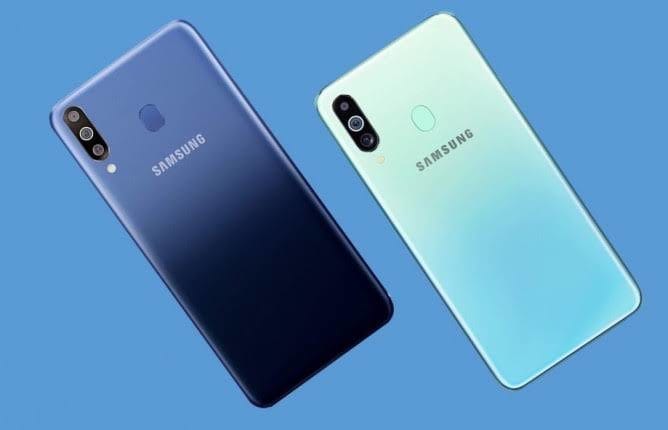
    Samsung will bring the M31 to the Indian market through Amazon just like its immediate predecessor, the Galaxy M30s. This site is currently teasing the phone as one that would in many ways mimic the famous “battery monster,” including its 6000mAh battery. The camera features, however, are somewhat improving.

    The Samsung Galaxy M30s was well-received as they paired triple cameras with an AMOLED FHD+ screen and a 6000mAh battery. According to new teasers released by Amazon.in, their immediate counterpart, the M31, won’t be much different-except that this time the number of cameras is 4. A’ best-in-class’ 64MP sensor is also the main shooter here.

    Amazon also notes that it will be joined by others for ultra-wide angle, macro and depth-sensing functions, but its resolutions or other specs are not yet revealed. Similarly, it reveals that the Galaxy M31 will display the same quality (at least on paper) as the M30s but not its size. It will however have a U-shaped knot, a featurethat

  • Exclusive – Samsung’s Galaxy Note 10 Lite & Galaxy S10 Lite

    res 6cfaaa5c6b397ede4e019b9080959562 1

    These are new and expected to be more affordable versions of the Galaxy S10 and Note 10 families.

    There’s also an expectation that both Lite phones are due to go on sale soon.

    From a Galaxy Note-only perspective, the changes with the Galaxy Note 10 Lite are less obvious compared to Galaxy S10 Lite. Both the Galaxy Note 10 and Note 10+ also feature a camera cutout in the same location as what’s shown here.

    Both Lite smartphones appear to share the same front design, including the location of the front-facing camera cutout and how many cameras are included.

    If you look close enough at the two renders then the bezels for the Galaxy Note 10 Lite do look a little thinner than those on the Galaxy S10 Lite. In addition, the earpieces also look a little different to each other. Although very few firm conclusions should be made on these points, considering the angle and style of the renders.

  • Galaxy Fold now in Canada

    Galaxy Fold now in Canada

    Canada is GREAT!

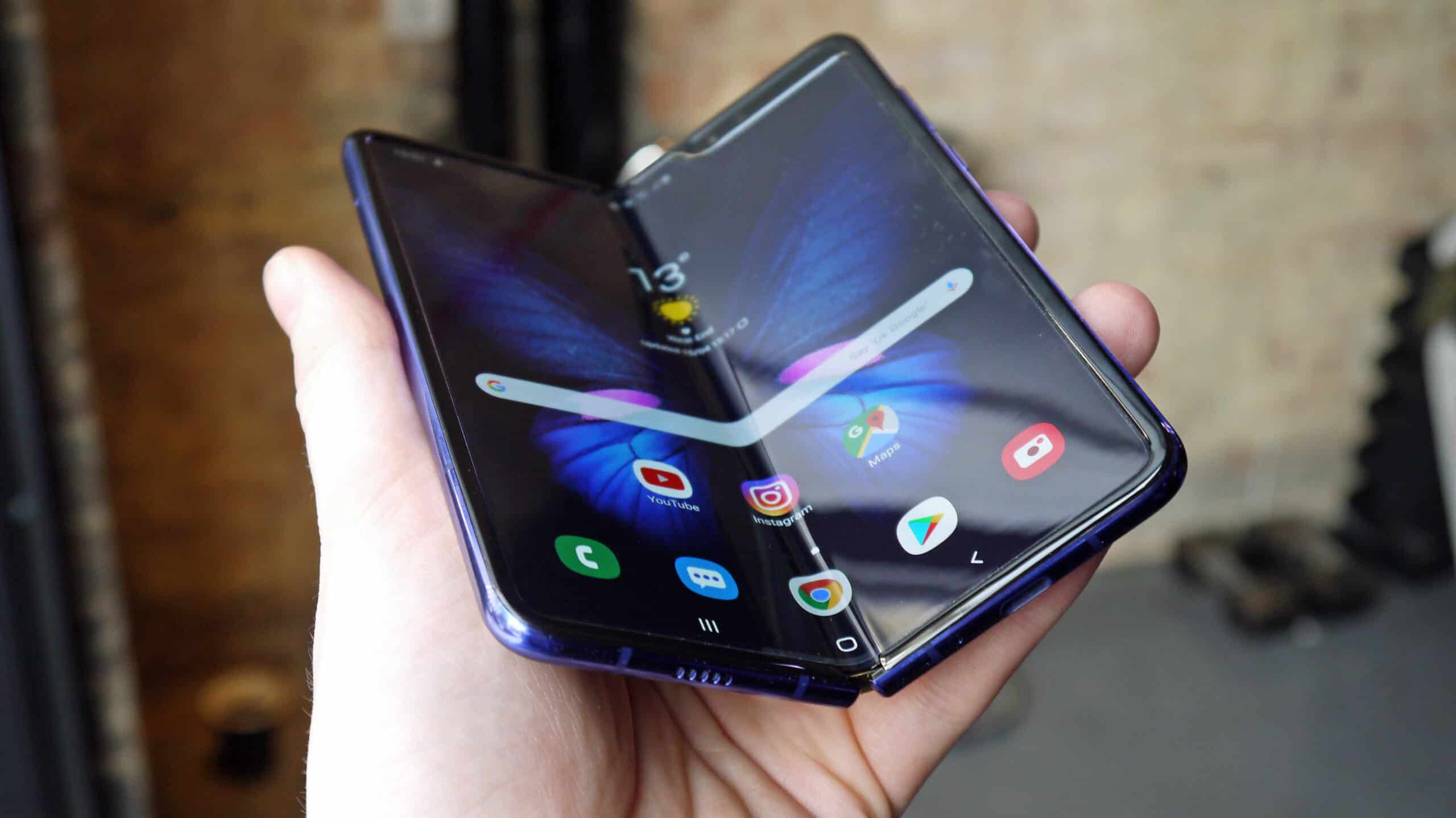
    But until now, the country was lacking one thing: the Samsung Galaxy Fold. I have no idea how the people of Canada managed to survive without access to Samsung’s latest flagship, but now the phone has officially arrived in the country.

    While the elusive Galaxy Fold is now available for purchase in Canada, it’s even harder to get there than in the US. While those of us in ‘Murica have a chance at finding it in a local carrier store or Best Buy, the Galaxy Fold in Canada will only be available from a handful of Samsung Experience Stores:

    • CF Sherway Gardens
    • CF Toronto Eaton Centre
    • Metropolis at Metrotown
    • West Edmonton Mall
    • Yorkdale Shopping Centre

    That means unless you live in Toronto, Edmonton, or Burnaby, you’ll have to go on an expedition if you want Samsung’s latest and greatest. Pricing starts at $2,599.99, which is fairly close to the ~$2,000 pricetag in America after currency conversion.