Tag: auto

  • Android Auto update 15.4 quietly rolls out: bug fixes, Gemini AI groundwork & more

    Android Auto update 15.4 quietly rolls out: bug fixes, Gemini AI groundwork & more

    Google will bring the most recent Android Auto 15.4 update during November, although the company hasn’t spoken anything about it. The most recent version, which was discovered by autoevolution, stands out for remaining in beta for more than a week, which is unusual for Google. The new version is starting to roll out, and sideloading choices are available, but the corporation isn’t offering an explanation.

    The addition of bug fixes that enable Google Pixel 10 devices to connect to Android Auto correctly is one of the most significant changes in 15.4, making this version helpful for people who did not previously have access. Additionally, it seems that this release is aiming toward more significant changes within Android Auto, such as the company’s AI assistant Gemini taking the place of Google Assistant. Following a recent Gemini update that brings some very significant AI features, Google has also been testing new features for Google Maps, including some new color options for users.

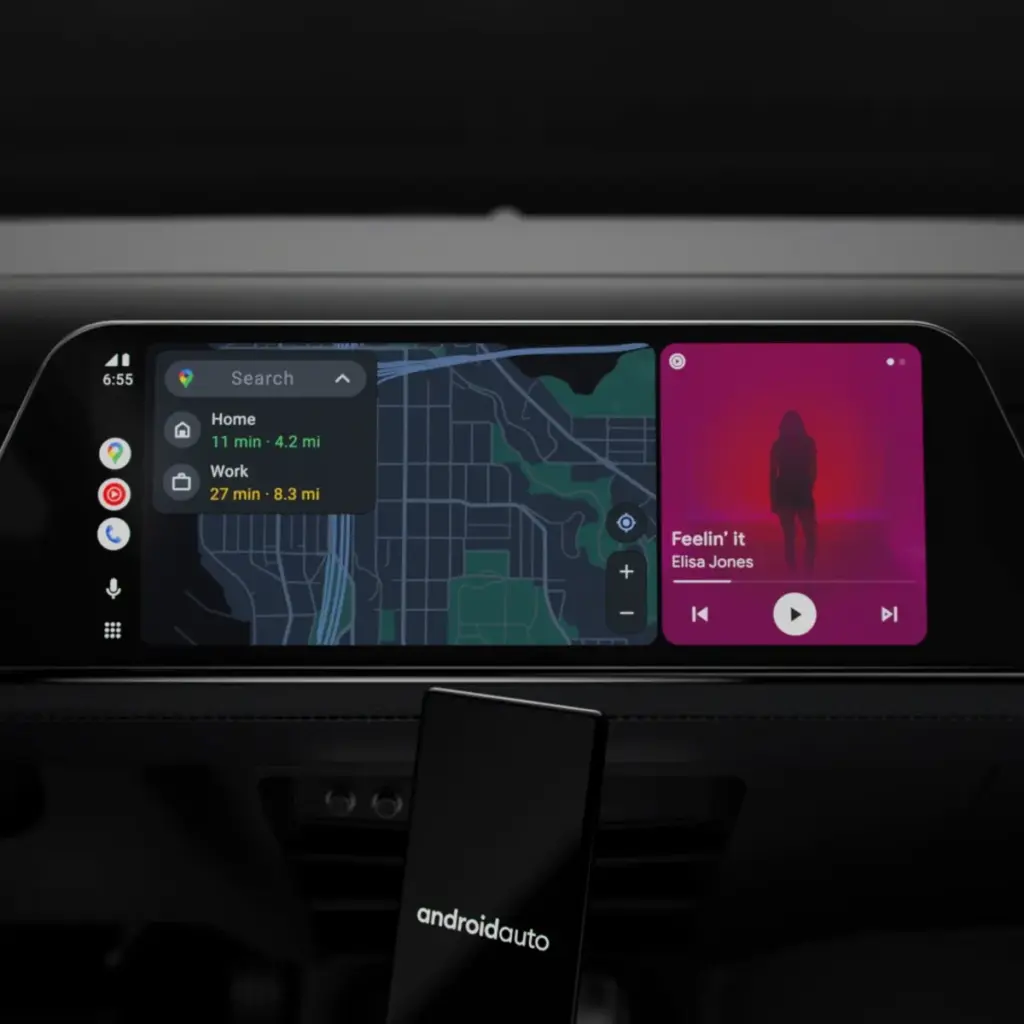
    Users will still be awaiting the new Widgets feature, which borrows from Apple CarPlay by enabling users to install application widgets straight to their infotainment screen, even after the new version arrives. It’s also important to note that this update is released prior to Google preventing some Android phones from getting Android Auto updates.
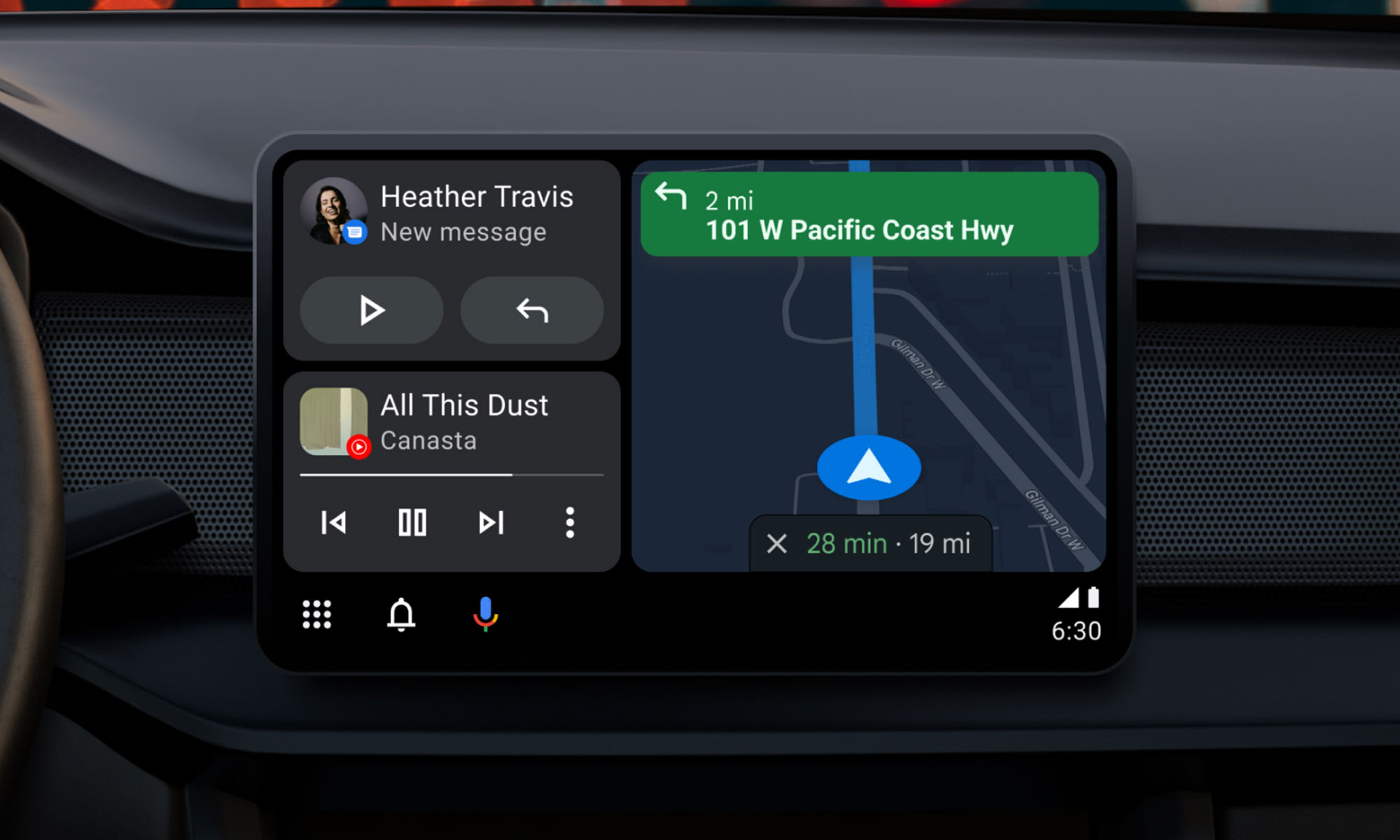
    Android Auto update

    What to expect in Android Auto 15.4

    Android Auto 15.4 is currently gradually making its way to all Android users after launching in Google’s beta program in October. The APK is available to anyone who is prepared to upgrade manually, but the new update is coming in waves for those who can’t wait. On an Android device, just download the APK from APKMirror, choose the file, and then allow it to install.

    By the end of November, Android Auto 15.4 will be available to individuals who are prepared to wait for the latest version. Unfortunately, Google no longer provides release notes for Android Auto, so we are left in the dark about what’s new. The removal of Google Assistant for the AI assistant Gemini—which is already taking place in some GM cars as the company discontinues CarPlay and Android Auto—as well as the addition of new call notes and a new call screen are among the changes anticipated to occur this year, according to autoevolution.

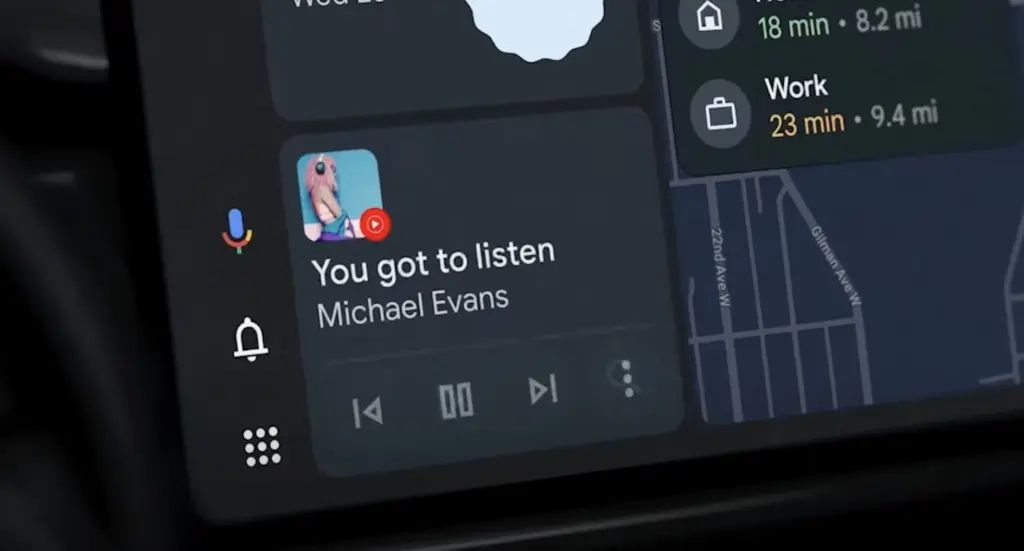
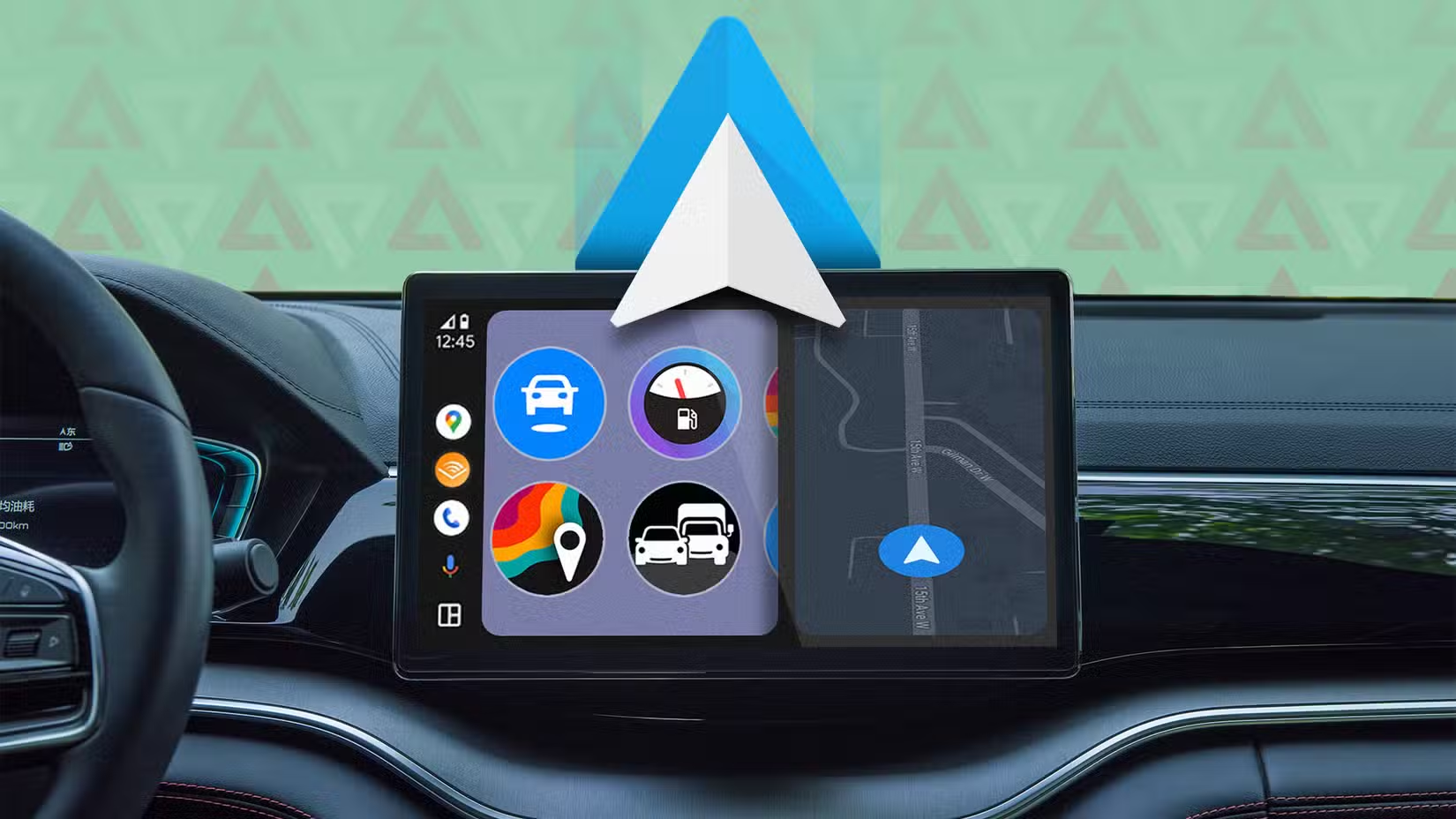
    There are numerous bug improvements in Android Auto 15.4 for devices that are experiencing trouble connecting to Android Auto, particularly the Google Pixel 10. Additionally, the update enables users to apply the accent colors from their phone’s wallpaper on their infotainment screen. Google Maps allows users with smaller infotainment screens to report on traffic, something that was previously exclusive to users with larger panels. Users can report information about construction, traffic accidents, and speed traps, just like with the well-known Waze app.
  • New Android Auto update brings smarter features and better safety

    New Android Auto update brings smarter features and better safety

    The Mountain View tech giant has more good news for Android users than just the recent announcement that call recording will be available in all areas where Pixel phones are sold.

    Android Auto gets Call Screening and Call Notes in latest update

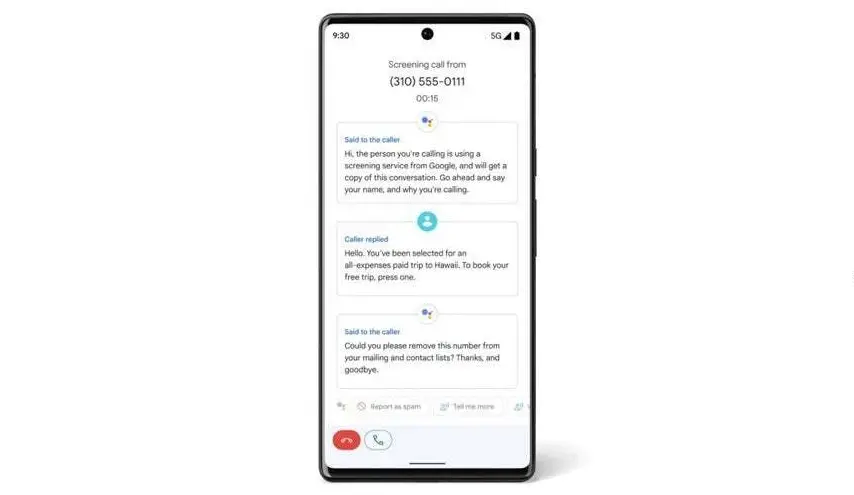
    Android Auto can now screen calls in your car using your phone thanks to a recent upgrade. Later this year, Call Notes will also be available on Android Auto for crucial talks in which you are unable to take notes since you are ostensibly driving at the time.

    These two Android Auto improvements are quite useful. Particularly useful is call screening, which can spare you time by preventing you from taking pointless calls while operating a motor vehicle.

    Android auto call screening

    Unknown callers and those not on your contact list can use the service. After it asks the caller who they are and why they are calling, you will receive this information. In this manner, you have the option to accept or reject the call.

    Conversely, Call Notes generates a text synopsis of your conversation. The Pixel 9 series was the first to implement the functionality. If it’s a business call, this Android Auto feature will be quite useful.

    Call Screening is becoming a must-have feature for smart car systems

    These two new features make it even more practical. Apple, Google’s primary rival, has the Call Screening feature on its most recent iPhone models (which come with the just released iOS 26). The feature is compatible with CarPlay, Apple’s technology for connecting your phone to your vehicle’s infotainment system.

    The ability to screen calls is quite helpful, particularly when driving. Bravo to Google for introducing it to Android Auto, as it removes annoying calls without requiring you to answer or handle them.

    I’m thrilled that Google is adding these two fantastic new capabilities to Android Auto. In fact, I believe they are far more helpful for Android Auto than for your phone, and the same is true for Apple’s version. When I’m driving, I would absolutely appreciate these two features. I now hope that things will function well and without any issues.

  • How to download Android Auto 8.2

    Although it’s not everyone’s cup of tea, this strategy has been employed by Google for a while and makes a lot of sense.

    This is due to the phased rollout strategy giving Google more time to monitor the rollout and identify any potential difficulties in advance, effectively lowering the possibility that new app versions may seriously affect the devices on which they are installed.

    The most recent version of the app, Android Auto 8.2, is currently available to users. Fortunately, there is a quick method to download the program without having to wait for it to appear on the Google Play Store.

    android auto

    You should be aware that this alternate option essentially involves manually downloading Android Auto 8.2 onto your smartphone. To accomplish this, you must download the standalone APK installer and then run it on your device.

    The Android Auto 8.2 APK installer should first be downloaded from this page. Once the download has finished, navigate to the file’s destination and tap it.

    You should be prepared to move on at this point if your Android device is set up to permit the installation of apps from sources other than the Google Play Store. If not, the operating system should automatically prevent the installation and ask you to approve its completion.

    When the installation is complete, which shouldn’t take more than a few seconds, Android Auto should function normally. When manually installing the most recent update, you do not need to remove the version that is already installed on your device.

    What’s new in Android Auto 8.2

    android auto download

    There isn’t much information available on this front because Google hasn’t published a thorough changelog. However, based on the most current user comments on social media, it appears like Android Auto 8.2 doesn’t bring about any noteworthy changes other from a bug that most users would find annoying.

    The weather and temperature icons in the status bar appear to be gone in Android Auto 8.2, although as was previously said, this is probably simply a quirk since hardly everyone notices it.

    Since no workaround has been found, it appears to be a server-side bug that Google should be able to resolve without releasing another update.

    What’s not included in Android Auto 8.2

    Since everyone seems to be anticipating the revamp of Coolwalk in Android Auto, you’ll likely be disappointed to learn that version 8.2 doesn’t bring any changes in this area.

    In other words, if you hurriedly downloaded and installed Android Auto 8.2 in the hopes of obtaining Coolwalk, this UI change isn’t yet accessible. You should also be aware that Google will enable the new function with a server-side switch, so the distribution of Coolwalk isn’t dependent on a specific Android Auto update.

    The majority of the code for Coolwalk is already present, therefore Google is currently only focusing on final polishing. This indicates that the release of Coolwalk shouldn’t be too far away, even though there is currently no other information on the ETA.

    If you don’t want to manually install version 8.2 on your smartphone, the wait shouldn’t be too long as the automated deployment of Android Auto upgrades normally ends after a few weeks. In other words, as part of the gradual deployment described above, this most recent version of the app should be made available to all Android smartphones running Android Auto by the end of the month.