While Google’s latest Pixel devices are typically the first to be launched with Android’s latest flavor, Chinese OEM Vivo hit Google with its Vivo V20 last year. The device was the first new smartphone to launch Android 11 out of the box, hitting the new Pixel 5 and Pixel 4a 5G by just a few hours. Since then, Vivo has launched a few other devices running the latest Funtouch OS-based Android 11 flavor, but the company has yet to release updates to older devices.
Although Vivo has previously released a Funtouch OS 11 beta for the Nex 3S 5G and the iQOO 3 4G/5G, the company hasn’t shared an update timeline for other devices in its portfolio. That changes today, as Vivo has now shared a Funtouch OS beta roll-out plan on Twitter. According to the tweet, Vivo has already started rolling out the Funtouch OS 11 beta to the X50 Pro last month. The Vivo V19 and X50 should start receiving their first beta releases by the end of this month.
Older devices, like the Vivo V17, V17 Pro, V15 Pro, and S1, will start receiving the first Funtouch OS 11 beta by the end of March 2021. The Vivo S1 Pro, Z1x, and Z1 Pro will follow soon thereafter by the end of April 2021. And finally, the Vivo V15 will receive its first Android 11 beta by the end of June 2021. The beta releases for all the aforementioned devices will roll out in a staggered fashion, with users receiving the update in small batches. Once Vivo ensures that the beta release doesn’t have any critical bugs, the devices should receive the stable version of Funtouch OS 11 based on Android 11. As of now, the company hasn’t shared a release timeline for the stable update.
It’s worth noting that Vivo has already launched a new Android skin called OriginOS, which is expected to replace Funtouch OS in the future. But, for the time being, the company hasn’t clarified exactly when the new Android skin will land on its devices. Currently, Vivo X60 and X60 Pro are the only devices in its portfolio to run OriginOS 1.0 based on Android 11.
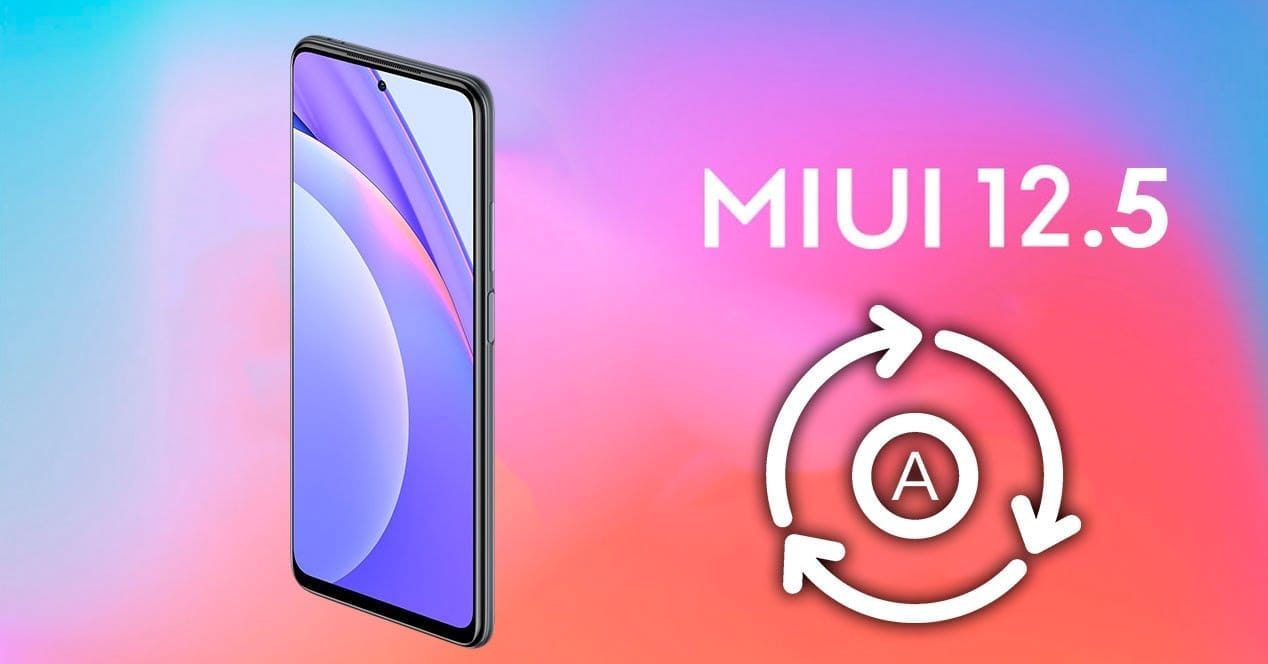
MIUI, one of the world’s most common mobile operating systems, is Xiaomi’s favorite. Although the news about MIUI 13 has recently been published, MIUI 12 has not been forgotten. Xiaomi is creating MIUI 12.5 pursuant to the announcement made today. This update contains big developments and optimizations and prepares MIUI 13 for Xiaomi users.
Tests for MIUI 12.5 commenced today, according to the announcement made by Xiaomi. The closed Beta version will be suspended for a time starting from 12.14 in order for engineers to better concentrate on this update.
New features in MIUI 12.5
Approximate location
MIUI 12.5 will protect your location privacy better. With the new feature added, you can notify the application of your approximate location, not your exact location. In this way, the application cannot follow you.
MIUI 12.5 would give the volume controller, which has not changed for a long time, a much more elegant look. It hasn’t introduced a new feature, but it has new animations and a new look.
At power menu there are no new functions or features, the design has been improved.
New animations
The animation when folder and extracting the app has been improved.
You can quickly convert any photo to PDF in your gallery.
New recents
The latest app style that changed with MIUI 10 is now customizable with MIUI 12.5! With the new update, you can revert to MIUI 9 style. With this feature, the foundation of a structure that allows you to fully interfere with MIUI was laid. With MIUI 12.5, you can use recent apps horizontally.
Is the camera application with new features added every day getting complicated? With MIUI 12.5, this complexity has been replaced by a plain interface.
Cleaner interface
The cleaner app’s interface got a little more serious.
The MIUI 12.5 update will likely be released in February. After the MIUI 12.5 update, MIUI 13 and MI 11 will be introduced. One of the first devices to use MIUI 12.5 might be the MI 11.
Recently, one of Huawei ‘s officials confirmed in an interview that the company is planning for the EMUI 11 user interface to become the last in the firmware sequence of the manufacturer’s firmware before transitioning to its own operating system. So, it’s interesting to see which devices from Huawei are going to update to EMUI 11.
The full list of models that will receive the update can be found on the company’s official timeline. And note that this is the Chinese edition of EMUI 11.
All of these devices are the first devices to get the patented HongMeng OS (Harmony OS) operating system, with a high degree of likelihood. Note that Huawei aims to move its devices to operating systems that are proprietary. EMUI 11 is, in reality, a transitional firmware version. It will mark the change to their own OS for the company’s gadgets.
HongMengOS 2.0 beta is already ready for different devices at the moment, including TVs and smartwatches. We expect that on mobile devices, this specific firmware update should arrive. On this matter, we are waiting for official comments from the organization.
A new report from MyDrivers cites an interview with Wang Chenglu, head of software development at Huawei Consumer Business Group. The interview raised the question of how the company plans to replace EMUI 11 with the Harmony (or HongMeng in China) operating system. To this, Chenglu replied that EMUI 11 already uses the same framework as HongMeng; the same system scheduler, and other similar elements.
It can be understood from these terms that the new version of EMUI, based on Android 11, was developed specifically as a transitional version, which prepares the devices for the adoption of the first public HarmonyOS update.
The new version of the firmware, HongMengOS 2.0 beta, is currently ready for different smart devices: TVs, watches, etc. It is suspected that smartphones would have to come with this unique version of the firmware. We’re going to wait for formal statements.
Realme1 is a legendary device which disrupted the market with its performance to price ratio back in 2018. Today also this old gun can compete any budget device in terms of performance. Since the official support has ended months ago I wanted you guys to be aware of the Custom ROM developments going on. So below is a list some the custom ROMs designed for Realme 1. A huge thanks to all hardworking developers behind these ROMs .
Installation process
Please familiarize yourself with flashing and custom rom use before attempting to flash the rom. Please make sure you download the correct version of ROMs for your specific device. Make sure you have TWRP installed.
➼Download the latest Rom & the latest GApps package
➼Boot into recovery
➼Backup your current ROM (optional)
➼Perform a FULL factory wipe and wipe /system and dalvik cache as a precaution
➼First boot may take up to 10 minutes. This is due to Gapps and root optimization.
BlissRoms based on Android 10
Bliss ROMs comes with a wide selection of customization options from around the Android community as well as unique options developed by our team. With so many options available, you’ll find it hard not to enjoy the Blissful experience.
????BUGS????
➼SELinux is permissive
➼VoLTE
➼Video codec issues in all Chromium-based browsers.
Project Sakura is a custom ROM built around Lineage OS 17.1, It tries to remain true to it while also providing some more functionality and UI changes.
????BUGS????
➼SELinux is permissive
➼VoLTE
➼Video codec issues in all Chromium-based browsers.
LineageOS is a free and open-source operating system for set-top boxes, smartphones and tablet computers, based on the Android mobile platform. It is the successor to the custom ROM CyanogenMod.
????BUGS????
➼ Selinux is permissive.
➼ Video codec issues in all Chromium based browser.
AOSP Extended is an AOSP based ROM which provides stock UI/UX experience with useful customizations. Being based on AOSP it provides a smooth experience. We have added useful customizations from various other open-source projects and have tried to keep our things simple. A ROM by a user, for a user. #BeExtended
????BUGS????
➼ Selinux is permissive.
➼ VoLTE.
➼ Video codec issues in all Chromium based browser.
The Kali NetHunter is an Android ROM overlay that provides a robust Mobile Penetration Testing Framework. A custom kernel, a Kali Linux chroot, and an associated Android application are included in the overlay, making it easier to communicate with different security tools and attacks.
802.11 Wireless Injection and AP mode support with multiple supported USB wifi cards.
Capable of running USB HID Keyboard attacks, much like the Teensy device is able to do.
Supports BadUSB MITM attacks. Plug in your Nethunter to a victim PC, and have your traffic relayed though it.
Contains a full Kali Linux toolset, with many tools available via a simple menu system.
USB Y-cable support in the Nethunter kernel – use your OTG cable while still charging your Nexus device!
Software Defined Radio support. Use Kali Nethunter with your HackRF to explore the wireless radio space.
The power of NetHunter does not stop there, however. We’ve introduced some awesome features that are both powerful and special into the NetHunter OS. From pre-programmed HID Keyboard (Teensy) attacks to BadUSB Man In The Center attacks, to one-click configurations of MANA Evil Access Point, access to the Aggressive Protection Exploit Database … And yes, with a range of supported USB NICs, NetHunter natively supports wireless 802.11 frame injection.
Kali NetHunter is a popular Android ROM penetration testing platform that is open source. The developers behind the ROM made it, along with older OnePlus phones and some older Samsung Galaxy phones, to work on Google’s older Nexus smartphones.
Prepare your phone
It must be rooted in a software like SuperSu before you download and install Kali NetHunter on your Android computer. You will need to have the BusyBox app from the Google Play Store enabled. You should also have plenty of usable free storage on your Android computer. Lastly, custom ROMs such as CM12. It is also a good thing to have CM12.1 and CM13 ready to go, but they are not completely important.
Install Kali NetHunter
Once your phone is prepared, go to the Offensive Security website and download the Kali NetHunter ROM version that corresponds to your Android version on your device.
DOWNLOAD KALI NETHUNTER
Once that’s done, you should extract the Zip file. Then go to /data/app and install the apps present in that folder one by one.
Then open up your preferred root explorer app, and go to /data/data/com.offsec.nethunter/files/scripts.
Copy all the files and paste into /system/bin (Note: If you don’t see the folder or content in files/scripts, open NetHunter app and then close it and check again)
Open the Nethunter App and Go to the Kali Chroot Manager and install the “Minimal Chroot”. You can also select “Full Chroot” but this is not recommended.
Open Terminal Emulator or nh-terminal and choose “KALI”. This will open up Kali shell. You may be prompted to allow root permission.
Run the following commands in the terminal one by one: apt-get update, apt-get upgrade, apt-get dist-upgrade, apt-get install kali-linux-nethunter
How To Install
-Download the ROM and GApps of your choice
-Make a full wipe (system, data, cache, dalvik)
-Flash Firmware -Flash Rom
-Flash GAPPS package
-And at last Reboot! Clean Flash is always recommended!
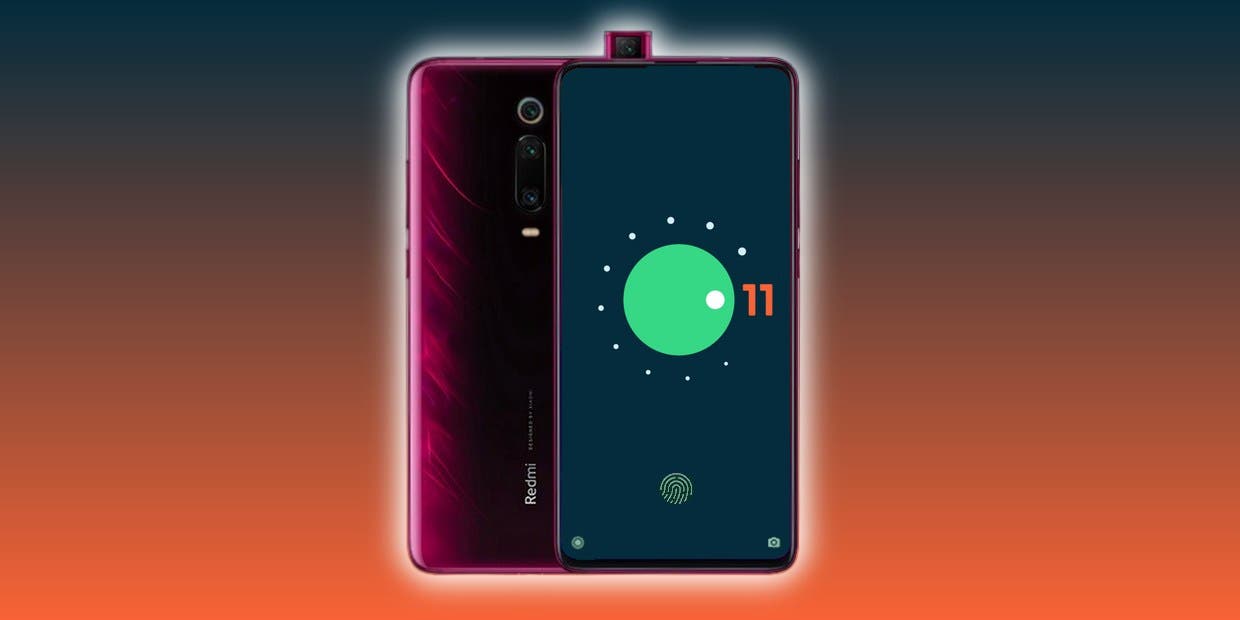
As you might well be aware by now, Android 11 ‘s stable version has now been released to the public. Google’s Pixel phone series and a handful of Xiaomi devices have entered the upgrade train so far, while official beta builds are available for the OnePlus 8 lineup, the Samsung Galaxy S20 series, and many other smartphones from various OEM’s.
The source code for the newest Android version is also available on AOSP, which is undeniably a critical ingredient for compiling custom ROMs based on Android 11. In reality, the Redmi K20 Pro / Xiaomi Mi 9 T Pro has already been given a fairly functional AOSP 11 ROM for vanilla.
Now, more Android 10 custom ROMs have begun popping up in our forums for devices like the Xiaomi POCO F1, OnePlus 5/5T, Essential Phone, and the ASUS ZenFone Max Pro M1; and we expect even more to come along the way in the coming weeks. We’ll add and update this list with some of the first set of Android 11 builds and custom ROMs for a wide range of devices!
Apart from the above mentioned ROMs, we will see a lot of custom Android 11 builds released in the weeks to come. Not all custom ROMs ship with Google apps pre-installed though. If you’re looking for an acceptable delivery of GApps, then you’ll be pleased to know that Nikhil, XDA Senior Member, has stepped up and launched an updated version of the NikGapps kit.
The SetupWizard module within this Gapps distribution is known to be problematic, but you can remedy this by skipping the module using nikgapps.config or flashing the variant without SetupWizard.
Corvus OS is another Android custom ROM with many customization.
First, it’s inspired by Dirty Unicorns, but developers picked many other features too. Their objectives are a stable and feature ROM that can be enjoyed by many devices.
Developers won’t say that Corvus is better ROM than others, but we always try to give you the best.
CorvusOS v9 changelog (2020.09.12)
Merged September Security Patch
Bumped to the EndGame 9.0
Added More QS Tile Styles (OOS, Divided & Cosmos)
Added toggle for carrier group visibility
Updated QS tile icons (Airplane Mode, Dark Mode, Data Saver, Flashlight & Mobile Data)
Added some new Headers (One-piece Anime pack, Hunter x Hunter, Shingeki no Kyojin, Kimetsu no Yaiba, My Hero Academia)
Added Mi 10 Ultra FOD animations
Beautify airplane & mobile data icons
Imported back arrow from OOS
Added Option to use linear scale in BrightnessController
Redesign some drawables in Settings
Fixed crash when uninstalling apps with fragile data
Fingerprint: fix client was canceled by service by mistake
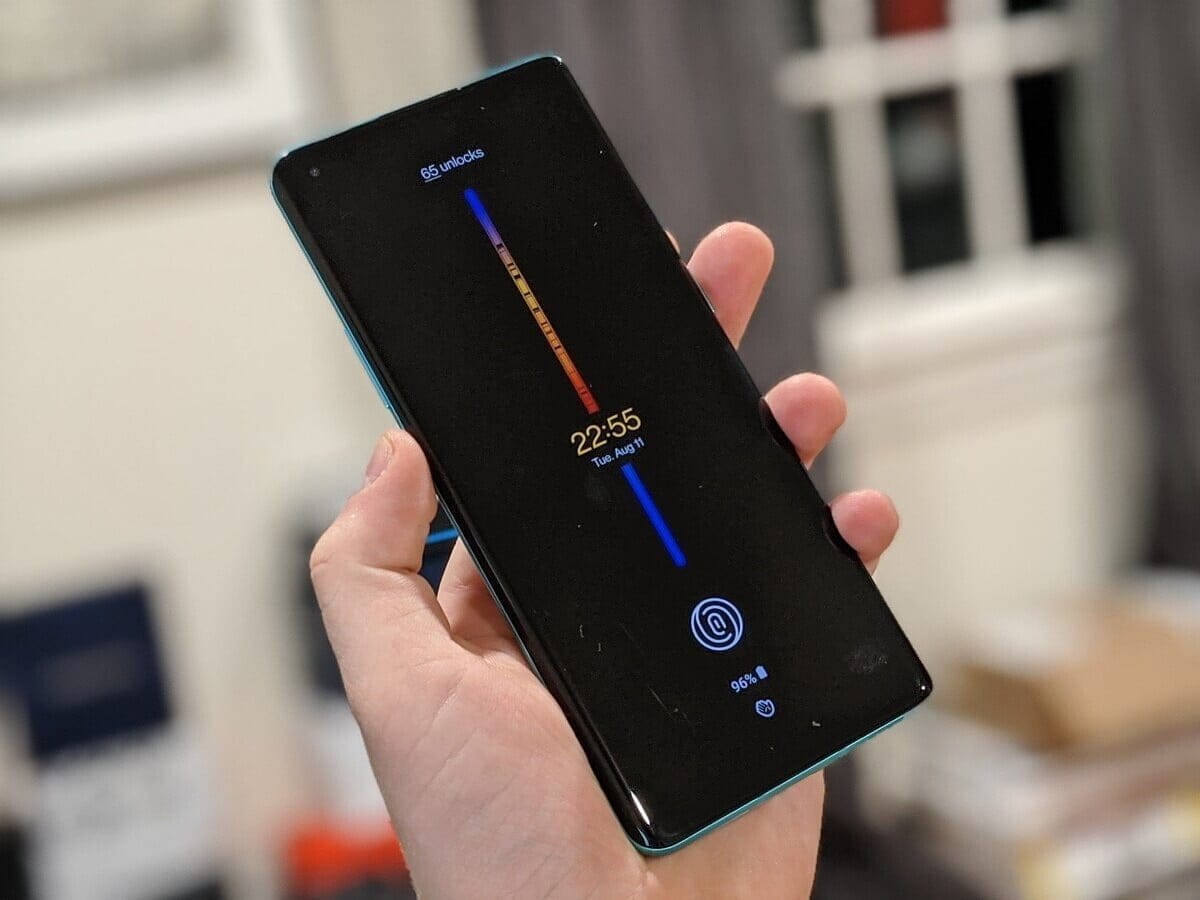
Interestingly, Google released the brand latest Android 11 late last night. Interestingly, the latest Android 11 is available for non-pixel smartphones this time too. OnePlus published the developer preview of Oxygen OS 11 for the OnePlus 8 series a few months ago. The brand has launched the beta public which means that everyone owning the system will install the latest update.
The new UI will get both Oxygen OS 11 features as well as Android 11 features. Most of you remember that the Oxygen OS 11 is almost similar to the OneUI 2.1.
As reported, both the OnePlus 8 and the OnePlus 8 Pro are available for the new update. Those who are eager to try the latest UI will download and install the same with minor glitches. Follow our manual to install the latest Oxygen OS 11 in your system.
How to install Oxygen OS 11 (Android 11) in your device!
Oxygen OS allows you guys to download and install locally. There are some custom UI’s which doesn’t allow the same. We might have to navigate to recovery for doing the update. But, as said updating OnePlus devices manually isn’t a huge task.
Download the public-beta file from OnePlus community or by following the below links
Once the file is downloaded, move the same to the internal storage.
Now, navigate to Settings, and tap on System.
Once you reach, click on System Update, and select the “Settings” icon from the top right.
After this, click on “Local upgrade”, and choose the file which you have downloaded earlier.
Now, tap on install, and your device will be upgraded to the latest Android 11
Do check out the “About Phone” page for verifying the update.
As of now, no users reported any major bugs after installing the new Oxygen OS 11 on top of Android 11. What we can understand from here is that, you can this as a daily driver. Do let us know if you have any doubts on the same.
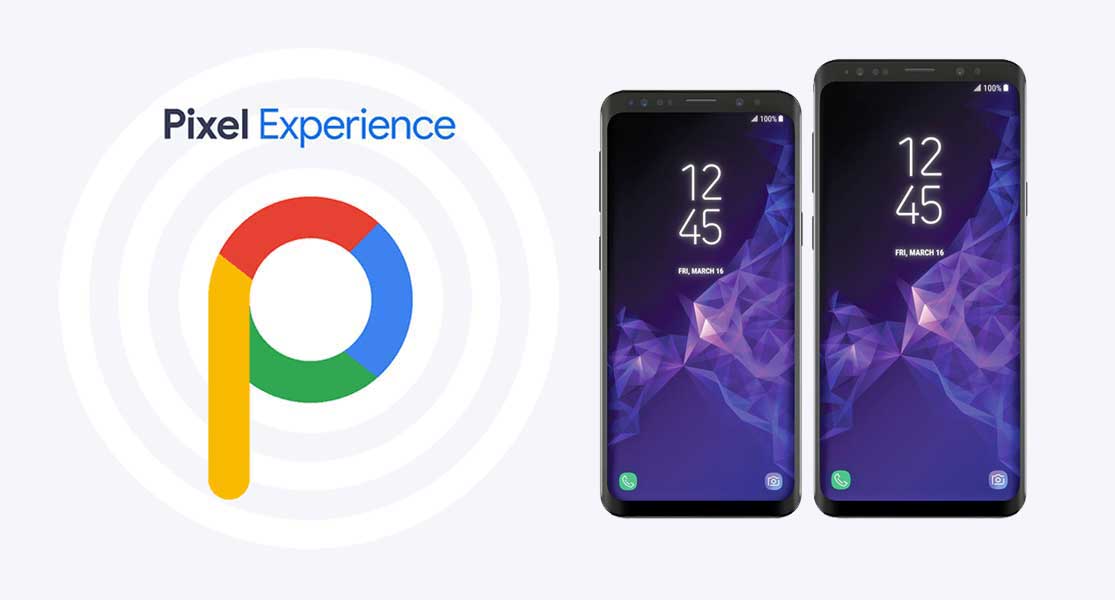
PixelExperience is an AOSP based ROM, with Google apps included and all Pixel goodies (launcher, wallpapers, icons, fonts, bootanimation).
Their mission is to offer the maximum possible stability and security, along with essential and useful features for the proper functioning of the device.
The new Android 10 brings new system UI, new gesture navigation, improved privacy and location control. The update also offers enhanced app permissions, foldable display support, security features, system-wide dark mode, etc.
The Android 10 also offers built-in call screening, multi-camera API, smart replies in the notification panel, 5G support, improved call quality, bubble feature, live caption, and more. While the latest version also improves battery life, Focus mode which is similar to the Do Not Disturb mode, etc. Apart from that Android 10 also features 65 new emojis. It also comes with direct audio streaming support to hearing aid devices.
It has all the features and applications which comes out of the box with Google Pixel smartphone. Now you can experience the real Pixel Smartphone with this ROM. With this ROM, you can enjoy
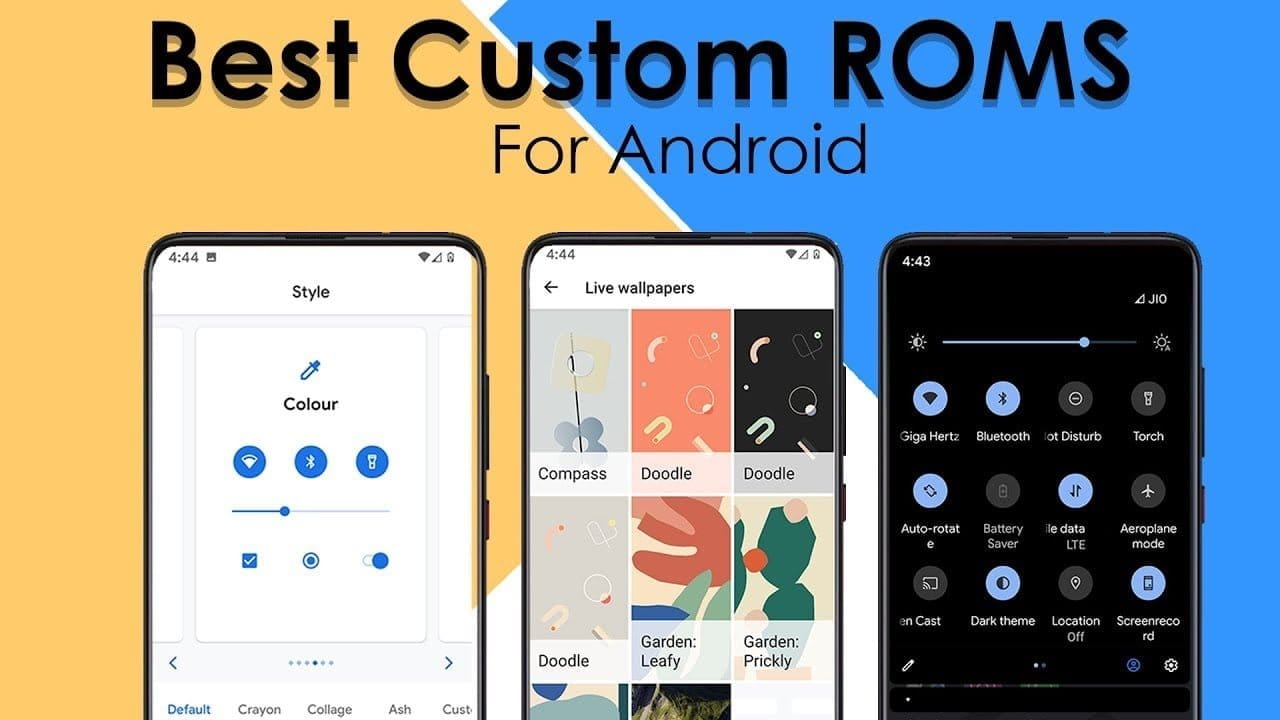
Everyone is aware of the fact that because of its customization feature, Android is one of the users’ most favored operating system, setting it apart from iOS and other operating systems. Android OS allows users to make a personalized version of Android depending on their taste and interests and that’s where personalized ROMs come in.
A custom Rom is essentially a firmware based on the source code provided by the Google app. These custom roms give you the opportunity to explore exciting features and learn about the latest design you can use to customize your Android app to your needs. One positive thing about Android custom ROMs is that they are free of bloatware, while offering strong customizations at the same time.
So, if you’re a guy who loves to customize and want to personalize your computer. So get ready to learn about some of the best Custom ROMs you can try right now and these ROMs can help you get the most out of your Android device.
Pre-requisites:
Unlock Boot loader
TWRP Recovery
Before installing a custom rom in your device make sure that you have an unlocked bootloader and a custom recovery like TWRP or CWM installed.
DerpFest OS – custom ROM
After initially booting the Rom. Unlike other Custom Roms that use Pixel ‘s stock Launcher, DerpFest uses a third-party launcher named Lawnchair, when you unlock the screen it will take you to the new launcher.
This launcher is highly customizable and you can adjust any part of your user interface and home screen believe me. By using Icon Packs, Colors, Grid Styles & More, you can change the Gui feel.
Now let’s think about the user interface improvements in the Center. This ROM creates a blur effect on the different UI components. If you look at the notification bar, you can see a beautiful blur effect on the background whenever you visit the Notification Center that differentiates how it looks from the stock edition.
If you’re a guy who loves Google phones and can’t afford to buy expensive smartphones then you can install Pixel Experience ROM in your device to get a pixel screen look to yourself. This custom ROM will turn your smartphone from icon to widget into a Google app with all of the scintillating functionality.
When you get a pure look of Google computer through this ROM you don’t want more than that. It’s quite identical with the original Google Rom so it’s able to give you a large number of customizations with all the ingredients you need to customize your computer.
Many users face stability issues in custom ROMs but this problem is solved by lineage rom which is a successor of cyanogen mod rom. Lineage OS has become the most common rom among users after cyanogen discontinued.
Lineage has been able to induce a large number of users to download their ROM which in a sense cemented the position of this rom in the market.
This ROM was also the key source of development for all the other Roms, since most of the Roms out there follow the lineage rom ‘s footsteps. Lineage rom offers some better personalization than others. You may wonder why lineage rom has not been able to make it to top of the list of most custom roms after such a strong reputation in custom roms.
In fact, lineage rom is not entirely based on customization, rather it gives due importance to all the factors required for a good custom rom such as reliability , performance, battery life, etc. and to cover this broad spectrum of user needs, these roms are doing their utmost and have managed to make their mark among the custom ROMs.
Resurrection Remix
In this list, Resurrection Remix grabbed third place. This rom is also an old market player, and started its development in the early days of Android 4.0. The key highlight about RR is its feature packed menu of settings loaded with attractive customization options which captured the users’ eye ball.
Resurrection Remix ROM has managed to remain a step ahead of them in a cut throat market as all the Roms have been innovating by upgrading the rom with exciting features. In addition to architecture, looks and configuration, the RR ROM development team is continuing to incorporate fresh improvements in rom to make it an exciting experience for users.
One limiting feature about RR is that it has jam packed stuff which can disturb the harmony of your device and you may face some stability problems.
As mentioned earlier in the preconditions pages, after installing some of the roms, you’ll need to flash your computer, which may be a concern for some of you, but don’t worry we’ve got a solution to all of your problems. If you want to save your computer from any unnecessary problem when flashing your app, AOSP is one of the best custom Roms.
I ‘m saying this because I’ve been flashing the custom roms of AospExtended for some time now, but I haven’t faced any kind of problem so far. From the rom ‘s name you can assume that it has lots of AOSP extensions.
Statistics are an exciting aspect for this ROM, and since its release it has over 1.3 million downloads, and as the number suggests, this has been the users’ favorite choice.
This rom is a combination of all the necessities of a custom rom, from navbar modifications to gestures, presentation designs combined with smooth buttery UI and exotic themes. Stability of this could bother you but overall it’s one of the best custom roms you’ve got to try.
Function plus reliability, you may be waiting for these items to be merged on the list so we’re with OmniROM here. It is one of the best custom roms that has managed to retain stability across all its updates.
There are two thrilling omni highlights which are open delta and free turn. This rom was used as a model for several of the custom rom designs, too. Elegant wallpapers, simple user interface and flexible features makes this a go for the users.
Paranoid Android
Paranoid android is one of the series that you might have seen all about once in your life. This rom is famous for its feature built in house, but after release of KitKat-based AOSPA.
This has slowed down compared. This has continued to be the best Custom ROMs in the game for quite a long time now, given the slow down.