Tag: xperia

  • Sony Xperia 10 IV – familiar design and improvements

    Sony Xperia 10 IV – familiar design and improvements

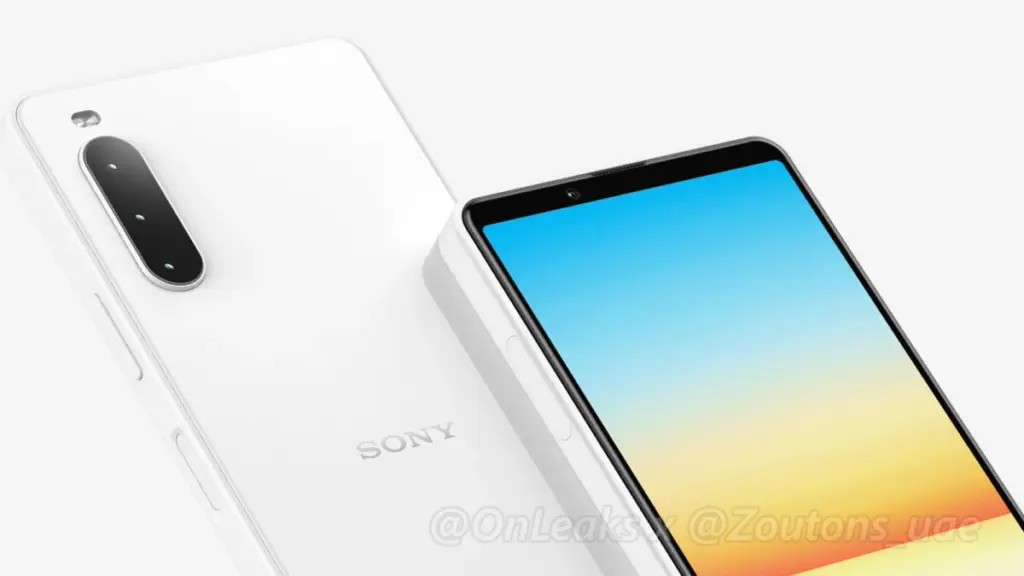
    For as big as Sony is, it’s never been a giant in the world of smartphones. That hasn’t stopped it from releasing new devices for its audience of devoted fans. A week after spotting renders showing off the Sony Xperia 1 IV, we’re getting a new look at another phone on its way from the company, in all its bezel-ful glory.

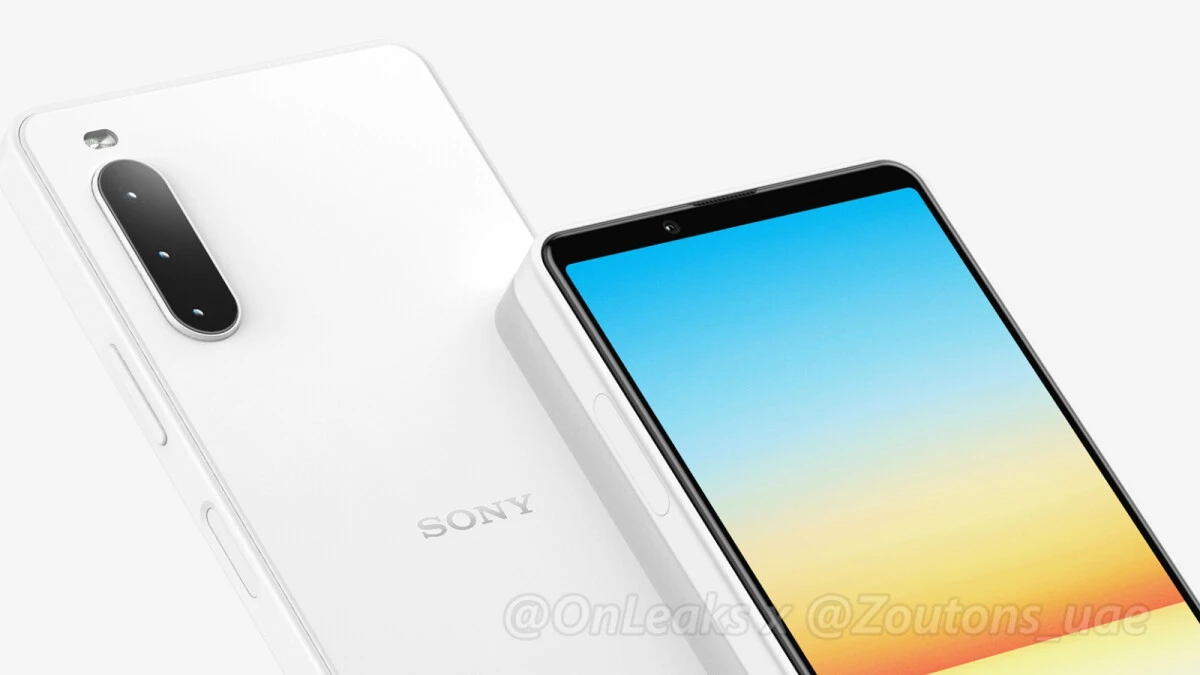
    These renders, courtesy of OnLeaks and Zoutons, show the future Xperia 10 IV with a familiar appearance. With a tall and thin 6-inch flat OLED display and those nostalgia-inducing bezels on the chin and forehead, the new phone looks a lot like the Xperia 10 III before it. Although they aren’t as large as they once were, they are still a far cry from the elegant, fullscreen displays found on handsets like the Galaxy S22 Ultra.

    The phone’s back is quite plain, featuring a triple camera array, an LED flash, and the Sony Xperia branding. It also has a fingerprint sensor on the side, a 3.5mm headphone connection on the top — rejoice, wired headphones fans — and a USB-C port on the bottom. There are two front-firing speakers.
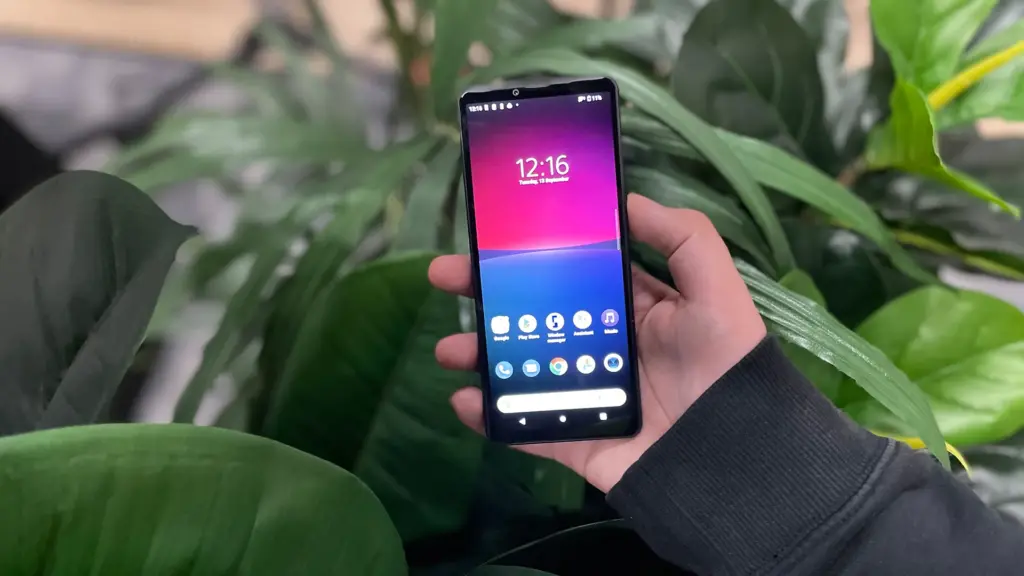
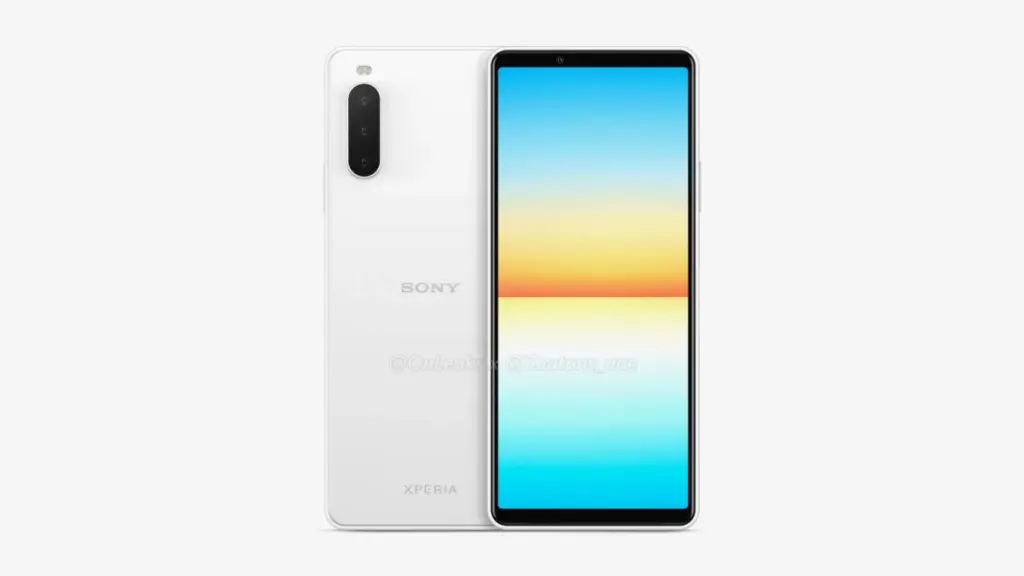
    Despite its numerous similarities to the Xperia 10 III, the Xperia 10 IV has a few exterior differences. There’s no distinct Google Assistant button, for example – barely a miss, given that there are so many methods to access Assistant these days that a physical control feels extraneous. However, a shutter button, similar to the one found on the Xperia 1 series, would have been a great substitute. When it comes to differences, the frame is likely the most evident. Sony appears to be following the lead of Samsung and Apple, since the Xperia 10 IV has flat edges rather than rounded ones.

    Sony’s upcoming Xperia 10 IV will likely have a Qualcomm Snapdragon 690 chipset under the hood, paired with 6GB of RAM and 128GB of internal storage on the base model. It’ll be powered by a 4000mAh cell and come in Black, White, Mint Green, and Berry Blue colors. Pricing and launch info are still up in the air, but the new smartphone is expected to hit the markets in mid-2022.
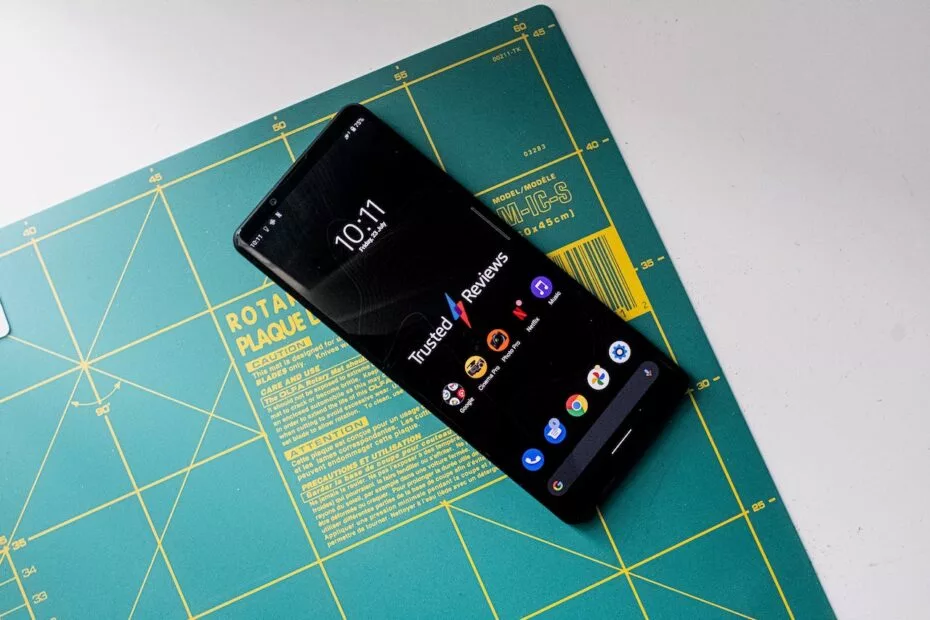
  • Sony releases Android 12 stable for Xperia 1 III and Xperia 5 III

    Sony releases Android 12 stable for Xperia 1 III and Xperia 5 III

    Samsung, Xiaomi, Oppo, OnePlus, and Motorola, among others, have already revealed their Android 12 rollout plans, with Samsung in particular updating its massive smartphone array across geographies at a breakneck speed. Sony has entered the party with their own schedule (if you can call it that), albeit without any precise device timelines. Regardless, the stable Android 12 release for the Xperia 1 III and Xperia 5 III flagships is now available.

    Sony releases Android 12 stable for Xperia 1 III and Xperia 5 III

    The Sony Xperia 1 III and Xperia 5 III are among the most recent devices to receive Android 12, with build version 61.1.A.1.149 and the December 2021 security patch instead of the one for this month (per XDA-Developers). According to reports, the update is presently being given out in Russia, but only to Asian dual-SIM editions of the Xperia 1 III and Xperia 5 III with version numbers XQ-BC72 and XQ-BQ72, respectively.

    We’ll have to wait and watch when other regions get the upgraded firmware because Sony failed to release a thorough global distribution strategy. The update does not yet have a device-specific changelog, but you can reasonably assume that it includes all of the new features listed on the company’s rather generic Android 12 support page.

    ezgif.com gif maker 7

    For those unfamiliar, Sony’s version of Android is minimal and only makes a few tweaks to the AOSP build Google distributes to Android OEMs. The company does, however, improve the experience by using a unique 21:9 aspect ratio.

    If you have an Xperia 1 III or Xperia 5 III and haven’t received the OTA update yet, go to Settings > Software update to manually check for it. Long screenshots, one-hand mode, increased privacy and security, and, of course, Material You should all be available after you upgrade your handset to Android 12.

    Source: Sony

  • 16 new devices get Lineage 18.1 ROMs

    16 new devices get Lineage 18.1 ROMs

    lineage os rom

    Lineage OS is the premier custom Android ROM, and one of its best features is that it is constantly evolving. The distributed team has added sixteen new phones and tablets from a few vendors in the last few weeks.

    Here are the phones that have been added to the list, or jumped from Lineage 17.1 to 18.1, based on Android 11. Some :

    To install Lineage, you’ll need to unlock the bootloader on your phone, install a custom recovery like TWRP, then load up the custom ROM file. Most users will also want to flash Gapps at the same time to get access to the Play Store and other Google services. Take note, while Lineage is great and its interface is fast and smooth, almost all builds are classified as “nightlies,” so a few bugs are to be expected.

  • Sony Xperia firmware tool – download

    Sony Xperia firmware tool – download

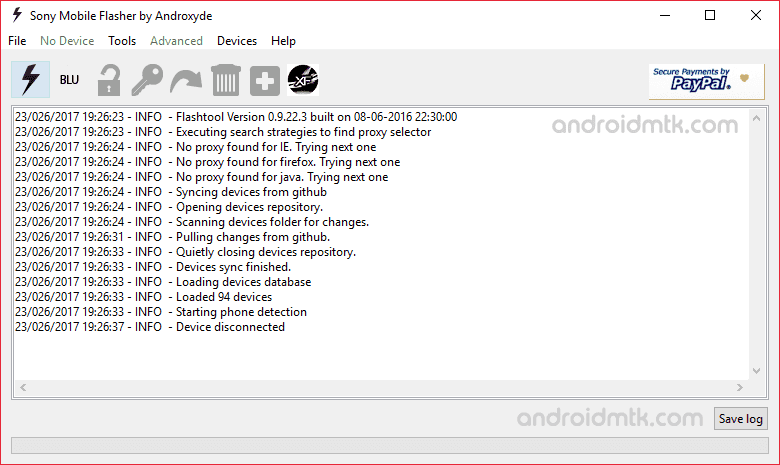
    Xperifirm Tool is a tiny yet efficient tool that enables users to update firmware for all forms of Sony Xperia tablets, smartphones or other gadgets. When you read on, it will be really useful, because you will discover lots of stuff about the Xperia download device. You’ll hear about the new version of the Xperifirm Tool including the latest update.

    sony xperia firware tool

    1. Tiny portable device: It is very lovely to know that Xperifirm is made as a little mobile app. You don’t have to install the application on your computer before using it; all you have to do is launch the device and get ready to make use of the tool.
     
    2. Download firmware: With the application (Xperifirm) you will freely download the stock firmware for all your Sony Xperia gadgets, not excluding the previous and latest version of it.
     
    3. Downloading alternatives: The application (Xperifirm) allows users to alter the settings of the download. You are free to choose the location where you want the firmware to be downloaded and can as well ask questions like “where should I download my firmware” or “where firmware should be downloaded.”
     
    4. Downloading utilizing proxy: Once you have this app, you will have free entry to the proxy. Xperifirm lets its users use proxy any Xperia firmware downloading. Just make sure that the proxy is set correctly, and then you enter the proxy information once you are done with the details voila! You are set to download firmware from the proxy.