Tag: watch3

  • Lowest price alert: Pixel Watch 3 drops ahead of Pixel Watch 4 release

    Lowest price alert: Pixel Watch 3 drops ahead of Pixel Watch 4 release

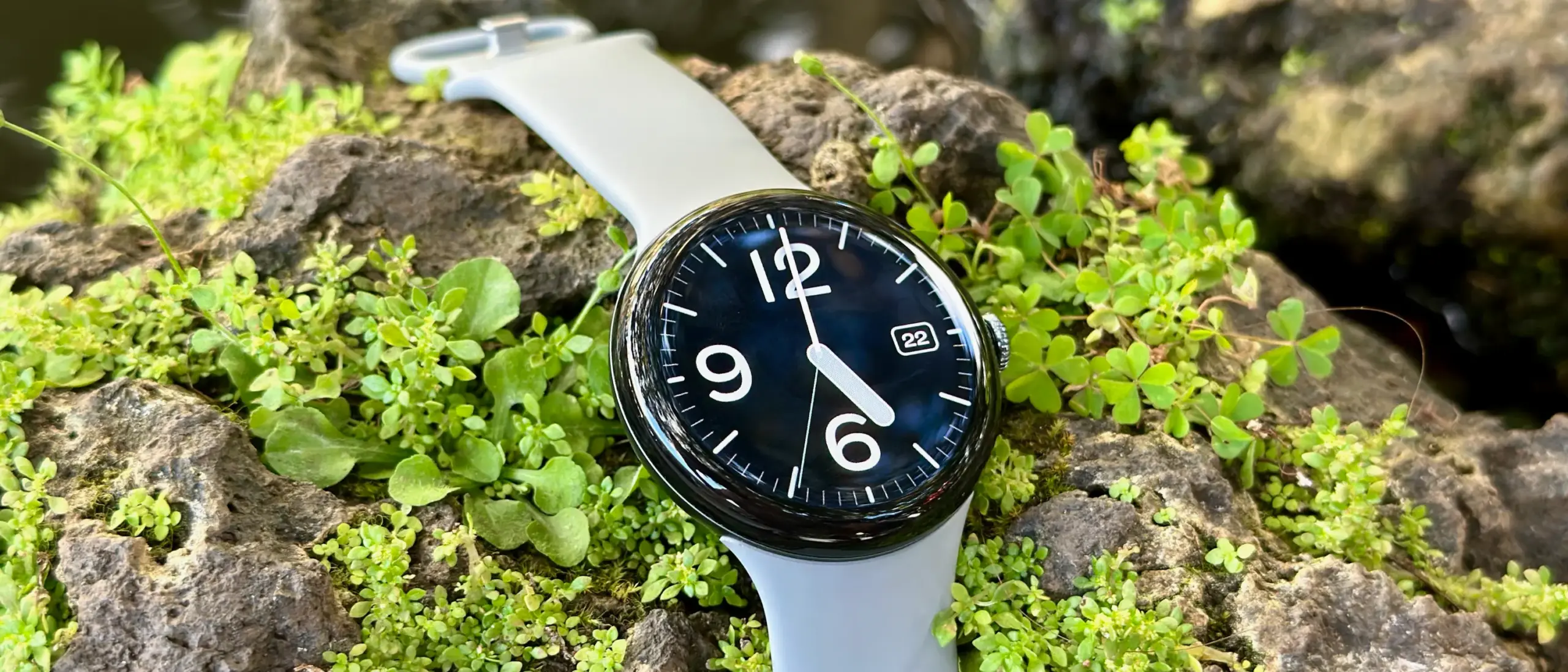
    This could be the ideal moment if you haven’t purchased the Pixel Watch 3 due to its high cost. Prior to the release of the Pixel Watch 4, Google has drastically reduced the smartwatch’s pricing. Amazon is currently offering a significant $50 (20%) discount on the Wi-Fi 41 mm variant, bringing it down from $349 to $299. For the smartwatch, this is a new low.

    The Champagne Gold version with a hazel band is eligible for the offer. Likewise, the 45 mm variant in matte black with a black band is also discounted by $50.
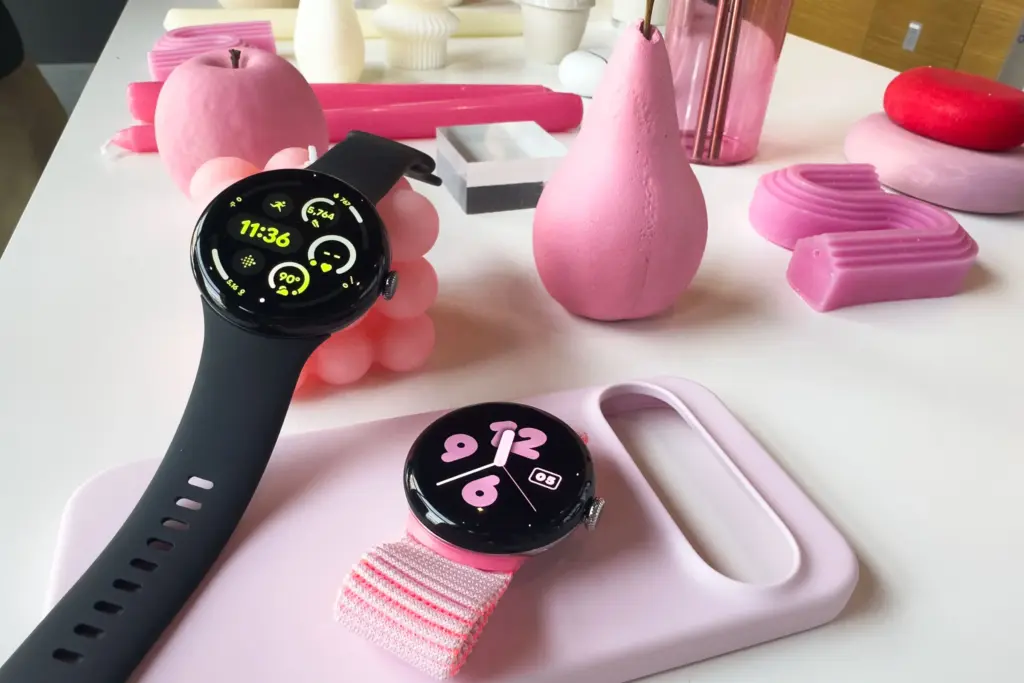
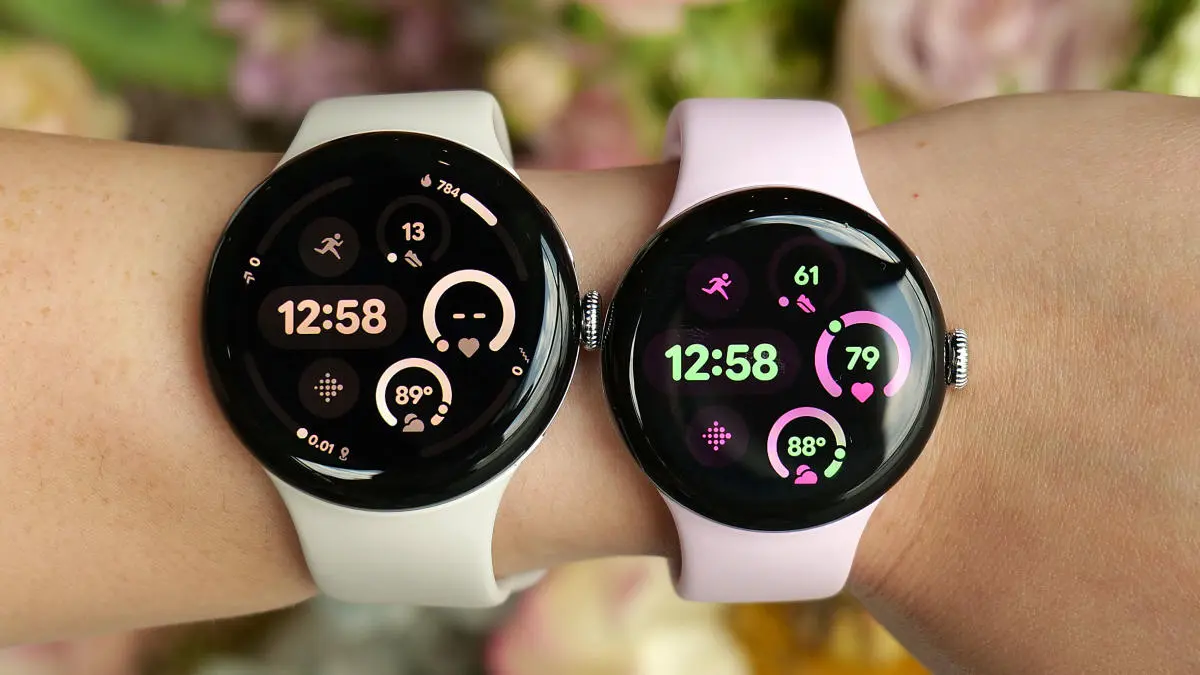
    pixel watch 3 in pink and black

    Top reasons to buy the Google Pixel Watch 3
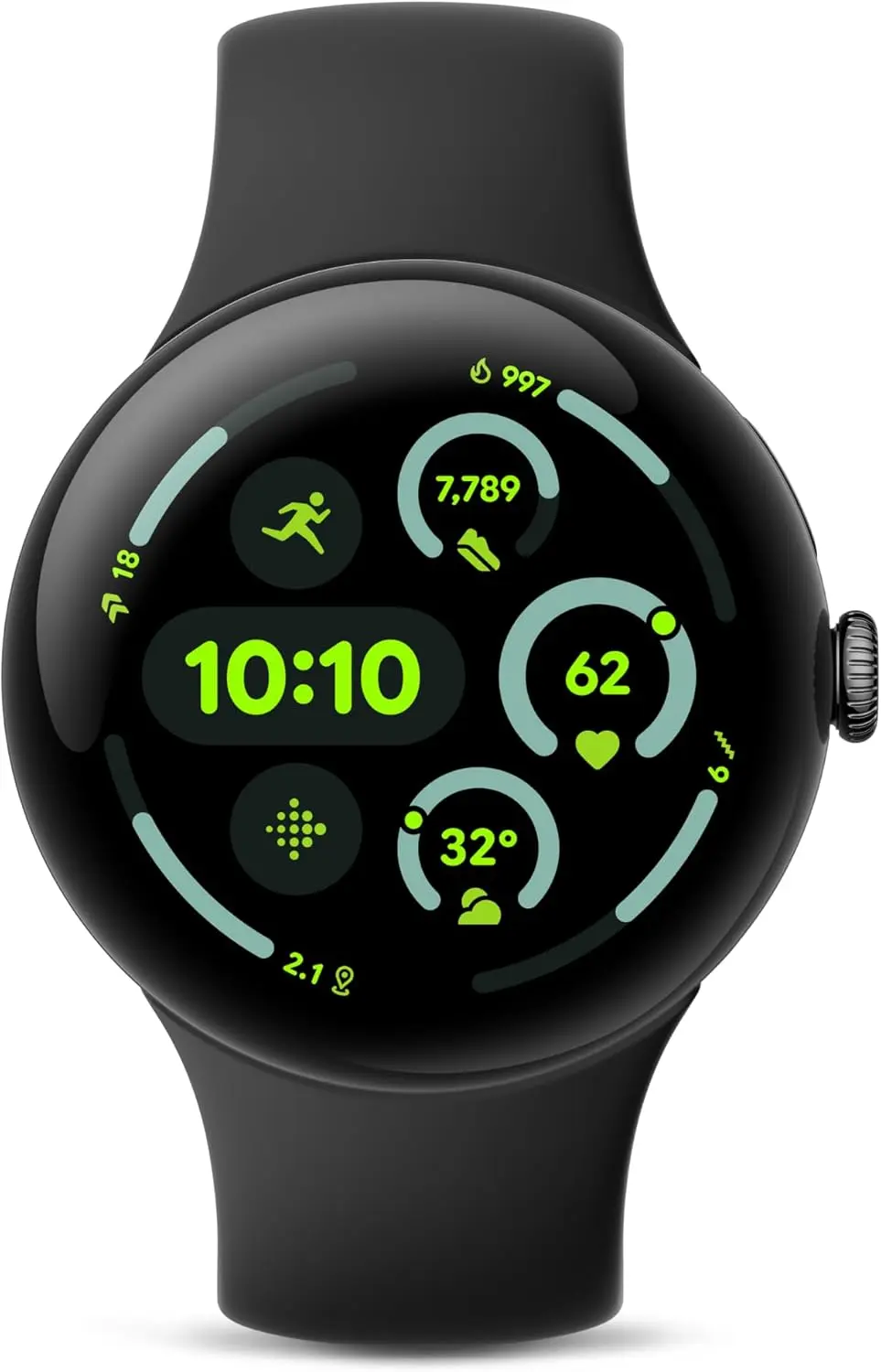
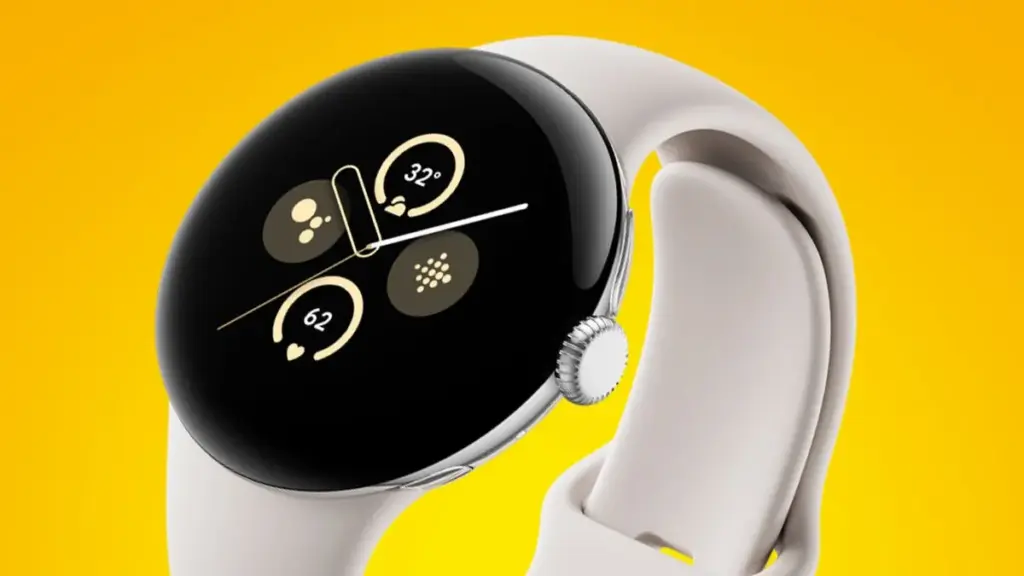
    pixel watch 3 in black

    Google Pixel Watch 3 (45mm) 2024

    The Google Pixel Watch 3 is designed for performance, with advanced fitness from Fitbit; the 45mm screen is twice as bright and 40% larger than before, making it easier to see your stats and info

    $299.99$249.99Amazon

    The Pixel Watch 3 was released last year, and its features are still strong. It’s perfect for people who want sophisticated health tracking and basic smartwatch features without having to shell out full cash for the impending Pixel Watch 4. All things considered, it is still a dependable wearable running Android.

    It has an aluminum shell, a curved display, and a circular, pebble-like shape, just like other Google smartwatches. The form fits the wrist easily, and it weighs only 31 grams. Upgraded to a maximum brightness of 2,000 nits, the 1.2-inch (41 mm) display is shielded by Gorilla Glass 5. The watch’s IP68 dust and water resistance and 5 ATM waterproof rating make it appropriate for aquatic sports.

    The Qualcomm SW5100 processor powers the Pixel Watch 3. It has improved sensors for temperature, blood oxygen, heart rate, and ECG with Afib detection for health monitoring. Because Fitbit’s high-end wearables use a cEDA sensor, it can also measure stress and provide detailed insights. You can use the well-known Readiness Score to evaluate your general physical condition and decide if you need to rest or train.

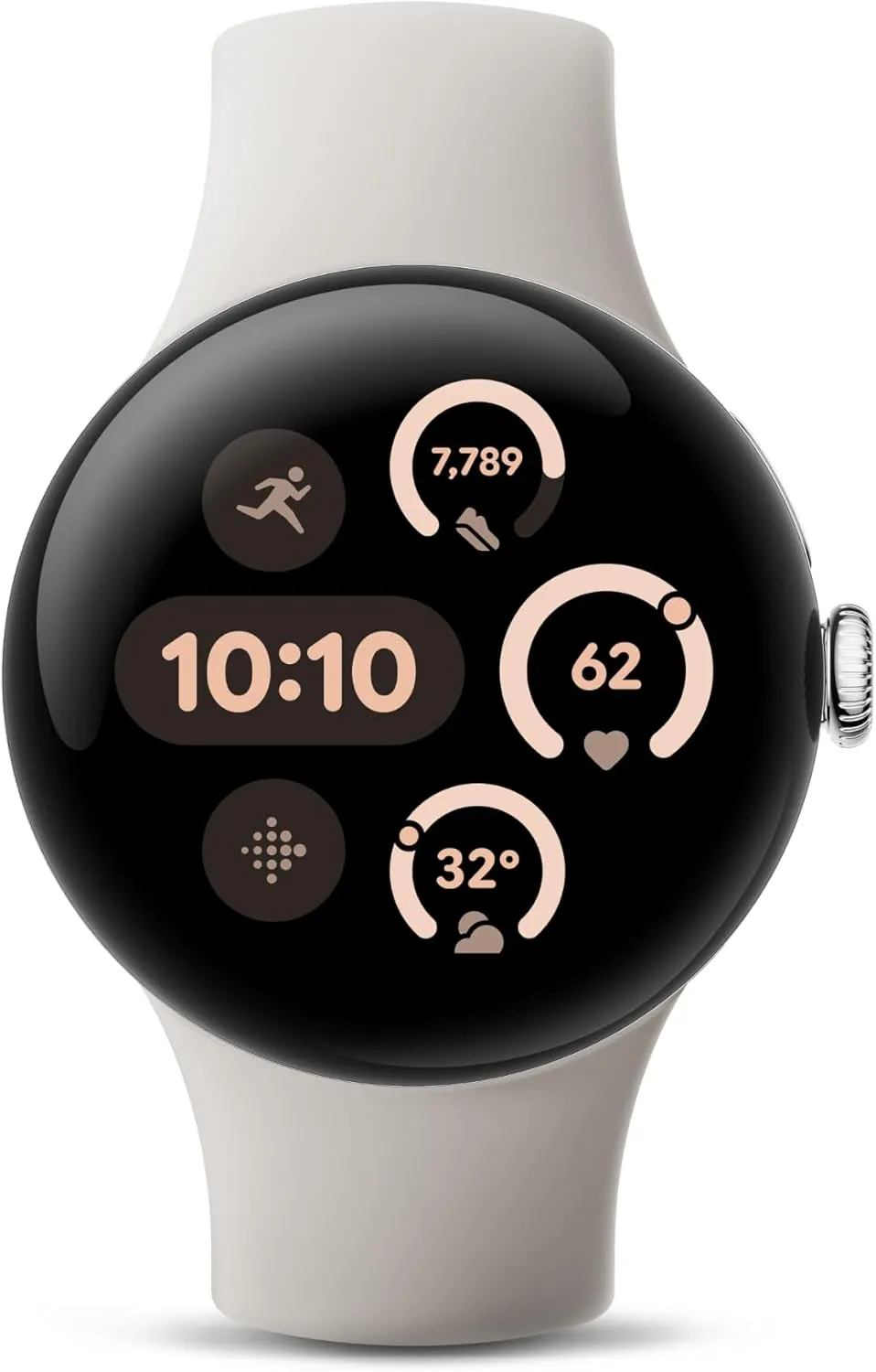
    pixel watch 3 in black

    Google Pixel Watch 3 (45mm) 2024

    The Google Pixel Watch 3 is designed for performance, with advanced fitness from Fitbit; the 45mm screen is twice as bright and 40% larger than before, making it easier to see your stats and info

    $299.99$249.99Amazon

    In terms of fitness, the Pixel Watch 3 debuted Cardio Load, which calculates the strain from everyday activities and offers customized goals. This feature is particularly helpful for runners and athletes during training and recuperation. Additionally, it has a sophisticated running coach to assist you beat past records and lead your exercises. With the Wear OS 6 update, which has Gemini integration and the new Material 3 Expressive UI, Google is further enhancing its capabilities.

    Despite having the Always-on display turned on, the battery lasts a long time and performs effectively throughout the day. By using power-saving mode, you can extend it to two days. In approximately 25 minutes, charging reaches 50%.
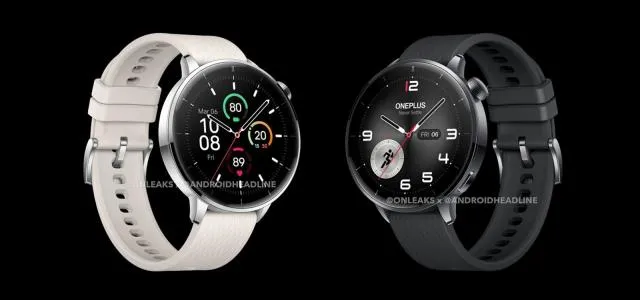
  • OnePlus Watch 3 43mm will be announced on July 8

    OnePlus Watch 3 43mm will be announced on July 8

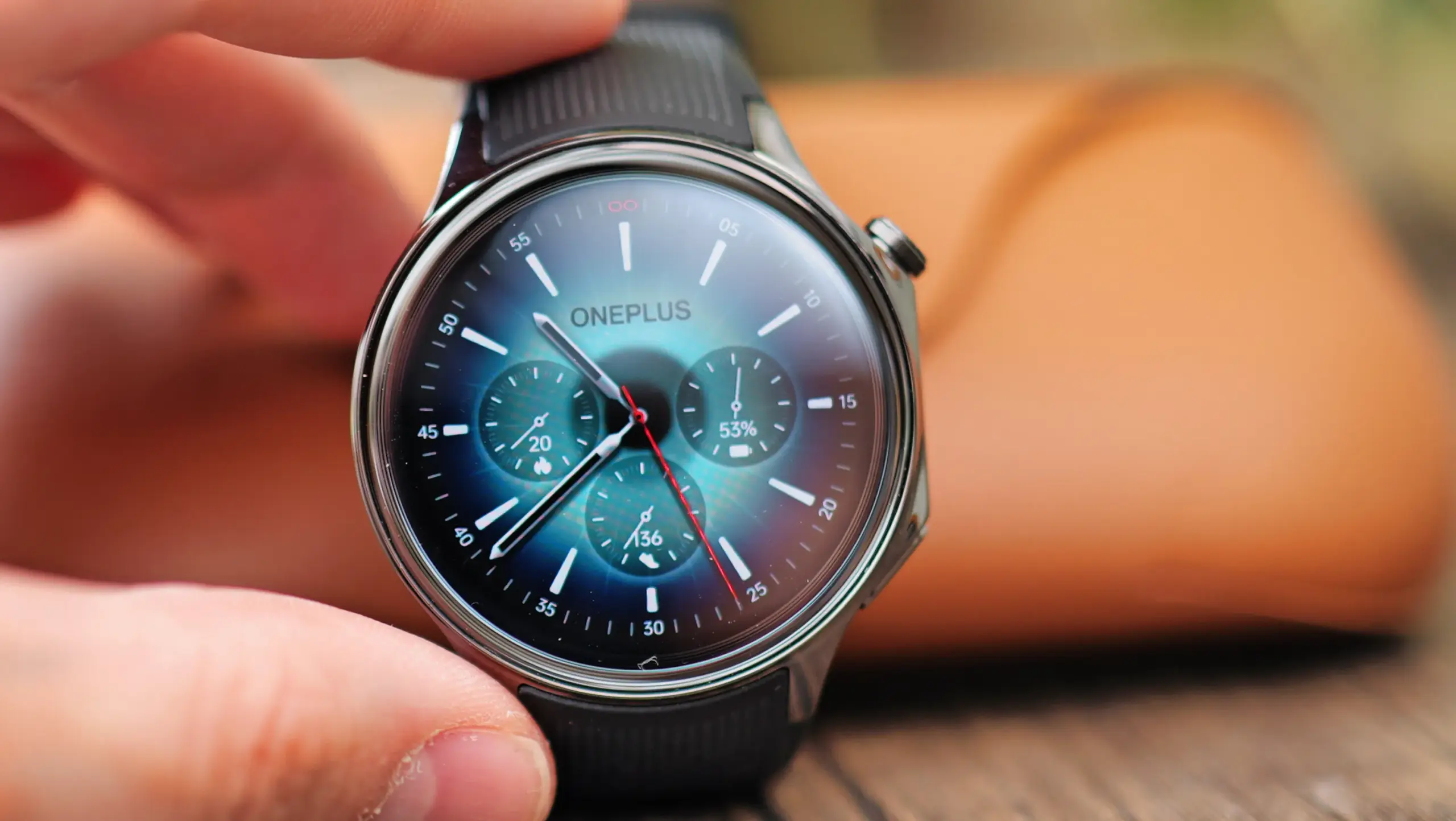
    For several months now, there have been rumors that OnePlus will be releasing a smaller smartwatch. Naturally, when OPPO unveiled its Watch X2 Mini on April 10, those rumors intensified. And this morning, OnePlus officially announced the arrival of a smaller watch with the name OnePlus Watch 3 43mm.

    Exclusive CAD renders of the OnePlus Watch 3 43mm have now been made available to us by Onleaks, and they reveal some design modifications from the larger OnePlus Watch 3. However, as anticipated, it still has the same appearance as the OPPO Watch X2 Mini.

    In terms of specifications, the OnePlus Watch 3 43mm ought to have a 1.32-inch AMOLED 2.5D screen with 466 x 466 resolution. The 43mm body, which is significantly smaller than the 47mm Watch 3, will house that. Surprisingly, though, it is only somewhat smaller than the “bigger” sizes of the Pixel Watch 3 and Galaxy Watch 7.

    Wear OS and RTOS will continue to be the two operating systems that the OnePlus Watch 3 43mm will support, as anticipated. Additionally, it will share the Qualcomm Snapdragon W5 Gen 1 processor with its bigger sibling. containing 32GB of storage and 2GB of RAM. Additionally, it will come in two colors: black and white.

    oneplus watch 3 43 mm

    Shorter battery life for OnePlus Watch 3 43mm

    The battery life will be one of the drawbacks of this smaller smartwatch form. The 345mAh battery that OnePlus has included this time around is supposed to last up to 72 hours. In contrast, it can be used for 100 hours, or slightly more than five days. With RTOS, you could probably extend it to about a week, even though this figure probably refers to Wear OS usage.

    OnePlus did preserve a lot of the other specs from the bigger broather, such 5 ATM water resistance, IP68 sensors and tracking, WiFi, and Bluetooth 5.2. A variety of sensors are also included, such as a barometer, gyroscope, accelerometer, geomagnetic sensor, optical pulse oximeter, gyroscope, ambient light sensor, and optical heart rate sensor.

  • Pixel Watch 3 gets a life-saving feature: loss of pulse

    Pixel Watch 3 gets a life-saving feature: loss of pulse

    A potentially life-saving capability is being added to the Pixel Watch 3 for the first time. Google said in a blog post that the FDA had approved its Loss of Pulse Detection feature.

    Your heartbeat is tracked by the feature. Your watch will immediately switch on more precise infrared LEDs and search for motion data if your heart stops beating, which could be caused by cardiac arrest, respiratory or circulatory failure, overdose, or poisoning.

    The Watch 3 will initiate an audio alarm and countdown if it detects that you are not responding. If you do not react, the watch will use your phone or LTE connection to summon emergency services, let them know you do not have a pulse, and provide your position.

    Pixel Watch 3 gets an important feature

    According to Google, the watch will be able to distinguish between a real cardiac event and the user taking it off. Although safety features like crash and fall detection are not new, they are not as good as this one, which is why the FDA had to approve it first.

    Heartbeats are tracked by other watches, although they do so far less frequently than the Pixel Watch 3. For instance, the Apple Watch automatically measures heart rate every three to seven minutes.

    Google collaborated with cardiologists.

    Speaking to The Verge in August, Sandeep Waraich, senior director of product management for Pixel wearables, explained that pulse detection is a combination of pulse, heartbeat, contact with skin, and “a bunch of other things like motion.”

    Google collaborated with cardiologists to develop the feature by learning what a pulse loss on watch insights looks like. An AI system was developed using that data and tested on hundreds of thousands of hours of real-world user data from a wide range of individuals. Google next replicated the kinds of falls that would mirror someone abruptly losing their pulse by using stunt actors wearing tourniquets, which would artificially generate a loss of pulse.

  • 4 essential tips to enhance your Pixel Watch 3 experience

    4 essential tips to enhance your Pixel Watch 3 experience

    Over the last two years, the Wear OS ecosystem has advanced significantly. Google, Samsung, and OnePlus all have great options.

    The Pixel Watch 3 is one of the greatest smartwatches, and Google appears to have mastered it, but it still requires some improvements. I use these everyday tips to get the most of my Google Pixel Watch 3.

    Pixel Watch 3 on amazon

    Pixel Watch 3

    The Google Pixel Watch 3 might not be a massive departure from its predecessor, but the company did pack it with some interesting new features. The larger 45mm version sports a bigger battery and new fitness features help track and plan your runs. If you’re a smart home user, the Pixel Watch 3 can stream live video of your security cameras.

    Best choice
    $349.99 $299.99Buy it on Amazon

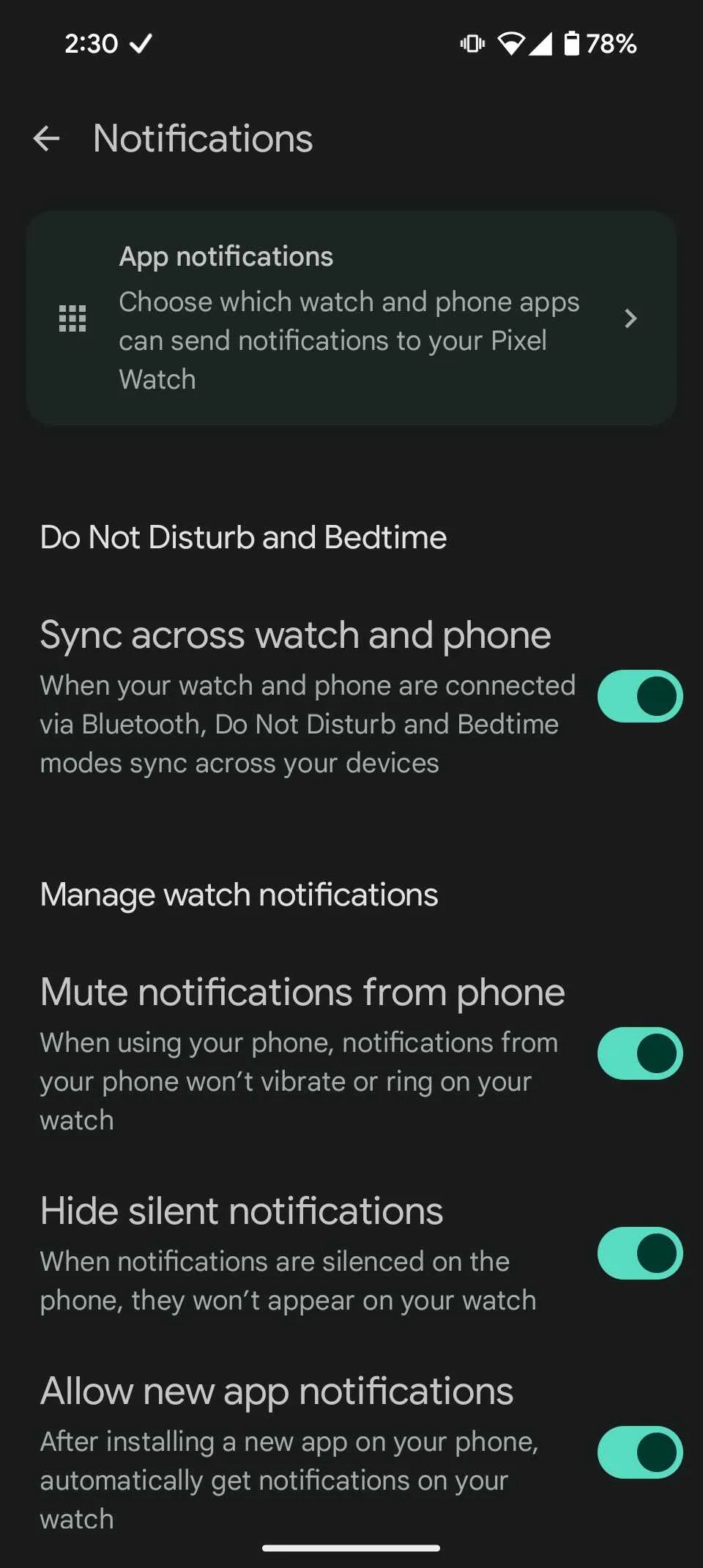
    Turn off notifications when using your phone.

    Even when using your phone, Android continues to transmit a notification tone to the Pixel Watch 3, despite the fact that it provides an excellent experience. This is not user-friendly because the notice appears on the screen of your phone, negating the need for the watch.

    You may turn off the option that makes your watch vibrate or ding when your phone is in use, which I find bothersome. Here’s how to disable this if you find it annoying:

    1. Open the Watch app on your phone.
    2. Select Notifications.
    3. Toggle on Mute notifications from phone.
    Turn off notifications when using your phone.

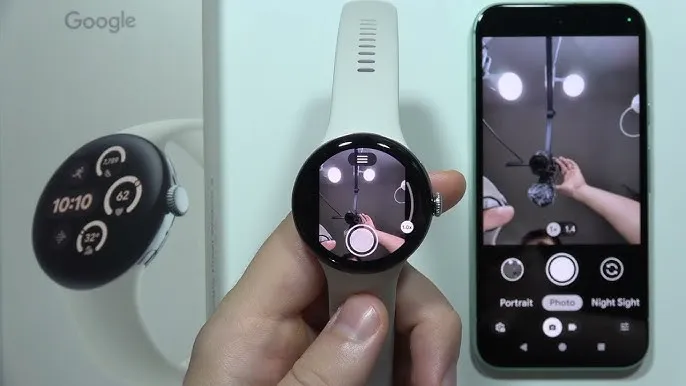
    Pixel Watch 3 as a camera remote

    Using the Pixel Watch 3 as a camera remote is a feature I regularly utilize, particularly when traveling. It functions as a hands-free camera control for your smartphone, which makes it ideal for snapping pictures or selfies when you do not have both hands free. Numerous features are available in the app, such as the ability to change the camera’s zoom level or enter video mode.

    The Pixel Watch allows you to remotely activate your phone’s camera, displaying a live feed of the images you are taking. It is a handy function that comes in particularly handy while traveling alone. If you have not tried it yet, it is worth it. To make use of this function:

    1. Click the crown on your Pixel Watch.
    2. Select the Camera app.
    3. Wait a moment for it to connect to your phone.
    4. Now, you can take photos, record videos, zoom, and explore different modes from the watch.
    Pixel Watch 3 as a camera remote

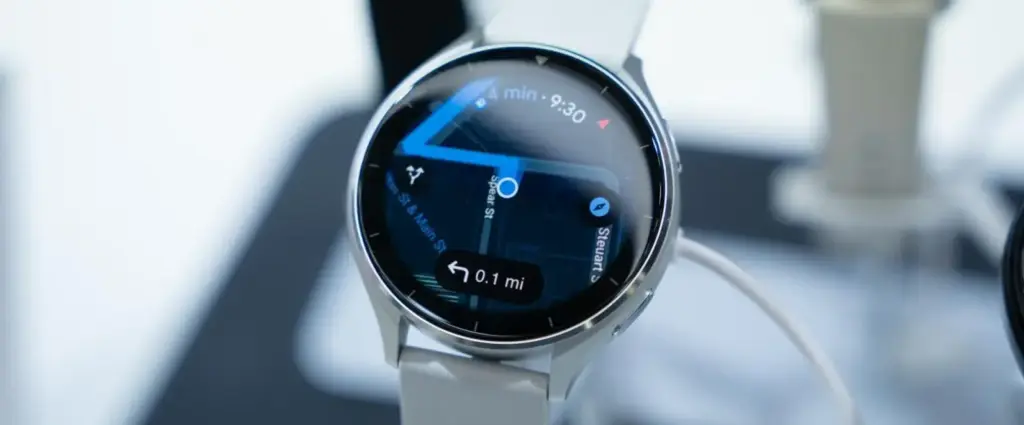
    Use Google Maps offline

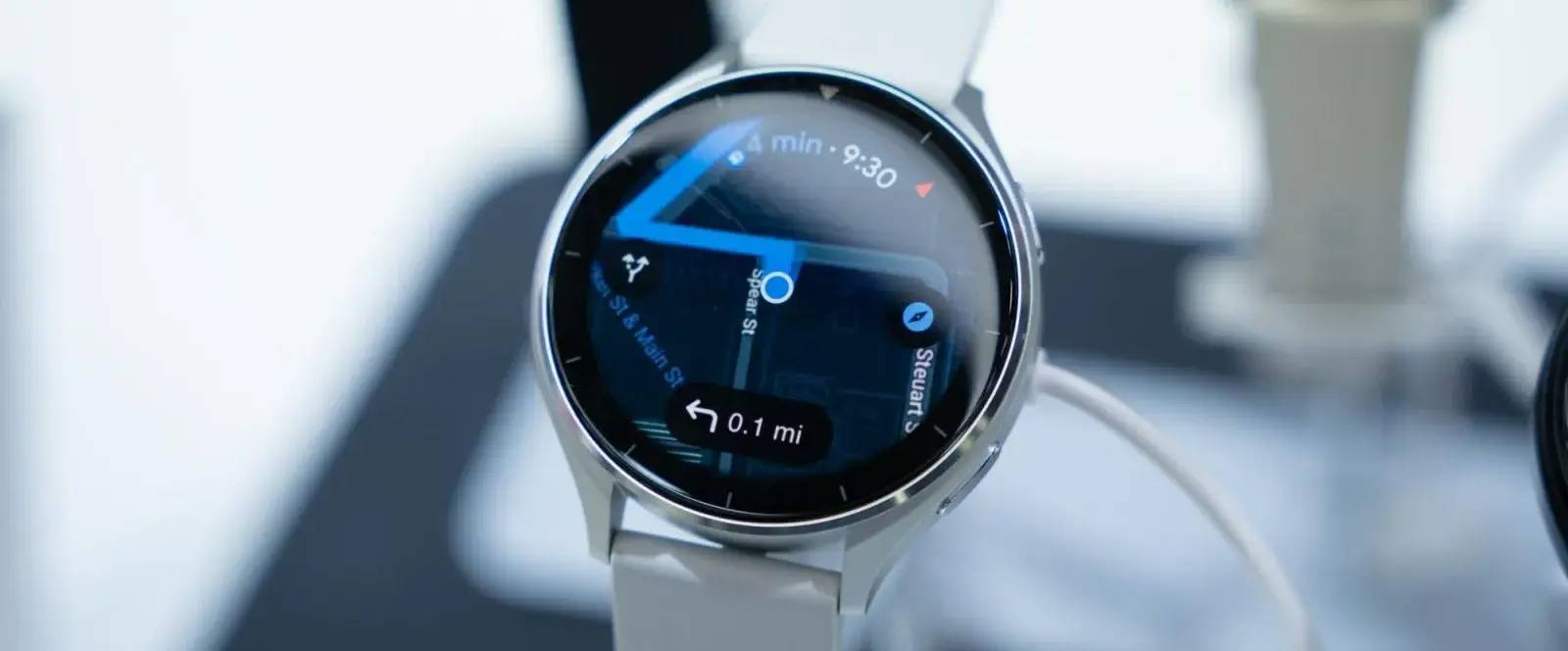
    I use the offline maps on my Pixel Watch virtually every day. This is useful since it lets me navigate without taking out my phone while driving, which is very convenient while I am commuting. It is revolutionary because you can tap “Home” to get directions anywhere in the city. In the Himalayas, where connectivity can be erratic, this function is very helpful for trekking.

    You must use the Google Maps app to download offline maps to your smartphone in order to enable this function. After that, you can sync them to your watch by choosing the city you wish to download offline maps for and going to the Offline Maps area of the Google Maps app on your Pixel Watch.

    google pixel watch maps

    Customization

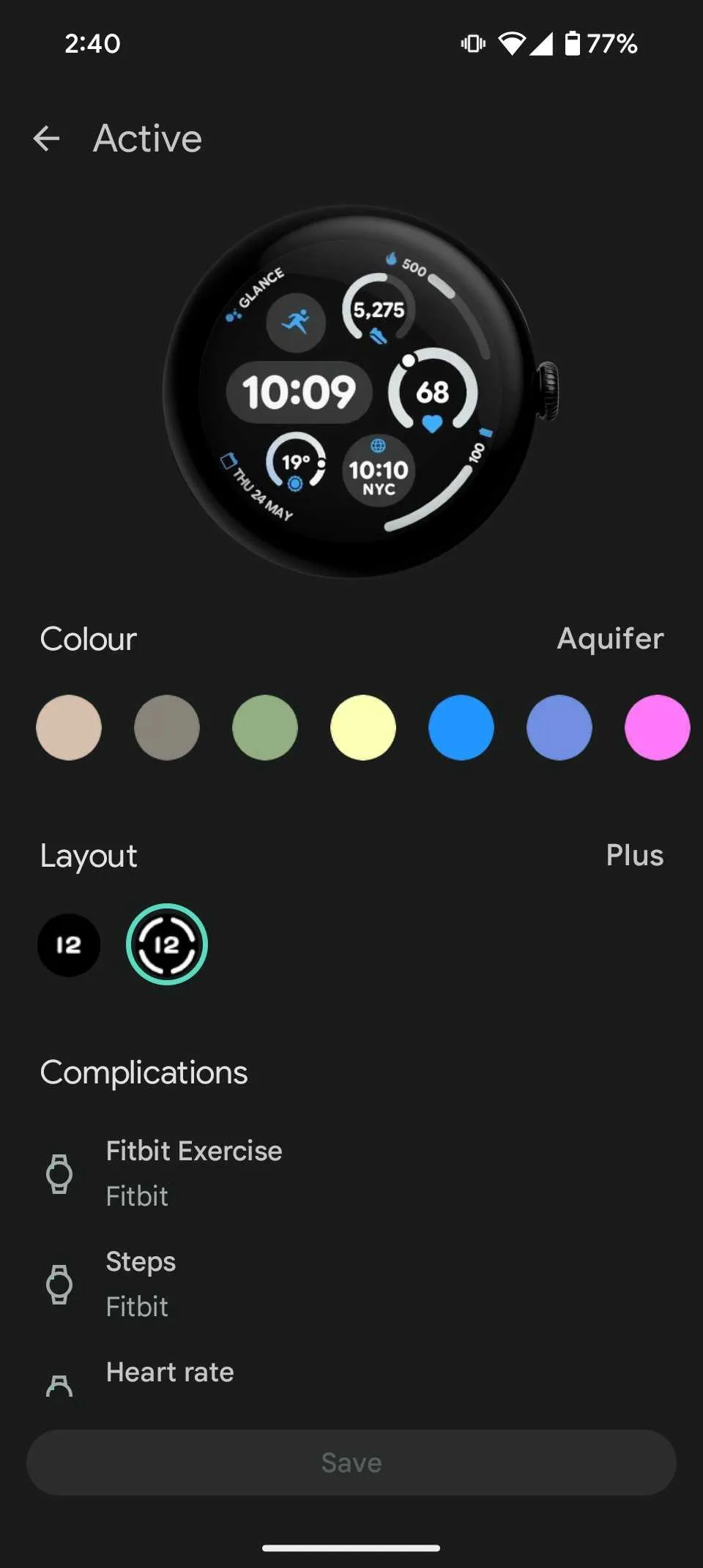
    I can not continue using the default watch faces that Google supplies with the Pixel Watch, but everyone has different demands when it comes to smartwatches. The Pixel Watch comes with a number of fully customisable first-party watch faces, several of which allow you to add complexities to your liking.

    Because I work in the Eastern Standard Time zone, I use the Active watch face with complexities like World Clock, At a Glance to keep track of my day, and widgets like calories and batteries. Here’s how to personalize the face of your Pixel Watch:

    1. Open the Watch app on your phone.
    2. Tap Watch faces from the home screen and choose your favorite watch face.
    3. After it’s selected, tap the Edit option.
    4. Customize the watch face by selecting your preferred color, complications, and more.
    Pixel Watch 3 custom watch face

    Pixel Watch 3 on amazon

    Pixel Watch 3

    The Google Pixel Watch 3 might not be a massive departure from its predecessor, but the company did pack it with some interesting new features. The larger 45mm version sports a bigger battery and new fitness features help track and plan your runs. If you’re a smart home user, the Pixel Watch 3 can stream live video of your security cameras.

    Best choice
    $349.99 $299.99Buy it on Amazon

    Like Android, the Wear OS ecosystem’s greatest feature is how customizable it is. You can modify the entire system to your liking or download hundreds of apps from the Play Store. The Pixel Watch offers a wealth of tips and tricks to help you customize the experience to your liking, but Wear OS still has space to learn from rivals.