For users of Xiaomi smartphones running the Xiaomi HyperOS operating system, there are hidden codes that can unlock additional features and settings, providing a deeper level of customization and control. In this article, we’ll explore some of these secret codes and the functionalities they offer to enhance your Xiaomi HyperOS experience.
*#06# – IMEI
Need to check your device’s International Mobile Equipment Identity (IMEI) number? Dial *#06# to quickly access this information.
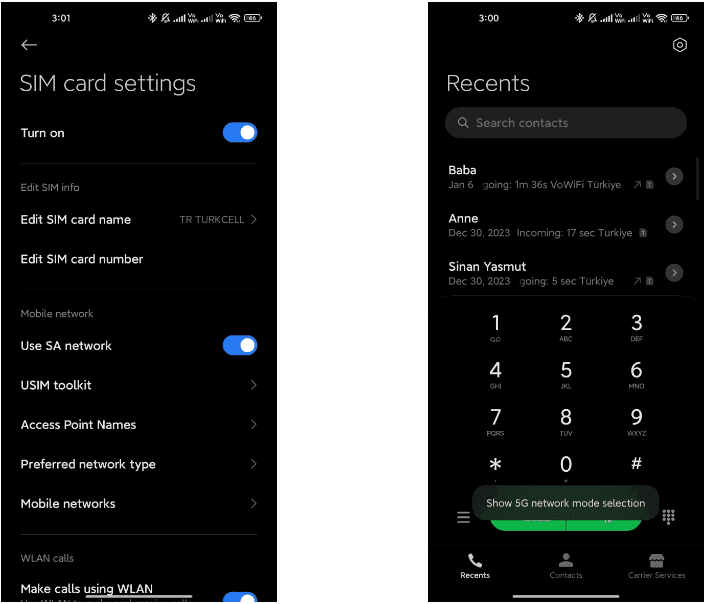
*#*#*54638#*#* – Enable/Disable 5G Carrier Check
Toggle the 5G carrier check with this code, giving you control over your network settings and the ability to enable or disable 5G functionality.
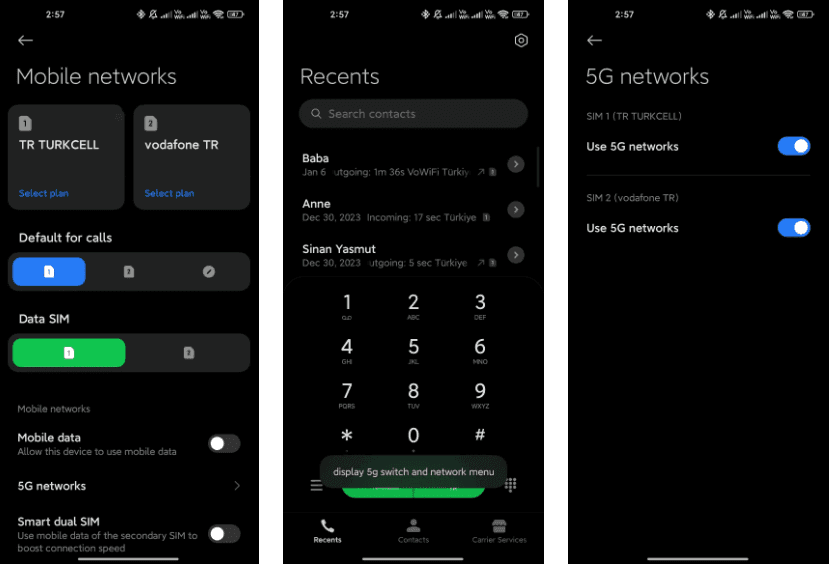
*#*#726633#*#* – Enable/Disable 5G SA Option on HyperOS
Unlock the 5G Standalone (SA) option on your network settings using this code, providing more control over your device’s connectivity.
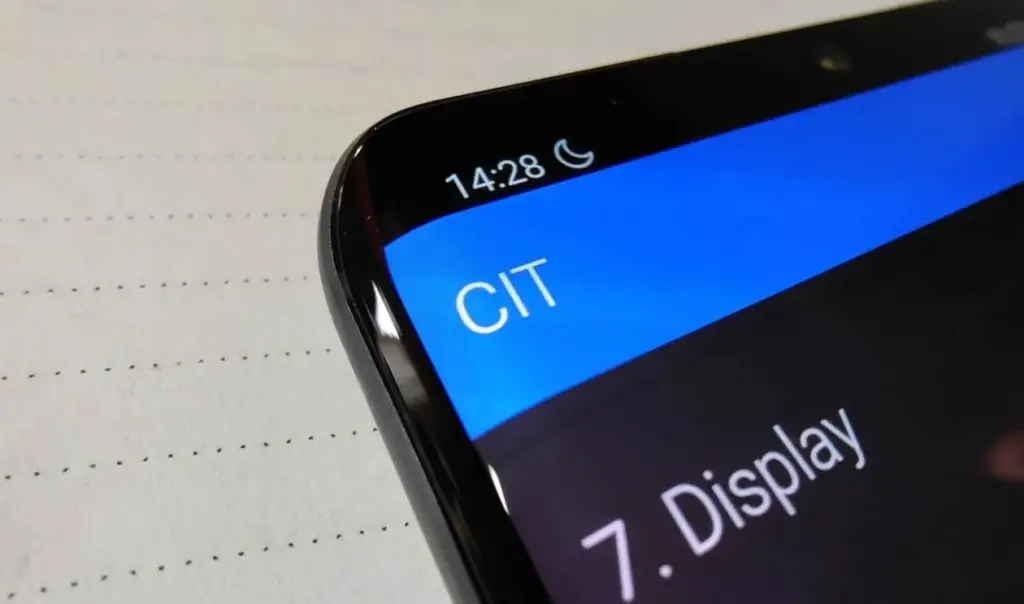
*#*#6484#*#* – Xiaomi Factory Test Menu (CIT)
Explore the Xiaomi Factory Test Menu for advanced testing and configuration options.
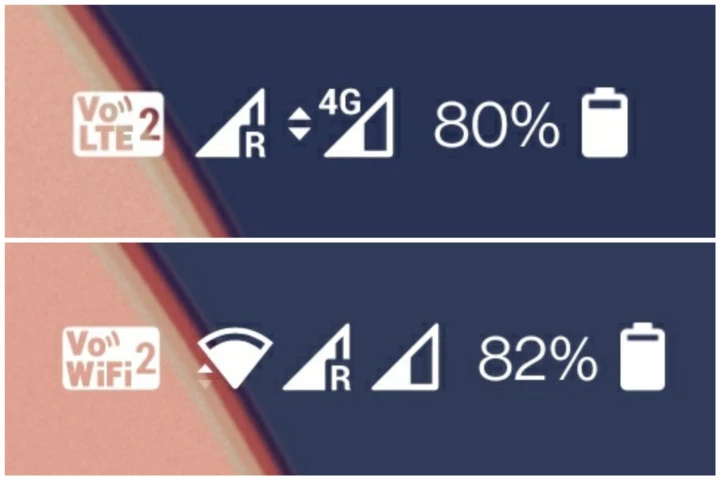
*#*#86583#*#* – Enable/Disable VoLTE Carrier Check
Toggle the VoLTE (Voice over LTE) carrier check to customize your network settings and enable or disable this feature.
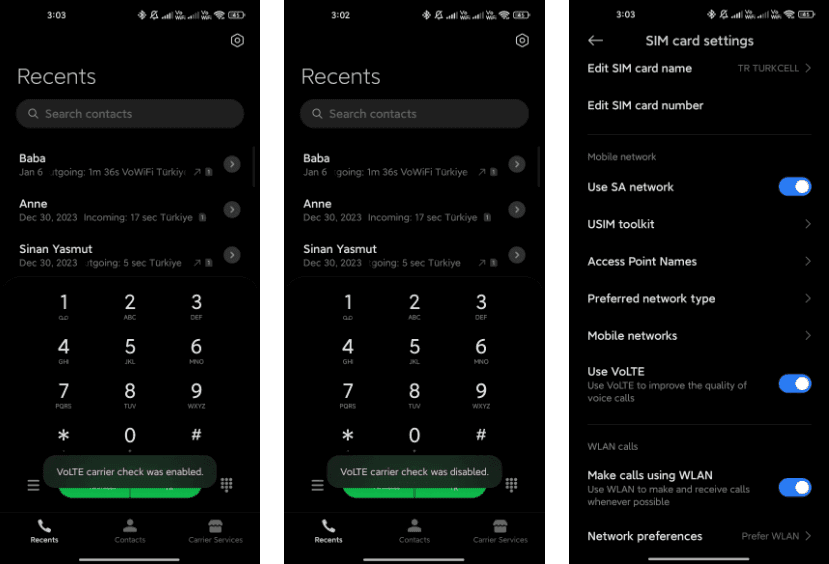
*#*#869434#*#* – Enable/Disable VoWi-Fi Carrier Check
Take control of your Voice over Wi-Fi (VoWi-Fi) settings by using this code to enable or disable the carrier check.
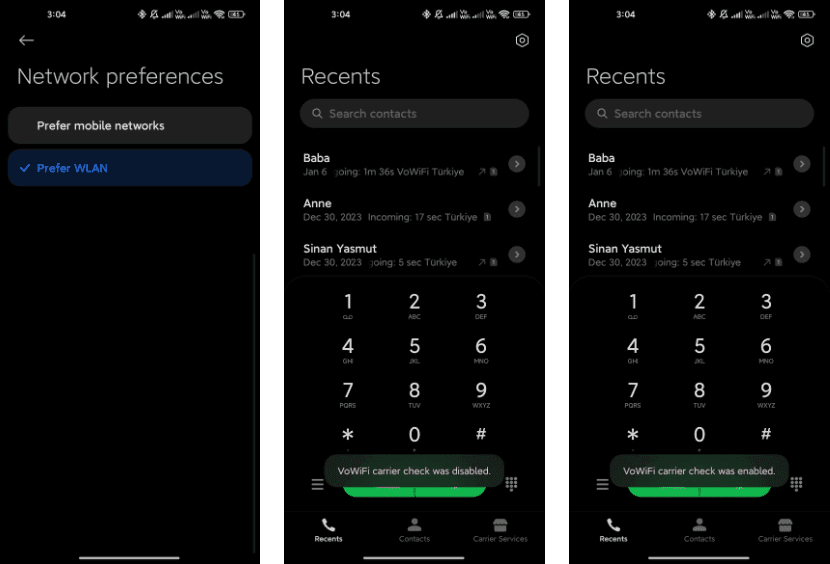
*#*#8667#*#* – Enable/Disable VoNR
Manage Voice over New Radio (VoNR) settings with this code, providing more options for your device’s voice capabilities.
*#*#4636#*#* – Network Information
Access detailed network information to check your device’s status and connection details.
*#*#6485#*#* – Battery Information
Get insights into your device’s battery, including cycle information, actual and original capacity, charging status, temperature, health status, and charging protocol type.

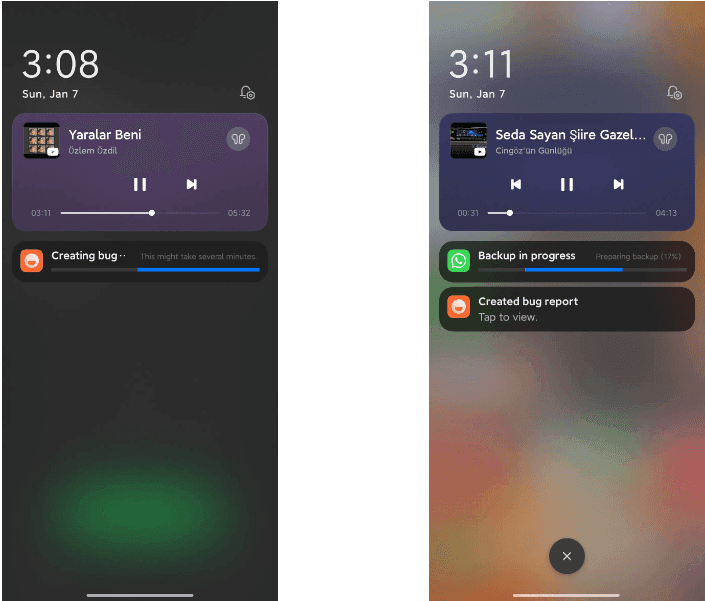
*#*#284#*#* – Capture System Log
Generate a BUG report to capture system logs, providing valuable information for debugging purposes. The report is saved in the MIUI\debug-log\ folder.
*#*#76937#*#* – Disable Thermal Check
Turn off thermal checking with this code, potentially preventing your device from throttling performance due to high temperatures.
*#*#3223#*#* – Turn on DC DIMMING Option
Activate the DC DIMMING option using this code, allowing you to adjust the display settings for a more comfortable viewing experience.
Unlock the full potential of your Xiaomi device with these secret codes, and improve your Xiaomi HyperOS experience. These hidden codes offer Xiaomi HyperOS users a range of functionalities, from network customization to battery insights and advanced testing options. Users should exercise caution and be mindful of potential impacts on device settings while exploring these codes.