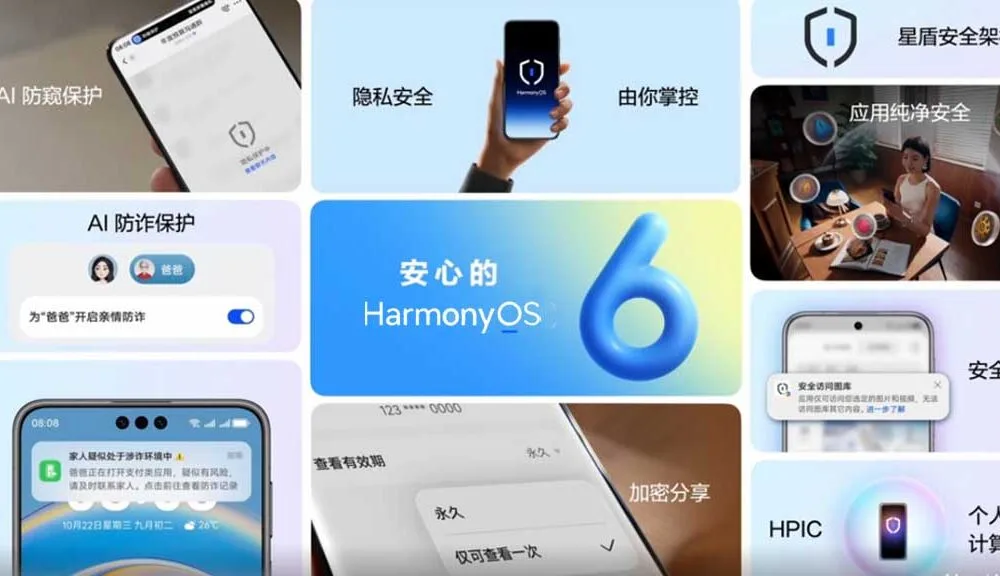
For many smartphones, tablets, and smartwatches, Huawei has issued a stable HarmonyOS 6 software upgrade that gives consumers who weren’t in the beta program new features.
With this new release, HarmonyOS has excelled in the quality mode, which means the upgrade focuses on fundamental issues such as performance and a better app experience.
HarmonyOS 6-powered Mate 80 Pro Max boasts up to 42% performance leap over the Huawei Mate 70 Pro+ (HarmonyOS 5). This leap is based on the chipset, because to the close coordination between software and hardware
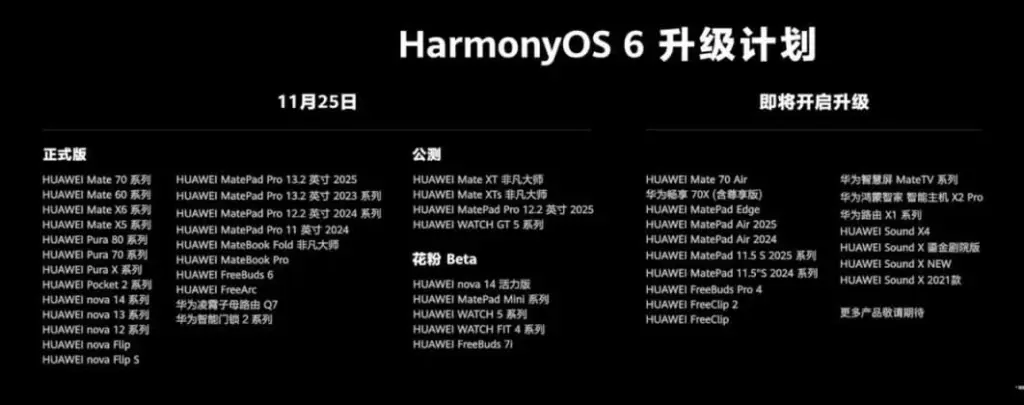
The software for earlier models, including flagship and mid-range handsets, has also been adjusted by the business. Therefore, we can expect some upgrades over the older version. Below, you can check all Huawei devices in the first batch receiving the stable HarmonyOS 6 software update.
Mate 70 series
Mate 60 series
Mate X6 series
Mate X5 series
Pura 80 series
Pura 70 series
Pura X series
Pocket 2 series
Nova 14 series
Nova 13 series
Nova 12 series
Nova Flip
Nova Flip S
MatePad Pro 13.2-inch 2025
MatePad Pro 13.2-inch 2023 Series
MatePad Pro 12.2-inch 2024 Series
MatePad Pro 11-inch 2024
MateBook Fold Ultimate Design
MateBook Pro
FreeBuds 6
FreeArc
Huawei Router Q7
Huawei Smart Door Lock 2 Series
You should know that the software is being served for HarmonyOS 5 and HarmonyOS 6 beta users. Huawei formally declared that the total number of HarmonyOS 5 and 6 installations has surpassed 100,000 devices at the Mate 80 series launch event.
Furthermore, the HarmonyOS operating system is supported by the app, which has over 300,000 programs and meta-services via the AppGallery platform. The Chinese market and consumers’ excitement for the most recent Huawei software updates have been the main drivers of this expansion.
The integration of artificial intelligence into healthcare software has transformed patient care, administrative workflows, and diagnostic procedures. As medical institutions seek to leverage data-driven insights, AI-powered solutions offer unparalleled accuracy, efficiency, and personalization. From predictive risk assessment to automated imaging analysis, these technologies redefine the standards of modern healthcare delivery, bridging gaps between clinicians and patients while optimizing operational costs.
Enhancing Diagnostic Accuracy with AI Technologies
Advancements in deep learning algorithms and neural networks have significantly improved diagnostic precision across various medical fields. By analyzing vast datasets of patient histories, lab results, and imaging scans, AI systems can identify subtle patterns that may elude human observation. This diagnostic accuracy not only accelerates clinical decision-making but also reduces the likelihood of misdiagnosis and subsequent treatment delays.
Furthermore, real-time integration of AI tools into electronic health record (EHR) platforms enables clinicians to receive instant, data-backed recommendations. The synergy between human expertise and machine-led analysis fosters a collaborative approach, ensuring that critical conditions are detected early. As a result, medical teams gain confidence in their assessments, translating into better patient outcomes and enhanced trust in healthcare technology.
AI-Powered Patient Monitoring and Management
Continuous tracking of vital signs and patient behavior through wearables and in-hospital sensors exemplifies the power of remote patient monitoring. Such systems alert clinical staff to anomalies—ranging from heart rate fluctuations to irregular glucose levels—before they escalate. Businesses can partner with itcraftapps.com/healthcare/ for Healthcare Software Development to implement robust monitoring systems that adapt to individual patient needs, ensuring timely interventions and reducing hospital readmissions.
By aggregating and analyzing longitudinal data, AI platforms support the creation of continuous data-driven care plans. Automated alerts, medication reminders, and personalized health insights enhance patient engagement while reducing manual oversight. The result is a comprehensive management ecosystem that promotes adherence, minimizes complications, and empowers individuals to take an active role in their healthcare journey.
Streamlining Administrative Tasks in Healthcare
Implementing AI solutions in administrative domains relieves staff from repetitive and error-prone tasks. From patient intake to billing reconciliation, intelligent automation improves accuracy and turnaround time. Key areas of impact include:
Appointment scheduling optimization through predictive slot allocation
Medical billing verification with automated claim audits
Electronic health records management via natural language processing
Automation also enhances cost efficiency by reducing manual labor and administrative overhead. Real-time dashboards and reporting tools powered by AI streamline compliance tracking, ensuring that healthcare providers meet regulatory standards without sacrificing productivity. As a result, financial resources can be redirected toward core clinical activities, elevating the overall quality of care.
Personalized Treatment Plans Driven by AI
The era of precision medicine is fueled by AI-enabled analysis of genetic, lifestyle, and environmental data. By leveraging genomic data analysis, software platforms can recommend targeted therapies tailored to a patient’s unique profile. This level of personalization enhances treatment efficacy and minimizes adverse effects, marking a shift from one-size-fits-all protocols to individualized care pathways.
Advanced machine learning models continuously refine treatment recommendations based on patient responses and emerging research findings. Clinicians can adjust dosages, modify drug combinations, or explore novel interventions with confidence, knowing that AI insights are grounded in real-world evidence. Such dynamic care strategies pave the way for more resilient and adaptive healthcare systems.
Predictive Analytics for Disease Prevention
Predictive analytics harnesses historical and real-time data to forecast health trends and anticipate potential outbreaks. Utilizing risk prediction algorithms, healthcare organizations can stratify populations according to susceptibility, enabling focused preventive measures. Early identification of high-risk individuals leads to proactive screening and lifestyle interventions that halt disease progression.
Integrated population health platforms powered by AI support the development of preventive care programs that address chronic conditions such as diabetes, cardiovascular disease, and respiratory disorders. By correlating social determinants of health with clinical metrics, providers design community-centric initiatives that yield measurable improvements in public health outcomes.
Improving Medical Imaging through Artificial Intelligence
AI-driven solutions in radiology have revolutionized image interpretation through enhanced image segmentation and feature extraction. Convolutional neural networks excel at detecting anomalies—such as tumors or lesions—within X-rays, CT scans, and MRIs, often achieving accuracy rates comparable to expert radiologists. This augmented analysis accelerates diagnostic workflows and reduces the burden on imaging departments.
The fusion of AI and computer vision not only streamlines routine examinations but also uncovers subtle indicators of disease at earlier stages. Automated anomaly detection systems flag suspicious regions for further review, allowing radiologists to focus on high-impact cases. Consequently, healthcare institutions deliver faster, more reliable imaging services, strengthening both patient trust and clinical performance.
The Samsung Galaxy S25 Ultra and iPhone 17 Pro are two of the greatest phones available right now because of their incredible cameras and powerful processors. Even though these high-end flagships could be the best mobile devices available right now, getting them will cost you a fortune. Even phones that are affordable, like the Google Pixel 9A, are still expensive, and since people’s budgets are getting tighter everywhere, it’s more crucial than ever to get the most out of your purchases. Instead of updating more frequently, the simplest approach to achieve that is to just stay using your phone longer, spreading out that expensive purchase across the years.
Not only is it better for your wallet, but it’s also much better for the environment. If you upgrade your phone less frequently, fewer phones will be made and distributed, and fewer old phones will wind up in landfills. The good news is that manufacturers such as Apple, Google, Samsung, and others are extending the support period for their phones’ software updates, so the phone you purchase today will continue to be safe to use for many years to come.
You are responsible for the remainder. It takes some work, a lot of attention, and a few crucial tactics to keep your phone in good operating order for the seven or eight years of software support it may receive.
Therefore, these are the best ways to extend the life of your phone.
Update the software
Avoid using a phone that isn’t receiving security upgrades since it’s just not safe. Phones like the Google Pixel 9 series now come with seven years of software support, whereas before it was typical for many Android manufacturers to support new phones for only two to three years. Unfortunately, some less expensive phones, such as the recently released OnePlus Nord CE4 Lite, only get upgrades for a few years. When purchasing a new phone, be sure to inquire about its support duration since this will provide you with greater value during the phone’s lifetime.
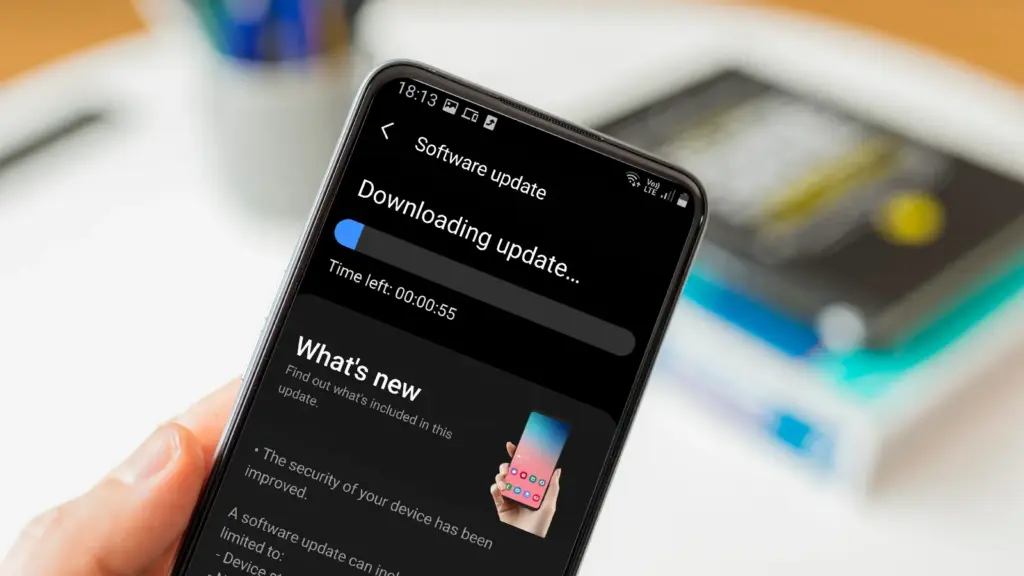
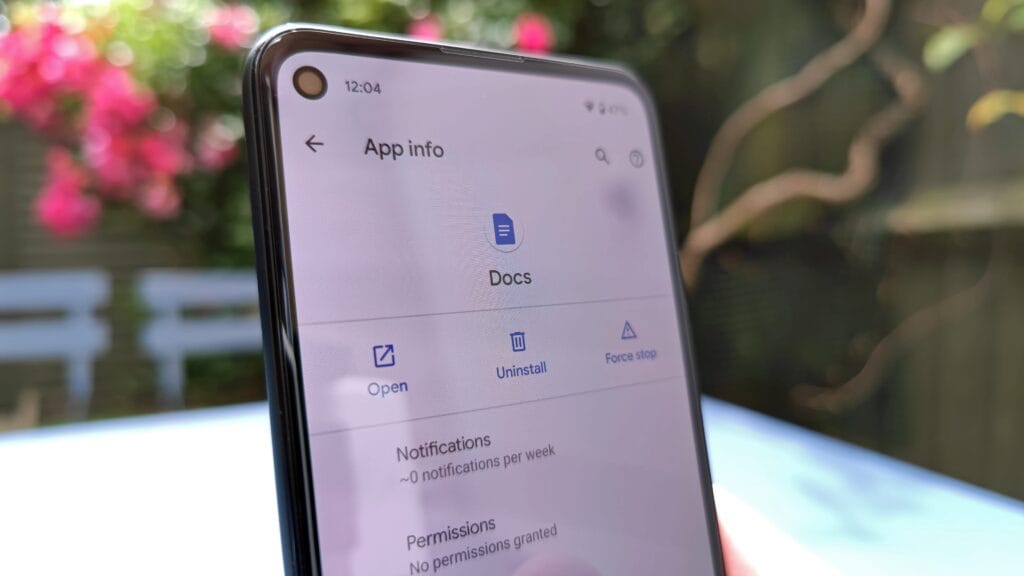
Keeping your phone up to date with the most recent security update will help prevent hackers and remove any dangerous software that might infiltrate and cause your phone to lag. If you have an older phone, go to the settings menu, scroll down to Software Update, and click to see if there is an update available. Most phones will automatically ask you to install the most recent upgrades, and you sh
This also applies to your apps, which must be updated to stay compatible with the iOS or Android version you’re using. Allowing apps to update automatically in the background is a good idea, but if you don’t, make sure you’re running the most recent versions by going into your preferred app store.
Protect it with a case
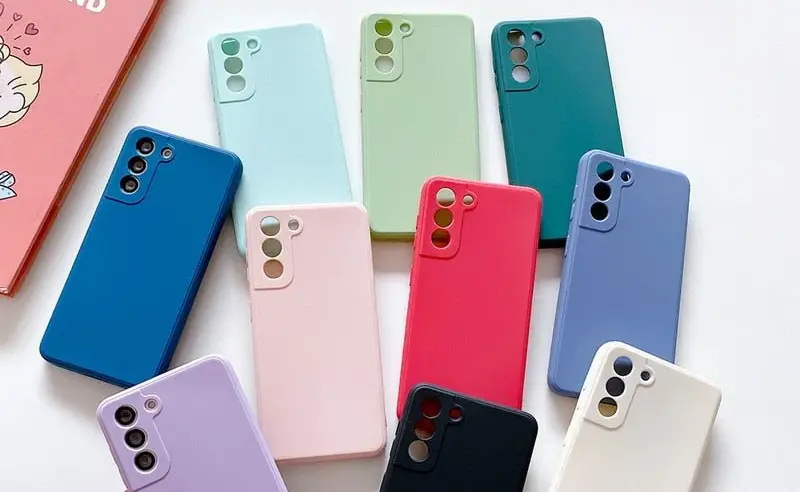
If you recently purchased a brand-new iPhone, installing a case right away is the best way to preserve it physically. In addition to protecting it in the event that you drop it, it will also assist prevent it from absorbing tiny scratches from your pocket’s coins or keys.
Since there isn’t much you can do to repair your phone’s screen after it becomes damaged, a screen protector is also a smart option. You can easily change a screen protector if it gets a severe scratch, keeping the phone itself looking brand new for many years to come. When it’s time to update, keeping your phone looking new could help you sell it for more money on the used market, even if you don’t intend to keep it for many years.
Replace the battery
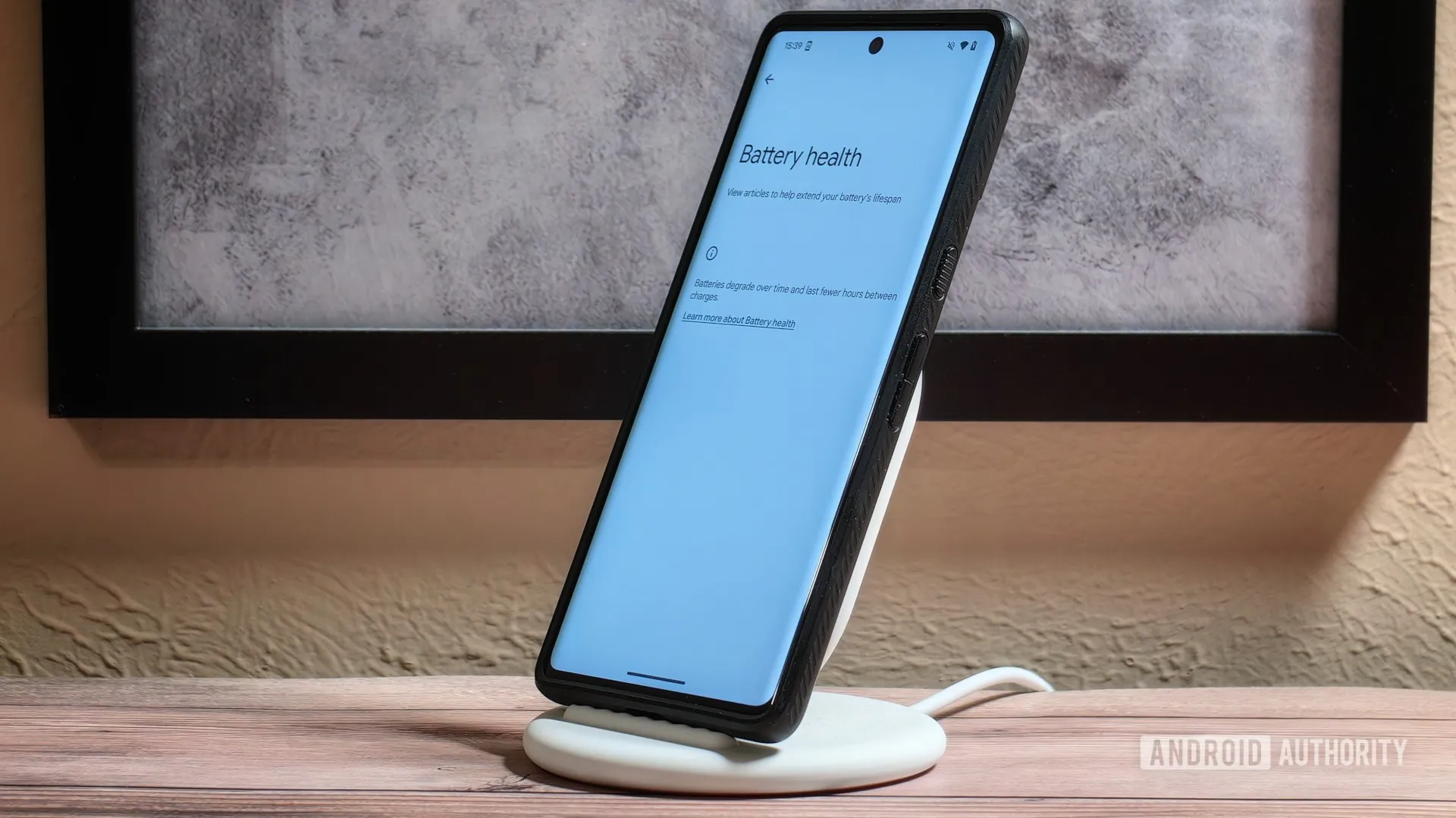
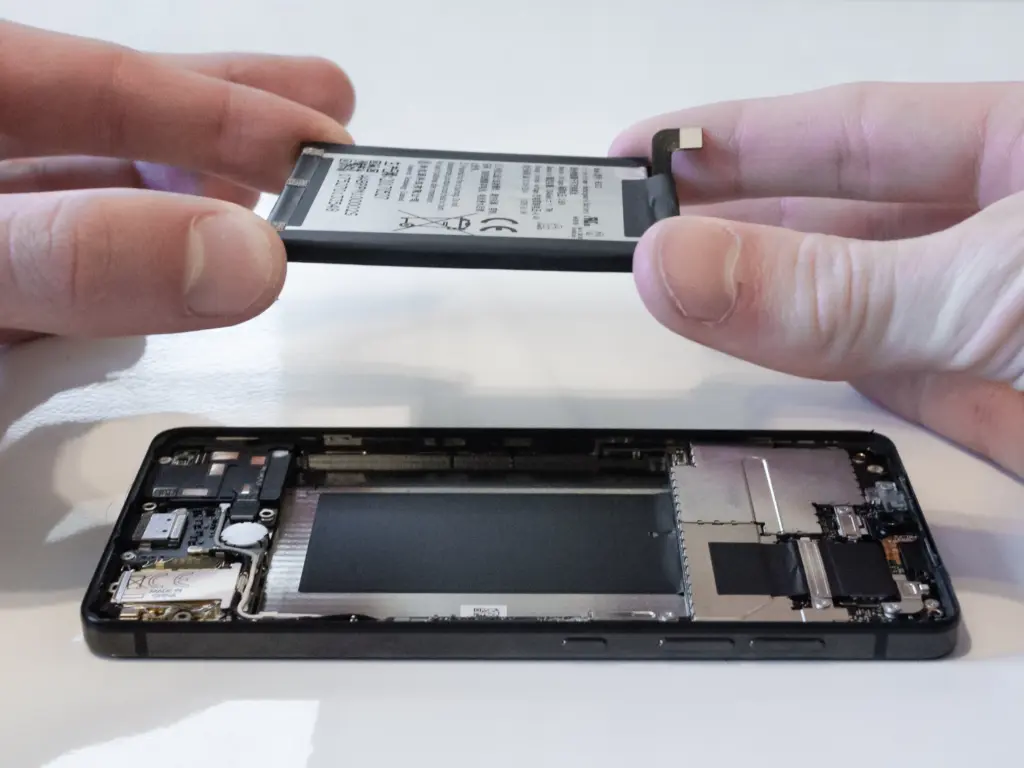
Over time, the battery in your phone will progressively degrade, giving it less life between charges than it did when it was brand-new. All phones are like this. Batteries in certain older phones might only provide 50% of their previous capacity. Your phone may even alert you when it senses that your battery isn’t providing enough power, in which case it may limit your processor to make up for it.
Don’t worry; most phones have a battery that is rather simple to change on your own to give it a fresh lease on life. If your battery is about to die, it could be worth trying to repair it yourself. iFixit offers a wide range of kits and third-party replacement batteries to fit a large number of phones.
If you’re not very confident with your screwdriver skills, this might be a nice alternative to think about. There are a number of places you can take your phone to have your battery replaced, or even other components like a broken screen. However, not all of them are really legitimate.
Remove old apps that you are not using anymore
Your phone is probably cluttered with thousands of pictures of your friends, pets, or the plates of food you’ve consumed over the years if you’ve owned it for a long time. You probably have a number of outdated apps and games that you downloaded on the spur of the moment, played for a few bus rides, and then switched to the newest mobile gaming craze.
In addition to negatively impacting your phone’s general performance, a shortage of storage may also make it more difficult to install important software updates. It’s worthwhile to look through your archives, remove anything from your phone that is wasting space, and backup any pictures and movies you wish to store to the cloud.
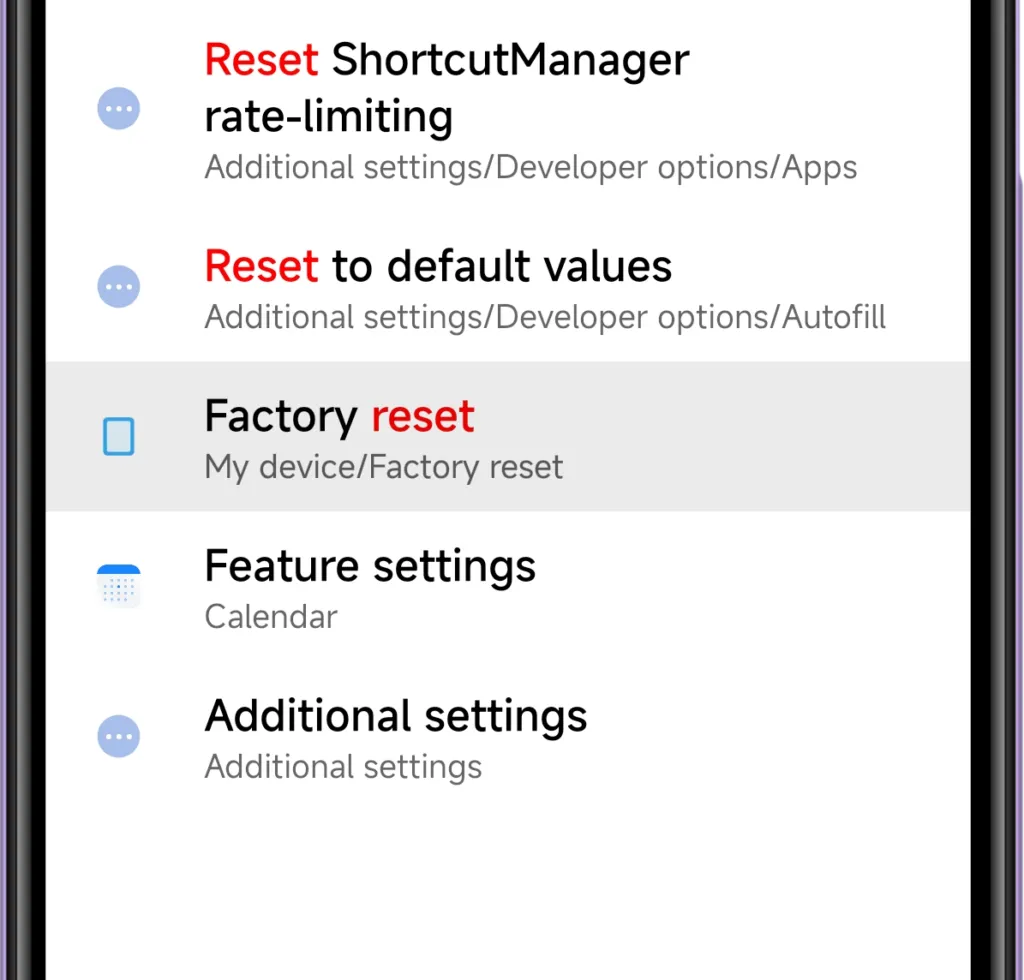
It might even be worth backing up all of your crucial data and performing a complete factory reset, starting over, and only installing the necessary apps if your phone has been slow for a long period.
Clean out your ports
Last but not least, cleaning your phone can offer unexpected benefits. Your phone may suffer greatly from pocket fluff, especially when it comes to the charging connector, which frequently becomes clogged with bits of junk. As a result, your phone won’t charge when you plug in your charger because it can’t connect completely.
It’s tempting to assume that something has broken, like the cable or the charging port itself, but it could just be that the port is overflowing with lint. To make sure your charger fits without requiring forceful wriggling, occasionally insert a wooden toothpick into the area and try to ease out any dirt or debris you notice.
To make sure you can clearly hear—and be heard—during your phone calls, it’s also worthwhile to carefully brush away any debris you may discover near the speakers and microphones with an old toothbrush that has been cleaned and dried.
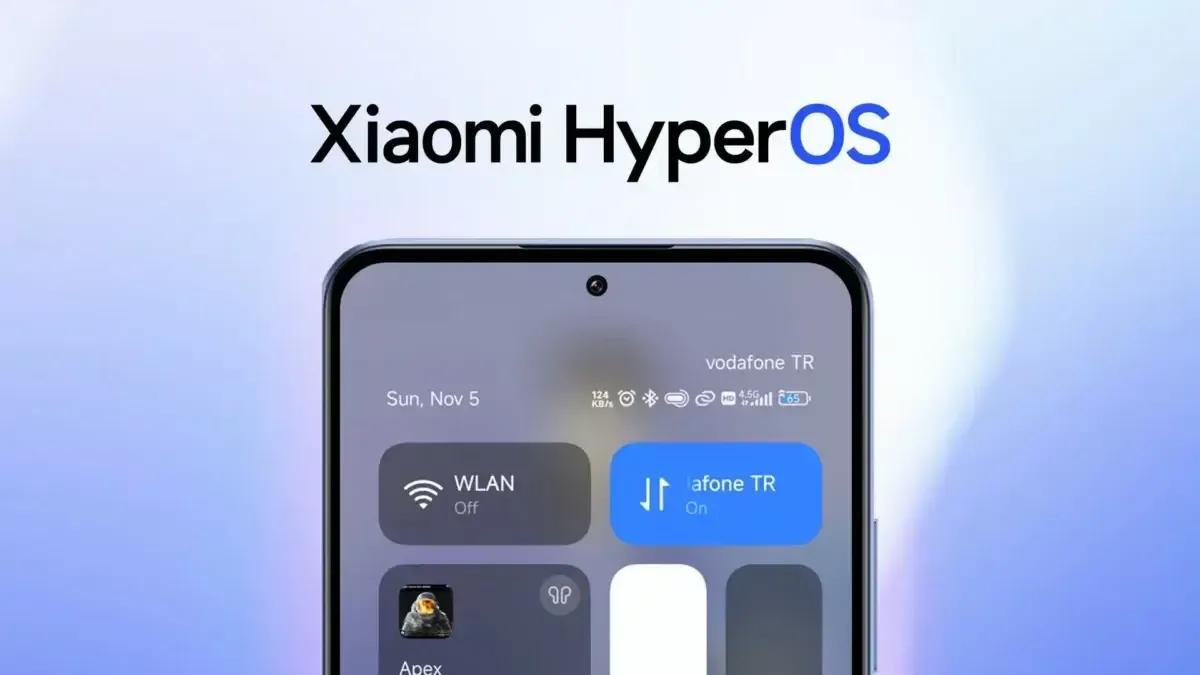
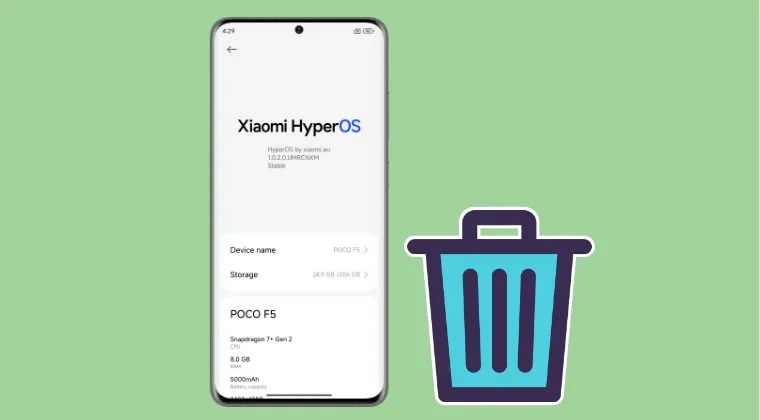
Many users of Xiaomi devices have complained of a notable decline in battery performance after major HyperOS updates. This problem has affected productivity for professionals who depend on their smartphones for work throughout the day. These abrupt variations in power usage can be unpleasant and uncomfortable, especially for corporate activities that rely on reliable devices. Thankfully, there are practical measures you can take to lessen these problems and extend the battery life of your device.
Restart the device to complete optimization
Xiaomi devices frequently carry out a number of background operations following major updates, like reindexing apps and rebuilding caches, which can momentarily raise battery consumption. Usually, these procedures take between thirty and an hour to do. You should restart your device 15 to 30 minutes after the update is finished to speed up system stabilization. This can aid in your device’s more effective adaptation to the new software environment by renewing the optimization cycle.
Remove bloatware applications
New, pre-installed apps that operate in the background and can cause significant battery drain are frequently introduced by updates. It’s crucial for business users to periodically check their device’s app list and disable or delete any apps that aren’t directly necessary. There are a number of monitoring solutions on the Play Store that offer real-time data if you need to determine which apps are using the most resources.
Roll back to a stable version
Reverting to an earlier, stable software version might be the best course of action when a particular upgrade is associated with widespread battery drain problems. Depending on your Xiaomi model, the rewind procedure can differ greatly, thus it’s important to review official documentation or knowledgeable community members before moving forward. By taking this precaution, data loss and gadget malfunction can be avoided.
Device reset
A complete system reset might be required if battery problems continue after trying alternative fixes. Conflicts between new features and residual data from previous software versions can occasionally lead to persistent issues with power consumption. Since a reset will remove all personal data and return to factory settings, make sure all crucial business data, including contacts, documents, and messages, are safely backed up before starting the procedure.
Xiaomi 15 5G
International Model
Dual SIM
eica Summilux optical lensLEICA VARIO-SUMMILUX
6.36″ 3200 nits ultra-bright displayCrystalRes AMOLED
Snapdragon 8 Elite Mobile Platform 3nm
Ultrasonic in-screen fingerprint sensor
32MP in-display selfie camera
Stay connected with the latest from Droid Tools—follow us on X @droid_tools, like our page on Facebook, check out our updates on Instagram, and follow us on Google News for real-time news, device tips, and mobile tech insights.
AI-driven testing software tools are now emerging as essential assets in the development process, offering solutions that traditional testing methods simply can’t match. But what exactly makes AI testing tools so powerful, and how are they reshaping the future of software testing? Let’s dive into the key advantages of these cutting-edge technologies and why they are quickly becoming the go-to choice for developers and testers alike.
AI Testing Tools: A New Era of Efficiency
Speed and Automation: Traditional testing can be time-consuming and repetitive. Manual testing, in particular, requires testers to run through a series of steps multiple times, often missing small bugs or inconsistencies. AI testing tools eliminate much of the time-consuming manual effort by automating test processes. AI tools are able to conduct tests at a faster rate, enabling more frequent testing cycles and freeing up time for developers to focus on other critical areas of the project.
Smarter Testing: AI testing software isn’t just about automating tasks—it’s also about improving the intelligence of testing. AI-powered tools can learn from past tests and data patterns, enabling them to identify potential defects that might be missed by traditional testing methods. These tools can predict where bugs are most likely to appear, adapt testing approaches based on historical data, and even detect inconsistencies in user behavior that might lead to issues down the line.
Enhanced Test Coverage: One of the biggest challenges in software testing is ensuring comprehensive test coverage. With the increased complexity of modern software, it’s easy for testers to overlook certain areas of the system. An AI-powered testing software tool can run thousands of tests across multiple scenarios in a fraction of the time it would take for human testers. This comprehensive coverage ensures that even the most intricate bugs are found and fixed before the software reaches users.
Regression Testing Efficiency: One area where AI testing tools truly shine is in regression testing. When developers make updates to software, there’s always the risk of introducing new bugs in existing features. AI tools can continuously test the application after each update to ensure no new issues are introduced. Because AI tools learn over time, they can identify patterns and detect regressions with greater accuracy, preventing costly errors from slipping through the cracks.
AI vs Traditional Testing Software Tools
While traditional testing software tools have been the backbone of software development for decades, they face certain limitations when dealing with the increasing complexity of modern applications. Let’s take a look at how AI testing tools compare with traditional testing methods:
Manual vs Automated: Traditional testing often relies on manual labor, where testers run scripts, check functionality, and identify bugs. While manual testing has its place, it’s prone to human error and limited by the tester’s capacity. AI testing tools, on the other hand, are automated and can run continuously without tiring or missing crucial details. These tools offer greater speed, efficiency, and accuracy—especially when dealing with large-scale applications.
Adaptability: Traditional testing methods are often rigid, following predefined scripts and processes. This can be effective for smaller, simpler applications but can become cumbersome for complex or frequently updated software. AI testing tools, however, are highly adaptable. They can modify their testing strategies based on ongoing results and adapt to new features or changes in the software, making them much more agile in fast-moving development environments.
Error Detection: Traditional testing relies heavily on predefined test cases, which means certain types of issues—especially edge cases—can go unnoticed. AI-driven testing tools can predict potential problem areas based on historical data, uncovering hidden issues that might not be caught using traditional methods. AI tools are capable of simulating real-world usage patterns, identifying inconsistencies, and spotting vulnerabilities that could have been overlooked in a static testing process.
Cost-Effectiveness: While AI testing tools may require an initial investment in terms of setup and training, they can lead to significant savings over time. The speed and efficiency of AI testing tools allow development teams to complete more tests in less time, reducing the need for extensive manual work. This can cut down on the cost of software development by finding issues early and preventing bugs from escalating into expensive problems later on.
The Future of Software Testing: AI and Beyond
The integration of AI testing tools into the software development lifecycle is not just a passing trend—it’s a significant shift that is reshaping the industry. As machine learning and artificial intelligence continue to evolve, these tools will only become smarter, faster, and more capable of handling complex testing scenarios. In the future, AI-powered testing could even become fully autonomous, with the ability to independently monitor, test, and troubleshoot software without the need for human intervention.
Moreover, AI is helping bridge the gap between developers and testers. AI-powered tools can provide real-time insights and analytics, enabling teams to make informed decisions faster. By incorporating AI testing into the development pipeline, organizations can ensure higher-quality products, faster releases, and improved user experiences.
Choosing the Right Testing Tool
As AI testing tools continue to gain traction, it’s important to choose the right testing tool for your specific needs. Here are a few things to keep in mind when evaluating testing tools for your project:
Tool Integration: Ensure that the testing tool integrates smoothly with your existing development environment. The right tool should seamlessly fit into your workflows and collaborate with your development tools.
Scalability: Choose testing software tools that can scale as your project grows. As software becomes more complex, your testing needs will likely evolve, and a scalable tool will save you time and hassle in the long run.
Ease of Use: The best AI testing tools are intuitive and easy to set up. Choose a tool with clear documentation and strong customer support to ensure smooth implementation.
Cost: While AI tools offer tremendous value, it’s important to balance cost against functionality. Make sure you are investing in tools that deliver a clear return on investment by improving speed, accuracy, and overall test coverage.
AI testing tools are revolutionizing the software development landscape. By automating tests, improving test coverage, and adapting to changing needs, these tools offer unprecedented efficiency, accuracy, and reliability. While traditional testing methods still play a vital role, AI is quickly becoming an indispensable asset in the development process.
As AI-driven tools continue to evolve, they’ll only enhance their ability to predict, detect, and resolve issues faster than ever before. For developers and testers looking to stay ahead of the curve, embracing AI testing tools is not just an option—it’s the future of software quality assurance.
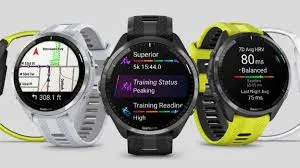
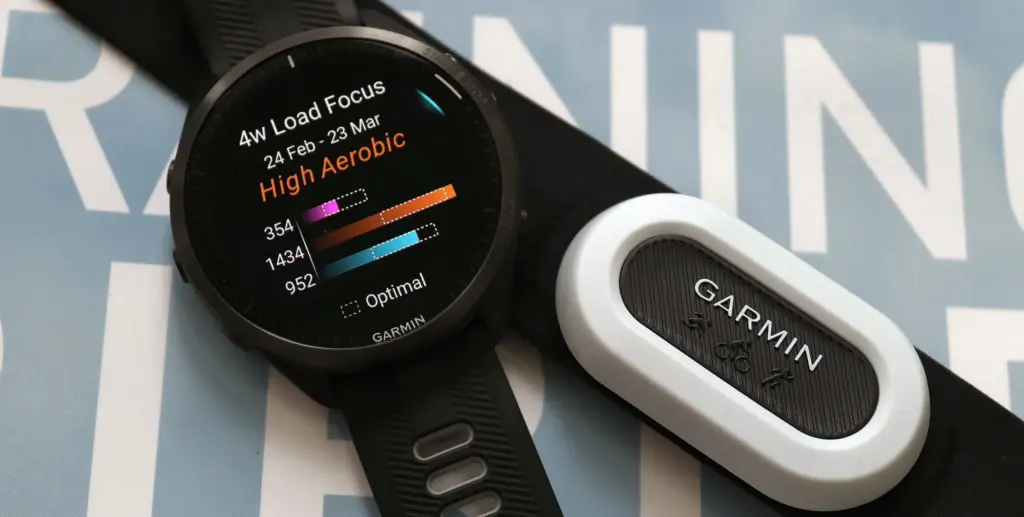
Many of the top Garmin watches on the market seem to be having issues with a recent software update that Garmin published. But there is a lot of uncertainty about what Garmin has changed and what might or might not be broken in the most recent version, especially for owners of the well-liked Forerunner line.
On December 2, Garmin released software version 21.19. The new Meditation activity, upgrades to the Pool Swim routines, and corrections for various issues and oddities are among the improvements mentioned.
Users of Forerunner have reported a number of problems with the update, particularly with accessing the touchscreen and syncing their devices with Wi-Fi. What is happening, and what information is necessary for you to know?
Garmin Forerunner software update
First, the simpler problem is that some customers are having trouble syncing their Wi-Fi after the update. One user complained on December 4 that “the wi-fi sync does not work after installing Forerunner 955 – Software Version 21.19.”
In its release notes, Garmin states that “it is advised users sync their devices via Garmin Express or Wifi to speed the transfer of files required for the meditation activity.” This is in line with the many complaints that point to a similar problem. Wi-Fi sync problems might be caused by the majority of the new version, which is packed with new features, but there does not appear to be an obvious cause or solution.
The changes and bugs pertaining to the touchscreen are much more perplexing. A issue that causes the Forerunner touchscreen to remain active during activities even when the ‘Touch Disabled’ setting is activated is being reported by a few of users. One user agreed, “I saw the same as the wet sleeve of my jacket was swiping through the data fields while I went out for a run in the rain at noon today.” Garmin has responded on at least one post stating, “We are aware of this issue and are presently investigating,” which suggests that this is a bug. I am sorry if this has annoyed you.
However, the problem is complicated since customers are experiencing another touchscreen “bug,” which Garmin claims is a deliberate modification. The Forerunner’s Stopwatch in 21.19 is operated using the device’s buttons rather than its touchscreen. “Since software version 21.19, I am unable to operate the stopwatch with a touch screen. I can only start, stop, and reset it using the buttons. One customer complained, “The touch screen does operate in the timer.”
In response, Garmin has subsequently stated that “This was a deliberate alteration. Now, you have to start, stop, and reset the time using the buttons on the Stopwatch and Timer screen. I apologize for any disappointment this modification may have caused.
In conclusion, there are undoubtedly some issues with the most recent Garmin update when it comes to Wi-Fi and utilizing the touchscreen when engaging in activities. However, Garmin claims that this is a deliberate adjustment if you have noticed that your stopwatch no longer functions via touchscreen and can only be operated by buttons. It remains to be seen if it was a good one. It is been a rough few days for the company’s software section because of this most recent disturbance and the recent problem with Garmin watch faces crashing.
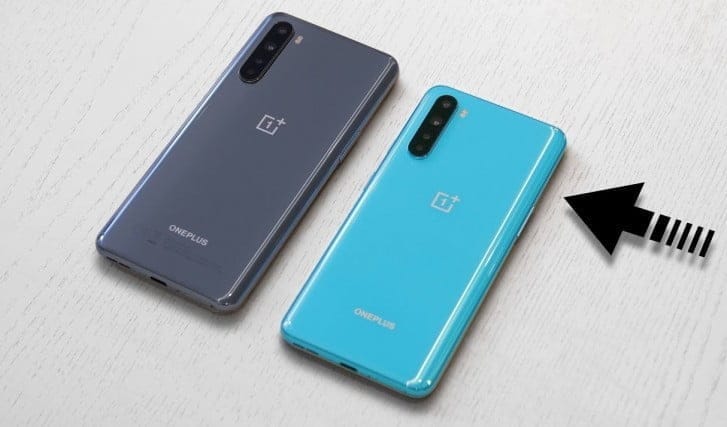
OnePlus runs one of the most public-facing app testing activities among the handset manufacturers we cover at Android Police and it is not shocking to see another beta testing community launch, this time for its newest handset, the Nord.
The company invites up to 200 Nord owners who are willing to provide timely input through a OnePlus Slack channel on features on future OxygenOS builds for the Nord. Ideally, already involved and vibrant, prospective participants would need to have a OnePlus Forum account and need to be comfortable with backing up their data for occasional picture flashing. They would also need to sign a contract for non-disclosure.
This survey can be filled out by those who are involved. Setting up the closed beta community would pave the way for more secure open beta photos that can be flashed on their own by any user.
It’s very odd to see such a commonly available beta structure for a €300 handset, regardless of the fact that we are dealing with OnePlus here.