The top Android launchers are the best resources for making your Android experience unique. One of the best features of the Android ecosystem has always been user choice, and launchers make it even better. They allow you to customize the greatest Android phones in ways that Google and stock launchers could only imagine.
While some of the top launchers are made for a more minimalist experience, others allow you to customize nearly every aspect of Android. If you’re not like that, however, there are launchers that offer a rainbow of colors that rivals the hardware store’s painting section.
Whatever you decide, a launcher is the ideal option to update the appearance and feel of your phone without having to spend money on a new device. The only thing left to do is choose one, and we’ve been evaluating the top Android launchers to assist you in doing so.
Nova Launcher
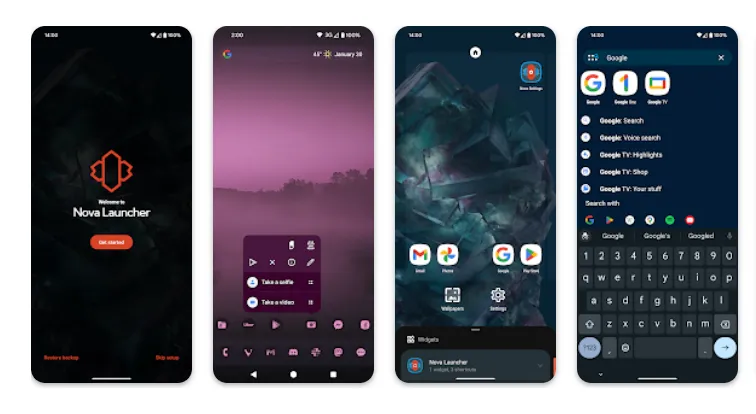
It would be impossible to discuss the top Android launchers without mentioning Nova Launcher. Nova Launcher is quick, svelte, and incredibly customizable. It strikes a compromise between a wide range of utility and look customizations and a low performance impact, allowing you to customize your home screen without sacrificing speed.
Color themes, icon packs, scrollable docks, app drawer modifications, folder settings, and endless scrolling are just a few of the many possibilities available. Sesame Shortcuts, animations, and other enhancements are just a few of the new features that the Nova team is constantly developing since they are never satisfied with what they have.
Choose Nova Launcher Prime, a $4.99 edition that has more functionality than the free download, if you want the most potent features.
Download Nova Launcher: Play Store
AIO Launcher
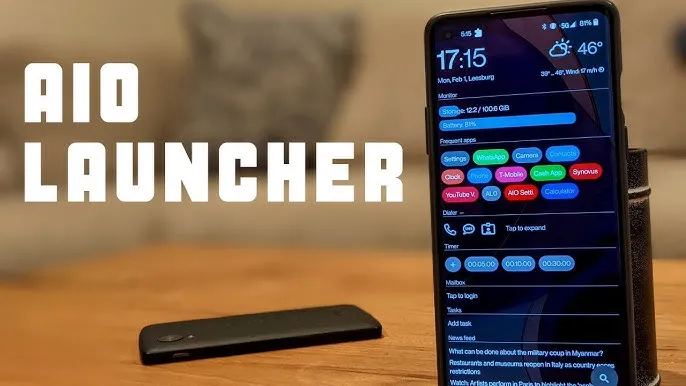
AIO Launcher focuses on packing as much information as possible into a comparatively simple format on your screen, while other launchers could include decluttering cosmetic changes.
In addition to system statistics, recently received calls, texts, and emails, the app shows your most used apps, upcoming calendar events, and more.
on-app purchases enable additional features like widget support, app icons, and Android notifications on the home screen stream, even though AIO Launcher is free. Even if it doesn’t have the most user-friendly design among the top Android launchers, if you don’t mind information density, it’s still a compelling option.
Download AIO Launcher: Play Store
Microsoft Launcher
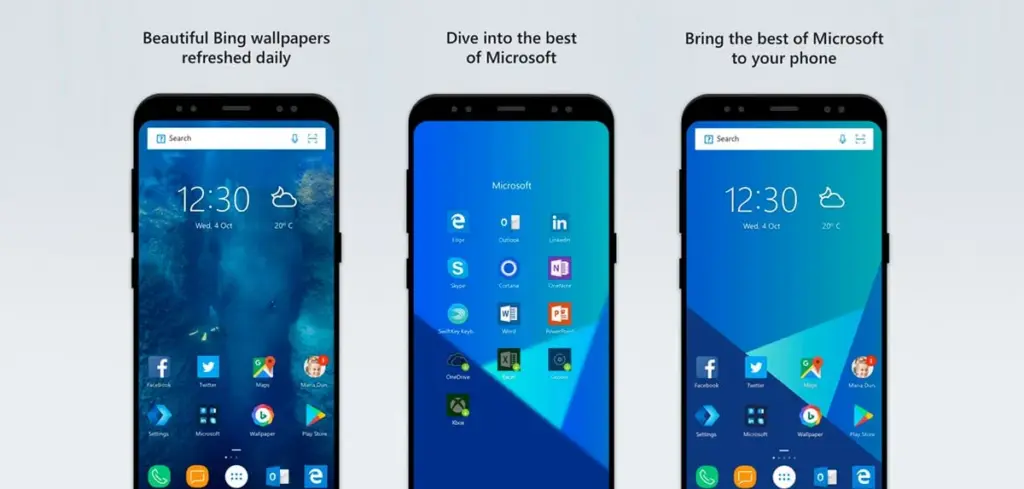
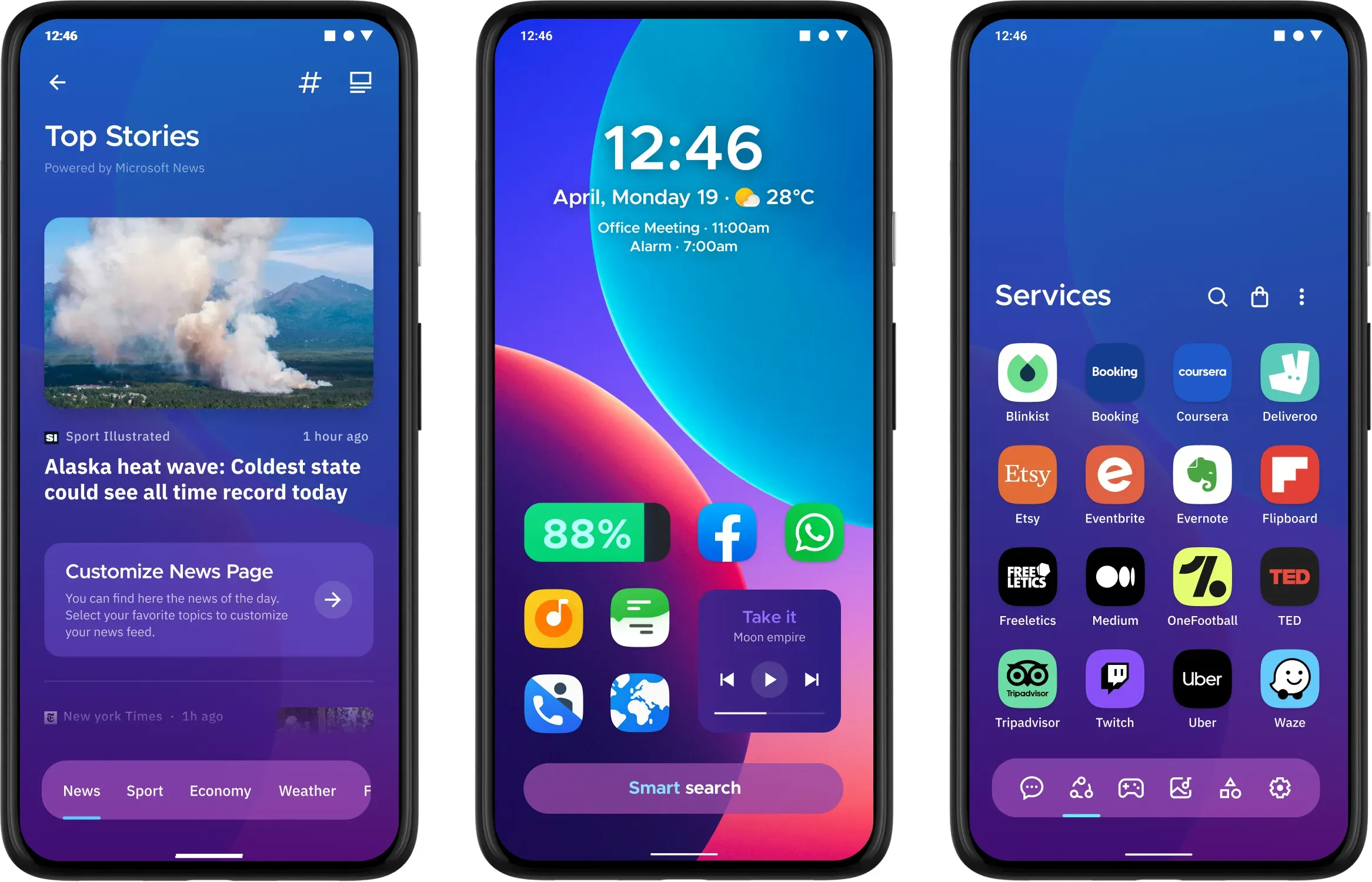
In addition to retaining Arrow’s small, context-sensitive app pages and customisable feed, Microsoft rebranded their fantastic Arrow Launcher as the Microsoft Launcher. The company is also aiming to enhance the interaction between your Android phone and Windows computer.
In addition to opening online links from mobile devices to PC Edge, users may rapidly take pictures with their phones and view them on their desktop. They can also begin editing Office 365 documents on their PC and continue while on the road using their mobile device.
This is all on top of Microsoft’s adjustable themes, universal search bar, and gesture controls.
Download Microsoft Launcher: Play Store
Square Home
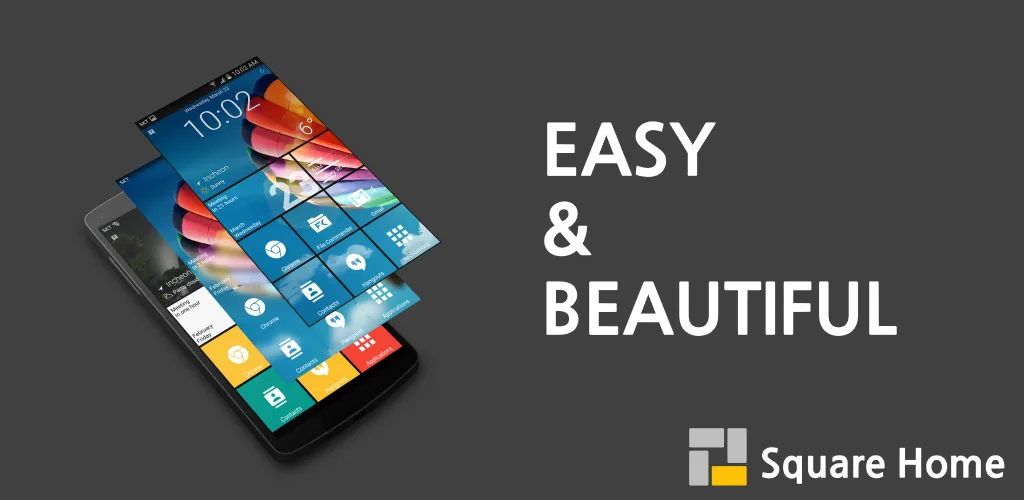
Square Home might be for you if you want a more traditional, or perhaps we should say Microsoft-inspired, mobile experience. Although its design isn’t exactly the same as Windows Phone 8, it does include a squared-off grid structure that should bring back fond memories of Microsoft’s doomed handsets.
If Microsoft hadn’t discontinued Windows Phone ten years ago, I like to think this is how it may have looked. For those of you who miss that specific design element, there is support for Live Tiles, home screen widgets, and a “Tiles on a Cube” system that allows you to swipe between tiles in a manner similar to twisting the top of a Rubik’s cube. Even better, it works with both foldables and Android tablets.
The downside? It’s not free for more than 2 weeks. After your 14-day trial you’ll be asked to unlock the full version of the app with even more features — which is a one-off $5 payment.
Download Square Home: Play Store
Hyperion Launcher
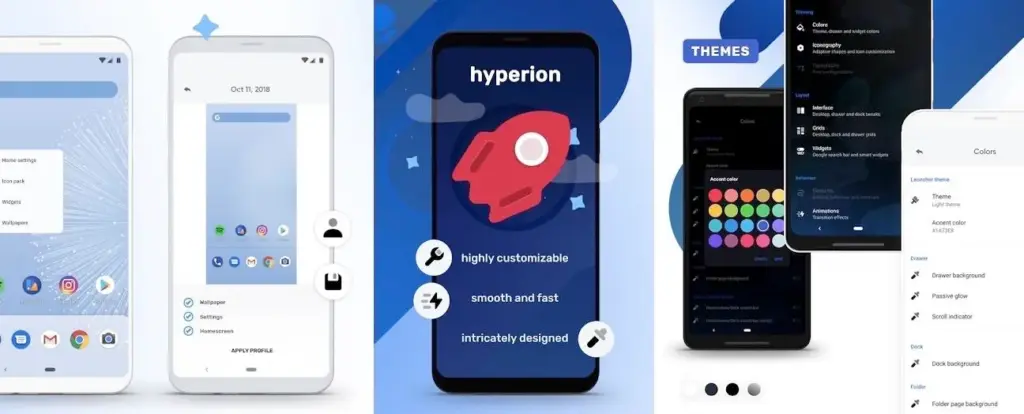
The developers of the well-known Substratum theming engine created Hyperion Launcher, a Pixel-like Android launcher that offers a wide range of customization options.
Users can customize a wide range of options for themes, folders, transparencies, animations, icon packs, and adaptive icons in addition to the normal wallpapers and widgets. Many of Hyperion’s features are available for free, while the Pro edition requires an in-app purchase to enable others, such as launcher-level font changes and custom gestures.
Download Hyperion Launcher: Play Store
Niagara Launcher
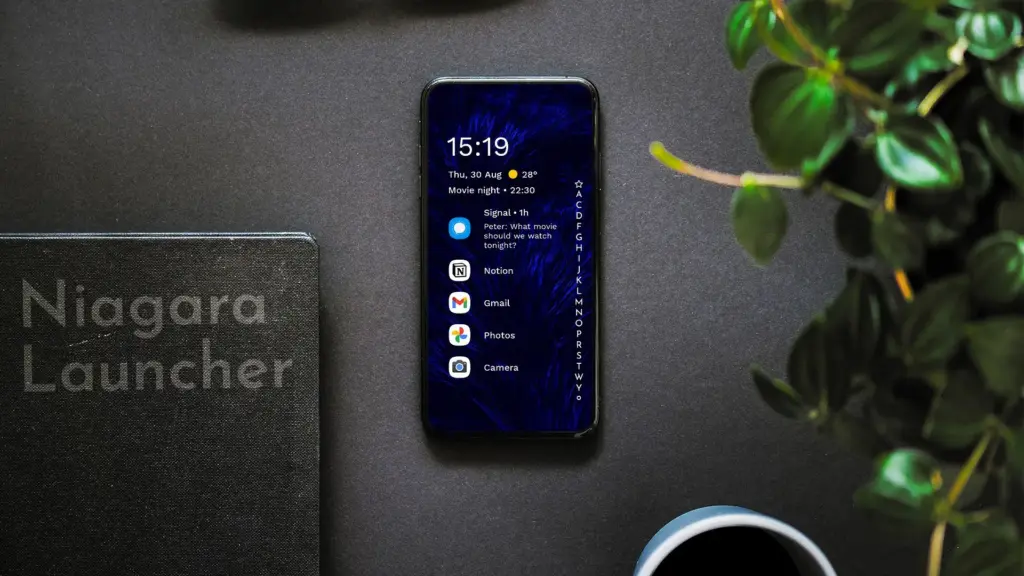
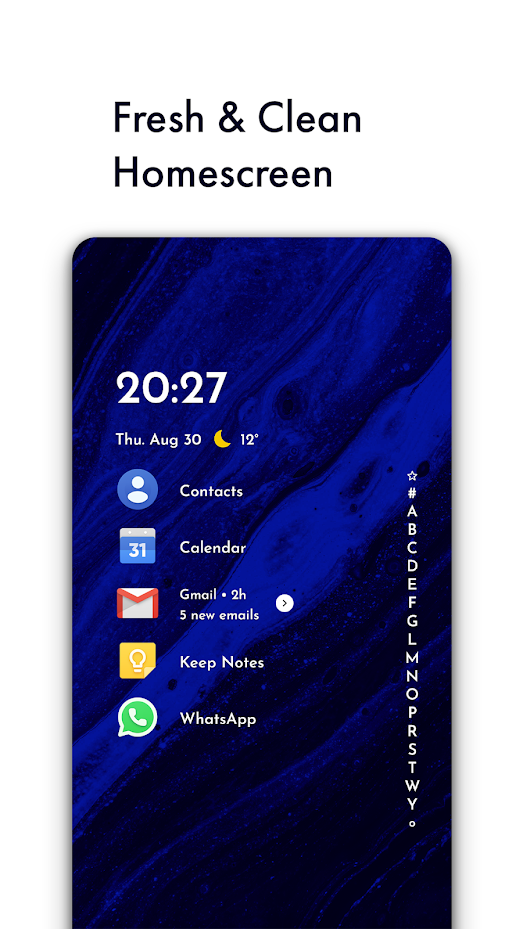
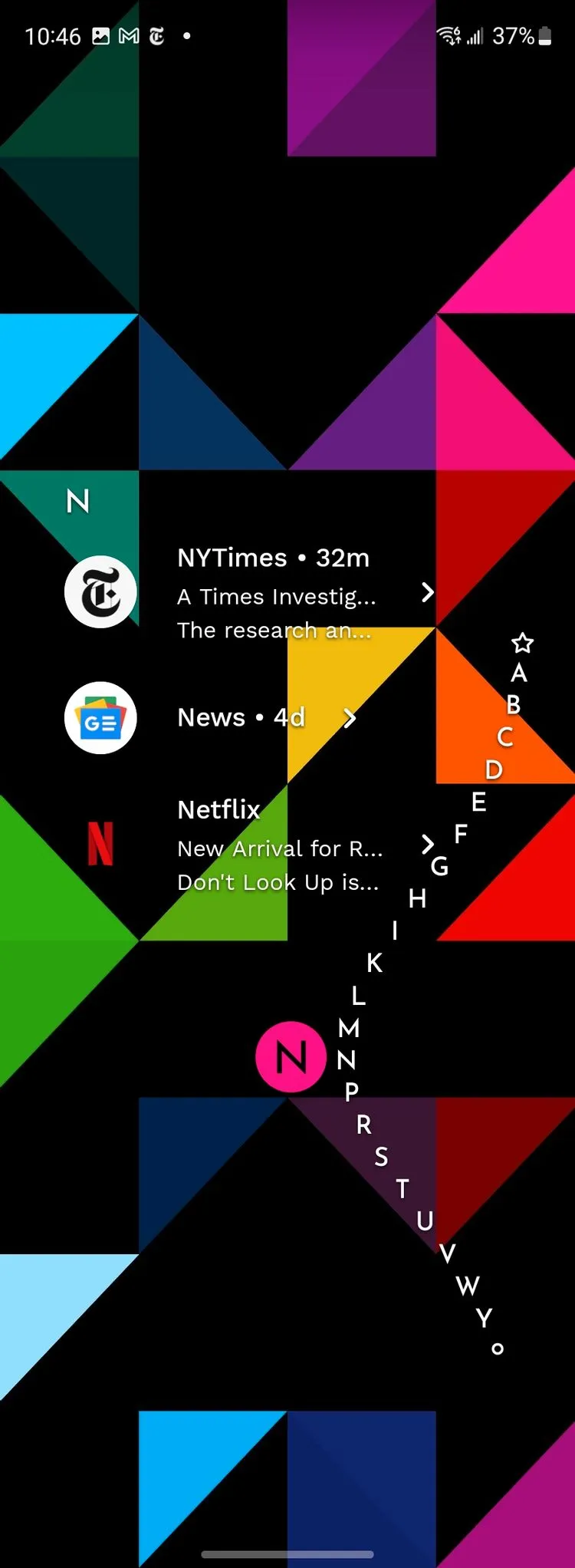
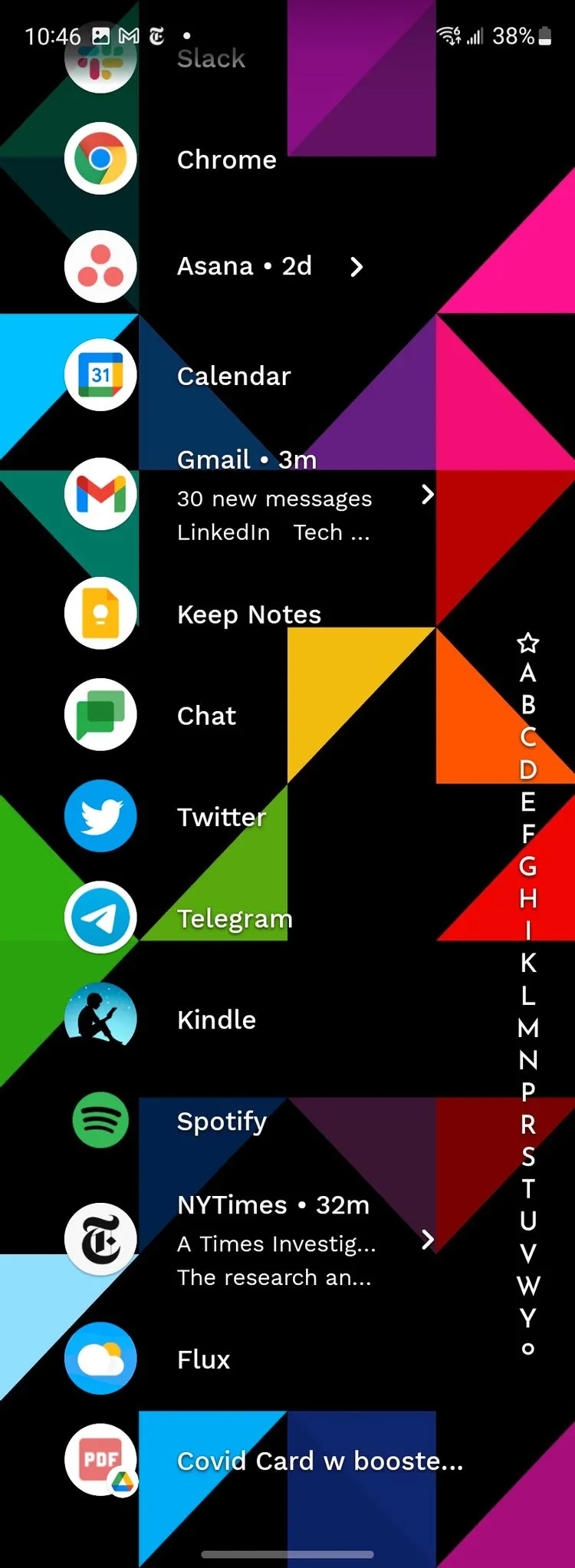
Niagara is a slim Android launcher made to minimize other distractions while emphasizing your apps and alerts. Spam and persistent notifications are automatically filtered out of the notifications that are shown on your home screen. In addition to offering convenient alphabetical shortcuts, the app drawer instantly brings up your preferred apps.
However, because of Niagara’s extreme simplicity, you shouldn’t anticipate any of the odd visual extras and features that you might anticipate from the majority of third-party launchers. It has a lot of promise and is often updated.
Download Niagara Launcher: Play Store
Is the stock launcher for you?
We evaluated each launcher on this list using a variety of criteria during our hands-on experience with them. In particular, their features, design decisions, and genuine comparisons to standard Android versions.
However, launchers are highly individualized, and what suits one user might not suit another. Therefore, ranking these rockets according to our perceptions and experiences was not the aim. Rather, we concentrated on the launcher’s goals and how successfully it achieved them.
Giving the user as much functionality and autonomy as they like is the main goal of several launchers, such as Nova. Others, such as Square Home, are designed to provide a very particular experience; whether or not that is effective depends on the individual’s preferences.
These launchers are ultimately just a small sampling of what is available. However, they do provide a great deal of choice and functionality in a number of areas. That’s why they’re so attractive. However, you are the only one who can decide which one is best for you, so make sure to try a few out for yourself.