Tag: lenovo

  • 16 new devices get Lineage 18.1 ROMs

    16 new devices get Lineage 18.1 ROMs

    lineage os rom

    Lineage OS is the premier custom Android ROM, and one of its best features is that it is constantly evolving. The distributed team has added sixteen new phones and tablets from a few vendors in the last few weeks.

    Here are the phones that have been added to the list, or jumped from Lineage 17.1 to 18.1, based on Android 11. Some :

    To install Lineage, you’ll need to unlock the bootloader on your phone, install a custom recovery like TWRP, then load up the custom ROM file. Most users will also want to flash Gapps at the same time to get access to the Play Store and other Google services. Take note, while Lineage is great and its interface is fast and smooth, almost all builds are classified as “nightlies,” so a few bugs are to be expected.
  • Amazing – Unofficial Android 11 Custom ROM are here

    Amazing – Unofficial Android 11 Custom ROM are here

    Android 11 custom ROM

    As you might well be aware by now, Android 11 ‘s stable version has now been released to the public. Google’s Pixel phone series and a handful of Xiaomi devices have entered the upgrade train so far, while official beta builds are available for the OnePlus 8 lineup, the Samsung Galaxy S20 series, and many other smartphones from various OEM’s.

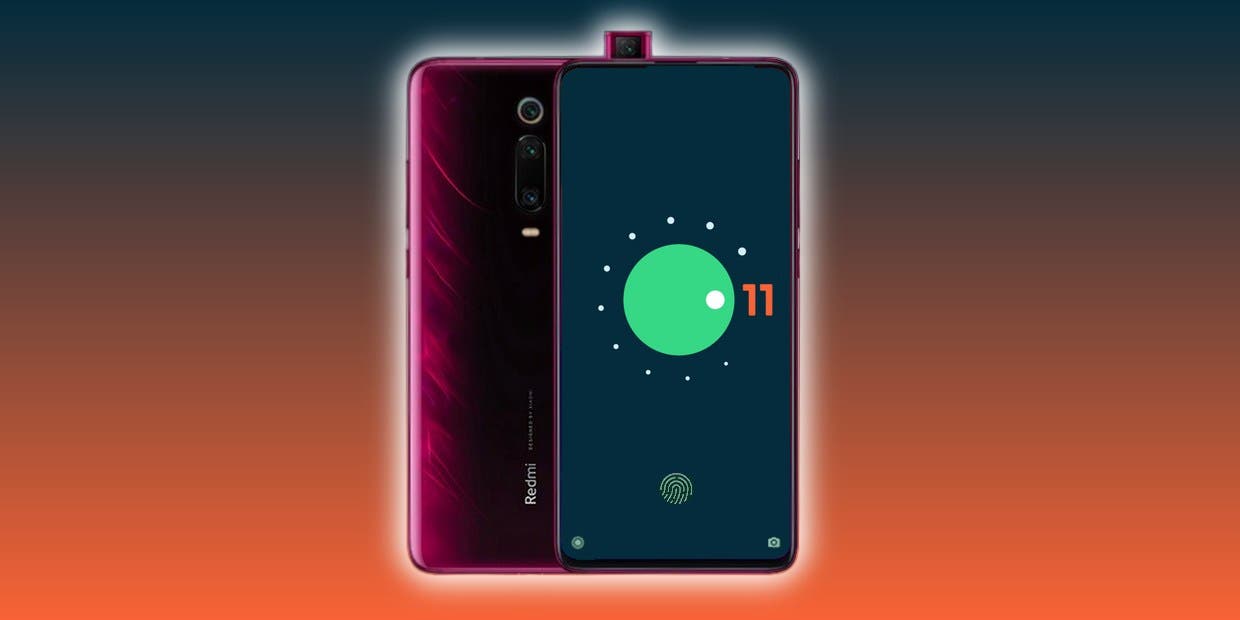
    The source code for the newest Android version is also available on AOSP, which is undeniably a critical ingredient for compiling custom ROMs based on Android 11. In reality, the Redmi K20 Pro / Xiaomi Mi 9 T Pro has already been given a fairly functional AOSP 11 ROM for vanilla.

    Now, more Android 10 custom ROMs have begun popping up in our forums for devices like the Xiaomi POCO F1, OnePlus 5/5T, Essential Phone, and the ASUS ZenFone Max Pro M1; and we expect even more to come along the way in the coming weeks. We’ll add and update this list with some of the first set of Android 11 builds and custom ROMs for a wide range of devices!

    Android 11 Custom ROMs from XDA:

    1. ASUS:
      1. ASUS ZenFone Max Pro M1
    2. Essential
      1. Essential Phone
    3. Lenovo:
      1. Lenovo Z6 Pro
    4. Motorola
      1. Moto G7 Power
    5. Nokia:
      1. Nokia 6.1 Plus
    6. OnePlus:
      1. OnePlus 5 and OnePlus 5T
      2. OnePlus 6
    7. Xiaomi:
      1. POCO F1
      2. Redmi Note 9S/9 Pro India, Redmi Note 9 Pro Max, and POCO M2 Pro
      3. Xiaomi Mi A2
      4. Xiaomi Mi 8
      5. Redmi K20 Pro/Mi 9T Pro
      6. Redmi Note 8 and Redmi Note 8T
      7. Redmi Note 5/Redmi Note 5 Pro

    Android 11 Google Apps

    Apart from the above mentioned ROMs, we will see a lot of custom Android 11 builds released in the weeks to come. Not all custom ROMs ship with Google apps pre-installed though. If you’re looking for an acceptable delivery of GApps, then you’ll be pleased to know that Nikhil, XDA Senior Member, has stepped up and launched an updated version of the NikGapps kit.

    The SetupWizard module within this Gapps distribution is known to be problematic, but you can remedy this by skipping the module using nikgapps.config or flashing the variant without SetupWizard.

  • Root Lenovo K6 / K6 Power – unlock the booloader – karate

    Root Lenovo K6 / K6 Power – unlock the booloader – karate

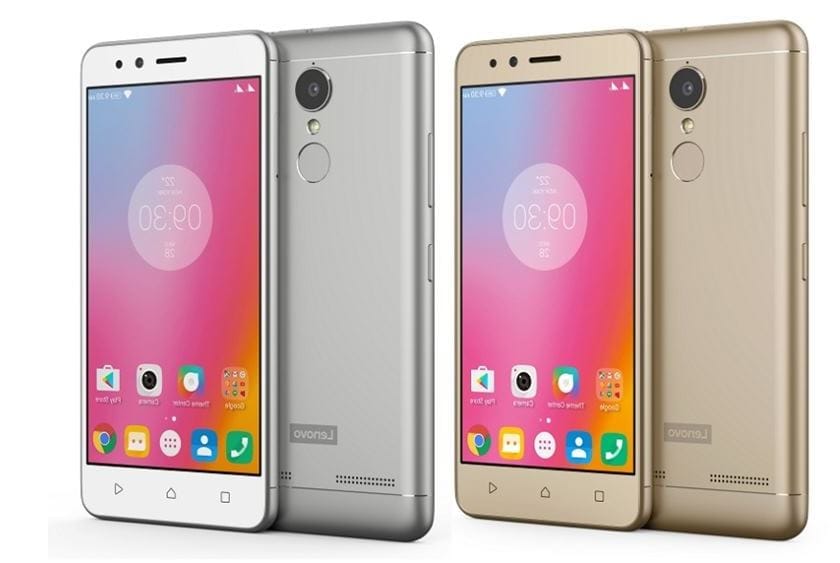
    Lenovo K6/K6 Power features a 5” 1080P IPS LCD display, giving a pixel density of ~441 PPI. Under the hood sits a Qualcomm Snapdragon 430 SoC, which utilises a 1.4 GHz octa-core CPU, an Adreno 505 GPU and 2 or 3 GB of RAM.

    lenovo k6

    The 16 GB internal storage version packs 2 GB of system RAM, the 32 GB, has 3 GB. The primary camera is capable of capturing images at 13 MP, the secondary at 8 MP. The whole 145g package is powered by a non-removable 4000mAh battery.

    *Your Warranty will be void after unlocking bootloader*

    What you will need:

    Unlocking Your Bootloader

    • First of all Install ADB drivers In Your Laptop/PC , Link is Here
    • Now Go to Settings of Your Phone , Scroll Down and go to About Phone And Click on Build Number Until Your Developer Options Is enabled .
    • Now go to the Developer Options and turn on USB debugging and OEM unlocking.
    • Connect Your Mobile To your Pc through a USB cable.
    • Open ADB folder on Your Pc ( It will be in Local Disk C on your My files ) .
    • Right click + Press Shift in Adb folder , a popup will open , choose open command window here .
    • Write Commands
    adb reboot bootloader
    fastboot -i 0x17ef oem unlock-go

    This will unlock your bootloader and it will wipe your internal storage so better to backup first


    Flash custom recovery

    1. Download the twrp for Lenovo k6/k6 power (karate) from official twrp site.
    2. Place it in the adb folder and rename it to recovery.img .
    3. Now run these command
    adb reboot bootloader
    fastboot -i 0x17ef flash recovery recovery.img
    fastboot flash recovery recovery.img

    You have now a custom recovery on your device.

    For rooting your device with Magisk follow our guide: https://api.droid.tools/install-magisk-root-android-any-device/