Tag: info

  • 2 ways to check your battery health on any Android phone

    2 ways to check your battery health on any Android phone

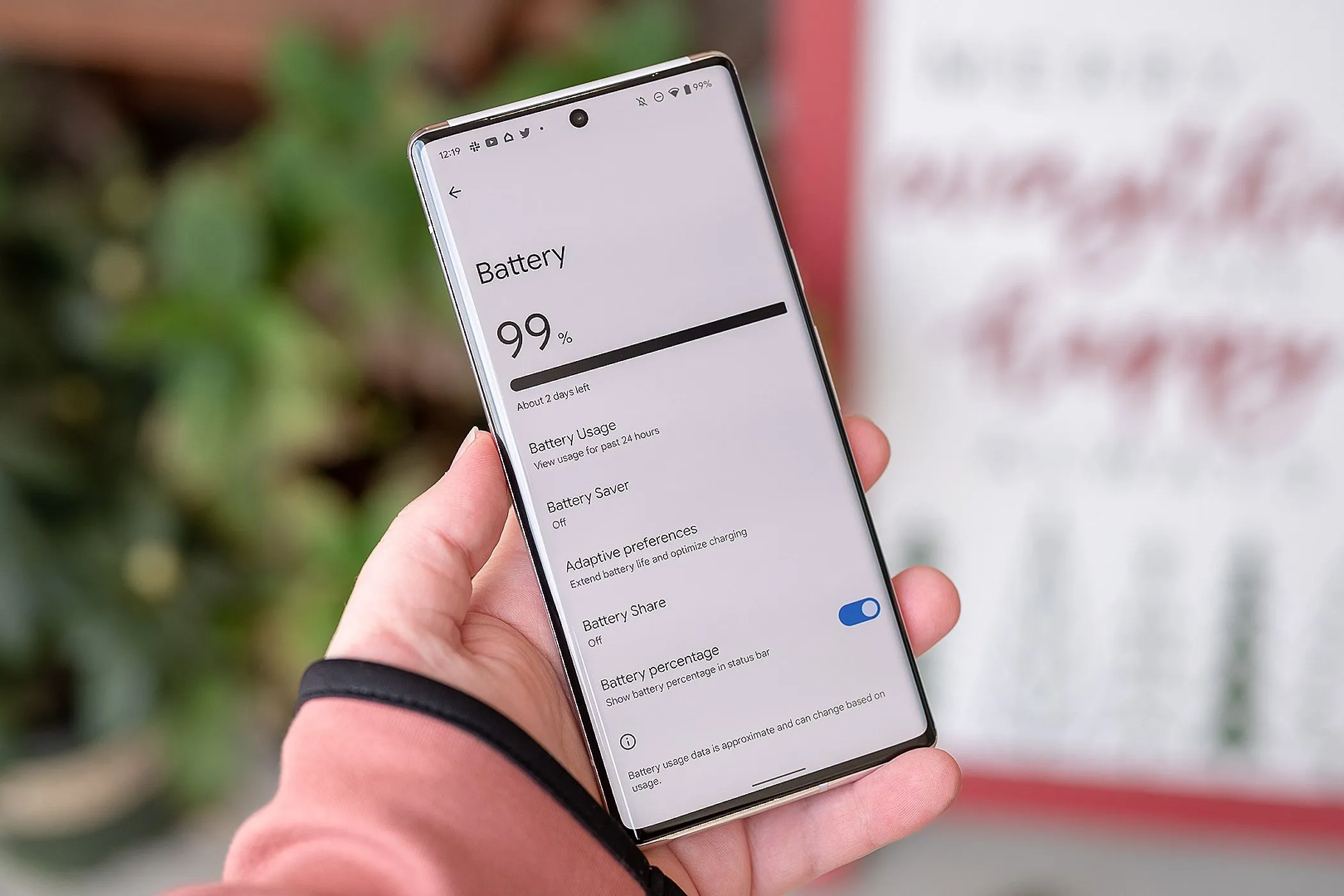
    It’s likely that you carry an Android phone in your pocket if you’re not using an iPhone. Google’s mobile operating system, Android, powers a variety of phones, including the Google Pixel and Samsung Galaxy. The lithium-ion battery is a feature shared by almost all Android phones. Only when these batteries are in good health can they be strong and effective. Your phone may start to drain more quickly, take longer to charge, or even shut down without warning as it ages or wears out. Because of this, monitoring the condition of your battery is more crucial than you may imagine.

    You can check the condition of your Android phone’s battery in two major ways. You can access your phone’s diagnostics by dialing a code. But not every phone can use this dial code. You can also utilize a third-party or internal app, such as Samsung’s Members app, to keep an eye on the condition of your phone’s battery.

    Using a dial code to check the battery health

    A dial code is a string of characters and digits that you enter as though you were making a phone call. You can access an automated system that gives you a summary of your phone’s diagnostics by dialing a code on compatible phones. This will cover the temperature and condition of the battery.

    Enter ##4636## on the dial screen of your phone. After that, access your battery health diagnostics by navigating through the menu. In the menu, this is typically called Battery Information. Depending on the phone kind you own, the options could change.

    Regretfully, not all Android smartphones are compatible with this code. Some are in favor of it, while others are not. You can determine whether the model of your phone supports this dial code in advance if you still have the manual or can get it online. However, just dialing it and seeing what happens might be quicker.

    Using an app to check the battery health
    AccuBattery Battery Health App e1754229139525

    To check the health of the battery, several Android phones offer a personal app option. The Samsung Members app is available from Samsung. You navigate to Support and then Phone Diagnostics using that app. From there, you can test the phone’s battery and other systems.
    acubattery battery logo

    Accu​Battery

    Accu​Battery displays battery usage information, and measures battery capacity (mAh) based on science.

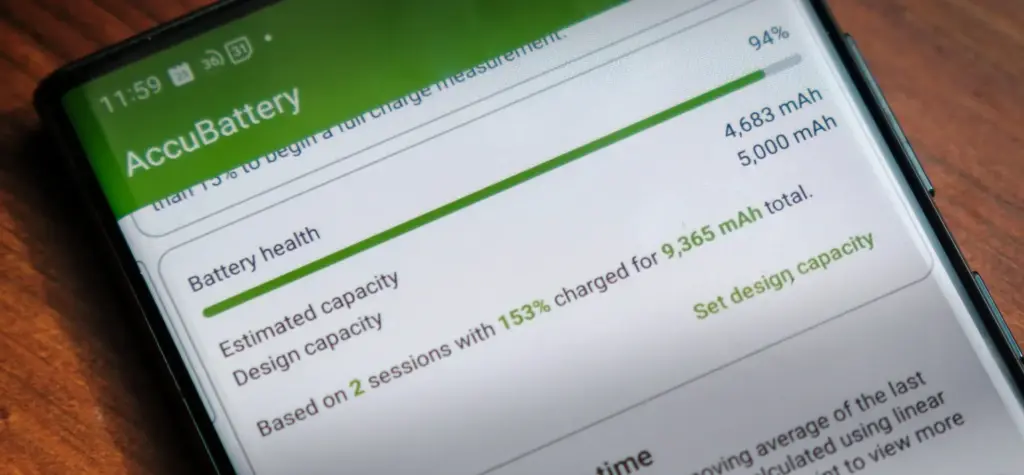
    Another option is to use a third-party app, such as AccuBattery. AccuBattery can be downloaded from the Google Play Store. To demonstrate how well the battery is charging, it has a health monitor. Additionally, it offers up-to-date information about the battery life of your phone. This can help you maximize the battery’s performance and extend its lifespan.

    Maintaining the health of your Android’s battery is essential to its long-term functionality. The dial code is a fast way to check the battery, but not all phones can use it. By downloading an app, you can keep an eye on the condition of your battery and receive real-time reports to improve battery performance. With these resources at your disposal, you can properly care for your phone.


  • Chrome’s cookie encryption has been broken by the new Glove infostealer malware.

    Chrome’s cookie encryption has been broken by the new Glove infostealer malware.

    The new Glove Stealer malware can collect browser cookies by getting past Google Chrome’s Application-Bound (App-Bound) encryption. This information-stealing virus is “very simple and contains limited obfuscation or protective features,” suggesting that it is most likely still in its early stages of development, according to Gen Digital security researchers who first discovered it when looking into a recent phishing attempt.

    During their attacks, the threat actors used social engineering tactics similar to those used in the ClickFix infection chain, where potential victims get tricked into installing malware using fake error windows displayed within HTML files attached to the phishing emails.

    Glove Stealer

    Cookies from Firefox and Chromium-based browsers (such as Chrome, Edge, Brave, Yandex, and Opera) can be extracted and exfiltrated by the Glove Stealer.NET virus.

    Additionally, it can collect password information from Bitwarden, LastPass, and KeePass, cryptocurrency wallets from browser extensions, 2FA session tokens from Google, Microsoft, Aegis, and LastPass authenticator apps, and emails from mail programs like Thunderbird.

    “Other than stealing private data from browsers, it also tries to exfiltrate sensitive information from a list of 280 browser extensions and more than 80 locally installed applications,” said malware researcher Jan Rubín.

    “These extensions and applications typically involve cryptocurrency wallets, 2FA authenticators, password managers, email clients and others.”

    Glove Stealer bypasses Google’s App-Bound encryption cookie-theft safeguards, which were implemented by Chrome 127 in July, in order to steal credentials from Chromium web browsers. It accomplishes this by employing a supporting module that decrypts and recovers App-Bound encrypted keys using Chrome’s own COM-based IElevator Windows service (running with SYSTEM rights), as outlined by security researcher Alexander Hagenah last month.

    To install this module in the Program Files directory of Google Chrome and utilize it to recover encrypted keys, the virus must first obtain local administrator capabilities on the infected PCs.

    However, despite its attractive appearance, Glove Stealer is still in its early stages of development since, as researcher g0njxa told BleepingComputer in October, it is a simple technique that most other information thieves have already accomplished to collect cookies from all Google Chrome versions.

    Russian Panda, a malware analyst, previously told BleepingComputer that Hagenah’s technique resembles early workarounds used by other viruses following Google’s introduction of Chrome App-Bound encryption.

    When Google told BleepingComputer last month that “this code [xaitax’s] requires admin credentials, which shows that we have successfully upped the degree of access required to properly pull off this type of assault,” Unfortunately, the number of active information-stealing malware campaigns has not decreased significantly despite the requirement for administrator access to circumvent App-Bound encryption.

    Attacks have only increased since July when Google first implemented App-Bound encryption, targeting potential victims via vulnerable driverszero-day vulnerabilitiesmalvertising, spearphishingStackOverflow answers, and fake fixes to GitHub issues.