Tag: fake

  • Google Photos Adds AI Touch-Ups That Fix Your Selfies Without Looking Fake

    Google Photos Adds AI Touch-Ups That Fix Your Selfies Without Looking Fake

    Google Photos has been on a steady update streak lately, picking up long-requested features alongside smaller quality-of-life improvements. The app isn’t slowing down either – Google is now rolling out another update that brings a set of touch-up tools directly into the built-in image editor. The company is framing the addition around the idea that “your photos should capture how you feel in the moment.”

    New touch-up tools land in Google Photos’ image editor

    The new tools are designed to apply subtle, targeted enhancements to portrait shots. According to Google, they let users refine skin texture, remove blemishes, brighten eyes, and whiten teeth – all within seconds. The workflow is straightforward: select a face in the photo, then pick from a set of options including heal, smooth, under eyes, irises, teeth, eyebrows, or lips. From there, a slider lets you dial in the intensity of each effect.
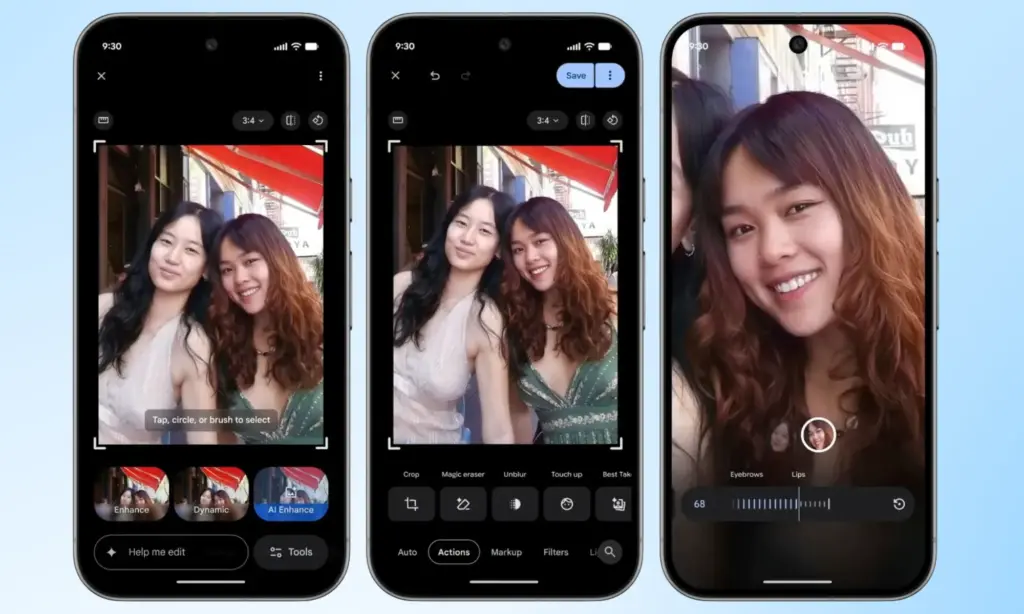
    Google Photos Touch Up feature in action

    Everything renders in real time, so adjustments are visible as they’re made, making it easy to fine-tune before saving. It’s worth noting that many third-party photo editing apps have offered similar tools for years, but Google Photos users now get these capabilities natively, without needing to reach for a separate app.

    Rolling out gradually to Android devices with 4GB RAM or more
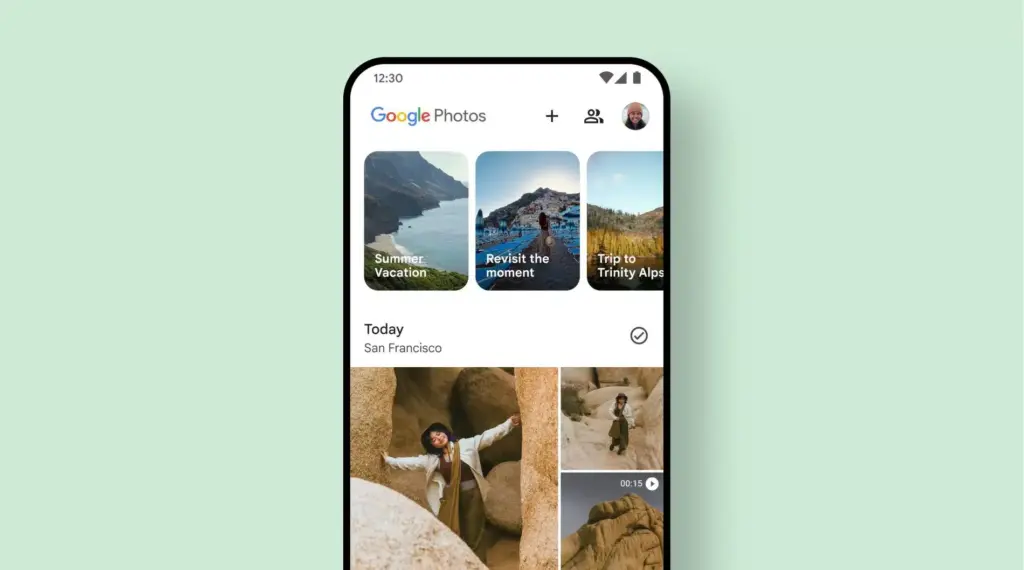
    Google Photos Adds AI Touch-Ups

    This feature has had a long road to release. Code strings hinting at its existence were first discovered inside Google Photos back in October last year, but it’s taken until now for Google to push it live. It’s a welcome addition for anyone who likes to put a little polish on their photos before sharing, though those who prefer keeping images untouched can simply skip it entirely.

    Google has confirmed the touch-up tools are rolling out gradually on a global basis through the Photos app, targeting Android devices running Android 9.0 or higher with at least 4GB of RAM. Given that the rollout is just getting started, it may take a few days before the update reaches all eligible devices.
  • Quishing #alert – FBI warns smartphone users about fake QR codes stealing money

    Quishing #alert – FBI warns smartphone users about fake QR codes stealing money

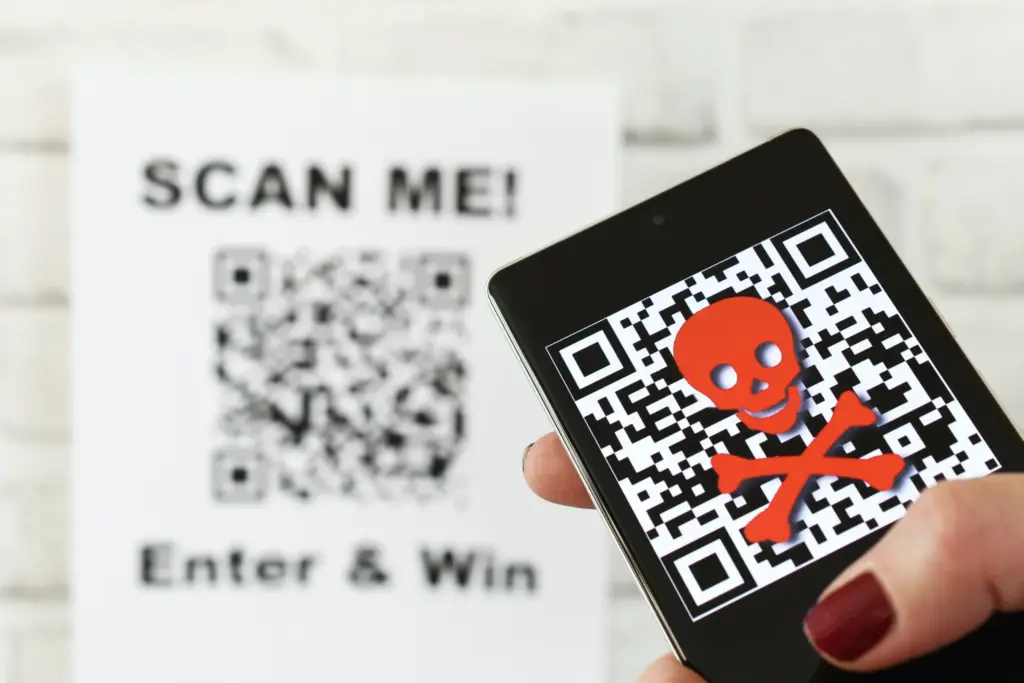
    Smartphone users are now being alerted by the FBI and cybersecurity organizations to a new fraud called “Quishing,” which includes malicious or phony QR codes. Particularly vulnerable are those who often utilize QR codes for logins or payments; some victims have lost thousands of dollars. Here’s what you should know and how to protect yourself.

    The FBI and other federal authorities have recently expressed concern over the increase in QR scam attacks, sometimes known as quishing, in which unwanted parcels show up at people’s doorsteps. These packages frequently contain QR codes that, when read by the camera on mobile phones, cause victims to install malware or be redirected to phony websites. Your device may be compromised as a result, and your personal information may be taken.

    Quishing scam alert

    Online retailers are targeted by Quishing

    The most recent worry centers on these frauds that prey on people who frequently transact online. In order to steal your data, attackers are creating QR codes that point to dubious websites. These scams can also compromise your bank accounts and phone, enabling scammers to steal your money, according to the Brandenburg Consumer Advice Centre (VZB).

    In one scenario, scammers pose as legitimate customers interested in buying a product. They ask the seller to scan a QR code to start the transaction rather than giving money straight to the seller. By directing the victim to a phony PayPal login screen, this code may fool them into inputting their account information. This strategy is a type of phishing on websites.

    With zero-click tactics that don’t involve any user engagement, some attacks are become even more hazardous. Usually, high-profile people like politicians, journalists, attorneys, and activists are the target of these.

    Cyber Security Coach Online security specialist Alex East cautions that hackers might post phony QR codes in both public and private areas, such convenience store payment terminals or gas pumps. During normal transactions, these codes have the ability to reroute customers to malicious websites.

    Quishing alert - warning

    Ways to stay safe

    VZB recommends users to exercise caution when making digital transactions to prevent becoming victims of QR code frauds. It’s crucial to confirm that the vendor is the one displaying the QR code before paying, as opposed to scanning one that has been supplied by another party. Always look for indications of questionable activity on the website you are sent to, such as misspelled domain names or odd layouts.

    Scanning QR codes from unwanted parcels, email attachments, or public places should generally be done with caution as they may direct users to fraudulent websites. It’s even better to stay away from scanning QR codes completely unless you know exactly where they came from.

    It’s also strongly advised to strengthen account security using two-factor authentication (2FA), particularly when money is involved. Consider using passkeys, a more secure login option that is already supported by many websites and apps, for even more security.

    Security features on both iPhones and Android smartphones, such as warnings for phony websites and fraud detection in calls and messages, can aid in spotting scammers. To get the most protection, make sure these features are turned on.