Tag: charging

  • Overnight charging myth: what really happens to your battery

    Overnight charging myth: what really happens to your battery

    You’ve probably heard it a hundred times: “Don’t charge your phone overnight—it’ll ruin the battery.” Or maybe the opposite: “It’s fine, modern phones know what they’re doing.” Both sides sound convincing, but which is true? Overnight charging doesn’t destroy your battery overnight (pun intended), but there are real effects worth knowing about.

    This guide cuts through the noise. We’ll look at what actually happens during overnight charging, why the myths persist, and what small changes can protect your battery without making life inconvenient. No scare tactics. Just facts and practical steps.
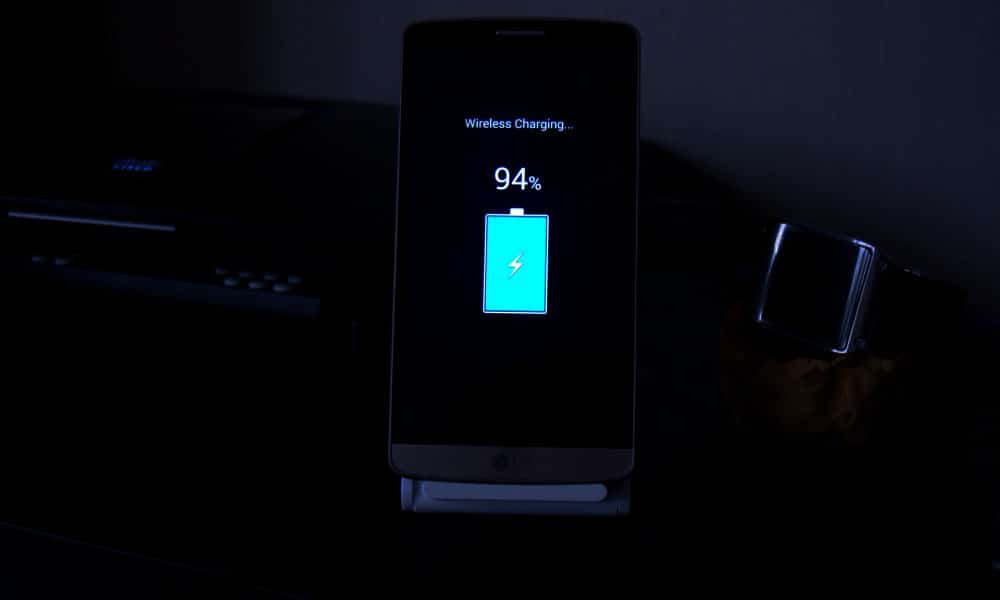
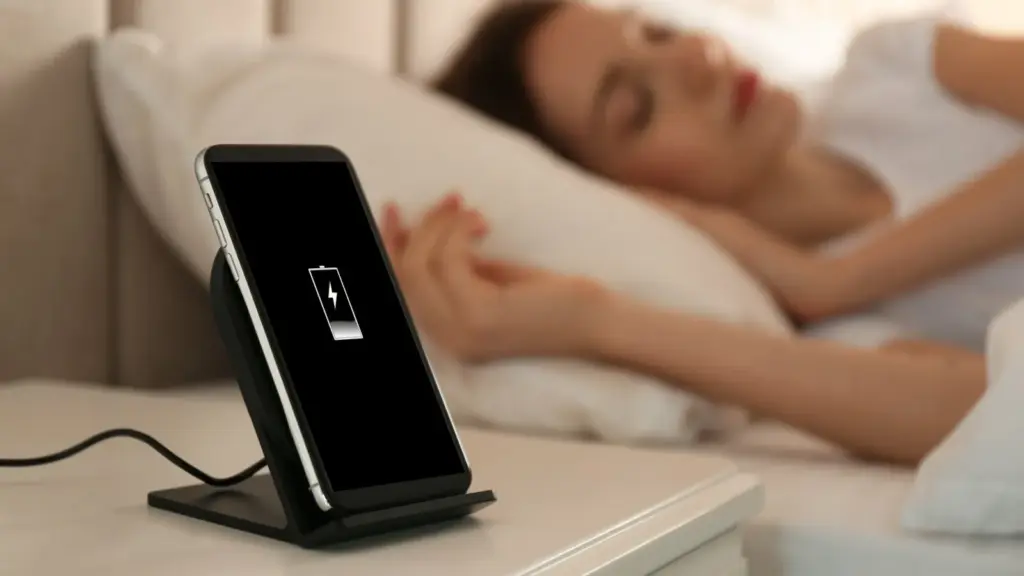
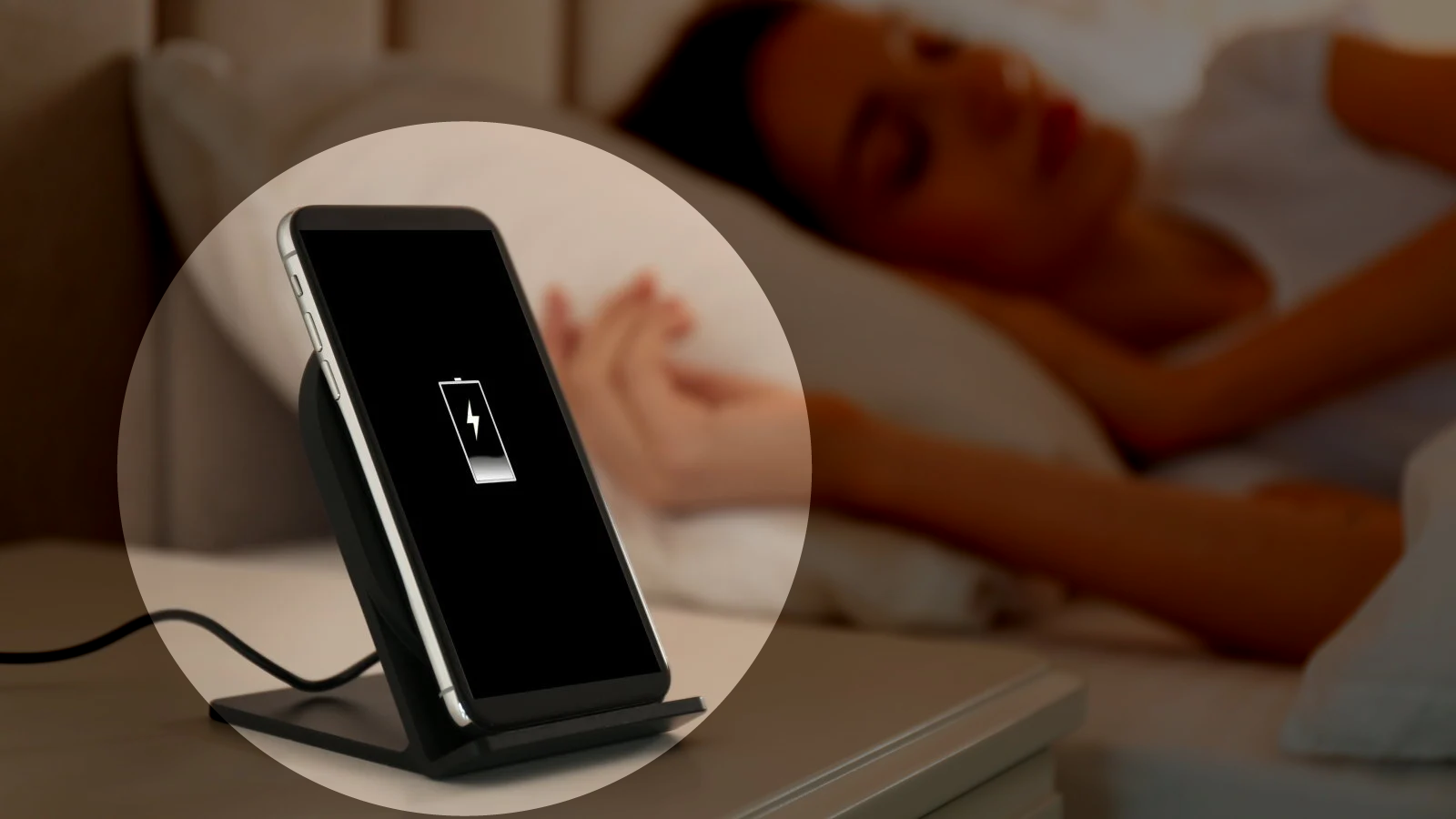
    Overnight charging phone on nightstand with clock

    The science behind overnight charging (simpler than it sounds)

    Modern smartphone batteries are lithium-ion cells with built-in smarts. When you plug in, the phone doesn’t just blindly pump electricity until something explodes. It has charging circuits that monitor voltage, current, and temperature, stopping the charge at 100% and switching to “trickle” mode to maintain it.

    Here’s where confusion creeps in. Once your phone hits 100%, it doesn’t “overcharge” in the classic sense. But it does sit at full capacity for hours – sometimes 6-8 hours if you charge from bedtime to wake-up. That full state puts mild stress on the battery chemistry, especially if the phone gets warm.

    On one hand, a single night of overnight charging won’t noticeably hurt. On the other hand, doing it every single night for two years adds up. Battery capacity naturally degrades over time anyway (to about 80% after 500 full cycles), but certain habits can speed that up or slow it down.

    Why overnight charging gets such a bad rap

    The fear comes from older battery tech and nickel-cadmium cells that really could overcharge and bulge. Those died out 20 years ago. Today’s lithium-ion batteries have protection circuits, and manufacturers test for worst-case scenarios.

    But here’s the nuance: while overnight charging won’t brick your phone tomorrow, keeping lithium-ion batteries at 100% for extended periods accelerates chemical aging. It’s not dramatic day-to-day, but over months, it contributes to capacity loss. Heat makes it worse – think charging under a pillow or in a thick case.

    Most phones now include features to counter this. Samsung’s “Protect battery” limits to 85%. Google Pixel has adaptive charging that learns your routine and finishes at wake-up time. These exist because overnight charging is common, but manufacturers know the trade-offs.

    What really happens during an overnight charge

    Let’s break down a typical 8-hour overnight charge:

    1. Fast charge phase (0-80%): Phone pulls maximum safe current. This generates some heat.
    2. Top-off phase (80-100%): Slower charging to avoid stress.
    3. Full (100%+): Trickle mode kicks in. Phone sips tiny amounts of power to counter self-discharge. Battery sits at full voltage.

    That trickle phase is where most “overnight charging damage” debates live. It doesn’t overcharge, but full voltage stresses the battery’s cathode material over time. Studies show batteries degrade faster when held at 100% vs cycling 20-80%.

    Real-world tests confirm: phones charged overnight for a year lose slightly more capacity than those using charge limits. But the difference is often 2-5% over 12-18 months—not make-or-break unless you keep phones forever.
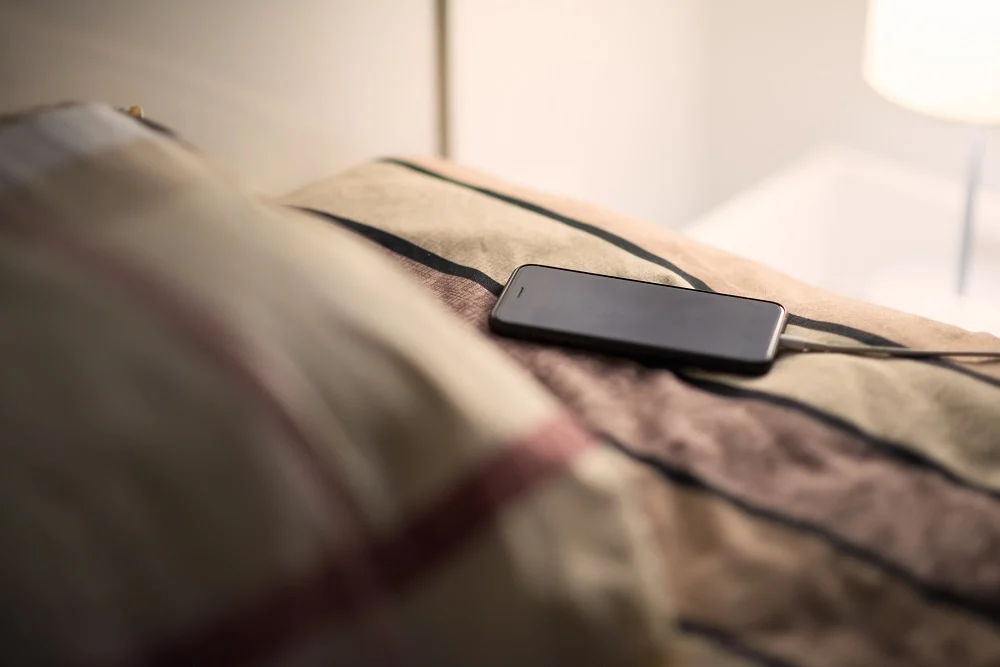
    Overnight charging phone on nightstand with clock myths

    Common mistakes with overnight charging

    People get overnight charging half-right, then undermine it:

    Charging in hot environments: Under pillows, blankets, or summer cars. Heat accelerates everything bad about full-charge states. Solution? Charge on a nightstand, case off if warm.

    Ignoring phone smarts: Many skip “adaptive charging” because they don’t trust it. Most phones learn your schedule after 3-5 nights and time the final 20% perfectly.

    Thick cases during charging: They trap heat. Remove for overnight sessions, especially fast chargers.

    Old cables/chargers: Cheap or damaged ones deliver unstable power, stressing circuits. Use originals or high-quality replacements.

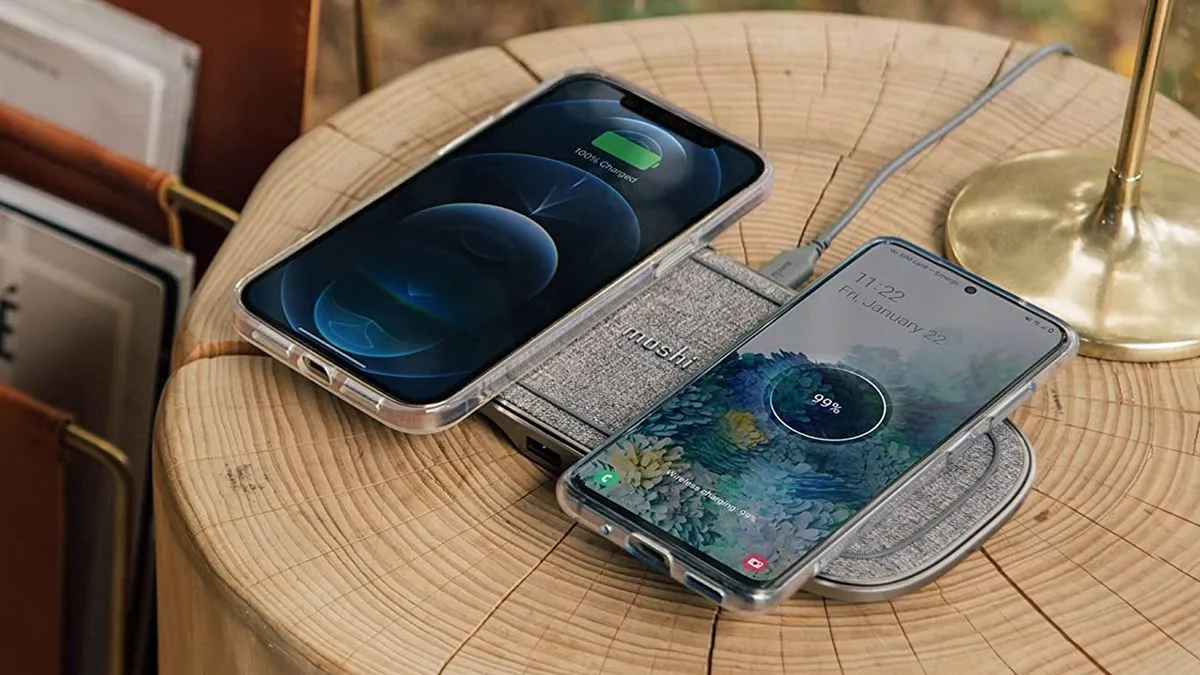
    Wireless pads overnight: They run warmer than wired. Fine occasionally, but wired wins for regular overnight charging.

    What most people miss: overnight charging isn’t “bad” in isolation. Context matters—phone model, case, room temp, charger quality.

    Battery health checklist for overnight charging

    Quick habits that make a difference:

    • Enable adaptive/optimized charging if available
    • Remove case during charging if phone feels warm
    • Charge on a hard surface (nightstand > pillow)
    • Use original or certified chargers/cables
    • Check battery health yearly (most phones show this in settings)

    The 80-85% charging rule: worth it or overkill?

    You’ve seen the advice: “Charge only to 80% for longevity.” It’s rooted in truth—batteries age slower in mid-range states—but it’s not universal.

    When it helps most:

    • You keep phones 2+ years
    • Your phone has a built-in charge limit
    • Overnight charging is your main routine

    When full charges make sense:

    • Travel days
    • Long meetings
    • Emergencies

    Many flagships now automate this. OnePlus OxygenOS pauses at 80% until 30 minutes before your usual unplug time.

    For average users: enable limits if available, charge to 100% when needed. The difference won’t make your phone immortal either way.

    Heat: the real overnight charging villain
    charge phone at night o

    Temperature matters more than charge percentage. Lithium-ion batteries degrade 2-3x faster above 30°C (86°F). Overnight charging often coincides with warm rooms or insulating cases.

    Quick fixes:

    • Room at 18-24°C (65-75°F) ideal
    • No blankets/pillows
    • Thin or no case
    • Avoid direct sun mornings

    Phones throttle charging if too hot, but prevention beats reaction.

    Alternatives to traditional overnight charging

    Wireless slow charging: Less heat than fast wired, but pads must stay cool.

    Power banks: Charge to 80-90% daytime, top off from bank evening. Less full-state stress.

    Scheduled charging: Apps or built-in features pause at set times.

    USB computer charging: Slower, cooler currents.

    None beat wired overnight for convenience, but mixing methods spreads stress.

    When overnight charging might actually help battery life

    Counterintuitive truth: if your alternative is letting the phone hit 5% daily, overnight charging to 100% reduces deep discharges—which also stress batteries.

    Deep cycles (0-100%) age cells faster than shallow ones (20-80%). Someone constantly running to 0% might benefit more from reliable overnight top-offs than perfect 80% habits.

    Balance matters.

    What phone makers don’t tell you about battery reporting

    Most Android phones show “battery health” now, but accuracy varies:

    Samsung: Precise cycle count, capacity %
    Google Pixel: Basic health percentage
    OnePlus/Xiaomi: Cycle count, sometimes estimated capacity

    Check monthly. If capacity dips below 85% after 12-18 months of heavy overnight charging, habits might contribute. Most settle at 88-92% after two years regardless.

    Common mistakes section: overnight charging edition

    Forgetting phone features exist: Adaptive charging on Pixel/Samsung learns your wake-up. Use it.

    Blaming overnight charging for all drain: If battery dies mid-day, screen/apps/signal matter more.

    Using junk chargers: Unstable voltage stresses circuits more than time-at-100%.

    Ignoring heat signs: Warm phone mornings? Case off, room cooler.

    One-size-fits-all thinking: Your 3-year-old phone reacts differently than a new flagship.

    Next steps: test your overnight charging habits

    Don’t overhaul everything. Try this:

    1. Tonight: Enable adaptive/optimized charging (Settings > Battery)
    2. Tomorrow: Check if phone hits 100% near wake-up, not 2am
    3. This week: Remove case during charging, note morning temperature
    4. Monthly: Check battery health percentage/cycles

    Track for two weeks. Capacity stable? Habits good. Dropping fast? Consider service or replacement.

    Overnight charging works fine for most with basic precautions. Your battery thanks small tweaks more than perfection.
  • Is fast charging bad for your smartphone battery? Expert breakdown

    Is fast charging bad for your smartphone battery? Expert breakdown

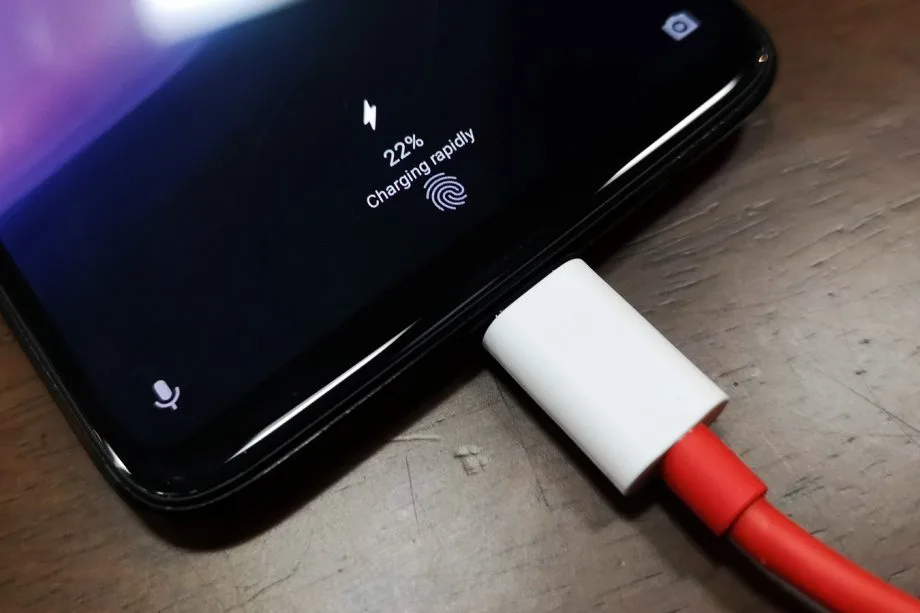
    30 minutes to fully charge the battery? A growing number of cellphones can be fully charged in less than an hour. Does this rapid charging, however, harm the battery? This has been examined in an experiment, which yields an unexpected result.

    30 minutes to fully charge the battery? A growing number of cellphones can be fully charged in less than an hour. Does this rapid charging, however, harm the battery? This has been examined in an experiment, which yields an unexpected result.

    A Chinese do-it-yourself team called HTX Studio looked into this precise subject. After purchasing ten identical iPhones and ten Android devices, the do-it-yourselfers split them up into groups. A fast-charging power supply unit was used to charge one group, while a slow charger was used for the other. We finally have a response after 500 full charges and six months.

    fast charging bad for your smartphone battery

    How did they do it?

    Two groups of iPhones were created. Apple’s 40-watt power supply was used to charge three gadgets, while the outdated 5-watt power supply was used for the remaining three. To ascertain the typical aging of the battery over time, a second iPhone was left completely uncharged as a control group.

    For the Android cellphones, the configuration was the same. The iQOO7, which is unavailable in this nation, was utilized twice: once with 18 watts and once with the maximum power of 120 watts.

    The smartphones are fully charged by self-programmed software, which then uses up the battery once again until it is only five percent. After that, the charging procedure resumes. In this way, 500 charging cycles were carried out over a few months.

    Is fast charging bad for your phone’s battery?

    The enthusiasts looked at the batteries both before and after the experiment. This is due to the fact that not all smartphones have the same battery capacity when they are manufactured. There may be slight variations of less than one percent. The batteries were inspected once more after 500 cycles, and the amount of capacity they had lost was calculated:

    • iPhone (slow charge): 11.8%
    • iPhone (fast charge): 12.3%
    • Android (slow charge): 8.8%
    • Android (fast charge): 8.5%

    The outcomes are unexpected. Faster charging caused the batteries in iPhones to lose 0.5 percent of their capacity, but the batteries in Android cellphones even lost 0.3 percent. Only in a lab can these variations be quantified. Therefore, the service life of your battery is essentially unaffected by fast charging.

    How to take care of your battery

    For the longest potential service life, batteries should be kept between 30 and 80 percent charged, according to another battery myth. For mobile cellphones, some manufacturers even include an 80 percent charge cap.

    In order to test this notion, the Baster team charged another set of cellphones to 80% capacity before draining the battery to 30%. The experiment was repeated 1000 times because this was only half of a charging cycle.

    • iPhone (30-80 percent): 8.3%
    • Android (30-80 percent): 6.0%

    Therefore, you are actually doing your smartphone’s battery a favor if you never charge it to more than 80%. However, the difference in day-to-day living is negligible even here. Therefore, the experiment demonstrates that you should just charge your smartphone whenever it is most convenient for you rather to spending a lot of time and effort doing so.

  • Most common smartphone charging myths debugged

    Most common smartphone charging myths debugged

    Android smartphones nowadays are available in a wide variety of sizes, styles, and form factors. There is a large market with many possibilities for foldable phones in addition to the traditional slab flagship smartphones and all-around mid-range smartphones.

    However, battery life has always been a problem for all Android users, regardless of the device they use. The majority of Android users are concerned about how long their phone will last between charges. Many people adopt practices based more on misconceptions than facts in an effort to maintain battery health.

    Although many old pieces of advise still exist, Android phones have become much more intelligent. Here are some typical fallacies about charging that people still hold onto, along with the actual facts.

    Only the original charger for your phone brand should be used.

    charging smartphone

    The majority of smartphone manufacturers have followed Apple’s example and ceased included a charger in the box since the release of the iPhone 12 in 2020. Additionally, they frequently encourage you to purchase their official charger, which is typically more expensive than alternatives found on Amazon or Best Buy. However, that isn’t the complete story.

    For a quick and safe charge, you don’t have to use the same brand of charger. In addition to meeting all safety and charging requirements, certified third-party chargers from companies like Anker, Belkin, Spigen, and UGreen are less expensive than those offered by phone OEMs.

    Additionally, the majority of these brands’ chargers support the majority of fast charging protocols, including USB-PD, PPS, and Quick Charge. It’s likely that a decent third-party charger will function perfectly unless your handset uses extremely specialized proprietary charging technology, like as Xiaomi’s HyperCharge or OnePlus’ SuperVOOC.

    Wireless charging is incredibly effective and safe.

    wireless charging android

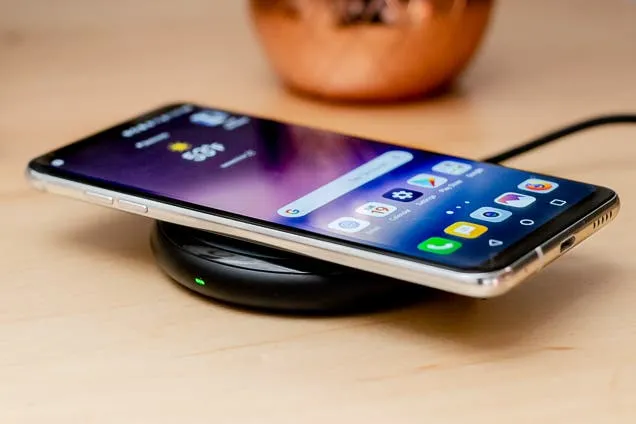
    Wireless charging is now supported by the majority of Android flagship handsets, and although it’s a handy feature, it’s not necessarily the best option for battery health. Compared to wired charging, wireless charging produces more heat. Your battery may lose some of its original charge over time due to the accelerated degradation caused by excessive heat.

    Therefore, try to avoid using wireless charging on a regular basis. Although it’s acceptable on occasion, if you would rather use a Qi-certified charger on a regular basis, take into account wireless chargers with integrated fans or temperature control, as these features aid in lowering heat production. Despite this, cable charging is still one of the greatest choices (and it’s typically faster, too).

    Your phone’s battery will die if you leave it plugged in all night.

    The idea that leaving cellphones plugged in overnight will “overcharge” the battery, damage it, and accelerate its depletion is one of the most widespread misconceptions regarding charging. However, that is untrue. These days, Android devices are intelligent enough to charge overnight without causing battery damage.

    myth - Your phone's battery will die if you leave it plugged in all night.

    Nowadays, the majority of phones have intelligent battery optimizations that learn your usage and cut off charging when the battery reaches 80%. These optimizations are frequently AI-enabled. To reduce battery stress, the last 20% is charged right before you usually disconnect your phone.

    However, charging to 100% on a regular basis is also not recommended. When left fully charged for extended periods of time, lithium-ion batteries—found in phones like the Google Pixel 9 Pro and Samsung Galaxy S25 Ultra—degrade more quickly. Setting a charge restriction, such as stopping at 80%, is a better long-term habit if your phone allows it.

    It’s not good to charge your phone several times a day.

    It's not good to charge your phone several times a day.

    Another widespread misconception is that you should only charge your phone when battery reaches 0% and that charging it more than once a day is detrimental. However, that is untrue. Frequently charging lithium-ion batteries is not a problem for them. Actually, tapping 0% repeatedly may cause more damage than good to these cells.

    For the optimum battery health, you should try to keep your phone within the 20% to 80% range, as this is where lithium-ion batteries are meant to operate. Charging your phone in short bursts throughout the day is less stressful on the battery than completely draining it to nothing.

    Every phone is compatible with every fast charger.

    fast charging

    Fast charging is supported by almost all Android devices nowadays, although it is unrealistic to expect all fast chargers to function in the same manner. The charger you’re using might not function as intended because the majority of Android OEMs utilize different fast charging protocols. There are numerous rapid charging protocols, such as USB-PD, PPS, and OnePlus’s proprietary SuperVOOC.

    An incompatible fast charger won’t harm your phone’s port, but it probably won’t provide rapid charging. Using the correct charger will charge your phone as intended. You won’t receive the speed you’re hoping for if you don’t check your phone’s supported charging protocol before purchasing a new charger.

    Did you knew all these?

    Overall, we still hold onto several widespread myths about charging gadgets, many of which date back to the 2000s. However, cellphones have advanced significantly over time, and thanks to a number of clever features, they can now control charging more effectively.

    Beyond being aware of these facts, you can really extend the battery life of your phone by incorporating a few simple tips into your daily routine.

    Stay connected with the latest from Droid Tools—follow us on X @droid_tools, like our page on Facebook, check out our updates on Instagram, and follow us on Google News for real-time news, device tips, and mobile tech insights.