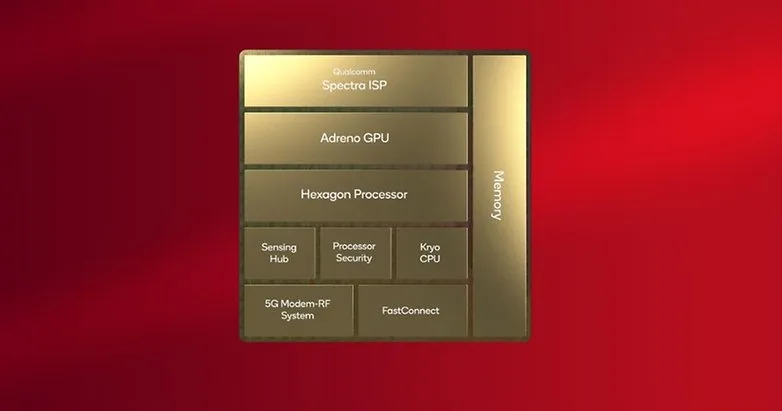
As the October launch date draws nearer, more information about Qualcomm’s next-generation system-on-chip for smartphones and tablets is starting to emerge. A purported benchmark for the Snapdragon 8 Gen 3 has just surfaced, suggesting significant upgrades over the previous flagship chipset.
The alleged GeekBench 5 scores of the forthcoming Snapdragon 8 Gen 3 have reportedly been uploaded by a Chinese leaker and trustworthy source, Digital Talk Station. The silicon reached 1700 in the single-core category, and roughly 6600 in the multicore category, according the listing. With an average of 1500 and 5000, respectively, the new chip outperforms the Snapdragon 8 Gen 2 by 12 and 20%.
Qualcomm Snapdragon 8 Gen 3 vs. Apple A16 Bionic
If these results are replicated in the chipset’s production unit, the Snapdragon 8 Gen 3 will perform worse on single-core tests than Apple’s A16 Bionic (1800/5300), but far better on multi-core tests. The iPhone 14 Pro (review) and iPhone 14 Pro Max are now powered by the Apple A16 Bionic, whereas the iPhone 15 will be the first device to use the more effective A17 Bionic.
These scores are based on the upgraded configuration of the chipset, which has a 1+5+2 core cluster, according to another leak that Twitter user @tech reve reported. Although the five performance cores are now operating at two distinct frequencies, the main Cortex-X4 appears to have been turned down from 3.4 GHz to 3.2 GHz, increasing the multicore value.
It was previously believed that the Snapdragon 8 Gen 3 had a top clock speed of 3.7 GHz and a 50% boost in GPU performance. But, there hasn’t been any further information regarding this since. Perhaps Samsung will reserve and only use this version of the proprietary Processor, just like they did with the Snapdragon 8 Gen 2 for Galaxy.
The Snapdragon 8 Gen 3 may be unveiled during the upcoming Snapdragon Summit, which Qualcomm said will take place in October. In November, the first smartphones that utilize the platform are anticipated. At the aforementioned later date, Xiaomi is supposedly unveiling the Xiaomi 14 series.
iMessage has long been the primary distinction between iPhone and Android users (well, here in the US anyway). It’s created a massive rift between the two platforms because iPhone users have their own exclusive space to hang out where Android users are at best annoying and at worst downright prohibited.
Many businesses have made an effort to address this issue. Despite its wealth and influence, Google has chosen to publicly mock the entire issue and urge Apple to implement RCS. By charging customers to link an Android handset with a real Apple device, like a Mac or even an iPhone, Beeper provides iMessage to Android.
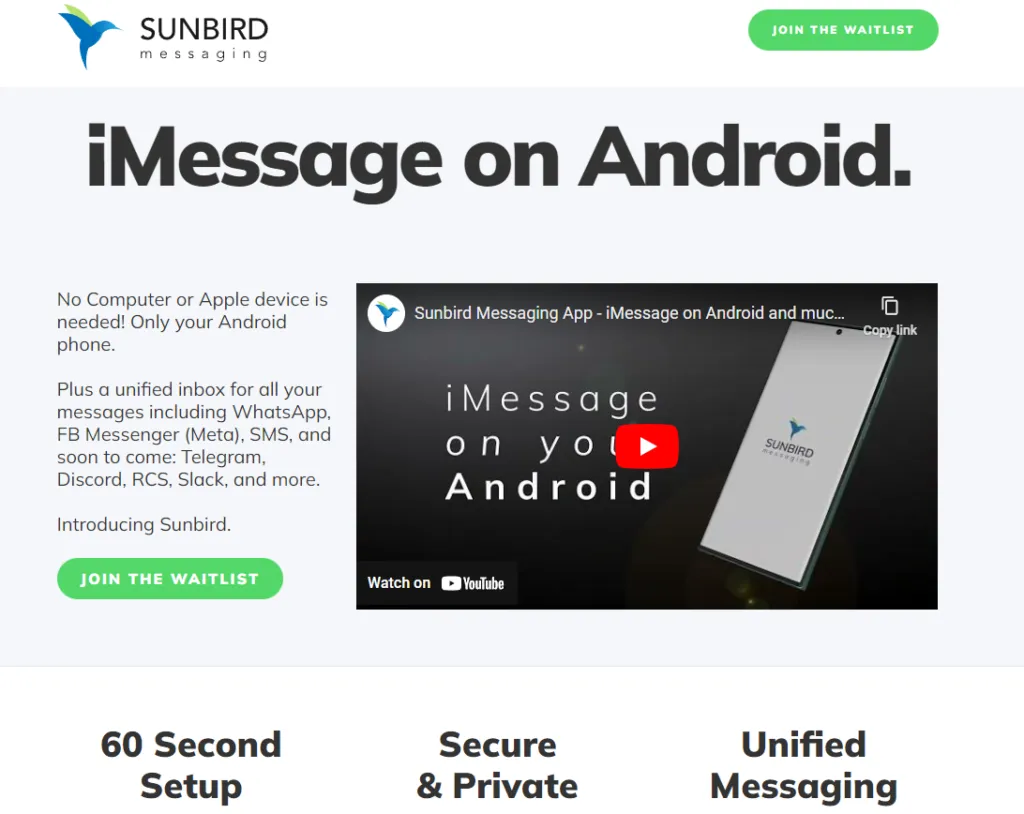
Sunbird, though, is looking to be the one true app to rule them all. Today, the company gave Android Authority a rundown of the app (which is still in alpha) and how it works.
Sunbird: iMessage on Android
A pre-recorded screencast showing a Samsung phone interacting with what appears to be an iPhone via iMessage was displayed during the company’s presentation. Blue bubbles, Emoji replies, typing indicators, etc. were all present. It appeared as though the Samsung phone was an iPhone in all respects.
But the business never displayed what the iPhone saw. The fact that it was a pre-recorded film just added to our natural skepticism. We eventually received early access to the Sunbird app from the company so that we could test it out for ourselves.
The good news is that Sunbird and my Apple ID might be linked. I was able to hypothetically connect the two by logging into Apple via the Sunbird app. My subsequent attempts to send iMessages were unsuccessful. Whether it was text, a picture, or a vCard, my messages were simply never delivered to my intended receivers.
Sunbird and I tried to troubleshoot together, but we were unsuccessful. If we are successful in getting it running in the future, we will let you know.\
Does it work and what will it cost?
Sunbird has no intention of making its iMessage-to-Android technology open-source. Therefore, we were not given a thorough explanation of how this program functions (or at least should work).
However, based on what the business did state, it appears like it has expanded on the Beeper approach, which involves connecting an Android phone to an Apple-based system. The first is that each user does not require their own connected gear. Sunbird has developed a method that enables tens of thousands of users to connect to a single computer. Second, the company has also discovered a way to maintain end-to-end encryption using this technique, something Beeper and similar companies are unable to do. Once more, Sunbird withheld its method of operation.
Thankfully, if and when it does work and launches to the public, Sunbird says the app will be free — for a while. Early birds will get access to iMessage on Android and not have to pay a dime. In the future, the company could monetize the app by charging for other connected services, such as Telegram, Signal, or other chat apps.
In the meantime, we’ll continue working with Sunbird to get the app up and running on our own devices.
Since Apple’s official unveiling of the iPhone 14 range has not yet settled, several of the announcements caught us off guard. Although I’ll reserve my opinions on the Apple Watch Ultra for another time, I do have some thoughts on it. Instead, I’m going to discuss a few features that the iPhone 14, namely the Pro and Pro Max, “stole” from earlier Android devices.
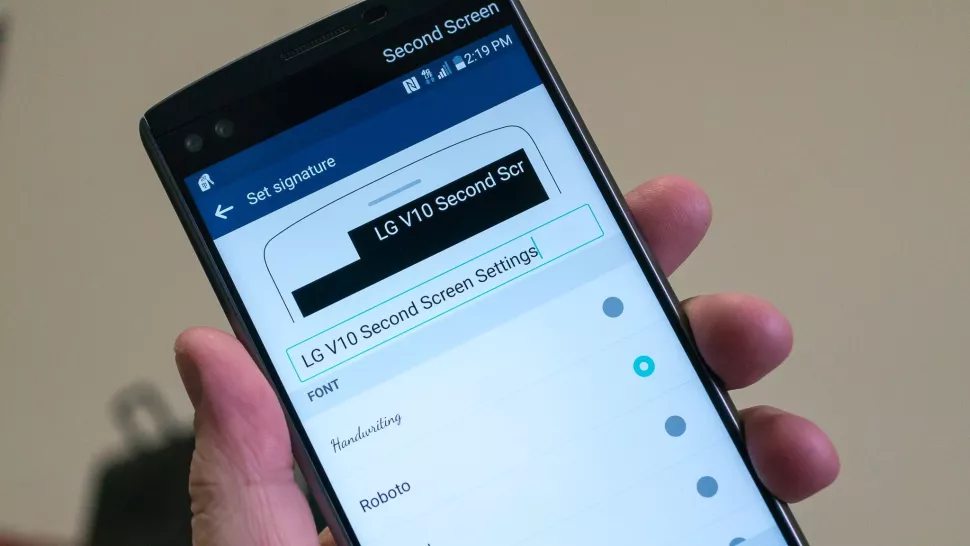
Dynamic Island from LG V10
The debut of the Dynamic Island along with the iPhone 14 Pro and Pro Max was perhaps the announcement made during Apple’s “Far Out” event that sparked the most heated debate. Since the release of the iPhone X, everyone has been requesting that Apple remove the notch, and they have finally done so. Although it’s still present on the iPhone 14 and iPhone 14 Plus, it makes sense from the standpoint of Apple wanting to provide a feature that sets its non-Pro and Pro models apart.
While the Dynamic Island may appear to be a ground-breaking new feature, LG actually arrived first with the LG V10, despite the fact that this is accurate to some extent. LG introduced the “Second Screen,” which allowed users to read incoming notifications, make shortcuts for contacts, and control any music that was playing without using the primary display, in an effort to provide users a another method to interact with their alerts.
It was one of those instances where LG tried to do something different, but the overall implementation and lack of support doomed the Second Screen from the start. The LG V20 kept the Second Screen around, providing essentially the same implementation, but it was still met with mixed results. Some V20 owners found this to be extremely convenient, while others found that “it doesn’t really add much to the experience.”
Apple’s implementation of Dynamic Island merely operates in a completely different manner as opposed to introducing a new screen. The “Island” will display “Dynamic” information, such as the song’s album art, when you start playing music and quit the app. Additionally, instead of taking up your full screen for simple notifications like when FaceID is required, it turns them into a drop-down image tied to the Island.
Although Dynamic Island isn’t an identical copy of LG’s Second Screen, it’s very obvious that there is some inspiration.
Hole-punch selfie camera
Speaking of the notch, we were aware that Apple wouldn’t use it indefinitely. It was only a matter of time before the company made the “revolutionary” decision to use a hole-punched selfie camera cutout. Apple had to alter the modules it uses because of the different sensors that are integrated into the notch, and there are actually two cuts. The selfie camera is in one, while the proximity sensor and other Face ID-related components are housed in the other.
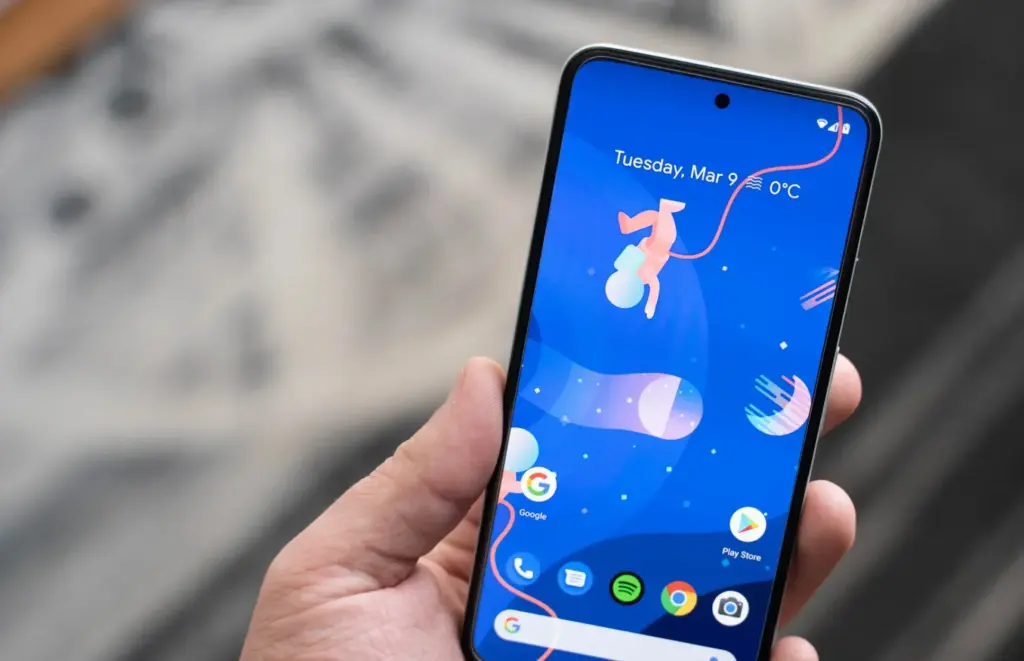
With the Huawei Nova 4, the first business to completely do away with the notch, Huawei introduced the hole-punch selfie camera. However, it has been more difficult to find a smartphone that doesn’t include one since then. Many of the top Android smartphones are included in this, including the Galaxy S22 series, Pixel 6, ASUS ZenFone 9, and others.
Apple is obviously falling behind the curve here, as a few phone manufacturers are starting to adopt an under-display selfie camera. Notably, the Galaxy Z Fold 4 and ZTE Axon 40 Ultra are two of the most recent models with a UDC; nevertheless, it wouldn’t be surprising to see further phones produced in the near future with such a change.
Always-On Display
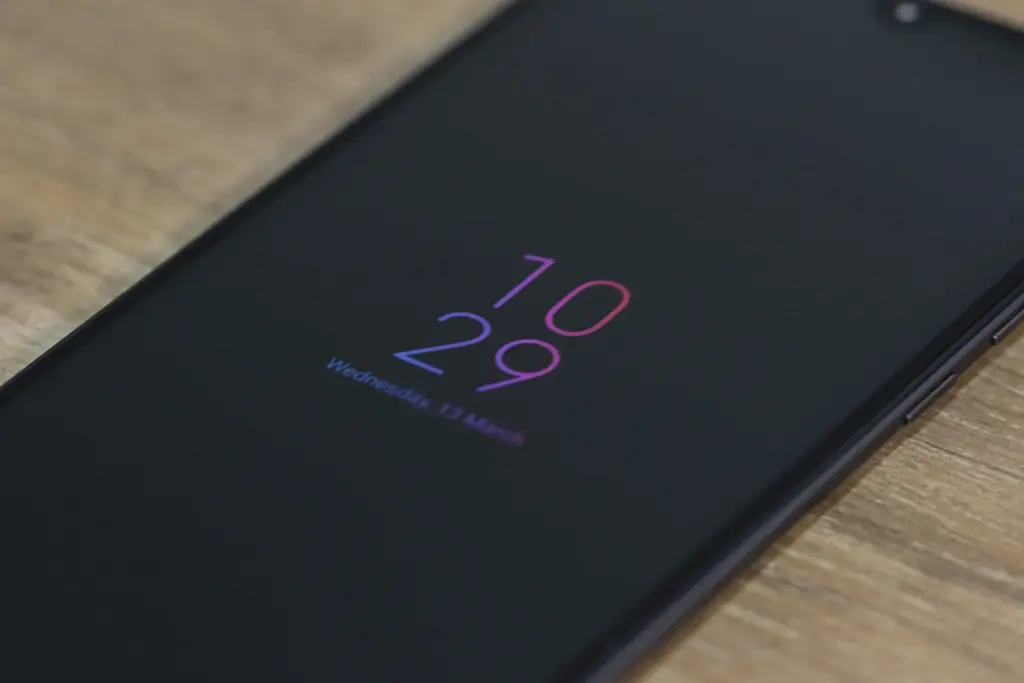
Consider how long Apple has taken to provide a feature that it ought to have done years ago. Android phones have long had the Always-On Display (AOD), which allows users to quickly and easily see the time and any unread alerts. Following the announcement of iOS 16 and the addition of lock screen widgets, the writing was already on the wall.
Then, one of the iOS 16 Developer Beta builds kind of let the cat out of the bag when several users discovered that the UI on their iPhone lock screens was unfamiliar. In actuality, Apple was simply putting the software in place to support the Always-On Display.
In true Apple fashion, this isn’t available on all four iPhone 14 models, as the AOD is reserved solely for the iPhone 14 Pro and Pro Max.
Dynamic Refresh Rate
It’s still remarkable that Apple waited so long to implement quicker refresh rates and dynamic refresh rates considering how long Android users have enjoyed this privilege. ProMotion was created because we anticipated Apple would substitute “dynamic refresh rates” with some fancy marketing word. The iPhone 13 Pro and Pro Max from last year were the first devices to feature this, but they could only refresh the screen between 24Hz and 120Hz.
Apple decided it was high time to slow things down even further with the release of the iPhone 14 Pro and Pro Max with the Always-On Display. With its ProMotion display, the iPhone 14 Pro range can now dynamically refresh the screen all the way down to 1Hz instead of bottoming out at 24Hz. Since stale content doesn’t need to be refreshed as frequently, the obvious benefit is to prevent battery drain anytime the AOD is shown on the iPhone.
Due to the LTPO display, the OnePlus 9 Pro and Oppo Find X3 Pro were two of the first smartphones to provide dynamic refresh rates between 1Hz and 120Hz. And as you might anticipate, this has appeared on additional gadgets, like the Galaxy S22 Ultra and the current generation of iPhone 14 Pro models.
Car Crash Detection
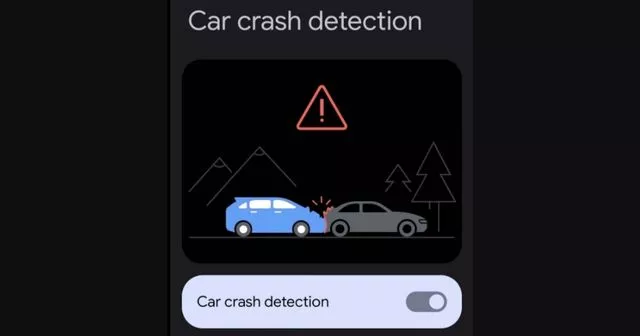
If you were able to endure the full “Far Out” event, you might have become weary of the numerous commercials showcasing the positive effects the Apple Watch and iPhone have had on people’ lives. One new feature, though, is something that everyone should be grateful to Google for introducing with the Pixel back in 2020. As part of the March 2020 Feature Drop for owners of the Pixel 2, 3, and 4, Car Crash Detection was initially integrated to Android.
The many motion sensors and ambient sounds on your Pixel phone were used to make this feasible. Your phone can sound an alarm in the event of a car mishap, prompting you to decide whether you require additional assistance. If no response is given, emergency services will be contacted and their location will be given by your Pixel.
Apple is adding this to all of its iPhone 14 models, but the Apple Watch Series 8 is also the first wearable to do so. Apple has updated its three-axis gyroscope and combined it with a “high g-force accelerometer” that can measure up to 256 gs of force to enable this. Once an algorithm has determined whether an accident has happened, the iPhone and/or Apple Watch will inform emergency contacts and services if no answer is received within 10 seconds.
In June 2022, it was discovered that the Car Crash Detection feature might not be exclusive to Pixel phones for much longer. Hidden code within Google’s Personal Safety app suggests that this functionality could make its way to other Android phones in a future update. But at the time of this writing, it looks like Google and Apple will be the only phone makers with this available.
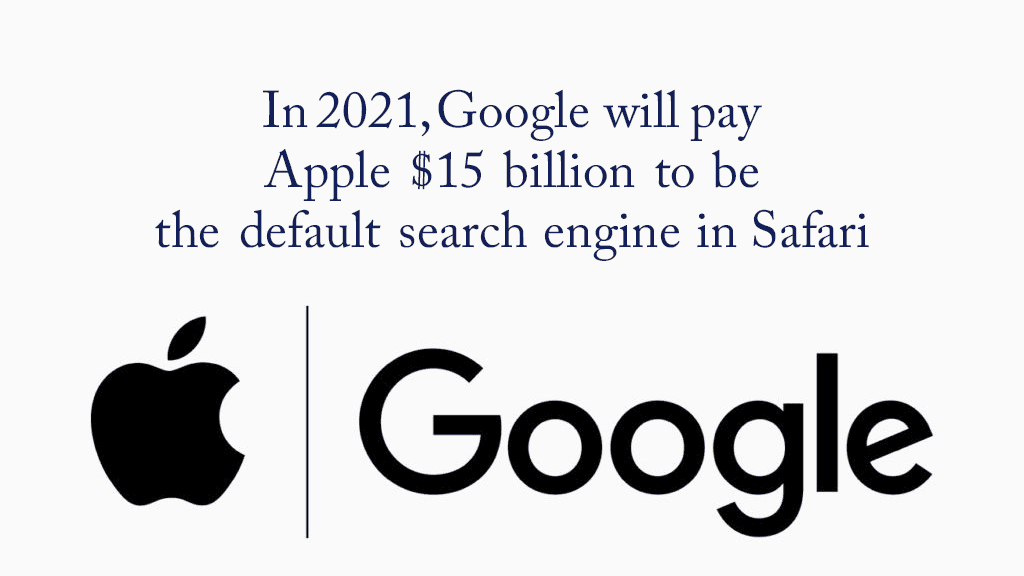
Apple has its eco-system of products from phone to browsers hence users rarely need to venture outside the Apple world in search of third-party apps. Nevertheless, there seems to be a monopoly brewing between Apple and the G. According to recent reports, the latter will pay Apple $15 billion in 2021 to be the default Safari search engine.
That’s quite a hefty sum but it will give an edge to him since currently, Apple does not have its search engine.
Further Details
It’s no secret that Google pays Apple substantial money each year to keep its search engine as the default on iPhone, iPad, and Mac. According to a new projection from Bernstein analysts, Google’s payment to Apple might reach $15 billion in 2021, up from $10 billion in 2020.
Google’s payment to Apple is expected to rise to $15 billion in 2021, and between $18 billion and $20 billion in 2022, according to analysts. The data is based on “disclosures in Apple’s public filings as well as a bottom-up analysis of Google’s traffic acquisition costs payments.”
The big G is most likely “paying to prevent Microsoft from outbidding it.” According to the analysts, there are two major dangers for Google’s payment to Apple: regulatory risk and Google just deciding the agreement isn’t worth it.
Over the years, Apple’s decision to keep Google as the default search engine on the iPhone, iPad, and Mac has been received with increasing criticism. Despite privacy concerns, Apple’s senior director of global privacy Jane Horvath explained why the contract was made in an interview earlier this year: “Right now, the G is the most popular search engine. We do support him but we also have built-in support for DuckDuckGo, and we recently also rolled out support for Ecosia.”
The payment from the big G to Apple makes up a sizable portion of Apple’s crucial Services division. Apple has placed a strong emphasis on Services in recent years to demonstrate to investors that it can generate income and profit in ways other than through hardware sales.
On another note
We noticed an intriguing trend while visiting the Google Playstore recently.SMS Share apps, for example, appear to be gaining in popularity. The COVID-19 epidemic is most likely to blame for the rise in such apps. People have been forced to stay at home due to the outbreak, and as the disease spreads, they are turning to apps for help.
Everyday work has shifted to the virtual sphere, people are looking for more convenient solutions to their difficulties. We’ll have to see if this trend persists or is just a passing craze.
One of the most fiercely fought fights in the entire mobile tech room is Android vs. iOS, and chances are, that will not change any time soon. There are some individuals that love Android completely, others who can’t use anything but iOS, and that causes a lot of back-and-forth.
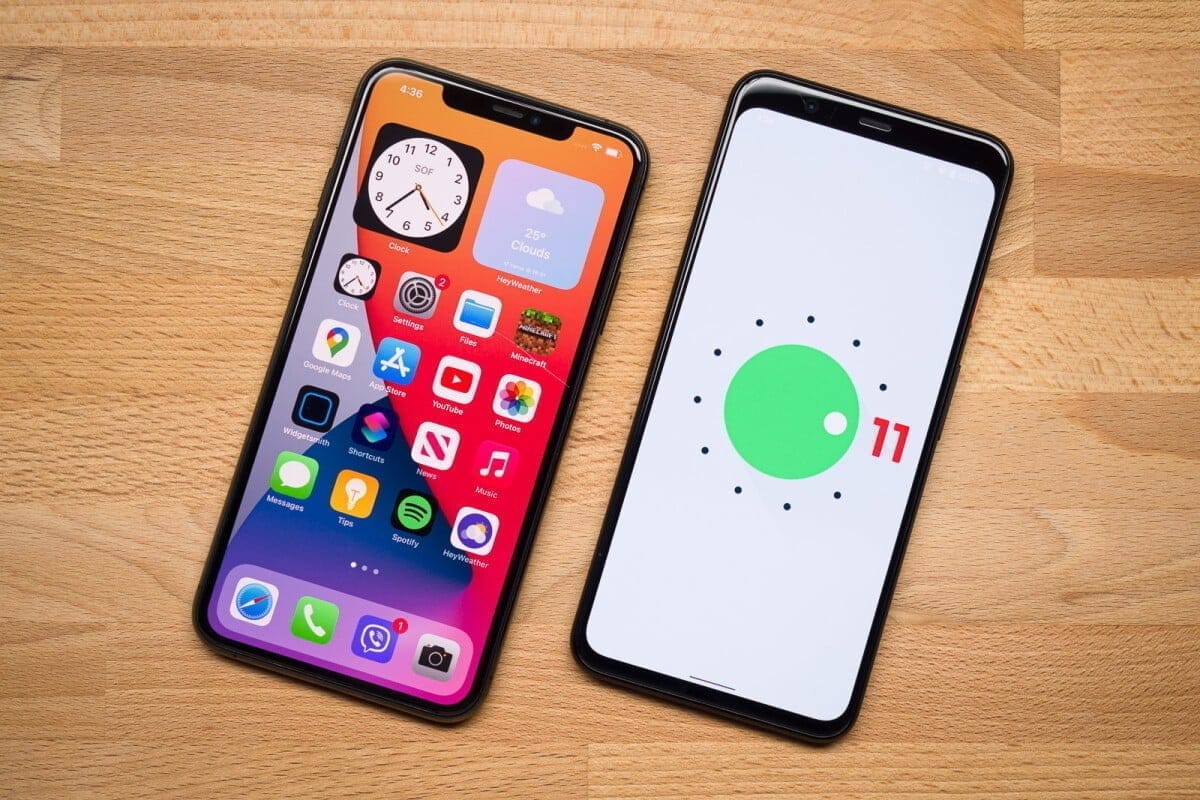
We’re certainly not here to suggest that Android is objectively better than iOS in any way, but we do want to take a closer look at the new Android 11 and iOS 14 updates. On top of a familiar base, the former provides small enhancements here and there, while the latter presents a full makeover that makes iOS more close to Android than it has ever been before.
iOS 14 is an impressive bit of software that does a lot of things really well, but if you ask us, there are certain things that Android 11 continues to be better at. To explain what we’re talking about, here are five reasons why Android 11 is the better operating system compared to iOS 14.
Better notifications
How it manages alerts is one of the strongest points people make in favor of Android. For a while now, updates on iOS have been really mediocre, and Google took an even bigger lead with Android 11 than it already had.
Android 11 separates your notification tray into three different parts, ranging from Conversations, Updates, and Silent as a priority. In Android 10, Alerts and Silent already existed, and with the introduction of Conversations, compared to anything else that pings your phone, it’s now much easier to see stuff like texts and telegram messages. Stuff labeled as conversation messages are moved to the top of your notification tray and show the profile picture of the person who sent you the message (along with an indicator of which messaging app the message came from).
It’s a small change, but I still feel like I’m doing a great job of keeping on top of updates with the Android phone as someone who carries two phones everyday, one with Android 11 and one with iOS 14. Things are clearly ordered, I can see easily if a new message is waiting for me and I usually feel like I have control of what’s happening.
There aren’t things I can say about the notification management of iOS 14, which all these years later appears to be a jumbled mess.
Chat bubbles – multiple conversation organizer
Speaking of conversations, chat bubbles are another major addition to Android 11. There’s an icon on the notification when you look at a contact notification that expands it out of the notification tray and into a floating bubble on your home screen, aka a chat bubble.
A glimpse of the ongoing conversation is shown by clicking on the chat bubble, enabling you to scroll through previous messages, type a new one, etc. Tapping it again reduces it back to the bubble button, which can be moved on either side of your screen anywhere.
Chat bubbles work with a number of messaging tools, including things such as Facebook Messenger, Google Messages, Telegram, and others. You can have several conversations packed in one chat bubble from various applications, making it easy to hop back and forth between conversations no matter where they take place.
At first, chat bubbles may seem a little gimmicky, but if you’re someone who does a lot of texting on your phone, even if you have a ton of other alerts pouring in during the day, they’re a genuinely nice way to keep things organized and within control. IOS 14 does not deliver anything comparable to chat bubbles, and for the near future, that will probably be the case.
Powerful permissions
It’s still something we’re going to recommend to take care of your digital privacy, and one of the easiest ways to start doing this is by taking control of device permissions on your devices. When downloading a new app, it’s just too easy to just grant all permissions, but the fact is that most applications do not require access to anything they ask for.
To its credit, iOS 14 has very strong controls on permissions. For any app installed from your Settings, you can look at permissions, with toggles to easily activate and disable permissions as you please. When you open a new app that asks for anything like your place, you will also be asked whether you only want to allow access once or anytime you use the app.
For Google with Android 11, permissions were a major priority, with them seeing a few main changes. The first takes Android up to iOS feature parity, with Android 11 now enabling an app to only give position authorization once. However, Android goes a step further by providing this one-time feature for requests for microphones and cameras, too.
Auto-resetting permissions are something else only found in Android 11. If you have granted permissions for an app that has not been used in a couple of months, those permissions will be revoked automatically. Next time you open the app, you can re-grant them, so it’s a way to guarantee that forgotten users don’t have access to things they don’t need.
Quick controls
Chances are that you have some smart home devices in your house/apartment, whether it’s light bulbs, your thermostat, or a wall socket. It is extremely nice to be able to monitor your lights when you are on holiday or kick on the heater on your way home from work, but juggling a bunch of different applications to do all that is anything but.
Google and Apple have already done a decent job by putting all these controls between the Google Home and Apple Home apps into one central location, but Android 11 makes it even better by making you incorporate your most-used controls right into your power menu.
No matter what you do on your screen, the redesigned power menu will be exposed by keeping the power button down. You still have the normal power controls, but this location is now used by Android 11 to also showcase your favorite Google Pay card and any smart home controls you want. Now it is possible to switch on the kitchen lights or change the temperature by simply keeping your power button and pressing the shortcut you have added.
Thanks to how many items I have related, my Google Home app is kind of a cluttered mess, so it is so much easier to have easy access to my most-used controls this way. With the latest shortcuts in your easy settings, iOS 14 also provides fast access to smart home toggles, but that still includes turning on the device and then swiping down. Being able to click the power button at any moment, regardless of whether the screen of my phone is on or off, is a much easier day-to-day experience.
Customizations
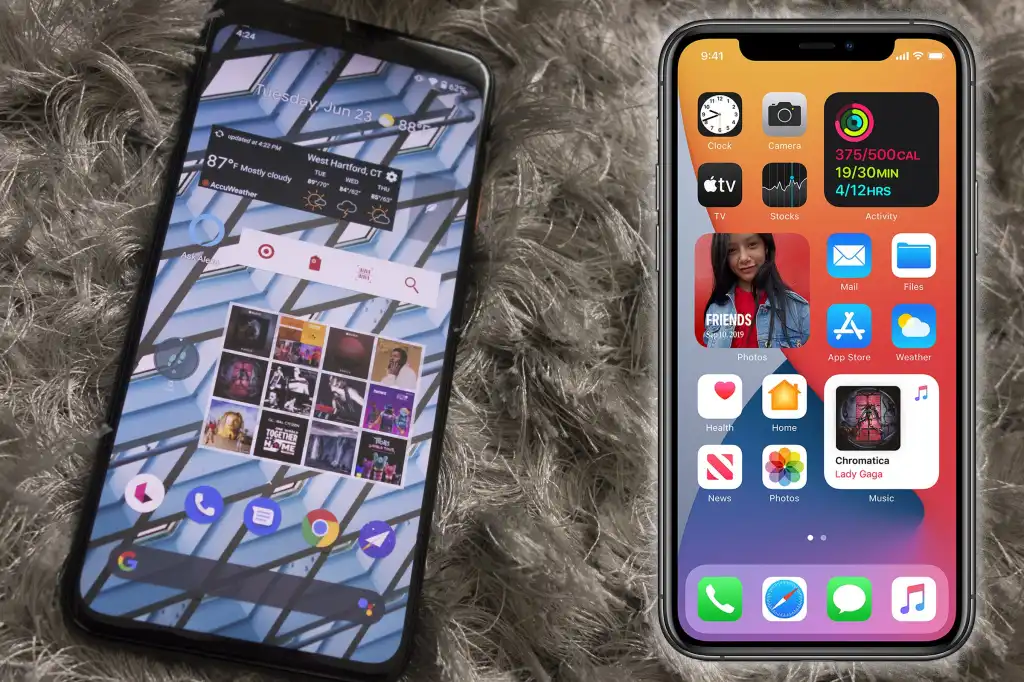
Without a doubt, the highlight feature of iOS 14 is its expanded customization. You can hide home screens you don’t want to see, there’s an app drawer to view everything installed on your phone, you can set default apps, and we finally have widgets that can be placed on home pages next to app icons. It’s one of the biggest changes we’ve ever seen for how iOS operates, and the execution is pretty darn great.
Apple deserves a lot of credit for everything it changed in this regard, but even with everything that’s new, Android 11 continues to offer more customization options — and by a long shot.
For instance take default apps. You can update your default web browser and email app with iOS 14 now, but that’s it. That’s not possible right now if you want to change stuff like your default navigation or camera app. In addition, if you ever turn your phone off/restart as Apple resets it all back to its own things, you will need to re-enable those default apps. It’s a much poorer experience compared to the default app setup we’ve had on Android for years.
In iOS 14, custom icons are kind of a thing, but for every single app you want to change the icon for, you need to build a Siri Shortcut. And when you build a Siri Shortcut and don’t directly alter the app icon, you won’t see your custom icon in the app drawer or outside the home screen anywhere on the device. Compare that with Android 11 or any previous edition, where it is as easy to change an app icon as downloading a custom icon pack and diving into the settings of your launcher.
On that note, on iOS 14 you still can’t use a different launcher. You can switch about and add widgets to your applications, but that is it. Android has seemingly infinite third-party launchers that in the blink of an eye can turn your entire home screen, enabling you to really make your phone the way you want it. Everybody on Android gets these comprehensive customization choices, no matter whether you have the best Android phone or not.