Tag: wallpaper

  • April brings critical system app updates for HyperOS 2.2

    April brings critical system app updates for HyperOS 2.2

    For optimal performance and user experience, it is imperative to keep your Xiaomi smartphone updated, especially with the new HyperOS ecosystem. Five essential system apps will receive significant updates in April 2025 that enhance their usability, security, and appearance. All Xiaomi phones will offer a better, more potent experience thanks to these updates, which are made to work perfectly with HyperOS 2.1.

    HyperOS Launcher

    Updated on HyperOS Launcher was overhauled in full with many enhancements:

    • Improved Animations: Better folder animations bring a more refined, pleasing aesthetic experience
    • Enhanced Readability: Large fonts on the top drawer bar improve readability
    • MIUIX V3 UI Library: Implements modern design language for a fresher appearance with more uniform features
    • Adjustable Layout Options:
      • 4×6 layout with search box 4×7 layout without search box
      • 5×8 layout with search box
      • 5×9 layout without search
    • Revamped Menus: Enhanced desktop grid layout, gesture, app vault, and folder edit interfaces
    • 2K Screen Optimization: Popup UI now scaled correctly for high-resolution screens
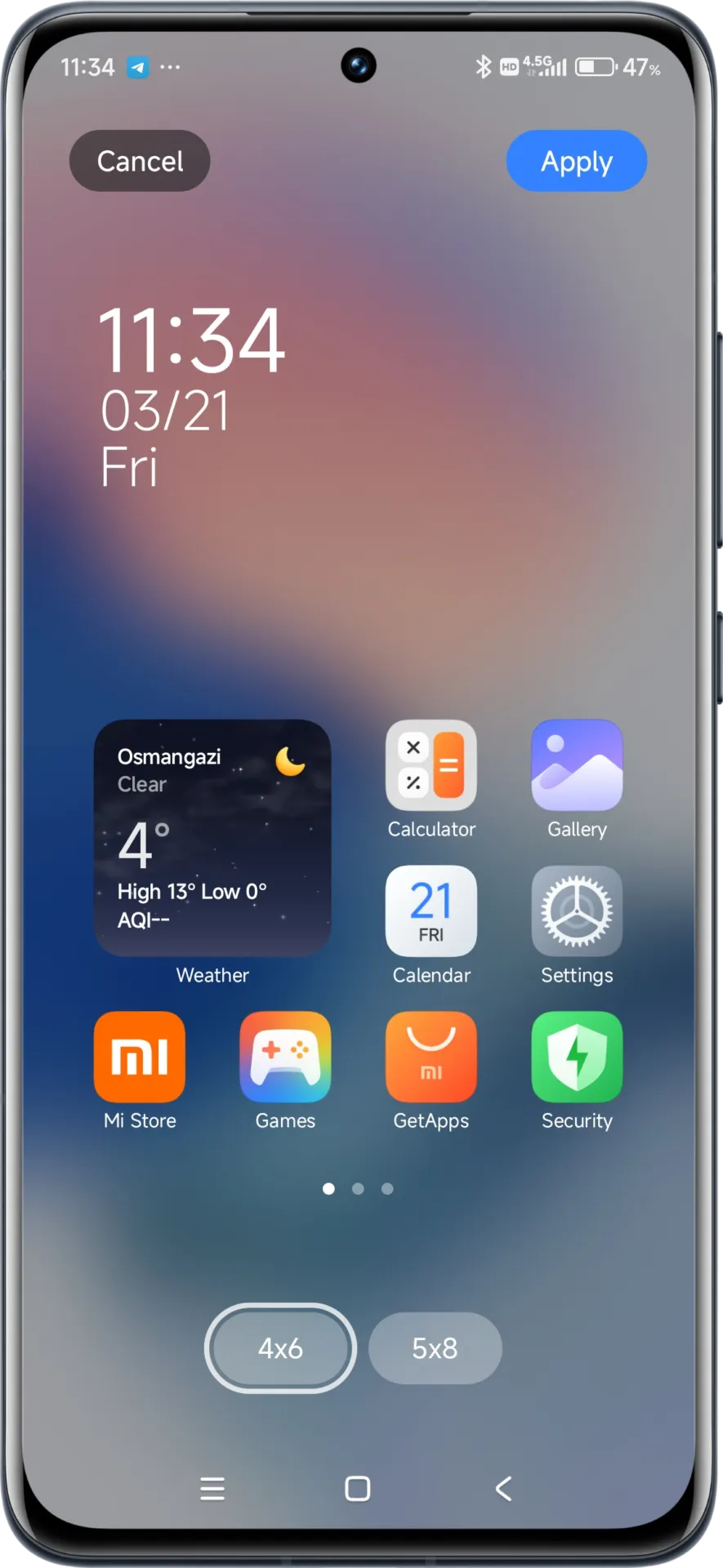
    hyperos launcher

    The update to the launcher is centered on aesthetics and functionality, resulting in an improved user experience that still offers high performance.

    HyperOS Themes

    The updated HyperOS Themes has a better, more streamlined user interface. The update makes device customisation more comprehensive and accessible, allowing users to alter their gadgets to better reflect their own unique style.

    With improved previewing and classifying capabilities, the simplified interface makes it possible to find and use new themes more quickly and easily.

    HyperOS Security

    The HyperOS Security updated for brings essential enhancements to gaming performance and device protection:

    • Turbocharged Game Performance: All-out performance enhancements with advanced optimization capabilities
    • Security Improvements: Several behind-the-scenes updates improve system and data security
    • Performance Optimizations: Enhanced resource allocation to ensure seamless performance even on high-intensity tasks
    • Privacy Controls: Broader choice for controlling app permissions and data access
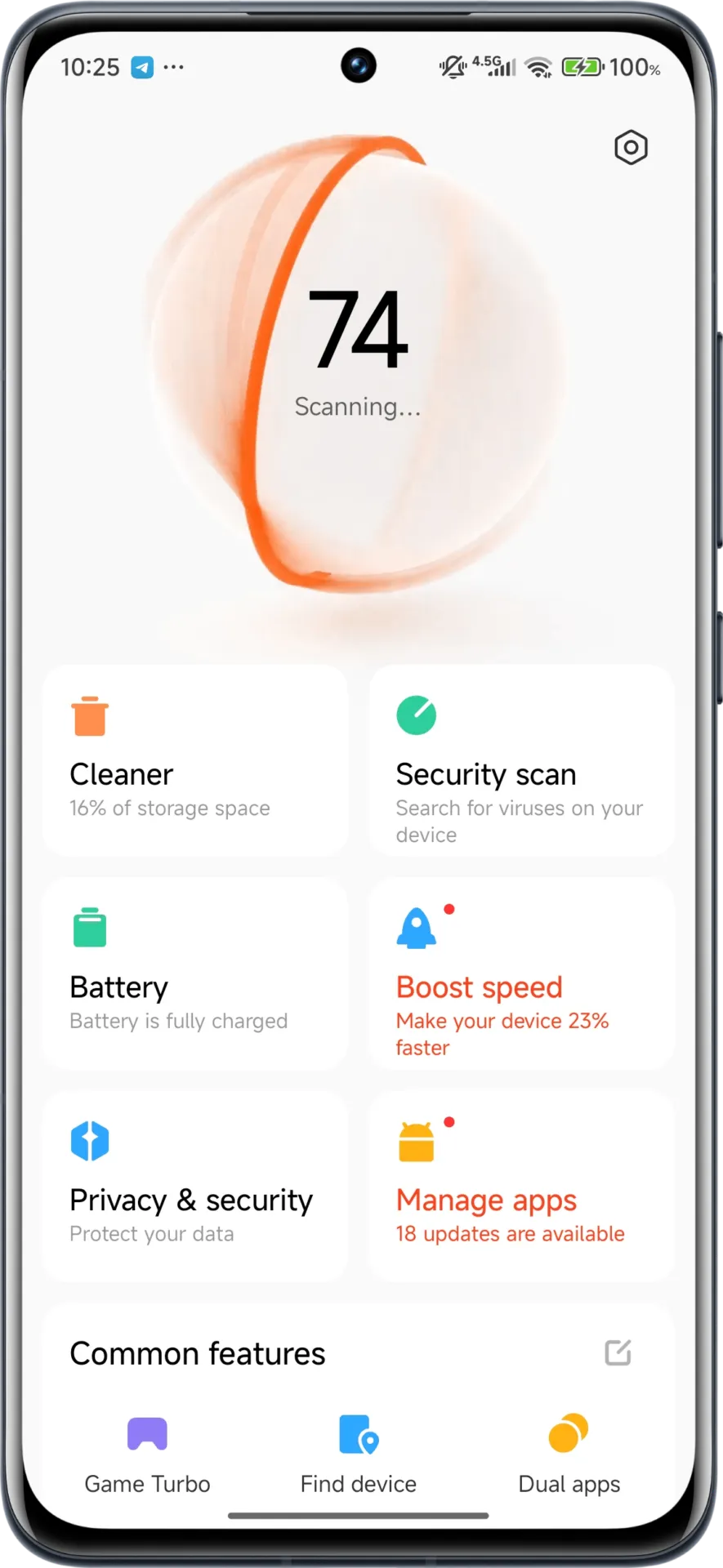
    hyperos security app

    These security enhancements play a crucial role in shielding personal data while providing stable system performance.

    HyperOS Wallpaper

    Updated on April. This new version emphasizes fixing bugs and performance enhancements. This update also solves problems that were causing lock screen and home screen wallpapers to:

    • Improved fluidity in switching wallpapers Improved stability throughout system transitions
    • Enhanced resource management for reduced battery usage
    • Improved integration with dynamic wallpaper features
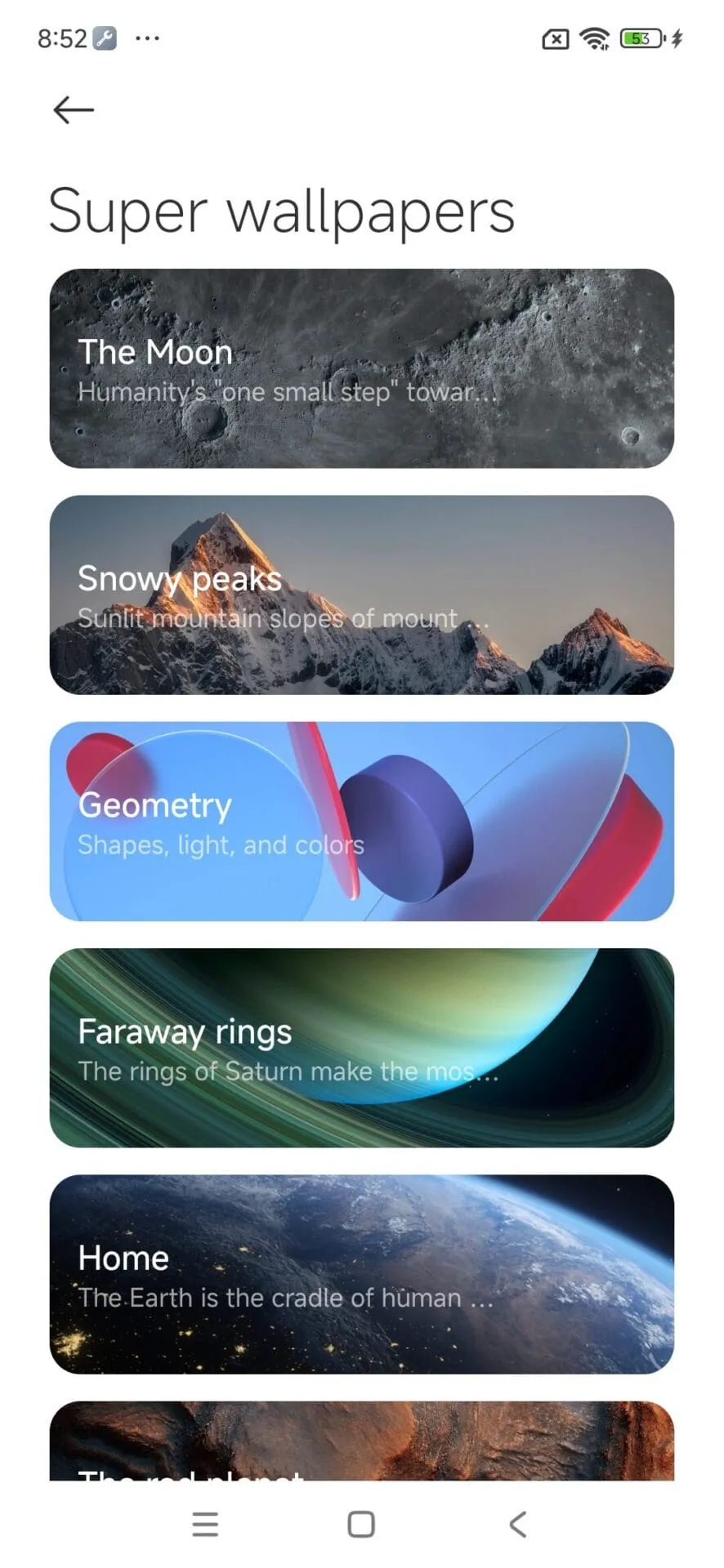
    hyperos wallpaper app

    Though mostly an update for maintenance, these changes considerably improve overall Wallpaper experience.

    How to update HyperOS system apps

    For an optimized upgrading process, Xiaomi users have an available HyperOS Downloader app:

    1. Download and install MemeOS Enhancer or directly from HyperOSUpdates.com
    2. Utilize the MemeOS Enhancer function for all installed HyperOS apps
    3. Get early updates before most other users
    4. Find more tools such as GCam integration
    5. Enable secret system features that cannot be accessed via default settings
    6. Updating these five core system apps is the basis for keeping your Xiaomi device in top condition with access to new features plus security upgrades.
    7. Get the latest updates today to unlock HyperOS 2.1’s full capabilities.
  • How to customize your home screen: a step-by-step guide for Android and iOS

    How to customize your home screen: a step-by-step guide for Android and iOS

    The home screen of your smartphone serves as the entryway to your digital life, and you may personalize it to improve its usability, functionality, and aesthetic appeal. This article explains how to customize your home screen for a genuinely one-of-a-kind experience, from altering the background to adding widgets and arranging apps.

    Change wallpaper

    The aesthetic tone of your smartphone is established by your wallpaper. Changing your wallpaper is easy, regardless of your preference for abstract art, beautiful landscapes, or intimate portraits.

    On Android:

    1. Long-press an empty space on the home screen.
    2. Select Wallpaper or Wallpaper & style from the pop-up menu.
    3. Choose a pre-installed wallpaper or select an image from your gallery.
    4. Adjust the image as needed and tap Set wallpaper.
    5. Decide whether to apply it to the Home screenLock screen, or both
    customize your home screen android

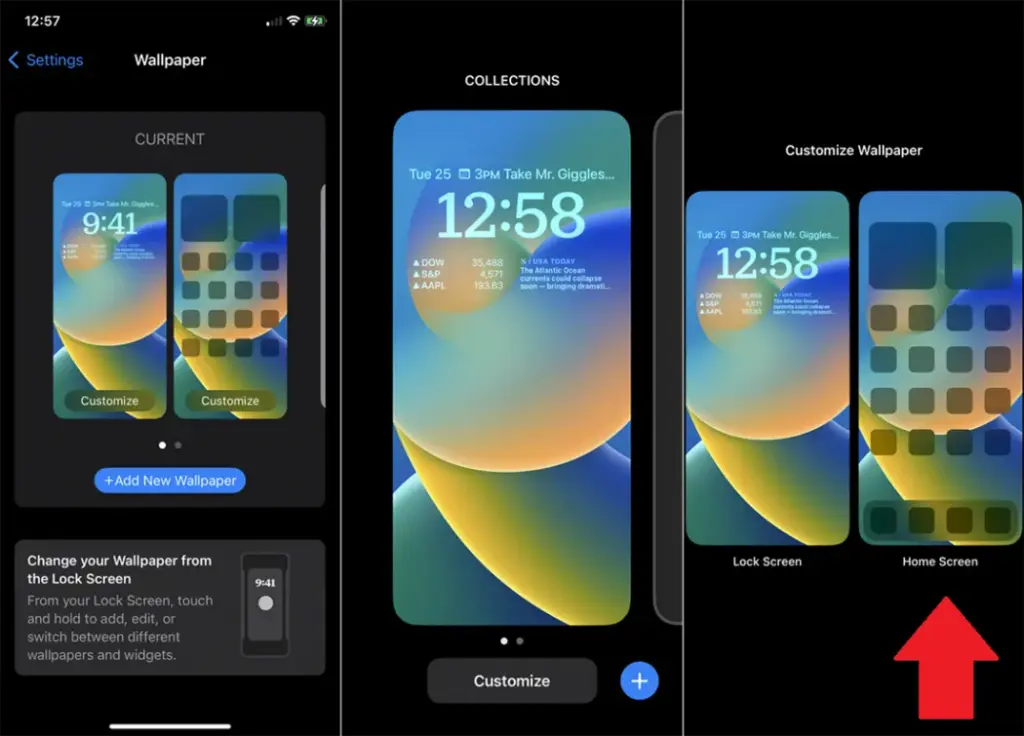
    On iOS:

    1. Open Settings > Wallpaper > Choose a New Wallpaper.
    2. Select an image from Apple’s preloaded options or your photo library.
    3. Adjust and tap Set to apply it to the Home screen, Lock screen, or both9
    customize your home screen ios

    Add widgets for quick access

    Without opening apps, widgets offer functionality and information at a glance.

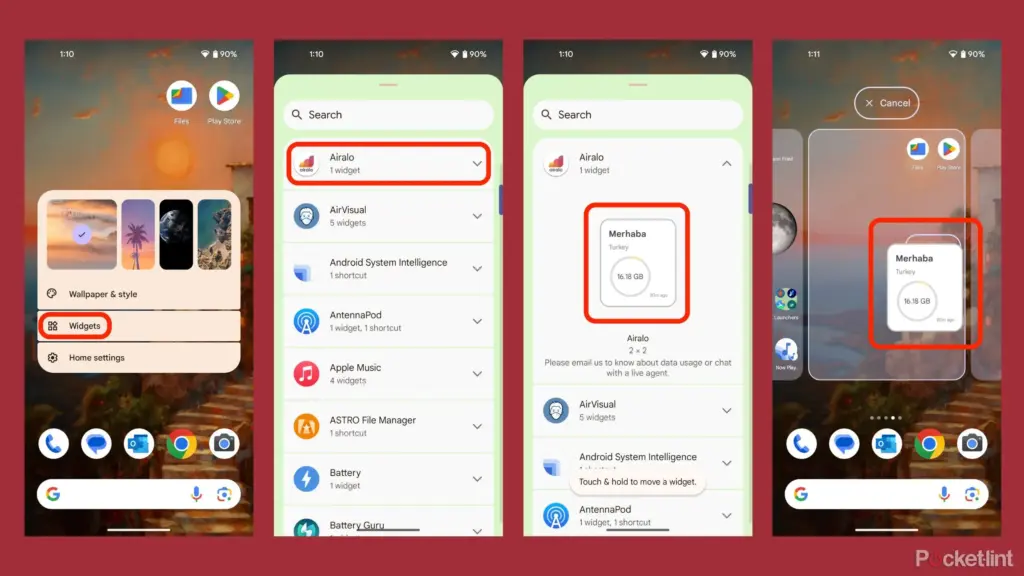
    On Android:

    1. Long-press an empty area on the home screen and tap Widgets.
    2. Browse through available widgets (e.g., clock, weather, calendar).
    3. Select a widget and drag it to your desired location on the screen.
    how to add widgets to your andro

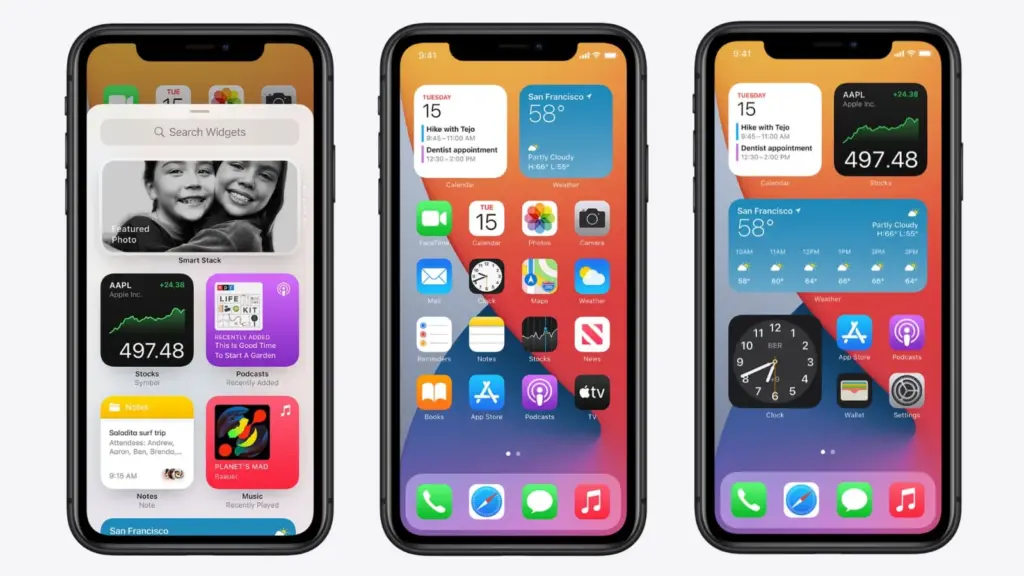
    On iOS:

    1. Touch and hold the Home Screen background until apps jiggle.
    2. Tap the “+” icon in the upper-left corner.
    3. Choose a widget from the list and select its size (small, medium, large).
    4. Tap Add Widget, then drag it into place
    ios14 widgets guide

    Organize apps

    A clutter-free home screen improves usability and makes navigation faster.

    Create Folders:

    • Drag one app icon onto another to create a folder.
    • Add more apps by dragging them into the folder.
    • Rename folders by tapping on them and selecting the name field.

    Arrange Apps:

    • Move frequently used apps to the first page of your home screen for quick access.
    • Drag icons to different pages or positions by holding and moving them.

    Advanced Organization Tips:

    • Use themed rows (e.g., “Work,” “Social,” “Entertainment”).
    • Sort apps by frequency of use or color coding for visual appeal.

    Use customization apps

    Download specialized home screen customization programs like WidgetClub or Nova Launcher for more sophisticated customization choices including unique icons, fonts, and themes.

    Benefits:

    • Access all-in-one themes that include wallpapers, widgets, and icons.
    • Customize grid layouts for app placement flexibility

  • Dynamically change your wallpaper – free to download and use app

    Dynamically change your wallpaper – free to download and use app

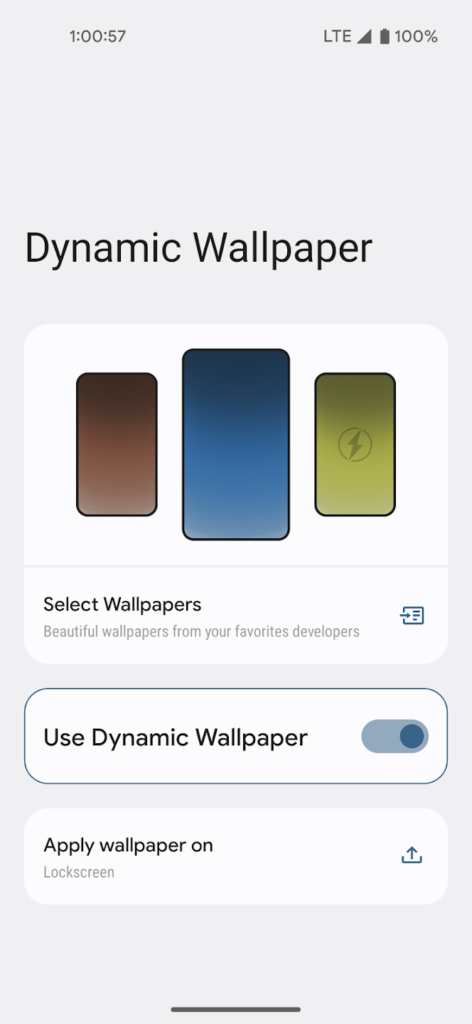
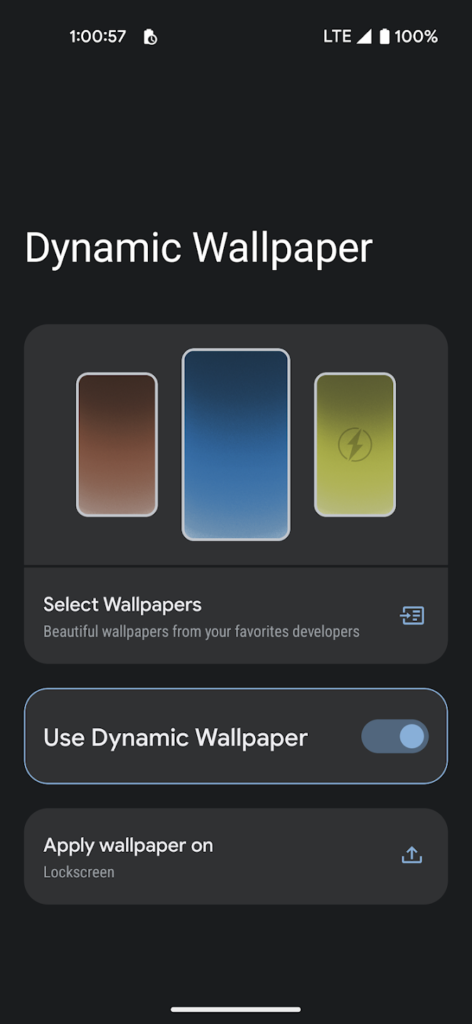
    At Android Police, we generally like apps, but we actually prefer the ones that are straightforward, attractive, and cost nothing. Consider the newest software from designer Rushikesh Kamewar, Dynamic Wallpaper.

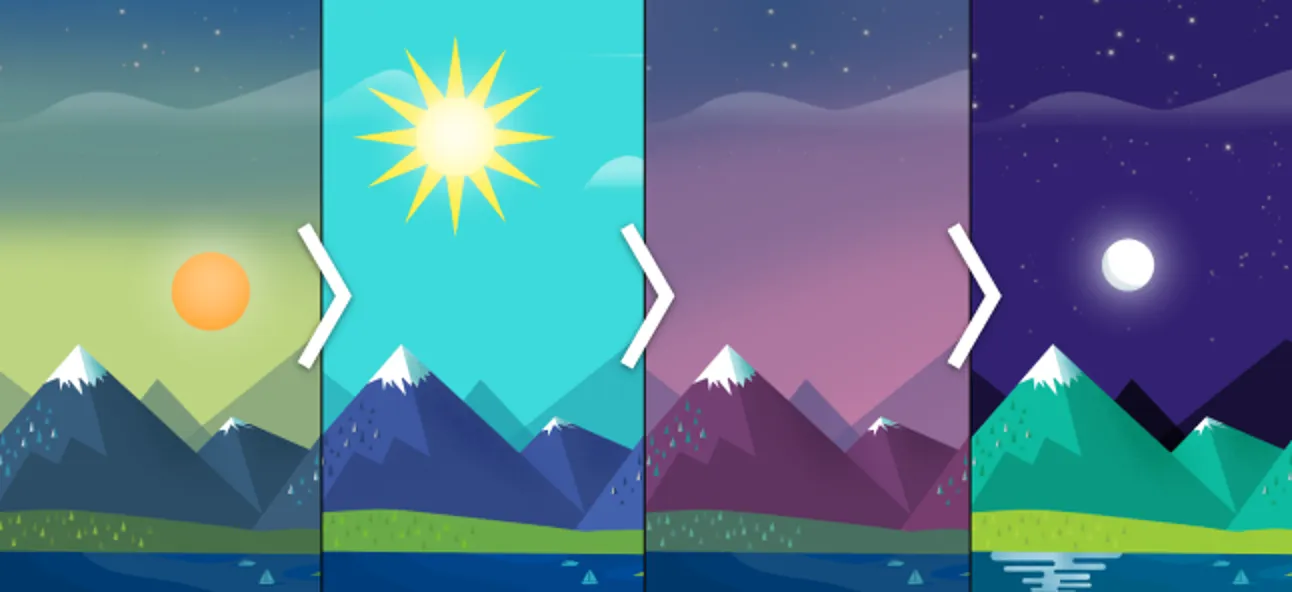
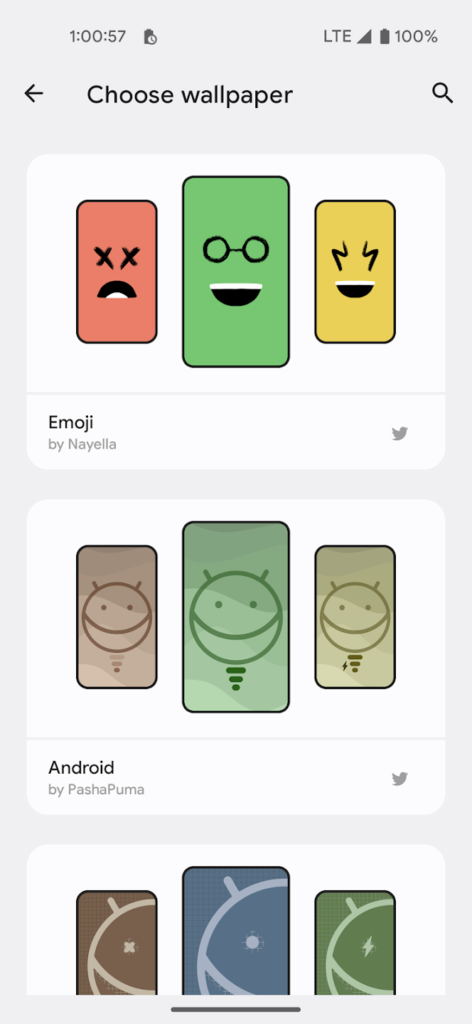
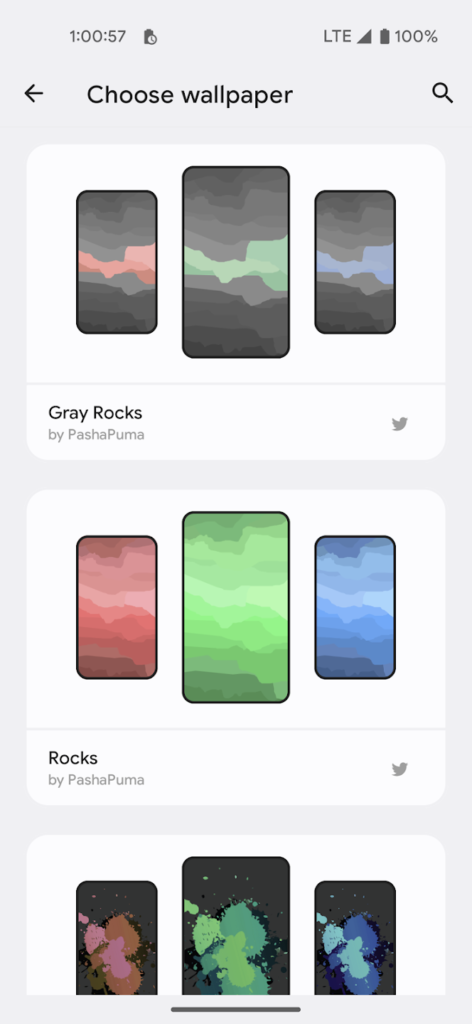
    Users of this free, ad-free software can choose among 17 endearing trios of wallpapers made by designers Pashapuma Design, Nayella, and Sai Naveen. When the battery is charged or when it is getting low, the wallpapers alternate between each other. Make sure you take that into account because the main page of the program features a menu item that will take you directly to your system power settings. The first condition is typically related to when your device enters battery saver mode.

    The program doesn’t consume a lot of power because it only initiates a brief background operation when the power requirements are met. The transition between wallpapers isn’t elegant; it’s a rapid cut to black and then to the next wallpaper.

    Although it’s very early, Kamewar says he plans to give users the option to select three of their own wallpapers in a future release. There will undoubtedly be more wallpapers from various designers in those upgrades. The creator is aware that include all the wallpapers in the app will make it larger. Its 38MB size is a bit excessive for such a basic program.

    The program doesn’t consume a lot of power because it only initiates a brief background operation when the power requirements are met. The transition between wallpapers isn’t elegant; it’s a rapid cut to black and then to the next wallpaper.

    Although it’s very early, Kamewar says he plans to give users the option to select three of their own wallpapers in a future release. There will undoubtedly be more wallpapers from various designers in those upgrades. The creator is aware that include all the wallpapers in the app will make it larger. Its 38MB size is a bit excessive for such a basic program.