Tag: updates

  • Samsung discontinues software updates 5 Galaxy phones.

    Samsung discontinues software updates 5 Galaxy phones.

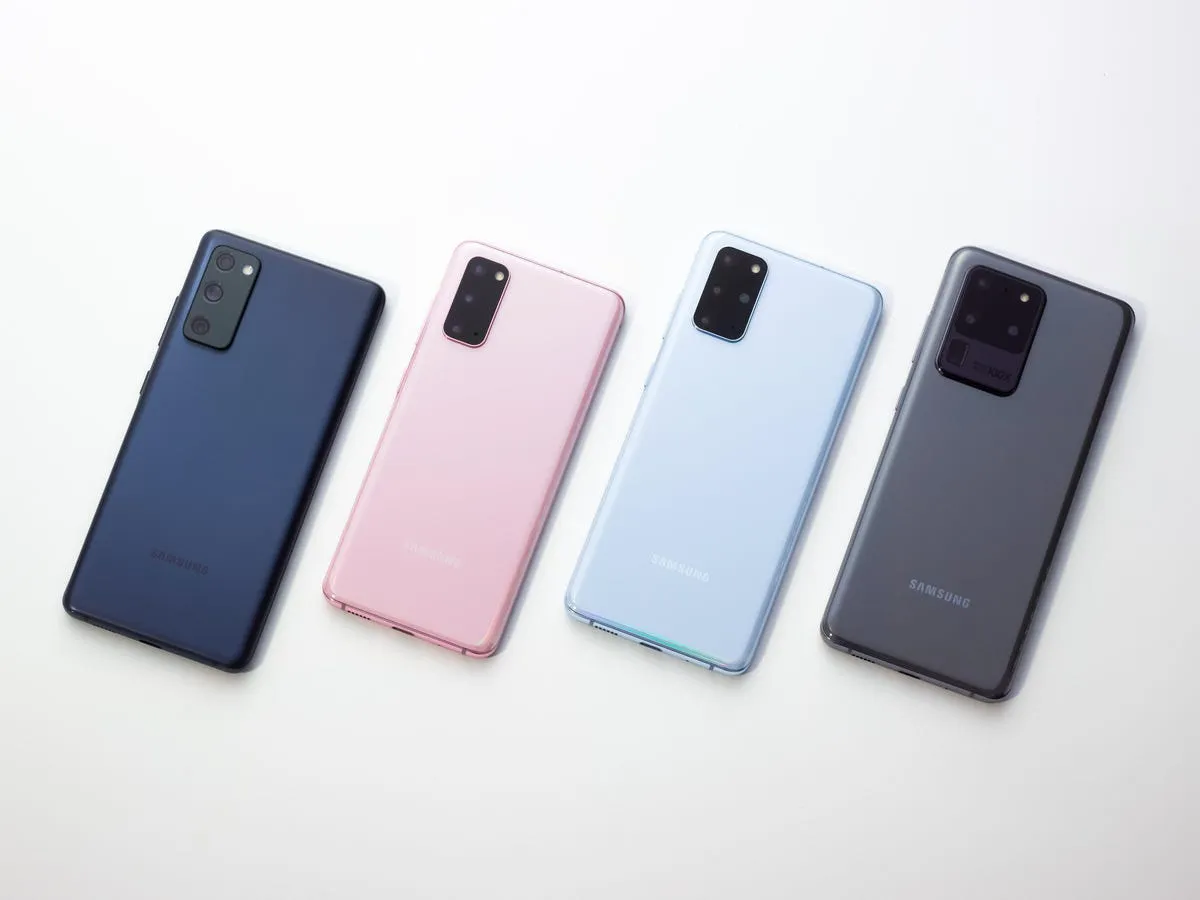
    This month delivers bad news to the owners of various vintage Galaxy cellphones. The Galaxy S20, Galaxy S20+, and Galaxy S20 Ultra, Samsung’s first game-changing flagships, will no longer receive software updates going forward.

    The Galaxy A52 5G and Galaxy A72, two additional game-changing Galaxy smartphones, will also no longer receive software updates. These were among the first mid-range devices to provide flagship-level features such as high refresh rate displays, dual speakers, 5G connectivity, and faster charging at a lower cost.
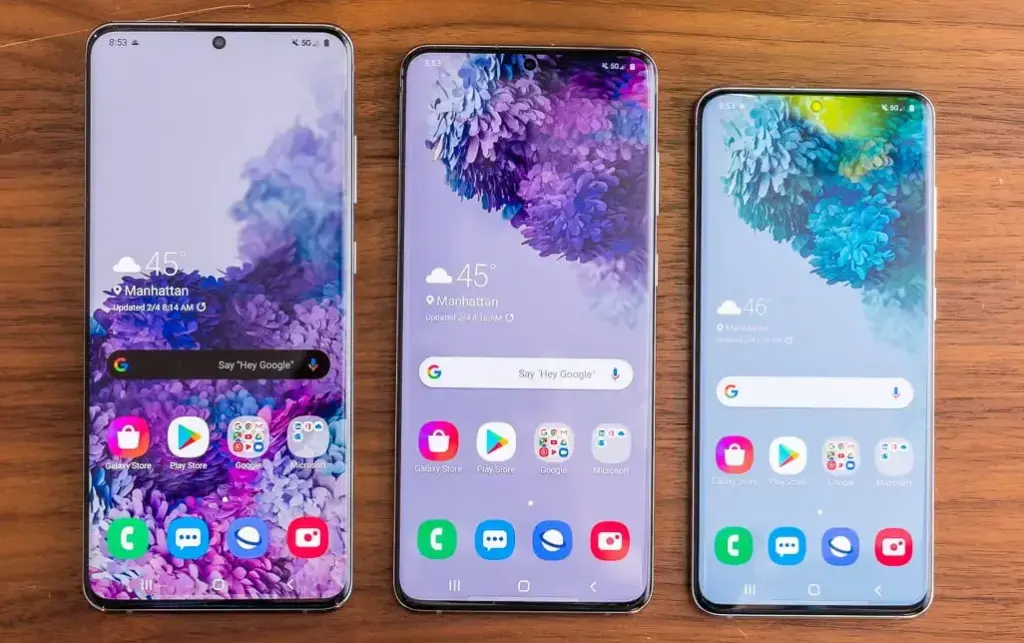
    galaxy s20 series e1744227734197

    Samsung has discontinued support for the Galaxy A52 5G Enterprise Edition. The normal edition, as well as the Galaxy A52 and Galaxy A52s, stopped receiving updates quite some time ago. The Galaxy A52 and A52s enterprise variants will still receive upgrades.

    In addition to the Galaxy S20, S20+, S20 Ultra, A52 5G, and A72, Samsung will no longer provide updates for the Galaxy A32. Support for the S20 series will terminate after five years, and for mid-range devices after four years.

    Samsung may provide an update that was already in the works for these devices before support ended, but if you possess one of them, you should upgrade if you want to continue receiving software updates.

    Upgrade now
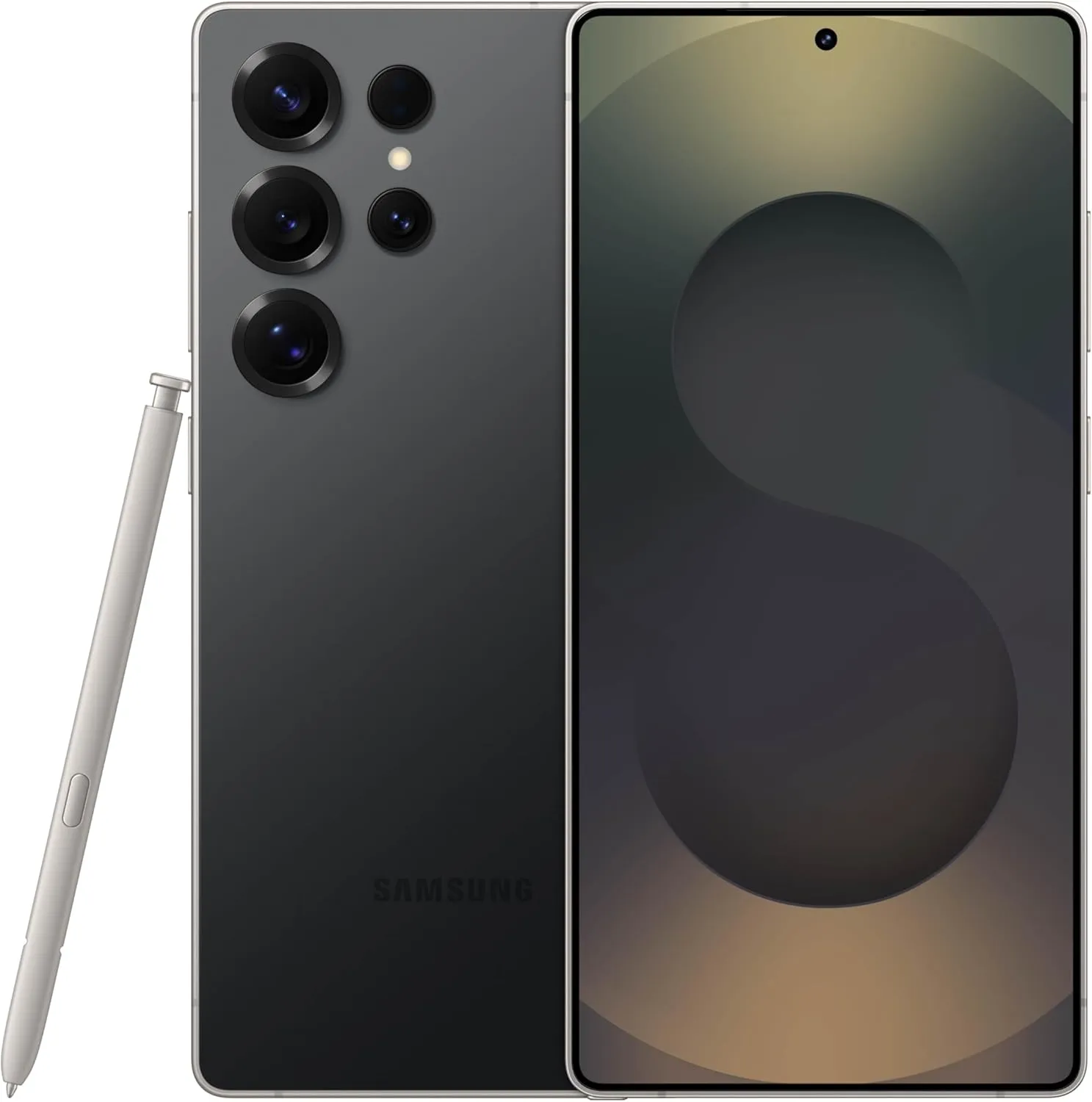
    Galaxy S25 ultra

    SAMSUNG Galaxy S25 Ultra

     Streamline your day with an assistant that gets you. Ask it to Google search for a pet-friendly vegan restaurant nearby and text it to your friend— your Galaxy S25 Ultra handles multiple tasks with a single ask.
    Best choice
    $1,419.99$1,219.74See It
  • 4 free tools to get latest updates on your Samsung Galaxy devices

    4 free tools to get latest updates on your Samsung Galaxy devices

    If you’ve ever tried looking for firmware to install on your Samsung Galaxy smartphone or tablet, it might be pretty annoying. While companies like Google, OnePlus, and Xiaomi provide download links on their websites, Samsung has yet to provide an official firmware download portal. That’s one of the reasons why there are so many Samsung firmware download sites out there. These sites scrap Samsung’s FUS (Firmware Update Server) for the latest firmware releases and categorize them by model number, carrier/region, and OS version. However, many of these services use a “freemium” model that throttles the base-tier download speed.

    Fortunately, there is no shortage of community-developed tools to directly download a new software update for a compatible Galaxy device. We’ve talked about two such tools — SamFirm and Frija — many times in the past. Samloader is another open-source, cross-platform alternative. While I personally think that downloading Samsung firmware using one of these utilities is simple enough, some may still find them inadequate to meet their needs. If you do, then here are a few more solutions that make it even easier to grab official Samsung firmware packages for your device.

    1. SamFirm_Reborn

    samsung update tool

    Created by XDA Recognized Developer Ivan_Meler, SamFirm_Reborn is a reincarnation of the original SamFirm tool. The developer decompiled the legacy application and patched the codebase to make it compatible with Samsung’s server-side changes. SamFirm_Reborn is open source and it does offer a handy command-line interface besides the familiar GUI.

    Download SamFirm_Reborn

    2. SamFirm-continued and SamFwTool

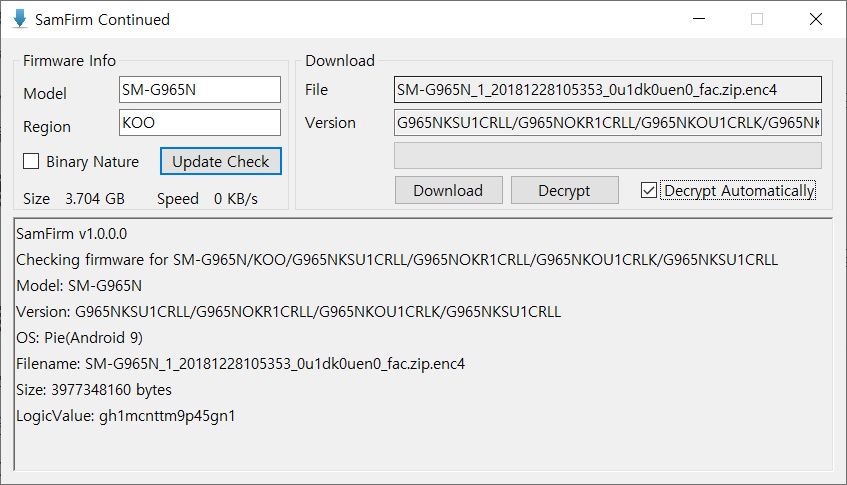
    SamFirm Continued
    SamFwTool

    SamFirm-continued started its journey as yet another open-source fork of the legacy SamFirm, but the maintainer abandoned the project a few months ago. Later on, XDA Member Tungtata picked up the baton and created SamFwTool. One of the highlights of SamFwTool is the auto-detection feature. Just connect your phone in MTP mode and press “Auto detect” to identify your device model and region code.

    Download SamFwTool

    3. SamFirm.js

    The whole Samsung firmware downloading saga is now on a different level, as XDA Recognized Developer jesec has presented SamFirm.js, a streaming downloader, decryptor, and extractor coded in JavaScript. With SamFirm.js as the backend, you should be able to construct a web app to fetch stock Samsung firmware packages. The project is a collaboration between developers jesec and LuK1337.

    Download SamFirm.js

    4. SamFetch

    In case you’re looking for a web API variant of the Samloader project, you should try out SamFetch. XDA Member YusufCihan reimplemented the functions from Samloader’s code as web routes in order to expose a simplified REST API to download Samsung firmware.

    Download SamFetch

  • A/B seamless updates will be mandatory for Android 11 devices

    A/B seamless updates will be mandatory for Android 11 devices

    Google could make A / B partitions mandatory to make Seamless Updates a regular feature for all on all future Android 11 apps.
    An XDA developer found a commit entitled “Require Virtual A / B on R launches” on AOSP Gerrit. Yifan Hong, a Google Project Treble engineer, submitted the commit.

    The commit updates the Vendor Test Suite (VTS), which is a check to see if the Android smartphone is compliant with Project Treble. In this particular case, the test tests whether or not the Android 11 app supports partition A / B.

    How do A/B Seamless Updates work?

    apply ota updates your rooted pixel 2 2 xl.w1456

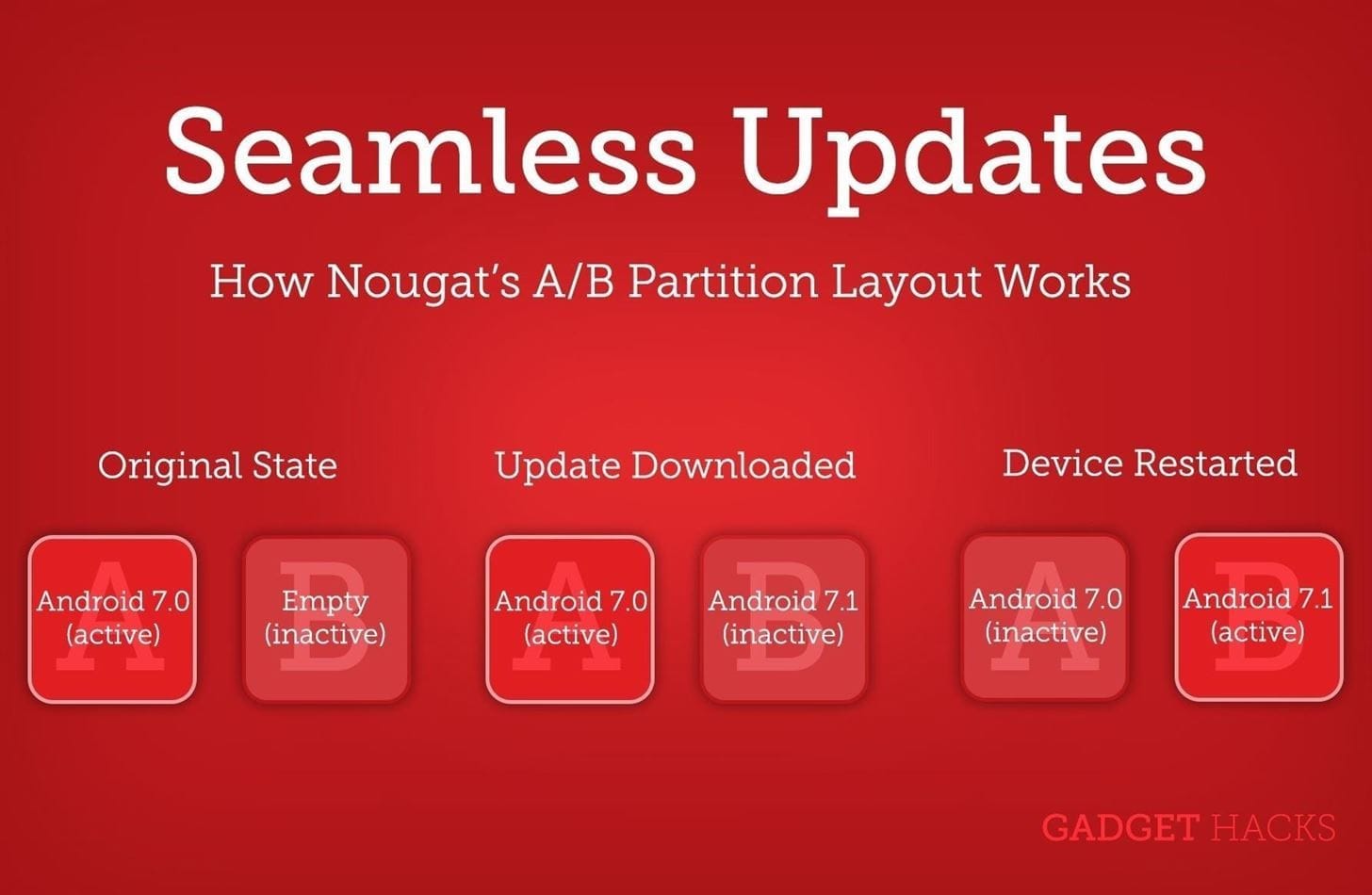
    The A / B partitioning system applies to duplicated partitions on the Android computer for those who don’t know. It helps OEMs to install the OTA updates that are not being used on the inactive partition.

    The best benefit of this is “Seamless Updates,” in which users don’t have to wait until the update is activated on the disabled spot, as it occurs in the background. The system switches to the patched slot when it reboots, and follows the same procedure in the previously active slot when a new update comes in.

    The advantage of the A / B partition system is that it helps prevent the effects of having a defective update enabled. This is because it only affects the inactive position. Even, to ensure smooth rollback, no modifications are made to the existing partition. 

    The only downside is that there would be more room for OEMs to reserve for the A / B partition system. This might not be a problem as smartphones nowadays generally have ample internal storage

    Several Android devices have already implemented A/B seamless updates such as the entire Google Pixel series, Xiaomi Mi A2, Xiaomi Mi A2 Lite, Asus ROG Phone, several Motorola phones and more.

    As XDA notes, Google is yet to merge the commit, which means the mandatory “Seamless Updates” may or may not arrive with Android 11. But if it does, the change will undoubtedly be welcomed by the Android community.