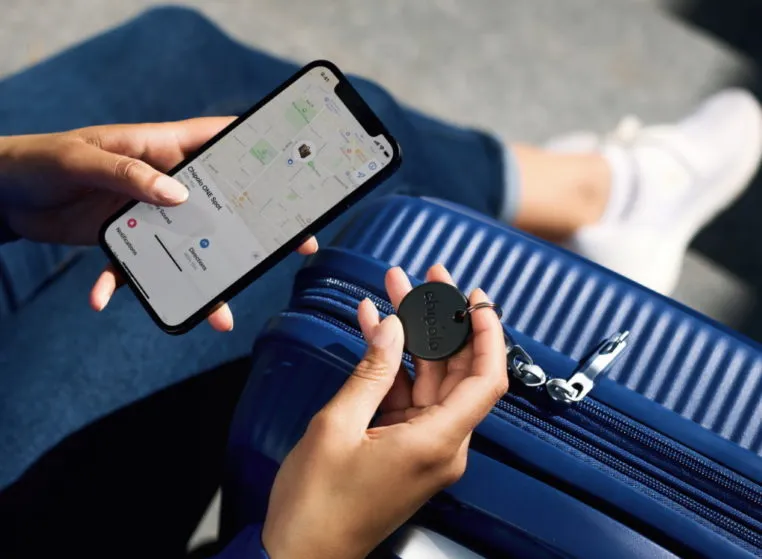
If you ask me, there are far too many small details that each of us must keep track of on a daily basis. We have our phones, keys, wallets, and so on, and it is difficult to keep them all secure. So it is good to have a bargain on Bluetooth trackers that can perform the hard work for you. The Chipolo One Point Bluetooth tracker is currently available for $20, a 20% savings from its original price of $25.
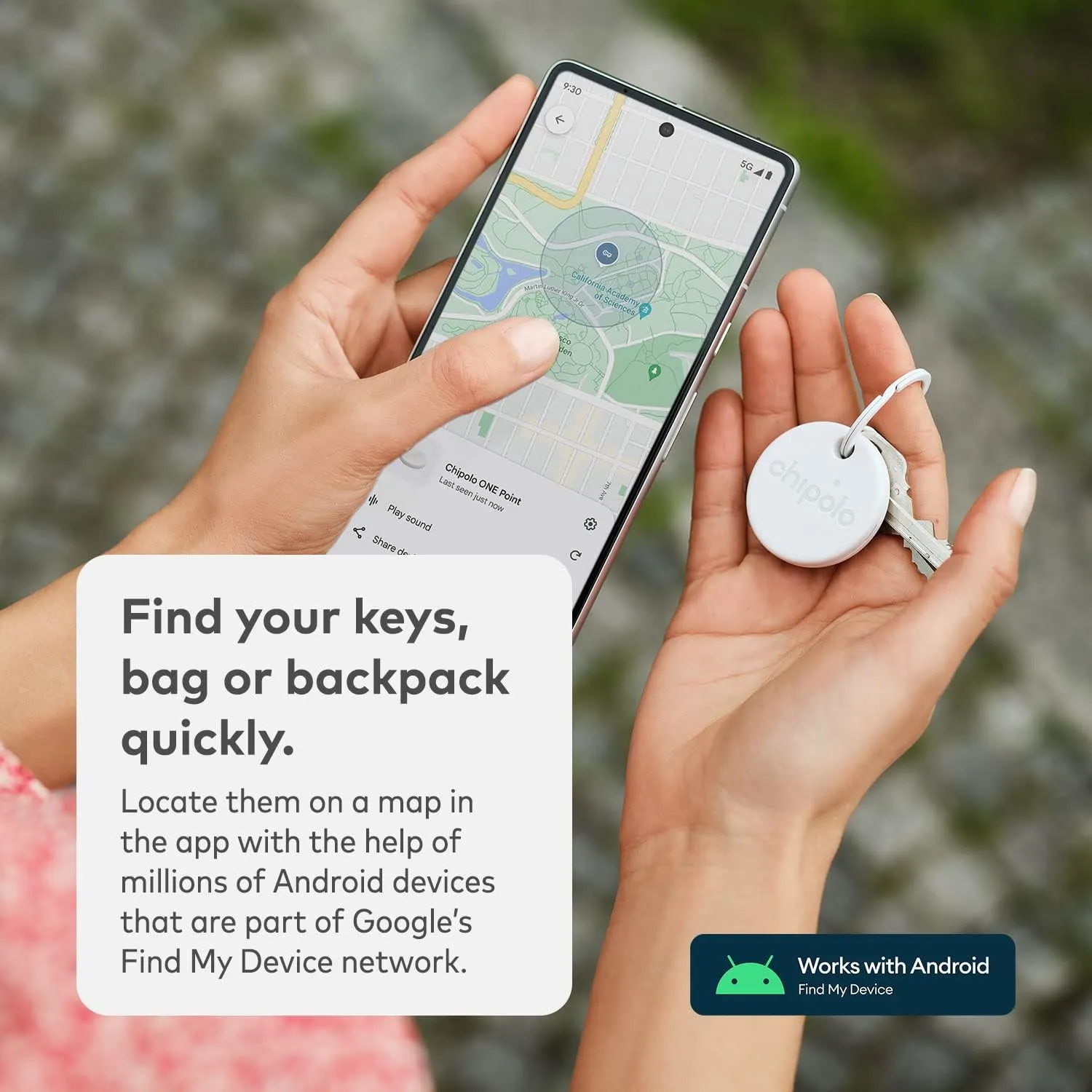
The Chipolo One is our pick for the finest Bluetooth tracker in 2025. This variant is exclusively available for Android users and is compatible with Google’s Find My Device network. The tracker’s battery should last a year and is water resistant. Plus, it rings really loudly, so you do not have to worry about hearing it over background noise. Unlike Apple’s AirTag, it also has a hole for easy attachment to your keys.
Chipolo ONE Point
Key Finder, Bluetooth Tracker for Keys, Bag – Works with Google’s Find My Device app (Android only)
The Chipolo Card Point is also on sale, down from $35 to $24, representing a 31% reduction. It is an excellent Bluetooth tracker for flat goods such as a wallet, passport holder, or pocketbook. It also supports Google‘s Find My Device network and has similar features such as water resistant and a pleasantly loud ring.
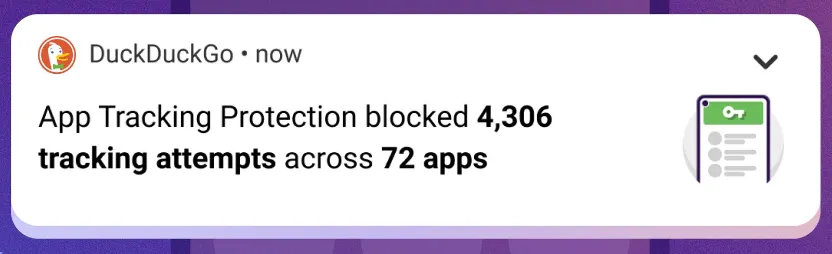
The “App Tracking Protection” feature of DuckDuckGo for Android has entered open beta and now enables all Android users to prevent third-party trackers across all of their installed apps.
The DuckDuckGo for Android app is a privacy-focused web browser, search engine, and data protection utility, downloaded over 10 million times from Google Play. It includes numerous privacy features, including search term anonymity, hidden tracker blocking, email tracker protection, auto-HTTPS, and one-tap browsing history clearing.
By preventing third-party tracking scripts in other Android apps that have been installed on the device, the “App Tracking Protection” attempts to increase privacy throughout the entire operating system.
‘It’s a free feature in the DuckDuckGo Android app that helps block 3rd party trackers in the apps on your phone (like Google spying in your weather app),’ stated DuckDuckGo today. ‘This means more comprehensive privacy and less invasive targeting.
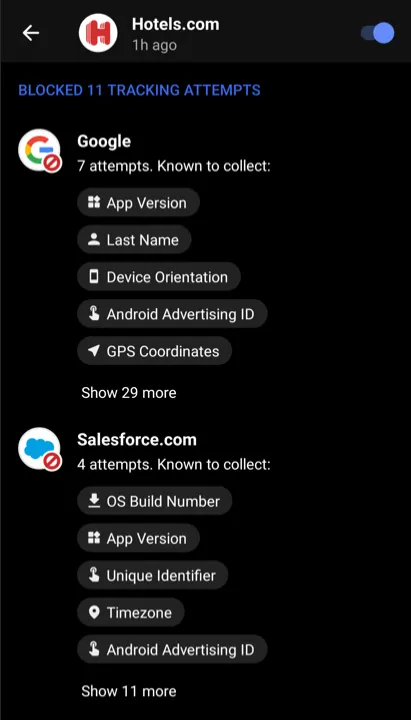
The new version of App Tracking Protection allows Android users to see precisely which trackers are blocked and what kind of data they are seeking, in contrast to the prior close beta version of the service.
The feature is somewhat similar to Apple’s ‘App Tracking Transparency,’ but unlike the Apple feature, DuckDuckGo’s system does not depend on the app developers’ compliance with user choice.
Blocking all known trackers
According to DuckDuckGo, Android users have 35 apps installed on their smartphones on average, which results in 1,000–2,000 daily tracking attempts for more than 70 tracking organizations.
While consumers frequently use their devices to browse the web, play games, or check the weather, the App Tracking Protection guarantees to thwart all these attempts in the background.
Additionally, this blocking occurs with no discernible impact on device performance, which was enhanced in the most recent version of the app.
The blocking is based on a constantly updated and growing list of known trackers and is independent of the user’s choice in the associated tracking request dialogs usually served within apps.
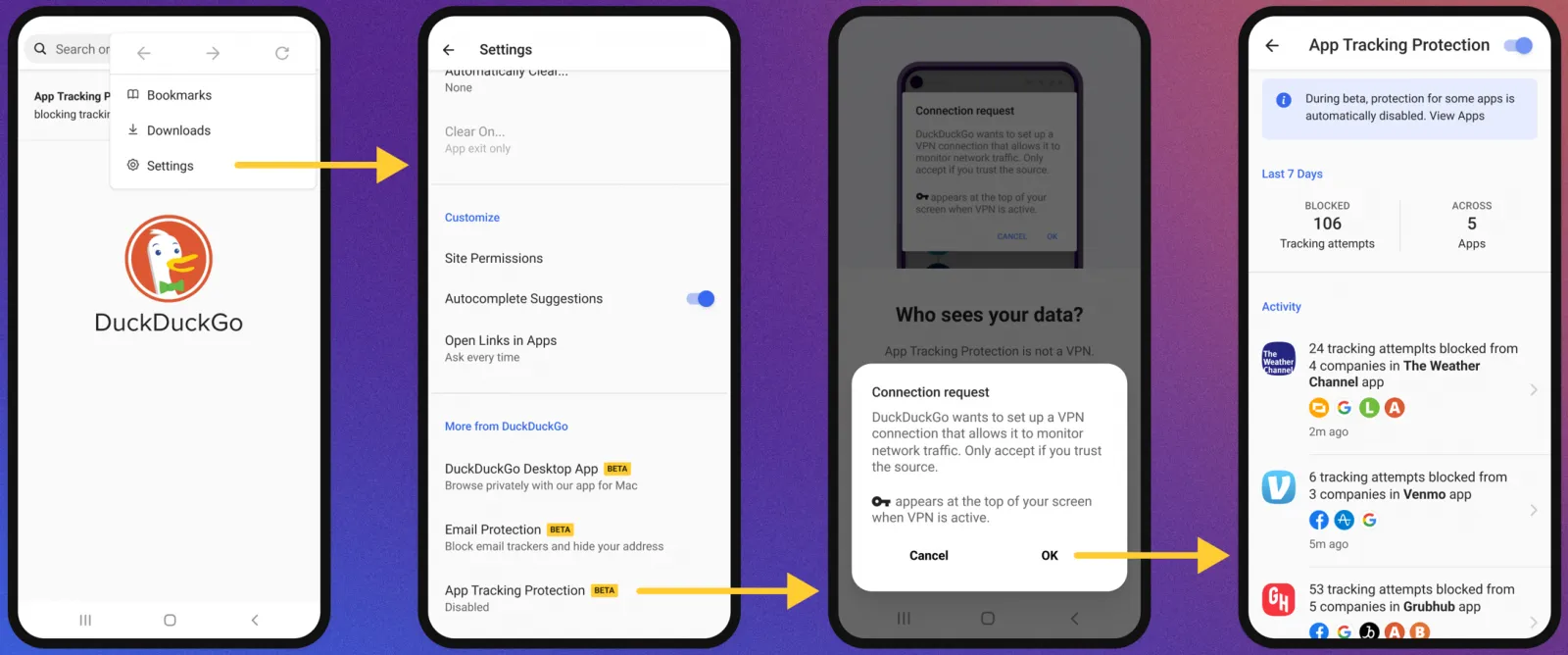
To activate the new feature, the user has to open the DuckDuckGo app on Android, navigate to Settings → More from DuckDuckGo, and then enable App Tracking Protection, as shown below.
Activating App Tracking Protection
The function operates by setting up the DuckDuckGo for Android app on the device as a VPN, enabling the app to filter app traffic and block trackers.
However, unlike a conventional VPN, this is only used locally and does not offer anonymity when using the internet or connecting to other remote devices.
“App Tracking Protection uses a local “VPN connection,” which means that it works its magic right on your smartphone and without sending app data to DuckDuckGo or other remote servers,” explains DuckDuckGo.
Therefore, to enable the feature, DuckDuckGo will request the user allow the VPN connection to be created, which is required for the blocker to function as expected.
From then on, the app will regularly update the user with automatically generated summaries of blocked app trackers to give them an idea of what is happening behind the scenes.
Those who want to evaluate how threatening each app is to their privacy can use App Tracking Protection’s real-time view to see what trackers are loaded and blocked.
Although App Tracking Protection is a strong tool, users should be aware that it is still in the beta testing phase of development.
As a result, it could result in performance issues, incorrect operation of websites or apps, or the evasion of some trackers. You can turn off the feature if you experience any of these problems.
It’s no secret that while on the Internet, we are constantly tracked. Although advertisers and organizations claim that monitoring users help them understand their actions and interests to enhance their programs, many users find that monitoring is intrusive. Some users may also end up sharing more information about their browsing habits than they expected, perhaps by visiting some unsafe or untrusted websites.
While its commonly believed that most of the tracking online happens while browsing the Internet on our PCs, there are hundreds of Android apps out there that come with built-in trackers to not just store information about you but also share that information with potential third-party clients such as advertisers.
If you take privacy more seriously than the average user and want to stop device monitoring on your devices, try a new open-source app named Warden that claims to block trackers and loggers hidden inside apps. Warden is created by WhyOrean, a senior member of XDA who is notable for his work behind the popular, unofficial, open-source Google Play Store client Aurora. Using root access, Warden allows the user to deactivate all trackers and loggers detected within apps. It also features a “debloater” that supports scripting, based on profiles. The software supports version 5.0 of Android, and above.
The Warden Program Manager uses a centralized list of trackers and loggers provided by Exodus Privacy, a French ngo. It reads the dex (Dalvik Executable) files within each device installed on your phone to see whether any of the class names from the above list match a known tracker or logger. In this sense, loggers means “all tools that are used to log user activity on an device or logcat in general.” WhyOrean states that not all loggers are bad, and some can be used to log user activity for specific (legitimate) purposes. There are however a few “like ACRA, xLog” logging tools that are powerful tools that can “send user data to devs without user consent.”
In addition to offering an insight into heinous trackers, Warden comes with a “De-Bloater” and “Nuke it! “Mode which requires root access to both. While the De-Bloater allows users to deactivate, hide or uninstall fishy tracker apps, the Nuke it! Feature allows users to scan all device-installed apps and automatically deactivate all known tracker components (Activities, Services, Providers, and Receivers). Both “Nuke it!” and “De-Bloater! Are currently considered experimental features, so be sure to visit the thread below to give the developer feedback if you have any problems or suggestions.