Tag: track

  • How to locate and remove “Stalkerware” from your device

    How to locate and remove “Stalkerware” from your device

    Even though your mobile device has many built-in safeguards to preserve your privacy and keep your data safe, it could still be subject to snooping if someone you know gains access to your accounts or installs hidden programs, or stalkerware, that follow you about. These malicious apps may spy on you by taking use of permissions and built-in capabilities on your Android or iPhone. Here’s how to find stalkerware on your smartphone and get rid of it.

    What is a stalkerware?

    Stalkerware is a type of malware that tracks and monitors your device’s activities, including messages, images, and location in real time, without your permission. Most frequently, stalkerware is an app that is downloaded straight to your device. It can be hidden from your home screen or masqueraded as something normal to make it harder for you to spot anything fishy. TechCrunch points out that Cocospy, Spyic, and TheTruthSpy are examples of popular stalkerware applications. Stalkerware can be installed or side-loaded from unapproved sources other than the Apple and Google Play stores.

    Large data usage on your device, a warmer or slower-than-normal phone, a faster-than-normal battery drain, an increase in screen time, and odd alerts are some potential indicators of stalkerware (and other dangerous programs). But stalkerware can exist without any of these problems. The Coalition Against Stalkerware claims that a typical indicator of monitoring isn’t really related to your phone’s technological features: Instead, it’s the stalker’s altered conduct or awareness of your actions.

    Keep in mind that although stalkerware apps are one way for someone to secretly monitor you, other phone settings, such backups, location sharing, and Google and Apple accounts that are controlled or accessible by someone else, can also be misused.

    If you think your phone may be compromised, you should consult Cornell University’s Clinic to End Tech Abuse (CETA), which offers comprehensive resources for detecting and eliminating stalkerware as well as other security measures to protect your device from eavesdropping.

    Create a safety plan first

    You must have a safety plan in place before trying to remove stalkerware from your device or alter shared access to your accounts and apps. The danger of abuse or harassment may rise if monitoring applications are removed or permissions are updated, alerting the person who installed them. A list of organizations and services for survivor aid in various nations may be found on the Coalition Against Stalkerware.

    Eliminating stalkerware also has the potential to destroy any evidence you might need to provide to law police if you intend to report the occurrence. You might want to record your experiences in a journal.
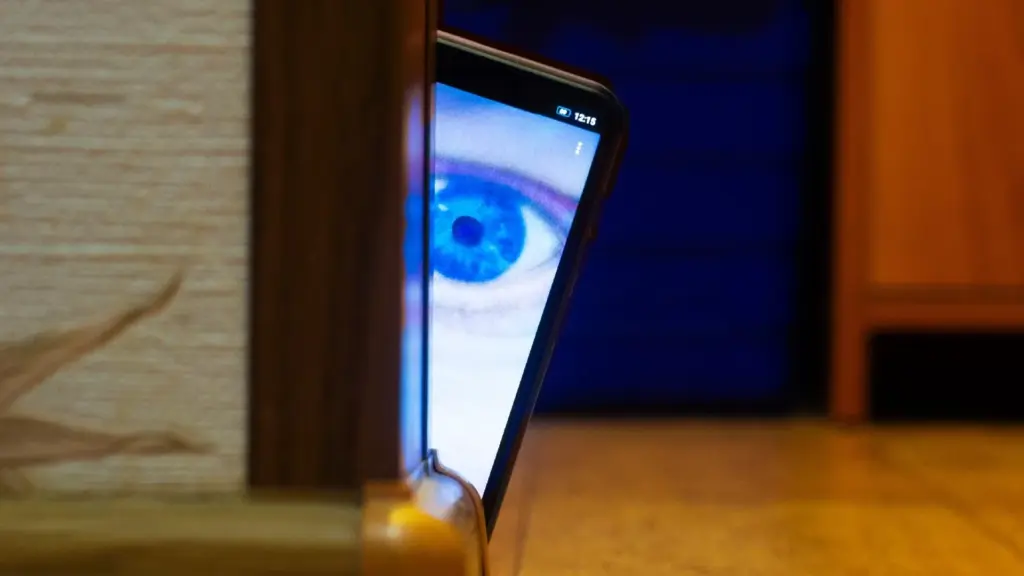
    stalkerware

    Check for unrecognized apps

    Even without an icon on the home screen, you can still access installed apps in your device’s settings. This can be found in the settings app on both iOS and Android, under the Apps or App management option. (On iOS, you have to scroll all the way to the bottom of the list to see hidden apps.) Keep an eye out for anything unfamiliar.

    You should look for any apps listed under this section of your settings because stalkerware on Android may exploit the access granted by your device’s accessibility mode. You can have a harmful program installed if you don’t use accessibility features or don’t identify an app. Device admin settings may potentially be exploited by stalkerware. Go to Device Admin App under Settings > Security. Nothing should be included here for the majority of personal devices.

    Review app permissions and settings

    Because stalkerware may misuse access to your device’s data, permissions are another approach to spot questionable programs. In your settings, you can view permissions for each individual app, including location, camera, microphone, and keyboard access. TechCrunch advises carefully examining which third-party apps on Android have access to your notifications, as this permits monitoring of your messages and alerts (check your device settings for Special app access).

    To control permissions and sharing with people and apps, utilize Apple’s Safety Check feature (Settings > Privacy & Security > Safety Check) if you’re running iOS 16 or later. Among other settings, you can update your passcode, reset system privacy permissions, switch devices linked to your Apple account, and verify who you are sharing information with. There is a Quick Exit button in case you need to exit with a single push, as well as an Emergency Reset option that will instantly stop transmitting all data from your device.

    Use this CETA guide to iOS safety if you don’t have Safety Check installed on your device or if you want to look into specific phone settings that might be sharing your data with someone else, such Family Sharing or text message forwarding.

    How to remove stalkerware from your device

    Getting a new phone, which you can and should lock down with a new PIN to stop someone with physical access to your device from installing dangerous apps, is the most drastic action you can take to avoid stalkerware.

    A factory reset is an additional choice that will remove all data and programs from your smartphone. This may be found in the Settings app on Android and Settings > General > Transfer or Reset iPhone on iOS (you can find the exact path on your device manufacturer’s support website). Keep in mind that any data that isn’t backed up, such contacts, messages, and pictures, will be lost. Even if you’re not positive whether your phone has a stalkerware program installed, a factory reset can be helpful. However, it could not resolve the problem if the spy still has access to the Google account or Apple ID linked to your device.

    Additionally, you can manually remove or uninstall programs from your device and utilize an antivirus app from a reliable provider to check for hidden and harmful apps (Google Play Protect can also do this on Android).

    After deleting stalkerware, make sure your device has a new lock screen passcode that is difficult for someone with physical access to figure out. You should also take precautions to secure your email and other accounts by using two-factor authentication and using strong, one-of-a-kind passwords.
  • How to fix Galaxy Watches that aren’t tracking sleep properly

    How to fix Galaxy Watches that aren’t tracking sleep properly

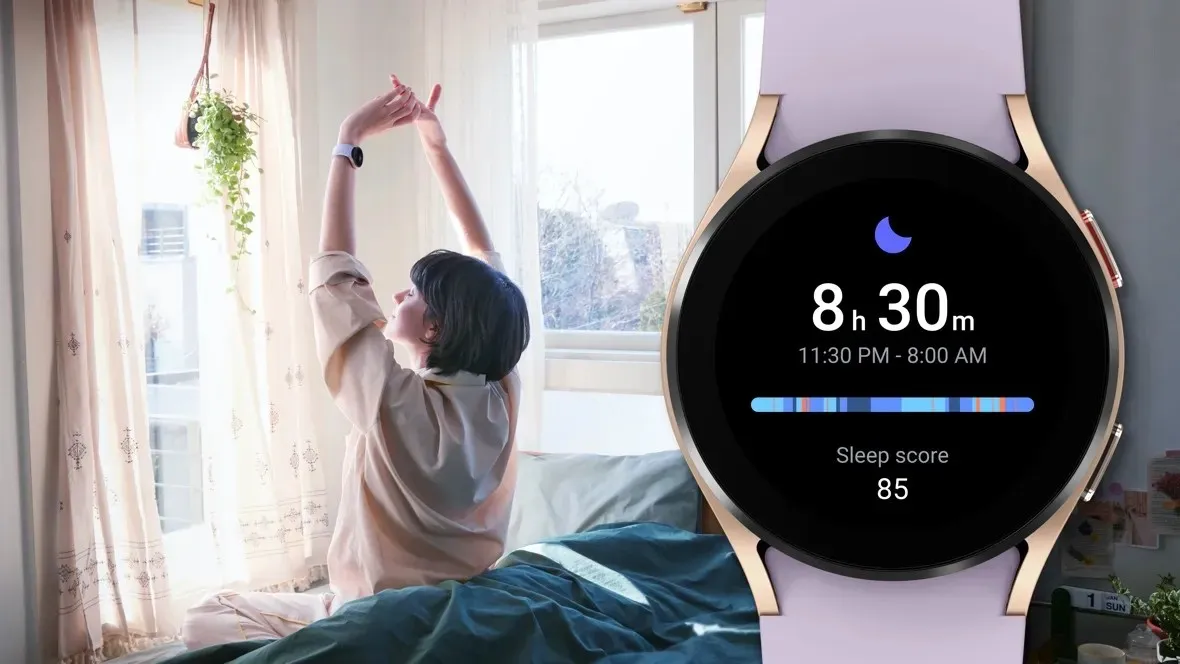
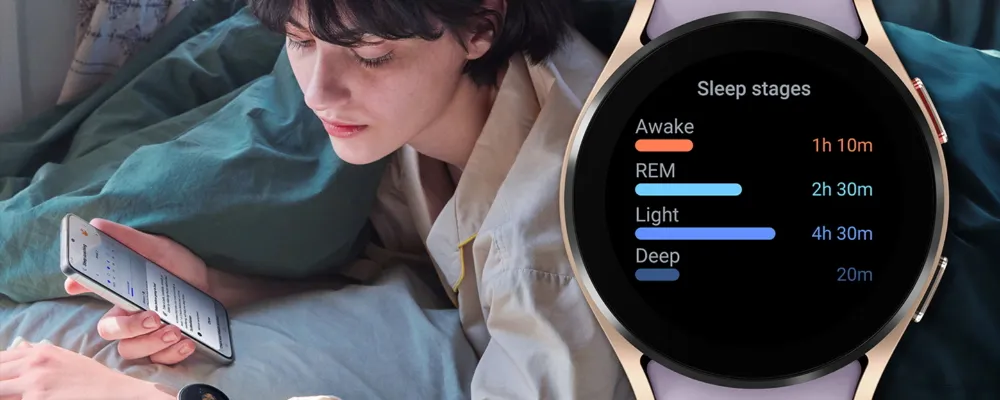
    Samsung has acknowledged that a sleep-tracking problem affects a number of its most recent Galaxy Watch models, but thankfully, it has also suggested a few solutions.

    SamMobile discovered a Samsung Community forum in Korea where the firm disclosed that the Galaxy Watch 7 and Galaxy Watch Ultra, two of its top smartwatches, might not be accurately detecting sleep.

    SamMobile discovered a Samsung Community forum in Korea where the firm disclosed that the Galaxy Watch 7 and Galaxy Watch Ultra, two of its top smartwatches, might not be accurately detecting sleep.

    The issue, which also affects the Galaxy Watch 4, 5, and 6, means that “sleep-related measurement values are not reflected properly in the Samsung Health app on the Galaxy Watch.”

    For consumers who might be having problems, Samsung has provided a few patches. We have contacted Samsung for further information, but as mentioned, this message was only made on a Korean forum, so it is unclear at this time whether the problem is regional.

    In any case, here are some fixes for your Galaxy Watch if you are experiencing problems with sleep monitoring.

    Galaxy Watch4 Sleep Week NSF mai

    How to correct the Galaxy Watch’s sleep tracking

    Samsung advises users to turn the device off and on again as the initial step in tech troubleshooting. It claims to be working on a new version of the Samsung Health app to address the problem in the meanwhile.

    In particular, Samsung advises users to activate and then deactivate the Galaxy Watch’s power-saving mode under the Watch’s Settings app.

    Lastly, users should get the most recent version of the Samsung Health software from the Galaxy Store. It is unclear whether this is the promised upgrade to the app or a temporary solution. However, all of these adjustments are fantastic starting points if your Galaxy Watch is having trouble tracking your sleep.

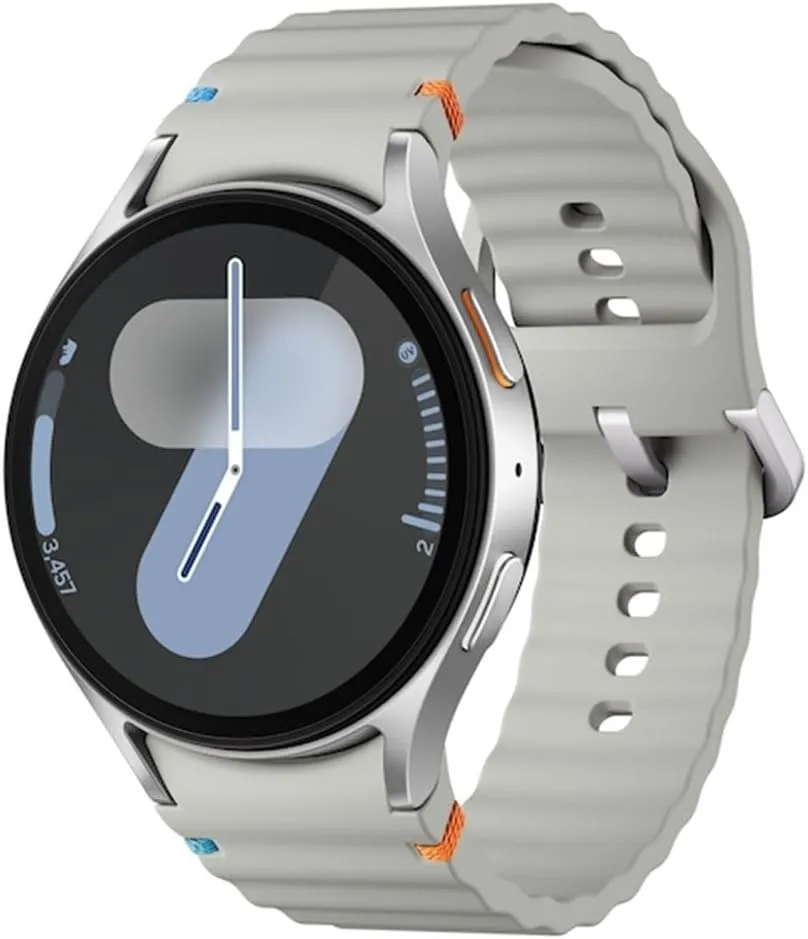
    galaxy watch 7

    Samsung Galaxy Watch 7

    1.5″ Super AMOLED, 480x480px ~327ppi, 425mAh Battery, Bluetooth 5.3, Wi-Fi, MIL-STD-810H compliant, 50m/5ATM water resistant (IP68), ECG certified, Sleep Coach, Heart Monitor

    very good

  • Looking for a Airtag alternative on Android – Chipolo One

    Looking for a Airtag alternative on Android – Chipolo One

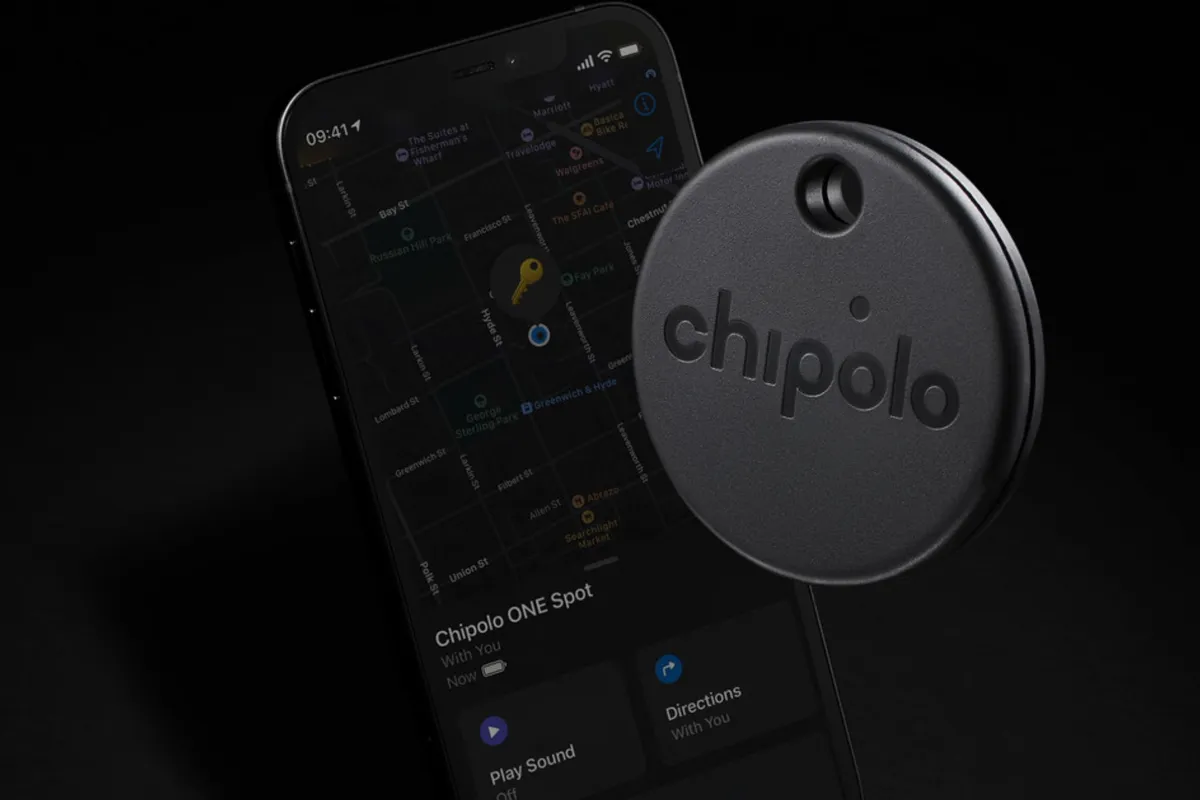
    Find My Device, Google’s recently enhanced tracking network, is intended to serve as the Android counterpart to Apple’s Find My network. The new Point tracking gadgets from Chipolo are also meant to serve as the Android equivalent of Apple AirTags. Among the first third-party tracking apps to integrate with Find My Device are the Chipolo One Point item tracker and the Chipolo CardPoint wallet finder.

    I was curious to compare these trackers because I have been using Apple AirTags for a long time. Fortunately, I received a few from Chipolo for this use. In the end, I found nothing unexpected, which is fortunate.

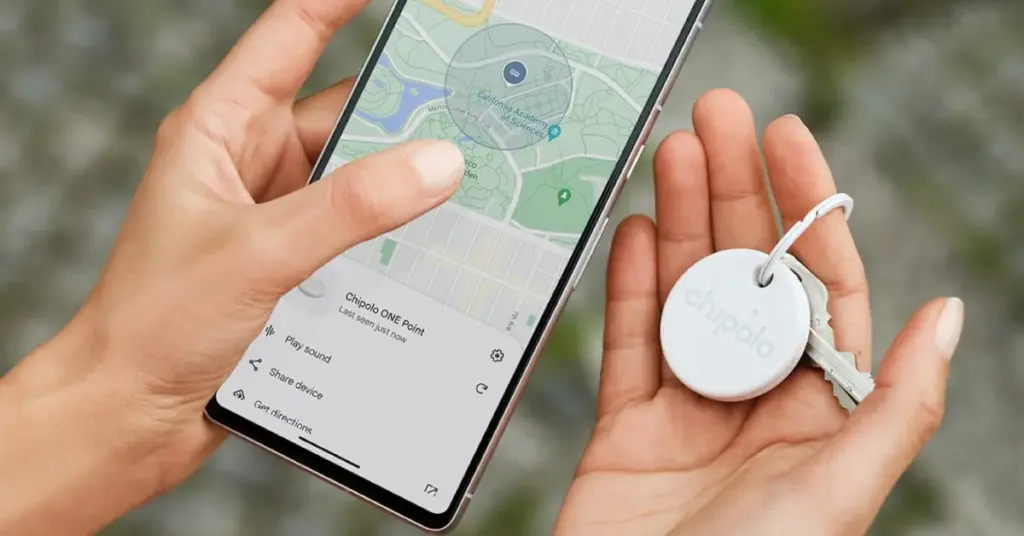
    Chipolo One on keys with Android Find My Device

    Chipolo key points

    Chipolo’s new trackers assist you in finding misplaced objects by integrating with Google’s Find My Device network. Earlier Chipolo trackers were only compatible with the Chipolo app for iOS and Android or Apple Find My, not Find My Device. The only devices compatible with Chipolo’s point trackers are Android smartphones and Google’s Find My Device app.

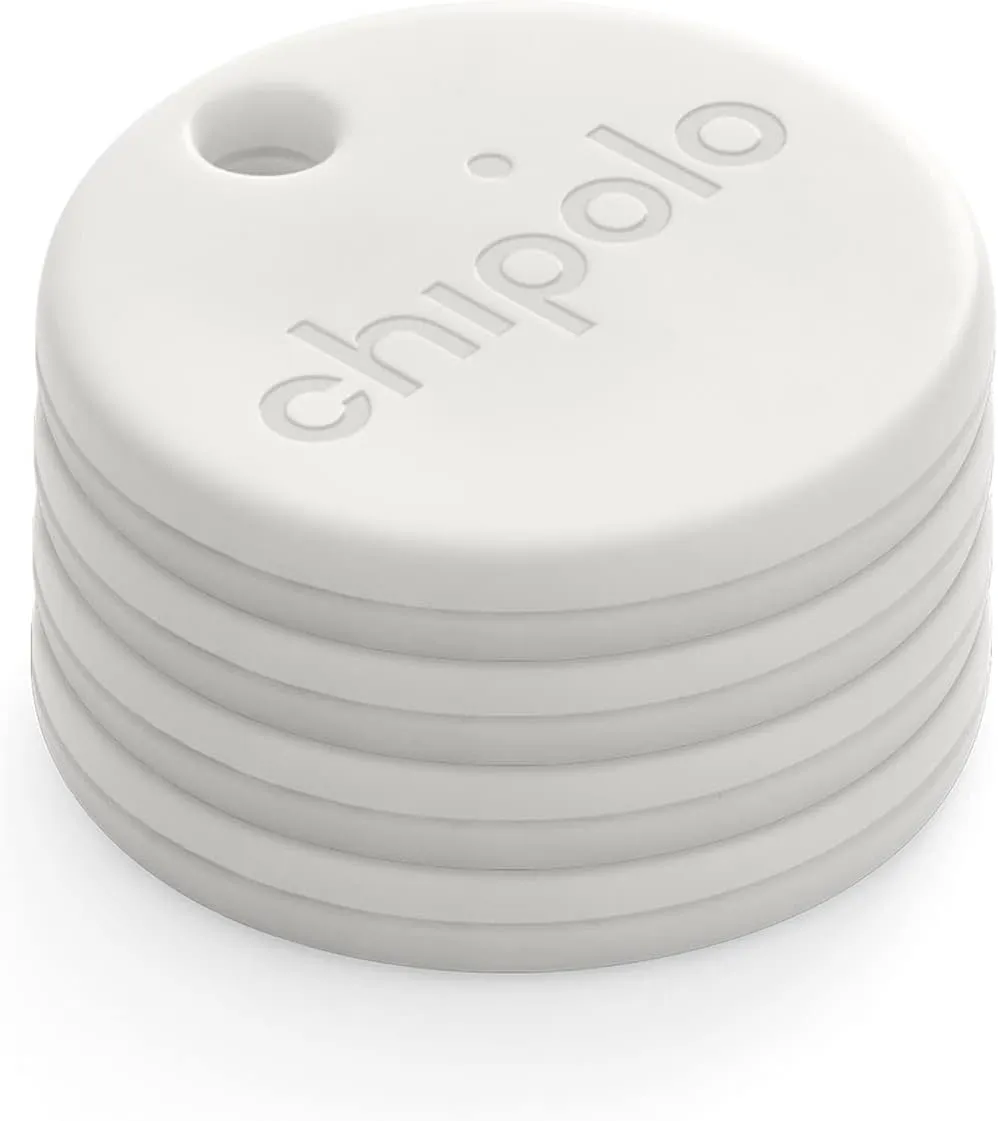
    Two varieties of Chipolo Point trackers are available at launch. The Chipolo One Point is a tracker that fits on a keychain and is perfect for monitoring things like baggage, backpacks, and keys. Up to a year should pass before the replaceable battery inside of it needs to be changed. The design of this product is strikingly similar to that of Apple AirTags.

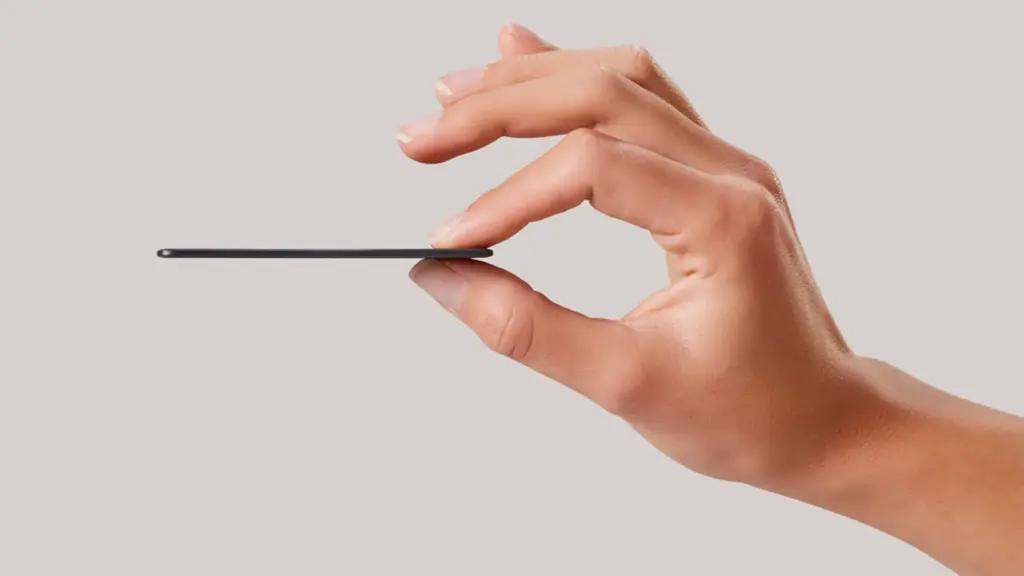
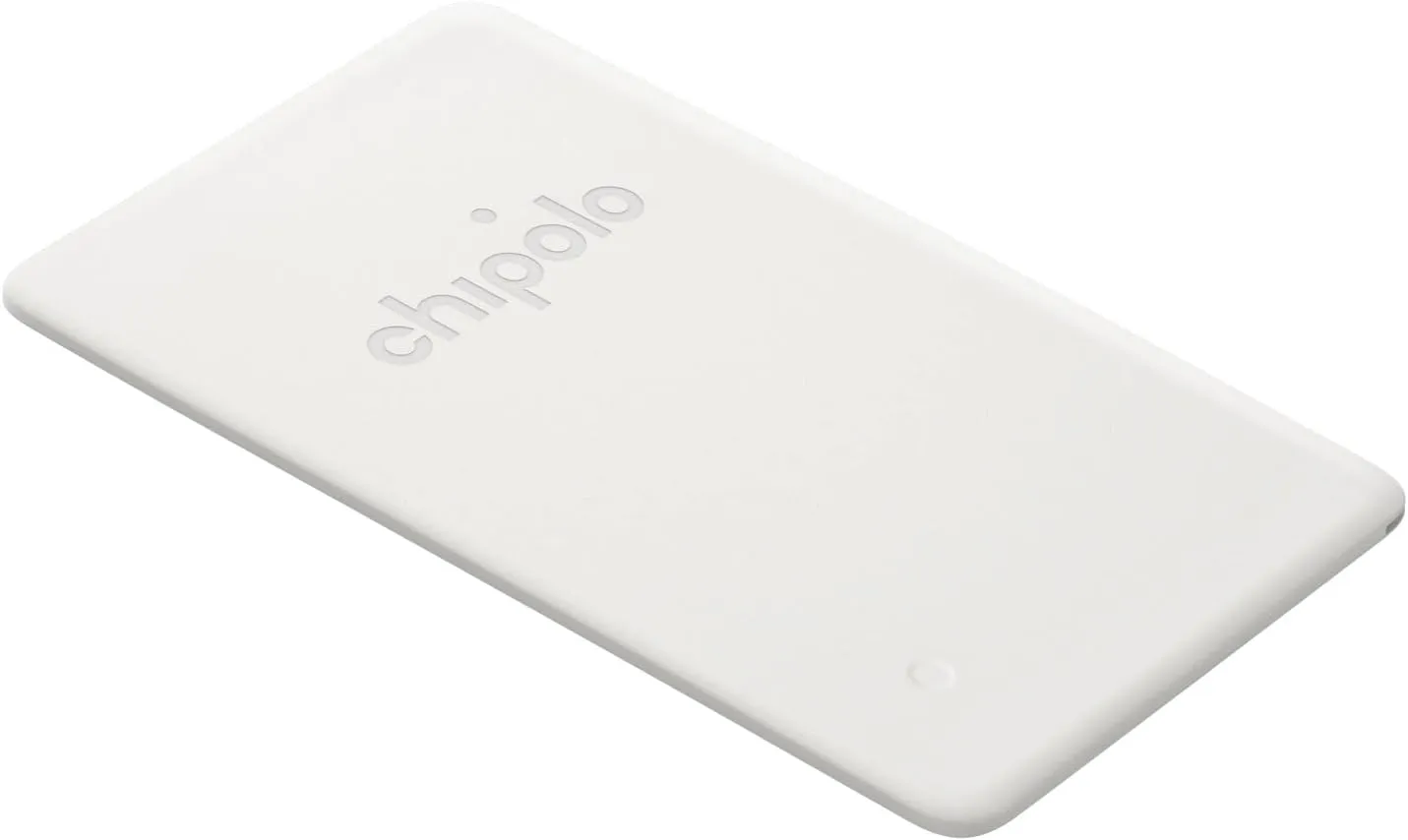
    Mostly intended for use in a wallet, the Chipolo Card Point is a credit card-sized, flat tracker. Additionally, it can be used to monitor other objects, such passports. Before the tracker needs to be replaced, the Card Point’s long-lasting, nonreplaceable battery can last up to two years.

    How they integrate with the Find My Device

    I was perplexed by the configuration when I first got my Chipolo Point review trackers. At first, I assumed that you needed to configure them through the Chipolo app, which would somehow link them to Find My Device. But that is not how it operates. Everything went smoothly after I realized this.

    Bringing it close to your Android device and pressing on it until a sound is heard is how you set up a tracker. A notice asking if you wish to set up the tracker then appears on the screen of your phone.

    Looking for a Airtag alternative on Android - Chipolo One card

    The Google Find My Device app allows you to see all of the information about the Bluetooth trackers once they are linked to your phone. Chipolo Point trackers allow you to share the tracker’s location with another person, find their current location, and sound an alert if they are close yet unlocatable. Additionally, you may view the device’s remaining battery life. Similar to AirTags, you may use your phone’s Bluetooth to activate step-by-step instructions to locate the trackers when they are close by.

    It is crucial to remember that Google’s network protects user privacy by using anonymized reporting and end-to-end encryption for location data. Google’s Find My Device feature, similar to Apple Find My, will notify you if an unidentified device is tracking you. For instance, both networks discreetly notified me about each other when I fastened a Chipolo One Point to the same keychain as an AirTag.

    Google pinpoints a tracker’s location using a combination of GPS, Wi-Fi, and cell tower signals.

    Chipolo One card thinkness

    A great tracker

    It was a wise move on Google’s part to update Find My Device to enable tracking of non-Android devices. Third parties like Chipolo are finally launching helpful trackers as a result of that decision. In the upcoming months, more businesses will undoubtedly join the movement.

    Both the One Point and the Card Point have really pleased me. They have a simple setup process (once you know how they operate), are reasonably priced ($28 for the One Point and $35 for the Card Point), and work flawlessly with Find My Device. Like other Chipolo trackers, I anticipate future iterations will be available in a variety of colors. I do not see any areas that require development beyond this.

    Where to buy?

    chipolo one tracker

    Chipolo ONE Point – 4 Pack

    WORKS WITH GOOGLE’S FIND MY DEVICE NETWORK – Use Fast Pair to connect your Chipolo ONE Point to Google’s Find My Device app on your Android phone. After setup you can play a sound, locate it on a map or use Google’s Find My Device network to help you find it.

    Best choice
    chipolo card

    Chipolo Card Point

    WORKS WITH GOOGLE’S FIND MY DEVICE NETWORK – Use Fast pair to connect your Chipolo CARD Point to Google’s Find My Device app on your Android device. After setup you can play a sound, locate it on a map or use Google’s Find My Device network to help you find it.

    Best choice
    $35.00 $24.00Buy on Amazon
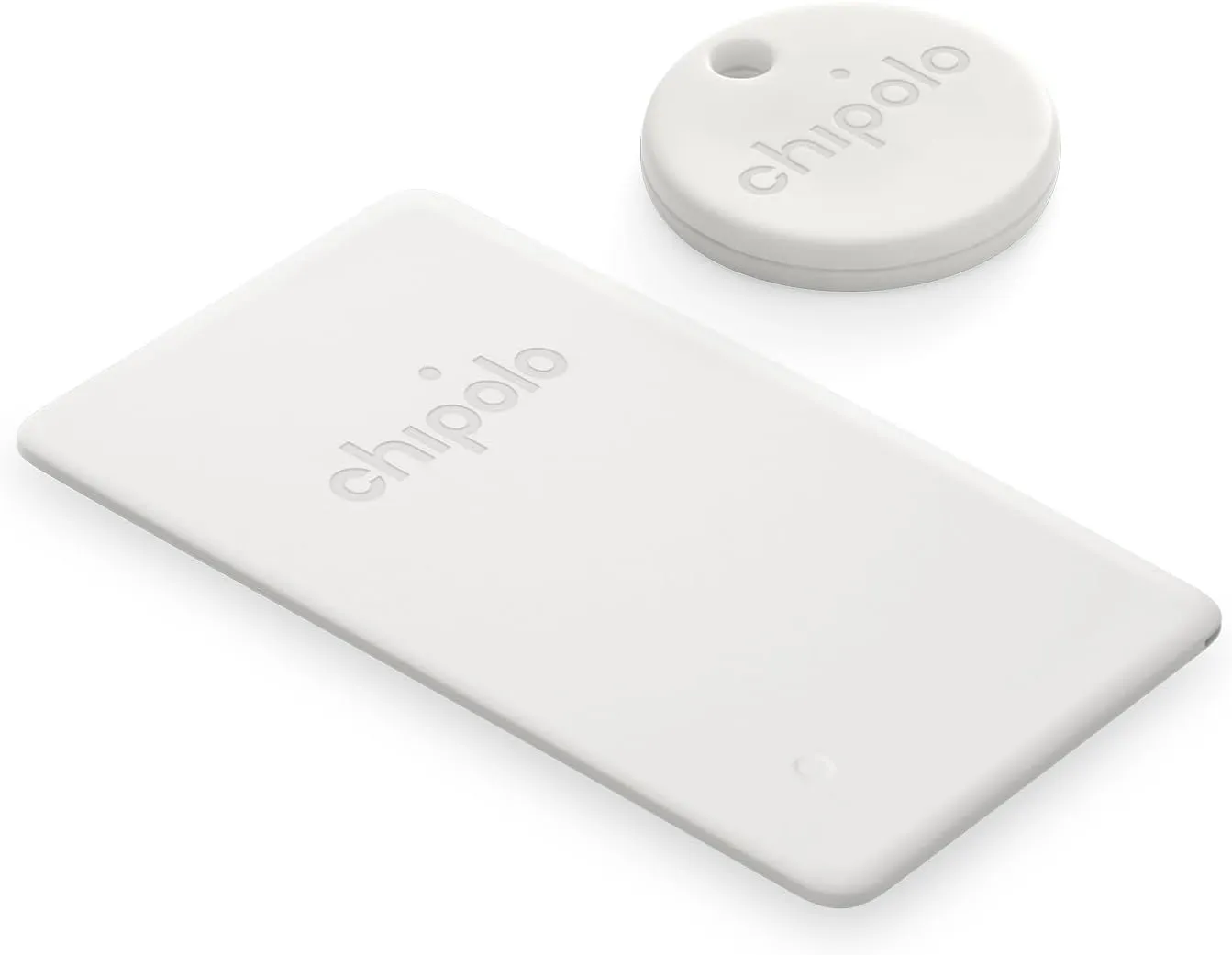
    chipolo tracker bundle bundle

    Chipolo Point Bundle – 1X ONE + 1x Card Item Finder

    Use Fast Pair to connect your Chipolo ONE Point to Google’s Find My Device app on your Android phone. After setup you can play a sound, locate it on a map or use Google’s Find My Device network to help you find it.

    Best choice