Tag: live

  • Active Navigation, Ongoing Phone Calls, and more comes on Android 16 lock screen

    Active Navigation, Ongoing Phone Calls, and more comes on Android 16 lock screen

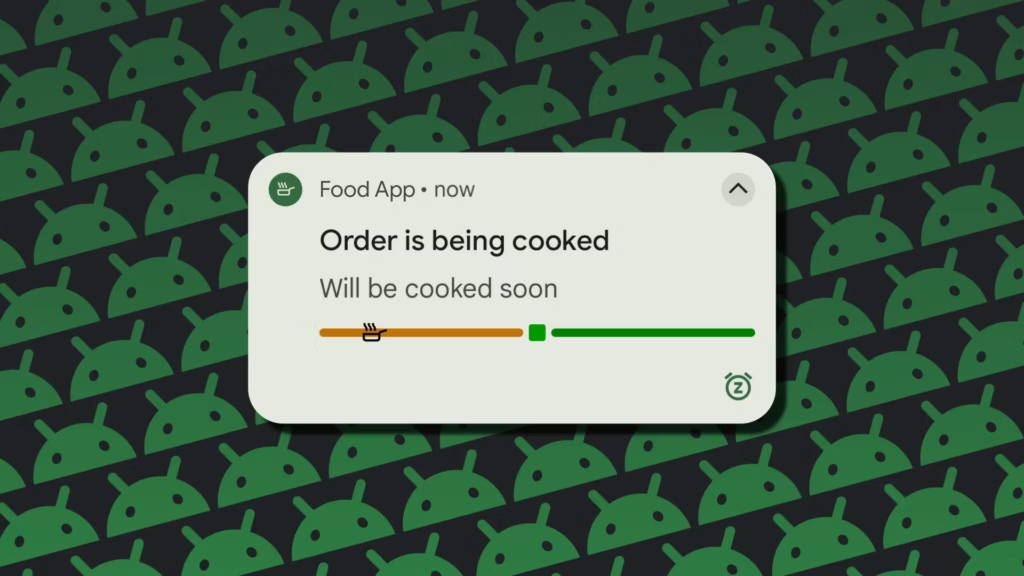
    Last month, Google unveiled the first stable version of Android 16, which included a number of new features. One of these is Live Updates, which shows real-time activity notifications on the lock screen of an Android phone. More details concerning this feature have now been released by the tech giant. In Android 16, live updates can be added to apps that provide services like food delivery, ride sharing, and phone calls, but not for marketing or promotions.
    android live update 1

    Live Updates in Android 16

    Live Updates is modeled after the iPhone’s Live Activities feature. It gives notifications for an activity that has a clear start and end time and is currently underway. Google clarified on its developer page that the feature’s primary goal is to provide time-sensitive notifications rather than historical events.

    Active navigation, continuous phone calls, tracking food deliveries, and tracking ride-sharing via their corresponding Android apps are a few of its use cases. These alerts, which provide information like tracking or ETA (estimated time of arrival), will appear on the lock screen of the Android handset.

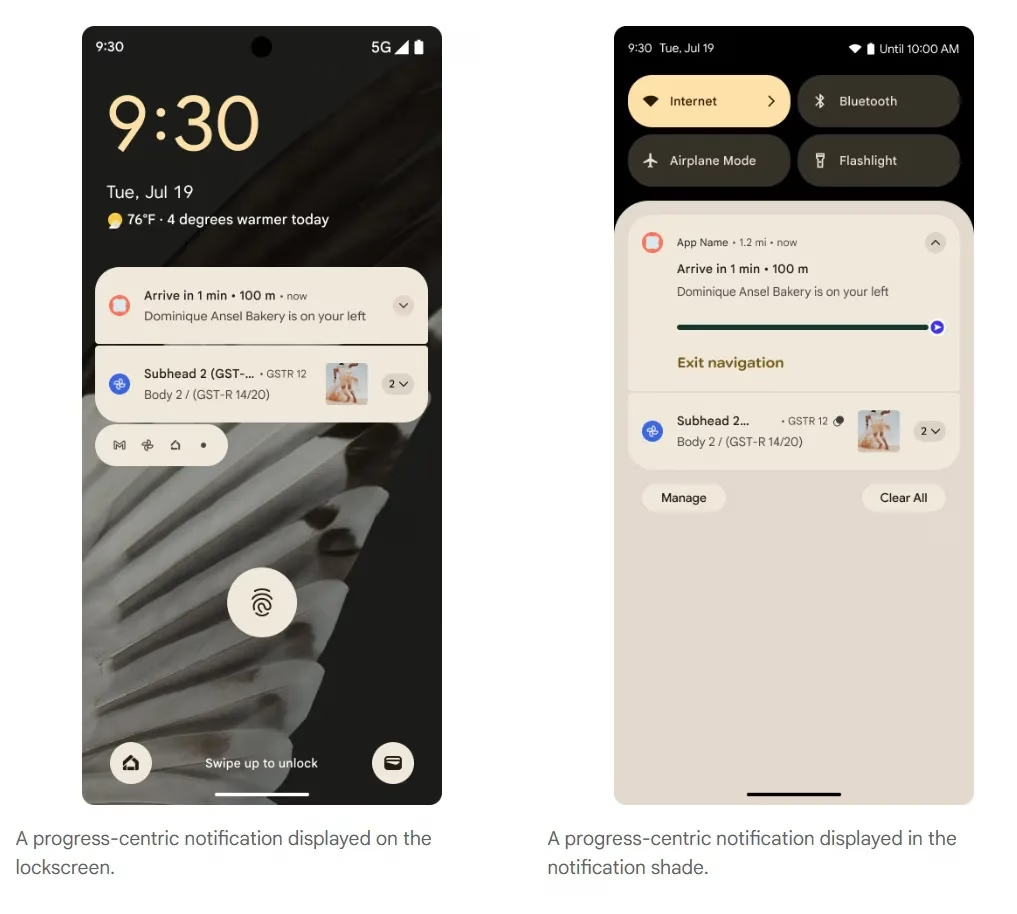
    According to the tech giant, it does away with the necessity of unlocking the phone in order to check the status. For instance, Google Maps will display directions in the home screen’s status chip when navigation is active, while Live Update on the lock screen will provide the trip’s current status and additional directions.
    Progress centric notifications i

    However, developers need to make sure that Live Updates only show actions that the user has deliberately triggered and should only show up if the activity requires the user’s attention for the duration of the update.

    The company also described the Live Updates feature’s improper usage cases. Ads, promotions, chat messages, future calendar events, and alerts are all incompatible with it. Developers can leverage other OS components, like conventional notifications, for these. If they want to give users faster access to their app’s features, they can use the Quick Settings tile and app widgets.

    However, there are several exceptions. Live updates may be triggered if a user signs up for an activity that has a time limit or buys concert or airplane tickets in advance, but only when the scheduled event is about to happen.

    Stay connected with the latest from Droid Tools—follow us on X @droid_tools, like our page on Facebook, check out our updates on Instagram, and follow us on Google News for real-time news, device tips, and mobile tech insights.
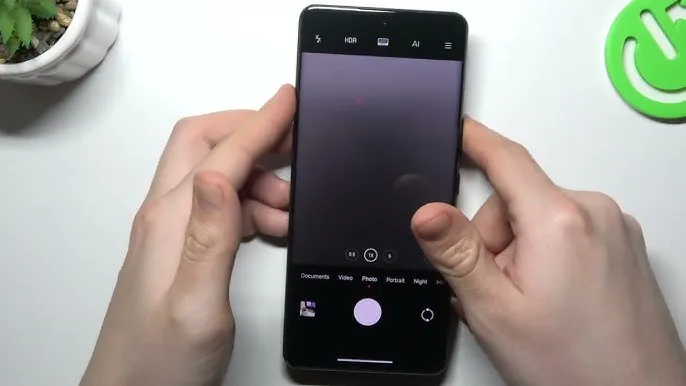
  • More devices may now use live photos thanks to Xiaomi HyperOS 2.

    More devices may now use live photos thanks to Xiaomi HyperOS 2.

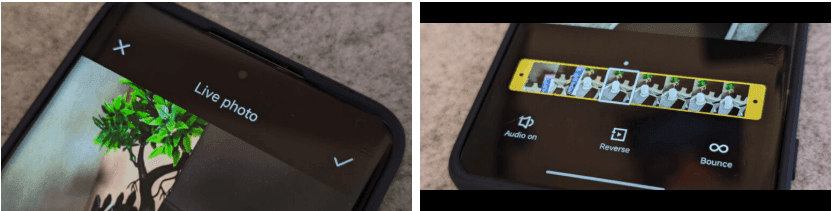
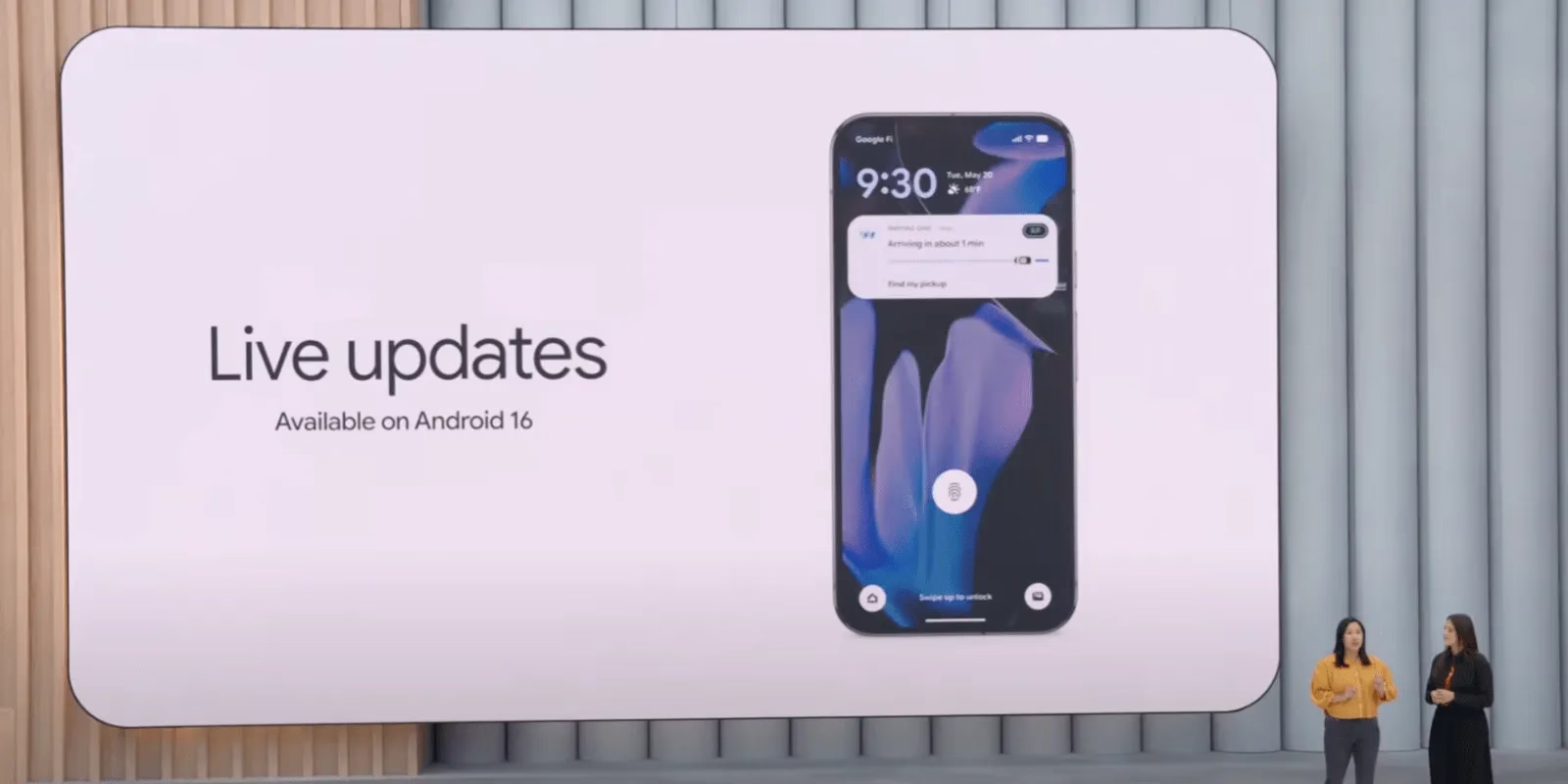
    The cross-ecosystem LivePhoto transmission compatibility of HyperOS 2 was formally revealed by Xiaomi, enabling smooth live photo sharing between Xiaomi phones, Xiaomi Pads, iPhones, and iPads. Grayscale mode is supported, and the feature is progressively being made available in batches.

    The enhancement is one of the actions Xiaomi is taking to create a comprehensive ecosystem that will provide a more seamless experience across devices. For optimal compatibility, users who are interested in the functionality should update their smartphones to the most recent versions of Xiaomi Photo Album and Xiaomi Share.Xiaomi HyperOS is always evolving, providing consumers with fresh and creative features to enhance their convenience.

    LivePhoto Cross-Ecosystem Support Details

    Sharing dynamic pics in the LivePhoto format while maintaining their motion effects is now possible with Xiaomi HyperOS 2. Users can now share and enjoy LivePhotos on both Xiaomi and Apple devices with ease thanks to the latest update, which was revealed in the official Q&A (Episode 8) for Xiaomi HyperOS on March 7.

    How to use live photo transfer

    For successful transmission of LivePhotos, users must meet the following requirements:

    • Both devices must be on the same wireless LAN – The sending and receiving devices need to be on the same wireless local area network.
    • The applications must be upgraded to certain versions – Apple and Xiaomi devices must have the latest software upgrades to be able to support this.
    xiaomi live photos

    App Versions Required

    • Xiaomi Phones and Pads:
      • Xiaomi Share3.6.2 and later
      • Xiaomi Photo Album: Version 4.2.0.8 and above
    • Apple Devices (iPhone and iPad):
      • Xiaomi Internet Service: Version 1.3 and later

    The Xiaomi ecosystem is greatly improved by this function, which allows users to find and share LivePhotos on several platforms without compromising motion effects. It is easier than ever to switch between devices and share memories with pals via an iPhone. In the days ahead, customers may anticipate even more cross-platform interoperability capabilities as Xiaomi develops HyperOS 2. Keep an eye out for additional information regarding Xiaomi HyperOS 2 and its ongoing feature additions.