Tag: lifespan

  • Simple tips to extend your phone’s lifespan

    Simple tips to extend your phone’s lifespan

    The Samsung Galaxy S25 Ultra and iPhone 17 Pro are two of the greatest phones available right now because of their incredible cameras and powerful processors. Even though these high-end flagships could be the best mobile devices available right now, getting them will cost you a fortune. Even phones that are affordable, like the Google Pixel 9A, are still expensive, and since people’s budgets are getting tighter everywhere, it’s more crucial than ever to get the most out of your purchases. Instead of updating more frequently, the simplest approach to achieve that is to just stay using your phone longer, spreading out that expensive purchase across the years.

    Not only is it better for your wallet, but it’s also much better for the environment. If you upgrade your phone less frequently, fewer phones will be made and distributed, and fewer old phones will wind up in landfills. The good news is that manufacturers such as Apple, Google, Samsung, and others are extending the support period for their phones’ software updates, so the phone you purchase today will continue to be safe to use for many years to come.

    You are responsible for the remainder. It takes some work, a lot of attention, and a few crucial tactics to keep your phone in good operating order for the seven or eight years of software support it may receive.

    Therefore, these are the best ways to extend the life of your phone.

    Update the software

    Avoid using a phone that isn’t receiving security upgrades since it’s just not safe. Phones like the Google Pixel 9 series now come with seven years of software support, whereas before it was typical for many Android manufacturers to support new phones for only two to three years. Unfortunately, some less expensive phones, such as the recently released OnePlus Nord CE4 Lite, only get upgrades for a few years. When purchasing a new phone, be sure to inquire about its support duration since this will provide you with greater value during the phone’s lifetime.
    best brands for android updates

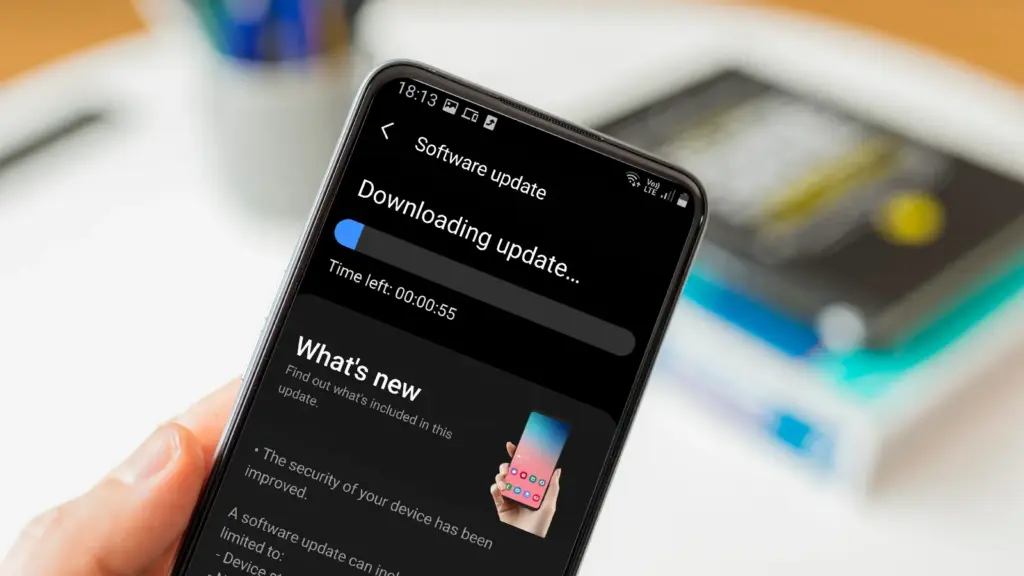
    Keeping your phone up to date with the most recent security update will help prevent hackers and remove any dangerous software that might infiltrate and cause your phone to lag. If you have an older phone, go to the settings menu, scroll down to Software Update, and click to see if there is an update available. Most phones will automatically ask you to install the most recent upgrades, and you sh

    This also applies to your apps, which must be updated to stay compatible with the iOS or Android version you’re using. Allowing apps to update automatically in the background is a good idea, but if you don’t, make sure you’re running the most recent versions by going into your preferred app store.

    Protect it with a case

    If you recently purchased a brand-new iPhone, installing a case right away is the best way to preserve it physically. In addition to protecting it in the event that you drop it, it will also assist prevent it from absorbing tiny scratches from your pocket’s coins or keys.
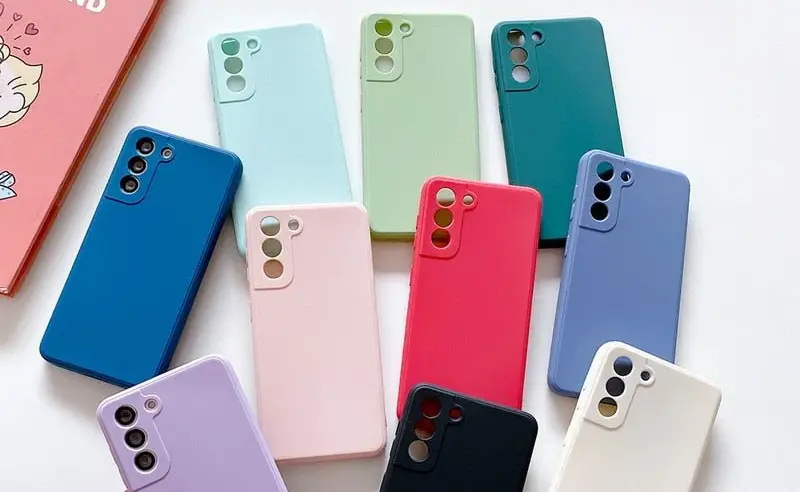
    matte silicone samsung galaxy a series phone case 521848 e1758974780610

    Since there isn’t much you can do to repair your phone’s screen after it becomes damaged, a screen protector is also a smart option. You can easily change a screen protector if it gets a severe scratch, keeping the phone itself looking brand new for many years to come. When it’s time to update, keeping your phone looking new could help you sell it for more money on the used market, even if you don’t intend to keep it for many years.

    Replace the battery

    Over time, the battery in your phone will progressively degrade, giving it less life between charges than it did when it was brand-new. All phones are like this. Batteries in certain older phones might only provide 50% of their previous capacity. Your phone may even alert you when it senses that your battery isn’t providing enough power, in which case it may limit your processor to make up for it.
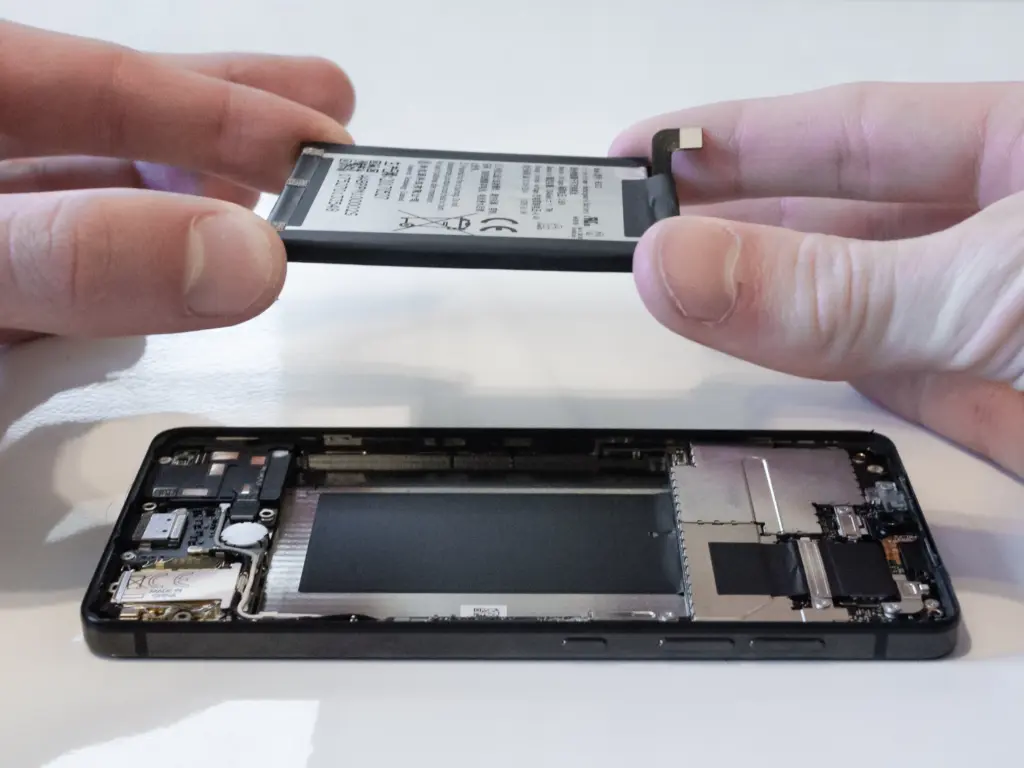
    replace battery on a nothing phone

    Don’t worry; most phones have a battery that is rather simple to change on your own to give it a fresh lease on life. If your battery is about to die, it could be worth trying to repair it yourself. iFixit offers a wide range of kits and third-party replacement batteries to fit a large number of phones.

    If you’re not very confident with your screwdriver skills, this might be a nice alternative to think about. There are a number of places you can take your phone to have your battery replaced, or even other components like a broken screen. However, not all of them are really legitimate.

    Remove old apps that you are not using anymore

    Your phone is probably cluttered with thousands of pictures of your friends, pets, or the plates of food you’ve consumed over the years if you’ve owned it for a long time. You probably have a number of outdated apps and games that you downloaded on the spur of the moment, played for a few bus rides, and then switched to the newest mobile gaming craze.
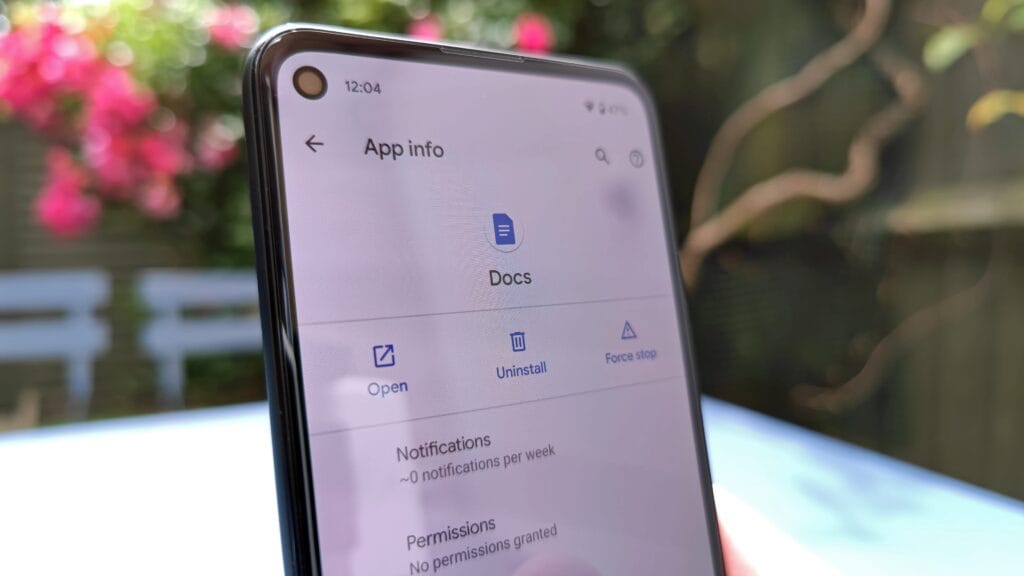
    remove old apps on Android phone

    In addition to negatively impacting your phone’s general performance, a shortage of storage may also make it more difficult to install important software updates. It’s worthwhile to look through your archives, remove anything from your phone that is wasting space, and backup any pictures and movies you wish to store to the cloud.

    It might even be worth backing up all of your crucial data and performing a complete factory reset, starting over, and only installing the necessary apps if your phone has been slow for a long period.

    Clean out your ports

    Last but not least, cleaning your phone can offer unexpected benefits. Your phone may suffer greatly from pocket fluff, especially when it comes to the charging connector, which frequently becomes clogged with bits of junk. As a result, your phone won’t charge when you plug in your charger because it can’t connect completely.
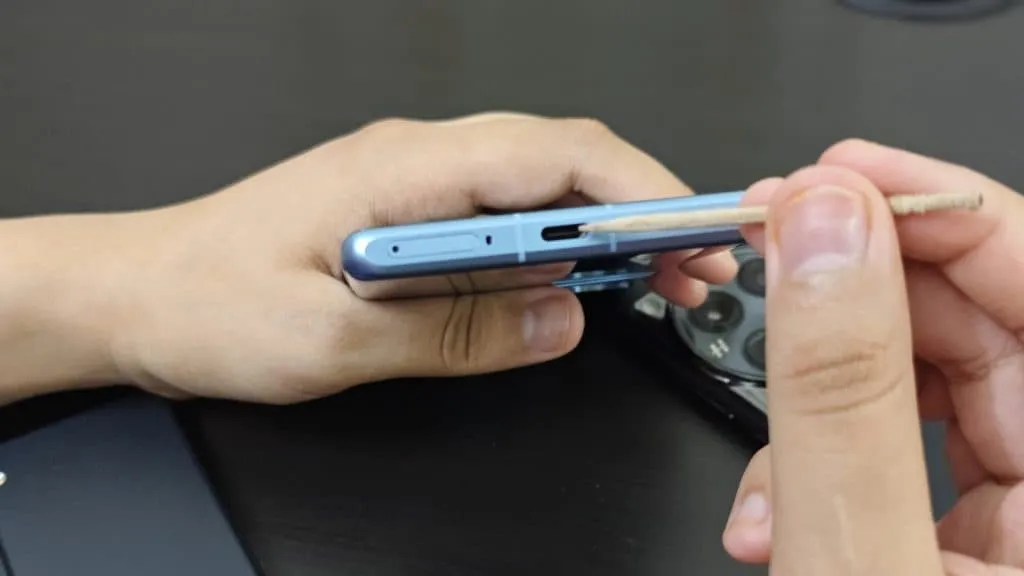
    cleaning charging port

    It’s tempting to assume that something has broken, like the cable or the charging port itself, but it could just be that the port is overflowing with lint. To make sure your charger fits without requiring forceful wriggling, occasionally insert a wooden toothpick into the area and try to ease out any dirt or debris you notice.

    To make sure you can clearly hear—and be heard—during your phone calls, it’s also worthwhile to carefully brush away any debris you may discover near the speakers and microphones with an old toothbrush that has been cleaned and dried.
  • Does charging your battery to 80% really extend its lifespan?

    Does charging your battery to 80% really extend its lifespan?

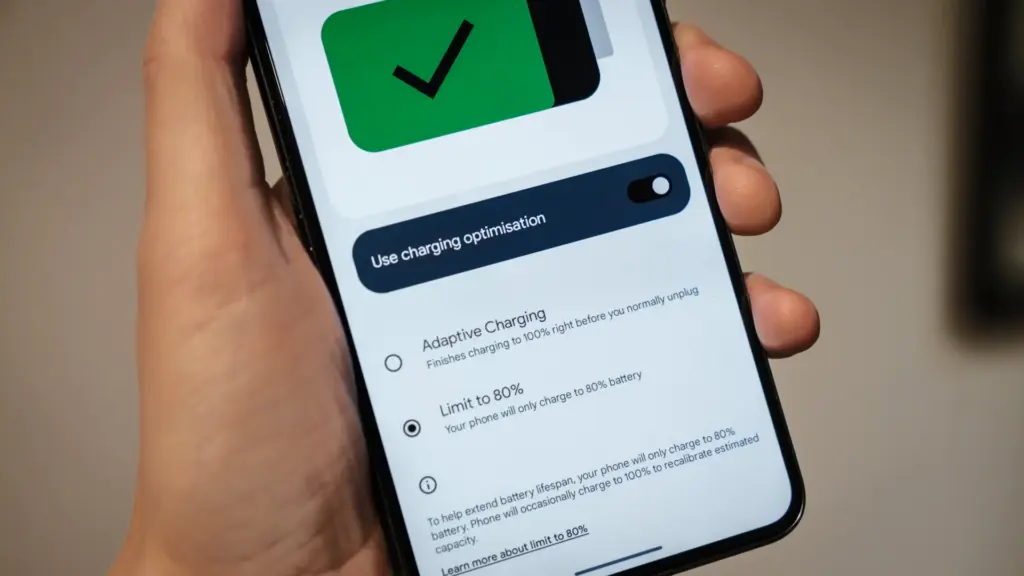
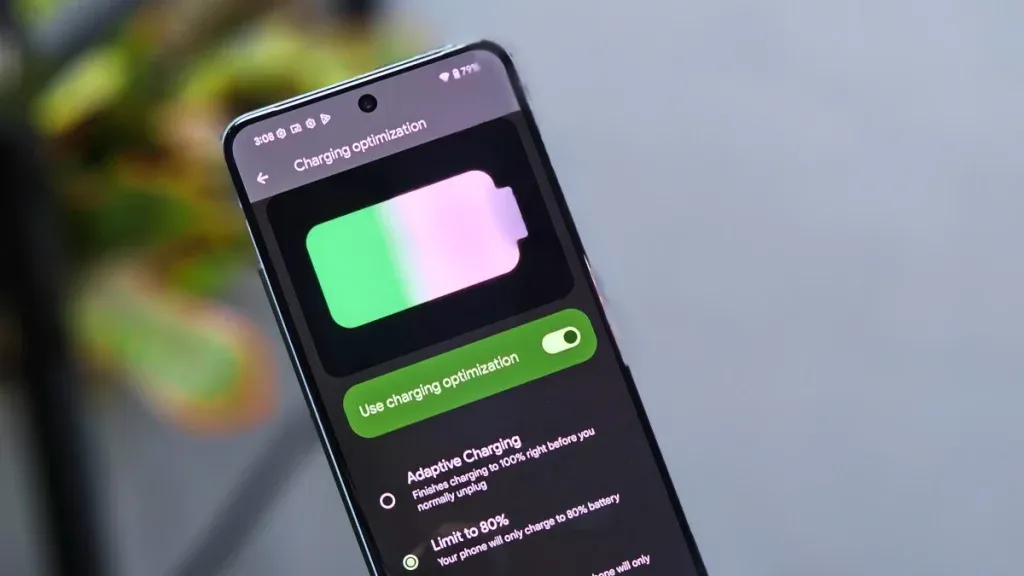
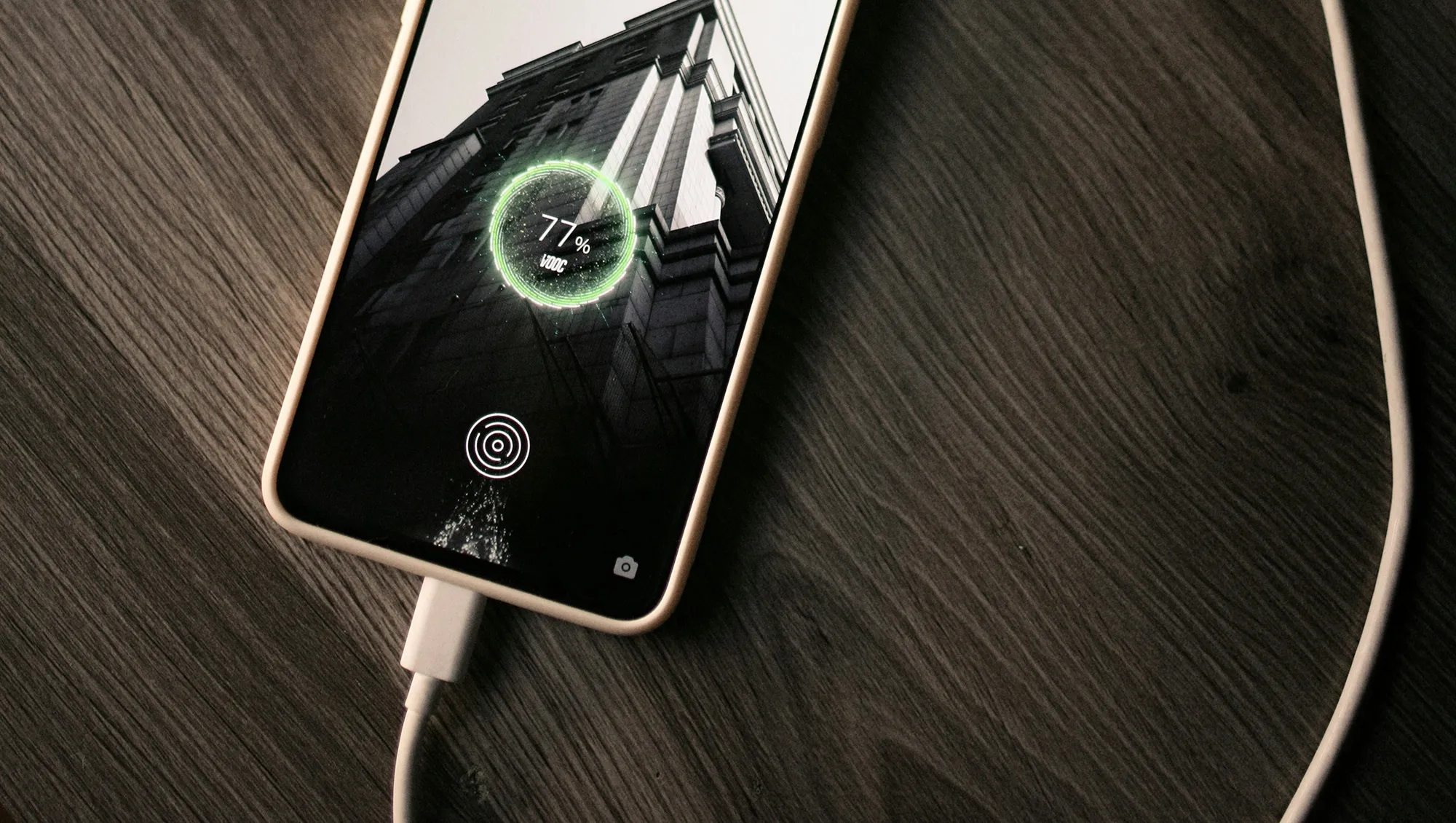
    Manufacturers are beginning to realize that battery health is a major concern for contemporary smartphones due to longer update commitments. In an effort to extend battery life, Android 15 added an optional 80% charging limit in addition to long-standing features like adaptive charging. Similar features were first introduced by Apple with the iPhone 15, and many Android phones now have them as well.

    However, doesn’t 80% seem like a pretty arbitrary number? Why would you want to cap yourself below your maximum capacity? It’s time to go through more fiction and truths about batteries. Here are some things to be aware of.

    Keeping batteries healthy for longer

    Heat and voltage are the two main enemies of battery health. Keeping your phone off of a hot dashboard, avoiding charging it beneath your pillow, and using slower charging when you don’t need a quick top-up are the main ways to manage the former. However, the user cannot effectively regulate voltage wear; voltage stress is merely a consequence of battery charging.

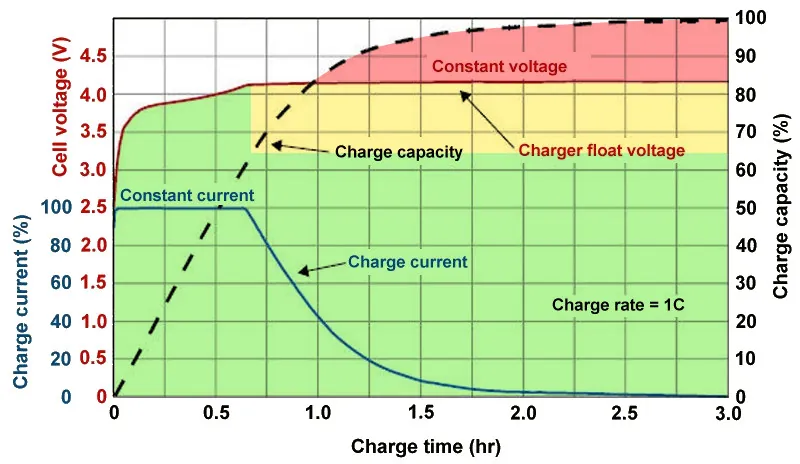
    As you can see, the voltage of a nearly depleted battery is lower than that of a full one. Because there is some wiggle area below the peak voltage, which increases tolerance for voltage peaks brought on by large currents, this voltage gap can actually be exploited to accelerate charging. Many lightning-fast charging solutions operate in this way without damaging your battery. There is less tolerance between the immediate and maximum voltages, though, because a battery’s voltage rises as it fills up. Li-ion batteries will explode if their rated voltage is ever exceeded! To fully charge a battery, you must go slowly and carefully.

    Battery Charge Voltage vs Time.jpg

    Although charging engineers take precautions to prevent battery explosions, wear can still happen simply by raising the battery’s voltage. The battery’s available lithium capacity eventually decreases due to anode saturation. When electrolytes are highly charged, they can also slowly break down into gases, and the cathode of the battery can also dissolve into the electrolyte. In a single case, none of this is concerning and is partly inevitable nevertheless, but over time, the additional wear accumulates and causes the battery’s capacity to gradually decrease more quickly than is ideal.

    The first 60% of a battery’s voltage usually increases the fastest, after which it gradually increases until it reaches full. Stopping at around 80% is a nice halfway house because the battery is sufficiently charged to last for hours even if it isn’t quite at its peak voltage, which is where the most harm happens. The seemingly arbitrary 80% measure has a lot of sound research behind it, but is it truly helpful in real-world situations?

    Should I only charge my phone to 80%?

    increase battery life charrge to 80%

    The truth is that no matter what you do, your phone’s battery will ultimately deteriorate; the best way to handle this gradual decline will depend on your demands. The most careful chargers who maintain their phone’s temperature and adhere to the 80% rule may be able to increase the battery’s life by a year or more, which is unquestionably valuable. Whether artificially restricting oneself to 80% now is worth the long-term benefits is a personal decision.

    Let’s examine the worst scenario. While many of today’s higher-end smartphones have ratings of 1,000 or even 2,000 cycles, modern smartphone batteries are typically rated for at least 500 charge cycles before depleting to 80% of their initial capacity. In the worst scenario, that amounts to about a year and a half of charging your phone every day from empty to full—a modest routine—and for longer-lasting phones, it may continue for several years. The majority of customers will most likely wait two to three years before detecting a decline in battery life, and much longer before it becomes a serious issue. And that’s assuming no additional safety measures are taken.

    A year or more could pass before you need to replace your battery if you limit yourself to 80% charge.

    Fortunately, most modern phones come with some built-in assistance. Taking your phone from the plug as soon as possible helps prevent stress from idle charging because phones tend to trickle charge for a time after displaying the completely charged notification, so the 100% charged notification is rarely actually quite full. By maintaining the battery at a reduced capacity and voltage until just before you normally unplug your phone in the morning, using Adaptive Charging or Optimized Charging—depending on the manufacturer of your phone—will help even more. Maintaining healthy habits like this could help your battery reach the three-year mark with ease.

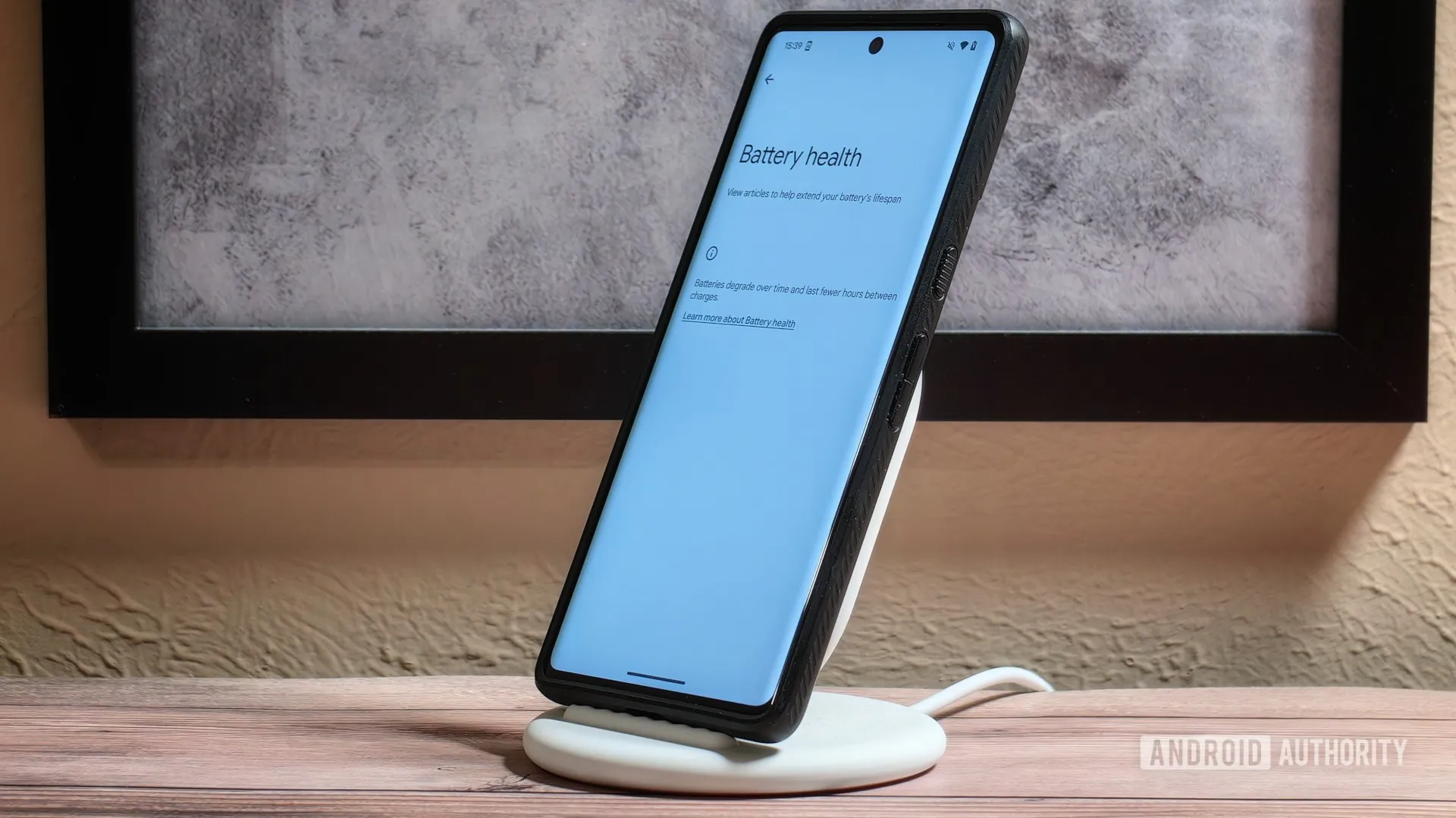
    Google’s latest Pixels go one step further, using Battery Health Assistance to gradually limit charging pace and battery capacity in software to keep a lid on long-term health and safety.

    battery life

    However, many people without extremely demanding workloads could still benefit from just charging their laptops, phones, and other devices to 80% charge (where possible) if they truly want to extend the life of their batteries. This can help you get through a normal day while also enhancing battery health. However, if you want to use your phone for the entire day, I wouldn’t advise unplugging it from the charger before 70%.

    Worrying about an 80% restriction isn’t worth the battery concern if you frequently run out of juice by the end of the day, play a lot of games, or (like me) have strange charging patterns where your phone is rarely full anyway. In order to further customize the maximum restriction to your requirements, certain phones additionally provide 85%, 90%, and 95% settings. In any event, use your phone whatever you like, but be mindful that the battery will need to be changed after a few years. Don’t worry, you will need a new battery for your phone whether you intend to keep it for five, six, or seven years.

    Fortunately, even for older phones, Apple, Google, and Samsung all have competitive battery replacement programs. It’s not awful to spend about $80 to keep a phone functional for many more years. However, in some areas, you may have to pay more than you should, and other brands’ availability and costs differ significantly.

    With long-term ownership, these expenses are unavoidable; the only question is how many months you can try to avoid them. Adhering to the 80% rule will undoubtedly be beneficial.