Tag: how to

  • Use WhatsApp on multiple devices

    Use WhatsApp on multiple devices

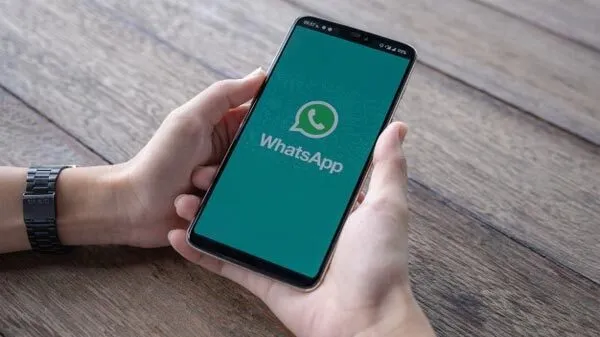
    Users can use WhatsApp on numerous devices without their primary smartphone’s primary smartphone needing to have an active internet connection thanks to WhatsApp’s multi-device capability. WhatsApp is still in the early stages of multi-device compatibility; the firm releases new functionality every other week. You may now use WhatsApp on both expensive and low-cost Android tablets thanks to a recent beta release from WhatsApp. Here’s how to set up and use WhatsApp on several devices if you haven’t already used this function.

    Using WhatsApp on multiple devices: What you need to know

    End-to-end encryption for WhatsApp is supported by its support for multiple devices. This implies that the implementation has certain constraints, though. Your primary phone is one of the five connected devices that WhatsApp supports. You cannot link the service to several phones because your WhatsApp account can only be connected to one phone number.

    The WhatsApp upgrade makes it simpler to communicate with others because you may send messages from your computer or browser without your phone being connected to the internet. However, if your main phone does not go online at least once every 14 days, you are immediately logged out from all devices. In order to connect any new device to your account, you also need the phone.
    whatsapp on multiple devices

    On desktops, the multi-device capability is functional, while on tablets, it is currently in beta. Additionally, only Android tablets are compatible with WhatsApp’s multi-device capability in the current beta. You can access your chats on your tablet using the WhatsApp Web client if you use an iPad or are not a beta tester. For more information, see our guide on using WhatsApp on tablets.

    Also, certain WhatsApp features can only be used on your smartphone:

    • Clearing or deleting chats on linked devices if your primary device is an iPhone.
    • Messaging or calling someone who uses an older version of WhatsApp on their phone.
    • Viewing live location on linked devices.
    • Creating and viewing broadcast lists on linked devices.
    • Sending messages with link previews from WhatsApp Web.

    Follow these steps to connect your phone or tablet to your WhatsApp account:

    1. Open the Google Play Store and make sure the latest version of WhatsApp is installed on your phone.
    2. Open WhatsApp.
    3. Tap the three-dot menu button in the upper-right corner, and then tap Linked devices.
    4. Select Link a Device option.
    5. Verify your identity using your fingerprint or the device pattern/pin unlock.
    6. Give WhatsApp access to your phone’s camera if you have not done so.
    7. Open WhatsApp Web on your PC or use the desktop app.
    8. Scan the QR code shown on the page using your phone.
    9. On your iPhone, open WhatsApp, go to Settings > Linked Devices > Link a Device, and scan the QR code.
    10. WhatsApp loads your chats and group conversations.

    The process to unlink a device from your WhatsApp account is relatively simple. Follow these steps:

    1. Open WhatsApp.
    2. Tap the three-dot menu button in the upper-right corner, and then tap Linked devices.
    3. The devices linked to your WhatsApp account appear here.
    4. Tap any device name to unlink it.
    5. Confirm your selection by selecting Log Out from the dialog box that appears.

    To unlink a device on your iPhone, go to Settings > Linked Devices, and tap the device you want to unlink. Use the Log Out button to unlink the device. You can re-link any removed device again without any issues.

    Clean up your WhatsApp space

    If you are a heavy WhatsApp user and receive many unwanted media files and forwards, delete old WhatsApp media from your phone to free up storage.
  • How to level up fast in Diablo Immortal – August, 2022

    How to level up fast in Diablo Immortal – August, 2022

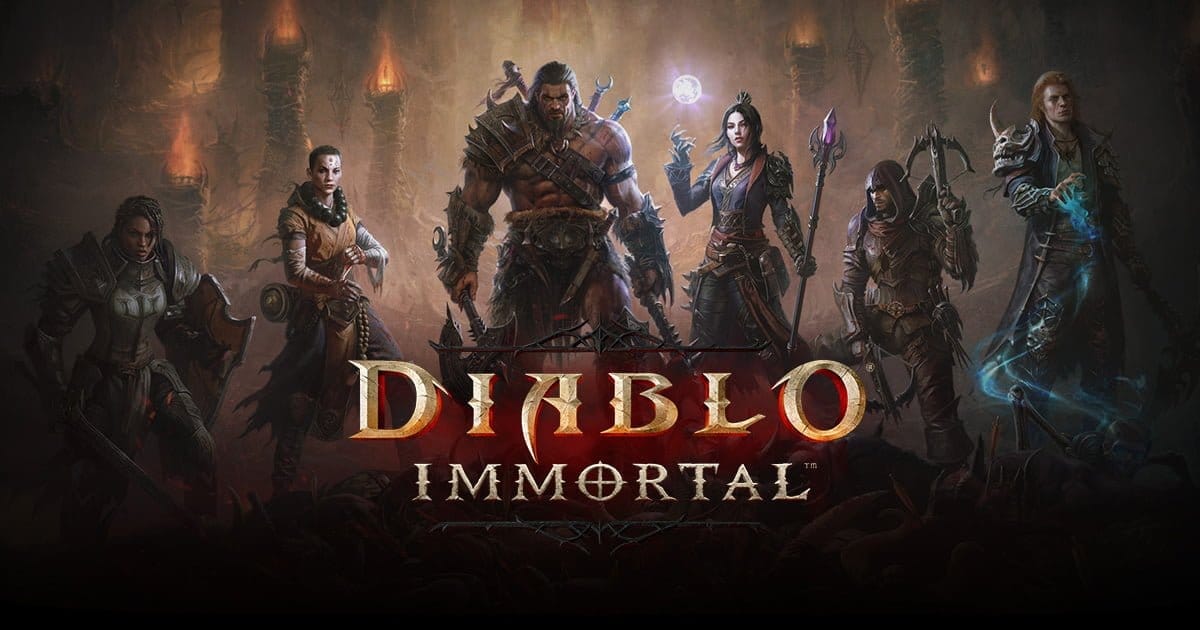
    Despite its incredibly aggressive microtransaction strategies, Diablo Immortal is a pleasant free-to-play game that allows for speedy leveling without spending any money. This tutorial seeks to put out in front of you how you can level up quickly if you’re considering about playing the game or have already begun playing.

    After playing Diablo Immortal for a long time, we have discovered several incredibly simple methods for fast leveling up your character. However, keep in mind that in order to see benefits, you will probably need to play consistently. If you don’t want to spend any money, that is. Alternatively, you don’t want to spend anything more than the battle pass (which we do recommend you pick up).

    In Diablo Immortal, you have plenty of content in the campaign to get you through those early levels. But there are lots of other ways to earn xp. And we’re going to break it all down for you.

    Battle pass

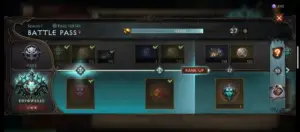
    We’re going to start out by advising grinding the fight pass. You can acquire the xp without purchasing the $5 pass. Nevertheless, it will bring about additional benefits.

    You must carry out specific duties in order to grind the battle pass, whether it is the enhanced version or the free version. Additionally, you must first proceed through the game to acquire the battle pass.

    You should reach level 15-20 after completing the game’s campaign, at which point you’ll need to complete the Ashwold Cemetery and Ashwold Manor questlines. After that, you ought to receive a notification stating that the battle pass is now available.

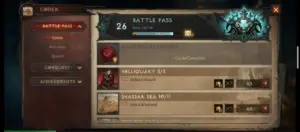
    Tap on the codex to find the combat pass and the associated tasks or activities. Additionally, we advise you to save your battle pass achievements after battle pass rank 10 for use in later levels. These can yield a significant amount of experience points, and between 35 and 45, you’ll experience some slowdowns. For the campaign to continue, having battle pass tasks to do can close the level disparity.

    Naturally, leveling up by merely completing the campaign is fantastic and will initially be the simplest method. at least throughout the game’s earliest stages. Leveling through the campaign will slow significantly as you reach levels 30-35. At this moment, we advise you to

    Join a faction

    diablo join faction

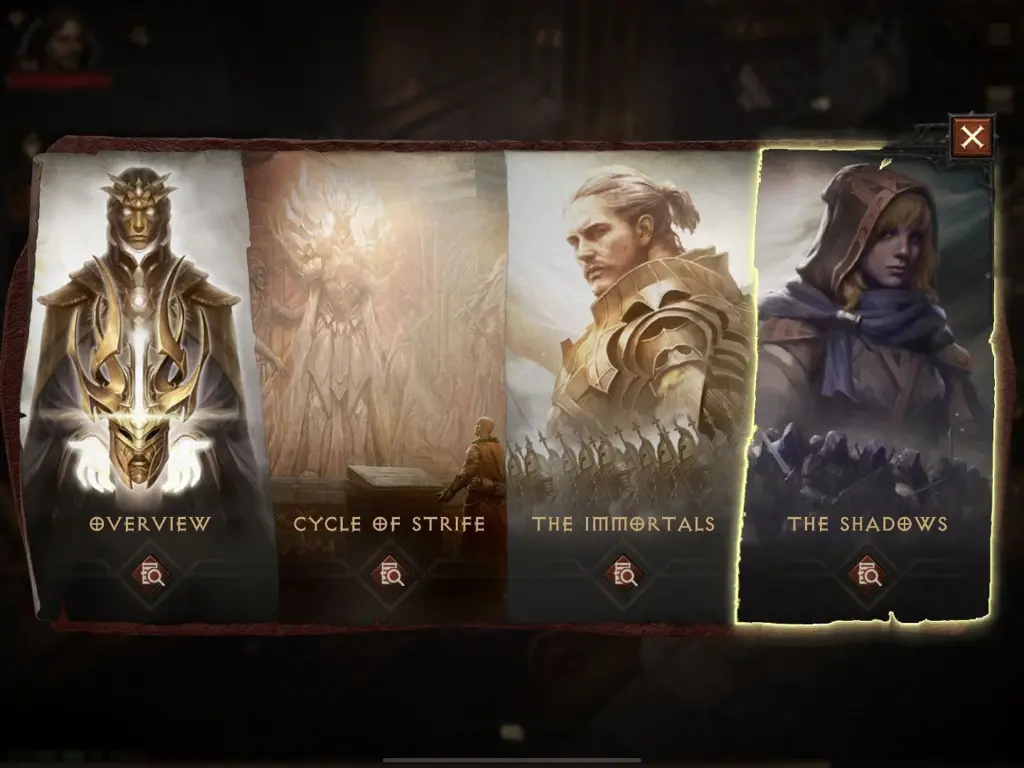
    There are two primary factions in Diablo Immortal. The Immortals and the Shadows. After reaching level 30, you should be able to access the introduction to these factions, at which point you can follow a questline to join one of them. We’re going to utilize Shadows as the example in this case since we chose them.

    You can engage in Shadow Contracts and a variety of other activities for the Shadow faction once you join. Initially, you have access to three Shadow Contracts, but you will soon only be allowed to use one per day. Make sure you perform these as frequently as you can because they provide a lot of experience points.

    Daily bounties

    diablo dayli bounties

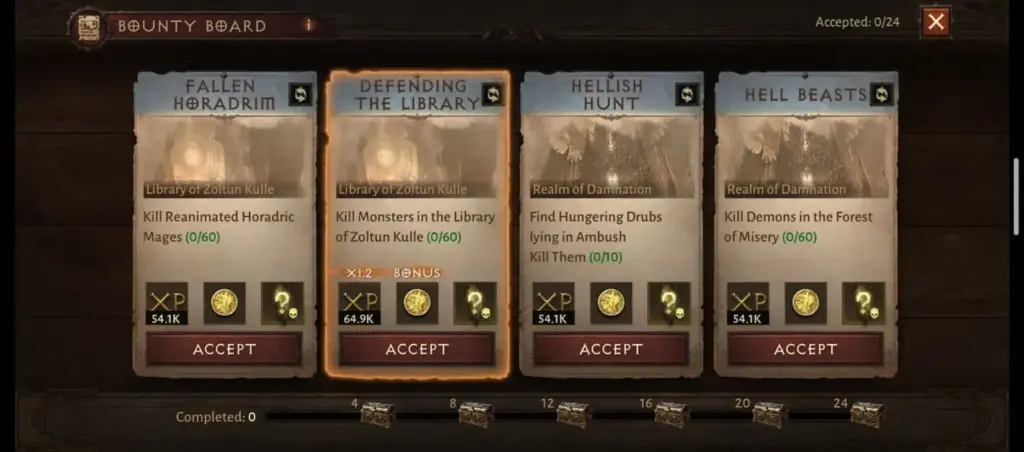
    The daily bounties in Diablo Immortal are another option to level up quickly. These unlock shortly after landing in Westmarch and are accessible before the faction opportunities. In reality, exploring Westmarch and being familiar with the various items you can interact with there will be a component of the primary questline.

    The bounty board will be one of these. Once you locate it, return there each time you log in to complete the rewards that are at your disposal. If a day is missed, there will be four more bounties for you to complete the next time. These may stack in an aggregate of 24. Therefore, even if you miss a whole work week of gaming, you may easily complete all 24 in a single day the following time you log on.

    Bounties not only award you with experience points but also frequently contain legendary items that you can disassemble for raw materials. You can get gold as a reward through bounties. There are several reasons to carry out these activities beyond xp for leveling.

    Dungeons and raids

    diablo immortal update adds new raid boss fixes a ton of bugs main

    Some of the tasks in the battle pass section of the codex require you to finish dungeons or raids. Additionally, a brand-new activity that offers double experience points will be added each day. These might occasionally be dungeons, but they won’t always be. You can run dungeons endlessly on those days to earn double experience points.

    Additionally, you have a chance to receive some quality item drops. However, we do advise going in in a group because the opponents will be tougher and you’ll get more experience points from killing them and finishing the dungeons. Fortunately, Diablo Immortal’s dungeons contain a party finder mechanic that makes it simple to locate other players that share your goals.

    Beastiary pages

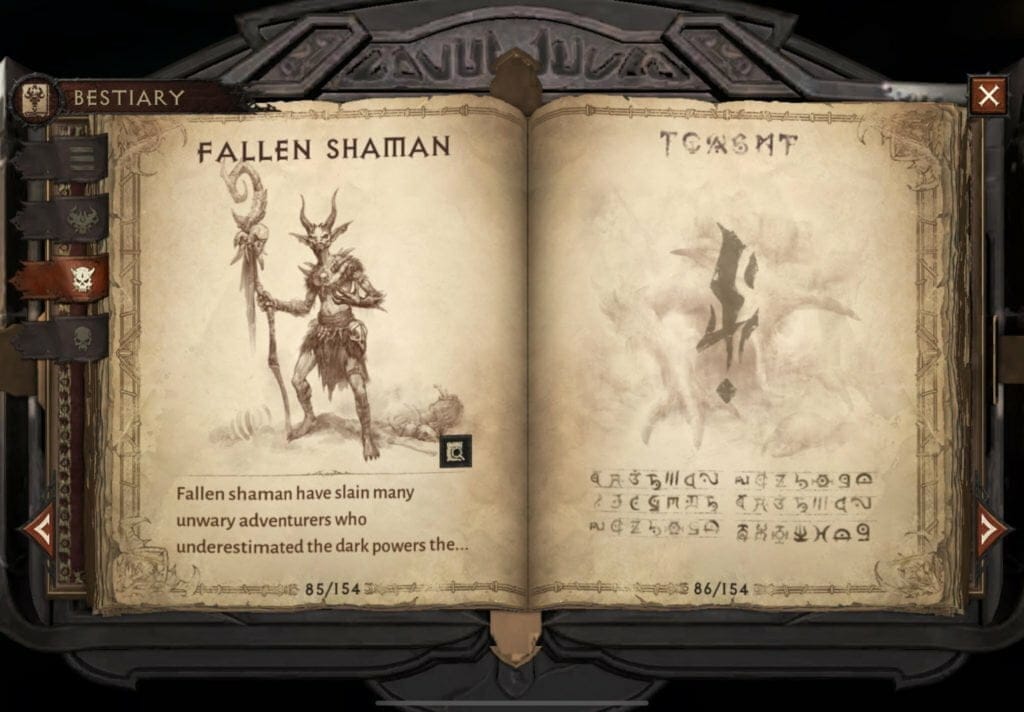
    diablo immortal bestiary 1024x712 1

    The Beastiary pages are our final suggestion for fantastic xp rewards. You need to gather monster essence to finish a Beastiary page. which you will at random acquire as you eliminate adversaries throughout the world, including demons.

    Since you’ll be killing adversaries while performing bounties and contracts, this is a wonderful way to gain experience points. In addition, you are slaying opponents in rifts, dungeons, and pretty much all other stuff. Consequently, be sure to seize the monster essence as soon as you see it. Once you have collected ten of them, you can exchange them at the Beastiary, which is located in each zone’s central hub.

    The Beastiary is also one of the best chances to earn legendary gear drops. So there’s another bonus on top of earning xp. And the better your gear, the faster you can complete the game’s various activities. If you haven’t checked out Diablo Immortal yet, you can grab it on Google Play, iOS, or on PC through the Battle.net launcher.

    Run Elder Rifts

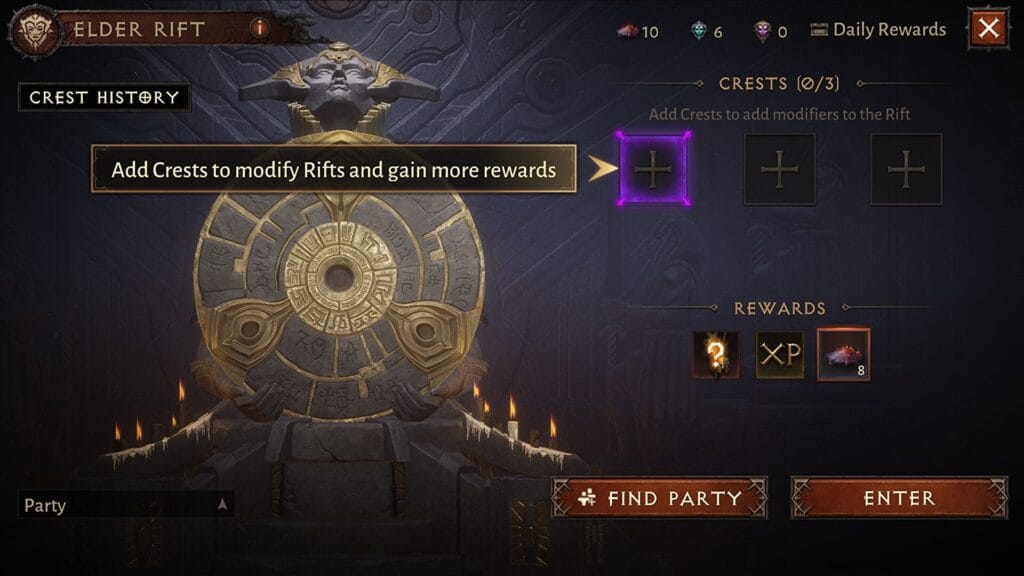
    elder rift UI

    Elder Rifts are yet another fantastic opportunity to level up and acquire some experience points. You won’t have to spend a lot of time on each one because they are all quite short and easy to finish. Additionally, as you acquire uncommon crests and the admittedly meager number of legendary crests that don’t cost any money, you can use these to upgrade your rewards in addition to the experience you receive from eliminating all those monsters.

  • How to connect to Google Home over Bluetooth

    How to connect to Google Home over Bluetooth

    Back at Google I/O, Google revealed that Bluetooth pairing for Google Home was on the way, paving the way for more flexible music control. Rather than relying on Google’s built-in Chromecast support or waiting for your favorite apps to catch up, you could simply connect your phone to Home via Bluetooth and play like you would with any other Bluetooth unit. It’s a feature that should have been available from the start. Aside from that debate, Bluetooth pairing is now available on Google Home.

    (adsbygoogle = window.adsbygoogle || []).push({});

    We figured we’d guide you through the very boring method of setting up Bluetooth connections because it’s not the easiest thing to do right now (we can’t find a voice command to get this going). It entails using the app to locate a semi-hidden setting, pairing your Home, and connecting through your phone’s Bluetooth settings.

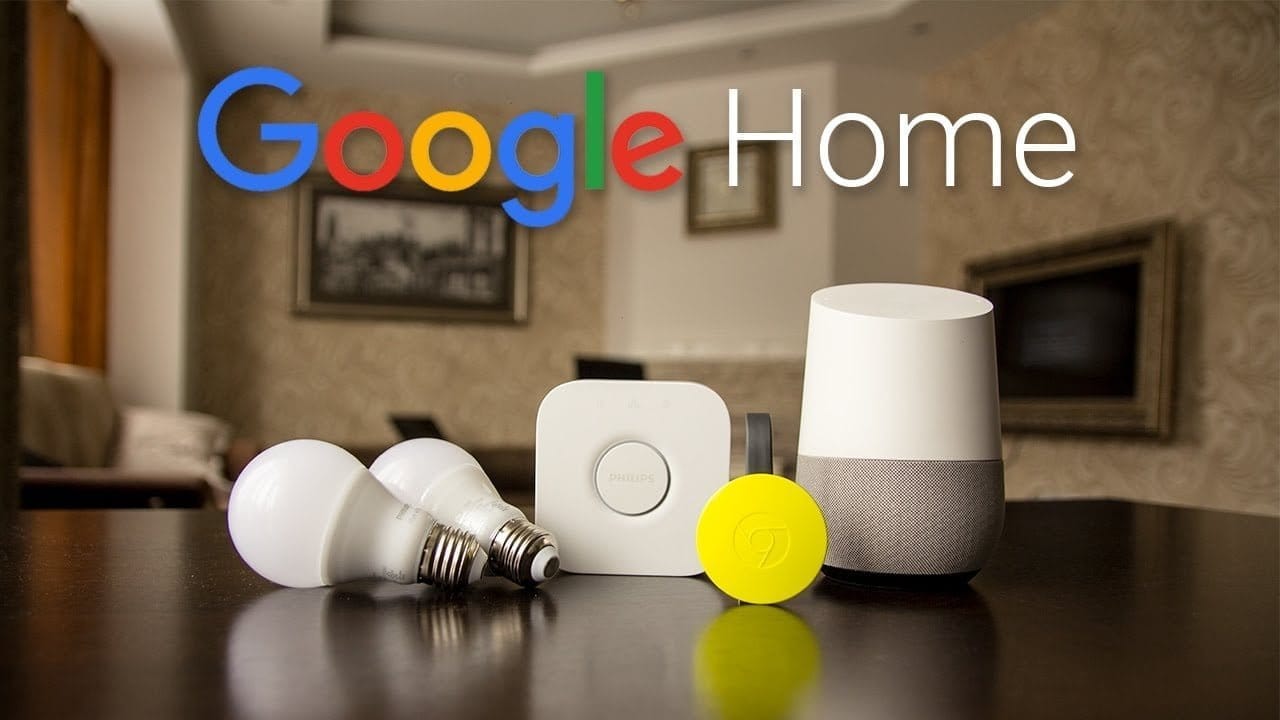
    google home

    Instructions

    1. Open the Google Home app (install it if you don’t have it).

    2. Tap the Devices button in the top right corner of the app’s main screen.

    3. Find the Google Home you want to pair over Bluetooth.

    4. Tap its menu button and choose “Settings.”

    5. Under “Device info” choose “Paired Bluetooth devices.”

    6. Tap “Enable Pairing Mode” in the bottom right corner.

    7. After that, you’ll go into your phone’s Bluetooth settings and look for your Google Home device. It should be there available as a Bluetooth connection option.

    8. Tap on it to connect and allow whichever permissions it asks that you are comfortable with.

    9. And that’s it! You are connected over Bluetooth.

    10. To remove a connected device, you’ll head back into Google Home “Paired Bluetooth devices” and tap the “X” next to devices you want unpaired.

    11. Going forward, as you disconnect and want to reconnect, just look for your Google Home in your Bluetooth settings. It should always be there for connection once you have previously connected.

    (adsbygoogle = window.adsbygoogle || []).push({});