Tag: enduro

  • Looking for an Android smartwatch? Ticwatch Pro 5 Enduro is both powerful and affordable

    Looking for an Android smartwatch? Ticwatch Pro 5 Enduro is both powerful and affordable

    Since Google’s Wear OS is, in my opinion, the greatest wearable experience, I’ve been alternating between different Google and Samsung Galaxy Watch models for the past few years to pair with my Android. Long-lasting batteries are a characteristic I’ve grown to value in smartwatches, and the Mobvoi TicWatch Pro 5 Enduro is among the finest in that regard.

    My biggest complaint about Wear OS smartwatches has been resolved by the TicWatch Pro 5 Enduro‘s marathon battery life, which has allowed me to run, row, bike, and sleep with it for months.
    Ticwatch Pro 5 Enduro

    Ticwatch Pro 5 Enduro

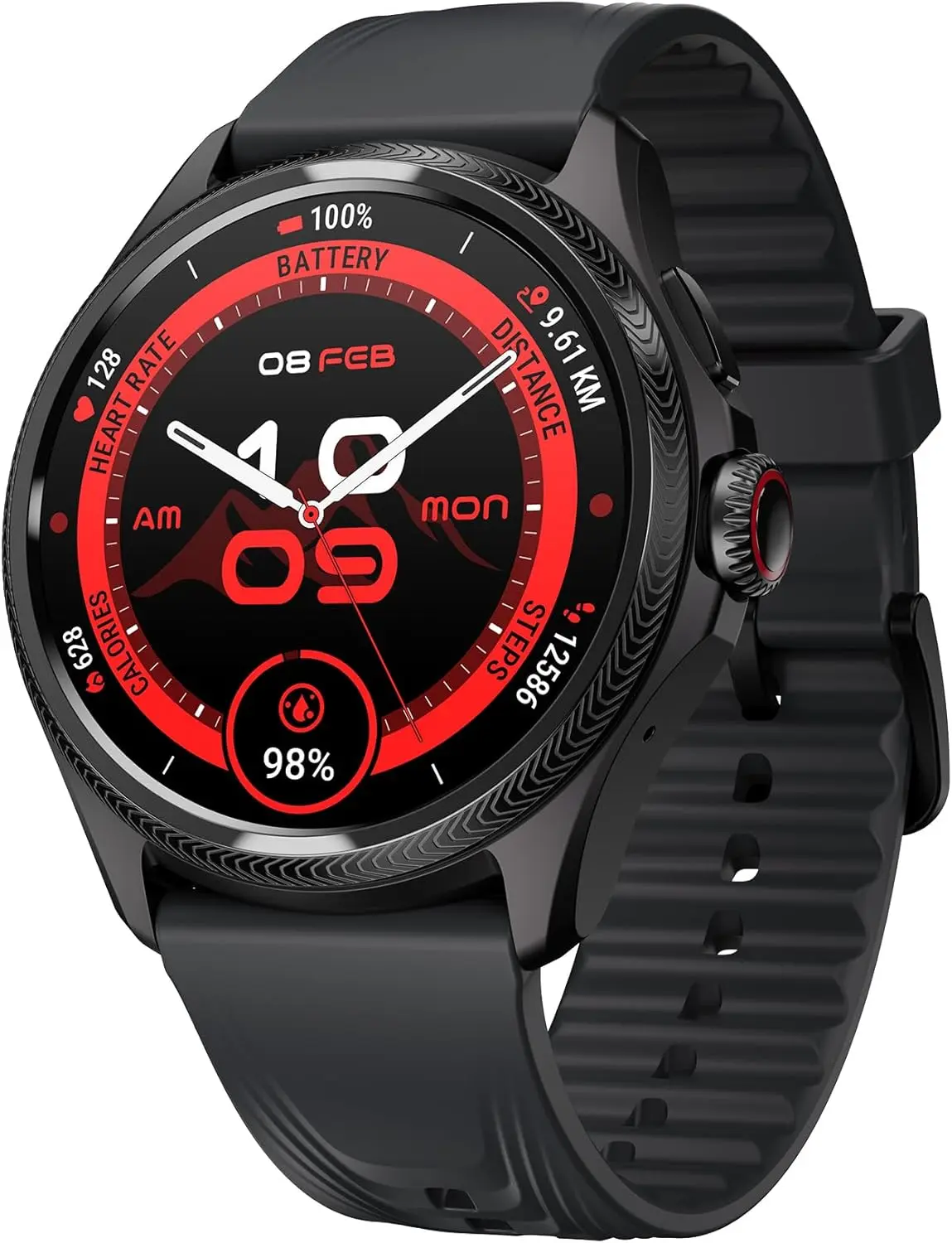
    eaturing a stylish and functional 1.43-inch OLED screen (466*466 high-resolution) with auto-adjustable brightness and Sapphire Crystal Glass. The interchangeable 24mm strap is made of durable and sweat-proof Fluororubber material.

    $157.50Amazon

    The smartwatch that lasts all week: once-weekly charging made real
    Ticwatch Pro 5 Enduro Smartwatch

    For low-power standby use, its enormous 628mAh battery features a distinctive dual display architecture. This corresponds to a claimed battery life of up to 45 days in Essential Mode and 90 hours, or almost four days, in Smart Mode. Even better, the battery can last up to two days with just 30 minutes of quick charging.

    I use the outdoor running mode with GPS tracking on while I run outside, and based on my consumption calculations, the Pro 5 Enduro should be able to follow my location for up to 15 hours. Wearing the watch to measure my 24/7 activity and sleep, I usually row on the Hydrow a couple of times and run a couple of times a week (30 to 45 minutes each time).

    The four days or 90 hours of usual usage seem correct to me because I’ve been charging the watch once a week with this usage pattern.

    In contrast, the Samsung Galaxy Watch 5 Pro will last me into the third day before dying, whilst the Google Pixel Watch 3 dies on me on the second day. If a long-lasting battery is your first priority, I highly recommend the TicWatch Pro 5 Enduro. It is the undisputed leader in battery life.

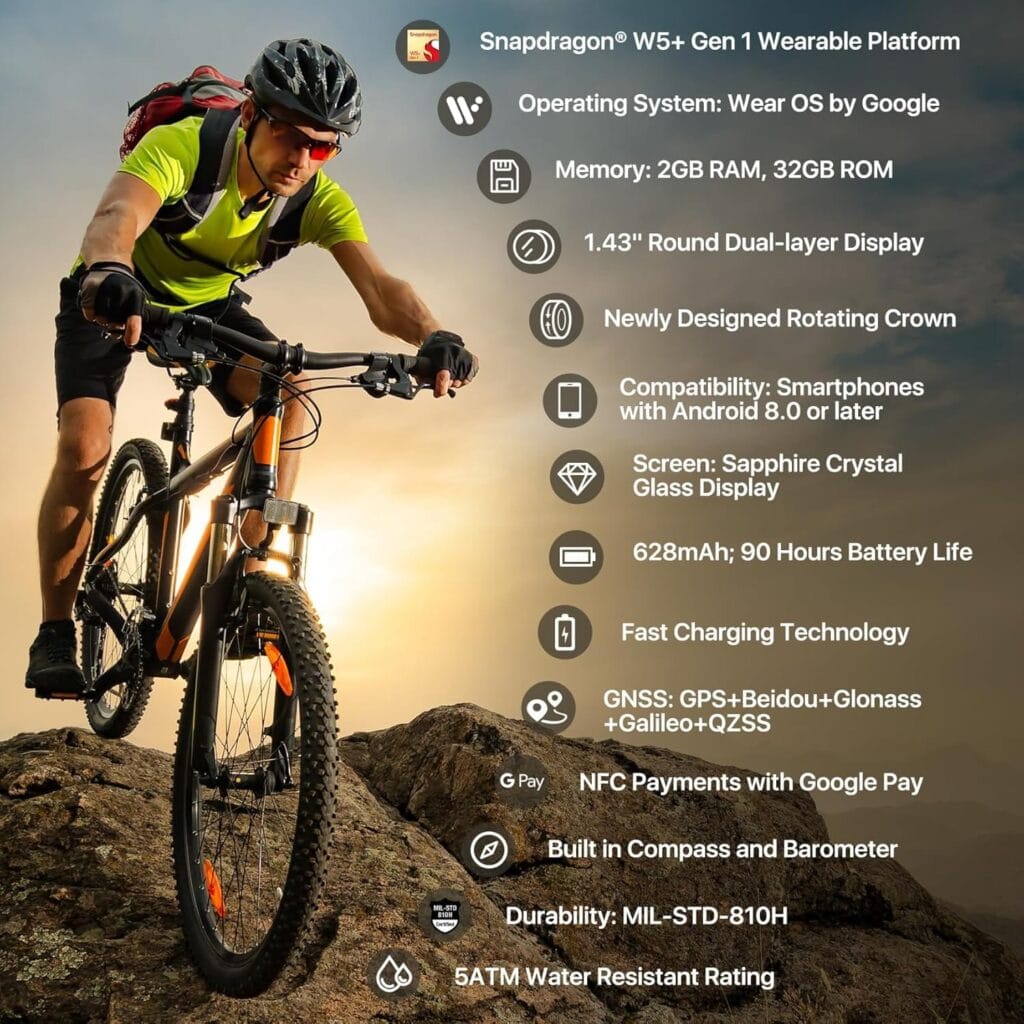
    Although it is presently running Wear OS 3.5, the Snapdragon W5 Plus Gen 1 Wearable Platform helps to provide the remarkable battery life and will facilitate a future update to Wear OS 4. This warning is important to remember because Mobvoi hasn’t demonstrated a history of providing timely updates. Given that Wear OS was first made available in the fall of 2023, this new model ought to have come pre-installed with Wear OS 4, let alone Wear OS 5.
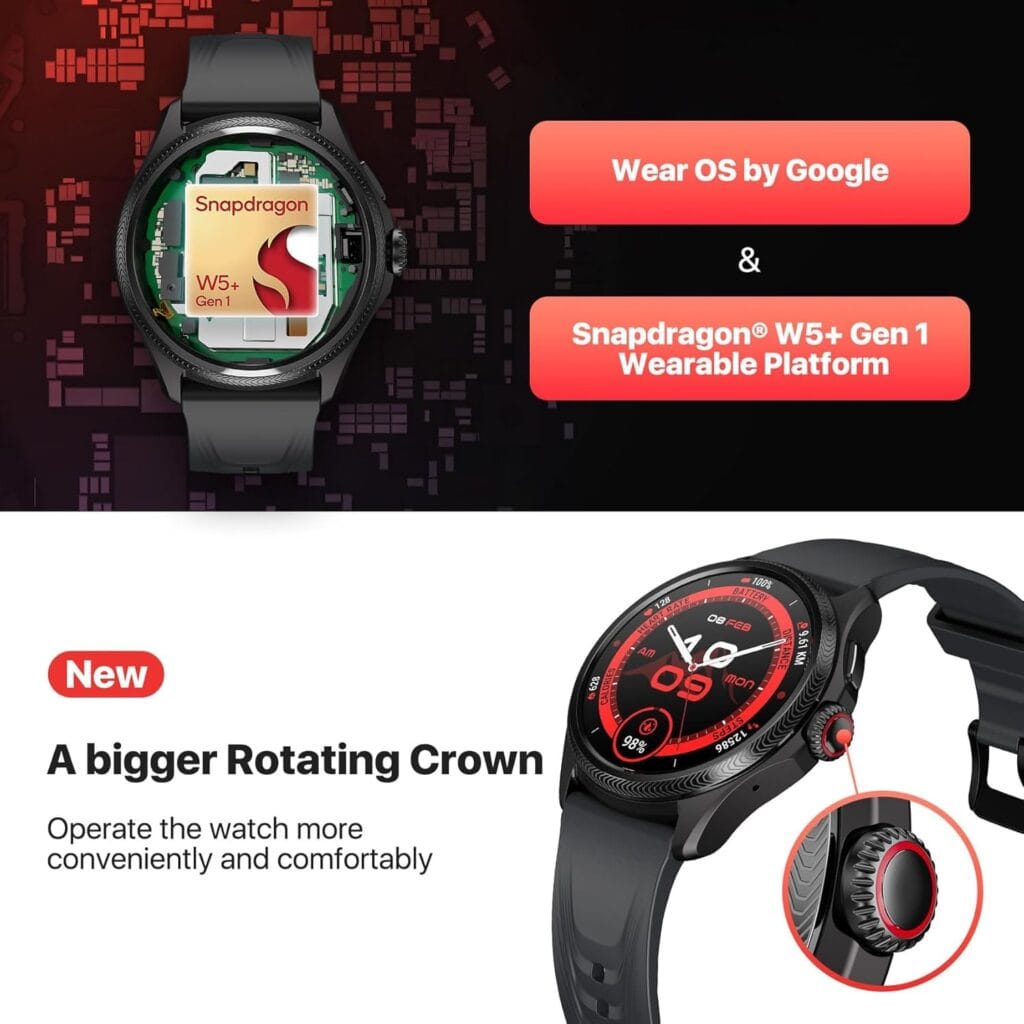
    Ticwatch Pro 5 build

    All about battery life

    Extremely helpful is the dual-display technology with interactive and adaptable ultra-low-power display options. The always-on display, which is located on the top layer of the watch and provides important metrics like the number of steps taken, heart rate, battery life, time, and date, may be highlighted with any of 18 background colors.

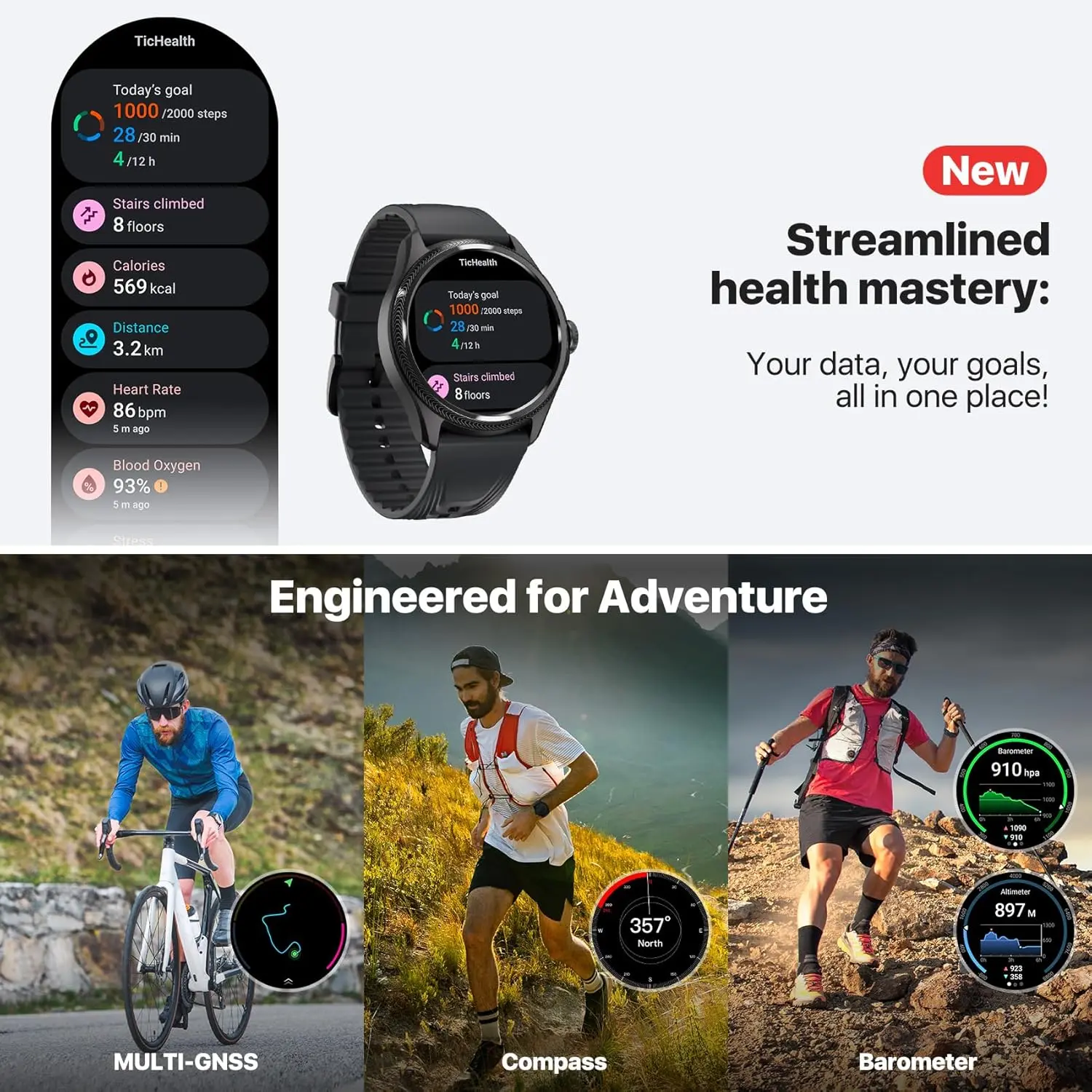
    A full-display heart rate measurement, blood oxygen level, and compass heading are displayed when the huge rotating crown button is spun in this dual-display mode.

    This ultra-low power display layer will illuminate in six colors that correspond to your current heart rate zone while you’re exercising. In the middle of a workout, this feature is quite helpful for quickly determining which zone you’re in without having to concentrate on tiny numbers. Additionally, this mode links the ultra-low power display with third-party apps like Strava and Nike Run Club to display information like elevation, pace, and heart rate.
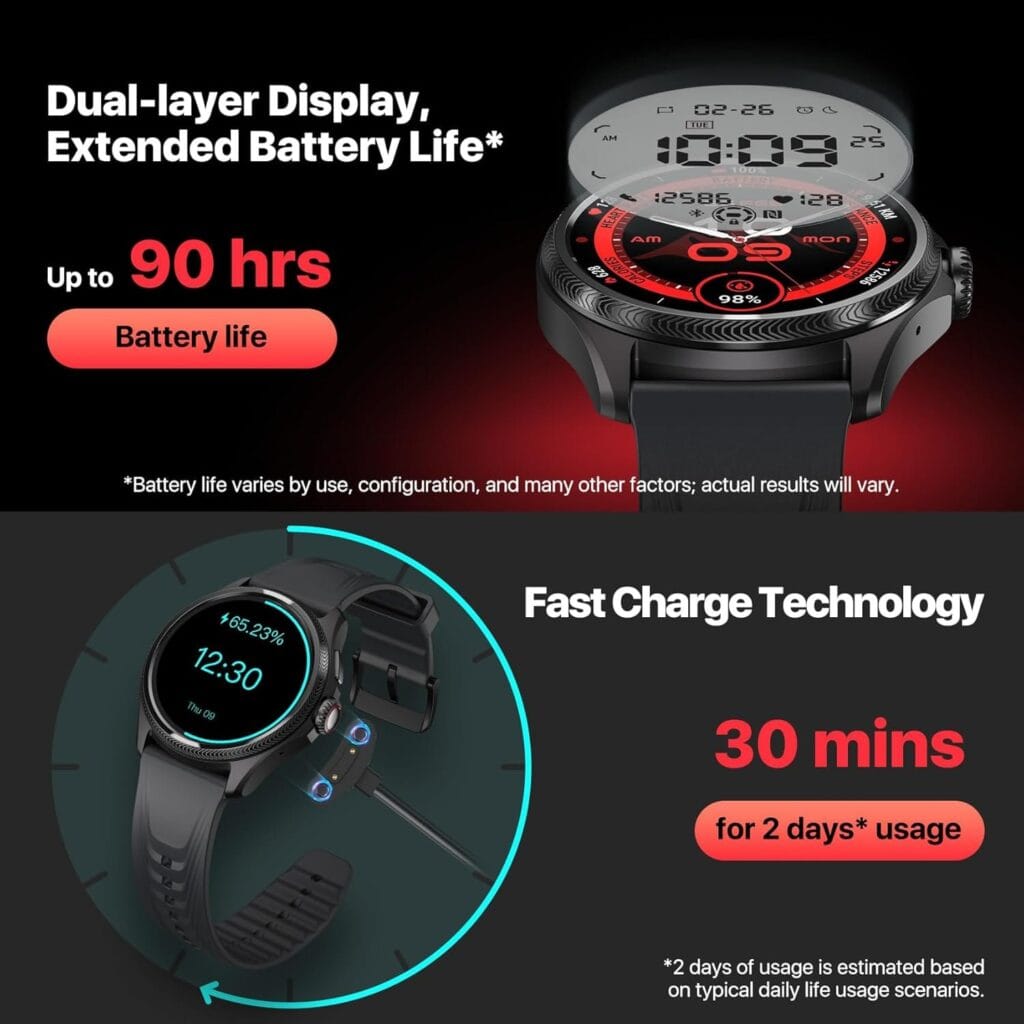
    Ticwatch Pro 5 battery life

    More than 100 workout options are available on the TicExercise app, along with stats like speed, VO2 Max, GPS tracking, and recuperation time. Regretfully, the data screens for the different workouts cannot be altered. For casual athletes, this might be acceptable, but I would want to see some basic adjustment to give priority to the most crucial information. Fortunately, you can download third-party services like Strava to get the most of your experience because this watch has Wear OS.

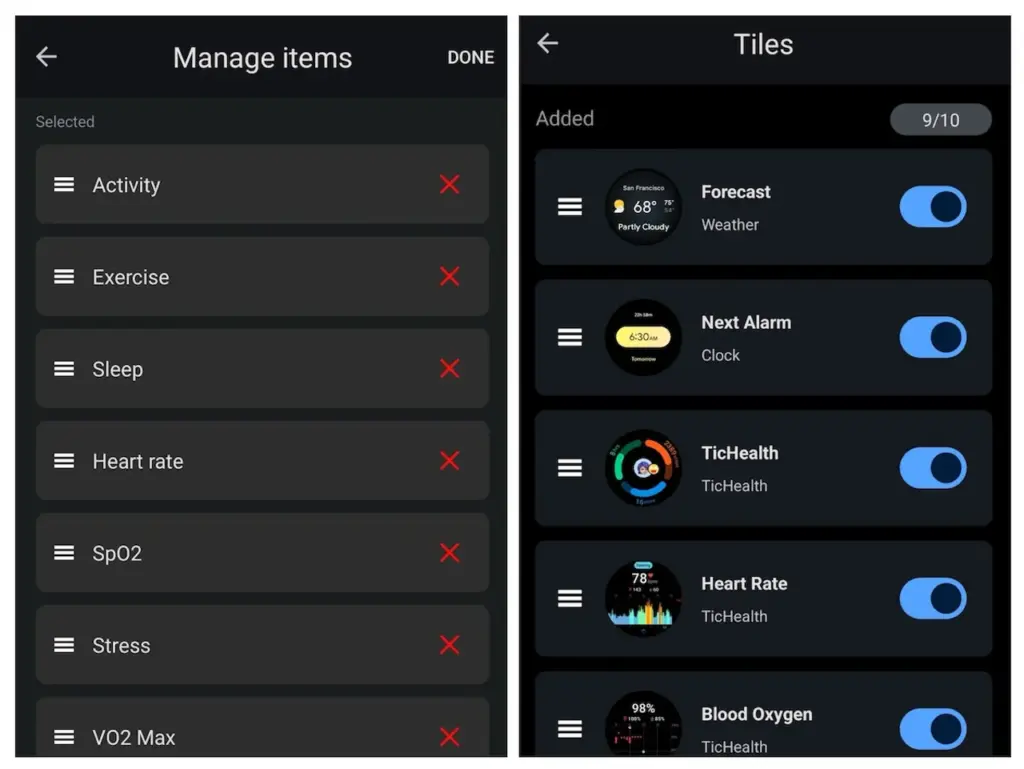
    Following your workout, the TicHealth app offers comprehensive information on your health and performance indicators, including your heart rate history, sleep patterns, daily and weekly goals, and much more. One of the key improvements to this watch over the TicWatch Pro 5 model, which was introduced in late 2023, is TicHealth.

    Ticwatch Pro 5 Enduro

    Ticwatch Pro 5 Enduro

    eaturing a stylish and functional 1.43-inch OLED screen (466*466 high-resolution) with auto-adjustable brightness and Sapphire Crystal Glass. The interchangeable 24mm strap is made of durable and sweat-proof Fluororubber material.
    $157.50Amazon

    More improvements

    ticwatch pro 5 enduro1

    A larger and sharper user interface display, a redesigned rotary knob, sapphire crystal glass on the display rather than Gorilla Glass, and additional third-party interaction with the ultra-low-power display are some of the other enhancements made to the Enduro model over the Pro 5 model.

    More than 7,000 watch faces are also available for the TicWatch Pro 5 Enduro, and you can change the face every day if you use the TimeShow app. All Wear OS apps, including Google Maps, Messages, Wallet, Keep Notes, and many more, are compatible with the sizable 1.43-inch display. Messages and phone calls run well on a linked phone, and the voice-to-text feature works perfectly as well.

    With its 7000 series aluminum and fiberglass nylon case, the Pro 5 Enduro weighs only 44.7 grams and has dimensions of 50.15 x 48 x 11.95 mm. With its convenient quick-release pins, the 24mm watch band is incredibly comfortable, and the sapphire crystal display is scratch-resistant. With a 5 ATM rating and MIL-STD-810H certification, the watch is also very robust.

    For precise tracking, the device has a global navigation satellite system (GNSS), and Wi-Fi and Bluetooth 5.2 make it simple to connect to your network and phone. Nevertheless, the watch itself lacks cellular functionality.

    Ticwatch Pro 5 Enduro

    Ticwatch Pro 5 Enduro

    eaturing a stylish and functional 1.43-inch OLED screen (466*466 high-resolution) with auto-adjustable brightness and Sapphire Crystal Glass. The interchangeable 24mm strap is made of durable and sweat-proof Fluororubber material.
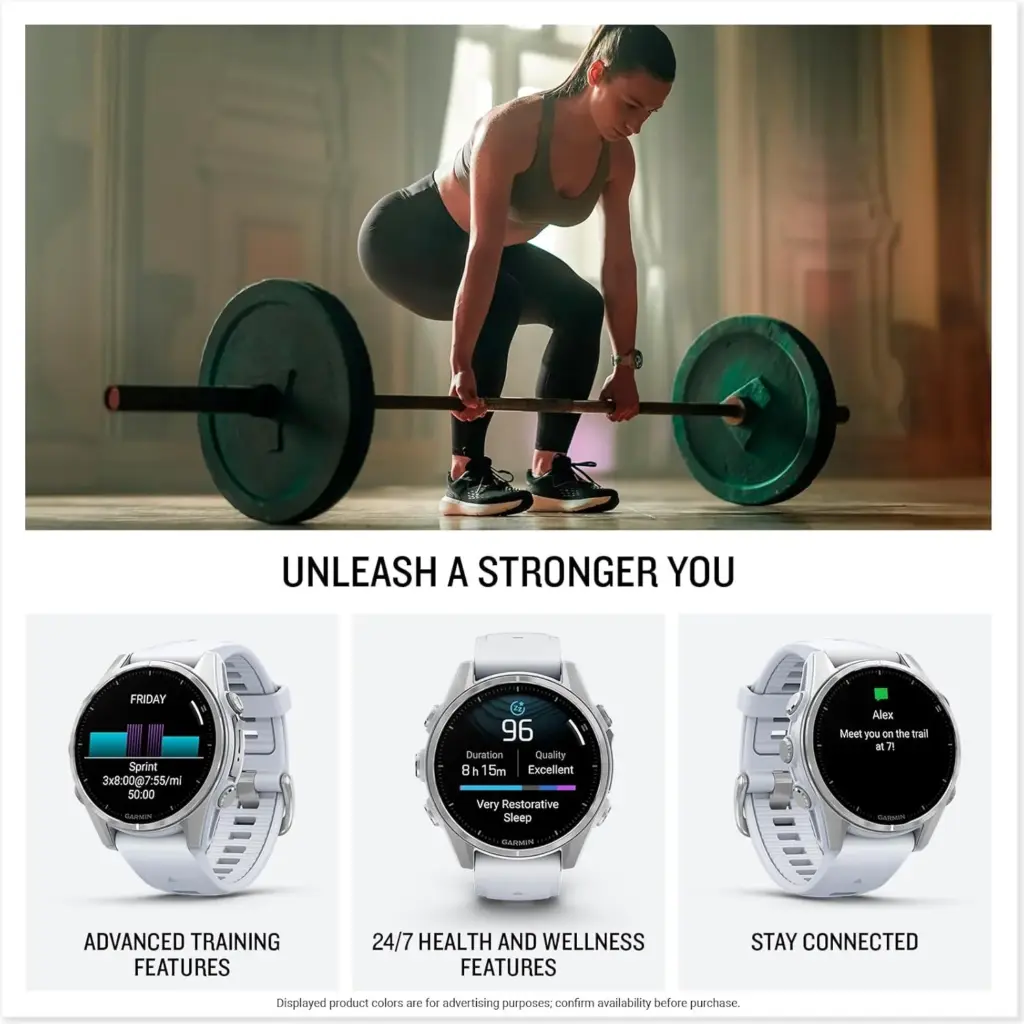
    $157.50Amazon
  • Latest update brings many improvements for Garmin smartwatches

    Latest update brings many improvements for Garmin smartwatches

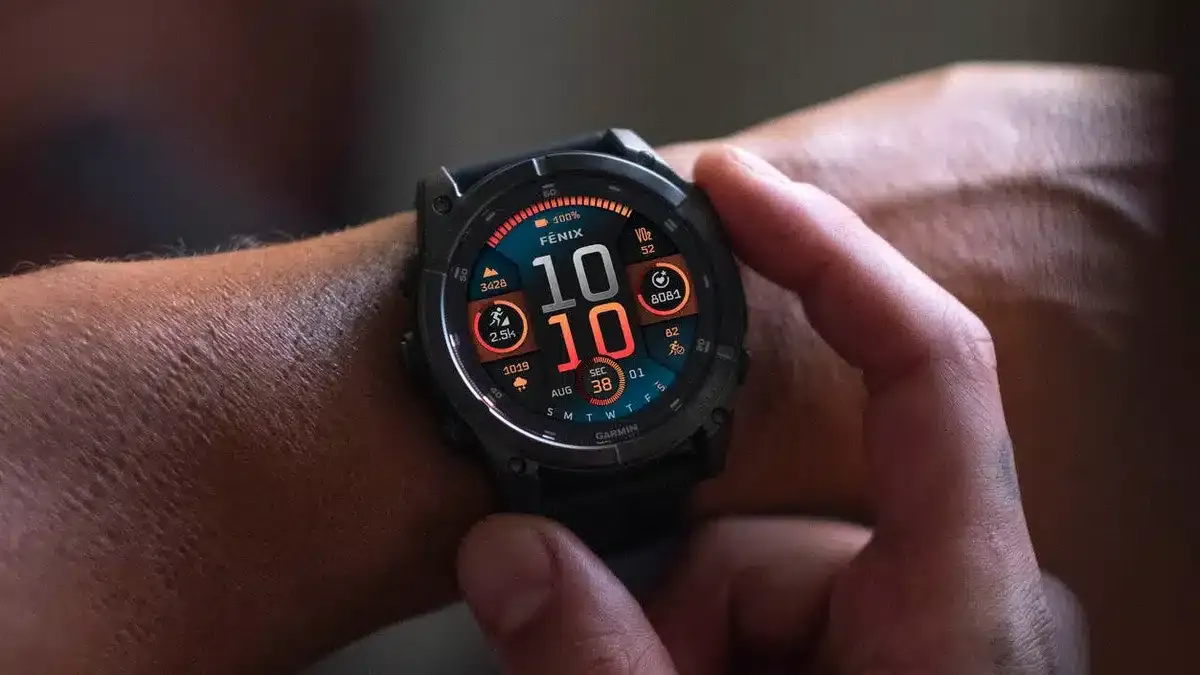
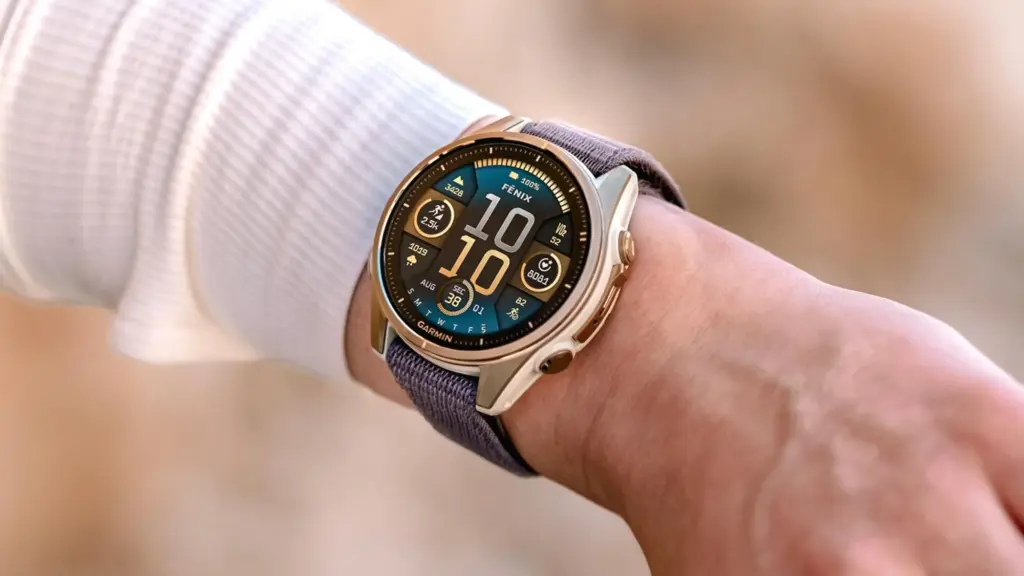
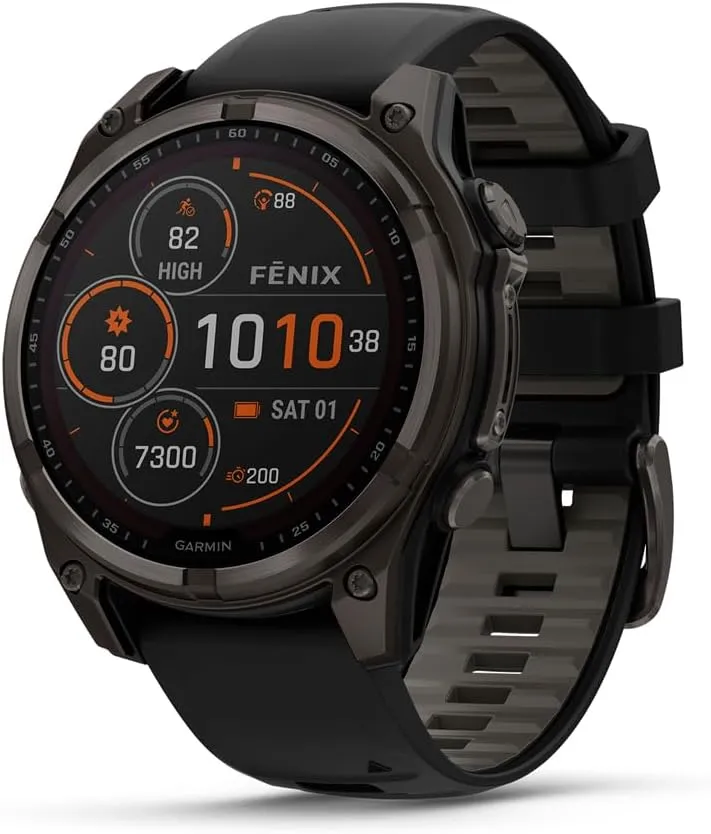
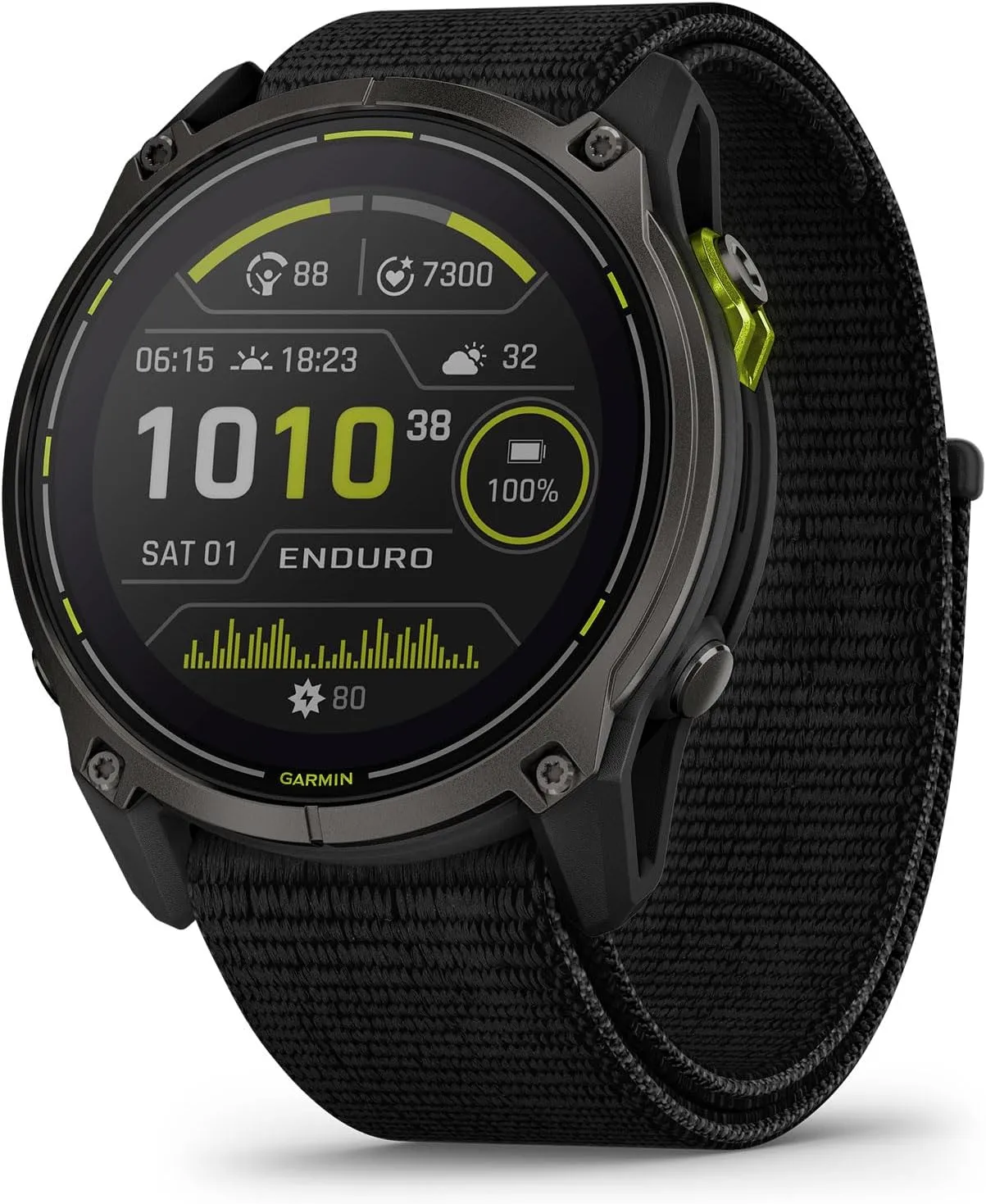
    A new stable update for the Enduro 3, Fenix E, and Fenix 8 is being released by Garmin to close out the year. In the past few months, the company has delivered hundreds of bug patches to the three, but it has also discovered a number of other enhancements that have emerged.

    The Fenix 8 (now available on Amazon for $999.99) has received a new update from Garmin, which is also being rolled out for the Enduro 3 and Fenix E. Notably, the latest version is now available via Garmin’s official software distribution channel instead of its beta program.

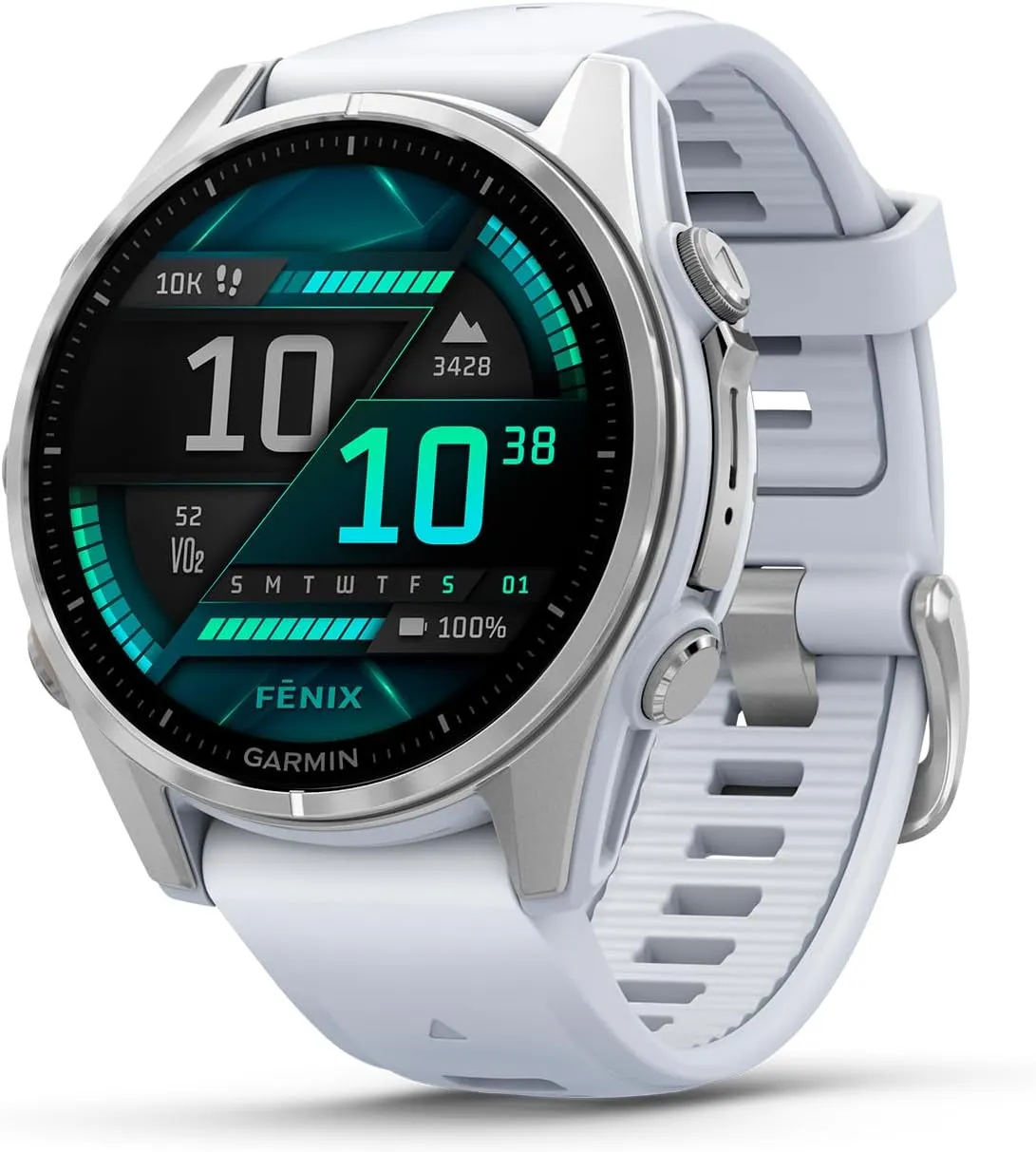
    Garmin fēnix® 8

    Garmin fēnix® 8

    AMOLED, Premium Multisport GPS Smartwatch, Long-Lasting Battery Life, Dive-Rated, Built-in LED Flashlight, Silver with Whitestone Band

    $999.99See It

    System Software 12.35 should therefore have fewer issues than the most recent beta versions. In light of this, Garmin just released an update for the Fenix 7 and Fenix 7 Pro smartwatches that fixes a previous stable build that was troublesome.

    In the same way, System Software 12.35 for the Enduro 3, Fenix E, and Fenix 8 primarily fixes issues in previous software. For example, after transferring settings from a Fenix 7 family smartwatch, alarms should not be set to silent any more.

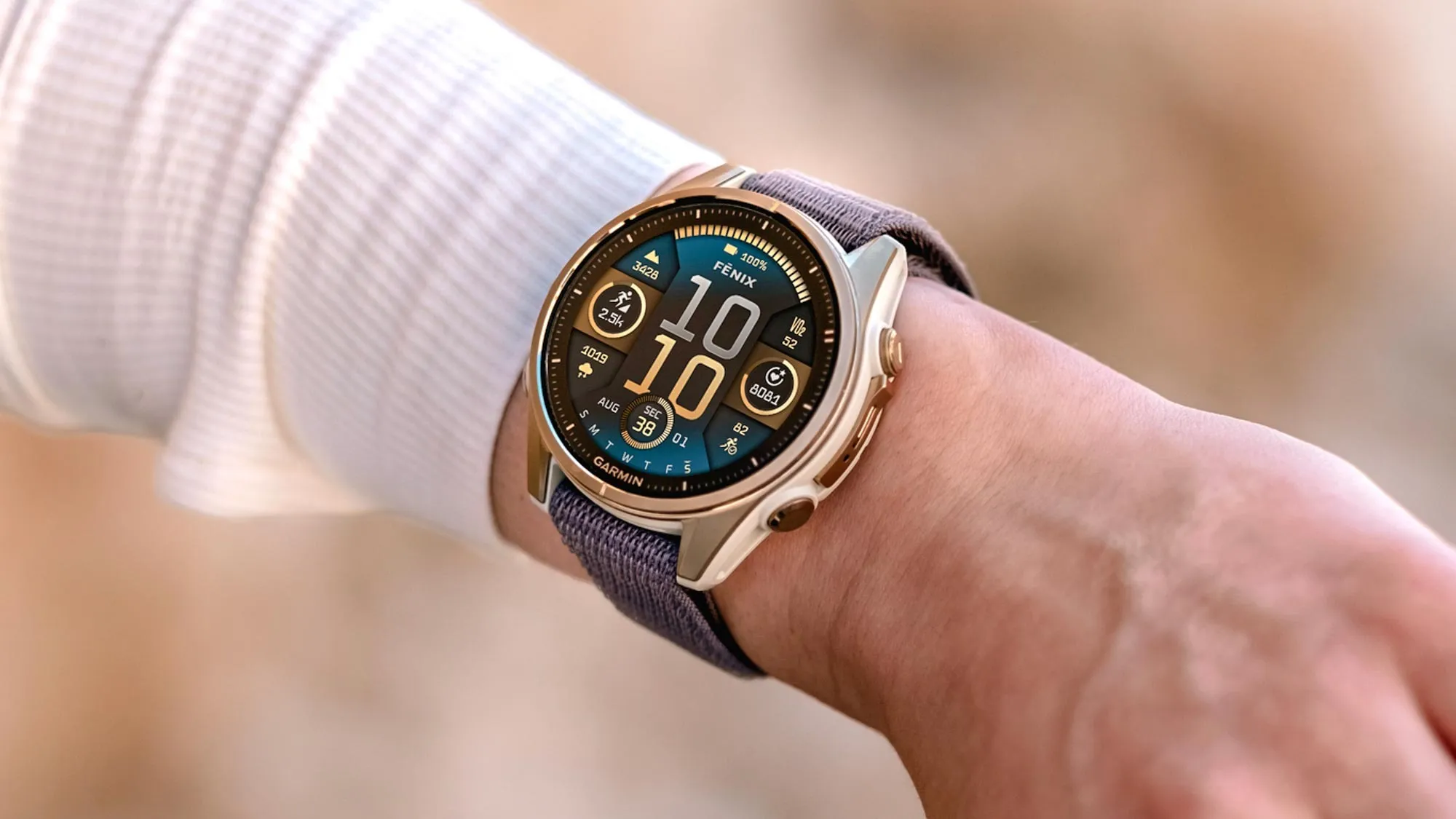
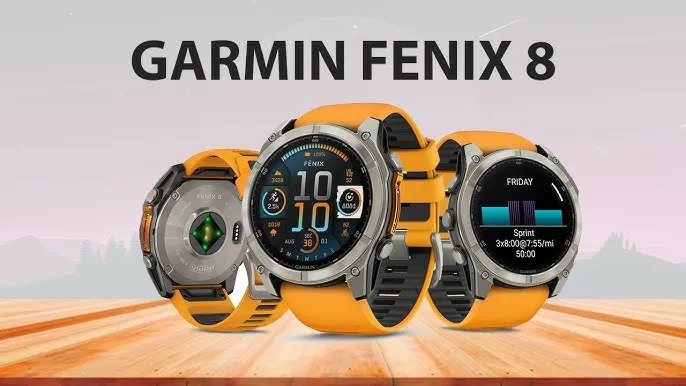
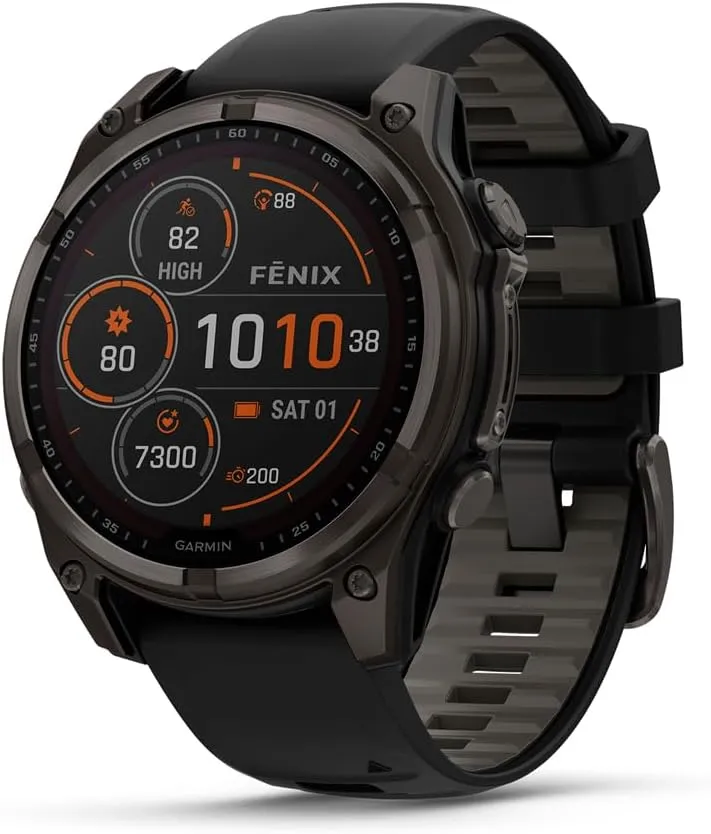
    Garmin Fenix 8

    Additionally, Garmin claims to have resolved problems that hindered the proper display of CIQ watch faces following a device reset. Additionally, System Software 12.35 should not have any missing call alert tones.

    Additionally, Garmin’s Workout Execution Score is limited to running and cycling workouts as a result of the recent upgrade. Additionally, by positioning sensors in pairing mode at the top of a search list, Garmin has improved the user experience of its sensor search. For reference, the following is the whole changelog for System Software 12.35 as detailed by Garmin in its forum post:

    • Fixed missing tones for phone call alerts.
    • Fixed alarms being set to silent after migrating settings from Fenix 7.
    • Fixed CIQ app ability to close with Palm Cover.
    • Fixed CIQ watch face display issue after device reset.
    • Fixed event Countdown icon selection via touch.
    • Fixed Fishing timer status toggle.
    • Fixed Tides app time-out issue.
    • Fixed potential crash when opening Map Manager from Garmin Connect Mobile.
    • Fixed potential ConnectIQ application crash.
    • Restricted Workout Execution Score to only Running and Cycling workouts.
    • Updated sensor search to place sensors in Pairing Mode at the top of the search list.
    Garmin fēnix® 8

    Garmin fēnix® 8

    AMOLED, Premium Multisport GPS Smartwatch, Long-Lasting Battery Life, Dive-Rated, Built-in LED Flashlight, Silver with Whitestone Band

    $999.99See It
  • Exciting beta upgrade for Garmin Fenix 8 & others!

    Exciting beta upgrade for Garmin Fenix 8 & others!

    A major upgrade has recently been made available in beta form for the Garmin Fenix 8 and Enduro 3 watches. The release of this public beta has been announced by Garmin on the Garmin forums. The Fenix 8, Enduro 3, and Fenix E watch families can use it.

    What is fresh? Among Garmin’s patch notes, three features are particularly noteworthy. In addition to a new mini-app, there are two additional activities.

    New features for Garmin Fenix 8

    Garmin fēnix® 8

    The activities are Jumpmaster and Sail Race. Before the debut of the Fenix 8, some people complained on Reddit about the lack of Sail Race, which had previously been included in Garmin Fenix 7-series watches.

    This mode, like a lot of Garmin’s modes, does a little more than merely record the statistics you see in other modes. According to the Garmin website, “you can utilize the device to help you cross the start line of a race exactly when the event begins.”

    “When you set the starting line, the device uses GPS data to indicate whether your boat will cross the start line before, after, or at the correct time to start the race.”

    Another mode that was present in the Fenix 7 series but was not initially included in the Fenix 8 and other models is Jumpmaster.

    It is for people who leap out of airplanes with a parachute attached, making it even more specialized than Sail Race. You can set the intended landing spot and use it to gauge when you are at the proper height for the jump.

    More information on this pro-grade mode can be found on the Garmin website. The Trolling Motor app is the final significant update, and no, it has nothing to do with online trolls.

    Although not necessarily present in the more popular Fenix/Enduro models, this type of feature would be a mainstay of the Garmin Quatix line. From your wrist, you can operate compatible Garmin Force Trolling boat motors.

    Garmin fēnix® 8

    Garmin Fēnix® 8

    The Garmin Fenix 8 is a premium multisport GPS smartwatch that combines rugged durability with advanced training features. Built for athletes and outdoor enthusiasts, it features comprehensive activity tracking, advanced performance metrics, and enhanced navigation capabilities.

    Best choice
    $1,099.99Buy on Amazon

    Fenix 8 update patch notes

    Many additional fixes and adjustments are included in the release. According to Garmin’s post, here is the complete list:

    • Added CIQ System 8: Supports the latest Connect IQ apps, watch faces, and data fields.
    • Added Sail Race Activity.
    • Added Jumpmaster Activity.
    • Added Trolling Motor App.
    • Added connection type information for paired sensors.
    • Improvements to the icons that display with notifications.
    • Added Insight Hint to Health and Fitness Apps.
    • Added Missing Map Option in Mountaineering Activity.
    • Added Respiration Graph to Meditation Activity Summary.
    • Added Stress Card to Gaming Activity Summary.
    • Added Support for HRM as Speed and Distance Monitor for BLE Sensors.
    • Added Support for Nautical Units.
    • Added Support to Show Needed Equipment for Strength Workouts.
    • Added Touch Support to Dismiss Popup Notification.
    • Fixed a possible issue where touchscreen input could not be disabled in activities.
    • Fixed Apps that were Inaccessible from the Recents Menu.
    • Fixed Auto Climb Data Screen Selection.
    • Fixed Blank Calendar Card in Morning Report.
    • Fixed Blank Map for Power Guide Preview.
    • Fixed Current Time Indicator on the Tides Graph.
    • Fixed Do Not Disturb Smart Notification Setting.
    • Fixed InReach Contacts List Layout.
    • Fixed InReach PIN Code Display Page.
    • Fixed Morning Report Showing Stale HRV Data.
    • Fixed Pool Swim Interval Details Page Layout.
    • Fixed Potential Crash after Deleting Activities from the list.
    • Fixed Potential Crash during Meditation Setup.
    • Fixed Potential Crash on Body Battery Glance Folder View.
    • Fixed Potential Crash on Fitness Age Page.
    • Fixed Potential Crash when Dismissing Notifications.
    • Fixed Potential Crash when Enabling Broadcast HR.
    • Fixed Potential Crash when Viewing Breathwork Preview.
    • Fixed Round Trip Routing Not Calculating Full Distance.
    • Fixed Sleep History Graph after Traveling.
    • Fixed Sleep Window Setup Sometimes Getting Skipped on Initial Setup.
    • Fixed Weather App Accidentally Returning to Watch Face.
    • Improved Countdown Glance Folder Info Text.
    • Improved GPS Progress Bar Presentation when Beginning Search.
    • Increased the Maximum Speed of Virtual Partner to 48.95 kph.
    • Updated Sunrise/Sunset Time Alert Range.

    Since Garmin’s beta program is free to join, it is important to note that this update will also turn off the watches’ Dive mode and ECG readings. Since Garmin releases software on a quarterly basis, it will probably take several weeks before these capabilities are included in a full non-beta version.

    Garmin products

    Garmin Fenix 8
    $1,099.99Buy on Amazon
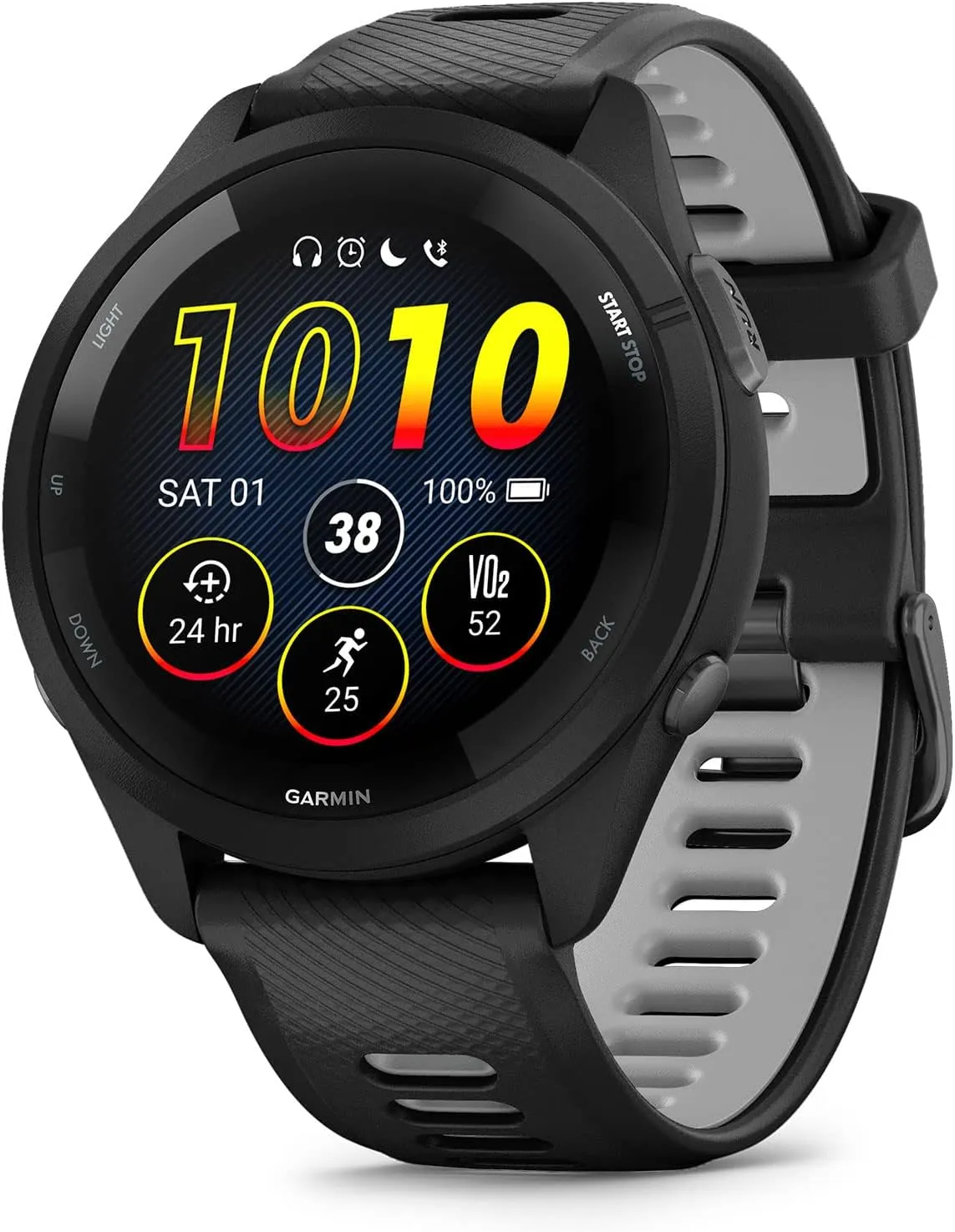
    Garmin Forerunner 265
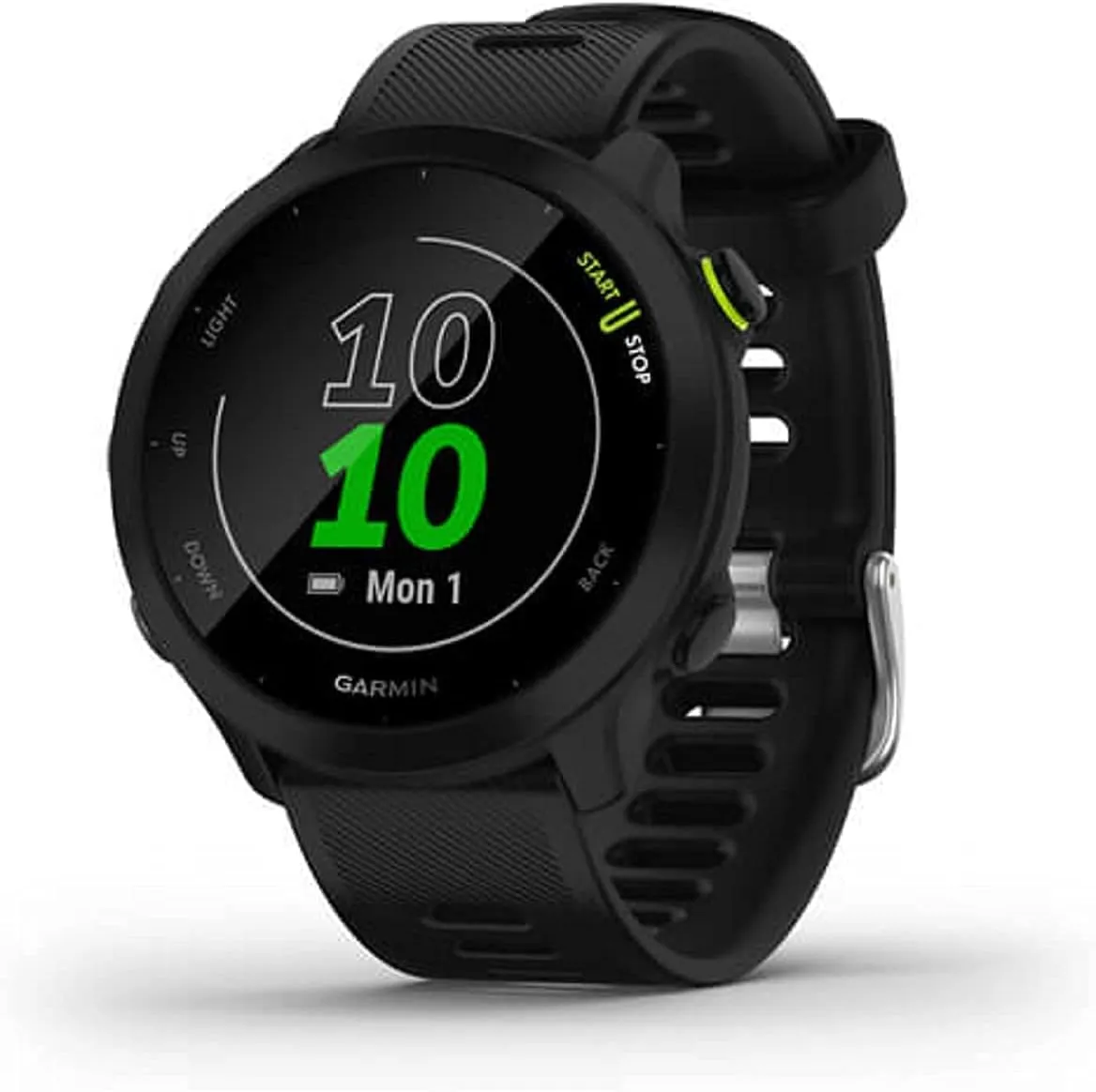
    Garmin Forerunner 55
    $199.99$182.70Buy on Amazon
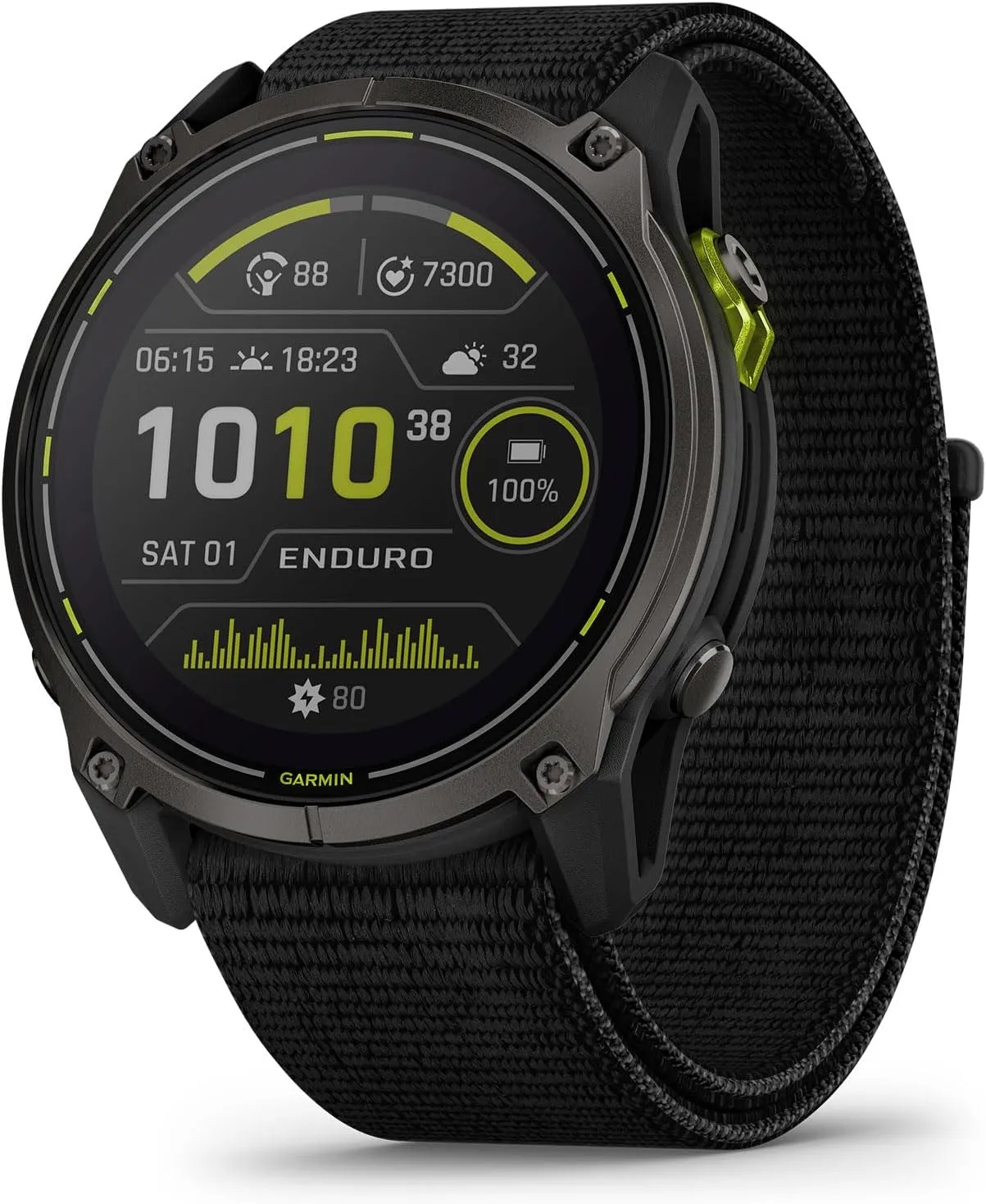
    Garmin Enduro 3
    $899.99$849.99Buy on Amazon
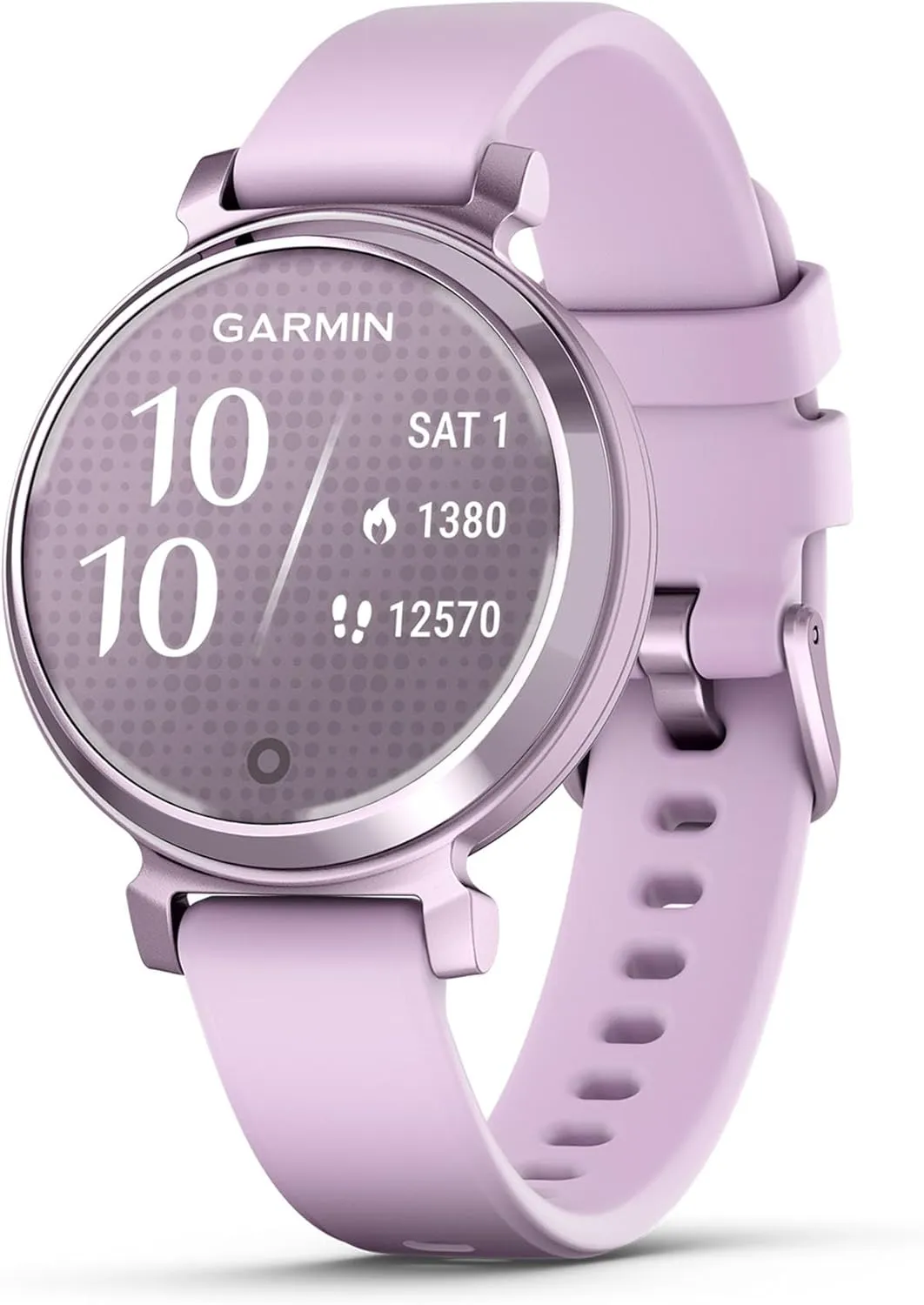
    Garmin Lily 2 Active
  • Garmin Fenix 8 stable update comes with features, improvements and bug fixes

    Garmin Fenix 8 stable update comes with features, improvements and bug fixes

    Having been unveiled at the end of August in tandem, the Fenix E, Garmin Fenix 8, and Enduro 3 have had a mixed start. Leaving aside the choice to replace some of its smartwatches for outdoor activity with AMOLED screens, numerous forum posts claimed that Garmin had issued all three with problematic launch software. In order to achieve this, Garmin has been packing beta releases full of problem patches.

    Garmin Fenix 8 on hand

    On the other hand, the initial stable versions made little tweaks here and there with their change logs, failing to solve every issue that was being discussed online. To put it briefly, since the Enduro 3, Fenix E, and Garmin Fenix 8 (buy it now at $1,099.99 on Amazon) were released, a long list of faults has been reported, but Garmin has not officially addressed them. But this is essentially confirmed by the comprehensive changelog that comes with System Software 11.89.

    Garmin fēnix® 8

    Garmin fēnix® 8

    47 mm, Solar, Sapphire, Premium Multisport GPS Smartwatch, Long-Lasting Battery Life, Dive-Rated, Built-in LED Flashlight, Carbon Gray DLC Titanium with Pebble Gray Band

    Best choice
    $1,099.99See It

    Garmin Fenix 8 bundle

    Garmin Fenix 8 AMOLED (47mm, Slate Gray/Black) Multisport GPS Smartwatch Gift Box Bundle – 1.4″ Touchscreen, Built-in LED Flashlight with PlayBetter Charger, Screens, Adapter, Case

    $1,029.99$1099.99
    Garmin Enduro™ 3
    Garmin Fēnix 7 Pro

    The changelog for System Software 11.89, which is shown below, is approximately fifty lines long, eleven of which are devoted to new features. For instance, voice commands are now available for adjusting display brightness, while AMOLED models lacking solar charging capabilities can now utilize Solar watch face patterns. Furthermore, nearly as many “improvements” have been made, which are claimed to address a variety of topics, such as decreasing power consumption on the map page and improving the responsiveness of the user interface compared to previous builds.

    However, System Software 11.89 also brings about thirty-one problem fixes, all of which are listed in the forum posts that accompany the software and which we have replicated below. The Enduro 3, Fenix E, and Garmin Fenix 8 are said to have received System Software 11.89, which has been “completely released,” by Garmin. You can start the download of System Software 11.89 by going to Menu, System and Software Update, and then selecting ‘Check For Updates,’ even though the firm has not yet released any additional information regarding the update’s worldwide deployment.

    System Software 11.89 changelog

    • Added Display Brightness to Voice Commands.
    • Added ability to toggle third party maps in Map Layers menu.
    • Added Autolap by Position.
    • Added data screen for Ski/Snowboard difficulty tracking.
    • Added option to connect to WiFi in Map Manager.
    • Added PacePro and Power Guides to the Active Navigation loop.
    • Added solar percentage on the watch face (Solar models).
    • Added support for alarm volume settings and fixed an issue where alarms could be muted when Do Not Disturb is enabled.
    • Added support for Water Ejection feature.
    • Added the Location Info drawer to the Map page.
    • Added two of the Solar watch face layouts as options on AMOLED models.
    • Fixed a potential crash when saving Run, Walk, or Hike activities.
    • Fixed accidental touches during phone calls.
    • Fixed an issue where Turn Prompts were not alerting when using Navigation.
    • Fixed an issue where you could not save or discard Expedition activities after skipping the saving of the last point.
    • Fixed broken re-dial button after a missed call.
    • Fixed bug affecting pairing with an InReach Device.
    • Fixed bug preventing workout cancellation.
    • Fixed button and touchscreen handling of backlight in Do Not Distub mode.
    • Fixed button functionality for Transfer Call to Phone feature.
    • Fixed ClimbPro behavior in Active Navigation loop.
    • Fixed ClimbPro preview visibility.
    • Fixed crash in Battery Saver for various languages.
    • Fixed Golf map rendering (Solar models).
    • Fixed inability to do Strength Free workouts.
    • Fixed incorrect active timer count.
    • Fixed incorrect waypoint elevation in the Saved App.
    • Fixed map cursor in Pan/Zoom Mode.
    • Fixed missing weight values on Strength workout page.
    • Fixed potential crash in HIIT and Indoor Climb activities.
    • Fixed potential crash when searching for locations in the Weather app.
    • Fixed potential for Battery Drain after saving Activities.
    • Fixed Save Location list layout in Hunt Activity.
    • Fixed Saved App listing items out of order.
    • Fixed scrolling in very large lists.
    • Fixed Ski Run descent value truncation.
    • Fixed some charts not displaying properly when launched from Recent Menu.
    • Fixed workout scheduling in the Calendar App.
    • Improved Always-On watch face brightness (AMOLED).
    • Improved animations and speed when scrolling through the Watch Face Editor.
    • Improved handling of the touch screen turning on the backlight (Solar models).
    • Improved Off/Disabled icons for Power Controls menu.
    • Improved power consumption on the map page.
    • Improved processing time of large courses.
    • Improved Saved app performance.
    • Improved visuals for disabled power controls.
    • Improved Waypoint draw speed on the map.
    • Removed Daily Suggested Workouts from Calendar if suggestions are disabled.
    • Set default Position format to DEG.