Tag: detection

  • Loss of Pulse Detection was launched in US for Pixel Watch 3

    Loss of Pulse Detection was launched in US for Pixel Watch 3

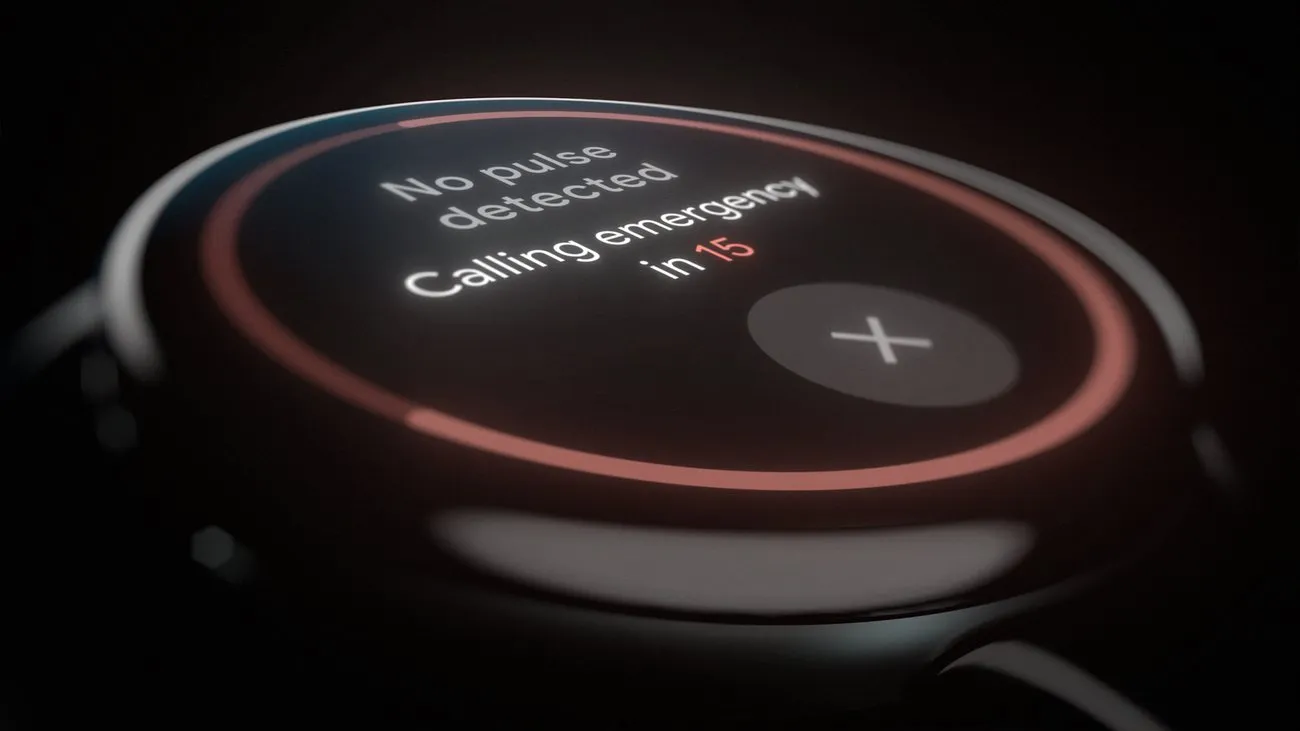
    Google is now implementing Loss of Pulse Detection in the US after yesterday’s April 2025 OTA update and Scam Detection.

    Google is officially launching Loss of Pulse Detection in the US after receiving FDA approval, which was initially anticipated at the end of March. Last year, it became available throughout Europe.

    Make sure your Pixel Watch 3’s Personal Safety Wear OS software is up to date before turning it on. 2025.03.19.x is the most recent version that is available on the Play Store.

    Afterwards, go to the Pixel Watch companion app on your phone (version 3.4+) > Safety & emergency > Loss of Pulse Detection to start the set-up process.

    Google tells us that it’s beginning to roll out today and will be fully available over the coming weeks.
    loss of pulse
    Pixel Watch 3 1

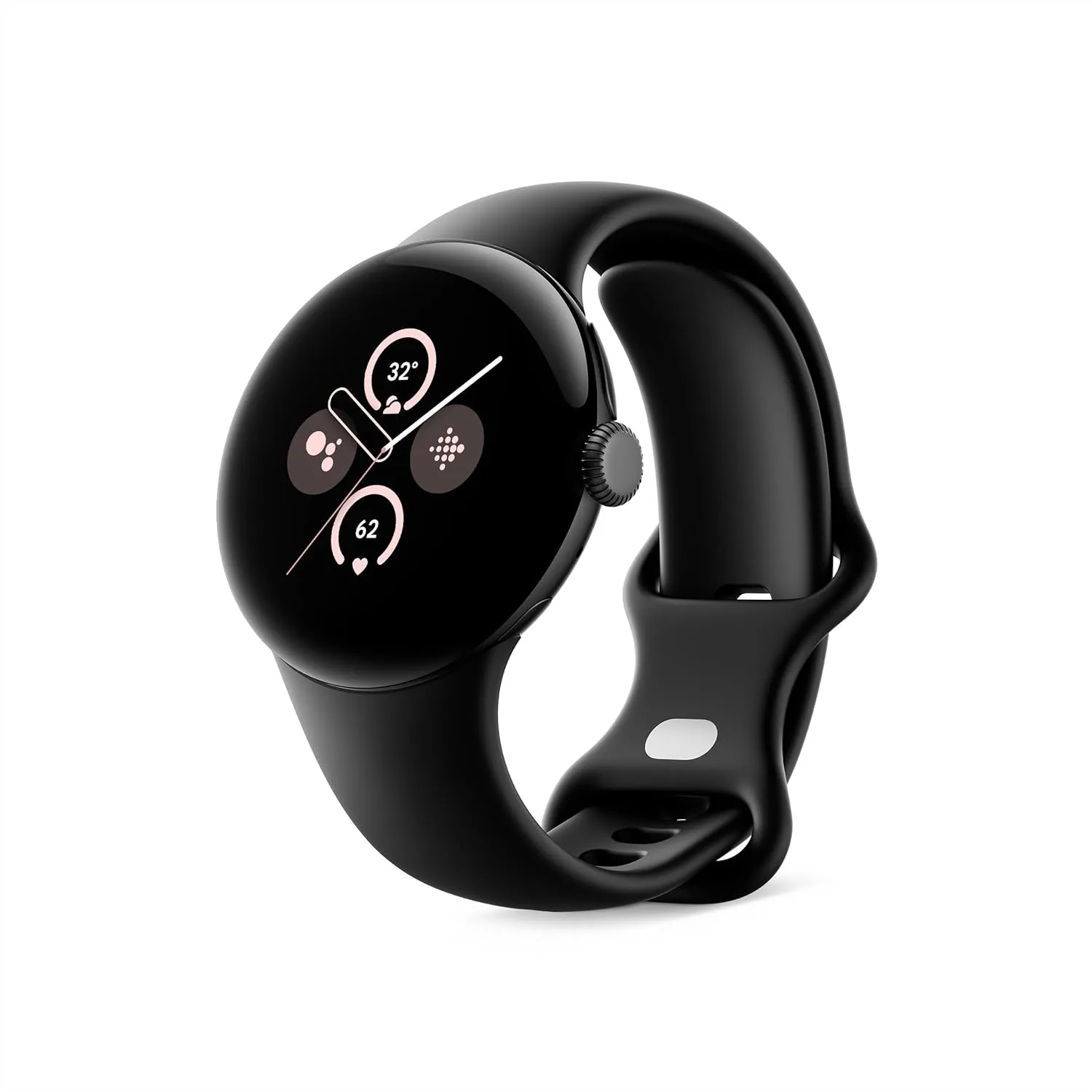
    Google Pixel Watch 3 (45mm)

    The Google Pixel Watch 3 is designed for performance, with advanced fitness from Fitbit; the 41mm screen is twice as bright and 10% larger than before, making it easier to see your stats and info[
    Best choice
    $399.99See It

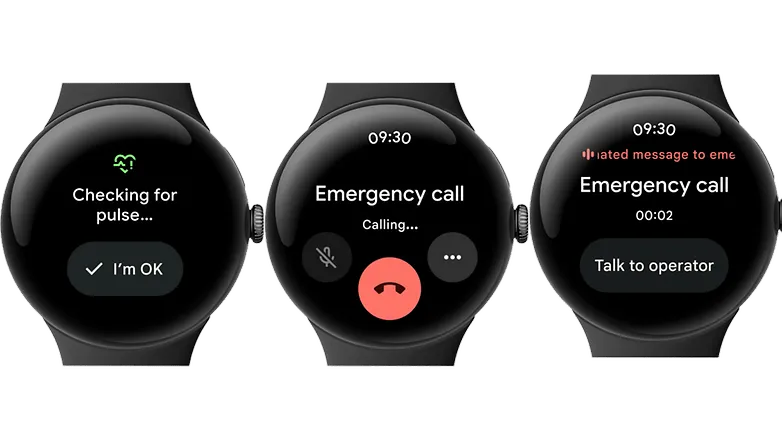
    A loss-of-pulse event is when your heart stops beating, which can happen during a cardiac arrest, respiratory or circulatory failure, overdose, or poisoning. Similar to Fall and Car Crash Detection, the Pixel Watch 3 will ask users to certify their safety when it detects something.

    In the event that there is no reaction (or movement), the wearable will notify emergency personnel, give your location, and provide information about what is going on. The Pixel Watch 3‘s multipath heart rate monitor, additional sensors, and a “multi-check, AI-based algorithm” are all used by Loss of Pulse Detection.

    According to the official statement, “Loss of Pulse Detection may not detect every instance of a loss of pulse and is not intended for users who require cardiac monitoring or who have pre-existing heart conditions.” It does not offer follow-up care or diagnose or treat any medical conditions.

    Pixel Watch 3 1

    Google Pixel Watch 3 (45mm)

    The Google Pixel Watch 3 is designed for performance, with advanced fitness from Fitbit; the 41mm screen is twice as bright and 10% larger than before, making it easier to see your stats and info[

    Best choice
    $399.99See It
  • Setup fall detection on Galaxy Watch5 and Galaxy Watch5 Pro

    Setup fall detection on Galaxy Watch5 and Galaxy Watch5 Pro

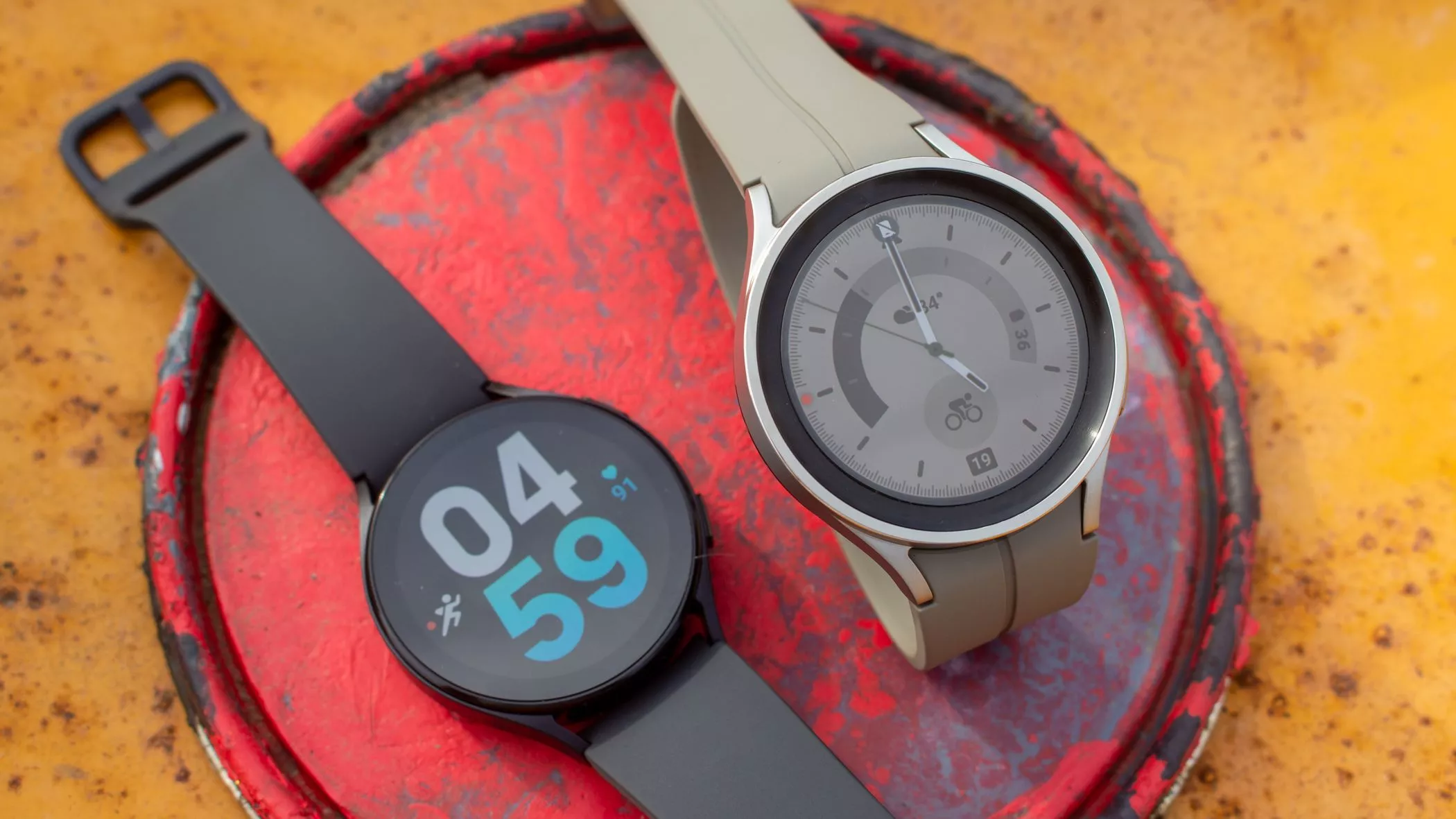
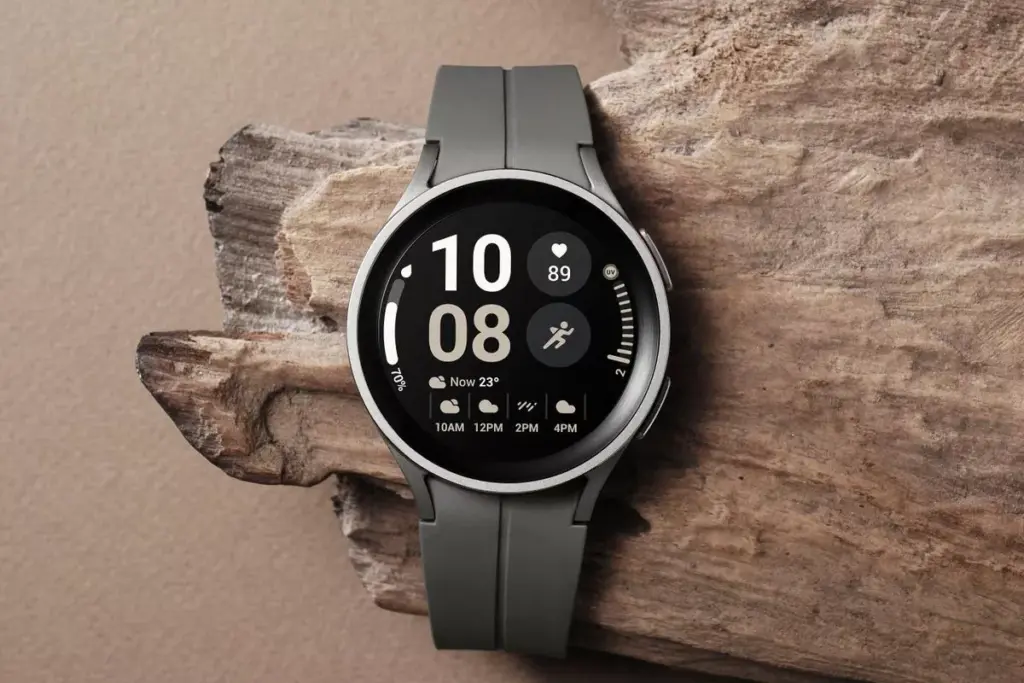
    In response to the popularity of the previous Samsung Galaxy Watch, Samsung recently introduced the Galaxy Watch5 and Watch5 Pro. The most recent Samsung Galaxy Watch uses the same cutting-edge technologies but drastically alters the Battery Life rather than reinventing the wheel. The Samsung Galaxy Watch5 series offers a surplus of health and wellness features, in contrast to its older predecessor. Additionally, the most recent Samsung Galaxy Watch now has a fall detection feature and emergency help.

    You might be wondering what is fall detection feature. It’s a completely life-saving feature that monitors the random or hard falls. It’s equipped with an accelerometer that helps to detect all your body movements. During a hard fall, it will feature emergency assistance. And in case, if you didn’t reply in a design within 60 seconds of time-frame, it will instantly and automatically deliver the SOS alert to the emergency contacts and services. 

    Setup fall detection on Galaxy Watch5 and Galaxy Watch5 Pro

    Can The Samsung Galaxy Watch5 Series Detect A Fall?

    As of now, the Galaxy Watch5 series is craved with a feature known as the Fall detection feature. Here in this guide, we have mentioned step-by-step to set up the fall detection feature on Galaxy Watch5 Pro and Galaxy Watch5

    Steps To Set up Fall Detection On Galaxy Watch5 Series 

    First of all, to use the SOS feature, your watch must be connected to a phone. At the same point, you should keep the Emergency Contact on the list through an application. 

    • Step 1 → Navigate to the Galaxy Wearable App on your device.
    • Step 2 → Choose Watch Settings > Advanced Features.
    • Step 3 → Tap SOS. On the next screen, turn on the When Hard Fall Detected > Continue.
    • Step 4 → Tap Agree > Emergency Contacts.
    • Step 5 → Here you can setup up to 4 Contacts > Done.

    Right after that, click on any contact to create an SOS call right after the messages are sent > Save.

    Samsung Watch That Supports Fall Detection

    • Galaxy Watch Active 2
    • Galaxy Watch3 
    • Galaxy Watch4 
    • Galaxy Watch5 

    Keep Yourself Safe!

    I’m damn sure you are now updated with what is fall detection and how to setup it up on the Galaxy Watch5 series. In case, if your loved one, parent, toddler, or grandmother has Samsung Watch, prompt them to enable the feature as it’s completely life-saving. 

    How Do You Use Fall Detection On Galaxy Watch?

    If you have fall detection compatible Galaxy Watch, you can easily activate “Hard Fall Detection” from the phone settings: Navigate to the Galaxy Wearable App > Watch Settings > SOS > tap on the toggle next Detects Falls.

    Does Samsung Have Hard Fall Detection?

    Thanks to it’s advanced Accelerometer will help alert you when your device attempts random falls.