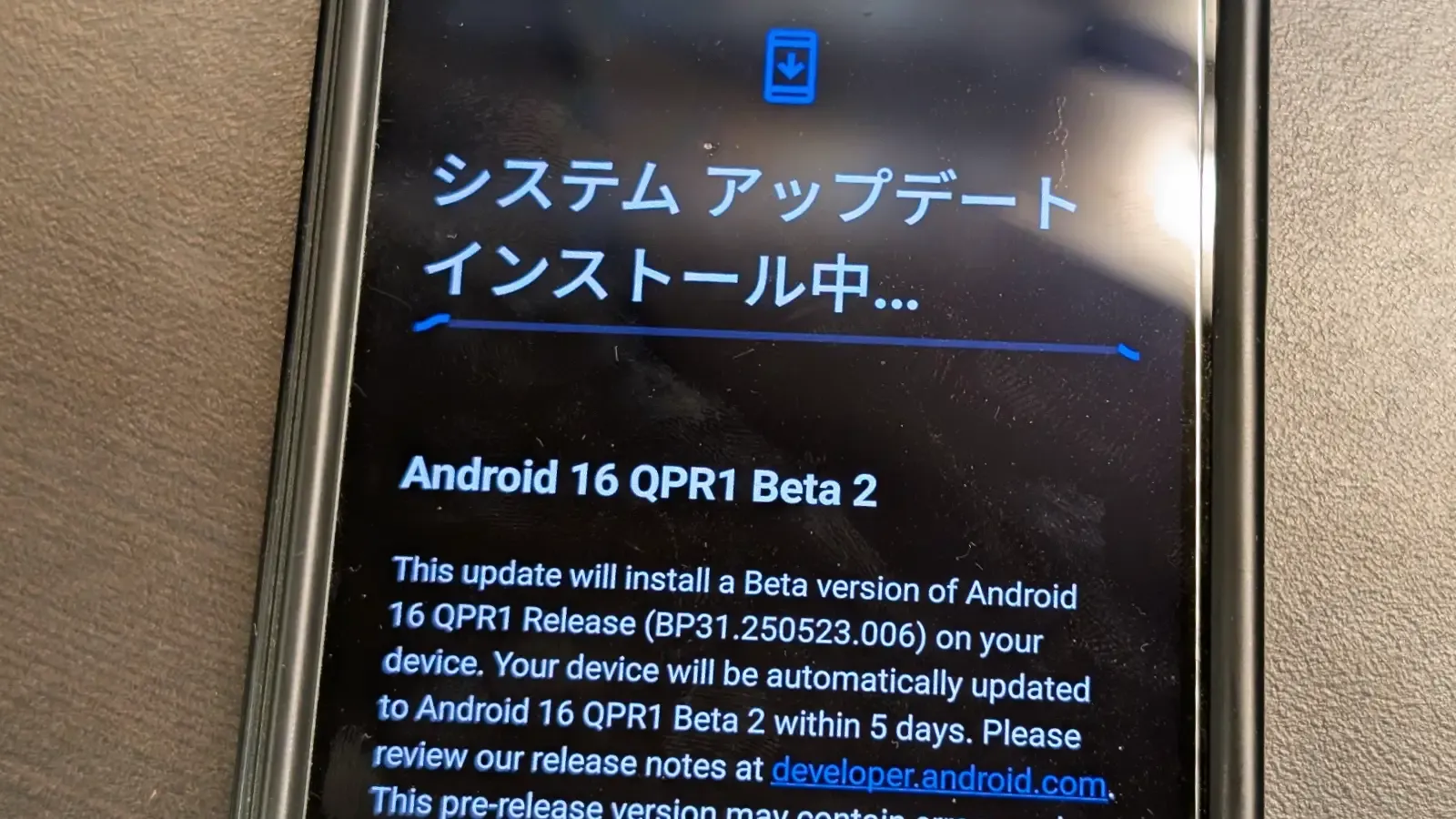
Android 16 has finally been made available to the general public by Google. The June Pixel Drop and Android 16 QPR1 Beta 2 are also available today, so this isn’t the only update. Here, we’ll concentrate on Android 16 QPR1’s second beta, which will be made available to the general public as Pixel Drop the next quarter.
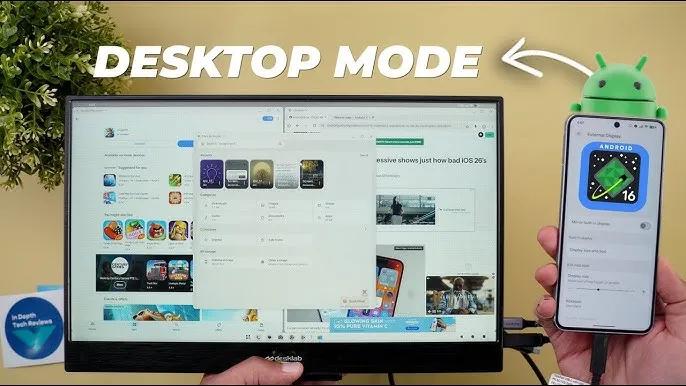
In late May, Google started testing the Android 16 QPR1. Some of the Material 3 Expressive changes were first made available in the first beta. In addition to bug improvements, the second beta offers developers a sneak peek into Dex-like desktop mode.
Desktop mode is inevitable in Android 16
Pixel devices using build number BP31.250523.006 can access the Android 16 QPR1 Beta 2, which is still based on the May security patch. The second beta, as previously said, is more akin to a bug-fix update that fixes a number of known problems. The known bug fixes are listed here.
Auto dark theme is not working
Now playing is crashing when selecting a track
Camera frequently fails to launch
Shortcuts for newly-downloaded apps aren’t automatically added
Home button not working on app list UI
“More wallpapers” button misaligned in wallpaper settings
Gemini fails to work on the lockscreen
The second beta of Android 16 QPR1 will be accessible via an over-the-air update if you have already installed the first beta on your Pixel phone. To test the new QPR beta and the next beta builds, you can simply sign up for the beta program if you’re on a public build.
Make care to backup crucial data and charge your smartphone to at least 50% before applying the update.
Stay connected with the latest from Droid Tools—follow us on X @droid_tools, like our page on Facebook, check out our updates on Instagram, and follow us on Google News for real-time news, device tips, and mobile tech insights.
There are some new features to look forward to with each Android update. Some updates include more new features than others, of course, because not all upgrades are made equal. There are a lot of exciting (rumored) features in Android 16 that are making me eager for its impending release.
Note that I used the word “rumored.” This is because, with each release, there are online speculations about what people “think” will be included in Google’s newest and greatest upgrade. You never know what will make the final cut, so you should be skeptical of this list.
However, I tested the Android 16 beta and searched the internet for all the best features that might be released this summer with Android 16 (using reputable websites like Android Authority, Android Police, Engadget, Android Developers, Business Today, Android Headlines, GSMArena, Android Update Tracker, and numerous forums), and here they are.
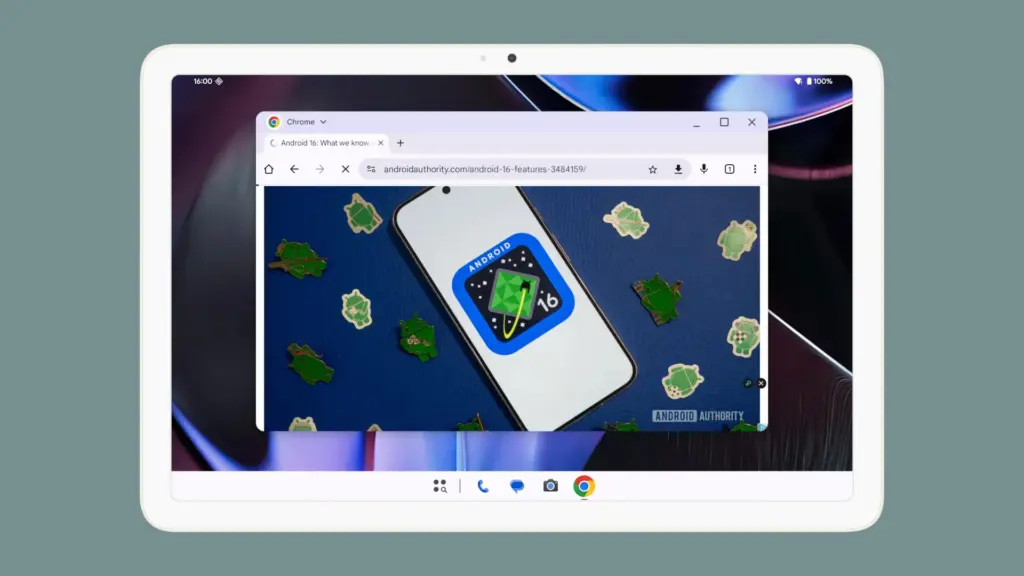
Desktop Windowing
When I see it, I’ll trust the rumors about this feature. The Samsung DeX, which enables users to connect an Android phone to an external display (through USB-C) and utilize a desktop-like interface that includes a top status bar, bottom taskbar, resizable, movable, snappable app windows, drag-and-drop support between apps, minimized windows, and physical keyboard and mouse support, will be mirrored by Desktop Windowing, which will bring desktop mode to Android phones.
App drawer blur
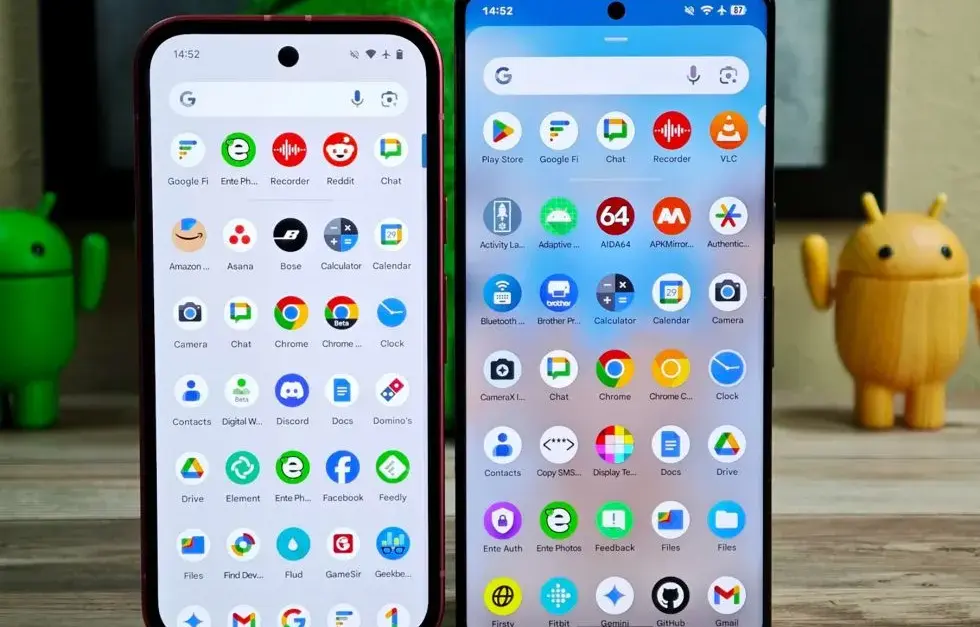
Neither your phone’s performance nor your efficiency with it will improve as a result of this. But I’ve always found the Android app drawer to be rather dull. When you pull it down, the background is either black or white. While some home-screen launchers do let you change the appearance of the app drawer, the default home-screen launcher does not offer this feature. According to rumors, Android 16 will alter everything and give the app drawer a lovely backdrop blur.
Although I acknowledge that not everyone believes that aesthetics are as significant as other factors, including performance and dependability, the iPhone’s UI aesthetics are one of the main factors contributing to its popularity. The Android user interface will be on a level playing field with iOS if Google implements a great app drawer blur.
Live updates
According to rumors, Android 16 will also provide a new class of real-time notifications that are intended to tell you of ongoing operations like food delivery, ridesharing updates, and navigation. These real-time updates will show up as dynamic “chips” in the status bar that show current data, like ridesharing arrival times or delivery ETAs.
To keep you updated, a comprehensive notification pop-up displays beneath the status bar when you tap one of the live-update chips. Live updates are displayed above all other alerts (apart from the media player) under the Notification Shade.
Auracast Broadcast audio support
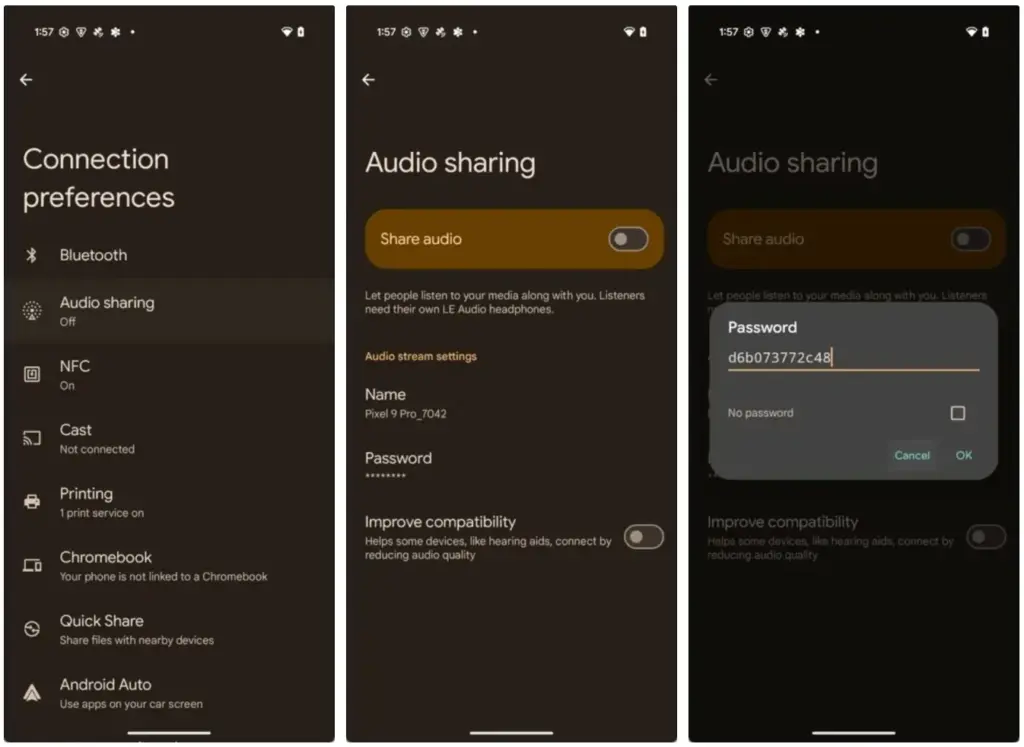
The inclusion of Auracast broadcast audio would be fantastic, so hopefully this rumor is accurate. Auracast broadcast audio is a Bluetooth LE Audio feature that enables devices such as earphones and hearing aids to receive direct audio broadcasts from TVs, public spaces, or announcement systems, in case you were unaware.
Anyone who uses LE Audio earbuds or hearing aids frequently finds oneself in awkward situations, such busy or noisy places where announcements are essential (like train stations, airports, or concerts). By pairing your earphones or hearing aids with Auracast Broadcast support, you can tune into the broadcast and hear everything much more clearly.
Hybrid Auto Exposure in the camera
If you love taking pictures, you’ll love this function. You’ll have more control over the camera’s exposure settings with the hybrid auto-exposure. You will have the option to manually change the ISO or exposure time (shutter speed) or rely on the auto-exposure algorithm, rather than relying solely on full manual or auto exposure.
You will still have the simplicity and dependability of auto-exposure for everything else, but you will be able to adjust ISO to cut down on noise or select a precise shutter speed to get truly creative with your photos. Additionally, the Android 16 Camera app has enhanced support for high-quality image formats including HEIC and Ultra HDR, as well as accurate color-temperature and tint adjustments.
APV Codec support
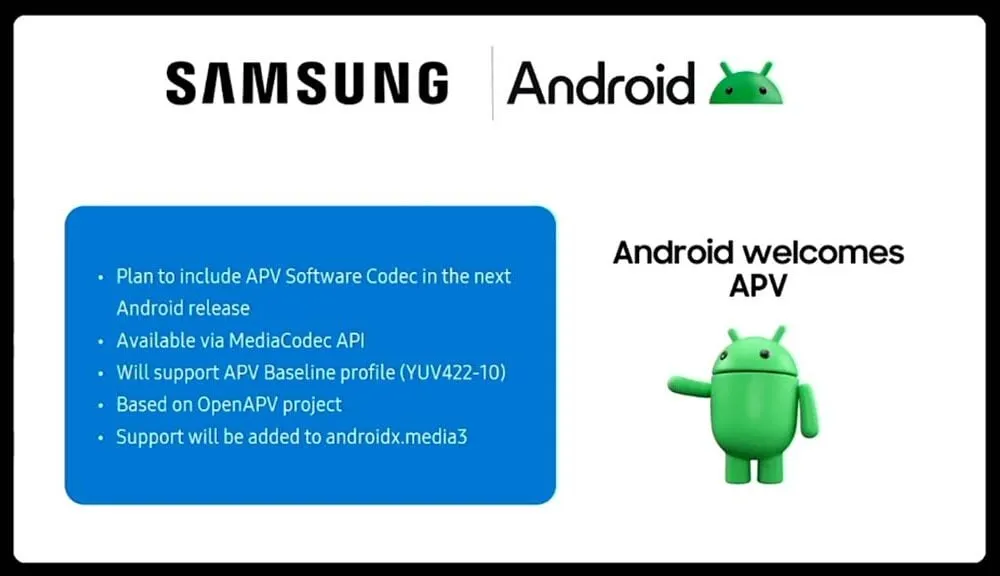
Additionally, there are reports that Android 16 will support the APV codec. A professional-grade video format (created by Samsung) is included with the new native support for the Advanced Professional Video (APV) codec, enabling high-quality video recording, editing, and post-production.
Frame tiling (to provide immersive content and parallel encoding/decoding for efficient processing), intra-frame-only coding (for simpler editing workflows and lower processing demands), high bit-rate support (2K, 4K, and 8K resolutions), and lossless video quality (nearly raw footage) are some of APV’s cool features.
Once more, Google has been promising this feature for a very long time, so I will believe it when I see it. If they were to ever implement this functionality, Android would become one of the most flexible operating systems available, which would be really awesome.
Keep in mind that these are simply rumors, but I do think that most of the features mentioned above will be included in the final version of Android 16, which is also expected to be released in June 2025.