Tag: control

  • HyperOS 3.0 panel on older versions

    HyperOS 3.0 panel on older versions

    HyperOS 3 has generated a lot of interest, particularly because of its revamped Control Center, which is obviously more useful and aesthetically pleasing than HyperOS 2. Users are asking whether it’s possible to extend the new Control Center experience to their existing HyperOS 2 devices, which is understandable given the excitement.

    To put it simply, that’s not feasible. You cannot just install the HyperOS 3 Control Center as a stand-alone feature. Because it depends on improved user interface elements, animations, and fundamental optimizations not seen in HyperOS 2, it is closely interwoven with the system. If you try to install it on an outdated system, you run the risk of software instability or, in the worst case, the device being unusable.

    xiaomi hyperos control panel 1

    Although it is not possible to migrate the actual Control Center from HyperOS 3 to HyperOS 2, there is a useful workaround for those that desire a comparable appearance. A variety of themes that visually update icons, the Control Center interface, and wallpapers to closely mirror the most recent design are available in the Xiaomi Themes shop, some of which are specifically inspired by HyperOS 3.

    It is crucial to remember that this is only a cosmetic remedy. You won’t get the new functionality or underlying speed improvements of HyperOS 3, just the redesigned graphics.
  • Google has added parental control feature in Android Canary

    Google has added parental control feature in Android Canary

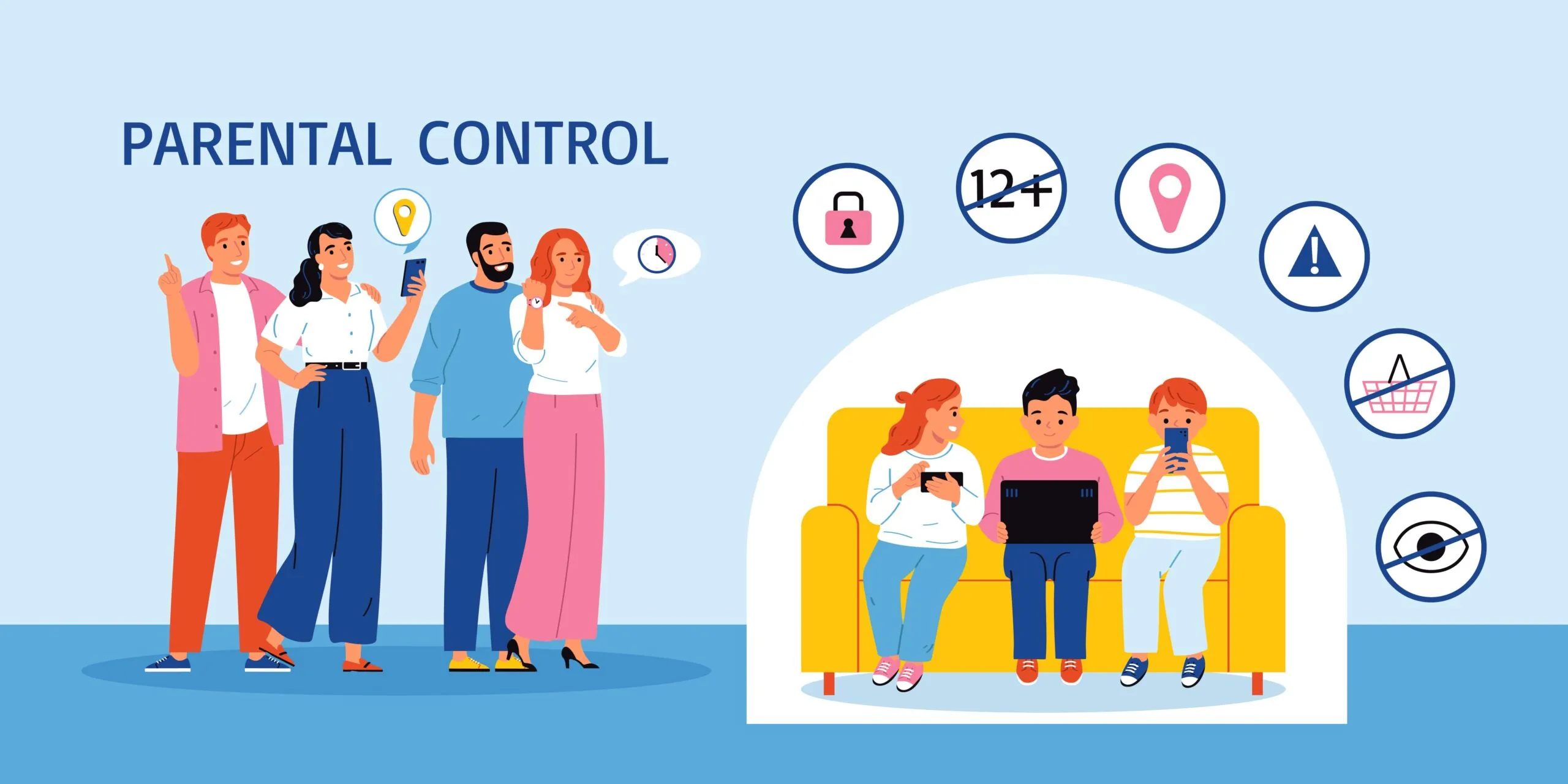
    Setting such much-needed digital limits is now easier than ever thanks to Android’s initiative to give parents more control over their children’s digital lives. The beta versions of Android 16 have been revealing some intriguing new features that point to a significant drive for improved child protection. In the Android Canary build, Google appears to have begun testing a new parental limit feature, which represents a more significant change in the way Android phone supervision functions.

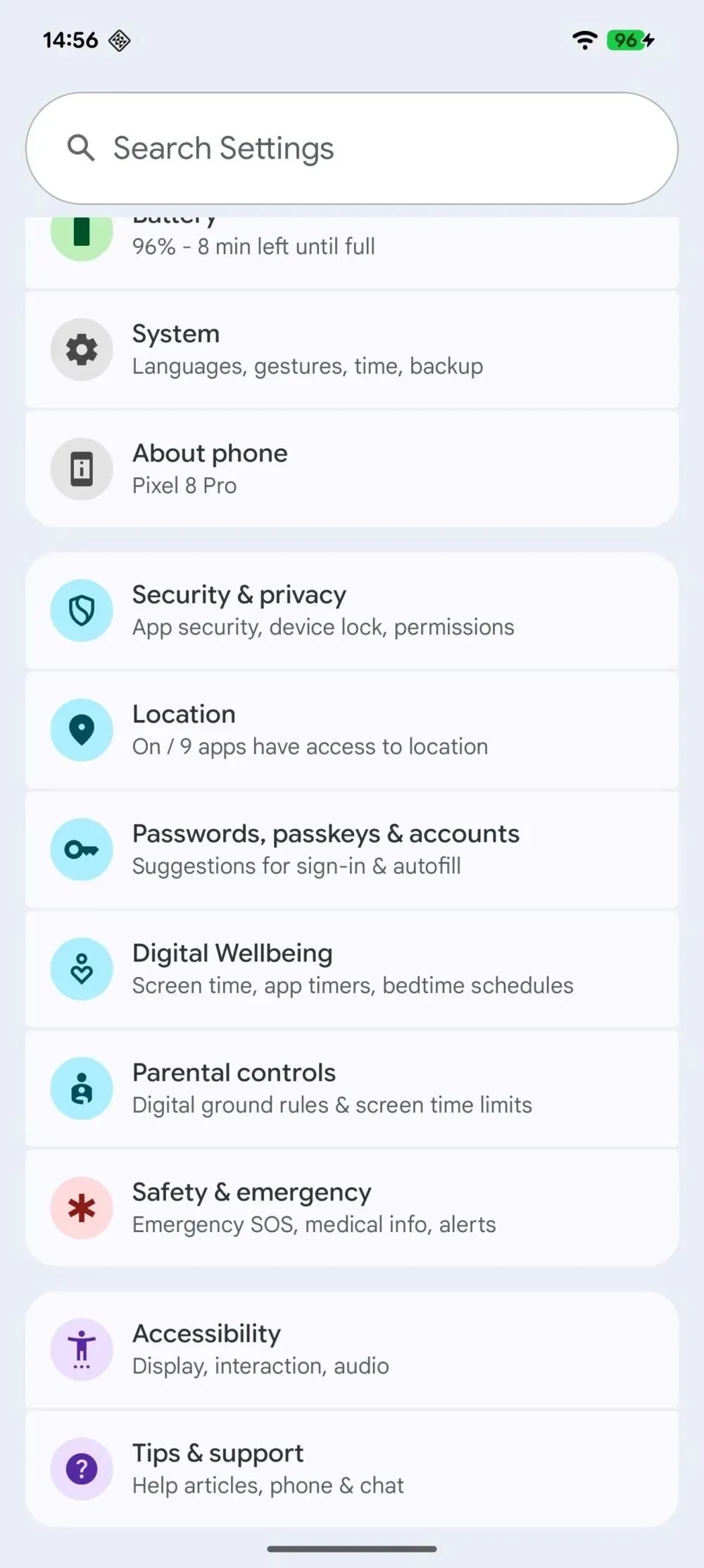
    The Android Canary release channel, which is effectively Google’s sandbox for testing out experimental features, contains a new “Parental controls” setting that Android Authority has noticed. Parents will no longer need to search through Digital Wellbeing to establish some limits because the option is located directly within the main settings menu. Although it isn’t working right now, its positioning indicates that Google intends to prioritize parental settings over treating them as an afterthought.

    parental control android canary

    At the present, tapping the choice has no effect. Nevertheless, it appears that Google is coordinating these changes with more extensive enhancements anticipated in Android 16. For example, the Settings app’s “Supervision” feature, which might allow parents to ban specific online content, was hinted to in Android 16 Beta 4. But now, instead of having a jumble of menus, the focus is on integrating all of that.

    In addition to being easier to use, Android 16 is also making it easier to weed out the less wholesome parts of the internet. To prevent explicit content from slipping through, new content blocking capabilities are on the horizon.

    Simply enable device supervision and set up a PIN for the account you’re monitoring to activate these site filters. Next, you can filter out explicit photos, text, and links from Google Search and ban dubious websites in Chrome. These capabilities are intended to conceal the majority of problematic web content, making the Android experience considerably safer for younger users—though no filter is infallible.

    It makes natural that Google is pushing for more straightforward parental tools as children spend more time online. Parents may soon have strong controls built into their phones rather than depending on third-party apps. It appears from the Canary updates that Google wants these features to be easy to use.

  • WearOS receives more media controls on Pixel Watch 3

    WearOS receives more media controls on Pixel Watch 3

    Google has released rich media controls for the Pixel Watch, following the March 2025 Feature Drop teaser.

    Last month, Google teased the upgrade as such:

    • “Make it easier to control audio content from the watch with control types based on content being played (such as Podcasts within YouTube music).”
    • “Manage your favorite audio content with new actions on Pixel Watch to fast forward and rewind, adjust playback speed or control playback queue.”

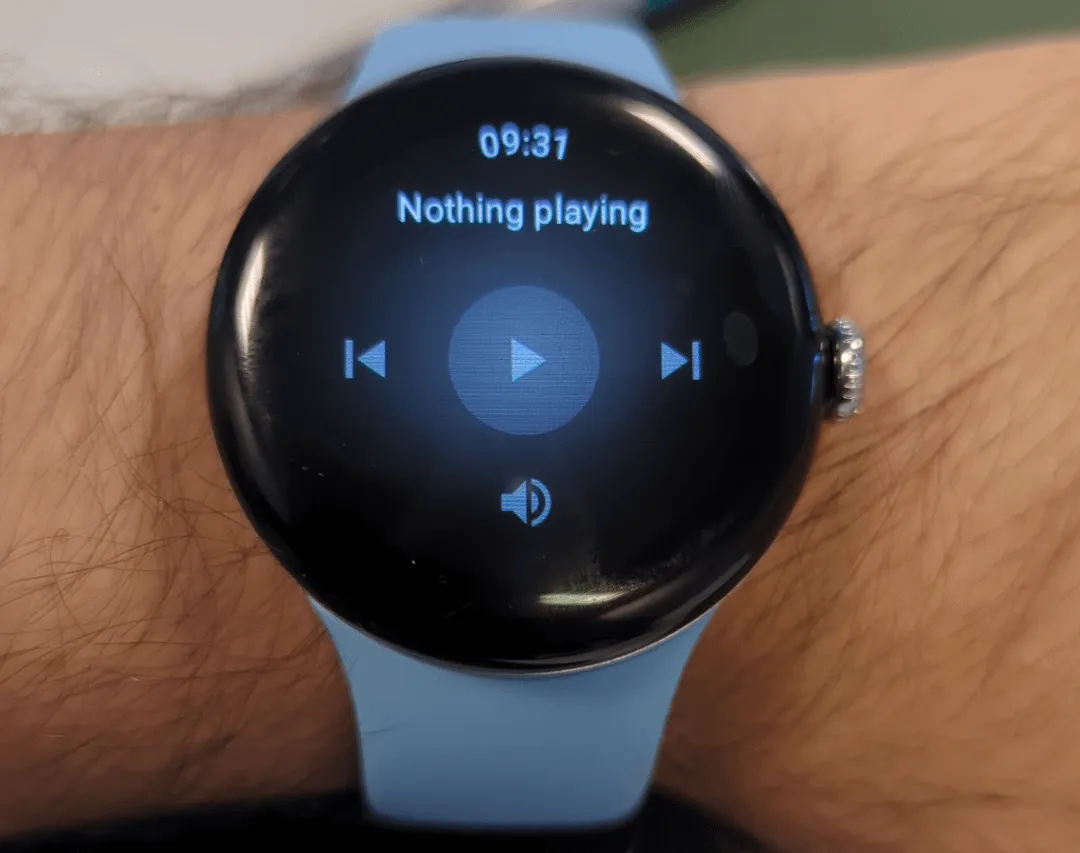
    In the past, the Pixel Watch‘s system media controls only let you to change the volume, play/pause, and next/previous. This is on top of the tracking data for the music that is currently playing on your phone.

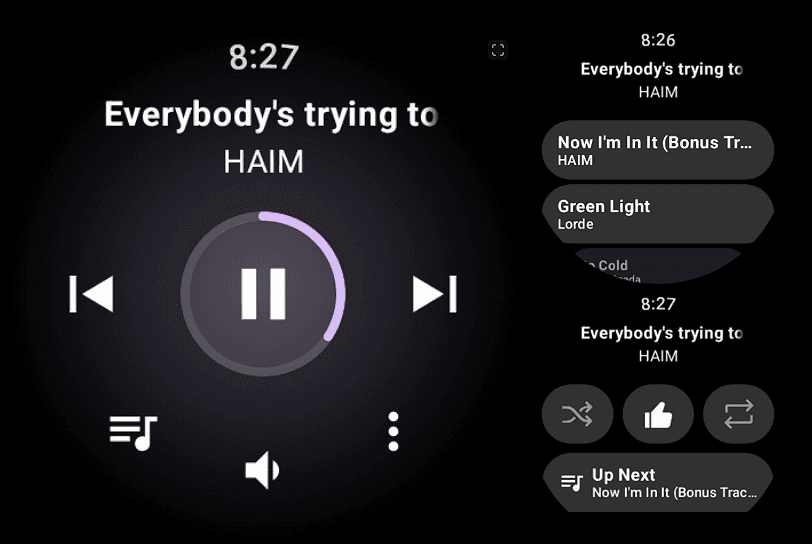
    By tapping the new button on the left, you can now see your Up Next queue in addition to those actions. With YouTube Music, this displays the next 24 tracks, which can be tapped to begin playing right now.

    media control wearos

    In the meanwhile, you can repeat, thumbs up, and shuffle a track (in YTM) with the three-dot overflow button on the right. For Up Next, you also receive an additional tablet.

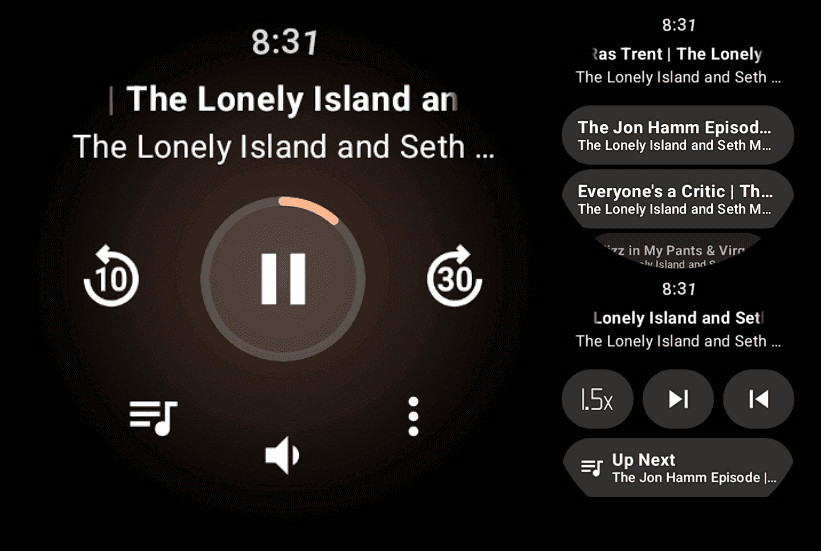
    You may adjust the playback speed of podcasts (in YouTube Music), with each tap resulting in a larger increment. Additionally, you can go to the previous or next episode.

    pixel watch media control

    These updated media controls for the Pixel Watch are not supported by all apps. The extra features are grayed out in the screenshot below, which is from Pocket Casts (played on my phone).

    The Pixel Watch 3 running Wear OS 5.1 is where we are experiencing this, and you should confirm that “Wear Media” in the on-watch Play Store is completely current (version 1.6.7.x).

    Pixel Watch 3 1

    Google Pixel Watch 3

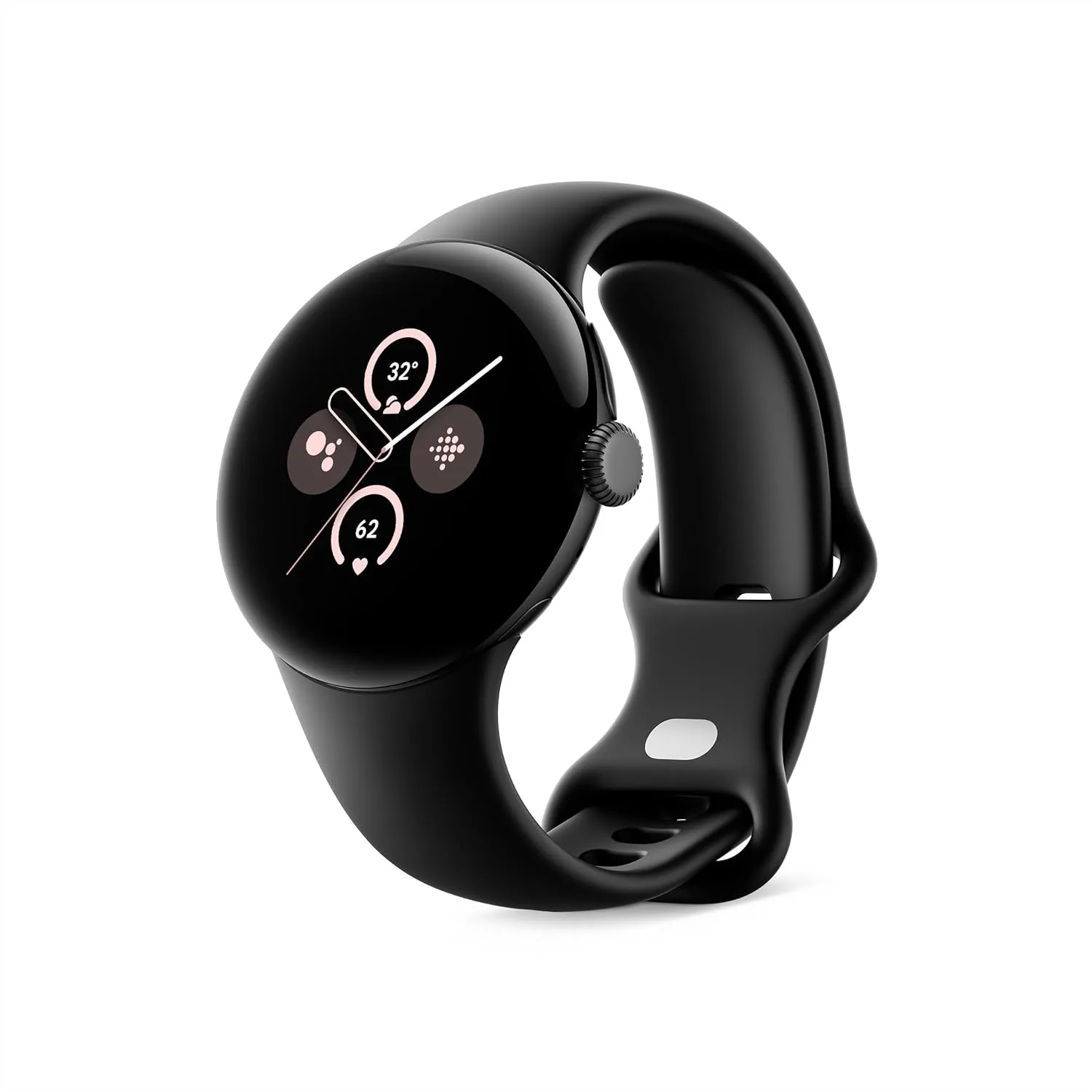
    The Google Pixel Watch 3 is designed for performance, with advanced fitness from Fitbit; the 41mm screen is twice as bright and 10% larger than before, making it easier to see your stats and info.

    $349.99$299.99Amazon