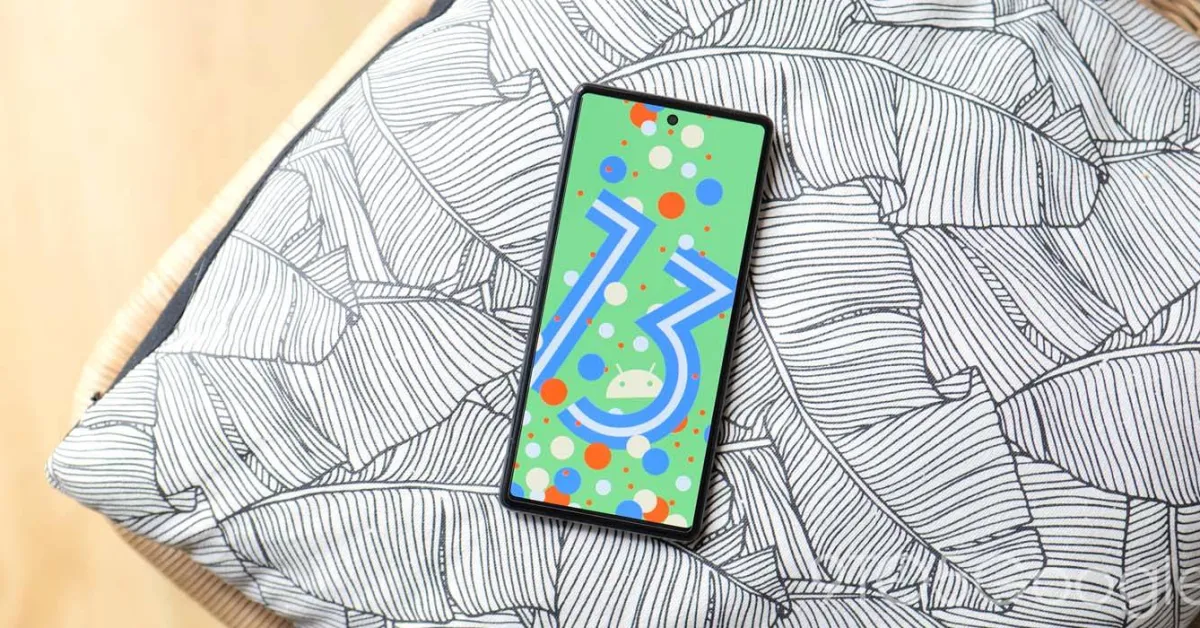
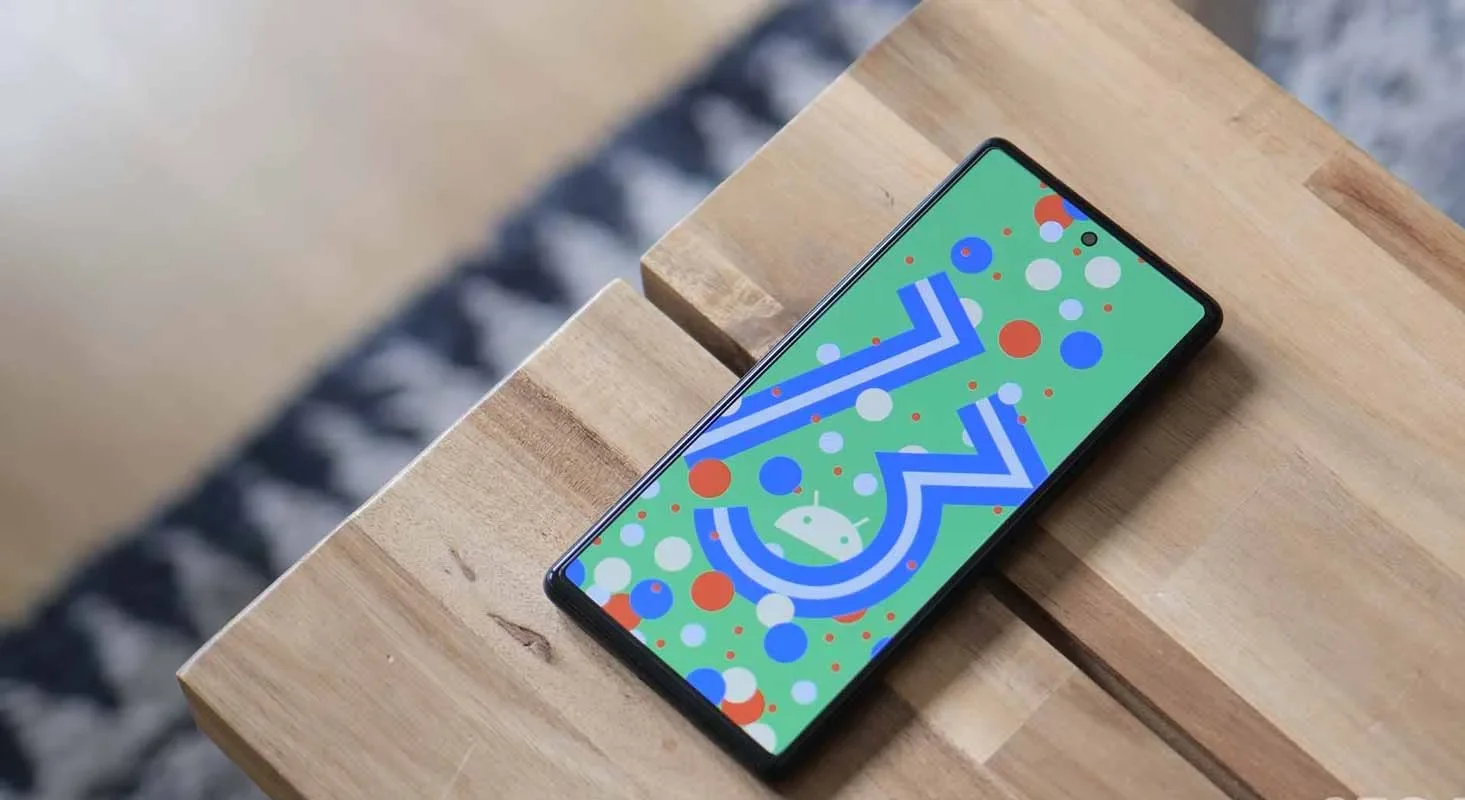
So far, Google has launched two developer previews and eight betas for Android 13, with the eighth beta landing on July 13. These were early versions of the operating system. However, the latest beta is a release candidate, which means it is very nearly complete.
Given how far along the program has progressed, you could feel eager for the remainder of the Android 13 timetable and the release date of the stable version.
We’ve put all the information we currently know about Android 13’s release timetable below.
The approximate Android 13 schedule you see above was provided to us by Google. Overall, it’s a far quicker schedule than what we observed for Android 12 the previous year. Google has so far adhered closely to the plan, accomplishing each milestone. Therefore, unless there are any small point enhancements that might be released, this month’s beta should be the final.
If there are no significant setbacks, Android 13’s stable release should occur around August 2022.
The stable release of Android 12 took place on October 19, 2021, for comparison’s sake. But there was a big change from Android 11 to Android 12. Given that the transition from Android 12 to Android 13 doesn’t seem to be as severe, it’s extremely likely that Google will move.
In the meantime, here are the significant Android 13 schedule milestones we’ve seen so far:
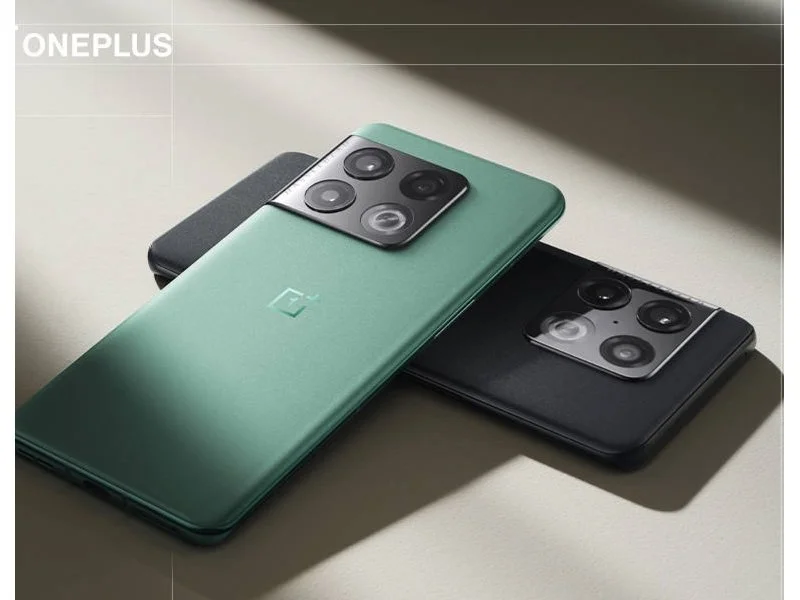
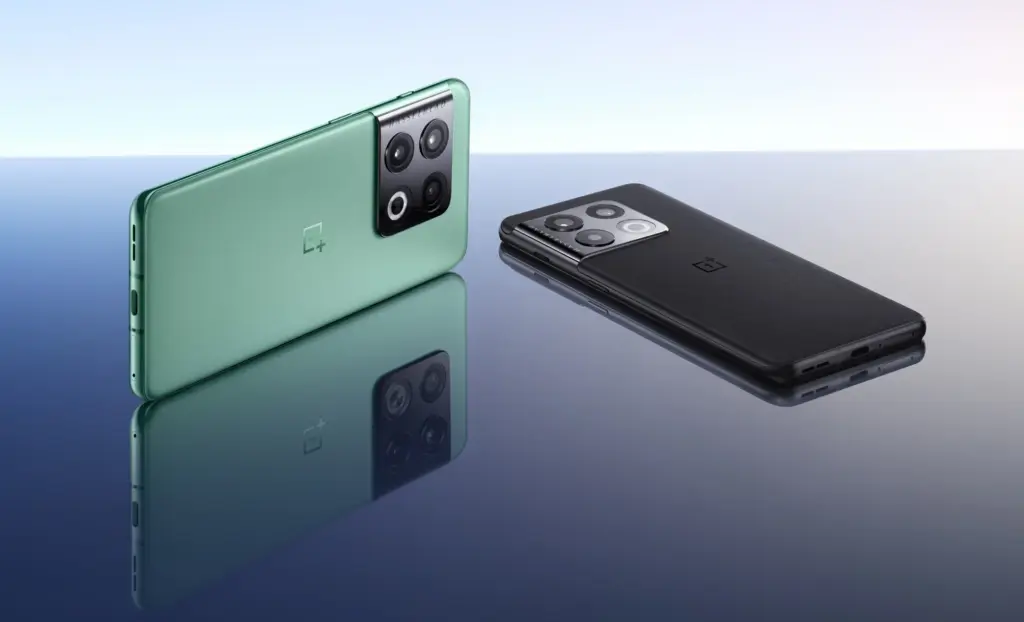
To give early customers a chance to test the future software release before the stable deployment, OnePlus released the first Android 13 beta update for the OnePlus 10 Pro last month. The previous build, however, had a number of flaws, thus OnePlus is currently distributing a new Android 13 beta release for the OnePlus 10 Pro. Although OnePlus asserts that the new build is more stable than the previous one, we still don’t advise installing it if you use your OnePlus 10 Pro every day.
The new Android 13 beta release is rolling out as part of OnePlus’ Android 13 Developer Preview Program. It gives developers and advanced users a chance to experience the upcoming version of OnePlus’ custom Android skin ahead of the stable rollout. If you wish to try it out on your OnePlus 10 Pro, check out the full changelog and known issues in the section below.
Android 13 beta changelog:
System
[Fixed] the issue that Data usage cannot display
[Fixed] the issue of crash when turning off/on 5G network
[Fixed] the issue that unable to close all background programs
[Fixed] the issue that the lock screen password was required to enter the launcher after restoring factory settings
[Updated] Android security patch to 2022.05
Camera
[Optimized] the overall shooting effect of the camera, improved the user experience
Known issues:
UI display sometimes might be abnormal
Music playing cannot be paused normally via wired headphones
Occasional abnormal response for gesture operation when the screen was off
No response when tapping the video call button
Auto brightness sometimes works abnormally
Crash issue when setting the Fingerprint animation in Personalizations
Lagging issue caused by switching screen refresh rate
Some applications might be lost after upgrading
ownload: Android 13 beta build for the OnePlus 10 Pro
You can download the region-specific update packages for the latest Android 13 beta build from the links provided below. Make sure you take a full backup of your data before flashing the build.
For your Google Pixel phone with Android 13, today is a huge day: we’ve reached the platform stability stage of the development cycle. The third beta of Android 13 is now available, and things are looking fantastic.
All app-facing behaviors and APIs are final in this Beta 3 build, which is available on the Pixel 4, Pixel 4a, Pixel 5, Pixel 5a, and Pixel 6 lines. For developers, this means creating apps ready for release while also knowing that nothing will change in the future. For you, the non-developer, this simply implies that we won’t see much changes in terms of features or UI in the future.
Do you want to try out Android 13 Beta 3 on your phone or tablet? Let’s get started.
How to download Android 13 Beta 3 on your Pixel
Android 13 Beta 3 is available on the following devices:
Pixel 4 and 4 XL
Pixel 4a and 4a (5G)
Pixel 5 and 5a
Pixel 6 and 6 Pro
Easiest way: If you own one of those devices, the easiest way to get Android 13 Beta 3 on device is to sign-up for the Android Beta Program (here). You’ll simply click the “Opt In” button on that page to join and then sit back and wait for Google to push an update as Android 13 over-the-air.
Once you have enrolled, you’ll head into Settings>System>Advanced>System update to check for it. Google may not push it immediately and could instead roll it out slowly throughout the day. Either way, feel free to check through there to tell Google you want it after enrolling in the program.
UPDATE 6/8 11:20AM: Google pulled all of the Beta 2 image and OTA files and replaced them with a message that reads, “Available soon.” We don’t know if soon means later today or in a couple of days. We’ll update this once the new files go live.
UPDATE 6/8 12:47PM: Google still hasn’t posted the files, but the build number for Beta 3 appears to be TPB3.220513.017.
UPDATE 6/8 12:56PM: All the files are now live!
Manual way: Want to get updated faster or would rather flash a factory image or OTA file through adb to feel more techie and important and smart? That’s still an option! I’ll be going the OTA route, but factory images are available too. You’ll find Android 13 Beta 3 factory images here and the OTA files here. For instructions on how to flash a factory image, here you go. For instructions on how to flash an OTA .zip file, here you go.
Already on an Android 13 Beta 2 build: If you are already on an Android 13 Beta build, Google says that you will receive the Beta 2 update over-the-air. Of course, you can manually flash a factory image or OTA file as well, since the over-the-air process often takes forever to process.
What’s new in Android 13 Beta 3?
Release date: June 8, 2022 Build: TPB3.220513.017 Emulator support: x86 (64-bit), ARM (v8-A) Security patch level: June 2022 Google Play services: 22.18.19
We’re diving in now to see what’s new, but Google describes new goodies as follows:
“There’s a lot to explore in Android 13, from privacy features like the new notification permission and photo picker, to productivity features like themed app icons and per-app language support, as well as modern standards like HDR video, Bluetooth LE Audio, and MIDI 2.0 over USB.”
Honest, there may not be much else new going forward. Once we hit Beta builds (and this is our third), Google doesn’t change much. It’s looking like Android 13 is a solid bug fixer from the big changes that were introduced in Android 12, and that’s completely fine. We love polish and stability. Let’s hope Android 13 gives that to us.
Should we see enough stuff to highlight, we’ll work on a separate post. Stay tuned.
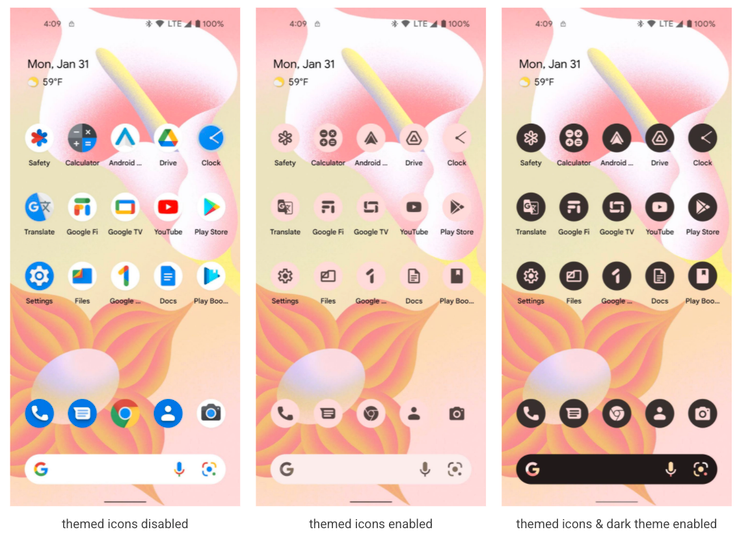
Material UI will go beyond the Pixel family, according to Google, but that doesn’t mean it will stop changing and growing in new ways. In Android 12 Beta 3, an experiment extends the dynamic theming system’s reach to home screen icons, but only for Google’s own apps. Third-party apps can now build their own theming-friendly icons in Android 13, so you can have the two-tone icon packs you’ve always wanted without having to install a custom launcher.
Themed app icons, like all of the other ways Material You may decorate an app, take on the color of your backdrop. This will either style the icon’s background or the icon itself, depending on whether you’re in light or dark mode.
Themed icons are an opt-in feature, so no one will be forced to use them if they don’t like the look. To enable dynamically themed icons, long-press a vacant place on the home screen, select Wallpaper & style, and then scroll down to the Themed icons toggle.
Google is urging app developers to add support for themed icons. The requirements are fairly simple, requiring a new monochromatic vector icon — probably just a mask of the original app icon or reusing a notification icon — and a couple tiny changes to the launcher’s adaptive icon XML and the app manifest.
There is no automated re-styling of app icons in the first developer preview, and there is currently no sign that it will ever be. As a result, programs that don’t support themed icons appear in full color, which detracts from the overall appearance. Of course, this is only the initial developer preview, and Google’s apps are the only ones with themed icon support, at least until the Play Store enables apps that use the Tirimasu SDK.
Many apps will undoubtedly make the necessary adjustments in due time, but it’s unlikely that every app developer will prioritize this, particularly those who wait a long time between updates or resist boosting the target SDK for other reasons.
In the meantime, you’ll probably either want to leave themed icons turned off, or go to the trouble of keeping non-themed icons out of your home screen.